
مصمم غرف السينما والمسرح المنزلي
- 1. أضف صورة لغرفتك
- 2. اختر أسلوبك الجديد
- 3. صورتك
اكتشف ما يمكن فعله
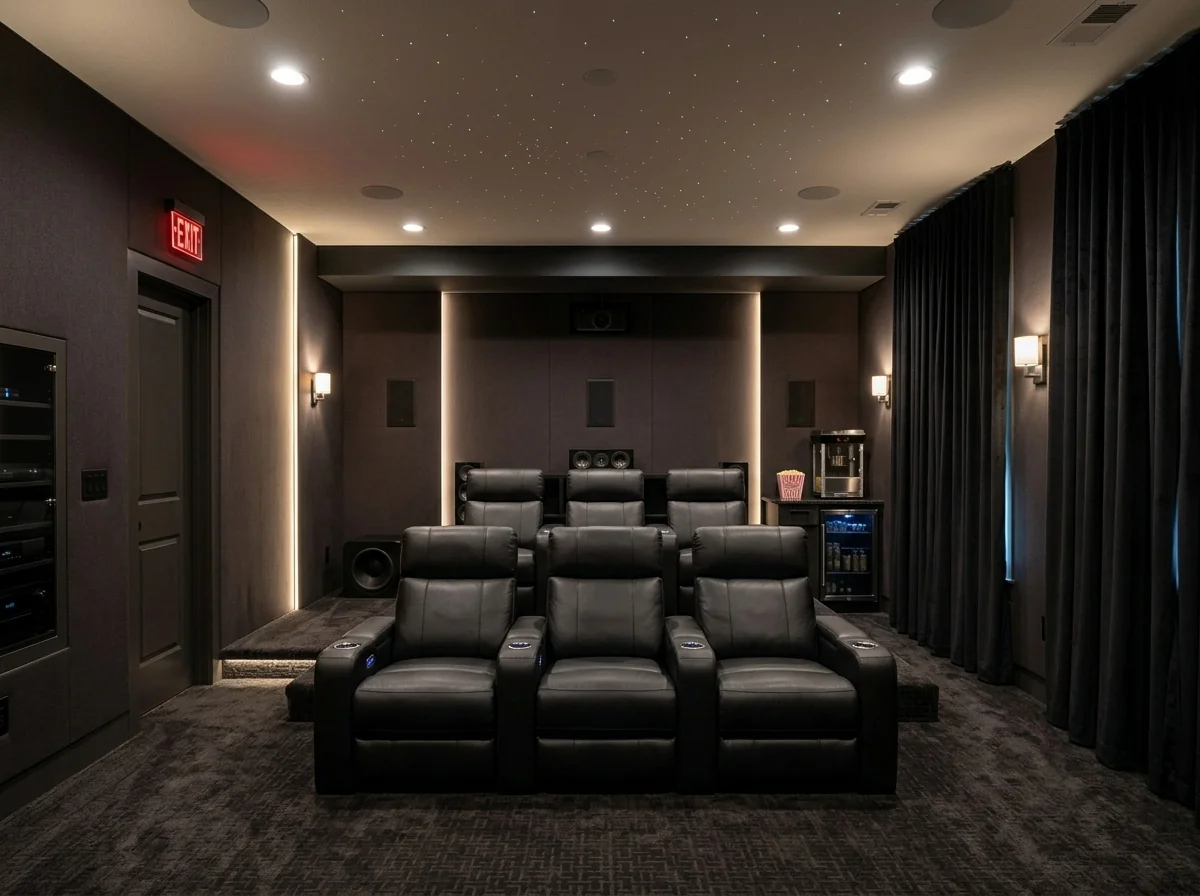
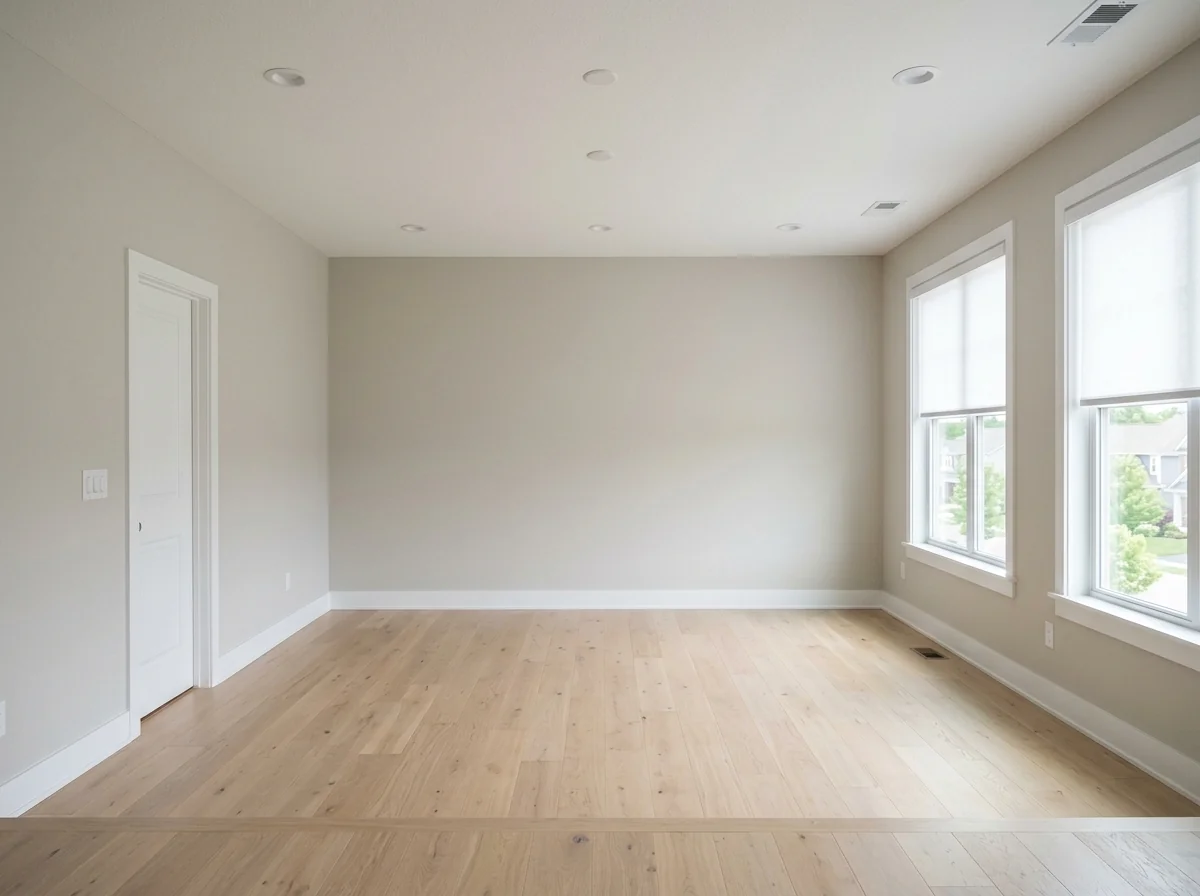
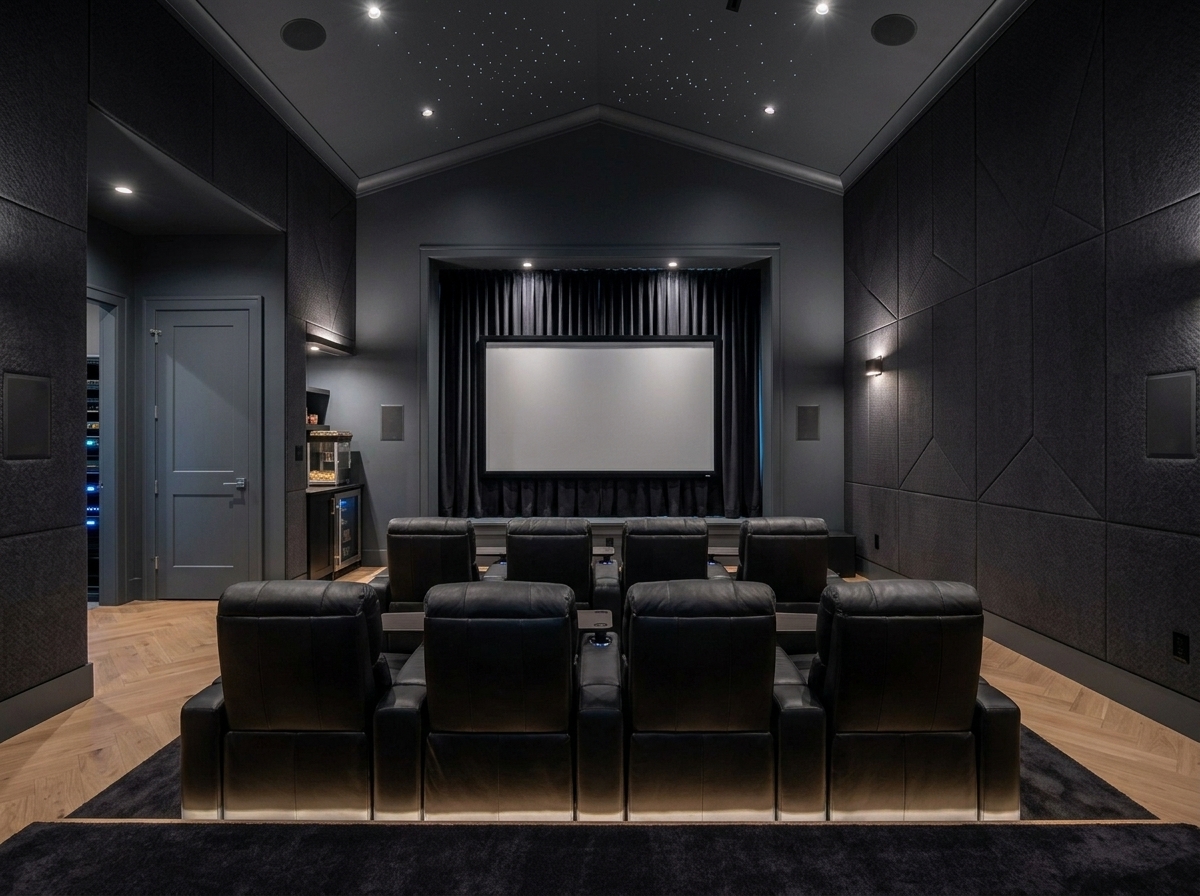
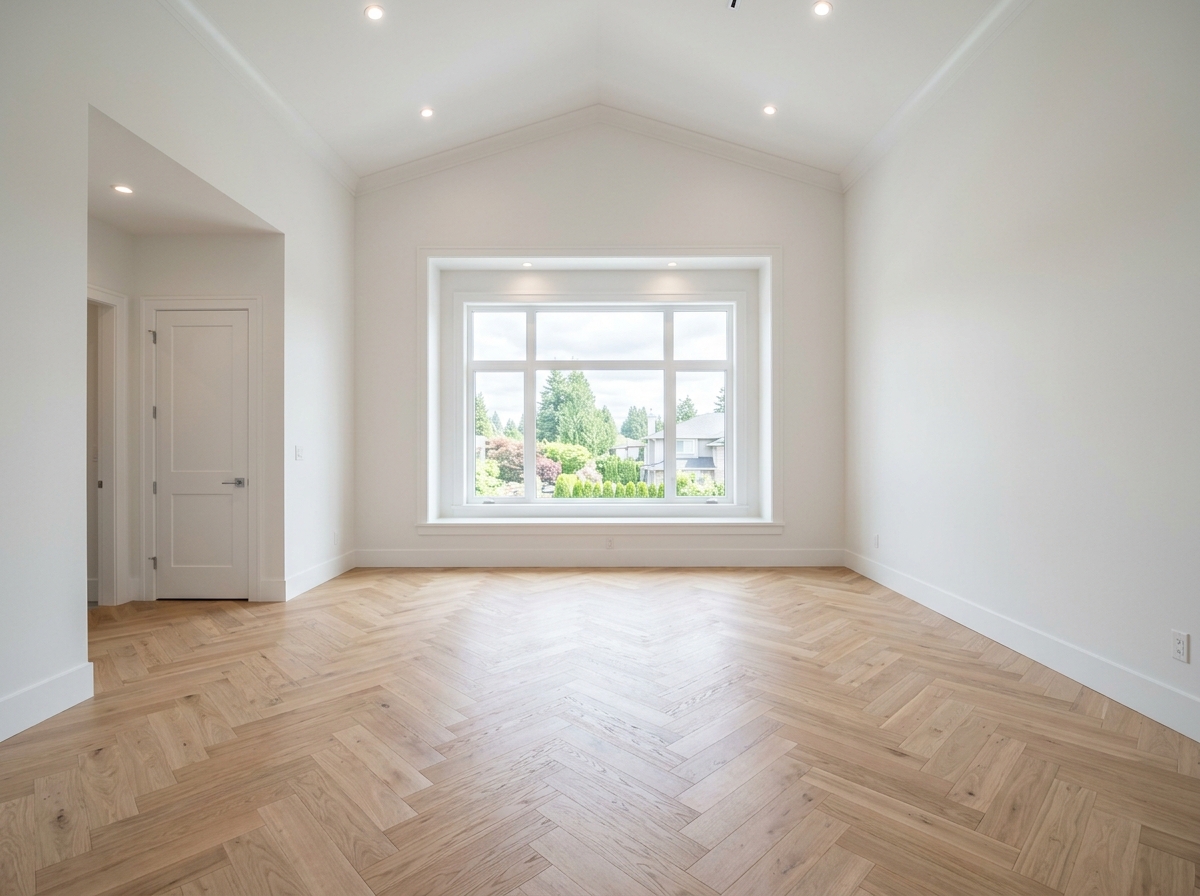
نتائج حقيقية من صور مثل صورتك.
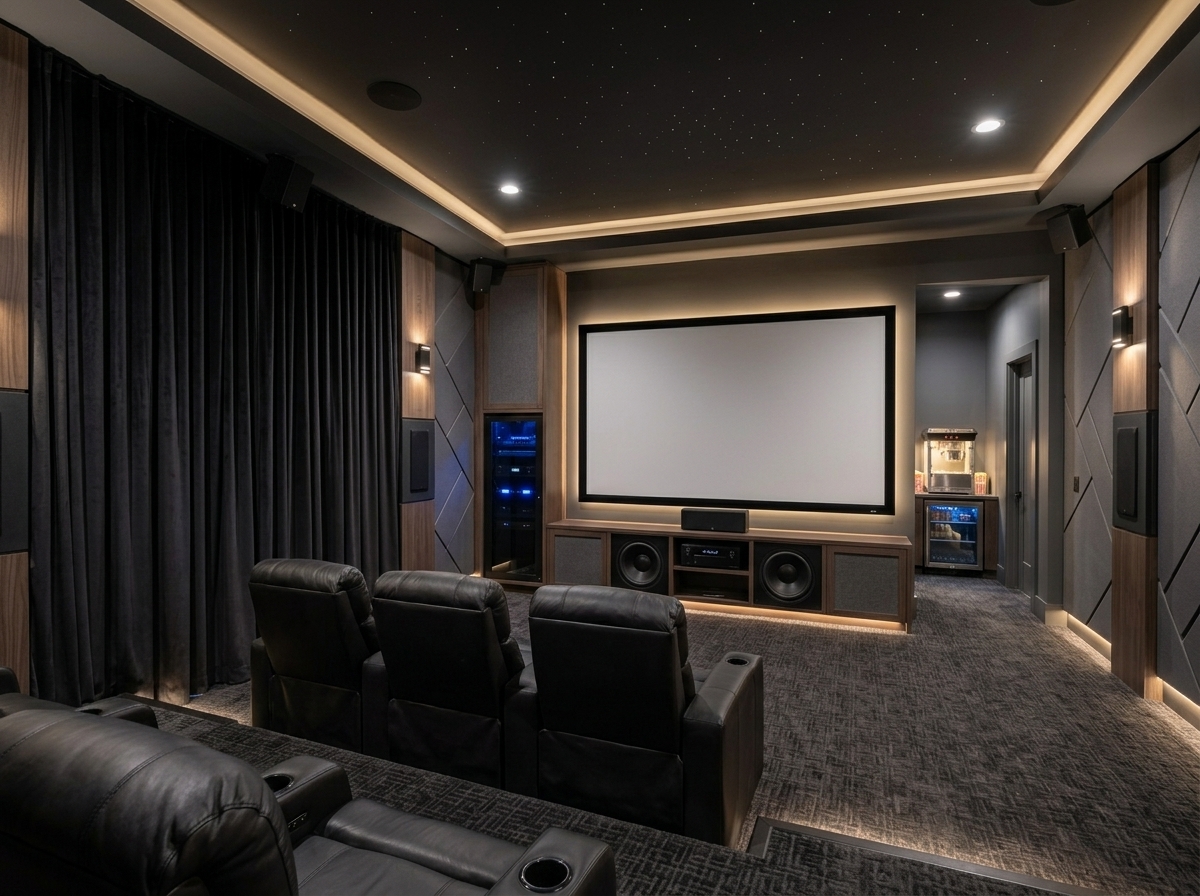
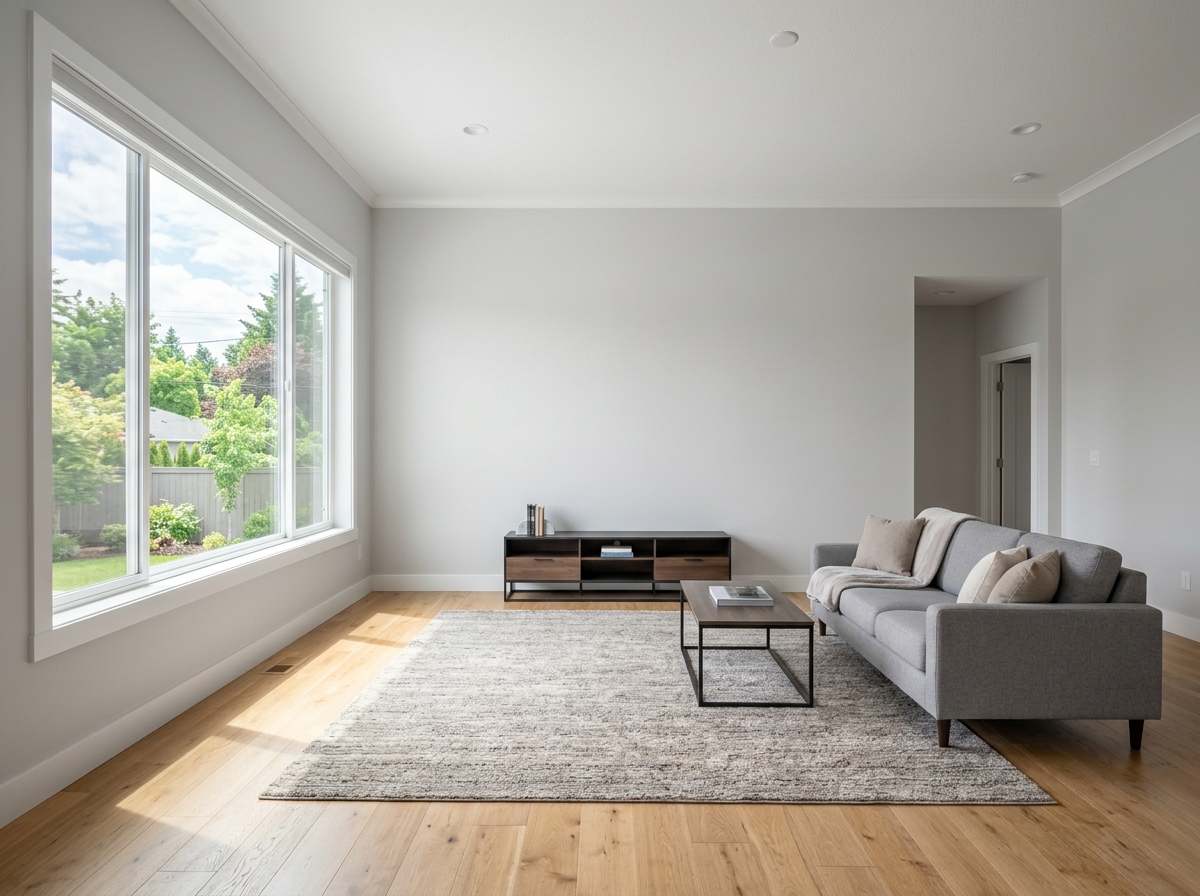
كيف يعمل
- 1حمّل صورتك
- 2اختر إعداداتك
- 3صورتك
نصائح للحصول على نتيجة رائعة
صورة واضحة ومشرقة
يعطي ضوء النهار وزاوية واسعة أفضل نتيجة.
أظهر المساحة بالكامل
احتفظ بكل ما تريد تغييره ظاهرًا بالكامل في الصورة.
جرّب عدة نسخ
قارن بين الخيارات المختلفة قبل أن تقرر.
الأسئلة الشائعة
هل يمكنني استخدام الصور تجاريًا؟
نعم. يمكنك استخدام صورك لأي غرض، بما في ذلك الاستخدام التجاري.
هل تتغير صورتي الأصلية؟
لا. تبقى صورتك الأصلية دون تغيير ويمكنك تنزيلها في أي وقت.
ماذا لو لم تعجبني النتيجة؟
جرّب نمطًا أو إعدادًا آخر، أو حسّن النتيجة بتعليمات قصيرة.
واصل الاستكشاف
جميع الأدوات
تحسين تنسيق الموقع الجوي
حوّل الأراضي المهملة أو الفارغة أو غير المبهرة في صور العقارات الملتقطة بالطائرات المسيّرة واللقطات الجوية. أضف مساحات خضراء مورقة، ومسابح، وحدائق رسمية، وأحواض زرع، وممرات دخول نقية — كلها مرئية من الأعلى. أظهر للمشترين الإمكانات الكاملة للمساحة الخارجية من دون الاستعانة بأي منسّق حدائق.
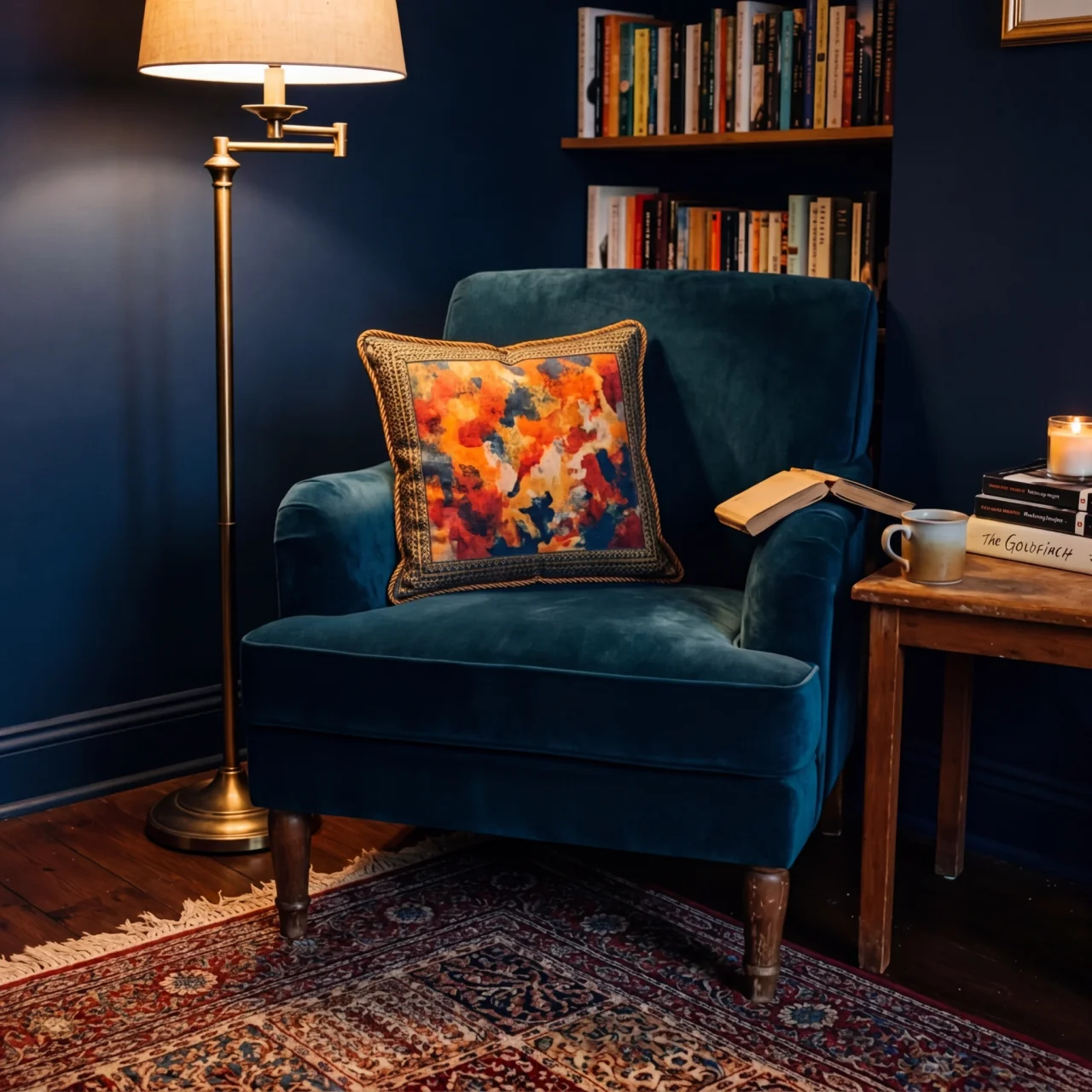
مبدّل حافة الوسادة بالذكاء الاصطناعي
حوّل فورًا الحواف والزخارف والشرائط الخاصة بالوسائد الزخرفية في صورك العقارية. تتيح هذه الأداة بالذكاء الاصطناعي للمصممين ومنسقي المنازل تصور أنماط وألوان ومواد مختلفة، مما يعزز جماليات الداخل من دون تغييرات مادية.
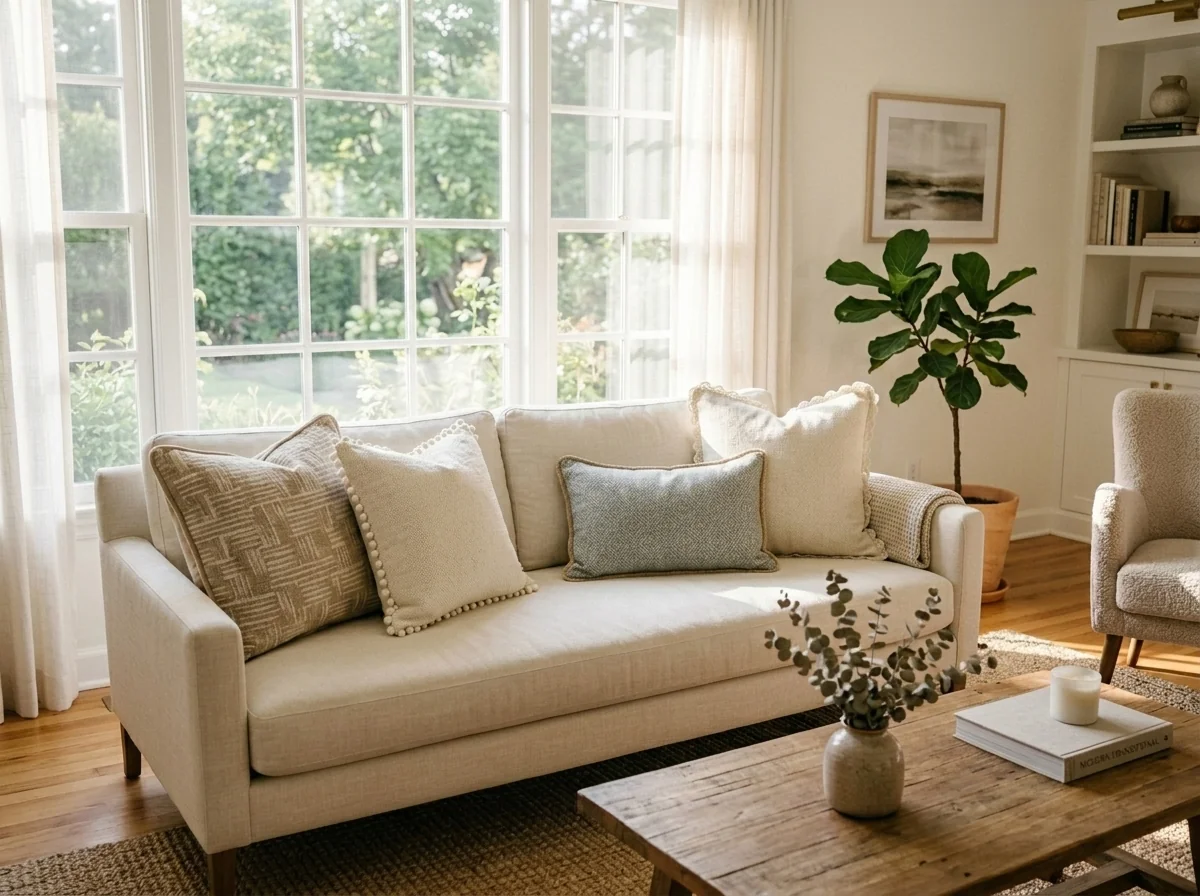
مبدّل أطراف وزخارف الوسادة بالذكاء الاصطناعي
تصور بسهولة أنماط الحواف والزينة والشرائط الجديدة للوسائد الزخرفية في صورك الداخلية. تتيح هذه الأداة بالذكاء الاصطناعي للمصممين ومُنسّقي المنازل استبدال تفاصيل الوسادة الحالية، مع عرض جمالي محدّث فورًا من دون تغييرات مادية.
اقرأ الدليل الكامل
How long does generation take for Home Theater & Cinema Room Designer?
Generation usually takes between 5 and 15 seconds.
Can I use the results commercially?
Yes, every generated image includes a full commercial usage license.
Tips for your photo
Make sure the photo is well lit and shot from a wide angle.
Remove clutter before shooting the photo for the best results.
Use re-staging mode for targeted style changes.
Frequently asked questions
How do I ensure the highest resolution for my home theater & cinema room designer output?
Upload high-resolution real estate photos with a minimum width of 3000px to maximize the detail of acoustic panels and screen textures. Enhance your property listing by selecting the 'Ultra HD' export setting within the tool. This ensures that every detail of the cinema room design remains crisp for Zillow viewers, preventing pixelation during the AI transformation process.
Why is the cinematic lighting appearing too dark in my virtual home theater & cinema room designer render?
Adjust the 'Ambient Light' slider within the home theater & cinema room designer interface to balance mood and visibility. Stage your room by selecting 'Dimmable LED' or 'Sconce Lighting' to ensure the AI correctly interprets the depth of the space. This prevents the 'black hole' effect often seen in low-quality real estate photos and maintains the professional look required for a high-end broker portfolio.
How can I precisely place recliner seating using the home theater & cinema room designer tool?
Select the 'Furniture Placement' mode to anchor recliner seating to the floor plane of your property listing photos. Transform empty basements by clicking on the floor area where you want the seating tiers to appear. The home theater & cinema room designer uses spatial awareness to scale recliners naturally against the screen size, ensuring a realistic perspective for potential home buyers on MLS.
What are the best prompts for a luxury cinema room design on Zillow or MLS?
Use descriptive keywords like 'Modern Minimalist Cinema' or 'Classic Hollywood Theater' to guide the AI home theater & cinema room designer. Convert boring spare rooms into high-value assets by specifying materials like 'velvet seating' or 'starlight ceilings.' These specific prompts help the engine generate accurate home staging results that resonate with luxury real estate agents and affluent property managers.
How do I fix distorted screen proportions in my AI home theater & cinema room designer renders?
Remove distortion by ensuring your original real estate photos are taken at a straight, eye-level angle before using the home theater & cinema room designer. Stage the room using a 16:9 aspect ratio prompt to match standard projector screens. If the AI generates artifacts, try reducing the 'Creativity Strength' to keep the architectural lines of the original property listing intact and professional.
Is it legal to use home theater & cinema room designer images for MLS property listings?
Verify local MLS rules, as most allow virtual staging if the image is clearly labeled as 'Virtually Staged.' Enhance your property listing transparency by adding a watermark or disclaimer. The home theater & cinema room designer is a powerful tool for agents to show potential, but always ensure the underlying structure of the home is accurately represented to maintain trust with brokers and buyers.
6 Technical FAQs for the AI Home Theater & Cinema Room Designer
How to use our home theater & cinema room designer online for free to boost property listings in 2025
Common mistakes
5 Common Mistakes to Avoid with Home Theater & Cinema Room Designer
How to home theater & cinema room designer online for free in 2025 to boost Zillow engagement
Uploading photos with bulky furniture obstructing the primary wall where the projector screen belongs
Obstructive items confuse the AI, leading to warped screen placements or unrealistic overlaps in your property listing photos.
Remove physical clutter or use our object removal tool before generating your luxury cinema room design for the MLS.
Capturing the room from an extremely low angle that hides the floor space for recliners
Perspective issues prevent the AI from accurately staging tiered seating or calculating realistic floor-to-ceiling screen dimensions for buyers.
Photograph the room from a standing height at a corner to provide a wide-angle view for the AI visualizer.
Choosing a bright, window-heavy room without specifying blackout curtains or light-controlled cinema aesthetics
Natural light glare on virtual screens looks unprofessional on Zillow and ruins the immersive theater atmosphere agents want to sell.
Select dark-themed style presets to ensure the AI applies appropriate cinematic lighting and acoustic wall treatments automatically.
Forgetting to account for ceiling height when requesting a massive 150-inch virtual projector screen
Unrealistic proportions make the home staging look fake, causing potential buyers to lose trust in the broker's listing accuracy.
Scale your screen expectations to the room's actual dimensions to maintain an expert-level, believable property presentation for every lead.
Neglecting to include side walls in the photo, which limits the placement of acoustic panels
Professional cinema rooms require acoustic treatments; missing walls result in a generic room rather than a high-end theater.
Capture a wide-angle shot that includes at least two walls to allow for comprehensive, immersive theater room design features.
3 Professional Home Theater & Cinema Room Designer Results for Real Estate
How to home theater & cinema room designer online for free in 2025
Your workflow
4 Steps to Master the Home Theater & Cinema Room Designer for Real Estate Photos
How to home theater & cinema room designer online for free in 2025 to boost MLS engagement
Capture & Prepare
Capture wide-angle real estate photos of empty basements or bonus rooms using a tripod to ensure the Home Theater & Cinema Room Designer accurately maps the floor plan and wall dimensions.
Clear all clutter from the room to allow the AI to seamlessly place acoustic panels and tiered recliner seating without obstruction.
Upload & Configure
Upload your property listing photo to PropStage and select the Home Theater & Cinema Room Designer tool to specify your desired screen size, lighting mood, and luxury furniture style.
Choose the 'Ultra-Luxury' preset to automatically generate high-end 4K projector setups and ambient LED strip lighting that attracts premium home buyers.
Review & Refine
Review the AI-generated media room design to ensure the cinematic lighting and seating arrangements align with the property's flow, then use the brush tool to refine specific textures or colors.
Iterate with different color palettes to show how a dark charcoal or navy blue aesthetic enhances the theater experience for potential Zillow browsers.
Export & Publish
Export high-resolution images and upload them directly to your MLS, Zillow, or Realtor.com property listing to demonstrate the functional potential of unfinished spaces to prospective buyers and brokers.
Include a 'Before and After' comparison in your social media marketing to boost engagement and highlight the value of virtual home staging.
Use cases
Property Listings for Home Theater & Cinema Room Designer
Social Media Marketing & Instagram Inserate
Architektur- & Umbau-Präsentationen
5 Technical Specs for Home Theater & Cinema Room Designer
1. Upload your property photo.
2. Choose the interior style or room type you want.
3. Click Generate and get your result in seconds.
Expert guide
4 Pro Tips for the Best Home Theater & Cinema Room Designer Results
How to use the home theater & cinema room designer online for free in 2026
3 Essential Image Prep Steps for Home Theater & Cinema Room Designer
Upload high-resolution JPEG or PNG files (minimum 1080p) to ensure the AI renders realistic acoustic panels and seating. Capture the room from a wide-angle corner to provide a full view of the potential screen wall. Avoid blurry shots so the home theater & cinema room designer can accurately map the floor space for an agent.5 Best Style Selections for Home Theater & Cinema Room Designer Success
Select the 'Luxury Cinema' or 'Modern Media Room' style to instantly transform empty basements into high-end entertainment hubs. Adjust the lighting settings to 'Cinematic Dim' to highlight the virtual staging of LED floor strips and screen glow. Use these options to create MLS-ready visuals that attract luxury brokers and buyers.4 Ways to Get High-Quality Home Theater & Cinema Room Designer Outputs
Remove clutter and personal items before taking your real estate photos to give the AI a clean canvas for recliner placement. Ensure the room has clear architectural lines, as this helps the home theater & cinema room designer align projector screens perfectly. Better input photos result in property listing images that look professionally staged for Zillow.3 Pro Methods to Share Home Theater & Cinema Room Designer Visuals
Download your high-definition renders and upload them directly to Zillow or your local MLS to showcase the property's potential. Share the 'Before and After' comparisons on social media to engage potential home staging clients. Always include a disclaimer that the home theater & cinema room designer images are virtual renderings for visualization purposes.How it works
3 Steps to Master the Home Theater & Cinema Room Designer
How to home theater & cinema room designer online for free in 2026 for real estate agents
Upload your property photos now
Upload high-resolution images of empty basements or living rooms into our AI tool to begin the virtual staging process for your next luxury Zillow or MLS property listing.
Select luxury screens and seating
Choose specific projector screen sizes, acoustic paneling, and premium recliner configurations to transform a generic space into a cinematic masterpiece that impresses every agent and potential home buyer.
Download high-resolution cinematic renders
Export photorealistic images of your new media room to enhance your marketing materials, providing a clear answer to how AI staging helps a broker sell luxury homes faster.
What you can do
6 Advanced Home Theater & Cinema Room Designer Capabilities for Agents
Ultra-HD 4K Home Theater & Cinema Room Designer Rendering
Transform low-light basement photos into high-resolution cinematic masterpieces that meet Zillow and MLS image quality standards for luxury property listings.
Instant Home Theater & Cinema Room Designer AI Processing
Upload your property photos and watch our AI stage acoustic panels and recliner seating in under 30 seconds for faster agent workflows.
Dynamic Cinematic Lighting Home Theater & Cinema Room Designer
Enhance interior atmosphere by adding realistic LED cove lighting and dimmable sconces to any media room design for professional real estate photos.
Multi-Format Home Theater & Cinema Room Designer Exports
Convert your staged cinema room designs into multiple aspect ratios optimized for Instagram, Facebook, and high-end print brochures for property managers.
Virtual Staging Home Theater & Cinema Room Designer Furniture
Stage empty spaces with premium leather recliners and 120-inch projector screens to help home sellers visualize the ultimate entertainment lifestyle.
One-Click Home Theater & Cinema Room Designer Style Swap
Remove existing clutter and replace it with modern cinema room aesthetics to answer is AI staging legal for MLS while reducing costs.
How to home theater & cinema room designer online for free in 2026 for high-end property listing success