
محرر صور جاهز للعرض بضغطة واحدة
- صورة
- اختياراتك
- صورتك
اكتشف ما يمكن فعله
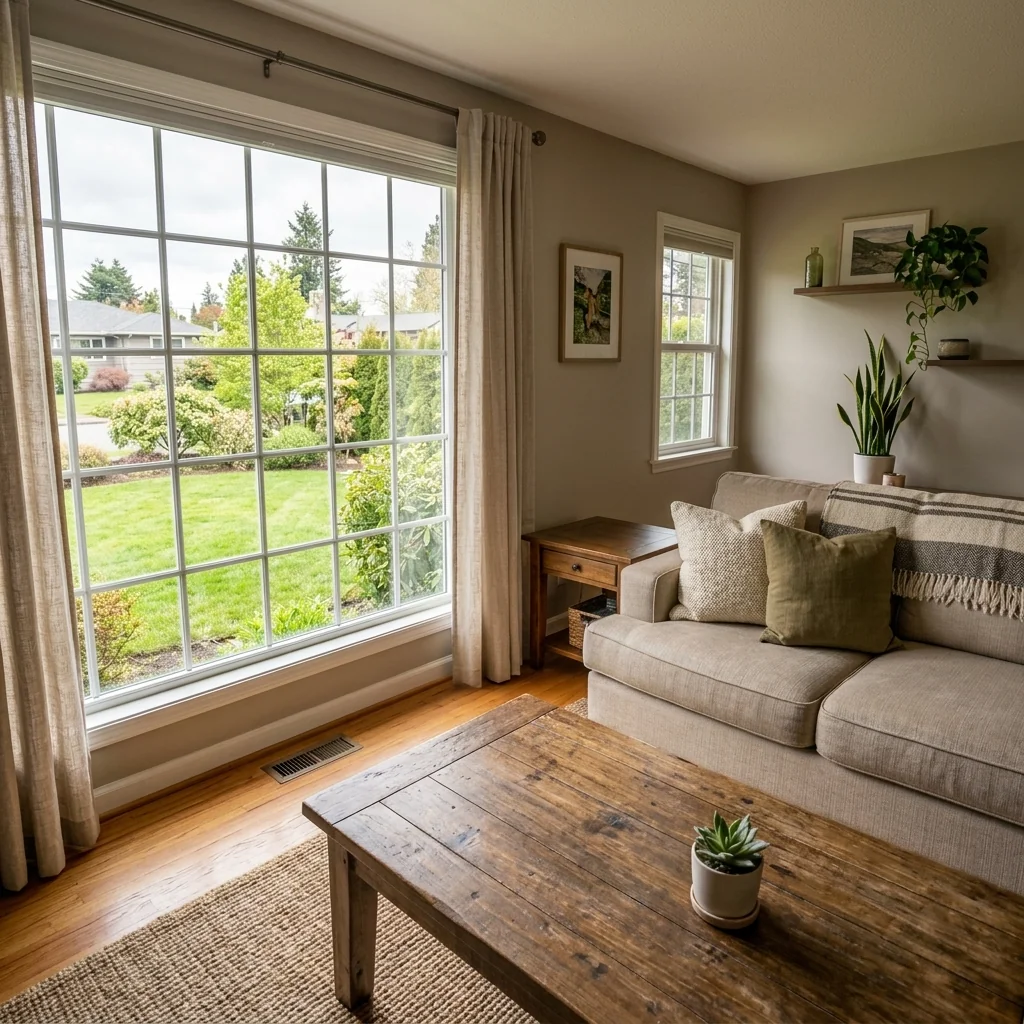
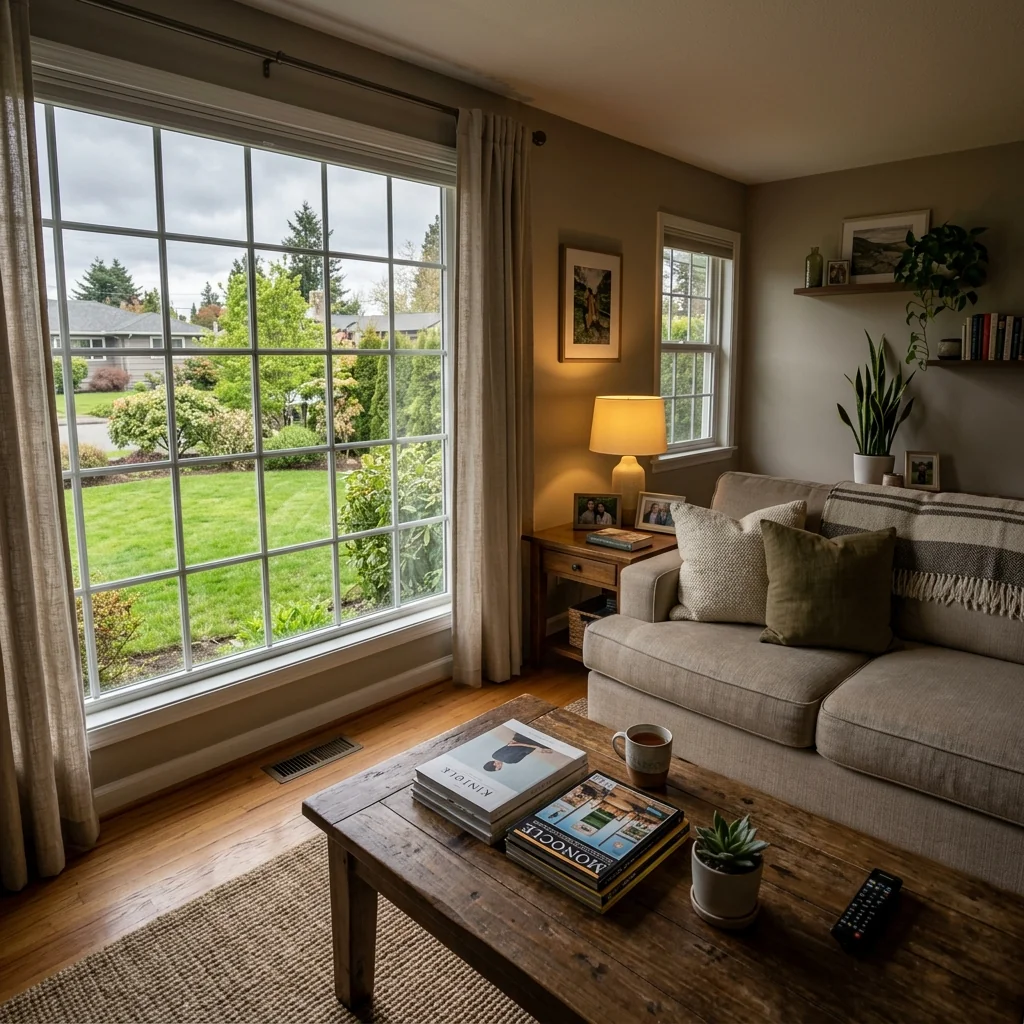
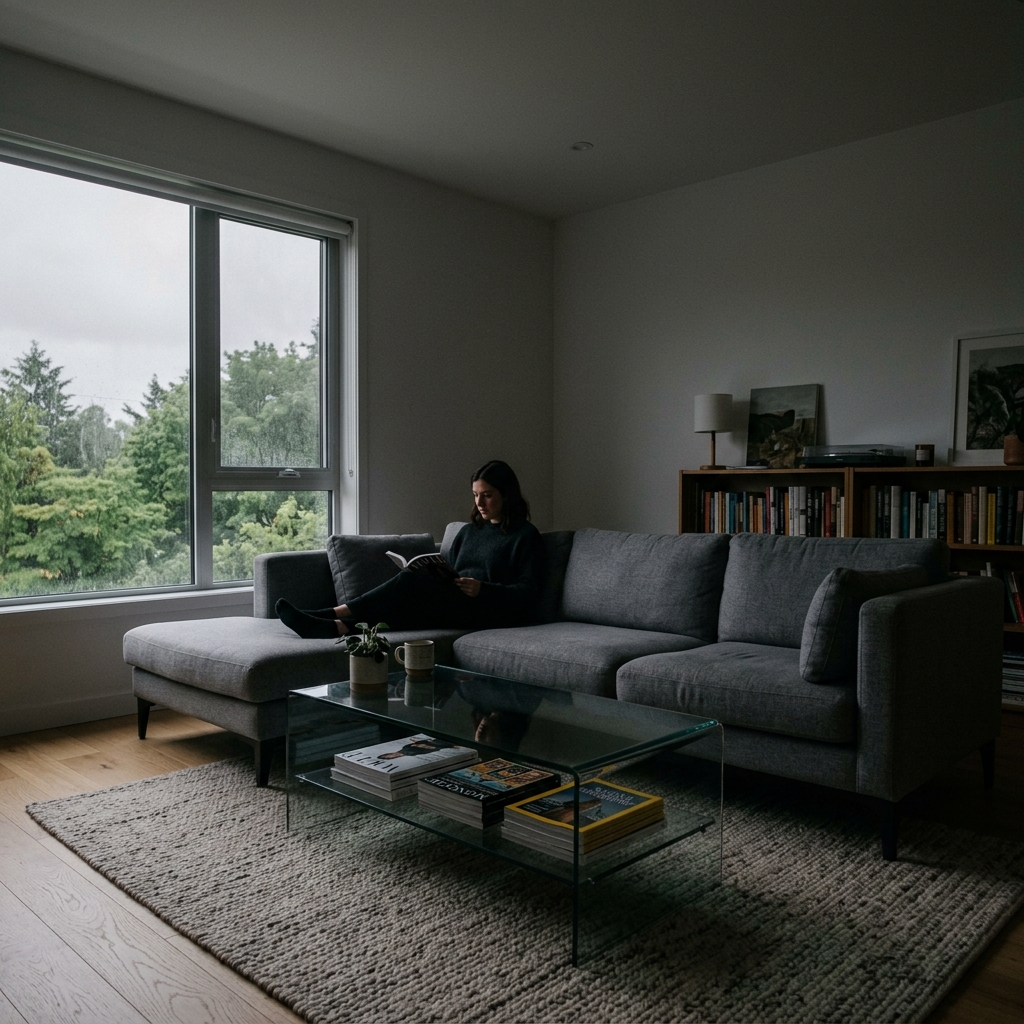
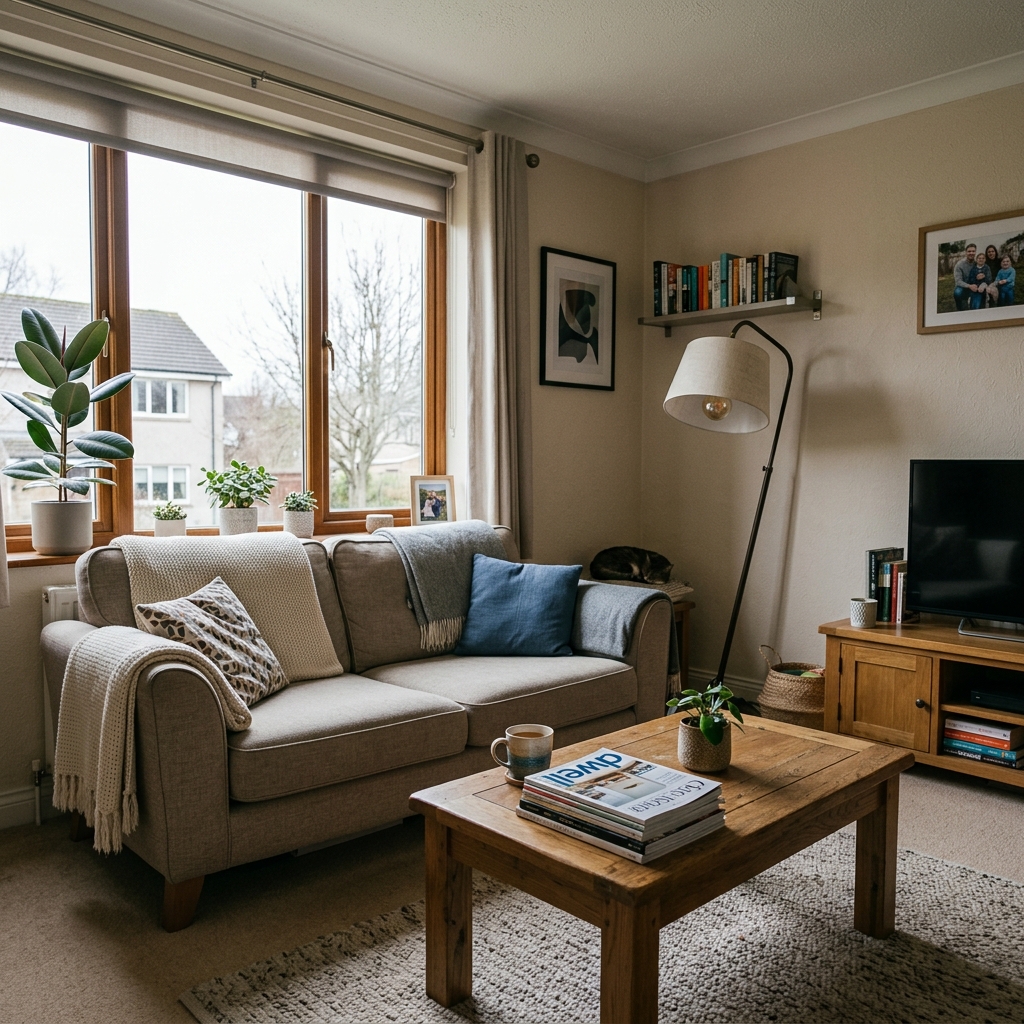
نتائج حقيقية من صور مثل صورتك.


كيف يعمل
- 1حمّل صورتك
- 2اختر إعداداتك
- 3صورتك
نصائح للحصول على نتيجة رائعة
صورة واضحة ومشرقة
يعطي ضوء النهار وزاوية واسعة أفضل نتيجة.
أظهر المساحة بالكامل
احتفظ بكل ما تريد تغييره ظاهرًا بالكامل في الصورة.
جرّب عدة نسخ
قارن بين الخيارات المختلفة قبل أن تقرر.
الأسئلة الشائعة
هل يمكنني استخدام الصور تجاريًا؟
نعم. يمكنك استخدام صورك لأي غرض، بما في ذلك الاستخدام التجاري.
هل تتغير صورتي الأصلية؟
لا. تبقى صورتك الأصلية دون تغيير ويمكنك تنزيلها في أي وقت.
ماذا لو لم تعجبني النتيجة؟
جرّب نمطًا أو إعدادًا آخر، أو حسّن النتيجة بتعليمات قصيرة.
واصل الاستكشاف
جميع الأدوات
مبدّل تنجيد كرسي بذراعين بالذكاء الاصطناعي
تصور فورًا خيارات تنجيد جديدة للكراسي بذراعين في صورك. غيّر الأقمشة، والألوان، والنقوش مثل القطيفة أو الجلد أو البوكليه لتتناسب تمامًا مع أي أسلوب تصميم داخلي. مثالي لمحترفي العقارات ومصممي الديكور الداخلي لعرض التحولات المحتملة.

مغيّر تنجيد الأثاث بالذكاء الاصطناعي
حوّل صور الأثاث الخاصة بك بالذكاء الاصطناعي! غيّر مادة التنجيد بسهولة لعرض أنماط مختلفة وجذب شريحة أوسع من المشترين. مثالي للتدريج الافتراضي ونماذج التصميم الداخلي.

مصور التنجيد بالذكاء الاصطناعي
تصور فورًا كيف تبدو أي قطعة أثاث مع أقمشة تنجيد وألوان وملمس مختلف باستخدام الذكاء الاصطناعي. ارفع صورة لأريكتك أو كرسيك أو مقعدك المزدوج وشاهد معاينات مذهلة لإعادة التنجيد قبل الالتزام بعملية شراء أو مشروع تجديد.
اقرأ الدليل الكامل
How long does generation take for 1-Click Listing-Ready Photo Editor?
Generation usually takes between 5 and 15 seconds.
Can I use the results commercially?
Yes, every generated image includes a full commercial usage license.
Tips for your photo
Make sure the photo is well lit and shot from a wide angle.
Remove clutter before shooting the photo for the best results.
Use re-staging mode for targeted style changes.
Common mistakes
5 Critical 1-Click Listing-Ready Photo Editor Mistakes Real Estate Agents Make
How to Avoid Common Errors When Using a 1-Click Listing-Ready Photo Editor for Your Property Listing
Uploading Low-Resolution Images to the 1-Click Listing-Ready Photo Editor
Using low-resolution images as input will result in a poorly enhanced real estate photo, even with the 1-Click Listing-Ready Photo Editor's advanced AI. The MLS and Zillow require high-quality images.
Always use high-resolution images (minimum 1200px wide) when uploading to the 1-Click Listing-Ready Photo Editor. Ensure your camera settings are optimized for property photography.
Ignoring Glare and Reflections Before Using the 1-Click Listing-Ready Photo Editor
While the 1-Click Listing-Ready Photo Editor can enhance lighting and colors, it cannot completely remove severe glare or reflections. These issues detract from the property listing's appeal.
Minimize glare and reflections during the photoshoot by using proper lighting techniques and camera angles. Consider using polarizing filters. Then, upload to the 1-Click Listing-Ready Photo Editor.
Over-Editing Photos with the 1-Click Listing-Ready Photo Editor and Creating Unrealistic Images
While the 1-Click Listing-Ready Photo Editor provides powerful enhancement, overdoing it can lead to unrealistic and misleading property photos. This can damage your reputation as an agent.
Use the 1-Click Listing-Ready Photo Editor to enhance, but avoid extreme adjustments. Aim for a natural and accurate representation of the property for your MLS and Zillow listings.
Failing to Crop and Straighten Images Before Using the 1-Click Listing-Ready Photo Editor
The 1-Click Listing-Ready Photo Editor is designed for enhancement, not basic editing. Skewed or poorly cropped images will still look unprofessional after enhancement.
Crop and straighten your real estate photos before uploading them to the 1-Click Listing-Ready Photo Editor. Ensure proper framing and composition for optimal results.
Not Checking the Final Enhanced Real Estate Photo from the 1-Click Listing-Ready Photo Editor on Different Devices
Color and brightness can vary across different screens. A photo that looks great on your computer might appear different on a mobile device, affecting potential buyers' perception of the property listing.
Always review the final enhanced image from the 1-Click Listing-Ready Photo Editor on multiple devices (desktop, mobile, tablet) to ensure consistent quality and accurate representation for your Zillow or MLS listing.
See Stunning Results with Our 1-Click Listing-Ready Photo Editor
Upload your real estate photos and witness the transformation in seconds!
Your workflow
4 Steps to Stunning Real Estate Photos with a 1-Click Listing-Ready Photo Editor
How to use a 1-Click Listing-Ready Photo Editor online to enhance your property listing for MLS and Zillow
Upload Your Real Estate Photos
Upload your raw real estate photos to the 1-Click Listing-Ready Photo Editor. Supports various image formats for seamless integration.
For best results, use high-resolution images of your property.
Transform with 1-Click Enhancement
Let the AI automatically enhance your real estate photos with a single click. The 1-Click Listing-Ready Photo Editor optimizes lighting, colors, and clarity.
Experiment with different enhancement levels to achieve the desired look for your property listing.
Review and Fine-Tune (Optional)
Review the enhanced real estate photos. While the 1-Click Listing-Ready Photo Editor automates the process, you can make minor adjustments if needed.
Focus on ensuring accurate representation of the property while maintaining visual appeal for potential buyers.
Download and Publish to MLS/Zillow
Download the listing-ready photos and publish them to your MLS, Zillow, or other real estate platforms. Attract more potential buyers with professionally enhanced images from the 1-Click Listing-Ready Photo Editor.
Optimize image file sizes for faster loading times on listing websites without sacrificing quality.
Use cases
Real Estate Listings for 1-Click Listing-Ready Photo Editor
Social Media Marketing & Instagram Inserate
Architektur- & Umbau-Präsentationen
1-Click Listing-Ready Photo Editor — Technical Specifications
1. Upload your property photo.
2. Choose the interior style or room type you want.
3. Click Generate and get your result in seconds.
Expert guide
5 Pro Tips: Master the 1-Click Listing-Ready Photo Editor for Stunning Real Estate Photos
How to 1-click listing-ready photo editor online for top-performing property listings
Prepare Your Real Estate Photos for Optimal 1-Click Enhancement
Ensure your initial real estate photos are high-resolution and well-composed. Avoid excessive shadows and blurry images as the 1-Click Listing-Ready Photo Editor works best with clear, detailed source material. This optimizes the AI's ability to enhance your property listing visuals for Zillow and MLS.Fine-Tune Your 1-Click Listing-Ready Photo Editor Settings for Perfect MLS Results
Experiment with the subtle adjustment sliders within the 1-Click Listing-Ready Photo Editor. Slightly increase brightness or contrast to further enhance the AI's automatic adjustments, ensuring your property listing photos pop on Zillow and attract more potential buyers. This is key for agent success.Achieve the Best Results with Strategic 1-Click Photo Enhancements
Focus on showcasing key features of the property. Use the 1-Click Listing-Ready Photo Editor on images highlighting the living room, kitchen, and master bedroom. Enhanced real estate photos of these areas significantly impact buyer interest on MLS and Zillow, leading to quicker sales.Leverage the 1-Click Listing-Ready Photo Editor for Professional Real Estate Marketing
Maintain consistency across all your property listings. Use the same 1-Click Listing-Ready Photo Editor settings for all photos in a listing to create a cohesive and professional look. This reinforces your brand and builds trust with potential buyers viewing your Zillow and MLS listings.How it works
3 Steps to Master the 1-Click Listing-Ready Photo Editor
How to use a 1-click listing-ready photo editor for MLS and Zillow property listings today
Upload Your Raw Property Photos
Upload your high-resolution interior or exterior property photos directly into our 1-Click Listing-Ready Photo Editor to begin the automated enhancement process for your next high-performing MLS listing.
Activate the One-Click AI Enhancement
Select the enhancement button to let our 1-Click Listing-Ready Photo Editor automatically adjust white balance, correct lens distortion, and optimize lighting for professional-grade Zillow and Redfin property displays.
Download High-Res Listing-Ready Images
Convert your edited files into high-resolution formats instantly, ensuring every home staging detail shines through before you post the final images to your preferred real estate brokerage platform.
What you can do
Advanced 1-Click Listing-Ready Photo Editor Capabilities
Stunning Listing Photo Quality
The 1-Click Listing-Ready Photo Editor ensures every real estate photo achieves professional-grade clarity and vibrant colors, making property listings stand out on MLS.
Instant 1-Click Processing Speed
The 1-Click Listing-Ready Photo Editor instantly transforms raw real estate photos into polished, listing-ready images for agents, saving valuable time and effort.
Versatile Image Format Support
The 1-Click Listing-Ready Photo Editor supports diverse real estate photo formats, ensuring property listing images are perfectly optimized for MLS, Zillow, and agent platforms.
Automated Smart Photo Enhancement
The 1-Click Listing-Ready Photo Editor intelligently adapts enhancements to each real estate photo, ensuring optimal lighting and color correction for every property listing.
Precise AI Photo Correction
Leveraging cutting-edge AI, the 1-Click Listing-Ready Photo Editor precisely identifies and corrects imperfections, delivering perfectly staged real estate photos for agents.
Empowering Real Estate Professionals
Designed for real estate agents, the 1-Click Listing-Ready Photo Editor elevates property listings, ensuring every photo meets professional standards for MLS, Zillow.
Pro-level tools at your fingertips
Output quality
Photorealistic 4K resolution with natural shadows and accurate perspective.