
صانع منشورات الكاروسيل العقارية
- صورة
- اختياراتك
- صورتك
اكتشف ما يمكن فعله
نتائج حقيقية من صور مثل صورتك.
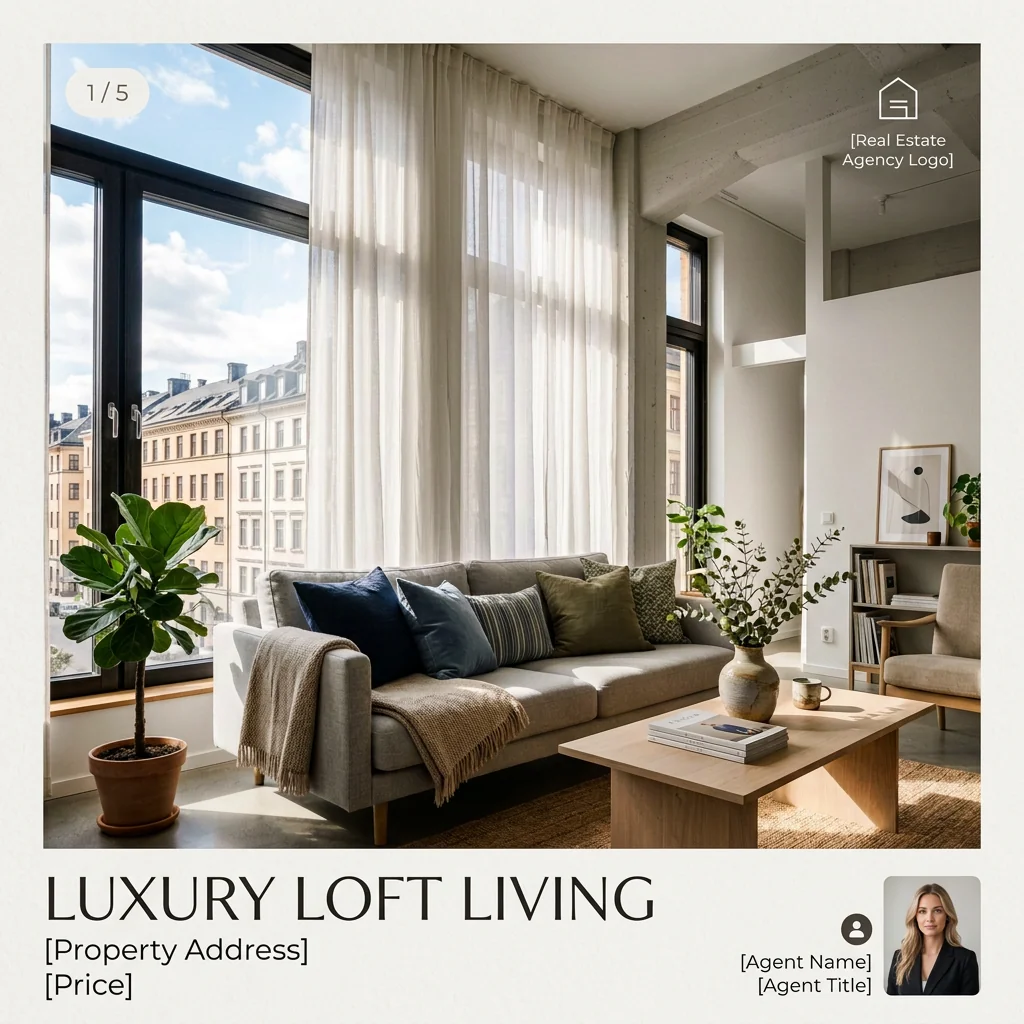
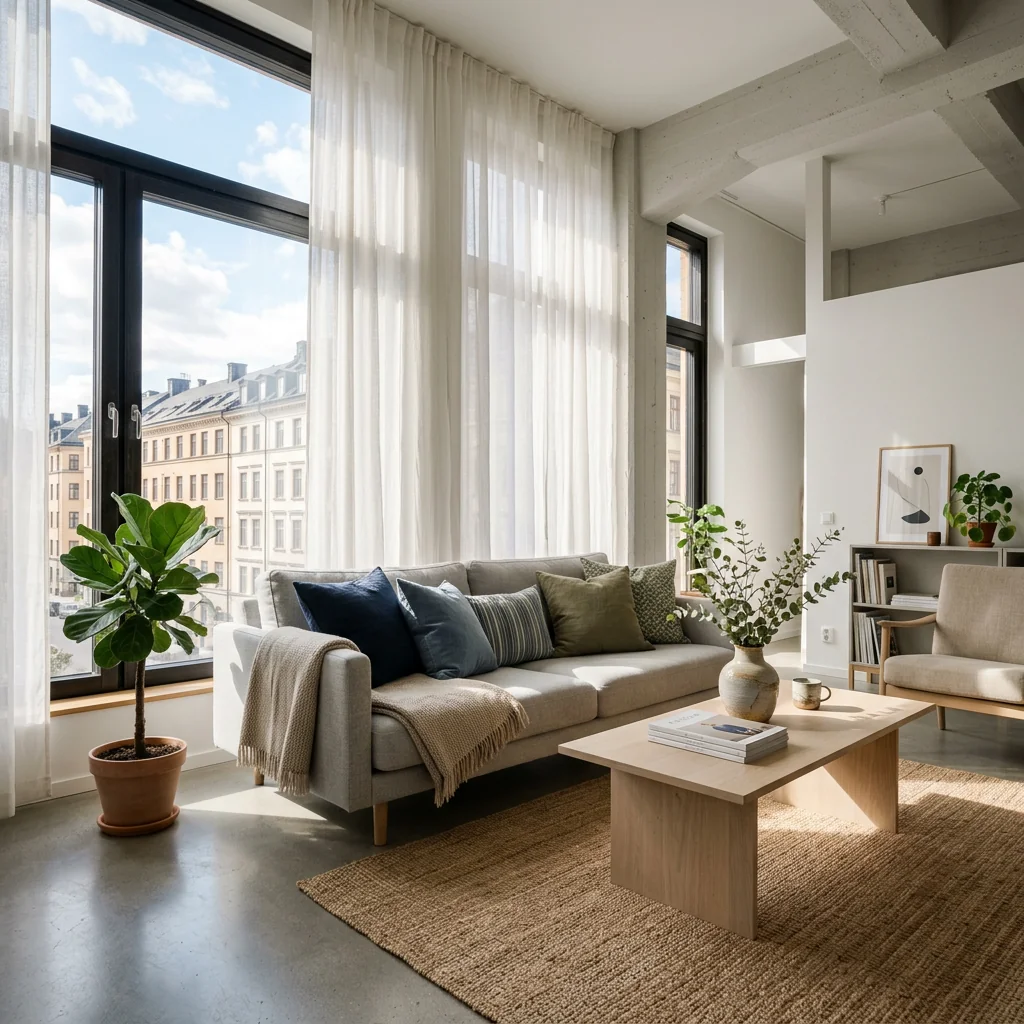

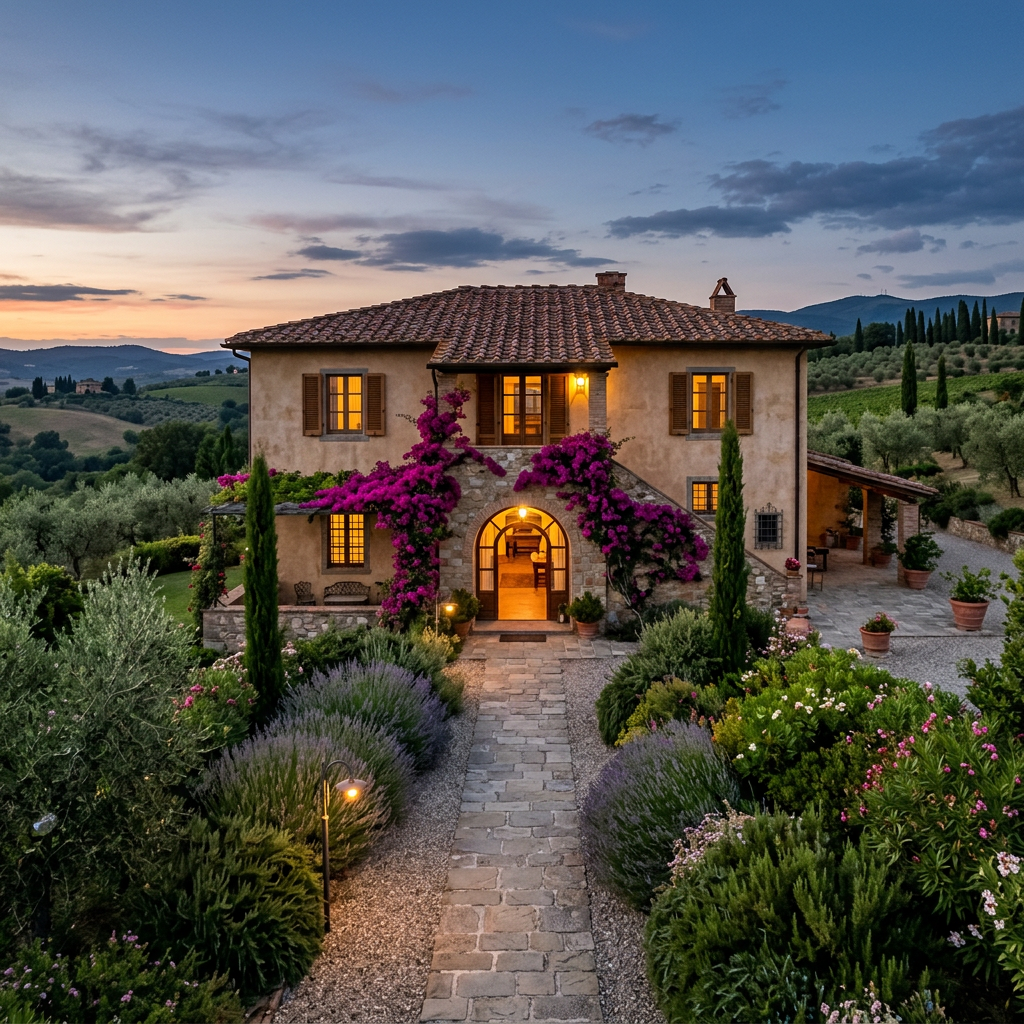

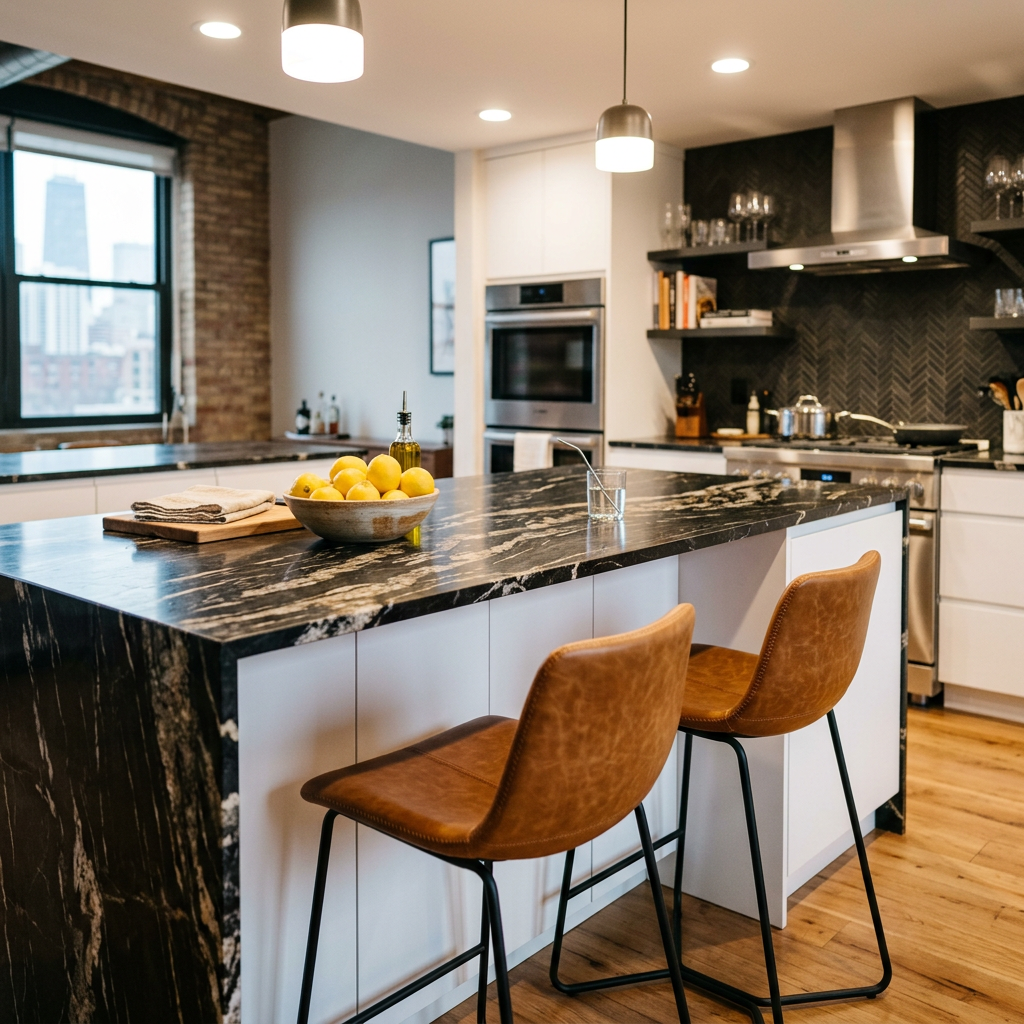
كيف يعمل
- 1حمّل صورتك
- 2اختر إعداداتك
- 3صورتك
نصائح للحصول على نتيجة رائعة
صورة واضحة ومشرقة
يعطي ضوء النهار وزاوية واسعة أفضل نتيجة.
أظهر المساحة بالكامل
احتفظ بكل ما تريد تغييره ظاهرًا بالكامل في الصورة.
جرّب عدة نسخ
قارن بين الخيارات المختلفة قبل أن تقرر.
الأسئلة الشائعة
هل يمكنني استخدام الصور تجاريًا؟
نعم. يمكنك استخدام صورك لأي غرض، بما في ذلك الاستخدام التجاري.
هل تتغير صورتي الأصلية؟
لا. تبقى صورتك الأصلية دون تغيير ويمكنك تنزيلها في أي وقت.
ماذا لو لم تعجبني النتيجة؟
جرّب نمطًا أو إعدادًا آخر، أو حسّن النتيجة بتعليمات قصيرة.
واصل الاستكشاف
جميع الأدوات
رسمة "تعرف على الفريق" للوكيل
عرّف بنفسك على نحو احترافي. ارفع صورة رأس وأنشئ تصميمًا مذهلًا على وسائل التواصل الاجتماعي بعنوان "About the Agent" أو "Meet the Team" مع تخصصاتك، ومناطق خدمتك، ومعلومات الاتصال.
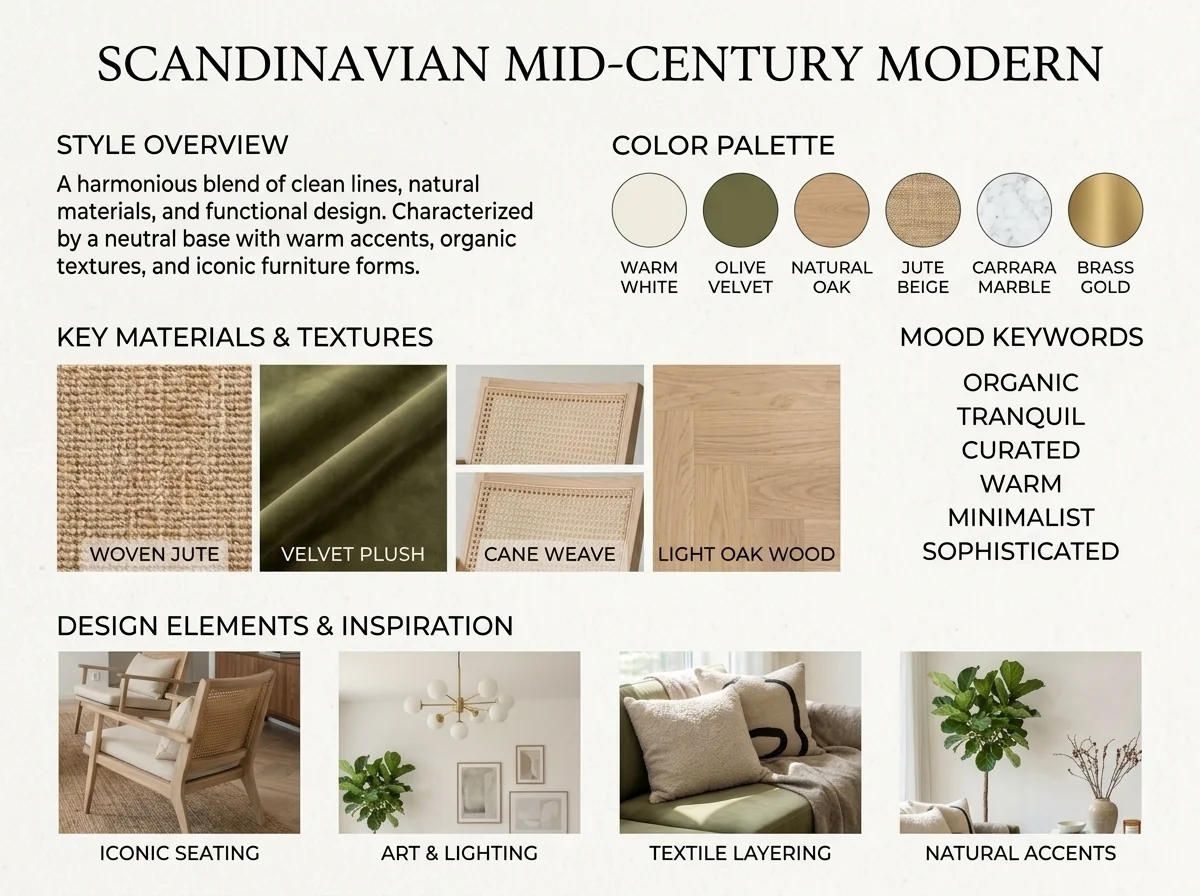
مكتشف أسلوب التصميم الداخلي ولوحة الإلهام بالذكاء الاصطناعي
ارفع أي صورة لغرفة ويحدّد الذكاء الاصطناعي أسلوب التصميم الداخلي ولوحة الألوان والمواد الأساسية، ويولّد لوحة مزاجية متناسقة معها. مثالي لفهم المساحات الحالية أو للتعبير عن تفضيلات الأسلوب.
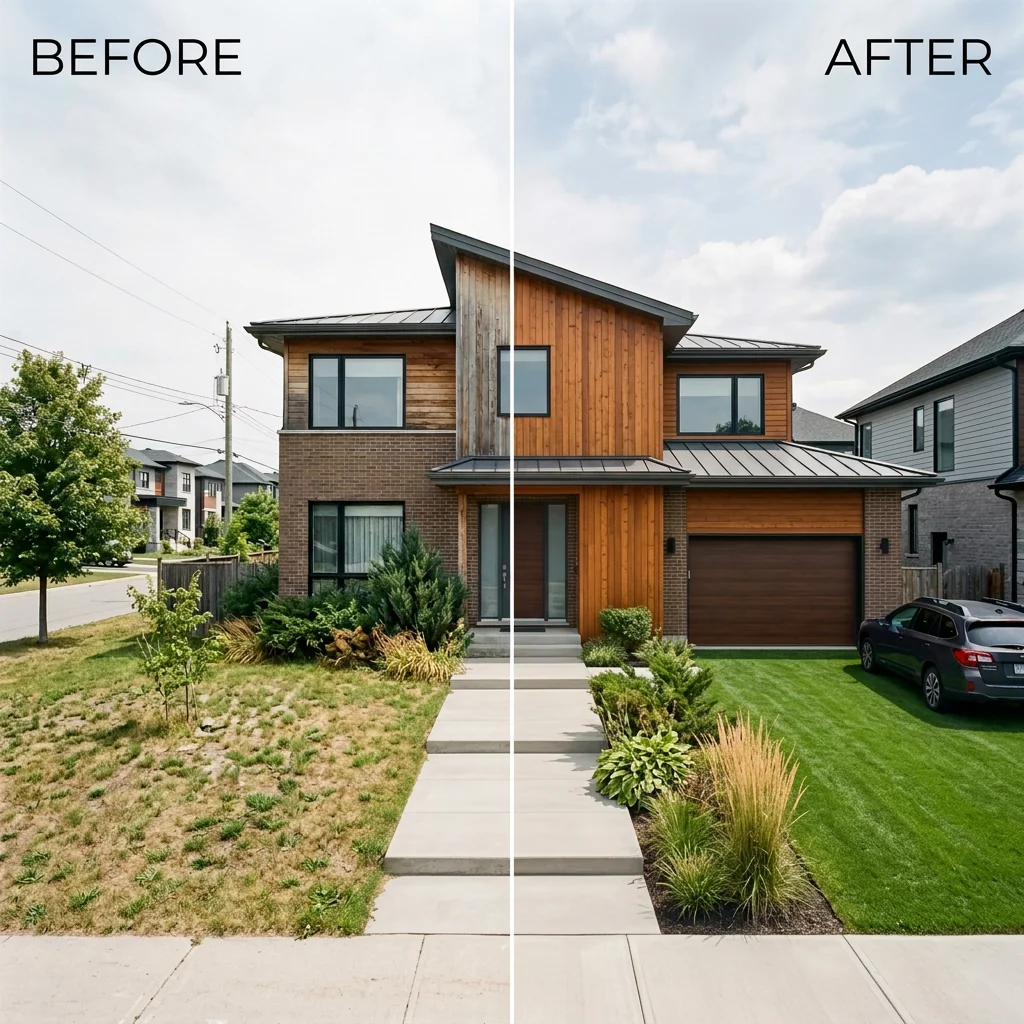
قائمة جنبًا إلى جنب قبل وبعد
أنشئ صور مقارنة احترافية قبل وبعد لقوائم العقارات. ارفع صورتين ويولّد الذكاء الاصطناعي مقارنة جانبية مصقولة مع تسميات، مثالية لـ MLS ووسائل التواصل الاجتماعي والمواد التسويقية.
اقرأ الدليل الكامل
How long does generation take for Real Estate Carousel Creator?
Generation usually takes between 5 and 15 seconds.
Can I use the results commercially?
Yes, every generated image includes a full commercial usage license.
Tips for your photo
Make sure the photo is well lit and shot from a wide angle.
Remove clutter before shooting the photo for the best results.
Use re-staging mode for targeted style changes.
Frequently asked questions
What are the optimal input formats and resolutions for the Real Estate Carousel Creator?
Upload your real estate photos in JPG or PNG format. For the best output quality, ensure images are at least 1920x1080 pixels. This resolution helps the Real Estate Carousel Creator enhance details and maintain clarity for stunning property listing visuals.
How quickly does the Real Estate Carousel Creator process images into carousel slides?
The Real Estate Carousel Creator typically processes each property photo within 5-15 seconds. This rapid processing allows agents to quickly stage multiple listings. For larger batches, the total time will scale accordingly, ensuring efficient workflow.
What is the output resolution and file format for carousels generated by the Real Estate Carousel Creator?
The Real Estate Carousel Creator outputs high-resolution JPG images, perfectly optimized for Instagram. Each slide is generated at 1080x1080 pixels, ensuring crisp visuals for your property listing. Download and directly upload to Zillow or MLS.
What are the best practices to achieve professional results with the Real Estate Carousel Creator?
Enhance your real estate photos before uploading. Use well-lit, high-resolution images of your property listing. Ensure consistent branding by selecting your preferred template within the Real Estate Carousel Creator. This stages your photos for maximum impact.
Can I modify or re-generate carousel slides after they've been created by the Real Estate Carousel Creator?
Yes, you can re-generate slides. Simply adjust your input photo or template selection within the Real Estate Carousel Creator and re-process. The tool allows for unlimited re-generations, ensuring your property listing carousels are perfect before sharing with agents.
Technical FAQ: Real Estate Carousel Creator
Quick answers for optimal results
Common mistakes
5 Real Estate Carousel Creator Mistakes Killing Your Property Listing Reach
How to Real Estate Carousel Creator Online for Zillow & MLS
Ignoring Branding Consistency in Your Real Estate Carousel Creator
Inconsistent branding across your carousel slides makes your property listing look unprofessional and untrustworthy to potential buyers on Zillow and MLS.
Use the Real Estate Carousel Creator's template feature to maintain consistent fonts, colors, and logo placement throughout your carousel. Upload your agent branding kit for quick application.
Using Low-Quality Real Estate Photos in Your Carousel
Blurry or poorly lit real estate photos fail to showcase the property's best features and deter potential buyers from engaging with your property listing.
Always use high-resolution, professionally staged real estate photos. Enhance your images with the Real Estate Carousel Creator's built-in editing tools before uploading.
Failing to Optimize for Mobile Viewing with Your Real Estate Carousel Creator
Carousel posts that are not optimized for mobile devices are difficult to view and navigate, leading to a poor user experience and reduced engagement on Zillow.
Preview your carousel on a mobile device before publishing. Use the Real Estate Carousel Creator's mobile preview feature to ensure your text and images are legible and properly formatted.
Overcrowding Slides with Too Much Text in Your Real Estate Carousel
Dense text blocks overwhelm viewers and make it difficult to quickly grasp the key selling points of your property listing. Agents often make this mistake.
Keep your text concise and focused. Use bullet points and headings to break up information. The Real Estate Carousel Creator helps you structure information effectively.
Not Including a Clear Call to Action in Your Real Estate Carousel
Without a clear call to action, viewers may not know what to do next, such as contacting the agent or scheduling a viewing, leading to missed opportunities.
End your carousel with a compelling call to action, such as "Contact us for a showing" or "Visit our website for more details." Use the Real Estate Carousel Creator's customizable call-to-action options.
What Your Real Estate Carousel Creator Results Will Look Like
Upload your photo to get started and see the magic!
Your workflow
4 Steps to a Stunning Real Estate Carousel: Your Ultimate Creator Guide
How to use a Real Estate Carousel Creator online for engaging property listings
Upload Your Real Estate Photos
Upload your high-quality real estate photos to the Real Estate Carousel Creator. Ensure images showcase key property features for maximum impact on Zillow and other platforms.
Use professionally staged real estate photos to attract more potential buyers and increase engagement on your property listing carousel.
Customize Your Carousel Design
Choose a pre-designed template or customize the layout, fonts, and colors within the Real Estate Carousel Creator to match your agent branding. Add numbering and swipe indicators.
Maintain consistent branding across all your property listing carousels to build recognition and trust with potential clients viewing your MLS listings.
Enhance with Property Details
Add compelling property descriptions, key features, and pricing information to each slide of your Real Estate Carousel Creator design. Highlight unique selling points for Zillow and other platforms.
Include a clear call-to-action on the final slide, such as 'Schedule a Viewing' or 'Contact Your Agent,' to drive conversions from your property listing carousel.
Download and Share Your Carousel
Download your professionally designed real estate carousel from the Real Estate Carousel Creator and share it on Instagram, Facebook, and other social media platforms to reach a wider audience.
Use relevant hashtags and tag your brokerage or team to increase the visibility of your property listing carousel and attract more potential buyers and sellers.
Use cases
Real Estate Listings for Real Estate Carousel Creator
Social Media Marketing & Instagram Inserate
Architektur- & Umbau-Präsentationen
Real Estate Carousel Creator — Technical Specifications
1. Upload your property photo.
2. Choose the interior style or room type you want.
3. Click Generate and get your result in seconds.
Expert guide
5 Expert Tips: Maximize Your Real Estate Carousel Creator Results
How to Get the Most Out of Your Real Estate Carousel Creator Online
Prepare High-Quality Real Estate Photos for Optimal Carousel Creation
Upload crisp, high-resolution real estate photos to the Real Estate Carousel Creator for the best results. Ensure your property listing images are well-lit and showcase key features to capture potential buyers' attention on Zillow and MLS.
Fine-Tune Your Real Estate Carousel Creator Settings for Brand Consistency
Customize the branding elements within the Real Estate Carousel Creator to match your agent profile. Maintain consistent fonts, colors, and logos across all your property listing carousels for a professional look that reinforces your brand identity.
Achieve the Best Real Estate Carousel Results with Strategic Content
Use the Real Estate Carousel Creator to highlight key selling points of your property listing. Focus on unique features, recent renovations, or desirable neighborhood amenities to create compelling swipeable content that drives engagement.
Leverage the Real Estate Carousel Creator for Professional Agent Marketing
Stage your property listing carousel slides with compelling copy that complements your real estate photos. Use strong calls-to-action to encourage viewers to contact you, schedule a showing, or learn more about the property on MLS or Zillow.
How it works
3 Steps to Master the Real Estate Carousel Creator
How to use a real estate carousel creator online for free to boost Instagram engagement in 2026
Upload Your Property Listing Photos
Upload your high-resolution real estate photos into the Real Estate Carousel Creator. Ensure your images are clear to provide the best visual experience for potential home sellers and Zillow browsers.
Customize Your Swipeable Slide Branding
Transform your raw property listing shots by selecting consistent branding and swipe indicators. Use the Real Estate Carousel Creator to add numbering that guides agents and brokers through the home tour.
Download Your High-Res Carousel Assets
Convert your designs into professional files optimized for mobile viewing. This Real Estate Carousel Creator ensures your MLS-ready content is perfectly formatted to capture attention and generate more property leads.
What you can do
Advanced Real Estate Carousel Creator Capabilities
Stunning Visual Carousel Output
The Real Estate Carousel Creator delivers high-resolution, professionally designed slides, ensuring your property listing photos captivate on Instagram and Zillow.
Instant Carousel Generation
Transform your single real estate photos into a multi-slide carousel in seconds, accelerating your property listing workflow for every agent.
Optimized Social Media Formats
The Real Estate Carousel Creator automatically stages your content for Instagram, ensuring perfect aspect ratios and swipe indicators for every property listing.
Branded Carousel Customization
Enhance your real estate carousel posts with consistent branding, custom fonts, and colors, making every agent's property listing unique and professional.
AI-Powered Slide Precision
The Real Estate Carousel Creator intelligently places numbering and swipe indicators, ensuring your real estate photos are perfectly staged for engagement on MLS.
Professional Agent Toolkit
The Real Estate Carousel Creator empowers agents to create polished, swipeable property listing presentations, boosting engagement for every Zillow and MLS entry.
Pro-level tools at your fingertips