
محول صور الغروب
- صورة
- اختياراتك
- صورتك
اكتشف ما يمكن فعله
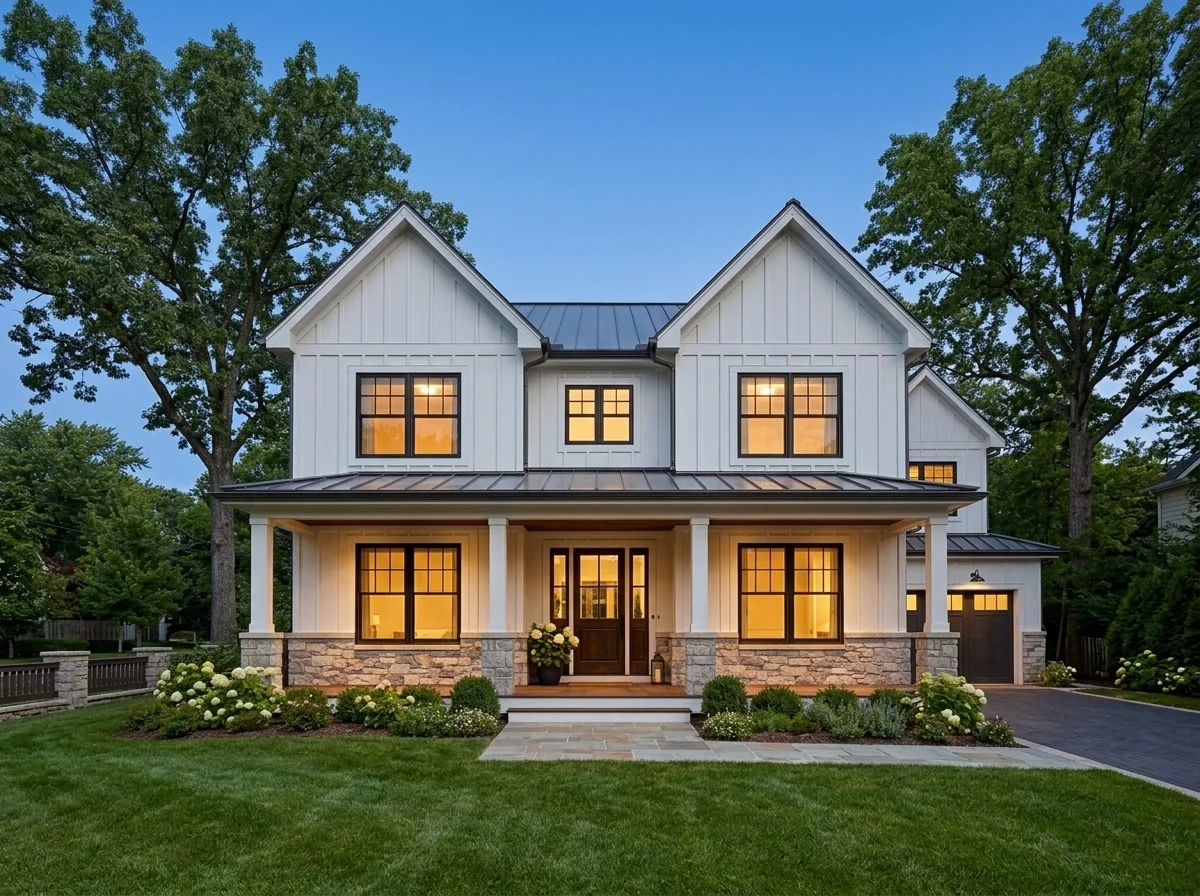
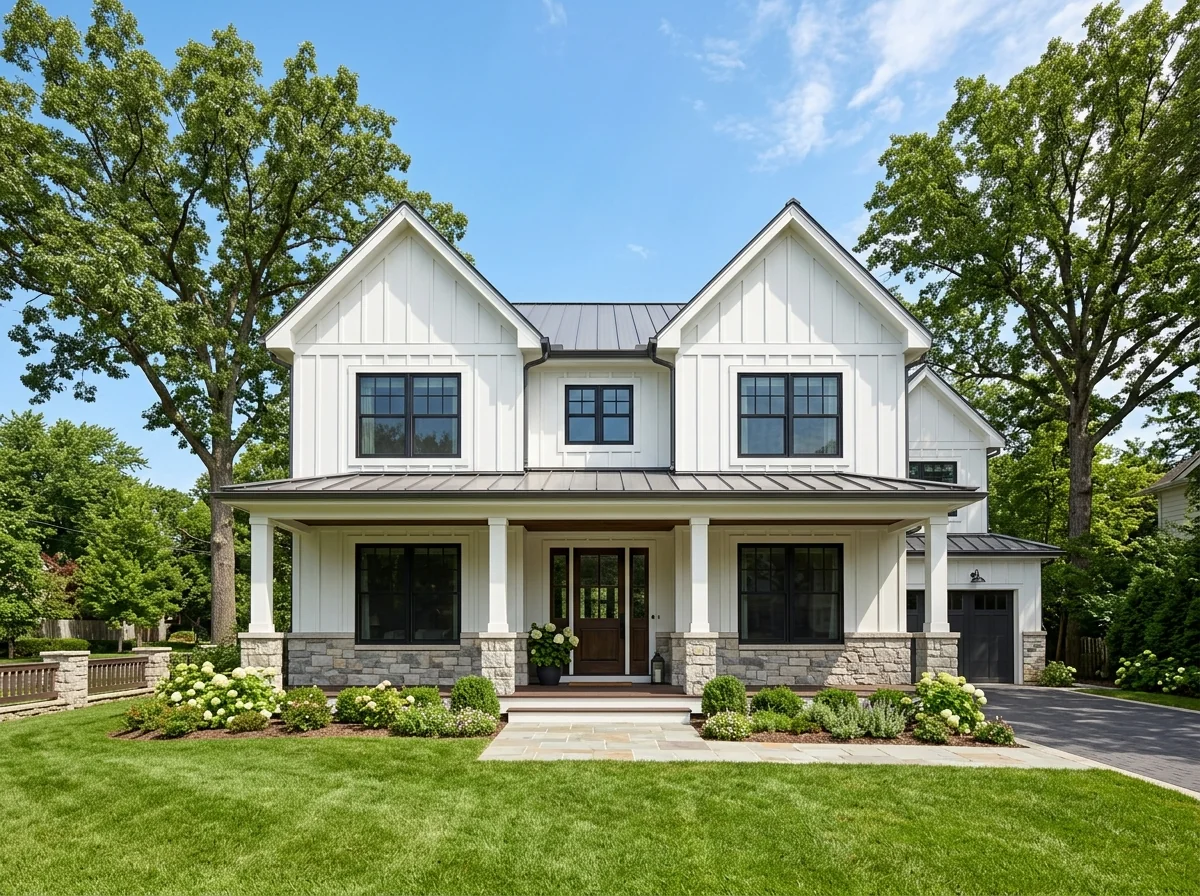
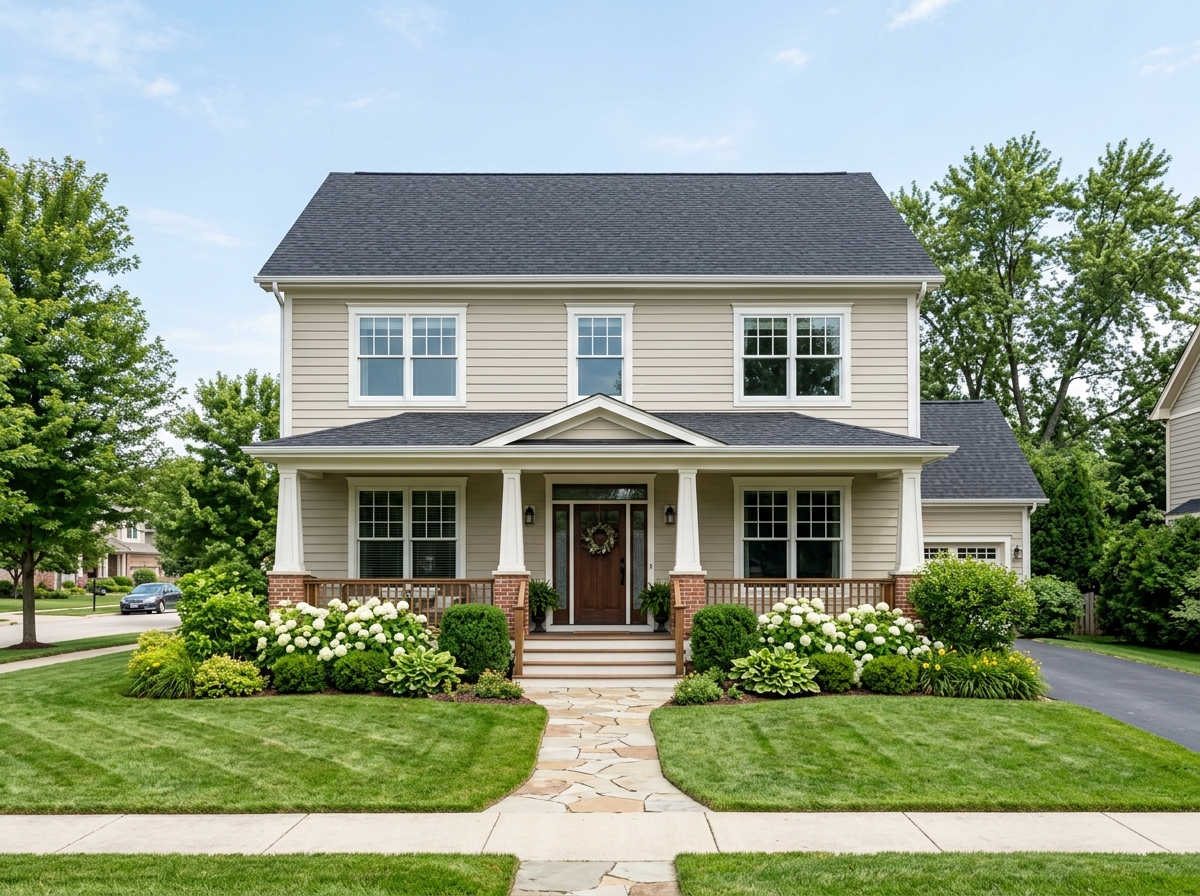
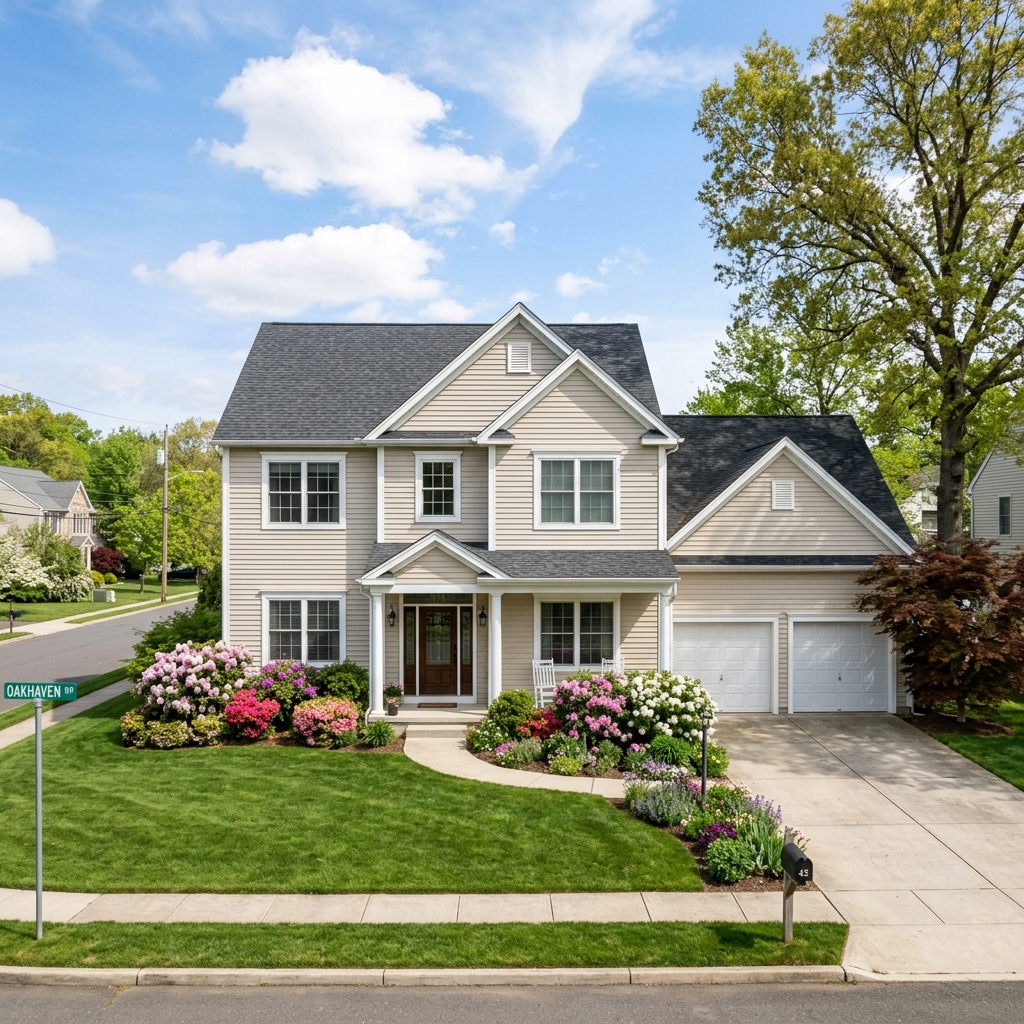
نتائج حقيقية من صور مثل صورتك.


كيف يعمل
- 1حمّل صورتك
- 2اختر إعداداتك
- 3صورتك
نصائح للحصول على نتيجة رائعة
صورة واضحة ومشرقة
يعطي ضوء النهار وزاوية واسعة أفضل نتيجة.
أظهر المساحة بالكامل
احتفظ بكل ما تريد تغييره ظاهرًا بالكامل في الصورة.
جرّب عدة نسخ
قارن بين الخيارات المختلفة قبل أن تقرر.
الأسئلة الشائعة
هل يمكنني استخدام الصور تجاريًا؟
نعم. يمكنك استخدام صورك لأي غرض، بما في ذلك الاستخدام التجاري.
هل تتغير صورتي الأصلية؟
لا. تبقى صورتك الأصلية دون تغيير ويمكنك تنزيلها في أي وقت.
ماذا لو لم تعجبني النتيجة؟
جرّب نمطًا أو إعدادًا آخر، أو حسّن النتيجة بتعليمات قصيرة.
واصل الاستكشاف
جميع الأدوات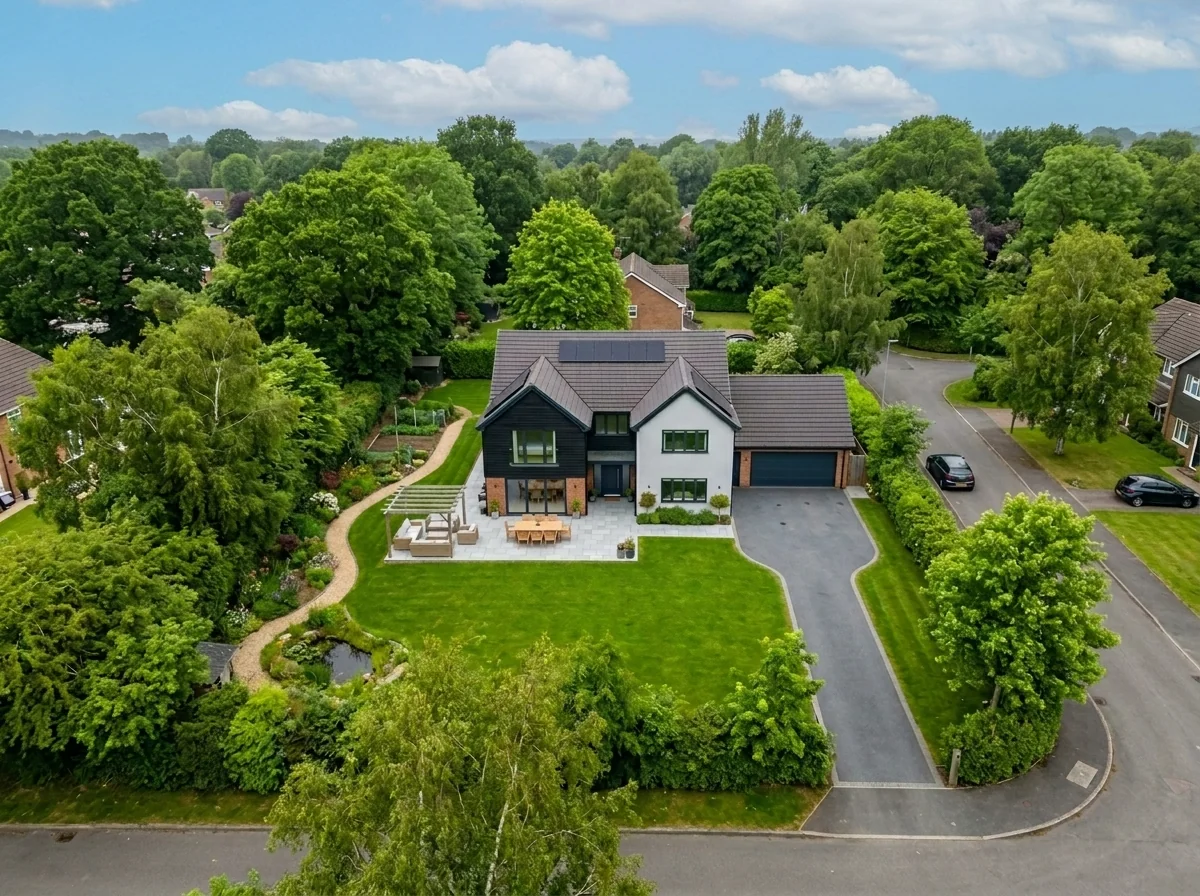
استبدال السماء في اللقطات الجوية
استبدل السماء الرمادية أو الملبدة أو المسطحة في صور العقارات الجوية والطائرات المسيّرة بسماء زرقاء رائعة أو ضوء الساعة الذهبية أو سحب درامية — في ثوانٍ. محسّن خصيصًا لمنظور العرض الواسع وخصائص الأفق في التصوير الجوي.
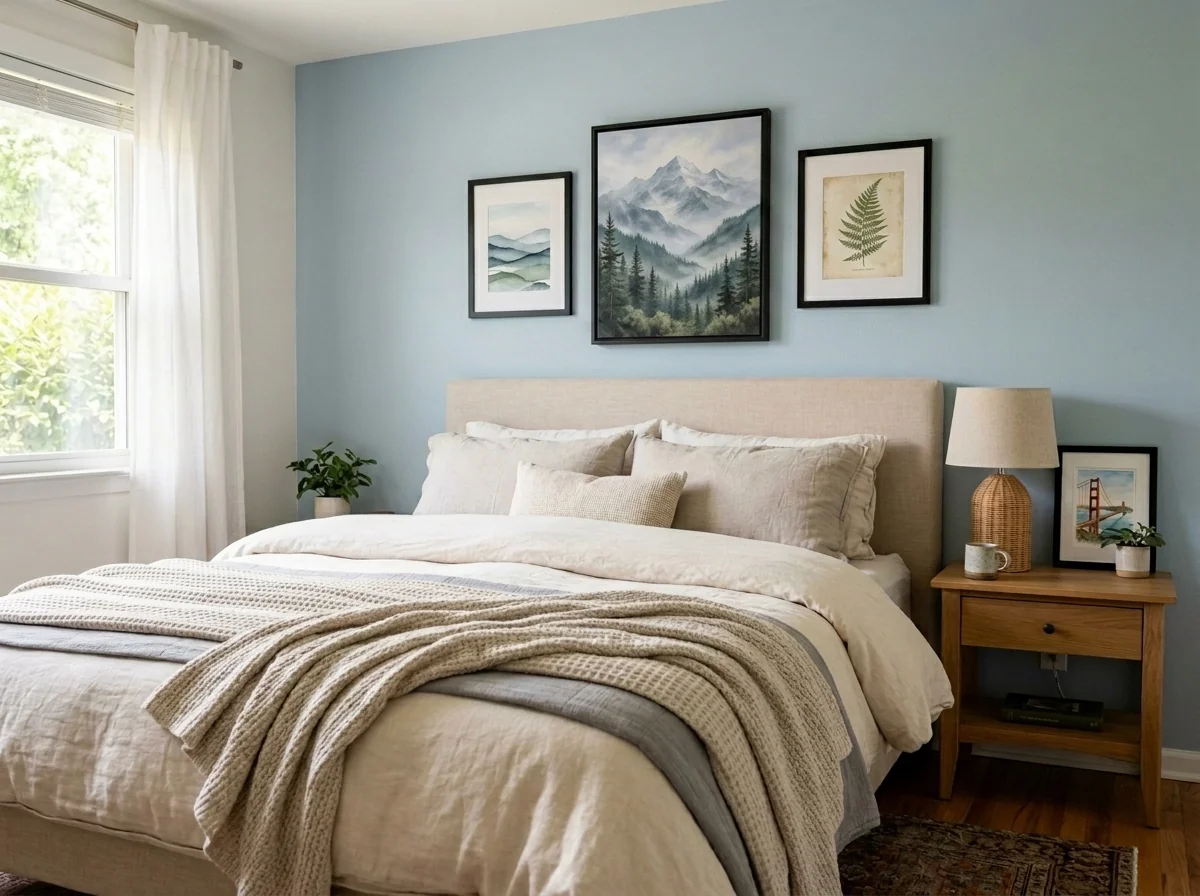
مزيل طمس الأعمال الفنية والصور الجدارية للشقق
اكتشف تلقائيًا وجرّد من الهوية صور الجدران، والصور المؤطرة، واللوحات، والأعمال الفنية في صور الشقق أو الغرف. اختر من بين عدة أنماط لإخفاء الهوية: تمويه غاوسي، تكسية بكسلية قوية، إزالة الجدار البسيط، استبدال بفن تجريدي، مطبوعات طبيعية، أو أنماط هندسية — مثالي للامتثال لـ GDPR، وقوائم العقارات، والتنسيق.
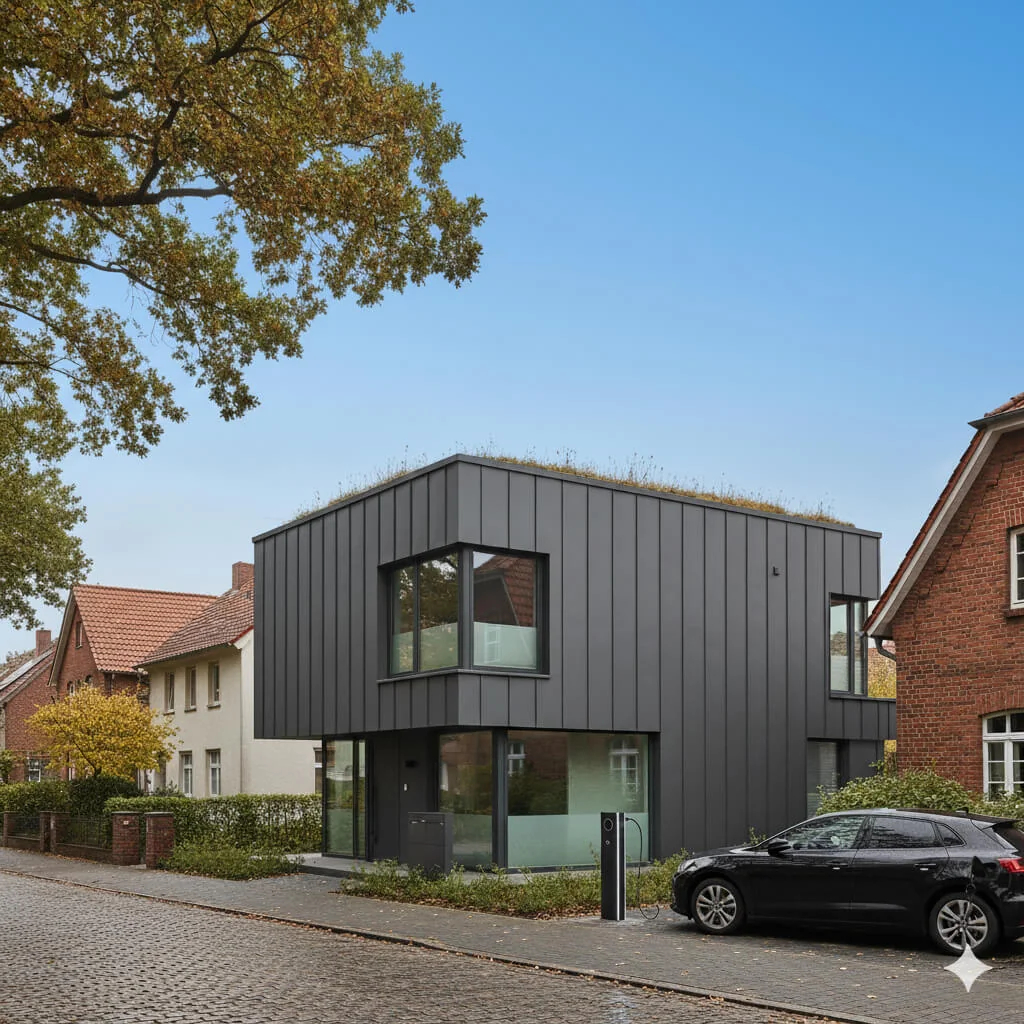
استبدال السماء الزرقاء
حوّل السماء الرمادية الملبدة بالغيوم إلى زرقة مشرقة مثالية—فورًا.
اقرأ الدليل الكامل
How long does generation take for Twilight Photo Converter?
Generation usually takes between 5 and 15 seconds.
Can I use the results commercially?
Yes, every generated image includes a full commercial usage license.
Tips for your photo
Make sure the photo is well lit and shot from a wide angle.
Remove clutter before shooting the photo for the best results.
Use re-staging mode for targeted style changes.
Frequently asked questions
What input file types and resolutions does the Twilight Photo Converter support?
The Twilight Photo Converter accepts common formats like JPG, PNG, and HEIC. Upload high-resolution real estate photos (2000px on the longest side recommended) for superior detail. This ensures optimal conversion for property listings on MLS and Zillow.
How long does the Twilight Photo Converter take to process an image?
The Twilight Photo Converter typically processes images within 15-30 seconds, depending on file size and server load. Convert your daytime shots quickly to enhance your property listing, allowing agents to stage listings faster.
What is the output resolution and quality of photos generated by the Twilight Photo Converter?
The Twilight Photo Converter delivers output at the same resolution as your input, maintaining high quality. Enhance your real estate photos with stunning twilight effects, perfect for premium property listings and agent marketing.
What are the best practices for achieving optimal results with the Twilight Photo Converter?
For best results, upload well-lit daytime real estate photos with clear skies and visible exterior lights. Transform your property listing by ensuring good original exposure; the Twilight Photo Converter works best with quality source material.
Can I re-generate or adjust a twilight conversion using the Twilight Photo Converter?
Yes, you can re-upload and re-process the same image with the Twilight Photo Converter to experiment with different settings or source photos. Enhance your real estate photos until the desired 'lights on, sky glowing' look is achieved for your property listing.
Technical FAQ: Twilight Photo Converter
Quick answers for optimal results for real estate agents
Common mistakes
5 Twilight Photo Converter Mistakes Killing Your Real Estate Photos
How to avoid common errors and get stunning twilight photos online
Using Low-Resolution Daytime Photos
Twilight Photo Converter relies on detail to create realistic lighting effects. Low-resolution images result in blurry, pixelated twilight conversions, especially when used for property listings on Zillow or MLS.
Upload high-resolution daytime photos (at least 2000px wide) to the Twilight Photo Converter for optimal results. Ensure your real estate photos are sharp and clear before conversion.
Ignoring Window Glare and Reflections
Excessive glare and reflections in windows during the daytime can create unnatural artifacts in the twilight conversion. The Twilight Photo Converter will amplify these imperfections, detracting from the overall aesthetic.
Minimize window glare and reflections during the initial daytime photoshoot. Consider using polarizing filters or adjusting shooting angles. If glare persists, manually edit it out before using the Twilight Photo Converter.
Overdoing the 'Lights On' Effect
While the 'lights on' effect is crucial for twilight photos, overdoing it can make the property look artificial and unappealing. Blown-out highlights and unrealistic illumination can deter potential buyers browsing real estate photos.
Use the Twilight Photo Converter's intensity controls to subtly enhance interior lighting. Ensure the 'lights on' effect appears natural and complements the overall scene. Less is often more when staging the 'lights on' effect.
Neglecting Color Balance and White Balance
Incorrect color balance in the original daytime photo can lead to unnatural color casts in the twilight conversion. This can make the property appear uninviting and misrepresent its true colors to potential buyers on Zillow and MLS.
Adjust the color balance and white balance of the daytime photo before using the Twilight Photo Converter. Aim for neutral and accurate colors to ensure a realistic and appealing twilight effect. Use a color checker during the initial shoot.
Not Optimizing for Mobile Viewing
Many potential buyers view real estate photos on mobile devices. If your twilight conversions are not optimized for mobile, they may appear blurry or compressed, diminishing their impact and potentially hurting your property listing.
Ensure your Twilight Photo Converter outputs are optimized for mobile viewing. Compress the final images appropriately without sacrificing too much quality. Test the images on various mobile devices to ensure they look sharp and appealing. Consider using responsive image techniques for your website.
Stunning Results: See What Our Twilight Photo Converter Can Do!
Upload your real estate photos now and see the twilight transformation!
Your workflow
Transform Real Estate Photos: 5 Steps to Twilight Magic with a Photo Converter
How to Twilight Photo Converter Online: Enhance Your Property Listing for MLS & Zillow
Upload Your Daytime Real Estate Photo
Upload the exterior photo of your property you want to convert to a twilight shot. Ensure it's high-resolution for the best results with the Twilight Photo Converter.
Choose photos with clear skies and minimal obstructions for optimal twilight effect.
Select Twilight Style & Customize
Choose from a range of twilight styles within the Twilight Photo Converter. Adjust the intensity of the twilight effect, sky color, and light bloom to match your desired aesthetic for the property listing.
Experiment with different styles to find the one that best complements the architectural style and landscaping of the property.
Enhance Lighting & Details
Use the built-in enhancement tools of the Twilight Photo Converter to adjust brightness, contrast, and saturation. Pay special attention to the windows and any outdoor lighting fixtures to make them appear naturally illuminated in the twilight scene.
Subtle adjustments are key. Avoid over-enhancing the photo, which can make it look artificial.
Add Virtual Staging Elements (Optional)
If desired, integrate the twilight-enhanced photo with virtual staging elements. This can further enhance the appeal of the property listing by showcasing its potential in a beautifully lit, inviting setting. Ensure the staging style complements the twilight aesthetic.
Consider adding subtle outdoor lighting elements like string lights or pathway lights to enhance the twilight ambiance.
Download & Publish to MLS/Zillow
Download the final twilight-enhanced real estate photo in a format suitable for MLS, Zillow, or other property listing platforms. Use the captivating twilight image to attract more potential buyers and increase interest in the property.
Always adhere to the image size and resolution requirements of each platform to ensure optimal display quality.
Use cases
Real Estate Listings for Twilight Photo Converter
Social Media Marketing & Instagram Inserate
Architektur- & Umbau-Präsentationen
Twilight Photo Converter — Technical Specifications
Convert daytime exterior photos into stunning twilight/blue hour shots. Achieve the 'lights on, sky glowing' look that makes luxury real estate listings irresistible — without the need for dusk photography sessions. Enhance your property listing and attract more Zillow views with professionally converted twilight images.
1. Upload your property photo.
2. Choose the interior style or room type you want.
3. Click Generate and get your result in seconds.
Expert guide
5 Tips: Dominate Real Estate Listings with Twilight Photo Converter
How to Twilight Photo Converter Online for Stunning Property Photos
Prepare Your Real Estate Photos for Optimal Twilight Conversion
Upload high-resolution real estate photos to the Twilight Photo Converter. Ensure the exterior shot is well-lit and properly exposed during the daytime for the best 'lights on, sky glowing' effect. This will give you the best property listing photos for MLS and Zillow.
Adjust Twilight Photo Converter Settings for Realistic Results
Experiment with the Twilight Photo Converter's intensity and color temperature settings. Fine-tune these parameters to achieve a natural-looking twilight effect on your real estate photos. Avoid over-saturation to maintain credibility for potential buyers and the agent.
Enhance Property Listings with a Professional Twilight Look
Use the Twilight Photo Converter to create consistent twilight shots across all your property listings. This creates a polished and professional brand image, attracting more potential buyers and boosting your reputation as a top real estate agent on Zillow.
Leverage Twilight Photo Converter for High-End Real Estate Marketing
Transform daytime exteriors into irresistible twilight images for luxury properties. The 'lights on, sky glowing' effect is proven to increase click-through rates and generate more leads for your agency. Use it on your MLS listings to stand out from the competition.
How it works
3 Professional Steps to Master the Twilight Photo Converter
How to use a twilight photo converter online for luxury real estate listings in 2025
Upload Your Exterior Property Photos
Upload your high-resolution daytime exterior real estate photos into the Twilight Photo Converter to begin the automated day-to-dusk transformation for your high-end MLS or Zillow property listing.
Customize Your Blue Hour Sky
Select from various dramatic sky options and adjust window glow intensity to convert standard daytime shots into professional blue hour photography that highlights the home's luxury appeal.
Download Your High-Res Dusk Photo
Generate and export your enhanced twilight listing photo instantly, providing your broker or agent with a stunning evening exterior shot designed to increase property engagement and clicks.
What you can do
Advanced Twilight Photo Converter Capabilities
Stunning Twilight Photo Output
The Twilight Photo Converter renders high-resolution, luminous blue hour images, ensuring every property listing showcases irresistible curb appeal with glowing lights.
Instant Twilight Conversion Speed
Convert daytime real estate photos into captivating twilight shots in seconds, allowing agents to quickly update MLS listings and attract more potential buyers.
Multiple Image Format Support
The Twilight Photo Converter accepts and outputs various image formats (JPG, PNG, TIFF), providing flexibility for all your property listing and marketing needs.
Customizable Twilight Effects
Fine-tune sky color, light intensity, and glow effects with the Twilight Photo Converter, ensuring each property photo perfectly matches your desired aesthetic for Zillow.
AI-Powered Scene Detection
The Twilight Photo Converter intelligently identifies architectural elements and sky, applying realistic blue hour lighting and illuminating windows with unmatched precision for agents.
Professional Real Estate Enhancement
Elevate every property listing with the Twilight Photo Converter, creating premium, magazine-quality images that captivate buyers and secure higher offers for agents.
Pro-level tools at your fingertips