
Stilharmonisator
- Foto
- Dine valg
- Dit billede
Se, hvad der er muligt
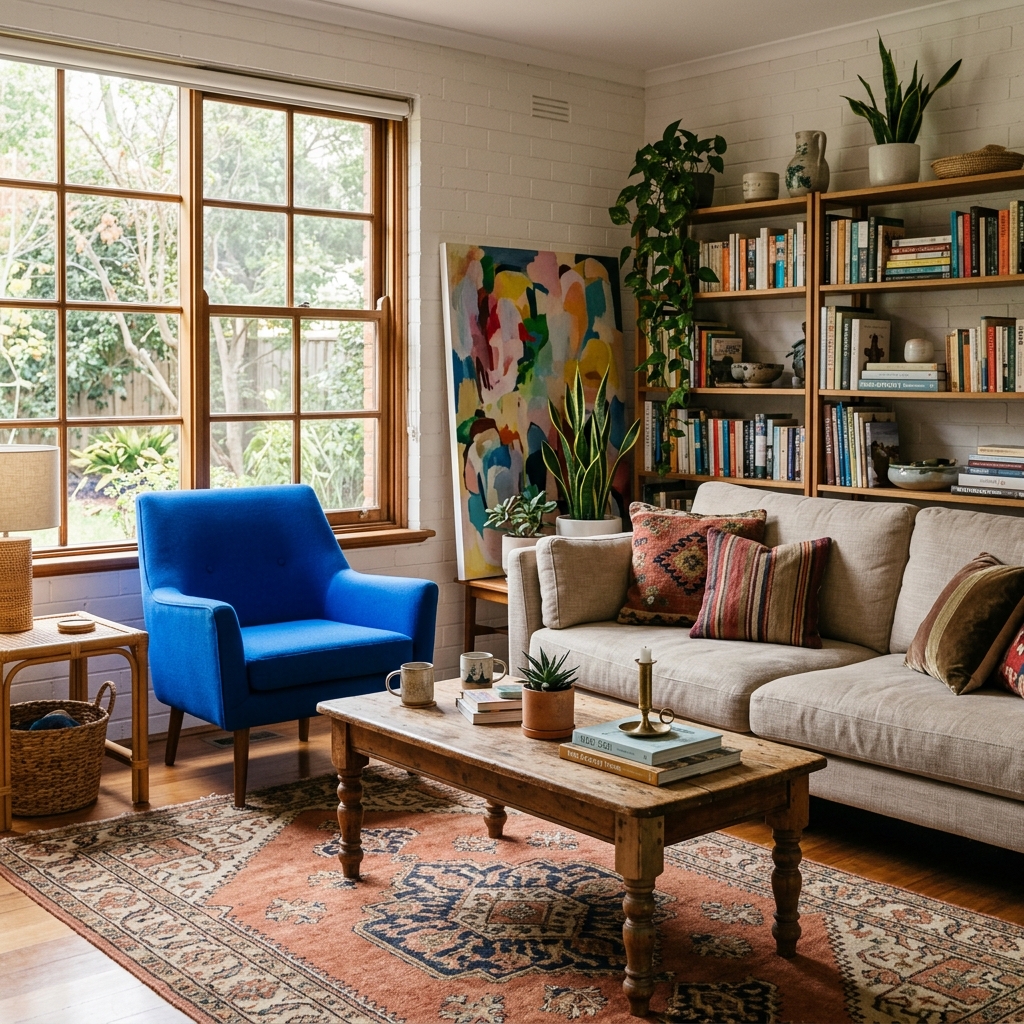
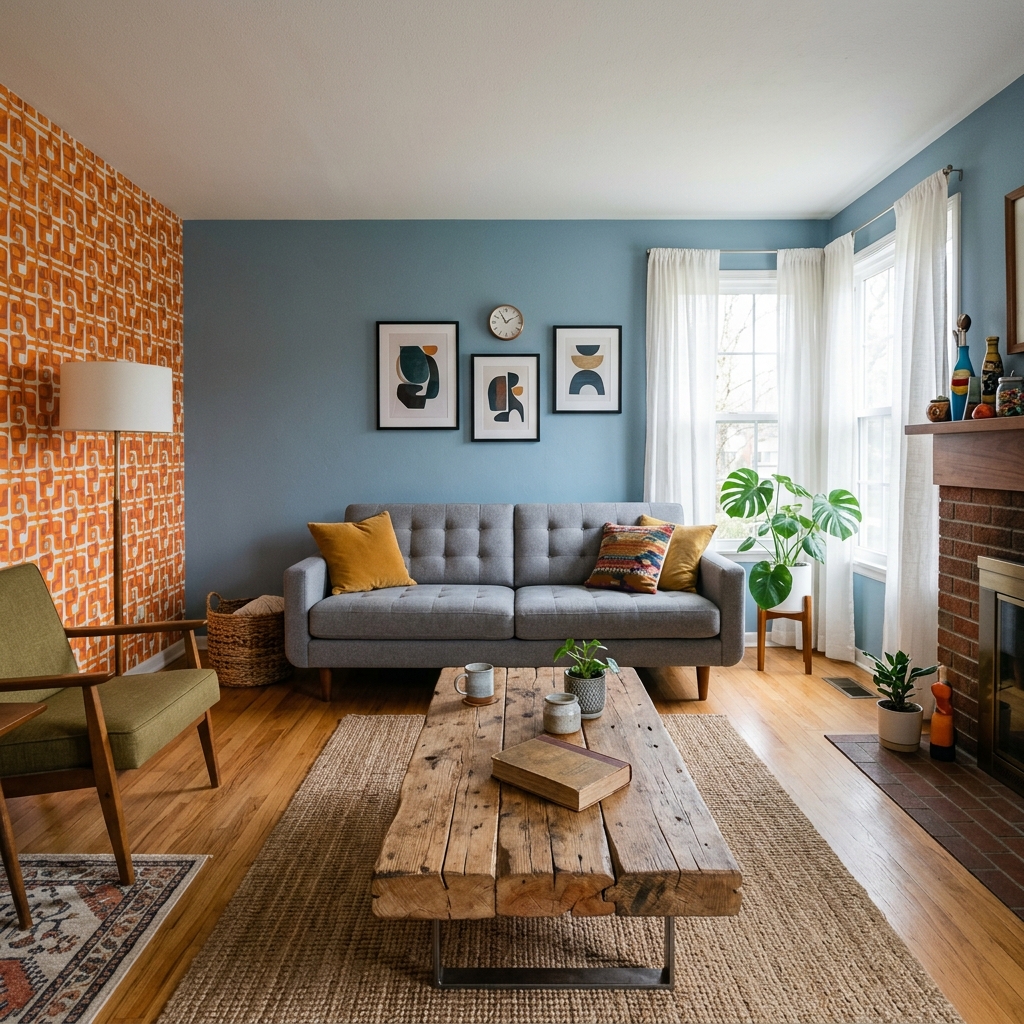
Rigtige resultater fra fotos som dine.
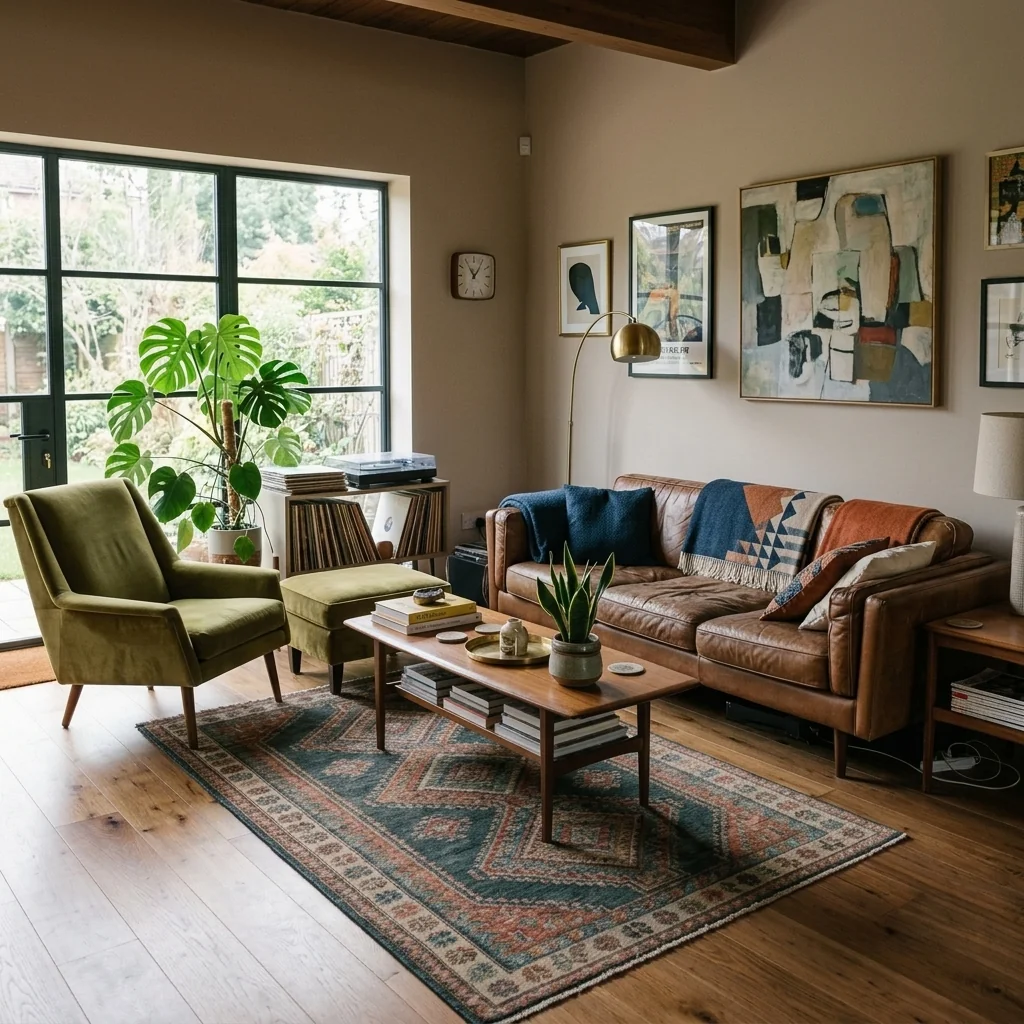
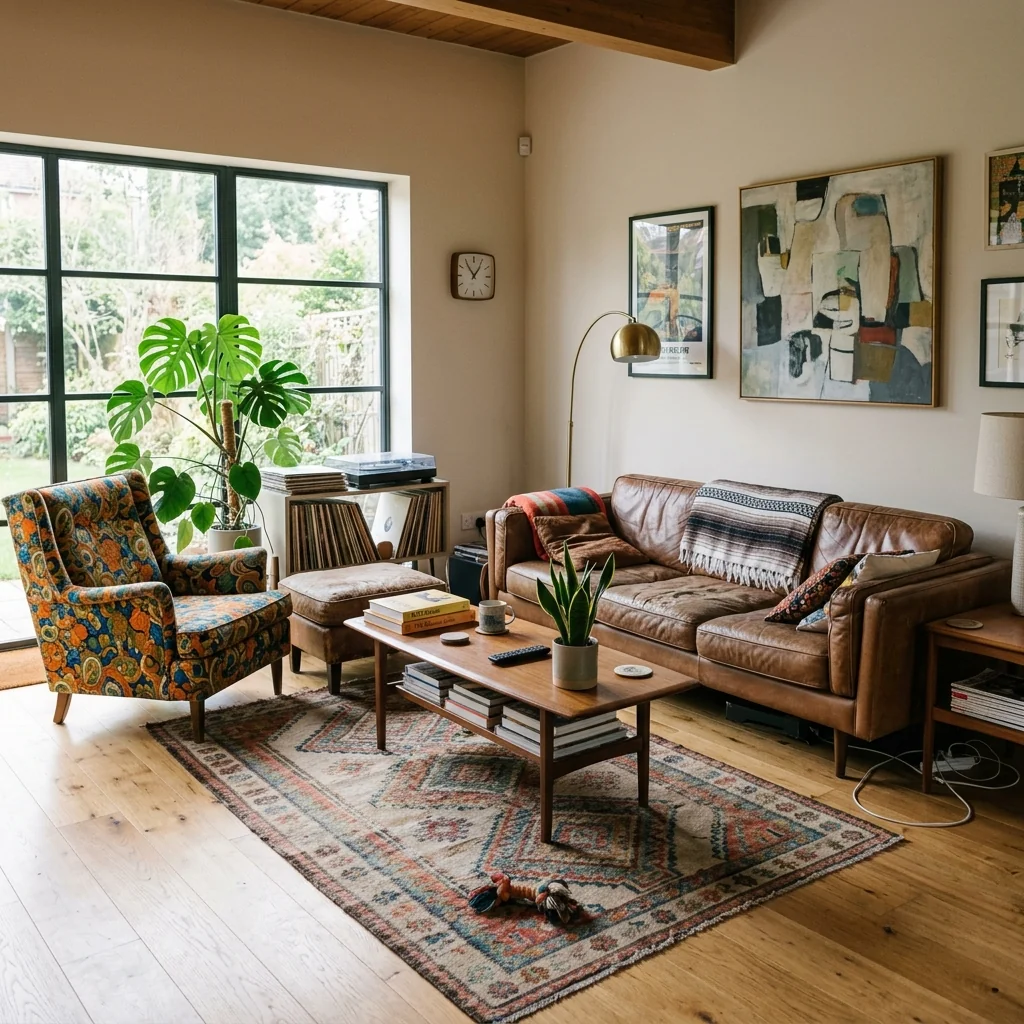


Sådan fungerer det
- 1Upload dit foto
- 2Vælg dine indstillinger
- 3Dit billede
Tips til et godt resultat
Lyst, klart foto
Dagslys og en bred vinkel giver det bedste resultat.
Vis hele området
Hold alt, du vil ændre, helt med i billedet.
Prøv flere variationer
Sammenlign forskellige muligheder, før du beslutter dig.
Ofte stillede spørgsmål
Må jeg bruge billederne kommercielt?
Ja. Du kan bruge dine billeder til ethvert formål, inklusive kommerciel brug.
Ændrer mit originale foto sig?
Nej. Dit originale billede forbliver uændret, og du kan downloade det når som helst.
Hvad hvis jeg ikke kan lide resultatet?
Prøv en anden stil eller indstilling, eller finjuster resultatet med en kort instruktion.
Fortsæt med at udforske
Alle værktøjer
AI-lænestolstopbetrækningsskifter
Visualisér straks nye ombetrækningsmuligheder til lænestole i dine fotos. Skift stoffer, farver og mønstre som velour, læder eller boucle, så de passer perfekt til enhver indretningsstil. Ideelt for ejendomsmæglere og indretningsdesignere, der vil vise potentialet i forvandlinger.

AI-møbelstopbetrækningsskifter
Forvandl dine møbelfotos med AI! Skift nemt betræksmaterialet for at vise forskellige stilarter og appellere til flere købere. Perfekt til virtuel indretning og mockups af indretning.

AI-visualiseringsværktøj til ombetrækning
Visualisér straks, hvordan ethvert møbel ser ud med forskellige møbelstof, farver og teksturer ved hjælp af AI. Upload et foto af din sofa, stol eller loveseat, og se imponerende ombetrækning-previews, før du beslutter dig for et køb eller et renoveringsprojekt.
Læs den fulde guide
How long does generation take for Style Harmonizer?
Generation usually takes between 5 and 15 seconds.
Can I use the results commercially?
Yes, every generated image includes a full commercial usage license.
Tips for your photo
Make sure the photo is well lit and shot from a wide angle.
Remove clutter before shooting the photo for the best results.
Use re-staging mode for targeted style changes.
Frequently asked questions
What image formats and resolutions does Style Harmonizer support for real estate photos?
Upload JPG, PNG, or HEIC files to Style Harmonizer for optimal processing. Style Harmonizer best enhances images between 1920x1080 and 4K resolution, ensuring crisp property listing visuals for any agent's MLS or Zillow submission.
How quickly does Style Harmonizer process and deliver cohesive style transformations for property listings?
Style Harmonizer instantly converts mismatched rooms, typically delivering harmonized real estate photos within 30-60 seconds. Stage multiple property listings efficiently, saving agents valuable time on their Zillow or MLS uploads.
What is the output resolution and file type for images enhanced by Style Harmonizer?
Style Harmonizer outputs high-resolution JPG files, maintaining excellent quality for all real estate photos. Enhance your property listing to a professional standard, ready for direct upload to MLS, Zillow, or any agent's marketing materials.
What are the best practices to achieve optimal aesthetic consistency using Style Harmonizer for real estate photos?
For best results, upload well-lit, clear real estate photos to Style Harmonizer. Transform spaces by selecting a consistent style theme. Enhance property listing appeal significantly, ensuring every room looks cohesive for potential buyers on Zillow or MLS.
Can I adjust or re-generate styling options for my property listing photos using Style Harmonizer after initial processing?
Yes, Style Harmonizer allows re-generation. Convert and refine styles as needed by selecting new themes or making minor adjustments. Enhance your real estate photos until perfect, ensuring your agent's property listing stands out on Zillow and MLS.
Technical FAQ: Style Harmonizer
Quick answers for optimal results
Common mistakes
5 Style Harmonizer Mistakes Killing Your Real Estate Photos
How to Style Harmonizer Online for Stunning Property Listings
Ignoring Existing Architectural Style
Forcing a modern aesthetic onto a Victorian home with Style Harmonizer creates jarring, unrealistic real estate photos, deterring potential buyers.
Analyze the property's inherent style before using Style Harmonizer. Choose design themes that complement, not clash, with the existing architecture for a seamless look on Zillow and the MLS.
Over-Styling with Too Many Elements
Bombarding real estate photos with excessive decor via Style Harmonizer makes the property listing look cluttered and overwhelming, obscuring the space's true potential.
Use Style Harmonizer to add only a few key pieces that enhance, not distract. Focus on creating a clean, inviting space that allows potential buyers to envision their own belongings.
Using Inconsistent Design Themes Across Rooms
Applying drastically different styles to each room with Style Harmonizer creates a disjointed and confusing impression, making it harder for potential buyers to visualize living in the property.
Establish a cohesive design theme that flows seamlessly throughout the property. Use Style Harmonizer to maintain a consistent color palette, furniture style, and overall aesthetic for a unified look.
Neglecting Lighting and Shadows
Poor lighting, even with Style Harmonizer's enhancements, can make real estate photos look dull and uninviting, diminishing the impact of the virtual staging and potentially lowering the perceived value.
Ensure adequate natural or artificial lighting before using Style Harmonizer. Adjust brightness and contrast to create a warm, inviting atmosphere that highlights the property's best features for your agent.
Failing to Consider Target Audience Preferences
Styling a property with Style Harmonizer based solely on personal taste, without considering the preferences of the target buyer demographic, can lead to a mismatch and reduce appeal.
Research the preferences of your target buyer demographic before using Style Harmonizer. Tailor the design themes and furniture choices to resonate with their lifestyle and aspirations, increasing the likelihood of a successful sale.
Unlock Stunning Transformations: Style Harmonizer Result Examples
Upload your real estate photos and witness the magic of AI-powered design consistency.
Your workflow
4 Steps to Transform Real Estate Photos with Style Harmonizer
How to Style Harmonizer Online: Creating Consistent Looks for Your Property Listing
Upload Your Real Estate Photos
Upload your real estate photos to the Style Harmonizer. Ensure high-resolution images for optimal staging results. The Style Harmonizer works best with clear, well-lit photos.
Use photos with consistent angles and lighting to ensure seamless style harmonization across all rooms. This is crucial for Zillow and MLS listings.
Select Your Desired Style Template
Choose a style template from the Style Harmonizer's extensive library. Preview how the selected style will transform your real estate photos before applying it. Consider the target demographic for the property listing.
Experiment with different styles to see which best complements the existing architecture and features of the property. This helps attract more potential buyers.
Apply the Style Harmonizer to Your Images
Let the Style Harmonizer automatically apply the chosen style to your real estate photos. The AI will adjust colors, textures, and furniture to create a cohesive and visually appealing look. Review each image for any necessary adjustments.
Use the Style Harmonizer's fine-tuning options to customize the intensity of the style application. This allows you to achieve a natural and realistic look for your property listing.
Download and Publish Your Enhanced Photos
Download your professionally styled real estate photos and upload them to your MLS, Zillow, or other platforms. Monitor the impact on your property listing's engagement and inquiries. Share with your agent.
Use optimized image sizes for each platform to ensure fast loading times and a positive user experience. High-quality, styled photos can significantly increase interest in your property.
Use cases
Property Listings for Style Harmonizer
Social Media Marketing & Instagram Inserate
Architektur- & Umbau-Präsentationen
Style Harmonizer Technical Specifications: 7 Ways This Tool Enhances Real Estate Photos
Transform mismatched rooms into cohesive, designer-quality spaces instantly with Style Harmonizer. Enhance your property listing on Zillow and attract more potential buyers.
1. Upload your property photo.
2. Choose the interior style or room type you want.
3. Click Generate and get your result in seconds.
Expert guide
5 Pro Tips: Master Your Real Estate Photos with Style Harmonizer
How to Style Harmonizer Online: Achieving Consistent Aesthetics for Your Property Listing
Prepare High-Quality Real Estate Photos for Style Harmonizer
Ensure your real estate photos are well-lit and sharply focused before uploading to Style Harmonizer. Clear, high-resolution images yield the best results when harmonizing styles, leading to a more appealing property listing on Zillow or MLS.Optimize Style Harmonizer Settings for Consistent Results
Experiment with Style Harmonizer's settings to find the perfect balance for your property. Adjust the intensity and color palette to ensure a cohesive and natural look across all your real estate photos, impressing potential buyers and agents.Achieve Optimal Results with Style Harmonizer's Style Templates
Leverage Style Harmonizer's pre-designed style templates to instantly transform your real estate photos. Select a style that complements the property's existing features for a harmonious and visually stunning presentation, attracting more attention to your listing.Use Style Harmonizer Professionally to Enhance Your Agent Brand
Consistently use Style Harmonizer to create a unified brand aesthetic across all your property listings. Establish a recognizable style that showcases your attention to detail and professionalism, setting you apart from other agents and increasing client trust.How it works
3 Steps to Master the Style Harmonizer
How to style harmonizer online for free in 2026
Upload Your Property Listing Photos
Upload your real estate photos to the Style Harmonizer dashboard to begin aligning mismatched furniture and decor across every room for a professional, unified interior design that attracts Zillow buyers.
Select Your Unified Interior Style
Choose a specific aesthetic to harmonize room design across the entire home, ensuring consistent furniture style and home staging consistency that captures the attention of every professional real estate agent.
Export High-Resolution Harmonized Images
Convert your mismatched rooms into cohesive spaces instantly and download high-resolution files ready for your MLS listing, providing expert-level design cohesion for brokers and property photographers seeking perfection.
What you can do
Advanced Style Harmonizer Capabilities
Achieve Flawless Style Harmonizer Output
Style Harmonizer ensures every real estate photo reflects consistent, designer-quality aesthetics, transforming your property listing into an aspirational showcase for potential buyers on Zillow.
Instant Style Harmonizer Processing
Style Harmonizer rapidly processes multiple images, converting disparate room styles into a unified look in seconds, drastically speeding up agent workflow for MLS uploads.
Versatile Style Harmonizer Format Support
Style Harmonizer accepts and outputs all standard real estate photo formats, ensuring seamless integration with your existing property listing platforms and agent marketing materials.
Tailored Style Harmonizer Customization
Style Harmonizer allows agents to fine-tune aesthetic parameters, ensuring each property listing perfectly aligns with brand guidelines and target market preferences for Zillow.
AI-Powered Style Harmonizer Precision
Style Harmonizer leverages advanced AI to intelligently analyze and match styles across real estate photos, guaranteeing unparalleled consistency for every agent's property listing.
Elevate Professional Style Harmonizer Use
Style Harmonizer empowers real estate agents to transform property listings with professional, cohesive visuals, making every MLS entry and Zillow photo stand out to buyers.
Pro-level tools at your fingertips