
Nat-til-dag fotokonverter
- Foto
- Dine valg
- Dit billede
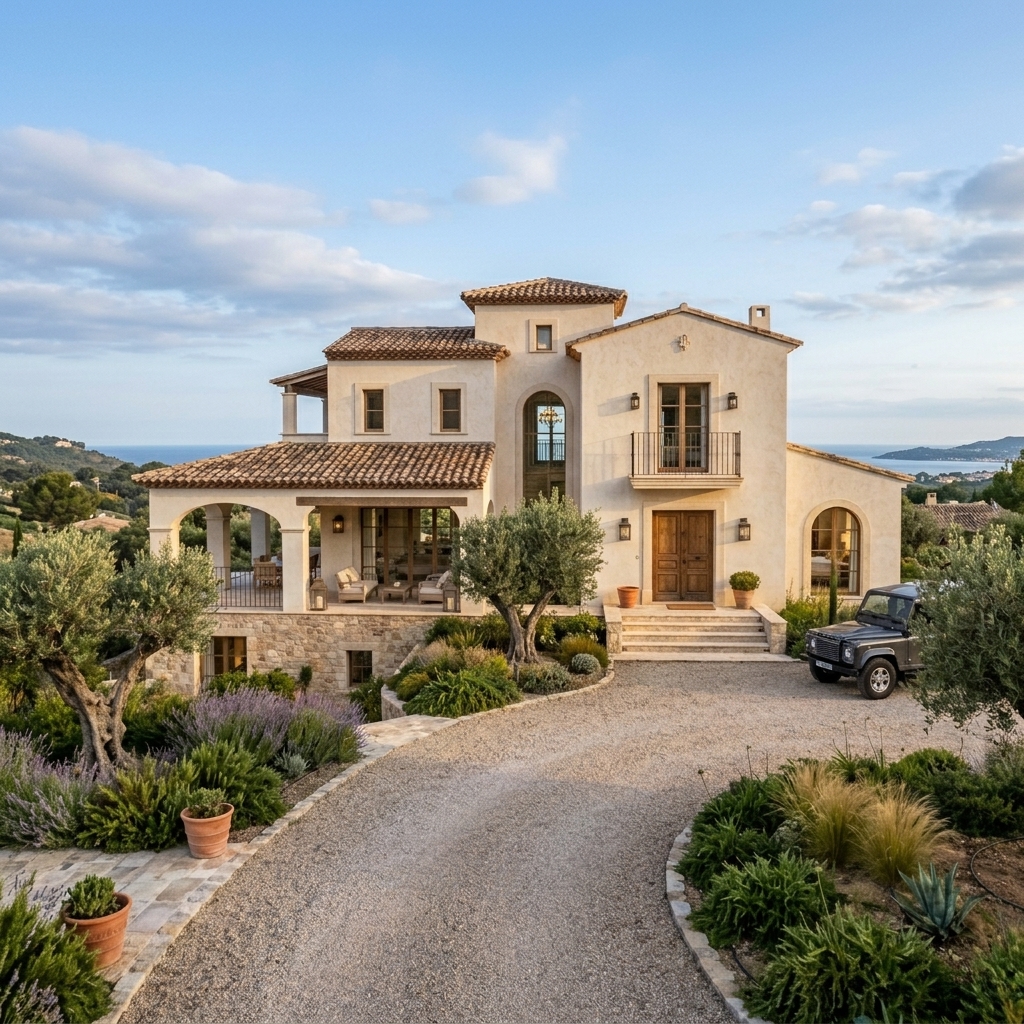
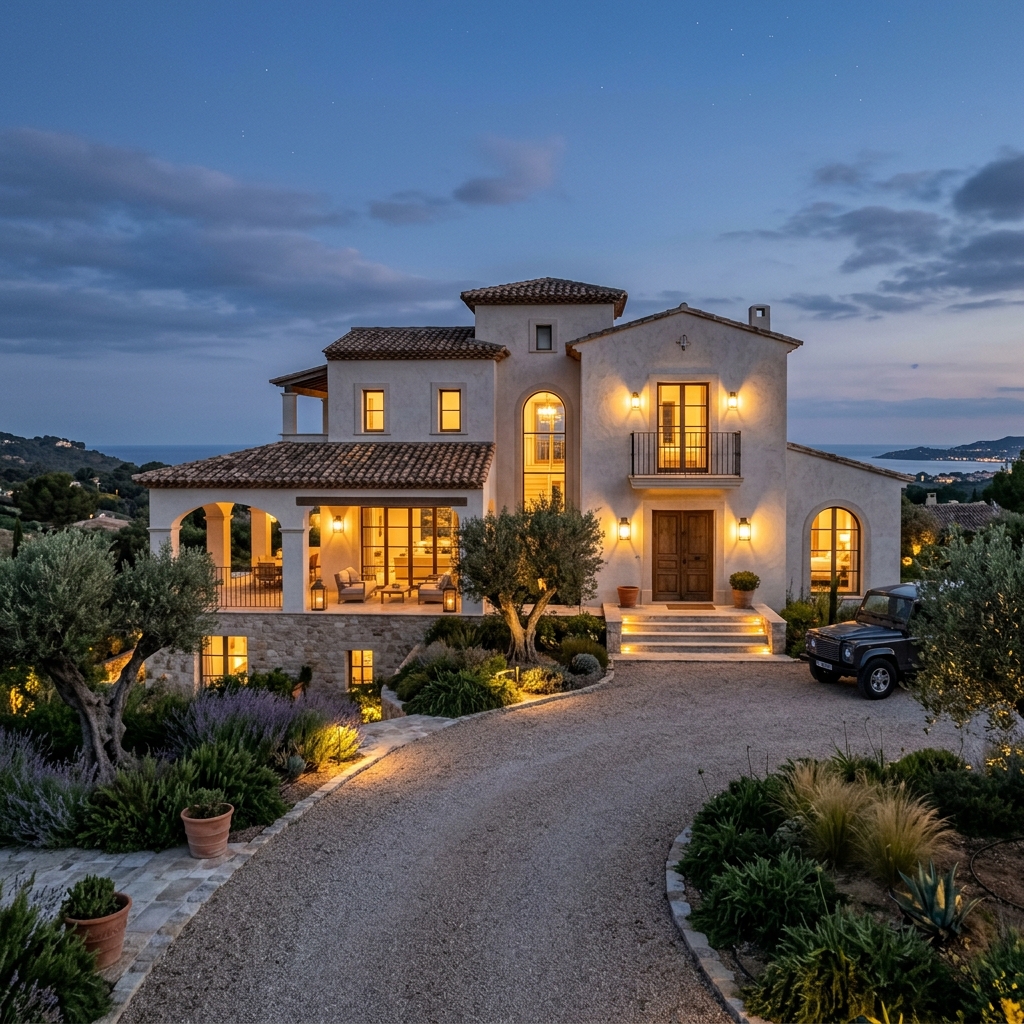
Se, hvad der er muligt
Rigtige resultater fra fotos som dine.
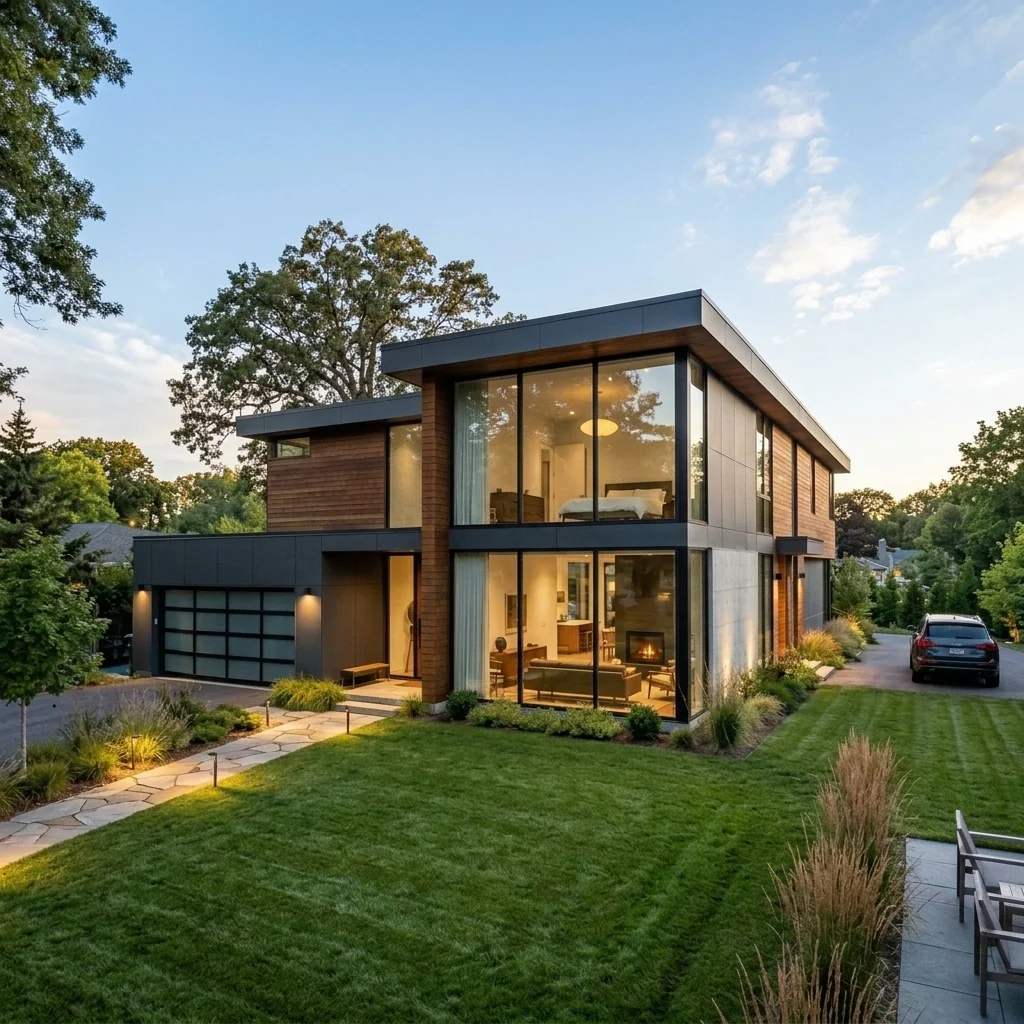
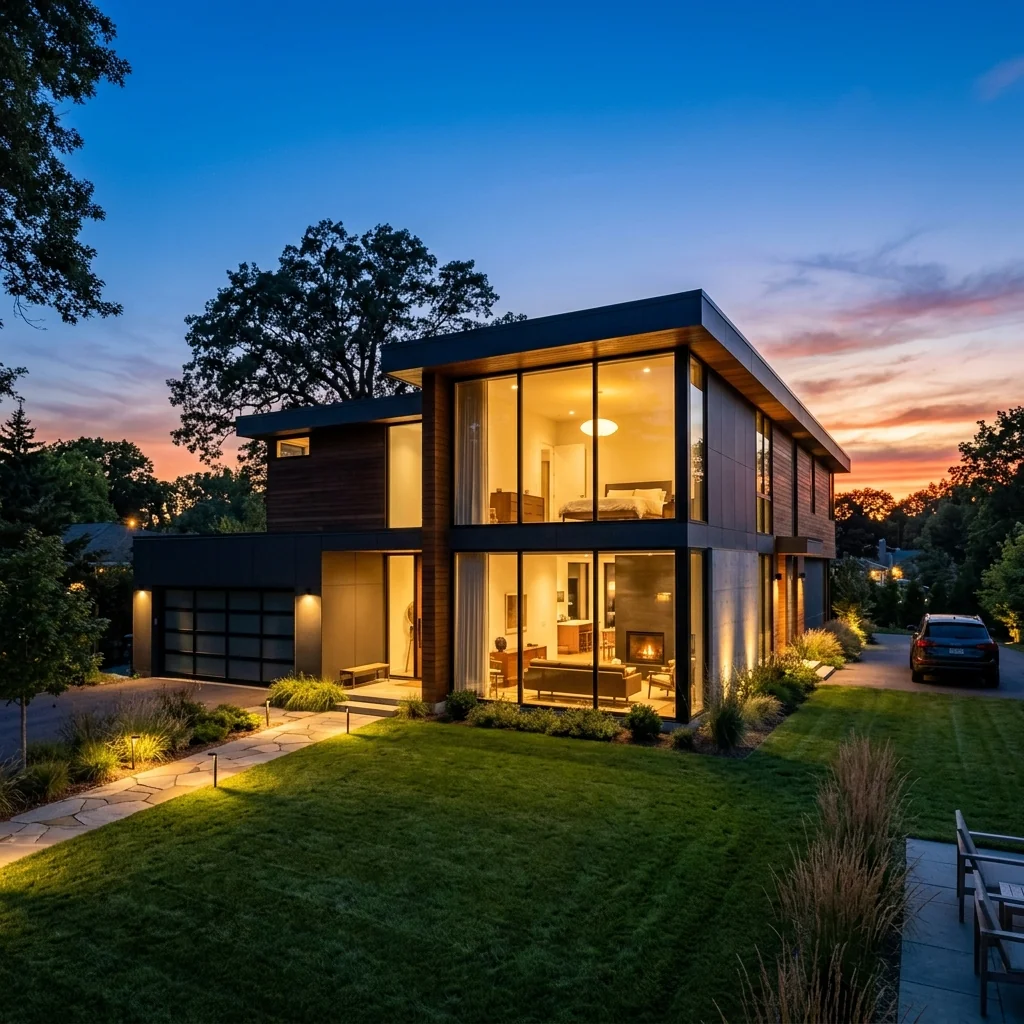
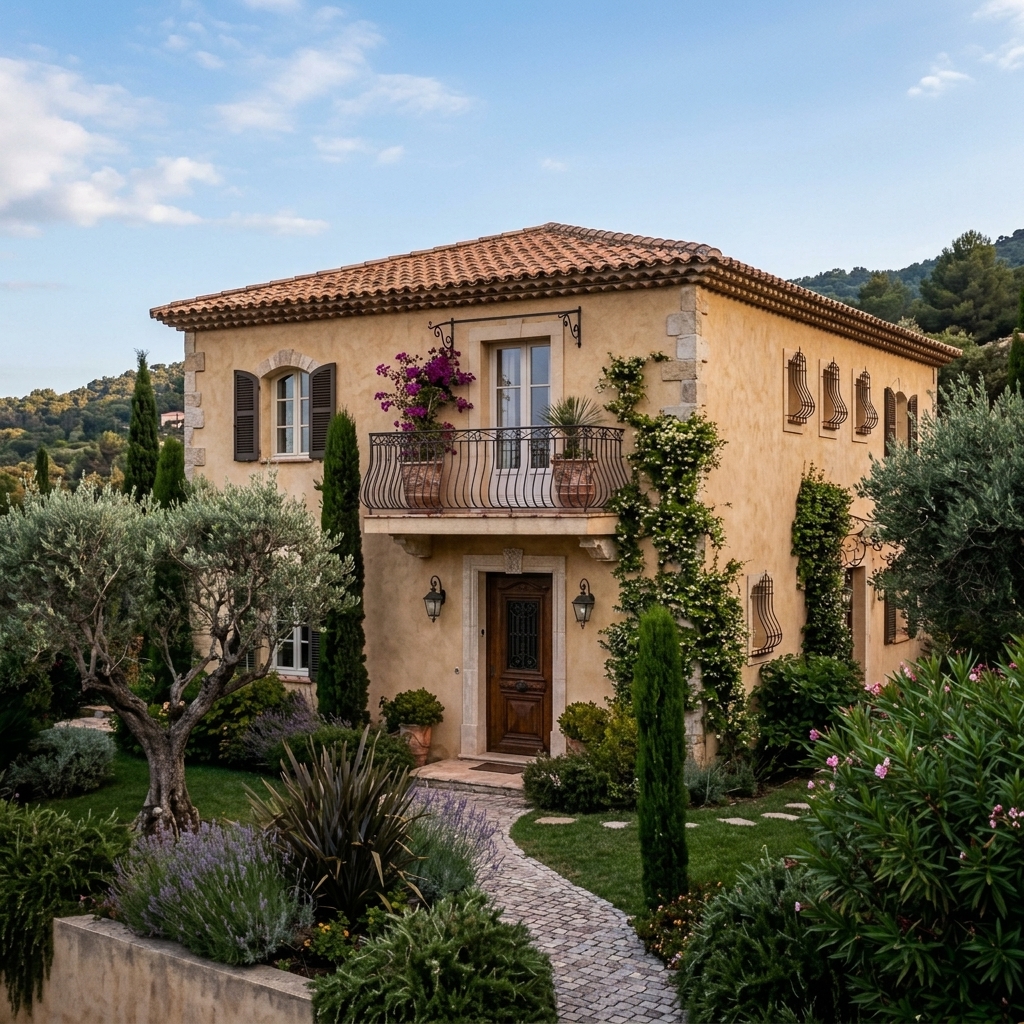
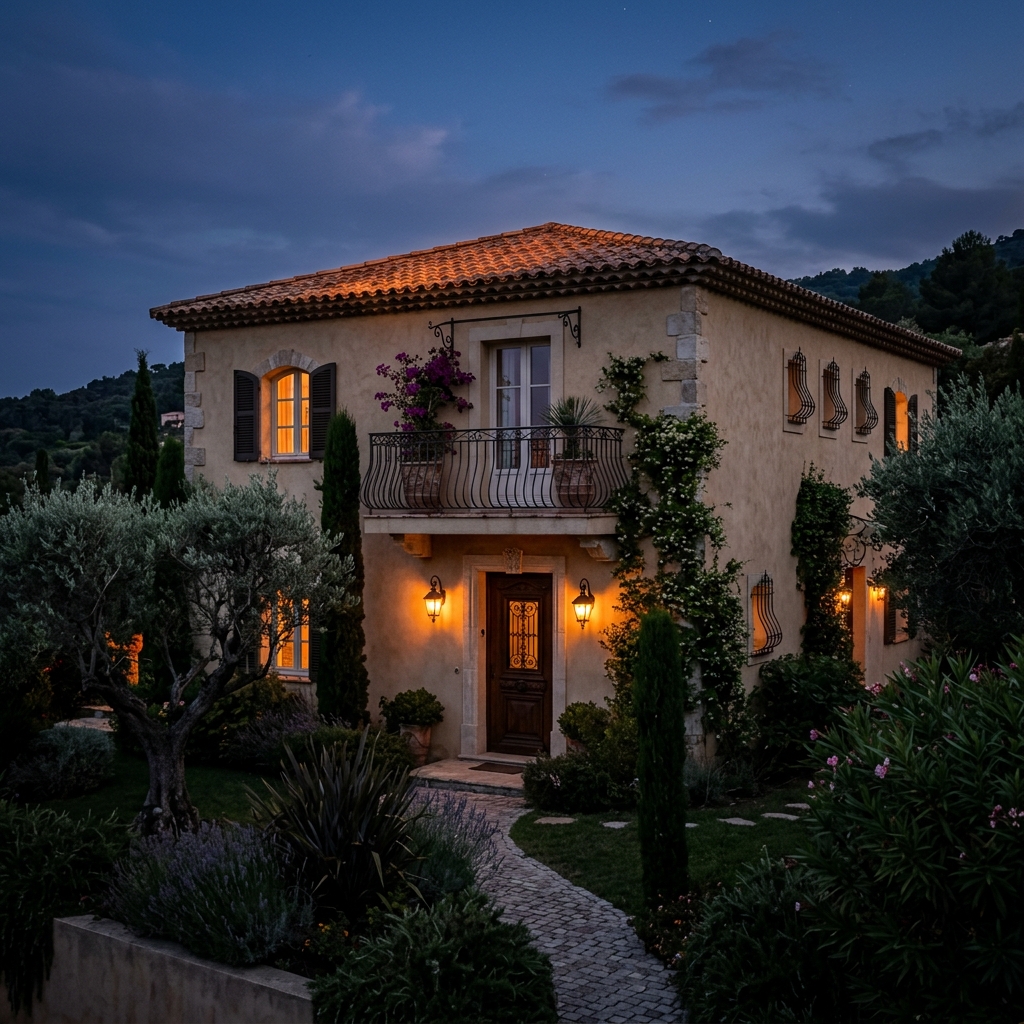
Sådan fungerer det
- 1Upload dit foto
- 2Vælg dine indstillinger
- 3Dit billede
Tips til et godt resultat
Lyst, klart foto
Dagslys og en bred vinkel giver det bedste resultat.
Vis hele området
Hold alt, du vil ændre, helt med i billedet.
Prøv flere variationer
Sammenlign forskellige muligheder, før du beslutter dig.
Ofte stillede spørgsmål
Må jeg bruge billederne kommercielt?
Ja. Du kan bruge dine billeder til ethvert formål, inklusive kommerciel brug.
Ændrer mit originale foto sig?
Nej. Dit originale billede forbliver uændret, og du kan downloade det når som helst.
Hvad hvis jeg ikke kan lide resultatet?
Prøv en anden stil eller indstilling, eller finjuster resultatet med en kort instruktion.
Fortsæt med at udforske
Alle værktøjer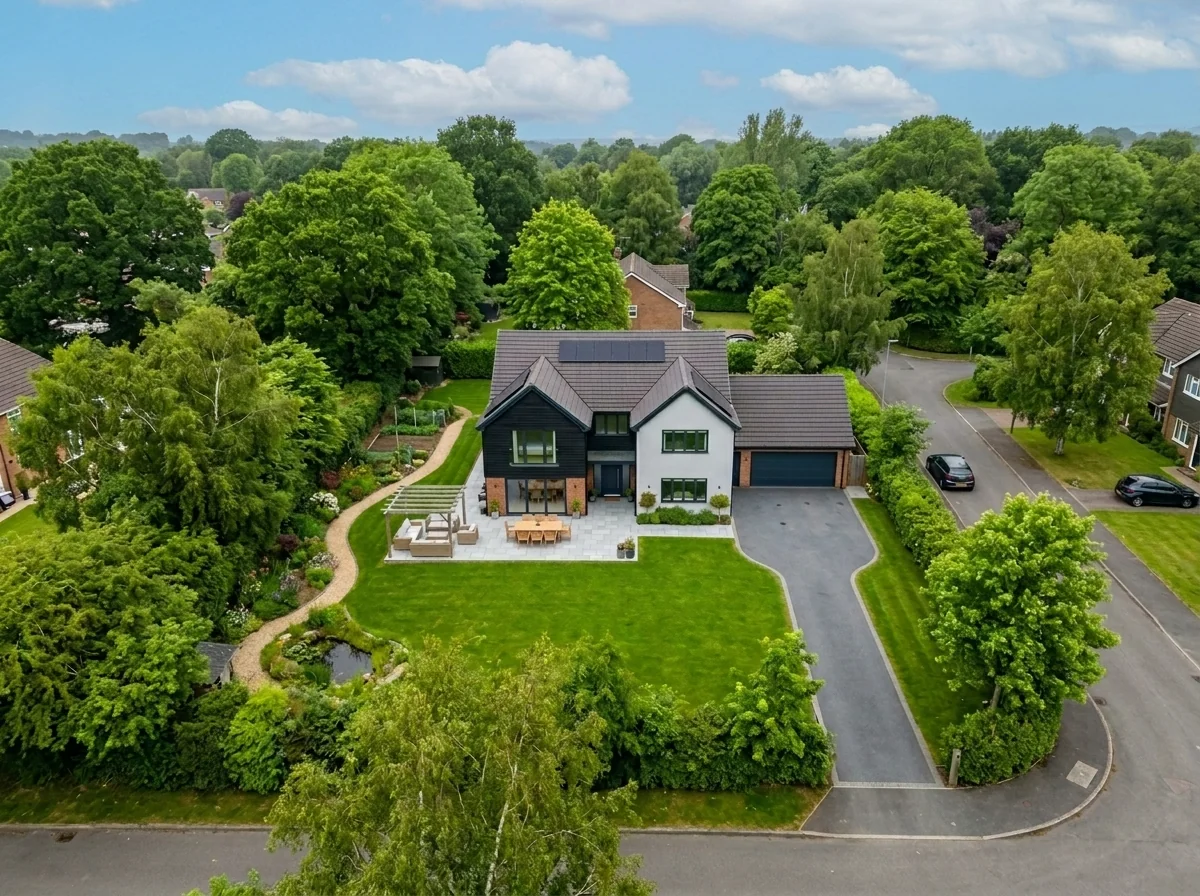
Udskiftning af himmel på luftfoto
Erstat grå, overskyede eller flade himle i drone- og luftfotos af ejendomme med fantastiske blå himle, gyldent time-lys eller dramatiske skyer — på få sekunder. Særligt optimeret til luftfotografis brede perspektiv og horisont.
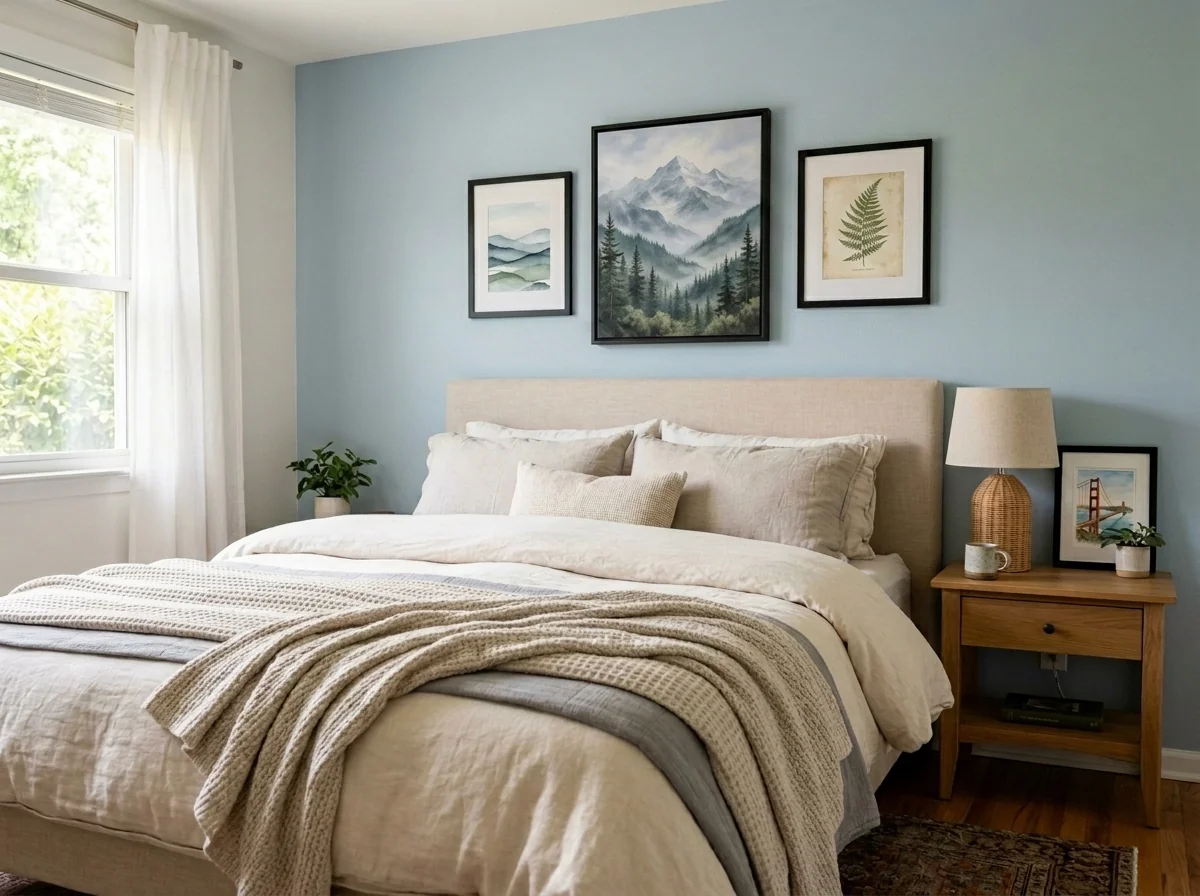
Anonymisator til vægkunst og fotos i lejligheder
Registrér og anonymisér automatisk vægbilleder, indrammede fotos, malerier og kunstværker i lejligheds- eller rumfotos. Vælg mellem flere anonymiseringsstile: Gaussian blur, kraftig pixelering, fjernelse af den bare væg, erstatning med abstrakt kunst, naturmotiver eller geometriske mønstre — ideelt til GDPR-compliance, ejendomsannoncer og iscenesættelse.
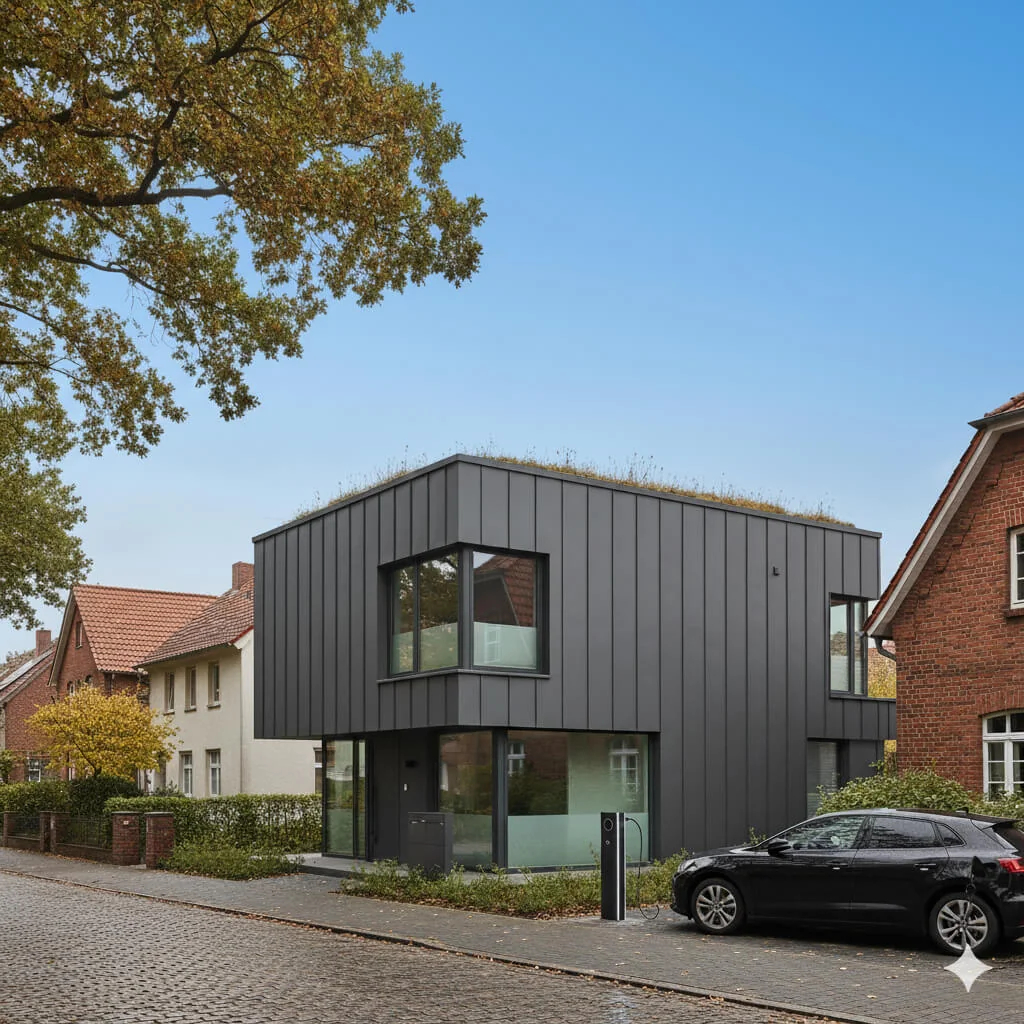
Udskiftning af himmel
Forvandl grå, overskyede himler til klarblå perfektion — med det samme.
Læs den fulde guide
How long does generation take for Night-to-Day Photo Converter?
Generation usually takes between 5 and 15 seconds.
Can I use the results commercially?
Yes, every generated image includes a full commercial usage license.
Tips for your photo
Make sure the photo is well lit and shot from a wide angle.
Remove clutter before shooting the photo for the best results.
Use re-staging mode for targeted style changes.
Frequently asked questions
What image formats and resolutions does the Night-to-Day Photo Converter support for optimal real estate photos?
The Night-to-Day Photo Converter supports JPG, PNG, and HEIC up to 3000x3000 pixels. Uploading high-resolution images ensures the best detail retention when transforming dark property listings into bright, MLS-ready daylight scenes for any agent.
How long does it typically take for the Night-to-Day Photo Converter to process and convert a photo?
The Night-to-Day Photo Converter typically processes images in 5-15 seconds. This rapid conversion allows agents to quickly transform multiple night-time real estate photos into vibrant daylight listings, accelerating your property staging workflow for Zillow and other platforms.
What is the output quality of images generated by the Night-to-Day Photo Converter for property listings?
The Night-to-Day Photo Converter delivers high-resolution, print-ready output, ideal for property listings. Converted images maintain clarity and detail, ensuring your real estate photos are professional and appealing, ready for MLS and agent websites. Enhance your listings with superior quality.
What are the best tips for achieving optimal daylight conversions with the Night-to-Day Photo Converter?
For best results, ensure original night photos are well-lit with minimal lens flare. The Night-to-Day Photo Converter performs exceptionally on clear night shots, transforming them into realistic daylight scenes, significantly enhancing your property listing's appeal for potential buyers.
Can I re-generate or adjust a converted image using the Night-to-Day Photo Converter if I'm not satisfied?
Yes, you can easily re-upload and re-convert any image with the Night-to-Day Photo Converter. Experiment with different original night photos or minor edits to achieve your desired daylight look, enhancing your real estate photos for Zillow and other property listing sites.
Technical FAQ: Night-to-Day Photo Converter
Quick Answers to Enhance Your Real Estate Photos with Our Night-to-Day Photo Converter Online
Common mistakes
5 Night-to-Day Photo Converter Mistakes Killing Your Real Estate Photos
How to Avoid Common Errors and Get Stunning Daylight Conversions for Your Property Listing
Failing to Adjust Brightness Before Conversion
Starting with an underexposed photo results in a grainy and unnatural-looking daylight image from the Night-to-Day Photo Converter.
Increase the overall brightness of your real estate photos slightly before using the Night-to-Day Photo Converter for optimal results on Zillow and MLS.
Ignoring White Balance Issues
Incorrect white balance in the original night photo can lead to odd color casts in the converted daylight image, making the property unappealing to potential buyers.
Correct the white balance of your night photos before using the Night-to-Day Photo Converter to ensure accurate and inviting colors for your property listing.
Over-Saturating Colors After Conversion
Ramping up the saturation too much after using the Night-to-Day Photo Converter can create an artificial and unrealistic look, deterring potential buyers.
Use subtle saturation adjustments after the Night-to-Day Photo Converter to enhance, not overwhelm, the natural colors of the real estate photos.
Not Sharpening the Final Image
The Night-to-Day Photo Converter process can sometimes soften details. Failing to sharpen the final image leaves the property looking blurry and unprofessional.
Apply a moderate sharpening filter after using the Night-to-Day Photo Converter to restore clarity and detail to your real estate photos for a sharper property listing.
Skipping Lens Correction
Wide-angle lenses often used for real estate photos can cause distortion. Not correcting this before or after using the Night-to-Day Photo Converter impacts the perceived size and shape of the rooms.
Apply lens correction to remove distortion before using the Night-to-Day Photo Converter, ensuring accurate and appealing representations of the property for potential buyers and your agent profile.
What Your Night-to-Day Photo Converter Results Will Look Like
Upload your photo to get started and see the daylight transformation!
Your workflow
4 Steps to Transform Real Estate Photos with a Night-to-Day Photo Converter
How to Use a Night-to-Day Photo Converter Online for Stunning Property Listings
Upload
Upload your dark or nighttime real estate photo to the Night-to-Day Photo Converter. Ensure the image is high-resolution for optimal results when converting for your MLS listing.
For best results, upload photos with clear outlines of the property and minimal obstructions.
Convert
Initiate the Night-to-Day conversion process. Our AI automatically adjusts lighting, shadows, and colors to simulate daylight conditions in your real estate photos.
Experiment with different intensity levels within the Night-to-Day Photo Converter to achieve the perfect daytime look for your property.
Enhance
Fine-tune the converted image using the built-in enhancement tools. Adjust brightness, contrast, and sharpness to further improve the visual appeal of your real estate photo. This is crucial for attracting potential buyers on Zillow.
Pay close attention to details like the sky and landscaping to ensure a realistic and inviting daytime appearance after using the Night-to-Day Photo Converter.
Download & Publish
Download your transformed daytime real estate photo. Now it's ready to be used in your property listing on the MLS, Zillow, or other real estate platforms to attract more potential buyers and impress your agent.
Always optimize the image size for web use to ensure fast loading times on your property listing.
Use cases
Real Estate Listings for Night-to-Day Photo Converter
Social Media Marketing & Instagram Inserate
Architektur- & Umbau-Präsentationen
Night-to-Day Photo Converter — Technical Specifications
1. Upload your property photo.
2. Choose the interior style or room type you want.
3. Click Generate and get your result in seconds.
Expert guide
5 Expert Tips: Master the Night-to-Day Photo Converter for Stunning Real Estate Photos
How to Use a Night-to-Day Photo Converter Online to Enhance Your Property Listing
Prepare Your Image: Crop and Focus Before Converting
Before you upload to the Night-to-Day Photo Converter, crop your real estate photos to highlight key features. Ensure the image is sharply focused; blurry photos will yield less impressive results. This prep work dramatically improves the final conversion for your MLS listing.
Adjust Settings: Fine-Tune for Optimal Brightness and Clarity
Experiment with the Night-to-Day Photo Converter's brightness and clarity settings. Slightly increase the brightness for a natural daylight effect. Avoid over-brightening, which can wash out details. These adjustments are crucial for attractive Zillow listings and attracting potential buyers.
Achieve Best Results: Use High-Resolution Images for Conversion
For the best night-to-day conversion, always use the highest resolution images available. Higher resolution allows the Night-to-Day Photo Converter to retain more detail during the transformation process, resulting in a more professional and appealing final image for agents.
Professional Use: Stage Strategically for Maximum Impact
Even with the Night-to-Day Photo Converter, strategic staging is key. Ensure the property is well-lit and staged attractively even at night. This provides the converter with a better base image, leading to a more compelling daylight view for your property listing.
How it works
3 Steps to Master the Night-to-Day Photo Converter
How to use a night-to-day photo converter online for professional real estate listings
Upload Your Dark Property Photos
Upload your underexposed or nighttime real estate photos to the Night-to-Day Photo Converter to begin the AI-driven transformation for your Zillow or MLS property listing immediately.
Select Your Daylight Lighting Style
Choose the specific sun angle and sky brightness within the Night-to-Day Photo Converter to ensure the home staging looks natural and attracts more high-intent home buyers.
Download High-Res Daylight Images
Export your enhanced property photos in high-resolution, converting dark shots into bright daylight masterpieces that real estate agents use to boost engagement on every broker platform.
What you can do
Advanced Night-to-Day Photo Converter Capabilities
Stunning Daylight Photo Quality
Enhance dark real estate photos into vibrant, high-resolution daylight images, making every property listing shine on MLS and Zillow.
Instant Night-to-Day Conversion
Convert multiple night-time property photos to bright daylight scenes in seconds, dramatically speeding up your agent workflow and staging process.
Versatile Image Format Support
Upload and convert various image formats with the Night-to-Day Photo Converter, ensuring compatibility for all your real estate photos and marketing.
Customizable Daylight Scene Settings
Stage your property listings perfectly by fine-tuning light intensity and ambiance with the Night-to-Day Photo Converter for optimal visual appeal.
AI-Powered Scene Accuracy
Leverage advanced AI within the Night-to-Day Photo Converter to precisely transform night shots, ensuring realistic daylight rendering for every real estate photo.
Professional Real Estate Enhancement
Transform your property listings from night to day effortlessly, empowering real estate agents to present every home with captivating daylight photos.
Discover how to night-to-day photo converter online with these pro-level tools