
"Coming Soon" Sneak Peek Teaser
- Foto
- Deine Auswahl
- Dein Bild
Sieh, was möglich ist
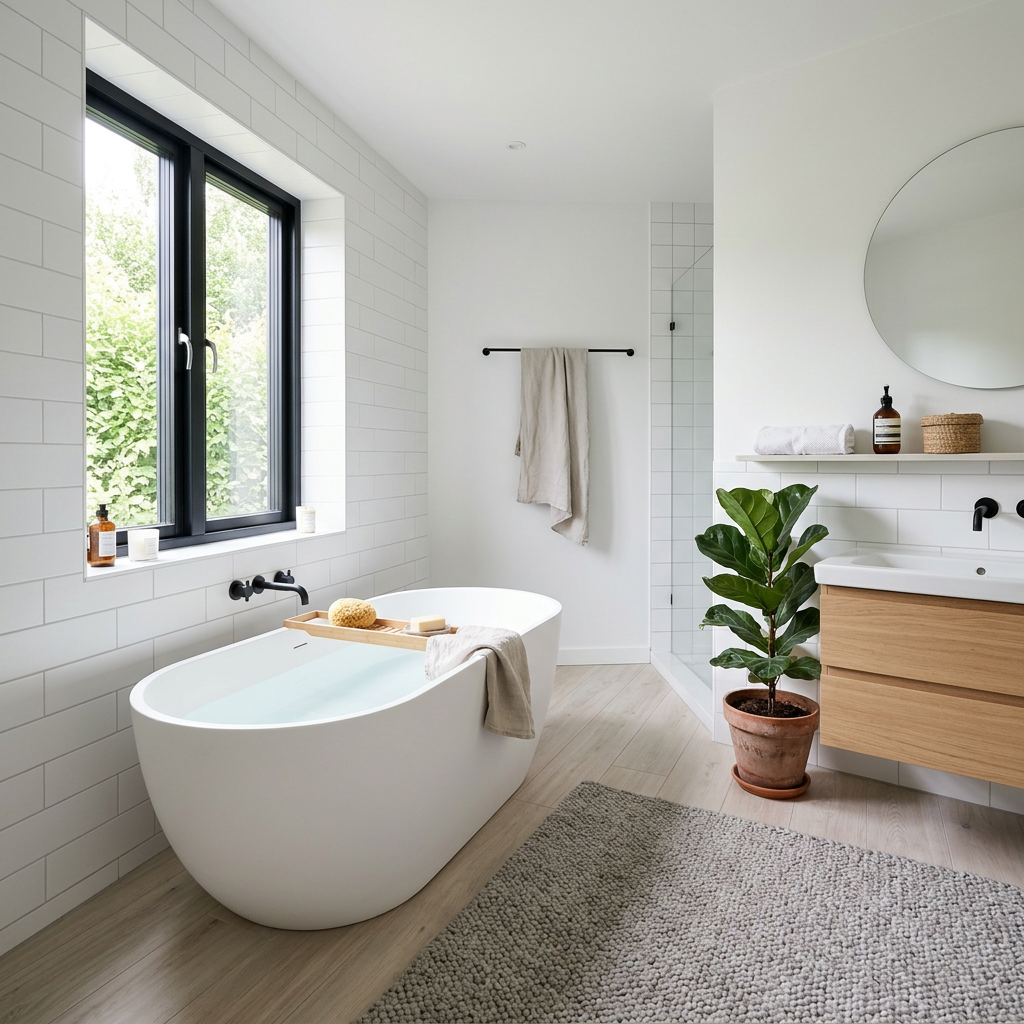
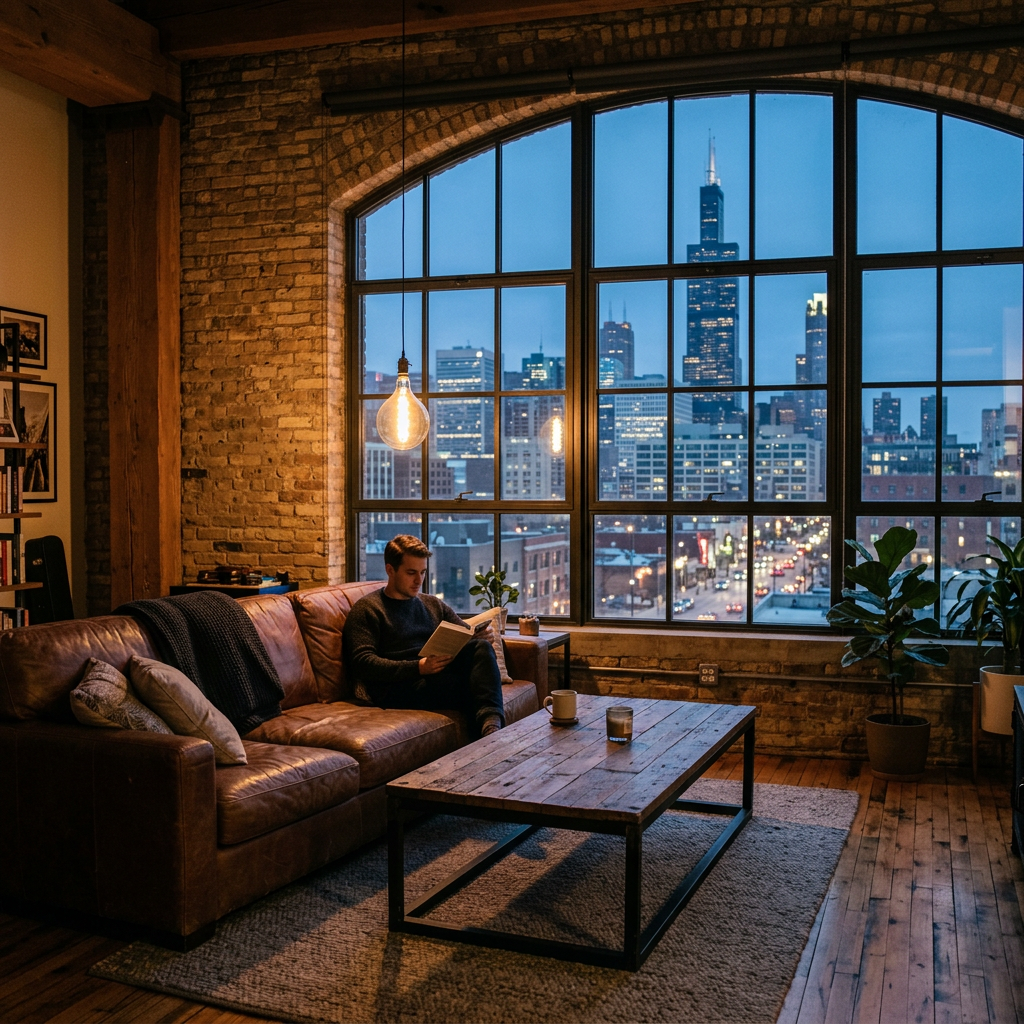
Echte Ergebnisse aus Fotos wie deinem.



So funktioniert es
- 1Lade dein Foto hoch
- 2Wähle deine Einstellungen
- 3Dein Bild
Tipps für ein gutes Ergebnis
Helles, klares Foto
Tageslicht und ein Weitwinkel liefern das beste Ergebnis.
Zeig den gesamten Bereich
Behalte alles im Bild, was du ändern möchtest.
Probiere mehrere Varianten
Vergleiche verschiedene Optionen, bevor du dich entscheidest.
Häufige Fragen
Darf ich die Bilder kommerziell nutzen?
Ja. Du kannst deine Bilder für jeden Zweck verwenden, einschließlich kommerzieller Nutzung.
Ändert sich mein Originalfoto?
Nein. Dein Original bleibt unverändert und du kannst es jederzeit herunterladen.
Was ist, wenn mir das Ergebnis nicht gefällt?
Probiere einen anderen Stil oder eine andere Einstellung aus oder verfeinere das Ergebnis mit einer kurzen Anweisung.
Weitere Tools entdecken
Alle Tools
Makler "Team kennenlernen"-Grafik
Gestalte aus einem Foto und deinen Angaben eine Makler- oder Teamgrafik. Wähle einen Stil und prüfe Namen, Kontaktdaten und gerenderten Text vor dem Teilen.
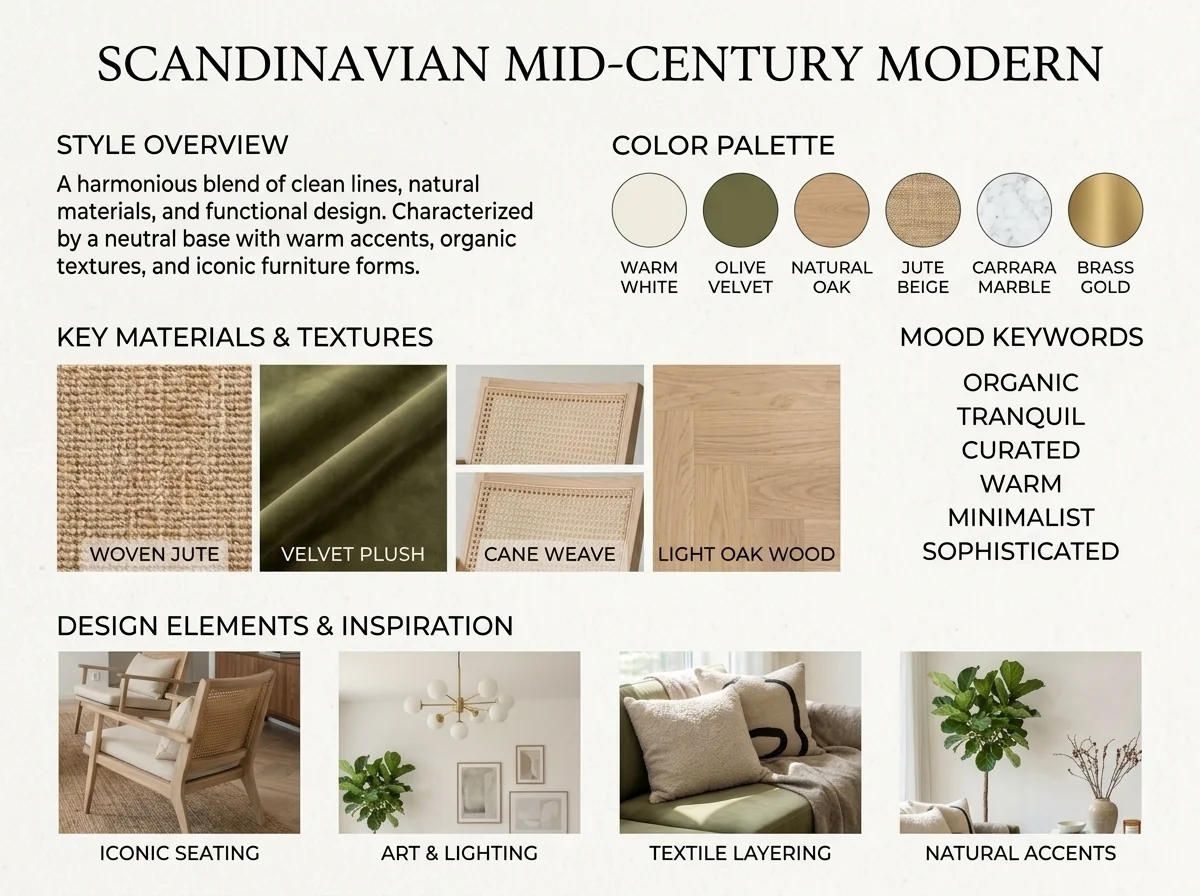
KI Einrichtungsstil Detektor & Moodboard
Erkunde den Stil eines Raumfotos als visuelles Konzept. Wähle etwa Farben, Materialien oder ein Moodboard als Schwerpunkt; das Bildtool bestätigt keinen Stil und identifiziert keine Produkte verbindlich.
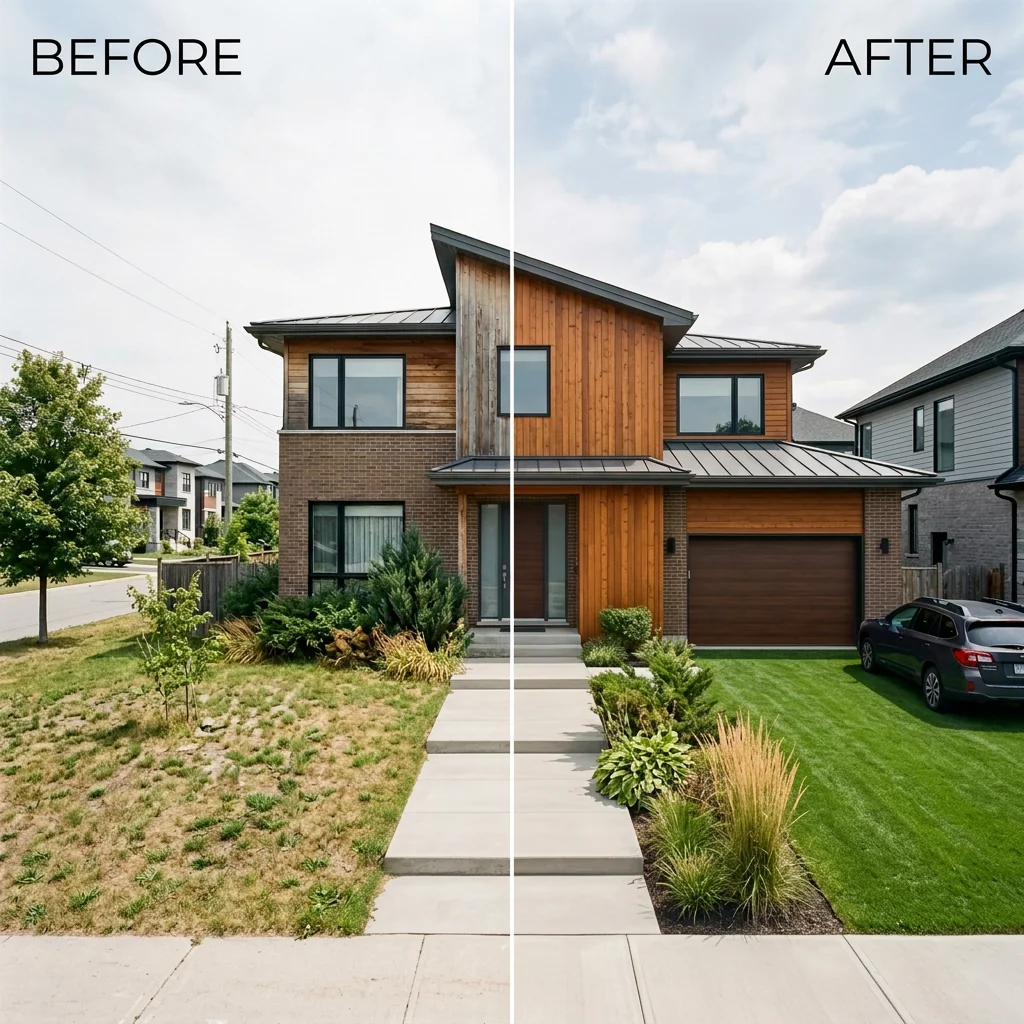
Vorher & Nachher Expose Ansicht
Ordne dein eigenes Vorher- und Nachherfoto zu einem statischen Vergleichsbild an. Wähle Layout und Beschriftung; eine Trennlinie gehört zum Bild und ist kein interaktiver Regler.
Lies den vollständigen Leitfaden
Deine Idee vorbereiten
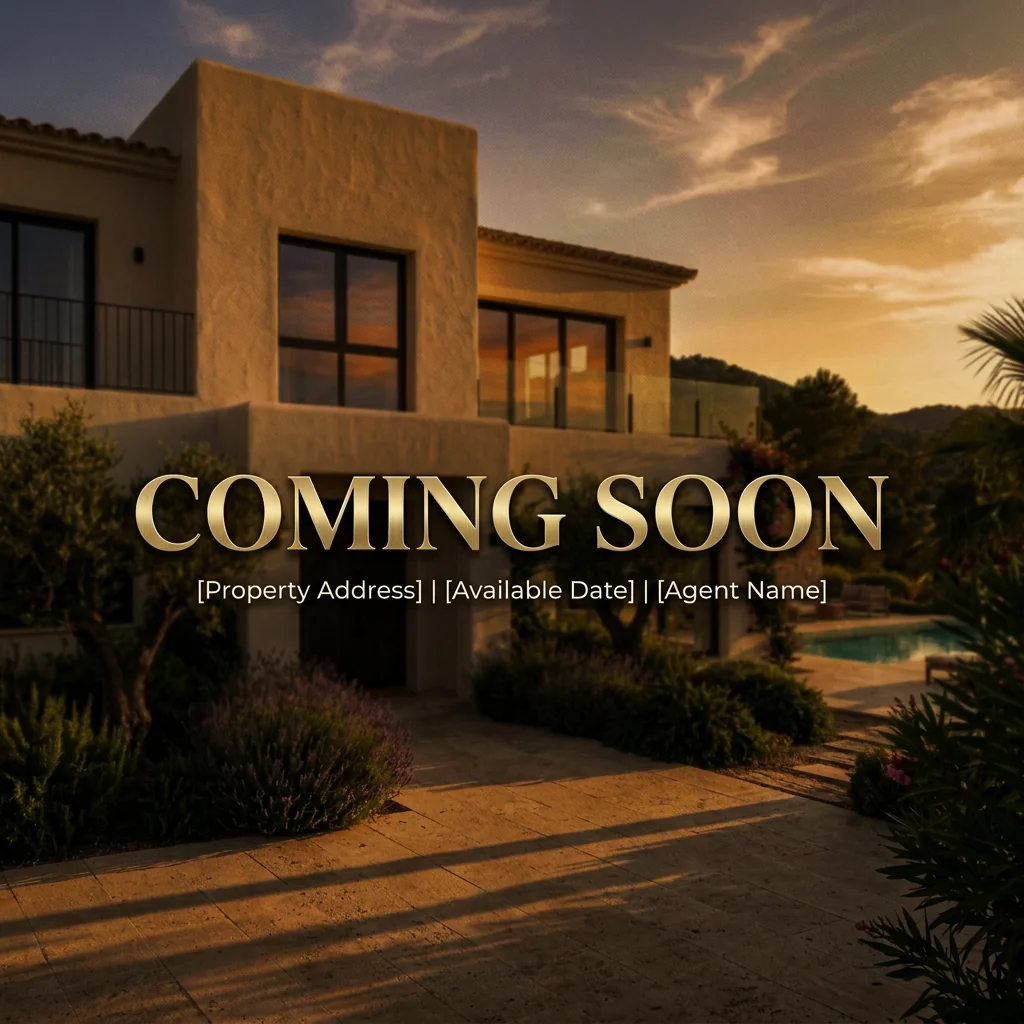
Gestalte ein Coming-Soon-Bild aus einem Immobilienfoto. Wähle einen Unschärfe- oder Lichteffekt und ergänze deinen Text; prüfe Lesbarkeit und Angaben vor der Veröffentlichung.
Bereite dein Quellenfoto und die im Formular angegebenen Referenzen vor. Die Einstellungen zeigen, was dieses Tool verändern soll.
Anfrage und Ergebnis prüfen
Prüfe Verfügbarkeit, Bildanzahl und den aktuellen Gesamtpreis vor deiner ausdrücklichen Bestätigung. Eine Registrierung allein bestätigt kein Guthaben oder kostenloses Ergebnis. Bei unklarem Ausgang prüfe den gespeicherten Status der bestehenden Anfrage, bevor du erneut bestätigst.
Frühere Originalanleitung lesen
Diese frühere Anleitung kann historische Preis-, Zeit-, Qualitäts- oder Nutzungsaussagen enthalten. Die aktuelle Beschreibung und das Tool-Formular sind maßgeblich.
How long does generation take for "Coming Soon" Sneak Peek Teaser?
Generation usually takes between 5 and 15 seconds.
Can I use the results commercially?
Yes, every generated image includes a full commercial usage license.
Tips for your photo
Make sure the photo is well lit and shot from a wide angle.
Remove clutter before shooting the photo for the best results.
Use re-staging mode for targeted style changes.
Unveiling PropStage.ai's "Coming Soon" Sneak Peek Teaser Results: 3 Examples
How to Generate a Killer "Coming Soon" Sneak Peek Teaser Online for Your Property Listing
Your workflow
4 Steps to a Viral "Coming Soon" Sneak Peek Teaser for Real Estate Photos
How to create a captivating "Coming Soon" Sneak Peek Teaser online to generate leads for your property listing
Upload Your Real Estate Photo
Upload a high-quality real estate photo of your property to the "Coming Soon" Sneak Peek Teaser tool. Choose an image that showcases the best features of the home and will intrigue potential buyers on Zillow and MLS.
Select a photo with strong visual appeal and avoid images with clutter or distractions to maximize engagement.
Apply "Coming Soon" Styling
Transform your photo by applying frosted glass, blur, or strategic shadow effects using the "Coming Soon" Sneak Peek Teaser. Choose a style that complements the property and creates a sense of mystery and anticipation for potential buyers and agents.
Experiment with different effects to find the perfect balance between intrigue and visual appeal. Consider the target audience for your property listing.
Add Bold "Coming Soon" Text
Enhance your image with bold "Coming Soon" text using the "Coming Soon" Sneak Peek Teaser tool. Position the text strategically to draw attention and clearly communicate the property's upcoming availability. Make sure it's easy to read on platforms like Zillow.
Use a font and color that contrast well with the background image to ensure readability. Keep the text concise and impactful.
Download and Share Your Teaser
Download your finalized "Coming Soon" Sneak Peek Teaser and share it across your social media channels and with your network. Use it to generate DMs and off-market inquiries, building excitement for your property listing before it goes live on the MLS.
Include a call to action in your social media posts, encouraging potential buyers to contact you for more information or to schedule a viewing. Track your results to measure the effectiveness of your campaign.
Use cases
Property Listings for "Coming Soon" Sneak Peek Teaser
Social Media Marketing & Instagram Inserate
Architektur- & Umbau-Präsentationen
Technical Specs: "Coming Soon" Sneak Peek Teaser
1. Upload your property photo.
2. Choose the interior style or room type you want.
3. Click Generate and get your result in seconds.
Expert guide
5 Pro Tips: Master the "Coming Soon" Sneak Peek Teaser for Real Estate Listings
How to Create a Stunning "Coming Soon" Sneak Peek Teaser Online to Generate Leads for Your Property Listing
Transform Your Real Estate Photos: Optimize Image Prep
Ensure your real estate photos are high-resolution before uploading to the "Coming Soon" Sneak Peek Teaser. Clear, well-lit images significantly enhance the final result, attracting more attention to your property listing on Zillow and the MLS. Consider professional staging before taking real estate photos.
Enhance Your Teaser: Fine-Tune Settings for Maximum Impact
Experiment with different frosted glass, blur, and shadow effects within the "Coming Soon" Sneak Peek Teaser tool. Subtle adjustments can drastically improve the teaser's appeal, creating a sense of intrigue and anticipation for potential buyers and driving off-market inquiries to your agent.
Stage Your Image: Achieve the Best "Coming Soon" Sneak Peek Teaser Results
Strategically position the "Coming Soon" text and effects to highlight key features of the property. A well-placed blur or shadow can draw the eye to specific architectural details, sparking curiosity and encouraging viewers to learn more from the property listing agent.
Convert Your Leads: Leverage the "Coming Soon" Teaser for Professional Use
Use the generated "Coming Soon" Sneak Peek Teaser across all your marketing channels – social media, email campaigns, and even your website. This consistent branding reinforces the message and drives potential buyers to contact you directly for more information, boosting your agent profile.
How it works
3 Simple Steps to Create a "Coming Soon" Sneak Peek Teaser
How to design a "coming soon" sneak peek teaser for real estate marketing in 2025
Upload Your Property Listing Photos
Upload your high-resolution real estate photos to our secure AI platform to begin crafting a professional "Coming Soon" sneak peek teaser that captures the attention of serious home buyers and local agents.
Apply Custom Frosted Blur Styles
Select from frosted glass, artistic blur, or shadow overlays to partially obscure your property listing, then add bold "Coming Soon" text to generate massive hype and off-market inquiries before the MLS launch.
Download High-Resolution Marketing Graphics
Export your finalized "Coming Soon" sneak peek teaser instantly to share on Instagram, Zillow, or Facebook, ensuring your real estate marketing looks elite while driving early lead generation for your listing.
Output quality
Photorealistic 4K resolution with natural shadows and accurate perspective.