
Esszimmer Virtual Staging
- Foto
- Deine Auswahl
- Dein Bild
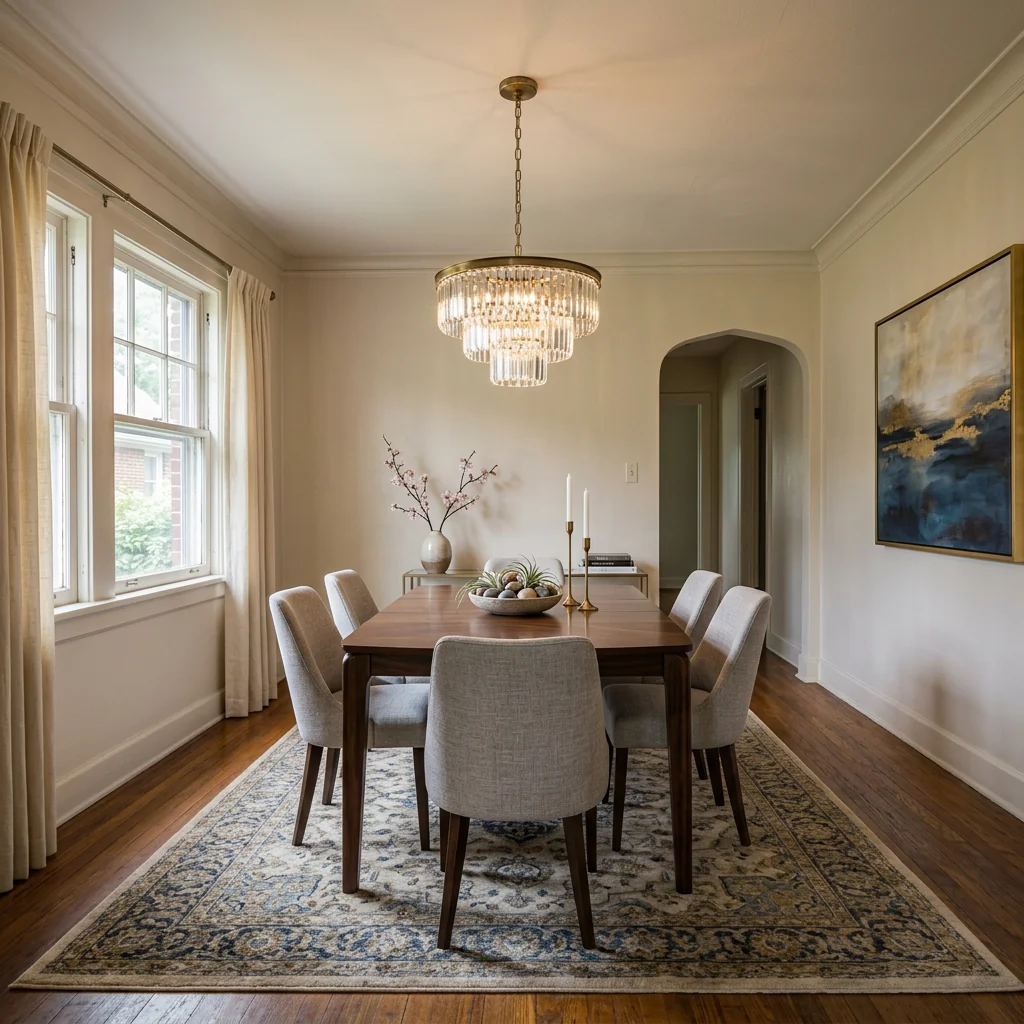
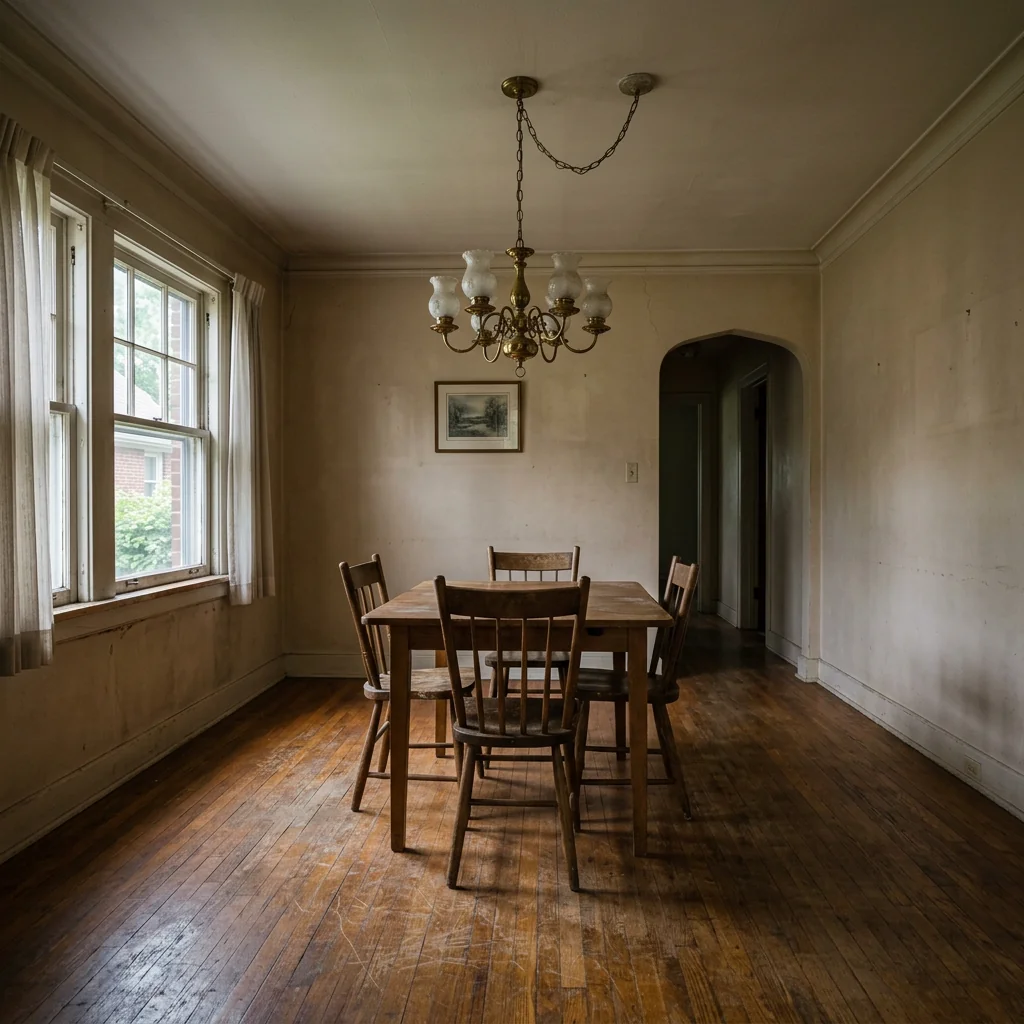
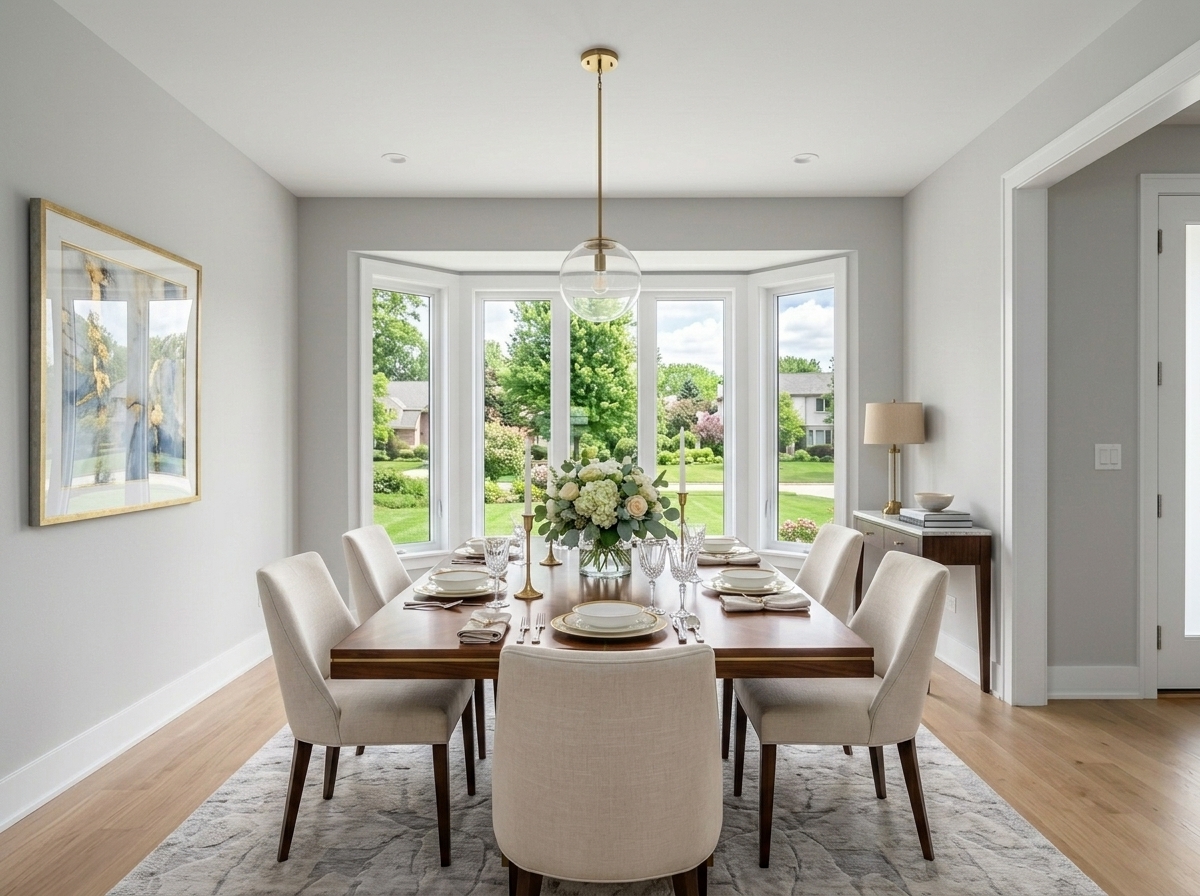
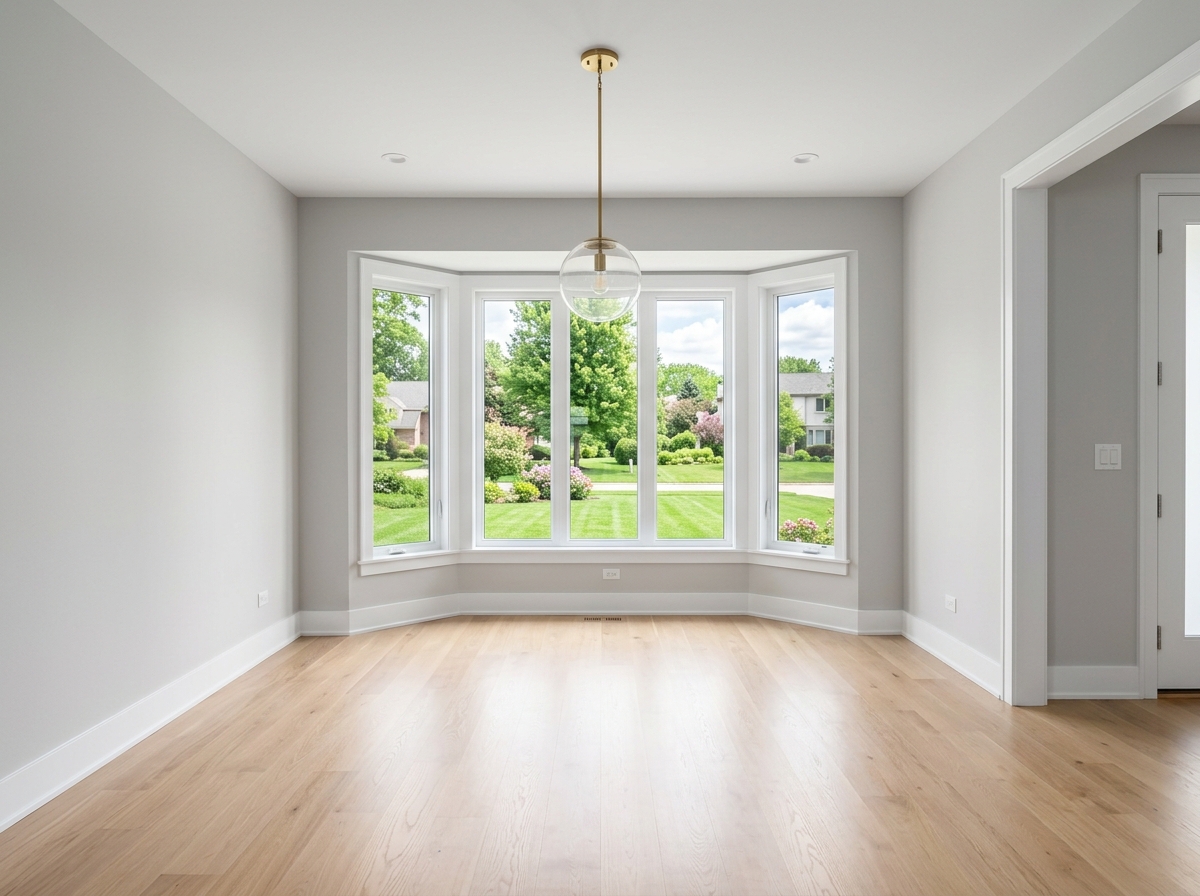
Sieh, was möglich ist
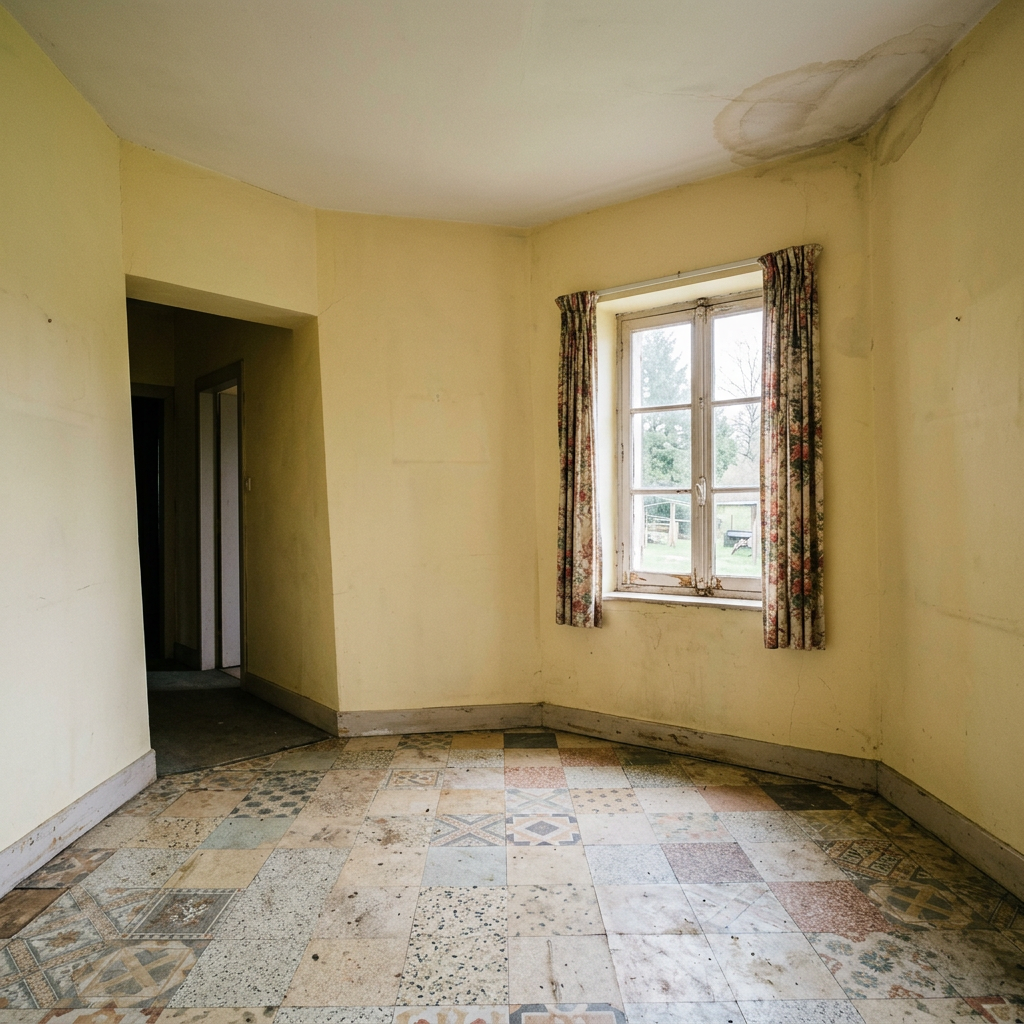
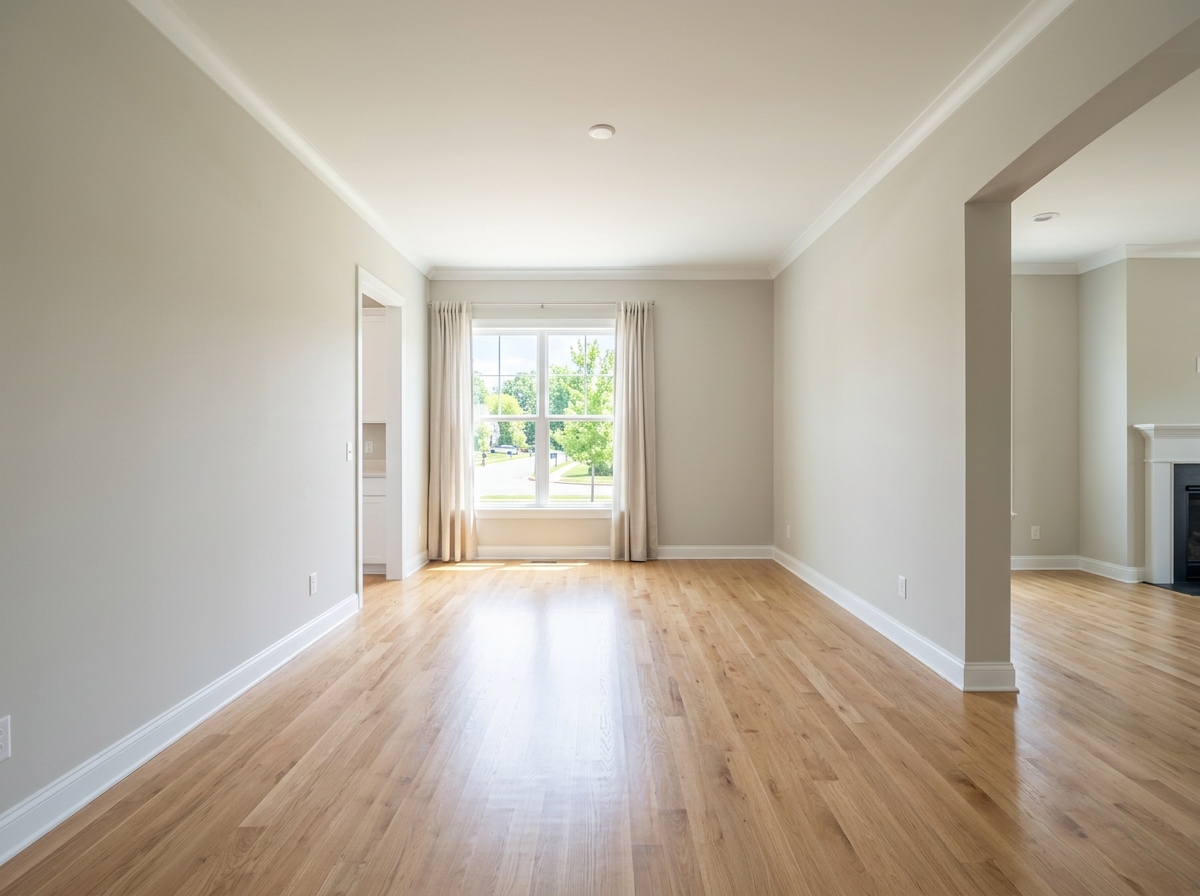
Echte Ergebnisse aus Fotos wie deinem.


So funktioniert es
- 1Lade dein Foto hoch
- 2Wähle deine Einstellungen
- 3Dein Bild
Tipps für ein gutes Ergebnis
Helles, klares Foto
Tageslicht und ein Weitwinkel liefern das beste Ergebnis.
Zeig den gesamten Bereich
Behalte alles im Bild, was du ändern möchtest.
Probiere mehrere Varianten
Vergleiche verschiedene Optionen, bevor du dich entscheidest.
Häufige Fragen
Darf ich die Bilder kommerziell nutzen?
Ja. Du kannst deine Bilder für jeden Zweck verwenden, einschließlich kommerzieller Nutzung.
Ändert sich mein Originalfoto?
Nein. Dein Original bleibt unverändert und du kannst es jederzeit herunterladen.
Was ist, wenn mir das Ergebnis nicht gefällt?
Probiere einen anderen Stil oder eine andere Einstellung aus oder verfeinere das Ergebnis mit einer kurzen Anweisung.
Weitere Tools entdecken
Alle Tools
KI Sessel-Polster Tauscher
Nutze ein Foto deines Sessels, um Stoff-, Farb- und Musterideen zu erkunden. Wähle die verfügbaren Materialeinstellungen und vergleiche ein zurückgegebenes Bild mit deinem Original.

Möbelpolster Verändern (KI)
Entdecke eine Polsteridee auf einem Möbelfoto. Wähle etwa Samt, Leder oder Leinen und beschreibe bei Bedarf eine Farbe; prüfe Stoffdetails im zurückgegebenen Bild.

KI Polster-Visualisierer
Entdecke eine Stoffidee auf einem Sofa- oder Sesselfoto. Wähle Stoff, Farbe, Struktur und Oberfläche und vergleiche den Bildentwurf vor der Materialwahl mit deinem Original.
Lies den vollständigen Leitfaden
Deine Idee vorbereiten
Entdecke ein eingerichtetes Esszimmer auf deinem Foto. Wähle Stil, Tischtyp und Tischdekoration und vergleiche Möbelgrößen und Raumdetails mit dem Original.
Bereite dein Quellenfoto und die im Formular angegebenen Referenzen vor. Die Einstellungen zeigen, was dieses Tool verändern soll.
Anfrage und Ergebnis prüfen
Prüfe Verfügbarkeit, Bildanzahl und den aktuellen Gesamtpreis vor deiner ausdrücklichen Bestätigung. Eine Registrierung allein bestätigt kein Guthaben oder kostenloses Ergebnis. Bei unklarem Ausgang prüfe den gespeicherten Status der bestehenden Anfrage, bevor du erneut bestätigst.
Frühere Originalanleitung lesen
Diese frühere Anleitung kann historische Preis-, Zeit-, Qualitäts- oder Nutzungsaussagen enthalten. Die aktuelle Beschreibung und das Tool-Formular sind maßgeblich.
How long does generation take for Dining Room Virtual Staging?
Generation usually takes between 5 and 15 seconds.
Can I use the results commercially?
Yes, every generated image includes a full commercial usage license.
Tips for your photo
Make sure the photo is well lit and shot from a wide angle.
Remove clutter before shooting the photo for the best results.
Use re-staging mode for targeted style changes.
Frequently asked questions
What are the optimal input image requirements for Dining Room Virtual Staging?
Upload high-resolution JPEG or PNG files (1920x1080px minimum) of your empty dining room. Ensure good lighting and clear angles for optimal AI staging results, enhancing property listings.
How long does it typically take for the AI to virtually stage a dining room?
Our AI typically stages your dining room in under 60 seconds. Complex images or high server load might extend this slightly, but we prioritize speed for your urgent real estate photo needs.
What output quality can I expect for my virtually staged dining room photos?
Expect photorealistic, high-resolution images of your virtually staged dining room. The AI seamlessly integrates elegant tables, chairs, and decor, ready to impress buyers on MLS and Zillow.
What are the best practices to achieve optimal Dining Room Virtual Staging results?
Achieve optimal Dining Room Virtual Staging by using well-lit, clutter-free, and straight-on photos. Experiment with various design styles to perfectly match your property listing's aesthetic.
Can I modify or re-generate a Dining Room Virtual Staging if I'm not satisfied?
Yes, easily re-stage your dining room by selecting new furniture styles or re-uploading the original photo. This ensures every property listing showcases the perfect ambiance.
Technical FAQ: Dining Room Virtual Staging
Quick answers for optimal results
Common mistakes
5 Dining Room Virtual Staging Mistakes Killing Your Real Estate Photos
How to Avoid Common Errors and Boost Your Property Listing on Zillow & MLS
Using Generic Furniture Styles in Your Dining Room Virtual Staging
Generic furniture doesn't resonate with specific buyer demographics. It lacks personality and fails to create an aspirational lifestyle vision for potential buyers viewing real estate photos.
Research your target buyer and select dining sets that match their taste and the home's architectural style. PropStage.ai offers diverse furniture options to tailor your Dining Room Virtual Staging to perfection.
Poor Lighting Integration in Dining Room Virtual Staging
Inconsistent or unrealistic lighting can make the virtually staged dining room look artificial and unappealing. This negatively impacts the overall impression of the property listing.
Ensure the virtual lighting matches the natural light in the original real estate photos. Use PropStage.ai's lighting adjustment tools to seamlessly blend virtual elements with the existing environment for a realistic finish.
Overcrowding the Dining Room Virtual Staging with Too Much Decor
A cluttered dining room, even virtually, can make the space feel smaller and less inviting. It distracts buyers from the room's potential and the property's overall appeal.
Opt for minimalist decor that complements the dining set and enhances the room's features without overwhelming it. PropStage.ai allows you to carefully select and place decor items for a balanced and appealing virtual staging.
Ignoring the Dining Room's Architectural Style During Virtual Staging
Mismatched furniture and decor clash with the room's architectural style, creating a disjointed and unappealing look. This can deter potential buyers who are looking for a cohesive aesthetic.
Choose dining sets and decor that complement the architectural style of the dining room. PropStage.ai offers a wide range of styles to ensure a harmonious and visually appealing virtual staging for your property listing.
Neglecting the View from the Dining Room Window in Virtual Staging
Failing to consider the view from the dining room window can be a missed opportunity to enhance the overall appeal of the space. An unappealing view can detract from the virtual staging.
Enhance the view by adding subtle outdoor elements or adjusting the lighting to highlight the natural surroundings. While PropStage.ai focuses on interior staging, consider how the virtual dining room interacts with the existing outdoor view in the real estate photos.
Dining Room Virtual Staging: See the AI Transformation!
Upload your dining room photo and witness the power of AI virtual staging instantly.
Your workflow
4 Steps to Transform Your Property Listing with Dining Room Virtual Staging
How to Dining Room Virtual Staging Online: From Empty Room to Stunning Real Estate Photos
Upload Your Dining Room Photo
Upload your empty or outdated dining room real estate photos to PropStage.ai. Ensure high-resolution images for optimal dining room virtual staging results. This is crucial for attracting potential buyers on Zillow and other platforms.
Take photos with ample natural light to enhance the realism of the dining room virtual staging.
Select Your Dining Room Style
Choose from a variety of dining room styles within PropStage.ai's library, including modern, traditional, farmhouse, and more. Select furniture, decor, and lighting options to match the target demographic for your property listing. Customize your dining room virtual staging to appeal to specific buyers.
Consider the overall style of the home and neighborhood when selecting a dining room style to ensure consistency.
Refine and Customize Your Staged Dining Room
Fine-tune the placement and arrangement of furniture and decor within the dining room virtual staging environment. Adjust lighting, wall colors, and flooring to create the perfect ambiance. PropStage.ai allows for detailed customization to create realistic and appealing real estate photos for your MLS listing.
Pay attention to scale and proportion when arranging furniture to create a balanced and inviting dining room.
Download and Publish Your Staged Dining Room Photos
Download your professionally staged dining room photos in high resolution, ready for use in your property listing. Upload the enhanced real estate photos to MLS, Zillow, and other platforms to attract more potential buyers and impress your agent.
Use compelling captions that highlight the features and benefits of the staged dining room to further entice potential buyers.
Use cases
Real Estate Listings for Dining Room Virtual Staging
Social Media Marketing & Instagram Inserate
Architektur- & Umbau-Präsentationen
Dining Room Virtual Staging — Technical Specifications
1. Upload your property photo.
2. Choose the interior style or room type you want.
3. Click Generate and get your result in seconds.
Expert guide
5 Tips: Transform Your Property Listing with Dining Room Virtual Staging
How to Achieve Stunning Dining Room Virtual Staging Online for Your Real Estate Photos
Prepare Your Dining Room Image for Optimal Virtual Staging
Ensure your real estate photos are high-resolution and well-lit before you upload them. Clear any clutter from the dining room to allow our AI to seamlessly add furniture and decor, enhancing your property listing on Zillow and the MLS. Use natural light for best results.
Adjust Dining Room Virtual Staging Settings for a Personalized Touch
Experiment with different styles and furniture arrangements within our Dining Room Virtual Staging tool. Tailor the virtual staging to match the property's overall aesthetic, appealing to your target buyer and helping your agent close the deal faster. Customize colors and textures.
Enhance Your Dining Room Virtual Staging for the Best Visual Appeal
Focus on creating a warm and inviting atmosphere in your dining room virtual staging. Add subtle details like place settings and ambient lighting to evoke a sense of home, making your property listing stand out from the competition and attracting more potential buyers.
Use Dining Room Virtual Staging for Professional Real Estate Marketing
Showcase the dining room's potential to prospective buyers. Use the staged images on your website, social media, and in print marketing materials to attract a wider audience and generate more leads. A professionally staged dining room can significantly increase property value perception.
How it works
3 Steps to Perfect Dining Room Virtual Staging
How to complete professional dining room virtual staging online for MLS listings in 2025
Upload Empty Dining Room Photos
Upload high-resolution real estate photos of your vacant dining area to our AI platform to begin the property listing enhancement process for Zillow, Redfin, and local MLS databases.
Select Designer Dining Room Furniture
Choose from designer dining tables, chairs, and lighting fixtures to virtually stage the space, helping home buyers envision family dinners and elegant entertaining through advanced AI furniture placement.
Download High-Res Staged Images
Generate and download high-quality, AI-enhanced images ready for your property listing, ensuring your home staging looks professional to attract more potential buyers and real estate brokers instantly.
What you can do
Advanced Dining Room Virtual Staging Capabilities
High-Resolution Dining Room Renders
Enhance your property listings with photorealistic dining room virtual staging, ensuring every detail from table settings to decor is impeccably sharp for potential buyers and real estate photos.
Instant Dining Room Staging
Transform empty dining rooms into inviting spaces in minutes, allowing agents to quickly upload and convert images for immediate use on MLS and Zillow.
Versatile Output Formats
Stage your dining room photos and download them in various high-quality formats (JPG, PNG) optimized for diverse real estate platforms and marketing materials for your property listing.
Customizable Dining Room Styles
Personalize your dining room virtual staging with a vast library of furniture, lighting, and decor options to match any property's aesthetic and attract target buyers to real estate photos.
AI-Powered Dining Room Accuracy
Leverage advanced AI to perfectly place dining tables, chairs, and accessories, ensuring natural lighting and realistic perspectives for compelling real estate photos in your property listing.
Professional Real Estate Integration
Streamline your property listing workflow; dining room virtual staging helps agents attract more buyers and secure faster sales with visually stunning imagery for MLS and Zillow.
Pro-level tools at your fingertips