
Deine Fotos als Collage
Layoutdetails
Ordne deine Fotos auf diesem Gerät an. Keine KI-Neuzeichnung, kein Upload und kein Creditverbrauch. Die Fotos werden vollständig eingepasst; weiße Ränder und proportionale Größenänderungen sind möglich.
Fotos bleiben unverändert. Auf diesem Gerät erstellt.
Beispiele und Fototipps
Just-Sold Portfolio Collage
Ordne drei oder vier deiner Immobilienfotos zu einem statischen Portfolio-Raster an. Ergänze deinen Titel und wähle einen Stil; das Tool bestätigt keine Verkäufe und ergänzt keine Immobilienfakten.
Collage generieren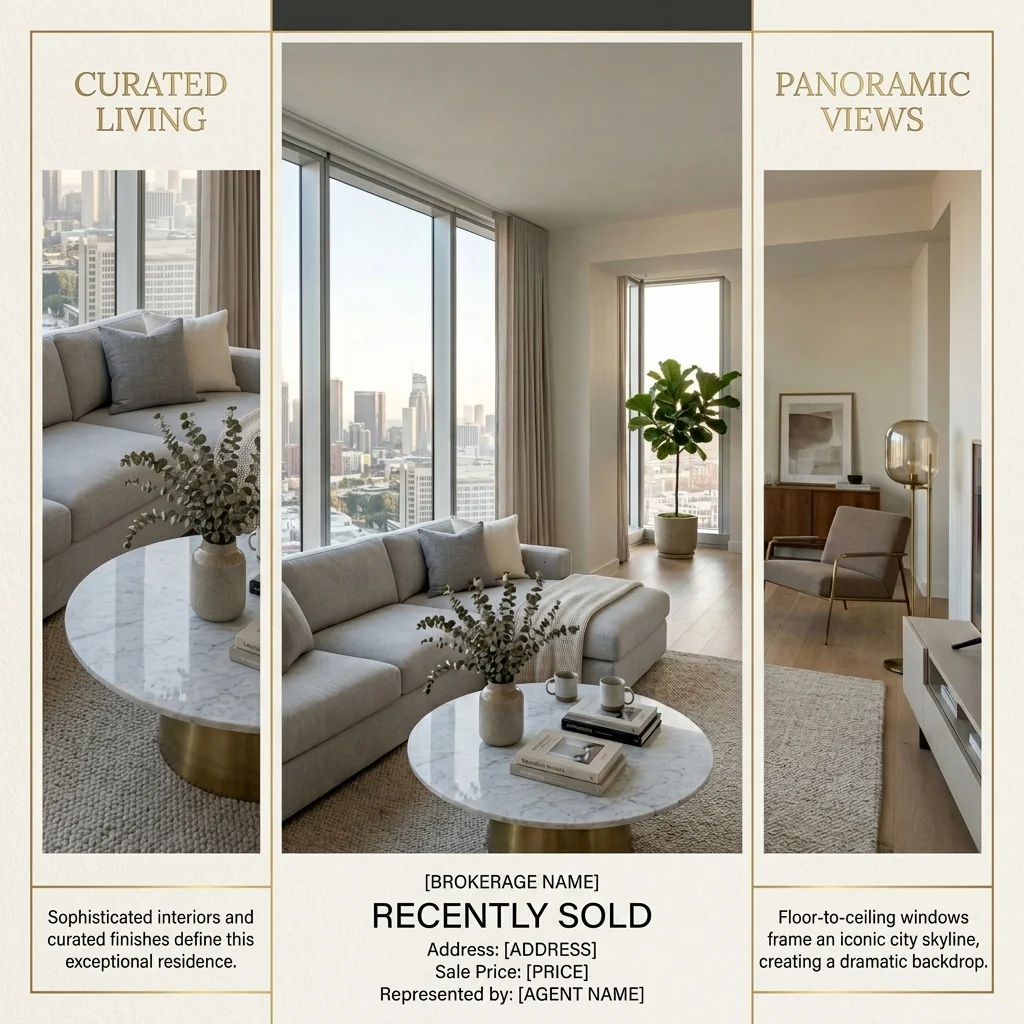
Originalfoto ansehen
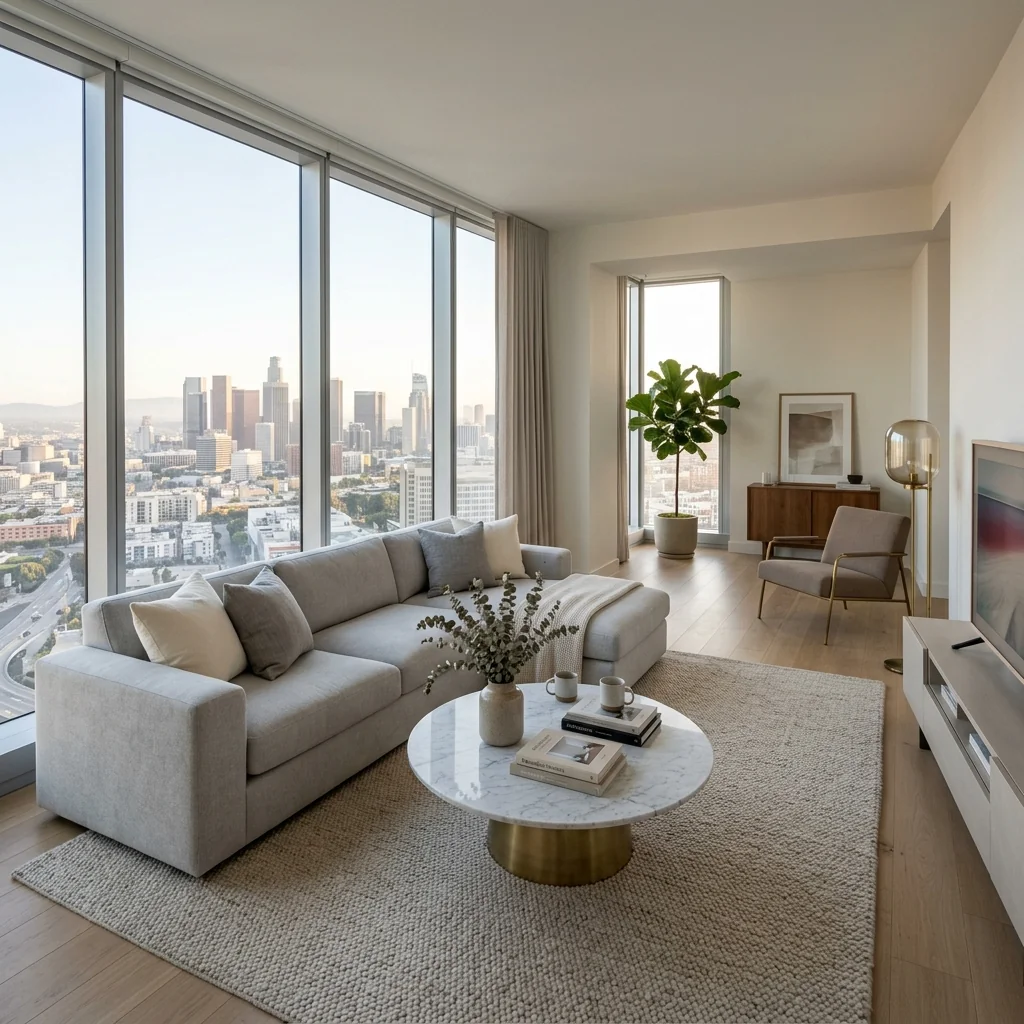
Vorher
Vorhandenes öffentliches Beispiel · dein Ergebnis hängt von deinem Foto und den Einstellungen ab.
Meine Entwürfe mit diesem Tool findenWeitere Beispiele ansehen

Originalfoto ansehen
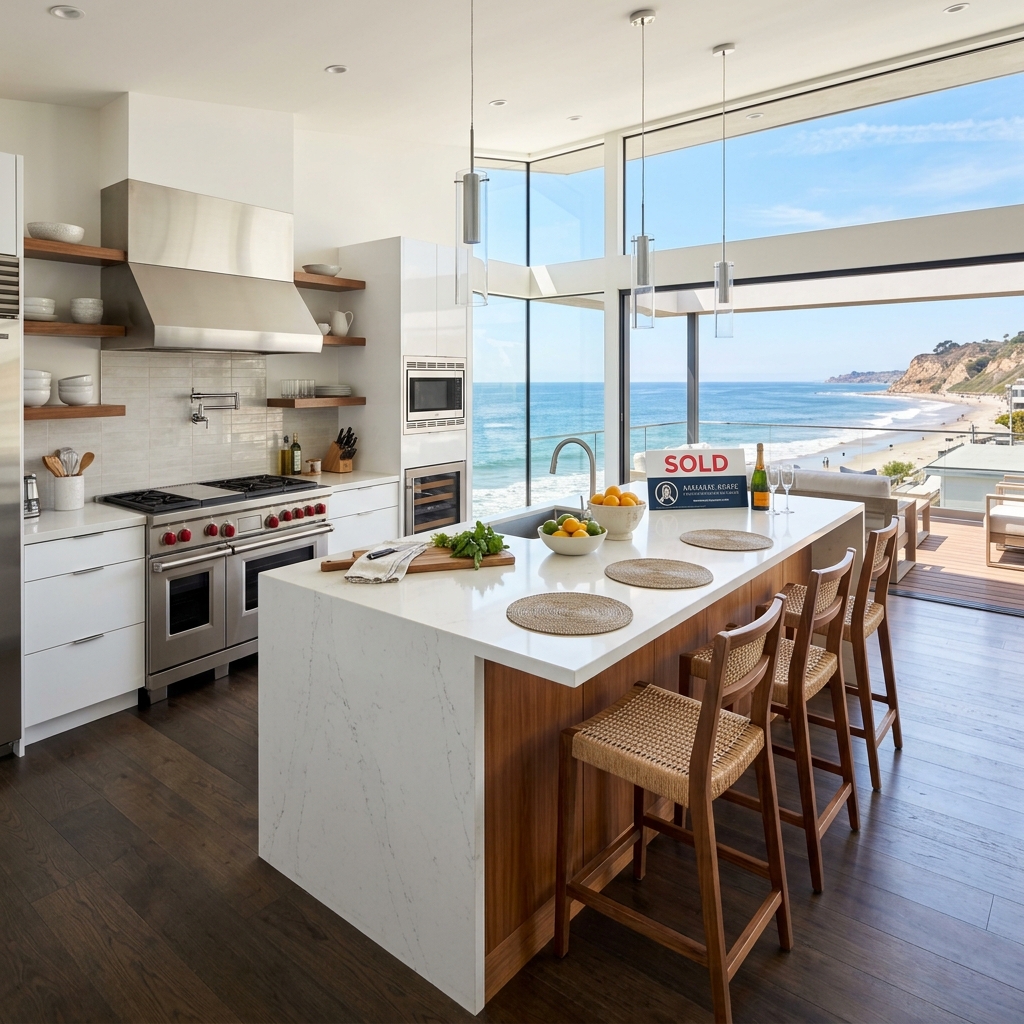
Vorher

Originalfoto ansehen
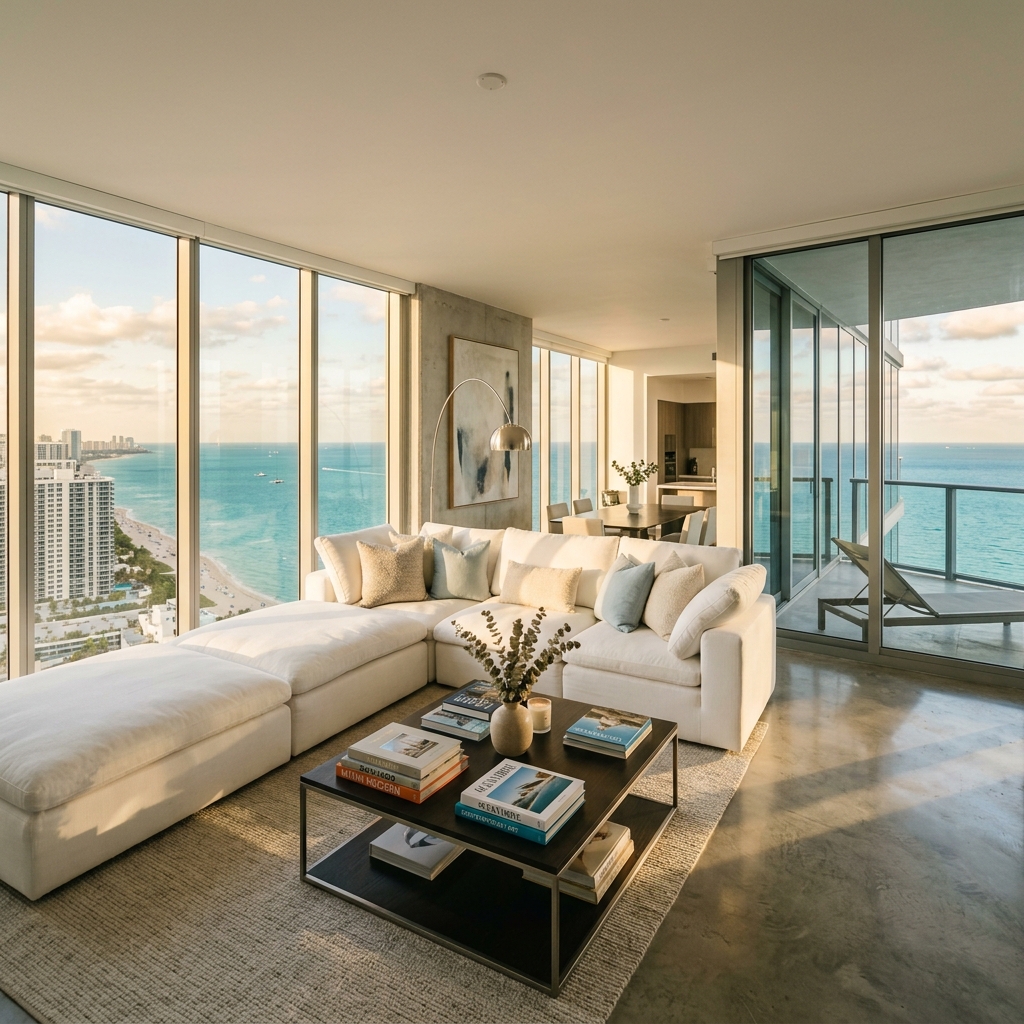
Vorher
Ein gutes Foto macht den Unterschied
- Verwende ein klares Foto, auf dem der gesamte Bereich zu sehen ist.
- Bewahre Originaldateien und Referenzbilder zusammen auf.
- Prüfe KI-Änderungen, bevor du ein Immobilienbild veröffentlichst.
Über dieses Tool
Deine Idee vorbereiten
Ordne drei oder vier deiner Immobilienfotos zu einem statischen Portfolio-Raster an. Ergänze deinen Titel und wähle einen Stil; das Tool bestätigt keine Verkäufe und ergänzt keine Immobilienfakten.
Bereite dein Quellenfoto und die im Formular angegebenen Referenzen vor. Die Einstellungen zeigen, was dieses Tool verändern soll.
Anfrage und Ergebnis prüfen
Prüfe Verfügbarkeit, Bildanzahl und den aktuellen Gesamtpreis vor deiner ausdrücklichen Bestätigung. Eine Registrierung allein bestätigt kein Guthaben oder kostenloses Ergebnis. Bei unklarem Ausgang prüfe den gespeicherten Status der bestehenden Anfrage, bevor du erneut bestätigst.
Frühere Originalanleitung lesen
Diese frühere Anleitung kann historische Preis-, Zeit-, Qualitäts- oder Nutzungsaussagen enthalten. Die aktuelle Beschreibung und das Tool-Formular sind maßgeblich.
How long does generation take for Just Sold Portfolio Collage?
Generation usually takes between 5 and 15 seconds.
Can I use the results commercially?
Yes, every generated image includes a full commercial usage license.
Tips for your photo
Make sure the photo is well lit and shot from a wide angle.
Remove clutter before shooting the photo for the best results.
Use re-staging mode for targeted style changes.
Frequently asked questions
What are the optimal input image formats and resolutions for the Just Sold Portfolio Collage?
Upload your real estate photos in JPG or PNG format. For the best quality Just Sold Portfolio Collage, we recommend images with a minimum resolution of 1920x1080 pixels. The Just Sold Portfolio Collage tool automatically optimizes and resizes for perfect display.
How long does it typically take to generate a Just Sold Portfolio Collage?
The Just Sold Portfolio Collage tool processes your property listing photos rapidly. Most collages are generated within 5-15 seconds, depending on the number and size of your uploaded images. Experience swift creation of your stunning 'Just Sold' grids.
What resolution and file types can I expect for my generated Just Sold Portfolio Collage?
Your Just Sold Portfolio Collage will be delivered as a high-resolution JPG or PNG file, typically around 2000x2000 pixels, optimized for social media sharing and digital property listing presentations. Showcase your agent success with crisp, clear visuals.
What are the best practices for selecting photos to achieve a high-end Just Sold Portfolio Collage?
For the most impactful Just Sold Portfolio Collage, select 3-4 high-quality real estate photos with consistent lighting and angles. Prioritize professional shots that highlight the property's best features, ensuring your agent brand stands out.
Can I modify or re-generate my Just Sold Portfolio Collage after it's created?
Yes, you can easily re-generate your Just Sold Portfolio Collage. Simply adjust your photo selection or re-upload different real estate photos to create a new collage. The Just Sold Portfolio Collage tool allows for unlimited iterations to perfect your agent showcase.
Technical FAQ: Just Sold Portfolio Collage
Quick answers for optimal results
Common mistakes
5 Just Sold Portfolio Collage Mistakes Killing Your Real Estate Leads
How to Create a Stunning 'Just Sold' Collage Online That Attracts Clients
Using low-resolution real estate photos in your Just Sold Portfolio Collage.
Blurry or pixelated images make your property listing look unprofessional and deter potential clients from contacting you.
Upload only high-resolution real estate photos to the Just Sold Portfolio Collage tool. Ensure images are clear, well-lit, and showcase the property's best features.
Failing to optimize your Just Sold Portfolio Collage for different social media platforms.
Each platform has different image size requirements. A poorly sized collage may get cropped awkwardly, diminishing its visual appeal.
Use the Just Sold Portfolio Collage tool's pre-set templates for various platforms like Facebook, Instagram, and LinkedIn. Ensure your 'Just Sold' message is clearly visible.
Inconsistent branding across your Just Sold Portfolio Collage and other marketing materials.
A lack of consistent branding confuses potential clients and weakens your brand recognition as a real estate agent.
Customize your Just Sold Portfolio Collage with your brand colors, logo, and fonts. Maintain a consistent visual identity across all your marketing efforts, including your MLS listings and Zillow profile.
Not including a clear call to action in your Just Sold Portfolio Collage.
Without a call to action, viewers may admire your work but not know how to engage with you further.
Add a compelling call to action to your Just Sold Portfolio Collage, such as 'Thinking of Selling? Contact me today!' or 'See More Sold Listings.' Include your phone number and website.
Overcrowding your Just Sold Portfolio Collage with too many properties or distracting elements.
A cluttered collage can overwhelm viewers and make it difficult to focus on the key message: your success in selling properties.
Stick to the recommended 3-4 photos in the Just Sold Portfolio Collage. Use clean, simple layouts and avoid adding unnecessary graphics or text. Focus on showcasing the beauty of the sold homes.
Stunning Just Sold Portfolio Collage Results: See the Transformation!
How to create a high-impact 'Just Sold' portfolio collage online to attract new clients.
Your workflow
Transform Your Real Estate Brand: 5 Tips for a Stunning Just Sold Portfolio Collage
How to create a high-converting Just Sold Portfolio Collage online to attract new clients
Upload Your Real Estate Photos
Upload 3-4 high-quality real estate photos of your recently sold properties to the Just Sold Portfolio Collage tool. Ensure the real estate photos showcase the best features of each property listing for optimal impact on Zillow and other platforms.
Use professional real estate photos for a polished look. Consider staging the 'just sold' photos to enhance visual appeal.
Select a Template
Choose from a variety of professionally designed templates within the Just Sold Portfolio Collage tool. Select a layout that best complements your real estate photos and brand aesthetic. Think 'Quarterly Review' or 'Just Sold' styles.
Experiment with different templates to see which one highlights your properties most effectively. Match the template style to your overall agent branding.
Customize and Enhance
Customize the Just Sold Portfolio Collage with your branding elements, such as your logo, name, and contact information. Enhance the collage with compelling captions highlighting key selling points and successful outcomes for each property listing.
Keep your branding consistent across all your marketing materials. Use a clear and concise font for readability. Add MLS info if allowed.
Download and Share Your Just Sold Portfolio Collage
Download your completed Just Sold Portfolio Collage in high resolution. Share it across your social media channels, website, and email marketing campaigns to showcase your expertise and attract new seller leads. Use on Zillow and other platforms.
Optimize your collage for different social media platforms. Use relevant hashtags to increase visibility. Track your results to see what resonates with your audience.
Use cases
Property Listings for Just Sold Portfolio Collage
Social Media Marketing & Instagram Inserate
Architektur- & Umbau-Präsentationen
Just Sold Portfolio Collage — Technical Specifications
1. Upload your property photo.
2. Choose the interior style or room type you want.
3. Click Generate and get your result in seconds.
Expert guide
5 Tips: Transform Your Real Estate Photos with a Just Sold Portfolio Collage
How to Create a Stunning Just Sold Portfolio Collage Online to Attract New Clients
Prepare High-Resolution Real Estate Photos for Optimal Results
Upload crisp, clear real estate photos for your Just Sold Portfolio Collage. Ensure each property listing photo is well-lit and properly cropped. Avoid blurry or low-resolution images to showcase your professionalism to potential sellers on Zillow and the MLS.Fine-Tune Settings for a Visually Appealing Just Sold Portfolio Collage
Adjust the spacing and border colors within the Just Sold Portfolio Collage tool to complement your brand. Experiment with different layouts to find the most visually appealing arrangement for your real estate photos. Consider using your agent branding colors for a cohesive look.Achieve the Best 'Just Sold' Portfolio Collage by Highlighting Key Features
Select real estate photos that highlight the best features of each property. Showcase curb appeal, updated interiors, and unique selling points in your Just Sold Portfolio Collage. Focus on images that will resonate with potential sellers browsing your social media or website.Use Just Sold Portfolio Collage for Professional Marketing Materials
Incorporate your Just Sold Portfolio Collage into your quarterly reviews, email newsletters, and social media campaigns. Showcase your recent successes and demonstrate your expertise to potential clients. Embed the collage on your website to attract new listings and build trust.How it works
3 Steps to Create a Just Sold Portfolio Collage
How to design a just sold portfolio collage for social media engagement in 2025
Upload Your Recently Sold Property Photos
Upload 3-4 high-resolution real estate photos from your latest property listing or MLS archive to begin building your professional Just Sold Portfolio Collage to impress potential home sellers.
Select Your Custom Portfolio Grid Layout
Transform your individual images into a high-end quarterly review by choosing a layout that highlights your agent branding and showcases multiple successful home staging projects in one frame.
Download Your High-Resolution Social Graphic
Convert your success into social proof by exporting your Just Sold Portfolio Collage as a high-res file ready for Zillow, Instagram, or LinkedIn to attract new broker leads.
What you can do
Advanced Just Sold Portfolio Collage Capabilities
Stunning High-Resolution Collages
Transform your real estate photos into crisp, professional "Just Sold Portfolio Collage" grids, ensuring every property listing detail shines on Zillow and MLS.
Instant Collage Generation
Convert multiple agent photos into a "Just Sold Portfolio Collage" in seconds, dramatically reducing time spent manually arranging property listings for social media.
Versatile Export Options
Stage your "Just Sold Portfolio Collage" for various platforms, supporting popular image formats optimized for social media, Zillow, and agent marketing materials.
Tailored Layout & Branding
Enhance your "Just Sold Portfolio Collage" with customizable templates, allowing agents to effortlessly brand each "Quarterly Review" with logos and specific property listing styles.
AI-Powered Photo Arrangement
Upload your real estate photos and let AI automatically arrange them into an optimal "Just Sold Portfolio Collage", highlighting key property listing features for maximum impact.
Attract New Sellers
Stage a compelling "Just Sold Portfolio Collage" to showcase agent success, converting past property listing achievements into powerful lead generation tools for new clients.
Pro-level tools at your fingertips
Weitere Tools entdecken
Alle Tools
Makler "Team kennenlernen"-Grafik
Gestalte aus einem Foto und deinen Angaben eine Makler- oder Teamgrafik. Wähle einen Stil und prüfe Namen, Kontaktdaten und gerenderten Text vor dem Teilen.
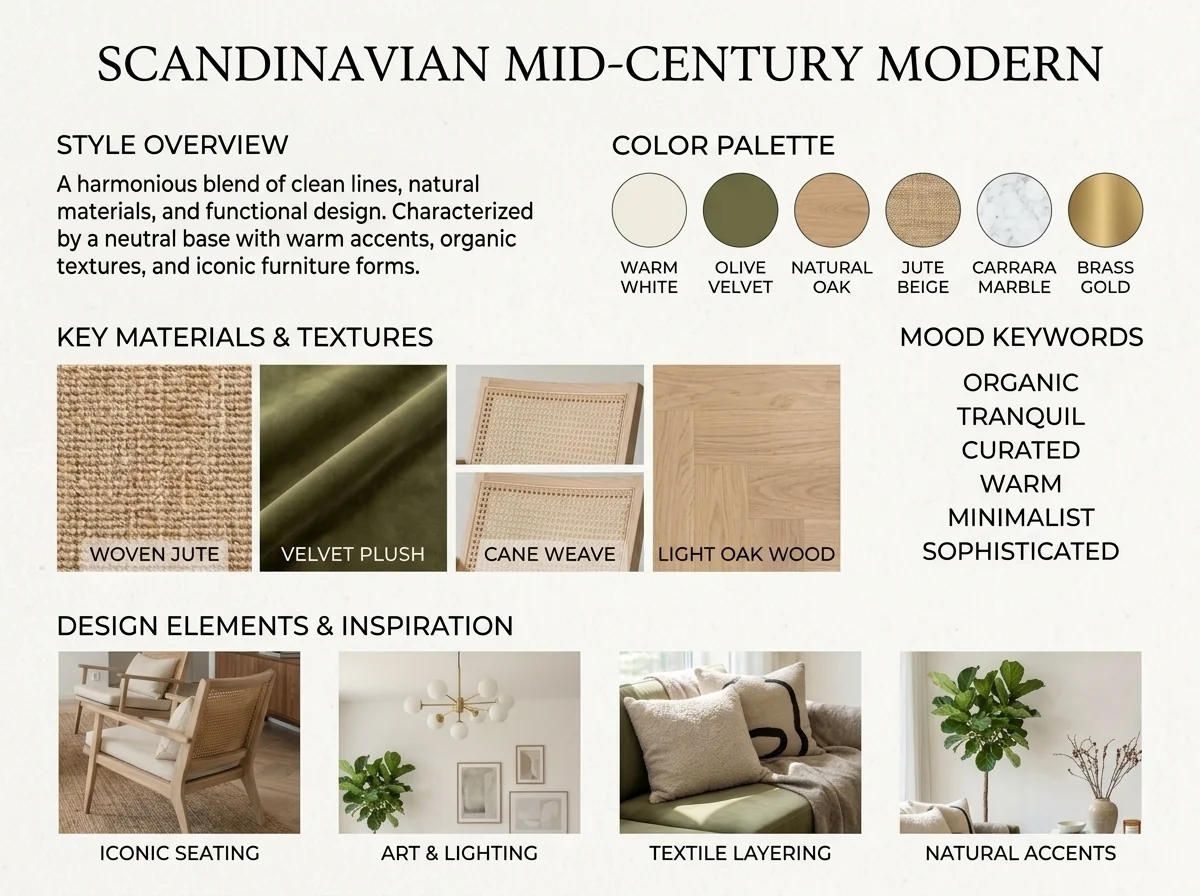
KI Einrichtungsstil Detektor & Moodboard
Erkunde den Stil eines Raumfotos als visuelles Konzept. Wähle etwa Farben, Materialien oder ein Moodboard als Schwerpunkt; das Bildtool bestätigt keinen Stil und identifiziert keine Produkte verbindlich.
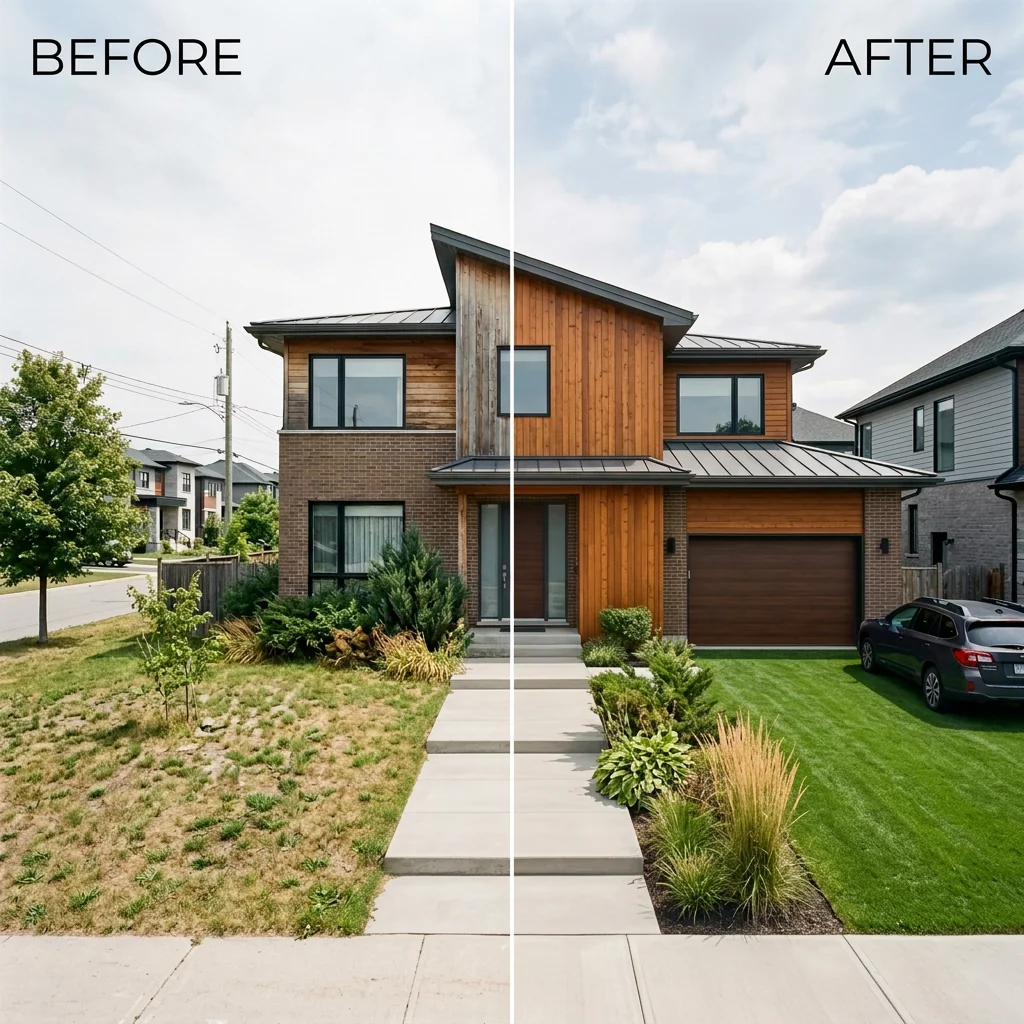
Vorher & Nachher Expose Ansicht
Ordne dein eigenes Vorher- und Nachherfoto zu einem statischen Vergleichsbild an. Wähle Layout und Beschriftung; eine Trennlinie gehört zum Bild und ist kein interaktiver Regler.