
Visualizador de plantación de fachadas
- 1. Añade una foto de tu habitación
- 2. Elige tu nuevo estilo
- 3. Tu imagen
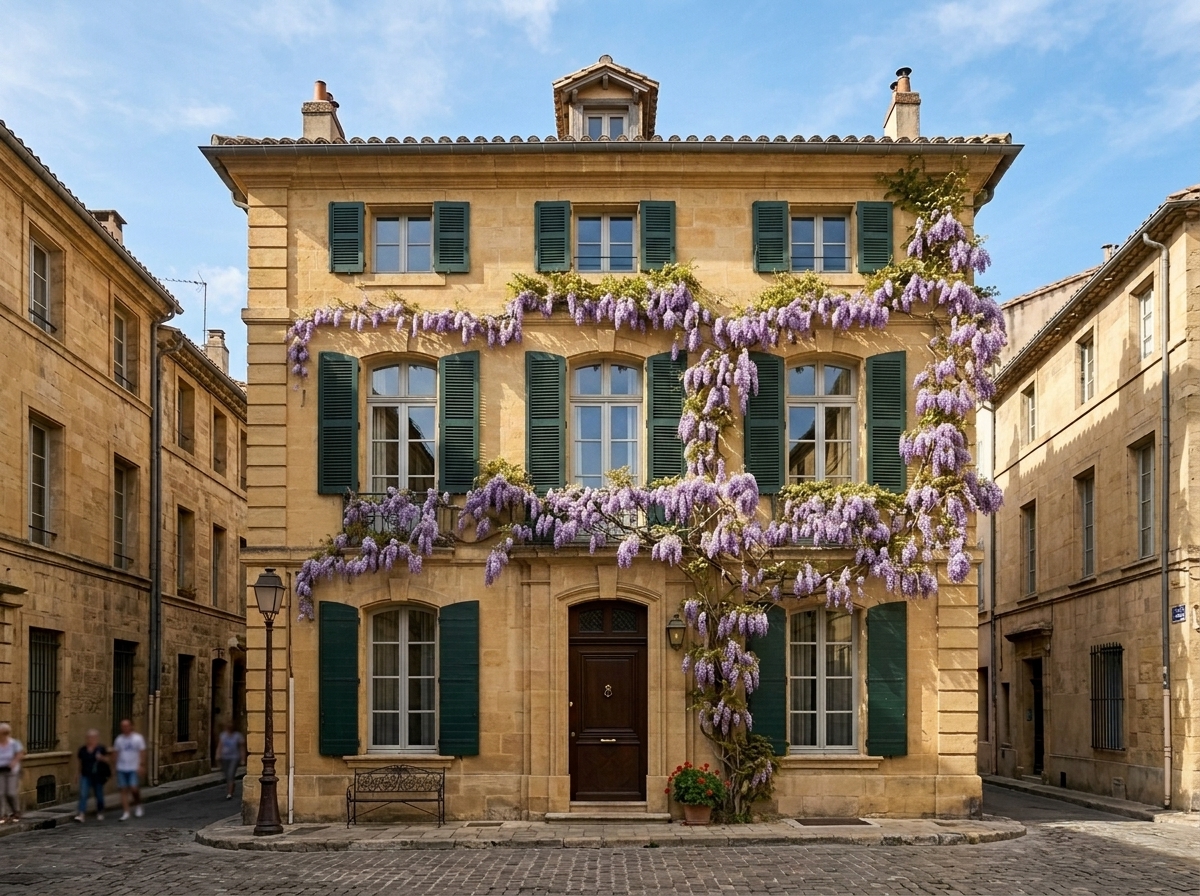
Mira lo que es posible
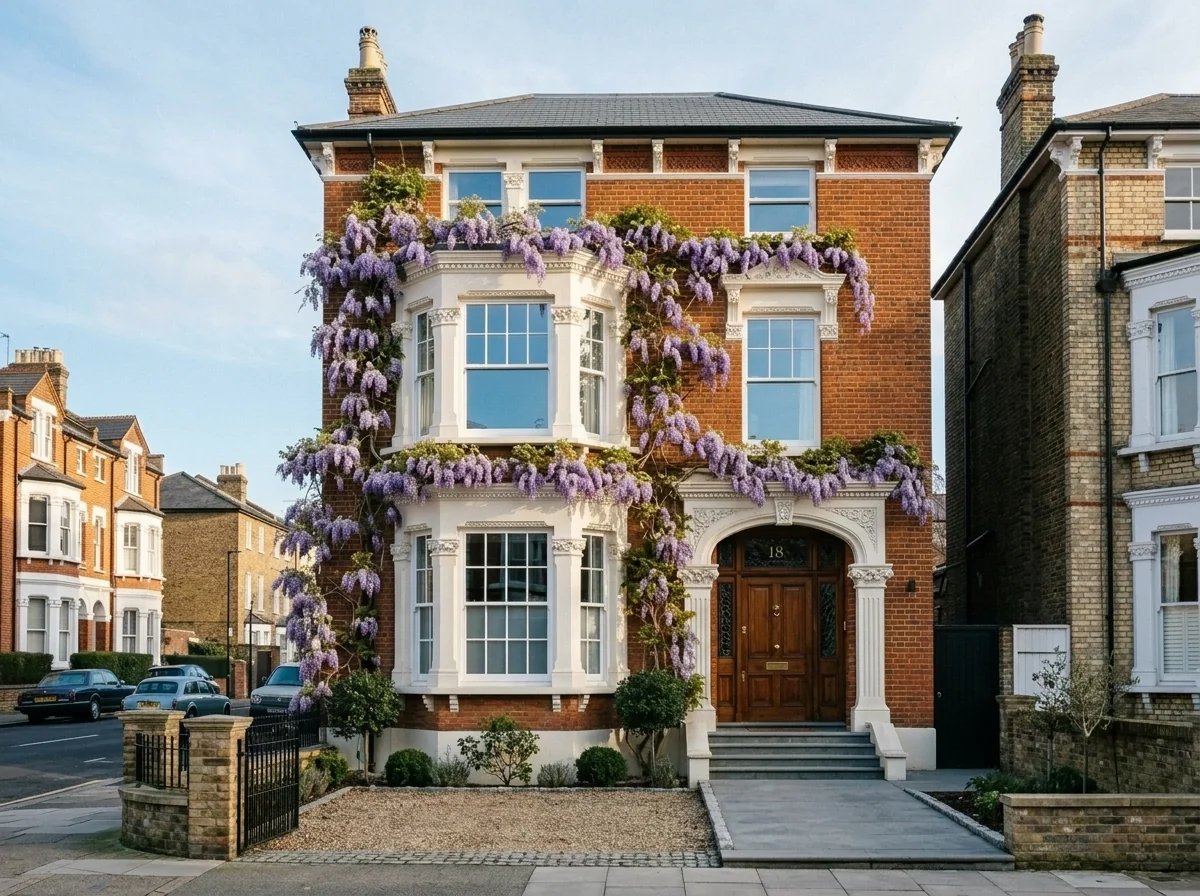
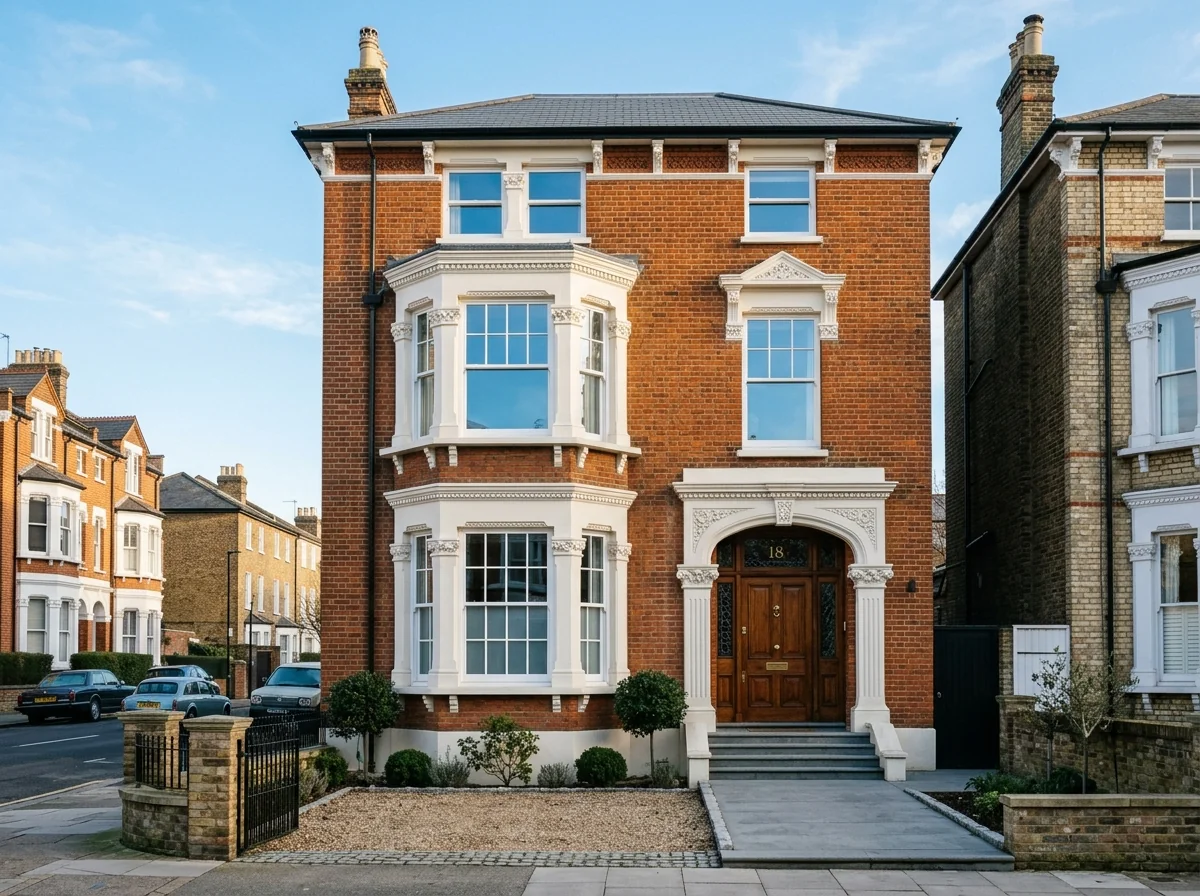
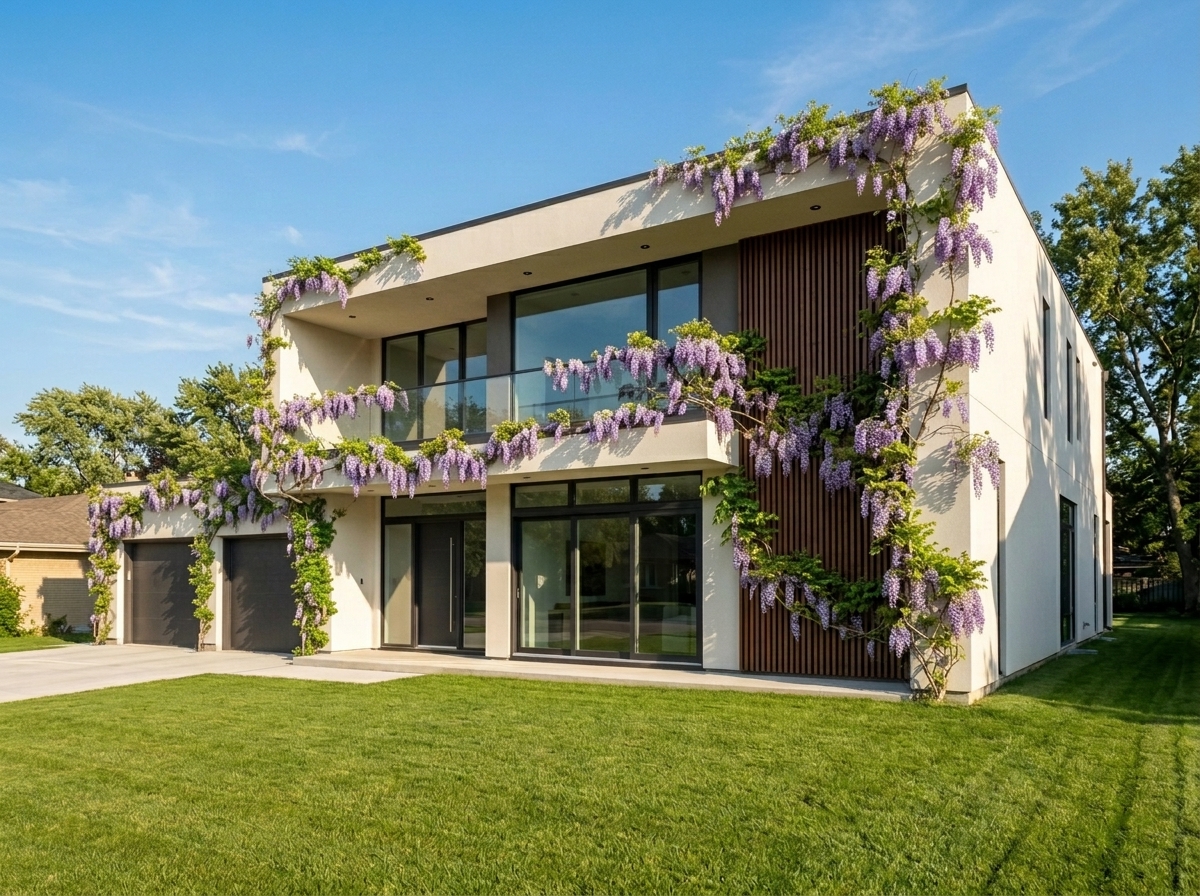
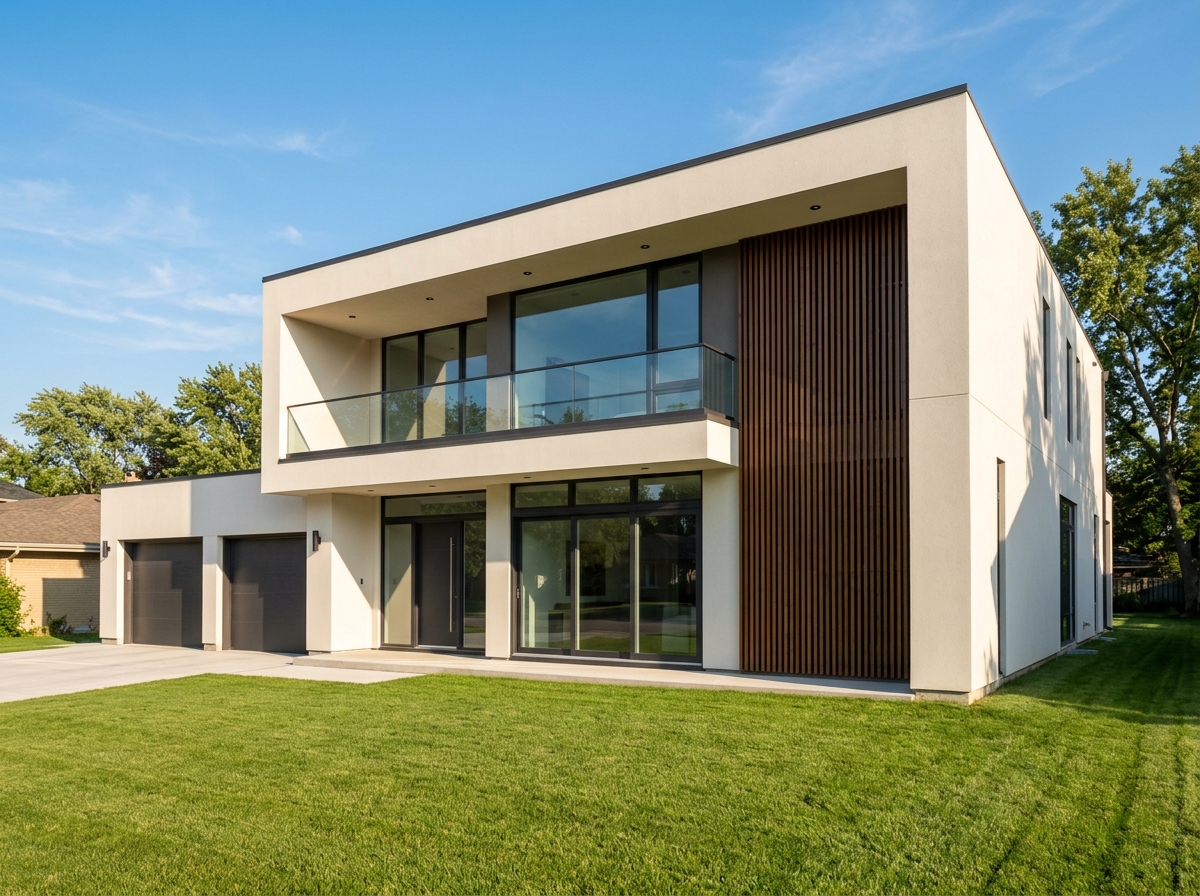
Resultados reales a partir de fotos como la tuya.

Cómo funciona
- 1Sube tu foto
- 2Elige tus ajustes
- 3Tu imagen
Consejos para un gran resultado
Foto nítida y clara
La luz natural y un gran angular dan el mejor resultado.
Muestra toda la zona
Mantén dentro de la imagen todo lo que quieras cambiar.
Prueba varias variaciones
Compara distintas opciones antes de decidirte.
Preguntas frecuentes
¿Puedo usar las imágenes con fines comerciales?
Sí. Puedes usar tus imágenes para cualquier fin, incluido el uso comercial.
¿Mi foto original cambia?
No. Tu original se mantiene sin cambios y puedes descargarlo en cualquier momento.
¿Y si no me gusta el resultado?
Prueba otro estilo o ajuste, o afina el resultado con una instrucción breve.
Seguir explorando
Todas las herramientas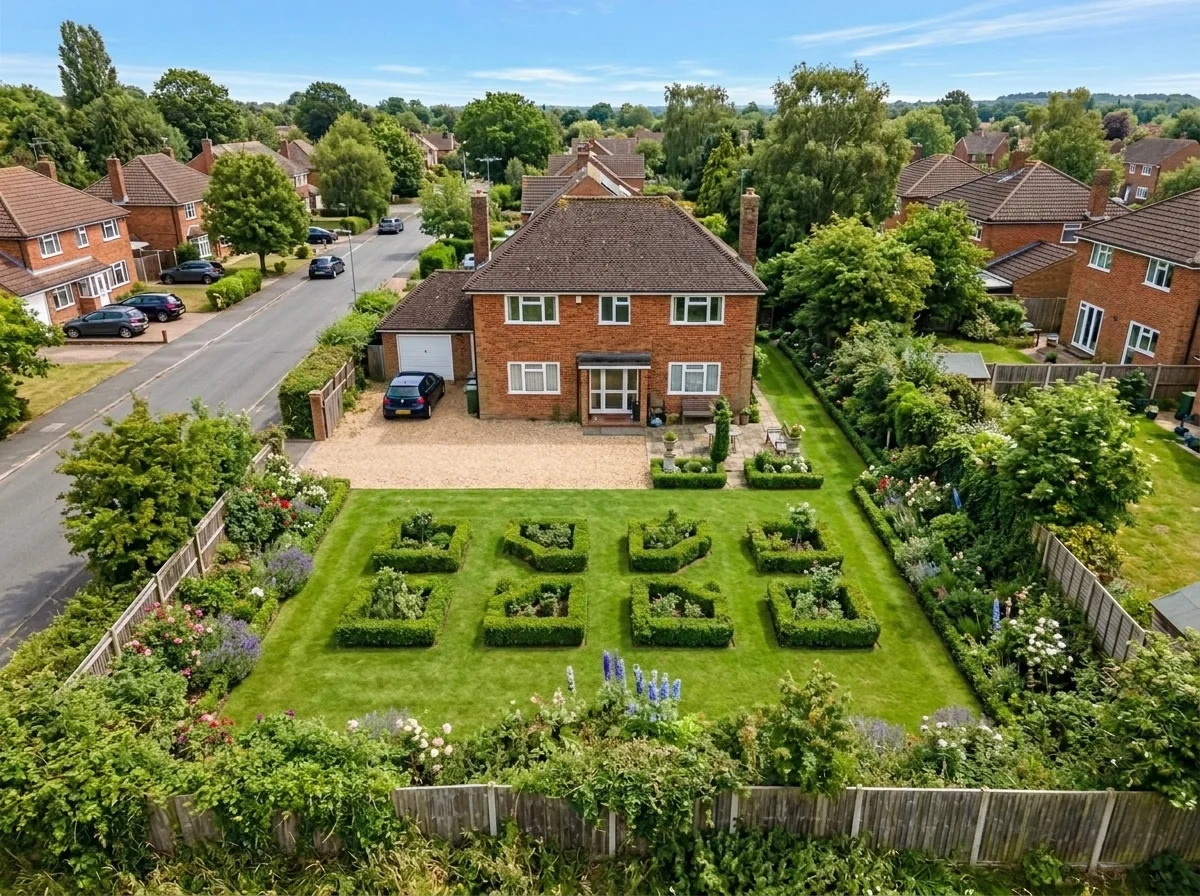
Mejora del paisajismo aéreo
Transforma terrenos descuidados, vacíos o poco atractivos en fotos inmobiliarias aéreas y de dron. Añade césped frondoso, piscinas, jardines formales, zonas de plantación y entradas impecables, todo visible desde arriba. Muestra a los compradores todo el potencial del espacio exterior sin contratar a ningún paisajista.

Cambio de ribete de cojín con IA
Transforma al instante los bordes, ribetes y vivos de los cojines decorativos en tus fotos inmobiliarias. Esta herramienta de IA permite a diseñadores y stagers visualizar distintos estilos, colores y materiales, mejorando la estética interior sin cambios físicos.

Sustituidor de flecos y remates de cojines con IA
Visualiza sin esfuerzo nuevos estilos de flecos y ribetes decorativos para cojines en tus fotos de interior. Esta herramienta de IA permite a diseñadores y stagers sustituir los detalles existentes de los cojines, mostrando al instante una estética actualizada sin cambios físicos.
Lee la guía completa
How long does generation take for Facade Planting Visualizer?
Generation usually takes between 5 and 15 seconds.
Can I use the results commercially?
Yes, every generated image includes a full commercial usage license.
Tips for your photo
Make sure the photo is well lit and shot from a wide angle.
Remove clutter before shooting the photo for the best results.
Use re-staging mode for targeted style changes.
Frequently asked questions
What is the maximum image resolution supported by the Facade Planting Visualizer for high-quality real estate photos?
Upload images up to 10MB or 4K resolution to ensure the Facade Planting Visualizer captures every leaf detail of wisteria or ivy. For the best results on Zillow or MLS, use high-contrast JPG or PNG files. If your property listing photo is too small, the AI may struggle to map the climbing roses accurately across the building's architectural textures.
How does lighting affect the Facade Planting Visualizer when rendering climbing plants on a property listing?
Transform your building facade by using photos taken during golden hour or bright daylight. The Facade Planting Visualizer uses shadows to create depth, so clear lighting helps the AI differentiate between the wall and the new greenery. Avoid dark or blurry images, as this prevents the tool from correctly staging the ivy or roses against the home's exterior for a professional broker presentation.
Why does the Facade Planting Visualizer sometimes overlap with windows or doors on my real estate photos?
Enhance your results by using the masking feature to define exactly where the climbing plants should grow. If the Facade Planting Visualizer covers windows, it is likely due to low contrast between the glass and the wall. Manually refine the area to ensure the ivy or wisteria looks photorealistic for your Zillow listing without obstructing essential architectural features of the home.
Which prompts yield the most realistic wisteria or ivy growth when using the Facade Planting Visualizer?
Stage your property effectively by using specific botanical terms like dense English ivy, purple wisteria in bloom, or climbing red roses. The Facade Planting Visualizer responds best to descriptive prompts that specify density and coverage levels. This level of detail helps agents and brokers provide a compelling visual narrative for potential buyers viewing the property listing online.
Is it legal for a real estate agent to use the Facade Planting Visualizer for MLS property listings?
Consult your local MLS board rules regarding virtual staging and AI enhancements before uploading. While the Facade Planting Visualizer is a powerful tool for showing potential, many boards require a virtually staged watermark. Always disclose that the climbing plants are a digital visualization to maintain transparency with buyers and fellow brokers while still showcasing the home's aesthetic possibilities.
How can I fix slow rendering times when using the Facade Planting Visualizer on large building photos?
Convert your files to optimized web formats if you experience lag during the generation process. The Facade Planting Visualizer processes images faster when they are under 5MB. Speed up your workflow by ensuring a stable internet connection, allowing the AI to quickly render photorealistic climbing plants that will make your property listing stand out on Zillow and other real estate platforms.
6 Technical FAQs for the Facade Planting Visualizer Tool
How to use the facade planting visualizer online for free to enhance MLS property listings in 2025
Common mistakes
5 Common Mistakes to Avoid with Facade Planting Visualizer
How to use facade planting visualizer online for free to boost property listing engagement
Uploading low-resolution real estate photos with pixelated building details for the AI to process
Low quality prevents the Facade Planting Visualizer from accurately mapping textures, resulting in floating plants that look unrealistic on the MLS.
Upload high-definition images to ensure the AI identifies architectural boundaries for realistic wisteria and ivy placement on the property listing.
Failing to clear foreground obstructions like cars or signage before generating climbing plant overlays
Obscured facades confuse the home staging algorithm, causing climbing roses to render over objects that should logically be in the foreground.
Remove mobile obstacles from the building facade before capturing the photo to ensure a clean, professional Zillow-ready virtual greening transformation.
Choosing aggressive growth patterns like English Ivy for delicate architectural features on a small cottage
Unrealistic plant scaling makes the virtual staging look fake, potentially violating MLS guidelines regarding the accurate representation of a property.
Select plant species that match the building's scale to create a believable enhancement that helps a broker sell the lifestyle effectively.
Using photos with harsh backlighting or deep shadows that hide the building's natural texture
Inconsistent lighting prevents the tool from matching the shadow cast by the climbing plants to the building's actual orientation and depth.
Capture property photos during golden hour to provide the best canvas for the Facade Planting Visualizer to render photorealistic organic shadows.
Selecting winter-dormant species for a summer-themed property listing without considering the seasonal context
Mismatched seasonal foliage looks out of place on Zillow and Redfin, confusing potential buyers about the property's genuine year-round curb appeal.
Match the climbing plant variety to the existing landscape in the photo to maintain a cohesive, expert-level aesthetic for the viewer.
3 Stunning Facade Planting Visualizer Results for Real Estate Success
How to use the facade planting visualizer online for free to boost MLS engagement
Your workflow
4 Steps to Use the Facade Planting Visualizer for Real Estate Listings
How to facade planting visualizer online for free to boost MLS curb appeal in 2025
Capture High-Resolution Exterior Photos
Capture a clear, wide-angle photo of the building's exterior during daylight. Ensure the facade is unobstructed to allow the AI to accurately map climbing plants like wisteria or ivy.
Use a tripod to maintain a straight perspective, making it easier for the Facade Planting Visualizer to render realistic depth for climbing roses.
Upload & Configure Plant Species
Upload your property listing photo and select specific plant species. Choose between lush ivy, flowering wisteria, or climbing roses to transform the bare exterior into a vibrant green facade instantly.
Adjust the density settings to ensure the greening tool matches the architectural style of the home for a natural, photorealistic appearance.
Review & Refine AI Staging
Evaluate the photorealistic preview to ensure the climbing plants enhance the home staging. Check if the AI-powered visualizer has correctly placed greenery around windows and architectural features for MLS compliance.
Ask 'Is AI staging legal for MLS?' and ensure the output remains a realistic representation of potential landscaping to maintain broker transparency.
Export & Publish to Listing Platforms
Download the high-resolution enhanced image and upload it to your Zillow or Realtor.com profile. Use these visuals to attract more buyers by showcasing the property's potential for lush curb appeal.
Include the 'before' photo in your listing description to highlight the transformation provided by the Facade Planting Visualizer tool to prospective buyers.
Use cases
Property Listings for Facade Planting Visualizer
Social Media Marketing & Instagram Inserate
Architektur- & Umbau-Präsentationen
3 Technical Specifications for the Facade Planting Visualizer Tool
How to use the facade planting visualizer online for free to boost MLS property listing engagement in 2025
Transform real estate photos into lush green exteriors for Zillow and MLS. Upload building photos to the Facade Planting Visualizer to stage climbing roses and ivy virtually. Is AI staging legal for MLS? Yes, our tool creates realistic enhancements that follow standard property listing guidelines to help every agent and broker.
1. Upload your property photo.
2. Choose the interior style or room type you want.
3. Click Generate and get your result in seconds.
Expert guide
4 Pro Tips: Get the Best Facade Planting Visualizer Results
How to use facade planting visualizer for real estate listings to increase curb appeal
4 Steps to Prepare Your Facade Planting Visualizer Image
Upload high-resolution JPEG or PNG files at 300 DPI for the sharpest real estate photos. Ensure the building facade is captured from a straight-on or slight 45-degree angle. Clear any foreground obstructions to allow the Facade Planting Visualizer to map ivy or wisteria textures accurately across the property listing exterior.3 Ways to Select the Best Facade Planting Visualizer Species
Choose specific climbing plants like wisteria, ivy, or roses based on the architectural style of the home staging project. Use the density settings to control how much of the MLS photo is covered. Select flowering options for vibrant Zillow listing thumbnails that attract more clicks from potential buyers.5 Tips for Realistic Facade Planting Visualizer Textures
Capture your property listing during 'Golden Hour' to provide the AI with natural lighting cues. The Facade Planting Visualizer performs best when shadows are soft, allowing the climbing plants to blend seamlessly with the siding. Avoid blurry shots; sharp details help the agent present a more convincing virtual staging transformation.4 Methods to Share Your Facade Planting Visualizer Designs
Download your high-definition renders and upload them directly to your MLS or Zillow dashboard. Enhance your marketing materials by including a 'Before and After' comparison in your broker pitch decks. Use these AI-generated visuals to help home sellers justify a higher asking price by showcasing curb appeal.How it works
3 Simple Steps to Master the Facade Planting Visualizer
How to use a facade planting visualizer online for free to boost MLS curb appeal
Upload Your Building Exterior Photo
Upload high-resolution real estate photos of your building facade to our Facade Planting Visualizer to prepare the property listing for Zillow or MLS marketing with stunning curb appeal.
Select Climbing Plant Species Styles
Choose specific climbing plants like wisteria, ivy, or roses within the Facade Planting Visualizer to virtually stage the exterior and help the broker visualize a lush, green home staging transformation.
Download High-Res Visualized Images
Enhance your property listing by downloading the photorealistic output from the Facade Planting Visualizer, ensuring your agent or property manager has high-quality assets for professional real estate marketing.
What you can do
6 Powerful Facade Planting Visualizer Features for Real Estate Agents
Photorealistic Wisteria and Ivy Textures
Transform property listings with hyper-realistic climbing plants that integrate seamlessly into building textures for high-end Zillow and MLS marketing materials.
Instant AI Facade Greenery Generation
Generate stunning green facades in seconds using advanced AI algorithms that analyze architectural structures to place climbing roses and ivy accurately.
Multi-Species Climbing Plant Selection
Select from diverse species like wisteria, jasmine, or ivy to show how different botanical elements enhance a home staging project's curb appeal.
High-Resolution 4K Export Formats
Download your enhanced real estate photos in 4K resolution, ensuring every leaf and flower looks crisp for professional broker brochures and websites.
Automated Architectural Edge Detection
Utilize smart edge detection to ensure climbing plants wrap around windows and doors naturally, answering how AI staging maintains architectural integrity for MLS.
Dynamic Lighting and Shadow Matching
Enhance building exteriors by automatically matching the sun's position, ensuring the facade planting visualizer creates realistic shadows on the property's surface.
How to use a facade planting visualizer online for free to boost property listing engagement in 2025