
Herramienta de colocación de objetos
- Foto
- Tus opciones
- Tu imagen
Mira lo que es posible
Resultados reales a partir de fotos como la tuya.
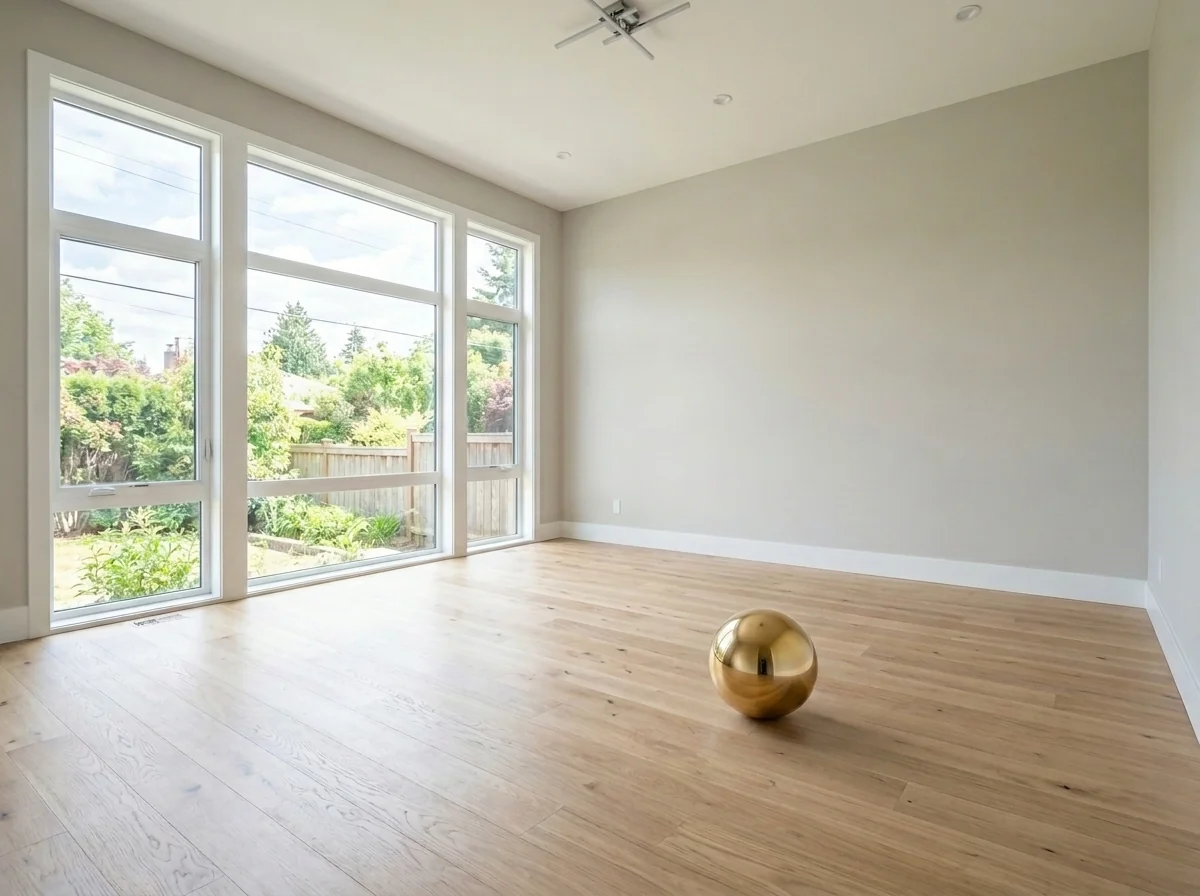
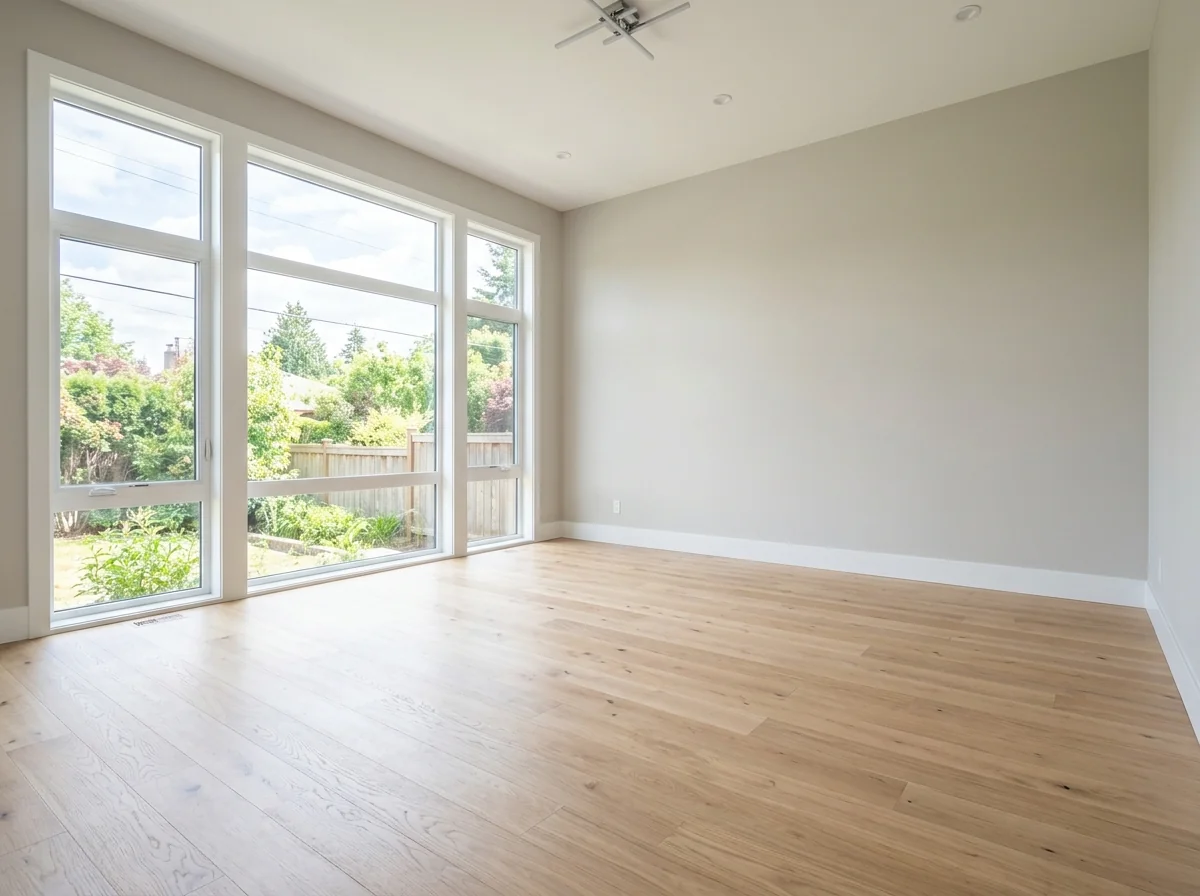

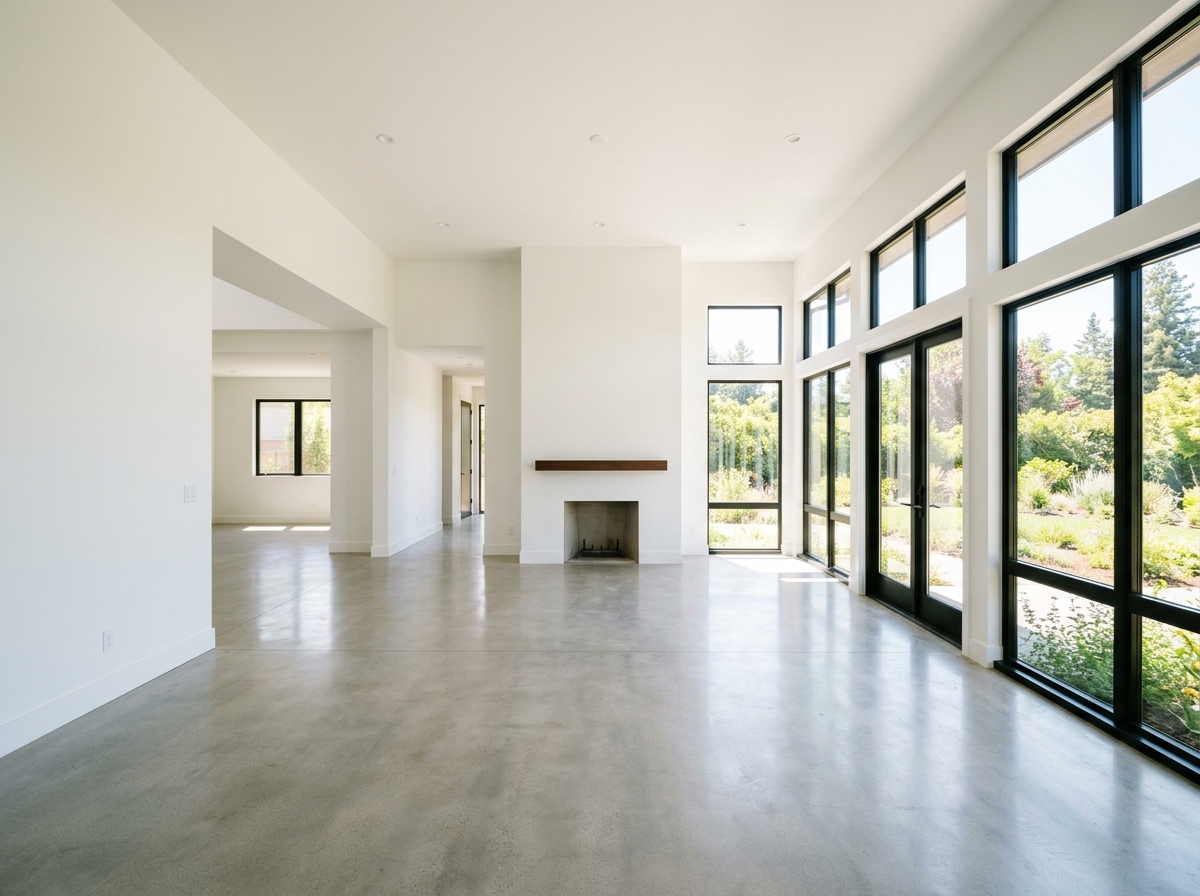

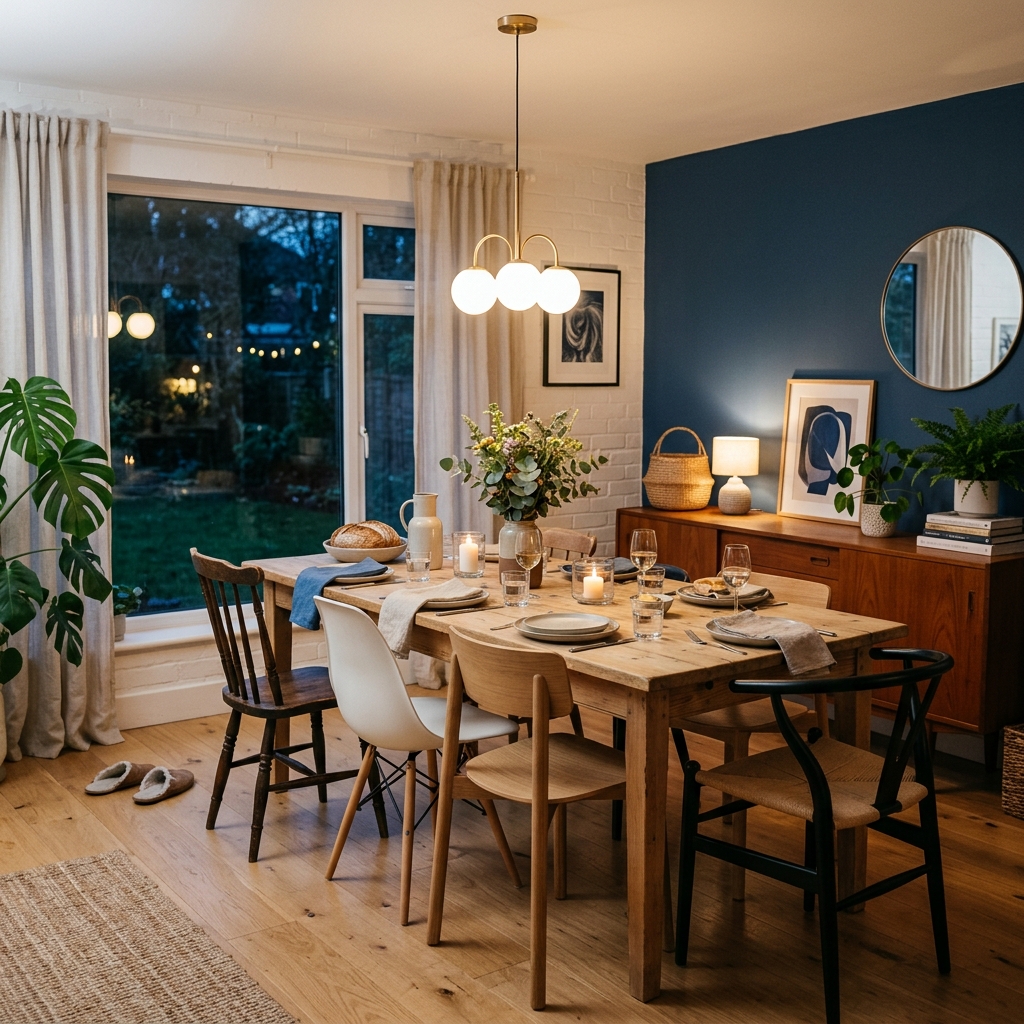
Cómo funciona
- 1Sube tu foto
- 2Elige tus ajustes
- 3Tu imagen
Consejos para un gran resultado
Foto nítida y clara
La luz natural y un gran angular dan el mejor resultado.
Muestra toda la zona
Mantén dentro de la imagen todo lo que quieras cambiar.
Prueba varias variaciones
Compara distintas opciones antes de decidirte.
Preguntas frecuentes
¿Puedo usar las imágenes con fines comerciales?
Sí. Puedes usar tus imágenes para cualquier fin, incluido el uso comercial.
¿Mi foto original cambia?
No. Tu original se mantiene sin cambios y puedes descargarlo en cualquier momento.
¿Y si no me gusta el resultado?
Prueba otro estilo o ajuste, o afina el resultado con una instrucción breve.
Seguir explorando
Todas las herramientas
Sustituidor de tapizado de sillón con IA
Visualiza al instante nuevas opciones de tapizado para sillones en tus fotos. Cambia tejidos, colores y estampados como terciopelo, cuero o bouclé para que encajen perfectamente con cualquier estilo de interiorismo. Ideal para profesionales inmobiliarios e interioristas para mostrar posibles transformaciones.

Cambiador de tapizado de muebles con IA
¡Transforma tus fotos de muebles con IA! Cambia fácilmente el material de la tapicería para mostrar distintos estilos y atraer a un abanico más amplio de compradores. Perfecto para staging virtual y mockups de interiorismo.

Visualizador de tapizados con IA
Visualiza al instante cómo queda cualquier mueble con distintos tejidos de tapicería, colores y texturas usando IA. Sube una foto de tu sofá, silla o loveseat y mira impresionantes vistas previas de retapizado antes de comprometerte con una compra o un proyecto de reforma.
Lee la guía completa
How long does generation take for Object Placement Tool?
Generation usually takes between 5 and 15 seconds.
Can I use the results commercially?
Yes, every generated image includes a full commercial usage license.
Tips for your photo
Make sure the photo is well lit and shot from a wide angle.
Remove clutter before shooting the photo for the best results.
Use re-staging mode for targeted style changes.
Frequently asked questions
What are the recommended input image formats and resolutions for the Object Placement Tool?
Upload high-resolution JPG or PNG real estate photos, ideally 2000-4000 pixels on the longest side. This ensures the Object Placement Tool can accurately analyze the space and seamlessly integrate new items for your property listing.
How long does the Object Placement Tool take to process and place objects?
Processing with the Object Placement Tool typically takes 15-30 seconds per image. The AI quickly stages your property listing by analyzing the scene and naturally integrating chosen objects, ready for MLS or Zillow.
What output quality can I expect from the Object Placement Tool for my staged images?
The Object Placement Tool delivers high-resolution, realistic output images. Expect objects to be placed with correct perspective, lighting, and shadows, enhancing your real estate photos for a professional property listing.
What are the best practices to achieve optimal results with the Object Placement Tool?
Enhance results by uploading well-lit, clear real estate photos. Provide specific descriptions for objects (e.g., 'modern grey sofa'). The Object Placement Tool thrives on good input to perfectly stage your property listing.
Can I modify or regenerate object placements using the Object Placement Tool?
Yes, you can regenerate placements. Simply adjust your object description or select new items within the Object Placement Tool. This allows agents to refine their property listing photos until perfect for MLS.
5 Technical FAQs: Master Your Object Placement Tool
Unlock Optimal Object Placement Tool Performance for Your Real Estate Photos Online
Common mistakes
5 Object Placement Tool Mistakes Killing Your Real Estate Photos
How to avoid common errors and enhance your property listing on Zillow
Uploading Low-Resolution Images
The Object Placement Tool relies on image quality to accurately insert objects. Low-resolution photos result in blurry or pixelated additions, detracting from the overall appeal of the real estate photos.
Always upload high-resolution images (minimum 1000px wide) to the Object Placement Tool. Ensure the photos are well-lit and in focus for optimal results for your property listing.
Ignoring Perspective and Scale with the Object Placement Tool
For realistic real estate photos, the added objects must match the existing perspective and scale of the room. Incorrect scaling or perspective makes the additions look unnatural and unprofessional, hurting your MLS listing.
Carefully adjust the size and perspective of the added objects within the Object Placement Tool. Use the tool's features to match the vanishing points and ensure objects appear correctly sized relative to existing furniture.
Overcrowding the Space with the Object Placement Tool
Adding too many objects to a real estate photo can make the space look cluttered and smaller than it actually is. This negatively impacts potential buyers viewing the property listing.
Use the Object Placement Tool sparingly. Focus on adding a few key pieces that enhance the room's functionality and appeal without overwhelming the space. Consider the target buyer when selecting items.
Neglecting Lighting and Shadows When Using the Object Placement Tool
Objects added with the Object Placement Tool must seamlessly integrate with the existing lighting and shadows in the room. Mismatched lighting creates an artificial look and reduces the credibility of the real estate photos for the agent.
Adjust the lighting and shadow settings within the Object Placement Tool to match the ambient light in the original photo. Pay attention to the direction and intensity of light sources to create a realistic effect.
Failing to Experiment with Different Object Options in the Object Placement Tool
Sticking with the first object you find might not be the best fit for the room's style and aesthetic. Limiting your choices can result in a less appealing final image for your property listing.
Explore the full range of object options available within the Object Placement Tool. Experiment with different styles, colors, and arrangements to find the perfect additions that complement the space and appeal to potential buyers.
Transform Your Real Estate Photos: Object Placement Tool Results
Upload your property listing photos and see the magic of AI object placement in seconds
Your workflow
4 Steps to Transform Real Estate Photos with an AI Object Placement Tool
How to use an Object Placement Tool online to enhance your property listing for Zillow and MLS
Upload Your Real Estate Photo
Upload the real estate photo you want to enhance to the Object Placement Tool. Ensure the photo is clear and well-lit for optimal AI object placement.
Use high-resolution images for best results. Clear photos allow the AI to accurately determine perspective and lighting for realistic object placement.
Describe the Object to Place
Describe the furniture or decor you want to add to the photo using the Object Placement Tool. Be specific with details like color, style, and size to guide the AI.
Use descriptive keywords like 'modern grey sofa', 'large green plant', or 'round wooden dining table' for more accurate object placement.
Generate and Refine Object Placement
Let the AI Object Placement Tool generate the image with the added object. Review the placement, perspective, and lighting, and refine the description if needed for better results.
Experiment with different descriptions and object types to find the perfect staging for your real estate photos. The AI learns from each iteration.
Download and Publish to MLS/Zillow
Download the enhanced real estate photo with the perfectly placed object. Use this image for your property listing on MLS, Zillow, and other platforms to attract potential buyers.
Use the Object Placement Tool to create multiple staged photos showcasing different room arrangements and furniture styles to appeal to a wider audience of potential buyers. Give your agent the best tools.
Use cases
Property Listings for Object Placement Tool
Social Media Marketing & Instagram Inserate
Architektur- & Umbau-Präsentationen
Object Placement Tool — Technical Specifications
1. Upload your property photo.
2. Choose the interior style or room type you want.
3. Click Generate and get your result in seconds.
Expert guide
5 Tips: Master the Object Placement Tool for Stunning Real Estate Photos
How to use an object placement tool online for better property listings
Upload High-Resolution Images for Optimal Object Placement
Transform your real estate photos by uploading high-resolution images to the Object Placement Tool. Crisp, clear images allow the AI to accurately analyze the space, ensuring furniture and decor are placed with realistic perspective and lighting. Improve your property listing visuals for Zillow and MLS.
Fine-Tune Object Placement Settings for a Natural Look
Enhance the realism of your staged rooms by carefully adjusting the Object Placement Tool settings. Experiment with lighting, shadows, and perspective to seamlessly integrate virtual objects into your real estate photos. This ensures your property listing stands out to potential buyers and helps agents close deals faster.
Describe Objects Precisely for the Best AI Object Placement
To get the best results from the Object Placement Tool, provide detailed descriptions of the furniture and decor you want to add. Specify the style, color, and size of the objects to guide the AI in creating a visually appealing and realistic virtual staging for your property listing.
Use Object Placement Tool to Stage Vacant Properties Professionally
Stage vacant properties efficiently by using the Object Placement Tool to add furniture and decor. This allows real estate agents to showcase the potential of a space without the cost and hassle of physical staging. Create compelling visuals for your MLS listing and attract more potential buyers.
How it works
3 Steps to Master the AI Object Placement Tool
How to use the object placement tool online for free to enhance property listings
Upload Your Real Estate Photos
Upload high-resolution images of empty property rooms to the Object Placement Tool. Ensure clear lighting for the AI to accurately calculate dimensions and perspective for seamless virtual staging on your MLS listing.
Describe Your Desired Virtual Furniture
Type specific prompts like 'modern velvet sofa' or 'potted plant' into the Object Placement Tool. The AI renders objects with realistic shadows, allowing agents to transform vacant spaces into stunning interiors.
Download High-Resolution Staged Images
Export your enhanced property photos in high-definition formats ready for Zillow. This Object Placement Tool ensures every broker delivers professional, eye-catching visuals that drive higher engagement and faster home sales.
What you can do
Advanced Object Placement Tool Capabilities
Photorealistic Object Integration
The Object Placement Tool renders added furniture and decor with perfect perspective, lighting, and shadows, ensuring seamless, natural-looking real estate photos for property listings.
Instant AI Object Placement
Rapidly stage multiple rooms with the Object Placement Tool, transforming empty spaces into inviting property listings in seconds, saving agents valuable time on Zillow and MLS uploads.
Versatile Image Compatibility
Upload standard real estate photos directly to the Object Placement Tool; it processes various image dimensions and resolutions, ensuring every property listing is enhanced for optimal viewing.
Tailored Object Selection
Describe specific furniture, decor, or objects to the Object Placement Tool, allowing agents to perfectly match client preferences and property styles for unique real estate photos.
Intelligent Scene Integration
The Object Placement Tool leverages advanced AI to accurately detect room dimensions and existing elements, placing new objects with correct scale and spatial awareness in property photos.
Enhanced Property Marketing
Empower real estate agents to create compelling MLS and Zillow listings using the Object Placement Tool, significantly boosting buyer interest and reducing time on market for every property.
Pro-level tools at your fingertips