
Eliminador de desorden
- Foto
- Tus opciones
- Tu imagen
Mira lo que es posible
Resultados reales a partir de fotos como la tuya.
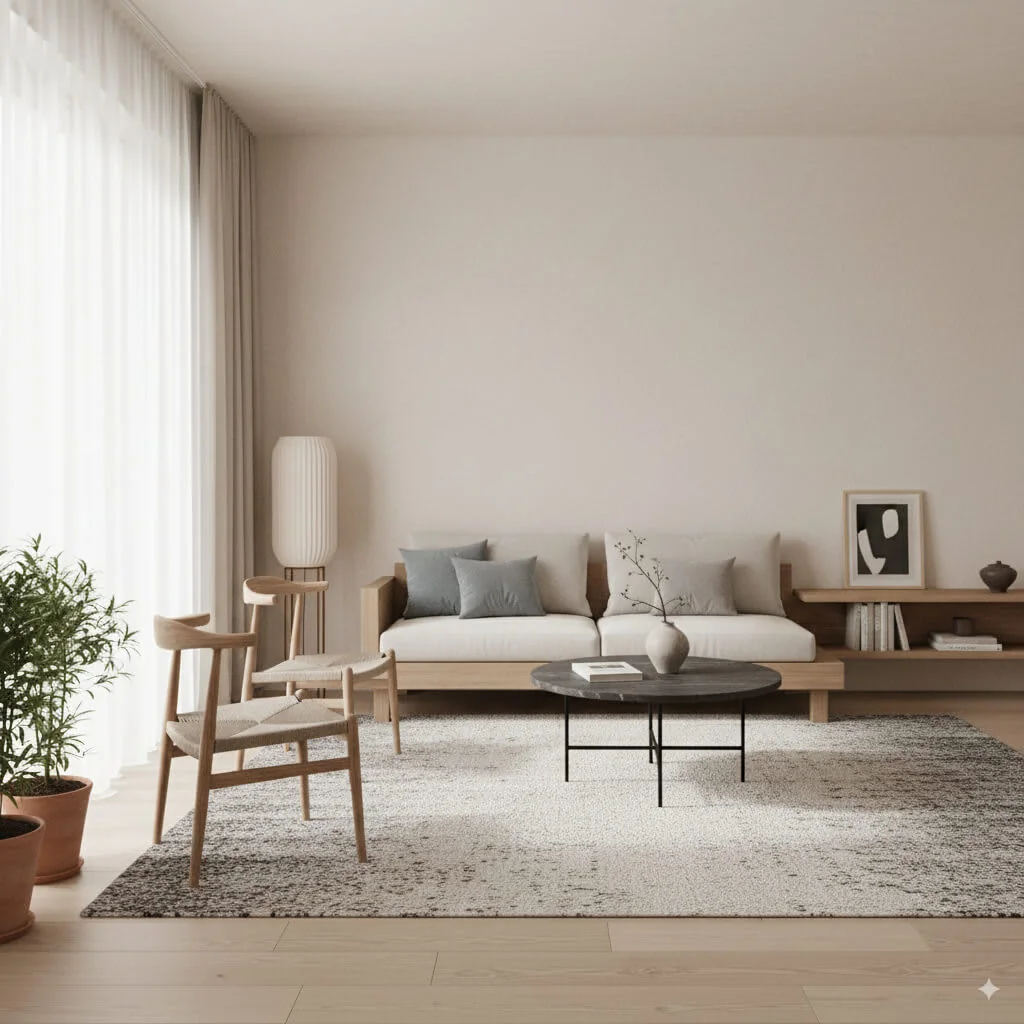
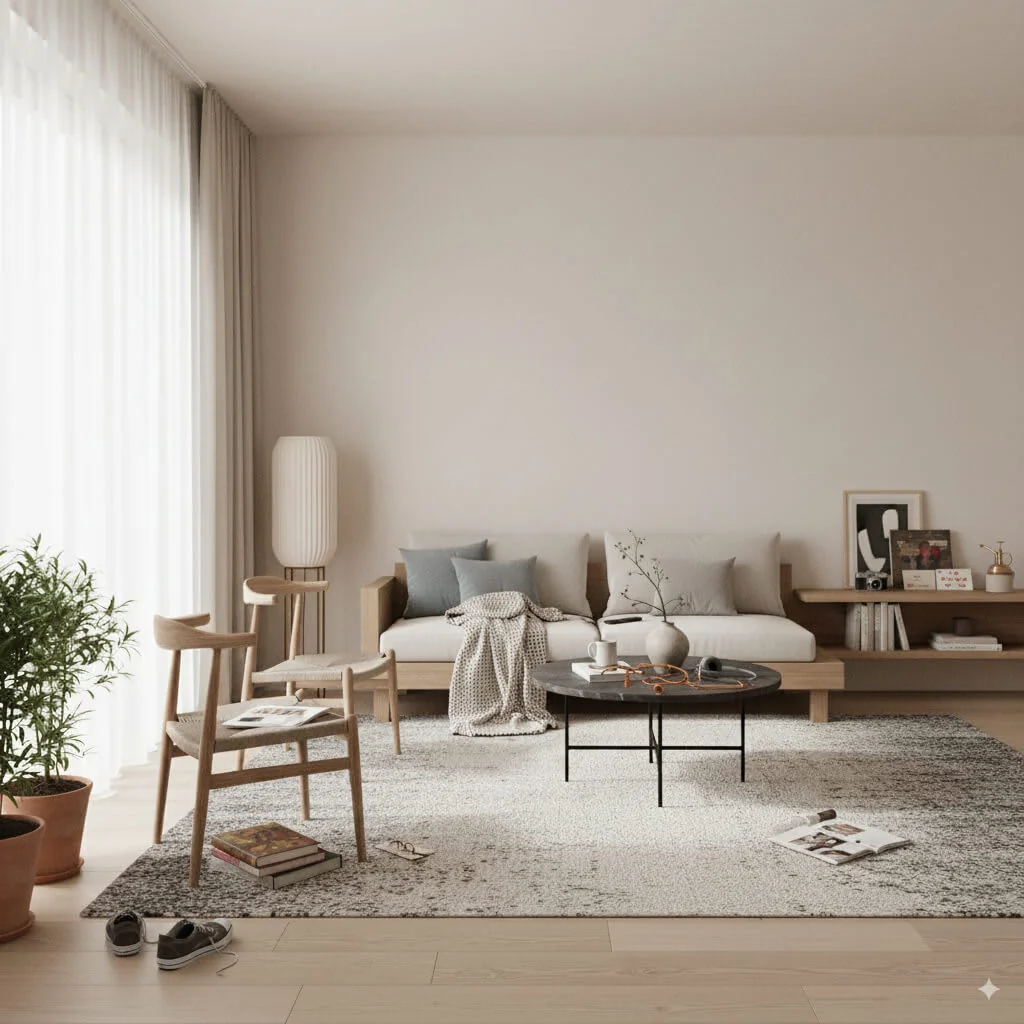

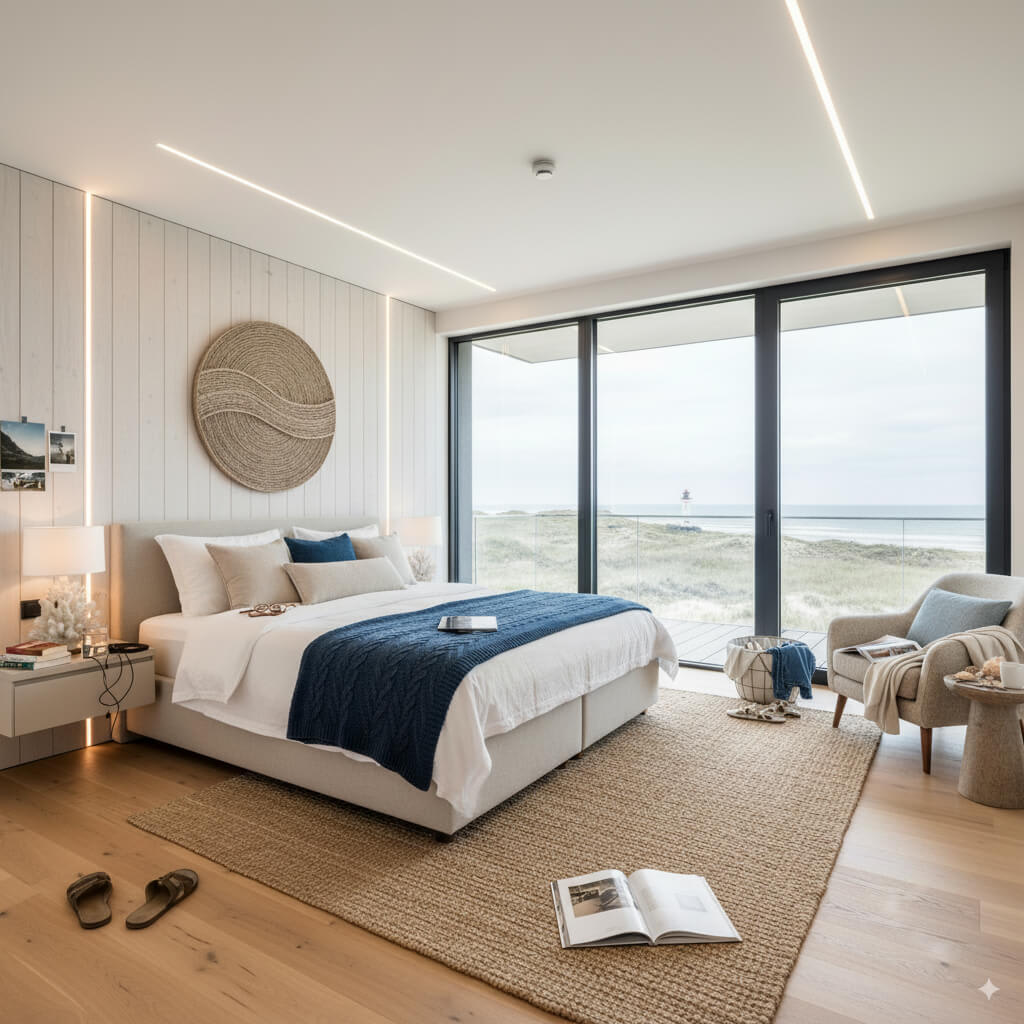


Cómo funciona
- 1Sube tu foto
- 2Elige tus ajustes
- 3Tu imagen
Consejos para un gran resultado
Foto nítida y clara
La luz natural y un gran angular dan el mejor resultado.
Muestra toda la zona
Mantén dentro de la imagen todo lo que quieras cambiar.
Prueba varias variaciones
Compara distintas opciones antes de decidirte.
Preguntas frecuentes
¿Puedo usar las imágenes con fines comerciales?
Sí. Puedes usar tus imágenes para cualquier fin, incluido el uso comercial.
¿Mi foto original cambia?
No. Tu original se mantiene sin cambios y puedes descargarlo en cualquier momento.
¿Y si no me gusta el resultado?
Prueba otro estilo o ajuste, o afina el resultado con una instrucción breve.
Seguir explorando
Todas las herramientas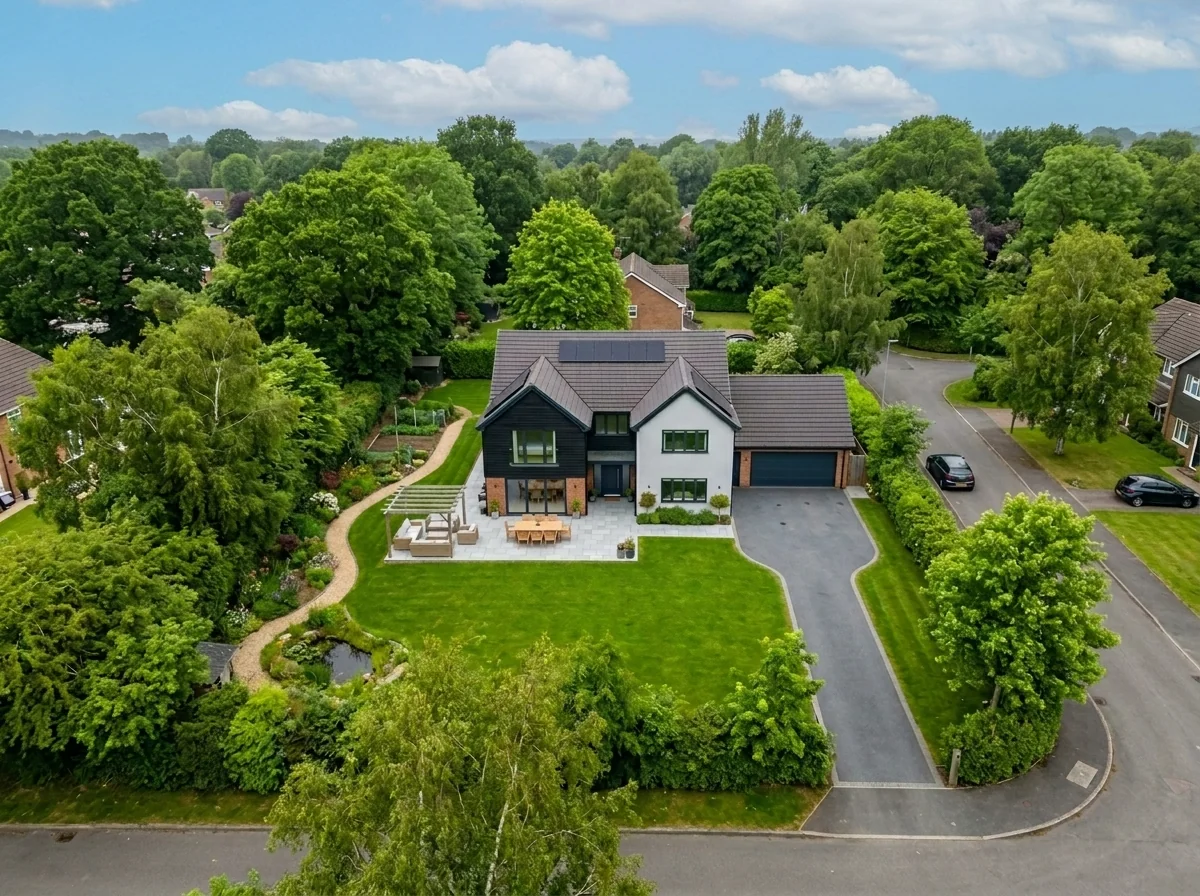
Sustitución del cielo en toma aérea
Sustituye los cielos grises, nublados o planos de fotos de propiedades con drones y aéreas por cielos azules impresionantes, luz de hora dorada o nubes dramáticas — en segundos. Optimizado específicamente para la perspectiva amplia y las características del horizonte de la fotografía aérea.
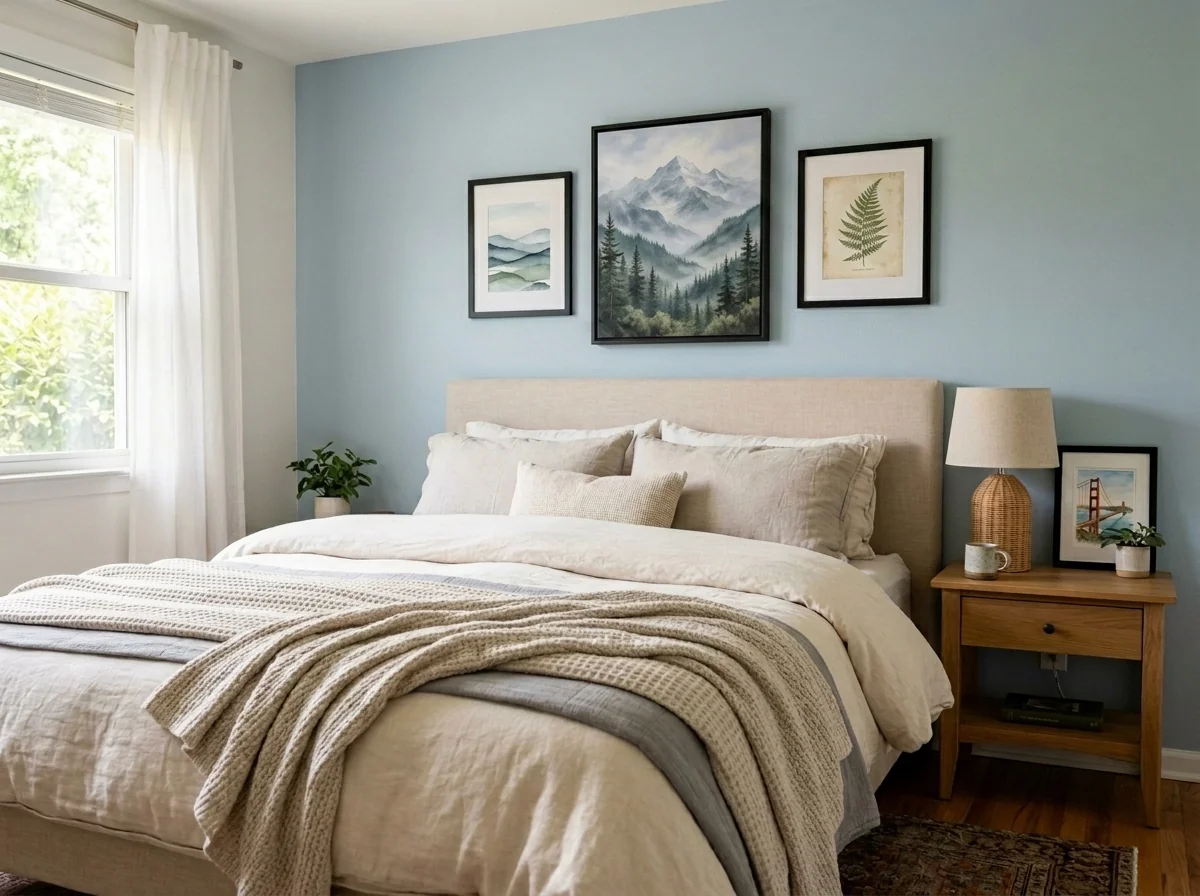
Anonimizador de arte de pared y fotos para apartamentos
Detecta y anonimiza automáticamente cuadros en la pared, fotos enmarcadas, pinturas y obras de arte en fotos de apartamentos o estancias. Elige entre varios estilos de anonimización: desenfoque gaussiano, pixelado fuerte, eliminación de pared lisa, sustitución por arte abstracto, láminas de naturaleza o patrones geométricos, ideal para cumplimiento de GDPR, anuncios inmobiliarios y staging.
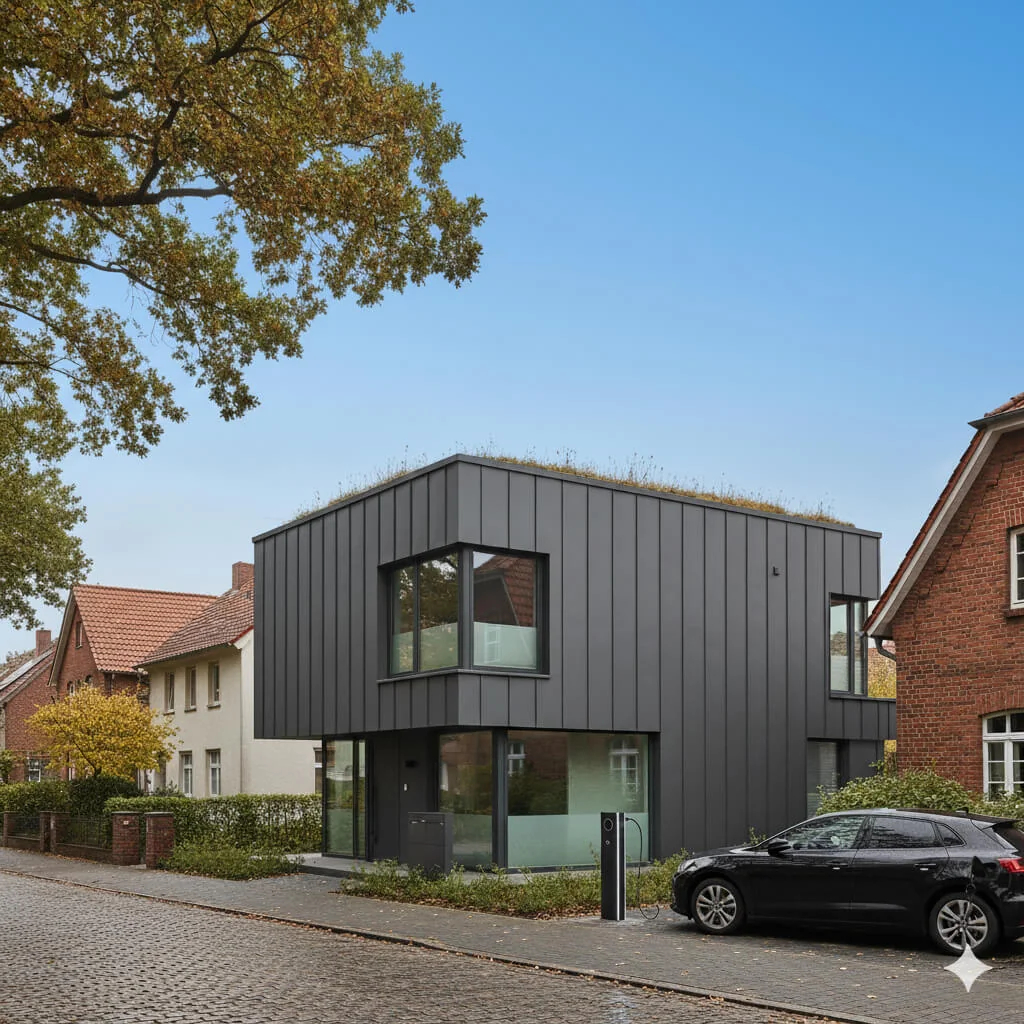
Sustitución de cielo azul
Transforma cielos grises y nublados en un azul perfecto y luminoso, al instante.
Lee la guía completa
How long does generation take for Clutter Remover?
Generation usually takes between 5 and 15 seconds.
Can I use the results commercially?
Yes, every generated image includes a full commercial usage license.
Tips for your photo
Make sure the photo is well lit and shot from a wide angle.
Remove clutter before shooting the photo for the best results.
Use re-staging mode for targeted style changes.
Frequently asked questions
What are the recommended input formats and resolutions for the Clutter Remover?
Upload common image formats like JPG, PNG, or HEIC for optimal Clutter Remover performance. For best results on your real estate photos, ensure a minimum resolution of 1920px on the longest side. Enhance your property listing by providing high-quality inputs to the Clutter Remover.
How quickly does the Clutter Remover process images?
The Clutter Remover processes most standard property listing photos within seconds. Complex images with extensive clutter might take slightly longer, but the Clutter Remover is optimized for rapid delivery, ensuring agents can quickly update MLS and Zillow listings.
What is the output quality of images after using the Clutter Remover?
The Clutter Remover delivers high-resolution, professional-grade images, seamlessly removing personal items while maintaining the original photo's integrity. Stage your property listing with confidence, as the Clutter Remover ensures pristine, buyer-ready real estate photos.
What are the best practices for achieving optimal results with the Clutter Remover?
For best Clutter Remover results, upload well-lit, in-focus real estate photos. Avoid extremely busy scenes if possible. The Clutter Remover performs exceptionally on clearly defined personal items, helping agents transform cluttered spaces into appealing property listings.
Can I re-process an image with the Clutter Remover if the initial result isn't perfect?
Yes, you can re-upload and re-process any image with the Clutter Remover as many times as needed. If the Clutter Remover misses an item, simply try again or adjust your input. Enhance your property listing until it meets your exact standards.
Technical FAQ: Clutter Remover
Quick answers for optimal results
Common mistakes
5 Clutter Remover Mistakes That Kill Your Real Estate Photos
How to use Clutter Remover online to get stunning, buyer-ready property listing images
Removing structural elements mistakenly.
Aggressively using the Clutter Remover tool on areas that are integral to the property's structure (e.g., removing part of a doorway or window frame) distorts the image and misrepresents the property.
Carefully select the areas for removal, ensuring you only target actual clutter and personal items. Use the tool's fine-tuning options to refine the selection and avoid impacting structural elements in your real estate photos.
Over-reliance on automatic Clutter Remover settings.
Blindly trusting the automatic settings of the Clutter Remover without reviewing the results can lead to unnatural-looking images and missed clutter in your property listing.
Always manually review the images after using the automatic settings. Use the manual selection tools within Clutter Remover to address any remaining clutter or imperfections for optimal MLS appeal.
Inconsistent application of Clutter Remover across all real estate photos.
Applying Clutter Remover haphazardly, only cleaning up some photos and leaving others untouched, creates an inconsistent visual experience for potential buyers viewing your Zillow listing.
Establish a consistent standard for clutter removal across all photos in your property listing. Ensure that all images showcase a clean and inviting space to maintain buyer interest.
Ignoring lighting and shadows after Clutter Remover use.
Removing clutter can sometimes leave behind unnatural lighting or shadows in the real estate photos, making the staging look artificial and hurting your agent reputation.
After using Clutter Remover, pay close attention to the lighting and shadows. Use photo editing tools to adjust the lighting and blend the removed areas seamlessly for a natural look.
Not saving high-resolution versions after using Clutter Remover.
Saving low-resolution versions of your clutter-free real estate photos will result in blurry and pixelated images on the MLS or Zillow, deterring potential buyers.
Always save your edited images in the highest resolution possible to maintain image quality and showcase the property in its best light after using Clutter Remover.
Transform Your Real Estate Photos: Clutter Remover Results Showcase
Upload your property photos now and see the instant clutter remover results
Your workflow
Transform Real Estate Photos: 5 Tips for Effective Clutter Remover Use
How to Clutter Remover Online for Stunning Property Listings
Upload
Upload your real estate photos to the Clutter Remover tool. Ensure high-resolution images for optimal results when removing clutter.
Use photos with good lighting to help the AI accurately identify and remove unwanted items from your property listing.
Identify
Pinpoint the personal items and clutter you want to remove using the Clutter Remover's selection tools. Focus on items that distract from the property's features.
Zoom in on the image for precise selection. The Clutter Remover works best when items are clearly defined.
Remove
Initiate the Clutter Remover process. The AI will intelligently remove selected items, seamlessly blending the surrounding area for a natural look in your real estate photos.
For complex scenes, remove items in stages for better control and a more realistic outcome.
Enhance
Fine-tune the image after the initial clutter removal. Use the Clutter Remover's editing tools to adjust brightness, contrast, and saturation for optimal appeal.
Subtle adjustments can significantly enhance the overall quality of your real estate photos, making them more attractive to potential buyers on Zillow and the MLS.
Download
Download your clutter-free, buyer-ready real estate photos. Use these enhanced images for your property listing to attract more potential buyers.
Save images in a high-resolution format suitable for online platforms and print materials to impress clients and other agents.
Use cases
Clutter Remover for Real Estate Listings
Social Media Marketing & Instagram Inserate
Architektur- & Umbau-Präsentationen
Clutter Remover: Technical Specifications for Pristine Real Estate Photos
1. Upload your property photo.
2. Choose the interior style or room type you want.
3. Click Generate and get your result in seconds.
Expert guide
5 Tips to Transform Real Estate Photos with AI Clutter Remover
How to Clutter Remover Online for Stunning Property Listings
Prepare Your Real Estate Photos for Optimal Clutter Removal
Upload high-resolution real estate photos to the Clutter Remover for best results. Clear images with good lighting allow the AI to accurately identify and remove unwanted items, enhancing your property listing for Zillow and the MLS. Avoid blurry or low-quality images.Adjust Clutter Remover Settings for Precise Editing
Experiment with the Clutter Remover's sensitivity settings to fine-tune the removal process. Lower sensitivity is ideal for detailed areas, while higher sensitivity works well for removing larger objects. Always preview the changes before finalizing to ensure a natural look.Achieve Best Results with Strategic Clutter Removal
Focus on removing distracting items that detract from the property's features. Remove personal items, excess furniture, and general clutter to create a clean, inviting space that appeals to potential buyers. Showcase the property's potential, not the current occupant's belongings.Leverage Clutter Remover for Professional Real Estate Marketing
Use the Clutter Remover to create consistent, high-quality images for all your property listings. A clean, decluttered look attracts more potential buyers and helps your listings stand out on Zillow and other platforms. Impress clients with professionally staged photos.How it works
3 Simple Steps to Master Our Clutter Remover
How to use our AI clutter remover online for professional MLS listings
Upload Your Real Estate Photos
Upload your property listing images directly to our platform. Our AI Clutter Remover identifies distracting personal items, family photos, and everyday mess to prepare your home for a professional Zillow debut.
Select Clutter for Instant Removal
Brush over specific belongings or let our automated tool detect objects instantly. Transform messy rooms into clean, staged spaces that meet strict MLS guidelines while maintaining the property's natural architectural integrity.
Download High-Res MLS Ready Images
Export your enhanced, high-resolution photos ready for broker marketing. Convert cluttered interior shots into pristine marketing assets that attract more buyers and help your property listing stand out in competitive markets.
What you can do
Transform Your Listings: 6 Essential Clutter Remover Features
Pristine Image Clutter Remover
Enhance real estate photos with our Clutter Remover, delivering stunning, artifact-free visuals that attract buyers on Zillow and MLS.
Instant Clutter Removal Speed
Stage property listing photos in seconds; our Clutter Remover rapidly processes images, saving agents valuable time for more sales.
Versatile Format Clutter Remover
Upload various image formats to our Clutter Remover, ensuring seamless integration with your existing real estate photo workflows for any property listing.
Tailored Clutter Remover Settings
Customize the Clutter Remover's intensity and focus, allowing agents to precisely control item removal for perfect, personalized real estate photos.
AI-Powered Clutter Remover
Our Clutter Remover leverages advanced AI to intelligently identify and remove personal items, enhancing property listing details with unmatched accuracy.
Professional Clutter Remover Solution
Transform agent workflows with our Clutter Remover, creating polished, buyer-ready real estate photos that elevate every property listing on MLS.
Discover how to effortlessly use our Clutter Remover online for pristine property photos.