
Terassi ja Pergola Suunnittelut
- Kuva
- Valintasi
- Kuvasi
Näe, mikä on mahdollista
Oikeita tuloksia kaltaisistasi kuvista.
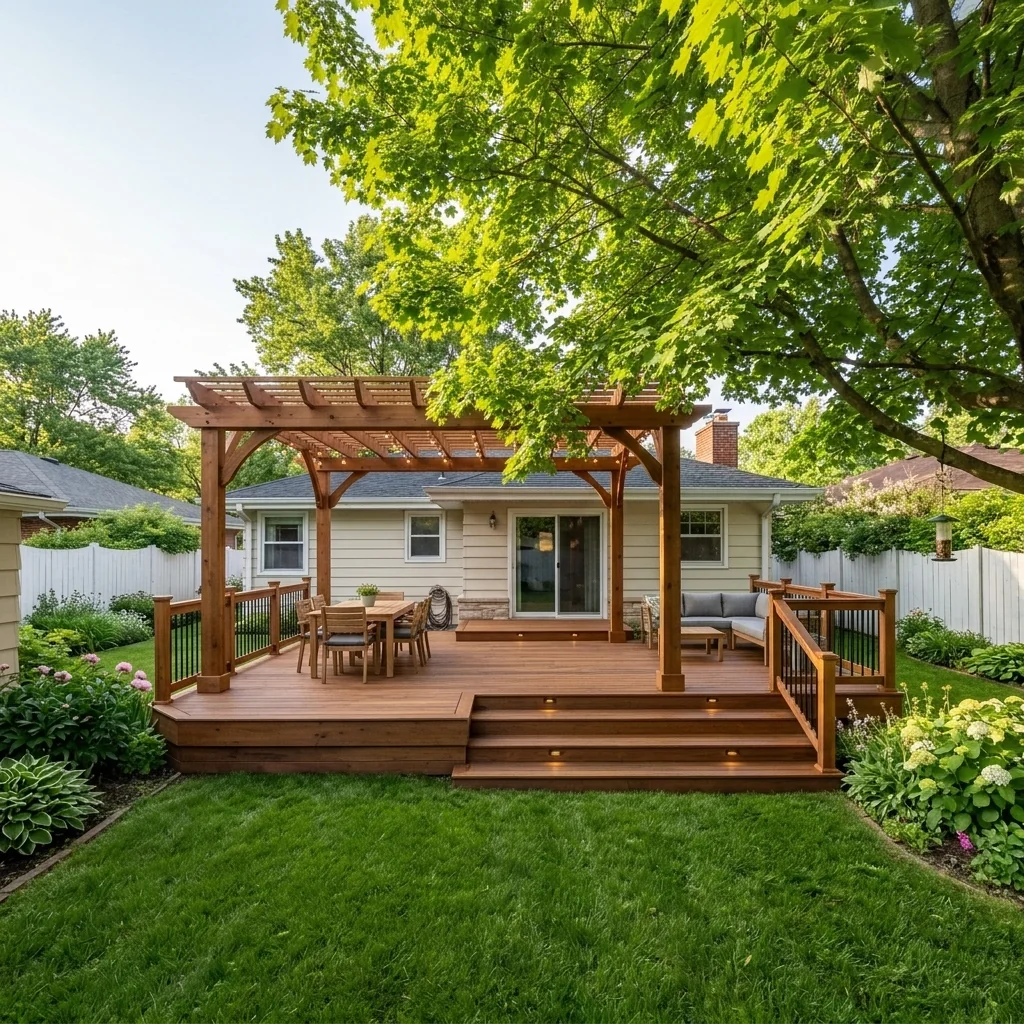
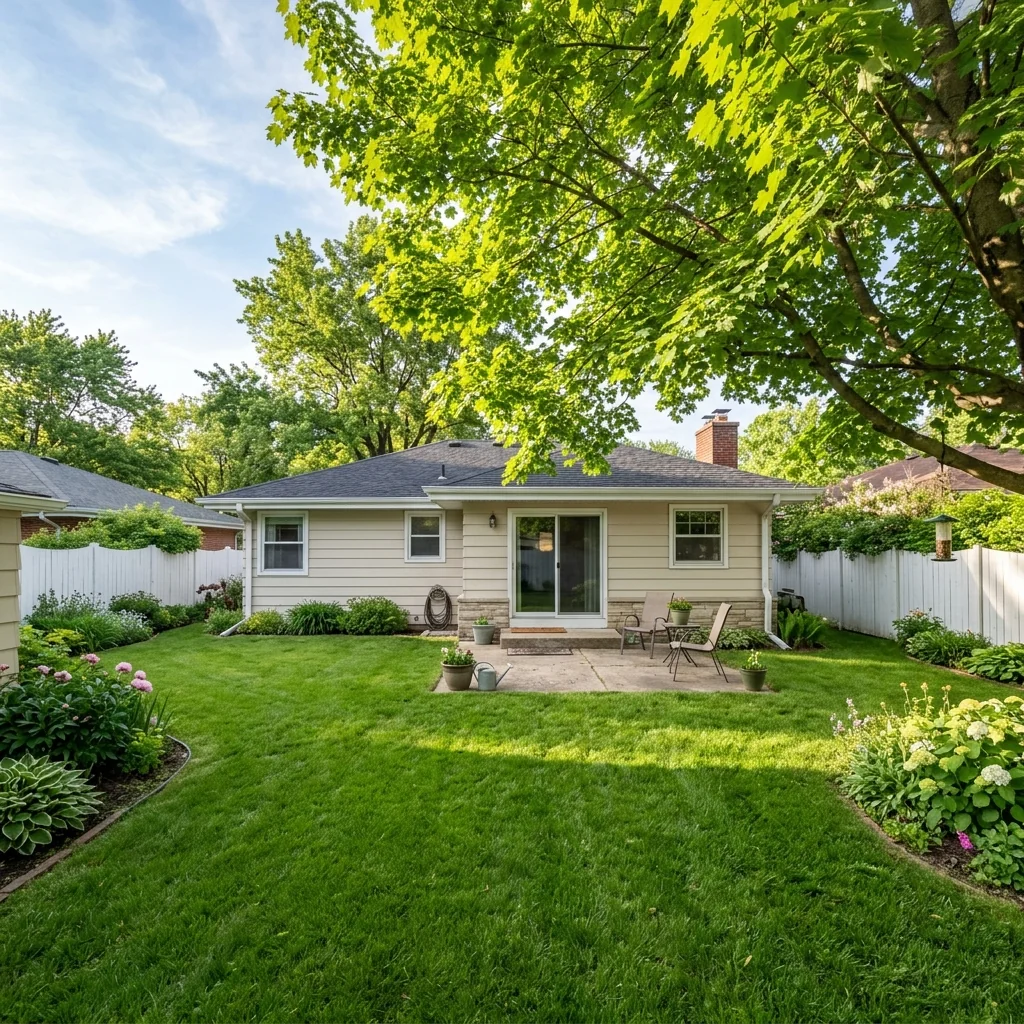

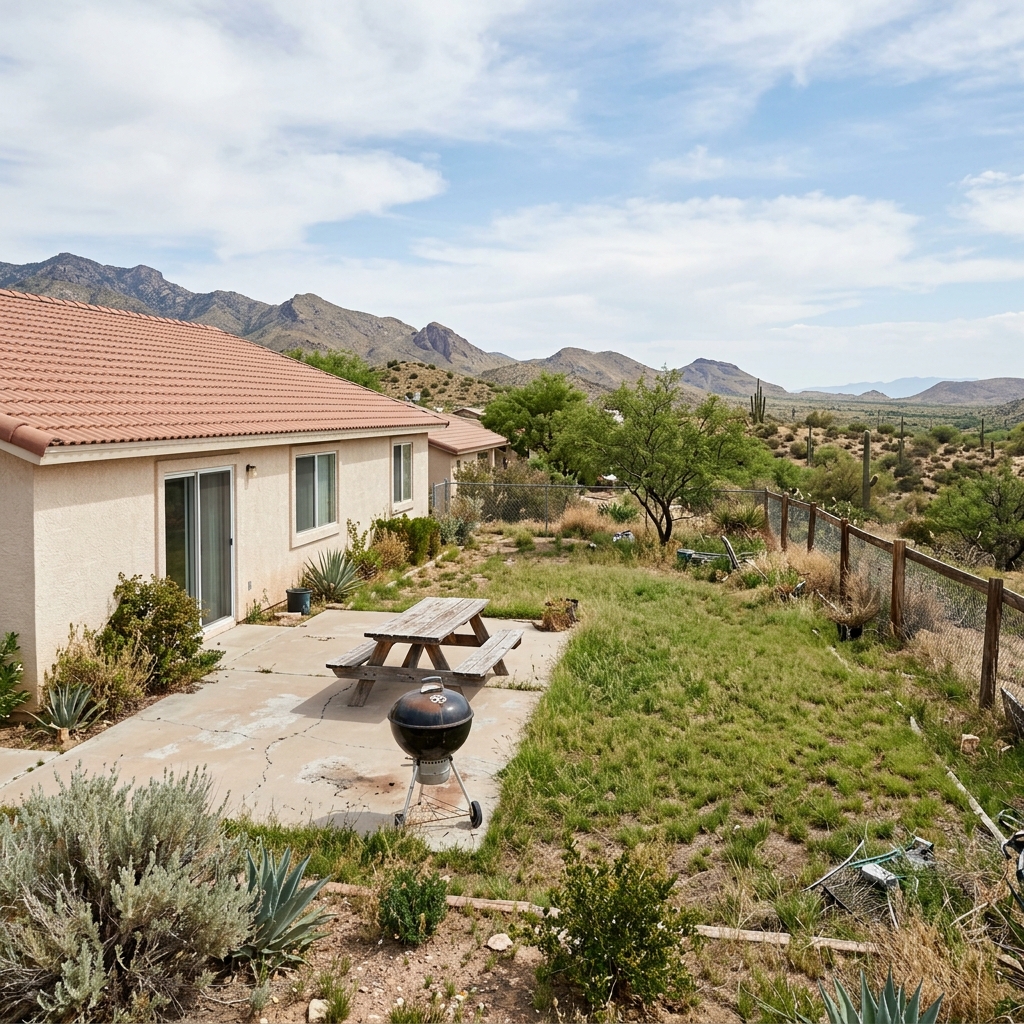

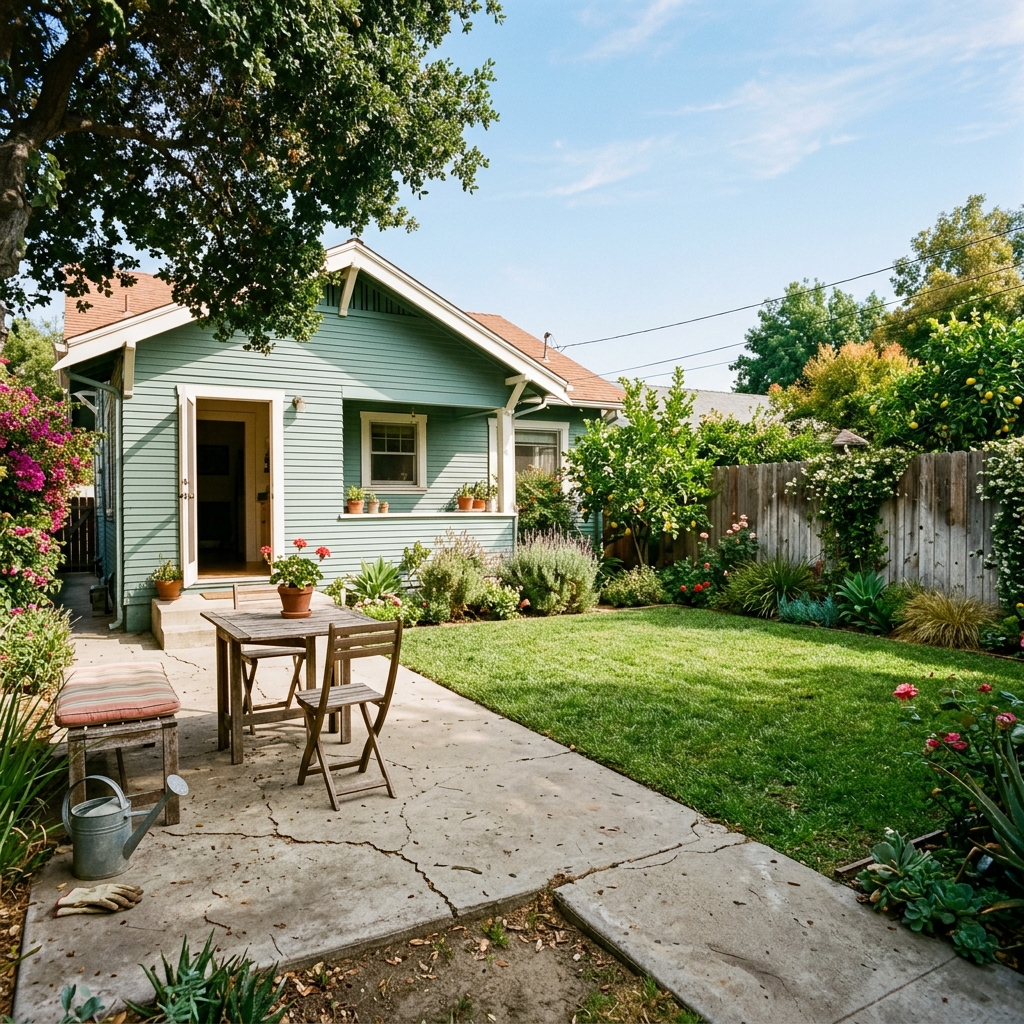
Miten se toimii
- 1Lataa kuvasi
- 2Valitse asetuksesi
- 3Kuvasi
Vinkkejä hyvään lopputulokseen
Kirkas, selkeä kuva
Päivänvalo ja laaja kuvakulma antavat parhaan tuloksen.
Näytä koko alue
Pidä kaikki, mitä haluat muuttaa, kokonaan kuvassa.
Kokeile useita versioita
Vertaile eri vaihtoehtoja ennen kuin päätät.
Usein kysytyt kysymykset
Saanko käyttää kuvia kaupallisesti?
Kyllä. Voit käyttää kuvia mihin tahansa tarkoitukseen, myös kaupalliseen käyttöön.
Muuttuuko alkuperäinen kuvani?
Ei. Alkuperäinen kuvasi pysyy muuttumattomana, ja voit ladata sen milloin tahansa.
Entä jos en pidä lopputuloksesta?
Kokeile toista tyyliä tai asetusta, tai hienosäädä tulosta lyhyellä ohjeella.
Jatka tutkimista
Kaikki työkalut
Ilmasta kuvattu maisemointiparannus
Muunna hoitamattomat, tyhjät tai ankeat tontit drone- ja ilmakuvissa. Lisää rehevät nurmikot, altaat, muodolliset puutarhat, istutusalueet ja siistit ajotiet — kaikki näkyy ylhäältä. Näytä ostajille ulkotilan koko potentiaali ilman yhtäkään maisemasuunnittelijaa.

AI-tyynyn reunan vaihto
Muunna koristeellisten tyynyjen reunat, kantit ja tereet heti kiinteistökuvissasi. Tämä AI-työkalu antaa suunnittelijoille ja stailaajille mahdollisuuden visualisoida erilaisia tyylejä, värejä ja materiaaleja, parantaen sisustuksen estetiikkaa ilman fyysisiä muutoksia.

AI-tyynyn hapsujen ja koristeiden vaihto
Visualisoi vaivattomasti uudet koristeellisen tyynyn hapsu- ja kanttityylit sisäkuvissasi. Tämä AI-työkalu antaa suunnittelijoille ja stailaajille mahdollisuuden vaihtaa olemassa olevia tyynyn yksityiskohtia ja näyttää päivitetyn ilmeen heti ilman fyysisiä muutoksia.
Lue koko opas
How long does generation take for Deck & Pergola Designer?
Generation usually takes between 5 and 15 seconds.
Can I use the results commercially?
Yes, every generated image includes a full commercial usage license.
Tips for your photo
Make sure the photo is well lit and shot from a wide angle.
Remove clutter before shooting the photo for the best results.
Use re-staging mode for targeted style changes.
Frequently asked questions
What image formats and resolutions does the Deck & Pergola Designer support for optimal visualization?
Upload high-resolution JPG or PNG real estate photos (1920x1080px minimum) to the Deck & Pergola Designer. This ensures crisp visualization of your new deck or pergola, enhancing property listing appeal for agents on Zillow and MLS.
How long does it take for the Deck & Pergola Designer to process and generate visualizations?
The Deck & Pergola Designer typically processes and stages your outdoor structure visualization in 10-30 seconds. Larger image files or complex designs might slightly extend this, but you'll quickly convert concepts into property listing assets for any agent.
What is the typical output resolution and quality of the Deck & Pergola Designer's generated images?
The Deck & Pergola Designer generates high-definition output images (up to 4K resolution) for your property listing. This quality allows agents to enhance MLS listings, transforming basic real estate photos into compelling visuals for potential buyers.
What are the best practices for using the Deck & Pergola Designer to achieve realistic results?
Enhance your results by uploading well-lit, clear real estate photos with a good view of the intended area. Avoid busy backgrounds. The Deck & Pergola Designer transforms your property listing by accurately staging your outdoor vision, impressing Zillow viewers.
Can I modify design parameters and regenerate visualizations with the Deck & Pergola Designer?
Yes, the Deck & Pergola Designer allows unlimited re-generations. Easily adjust materials, sizes, or styles. This flexibility helps agents convert various design ideas into multiple property listing options, transforming how buyers perceive outdoor potential.
Technical FAQ: Deck & Pergola Designer
Get Quick Answers: How to Optimize Your Deck & Pergola Designer Online Results
Common mistakes
5 Critical Deck & Pergola Designer Mistakes Costing You Time & Money
Avoid these common pitfalls to maximize your outdoor living space design using our AI tool.
Ignoring Property Lines & Zoning Regulations with the Deck & Pergola Designer
Building structures that violate property lines or zoning laws can lead to costly fines, legal battles, and forced removal of the deck or pergola. This impacts your property listing and MLS data.
Always consult local zoning regulations and property surveys before finalizing your design in the Deck & Pergola Designer. Verify measurements and setbacks.
Neglecting Structural Integrity & Load-Bearing Considerations in the Deck & Pergola Designer
Designing a deck or pergola without considering load-bearing capacity, material strength, and proper support can lead to structural failure, posing a safety hazard and devaluing your real estate photos.
Consult with a qualified structural engineer or contractor to review your design from the Deck & Pergola Designer, especially for complex structures or areas with heavy snow loads. Ensure proper beam sizing and support placement.
Overlooking Drainage & Water Management in Your Deck & Pergola Designer Plan
Poor drainage can lead to water damage, rot, and foundation problems, significantly impacting the longevity and value of your deck or pergola. This affects the appeal for potential buyers viewing your property listing on Zillow.
Incorporate proper drainage solutions into your Deck & Pergola Designer plan, such as sloping the deck surface, installing gutters, and ensuring adequate ground drainage away from the structure. Consider the impact on real estate photos.
Choosing Incompatible Materials for Your Deck & Pergola Designer Vision
Using materials that are not suitable for the local climate or that clash aesthetically can result in premature wear and tear, increased maintenance costs, and a less appealing outdoor space, potentially deterring agents and buyers.
Research and select materials that are durable, weather-resistant, and aesthetically pleasing for your region. Use the Deck & Pergola Designer to visualize different material combinations before making a final decision. Enhance your property listing with high-quality images.
Failing to Consider Accessibility & Safety Features When Using the Deck & Pergola Designer
Ignoring accessibility requirements (e.g., ramps, handrails) and safety features (e.g., proper lighting, non-slip surfaces) can limit the usability of the deck or pergola for some individuals and create potential hazards, affecting the property listing's overall appeal.
Incorporate accessibility features and safety measures into your Deck & Pergola Designer plan to ensure that the structure is safe and usable for everyone. Consider adding lighting for evening enjoyment and non-slip surfaces for wet conditions. Upload to MLS with detailed descriptions.
Transform Your Property Listing: Deck & Pergola Designer Showcase
How to Visualize Your Dream Outdoor Space with a Deck & Pergola Designer Online
Your workflow
Transform Your Property Listing: 5 Tips with a Deck & Pergola Designer
How to Use a Deck & Pergola Designer Online to Enhance Real Estate Photos for MLS & Zillow
Upload Property Photo
Upload a clear photo of the property's backyard or outdoor space where the deck or pergola will be visualized. Ensure the photo is high-resolution for best results when using the Deck & Pergola Designer.
Use a wide-angle shot to capture the entire area and provide context for the deck or pergola design. Consider the lighting in the photo – natural light is ideal.
Design Your Deck or Pergola
Utilize the Deck & Pergola Designer to create your desired outdoor structure. Experiment with different materials (wood, composite, metal), sizes, styles (modern, traditional, rustic), and features (railings, stairs, lighting) to find the perfect fit for the property.
Consider the existing architecture of the house when choosing a design. Use the Deck & Pergola Designer to match the style and color scheme for a cohesive look. Think about potential staging elements, like outdoor furniture.
Visualize and Adjust
See how the designed deck or pergola looks on your property photo. Adjust the placement, size, and orientation to ensure it integrates seamlessly with the existing landscape. Use the Deck & Pergola Designer's tools to fine-tune the design.
Pay attention to perspective and scale. Make sure the deck or pergola looks realistic in relation to the house and surrounding environment. Experiment with different angles to showcase the design from multiple viewpoints.
Enhance and Download for MLS
Enhance the final image with lighting and shadows for a realistic look. Download the high-resolution image for use in your property listing on MLS, Zillow, and other real estate platforms to attract potential buyers.
Consider adding subtle staging elements, like outdoor furniture or plants, to create a more inviting and appealing scene. Use the enhanced image to highlight the property's outdoor living potential to prospective buyers and boost your agent profile.
Use cases
Property Listings for Deck & Pergola Designer
Social Media Marketing & Instagram Inserate
Architektur- & Umbau-Präsentationen
Deck & Pergola Designer — Technical Specifications
1. Upload your property photo.
2. Choose the interior style or room type you want.
3. Click Generate and get your result in seconds.
Expert guide
5 Pro Tips: Get Stunning Deck & Pergola Designer Visualizations
How to get the best deck & pergola designer online for your property listing
Transform Your Real Estate Photos: Image Preparation is Key
Upload high-resolution real estate photos to the Deck & Pergola Designer. Clear images of your property, showcasing the area where you envision the structure, will significantly improve the AI's ability to accurately render your dream deck or pergola for your MLS listing.
Optimize Deck & Pergola Designer Settings for Realistic Results
Fine-tune the Deck & Pergola Designer settings to match your desired aesthetic. Experiment with material types (wood, composite, etc.), colors, and size parameters. Accurate settings ensure the visualization aligns with your vision, attracting potential buyers on Zillow.
Enhance Your Property Listing: Achieve the Best Deck & Pergola Design Results
To achieve the best results, provide the Deck & Pergola Designer with multiple angles of the property. Include photos taken during different times of day to show lighting variations. This comprehensive approach helps the AI create a more realistic and compelling visualization for your agent.
Stage for Success: Professional Use of the Deck & Pergola Designer
As a real estate professional, leverage the Deck & Pergola Designer to present potential outdoor living spaces to clients. Showcase various deck and pergola options, allowing them to visualize the possibilities and increase their interest in the property, ultimately boosting your sales.
How it works
3 Professional Steps to Use the Deck & Pergola Designer
How to use an AI deck & pergola designer online for real estate listings in 2025
Upload Your Property Listing Photos
Upload high-resolution real estate photos of your backyard or patio area to the Deck & Pergola Designer to begin the virtual home staging process for your next MLS listing.
Select Custom Materials and Styles
Choose specific wood or composite materials within the Deck & Pergola Designer to visualize how different outdoor structures enhance the property value for Zillow and prospective home buyers.
Download Your High-Res Virtual Rendering
Convert your property vision into a high-resolution image that agents and brokers can use to showcase potential outdoor living spaces in any professional real estate marketing campaign.
What you can do
Advanced Deck & Pergola Designer Capabilities
5K Ultra-HD Deck & Pergola Designer Renders
Enhance real estate photos with stunning 5K renders from the Deck & Pergola Designer, ensuring every agent can showcase precise outdoor structures on Zillow and MLS for property listings.
Instant 3-Second Deck & Pergola Designer Previews
Transform property photos instantly with the Deck & Pergola Designer, allowing agents to quickly visualize outdoor structures and update real estate photos for immediate listing impact on Zillow.
Multiple 4+ Export Formats for Deck & Pergola Designer
Convert your Deck & Pergola Designer visualizations into multiple formats, perfect for uploading to MLS, Zillow, or sharing directly with agents for comprehensive property listings and real estate photos.
Unlimited 100+ Customization Options with Deck & Pergola Designer
Stage any property with the Deck & Pergola Designer, offering limitless options to customize materials, styles, and sizes, ensuring unique real estate photos for every agent's property listing.
AI-Powered Deck & Pergola Designer 99% Accuracy
Enhance property listings with AI-powered precision from the Deck & Pergola Designer, ensuring perfectly scaled and integrated outdoor structures for compelling Zillow and MLS real estate photos.
3 Key Professional Uses for Deck & Pergola Designer
Transform agent workflows and property listings using the Deck & Pergola Designer, enabling quick staging of outdoor spaces for impactful Zillow and MLS real estate photos.
Learn How to Use Our Deck & Pergola Designer Online for Stunning Visuals