
Incubateur de Déco Biophile
- Photo
- Vos choix
- Votre image
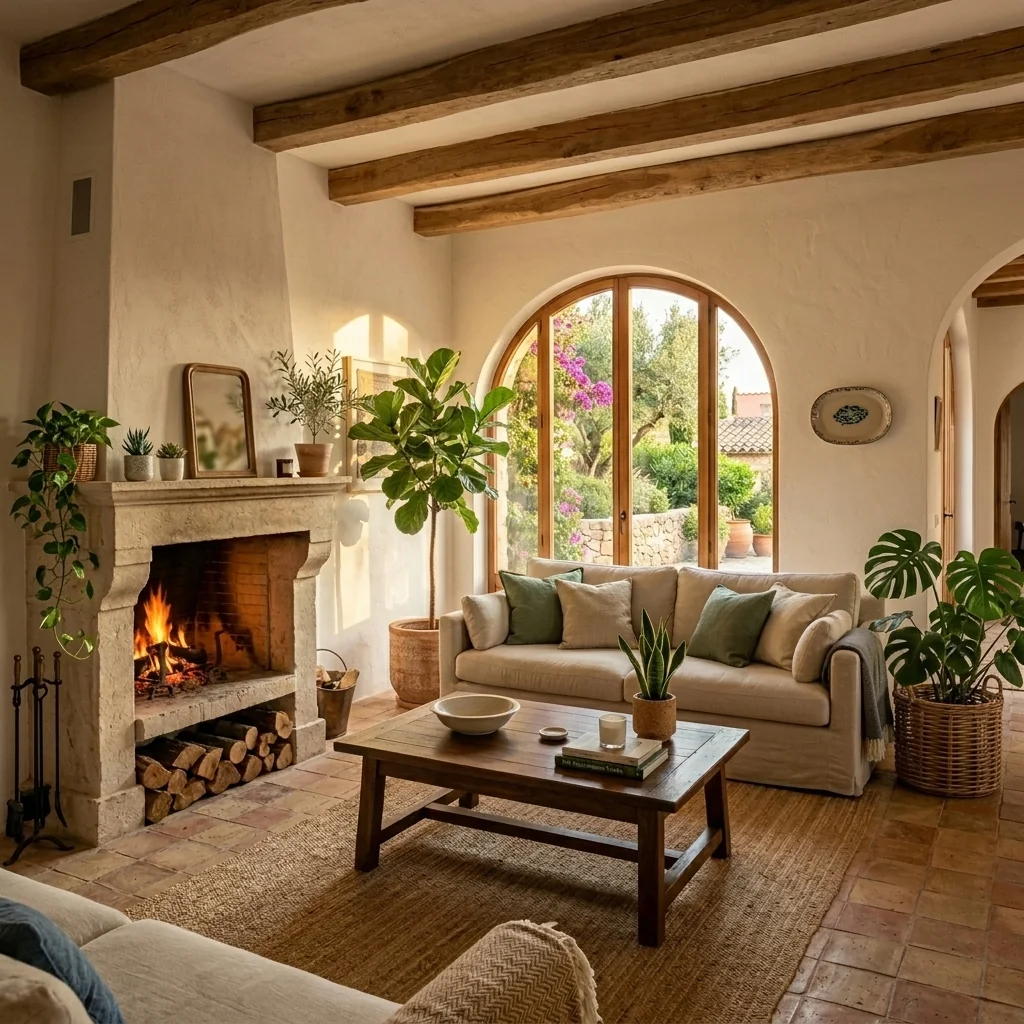
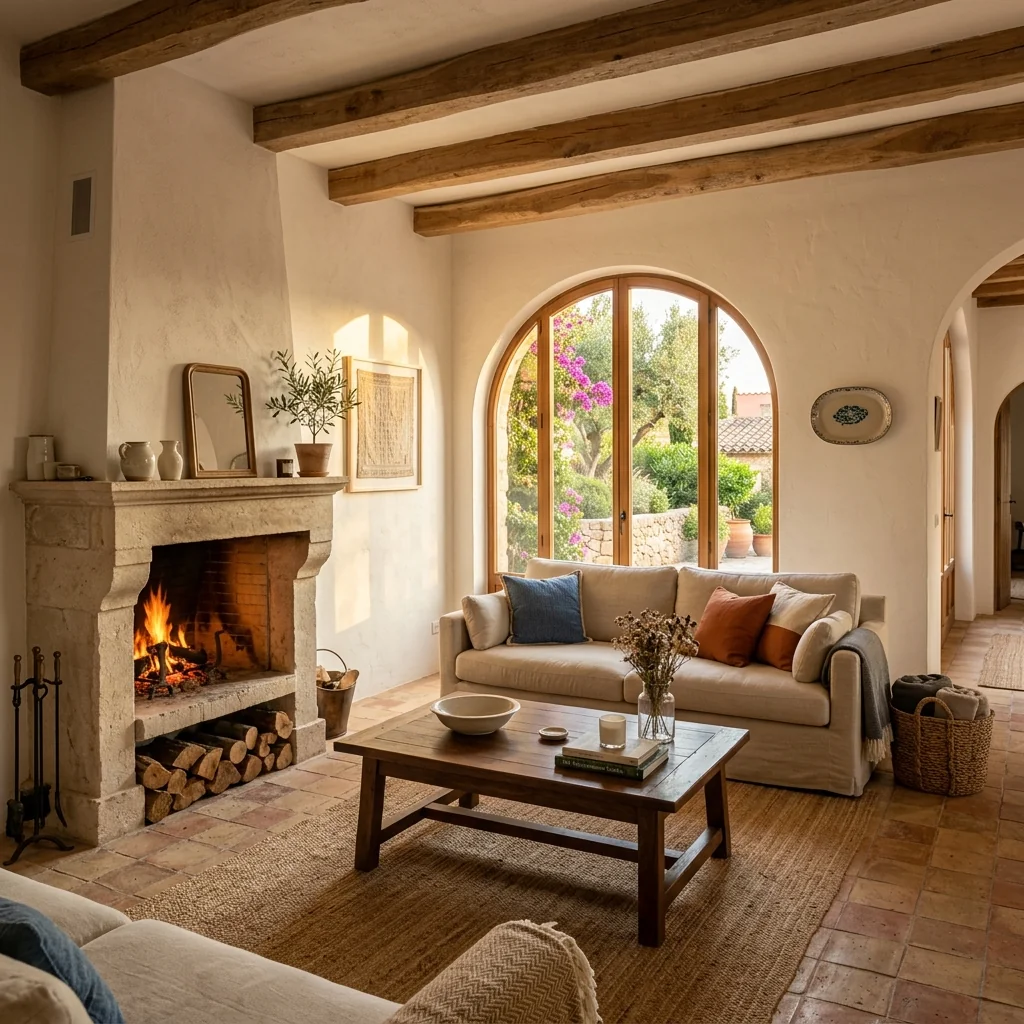
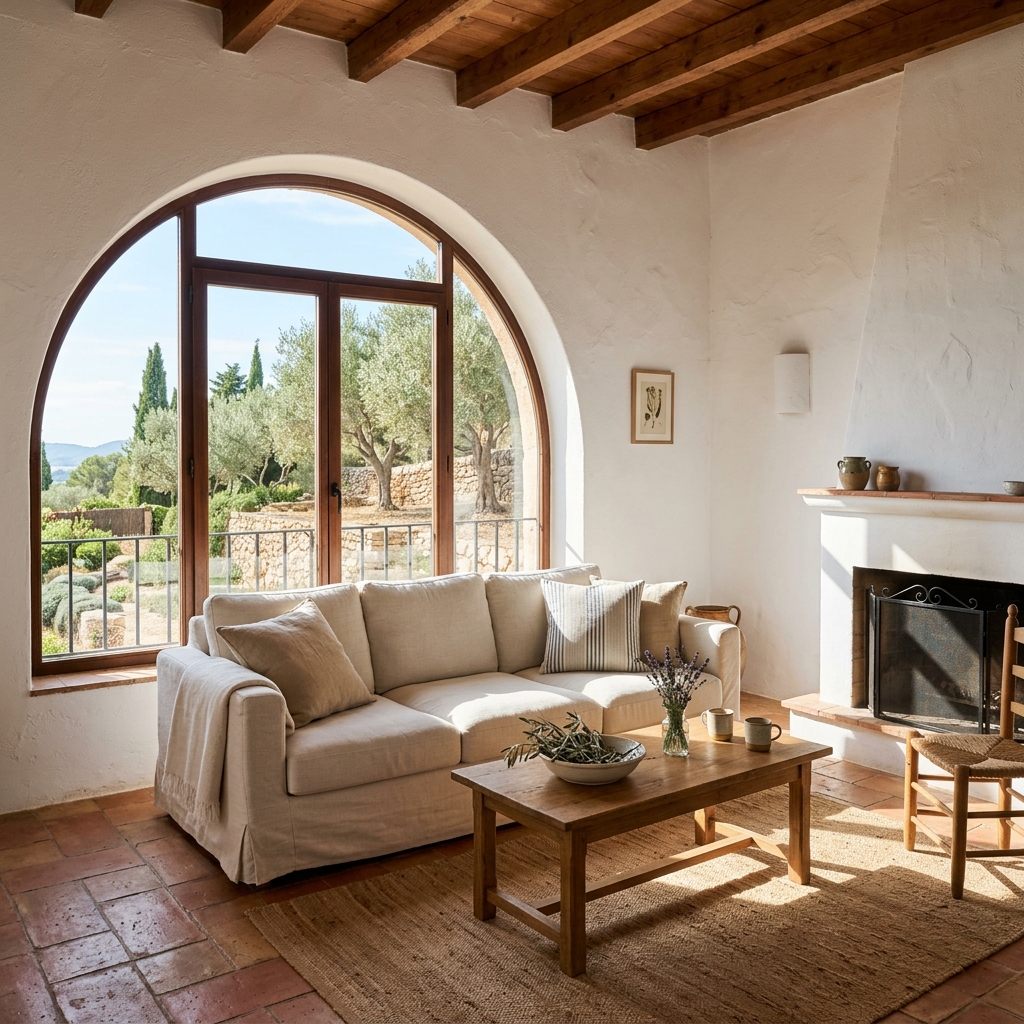
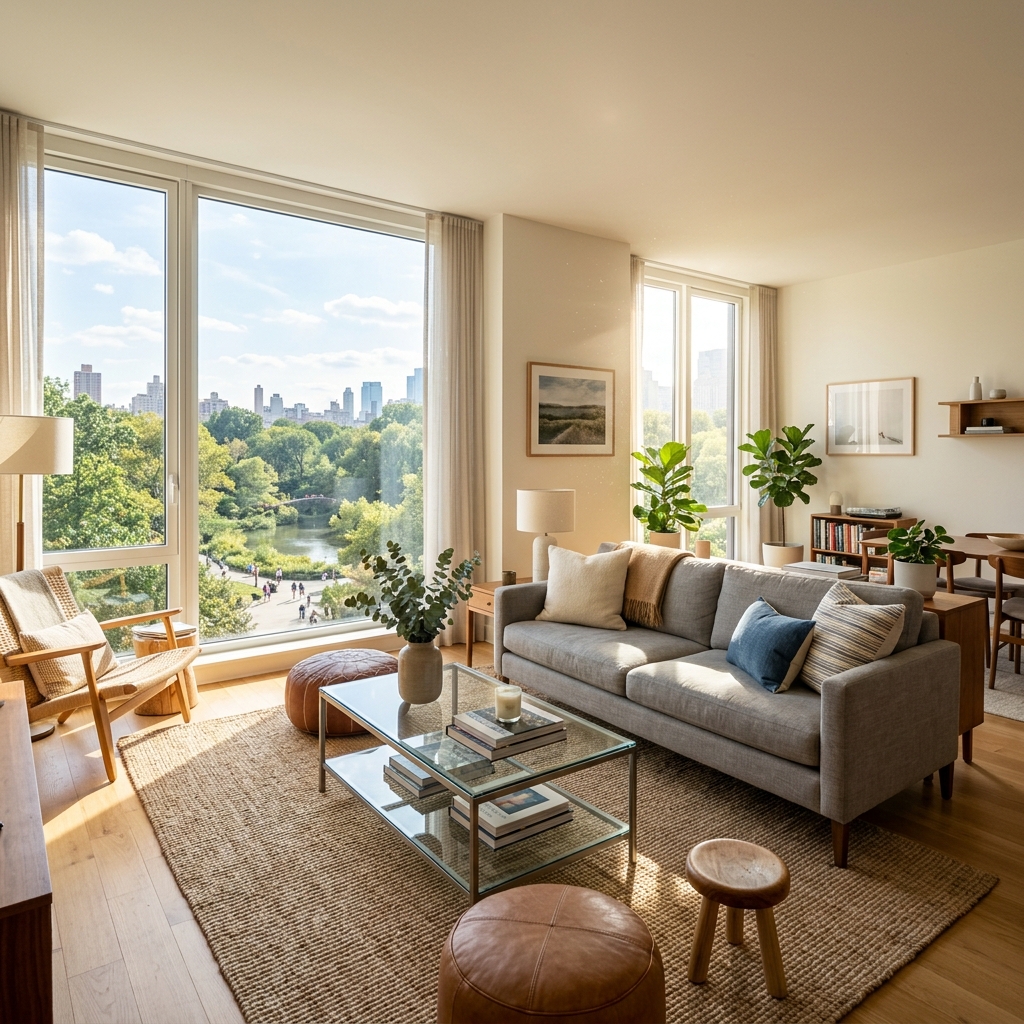
Voyez ce qui est possible
Résultats réels à partir de photos comme la vôtre.


Comment ça fonctionne
- 1Téléchargez votre photo
- 2Choisissez vos paramètres
- 3Votre image
Conseils pour un bon résultat
Photo nette et lumineuse
La lumière du jour et un grand angle donnent le meilleur résultat.
Montrez toute la zone
Gardez entièrement dans l’image tout ce que vous souhaitez modifier.
Essayez plusieurs variantes
Comparez différentes options avant de décider.
Foire aux questions
Puis-je utiliser les images à des fins commerciales ?
Oui. Vous pouvez utiliser vos images à toute fin, y compris à des fins commerciales.
Mon photo originale change-t-elle ?
Non. Votre photo originale reste inchangée et vous pouvez la télécharger à tout moment.
Et si le résultat ne me plaît pas ?
Essayez un autre style ou un autre paramètre, ou affinez le résultat avec une courte instruction.
Continuer à explorer
Tous les outils
Changeur d’ameublement de fauteuil IA
Visualisez instantanément de nouvelles options de revêtement pour les fauteuils dans vos photos. Changez les tissus, couleurs et motifs comme le velours, le cuir ou le bouclé pour correspondre parfaitement à tout style de décoration intérieure. Idéal pour les professionnels de l’immobilier et les designers d’intérieur afin de montrer des transformations potentielles.

Changeur d’ameublement de meubles IA
Transformez vos photos de meubles avec l’IA ! Modifiez facilement le matériau du revêtement pour présenter différents styles et séduire un plus large éventail d’acheteurs. Idéal pour le home staging virtuel et les maquettes de décoration intérieure.

Visualiseur de tapisserie IA
Visualisez instantanément l’apparence de n’importe quel meuble avec différents tissus de tapisserie, couleurs et textures grâce à l’IA. Téléversez une photo de votre canapé, chaise ou causeuse et voyez de superbes aperçus de retapissage avant de vous engager dans un achat ou un projet de rénovation.
Lire le guide complet
How long does generation take for Biophilic Room Transformer?
Generation usually takes between 5 and 15 seconds.
Can I use the results commercially?
Yes, every generated image includes a full commercial usage license.
Tips for your photo
Make sure the photo is well lit and shot from a wide angle.
Remove clutter before shooting the photo for the best results.
Use re-staging mode for targeted style changes.
Frequently asked questions
What image formats and resolutions does the Biophilic Room Transformer accept for optimal results?
Upload JPG, PNG, or HEIC files. For best Biophilic Room Transformer results, ensure images are 1920x1080px or higher, up to 4K, to capture intricate plant details and natural textures. This enhances your real estate photos.
How long does the Biophilic Room Transformer take to process a room photo?
Convert your room in approximately 10-20 seconds. The Biophilic Room Transformer quickly integrates lush plants and organic materials, delivering your nature-inspired transformation swiftly for immediate property listing updates.
What is the typical output quality from the Biophilic Room Transformer?
Enhance your property listing with high-resolution, photorealistic outputs from the Biophilic Room Transformer. The AI seamlessly integrates natural elements, ensuring crisp details and vibrant biophilic aesthetics perfect for Zillow and MLS.
What are the best practices for achieving stunning biophilic transformations with the Biophilic Room Transformer?
Stage your room with good lighting and clear perspectives. The Biophilic Room Transformer excels with well-lit real estate photos, allowing for superior integration of plants and natural textures, impressing any agent.
Can I re-generate a biophilic transformation if I'm not satisfied with the initial result?
Yes, re-generate your image with the Biophilic Room Transformer. Simply click "Re-transform" to explore alternative biophilic designs, adjusting plant arrangements and material integration until perfect for your property listing.
Technical FAQ: Biophilic Room Transformer
Quick answers for optimal results
Common mistakes
5 Biophilic Room Transformer Mistakes Killing Your Real Estate Photos
How to Biophilic Room Transformer Online for MLS & Zillow
Uploading low-resolution real estate photos to the Biophilic Room Transformer.
The AI needs clear details to accurately integrate biophilic elements. Blurry or pixelated images result in unrealistic and unconvincing transformations for your property listing.
Always upload high-resolution real estate photos (minimum 1200px wide) to the Biophilic Room Transformer. Ensure proper lighting and focus for optimal results that attract potential buyers and boost your agent profile.
Ignoring the existing architectural style when using the Biophilic Room Transformer.
Forcing a modern biophilic design onto a traditional room can look jarring and unnatural, detracting from the overall appeal of the property listing.
Consider the existing architectural style and choose biophilic elements that complement it within the Biophilic Room Transformer. Subtle additions often yield the most effective and believable transformations for your real estate photos.
Overloading the Biophilic Room Transformer with too many elements.
Adding too many plants, textures, and natural materials can create a cluttered and overwhelming image, which distracts potential buyers from the room's actual features in the property listing.
Use the Biophilic Room Transformer sparingly. Focus on a few key elements that enhance the space without overwhelming it. Less is often more when showcasing real estate photos.
Not adjusting the lighting and shadows after using the Biophilic Room Transformer.
Inconsistent lighting between the original photo and the added biophilic elements can make the transformation look artificial and unconvincing in your MLS listing.
Use photo editing software to adjust the lighting and shadows to ensure a seamless integration. The Biophilic Room Transformer can be enhanced with realistic lighting for Zillow and other platforms.
Failing to optimize the transformed real estate photos for online viewing after using the Biophilic Room Transformer.
Large image files can slow down loading times on websites like Zillow, potentially deterring potential buyers and negatively impacting your agent's reputation.
Compress the transformed real estate photos before uploading them to online platforms. Maintain a balance between image quality and file size for optimal viewing experience. The Biophilic Room Transformer results should load quickly.
See Stunning Biophilic Room Transformer Results: 3 Examples
Upload your real estate photos and instantly transform any room with our AI-powered Biophilic Room Transformer online.
Your workflow
4 Steps to Transform Real Estate Photos with a Biophilic Room Transformer
How to Biophilic Room Transformer Online for Stunning Property Listings
Upload Your Room Photo
Upload your real estate photo to the Biophilic Room Transformer. Ensure the photo is clear and well-lit for optimal AI performance. Use photos of rooms that agents want to enhance for their MLS or Zillow listings.
For best results, use photos with minimal obstructions and good natural light. This will allow the Biophilic Room Transformer to accurately identify surfaces and apply natural elements.
Select Biophilic Style Preferences
Choose your desired biophilic style from the available options within the Biophilic Room Transformer. Experiment with different plant types, wood textures, and stone accents to find the perfect aesthetic for your property listing.
Consider the target audience for the property. A modern condo might benefit from sleek, minimalist biophilic elements, while a rustic home could embrace more natural and abundant greenery.
AI-Powered Biophilic Transformation
Let the Biophilic Room Transformer's AI seamlessly integrate natural elements into your real estate photo. The AI will intelligently place plants, adjust lighting, and add textures to create a visually appealing and nature-inspired space for your property listing.
Review the transformed image carefully and make any necessary adjustments to ensure the biophilic elements complement the existing features of the room.
Download and Use for Property Listing
Download the enhanced real estate photo and use it in your property listing on MLS, Zillow, or your agent website. Attract more potential buyers with a beautifully staged, biophilic-inspired room. Enhance your property listing with the Biophilic Room Transformer!
Use high-resolution images for your property listing to showcase the quality of the biophilic transformation. Track the performance of listings with biophilic-enhanced photos to measure their impact on buyer engagement.
Use cases
Property Listings for Biophilic Room Transformer
Social Media Marketing & Instagram Inserate
Architektur- & Umbau-Präsentationen
Biophilic Room Transformer — Technical Specifications
1. Upload your property photo.
2. Choose the interior style or room type you want.
3. Click Generate and get your result in seconds.
Expert guide
5 Tips: Master the Biophilic Room Transformer for Stunning Real Estate Photos
How to Biophilic Room Transformer Online: A Guide for Agents & MLS Listings
Prepare High-Quality Real Estate Photos for Optimal Transformation
Upload clear, well-lit real estate photos to the Biophilic Room Transformer. Ensure the room's features are visible and avoid overly wide-angle shots. Sharp images yield the best results for your property listing, attracting more Zillow viewers and potential buyers.
Fine-Tune Settings for a Realistic Biophilic Transformation
Experiment with the Biophilic Room Transformer's settings to achieve the desired level of natural integration. Adjust plant density, wood textures, and stone accents to complement the existing space and create a harmonious biophilic design for your property.
Achieve Best Results with Strategic Room Selection
Focus on rooms that benefit most from a biophilic design, such as living rooms, bedrooms, and home offices. Stage these spaces using the Biophilic Room Transformer to enhance their appeal and create a welcoming atmosphere that resonates with potential buyers on MLS and Zillow.
Leverage Biophilic Room Transformer for Professional Property Listings
Use the Biophilic Room Transformer to create visually appealing property listings that stand out from the competition. Showcase the potential of each space with natural elements, attracting more interest from prospective buyers and boosting your agent profile.
How it works
3 Steps to Perfect Biophilic Room Transformer
How to biophilic room transformer online for free in 2026
Upload Your Real Estate Photos
Upload your high-resolution property listing photos to the Biophilic Room Transformer to begin the process of integrating lush indoor plants and natural stone textures for a modern Zillow-ready aesthetic.
Select Your Organic Design Styles
Choose specific organic materials like reclaimed wood or vertical gardens to customize your home staging, ensuring the AI aligns perfectly with current MLS standards and high-end broker expectations.
Download Your Staged Property Images
Convert your basic interior shots into high-converting biophilic sanctuaries and download the final high-resolution files to enhance your property listing and attract premium buyers on major real estate platforms.
What you can do
Advanced Biophilic Room Transformer Capabilities
High-Fidelity Biophilic Renders
The Biophilic Room Transformer delivers stunning, photorealistic images, ensuring every plant and natural texture enhances your property listing with unparalleled visual appeal.
Instant Biophilic Transformation
Transform rooms rapidly with the Biophilic Room Transformer, converting your uploaded photos into nature-inspired sanctuaries in seconds, perfect for busy agents.
Versatile Image Export Options
The Biophilic Room Transformer provides high-resolution images ready for MLS, Zillow, and all property listing platforms, ensuring your biophilic designs are universally compatible.
Tailored Biophilic Design Control
Customize biophilic elements with the Biophilic Room Transformer, adjusting plant density, materials, and light to perfectly match your desired aesthetic for real estate photos.
Intelligent Biophilic Element Placement
The Biophilic Room Transformer's AI precisely stages natural elements, understanding room dimensions to create harmonious, believable biophilic designs for any agent.
Elevate Property Listings
Stage captivating property listings with the Biophilic Room Transformer, attracting more buyers and increasing perceived value with enhanced biophilic real estate photos.
Pro-level tools at your fingertips