
Teaser Furtif « Bientôt Disponible »
- Photo
- Vos choix
- Votre image
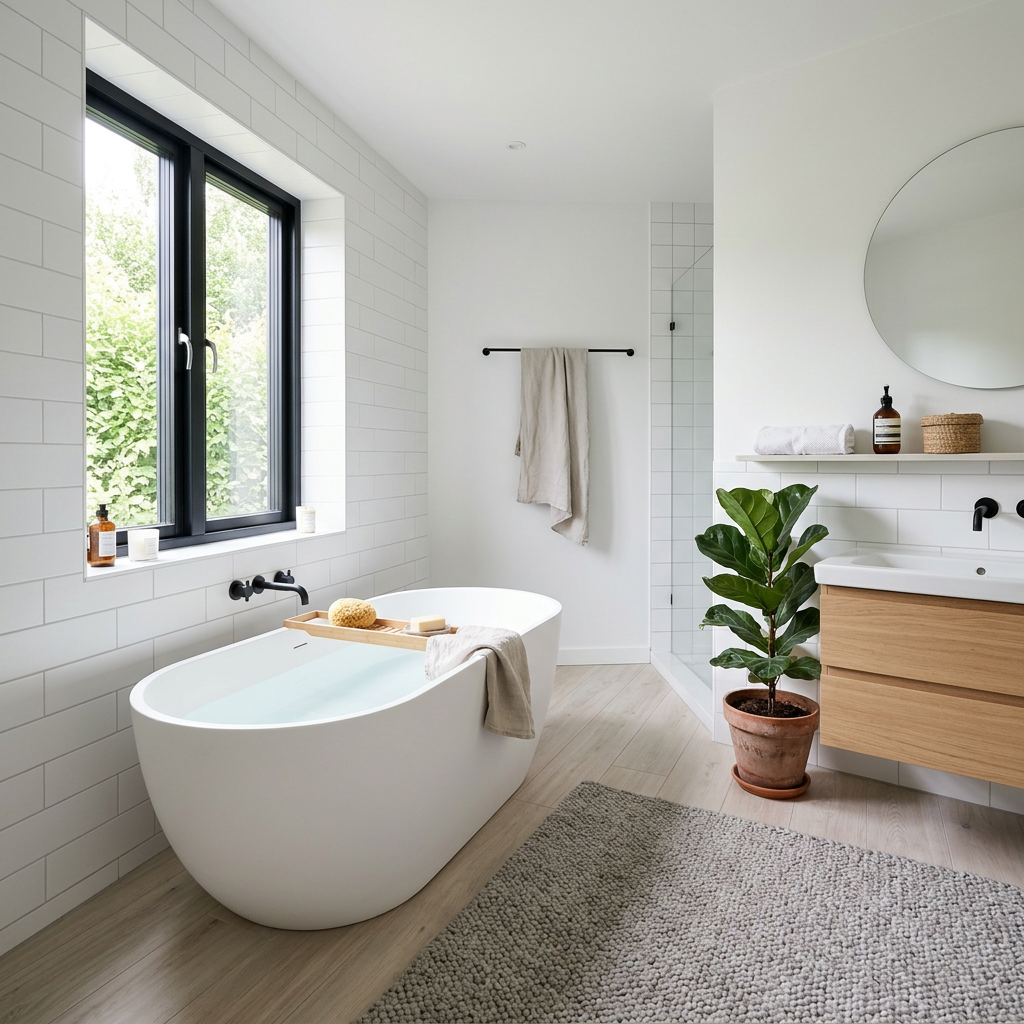
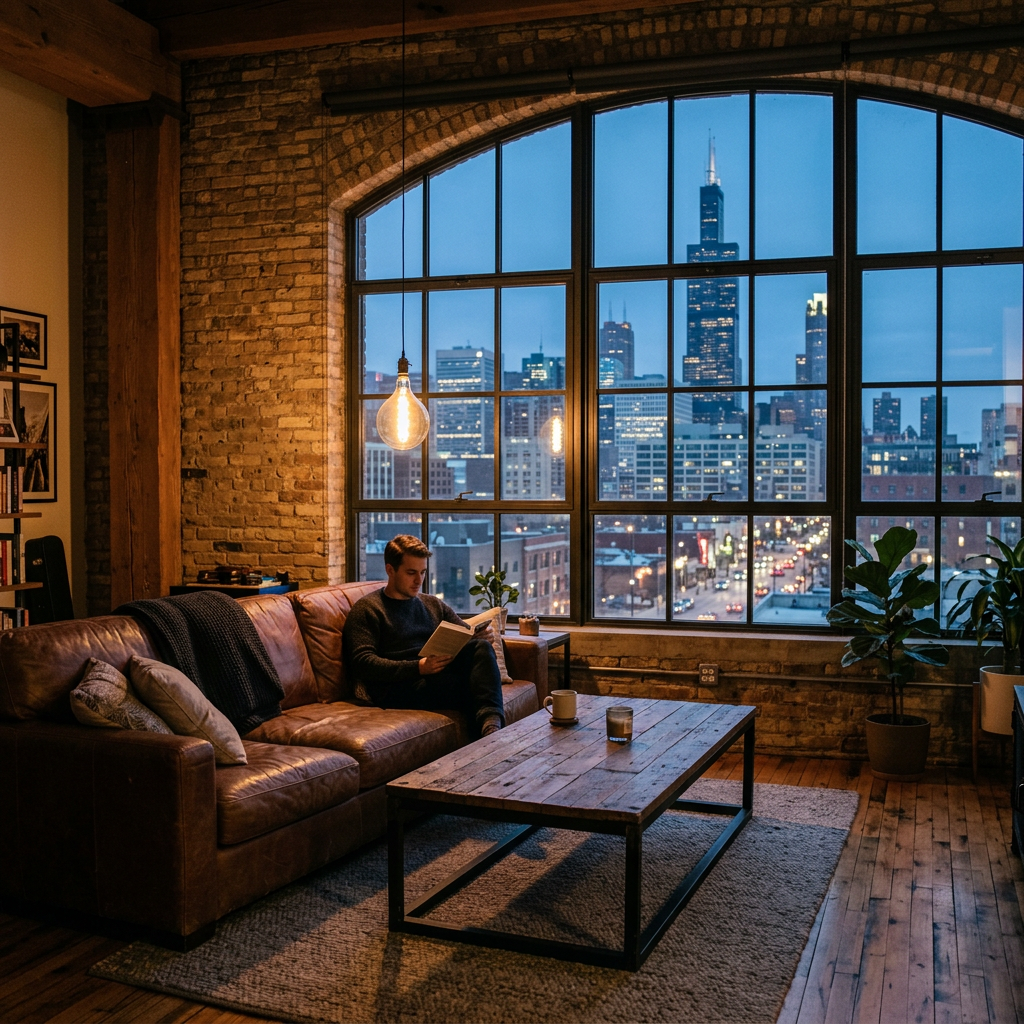
Voyez ce qui est possible
Résultats réels à partir de photos comme la vôtre.




Comment ça fonctionne
- 1Téléchargez votre photo
- 2Choisissez vos paramètres
- 3Votre image
Conseils pour un bon résultat
Photo nette et lumineuse
La lumière du jour et un grand angle donnent le meilleur résultat.
Montrez toute la zone
Gardez entièrement dans l’image tout ce que vous souhaitez modifier.
Essayez plusieurs variantes
Comparez différentes options avant de décider.
Foire aux questions
Puis-je utiliser les images à des fins commerciales ?
Oui. Vous pouvez utiliser vos images à toute fin, y compris à des fins commerciales.
Mon photo originale change-t-elle ?
Non. Votre photo originale reste inchangée et vous pouvez la télécharger à tout moment.
Et si le résultat ne me plaît pas ?
Essayez un autre style ou un autre paramètre, ou affinez le résultat avec une courte instruction.
Continuer à explorer
Tous les outils
Graphique « Rencontre de l’équipe » de l’agent
Présentez-vous comme il se doit. Téléversez une photo portrait et créez un superbe visuel social « About the Agent » ou « Meet the Team » avec vos spécialités, zones de service et coordonnées.
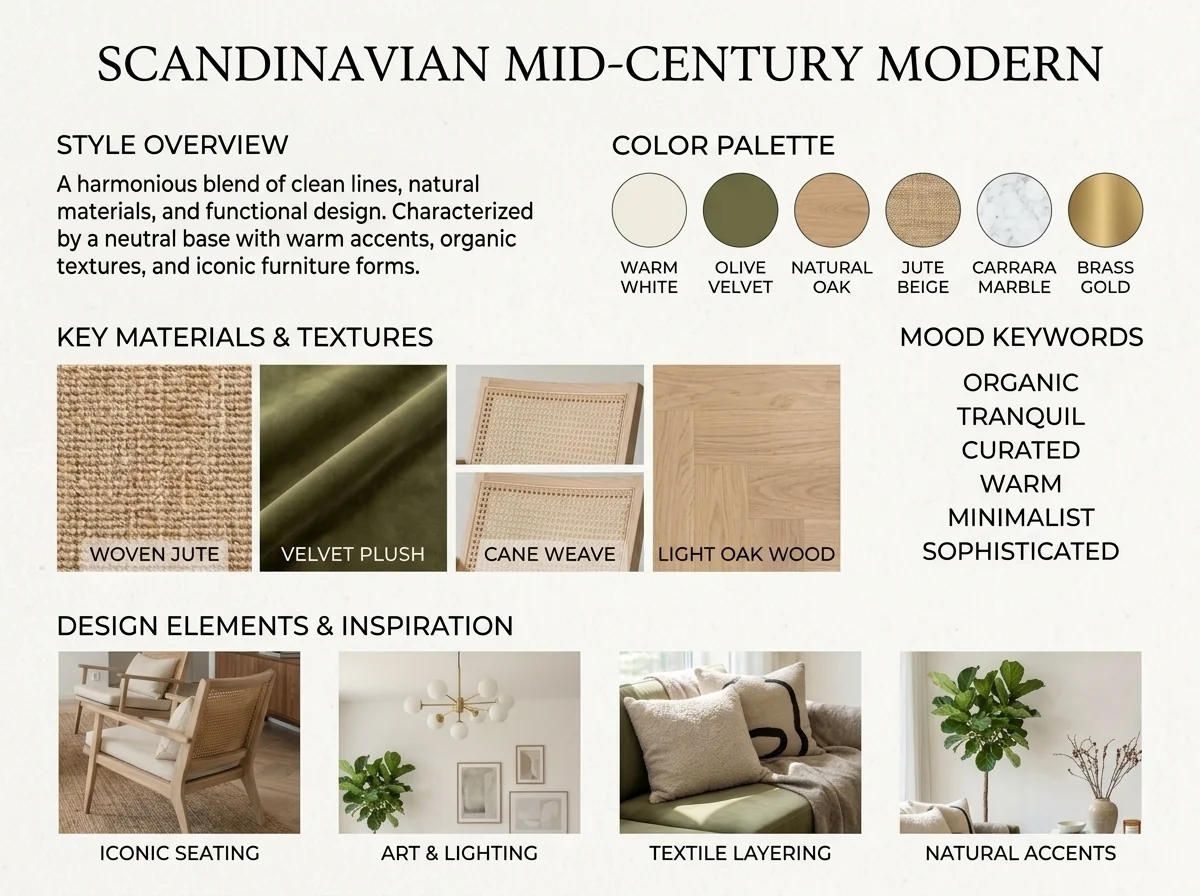
Détecteur de style intérieur IA et moodboard
Importez n’importe quelle photo de pièce et l’IA identifie le style de décoration intérieure, la palette de couleurs, les matériaux clés et génère un moodboard assorti. Parfait pour comprendre des espaces existants ou communiquer des préférences de style.
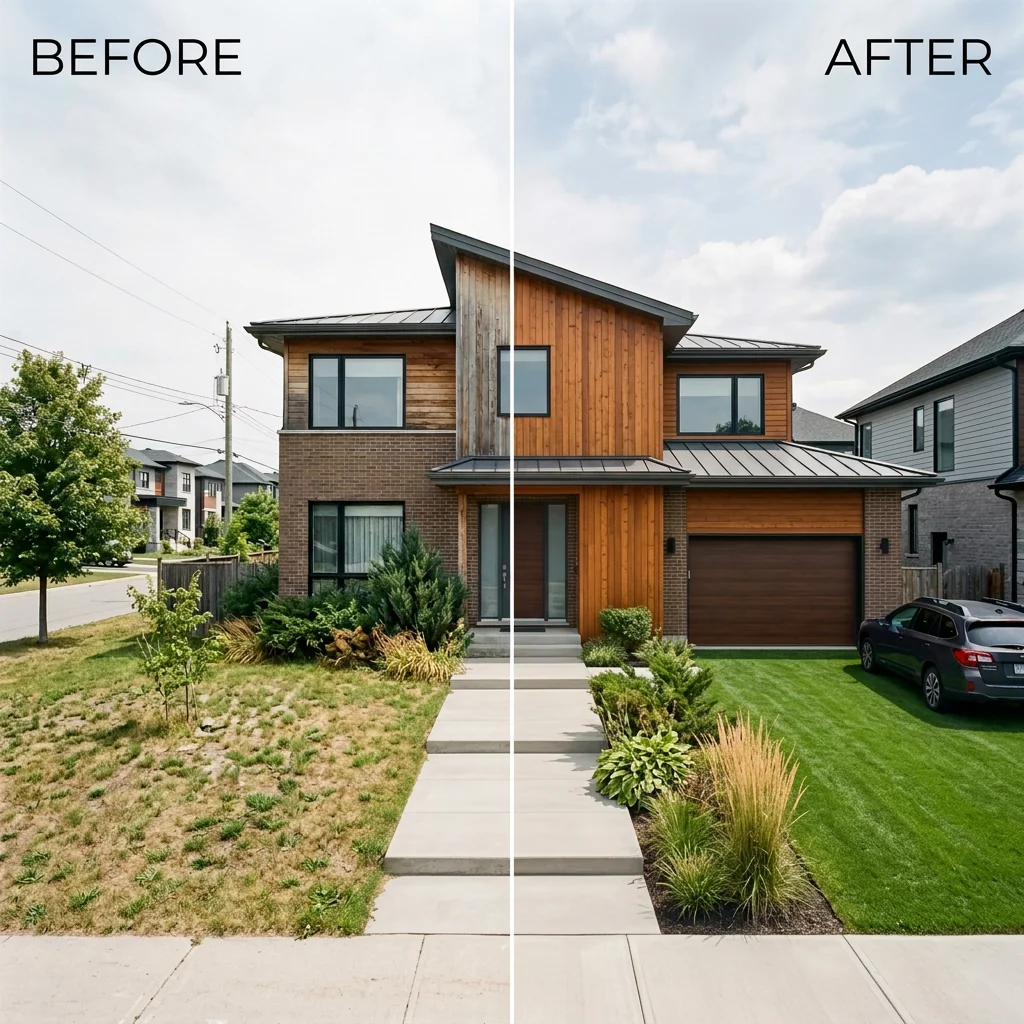
Avant et après : liste côte à côte
Créez des images de comparaison avant et après professionnelles pour les annonces immobilières. Téléversez deux photos et l’IA génère une comparaison côte à côte soignée avec des libellés, parfaite pour MLS, les réseaux sociaux et les supports marketing.
Lire le guide complet
How long does generation take for "Coming Soon" Sneak Peek Teaser?
Generation usually takes between 5 and 15 seconds.
Can I use the results commercially?
Yes, every generated image includes a full commercial usage license.
Tips for your photo
Make sure the photo is well lit and shot from a wide angle.
Remove clutter before shooting the photo for the best results.
Use re-staging mode for targeted style changes.
Unveiling PropStage.ai's "Coming Soon" Sneak Peek Teaser Results: 3 Examples
How to Generate a Killer "Coming Soon" Sneak Peek Teaser Online for Your Property Listing
Your workflow
4 Steps to a Viral "Coming Soon" Sneak Peek Teaser for Real Estate Photos
How to create a captivating "Coming Soon" Sneak Peek Teaser online to generate leads for your property listing
Upload Your Real Estate Photo
Upload a high-quality real estate photo of your property to the "Coming Soon" Sneak Peek Teaser tool. Choose an image that showcases the best features of the home and will intrigue potential buyers on Zillow and MLS.
Select a photo with strong visual appeal and avoid images with clutter or distractions to maximize engagement.
Apply "Coming Soon" Styling
Transform your photo by applying frosted glass, blur, or strategic shadow effects using the "Coming Soon" Sneak Peek Teaser. Choose a style that complements the property and creates a sense of mystery and anticipation for potential buyers and agents.
Experiment with different effects to find the perfect balance between intrigue and visual appeal. Consider the target audience for your property listing.
Add Bold "Coming Soon" Text
Enhance your image with bold "Coming Soon" text using the "Coming Soon" Sneak Peek Teaser tool. Position the text strategically to draw attention and clearly communicate the property's upcoming availability. Make sure it's easy to read on platforms like Zillow.
Use a font and color that contrast well with the background image to ensure readability. Keep the text concise and impactful.
Download and Share Your Teaser
Download your finalized "Coming Soon" Sneak Peek Teaser and share it across your social media channels and with your network. Use it to generate DMs and off-market inquiries, building excitement for your property listing before it goes live on the MLS.
Include a call to action in your social media posts, encouraging potential buyers to contact you for more information or to schedule a viewing. Track your results to measure the effectiveness of your campaign.
Use cases
Property Listings for "Coming Soon" Sneak Peek Teaser
Social Media Marketing & Instagram Inserate
Architektur- & Umbau-Präsentationen
Technical Specs: "Coming Soon" Sneak Peek Teaser
1. Upload your property photo.
2. Choose the interior style or room type you want.
3. Click Generate and get your result in seconds.
Expert guide
5 Pro Tips: Master the "Coming Soon" Sneak Peek Teaser for Real Estate Listings
How to Create a Stunning "Coming Soon" Sneak Peek Teaser Online to Generate Leads for Your Property Listing
Transform Your Real Estate Photos: Optimize Image Prep
Ensure your real estate photos are high-resolution before uploading to the "Coming Soon" Sneak Peek Teaser. Clear, well-lit images significantly enhance the final result, attracting more attention to your property listing on Zillow and the MLS. Consider professional staging before taking real estate photos.
Enhance Your Teaser: Fine-Tune Settings for Maximum Impact
Experiment with different frosted glass, blur, and shadow effects within the "Coming Soon" Sneak Peek Teaser tool. Subtle adjustments can drastically improve the teaser's appeal, creating a sense of intrigue and anticipation for potential buyers and driving off-market inquiries to your agent.
Stage Your Image: Achieve the Best "Coming Soon" Sneak Peek Teaser Results
Strategically position the "Coming Soon" text and effects to highlight key features of the property. A well-placed blur or shadow can draw the eye to specific architectural details, sparking curiosity and encouraging viewers to learn more from the property listing agent.
Convert Your Leads: Leverage the "Coming Soon" Teaser for Professional Use
Use the generated "Coming Soon" Sneak Peek Teaser across all your marketing channels – social media, email campaigns, and even your website. This consistent branding reinforces the message and drives potential buyers to contact you directly for more information, boosting your agent profile.
How it works
3 Simple Steps to Create a "Coming Soon" Sneak Peek Teaser
How to design a "coming soon" sneak peek teaser for real estate marketing in 2025
Upload Your Property Listing Photos
Upload your high-resolution real estate photos to our secure AI platform to begin crafting a professional "Coming Soon" sneak peek teaser that captures the attention of serious home buyers and local agents.
Apply Custom Frosted Blur Styles
Select from frosted glass, artistic blur, or shadow overlays to partially obscure your property listing, then add bold "Coming Soon" text to generate massive hype and off-market inquiries before the MLS launch.
Download High-Resolution Marketing Graphics
Export your finalized "Coming Soon" sneak peek teaser instantly to share on Instagram, Zillow, or Facebook, ensuring your real estate marketing looks elite while driving early lead generation for your listing.
Output quality
Photorealistic 4K resolution with natural shadows and accurate perspective.