
Agrandisseur d'Image Qualité 4K
- Photo
- Vos choix
- Votre image
Voyez ce qui est possible
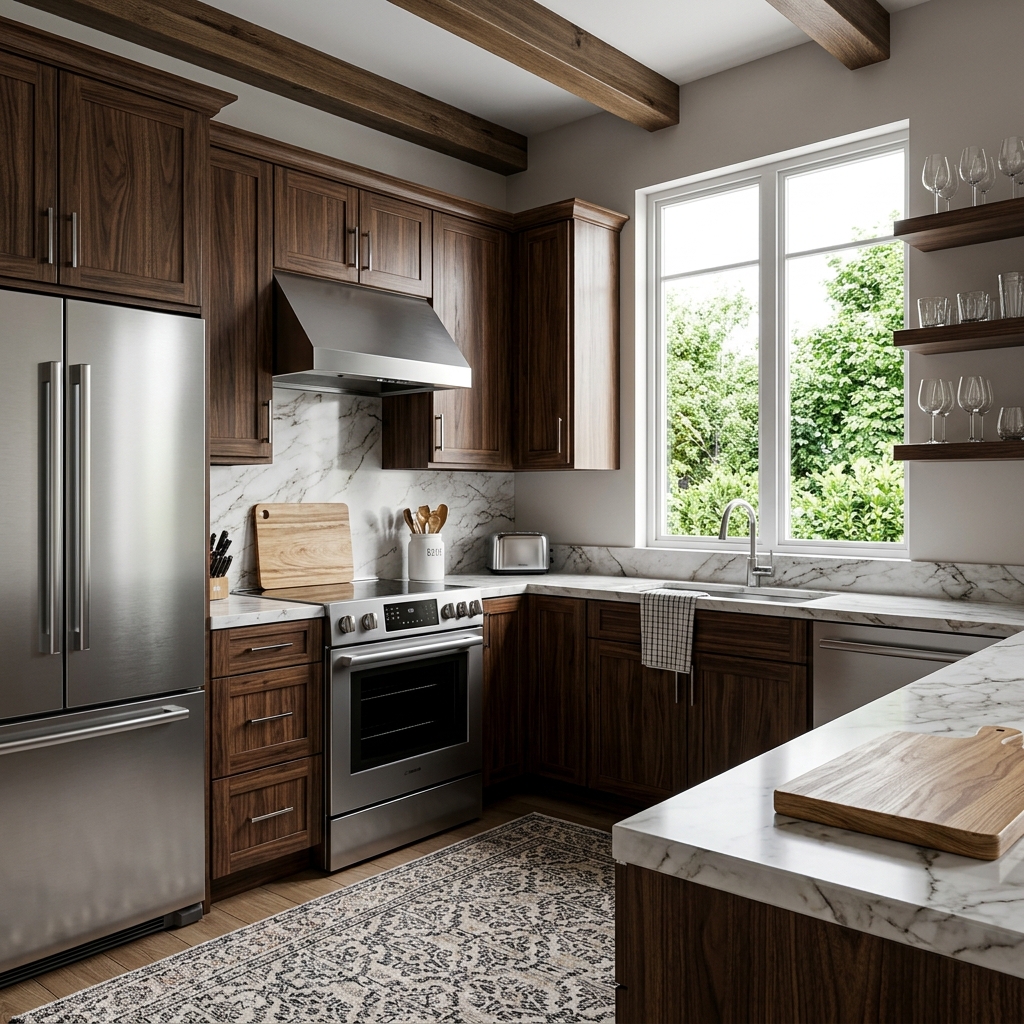
Résultats réels à partir de photos comme la vôtre.





Comment ça fonctionne
- 1Téléchargez votre photo
- 2Choisissez vos paramètres
- 3Votre image
Conseils pour un bon résultat
Photo nette et lumineuse
La lumière du jour et un grand angle donnent le meilleur résultat.
Montrez toute la zone
Gardez entièrement dans l’image tout ce que vous souhaitez modifier.
Essayez plusieurs variantes
Comparez différentes options avant de décider.
Foire aux questions
Puis-je utiliser les images à des fins commerciales ?
Oui. Vous pouvez utiliser vos images à toute fin, y compris à des fins commerciales.
Mon photo originale change-t-elle ?
Non. Votre photo originale reste inchangée et vous pouvez la télécharger à tout moment.
Et si le résultat ne me plaît pas ?
Essayez un autre style ou un autre paramètre, ou affinez le résultat avec une courte instruction.
Continuer à explorer
Tous les outils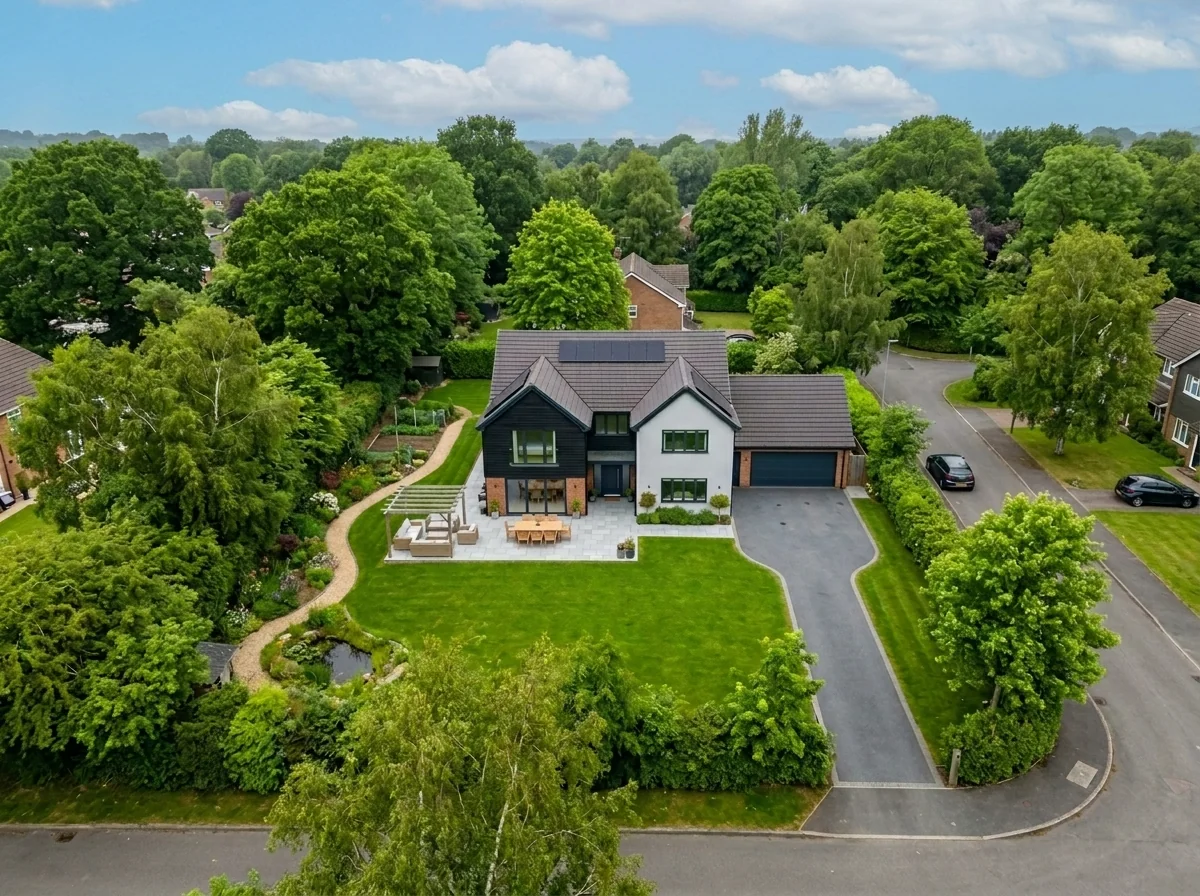
Remplacement du ciel en vue aérienne
Remplacez les ciels gris, couverts ou plats des photos de biens prises par drone ou en aérien par de superbes ciels bleus, une lumière d’heure dorée ou des nuages spectaculaires — en quelques secondes. Spécifiquement optimisé pour la large perspective et les caractéristiques d’horizon de la photographie aérienne.
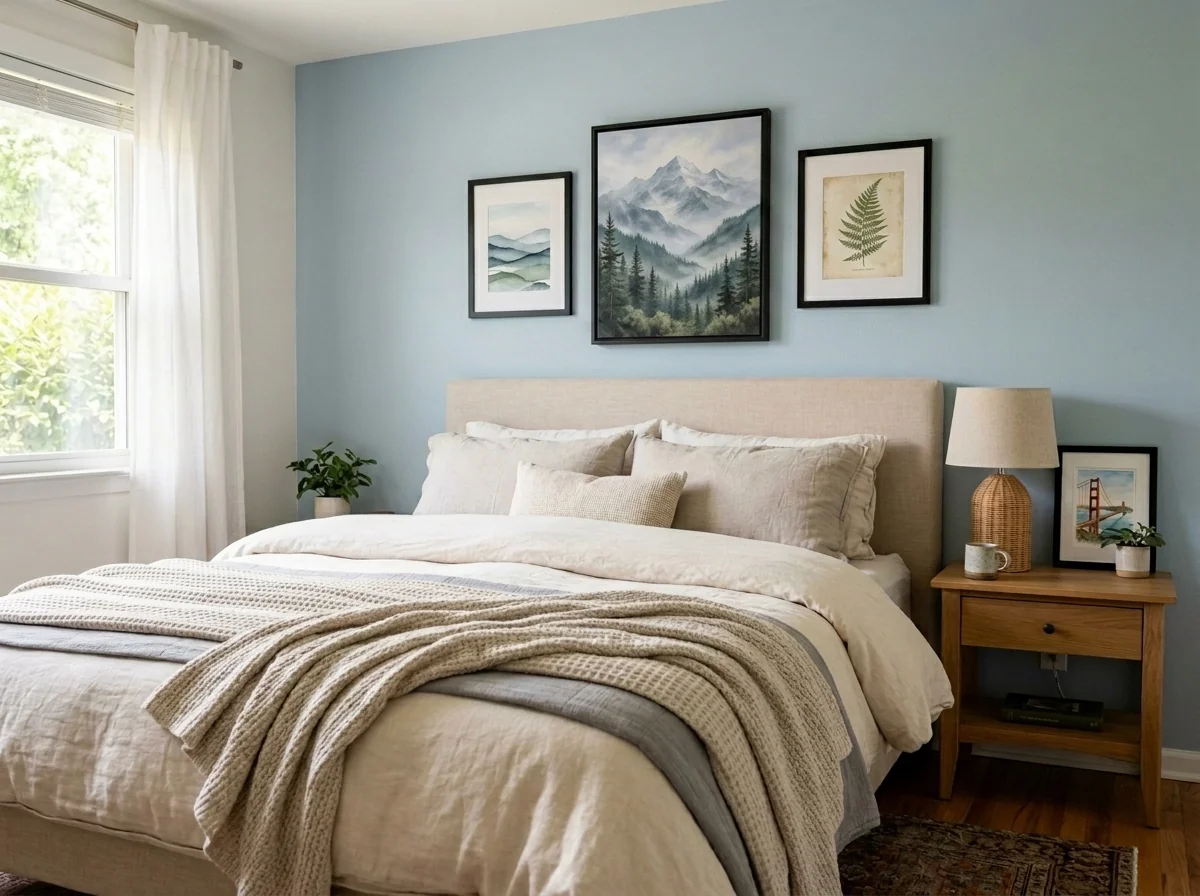
Anonymiseur d’œuvres murales et de photos pour appartement
Détectez et anonymisez automatiquement les tableaux muraux, photos encadrées, peintures et œuvres d’art dans les photos d’appartements ou de pièces. Choisissez parmi plusieurs styles d’anonymisation : flou gaussien, pixelisation forte, suppression simple du mur, remplacement par art abstrait, impressions nature ou motifs géométriques — idéal pour la conformité GDPR, les annonces immobilières et la mise en scène.
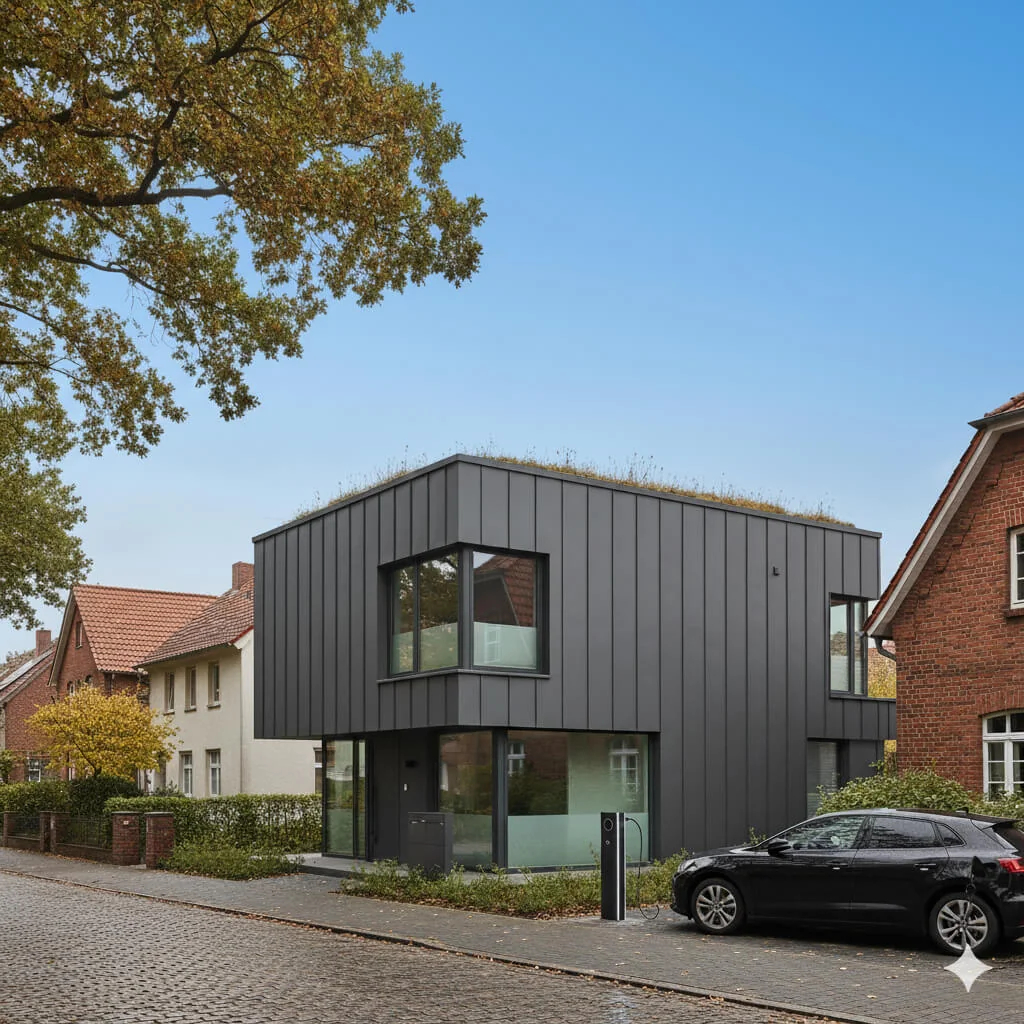
Remplacement du ciel bleu
Transformez un ciel gris et couvert en un bleu lumineux parfait—instantanément.
Lire le guide complet
How long does generation take for Image Upscale to 4K?
Generation usually takes between 5 and 15 seconds.
Can I use the results commercially?
Yes, every generated image includes a full commercial usage license.
Tips for your photo
Make sure the photo is well lit and shot from a wide angle.
Remove clutter before shooting the photo for the best results.
Use re-staging mode for targeted style changes.
Frequently asked questions
What input image formats and resolutions are best for Image Upscale to 4K?
Upload common formats like JPG or PNG. For best Image Upscale to 4K results, start with images at least 1000px on the longest side. This provides more initial data for our AI to intelligently reconstruct details, ensuring your real estate photos achieve stunning 4K clarity for any property listing.
How long does it take to Image Upscale to 4K?
Convert your images to 4K typically within 10-30 seconds, depending on the original file size and server load. Our optimized AI ensures rapid processing, allowing agents to quickly enhance property listing photos and upload them to MLS or Zillow without delay.
What output quality can I expect from Image Upscale to 4K?
Expect professional-grade 4K output, typically 3840x2160 pixels or higher, with significantly enhanced sharpness and detail. Our Image Upscale to 4K tool ensures your real estate photos are pristine, perfect for luxury listings and large-format marketing materials, surpassing standard MLS requirements.
What are the best tips for achieving optimal Image Upscale to 4K results?
To achieve the best Image Upscale to 4K results, start with well-lit, clear source images. Avoid overly blurry or heavily compressed photos. Enhance your property listing by ensuring initial focus, allowing our AI to more effectively reconstruct and refine details for a truly stunning 4K presentation.
Can I re-generate or adjust an Image Upscale to 4K output if not satisfied?
Yes, if the initial Image Upscale to 4K output isn't perfect, you can re-upload and try again with different settings or a slightly adjusted source image. Our tool allows for multiple attempts, empowering agents to fine-tune real estate photos until they meet the exact visual standards for any premium property listing.
Technical FAQ: Image Upscale to 4K
Your guide to how to image upscale to 4k online for optimal results
Common mistakes
5 Image Upscale to 4K Mistakes Killing Your Real Estate Photos
How to Image Upscale to 4K Online for Stunning Property Listings
Using Low-Resolution Source Images for Image Upscale to 4K
Starting with a blurry or pixelated image limits the AI's ability to reconstruct detail. The Image Upscale to 4K tool relies on existing data to enhance the image.
Always upload the highest resolution version of your real estate photos available. Even if it's not initially 4K, a higher starting point yields better results with Image Upscale to 4K.
Over-Sharpening Images Before Using Image Upscale to 4K
Pre-sharpening can introduce artifacts and noise that the Image Upscale to 4K tool might amplify, leading to unnatural-looking real estate photos for your Zillow listing.
Avoid pre-sharpening. Let the Image Upscale to 4K tool handle sharpness enhancement, as it's designed to do so intelligently and naturally.
Ignoring Color Correction Before Image Upscale to 4K
If the original real estate photo has poor color balance, upscaling it to 4K will only amplify those color issues. This affects the perceived quality on MLS and other platforms.
Perform basic color correction (white balance, exposure) before using the Image Upscale to 4K tool to ensure accurate and vibrant colors in your property listing photos.
Applying Excessive Upscaling with Image Upscale to 4K
While Image Upscale to 4K aims to enhance detail, pushing the upscaling factor too high can result in artificial-looking textures and loss of realism, especially for close-up shots of interiors.
Experiment with different upscaling levels within the Image Upscale to 4K tool. Start with a moderate setting and gradually increase it until you achieve the desired level of detail without introducing artifacts. Monitor for unnatural textures.
Not Comparing Before and After Results of Image Upscale to 4K
Failing to carefully compare the original and upscaled images can lead to overlooking subtle imperfections or unwanted artifacts introduced during the Image Upscale to 4K process, impacting the presentation to potential buyers and your agent reputation.
Always zoom in and carefully compare the before and after versions of your real estate photos after using Image Upscale to 4K. Pay attention to fine details, textures, and edges to ensure the upscaling process has improved the image quality.
What Your Image Upscale to 4K Results Will Look Like
Upload your real estate photos to get started and see the 4K difference
Your workflow
Transform Your Real Estate Photos: 3 Steps to Flawless Image Upscale to 4K
How to Image Upscale to 4K Online for Stunning Property Listings
Upload Your Real Estate Photo
Upload your low-resolution real estate photo to the Image Upscale to 4K tool. Our AI intelligently analyzes the image, preparing it for 4K upscaling to enhance details for your property listing.
For best results, use the highest resolution source image available, even if it's not initially 4K. This gives the Image Upscale to 4K AI more data to work with, leading to a sharper final result for your real estate photos.
Convert to 4K with AI
Initiate the Image Upscale to 4K process. Our AI algorithms reconstruct the image, adding detail and sharpness to reach stunning 4K resolution, perfect for showcasing your property on Zillow and MLS.
Experiment with different Image Upscale to 4K settings (if available) to find the optimal balance between sharpness and artifact reduction for your real estate photos. Pay close attention to fine details like textures and edges.
Download & Stage for MLS
Download your enhanced, high-resolution 4K real estate photo. Now it's ready to be used on your property listing, ensuring your property shines on MLS, Realtor.com, and other platforms.
Before uploading to MLS or other platforms, ensure the file size meets their requirements. You may need to compress the Image Upscale to 4K output slightly without sacrificing too much quality. Tools like TinyPNG can help.
Use cases
Real Estate Listings for Image Upscale to 4K
Social Media Marketing & Instagram Inserate
Architektur- & Umbau-Präsentationen
Image Upscale to 4K: Technical Specifications
1. Upload your property photo.
2. Choose the interior style or room type you want.
3. Click Generate and get your result in seconds.
Expert guide
5 Pro Tips: Get the Best Image Upscale to 4K Results for Real Estate Photos
Maximize your image upscale to 4k quality for stunning property listings and Zillow showcases
Prepare Your Real Estate Photos Before You Image Upscale to 4K
AI enhancement to 4K is not yet available. Keep your original photo and check the tool’s current availability before confirming a request. When reviewing an enhanced image, compare windows, textures and architectural details against the original; additional pixels do not establish that a detail is accurate.
Optimize Image Upscale to 4K Settings for Your Property Listing
AI enhancement to 4K is not yet available. Keep your original photo and check the tool’s current availability before confirming a request. When reviewing an enhanced image, compare windows, textures and architectural details against the original; additional pixels do not establish that a detail is accurate.
Achieve the Best Image Upscale to 4K Results for MLS Photos
AI enhancement to 4K is not yet available. Keep your original photo and check the tool’s current availability before confirming a request. When reviewing an enhanced image, compare windows, textures and architectural details against the original; additional pixels do not establish that a detail is accurate.
Use Image Upscale to 4K for Professional Real Estate Marketing
AI enhancement to 4K is not yet available. Keep your original photo and check the tool’s current availability before confirming a request. When reviewing an enhanced image, compare windows, textures and architectural details against the original; additional pixels do not establish that a detail is accurate.
How it works
3 Simple Steps for Image Upscale to 4K Success
How to image upscale to 4k online for free for MLS listings
Upload Your Low-Resolution Property Photos
Upload your original real estate photos to the PropStage.ai dashboard to begin the image upscale to 4K process, ensuring your property listing meets high-resolution MLS and Zillow standards instantly.
Select Your 4K Enhancement Settings
Choose the 4K output option to let our AI intelligently reconstruct textures and sharp edges, transforming grainy property images into professional-grade marketing assets for luxury real estate brochures and ads.
Download Your High-Definition 4K Images
Export your enhanced property photos in ultra-HD quality, ready for large-format prints or premium digital displays, significantly improving the visual appeal of every home listing for potential buyers.
What you can do
Advanced Image Upscale to 4K Capabilities
Stunning 4K Output Quality
Enhance real estate photos to crystal-clear 4K resolution, ensuring every property listing showcases vibrant colors and sharp details, perfect for MLS and Zillow.
Rapid Upscale Processing
Convert your property images to 4K quickly with our AI-powered engine, delivering high-resolution results in seconds, streamlining your agent workflow for multiple listings.
Versatile Format Support
Upload various image formats for Image Upscale to 4K, including JPG, PNG, and TIFF, ensuring seamless integration with your existing real estate photo assets.
Advanced Upscale Customization
Stage your property photos with customizable settings for Image Upscale to 4K, allowing fine-tuning of sharpness and noise reduction for optimal listing presentation.
AI-Powered Detail Reconstruction
Transform blurry real estate photos with AI precision, intelligently reconstructing fine details for a flawless Image Upscale to 4K, crucial for premium property listings.
Professional Real Estate Enhancement
Enhance all your property listing images for professional use, ensuring every Image Upscale to 4K meets MLS standards and impresses potential buyers on Zillow.
Pro-level tools at your fingertips