
Inventeur d'Angle Multiples & Vies Alternées.
- Photo
- Vos choix
- Votre image
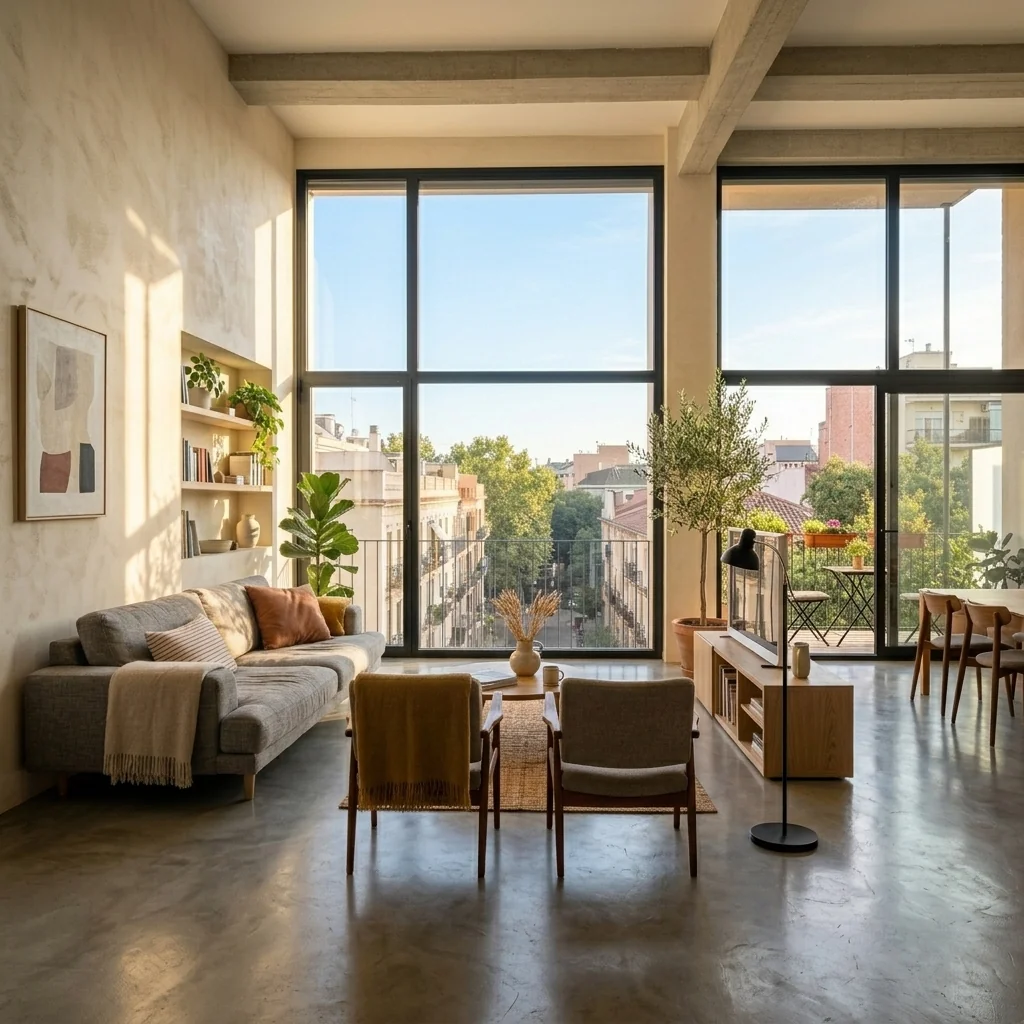
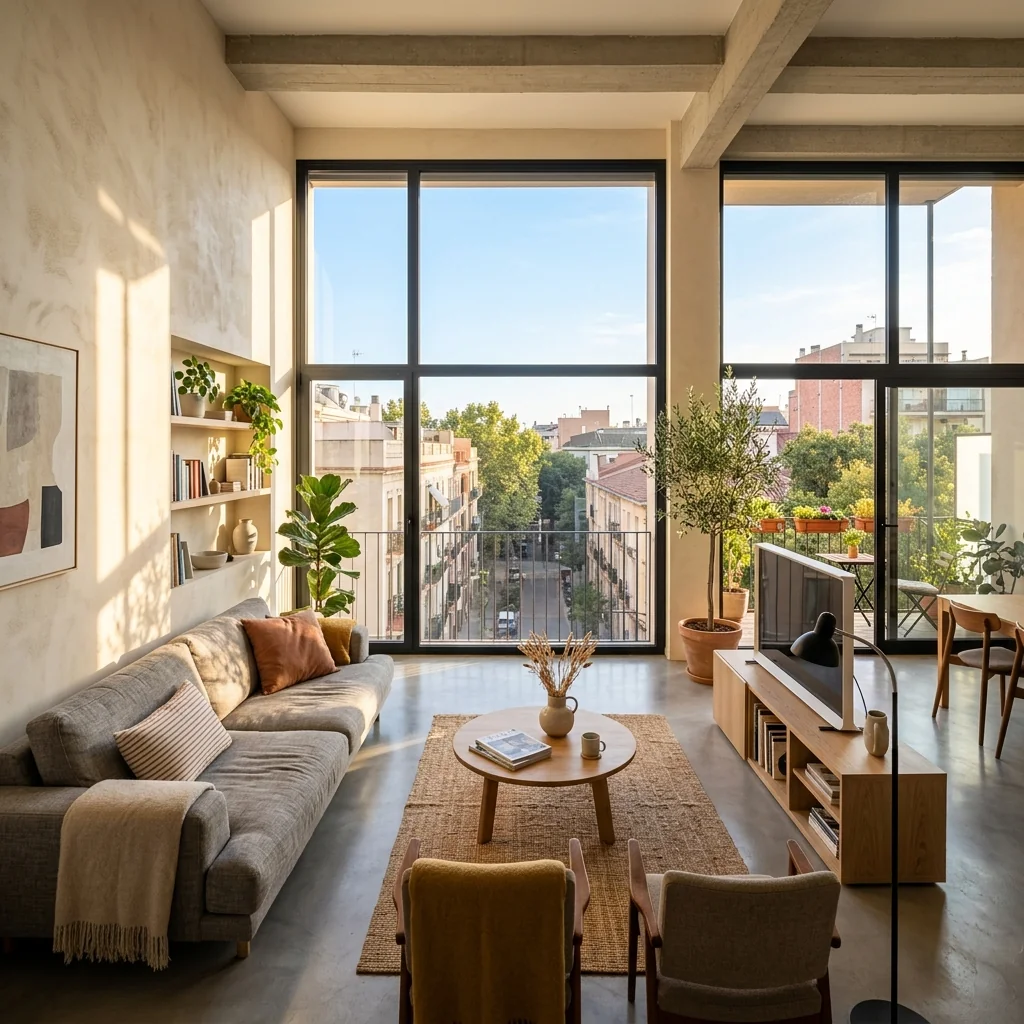
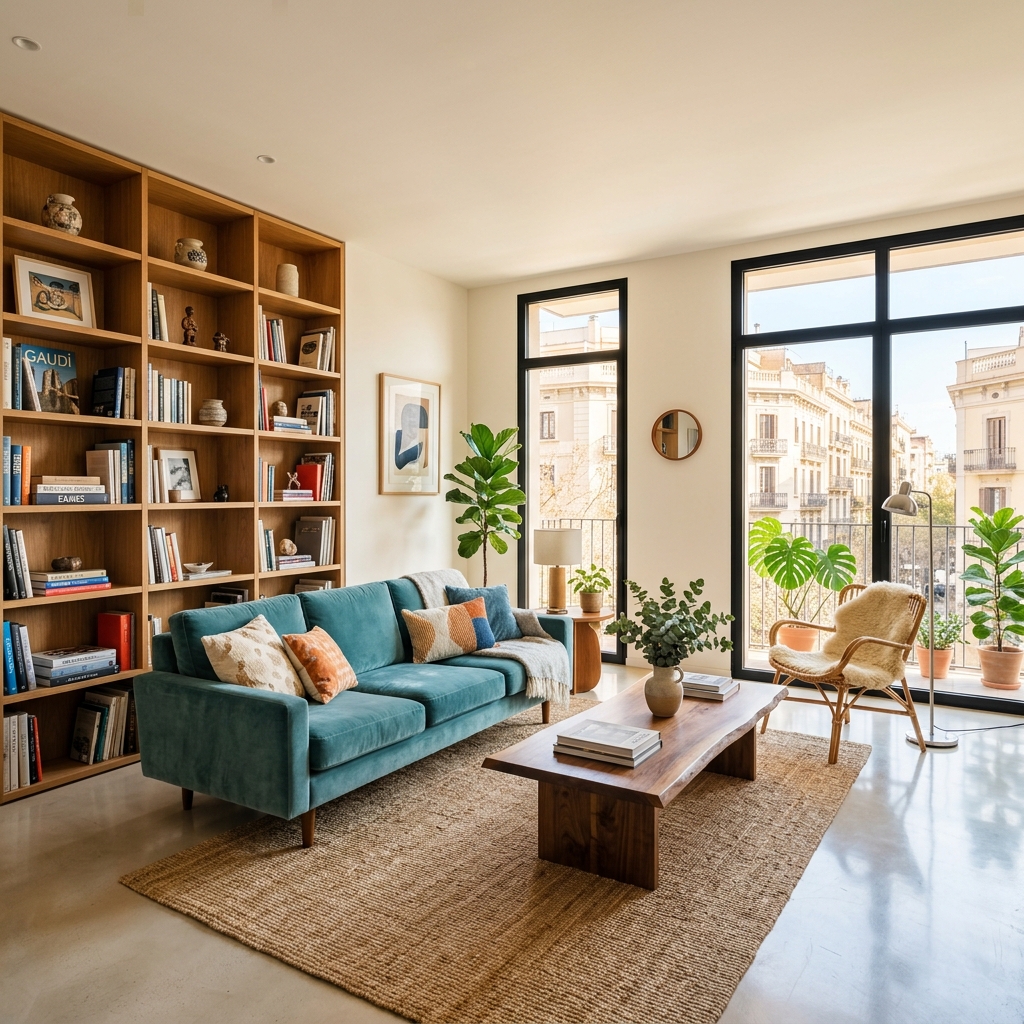
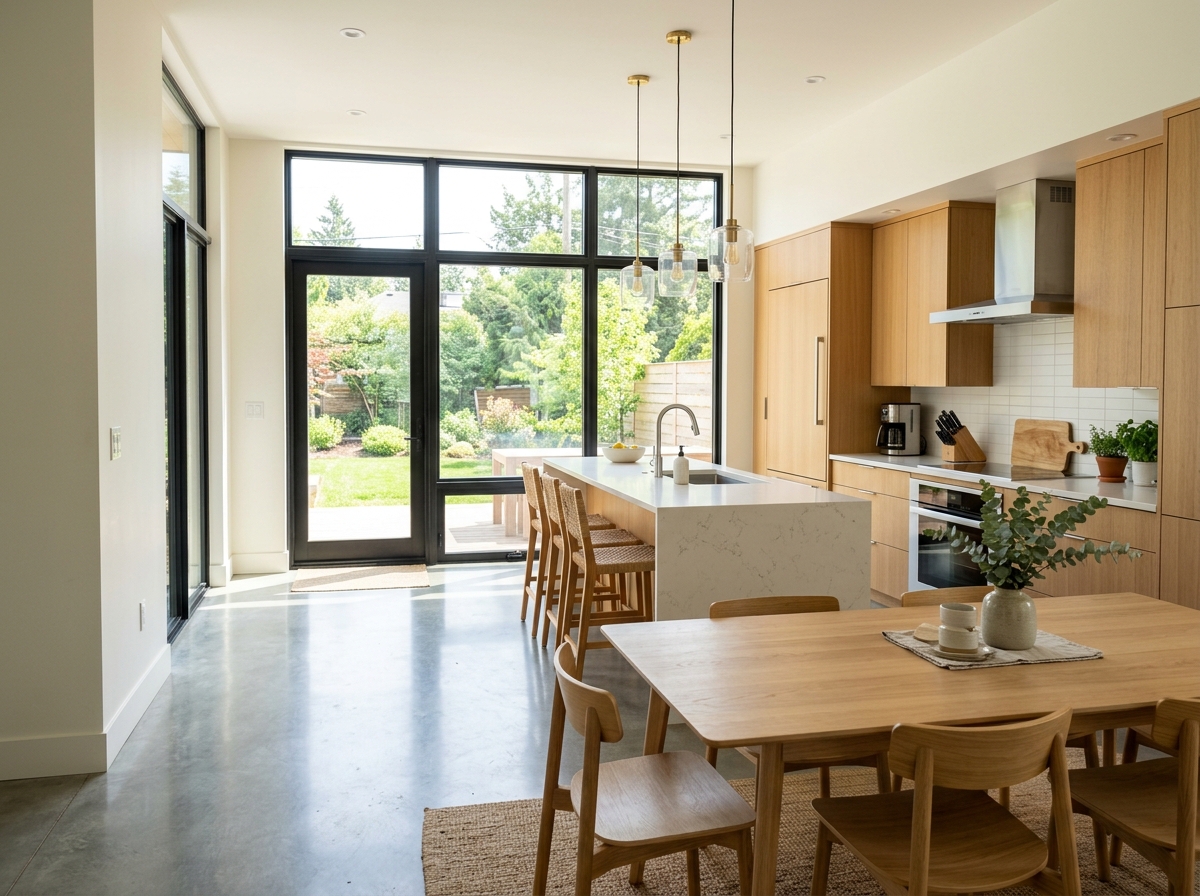
Voyez ce qui est possible
Résultats réels à partir de photos comme la vôtre.


Comment ça fonctionne
- 1Téléchargez votre photo
- 2Choisissez vos paramètres
- 3Votre image
Conseils pour un bon résultat
Photo nette et lumineuse
La lumière du jour et un grand angle donnent le meilleur résultat.
Montrez toute la zone
Gardez entièrement dans l’image tout ce que vous souhaitez modifier.
Essayez plusieurs variantes
Comparez différentes options avant de décider.
Foire aux questions
Puis-je utiliser les images à des fins commerciales ?
Oui. Vous pouvez utiliser vos images à toute fin, y compris à des fins commerciales.
Mon photo originale change-t-elle ?
Non. Votre photo originale reste inchangée et vous pouvez la télécharger à tout moment.
Et si le résultat ne me plaît pas ?
Essayez un autre style ou un autre paramètre, ou affinez le résultat avec une courte instruction.
Continuer à explorer
Tous les outils
Graphique « Rencontre de l’équipe » de l’agent
Présentez-vous comme il se doit. Téléversez une photo portrait et créez un superbe visuel social « About the Agent » ou « Meet the Team » avec vos spécialités, zones de service et coordonnées.
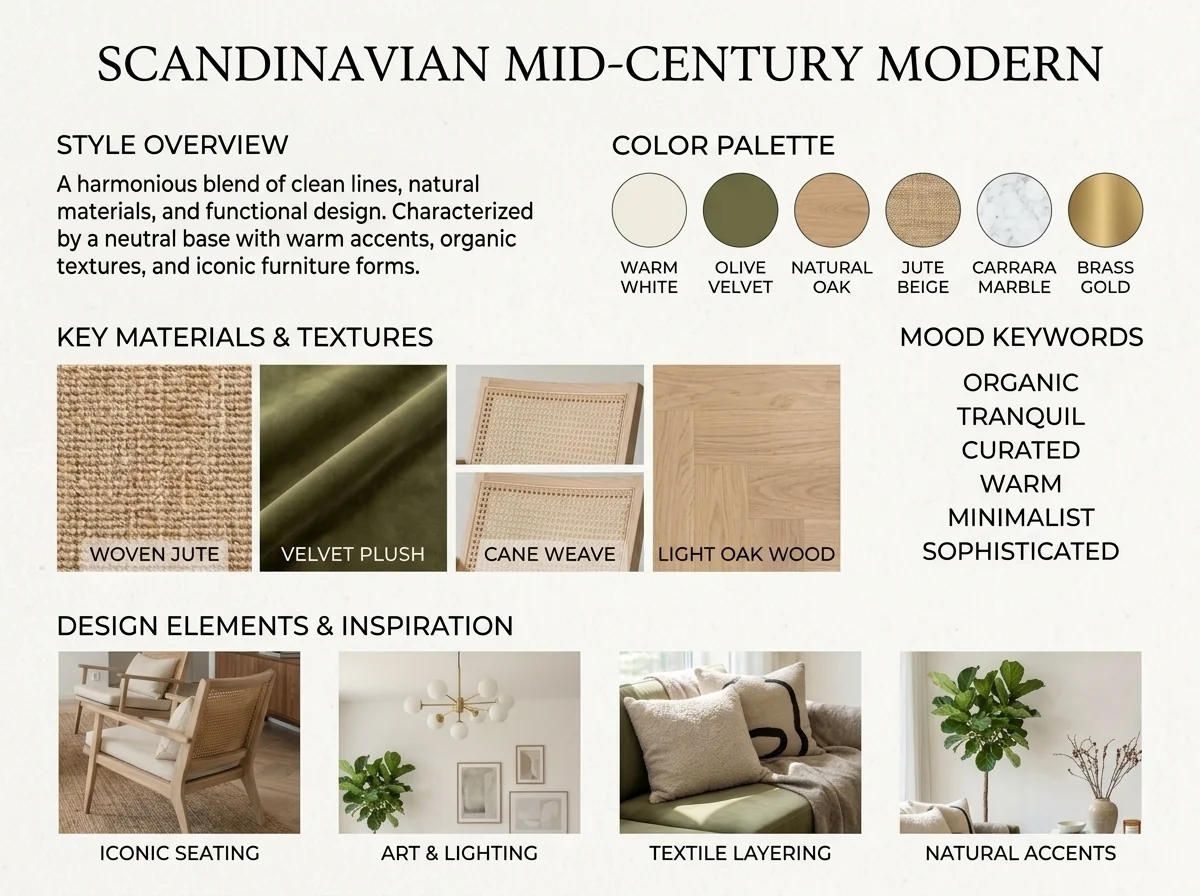
Détecteur de style intérieur IA et moodboard
Importez n’importe quelle photo de pièce et l’IA identifie le style de décoration intérieure, la palette de couleurs, les matériaux clés et génère un moodboard assorti. Parfait pour comprendre des espaces existants ou communiquer des préférences de style.
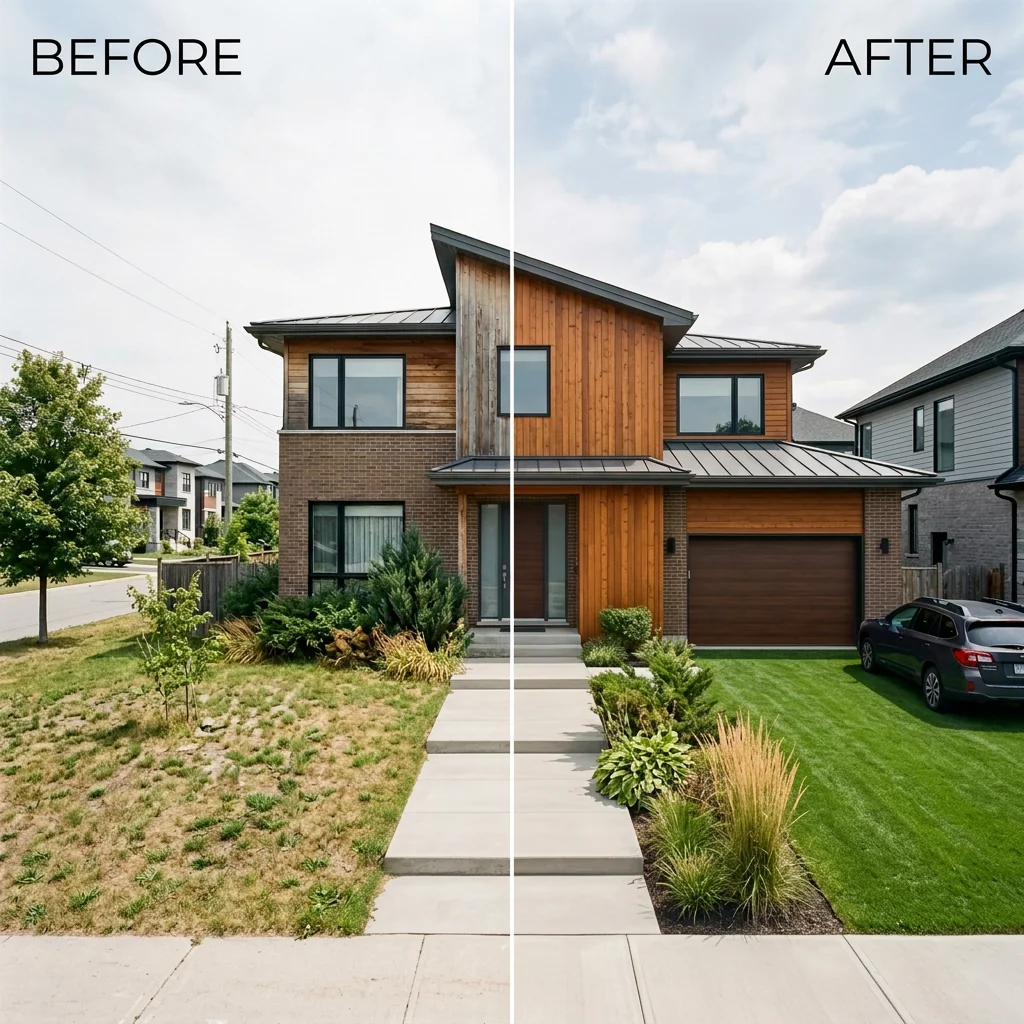
Avant et après : liste côte à côte
Créez des images de comparaison avant et après professionnelles pour les annonces immobilières. Téléversez deux photos et l’IA génère une comparaison côte à côte soignée avec des libellés, parfaite pour MLS, les réseaux sociaux et les supports marketing.
Lire le guide complet
How long does generation take for Multi-Angle Property Photo Generator?
Generation usually takes between 5 and 15 seconds.
Can I use the results commercially?
Yes, every generated image includes a full commercial usage license.
Tips for your photo
Make sure the photo is well lit and shot from a wide angle.
Remove clutter before shooting the photo for the best results.
Use re-staging mode for targeted style changes.
Frequently asked questions
What are the optimal input image formats and resolutions for the Multi-Angle Property Photo Generator?
Upload high-resolution JPG or PNG files (2000px on the longest side recommended) to the Multi-Angle Property Photo Generator for best detail preservation. Avoid HEIC or obscure formats for seamless processing of your real estate photos.
How long does it typically take for the Multi-Angle Property Photo Generator to process a single image?
The Multi-Angle Property Photo Generator typically processes a single interior photo within 15-30 seconds. Larger file sizes or complex scenes might extend this slightly, but results are usually delivered quickly to enhance your property listing.
What level of output quality can I expect from the Multi-Angle Property Photo Generator?
The Multi-Angle Property Photo Generator delivers high-resolution, photorealistic corner, wide, and detail shots. Expect consistent lighting and perspective, ready to seamlessly integrate into MLS and Zillow listings, enhancing agent presentations.
What are the best practices for uploading photos to achieve optimal results with the Multi-Angle Property Photo Generator?
For optimal results with the Multi-Angle Property Photo Generator, upload well-lit, uncluttered, and straight-on interior shots. Ensure good original image quality; blurry or distorted photos yield less accurate multi-angle property photos for your property listing.
Can I re-generate multi-angle property photos if the initial output isn't satisfactory?
Yes, you can re-generate. If initial multi-angle property photos aren't ideal, adjust your input image (e.g., crop, lighting) and re-upload to the Multi-Angle Property Photo Generator. The tool processes each submission independently for improved real estate photos.
Technical FAQ: Multi-Angle Property Photo Generator
Quick answers for optimal results
Common mistakes
5 Critical Multi-Angle Property Photo Generator Mistakes Real Estate Agents Make
How to Optimize Your Property Listing Photos with a Multi-Angle Property Photo Generator Online
Uploading Low-Resolution Images to the Multi-Angle Property Photo Generator
The AI relies on clear details to extrapolate new angles. Low-resolution images result in blurry, distorted perspectives, negatively impacting the quality of your real estate photos.
Always upload the highest resolution image available. Ensure your original real estate photos are sharp and well-lit before using the Multi-Angle Property Photo Generator. Consider using a professional photographer for your MLS listing.
Ignoring Lighting and Shadows When Using the Multi-Angle Property Photo Generator
Uneven lighting or harsh shadows in the original photo can confuse the AI, leading to unnatural or inconsistent lighting in the generated angles. This can deter potential buyers viewing your Zillow property listing.
Use photos with balanced lighting. Avoid harsh shadows or overexposed areas. If necessary, edit the original photo to improve lighting before using the Multi-Angle Property Photo Generator.
Over-Editing the Original Photo Before Using the Multi-Angle Property Photo Generator
Excessive filters or aggressive editing can distort the original image and make it difficult for the AI to accurately generate new perspectives. This results in unrealistic and unappealing property listing photos.
Apply minimal editing to the original photo. Focus on natural light and accurate color representation. Let the Multi-Angle Property Photo Generator enhance the perspectives, rather than relying on heavy pre-processing.
Not Utilizing Multiple Angles Generated by the Multi-Angle Property Photo Generator
Failing to showcase a variety of perspectives in your property listing limits the buyer's understanding of the space. Potential buyers might miss key features or details if only one or two angles are presented on Zillow.
Use all the angles generated by the Multi-Angle Property Photo Generator to provide a comprehensive view of the property. Highlight different features and areas of the room in each photo to create a more engaging and informative listing for your agent.
Failing to Optimize Generated Photos for MLS and Zillow
Not optimizing the generated real estate photos for online platforms like MLS and Zillow can result in slow loading times and a poor user experience. Large file sizes can deter potential buyers.
Compress the generated images to reduce file size without sacrificing quality. Ensure the images are properly sized for the platform's requirements. Use descriptive file names to improve SEO for your property listing.
Multi-Angle Property Photo Generator: See the Stunning Results
Transform your real estate photos with AI and generate multiple angles from a single image!
Your workflow
4 Steps to Stunning Real Estate Photos: Using a Multi-Angle Property Photo Generator
How to Use a Multi-Angle Property Photo Generator Online for Your Property Listing
Upload Your Initial Photo
Upload a high-quality interior photo to the Multi-Angle Property Photo Generator. Ensure the photo is well-lit and captures key features of the property for optimal results. Essential for creating compelling real estate photos.
Use a photo with minimal obstructions and a clear perspective for the best multi-angle generation. This will help the AI create more accurate and appealing angles for your property listing on Zillow or MLS.
Generate Multi-Angle Views
Utilize the Multi-Angle Property Photo Generator to automatically create various perspectives, including corner views, wide shots, and detail close-ups. This will enhance your property listing with diverse visuals.
Experiment with different generation settings, if available, to fine-tune the angles and perspectives. Focus on showcasing the property's best features to attract potential buyers or renters. Review each generated image carefully before proceeding.
Enhance and Refine (Optional)
Further enhance the generated real estate photos using PropStage.ai's other tools. Adjust brightness, contrast, and colors to make the images more appealing for your MLS listing or Zillow profile.
Consider using AI-powered enhancements to correct lighting issues or remove minor imperfections. A polished and professional look can significantly impact the perceived value of the property and attract more interest from potential buyers or renters.
Download and Publish to MLS/Zillow
Download the generated and enhanced real estate photos. Upload them to your property listing on MLS, Zillow, or other platforms to showcase the property from multiple angles. This is crucial for attracting potential buyers and agents.
Ensure the photos meet the size and resolution requirements of each platform. Optimize image file sizes for faster loading times. A comprehensive set of multi-angle photos can significantly improve your property listing's visibility and engagement.
Use cases
Property Listings for Multi-Angle Property Photo Generator
Social Media Marketing & Instagram Inserate
Architektur- & Umbau-Präsentationen
Multi-Angle Property Photo Generator: Technical Specifications for Real Estate Photos
Generate multiple perspective views of a room from a single photo. Upload one interior shot and get additional angles — corner views, wide shots, and detail close-ups — to fill out your property listing for MLS and Zillow. Perfect for real estate agents.
1. Upload your property photo.
2. Choose the interior style or room type you want.
3. Click Generate and get your result in seconds.
Expert guide
5 Tips to Maximize Your Multi-Angle Property Photo Generator Results
How to get the best multi-angle property photos online for your MLS listing
Prepare High-Resolution Images for Optimal Results
Upload the highest resolution real estate photos possible to the Multi-Angle Property Photo Generator. This ensures the AI has enough detail to create accurate and compelling additional angles for your property listing. Avoid blurry or pixelated images to enhance the output quality for Zillow and other platforms.Adjust Perspective Settings for Realistic Angles
Experiment with the perspective settings within the Multi-Angle Property Photo Generator to achieve the most realistic and desirable angles. Fine-tune the field of view and focal length to generate property photos that accurately represent the room's dimensions and features for potential buyers.Enhance Lighting and Staging Before Generating Angles
Optimize the original real estate photo's lighting and staging before using the Multi-Angle Property Photo Generator. Well-lit and professionally staged photos will yield far superior results when generating additional angles, attracting more attention to your property listing as an agent.Use Generated Angles to Create a Complete Property Tour
Incorporate the generated angles into a virtual property tour or presentation. The Multi-Angle Property Photo Generator allows you to showcase a room from multiple perspectives, providing a more comprehensive and engaging viewing experience for potential buyers on MLS and other real estate platforms.How it works
3 Steps to Master the Multi-Angle Property Photo Generator
How to use a multi-angle property photo generator for Zillow and MLS listings online
Upload Your Single Interior Shot
Upload your high-resolution interior image to our AI engine to begin the multi-angle property photo generator process, ensuring your property listing meets professional MLS standards with just one click.
Select Desired Room Perspectives
Transform your original photo into wide shots or corner views by selecting specific room perspectives, allowing real estate agents to showcase every detail of the home staging without extra photography.
Export High-Res Listing Photos
Convert your generated angles into high-resolution files ready for Zillow, providing a comprehensive property listing that captures every angle from a single multi-angle property photo generator session instantly.
What you can do
Advanced Multi-Angle Property Photo Generator Capabilities
High-Fidelity Angle Generation
Produces crisp, detailed multi-angle real estate photos from a single upload. Ensures every generated perspective maintains professional clarity for impactful property listings.
Rapid Multi-Angle Conversion
Instantly transforms one interior shot into diverse property angles. Dramatically accelerates your listing preparation, enabling agents to quickly update MLS and Zillow.
Universal Image Export
Exports your generated multi-angle property photos in widely compatible formats like JPG/PNG. Ensures seamless integration across all major real estate platforms and agent tools.
Flexible Perspective Selection
Choose specific angles such as wide shots, corner views, or detail close-ups. Tailor your property listing's visual narrative from a single initial photo upload.
Intelligent Angle Reconstruction
Utilizes advanced AI to accurately analyze your single photo and generate realistic, dimensionally precise multi-angle views. Elevates the quality of your real estate photos.
Enhanced Listing Presentation
Empowers real estate agents to effortlessly enrich property listings with comprehensive multi-angle photos. Attracts more potential buyers and secures faster sales on Zillow.
Pro-level tools at your fingertips