
Concepteur de chambre de bébé
- Photo
- Vos choix
- Votre image
Voyez ce qui est possible
Résultats réels à partir de photos comme la vôtre.
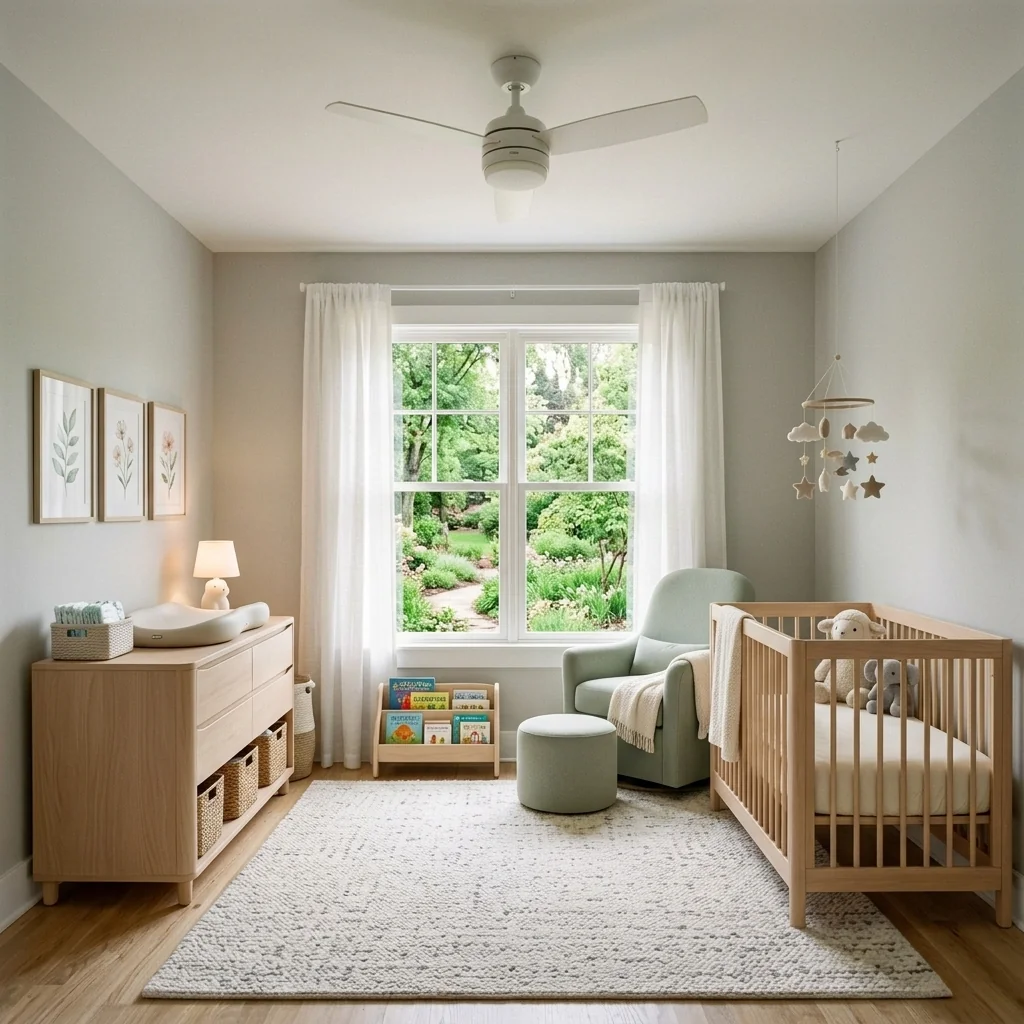
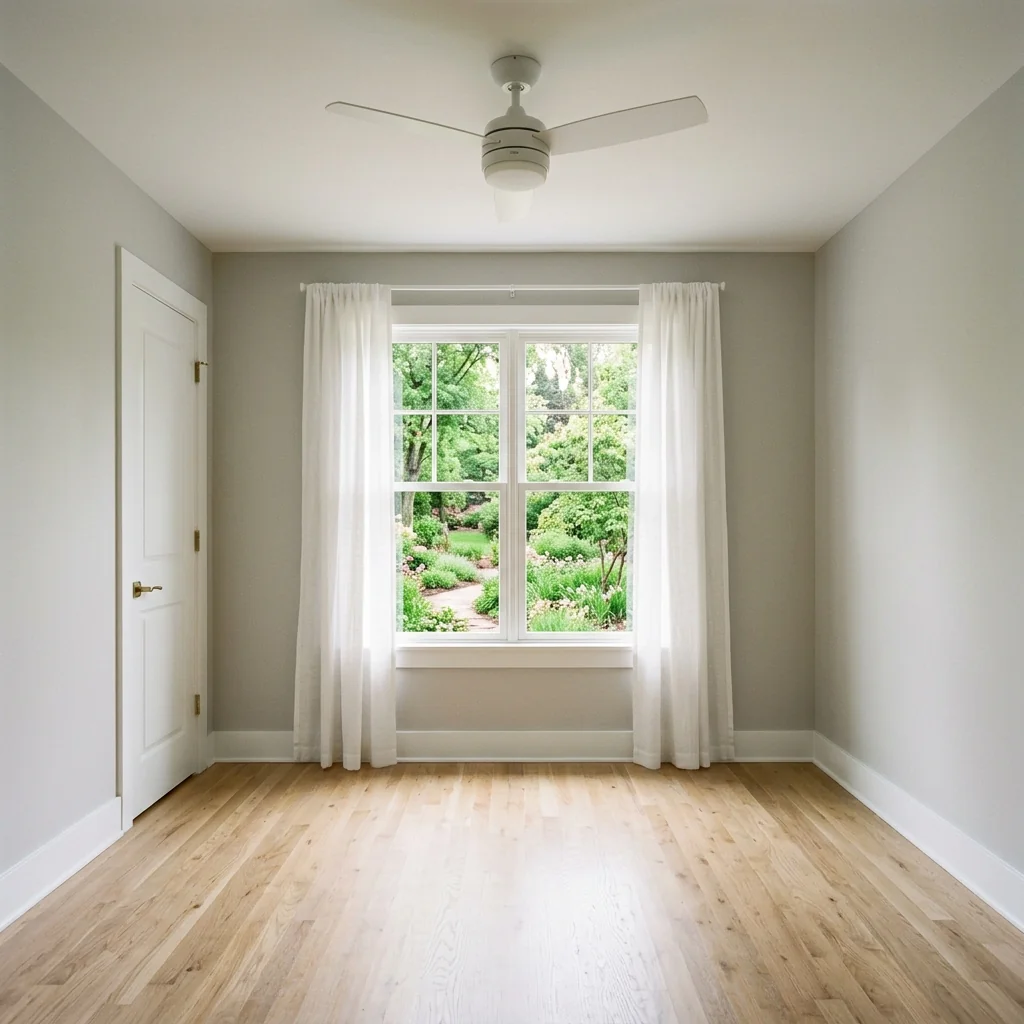

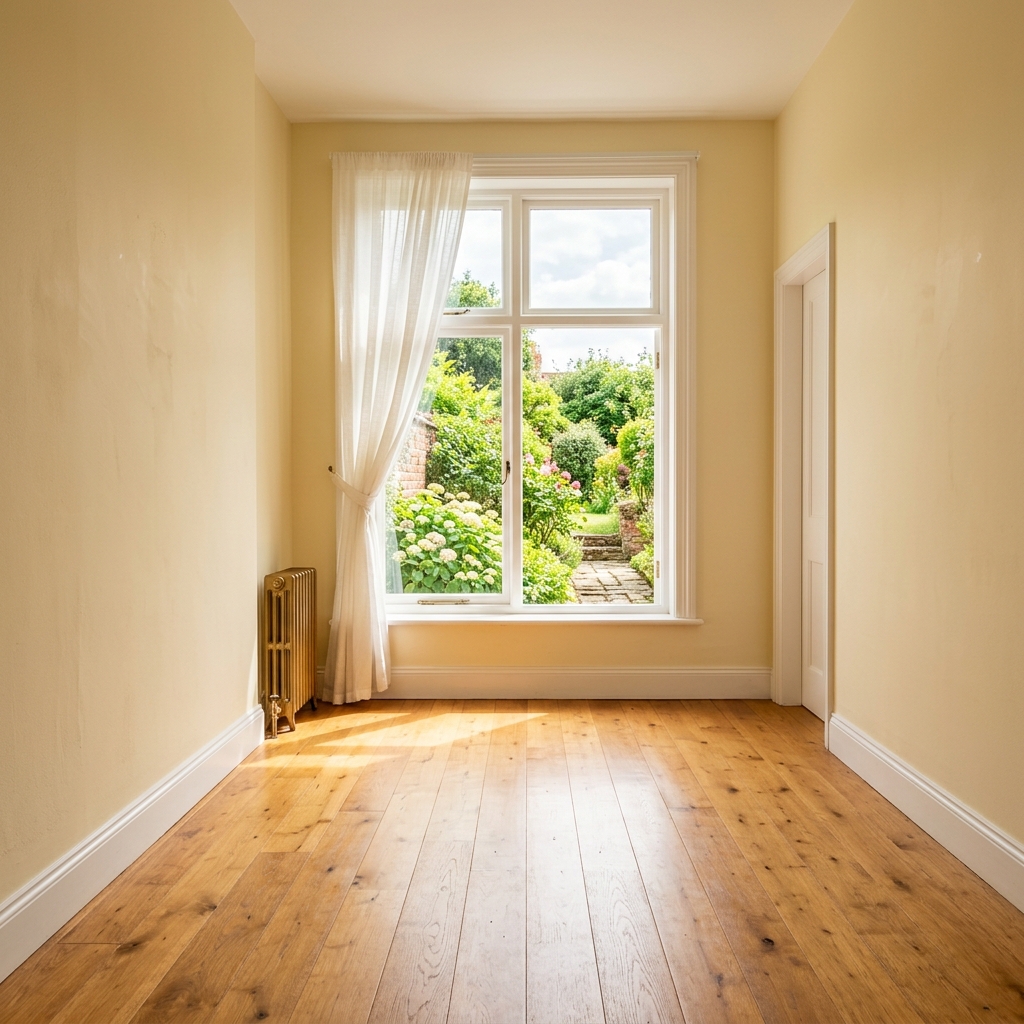

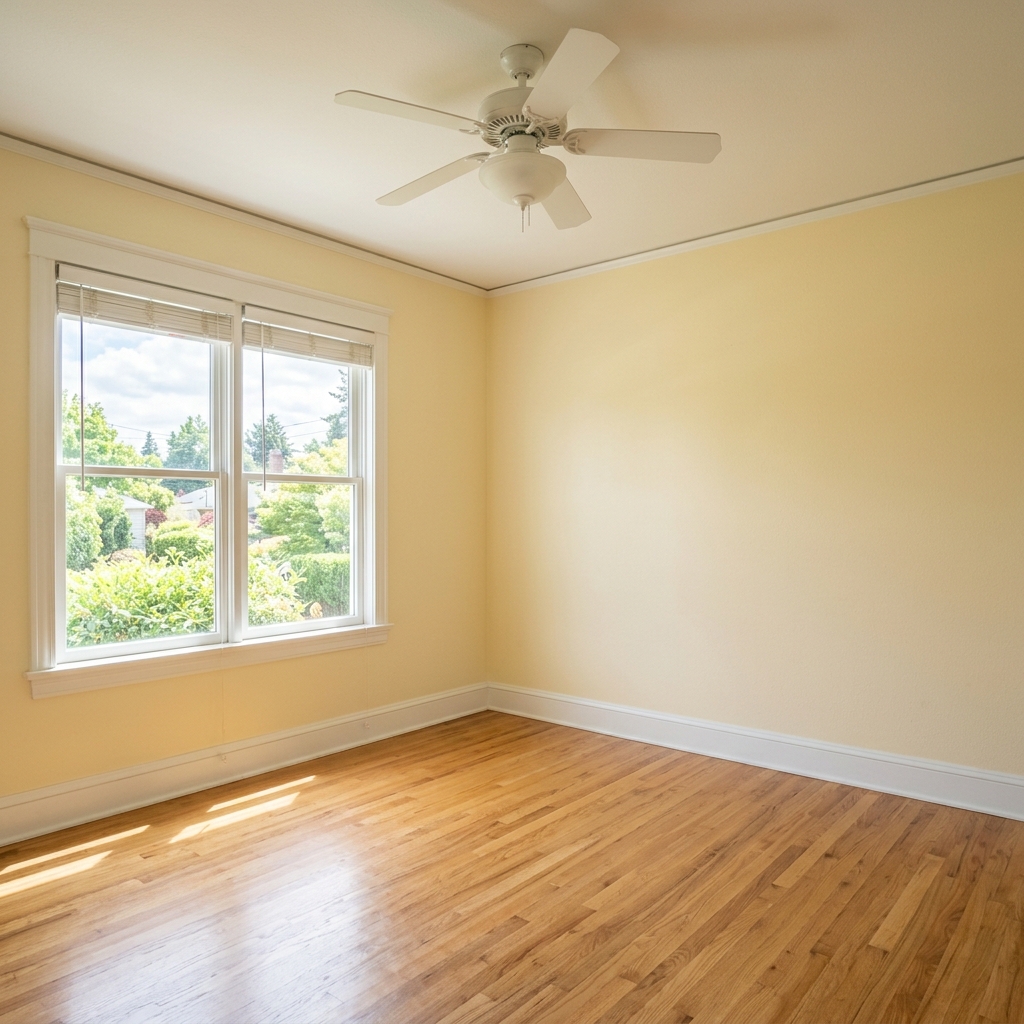
Comment ça fonctionne
- 1Téléchargez votre photo
- 2Choisissez vos paramètres
- 3Votre image
Conseils pour un bon résultat
Photo nette et lumineuse
La lumière du jour et un grand angle donnent le meilleur résultat.
Montrez toute la zone
Gardez entièrement dans l’image tout ce que vous souhaitez modifier.
Essayez plusieurs variantes
Comparez différentes options avant de décider.
Foire aux questions
Puis-je utiliser les images à des fins commerciales ?
Oui. Vous pouvez utiliser vos images à toute fin, y compris à des fins commerciales.
Mon photo originale change-t-elle ?
Non. Votre photo originale reste inchangée et vous pouvez la télécharger à tout moment.
Et si le résultat ne me plaît pas ?
Essayez un autre style ou un autre paramètre, ou affinez le résultat avec une courte instruction.
Continuer à explorer
Tous les outils
Changeur d’ameublement de fauteuil IA
Visualisez instantanément de nouvelles options de revêtement pour les fauteuils dans vos photos. Changez les tissus, couleurs et motifs comme le velours, le cuir ou le bouclé pour correspondre parfaitement à tout style de décoration intérieure. Idéal pour les professionnels de l’immobilier et les designers d’intérieur afin de montrer des transformations potentielles.

Changeur d’ameublement de meubles IA
Transformez vos photos de meubles avec l’IA ! Modifiez facilement le matériau du revêtement pour présenter différents styles et séduire un plus large éventail d’acheteurs. Idéal pour le home staging virtuel et les maquettes de décoration intérieure.

Visualiseur de tapisserie IA
Visualisez instantanément l’apparence de n’importe quel meuble avec différents tissus de tapisserie, couleurs et textures grâce à l’IA. Téléversez une photo de votre canapé, chaise ou causeuse et voyez de superbes aperçus de retapissage avant de vous engager dans un achat ou un projet de rénovation.
Lire le guide complet
How long does generation take for Nursery Room Designer?
Generation usually takes between 5 and 15 seconds.
Can I use the results commercially?
Yes, every generated image includes a full commercial usage license.
Tips for your photo
Make sure the photo is well lit and shot from a wide angle.
Remove clutter before shooting the photo for the best results.
Use re-staging mode for targeted style changes.
Frequently asked questions
Uploading Images: What are the optimal input formats and resolutions for the Nursery Room Designer?
Upload high-resolution JPEG or PNG real estate photos (1920x1080 pixels recommended) to ensure the Nursery Room Designer accurately processes room details. This optimizes the transformation for your property listing, making it appealing on Zillow for any agent.
Transform Time: How long does the Nursery Room Designer take to process an image?
The Nursery Room Designer typically processes images within 30-60 seconds. Enhance your property listing quickly, allowing agents to showcase beautifully staged nurseries on MLS. This swift processing transforms empty rooms efficiently.
Enhance Output: What level of quality can I expect from the Nursery Room Designer's output?
Expect high-definition, photorealistic outputs from the Nursery Room Designer, ideal for any property listing. The tool stages nurseries with incredible detail, ensuring your real estate photos stand out on Zillow and impress potential buyers. Enhance your agent's portfolio.
Optimize Designs: What are the 3 best tips for achieving optimal results with the Nursery Room Designer?
1) Upload clear, well-lit real estate photos of empty rooms. 2) Choose themes that complement the room's existing architecture. 3) Experiment with various styles to enhance your property listing's appeal, making it a Zillow standout for any agent.
Re-Stage: Can I re-generate a design with the Nursery Room Designer if I'm not satisfied?
Yes, you can easily re-generate designs using the Nursery Room Designer. Simply adjust your theme or furniture selections and click 'Generate' again to enhance your real estate photos, ensuring the perfect look for your Zillow listing and property listing.
5 Technical FAQs for Nursery Room Designer
Quick answers for how to nursery room designer online for optimal results
Common mistakes
5 Nursery Room Designer Mistakes That Kill Your Property Listing (And How to Fix Them)
How to Nursery Room Designer online for MLS and Zillow to attract potential buyers
Using low-resolution real estate photos as input for the Nursery Room Designer.
The AI relies on clear images to accurately stage the nursery. Blurry or pixelated photos lead to unrealistic and unappealing results, negatively impacting your property listing.
Transform your staging by uploading high-quality, well-lit real estate photos. Ensure the entire room is visible and in focus before using the Nursery Room Designer.
Ignoring the room's existing features when using the Nursery Room Designer.
Failing to consider existing elements like windows, doors, and architectural details can result in a staged nursery that looks unnatural and clashes with the overall property aesthetic. This reduces the appeal for potential buyers.
Carefully assess the room's existing features before using the Nursery Room Designer. Choose themes and furniture that complement the space, ensuring a cohesive and believable nursery design for your property listing.
Overcrowding the staged nursery with too much furniture and decor.
A cluttered nursery in your property listing makes the room appear smaller and less inviting. Potential buyers may struggle to visualize the space's potential and feel overwhelmed by the excessive items.
Use the Nursery Room Designer to create a minimalist and spacious design. Focus on essential furniture pieces and select decor that enhances the room without overwhelming it. Show the property's potential.
Selecting unrealistic or overly personalized themes for the staged nursery.
Highly specific or personalized themes may not appeal to a broad range of potential buyers. This can limit the property's marketability and make it harder for viewers to envision their own children in the space.
Opt for neutral and universally appealing themes when using the Nursery Room Designer. Consider classic designs or gender-neutral color palettes that resonate with a wider audience, increasing the property listing's appeal.
Not adjusting the lighting and color palette in the Nursery Room Designer to match the property's overall style.
Inconsistent lighting and color schemes can create a jarring visual experience for potential buyers. A staged nursery that clashes with the rest of the property can detract from its overall appeal and perceived value.
Experiment with the Nursery Room Designer's lighting and color options to create a cohesive and harmonious look. Ensure the staged nursery complements the property's existing style and enhances its overall aesthetic for Zillow and MLS listings.
What Your Nursery Room Designer Results Will Look Like
Upload your photo to get started designing your dream nursery online
Your workflow
4 Steps to Transform Real Estate Photos with a Nursery Room Designer
How to nursery room designer online for stunning property listings
Upload
Upload your empty room photo to the Nursery Room Designer. Ensure high resolution for optimal results. This is crucial for agents showcasing potential in MLS listings.
Use photos with good lighting to enhance the AI's ability to accurately assess the space. This will impact the final look of the real estate photos for your property listing.
Customize
Choose from a variety of themes, furniture styles, and color palettes within the Nursery Room Designer. Tailor the design to appeal to your target demographic for Zillow and other platforms.
Consider popular trends in nursery design to maximize appeal to potential buyers. Experiment with different styles to find the perfect match for the property's overall aesthetic.
Enhance
Let the Nursery Room Designer automatically stage the room with adorable furniture and decor. Refine the details to match the room's dimensions and lighting.
Pay attention to safety features like crib placement and secure furniture. Highlight these features in your property listing description to reassure potential buyers.
Download & Publish
Download the professionally staged nursery room photo and upload it to your MLS listing, Zillow, or other real estate platforms. Attract more attention from potential buyers.
Use high-quality images for your property listing. Include multiple angles and perspectives to showcase the full potential of the nursery room. Agents should see increased engagement.
Use cases
Property Listings for Nursery Room Designer
Social Media Marketing & Instagram Inserate
Architektur- & Umbau-Präsentationen
Nursery Room Designer — Technical Specifications
1. Upload your property photo.
2. Choose the interior style or room type you want.
3. Click Generate and get your result in seconds.
Expert guide
5 Expert Tips: Maximize Your Nursery Room Designer Results
How to Get the Best Nursery Room Designs Online for Real Estate Photos
Upload High-Quality Real Estate Photos for Optimal Nursery Designs
Transform your nursery room design by uploading clear, well-lit real estate photos. Ensure your images are high-resolution for the Nursery Room Designer to accurately interpret the space and generate stunning property listing visuals for your MLS and Zillow postings. This helps agents showcase the room's potential.
Adjust Nursery Room Designer Settings for Personalized Designs
Fine-tune the Nursery Room Designer settings to match your vision. Experiment with different themes, color palettes, and furniture styles. Specify dimensions and preferred layouts to create a nursery room that perfectly complements your property listing and appeals to potential buyers viewing real estate photos.
Enhance Realism with Nursery Room Designer's Advanced Features
To get the best results from the Nursery Room Designer, leverage its advanced features. Adjust lighting, shadows, and textures to create realistic and inviting nursery room designs. Use these enhanced real estate photos to attract more attention to your property listing on Zillow and other platforms.
Stage Virtual Nursery Rooms for Professional Real Estate Presentations
Use the Nursery Room Designer to stage multiple virtual nursery room options for your property listing. Provide potential buyers with a variety of design possibilities, increasing the appeal of the real estate photos and attracting more interest from agents and families searching on the MLS and Zillow.
How it works
3 Simple Steps to Use Our AI Nursery Room Designer
How to virtually stage a nursery room designer online for MLS listings
Upload Your Empty Property Photos
Upload a high-resolution photo of an empty bedroom or current nursery to the Nursery Room Designer to begin the professional home staging process for your Zillow or MLS property listing.
Select Adorable Themes and Furniture
Transform the space by choosing safe furniture layouts and cozy color palettes within the Nursery Room Designer, ensuring the property listing appeals to growing families and professional real estate agents.
Download Your Staged High-Res Images
Enhance your real estate photos instantly and download the high-resolution render to showcase a perfectly designed baby room that helps brokers sell homes faster through stunning visual property marketing.
What you can do
Advanced Nursery Room Designer Capabilities
High-Resolution Nursery Room Designer Outputs
Enhance your real estate photos with stunning, photorealistic nursery designs. Upload empty rooms to achieve impeccable quality for every property listing.
Rapid Nursery Room Designer Generations
Transform empty spaces into charming nurseries in seconds. Stage multiple property listings quickly, saving valuable time for agents on Zillow.
Versatile Nursery Room Designer Exports
Convert your designed nurseries into various image formats for seamless integration. Upload and download for MLS, Zillow, and all real estate photo platforms.
Personalized Nursery Room Designer Themes
Stage unique nursery environments with extensive customization options. Enhance property listings by tailoring every detail, from furniture to color palettes.
Intelligent Nursery Room Designer AI
Transform ordinary rooms into perfectly staged nurseries with AI precision. Upload images and let the Nursery Room Designer intelligently place safe, adorable elements.
Professional Nursery Room Designer Solutions
Stage attractive nurseries for diverse real estate photos and property listings. Enhance agent portfolios and impress clients with expert Nursery Room Designer results.
Pro-level tools at your fingertips