
Mise en scène de la coquille
- Photo
- Vos choix
- Votre image
Voyez ce qui est possible
Résultats réels à partir de photos comme la vôtre.
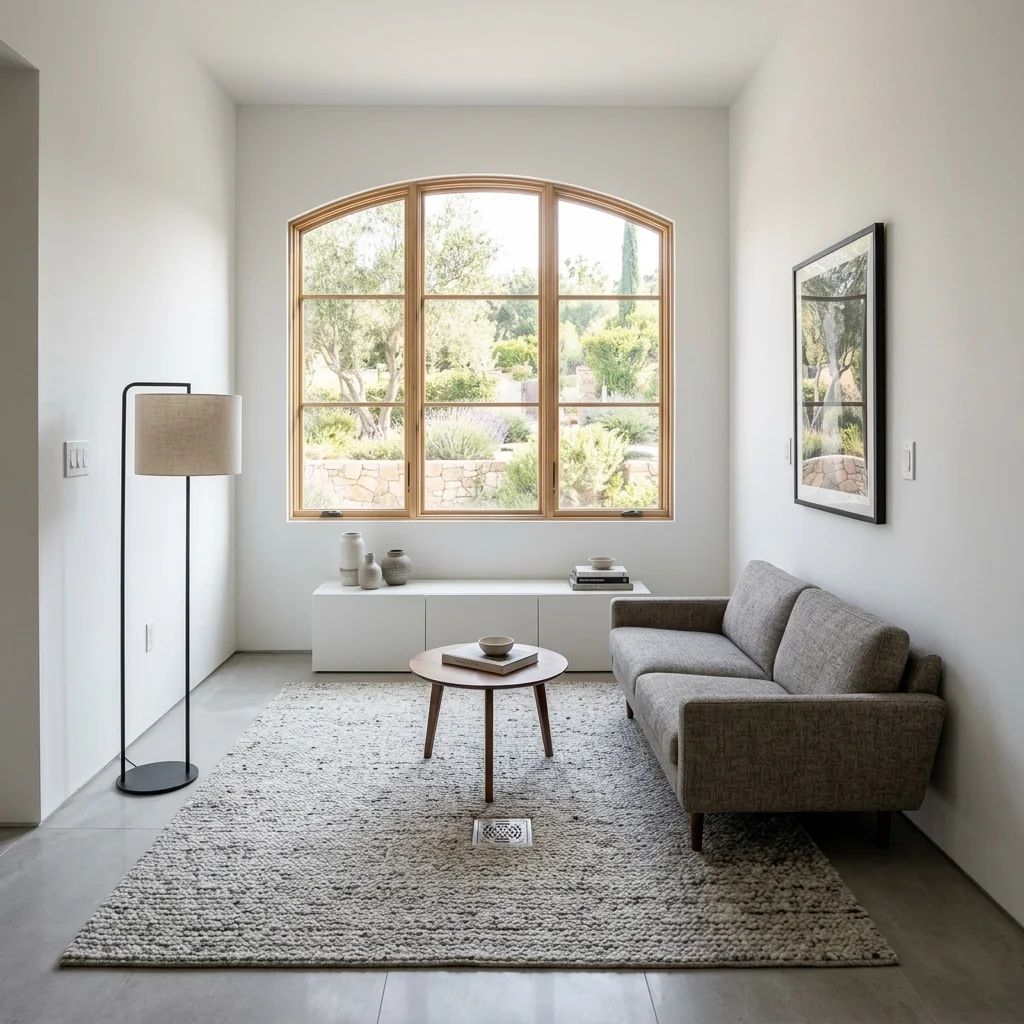
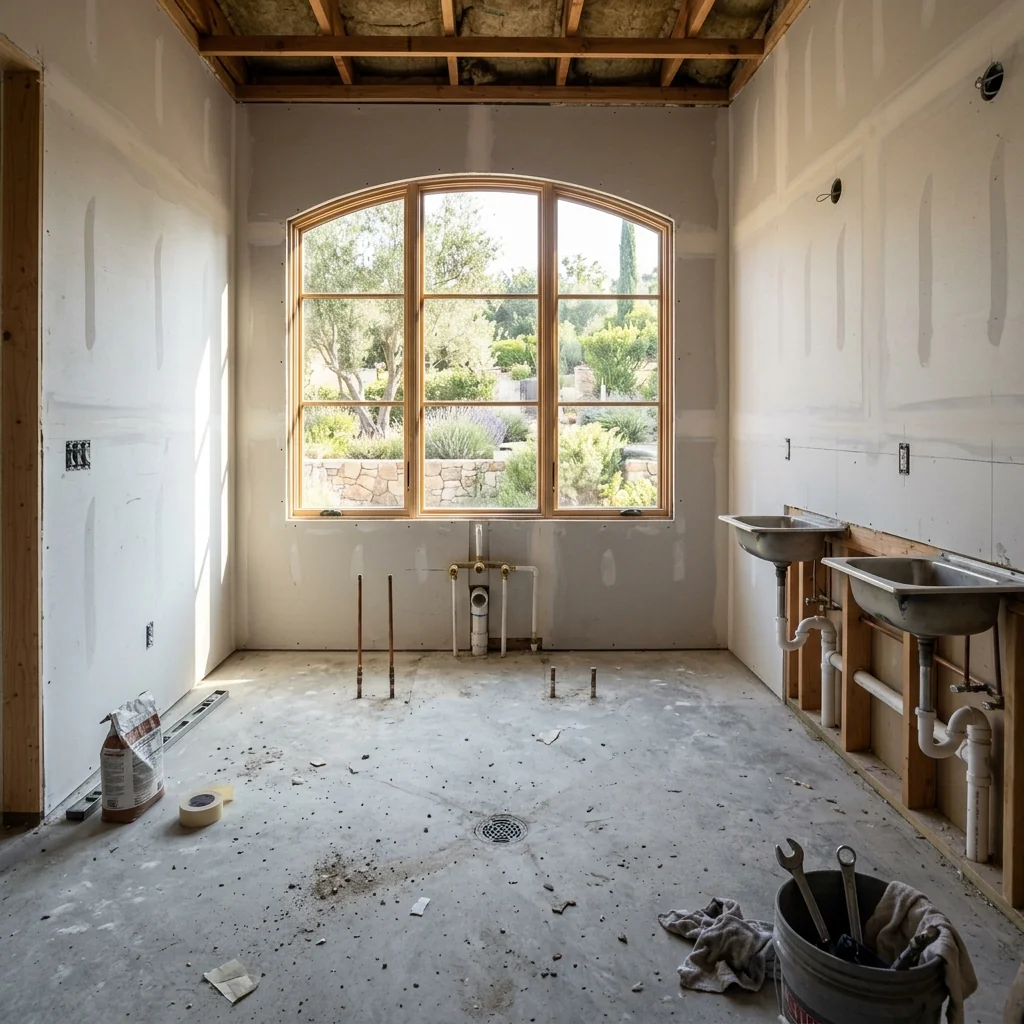

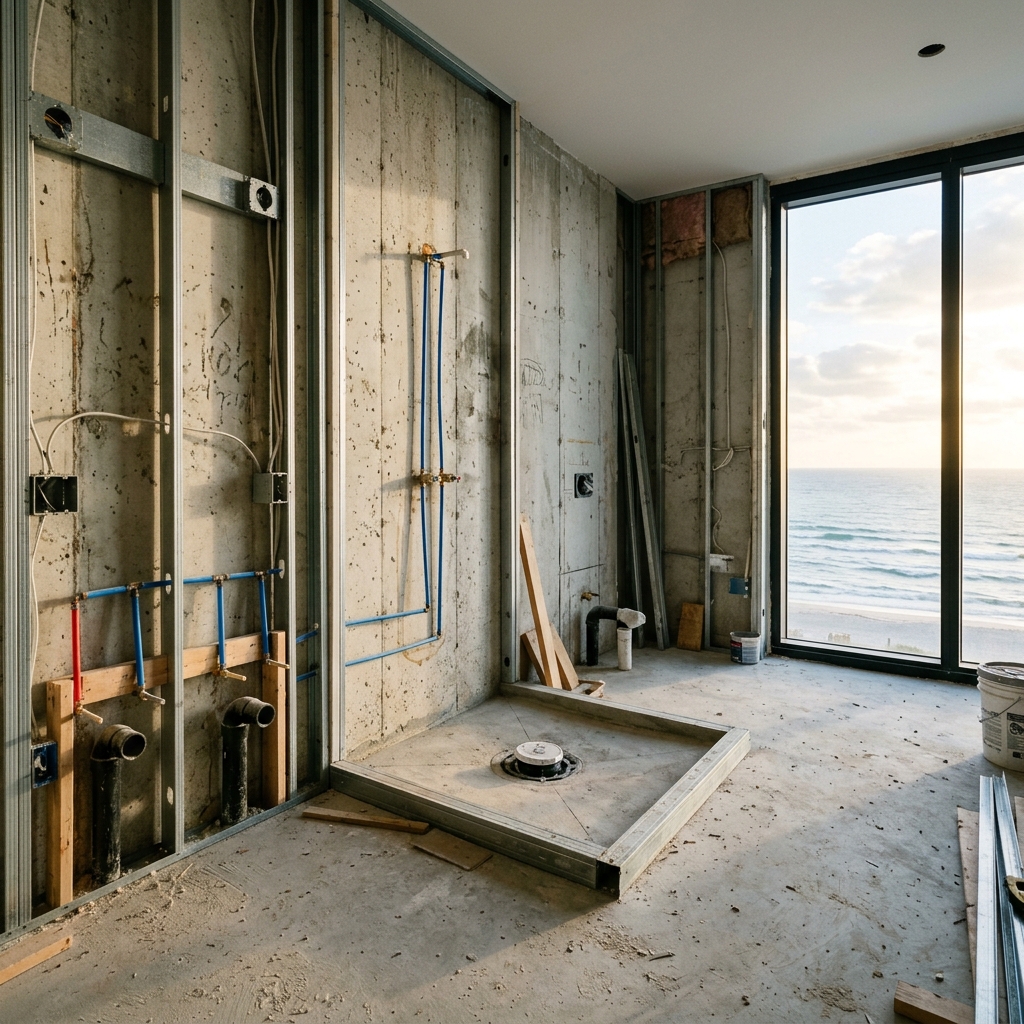

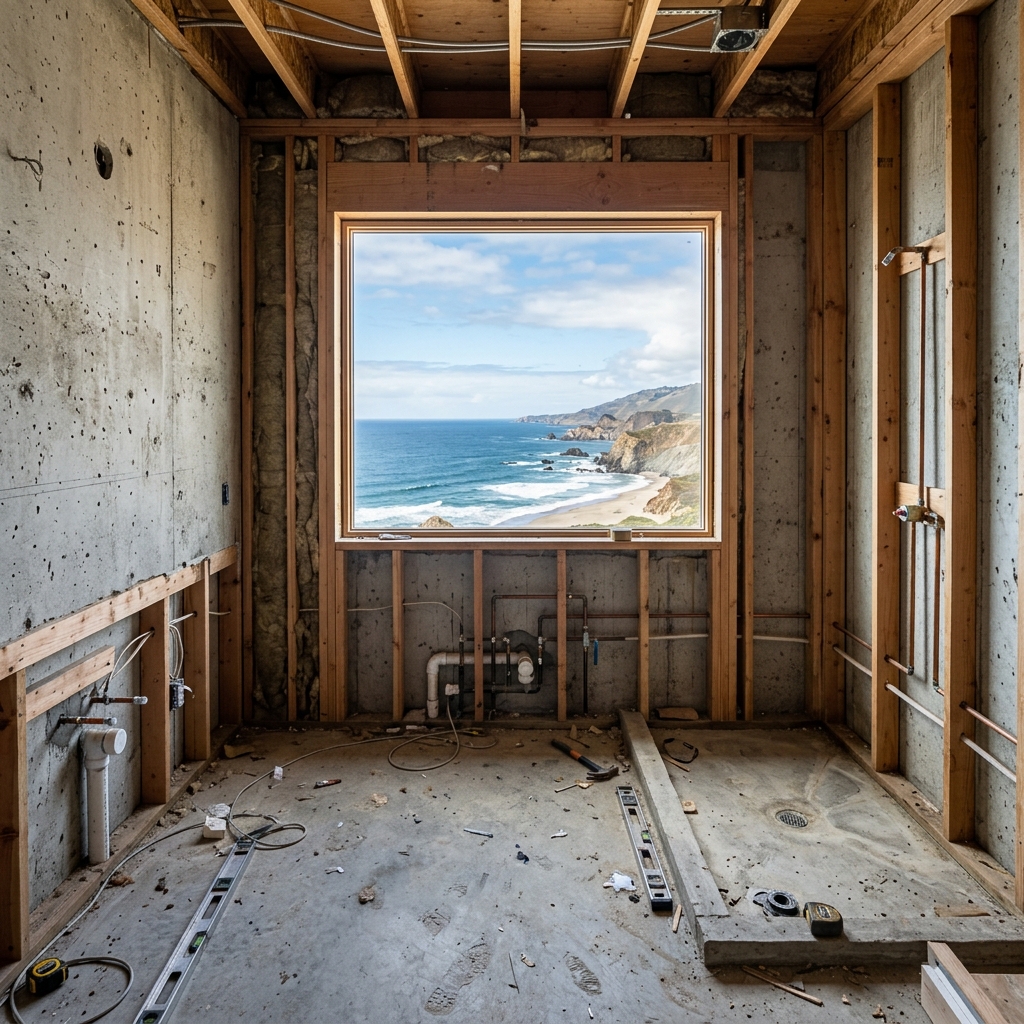
Comment ça fonctionne
- 1Téléchargez votre photo
- 2Choisissez vos paramètres
- 3Votre image
Conseils pour un bon résultat
Photo nette et lumineuse
La lumière du jour et un grand angle donnent le meilleur résultat.
Montrez toute la zone
Gardez entièrement dans l’image tout ce que vous souhaitez modifier.
Essayez plusieurs variantes
Comparez différentes options avant de décider.
Foire aux questions
Puis-je utiliser les images à des fins commerciales ?
Oui. Vous pouvez utiliser vos images à toute fin, y compris à des fins commerciales.
Mon photo originale change-t-elle ?
Non. Votre photo originale reste inchangée et vous pouvez la télécharger à tout moment.
Et si le résultat ne me plaît pas ?
Essayez un autre style ou un autre paramètre, ou affinez le résultat avec une courte instruction.
Continuer à explorer
Tous les outils
Amélioration du paysagement aérien
Transformez des terrains négligés, nus ou peu attrayants sur les photos immobilières prises par drone ou depuis les airs. Ajoutez des pelouses luxuriantes, des piscines, des jardins formels, des massifs de plantation et des allées impeccables — le tout visible d’en haut. Montrez aux acheteurs tout le potentiel de l’espace extérieur sans faire appel à un paysagiste.

Échange de bordure de coussin IA
Transformez instantanément les bordures, garnitures et passepoils des coussins décoratifs dans vos photos immobilières. Cet outil d’IA permet aux designers et aux home stagers de visualiser différents styles, couleurs et matériaux, en améliorant l’esthétique intérieure sans changements physiques.

Échange de franges et de passepoils de coussin IA
Visualisez sans effort de nouveaux styles de franges et de bordures décoratives pour coussins sur vos photos d’intérieur. Cet outil d’IA permet aux designers et aux home stagers de remplacer les détails de coussins existants, en montrant instantanément une esthétique mise à jour sans changements physiques.
Lire le guide complet
How long does generation take for Shell Staging?
Generation usually takes between 5 and 15 seconds.
Can I use the results commercially?
Yes, every generated image includes a full commercial usage license.
Tips for your photo
Make sure the photo is well lit and shot from a wide angle.
Remove clutter before shooting the photo for the best results.
Use re-staging mode for targeted style changes.
Frequently asked questions
Upload Requirements: What are the optimal input formats and resolutions for Shell Staging?
Upload high-resolution `real estate photos` of your bare `property listing` shells (JPG/PNG, min 1920px wide) to ensure `Shell Staging` can accurately detect and `transform` the space. This guarantees crisp, detailed `MLS`-ready visuals for `agents`.
Processing Time: How quickly does Shell Staging generate results for a property listing?
`Shell Staging` `stages` your bare shell into a fully furnished interior in mere seconds. Expect most `property listing` transformations to complete within 5-10 seconds, allowing `agents` to quickly `enhance` their marketing efforts for `Zillow` and `MLS`.
Output Quality: What level of visual quality can I expect from Shell Staging outputs?
`Shell Staging` `enhances` your images to photorealistic 4K quality, delivering stunning, `market-ready interiors`. These high-fidelity `real estate photos` are perfect for `Zillow`, `MLS`, and all `property listing` platforms, captivating potential buyers and `agents`.
Best Results: What are the best tips for achieving optimal Shell Staging results?
To `transform` effectively with `Shell Staging`, `upload` well-lit, straight-on `real estate photos` of your bare shell. Avoid extreme angles or heavy shadows. Clear inputs help `Shell Staging` render precise, appealing `property listing` visuals for any `agent`.
Re-generation: Can I re-generate or modify a Shell Staging output after initial creation?
Yes, `Shell Staging` allows unlimited re-generations. You can `convert` the same bare shell into various design styles or layouts. If unsatisfied, simply adjust your preferences and `enhance` the `property listing` visual again for your `agent`'s `MLS` and `Zillow` needs.
Technical FAQ: Shell Staging
Quick answers for optimal results
Common mistakes
5 Shell Staging Mistakes Killing Your Real Estate Photos
How to Avoid Common Shell Staging Errors for Better Property Listing Results
Ignoring the Target Buyer's Profile
Shell staging without considering the ideal buyer demographic results in generic designs that fail to resonate, hindering your property listing's appeal on Zillow and MLS.
Analyze your target buyer's preferences (age, lifestyle, budget) and tailor your shell staging to match, enhancing the property's perceived value.
Poor Lighting in Virtual Shell Staging
Inadequate or unrealistic lighting in your virtual shell staging makes the property appear uninviting and unprofessional, negatively impacting the overall impression in real estate photos.
Optimize lighting to create a warm, inviting atmosphere. Use PropStage.ai's Shell Staging tool to adjust brightness, shadows, and reflections for a realistic feel.
Overcrowding the Virtual Space
Stuffing too much furniture and decor into the shell staging creates a cluttered and cramped feel, deterring potential buyers from envisioning themselves in the space.
Maintain a balance between showcasing the property's potential and allowing ample space for movement. Use PropStage.ai's Shell Staging to strategically place furniture, highlighting key features without overwhelming the viewer.
Inconsistent Style and Theme
A mismatched style and theme in your shell staging creates a disjointed and unappealing look, confusing potential buyers and diminishing the property's perceived value.
Choose a cohesive style and theme that complements the property's architecture and target buyer's preferences. Ensure consistency in furniture, decor, and color palettes when using PropStage.ai's Shell Staging tool.
Failing to Highlight Key Property Features
Overlooking the property's unique selling points during shell staging diminishes its appeal and prevents potential buyers from appreciating its true value.
Strategically use shell staging to accentuate key features like fireplaces, large windows, or architectural details. Use PropStage.ai's Shell Staging to draw attention to these elements, making them focal points in your property listing.
Shell Staging Results: See the AI-Powered Transformation
Upload Your Bare Property Photos and Witness the Magic of AI Shell Staging
Your workflow
4 Steps to Stunning Shell Staging: Enhance Your Property Listing
How to Shell Stage Online: From Bare Bones to Beautiful Real Estate Photos
Upload Unfurnished Shell Photo
Upload a clear photo of the empty property. PropStage.ai's Shell Staging tool works best with well-lit, high-resolution real estate photos for optimal results. This is crucial for your property listing.
Ensure the photo captures the entire room and is free of obstructions for the best shell staging outcome.
Select a Design Style
Choose from various pre-designed interior styles within the Shell Staging tool to match your target market. PropStage.ai offers styles ranging from modern minimalist to classic traditional, instantly transforming your property listing.
Consider the neighborhood's demographics and the price point of the property when selecting a style for effective shell staging.
AI-Powered Shell Staging
Let PropStage.ai's AI automatically furnish and decorate the photo based on your chosen style. The Shell Staging algorithm intelligently places furniture and decor, creating a realistic and appealing visual for potential buyers on Zillow and other platforms.
Experiment with different styles to see which resonates best with your target audience. Generate multiple options for your agent to review.
Download and Publish Your Shell Staged Image
Download the professionally shell staged image and upload it to your MLS listing, Zillow, and other real estate platforms. Use the enhanced real estate photos to attract more potential buyers and increase engagement with your property listing.
Optimize the image file size for faster loading times on online platforms. Include the shell staged image as the primary photo on your MLS listing.
Use cases
Real Estate Listings for Shell Staging
Social Media Marketing & Instagram Inserate
Architektur- & Umbau-Präsentationen
Shell Staging AI Listing Visualizer: Technical Specifications
Transform bare construction shells into fully furnished, market-ready interiors instantly with our AI-powered Shell Staging tool. Generate stunning real estate photos for your property listing and attract more buyers on Zillow and the MLS.
1. Upload your property photo.
2. Choose the interior style or room type you want.
3. Click Generate and get your result in seconds.
Expert guide
5 Expert Tips: Master Shell Staging for Stunning Real Estate Photos
How to Get the Most Realistic Shell Staging Online for Your Property Listing
Prepare High-Quality Images Before You Stage
Upload clear, well-lit images of the bare shell to PropStage.ai. The better the initial image, the more realistic and appealing the shell staging will be. This directly impacts your Zillow listing and attracts more potential buyers, so ensure quality real estate photos are prioritized.
Fine-Tune Your Shell Staging Settings for Optimal Results
Adjust the lighting, furniture style, and room layout within the PropStage.ai Shell Staging tool. Experiment with different settings to find the perfect aesthetic that complements the property's architecture and target demographic. This enhances your property listing on the MLS.
Achieve the Best Shell Staging Results with Realistic Furniture
Select furniture and decor that match the style and price point of the property. Avoid overly modern or expensive items if the home is intended for a budget-conscious buyer. PropStage.ai's diverse catalog ensures realistic and appropriate shell staging for every project.
Leverage Shell Staging for Professional Agent Marketing
Use PropStage.ai's Shell Staging tool to create compelling visuals for your agent marketing materials. Showcase the property's potential to attract more clients and secure faster sales. High-quality shell staging will set your property listing apart from the competition.
How it works
3 Simple Steps for AI Shell Staging
How to shell staging online for real estate listings instantly
Upload Your Bare Shell Photos
Upload high-resolution images of your unfinished construction or core and shell properties directly to the PropStage.ai platform to begin the digital transformation process for your next Zillow listing.
Select Your Preferred Interior Style
Choose from modern, contemporary, or luxury furniture sets to stage your empty shell, ensuring the property listing appeals to high-end buyers and professional real estate agents looking for move-in ready aesthetics.
Download Your Furnished MLS Images
Convert your raw construction shots into stunning, market-ready visuals and download high-resolution files ready for the MLS, property marketing brochures, or social media to attract serious home buyers immediately.
What you can do
7 Advanced Shell Staging Capabilities
Ultra-Realistic Shell Staging
Transform raw shell photos into high-definition, photorealistic real estate photos. Enhance every property listing with stunning visuals, ready for MLS and Zillow.
Instant Shell Staging Generation
Upload bare shell images and instantly Stage them. Convert empty spaces into furnished rooms in seconds, significantly speeding up your agent's workflow for property listing creation.
Versatile Output Formats
Convert your staged shell images into various file formats. Enhance compatibility for real estate photos across all platforms, from MLS to social media property listing posts.
Custom Shell Staging Designs
Stage and customize every detail of your shell interior. Transform empty rooms with tailored furniture, decor, and finishes, ensuring unique property listing appeal for every agent.
AI-Powered Shell Staging Accuracy
Enhance Shell Staging with advanced AI, precisely placing furniture and decor. Transform bare spaces into perfectly scaled, aesthetically pleasing real estate photos that impress Zillow viewers.
Professional Shell Staging Tools
Stage properties with tools designed for agents and developers. Convert construction shells into premium property listing visuals, enhancing marketability for MLS and driving buyer interest.
How to master shell staging online for property listings