
Virtual Stager de Studio
- Photo
- Vos choix
- Votre image
Voyez ce qui est possible
Résultats réels à partir de photos comme la vôtre.
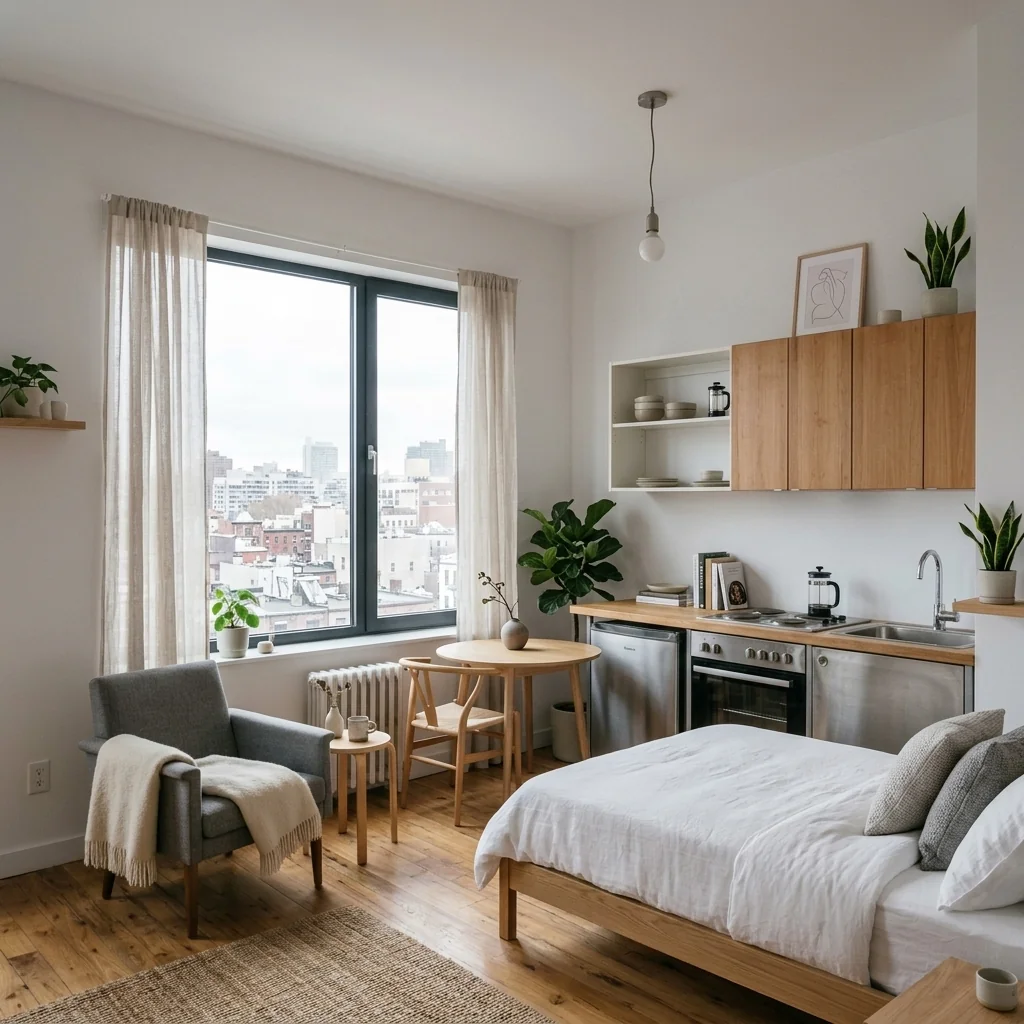
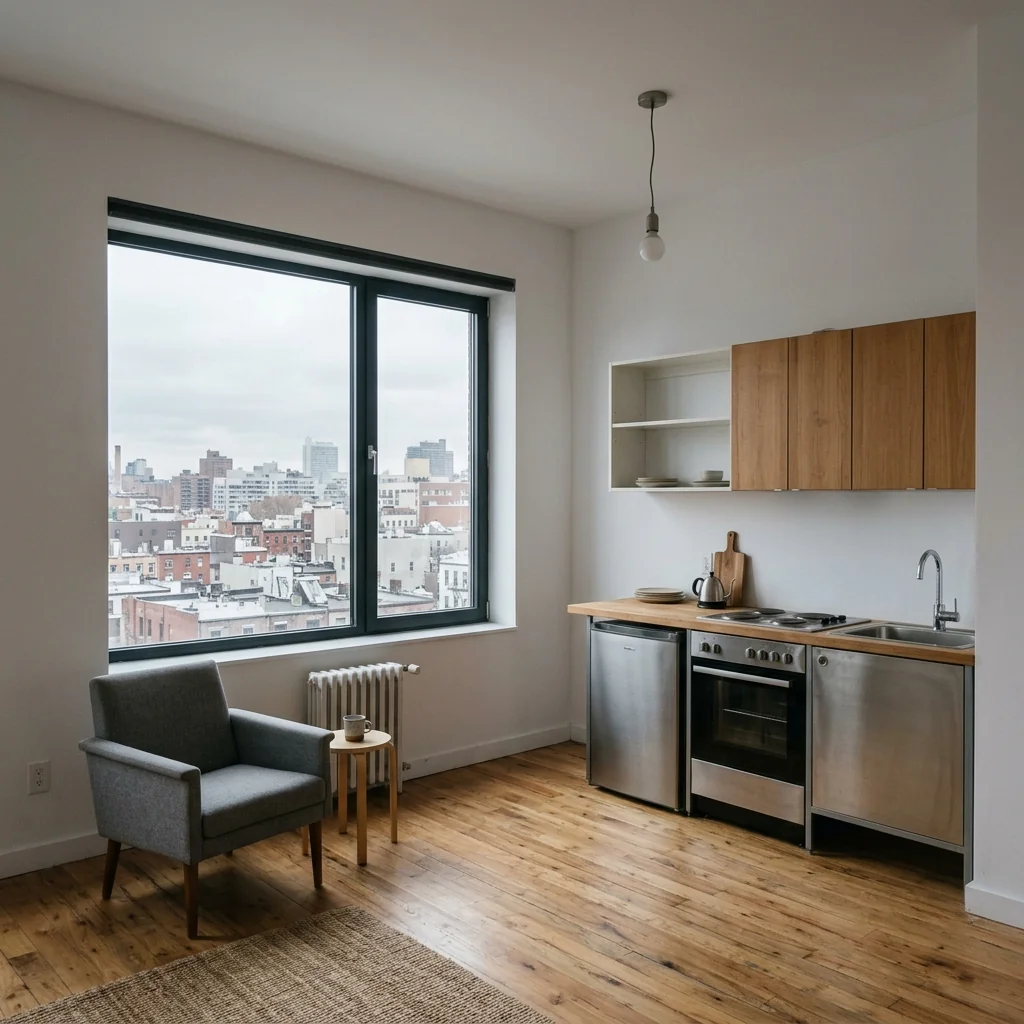

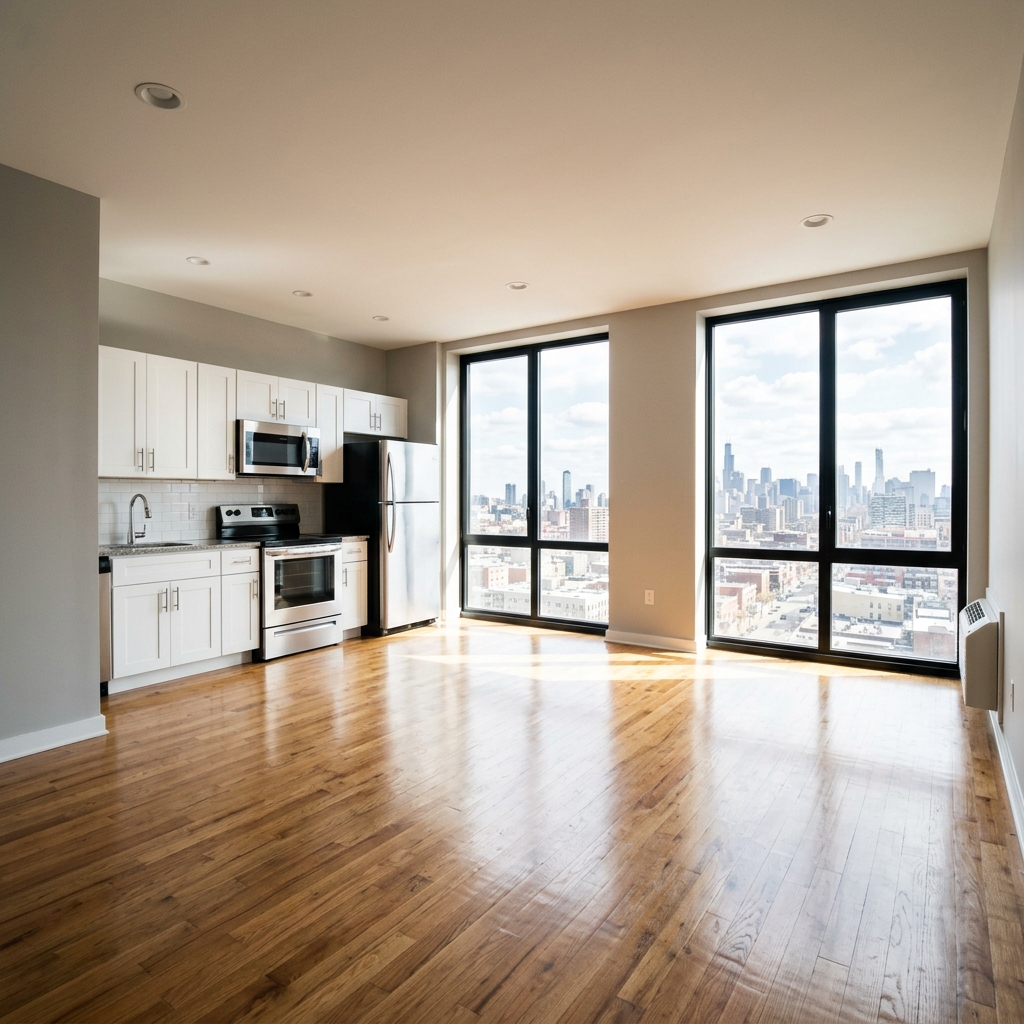

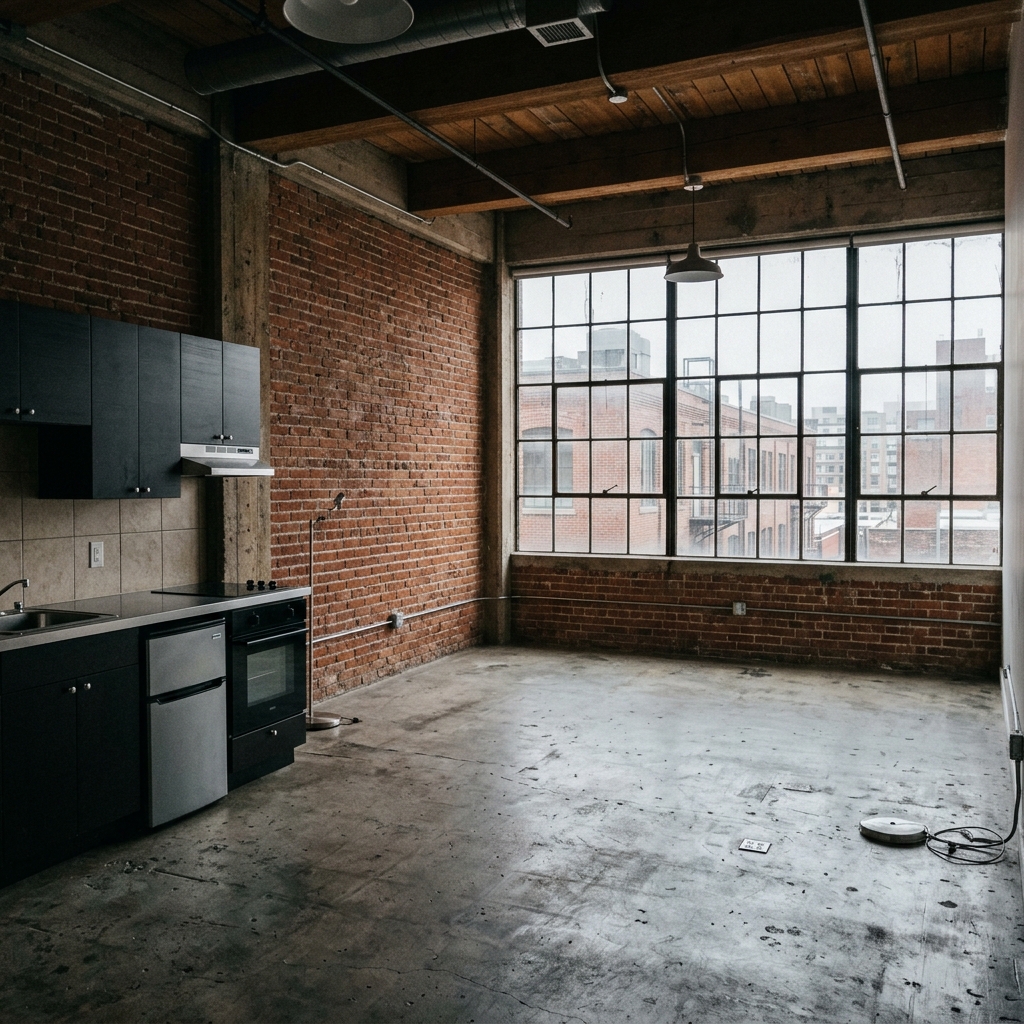
Comment ça fonctionne
- 1Téléchargez votre photo
- 2Choisissez vos paramètres
- 3Votre image
Conseils pour un bon résultat
Photo nette et lumineuse
La lumière du jour et un grand angle donnent le meilleur résultat.
Montrez toute la zone
Gardez entièrement dans l’image tout ce que vous souhaitez modifier.
Essayez plusieurs variantes
Comparez différentes options avant de décider.
Foire aux questions
Puis-je utiliser les images à des fins commerciales ?
Oui. Vous pouvez utiliser vos images à toute fin, y compris à des fins commerciales.
Mon photo originale change-t-elle ?
Non. Votre photo originale reste inchangée et vous pouvez la télécharger à tout moment.
Et si le résultat ne me plaît pas ?
Essayez un autre style ou un autre paramètre, ou affinez le résultat avec une courte instruction.
Continuer à explorer
Tous les outils
Changeur d’ameublement de fauteuil IA
Visualisez instantanément de nouvelles options de revêtement pour les fauteuils dans vos photos. Changez les tissus, couleurs et motifs comme le velours, le cuir ou le bouclé pour correspondre parfaitement à tout style de décoration intérieure. Idéal pour les professionnels de l’immobilier et les designers d’intérieur afin de montrer des transformations potentielles.

Changeur d’ameublement de meubles IA
Transformez vos photos de meubles avec l’IA ! Modifiez facilement le matériau du revêtement pour présenter différents styles et séduire un plus large éventail d’acheteurs. Idéal pour le home staging virtuel et les maquettes de décoration intérieure.

Visualiseur de tapisserie IA
Visualisez instantanément l’apparence de n’importe quel meuble avec différents tissus de tapisserie, couleurs et textures grâce à l’IA. Téléversez une photo de votre canapé, chaise ou causeuse et voyez de superbes aperçus de retapissage avant de vous engager dans un achat ou un projet de rénovation.
Lire le guide complet
How long does generation take for Studio Apartment Virtual Stager?
Generation usually takes between 5 and 15 seconds.
Can I use the results commercially?
Yes, every generated image includes a full commercial usage license.
Tips for your photo
Make sure the photo is well lit and shot from a wide angle.
Remove clutter before shooting the photo for the best results.
Use re-staging mode for targeted style changes.
Frequently asked questions
What are the optimal input image formats and resolutions for the Studio Apartment Virtual Stager to achieve high-quality real estate photos?
Upload JPG, PNG, or HEIC files for your studio apartment. For best results, ensure images are at least 1920px on the longest side. This allows the Studio Apartment Virtual Stager to accurately Stage and Enhance your property listing, making it perfect for Zillow or MLS, impressing any agent.
How quickly does the Studio Apartment Virtual Stager process and furnish a studio apartment photo for a property listing?
The Studio Apartment Virtual Stager processes images in under 30 seconds. Upload your studio apartment photo, and our AI instantly furnishes it. This rapid turnaround helps agents quickly update property listings and get their real estate photos live faster for potential renters.
What level of output quality can I expect from the Studio Apartment Virtual Stager for my real estate photos?
Expect high-resolution, photorealistic outputs from the Studio Apartment Virtual Stager. Each staged image seamlessly integrates furniture, enhancing the appeal of your studio apartment. These professional real estate photos are ideal for any property listing, boosting agent success on MLS and Zillow.
How can I get the best virtual staging results when using the Studio Apartment Virtual Stager for my property listing?
For optimal results with the Studio Apartment Virtual Stager, Upload clear, well-lit, and wide-angle photos of your empty studio. Ensure good lighting and minimal clutter. This allows the AI to accurately Stage and Transform your real estate photos, making your property listing shine for every agent.
Can I re-generate or modify a staged image if the initial output from the Studio Apartment Virtual Stager isn't perfect for my Zillow listing?
Yes, the Studio Apartment Virtual Stager allows re-generation. If the first attempt isn't ideal, simply select a different style or prompt for a new result. You can also make minor edits to the staged image, ensuring your real estate photos perfectly match your property listing needs for any agent on MLS or Zillow.
Technical FAQ: Studio Apartment Virtual Stager
Quick answers for optimal Studio Apartment Virtual Stager results online
Common mistakes
5 Studio Apartment Virtual Stager Mistakes That Kill Your Real Estate Photos
How to avoid common pitfalls when using a studio apartment virtual stager online for MLS listings.
Uploading Low-Resolution Photos: Using blurry or pixelated images for your studio apartment virtual stager will result in an unprofessional and unappealing final product.
Low-quality real estate photos detract from the perceived value of the property listing on Zillow and other platforms, making it harder to attract potential renters or buyers.
Always upload high-resolution photos to the Studio Apartment Virtual Stager. Ensure your images are clear, well-lit, and accurately represent the space.
Ignoring the Existing Style: Applying a clashing style to the existing architectural elements of the studio apartment with the virtual stager.
Incongruent styles create a visually jarring effect, making it difficult for viewers to imagine themselves living in the space. This hurts your property listing.
Choose a virtual staging style that complements the existing features of the studio apartment. Consider the color palette, flooring, and architectural details when selecting furniture and decor using the Studio Apartment Virtual Stager.
Over-Cluttering the Space: Adding too much furniture or decor when using the Studio Apartment Virtual Stager, making the studio appear smaller and cramped.
A cluttered studio apartment in real estate photos can deter potential renters or buyers who are looking for a spacious and inviting living area.
Embrace minimalism. Use the Studio Apartment Virtual Stager to add only essential furniture pieces and a few carefully selected decor items to create a sense of spaciousness and flow. Focus on key areas to highlight.
Neglecting Lighting and Shadows: Forgetting to adjust the lighting and shadows in the virtual staging to match the original real estate photos.
Inconsistent lighting creates an unnatural and unrealistic look, making the virtual staging appear fake and unconvincing for potential renters or buyers browsing MLS listings.
Pay close attention to the lighting and shadows in the original photo and adjust the virtual staging accordingly using the Studio Apartment Virtual Stager to create a seamless and believable result. Enhance the natural light.
Failing to Consider Target Audience: Using a generic staging style that doesn't appeal to the target demographic for the studio apartment.
A staging style that doesn't resonate with the target audience can fail to attract the right renters or buyers to the property listing.
Research your target demographic and choose a virtual staging style that aligns with their preferences and lifestyle. The Studio Apartment Virtual Stager offers various styles; select the one most likely to attract your ideal tenant or buyer. Consider Japandi for a modern look, or Hygge for a cozy feel.
See Stunning Studio Apartment Virtual Stager Results: Transform Your Listings!
Upload your real estate photos and instantly see how our AI can maximize your property listing's appeal on Zillow and the MLS.
Your workflow
4 Steps to Transform Your Studio Apartment with a Virtual Stager
How to Studio Apartment Virtual Stager Online for Stunning Real Estate Photos
Upload
Upload your vacant studio apartment real estate photos to the Studio Apartment Virtual Stager. Ensure high-quality images for the best results.
Use photos with good lighting and clear angles to showcase the space effectively for your property listing.
Stage
Select a virtual staging style for your studio apartment. The Studio Apartment Virtual Stager offers diverse themes like Japandi, Hygge, and Modern.
Choose a style that appeals to your target demographic and complements the apartment's existing features to attract potential buyers on Zillow.
Enhance
Fine-tune the virtual staging. Adjust furniture placement and decor within the Studio Apartment Virtual Stager for optimal appeal.
Pay attention to details like rug size and artwork placement to create a realistic and inviting atmosphere in your MLS listing photos.
Convert
Download your professionally staged studio apartment images. Use them to enhance your property listing and attract more potential renters or buyers.
Share your enhanced real estate photos on MLS, Zillow, and social media to maximize visibility and generate leads for your real estate agent business.
Use cases
Property Listings for Studio Apartment Virtual Stager
Social Media Marketing & Instagram Inserate
Architektur- & Umbau-Präsentationen
Studio Apartment Virtual Stager — Technical Specifications
1. Upload your property photo.
2. Choose the interior style or room type you want.
3. Click Generate and get your result in seconds.
Expert guide
5 Pro Tips: Dominate Zillow with Studio Apartment Virtual Stager
How to get the best studio apartment virtual stager online and attract more buyers
Transform Real Estate Photos: Optimize Image Prep
Upload high-resolution real estate photos for optimal studio apartment virtual stager results. Ensure your images are well-lit and free of clutter to allow the AI to accurately place furniture and decor. This enhances your property listing on Zillow and MLS.
Fine-Tune Settings: Control the Studio Apartment Staging Style
Experiment with different staging styles within the Studio Apartment Virtual Stager tool. Choose a style that complements the existing architecture and target demographic. Adjust the intensity settings to achieve a realistic and appealing look for your property listing.
Enhance Property Listing: Aim for Best Studio Apartment Results
Use the Studio Apartment Virtual Stager to highlight key features of the space. Strategically placed furniture can emphasize the apartment's layout and functionality, creating a more inviting atmosphere for potential renters and buyers viewing your real estate photos.
Convert Leads: Leverage Studio Apartment Virtual Stager for Agents
As a real estate agent, use the Studio Apartment Virtual Stager to quickly create multiple staging options for your clients. Showcase the potential of each studio, increasing interest and driving more offers. This saves time and money compared to traditional staging.
How it works
3 Steps to Master the Studio Apartment Virtual Stager
How to studio apartment virtual stager online for free in 2026 for MLS
Upload Your Empty Studio Photo
Upload high-resolution real estate photos of your vacant property to the Studio Apartment Virtual Stager to begin an instant AI transformation that prepares your listing for the competitive MLS market.
Select Your AI Design Style
Choose a specific design aesthetic like Japandi or Modern, allowing the Studio Apartment Virtual Stager to intelligently furnish the small space with photorealistic furniture that appeals to high-end brokers.
Export Your Staged Property Listing
Download your enhanced high-definition files from the Studio Apartment Virtual Stager to immediately update your Zillow property listing and attract more qualified leads with professional, expert-level digital home staging.
What you can do
Advanced Studio Apartment Virtual Stager Capabilities
High-Quality Studio Stager Output
Enhance real estate photos instantly. Transform Studio Apartment Virtual Stager outputs into stunning, print-ready images for property listings, boosting Zillow appeal.
Rapid Studio Stager Speed
Upload your studio apartment photo for lightning-fast AI staging. Convert bare spaces into furnished homes in seconds, optimizing agent workflow for MLS.
Diverse Studio Stager Formats
Stage your studio apartment virtually, downloading in multiple high-quality formats. Ensure real estate photos are optimized for every property listing platform, including Zillow and MLS.
Custom Studio Stager Styles
Customize Studio Apartment Virtual Stager results with diverse styles like Japandi or Hygge. Enhance property listings by staging to match your target renter's aesthetic.
Precise Studio Stager AI
Leverage advanced AI to precisely stage studio apartment layouts. Our Studio Apartment Virtual Stager accurately places furniture, ensuring realistic real estate photos for property listings.
Agent Studio Stager Toolkit
Designed for agents, this Studio Apartment Virtual Stager enhances property listings. Convert empty studios into attractive homes, making real estate photos shine on Zillow and MLS.
Pro-level tools at your fingertips