
Amélioration des Fenêtres & Vue Panoramique
- 1. Ajoutez une photo de votre pièce
- 2. Choisissez votre nouveau style
- 3. Votre image
Voyez ce qui est possible
Résultats réels à partir de photos comme la vôtre.
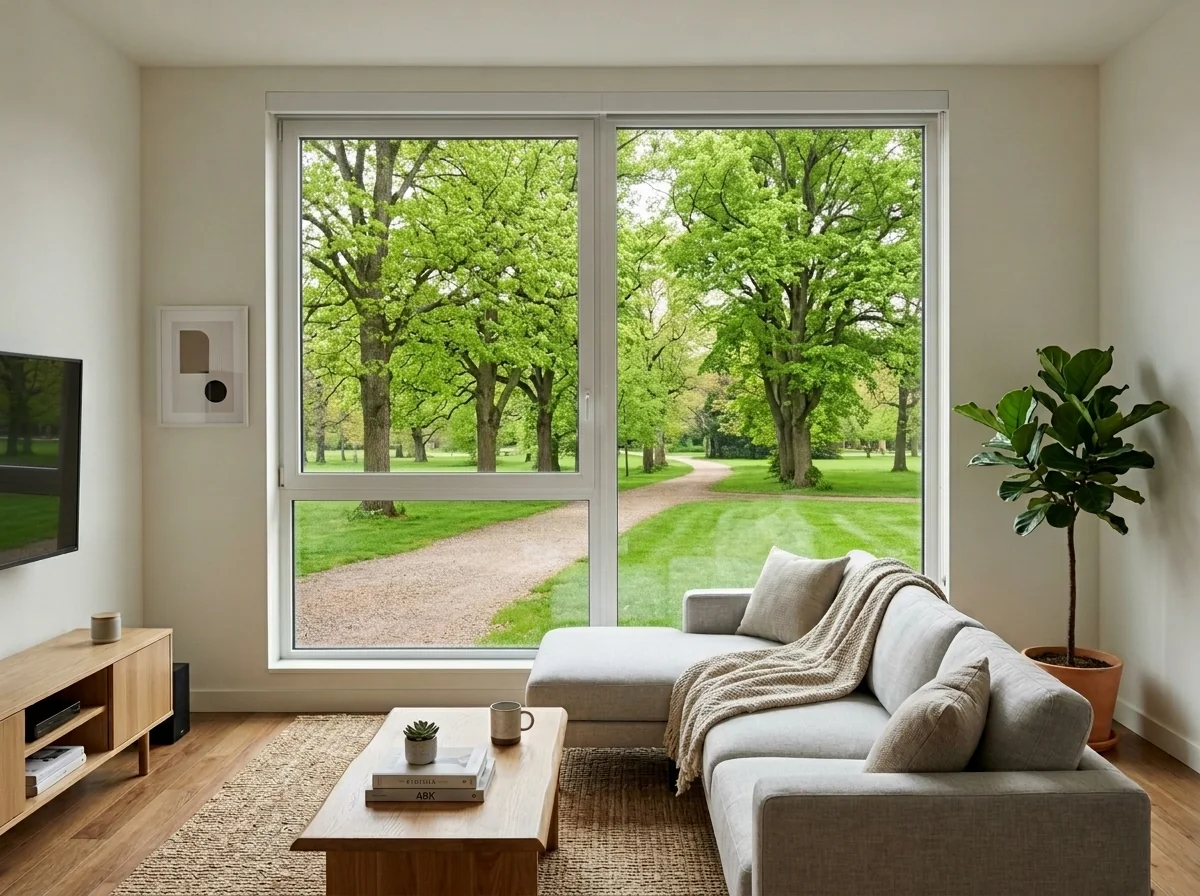
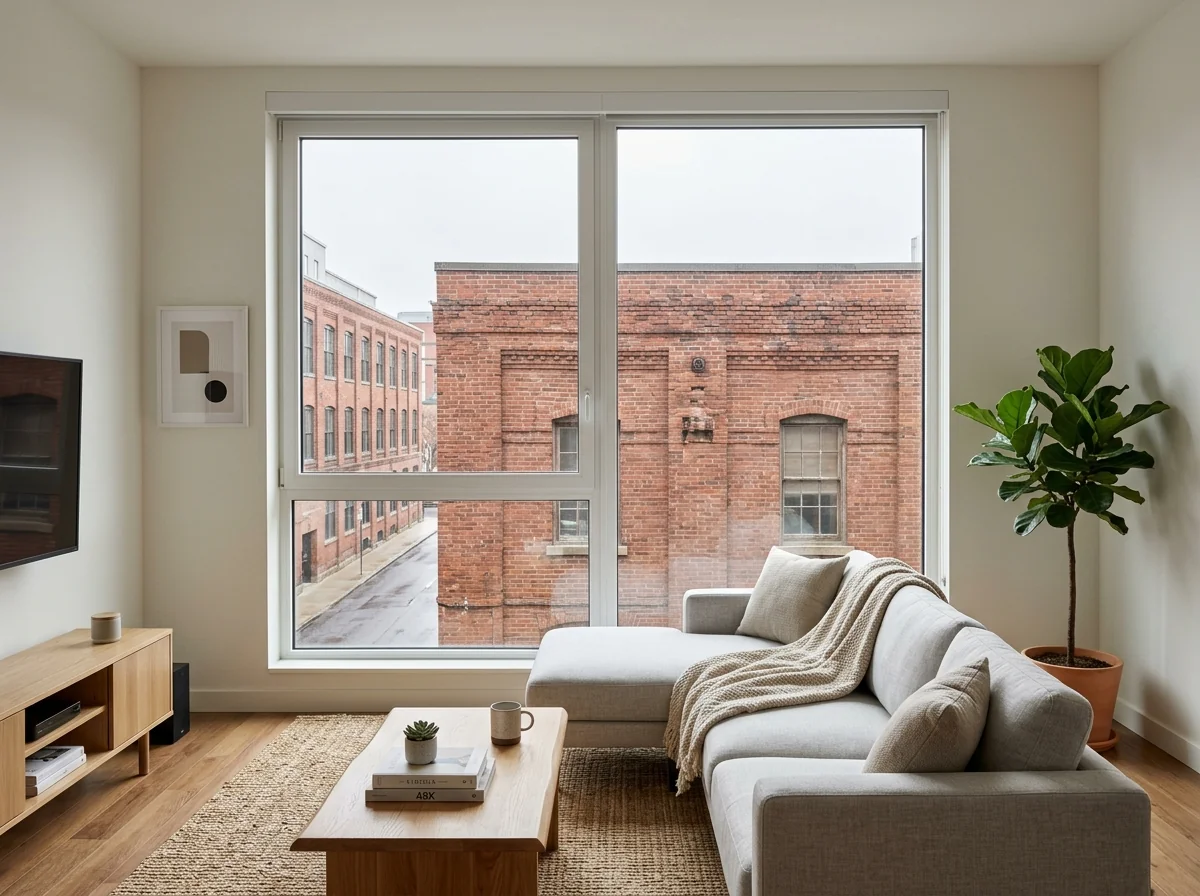
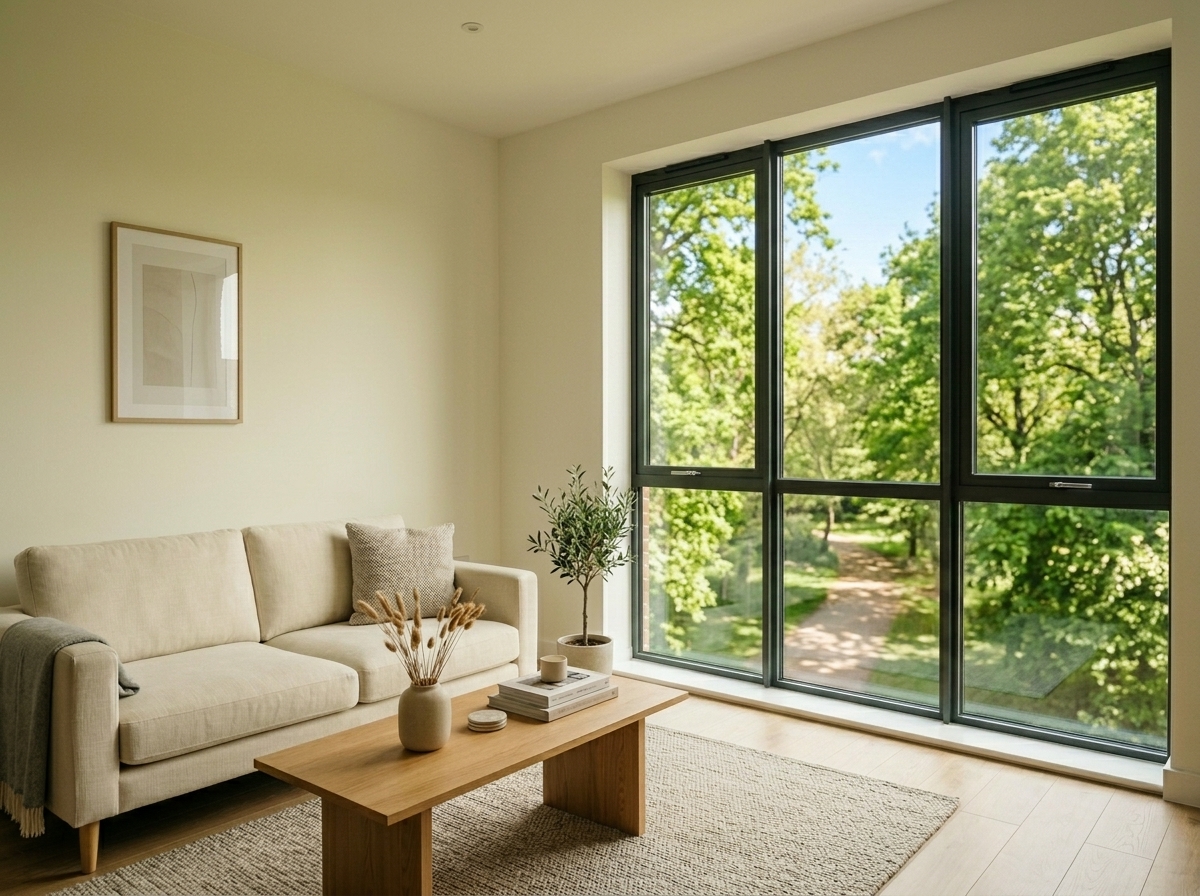
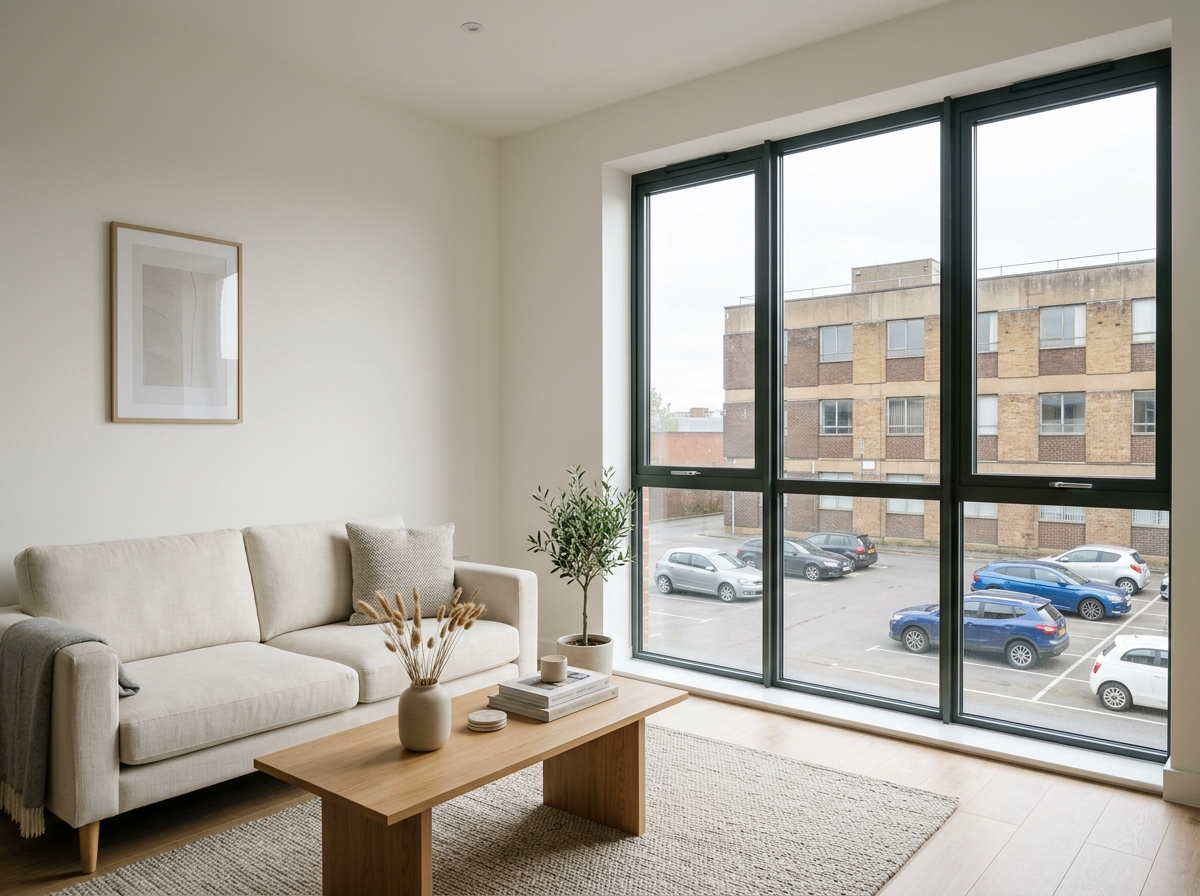
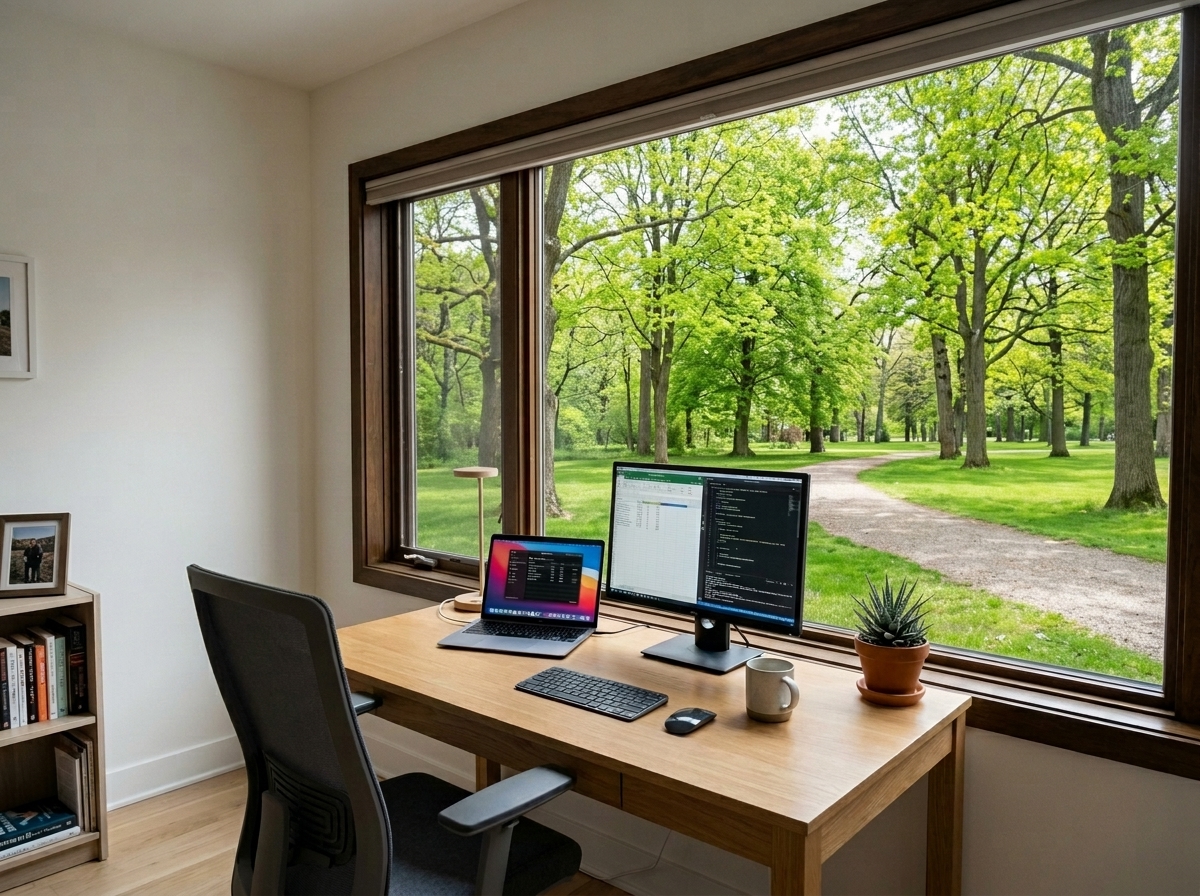
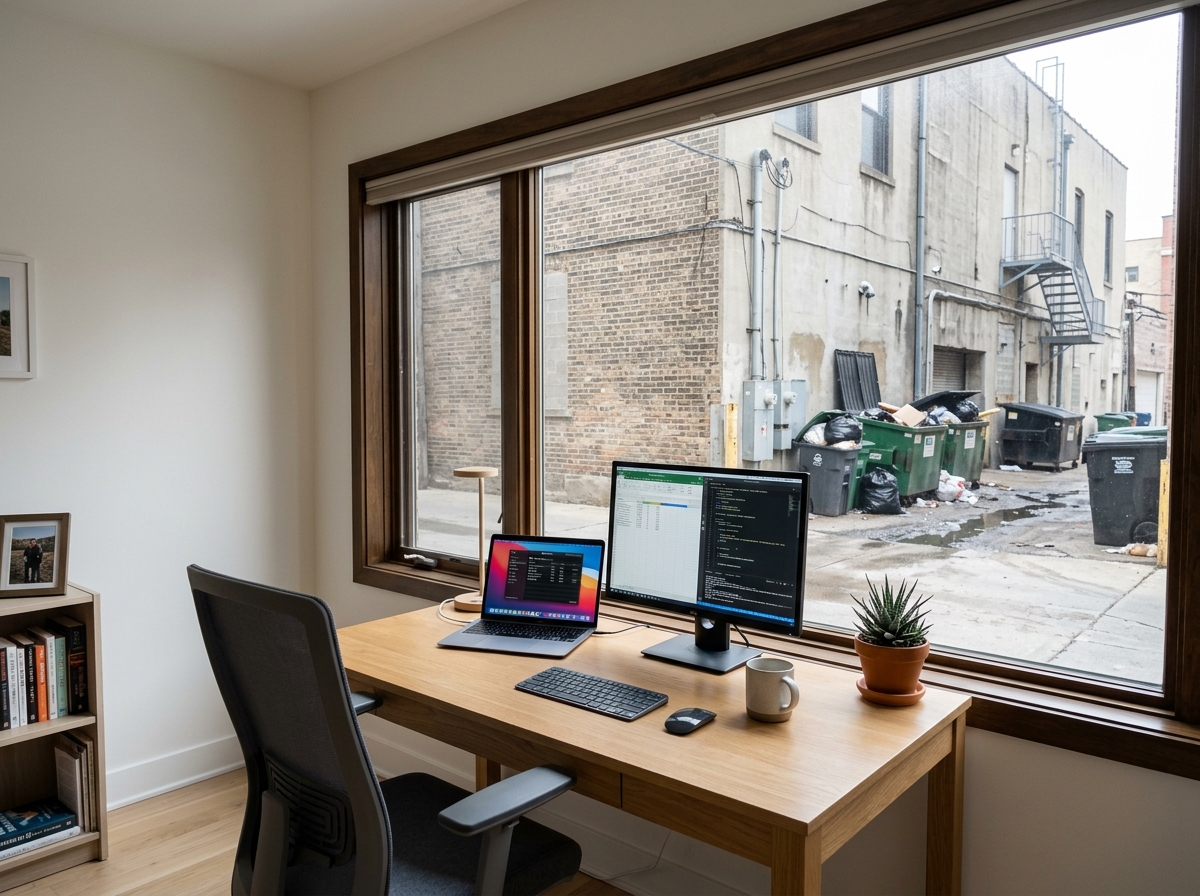
Comment ça fonctionne
- 1Téléchargez votre photo
- 2Choisissez vos paramètres
- 3Votre image
Conseils pour un bon résultat
Photo nette et lumineuse
La lumière du jour et un grand angle donnent le meilleur résultat.
Montrez toute la zone
Gardez entièrement dans l’image tout ce que vous souhaitez modifier.
Essayez plusieurs variantes
Comparez différentes options avant de décider.
Foire aux questions
Puis-je utiliser les images à des fins commerciales ?
Oui. Vous pouvez utiliser vos images à toute fin, y compris à des fins commerciales.
Mon photo originale change-t-elle ?
Non. Votre photo originale reste inchangée et vous pouvez la télécharger à tout moment.
Et si le résultat ne me plaît pas ?
Essayez un autre style ou un autre paramètre, ou affinez le résultat avec une courte instruction.
Continuer à explorer
Tous les outils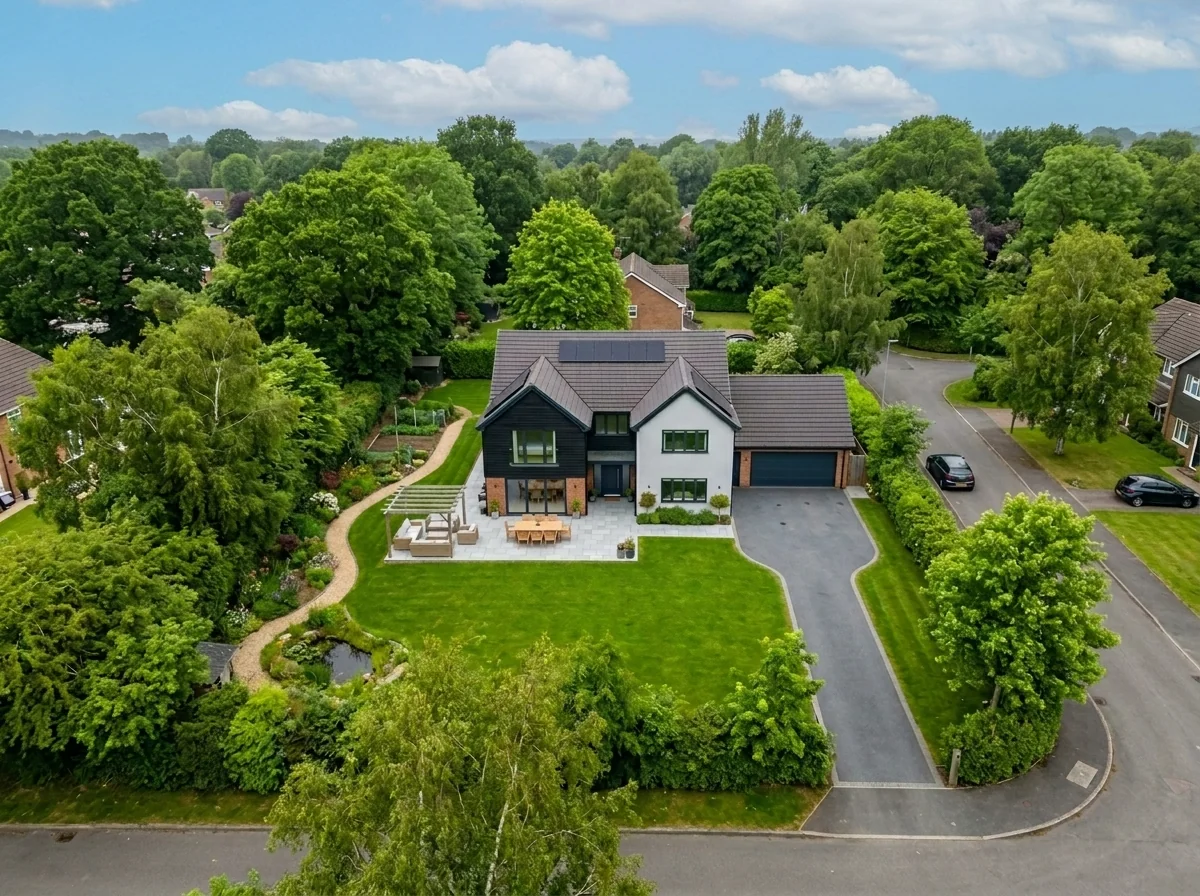
Remplacement du ciel en vue aérienne
Remplacez les ciels gris, couverts ou plats des photos de biens prises par drone ou en aérien par de superbes ciels bleus, une lumière d’heure dorée ou des nuages spectaculaires — en quelques secondes. Spécifiquement optimisé pour la large perspective et les caractéristiques d’horizon de la photographie aérienne.
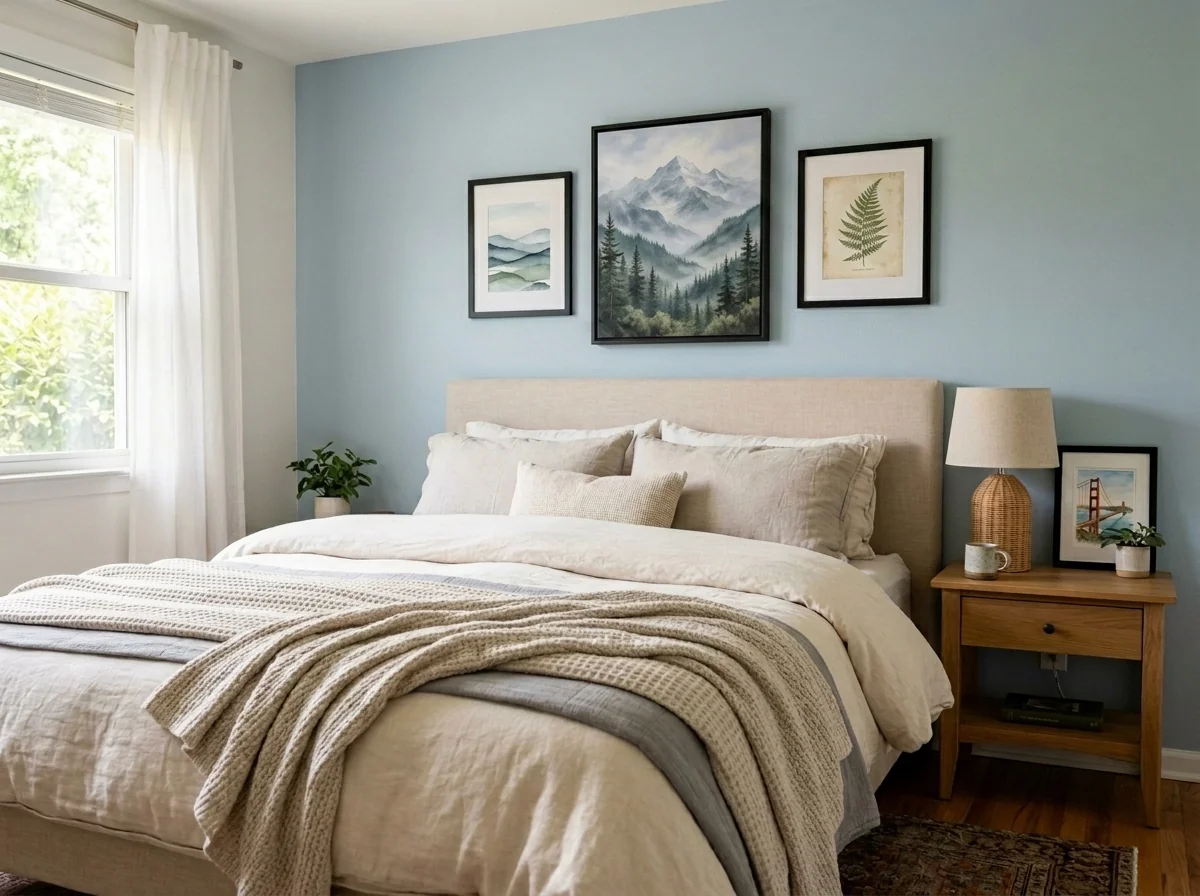
Anonymiseur d’œuvres murales et de photos pour appartement
Détectez et anonymisez automatiquement les tableaux muraux, photos encadrées, peintures et œuvres d’art dans les photos d’appartements ou de pièces. Choisissez parmi plusieurs styles d’anonymisation : flou gaussien, pixelisation forte, suppression simple du mur, remplacement par art abstrait, impressions nature ou motifs géométriques — idéal pour la conformité GDPR, les annonces immobilières et la mise en scène.
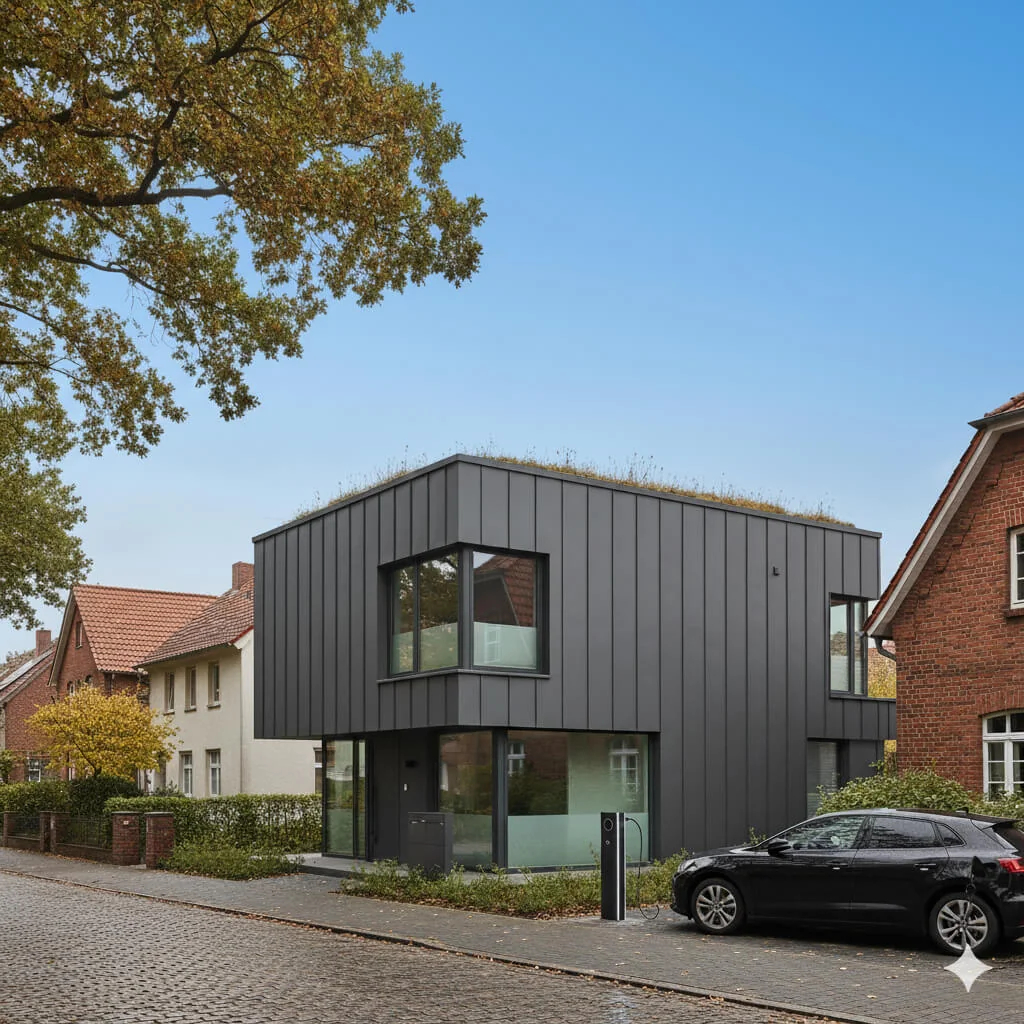
Remplacement du ciel bleu
Transformez un ciel gris et couvert en un bleu lumineux parfait—instantanément.
Lire le guide complet
How long does generation take for Window View Upgrade?
Generation usually takes between 5 and 15 seconds.
Can I use the results commercially?
Yes, every generated image includes a full commercial usage license.
Tips for your photo
Make sure the photo is well lit and shot from a wide angle.
Remove clutter before shooting the photo for the best results.
Use re-staging mode for targeted style changes.
Frequently asked questions
What is the optimal resolution for a high-quality Window View Upgrade?
Upload high-resolution real estate photos up to 4K to achieve the most realistic results. Our AI processes these images while maintaining sharpness, ensuring your MLS and Zillow listings look professional. Transform low-quality, blurry exterior views into crisp, high-definition vistas by ensuring your original interior shot has sufficient lighting and clear window boundaries before initiating the Window View Upgrade.
How does the Window View Upgrade tool match the interior lighting of a property?
Enhance the realism of your property listing by letting our AI automatically adjust the color temperature of the new vista. The Window View Upgrade tool analyzes the interior light sources—whether warm or cool—and blends the new mountain or city skyline to match perfectly. This ensures a seamless transition that prevents the edit from looking artificial on professional real estate platforms.
Can I use custom prompts for a specific Window View Upgrade scenery?
Convert dull brick walls into specific landscapes by using our advanced prompt engineering feature. Select from presets like 'Lush Tropical Garden' or 'Modern City Skyline' to tailor the Window View Upgrade to your target buyer. This allows real estate agents to create an aspirational lifestyle for every property listing, whether it's a coastal retreat or an urban penthouse.
Why is the AI failing to detect glass during the Window View Upgrade process?
Resolve detection errors by ensuring the window frame is clearly visible and not obstructed by heavy glare or clutter. If the Window View Upgrade fails, try reducing the exposure of the original real estate photo. Clear boundaries help the AI distinguish between the interior home staging and the exterior view, allowing for a precise replacement of unsightly parking lots or grey skies.
Is using a Window View Upgrade legal for MLS and Zillow property listings?
Ensure compliance with local MLS rules by disclosing that the exterior view has been virtually enhanced. While a Window View Upgrade is a powerful tool for home staging and marketing, many brokers recommend adding a 'virtually staged' watermark. This maintains transparency for potential buyers while still showcasing the property's potential by removing distracting or temporary exterior eyesores from the real estate photos.
How many images can I process at once with the Window View Upgrade engine?
Transform your entire property gallery in minutes using our high-speed AI engine. Each Window View Upgrade typically takes less than 30 seconds to render, allowing for rapid batch processing. This efficiency allows busy real estate photographers and agents to upgrade multiple room views—from the living room to the master suite—ensuring a consistent, high-end aesthetic across the entire digital property listing.
6 Technical FAQ Answers for Window View Upgrade
How to perform a professional window view upgrade for real estate photos in 2025
Common mistakes
5 Common Mistakes to Avoid with Your Window View Upgrade
How to avoid errors when you window view upgrade online for free in 2025
Selecting a high-altitude mountain vista for a ground-floor property listing with street-level angles.
Mismatched horizons create a 'fake' look that violates MLS standards and confuses potential buyers browsing Zillow or Redfin.
Match the window view upgrade to the property's actual elevation and geographic location for a realistic home staging effect.
Failing to account for interior reflections and glare on the glass during the upgrade process.
Retaining indoor glare while swapping the background makes the real estate photos look amateurish and clearly digitally manipulated.
Enhance the glass transparency before processing or select a view with similar lighting to maintain high-quality visual consistency.
Choosing an overly vibrant, neon sunset for a property listing with neutral, soft interior lighting.
Extreme color contrast between the room and the window view replacement alerts savvy brokers to heavy digital editing.
Balance the color temperature of the new vista with the existing room lighting for a seamless, professional AI transformation.
Uploading low-resolution property photos where window frames or curtains are blurry or out of focus.
AI algorithms struggle to distinguish between the frame and the dull view, leading to messy edges and artifacts.
Use high-resolution real estate photos with sharp focus on the window structure to ensure a clean, crisp window view upgrade.
Placing a tropical ocean view in a real estate photo for a property located inland.
Inaccurate scenery leads to 'Is AI staging legal for MLS?' questions and can be flagged as deceptive advertising by boards.
Select a window view upgrade that realistically reflects the local climate, such as lush gardens or city skylines, to stay compliant.
3 Professional Window View Upgrade Results for Real Estate Photos
How to window view upgrade online for free to boost Zillow property listings
Your workflow
4 Proven Steps for a Window View Upgrade on Real Estate Listings
How to window view upgrade online for free for MLS in 2025
Capture High-Contrast Interior Photos
Capture interior property photos during daylight hours, ensuring the window frame is clearly defined. This helps our AI accurately identify the glass pane for a seamless window view upgrade on Zillow.
Use a tripod to avoid blur, as sharp edges between the frame and the dull view ensure the most realistic AI replacement.
Upload and Select Aspirational Vistas
Upload your image to PropStage.ai and select the specific scenery—like a city skyline or lush garden—that best complements the property listing's geographic location and target buyer demographic.
Match the lighting of the new vista to the interior room's color temperature to maintain an authentic, professional appearance.
Review AI-Enhanced Visual Consistency
Evaluate the window view upgrade results for realistic reflections and lighting integration. Ensure the new scenery doesn't look artificial compared to the home staging and existing interior furniture.
If the view looks too bright, use our refinement slider to adjust opacity, ensuring the final image meets strict MLS compliance standards.
Export for MLS and Social Media
Download the high-resolution files and upload them directly to the MLS, Realtor.com, and Redfin. Transform your property listing from a dull space into an aspirational dream home for potential buyers.
Share the 'Before and After' comparison on Instagram or Facebook to showcase your expertise as a tech-forward real estate broker.
Use cases
Real Estate Listings for Window View Upgrade
Social Media Marketing & Instagram Inserate
Architektur- & Umbau-Präsentationen
5 Technical Specs for Window View Upgrade: How to Replace Window Views Online for Free in 2026
1. Upload your property photo.
2. Choose the interior style or room type you want.
3. Click Generate and get your result in seconds.
Expert guide
4 Pro Tips for a Perfect Window View Upgrade
How to window view upgrade online for real estate listings in 2025
1. Prepare High-Resolution Files for Window View Upgrade
Upload high-resolution JPG or PNG files (at least 3000px) to ensure the AI detects window edges precisely. Capture your real estate photos at eye level during the day. Avoid extreme wide-angle distortion, as this can complicate the property listing alignment. Ensure the interior lighting is balanced to match the new vista.2. Select 3 Specific Vistas for Your Window View Upgrade
Choose a background that complements the property listing location. For luxury home staging, select 'Ocean' or 'Mountain' views. For urban condos, 'City Skyline' works best. Match the color temperature of the exterior scene to your interior lighting to ensure the MLS photos look authentic and professionally edited by a broker.3. Optimize 4 Lighting Elements for Window View Upgrade
Enhance your real estate photos by ensuring the window frames are clear of obstructions like heavy curtains. Remove clutter from the windowsill before uploading. The AI performs best when there is a clear contrast between the interior wall and the window pane. This ensures a seamless virtual window view transition that impresses Zillow browsers.4. Follow 3 MLS Rules for Window View Upgrade Submissions
Download your final property listing images in high definition. Verify local MLS regulations regarding virtual enhancements before posting. Most agents use these upgraded photos to boost click-through rates on Zillow. Always disclose that the view has been virtually enhanced to maintain transparency with potential buyers and brokers during the home staging process.How it works
3 Steps to Master Your Window View Upgrade
How to window view upgrade for real estate photos in 2024
Upload Your Interior Property Photos
Upload high-resolution interior images to our platform where the current window view is overexposed or unappealing. Our AI identifies window panes automatically for a seamless window view upgrade.
Select Your Aspirational Vista Style
Choose from our library of stunning scenery including city skylines, lush gardens, or ocean views. Transform your property listing by matching the exterior vista to the home's luxury aesthetic.
Download Your MLS-Ready Enhanced Image
Convert your dull shots into high-converting real estate photos instantly. Download the final window view upgrade in high-resolution, ready for Zillow, MLS, or premium marketing brochures.
What you can do
6 Advanced Window View Upgrade Features for Real Estate
Realistic Window View Upgrade Lighting
Enhance your property listing by matching indoor lighting with the new outdoor scenery, ensuring every real estate photo looks naturally stunning.
Instant Window View Upgrade Processing
Transform dull MLS photos in seconds using high-speed AI algorithms that replace parking lots with lush gardens or city skylines instantly.
High-Resolution Window View Upgrade Exports
Download high-quality JPG or PNG files ready for Zillow and broker websites, maintaining the sharpest detail for every professional property listing.
Precision Window View Upgrade Masking
Apply advanced edge detection to ensure the window view replacement fits perfectly around curtains and frames without manual real estate photo editing.
Diverse Window View Upgrade Scenery
Select from ocean vistas, mountain ranges, or cityscapes to answer how to make a property look more expensive to potential buyers.
Automated Window View Upgrade Workflow
Streamline your home staging process by batch processing multiple interior photos, allowing agents to convert dreary views into aspirational vistas quickly.
How to window view upgrade online for free to boost Zillow engagement