
Generatore di diagrammi in vista isometrica
- Foto
- Le tue scelte
- La tua immagine
Scopri cosa è possibile
Risultati reali da foto come la tua.
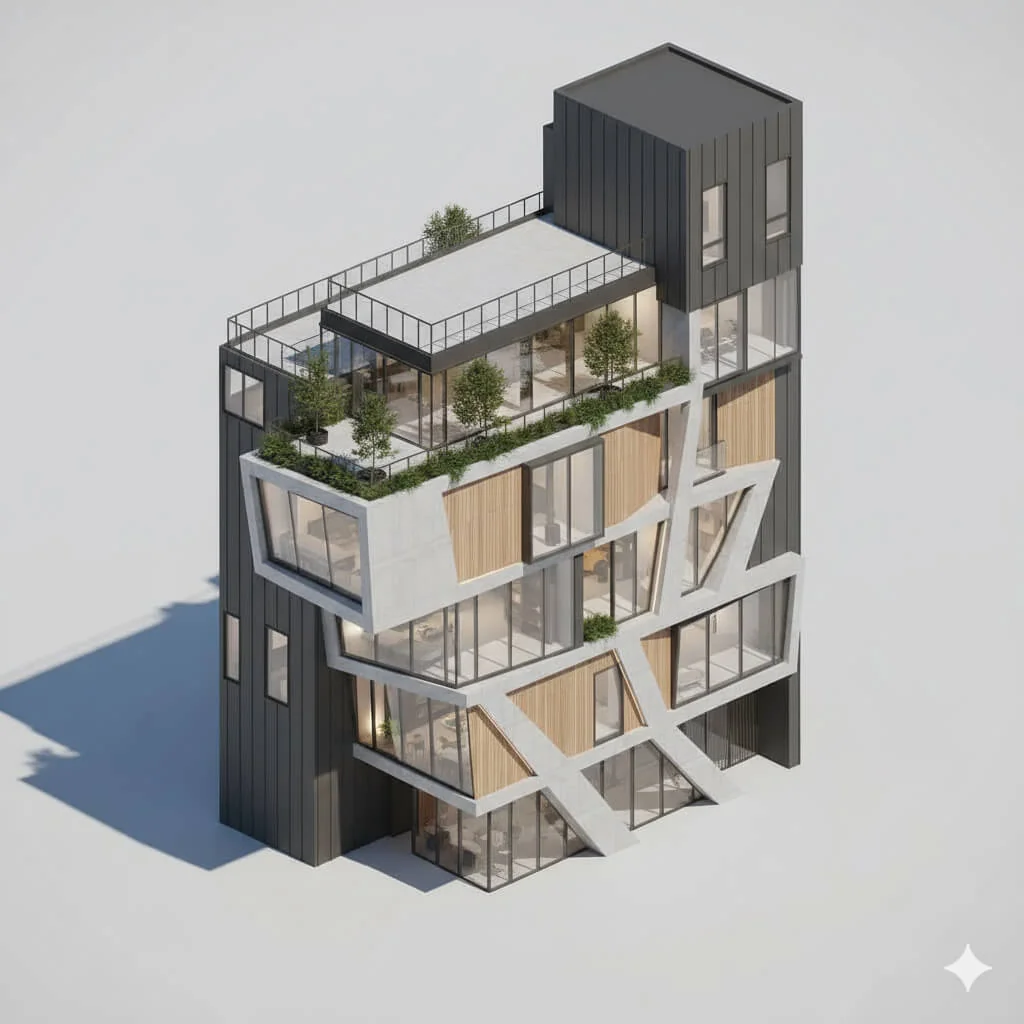


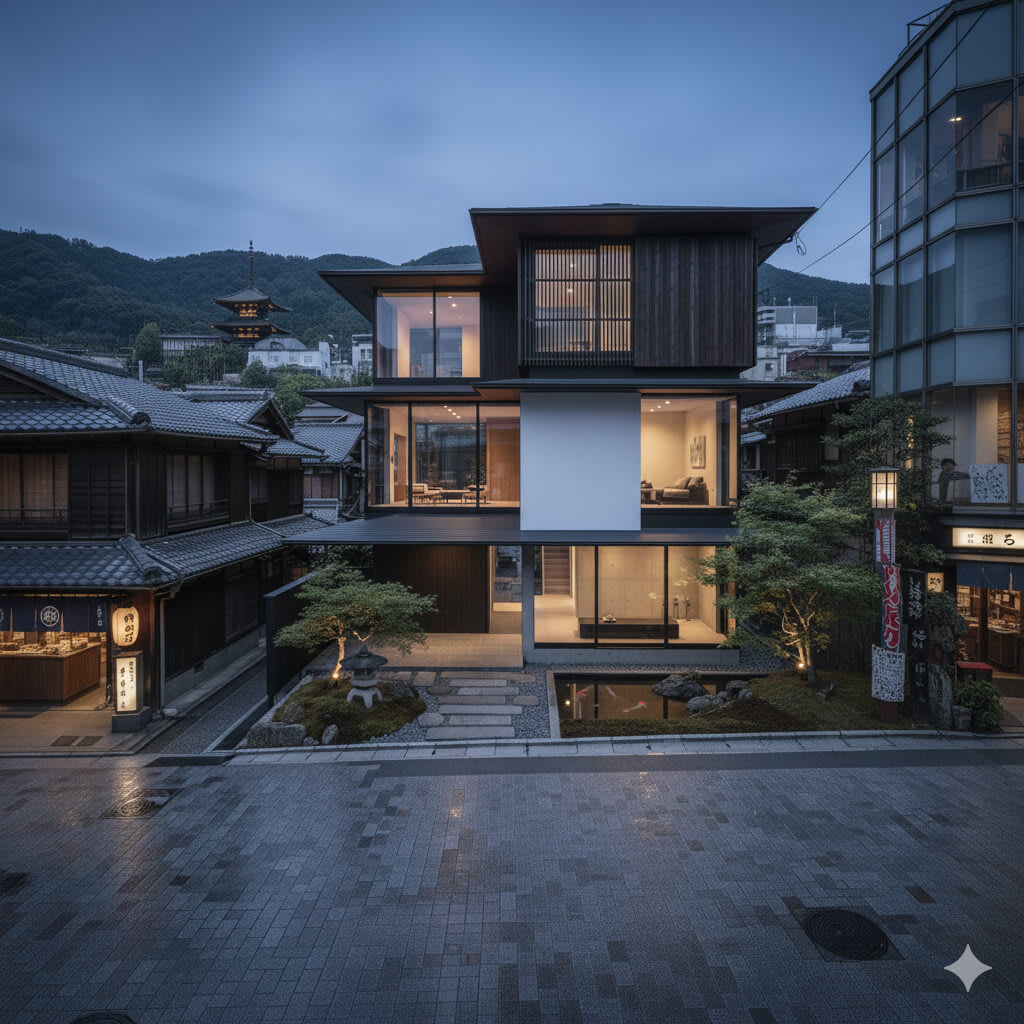

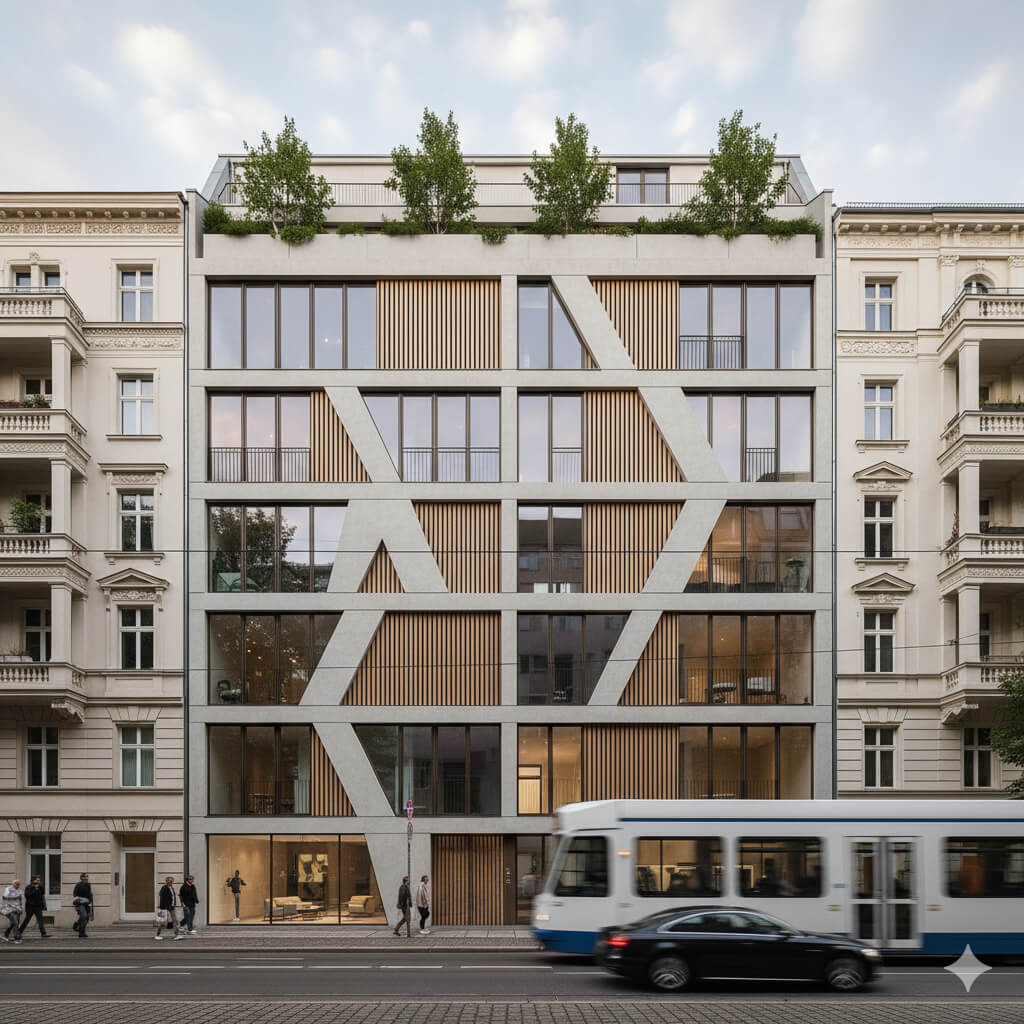
Come funziona
- 1Carica la tua foto
- 2Scegli le tue impostazioni
- 3La tua immagine
Consigli per un ottimo risultato
Foto luminosa e nitida
La luce naturale e un grandangolo danno il risultato migliore.
Mostra tutta l'area
Tieni nell'immagine tutto quello che vuoi modificare.
Prova più varianti
Confronta diverse opzioni prima di decidere.
Domande frequenti
Posso usare le immagini a scopo commerciale?
Sì. Puoi usare le tue immagini per qualsiasi scopo, incluso l'uso commerciale.
La mia foto originale cambia?
No. L'originale resta invariato e puoi scaricarlo in qualsiasi momento.
E se il risultato non mi piace?
Prova un altro stile o un'altra impostazione, oppure affina il risultato con una breve istruzione.
Continua a esplorare
Tutti gli strumenti
Miglioramento del paesaggio aereo
Trasforma aree esterne trascurate, spoglie o poco invitanti nelle foto immobiliari da drone e aeree. Aggiungi prati rigogliosi, piscine, giardini formali, bordure e vialetti impeccabili — tutto visibile dall’alto. Mostra agli acquirenti tutto il potenziale dello spazio esterno senza chiamare un paesaggista.

Scambio bordo cuscino AI
Trasforma all'istante bordi, rifiniture e cordonature dei cuscini decorativi nelle tue foto immobiliari. Questo strumento AI consente a designer e home stager di visualizzare diversi stili, colori e materiali, migliorando l'estetica degli interni senza modifiche fisiche.

Scambio frange e bordi del cuscino AI
Visualizza senza sforzo nuovi stili di frange e rifiniture decorative per cuscini nelle tue foto d'interni. Questo strumento AI consente a designer e home stager di sostituire i dettagli esistenti dei cuscini, mostrando istantaneamente un'estetica aggiornata senza modifiche fisiche.
Leggi la guida completa
How long does generation take for Isometric View Diagram Generator?
Generation usually takes between 5 and 15 seconds.
Can I use the results commercially?
Yes, every generated image includes a full commercial usage license.
Tips for your photo
Make sure the photo is well lit and shot from a wide angle.
Remove clutter before shooting the photo for the best results.
Use re-staging mode for targeted style changes.
Frequently asked questions
What are the optimal input image formats and resolutions for the Isometric View Diagram Generator?
Upload JPG or PNG real estate photos for the Isometric View Diagram Generator. Optimal results come from images between 1920x1080 and 4K resolution. This ensures clarity for your property listing, making it ideal for agents.
How long does the Isometric View Diagram Generator typically take to process an image?
The Isometric View Diagram Generator typically processes property images in 5-15 seconds. Larger files or complex real estate photos might take slightly longer to convert. Agents will appreciate the swift enhancement for MLS listings.
What is the maximum output resolution and quality for diagrams generated by the Isometric View Diagram Generator?
The Isometric View Diagram Generator outputs high-resolution diagrams, typically 4K (3840x2160) or higher, in PNG format. This quality is perfect for MLS and Zillow listings, ensuring crisp detail for every property.
What are the best practices for preparing real estate photos to achieve optimal isometric view diagrams?
Transform your real estate photos by ensuring clear, well-lit shots with minimal clutter. A straight-on perspective works best for the Isometric View Diagram Generator to accurately stage your property, enhancing its appeal for agents.
Can I modify the perspective or regenerate an isometric view diagram if I'm not satisfied with the initial output?
Yes, you can easily regenerate an isometric view diagram. Upload a different angle of your real estate photo or adjust input settings. The Isometric View Diagram Generator allows multiple attempts to enhance your property listing for Zillow or MLS.
Technical FAQ: Isometric View Diagram Generator
Quick answers for optimal results
Common mistakes
5 Costly Isometric View Diagram Generator Mistakes Real Estate Agents Make
Avoid these pitfalls to create stunning property listings with your Isometric View Diagram Generator online
Ignoring Perspective Distortion When Using an Isometric View Diagram Generator
Failing to account for the inherent distortion in isometric projections can lead to inaccurate representations of the property, misleading potential buyers on Zillow and MLS.
Utilize the Isometric View Diagram Generator's perspective correction tools, ensuring accurate proportions for key features in your real estate photos.
Overcrowding the Isometric View Diagram with Unnecessary Details
Including too much detail in the isometric diagram can make it difficult to understand and detract from the overall visual appeal for property listing marketing.
Simplify the diagram by focusing on essential architectural elements and using the Isometric View Diagram Generator's layering features to prioritize information.
Using Low-Resolution Real Estate Photos as Input for Your Isometric View Diagram Generator
Low-quality source images will result in a blurry and unprofessional-looking isometric diagram, reflecting poorly on the property and the agent's brand.
Always upload high-resolution real estate photos to the Isometric View Diagram Generator to ensure crisp, clear lines and details in the final output for your MLS listing.
Neglecting to Optimize Colors and Contrast in Your Isometric View Diagram
Poor color choices or insufficient contrast can make the diagram difficult to read and understand, reducing its effectiveness as a marketing tool for your property.
Experiment with different color palettes and contrast settings within the Isometric View Diagram Generator to find the optimal balance for visual clarity and aesthetic appeal.
Forgetting to Add Labels and Annotations to Key Features in the Isometric View Diagram
Without clear labels, viewers may struggle to understand the layout and features of the property, diminishing the diagram's value in conveying information to potential buyers.
Use the Isometric View Diagram Generator's annotation tools to clearly label rooms, dimensions, and other important features, enhancing the diagram's clarity and usability for your agent clients.
Isometric View Diagram Generator: Stunning Results You Can Achieve
See how easy it is to generate professional diagrams from real estate photos.
Your workflow
Transform Real Estate Photos: 5 Tips for Using an Isometric View Diagram Generator
How to Isometric View Diagram Generator Online for Stunning Property Listings
Upload Your Real Estate Photos
Upload high-quality real estate photos to the Isometric View Diagram Generator. Ensure the images are clear and showcase the property's layout effectively for optimal 3D conversion.
Use photos with consistent lighting and minimal obstructions for the best Isometric View Diagram Generator results.
Convert to Isometric View
Convert your uploaded photos into a detailed isometric view diagram using the Isometric View Diagram Generator. Adjust the settings to highlight key features and architectural details.
Experiment with different angles and perspectives within the Isometric View Diagram Generator to find the most visually appealing representation of the property.
Enhance and Customize the Diagram
Enhance the isometric view diagram by adding labels, annotations, and color coding using the Isometric View Diagram Generator's editing tools. Highlight room dimensions, materials, and other important property information.
Use the Isometric View Diagram Generator's annotation features to clearly label rooms and features, making the diagram easy to understand for potential buyers and agents.
Download and Share
Download the generated isometric view diagram in high resolution. Share it on your property listing, website, or marketing materials to attract more attention and provide a unique visual perspective.
Optimize the downloaded isometric view diagram for web use to ensure fast loading times on your property listing and other online platforms.
Use cases
Property Listings for Isometric View Diagram Generator
Social Media Marketing & Instagram Inserate
Architektur- & Umbau-Präsentationen
Isometric View Diagram Generator — Technical Specifications
1. Upload your property photo.
2. Choose the interior style or room type you want.
3. Click Generate and get your result in seconds.
Expert guide
5 Pro Tips: Dominate Real Estate with Isometric View Diagram Generator
How to Isometric View Diagram Generator Online for Stunning Property Listings
Transform Real Estate Photos: High-Quality Input is Key
Upload crisp, well-lit real estate photos to the Isometric View Diagram Generator. Clear images of the property ensure accurate conversion and detailed isometric diagrams. Avoid blurry or low-resolution images for optimal results on your property listing.
Optimize Isometric View Diagram Generator Settings for Precision
Experiment with the Isometric View Diagram Generator's settings to achieve the desired perspective and level of detail. Adjust the angle and zoom to highlight key features for your MLS or Zillow listing. Fine-tune settings to create a visually compelling diagram.
Achieve Best Results: Focus on Key Property Features
Strategically select property features to showcase in your isometric view diagram. Highlight unique architectural elements, layouts, or landscaping to attract potential buyers. Use the generator to create diagrams that emphasize selling points for your agent portfolio.
Enhance Professional Use: Integrate Diagrams into Presentations
Incorporate isometric view diagrams generated by the tool into your presentations and marketing materials. Use the diagrams to visually communicate property layouts and spatial relationships to clients. Elevate your professional image with stunning visuals.
How it works
3 Steps to Master the Isometric View Diagram Generator
How to use an isometric view diagram generator online for free to boost property listings
Upload Your Property Listing Photos
Upload high-resolution real estate photos or floor plans into the Isometric View Diagram Generator to start the conversion process for professional 3D axonometric projections ready for MLS or Zillow.
Select Your 3D Visualization Style
Choose specific architectural rendering styles within the Isometric View Diagram Generator to transform standard property images into detailed 3D diagrams that help agents and brokers stage properties effectively.
Download High-Res Isometric Diagrams
Convert and export your final 3D visualization as a high-resolution file, enabling every real estate agent to instantly enhance property presentations with professional-grade isometric view diagrams for marketing.
What you can do
6 Essential Features of Our Isometric View Diagram Generator
High-Resolution Diagram Output
Enhance your real estate photos by generating crisp, detailed isometric view diagrams. Perfect for property listing presentations, ensuring every detail stands out for potential buyers or agents.
Instant Diagram Generation
Convert your existing images into stunning isometric view diagrams in seconds. Our Isometric View Diagram Generator drastically reduces design time, streamlining your workflow for rapid MLS updates.
Versatile Export Formats
Upload your source image and export your isometric view diagram in multiple formats like JPG, PNG, or PDF. This flexibility ensures seamless integration into any Zillow listing or presentation.
Advanced Customization Options
Stage your isometric view diagram with adjustable angles, perspectives, and lighting. Tailor each visual to perfectly match your brand's aesthetic, making your property listing unique.
AI-Powered Diagram Accuracy
Our Isometric View Diagram Generator leverages advanced AI to automatically detect and render precise 3D perspectives. Achieve unparalleled accuracy in your real estate photos without manual adjustments.
Professional Presentation Ready
Transform standard real estate photos into professional-grade isometric view diagrams for investor reports or client pitches. Impress with sophisticated visuals that elevate any property listing.
Discover How to Create Professional Isometric View Diagrams Online with PropStage.ai