
Generatore da Moodboard a Stanza
- Foto
- Le tue scelte
- La tua immagine
Scopri cosa è possibile
Risultati reali da foto come la tua.
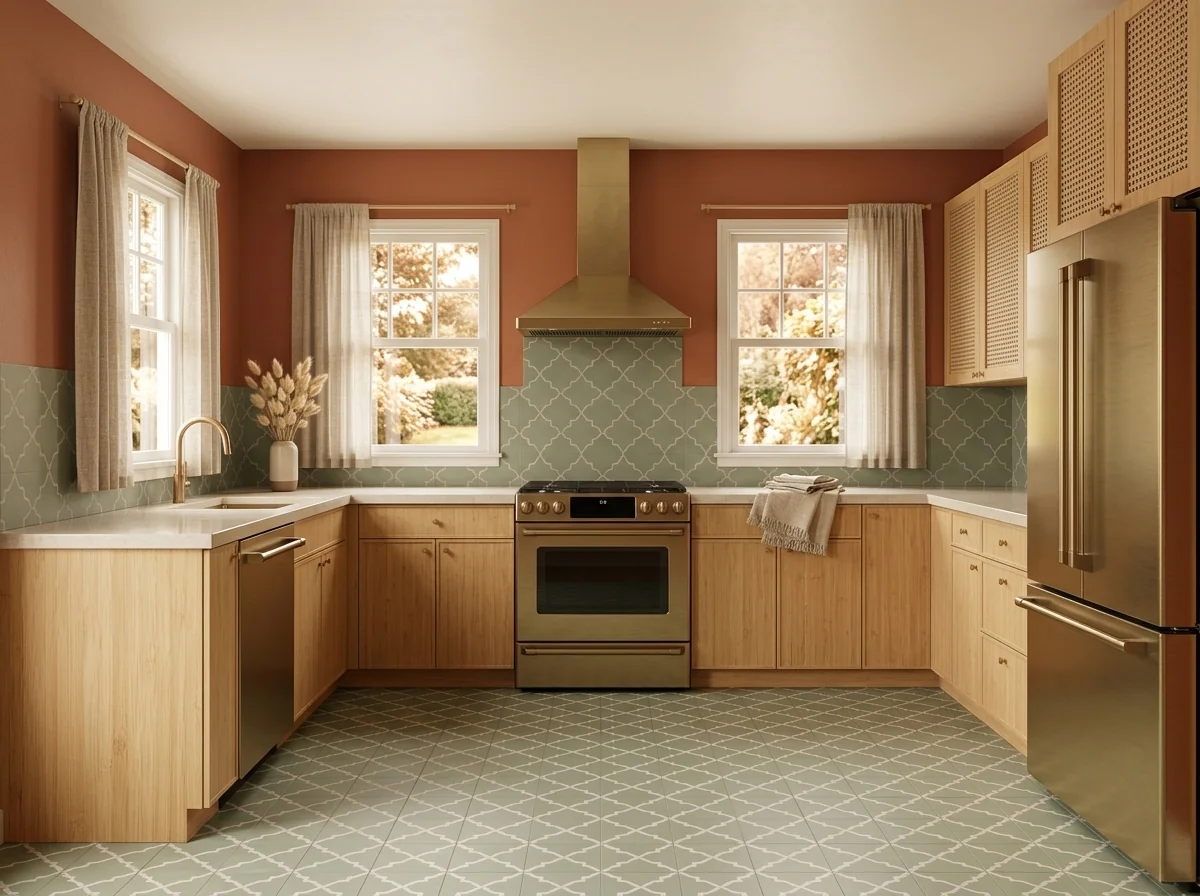
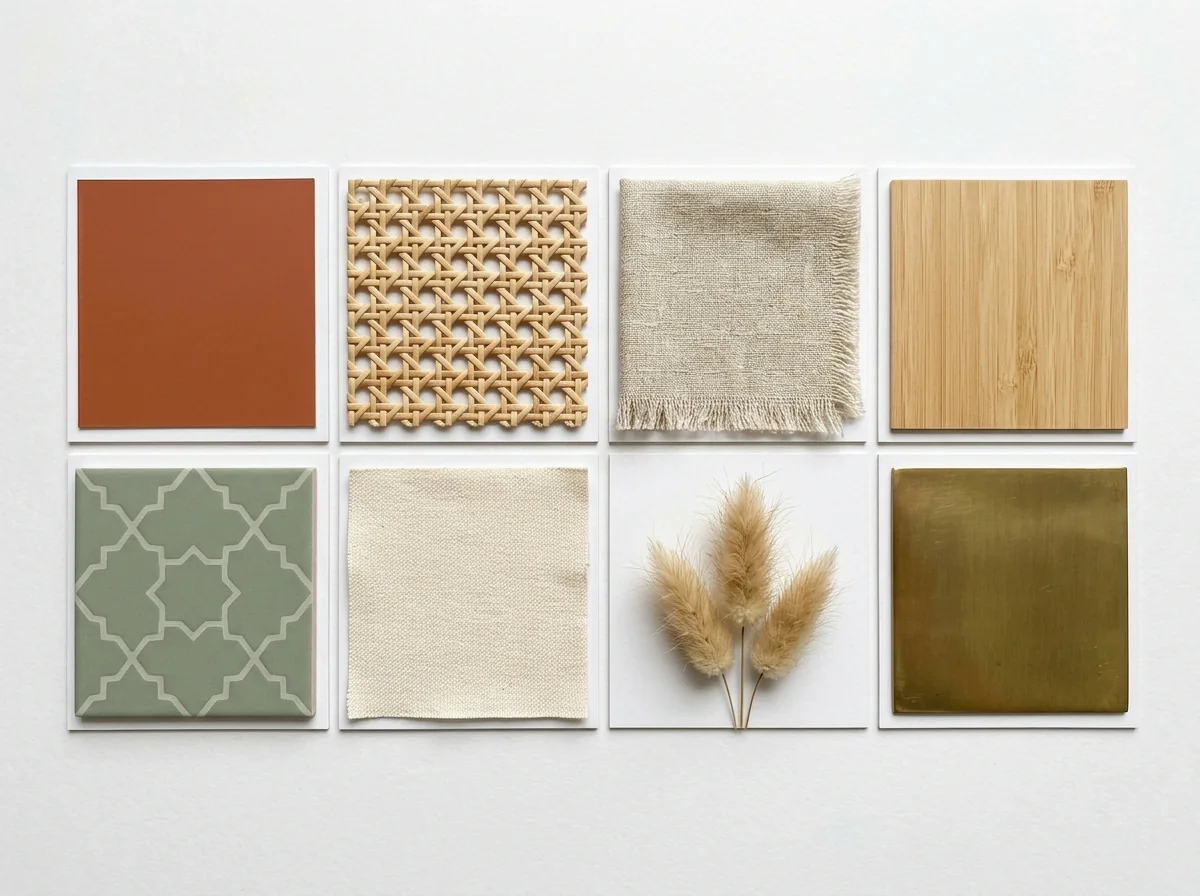

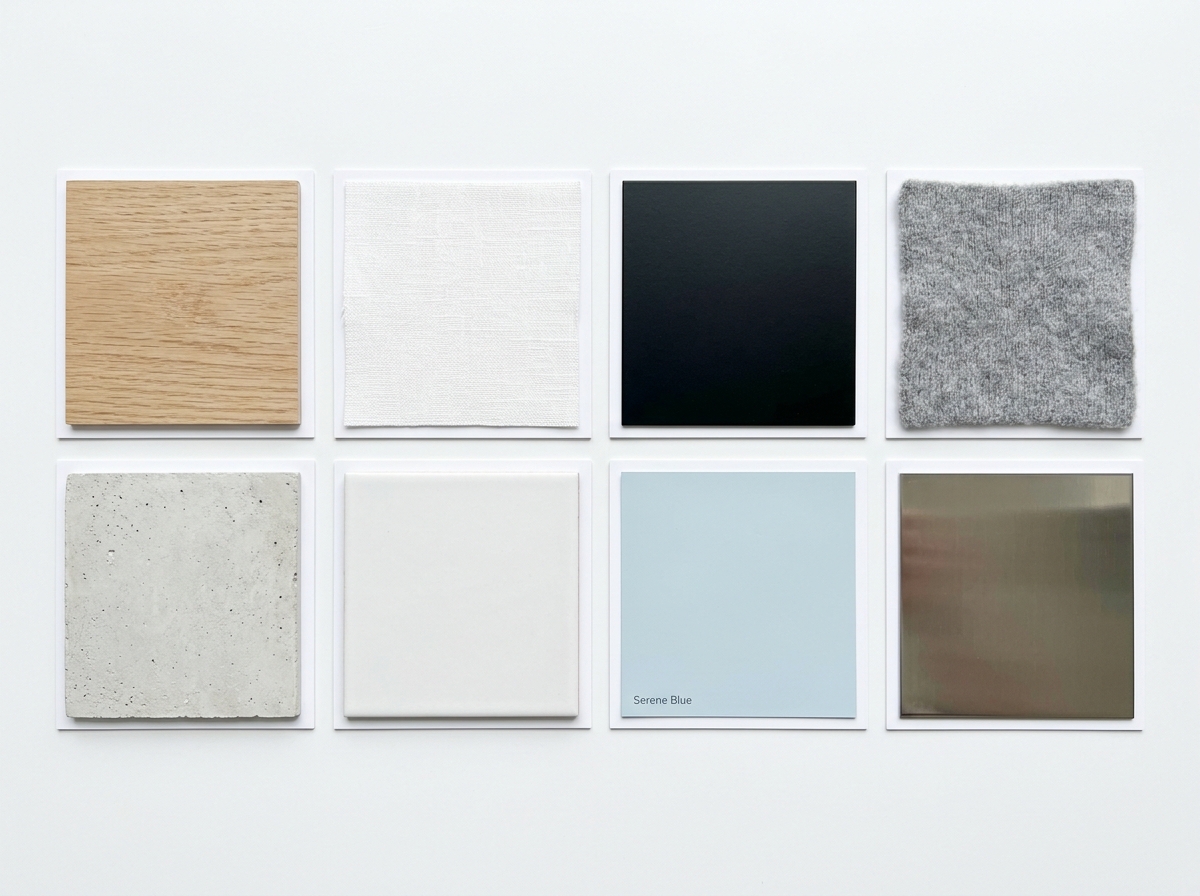

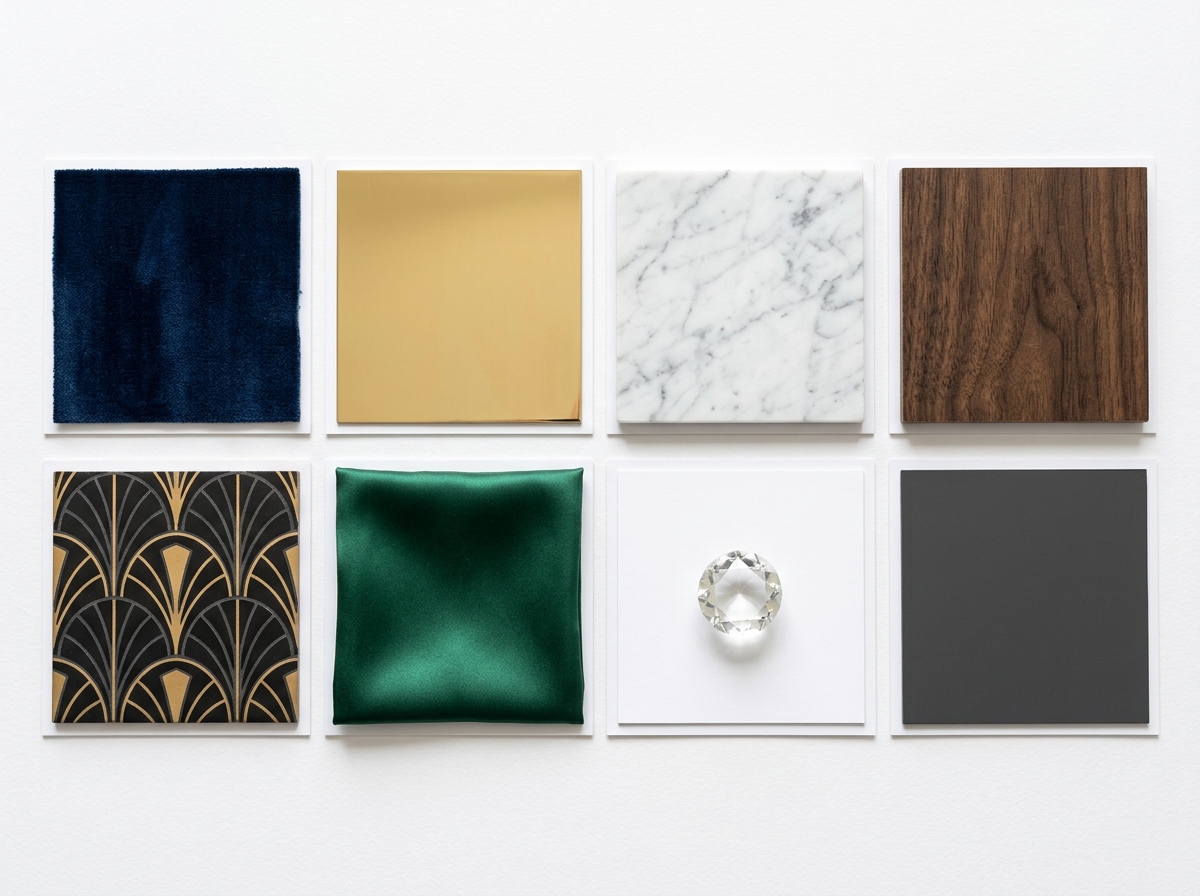
Come funziona
- 1Carica la tua foto
- 2Scegli le tue impostazioni
- 3La tua immagine
Consigli per un ottimo risultato
Foto luminosa e nitida
La luce naturale e un grandangolo danno il risultato migliore.
Mostra tutta l'area
Tieni nell'immagine tutto quello che vuoi modificare.
Prova più varianti
Confronta diverse opzioni prima di decidere.
Domande frequenti
Posso usare le immagini a scopo commerciale?
Sì. Puoi usare le tue immagini per qualsiasi scopo, incluso l'uso commerciale.
La mia foto originale cambia?
No. L'originale resta invariato e puoi scaricarlo in qualsiasi momento.
E se il risultato non mi piace?
Prova un altro stile o un'altra impostazione, oppure affina il risultato con una breve istruzione.
Continua a esplorare
Tutti gli strumenti
Miglioramento del paesaggio aereo
Trasforma aree esterne trascurate, spoglie o poco invitanti nelle foto immobiliari da drone e aeree. Aggiungi prati rigogliosi, piscine, giardini formali, bordure e vialetti impeccabili — tutto visibile dall’alto. Mostra agli acquirenti tutto il potenziale dello spazio esterno senza chiamare un paesaggista.

Scambio bordo cuscino AI
Trasforma all'istante bordi, rifiniture e cordonature dei cuscini decorativi nelle tue foto immobiliari. Questo strumento AI consente a designer e home stager di visualizzare diversi stili, colori e materiali, migliorando l'estetica degli interni senza modifiche fisiche.

Scambio frange e bordi del cuscino AI
Visualizza senza sforzo nuovi stili di frange e rifiniture decorative per cuscini nelle tue foto d'interni. Questo strumento AI consente a designer e home stager di sostituire i dettagli esistenti dei cuscini, mostrando istantaneamente un'estetica aggiornata senza modifiche fisiche.
Leggi la guida completa
How long does generation take for Moodboard to Room Generator?
Generation usually takes between 5 and 15 seconds.
Can I use the results commercially?
Yes, every generated image includes a full commercial usage license.
Tips for your photo
Make sure the photo is well lit and shot from a wide angle.
Remove clutter before shooting the photo for the best results.
Use re-staging mode for targeted style changes.
Frequently asked questions
What are the optimal input formats and resolutions for the Moodboard to Room Generator?
Upload your moodboard and room photos in JPG, PNG, or WebP formats. For best results, ensure room photos are high-resolution (1920x1080 pixels or higher) to accurately stage and enhance details for your property listing.
How long does the Moodboard to Room Generator take to process and deliver a styled room?
The Moodboard to Room Generator typically processes your inputs and converts them into a fully styled room within 30-60 seconds. This rapid generation helps real estate agents quickly update their MLS listings.
What level of detail and realism can I expect from the Moodboard to Room Generator's output?
Expect high-fidelity, photorealistic outputs from the Moodboard to Room Generator. The AI transforms your vision into detailed real estate photos, capturing textures, lighting, and style suitable for Zillow or any property listing.
What are the best practices for achieving optimal results with the Moodboard to Room Generator?
To get the best results, upload clear, well-lit room photos and diverse moodboards. Ensure your moodboard clearly defines colors, textures, and furniture styles. This helps the AI accurately stage and enhance your property listing.
Can I re-generate a room if the initial output from the Moodboard to Room Generator isn't perfect?
Yes, you can easily re-generate. If the initial output doesn't fully capture your vision, simply adjust your moodboard or room photo and re-submit. The Moodboard to Room Generator allows unlimited attempts to transform your real estate photos.
Technical FAQ: Moodboard to Room Generator
Quick answers for optimal results
Common mistakes
5 Critical Moodboard to Room Generator Mistakes Costing You Leads
Avoid these errors to maximize your real estate photos and property listing impact on Zillow and MLS
Uploading Low-Resolution Moodboards to the Room Generator
The Moodboard to Room Generator AI struggles to accurately interpret blurry or pixelated images, leading to inaccurate room designs.
Transform your vision by using high-resolution moodboards. Ensure each image within the collage is clear and detailed for optimal AI interpretation. Enhance your property listing with clear visuals.
Ignoring Color Palette Consistency When Using the Moodboard to Room Generator
Inconsistent color palettes in your moodboard confuse the AI, resulting in a room design that doesn't accurately reflect your intended style. This hurts your agent brand.
Upload a moodboard with a cohesive color scheme. Use color palette tools to ensure harmony across all images before using the Moodboard to Room Generator. This will improve your real estate photos.
Using a Room Photo with Poor Lighting for the Moodboard to Room Generator
Poor lighting in the initial room photo distorts colors and shadows, making it difficult for the Moodboard to Room Generator to accurately apply the moodboard's style. Impacts Zillow views.
Stage your room with optimal lighting before taking the photo. Ensure even illumination and minimal shadows for the Moodboard to Room Generator to create a realistic and appealing virtual staging. Convert to a sale faster.
Overloading the Moodboard to Room Generator with Too Many Conflicting Styles
A moodboard with too many different styles overwhelms the AI, leading to a cluttered and unfocused room design that doesn't resonate with potential buyers.
Curate your moodboard with a clear and consistent design style. Focus on a single aesthetic to guide the Moodboard to Room Generator in creating a cohesive and attractive virtual staging for your property listing.
Failing to Adjust the AI's Output After Using the Moodboard to Room Generator
Relying solely on the initial AI-generated room without making adjustments can result in a design that doesn't fully meet your expectations or appeal to your target market.
Enhance the AI's output by fine-tuning specific elements like furniture placement, color accents, and accessory details. Iterate on the design to achieve the perfect virtual staging that maximizes the appeal of your real estate photos for MLS and your agent profile.
Moodboard to Room Generator: Stunning Results You'll Achieve
Transform Your Real Estate Photos: See the Power of AI
Your workflow
Transform Moodboard to Room Generator: 5 Tips for Real Estate Photos
How to Use a Moodboard to Room Generator Online for Stunning Property Listings
Upload Moodboard
Upload your design moodboard or inspiration collage to the Moodboard to Room Generator. Ensure it clearly represents the desired mood, colors, and textures for your real estate staging project.
Use a high-resolution moodboard image for optimal AI generation results. Consider including specific furniture styles and decor elements.
Upload Room Photo
Upload a clear photo of the room you want to transform. The Moodboard to Room Generator uses this as a base for applying the moodboard's style.
Take the photo from a consistent angle, ensuring good lighting and minimal obstructions. This will help the AI accurately interpret the space.
Generate Room Design
Let the Moodboard to Room Generator's AI work its magic! The AI will analyze your moodboard and room photo to generate a new room design that reflects your vision.
Experiment with different moodboards to see how they influence the final room design. The Moodboard to Room Generator offers various style options to explore.
Review and Refine (Optional)
Carefully review the generated room design. While the Moodboard to Room Generator strives for accuracy, you may want to make minor adjustments to ensure it perfectly aligns with your intended aesthetic for the property listing.
If the initial result isn't perfect, try slightly altering your moodboard or room photo and regenerating the design. Small changes can sometimes yield significant improvements.
Download & Use for Property Listing
Download the transformed room image and use it in your property listing on MLS, Zillow, or other real estate platforms to attract potential buyers and showcase the property's potential.
Use the generated image as a virtual staging tool to help buyers envision the property's possibilities. This can significantly increase interest and offers.
Use cases
Real Estate Listings for Moodboard to Room Generator
Social Media Marketing & Instagram Inserate
Architektur- & Umbau-Präsentationen
Moodboard to Room Generator — Technical Specifications
1. Upload your property photo.
2. Choose the interior style or room type you want.
3. Click Generate and get your result in seconds.
Expert guide
5 Expert Tips: Transform Your Moodboard to Room Generator Output
How to Moodboard to Room Generator Online: Achieving Realistic Real Estate Photos
Prepare High-Quality Images for Optimal Conversion
Upload clear, well-lit moodboard and room photos to the Moodboard to Room Generator. Sharp images will allow the AI to accurately interpret colors, textures, and design elements, leading to a more realistic and visually appealing transformation for your property listing on Zillow or the MLS.Fine-Tune Settings for Precise Style Matching
Experiment with the Moodboard to Room Generator's settings to refine the style matching. Adjust color intensity, texture replication, and overall design influence to ensure the generated room accurately reflects the moodboard's aesthetic. This is crucial for attracting potential buyers and impressing clients.Achieve the Best Results with Balanced Moodboards
Create a moodboard with a balanced representation of colors, textures, and furniture styles. Avoid overly cluttered or sparse moodboards. A well-composed moodboard helps the AI understand your design intent, resulting in a more cohesive and professional-looking staged room for your real estate photos.Leverage the Generator for Professional Real Estate Staging
Use the Moodboard to Room Generator to quickly visualize different design options for a property. Generate multiple room variations based on different moodboards to present clients with diverse staging possibilities. This saves time and resources for agents while enhancing property listing appeal.How it works
3 Professional Steps to Use the Moodboard to Room Generator
How to use a moodboard to room generator for real estate photos online
Upload Your Design Moodboard Assets
Upload your inspiration collage and the original property photo. The Moodboard to Room Generator analyzes textures and color palettes to ensure your property listing meets high-quality Zillow and MLS standards.
Select Custom Style and Staging Options
Stage your interior by choosing specific design elements from your vision. The Moodboard to Room Generator applies AI-driven furniture and decor that align perfectly with the aesthetic requirements of every professional broker.
Enhance and Download High-Resolution Renders
Convert your design concepts into high-resolution reality instantly. Download the final output to enhance your real estate photos, allowing every agent to showcase a beautifully staged home that attracts more buyers.
What you can do
Advanced Moodboard to Room Generator Capabilities
Enhance 5-Star Moodboard to Room Generator Quality
Elevate your property listing with the Moodboard to Room Generator, creating high-resolution real estate photos crucial for Zillow and MLS agent presentations.
Convert Moodboard to Room Generator in 3 Seconds
Upload your design vision; the Moodboard to Room Generator rapidly stages multiple property listing options for agents, saving time on real estate photos.
Stage Moodboard to Room Generator: 4 Formats
The Moodboard to Room Generator supports various real estate photos outputs, perfect for Zillow, MLS, and diverse property listing platforms, assisting agents.
Customize 7 Moodboard to Room Generator Styles
Tailor your Moodboard to Room Generator results with specific elements, ensuring your real estate photos perfectly match client preferences for any property listing.
Enhance Moodboard to Room Generator AI Precision
The Moodboard to Room Generator intelligently matches colors and textures, generating realistic real estate photos, elevating property listings on Zillow for agents.
Boost 10 Professional Moodboard to Room Generator Uses
Agents utilize the Moodboard to Room Generator for high-volume property listing staging, creating compelling real estate photos for MLS and Zillow presentations.
Pro-level tools at your fingertips