
Home Staging per Buyer Persona
- Foto
- Le tue scelte
- La tua immagine
Scopri cosa è possibile
Risultati reali da foto come la tua.
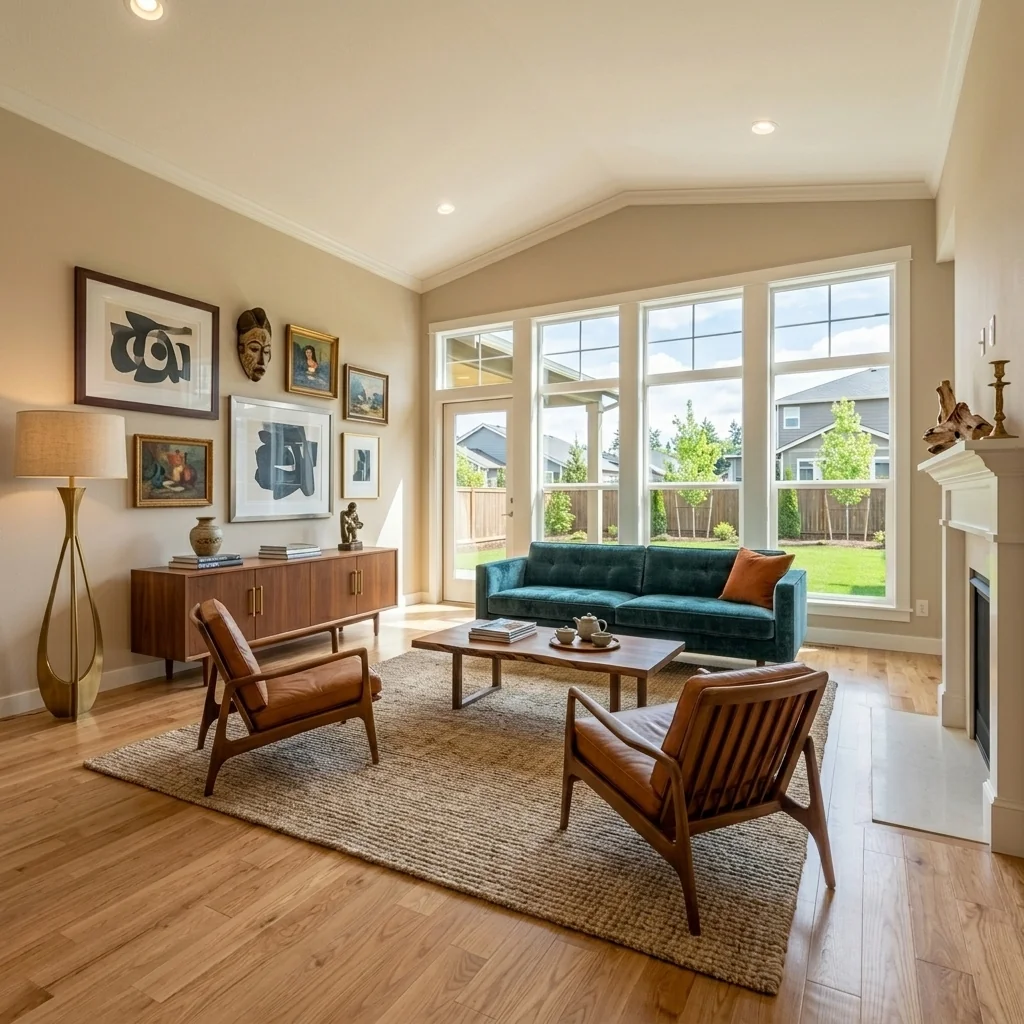
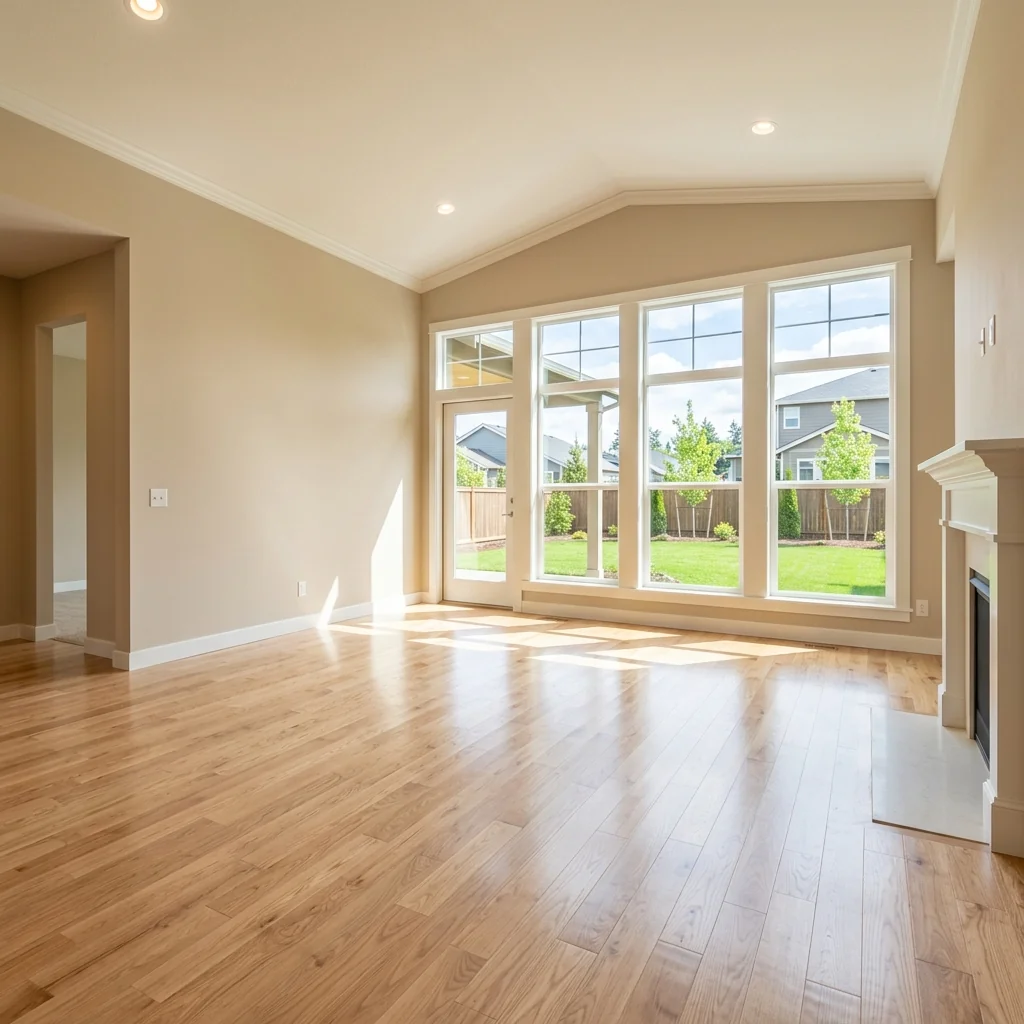

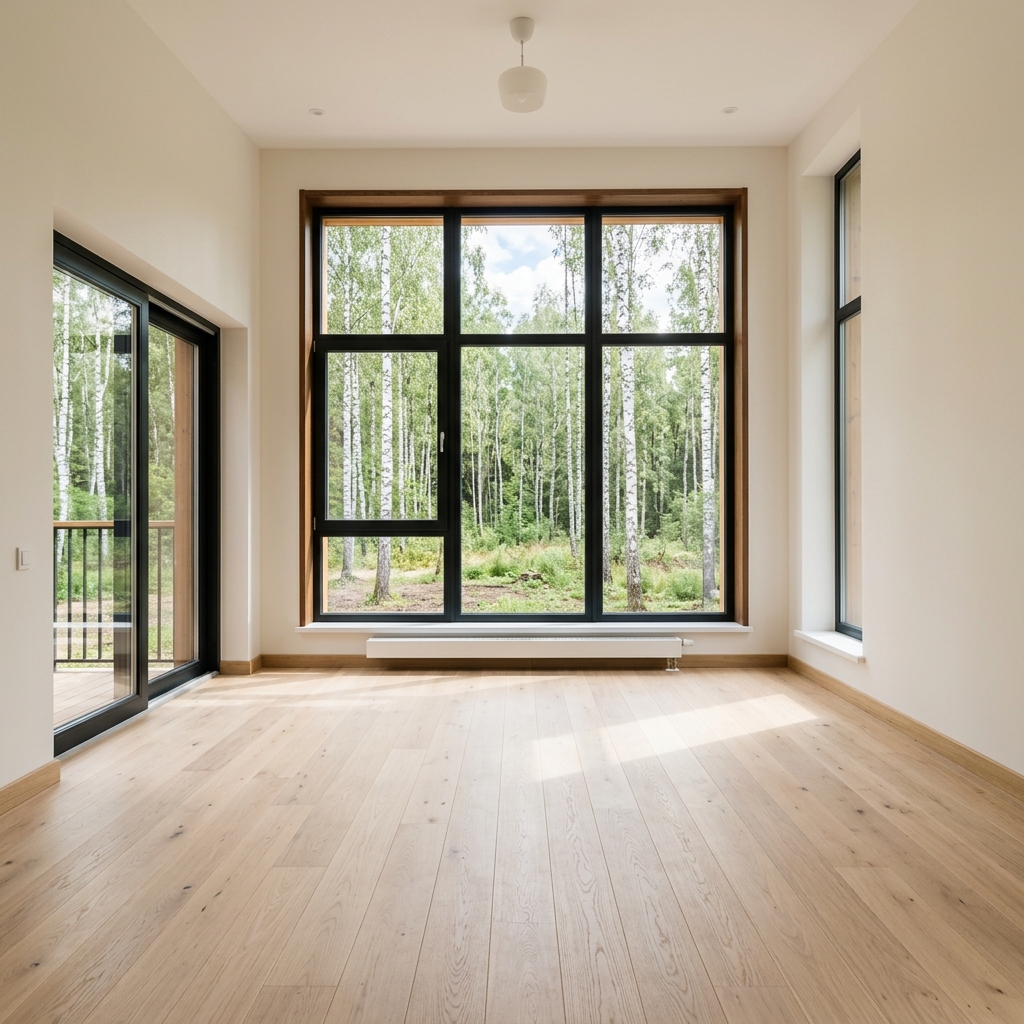

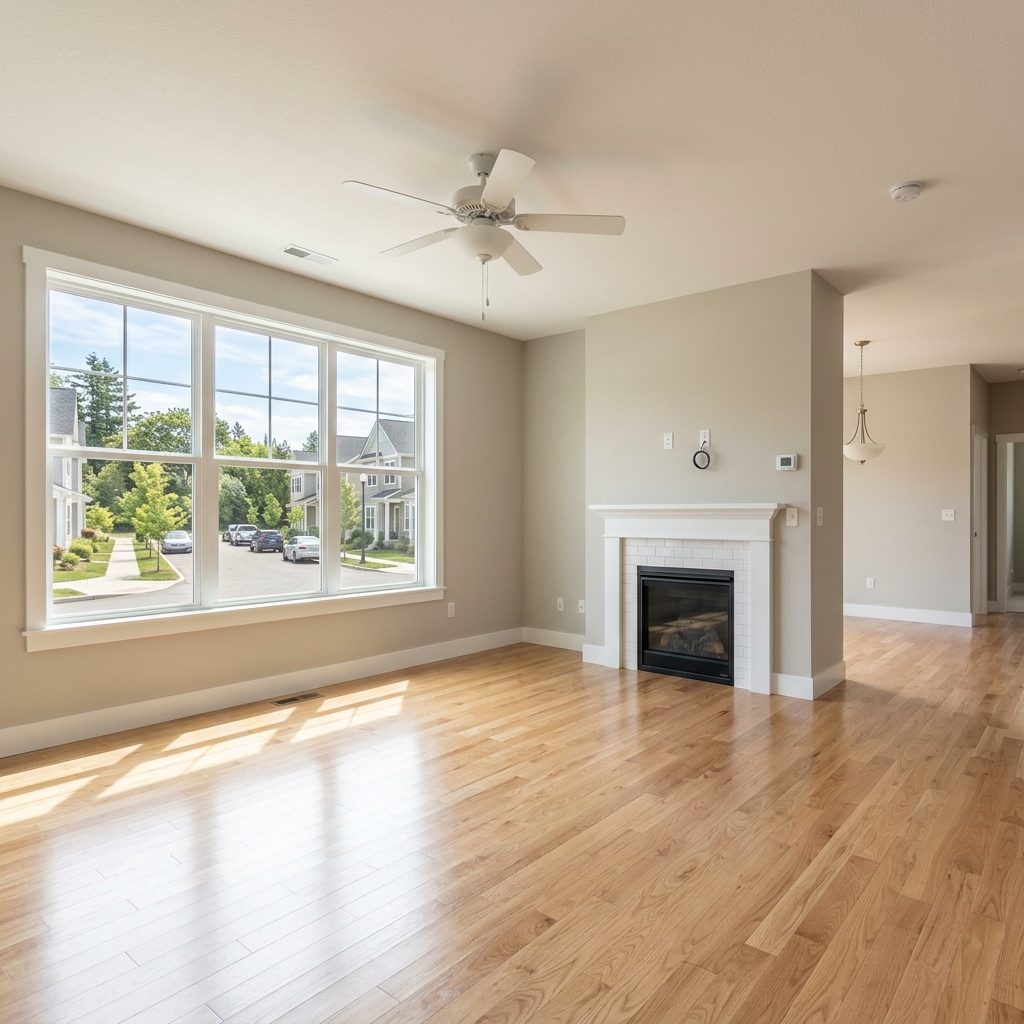
Come funziona
- 1Carica la tua foto
- 2Scegli le tue impostazioni
- 3La tua immagine
Consigli per un ottimo risultato
Foto luminosa e nitida
La luce naturale e un grandangolo danno il risultato migliore.
Mostra tutta l'area
Tieni nell'immagine tutto quello che vuoi modificare.
Prova più varianti
Confronta diverse opzioni prima di decidere.
Domande frequenti
Posso usare le immagini a scopo commerciale?
Sì. Puoi usare le tue immagini per qualsiasi scopo, incluso l'uso commerciale.
La mia foto originale cambia?
No. L'originale resta invariato e puoi scaricarlo in qualsiasi momento.
E se il risultato non mi piace?
Prova un altro stile o un'altra impostazione, oppure affina il risultato con una breve istruzione.
Continua a esplorare
Tutti gli strumenti
Sostituzione AI del rivestimento della poltrona
Visualizza all'istante nuove opzioni di rivestimento per le poltrone nelle tue foto. Cambia tessuti, colori e motivi come velluto, pelle o bouclé per adattarli perfettamente a qualsiasi stile di interior design. Ideale per professionisti del real estate e interior designer che vogliono mostrare trasformazioni possibili.

Cambio AI del rivestimento dei mobili
Trasforma le foto dei tuoi mobili con l’AI! Cambia facilmente il materiale del rivestimento per mostrare stili diversi e attirare un pubblico più ampio. Perfetto per lo staging virtuale e i mockup di interior design.

Visualizzatore AI di rivestimenti
Visualizza all'istante come appare qualsiasi mobile con diversi tessuti di rivestimento, colori e texture usando l'AI. Carica la foto del tuo divano, della tua sedia o del tuo loveseat e guarda splendide anteprime di rivestimento prima di impegnarti in un acquisto o in un progetto di ristrutturazione.
Leggi la guida completa
How long does generation take for Buyer Persona Staging?
Generation usually takes between 5 and 15 seconds.
Can I use the results commercially?
Yes, every generated image includes a full commercial usage license.
Tips for your photo
Make sure the photo is well lit and shot from a wide angle.
Remove clutter before shooting the photo for the best results.
Use re-staging mode for targeted style changes.
Frequently asked questions
What image formats and resolutions are optimal for Buyer Persona Staging?
Upload high-resolution JPG or PNG images (1920x1080px minimum) for optimal Buyer Persona Staging. This ensures sharp details and accurate furniture placement when transforming your property listing for specific demographics like luxury seekers or families.
How long does it typically take to stage a room using Buyer Persona Staging?
Stage your room in 10-30 seconds. Processing time for Buyer Persona Staging depends on image complexity and current server load. Larger, detailed real estate photos may take slightly longer to transform into a perfectly tailored buyer-specific environment.
What is the output quality of images generated by Buyer Persona Staging?
Output quality is high-resolution, photorealistic, and ready for MLS, Zillow, or agent marketing. Buyer Persona Staging ensures every detail, from executive office to family playroom, seamlessly integrates, enhancing your property listing's appeal.
What are the best tips for achieving optimal results with Buyer Persona Staging?
Enhance Buyer Persona Staging results by uploading clear, well-lit, empty room photos. Avoid clutter and ensure good lighting. This allows the AI to accurately apply the chosen persona's style, whether for students or luxury buyers, creating compelling real estate photos.
Can I re-stage an image with a different buyer persona after initial generation?
Yes, you can easily re-stage any property listing. Simply select a new buyer persona (e.g., switch from student to executive) and regenerate. Buyer Persona Staging allows infinite iterations to perfectly match your target audience, optimizing agent efforts.
Technical FAQ: Buyer Persona Staging
Quick answers for optimal results
Common mistakes
5 Buyer Persona Staging Mistakes That Crush Your Property Listing
How to Avoid Common Buyer Persona Staging Errors and Get More Offers on Zillow
Ignoring Data Insights for Buyer Persona Staging
Failing to analyze market data and buyer preferences leads to generic staging that doesn't resonate with your target audience. You're essentially guessing instead of using data-driven insights to inform your staging choices.
Upload property data to PropStage.ai and leverage its Buyer Persona Staging tool to identify the most effective staging styles based on demographics, lifestyle, and purchasing behavior.
Using Outdated Trends in Buyer Persona Staging
Sticking to outdated staging trends makes your property listing look stale and unappealing. Buyers are influenced by current styles and designs, so using outdated trends will not attract the right buyer persona.
Transform your staging with PropStage.ai's constantly updated style library. The Buyer Persona Staging tool offers the latest trends to align with your ideal buyer, ensuring your real estate photos stand out.
Inconsistent Staging Across the Entire Property Listing
Inconsistent staging creates a disjointed impression. If the living room is staged for families but the master bedroom is staged for executives, it confuses potential buyers and weakens the overall appeal of the property listing.
Ensure a cohesive look with PropStage.ai's Buyer Persona Staging tool. Apply a consistent style throughout the property, aligning each room with the preferences of your target buyer for a unified and compelling experience.
Over-Personalizing the Property During Buyer Persona Staging
Over-personalizing the property makes it difficult for potential buyers to envision themselves living there. Too many personal items can distract from the property's features and create a sense of clutter.
Use PropStage.ai's Buyer Persona Staging tool to create a neutral yet inviting atmosphere. Upload real estate photos and let the AI subtly enhance the space to appeal to the target buyer without overwhelming them with personal touches.
Neglecting High-Quality Real Estate Photos After Buyer Persona Staging
Poor-quality real estate photos negate the benefits of effective staging. Blurry, poorly lit, or poorly composed photos will not showcase the staged property effectively and can deter potential buyers from viewing the property listing.
Enhance your staged property with professional-quality real estate photos. Use PropStage.ai's integrated tools to optimize lighting, angles, and composition, ensuring your property listing looks its best on the MLS and Zillow.
Buyer Persona Staging: See the AI Transformation
Upload your real estate photos and instantly visualize buyer persona staging online.
Your workflow
4 Steps to Transform Real Estate Photos with Buyer Persona Staging
How to Buyer Persona Staging online for your property listing on Zillow
Upload Your Real Estate Photo
Upload your initial real estate photos to the Buyer Persona Staging tool. Ensure high resolution for optimal staging results, perfect for MLS listings.
Use photos with neutral backgrounds for easier and more realistic staging with the Buyer Persona Staging AI.
Select Your Target Buyer Persona
Choose from pre-defined buyer personas (e.g., families, executives, students, luxury seekers) within the Buyer Persona Staging tool. This will tailor the staging to attract the right audience to your property.
Consider your local market and the most likely buyer for your property when selecting a persona. Agent insights are invaluable here.
Convert to Staged Photo
Let the Buyer Persona Staging AI instantly stage the room based on your chosen persona. The AI adds furniture, decor, and details to appeal to your ideal buyer.
Experiment with different personas to see which staging resonates best with potential buyers on platforms like Zillow and Realtor.com.
Enhance & Publish Your Property Listing
Download the staged real estate photos and upload them to your property listing on MLS and other platforms. Attract more attention and generate higher quality leads with professionally staged photos.
Use the staged photos in your property listing description and marketing materials to highlight the lifestyle your property offers to the selected buyer persona. This will help you attract more attention and generate higher quality leads.
Use cases
Property Listings for Buyer Persona Staging
Social Media Marketing & Instagram Inserate
Architektur- & Umbau-Präsentationen
Buyer Persona Staging — Technical Specifications
1. Upload your property photo.
2. Choose the interior style or room type you want.
3. Click Generate and get your result in seconds.
Expert guide
5 Tips: Transform Your Property Listing with Buyer Persona Staging
How to Buyer Persona Staging Online for Maximum Impact on Zillow & MLS
Prepare High-Quality Real Estate Photos for Optimal Buyer Persona Staging
Upload sharp, well-lit real estate photos to PropStage.ai for the best buyer persona staging results. A clear image ensures the AI accurately interprets the space and applies the ideal staging style to attract your target buyer. Ensure the property listing shines!
Fine-Tune Your Buyer Persona Staging Settings for Targeted Appeal
Experiment with PropStage.ai's settings to perfectly match your desired buyer persona. Adjust furniture styles, color palettes, and decor elements to create a space that resonates with families, executives, or luxury seekers. This enhances the property listing's appeal.
Achieve Best Results by Understanding Your Target Buyer's Preferences
Research your ideal buyer's lifestyle and design preferences before using PropStage.ai. Knowing what appeals to them allows you to create a buyer persona staging that feels authentic and increases the likelihood of attracting qualified leads to your property listing.
Use Buyer Persona Staging Professionally to Impress Clients & Agents
Leverage PropStage.ai's Buyer Persona Staging to create compelling visuals for your clients and impress fellow agents. Showcase your ability to market properties effectively by tailoring the staging to specific demographics, leading to faster sales and higher commissions.
How it works
3 Steps to Master Buyer Persona Staging for Real Estate Photos
How to perform buyer persona staging online for free in 2025 to boost MLS engagement
Upload Your High-Resolution Property Photos
Upload your empty or cluttered property listing photos to our secure cloud. Ensure images are clear for the AI to accurately identify room dimensions before starting the buyer persona staging process.
Select Your Targeted Buyer Persona Style
Choose from specific demographics like families, executives, or students to tailor the home staging. Our AI instantly transforms the space to resonate with your specific Zillow or MLS target audience.
Download Your Enhanced Staging Assets
Review the photorealistic results and download high-resolution files ready for your broker website. This rapid turnaround ensures your property listing stands out to potential buyers immediately.
What you can do
Advanced Buyer Persona Staging Capabilities
High-Fidelity Persona Staging
Enhance real estate photos with stunningly realistic virtual staging, ensuring every property listing captivates the ideal buyer persona for Zillow and MLS.
Instant Persona Styling
Transform any room in seconds, rapidly staging properties to match diverse buyer personas, accelerating agent workflow for faster listing updates.
Versatile Output Formats
Upload diverse real estate photo formats and convert staged images into high-resolution JPEGs or PNGs, perfect for MLS and Zillow property listings.
Tailored Persona Environments
Stage properties with extensive customization, selecting specific furniture and decor to precisely align with any buyer persona's aesthetic for property listings.
AI-Powered Persona Matching
Leverage advanced AI to accurately stage rooms based on specific buyer persona preferences, enhancing real estate photos for targeted property listings.
Agent-Centric Staging Solutions
Empower agents to efficiently stage properties for diverse buyer personas, streamlining workflows and elevating every property listing's professional presentation for MLS.
Pro-level tools at your fingertips