
AI家具張り替えツール
- 写真
- 選択内容
- 画像
できることを見る
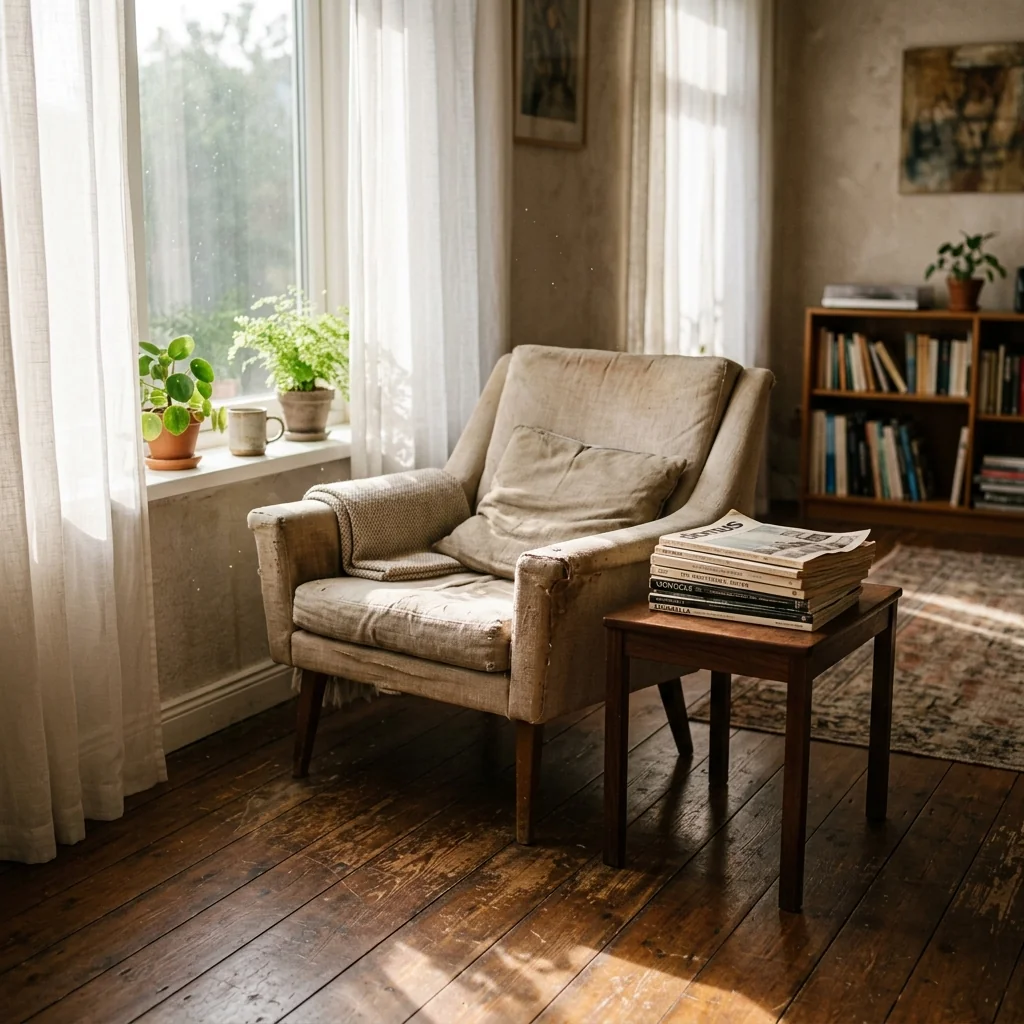
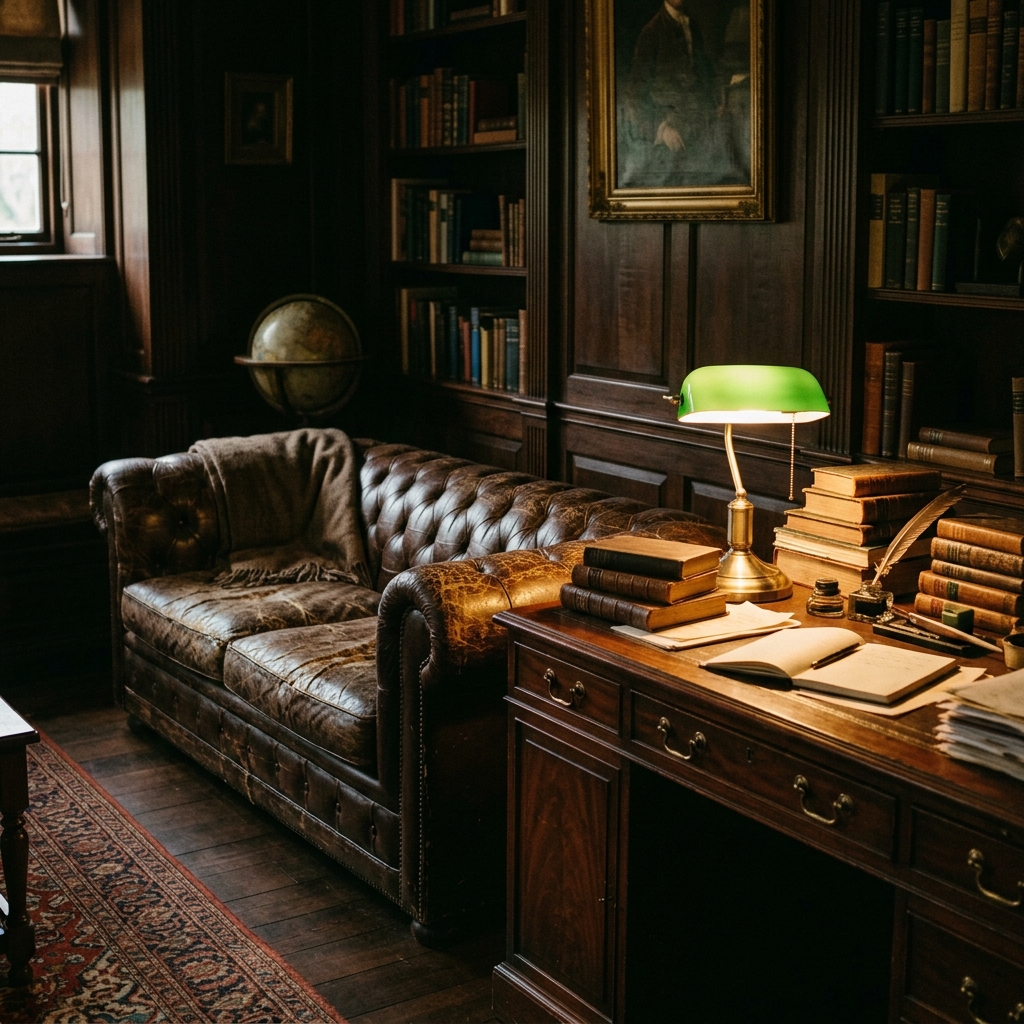
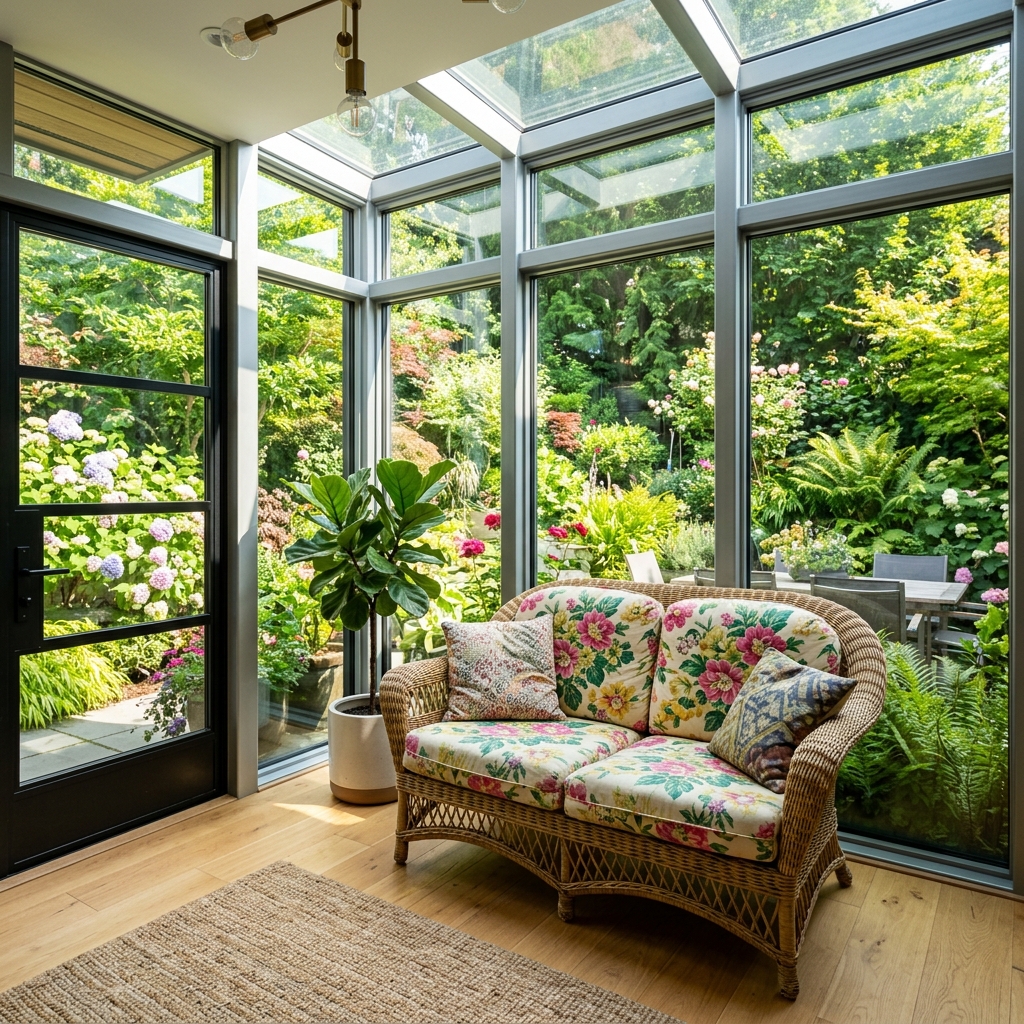
あなたのような写真から得られた実際の結果です。



使い方
- 1写真をアップロードしてください
- 2設定を選択してください
- 3画像
より良い結果のためのヒント
明るく、はっきりした写真
自然光と広角が最適な結果につながります。
全体が見えるようにしてください
変更したいものをすべて、しっかり画面内に入れてください。
いくつかのバリエーションを試す
決める前に、さまざまなオプションを比較できます。
よくある質問
画像を商用利用できますか?
はい。商用利用を含め、あらゆる目的で画像を使用できます。
元の写真は変わりますか?
いいえ。元の画像は変更されず、いつでもダウンロードできます。
結果が気に入らない場合は?
別のスタイルや設定を試すか、短い指示で結果を調整してください。
さらに見る
すべてのツール
AI アームチェア張り替えスワッパー
写真内のアームチェアに新しい張地の選択肢を即座に視覚化します。ベルベット、レザー、ブークレなどの生地、色、柄を変更して、どんなインテリアスタイルにもぴったり合わせられます。不動産関係者やインテリアデザイナーが、変化の可能性を示すのに最適です。

AI 張り替えビジュアライザー
ソファ、チェア、ラブシートをアップロードし、AIで異なる張地の生地、色、質感を適用した見た目を即座に視覚化できます。購入やリフォームの前に、再張り替えのプレビューを美しく確認できます。
Airbnb掲載写真最適化
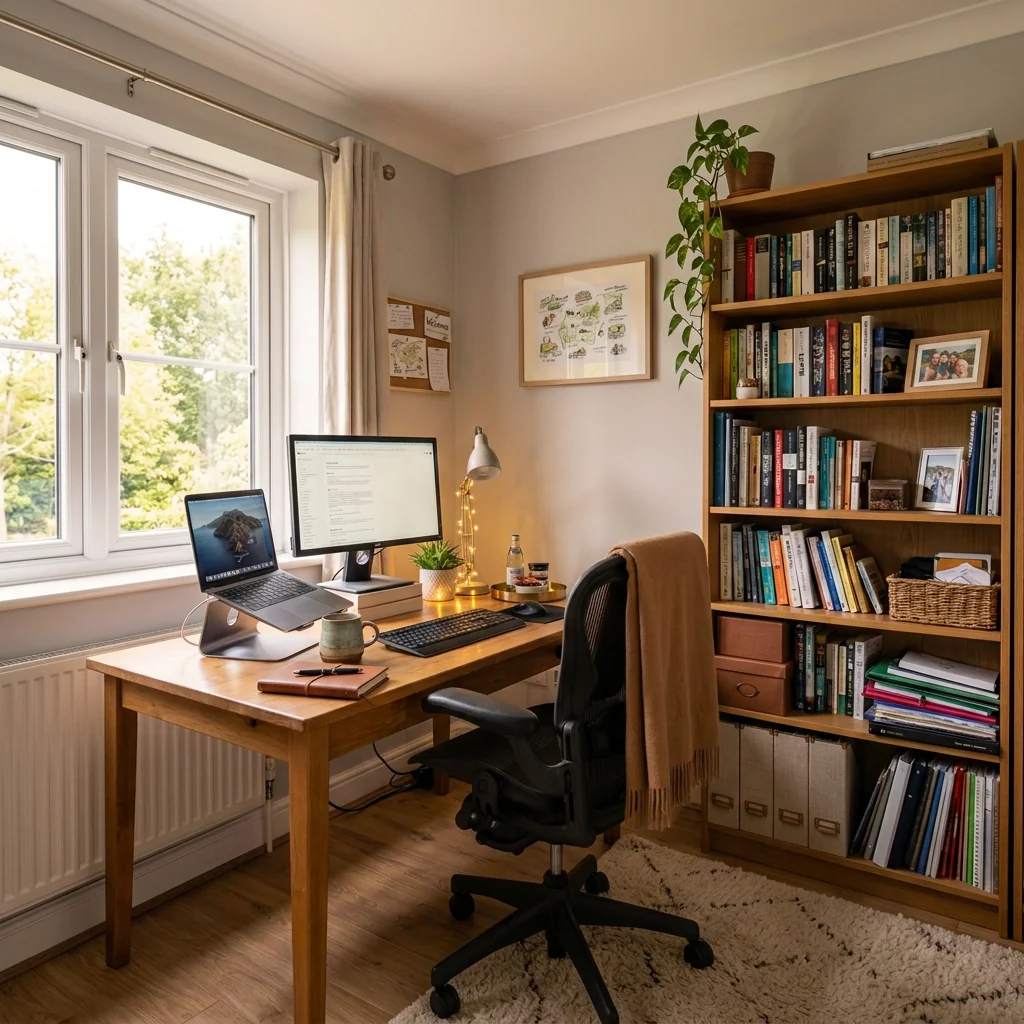
どんな物件写真も、Airbnb掲載に最適な5つ星クラスの画像に変えます。居心地のよいゲスト向けアメニティ、温かみのある照明、おもてなしの要素を加え、Airbnb、VRBO、Booking.comでの予約促進につなげます。
完全ガイドを読む
How long does generation take for AI Furniture Upholstery Changer?
Generation usually takes between 5 and 15 seconds.
Can I use the results commercially?
Yes, every generated image includes a full commercial usage license.
Tips for your photo
Make sure the photo is well lit and shot from a wide angle.
Remove clutter before shooting the photo for the best results.
Use re-staging mode for targeted style changes.
Frequently asked questions
What are the optimal input image formats and resolutions for the AI Furniture Upholstery Changer?
Upload JPG or PNG files for best results. We recommend images between 1920x1080 and 4K resolution to ensure high-fidelity upholstery changes, ideal for crisp real estate photos and property listing visuals.
How long does the AI Furniture Upholstery Changer typically take to process an image?
Processing usually completes within 30-60 seconds, depending on image resolution and complexity. Our AI quickly transforms your furniture, allowing agents to efficiently update virtual staging for MLS or Zillow listings.
What level of output quality can I expect from the AI Furniture Upholstery Changer?
Expect high-resolution, photorealistic outputs with seamlessly integrated upholstery changes. The results are optimized for professional use, ensuring your property listing photos look impeccable for Zillow, MLS, and agent marketing.
What are the best practices for achieving optimal upholstery changes with the AI Furniture Upholstery Changer?
Ensure clear, well-lit furniture photos with minimal clutter. Select a high-contrast upholstery material that complements the existing scene. This maximizes AI accuracy, delivering stunning virtual staging for your real estate photos.
Can I re-generate or modify upholstery changes after the initial processing with the AI Furniture Upholstery Changer?
Yes, you can easily select new upholstery options and re-process your image. This allows agents to experiment with various styles, ensuring the perfect look for diverse property listing preferences or client feedback.
Technical FAQ: AI Furniture Upholstery Changer
Quick answers for optimal results
Common mistakes
5 Common Mistakes to Avoid with AI Furniture Upholstery Changer
Get better results by avoiding these pitfalls when changing furniture upholstery with AI
Using low-resolution furniture images, resulting in blurry or pixelated upholstery changes.
The AI needs sufficient detail to accurately map and render the new upholstery material convincingly, affecting the final image quality.
Always upload high-resolution photos of the furniture for optimal AI processing and realistic upholstery transformations. Aim for at least 1000px wide.
Selecting an upholstery style that clashes with the existing room's decor or the furniture's design.
Incongruent styles create an unrealistic and unappealing visual, deterring potential buyers or misrepresenting the property's aesthetic.
Choose upholstery styles that complement the furniture's form and the overall room's style to create a cohesive and attractive presentation.
Applying the AI Furniture Upholstery Changer to images with extreme angles or obstructed views of the furniture.
The AI struggles to accurately map the upholstery onto surfaces it can't clearly 'see,' leading to distorted or incomplete transformations.
Use photos with clear, front-facing angles of the furniture to ensure the AI can properly identify and apply the new upholstery material.
Choosing upholstery materials that are completely unrealistic or unavailable in the real world.
Unrealistic textures or patterns can make the virtual staging look fake and unprofessional, damaging your credibility with potential buyers.
Select upholstery options that are commonly available and believable to maintain a sense of realism and trustworthiness in your marketing materials.
Overusing the AI Furniture Upholstery Changer in a single property listing, making it look overly staged and artificial.
Too much virtual staging can feel deceptive and may deter buyers who prefer to see the property's true potential without heavy alterations.
Use the tool selectively and strategically, focusing on key furniture pieces to enhance the overall appeal without overwhelming the listing.
What Your Furniture Upholstery Changer Results Will Look Like
Real results from furniture upholstery changer — upload your photo to get started
Your workflow
4-Step Professional Workflow: AI Furniture Upholstery Changer for MLS Listings
Transform furniture photos and publish to MLS in under 5 minutes
Capture & Prepare
Capture a well-lit, high-resolution photo of the furniture. Ensure the entire piece is visible and the existing upholstery is clearly defined for optimal AI results.
Use natural lighting or softbox lighting to minimize shadows and highlight the furniture's texture before using the AI Upholstery Changer.
Upload & Configure
Upload your photo to PropStage.ai and select the AI Furniture Upholstery Changer tool. Choose your desired upholstery material and color from the available options.
Experiment with different fabric textures and colors to visualize various design options and match the target buyer's preferences.
Review & Refine
Carefully review the AI-generated upholstery. Refine the results by adjusting the material, color, or texture until the furniture looks realistic and appealing in the real estate photo.
Zoom in to check for any artifacts or inconsistencies in the AI-generated upholstery and make adjustments to ensure a professional finish.
Export & Publish
Export the enhanced image and upload it to your MLS listing, Zillow, or Realtor.com. Use the new photo to attract more potential buyers with updated furniture styles.
Use consistent photo sizes and resolutions across all platforms for a professional and cohesive presentation of your property listing.
Use cases
Property Listings for AI Furniture Upholstery Changer
Social Media Marketing & Instagram Inserate
Architektur- & Umbau-Präsentationen
Furniture Upholstery Changer — Technical Specifications
1. Upload your property photo.
2. Choose the interior style or room type you want.
3. Click Generate and get your result in seconds.
Expert guide
Pro Tips: Get the Best AI Furniture Upholstery Changer Results
Expert advice to maximize your furniture upholstery changer quality
Optimize Image Quality for Flawless AI Upholstery Swaps
Upload high-resolution JPEG or PNG images (minimum 1000px wide) for optimal results. Ensure even lighting across the furniture. Avoid extreme angles; a straight-on or slightly angled shot works best for the AI to accurately detect and change the upholstery.Select Upholstery Styles That Complement the Furniture's Form
Choose upholstery materials and colors that match the furniture's style. Consider the existing design; modern furniture looks great with sleek fabrics, while classic pieces suit textured materials. Experiment with different options to visualize the best fit for your property listing.Capture Furniture Details for Realistic AI Upholstery Changer
Focus on capturing clear details of the furniture's texture and shape. Ensure the upholstery is clean and wrinkle-free in the original photo. The AI will use these details to create a realistic upholstery change, enhancing the visual appeal for potential buyers on Zillow and the MLS.Download and Share Your AI-Enhanced Furniture Photos Professionally
Download the enhanced images in high resolution for use in your property listing and marketing materials. Resize images appropriately for MLS and Zillow to maintain quality. Share your stunning AI-transformed furniture photos to attract more potential buyers and impress clients.How it works
3 Steps to Master the AI Furniture Upholstery Changer
How to change furniture upholstery online for professional real estate listings
Upload Your Real Estate Photos
Upload high-resolution property listing images to the AI Furniture Upholstery Changer to begin the home staging process for Zillow or MLS, ensuring the original furniture frame and lighting remain perfectly consistent.
Select New Upholstery Materials
Transform dated sofas or chairs by selecting premium fabrics, colors, or leather textures, allowing an agent or broker to stage rooms that appeal to specific buyer demographics and modern design trends.
Download High-Res Staged Images
Convert your edited files into high-quality marketing assets and download them instantly to enhance your property marketing, significantly reducing the traditional costs associated with physical furniture reupholstering or professional staging.
What you can do
Advanced AI Furniture Upholstery Changer Capabilities
High-Resolution Upholstery Renders
Generate stunning, photorealistic upholstery changes that seamlessly integrate into real estate photos, enhancing property listings on MLS and Zillow with superior visual appeal.
Instant Upholstery Transformation
Swiftly change furniture upholstery in seconds, allowing agents to quickly stage multiple property photos and present diverse design options without delays.
Versatile Export Formats
Download your AI-enhanced furniture images in various popular formats, ensuring compatibility for all property listing platforms and agent marketing materials.
Extensive Material Library
Access a vast selection of fabric and material options to precisely match client preferences, enabling tailored virtual staging for every unique property listing.
Accurate AI Upholstery Mapping
Our advanced AI precisely detects furniture contours, ensuring flawless upholstery application that looks natural and professional in every real estate photo.
Agent & Designer Workflow
Streamline your virtual staging process, enabling real estate agents and interior designers to efficiently showcase furniture potential for property listings and client presentations.
Pro-level tools at your fingertips