
Instagram物件投稿作成ツール
- 写真
- 選択内容
- 画像
できることを見る
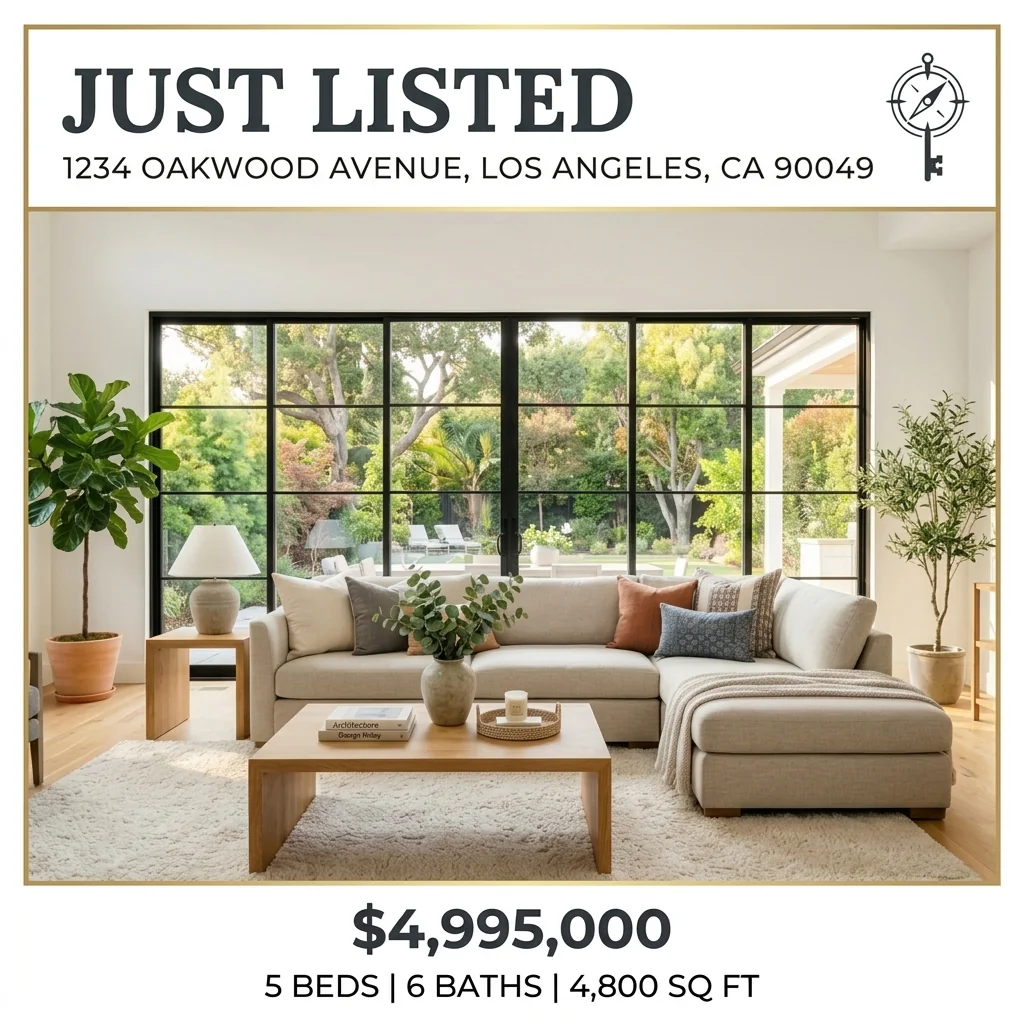
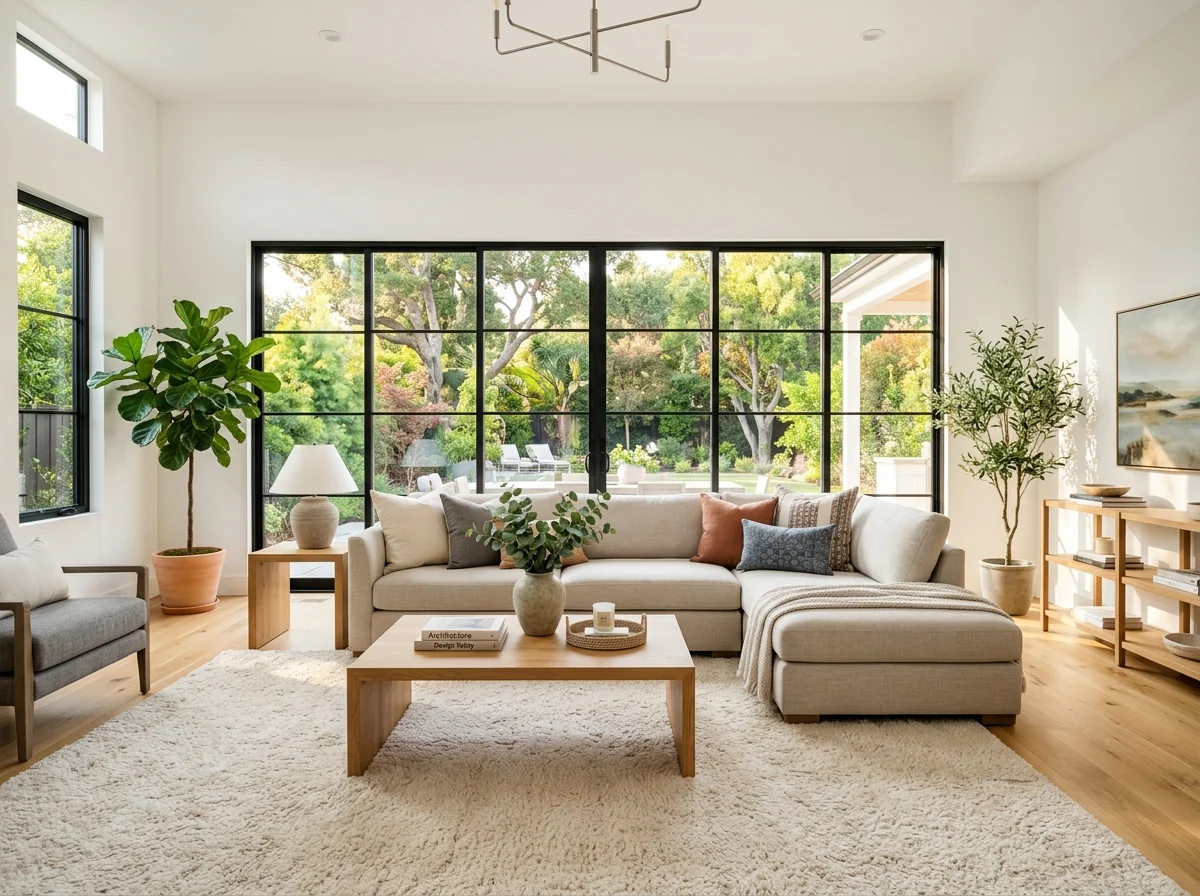
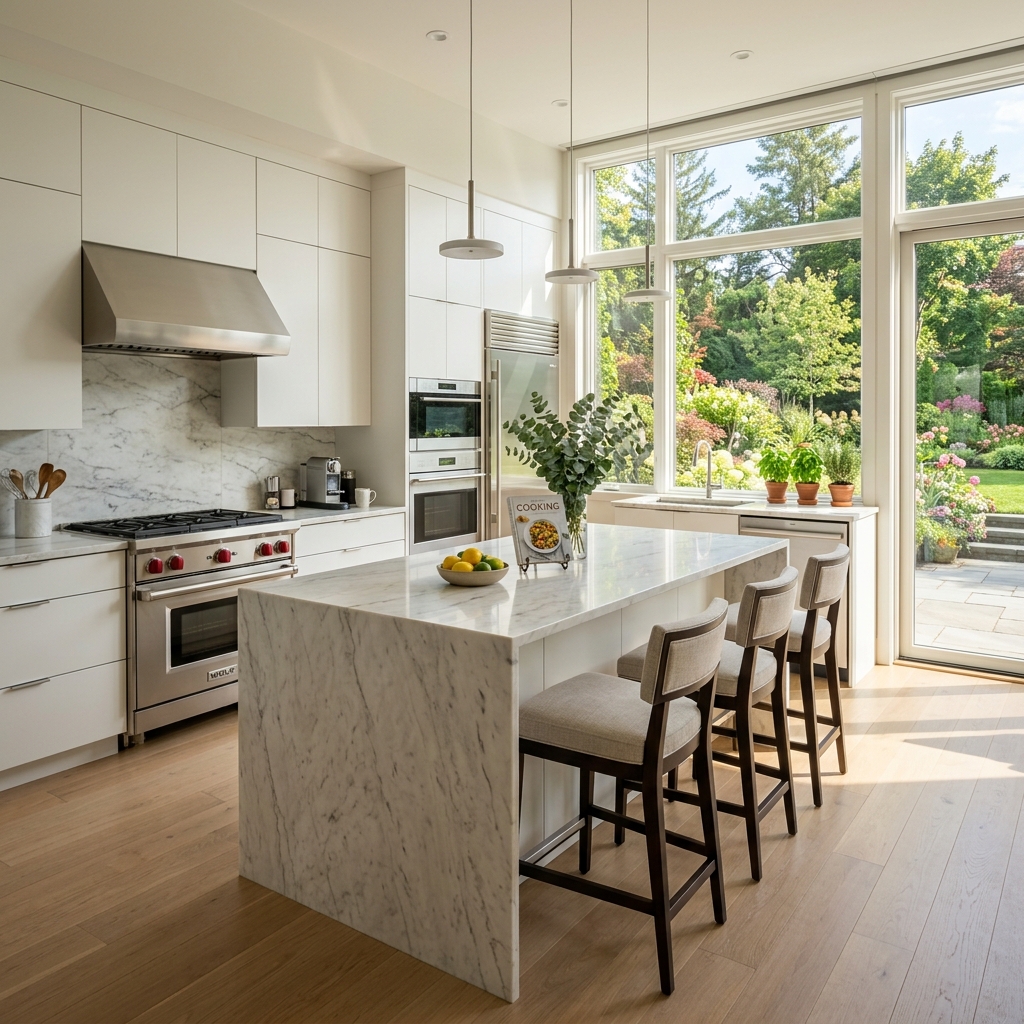
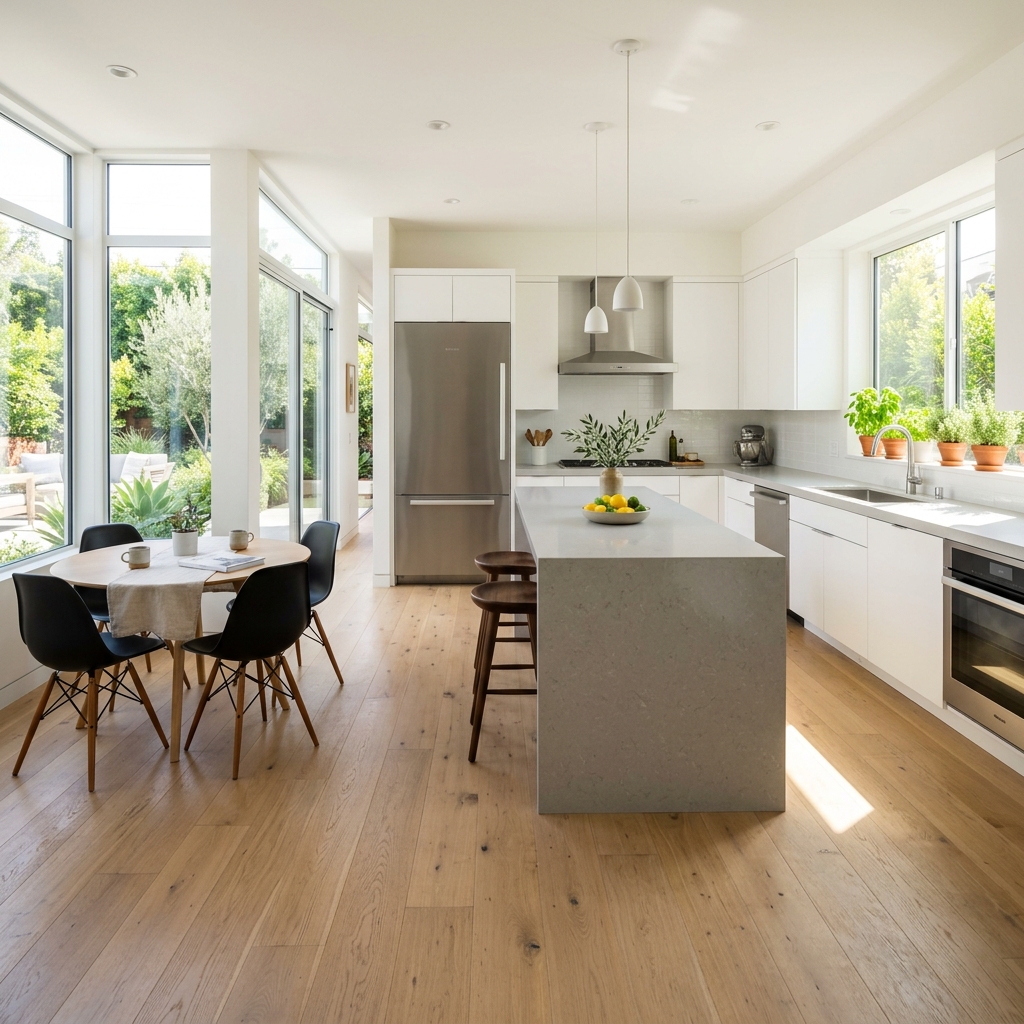
あなたのような写真から得られた実際の結果です。


使い方
- 1写真をアップロードしてください
- 2設定を選択してください
- 3画像
より良い結果のためのヒント
明るく、はっきりした写真
自然光と広角が最適な結果につながります。
全体が見えるようにしてください
変更したいものをすべて、しっかり画面内に入れてください。
いくつかのバリエーションを試す
決める前に、さまざまなオプションを比較できます。
よくある質問
画像を商用利用できますか?
はい。商用利用を含め、あらゆる目的で画像を使用できます。
元の写真は変わりますか?
いいえ。元の画像は変更されず、いつでもダウンロードできます。
結果が気に入らない場合は?
別のスタイルや設定を試すか、短い指示で結果を調整してください。
さらに見る
すべてのツール
エージェントの「チーム紹介」グラフィック
きちんと自己紹介しましょう。顔写真をアップロードすると、専門分野、対応エリア、連絡先情報を含む、見栄えのよい「エージェントについて」または「チーム紹介」のSNS用グラフィックを作成できます。
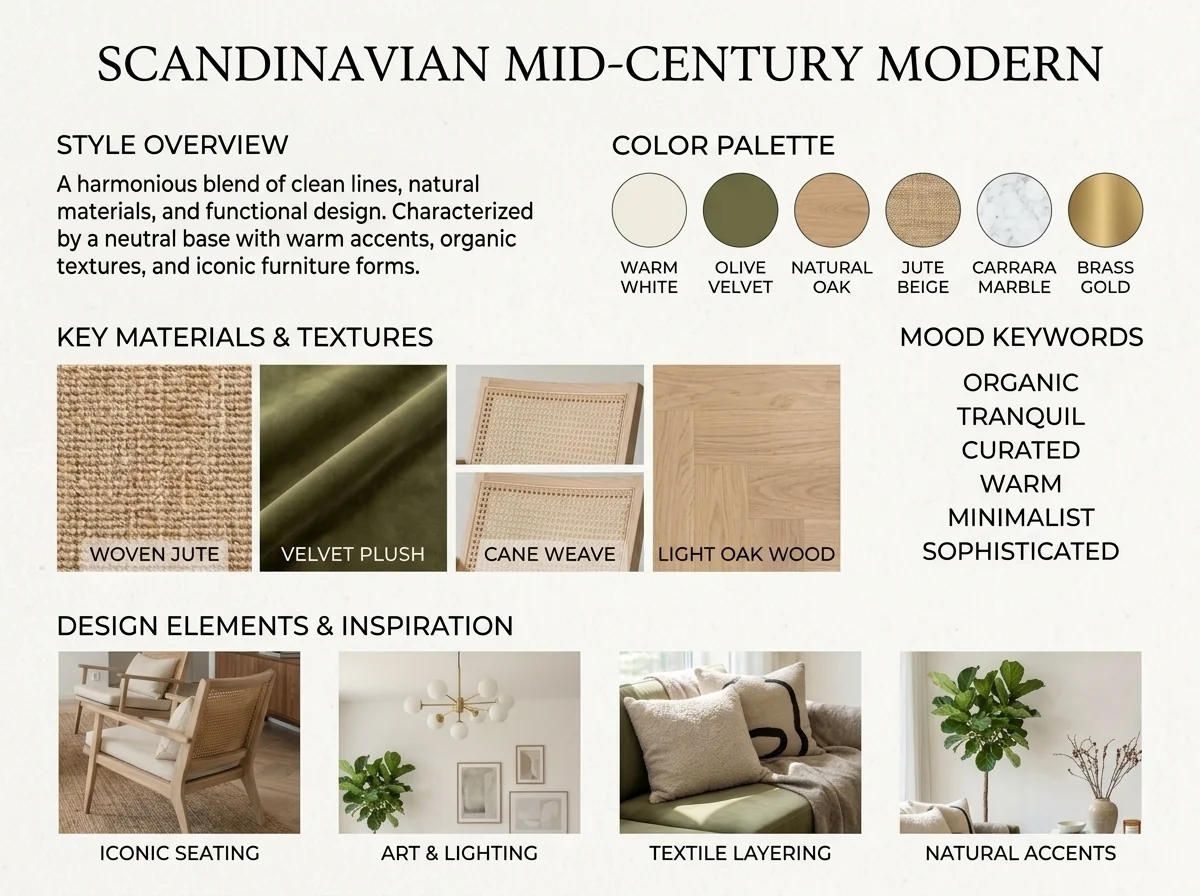
AI インテリアスタイル検出 & ムードボード
どんな部屋の写真でも、AIがインテリアデザインのスタイル、配色、主要素材を判定し、それに合うムードボードを生成します。既存空間の理解や、スタイルの好みを伝えるのに最適です。
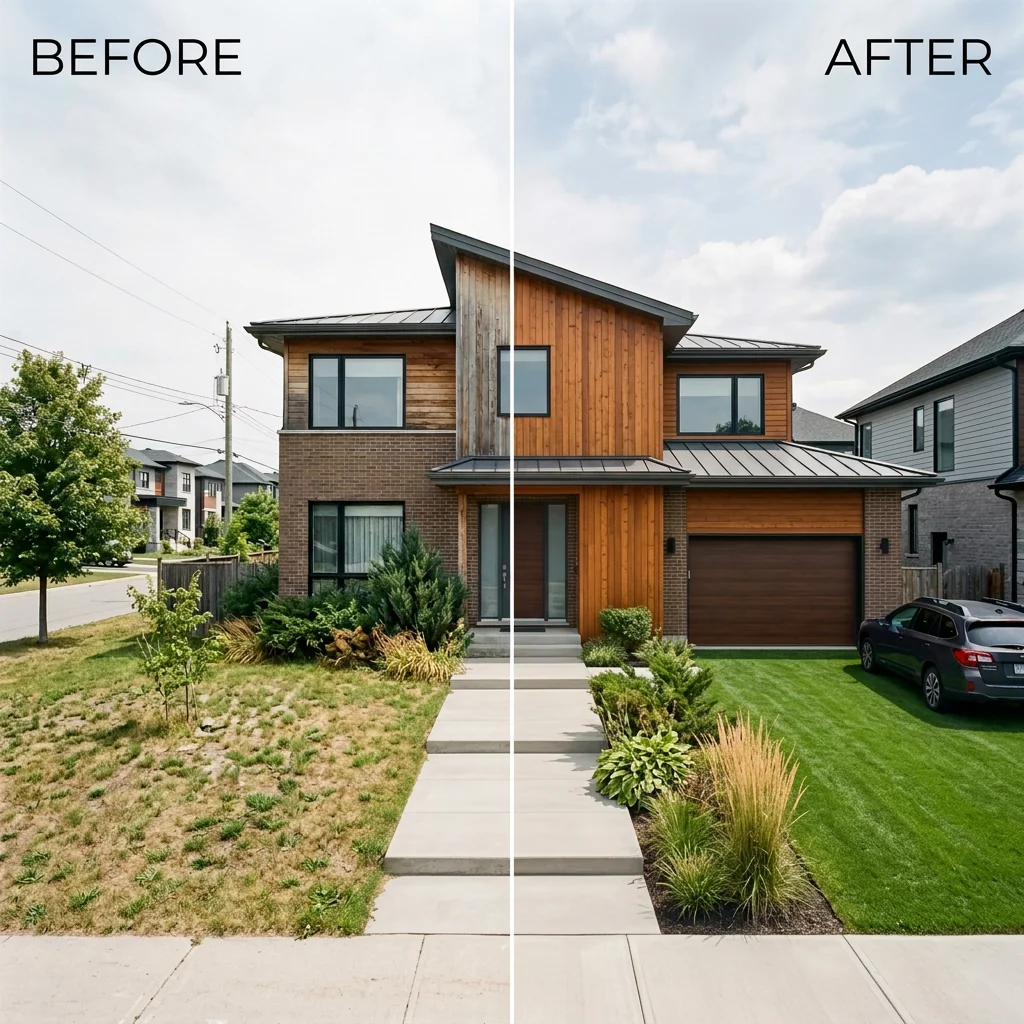
ビフォー&アフターの並列表示リスティング
不動産掲載用の、プロ仕様のビフォー・アフター比較画像を作成します。2枚の写真をアップロードすると、ラベル付きの洗練された横並び比較画像が生成され、MLS、SNS、販促資料に最適です。
完全ガイドを読む
How long does generation take for Instagram Listing Post Creator?
Generation usually takes between 5 and 15 seconds.
Can I use the results commercially?
Yes, every generated image includes a full commercial usage license.
Tips for your photo
Make sure the photo is well lit and shot from a wide angle.
Remove clutter before shooting the photo for the best results.
Use re-staging mode for targeted style changes.
Frequently asked questions
What are the optimal input formats and resolutions for the Instagram Listing Post Creator?
Upload high-resolution JPG or PNG files (1080x1080px or higher) to the Instagram Listing Post Creator for crisp property listing visuals. This ensures your real estate photos look professional and clear on Instagram.
How long does it typically take for the Instagram Listing Post Creator to generate a post?
The Instagram Listing Post Creator typically processes property photos and generates a branded post within 5-15 seconds. Complex designs or slower internet may slightly extend this processing time for your Instagram listing.
What is the expected output quality and resolution from the Instagram Listing Post Creator?
The Instagram Listing Post Creator delivers high-resolution JPG images (1080x1080px) perfectly optimized for Instagram. Each property listing post ensures your real estate photos are sharp and ready for social media engagement.
How can I ensure the best possible results when using the Instagram Listing Post Creator?
For optimal results with the Instagram Listing Post Creator, use well-lit, high-quality real estate photos. Ensure the property listing details (price, address) are accurate for precise overlay generation and maximum impact.
Can I re-generate or edit a post after it's been created by the Instagram Listing Post Creator?
Yes, you can easily re-upload your property photo and adjust details within the Instagram Listing Post Creator to generate a new post. This allows for quick revisions to your Instagram listing.
Technical FAQ: Instagram Listing Post Creator
Quick answers for optimal results
Common mistakes
5 Instagram Listing Post Creator Mistakes Killing Your Real Estate Posts
How to Avoid Common Errors Using an Instagram Listing Post Creator Online
Using Low-Resolution Real Estate Photos
Blurry or pixelated property photos make your Instagram listing post look unprofessional and deter potential buyers. The Instagram Listing Post Creator enhances visuals, but it can't fix a fundamentally bad image.
Upload only high-resolution real estate photos taken with a professional camera or a high-quality smartphone. Ensure the image is well-lit and showcases the property's best features before using the Instagram Listing Post Creator.
Ignoring Branding Elements in Your Instagram Listing Post
Failing to incorporate your real estate agent branding (logo, colors, fonts) makes your posts look generic and less memorable. The Instagram Listing Post Creator allows for branding customization.
Utilize the Instagram Listing Post Creator's branding features to add your logo, brand colors, and preferred fonts to every post. Maintain consistency across all your real estate posts for better brand recognition.
Overcrowding the Instagram Listing Post with Text
Too much text on your Instagram listing post can overwhelm viewers and make it difficult to read key information like price and address. The Instagram Listing Post Creator provides a balanced layout.
Keep the text on your Instagram listing post concise and focused on essential details. Use the Instagram Listing Post Creator's design templates to ensure a clean and visually appealing layout. Highlight the price, address, and key features.
Not Optimizing for Mobile Viewing
Most Instagram users view content on their mobile devices. If your Instagram listing post isn't optimized for mobile, important details might be cut off or difficult to see. The Instagram Listing Post Creator helps format for mobile.
Preview your Instagram listing post on a mobile device before publishing. Use the Instagram Listing Post Creator's mobile-friendly templates to ensure your post looks great on smaller screens. Check for any text or elements that are cut off or difficult to read.
Neglecting a Call to Action in Your Instagram Listing Post
Without a clear call to action, viewers may not know what to do next (e.g., visit the Zillow listing, contact the agent). The Instagram Listing Post Creator provides space for a CTA.
Include a clear and compelling call to action in your Instagram listing post, such as 'View the full MLS listing,' 'Contact me for a showing,' or 'Visit our website.' Use the Instagram Listing Post Creator to add a visually appealing button or text that encourages viewers to take action.
What Your Instagram Listing Post Creator Results Will Look Like
Upload your real estate photos to see your property listing transformed into stunning Instagram posts.
Your workflow
Transform Your Real Estate Photos: 5 Tips for Using an Instagram Listing Post Creator
How to Use an Instagram Listing Post Creator Online to Enhance Your Property Listing on Zillow and MLS
Upload Your Real Estate Photos
Upload high-quality real estate photos of your property listing to the Instagram Listing Post Creator. Ensure the images are clear and showcase the best features of the property for optimal engagement on Instagram.
Use professionally staged real estate photos to significantly improve the visual appeal of your Instagram listing post.
Customize Your Design
Use the Instagram Listing Post Creator's customization options to add your branding, including your logo and brand colors, to the property listing post. Tailor the design to match your agent's aesthetic.
Maintain brand consistency across all your Instagram listing posts to build recognition and trust with potential buyers.
Add Property Details
Input key property details such as the address, price, and number of bedrooms/bathrooms into the Instagram Listing Post Creator. This information will be overlaid onto the image for maximum visibility.
Highlight unique selling points of the property in the description to capture attention and generate leads.
Preview and Download
Preview your Instagram listing post created by the Instagram Listing Post Creator to ensure all elements are correctly placed and visually appealing. Download the final image for posting.
Check the image on different devices to ensure it looks good on various screen sizes before posting to Instagram.
Post to Instagram
Upload the created Instagram listing post to your Instagram account. Write a compelling caption that includes relevant hashtags and a call to action for potential buyers to contact you.
Use Instagram's scheduling tools to post your listing at optimal times for maximum reach and engagement.
Use cases
Real Estate Listings for Instagram Listing Post Creator
Social Media Marketing & Instagram Inserate
Architektur- & Umbau-Präsentationen
Instagram Listing Post Creator — Technical Specifications
1. Upload your property photo.
2. Choose the interior style or room type you want.
3. Click Generate and get your result in seconds.
Expert guide
5 Tips: Dominate Instagram with the Ultimate Listing Post Creator
How to Use an Instagram Listing Post Creator Online for Maximum Impact
Transform Your Real Estate Photos Before Uploading
Ensure your real estate photos are high-resolution and well-lit before uploading to the Instagram Listing Post Creator. Crisp, clear images showcase the property's best features and grab attention. This elevates your property listing above the competition on Instagram and Zillow.
Optimize Instagram Listing Post Creator Settings for Branding
Customize the Instagram Listing Post Creator settings to match your brand. Consistently use your agent logo, brand colors, and preferred fonts to build recognition. This professional touch helps establish trust and reinforces your brand identity across all property listings.
Achieve the Best Results with Strategic Instagram Listing Post Design
Experiment with different layouts and text overlays in the Instagram Listing Post Creator. Highlight key property features like price, square footage, or unique amenities. A visually appealing design encourages engagement and drives traffic to your MLS listing.
Leverage Instagram Listing Post Creator for Professional Property Marketing
Use the Instagram Listing Post Creator to create a cohesive and professional social media presence. Schedule posts regularly to maintain visibility and engage with potential buyers. Consistent, high-quality content establishes you as a knowledgeable and reliable agent.
How it works
3 Steps to Use the Instagram Listing Post Creator for Real Estate
How to use an instagram listing post creator online for free to maximize MLS visibility
Upload Your High-Resolution Property Photos
Upload your professional real estate photos directly to the Instagram Listing Post Creator to begin the AI-driven design process for your next viral property listing on Zillow or Instagram.
Select Your Custom Branding Templates
Transform your raw images by selecting branded overlays, adding property addresses, and choosing price tags that match your agent identity for a cohesive social media realtor presence.
Download Your High-Res Social Post
Convert your edited property post into a high-resolution file ready for immediate upload to Instagram, ensuring your home staging looks flawless for every prospective buyer and broker.
What you can do
Advanced Instagram Listing Post Creator Capabilities
High-Resolution Visuals & Branding
Generate stunning, pixel-perfect Instagram Listing Post Creator outputs that maintain professional quality and brand consistency for every property listing.
Instant Post Generation
Experience lightning-fast creation with the Instagram Listing Post Creator, turning raw property photos into ready-to-share posts in seconds, saving valuable agent time.
Optimized Instagram Formats
The Instagram Listing Post Creator automatically optimizes dimensions and aspect ratios, ensuring your property listings look perfect across all Instagram feed and story placements.
Branded Design Customization
Tailor every Instagram Listing Post Creator output with customizable branding elements, fonts, colors, and overlays to perfectly match your real estate agency's aesthetic.
AI-Powered Overlay Placement
Leverage the Instagram Listing Post Creator's AI to intelligently place price, address, and key details, ensuring maximum readability and visual impact on every post.
Professional Agent Toolkit
Empower real estate agents with the Instagram Listing Post Creator to consistently produce high-quality, engaging property listings that attract more buyers and stand out on social media.
Pro-level tools at your fingertips