
StyleSync バーチャルステージャー
- 写真
- 選択内容
- 画像
写真とレイアウト
できることを見る
あなたのような写真から得られた実際の結果です。
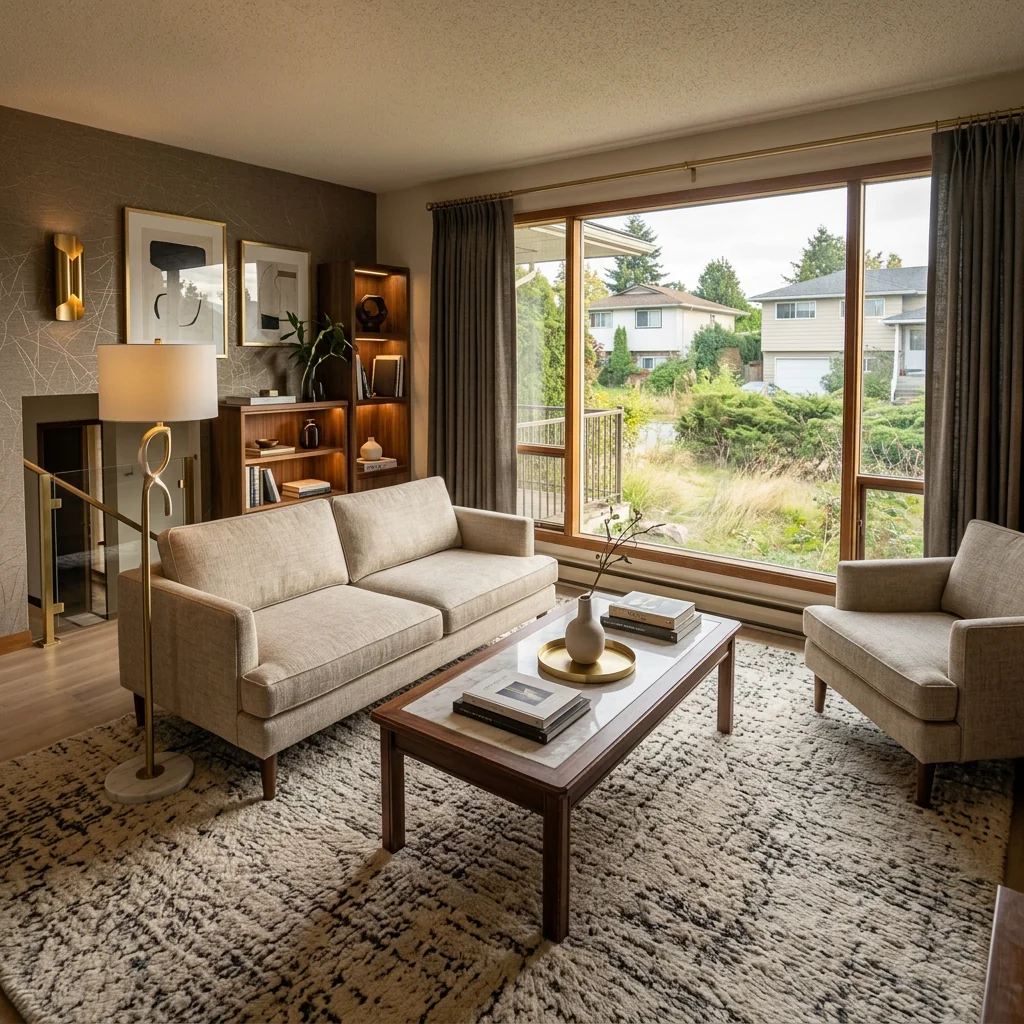
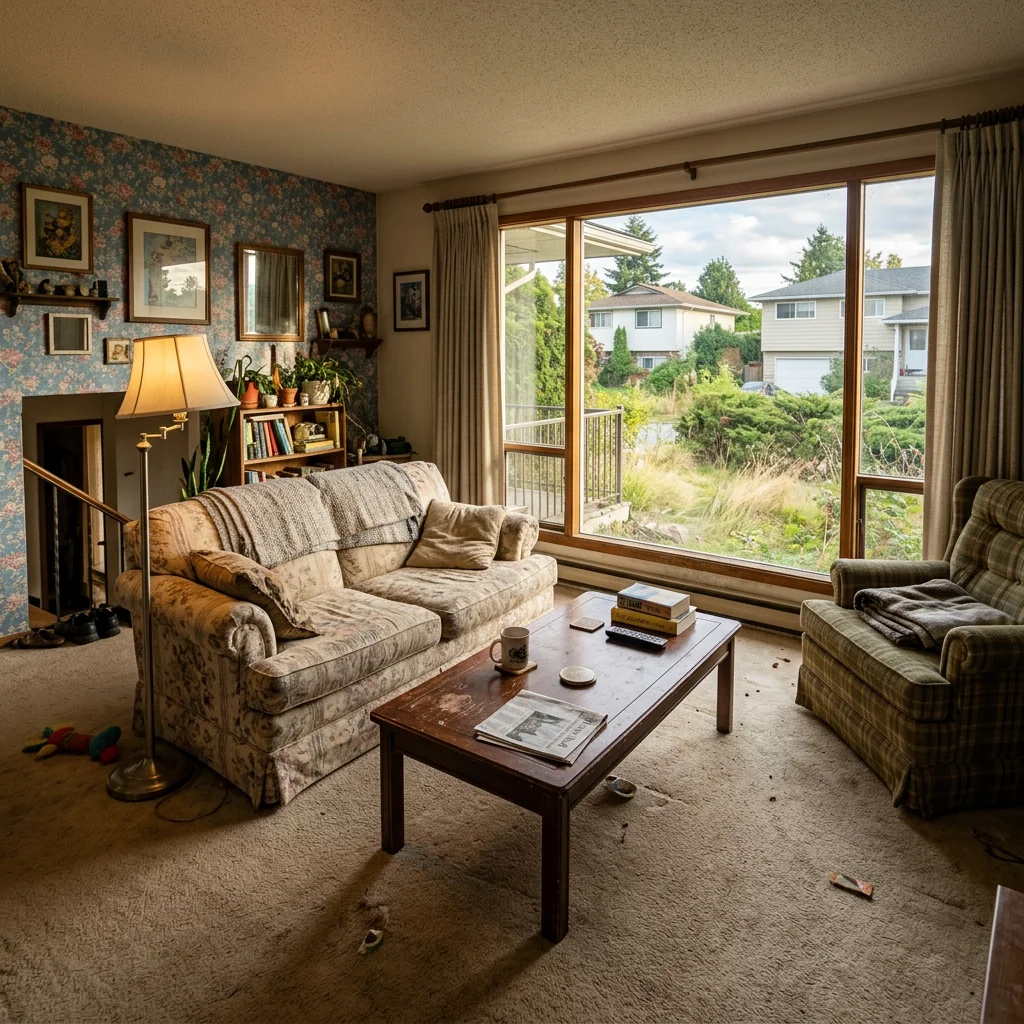

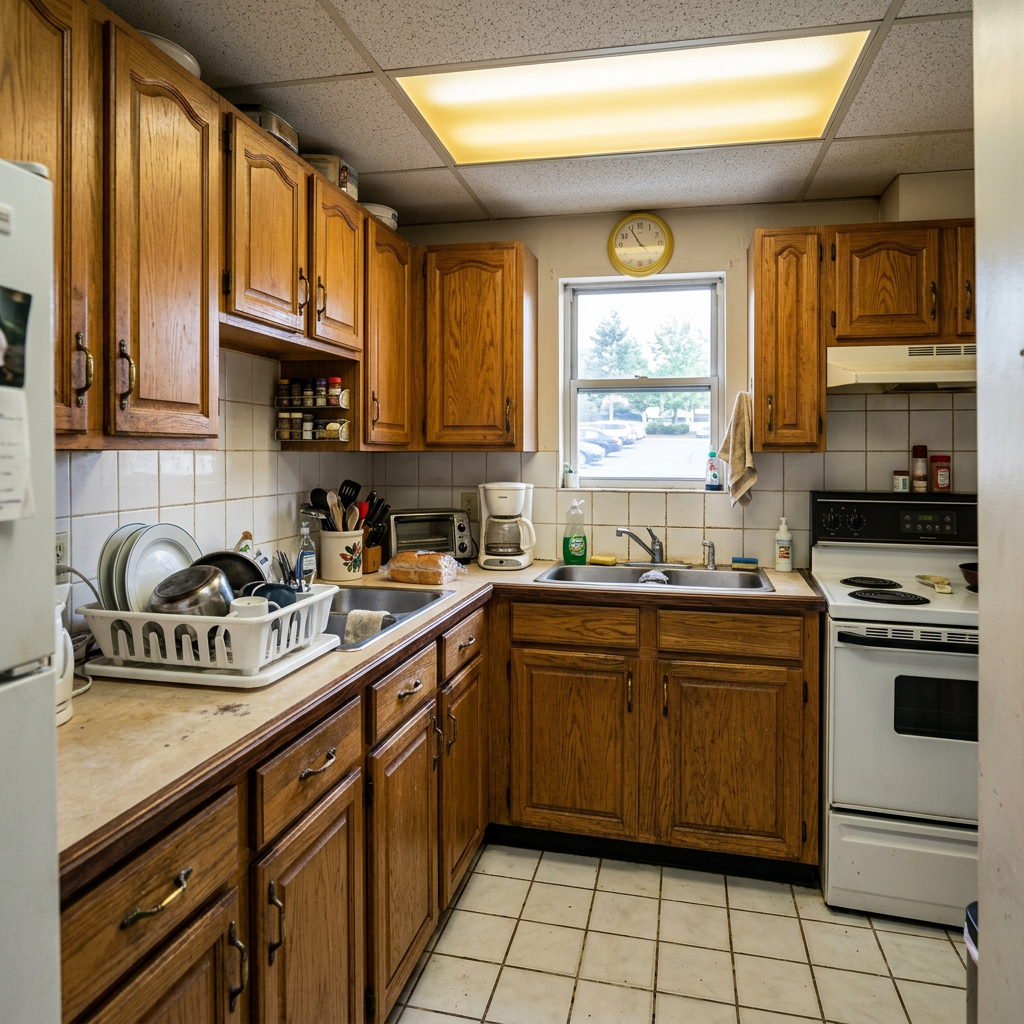

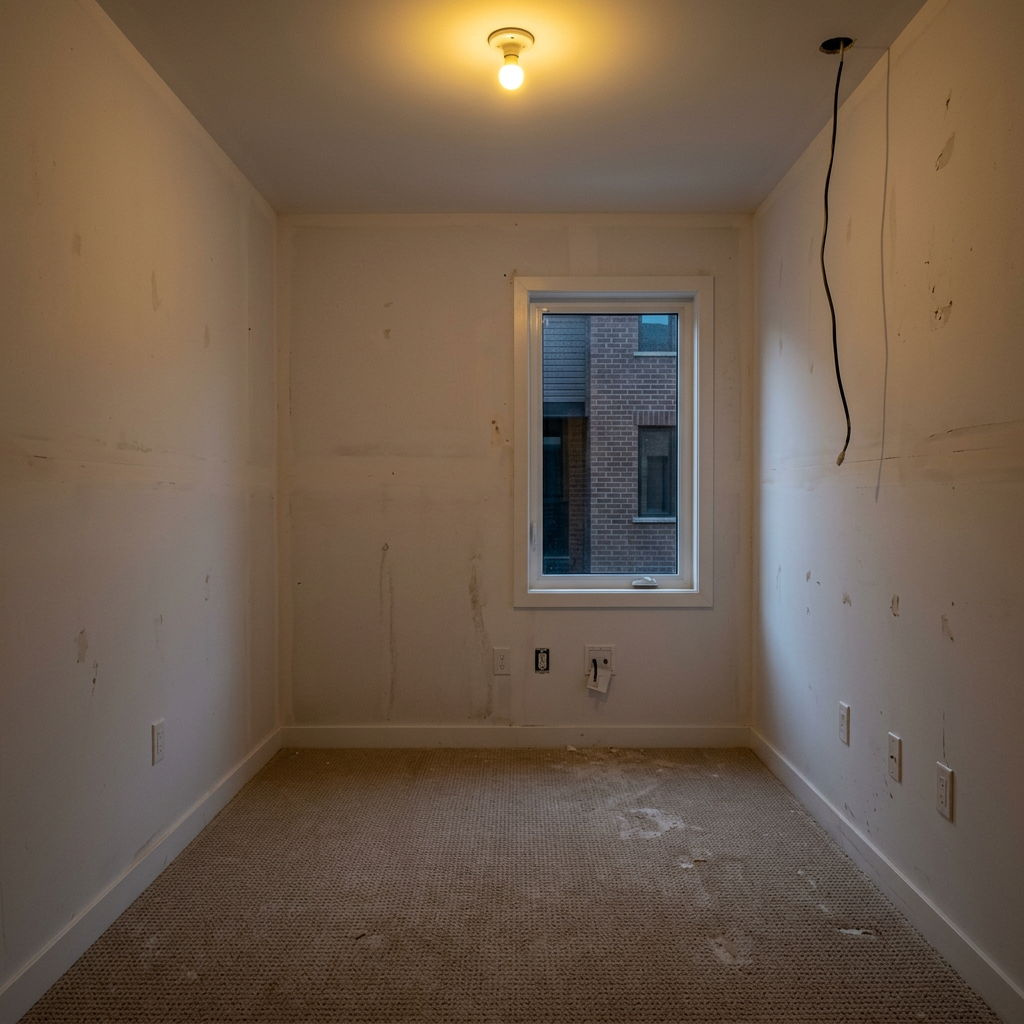
使い方
- 1写真をアップロードしてください
- 2設定を選択してください
- 3画像
より良い結果のためのヒント
明るく、はっきりした写真
自然光と広角が最適な結果につながります。
全体が見えるようにしてください
変更したいものをすべて、しっかり画面内に入れてください。
いくつかのバリエーションを試す
決める前に、さまざまなオプションを比較できます。
よくある質問
画像を商用利用できますか?
はい。商用利用を含め、あらゆる目的で画像を使用できます。
元の写真は変わりますか?
いいえ。元の画像は変更されず、いつでもダウンロードできます。
結果が気に入らない場合は?
別のスタイルや設定を試すか、短い指示で結果を調整してください。
さらに見る
すべてのツール
AI アームチェア張り替えスワッパー
写真内のアームチェアに新しい張地の選択肢を即座に視覚化します。ベルベット、レザー、ブークレなどの生地、色、柄を変更して、どんなインテリアスタイルにもぴったり合わせられます。不動産関係者やインテリアデザイナーが、変化の可能性を示すのに最適です。

AI 家具張り替えチェンジャー
AIで家具写真を変えましょう。張り地の素材を簡単に変更して、さまざまなスタイルを見せ、より幅広い買い手に訴求できます。バーチャルステージングやインテリアデザインのモックアップに最適です。

AI 張り替えビジュアライザー
ソファ、チェア、ラブシートをアップロードし、AIで異なる張地の生地、色、質感を適用した見た目を即座に視覚化できます。購入やリフォームの前に、再張り替えのプレビューを美しく確認できます。
完全ガイドを読む
How long does generation take for StyleSync Virtual Stager?
Generation usually takes between 5 and 15 seconds.
Can I use the results commercially?
Yes, every generated image includes a full commercial usage license.
Tips for your photo
Make sure the photo is well lit and shot from a wide angle.
Remove clutter before shooting the photo for the best results.
Use re-staging mode for targeted style changes.
Frequently asked questions
What are the recommended input formats and resolutions for StyleSync Virtual Stager?
StyleSync Virtual Stager accepts JPG, PNG. For optimal results in your real estate photos, upload high-resolution images (1920x1080 pixels minimum) of your property listing. This ensures the AI accurately transfers style for your agent on MLS and Zillow.
How long does StyleSync Virtual Stager typically take to process an image?
StyleSync Virtual Stager typically processes images within 30-60 seconds. Processing time may vary slightly based on image complexity and server load, but your property listing transformation will be swift, helping your agent quickly update listings.
What output quality can I expect from StyleSync Virtual Stager?
StyleSync Virtual Stager delivers high-quality, redesigned images. The AI ensures the transferred style, colors, and mood are seamlessly integrated, producing professional real estate photos suitable for any property listing or agent's portfolio on MLS and Zillow.
What are the best practices for achieving optimal results with StyleSync Virtual Stager?
For best results with StyleSync Virtual Stager, use well-lit, clear reference and target room photos. Ensure both rooms have similar perspectives. Avoid cluttered spaces for cleaner style transfer, enhancing your property listing's appeal for your agent.
Can I re-generate or modify a design with StyleSync Virtual Stager after initial processing?
Yes, with StyleSync Virtual Stager, you can re-upload and re-process images as many times as needed. Experiment with different reference photos or adjust your input to refine the style transfer for your real estate photos, ensuring perfect property listing presentation.
Technical FAQ: StyleSync Virtual Stager
Quick answers for optimal results
Common mistakes
5 StyleSync Virtual Stager Mistakes Killing Your Real Estate Photos
How to Stylesync Virtual Stager Online for Stunning Property Listings
Uploading Low-Resolution Photos to StyleSync Virtual Stager
Blurry or pixelated source images result in a poor quality virtual staging output. StyleSync Virtual Stager relies on clear images to accurately transfer styles.
Always upload high-resolution real estate photos (at least 1000px wide) to StyleSync Virtual Stager for optimal results. Ensure good lighting and sharp focus.
Using Unrepresentative Reference Photos with StyleSync Virtual Stager
Selecting a reference photo that doesn't align with the target property's potential or architectural style leads to mismatched and unrealistic virtual staging via StyleSync Virtual Stager.
Choose reference photos for StyleSync Virtual Stager that complement the existing features and style of the room you are staging. Consider the target buyer demographic.
Ignoring Perspective and Angles in StyleSync Virtual Stager
Uploading photos with drastically different perspectives or angles can confuse StyleSync Virtual Stager, leading to distorted or unnatural-looking virtual staging results for your property listing.
Ensure the source and reference photos have similar perspectives and angles when using StyleSync Virtual Stager. Use a tripod to maintain consistent camera positioning.
Overlooking Clutter and Distractions Before Using StyleSync Virtual Stager
While StyleSync Virtual Stager can transfer styles, it's not a magic eraser. Excessive clutter in the original photo will still be noticeable and detract from the final staged image for Zillow and MLS.
Declutter the room as much as possible before taking photos for StyleSync Virtual Stager. Remove personal items and distracting elements to create a cleaner canvas.
Not Experimenting with Different Styles in StyleSync Virtual Stager
Sticking to the first style you try without exploring other options might prevent you from discovering the best look for the property. StyleSync Virtual Stager offers many possibilities.
Experiment with various reference photos and styles within StyleSync Virtual Stager to find the most appealing and effective virtual staging for your real estate photos. Test different moods and color palettes.
StyleSync Virtual Stager: Stunning Real Estate Photo Transformations You'll Love
Upload Your Property Listing Photos and Witness the StyleSync Magic!
Your workflow
4 Steps to Stunning Real Estate Photos with StyleSync Virtual Stager
How to StyleSync Virtual Stager Online: A Quick Guide for Agents
Upload Your Photos
Upload your original real estate photos to StyleSync Virtual Stager. Ensure high resolution for optimal results in your property listing.
Use well-lit photos for the best StyleSync Virtual Stager output. Clear images improve the AI's ability to accurately transfer styles.
Select a Style Reference
Upload a reference photo with the desired style to StyleSync Virtual Stager. This image guides the AI in transforming your real estate photos.
Choose a reference photo that closely matches the desired aesthetic for your property listing. StyleSync Virtual Stager works best with clear, well-defined styles.
StyleSync and Enhance
Let StyleSync Virtual Stager apply the reference style to your real estate photos. Review the AI-generated result and make minor adjustments as needed to perfect the look for your MLS listing.
Experiment with different reference photos to find the perfect StyleSync Virtual Stager transformation for your property listing. Subtle changes can make a big difference.
Download and Publish
Download your StyleSync Virtual Stager enhanced real estate photos. Upload them to your MLS, Zillow, or other platforms to attract potential buyers and impress clients.
Use the StyleSync Virtual Stager photos across all your platforms for a consistent and professional property listing. High-quality visuals increase engagement and sales.
Use cases
Property Listings for StyleSync Virtual Stager
Social Media Marketing & Instagram Inserate
Architektur- & Umbau-Präsentationen
StyleSync Virtual Stager: Technical Specifications for Agents
1. Upload your property photo.
2. Choose the interior style or room type you want.
3. Click Generate and get your result in seconds.
Expert guide
5 Pro Tips to Maximize Your StyleSync Virtual Stager Results
How to Stylesync Virtual Stager Online for Stunning Real Estate Photos
Prepare High-Quality Images for StyleSync Virtual Stager
Transform your property listing by uploading clear, well-lit real estate photos to StyleSync Virtual Stager. Ensure your images are high resolution for the best style transfer results. This enhances your MLS and Zillow presence, attracting more potential buyers for the agent.
Optimize StyleSync Virtual Stager Settings for Perfect Style Transfer
Enhance your StyleSync Virtual Stager experience by adjusting the intensity slider. Fine-tune the style transfer strength to achieve a natural look for your property listing. Experiment with different settings to find the ideal balance for your real estate photos.
Achieve Best Results with StyleSync Virtual Stager Reference Photos
Upload reference photos that closely match the desired style and lighting conditions. StyleSync Virtual Stager works best when the reference image shares similar perspectives and features with your real estate photos. This leads to more realistic and appealing virtual staging for the agent.
Leverage StyleSync Virtual Stager for Professional Real Estate Marketing
Convert vacant rooms into inviting spaces using StyleSync Virtual Stager. Showcase the potential of your property listing by virtually staging rooms to match current design trends. Impress potential buyers on MLS and Zillow with professionally styled real estate photos.
How it works
3 Steps to Master StyleSync Virtual Stager for Real Estate
How to stylesync virtual stager online for free to boost Zillow listings in 2026
Upload Property and Reference Photos
Upload a high-resolution real estate photo of your empty property alongside a reference image to let StyleSync Virtual Stager analyze the exact color palette and furniture mood for your MLS listing.
Transform Space with AI Matching
Transform your room instantly as StyleSync Virtual Stager maps textures and lighting from the reference photo onto your property listing, ensuring the home staging looks professional and realistic for potential buyers.
Download High-Res Staged Images
Convert your empty space into a designer masterpiece using StyleSync Virtual Stager and download the high-res file, ready for Zillow, providing a cost-effective answer to how much virtual staging costs.
What you can do
Advanced StyleSync Virtual Stager Capabilities
High-Fidelity Style Replication
StyleSync Virtual Stager delivers photorealistic renderings, meticulously transferring chosen aesthetics, colors, and mood to elevate your property listing visuals.
Instant AI Style Transfer
StyleSync Virtual Stager processes your room and reference photos in seconds, providing rapid style transformations for efficient property staging workflows.
Versatile Image Export Options
StyleSync Virtual Stager supports multiple high-resolution output formats, ensuring seamless integration with MLS, Zillow, and other real estate platforms for agents.
Granular Style Control
StyleSync Virtual Stager allows fine-tuning of style intensity and element adjustments, empowering agents to precisely match client preferences for property listings.
Intelligent Room Analysis
StyleSync Virtual Stager's advanced AI accurately identifies room elements and applies styles contextually, ensuring realistic and harmonious virtual staging results for real estate photos.
Agent-Centric Staging Solution
StyleSync Virtual Stager is engineered for real estate professionals, streamlining the virtual staging process to enhance property listings and attract more potential buyers.
Pro-level tools at your fingertips