
サンルーム&温室のデザイン
- 写真
- 選択内容
- 画像
できることを見る
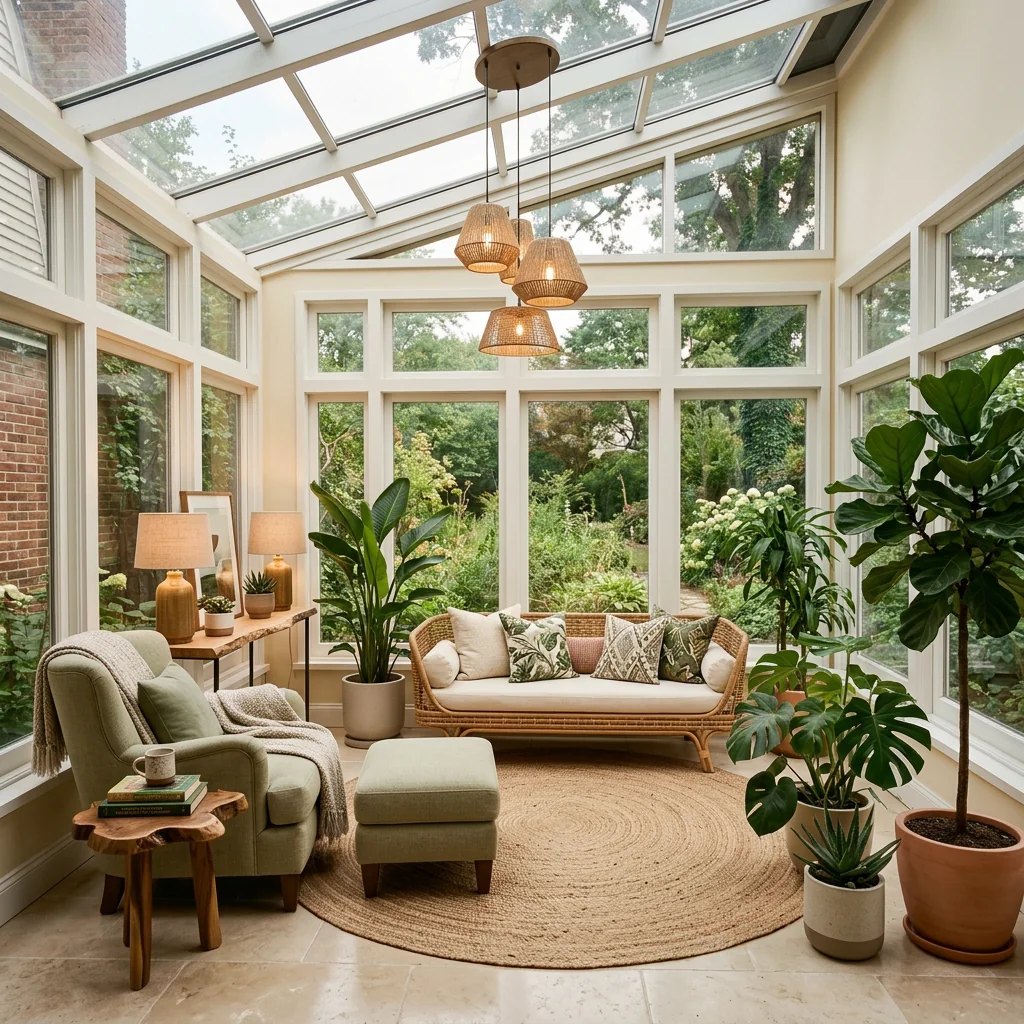
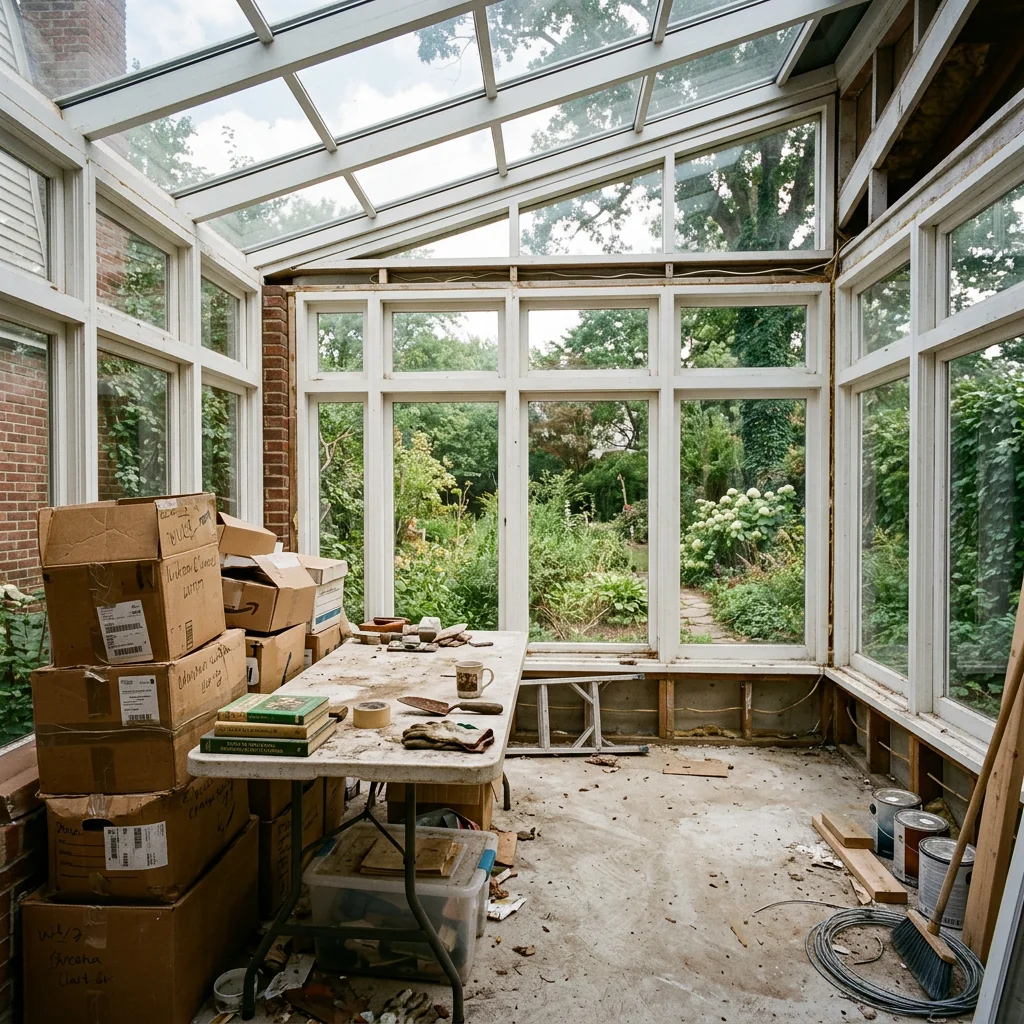
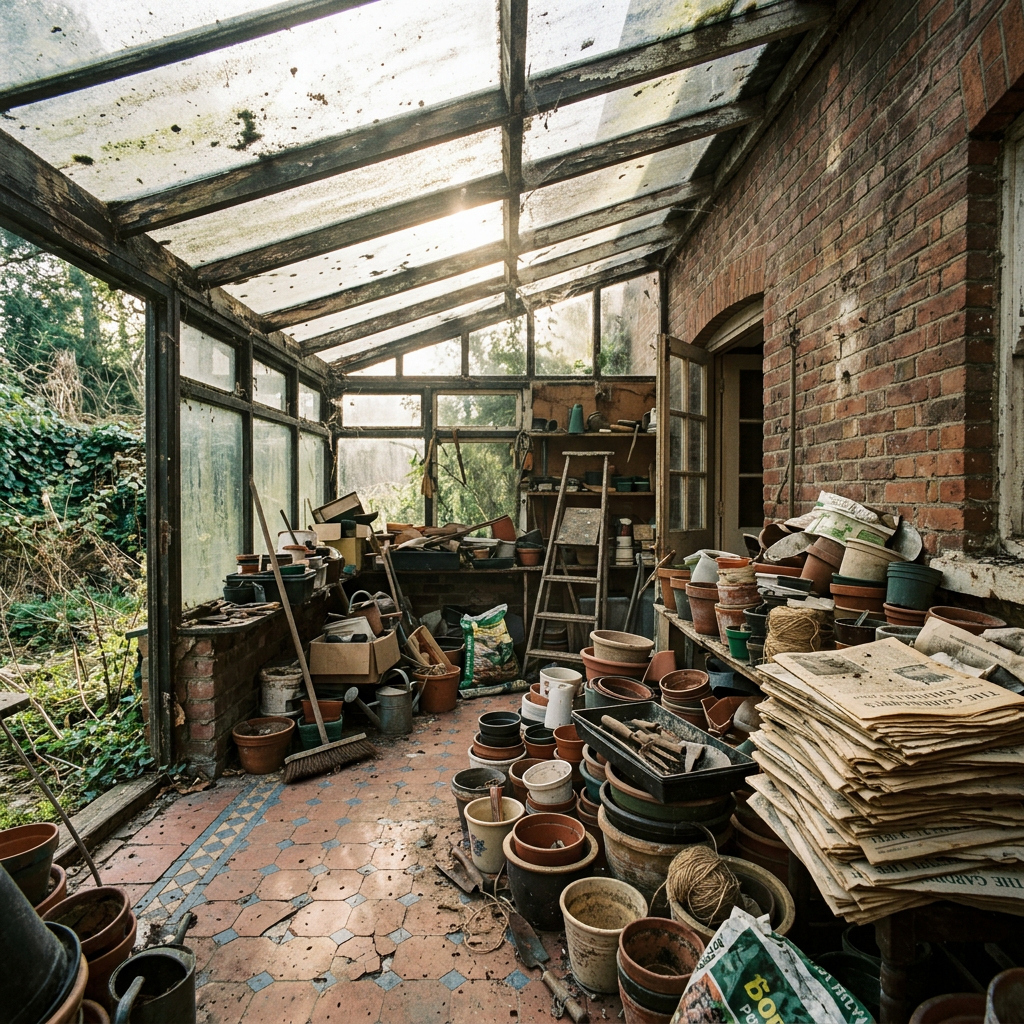
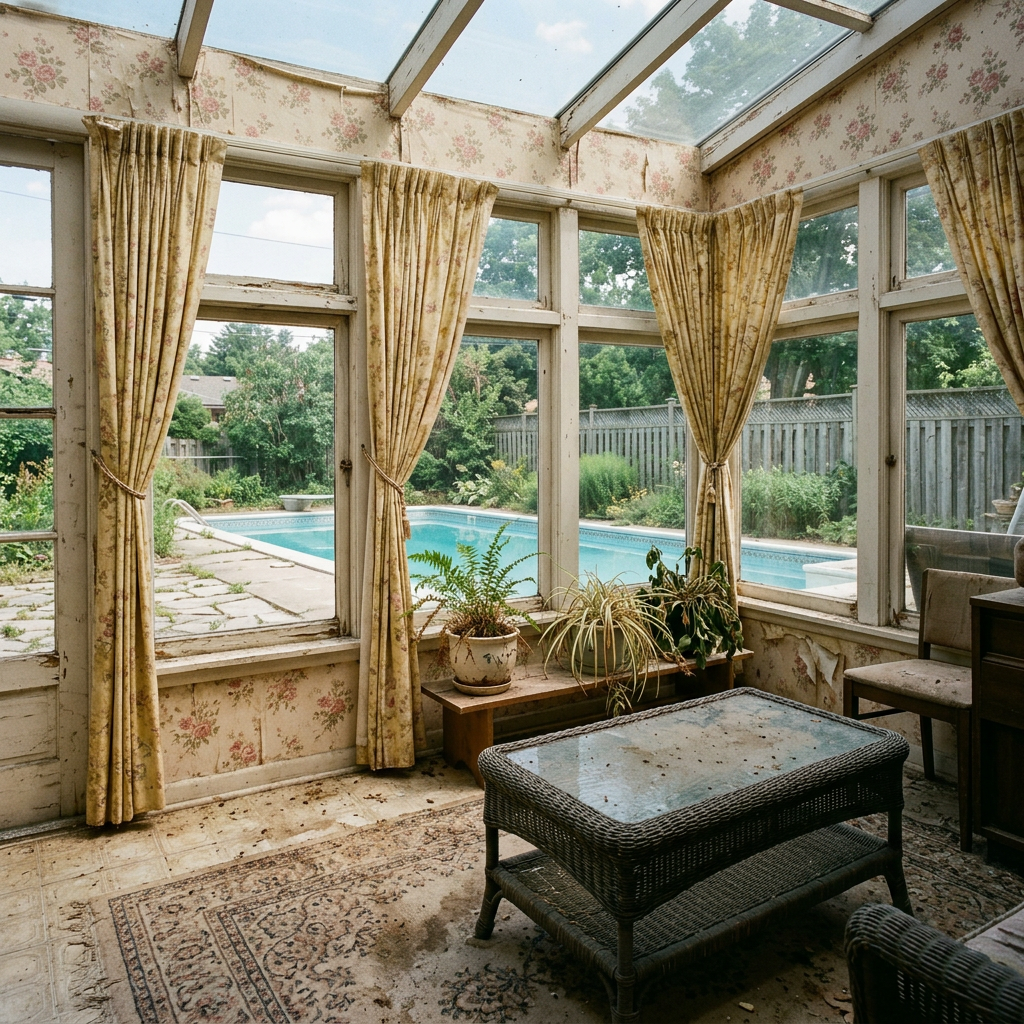
あなたのような写真から得られた実際の結果です。


使い方
- 1写真をアップロードしてください
- 2設定を選択してください
- 3画像
より良い結果のためのヒント
明るく、はっきりした写真
自然光と広角が最適な結果につながります。
全体が見えるようにしてください
変更したいものをすべて、しっかり画面内に入れてください。
いくつかのバリエーションを試す
決める前に、さまざまなオプションを比較できます。
よくある質問
画像を商用利用できますか?
はい。商用利用を含め、あらゆる目的で画像を使用できます。
元の写真は変わりますか?
いいえ。元の画像は変更されず、いつでもダウンロードできます。
結果が気に入らない場合は?
別のスタイルや設定を試すか、短い指示で結果を調整してください。
さらに見る
すべてのツール
AI アームチェア張り替えスワッパー
写真内のアームチェアに新しい張地の選択肢を即座に視覚化します。ベルベット、レザー、ブークレなどの生地、色、柄を変更して、どんなインテリアスタイルにもぴったり合わせられます。不動産関係者やインテリアデザイナーが、変化の可能性を示すのに最適です。

AI 家具張り替えチェンジャー
AIで家具写真を変えましょう。張り地の素材を簡単に変更して、さまざまなスタイルを見せ、より幅広い買い手に訴求できます。バーチャルステージングやインテリアデザインのモックアップに最適です。

AI 張り替えビジュアライザー
ソファ、チェア、ラブシートをアップロードし、AIで異なる張地の生地、色、質感を適用した見た目を即座に視覚化できます。購入やリフォームの前に、再張り替えのプレビューを美しく確認できます。
完全ガイドを読む
How long does generation take for Sunroom & Conservatory Design?
Generation usually takes between 5 and 15 seconds.
Can I use the results commercially?
Yes, every generated image includes a full commercial usage license.
Tips for your photo
Make sure the photo is well lit and shot from a wide angle.
Remove clutter before shooting the photo for the best results.
Use re-staging mode for targeted style changes.
Frequently asked questions
What are the optimal input formats and resolutions for Sunroom & Conservatory Design?
Upload JPG or PNG files for best results. Ensure your real estate photos are at least 1920x1080 pixels to allow the AI to accurately Stage your sunroom or conservatory with detailed furniture and decor, enhancing its appeal on any property listing.
How long does it typically take to process a Sunroom & Conservatory Design?
Processing a Sunroom & Conservatory Design usually takes 30-60 seconds. Our AI efficiently transforms your uploaded image, providing a beautifully staged sunroom or conservatory design quickly, ideal for immediate updates to your MLS or Zillow listings.
What output quality can I expect from the Sunroom & Conservatory Design tool?
Expect high-resolution, photorealistic designs. The tool Enhances your sunroom or conservatory, adding realistic furniture, plants, and decor. This ensures your property listing showcases a vibrant, inviting space, captivating potential buyers and agents.
What are the best tips to achieve optimal Sunroom & Conservatory Design results?
For best results, Upload clear, well-lit photos of your empty sunroom or conservatory. Ensure the space is clutter-free. This allows the AI to accurately Stage and Transform the area, creating stunning real estate photos that stand out on any property listing.
Can I re-generate or modify a Sunroom & Conservatory Design after initial creation?
Yes, you can re-generate designs. If the initial design isn't perfect, simply adjust your prompts or re-upload a different angle. This allows you to Convert and refine your sunroom or conservatory design until it perfectly enhances your property listing for agents and buyers.
Technical FAQ: Sunroom & Conservatory Design
Quick answers for optimal results for how to sunroom & conservatory design online
Common mistakes
5 Sunroom & Conservatory Design Mistakes Crushing Your Real Estate Photos
How to Avoid Common Errors for Stunning Property Listings on Zillow & MLS
Ignoring Natural Light Potential: Overlooking the unique light qualities of your sunroom or conservatory, leading to poorly lit real estate photos.
Sunrooms and conservatories are defined by their natural light. Failing to maximize this can make the space appear dull and uninviting in property listings.
Stage your sunroom or conservatory to enhance natural light. Use light-colored furniture and decor, and avoid blocking windows. Optimize lighting for real estate photos to showcase the space's brightness.
Cluttered Space: Overfilling the sunroom or conservatory with too much furniture or decor, making it appear smaller and less appealing in MLS photos.
Clutter makes the space look cramped and uninviting, detracting from its appeal in property listings and potentially lowering the perceived value for agents and buyers.
Declutter the sunroom or conservatory before taking real estate photos. Use minimal, strategically placed furniture and decor to create a sense of spaciousness. Focus on showcasing the room's features.
Inappropriate Furniture Selection: Choosing furniture that doesn't suit the style or purpose of the sunroom or conservatory, resulting in a mismatched and unappealing look for Zillow listings.
Inappropriate furniture can detract from the overall aesthetic and functionality of the space, making it less desirable to potential buyers viewing the property listing.
Select furniture that complements the style and purpose of your sunroom or conservatory. Opt for weather-resistant materials and comfortable pieces that enhance the space's appeal in real estate photos.
Neglecting Temperature Control: Failing to address temperature fluctuations in the sunroom or conservatory, making it uncomfortable and less appealing in property showings.
Extreme temperatures can make the space unusable during certain times of the year, reducing its value and appeal to potential buyers and impacting agent feedback.
Implement temperature control measures such as blinds, shades, or a heating/cooling system to ensure the sunroom or conservatory is comfortable year-round. Highlight these features in your property listing.
Ignoring Outdoor Views: Failing to highlight the outdoor views from the sunroom or conservatory, missing an opportunity to showcase its connection to nature in MLS listings.
The connection to the outdoors is a key selling point for sunrooms and conservatories. Neglecting this aspect diminishes the space's appeal in real estate photos and property listings.
Arrange furniture and decor to maximize views of the outdoors. Clean windows to ensure clear visibility. Use landscaping to enhance the view and create a seamless transition between indoor and outdoor spaces. Mention view in property listing.
What Your Sunroom & Conservatory Design Results Will Look Like
Upload your photo to get started and visualize your dream space!
Your workflow
5 Tips to Transform Your Real Estate Photos with Sunroom & Conservatory Design
How to Sunroom & Conservatory Design Online for Maximum Property Listing Appeal
Upload
Upload your real estate photos of the sunroom or conservatory to the PropStage.ai Sunroom & Conservatory Design tool. Ensure high-resolution images for optimal staging results for your MLS listing.
Use photos with good natural light to showcase the space's potential. Brighter photos attract more Zillow viewers.
Convert
Convert your sunroom or conservatory photo into a beautifully designed space using our AI-powered tool. Choose from various design styles to match the property's overall aesthetic for your agent profile.
Experiment with different design themes to see which one best complements the existing architecture and appeals to potential buyers.
Enhance
Enhance the design by adding virtual furniture, plants, and decor elements specifically tailored for sunrooms and conservatories. This elevates the property listing's visual appeal.
Focus on creating a warm and inviting atmosphere that highlights the space's functionality and potential for relaxation. Consider seasonal decor for added appeal.
Stage
Virtually stage the sunroom or conservatory to showcase its full potential as a living space. A well-staged room can significantly increase interest in the property listing on Zillow and other platforms.
Use neutral colors and comfortable furniture to create a versatile space that appeals to a wide range of potential buyers. Highlight unique features like skylights or garden views.
Use cases
Real Estate Listings for Sunroom & Conservatory Design
Social Media Marketing & Instagram Inserate
Architektur- & Umbau-Präsentationen
Sunroom & Conservatory Design — Technical Specifications
1. Upload your property photo.
2. Choose the interior style or room type you want.
3. Click Generate and get your result in seconds.
Expert guide
5 Expert Tips: Stunning Sunroom & Conservatory Design Results
How to achieve professional-quality sunroom & conservatory design online
Transform Your Real Estate Photos: Optimize Image Quality
Upload high-resolution real estate photos of your sunroom or conservatory. Clear, well-lit images ensure our AI accurately analyzes the space, leading to more realistic and appealing design suggestions for your property listing and MLS presence.
Fine-Tune Settings: Customize Your Sunroom & Conservatory Design
Adjust the settings to reflect your desired style and budget. Specify preferences for furniture, plants, and decor to create a sunroom or conservatory design that perfectly matches your vision and attracts potential buyers on Zillow.
Enhance Your Property Listing: Achieve the Best Sunroom Results
Focus on capturing the unique features of your sunroom or conservatory, such as natural light and architectural details. These elements help our AI generate designs that highlight the space's potential, boosting your property listing's appeal to agents and buyers.
Stage Like a Pro: Leverage Sunroom Design for Professional Use
Use our tool to experiment with different design styles before physically staging the space. This allows you to present multiple options to clients, increasing your chances of securing a sale and impressing potential buyers viewing your MLS listing.
How it works
3 Professional Steps for Sunroom & Conservatory Design
How to sunroom & conservatory design online for free for MLS listings
Upload Your Sunroom Property Photos
Upload high-resolution real estate photos of your empty sunroom or conservatory to our AI platform to prepare for a professional property listing on Zillow or the local MLS.
Select Your Conservatory Design Style
Transform the space by choosing specific furniture, lush plants, and decor options that convert a cold porch enclosure into a high-value four-season room for potential buyers and agents.
Download Your Staged Sunroom Image
Enhance your home staging workflow by downloading the final high-res render, ensuring your broker or agent has the best visuals to accelerate the property sale and marketing process.
What you can do
Advanced Sunroom & Conservatory Design Capabilities
High-Definition Sunroom Renders
Achieve stunning, photorealistic visuals for every sunroom or conservatory design, showcasing intricate details and lighting for impactful real estate photos.
Instant Design Previews
Rapidly generate multiple sunroom & conservatory design variations, accelerating your workflow for property listing enhancements and agent presentations.
Versatile Export Formats
Download your completed sunroom & conservatory designs in various high-resolution image formats, perfect for MLS, Zillow, and agent marketing materials.
Tailored Design Customization
Personalize every element of your sunroom & conservatory design, from furniture styles to plant arrangements, ensuring unique property listing appeal.
AI-Powered Style Matching
Leverage advanced AI to intelligently match decor, furniture, and plants to your sunroom & conservatory's existing architecture for optimal design.
Professional Real Estate Enhancement
Elevate your property listing with professionally staged sunroom & conservatory designs, attracting more buyers and boosting agent sales potential.
Pro-level tools at your fingertips