
Curb Appeal Verbetering
- Foto
- Je keuzes
- Je afbeelding
Zie wat mogelijk is
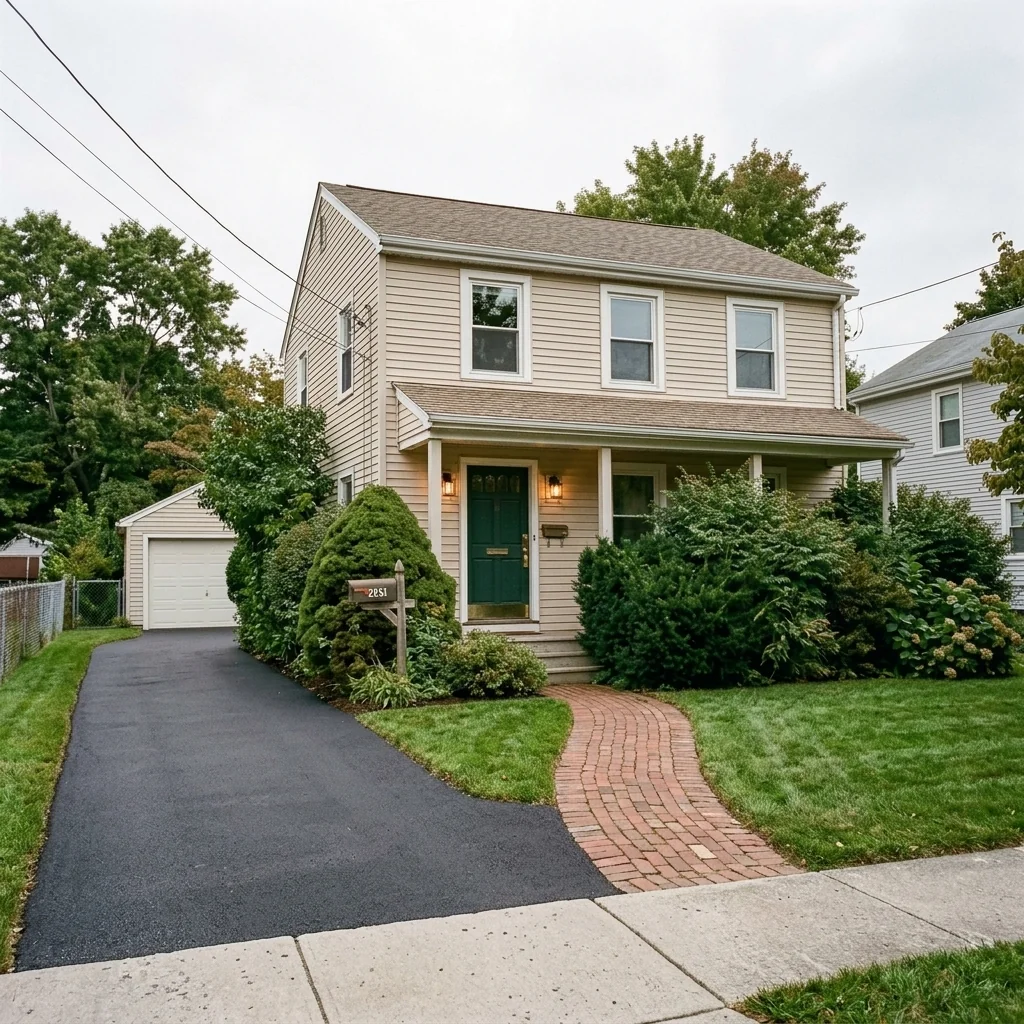
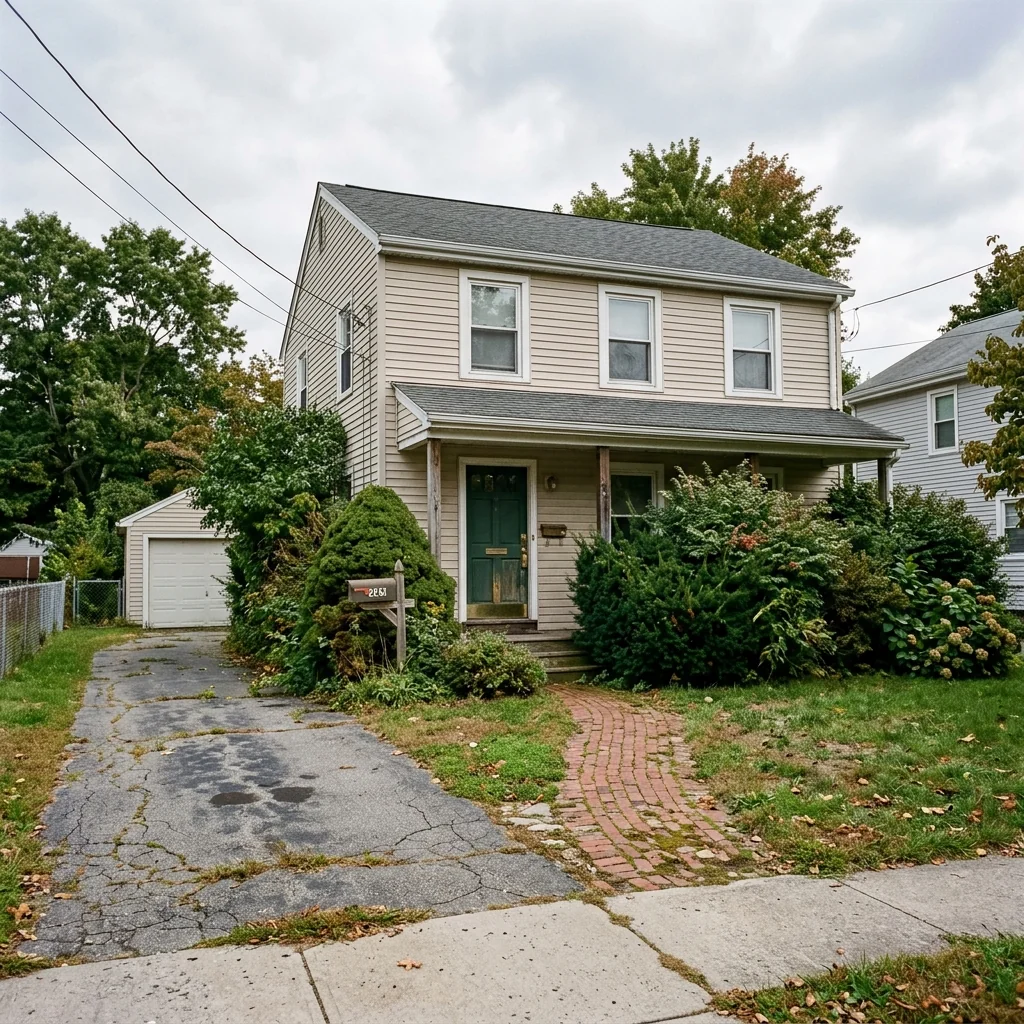
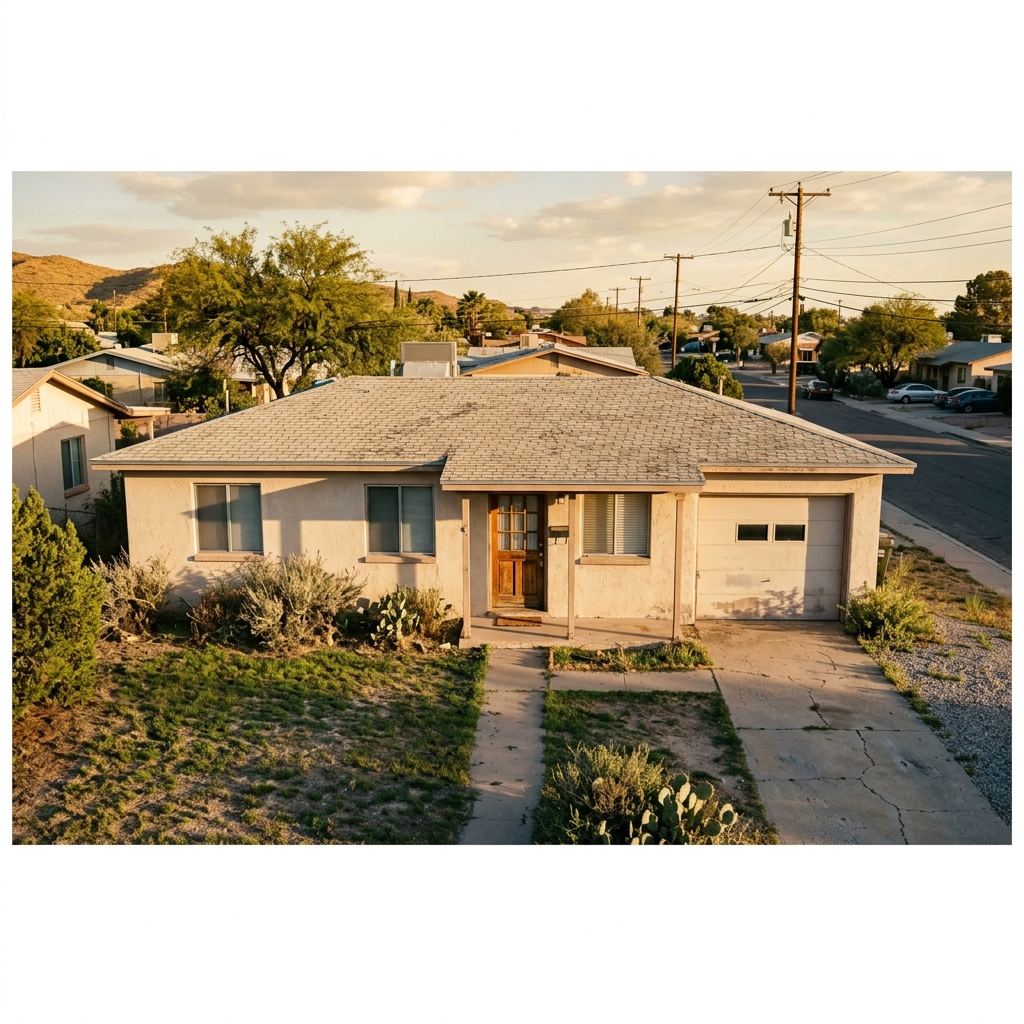
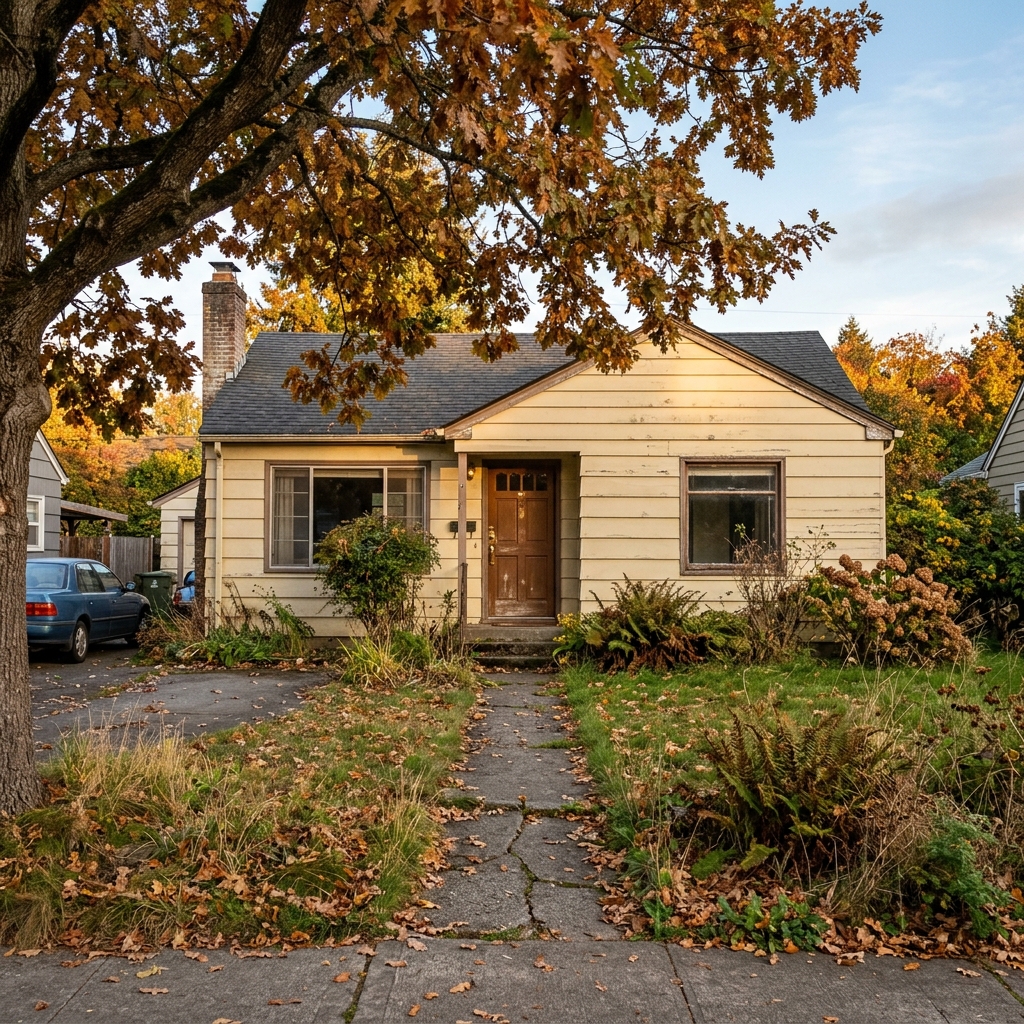
Echte resultaten van foto's zoals die van jou.


Hoe het werkt
- 1Upload je foto
- 2Kies je instellingen
- 3Je afbeelding
Tips voor een goed resultaat
Heldere, duidelijke foto
Daglicht en een wijde hoek geven het beste resultaat.
Toon het hele oppervlak
Zorg dat alles wat je wilt aanpassen volledig in beeld is.
Probeer meerdere variaties
Vergelijk verschillende opties voordat je beslist.
Veelgestelde vragen
Mag ik de beelden commercieel gebruiken?
Ja. Je kunt je afbeeldingen voor elk doel gebruiken, inclusief commercieel gebruik.
Verandert mijn originele foto?
Nee. Je origineel blijft onveranderd en je kunt het op elk moment downloaden.
Wat als ik het resultaat niet mooi vind?
Probeer een andere stijl of instelling, of verfijn het resultaat met een korte instructie.
Verder verkennen
Alle tools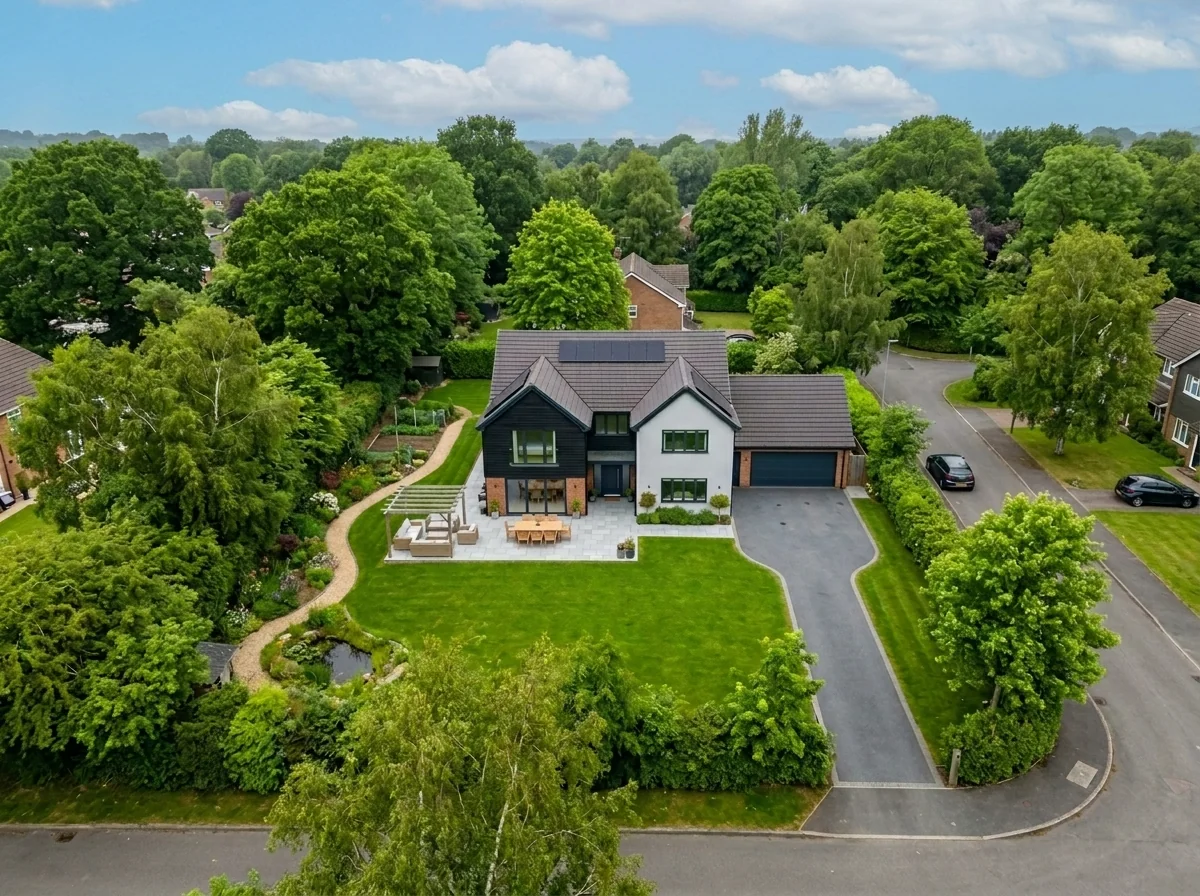
Vervanging van de lucht vanuit de lucht
Vervang grijze, bewolkte of vlakke luchten in drone- en luchtfoto’s van vastgoed door prachtige blauwe luchten, goudkleurig uurlicht of dramatische wolken — in seconden. Specifiek geoptimaliseerd voor het brede perspectief en de horizonkenmerken van luchtfotografie.
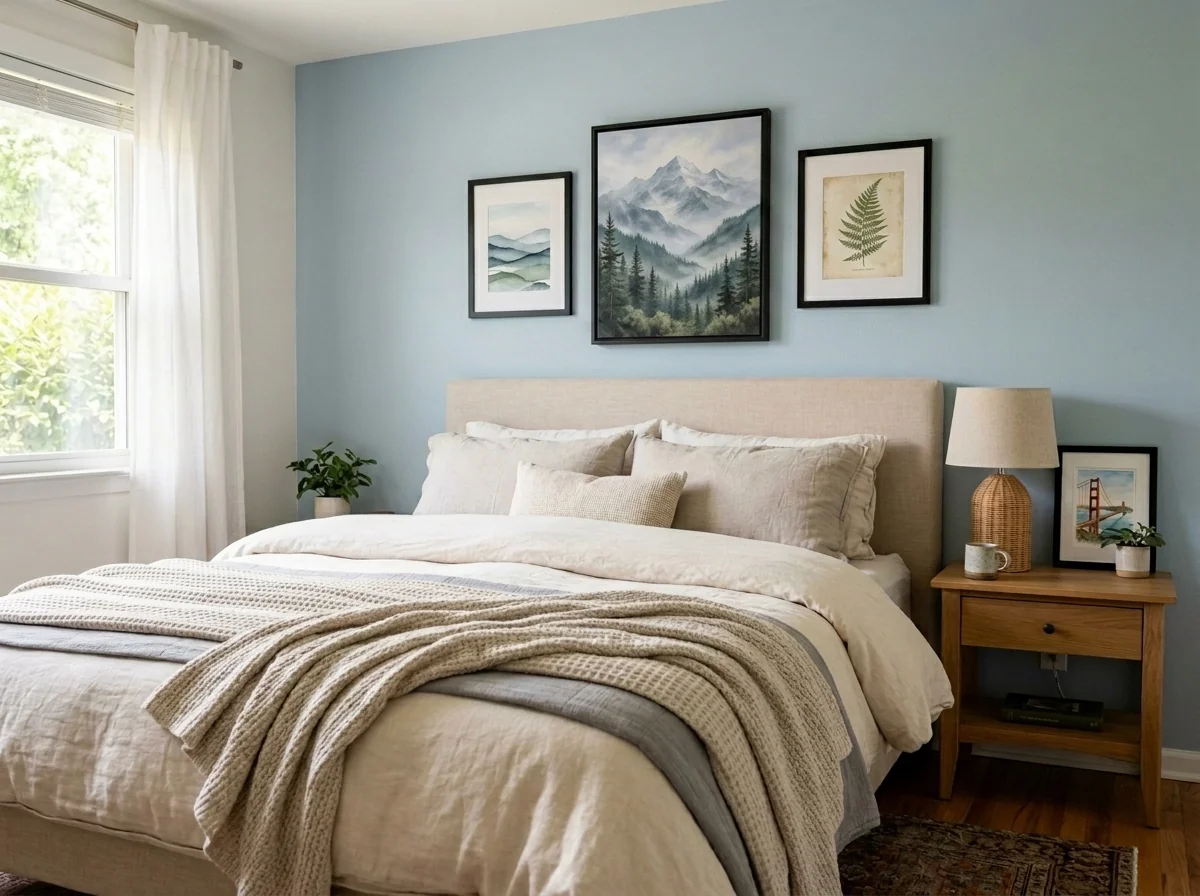
Appartement wandkunst- en foto-anonimizer
Detecteer en anonimiseer automatisch wandfoto's, ingelijste foto's, schilderijen en kunstwerken in foto's van appartementen of kamers. Kies uit meerdere anonimiseerstijlen: Gaussian blur, zware pixelatie, eenvoudige verwijdering van de muur, vervanging door abstracte kunst, natuurprints of geometrische patronen — ideaal voor GDPR-compliance, vastgoedadvertenties en staging.
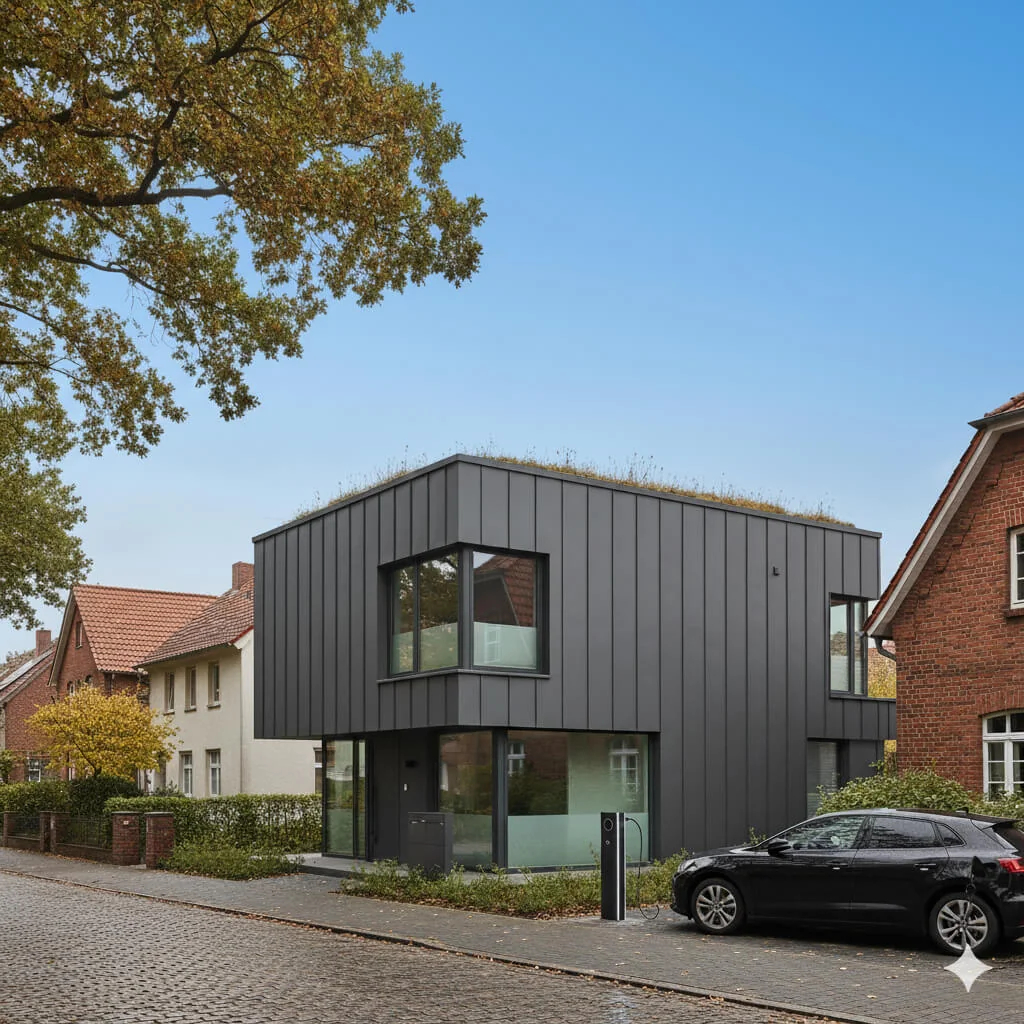
Vervanging van de blauwe lucht
Verander grijze, bewolkte luchten in stralend blauwe perfectie — direct.
Lees de volledige gids
How long does generation take for Curb Appeal Enhancer?
Generation usually takes between 5 and 15 seconds.
Can I use the results commercially?
Yes, every generated image includes a full commercial usage license.
Tips for your photo
Make sure the photo is well lit and shot from a wide angle.
Remove clutter before shooting the photo for the best results.
Use re-staging mode for targeted style changes.
Frequently asked questions
What are the optimal input image formats and resolutions for the Curb Appeal Enhancer?
Upload standard JPG or PNG real estate photos. For best results, ensure images are high-resolution (e.g., 2000px on the longest side) and clearly show the home's exterior. The Curb Appeal Enhancer processes these efficiently for superior transformations.
How quickly does the Curb Appeal Enhancer process uploaded images for transformation?
The Curb Appeal Enhancer typically transforms your property listing photos within 30-60 seconds. Processing time may vary slightly based on image resolution and server load, ensuring your agent can quickly enhance multiple MLS listings.
What level of output quality can I expect from the Curb Appeal Enhancer's enhanced property listing images?
Expect high-resolution, print-ready output. The Curb Appeal Enhancer delivers enhanced images with realistic landscaping, paint, and upgrades, perfect for Zillow, MLS, and any property listing, boosting your home's visual appeal significantly.
How can I achieve the best Curb Appeal Enhancer results for my real estate photos?
Stage your original real estate photos with good lighting and clear, unobstructed views. Uploading well-composed images allows the Curb Appeal Enhancer to more effectively transform and enhance the curb appeal, maximizing visual impact for potential buyers.
Can I re-generate or modify the enhancements made by the Curb Appeal Enhancer if I'm not satisfied?
Yes, you can easily re-upload and re-enhance your real estate photos with the Curb Appeal Enhancer. Experiment with different settings or angles to achieve the desired transformation, ensuring your property listing always looks its absolute best.
Technical FAQ: Curb Appeal Enhancer
Optimize Your Property Listing with Curb Appeal Enhancer Online
Common mistakes
5 Curb Appeal Enhancer Mistakes Killing Your Real Estate Photos
How to Curb Appeal Enhancer Online for Zillow & MLS Listings
Uploading Low-Resolution Real Estate Photos
Using blurry or pixelated images in the Curb Appeal Enhancer results in unrealistic and unappealing transformations. The AI relies on clear details to accurately apply enhancements.
Upload high-resolution images (at least 1200px wide) to the Curb Appeal Enhancer. Ensure the photo is well-lit and in focus for optimal results. Consider using a professional photographer for your property listing.
Ignoring the Existing Style of the Home
Applying random enhancements without considering the architectural style of the house can lead to mismatched and awkward curb appeal. The Curb Appeal Enhancer works best when complementing existing features.
Before using the Curb Appeal Enhancer, identify the architectural style of the home. Choose enhancement options that align with the existing design to create a cohesive and appealing look for your property listing.
Overdoing the Enhancements in Curb Appeal Enhancer
Adding too many features, such as excessive landscaping or unrealistic paint colors, can make the image look artificial and deter potential buyers. Subtlety often yields the best results for real estate photos.
Use the Curb Appeal Enhancer with restraint. Focus on a few key improvements that will make a significant impact without overwhelming the viewer. Consider A/B testing different versions.
Neglecting Seasonal Considerations
Applying enhancements that are inappropriate for the current season (e.g., lush greenery in winter) can make the image look fake and out of touch. This impacts credibility with potential buyers and their agent.
Use the Curb Appeal Enhancer to reflect the current season. Adjust landscaping and color schemes accordingly to create a realistic and inviting image for your property listing. Consider seasonal variations.
Not Previewing on Multiple Devices Before Posting to Zillow
The enhanced image may look different on various screens. Failing to preview can result in unexpected distortions or color variations when viewed by potential buyers on Zillow or other platforms.
After using the Curb Appeal Enhancer, preview the image on different devices (desktop, mobile, tablet) to ensure it looks consistent and appealing across all platforms before adding to your MLS or property listing.
Stunning Curb Appeal Enhancer Results: See Your Home Transformed!
Upload your real estate photos and discover how to curb appeal enhancer online for your property listing
Your workflow
5 Tips to Transform Your Listing with a Curb Appeal Enhancer
How to curb appeal enhancer online for stunning real estate photos
Upload Your Photo
Upload a clear photo of your property's exterior to the Curb Appeal Enhancer. Ensure good lighting for optimal results. This will allow the AI to accurately assess the current state of your curb appeal.
Use a photo taken on a sunny day for the best possible transformation.
Select Enhancement Options
Choose from a variety of enhancement options offered by the Curb Appeal Enhancer, such as landscaping, paint colors, and exterior upgrades. Experiment with different styles to find the perfect look for your property listing.
Consider the architectural style of your home when selecting enhancement options to ensure a cohesive and appealing design.
Generate AI-Enhanced Curb Appeal
Let the Curb Appeal Enhancer's AI algorithms work their magic! Within seconds, you'll receive a transformed image showcasing your property's potential. This improved visual will grab the attention of potential buyers browsing MLS and Zillow.
Review the generated image closely and make any necessary adjustments to ensure it aligns with your vision and local market trends.
Download and Share
Download the enhanced image and use it to update your property listing on MLS, Zillow, Realtor.com, and other real estate platforms. Share it with your agent to boost your marketing efforts.
Use high-resolution images for optimal viewing on all devices. Consider using the enhanced image as the primary photo in your property listing.
Track Performance
Monitor the performance of your property listing after implementing the Curb Appeal Enhancer. Track metrics like views, clicks, and inquiries to assess the impact of the enhanced curb appeal on buyer interest.
Compare the performance of your listing before and after using the Curb Appeal Enhancer to quantify the improvement in buyer engagement.
Use cases
Property Listings for Curb Appeal Enhancer
Social Media Marketing & Instagram Inserate
Architektur- & Umbau-Präsentationen
Curb Appeal Enhancer — Technical Specifications
1. Upload your property photo.
2. Choose the interior style or room type you want.
3. Click Generate and get your result in seconds.
Expert guide
5 Tips: Transform Your Listing with a Curb Appeal Enhancer
How to Use a Curb Appeal Enhancer Online for Stunning Real Estate Photos
Upload High-Resolution Images for Optimal Enhancement
Upload crisp, clear real estate photos to the Curb Appeal Enhancer. A high-quality image allows the AI to accurately assess the property and apply realistic enhancements, ultimately improving your property listing on Zillow and the MLS.
Adjust Settings for Targeted Curb Appeal Improvements
Experiment with different settings in the Curb Appeal Enhancer to fine-tune the results. Focus on landscaping, paint colors, and exterior details to strategically enhance your property listing and attract potential buyers. This boosts your agent profile.
Achieve the Best Results with Clear Property Photos
Ensure your property photo is taken in good lighting and from an optimal angle for the Curb Appeal Enhancer. Avoid obstructions and capture the entire front of the house to maximize the AI's ability to create an inviting first impression.
Utilize the Curb Appeal Enhancer for Professional Listings
As a real estate agent, leverage the Curb Appeal Enhancer to create visually appealing property listings that stand out. Use the enhanced images on the MLS and Zillow to attract more potential buyers and increase your chances of a quick sale.
How it works
3 Professional Steps to Master the Curb Appeal Enhancer
How to use a curb appeal enhancer online for real estate listings in 2025
Upload Your Real Estate Photos
Upload a high-resolution exterior photo of your property listing to our AI engine to begin the transformation process for Zillow, Redfin, or your local MLS platform immediately.
Select Custom Landscaping and Paint
Choose specific landscaping styles or house paint colors that a real estate agent or broker would recommend to maximize property value and attract high-intent home buyers.
Download Your Enhanced High-Res Image
Convert your original image into a stunning AI-enhanced masterpiece and download the high-resolution file ready for professional marketing materials and social media property promotion.
What you can do
Advanced Curb Appeal Enhancer Capabilities
High-Resolution Visual Enhancements
Curb Appeal Enhancer delivers crisp, photorealistic exterior transformations, ensuring every detail from landscaping to paint color looks professional and appealing for property listings.
Instant Curb Appeal Transformation
Curb Appeal Enhancer rapidly processes your exterior photos, providing immediate visual upgrades without lengthy waiting times, perfect for fast-paced real estate demands.
Versatile Image Output Formats
Curb Appeal Enhancer exports enhanced exterior images in various formats (JPG, PNG), ensuring compatibility with all major property listing platforms like Zillow and MLS.
Tailored Exterior Design Options
Curb Appeal Enhancer allows users to customize landscaping, paint schemes, and architectural details, precisely matching desired aesthetic improvements for any property.
AI-Powered Aesthetic Accuracy
Curb Appeal Enhancer utilizes advanced AI to intelligently apply realistic landscaping, lighting, and material changes, ensuring visually cohesive and attractive exterior transformations.
Agent & MLS Ready Results
Curb Appeal Enhancer generates professional-grade exterior images optimized for real estate agents, property listings, and MLS platforms, significantly boosting buyer interest.
Pro-level tools at your fingertips