
Volledige meubelverwijdering
- Foto
- Je keuzes
- Je afbeelding
Zie wat mogelijk is
Echte resultaten van foto's zoals die van jou.
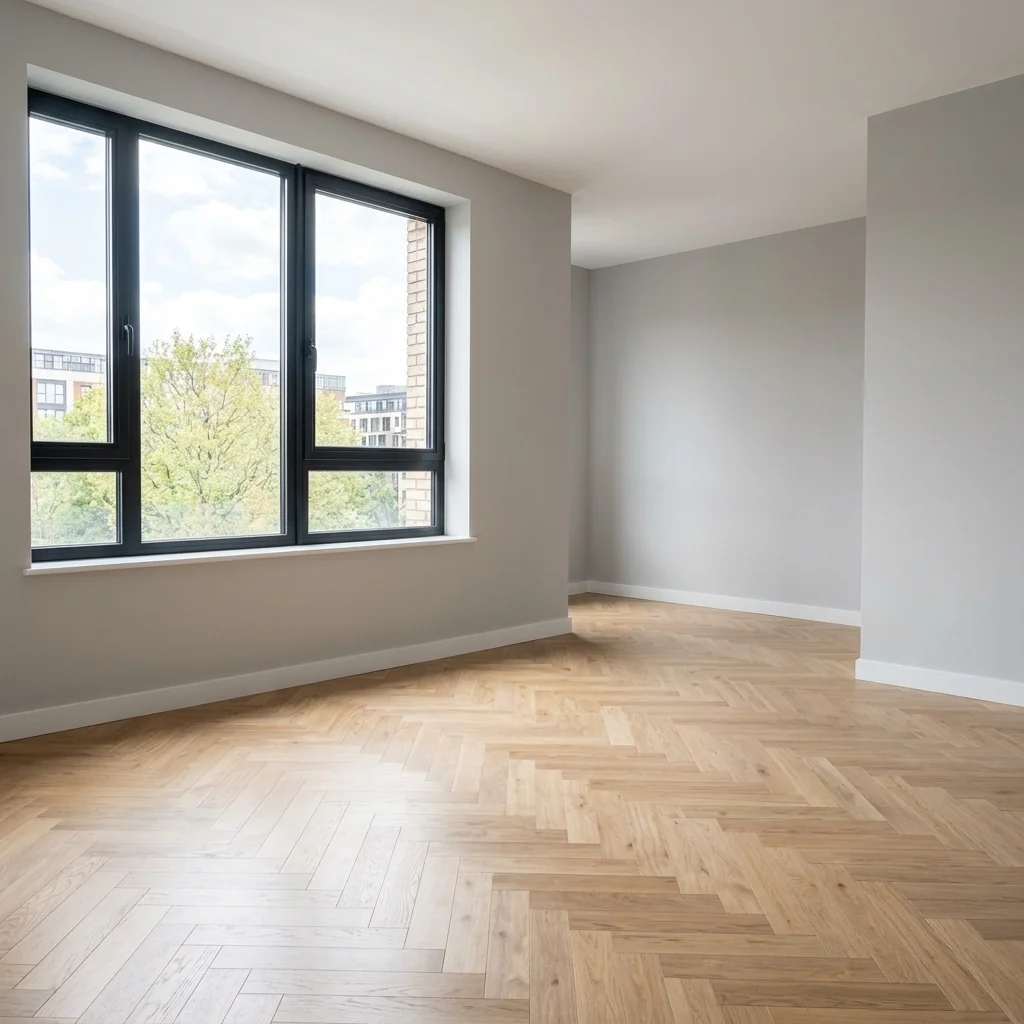
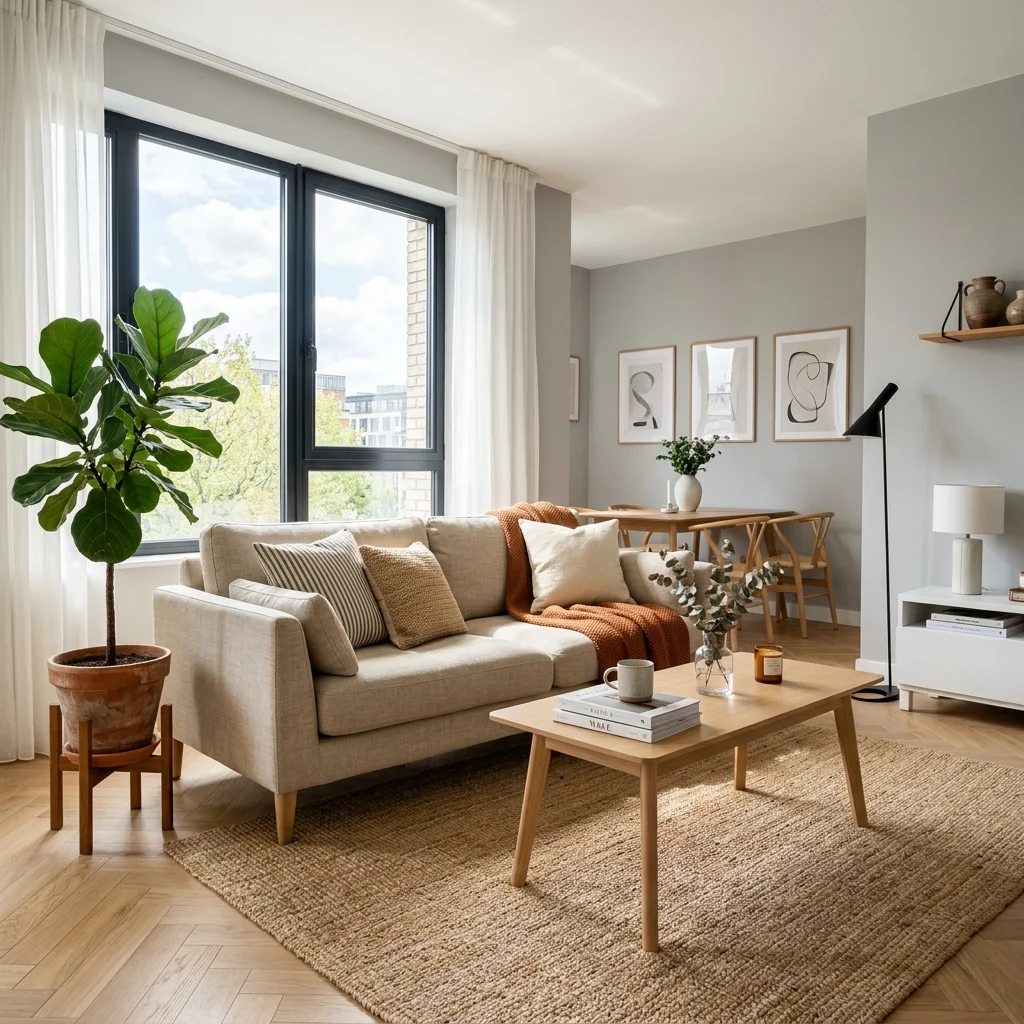

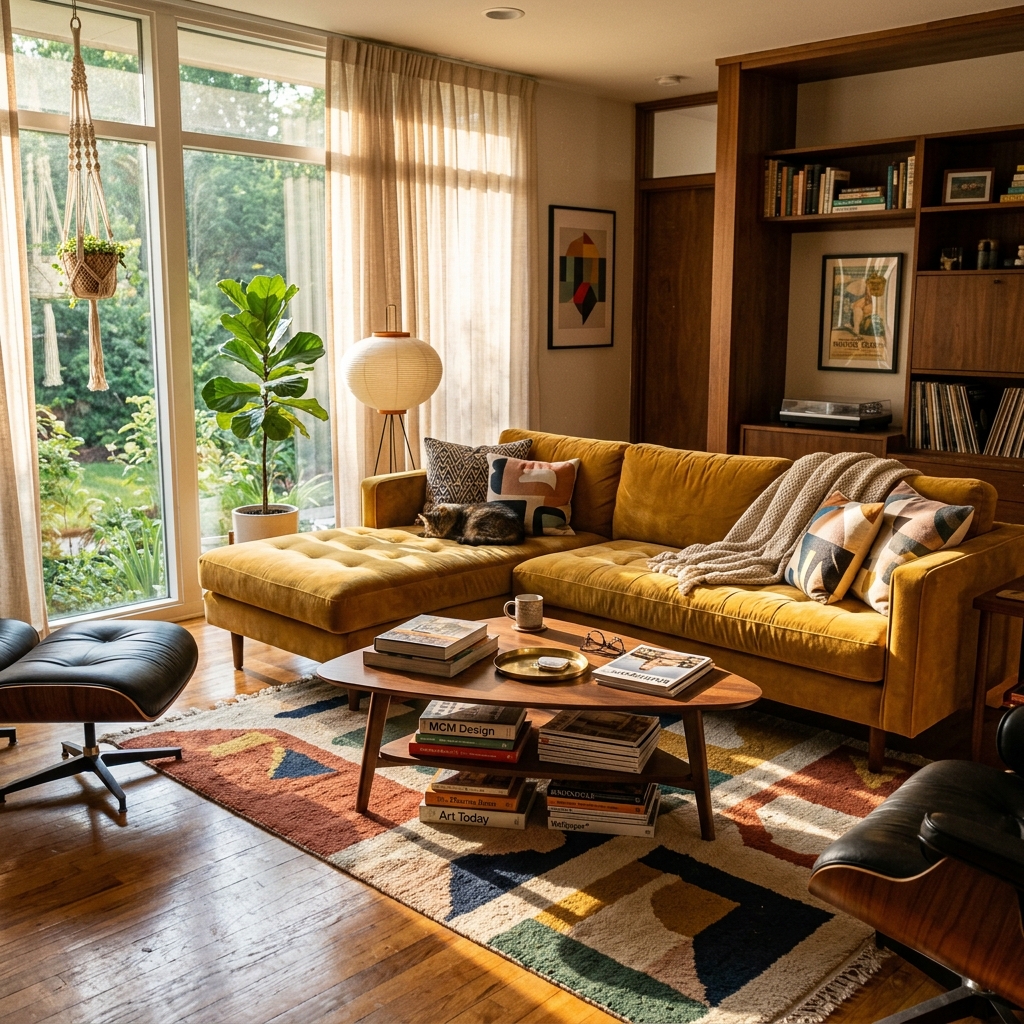

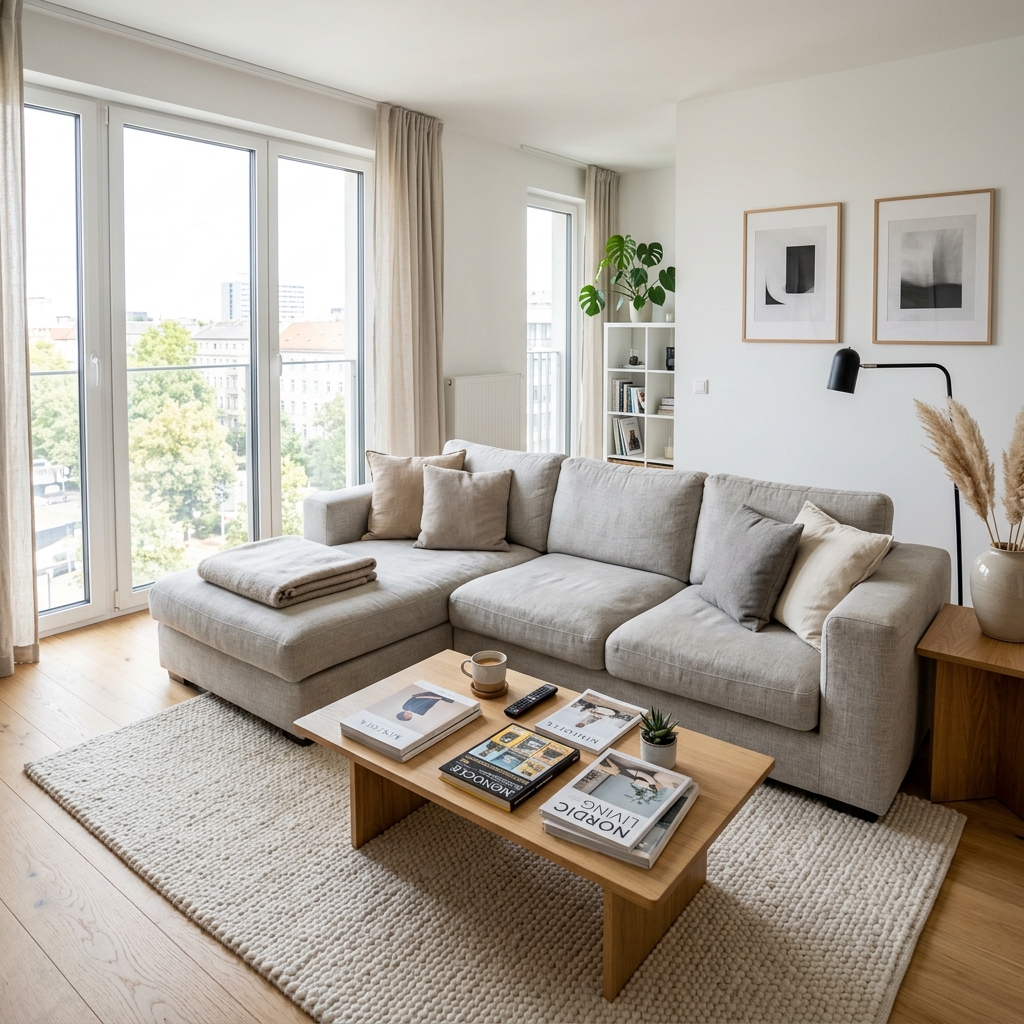
Hoe het werkt
- 1Upload je foto
- 2Kies je instellingen
- 3Je afbeelding
Tips voor een goed resultaat
Heldere, duidelijke foto
Daglicht en een wijde hoek geven het beste resultaat.
Toon het hele oppervlak
Zorg dat alles wat je wilt aanpassen volledig in beeld is.
Probeer meerdere variaties
Vergelijk verschillende opties voordat je beslist.
Veelgestelde vragen
Mag ik de beelden commercieel gebruiken?
Ja. Je kunt je afbeeldingen voor elk doel gebruiken, inclusief commercieel gebruik.
Verandert mijn originele foto?
Nee. Je origineel blijft onveranderd en je kunt het op elk moment downloaden.
Wat als ik het resultaat niet mooi vind?
Probeer een andere stijl of instelling, of verfijn het resultaat met een korte instructie.
Verder verkennen
Alle tools
AI fauteuilstoffering wisselaar
Visualiseer direct nieuwe bekledingsopties voor fauteuils in je foto's. Verander stoffen, kleuren en patronen zoals velvet, leer of bouclé zodat ze perfect passen bij elke interieurstijl. Ideaal voor vastgoedprofessionals en interieurontwerpers om mogelijke transformaties te laten zien.

AI meubelstoffering wisselaar
Transformeer je meubelfoto’s met AI! Verander eenvoudig het bekledingsmateriaal om verschillende stijlen te laten zien en een breder publiek aan te spreken. Perfect voor virtuele staging en interieurmock-ups.

AI stoffering visualizer
Visualiseer direct hoe elk meubelstuk eruitziet met verschillende bekledingsstoffen, kleuren en texturen met behulp van AI. Upload een foto van je bank, stoel of loveseat en zie verbluffende previews van herstoffering voordat je een aankoop doet of met een renovatieproject begint.
Lees de volledige gids
How long does generation take for Full Furniture Removal?
Generation usually takes between 5 and 15 seconds.
Can I use the results commercially?
Yes, every generated image includes a full commercial usage license.
Tips for your photo
Make sure the photo is well lit and shot from a wide angle.
Remove clutter before shooting the photo for the best results.
Use re-staging mode for targeted style changes.
Frequently asked questions
What are the optimal input formats and resolutions for the Full Furniture Removal tool?
Upload high-resolution real estate photos (1920px on the longest side recommended) in JPEG or PNG formats. This ensures the Full Furniture Removal tool can precisely detect and clear furniture, vital for a clean property listing on Zillow.
How long does it take for the Full Furniture Removal tool to process an image?
Experience rapid processing with the Full Furniture Removal tool, typically completing an image in 5-10 seconds. This allows agents to quickly prepare multiple real estate photos, instantly clearing furniture for MLS uploads.
What is the expected output quality after using the Full Furniture Removal tool?
Expect high-quality, clean images with seamlessly removed furniture. The Full Furniture Removal output provides empty spaces, ready for virtual staging, enhancing any property listing with professional, clutter-free real estate photos.
What are the best practices for achieving optimal results with Full Furniture Removal?
Enhance results by uploading well-lit, clear real estate photos where furniture is distinctly visible. This allows the Full Furniture Removal AI to accurately identify and clear items, crucial for appealing property listings.
Can I re-generate an image if the Full Furniture Removal result isn't perfect?
Yes, you can re-generate the image using the Full Furniture Removal tool. If initial furniture removal isn't ideal, try adjusting the input image or using a different perspective to achieve the desired clean space for your property listing.
Technical FAQ: Full Furniture Removal
Quick answers for optimal results
Common mistakes
5 Full Furniture Removal Mistakes Killing Your Real Estate Photos
How to full furniture removal online for better MLS listings
Using Low-Resolution Images
Low-quality source photos lead to blurry and pixelated results after Full Furniture Removal, making the empty space look unprofessional on Zillow and other platforms.
Upload high-resolution real estate photos (minimum 1200px wide) to ensure crisp and clear results with Full Furniture Removal. Transform your property listing with quality.
Removing Furniture from Poorly Lit Photos
Inadequate lighting creates shadows and artifacts that become more noticeable after Full Furniture Removal, detracting from the clean, empty space.
Ensure even and bright lighting in your photos before using Full Furniture Removal. Stage your photos properly for the best results.
Over-Processing Images Before Full Furniture Removal
Excessive editing (e.g., over-sharpening, extreme color adjustments) can introduce unwanted artifacts that are amplified after removing furniture, hurting your agent brand.
Apply minimal pre-processing to your images. Let Full Furniture Removal create a clean slate for virtual staging and floor plans. Upload original images for best results.
Ignoring Perspective Issues
Photos with skewed perspectives can result in distorted empty spaces after Full Furniture Removal, making the property look unnatural in the MLS.
Correct perspective issues before using Full Furniture Removal. Use a wide-angle lens and ensure vertical lines are straight. Convert photos professionally.
Not Previewing the Results Carefully
Failing to carefully inspect the results of Full Furniture Removal can lead to overlooking minor imperfections or artifacts that can negatively impact your property listing.
Always preview and zoom in on the results after Full Furniture Removal. Enhance your real estate photos by correcting any minor issues before publishing.
Transform Your Property Listings: Full Furniture Removal Results
See How Easy Full Furniture Removal Online Can Be: Upload Now!
Your workflow
Transform Real Estate Photos: 4 Steps to Full Furniture Removal Success
How to Full Furniture Removal Online for Stunning Property Listings
Upload Your Photo
Upload your interior real estate photos to the Full Furniture Removal tool. Ensure the image is clear and well-lit for optimal AI performance. This is crucial for a clean property listing and attracting potential buyers.
Use high-resolution images for the best full furniture removal results. Clear photos enhance the AI's ability to accurately remove furniture, leading to better virtual staging and MLS presentation.
Initiate AI Furniture Removal
Activate the 'Full Furniture Removal' feature. Our AI instantly analyzes the image, identifies furniture, decor, and clutter, and removes them, leaving a clean, empty space. This step is vital for creating appealing real estate photos for Zillow and other platforms.
Review the AI's initial removal. While the AI is highly accurate, double-checking ensures no unwanted objects remain. This attention to detail enhances your property listing's appeal and agent's reputation.
Enhance and Refine (Optional)
Use PropStage.ai's editing tools to further enhance the empty space after full furniture removal. Adjust lighting, contrast, and colors to create an inviting atmosphere for your property listing. This refinement attracts more views on MLS and increases buyer interest.
Consider adding virtual staging after full furniture removal. A staged, empty room allows potential buyers to visualize their own furniture, making the property more appealing and increasing the likelihood of a sale.
Download and Publish
Download the transformed image with full furniture removal completed. Upload it to your property listing on MLS, Zillow, or your agent's website. Showcase the clean, empty space to attract potential buyers and boost your real estate photos' impact.
Optimize your property listing description to highlight the benefits of full furniture removal. Mention the clean, spacious feel and how it allows buyers to easily envision their future home. This enhances your marketing efforts and attracts more qualified leads.
Use cases
Property Listings for Full Furniture Removal
Social Media Marketing & Instagram Inserate
Architektur- & Umbau-Präsentationen
Full Furniture Removal — Technical Specifications
1. Upload your property photo.
2. Choose the interior style or room type you want.
3. Click Generate and get your result in seconds.
Expert guide
5 Tips for Flawless Full Furniture Removal with AI
How to achieve optimal full furniture removal results online for your property listing
Transform Your Real Estate Photos with High-Quality Image Prep
Upload sharp, well-lit real estate photos for optimal full furniture removal. Clear images enable the AI to accurately identify and remove furniture, resulting in cleaner, more realistic staged spaces. Improve your property listing on Zillow with pristine, empty rooms.
Fine-Tune Full Furniture Removal Settings for Precision
Experiment with the AI's settings to control the level of detail in the full furniture removal process. Adjust parameters to ensure a natural, uncluttered look, avoiding any residual shadows or artifacts. Enhance your MLS presence with perfect virtual staging.
Achieve Best Full Furniture Removal Results: Simplicity is Key
For the best full furniture removal, focus on photos with clear angles and minimal obstructions. Overly cluttered scenes can challenge the AI's ability to accurately remove furniture, impacting the final staged image. Help agents sell faster with better real estate photos.
Stage Like a Pro: Leverage Full Furniture Removal for Professional Use
Use full furniture removal to create stunning virtual staging for your property listing. Showcase the potential of each room by removing existing furniture and allowing potential buyers to envision their own style. Increase buyer interest with professional, clutter-free real estate photos.
How it works
3 Steps to Master Full Furniture Removal
How to perform full furniture removal online for free for your MLS listings
Upload Your Real Estate Photos
Upload high-resolution property images containing cluttered interiors directly into our AI engine to initiate the professional full furniture removal process for your next Zillow or MLS listing.
Select Full Furniture Removal Mode
Select the Full Furniture Removal tool to automatically identify and erase bulky items, rugs, and wall decor, transforming busy rooms into clean, empty spaces ready for virtual home staging.
Download High-Res Empty Room Images
Download your enhanced, empty room photos in high-resolution formats to showcase property potential to every broker and agent, ensuring your listings stand out with professional-grade clarity.
What you can do
Advanced Full Furniture Removal Capabilities
Pristine Full Furniture Removal Quality
Enhance property listings with immaculate, empty rooms. Our AI ensures every detail is perfectly removed, delivering professional-grade images for MLS and Zillow.
Rapid Full Furniture Removal Processing
Transform cluttered real estate photos in seconds. Quickly clear spaces, saving agents valuable time for property listing preparation and virtual staging.
Flexible Full Furniture Removal Formats
Convert cleared images into various formats, ready for any property listing platform. Seamlessly integrate into your workflow for diverse real estate photo needs.
Tailored Full Furniture Removal Control
Stage properties precisely by selecting specific items for removal. Tailor each image to highlight architectural features for compelling agent presentations.
Accurate Full Furniture Removal AI
Our advanced AI precisely identifies and removes furniture, ensuring clean edges and realistic backgrounds. Achieve flawless real estate photos for every property.
Agent-Ready Full Furniture Removal
Upload and enhance property photos for superior listings. Equip real estate agents with tools to present empty spaces ideal for virtual staging and higher engagement.
Pro-level tools at your fingertips