
Kamer Makeover & Renovatie Visualisator
- Foto
- Je keuzes
- Je afbeelding
Zie wat mogelijk is
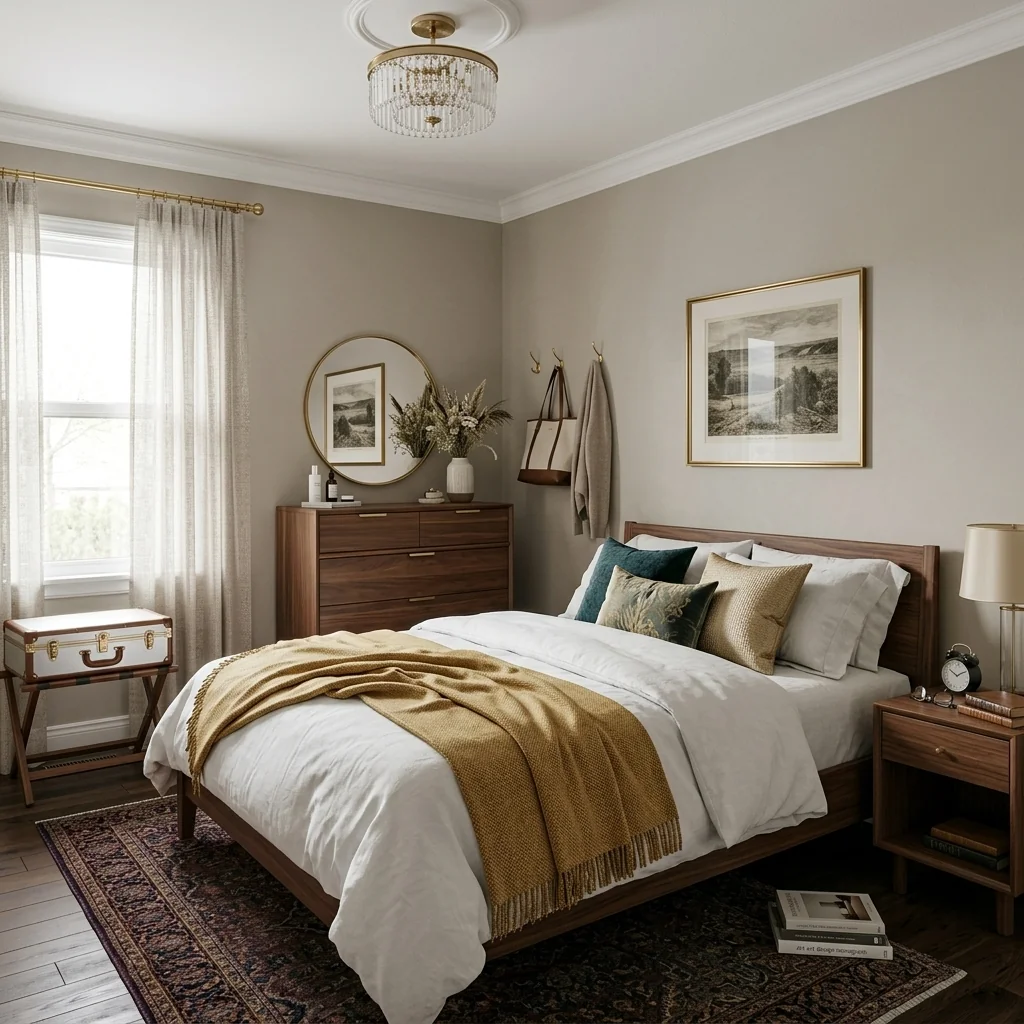
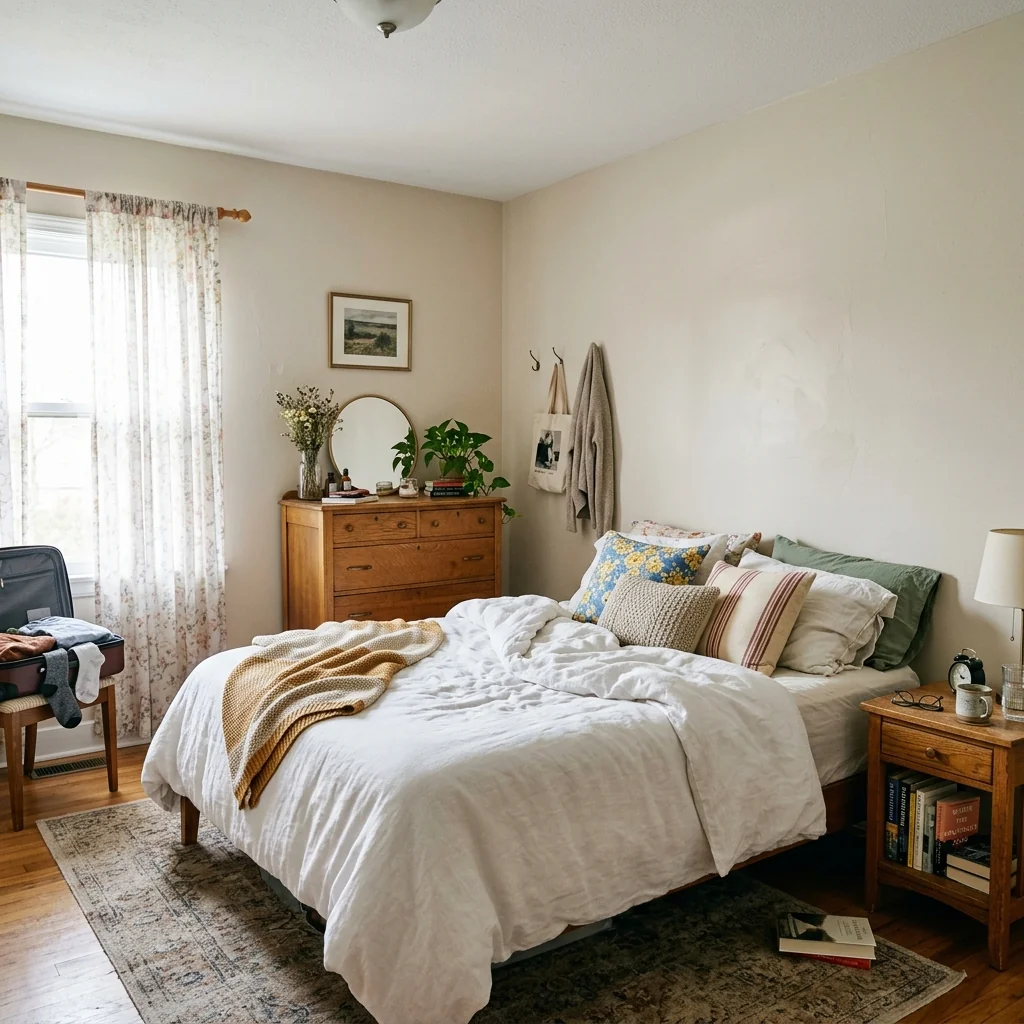
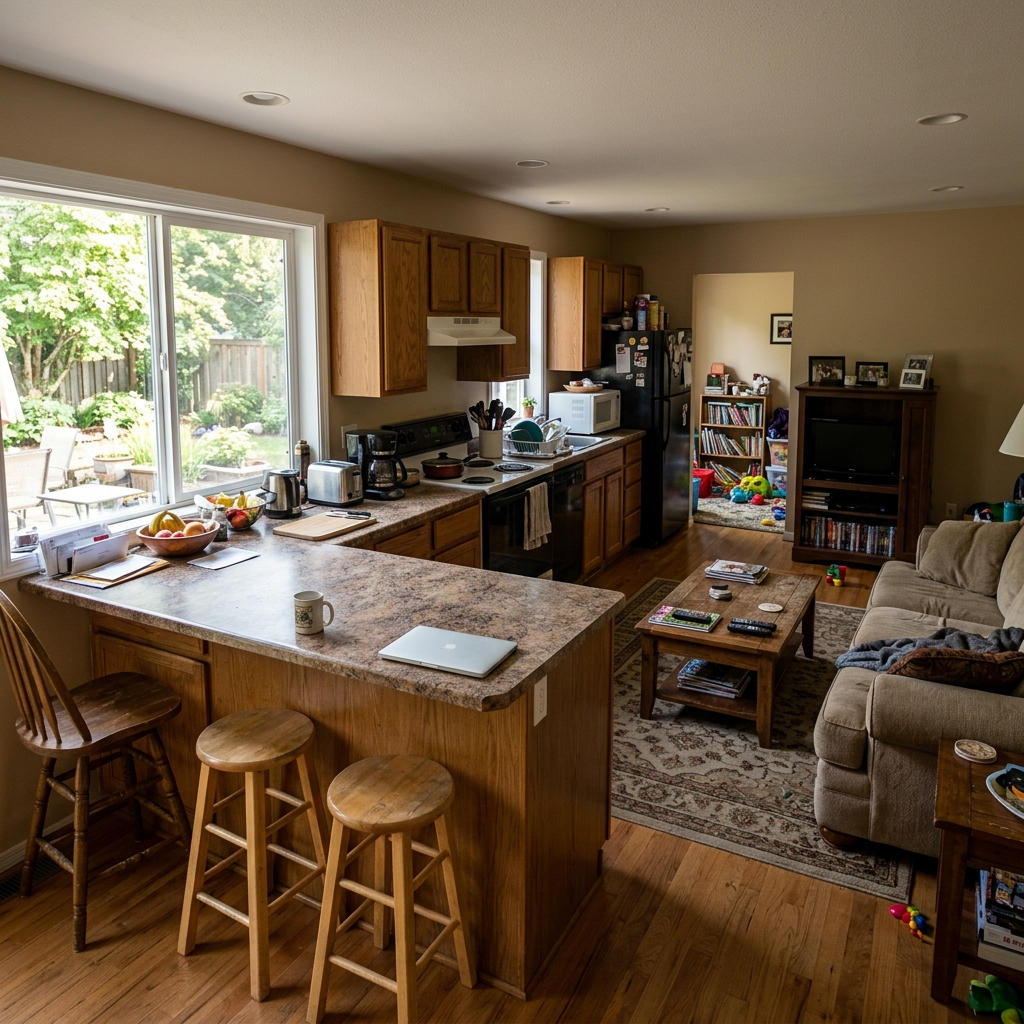
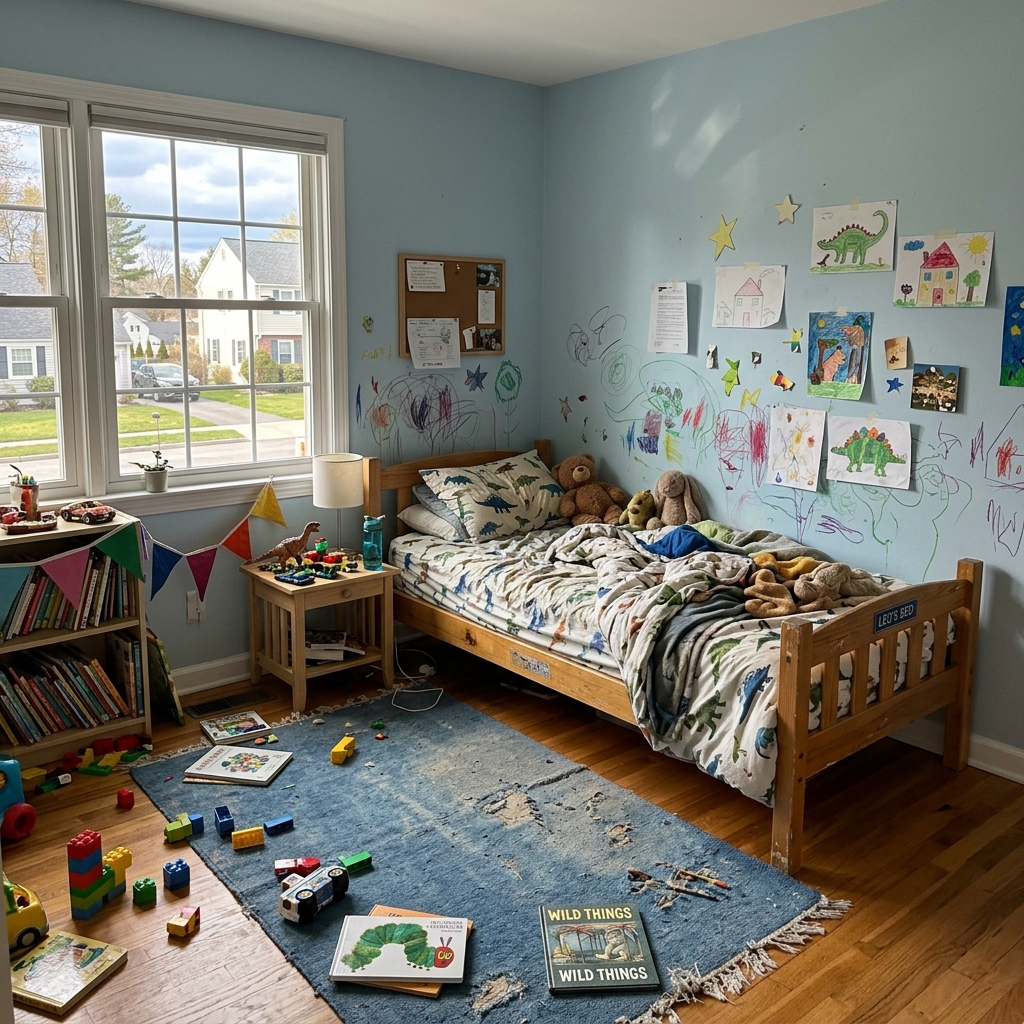
Echte resultaten van foto's zoals die van jou.


Hoe het werkt
- 1Upload je foto
- 2Kies je instellingen
- 3Je afbeelding
Tips voor een goed resultaat
Heldere, duidelijke foto
Daglicht en een wijde hoek geven het beste resultaat.
Toon het hele oppervlak
Zorg dat alles wat je wilt aanpassen volledig in beeld is.
Probeer meerdere variaties
Vergelijk verschillende opties voordat je beslist.
Veelgestelde vragen
Mag ik de beelden commercieel gebruiken?
Ja. Je kunt je afbeeldingen voor elk doel gebruiken, inclusief commercieel gebruik.
Verandert mijn originele foto?
Nee. Je origineel blijft onveranderd en je kunt het op elk moment downloaden.
Wat als ik het resultaat niet mooi vind?
Probeer een andere stijl of instelling, of verfijn het resultaat met een korte instructie.
Verder verkennen
Alle tools
Verbetering van landschapsinrichting vanuit de lucht
Geef verwaarloosde, kale of tegenvallende buitenruimtes in drone- en luchtfoto’s van woningen een make-over. Voeg weelderige gazons, zwembaden, formele tuinen, beplantingsranden en strakke opritten toe — allemaal zichtbaar van bovenaf. Laat kopers het volledige potentieel van de buitenruimte zien zonder één hovenier.

AI kussenrand wisselaar
Verander direct de randen, biezen en afwerking van decoratieve kussens in je vastgoedfoto's. Met deze AI-tool kunnen ontwerpers en stagers verschillende stijlen, kleuren en materialen visualiseren en de interieuruitstraling verbeteren zonder fysieke aanpassingen.

AI franje- en bieswisselaar voor kussens
Visualiseer moeiteloos nieuwe decoratieve kwast- en afwerkingsstijlen voor kussens in je interieurfoto's. Met deze AI-tool kunnen ontwerpers en stagers bestaande kussendetails vervangen en direct een vernieuwde uitstraling laten zien zonder fysieke aanpassingen.
Lees de volledige gids
How long does generation take for Room Makeover & Renovation Visualizer?
Generation usually takes between 5 and 15 seconds.
Can I use the results commercially?
Yes, every generated image includes a full commercial usage license.
Tips for your photo
Make sure the photo is well lit and shot from a wide angle.
Remove clutter before shooting the photo for the best results.
Use re-staging mode for targeted style changes.
Frequently asked questions
How does the Room Makeover & Renovation Visualizer handle different input image formats and resolutions?
Upload standard formats like JPG, PNG, or HEIC for the Room Makeover & Renovation Visualizer. Optimal resolution for detailed makeovers is 1920x1080 pixels, ensuring clarity for your real estate photos and property listing enhancements.
What is the typical processing time for the Room Makeover & Renovation Visualizer?
The Room Makeover & Renovation Visualizer processes most room photos in under 30 seconds. Complex designs or higher resolutions might take slightly longer, but you'll instantly preview new styles for your property listing.
What output quality can I expect from the Room Makeover & Renovation Visualizer?
Expect high-definition, photorealistic outputs from the Room Makeover & Renovation Visualizer. The AI enhances textures and lighting, making your visualized renovation perfect for MLS or Zillow listings, showcasing potential to any agent.
What are the 3 best practices for achieving optimal results with the Room Makeover & Renovation Visualizer?
1. Upload well-lit, clear real estate photos. 2. Ensure minimal clutter in the original image. 3. Select specific design styles. Transform your property listing effectively with these Room Makeover & Renovation Visualizer tips.
Can I re-generate a room makeover if I'm not satisfied with the initial output from the Room Makeover & Renovation Visualizer?
Absolutely. If the initial Room Makeover & Renovation Visualizer output isn't perfect, simply adjust your design parameters or upload a different photo. The tool allows unlimited re-generations to perfect your property listing's visual appeal.
5 Technical FAQs: Room Makeover & Renovation Visualizer
Quick answers for optimal results: how to room makeover & renovation visualizer online
Common mistakes
5 Critical Room Makeover & Renovation Visualizer Mistakes to Avoid for Stunning Real Estate Photos
How to Room Makeover & Renovation Visualizer Online: Avoid These Pitfalls for Better Property Listing Results
Uploading Low-Resolution Real Estate Photos
The Room Makeover & Renovation Visualizer relies on image quality to accurately generate design concepts. Blurry or pixelated images result in inaccurate and unrealistic visualizations for your property listing.
Always upload high-resolution images (at least 1080p) to the Room Makeover & Renovation Visualizer. Ensure the lighting is good and the photo is in focus for optimal results when staging your real estate photos.
Ignoring Existing Room Features When Using the Visualizer
Completely disregarding the existing architecture and permanent fixtures in the room leads to unrealistic and impractical design suggestions from the Room Makeover & Renovation Visualizer. This can mislead potential buyers viewing your property listing on Zillow or MLS.
Acknowledge and incorporate existing elements like windows, doors, and fireplaces into your design concepts within the Room Makeover & Renovation Visualizer. This creates a more believable and appealing visualization for potential buyers and agents.
Overusing Bold Design Styles with the Room Makeover & Renovation Visualizer
Applying extremely trendy or personalized design styles through the Room Makeover & Renovation Visualizer can alienate a broad range of potential buyers. Remember you are staging for mass appeal for your property listing.
Opt for neutral and universally appealing design styles when using the Room Makeover & Renovation Visualizer for your property listing. Focus on showcasing the room's potential rather than imposing a specific taste. Consider generating multiple versions with varying styles to appeal to a wider audience.
Failing to Experiment with Different Lighting Scenarios in the Visualizer
Lighting dramatically affects the perceived ambiance and appeal of a room. Neglecting to test different lighting scenarios within the Room Makeover & Renovation Visualizer can result in a visualization that doesn't accurately represent the room's potential.
Utilize the Room Makeover & Renovation Visualizer to explore various lighting options, including natural light simulations and artificial lighting schemes. Showcase the room under different lighting conditions to highlight its versatility and charm for your real estate photos.
Not Optimizing the Visualized Images for Online Property Listings
Generating stunning visualizations with the Room Makeover & Renovation Visualizer is only half the battle. Failing to optimize these images for online platforms like Zillow or MLS can result in slow loading times and a poor viewing experience.
Compress the images generated by the Room Makeover & Renovation Visualizer to reduce file size without sacrificing visual quality. Use appropriate image formats (JPEG for photos, PNG for graphics) and ensure they are properly sized for optimal display on your target platforms to enhance your property listing.
Transform Your Space: Room Makeover & Renovation Visualizer Results Showcase
Upload your real estate photos and instantly see your dream renovation come to life with our AI-powered room makeover & renovation visualizer online!
Your workflow
Transform Your Property Listing: 4 Steps to Stunning Room Makeover & Renovation Visualizer Results
How to use a room makeover & renovation visualizer online to boost your real estate photos on Zillow & MLS
Upload
Upload your existing room photo to the Room Makeover & Renovation Visualizer. Ensure the photo is clear and well-lit for optimal AI processing to generate realistic real estate photos.
Use high-resolution real estate photos for the best results. Clear angles improve the accuracy of the Room Makeover & Renovation Visualizer.
Customize
Choose your desired style and finishes within the Room Makeover & Renovation Visualizer. Experiment with different flooring, paint colors, furniture layouts, and even virtual staging options to create various design concepts for your property listing.
Try multiple style variations to appeal to a broader range of potential buyers on Zillow and other platforms. The Room Makeover & Renovation Visualizer allows for endless possibilities.
Preview & Refine
Preview the AI-generated room makeover & renovation concepts. Use the Room Makeover & Renovation Visualizer's refinement tools to make minor adjustments to lighting, textures, or furniture placement, ensuring the final image aligns perfectly with your vision and enhances your property listing.
Pay close attention to details like lighting and scale. Small tweaks in the Room Makeover & Renovation Visualizer can make a big difference in the perceived quality of your real estate photos.
Download & Publish
Download the enhanced real estate photos from the Room Makeover & Renovation Visualizer. Immediately upload these professionally staged images to your property listing on MLS, Zillow, Realtor.com, and other platforms to attract more potential buyers and increase interest in your property.
Use consistent styling across all your real estate photos. A cohesive look created with the Room Makeover & Renovation Visualizer builds trust and professionalism.
Use cases
Property Listings for Room Makeover & Renovation Visualizer
Social Media Marketing & Instagram Inserate
Architektur- & Umbau-Präsentationen
Room Makeover & Renovation Visualizer — Technical Specifications
1. Upload your property photo.
2. Choose the interior style or room type you want.
3. Click Generate and get your result in seconds.
Expert guide
5 Pro Tips: Unlock Stunning Results with Your Room Makeover & Renovation Visualizer
How to Get the Most Out of Your Online Room Makeover & Renovation Visualizer
Transform Your Real Estate Photos: Optimize Image Prep for Best Results
Upload high-resolution real estate photos to the Room Makeover & Renovation Visualizer. Ensure your images are well-lit and capture the entire room. Clear, crisp photos will allow the AI to accurately assess the space and generate realistic design concepts for your property listing.Fine-Tune Your Room Makeover: Master the Visualizer Settings for Perfect Staging
Experiment with the Room Makeover & Renovation Visualizer settings. Adjust the style, finish, and layout options to match your desired aesthetic. Leverage the AI's capabilities to preview various design concepts and find the perfect look for your MLS listing or Zillow ad. Enhance your agent profile with stunning visuals.Achieve the Best Room Makeover: Unlock Professional Quality Renovations
Provide clear instructions to the Room Makeover & Renovation Visualizer. Be specific about the changes you want to see, such as new flooring, paint colors, or furniture arrangements. The more detail you provide, the better the AI can understand your vision and deliver realistic and compelling results.Convert Listings Faster: Use the Room Makeover Visualizer for Professional Staging
Use the Room Makeover & Renovation Visualizer to create multiple design options for each property. Showcase the potential of each room with different styles and layouts. This allows potential buyers to visualize themselves in the space and increases the appeal of your property listing. Perfect for agents seeking to boost their sales.How it works
3 Steps to Perfect Room Makeover & Renovation Visualizer
How to use a room makeover & renovation visualizer for MLS listings online in 2025
Upload Your Real Estate Photos
Upload high-resolution real estate photos to the Room Makeover & Renovation Visualizer to transform outdated property listing interiors into modern, Zillow-ready spaces that attract qualified home buyers and agents.
Select Custom Renovation Design Styles
Select premium design styles and finishes within the Room Makeover & Renovation Visualizer to virtually remodel flooring and layouts, ensuring your MLS listing features professional home staging quality.
Download High-Resolution Staged Previews
Convert your visual concepts into high-resolution renders instantly, allowing brokers and photographers to showcase property potential without the high costs typically associated with physical renovation or staging.
What you can do
Advanced Room Makeover & Renovation Visualizer Capabilities
High-Fidelity Design Previews
See your Room Makeover & Renovation Visualizer concepts in photorealistic detail, ensuring every finish and texture is accurately represented for confident decision-making.
Instant Visual Transformations
Get immediate Room Makeover & Renovation Visualizer results in seconds, allowing you to rapidly experiment with countless design variations without waiting.
Versatile Output Formats
Download your Room Makeover & Renovation Visualizer designs in various high-resolution image formats, perfect for sharing with clients, contractors, or property listing platforms.
Deep Customization Options
Fine-tune every aspect of your Room Makeover & Renovation Visualizer designs, from material selections to furniture placement, to match your exact vision.
AI-Powered Accuracy
Leverage advanced AI in the Room Makeover & Renovation Visualizer to intelligently apply styles and layouts, ensuring realistic and structurally sound design concepts.
Professional Presentation Ready
Generate stunning Room Makeover & Renovation Visualizer images ideal for enhancing real estate photos, property listing visuals, and agent presentations on platforms like MLS and Zillow.
Pro-level tools at your fingertips