
Innredning av kjeller
- Foto
- Valgene dine
- Bildet ditt
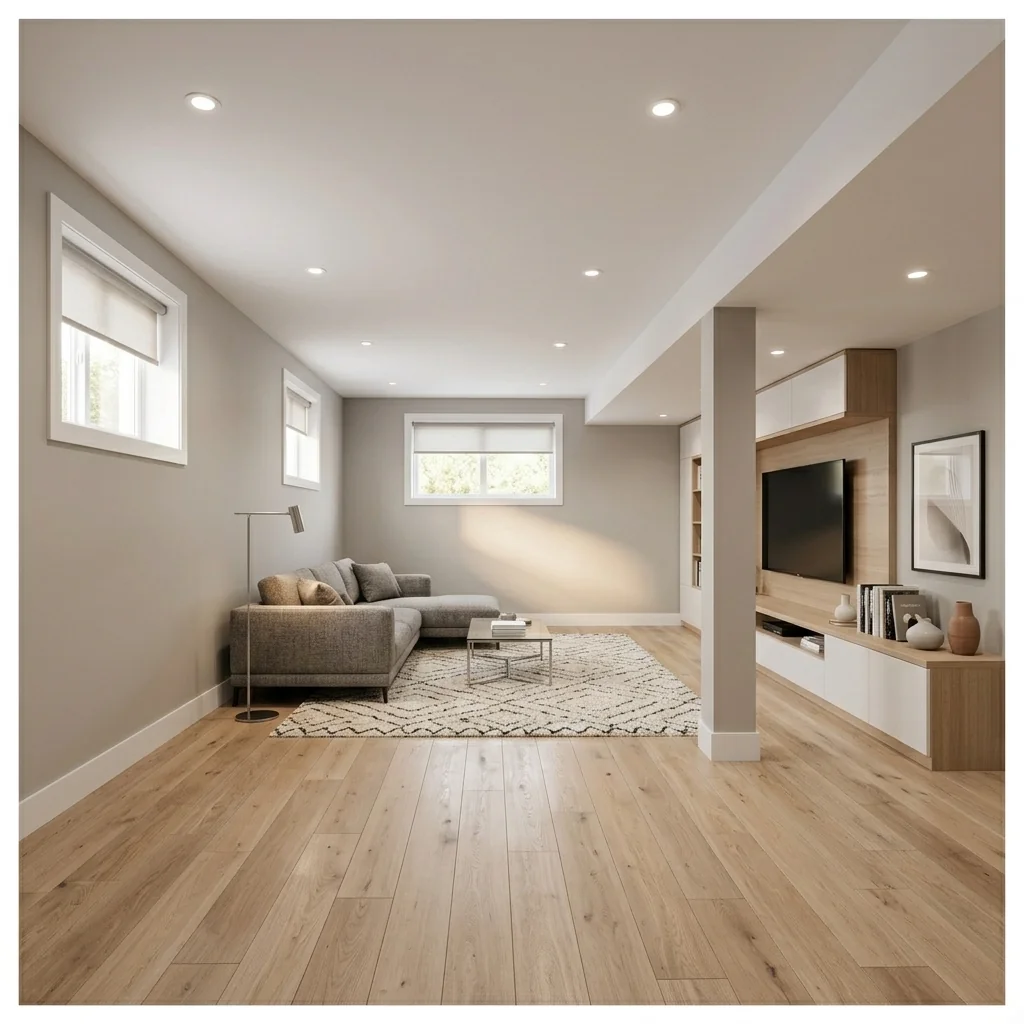
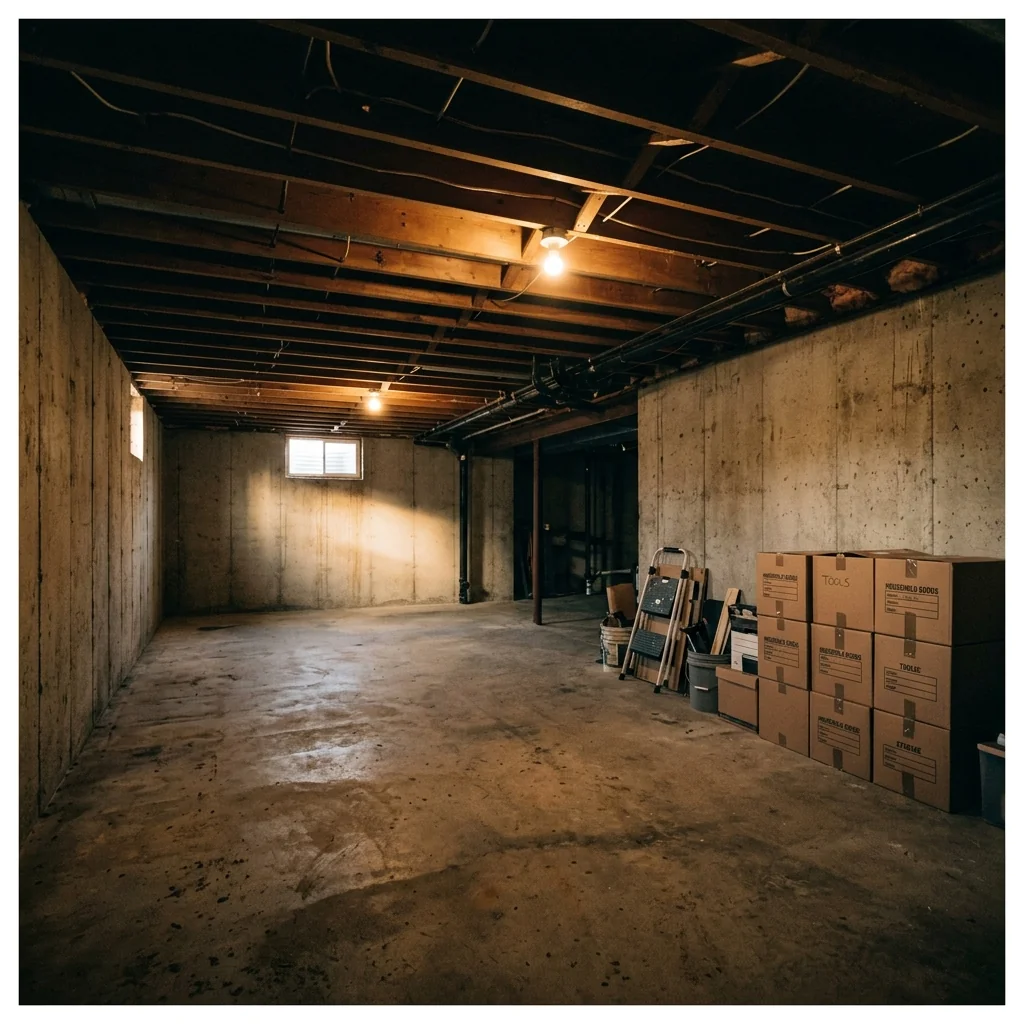
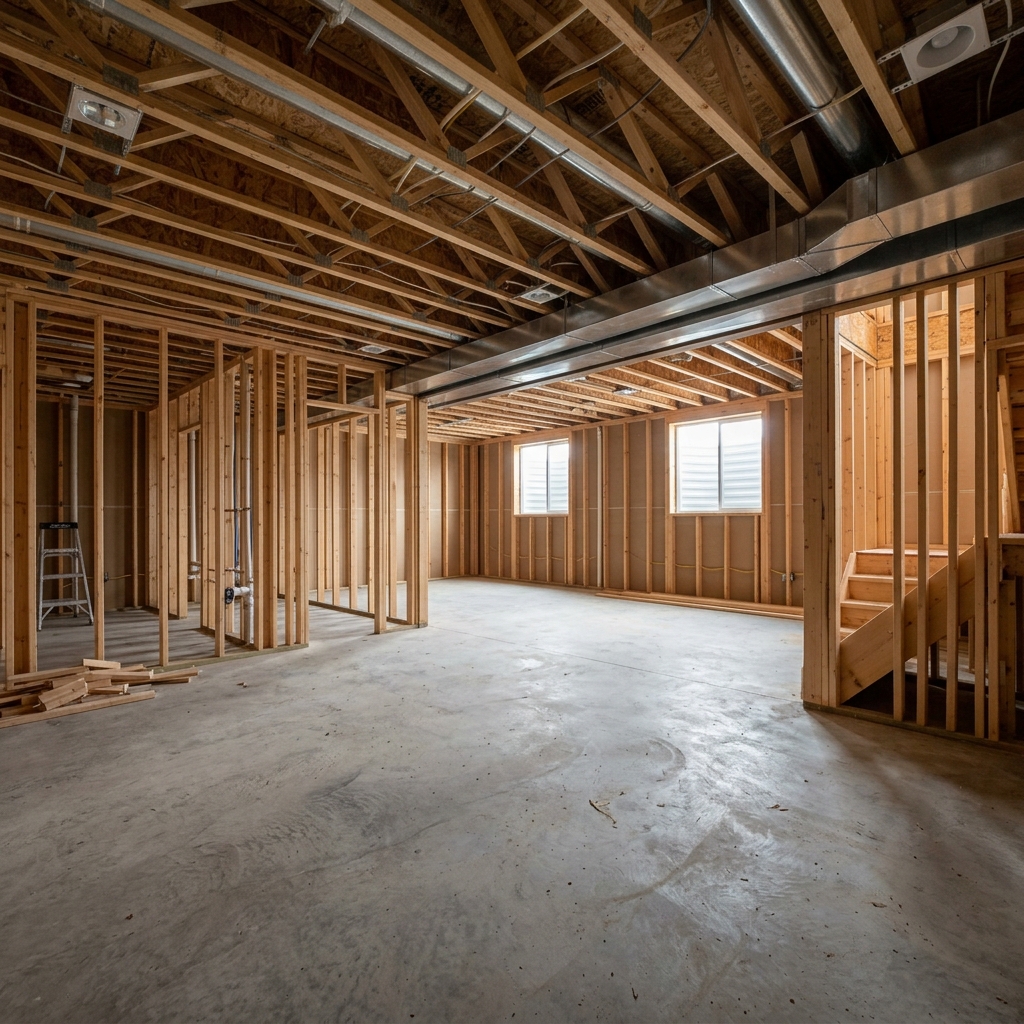
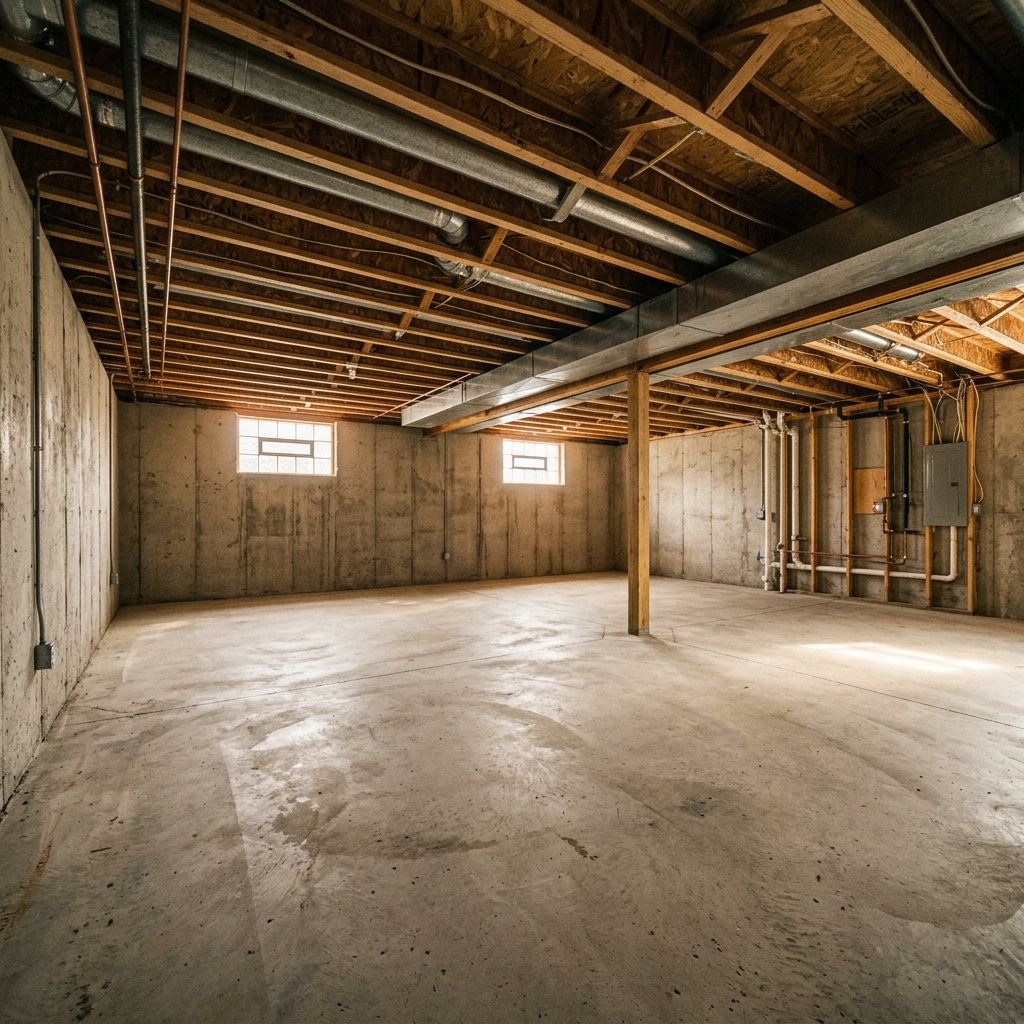
Se hva som er mulig
Virkelige resultater fra bilder som dine.


Slik fungerer det
- 1Last opp fotoet ditt
- 2Velg innstillingene dine
- 3Bildet ditt
Tips for et godt resultat
Lyst, klart foto
Dagslys og vidvinkel gir det beste resultatet.
Vis hele området
Ha med alt du vil endre helt i bildet.
Prøv flere varianter
Sammenlign ulike alternativer før du bestemmer deg.
Ofte stilte spørsmål
Kan jeg bruke bildene kommersielt?
Ja. Du kan bruke bildene dine til ethvert formål, inkludert kommersiell bruk.
Endres originalbildet mitt?
Nei. Originalen din forblir uendret, og du kan laste den ned når som helst.
Hva hvis jeg ikke liker resultatet?
Prøv en annen stil eller innstilling, eller finjuster resultatet med en kort instruksjon.
Fortsett å utforske
Alle verktøy
Forbedring av utomhuslandskap sett fra lufta
Forvandle forsømte, nakne eller lite innbydende uteområder i drone- og luftfoto av eiendom. Legg til frodige plener, bassenger, formelle hager, plantebed og rene oppkjørsler — alt synlig ovenfra. Vis kjøpere hele potensialet i uteområdet uten en eneste landskapsgartner.

AI-putekant-bytte
Forvandle kantene, dekorlisten og snoren på dekorative puter i boligbildene dine med en gang. Dette AI-verktøyet lar designere og stylister visualisere ulike stiler, farger og materialer, og forbedre interiøret uten fysiske endringer.

AI-bytting av pyntekant og frynser på pute
Visualiser enkelt nye dekorative frynser og kantestiler på puter i interiørbildene dine. Dette AI-verktøyet lar designere og stylister bytte ut eksisterende putedetaljer og umiddelbart vise oppdatert estetikk uten fysiske endringer.
Les hele guiden
How long does generation take for Basement Finishing?
Generation usually takes between 5 and 15 seconds.
Can I use the results commercially?
Yes, every generated image includes a full commercial usage license.
Tips for your photo
Make sure the photo is well lit and shot from a wide angle.
Remove clutter before shooting the photo for the best results.
Use re-staging mode for targeted style changes.
Frequently asked questions
What are the recommended input photo formats and resolutions for Basement Finishing?
Upload high-resolution JPEG or PNG real estate photos of your unfinished basement. Optimal results for Basement Finishing come from images at least 1920x1080 pixels, ensuring detailed transformation for your property listing.
How long does it typically take to finish a basement photo using AI?
Transform your basement photos in under 60 seconds. Our AI processes quickly, allowing agents to instantly update property listing visuals for MLS or Zillow, showcasing the finished potential.
What level of realism can I expect from the AI-finished basement photos?
Expect high-fidelity, photorealistic output for your Basement Finishing projects. Enhance property listing appeal with staged basements that look professionally designed, ready for any agent's portfolio.
What are the best tips for achieving optimal Basement Finishing results?
Stage your original basement photo with good lighting and clear angles. Upload multiple views to help the AI accurately transform the space, enhancing your real estate photos for Zillow.
Can I regenerate a finished basement photo if I'm not satisfied with the first attempt?
Yes, you can regenerate your Basement Finishing photo. Simply adjust your input parameters or select a different style to convert your basement, ensuring the perfect property listing visual for your agent.
Technical FAQ: Basement Finishing
Quick answers for optimal results
Common mistakes
5 Costly Basement Finishing Mistakes That Ruin Real Estate Photos
Avoid these basement finishing pitfalls to maximize your property listing value on Zillow
Poor Lighting in Initial Basement Photos
Dark, poorly lit basement photos prevent the AI from accurately visualizing the finished space. This negatively impacts the staging process.
Transform your initial basement photos with professional lighting. Use PropStage.ai's 'Enhance Image' tool to brighten and balance the exposure before submitting for basement finishing visualization. This improves the AI's ability to create realistic real estate photos for your property listing.
Submitting Photos with Clutter and Obstructions
Clutter and obstructions in the raw basement photos confuse the AI and lead to inaccurate basement finishing visualizations. The AI may misinterpret objects as permanent fixtures.
Upload clean, unobstructed photos of your unfinished basement. Remove any unnecessary items before taking photos. The clearer the initial image, the better the AI can stage a finished basement for your MLS listing.
Ignoring the Existing Basement Structure
Ignoring existing features like support beams or low ceilings can lead to unrealistic and unusable basement finishing designs from the AI.
Convert your vision to reality by acknowledging structural limitations in your initial prompts. Ensure the AI's design incorporates these features seamlessly. This will result in a more practical and appealing finished basement visualization for potential buyers and their agent.
Failing to Specify a Style or Theme for Basement Finishing
Without a specified style, the AI may generate a generic basement finishing design that doesn't appeal to a specific target market. It won't help with your property listing.
Clearly define your desired style (e.g., modern, rustic, home theater) in the prompts. Use PropStage.ai to experiment with different styles and see which generates the most interest for your real estate photos. A targeted style enhances the property listing's appeal.
Not Using High-Resolution Photos for Basement Finishing Visualization
Low-resolution photos result in blurry and pixelated finished basement visualizations, making them unsuitable for a professional property listing or MLS.
Always use high-resolution photos when uploading to PropStage.ai for basement finishing. High-quality images showcase the AI's capabilities and create a more compelling visual representation of the finished space for Zillow or other platforms.
Basement Finishing Results: Visualize Your Dream Basement
Upload Your Unfinished Basement Photo and See the Transformation
Your workflow
4 Steps to Transform Your Basement: Basement Finishing Visualizations
How to Basement Finishing Online: From Raw Photo to Stunning Real Estate Listing in Minutes
Upload Raw Basement Photo
Upload a clear photo of your unfinished basement. Our AI analyzes the space to prepare for basement finishing visualization.
Ensure good lighting for optimal AI processing. Use our Image Enhancer to improve your real estate photos before uploading.
Select Finishing Style
Choose your desired basement finishing style: home theater, family room, wine cellar, or game room. Our AI tailors the design to your property listing needs.
Experiment with different styles to attract a wider range of potential buyers on Zillow and MLS. Consider what adds the most value to your property.
AI-Powered Basement Finishing
Our AI automatically transforms your raw basement photo into a beautifully finished space, ready to showcase on your property listing.
Review the AI-generated image and make minor adjustments if needed. A professionally staged basement can significantly impact agent success.
Download & Publish to MLS/Zillow
Download your enhanced basement finishing visualization and upload it directly to your MLS listing, Zillow, or other real estate platforms.
Use high-resolution images to create a lasting impression. A well-staged basement can lead to faster sales and higher offers.
Use cases
Real Estate Listings for Basement Finishing
Social Media Marketing & Instagram Inserate
Architektur- & Umbau-Präsentationen
Basement Finishing AI Tool - Technical Specifications
1. Upload your property photo.
2. Choose the interior style or room type you want.
3. Click Generate and get your result in seconds.
Expert guide
5 Tips: Transform Your Basement Finishing Vision into Reality
How to Get the Best Basement Finishing Results Online for Your Property Listing
Upload Clear Real Estate Photos for Optimal Basement Finishing
Upload high-resolution real estate photos of your unfinished basement. Clear images allow our AI to accurately assess the space and generate realistic basement finishing visualizations. This enhances your property listing on Zillow and the MLS, attracting more potential buyers.Adjust Basement Finishing Settings for Your Desired Style
Experiment with different basement finishing settings to match your desired aesthetic. Choose from various styles like modern, rustic, or traditional. Fine-tune the lighting and color palettes to create the perfect ambiance for your virtual staged basement, improving your agent's marketing efforts.Enhance Your Basement Finishing for Best Results on MLS
Focus on showcasing the potential of the basement. Use our AI to create visualizations that highlight key features like a home theater, game room, or wine cellar. This helps potential buyers see the possibilities and increases the appeal of your property listing.Convert Basement Photos for Professional Use and Agent Promotion
Convert your finished basement visualizations into high-quality images for professional use. Share them with your real estate agent to use in marketing materials, property listing presentations, and online advertisements. This will help attract more attention and generate more leads for your property.How it works
3 Steps to Perfect Basement Finishing
How to basement finishing online for free in 2026
Upload Your Raw Basement Photos
Upload high-quality real estate photos of your unfinished basement to our AI engine to start the basement finishing process for your next property listing on Zillow or the local MLS.
Select Your Basement Finishing Style
Transform dark concrete into a home theater or wine cellar by selecting specific design options that help an agent or broker stage the home virtually for potential buyers.
Download High-Res Basement Finishing Renders
Enhance your property listing by downloading high-resolution images that answer the question: how much does virtual staging cost? Zero, when you use our instant AI basement finishing tool.
What you can do
Advanced Basement Finishing Capabilities
Stunning Visual Basement Finishes
Enhance raw basement photos into photorealistic finished spaces, significantly boosting property listing appeal on Zillow and MLS.
Rapid Basement Design Generation
Transform unfinished basements into staged rooms in seconds, allowing agents to quickly update real estate photos for multiple properties.
Flexible Output for Basement Views
Convert your finished basement designs into various high-resolution image formats, perfect for seamless upload to any property listing or agent website.
Tailored Basement Style Options
Stage your basement with diverse interior design themes, from modern to rustic, ensuring each real estate photo perfectly matches client preferences.
Accurate AI Basement Staging
Enhance raw basement photos with AI that accurately places furniture and finishes, creating believable virtual tours for any property listing.
Boost Agent Basement Sales
Upload unfinished basement images to instantly increase perceived property value, helping real estate agents close deals faster on MLS and Zillow.
Pro-level tools at your fingertips