
Styling av entré og gang
- Foto
- Valgene dine
- Bildet ditt
Se hva som er mulig
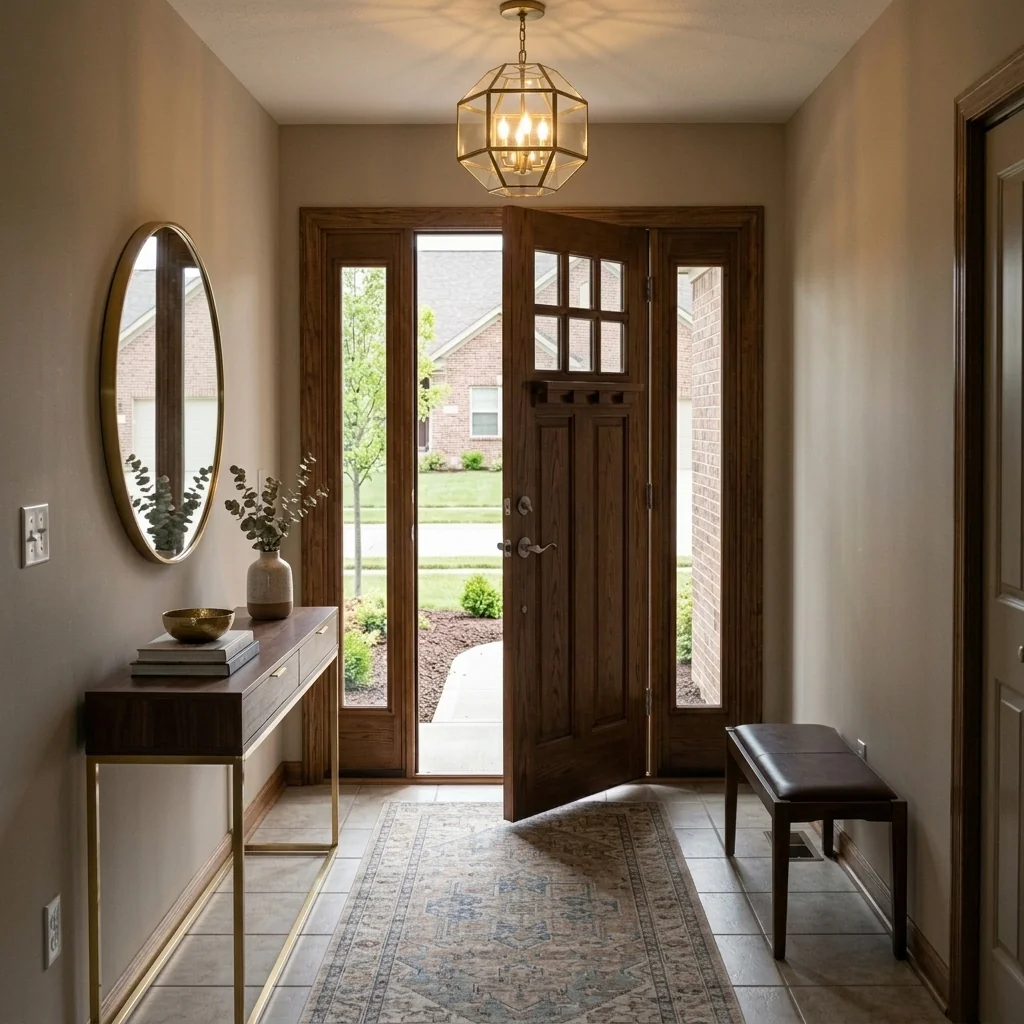
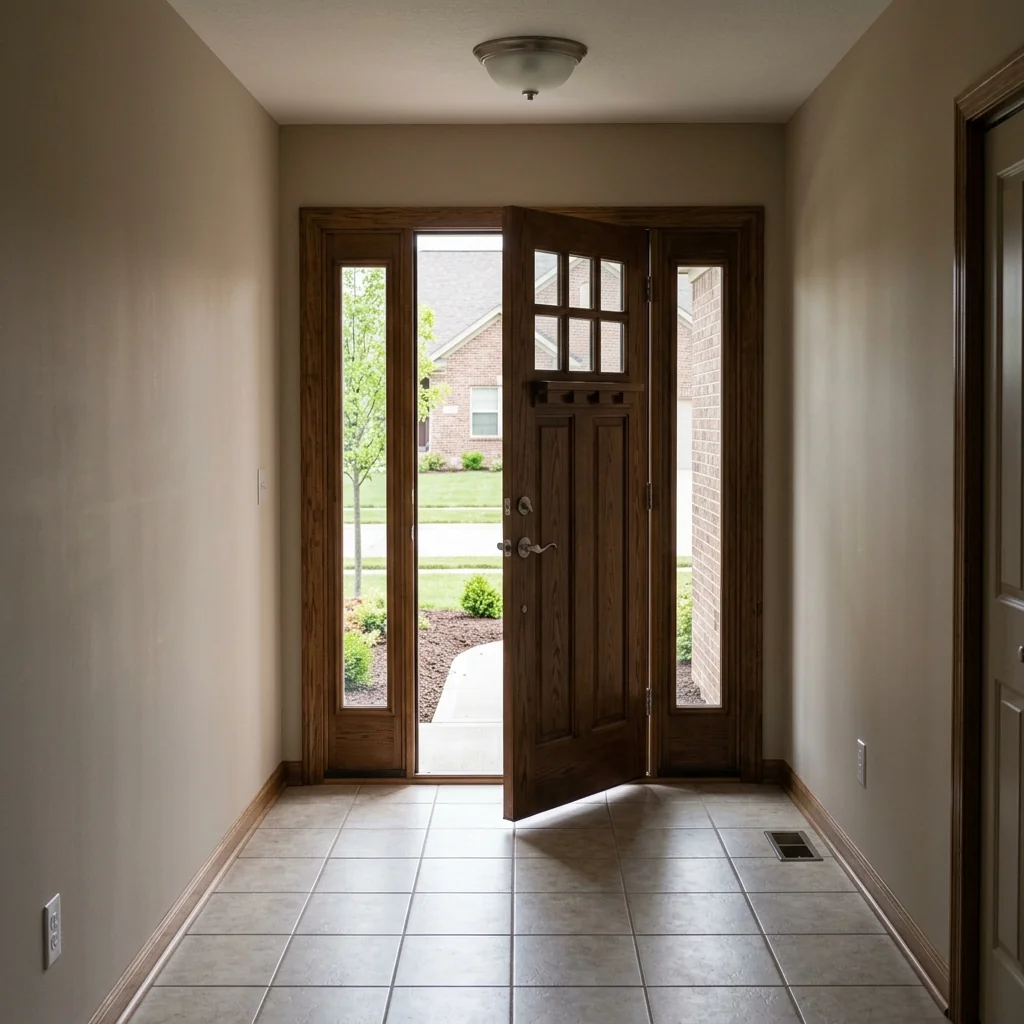
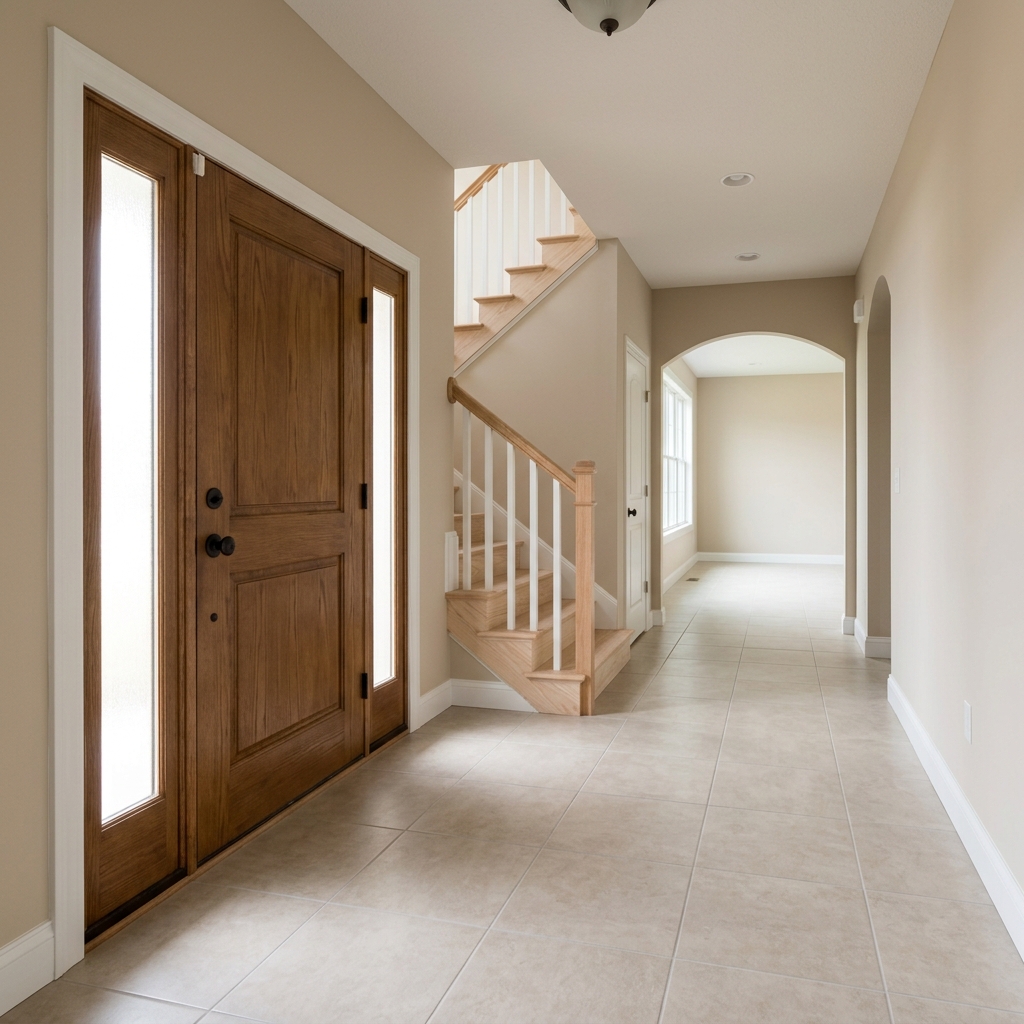
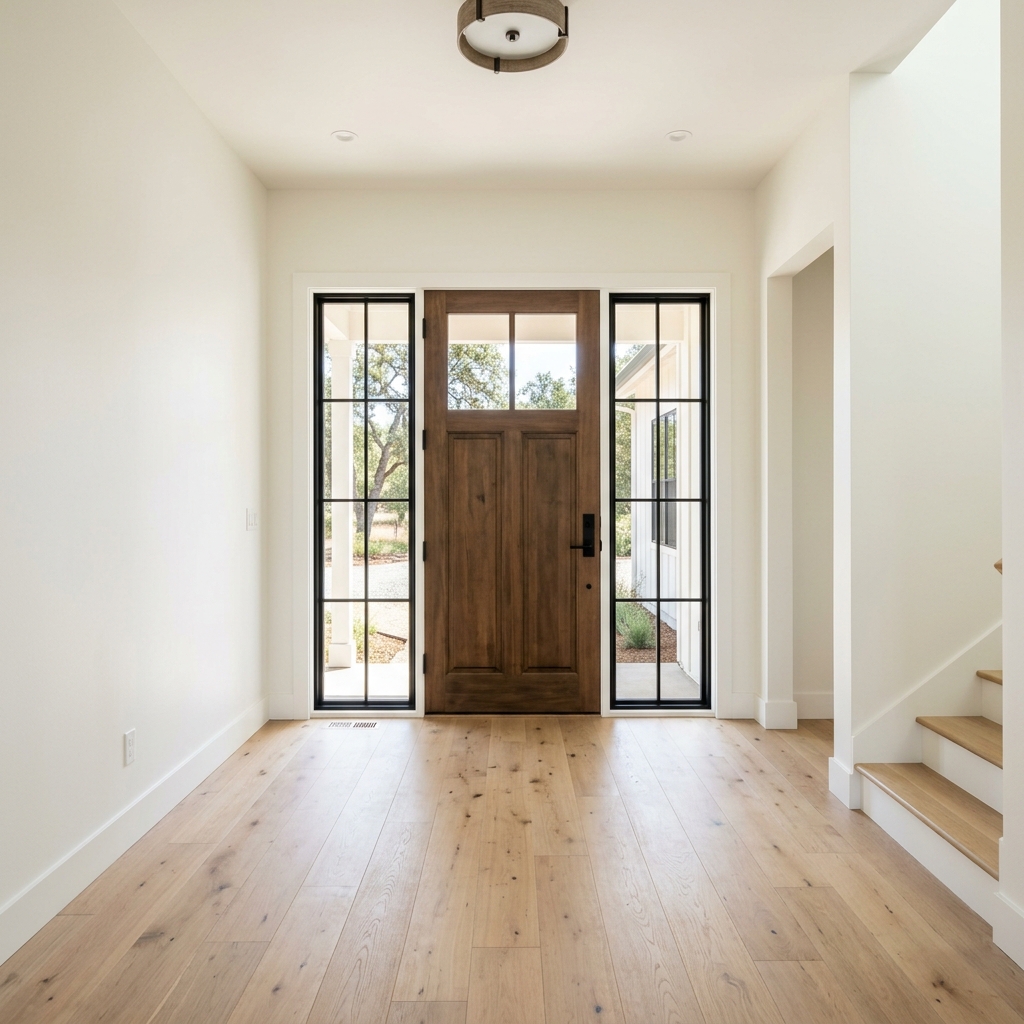
Virkelige resultater fra bilder som dine.


Slik fungerer det
- 1Last opp fotoet ditt
- 2Velg innstillingene dine
- 3Bildet ditt
Tips for et godt resultat
Lyst, klart foto
Dagslys og vidvinkel gir det beste resultatet.
Vis hele området
Ha med alt du vil endre helt i bildet.
Prøv flere varianter
Sammenlign ulike alternativer før du bestemmer deg.
Ofte stilte spørsmål
Kan jeg bruke bildene kommersielt?
Ja. Du kan bruke bildene dine til ethvert formål, inkludert kommersiell bruk.
Endres originalbildet mitt?
Nei. Originalen din forblir uendret, og du kan laste den ned når som helst.
Hva hvis jeg ikke liker resultatet?
Prøv en annen stil eller innstilling, eller finjuster resultatet med en kort instruksjon.
Fortsett å utforske
Alle verktøy
AI-stolpute-skifter
Visualiser umiddelbart nye trekkmuligheter for lenestoler i bildene dine. Endre stoff, farger og mønstre som fløyel, lær eller boucle for å matche enhver interiørstil perfekt. Ideelt for eiendomsmeglere og interiørdesignere som vil vise potensielle forvandlinger.

AI-møbeltrekk-skifter
Forvandle møbelbildene dine med AI! Endre enkelt trekkmaterialet for å vise ulike stiler og appellere til et bredere spekter av kjøpere. Perfekt for virtuell møblering og interiørskisser.

AI-visualisering av møbeltrekk
Visualiser umiddelbart hvordan et hvilket som helst møbel ser ut med ulike møbelstoffer, farger og teksturer ved hjelp av AI. Last opp et bilde av sofaen, stolen eller lenestolen din og se imponerende forhåndsvisninger av omtrekking før du bestemmer deg for et kjøp eller et oppussingsprosjekt.
Les hele guiden
How long does generation take for Entryway & Foyer Staging?
Generation usually takes between 5 and 15 seconds.
Can I use the results commercially?
Yes, every generated image includes a full commercial usage license.
Tips for your photo
Make sure the photo is well lit and shot from a wide angle.
Remove clutter before shooting the photo for the best results.
Use re-staging mode for targeted style changes.
Frequently asked questions
What image formats and resolutions are optimal for Entryway & Foyer Staging?
Upload high-resolution JPG or PNG images (min. 1920px on the shortest side) for your entryway. This ensures crisp details for console tables, mirrors, and decor, enhancing your property listing's visual appeal for potential buyers browsing Zillow.
How long does it typically take to stage an entryway or foyer using the tool?
Stage your entryway instantly. Processing for Entryway & Foyer Staging usually completes within 30-60 seconds. This rapid turnaround allows agents to quickly enhance real estate photos and update MLS listings without delay, making your first impression count.
What is the output resolution and quality for staged Entryway & Foyer images?
Enhance your real estate photos with high-definition output. Entryway & Foyer Staging delivers images up to 4K resolution, ensuring professional-grade quality for your property listing. This clarity helps agents showcase welcoming foyers on Zillow effectively.
What are the best tips for achieving realistic Entryway & Foyer Staging results?
For best results, Upload clear, well-lit photos of your empty entryway. Ensure good lighting and a straight-on perspective. This allows the AI to accurately place console tables, mirrors, and decor, transforming your property listing photos into captivating visuals for any agent.
Can I re-generate or modify the staged Entryway & Foyer image if I'm not satisfied?
Yes, you can easily re-generate. If the initial Entryway & Foyer Staging isn't perfect, simply adjust your preferences or re-upload the image to try again. This flexibility helps agents refine real estate photos until they perfectly welcome buyers to the property listing.
Technical FAQ: Entryway & Foyer Staging
Quick answers for optimal results
Common mistakes
5 Entryway & Foyer Staging Mistakes Killing Your Real Estate Photos
How to avoid common foyer staging errors that hurt your property listing on Zillow and MLS
Neglecting the Front Door
A dirty, damaged, or outdated front door detracts from the entire entryway and makes a poor first impression in real estate photos.
Thoroughly clean, repair, or repaint the front door. Consider a new doorknob and house numbers for a modern touch to enhance your property listing. Use PropStage.ai to virtually stage a new door color.
Missing a Mirror
Entryways often lack natural light. Omitting a mirror makes the space feel smaller and darker in real estate photos, negatively impacting your MLS listing.
Strategically place a mirror to reflect light and create the illusion of a larger, brighter entryway. Upload your real estate photos to PropStage.ai and experiment with different mirror styles and placements.
Overcrowding the Space
A cluttered entryway feels cramped and unwelcoming. Too much furniture or decor overwhelms potential buyers viewing the property listing online.
Keep the entryway minimal and functional. Remove unnecessary items and focus on a few key pieces, like a console table and a small rug. Use PropStage.ai to virtually declutter and stage the entryway with the perfect amount of furniture.
Poor Lighting
Dim or harsh lighting makes the entryway uninviting and highlights imperfections in real estate photos, affecting views on Zillow.
Maximize natural light and supplement with ambient and accent lighting. Use lamps or sconces to create a warm and welcoming atmosphere. PropStage.ai can enhance the lighting in your real estate photos for a brighter, more appealing property listing.
Ignoring the Details
Overlooking small details like a crooked picture frame, dusty surfaces, or dead plants conveys a lack of care and attention in real estate photos.
Pay attention to every detail and ensure the entryway is clean, tidy, and well-maintained. Add a few personal touches, like a vase of fresh flowers or a stylish umbrella stand. Use PropStage.ai to virtually add these details and create a polished look for your property listing, attracting more potential buyers and impressing your agent.
5 Stunning Entryway & Foyer Staging Results to Boost Your Real Estate Photos
Transform your property listing with AI-powered entryway & foyer staging online
Your workflow
5 Tips to Transform Your Entryway & Foyer Staging for MLS Listings
How to master entryway & foyer staging online for better real estate photos
Upload Your Entryway Photo
Upload a clear, high-quality real estate photo of the empty entryway or foyer to PropStage.ai. Ensure good lighting for optimal staging results.
Use a wide-angle lens for your real estate photos to capture the entire space and showcase its potential to buyers on Zillow.
Choose Your Staging Style
Select a staging style that complements the home's overall aesthetic. PropStage.ai offers various options for entryway & foyer staging, including modern, traditional, and minimalist.
Consider the target demographic when choosing a staging style. A modern style might appeal to younger buyers, while a traditional style may suit older demographics.
Add Furniture & Decor
Use PropStage.ai to virtually add furniture and decor to the entryway & foyer. Consider adding a console table, mirror, rug, and decorative items to create a welcoming atmosphere.
Pay attention to scale and proportion when adding furniture. Ensure that the items are appropriately sized for the space and don't overwhelm the entryway.
Enhance Lighting & Ambiance
Adjust the lighting in the staged entryway to create a warm and inviting ambiance. PropStage.ai allows you to add virtual lighting fixtures or adjust the existing lighting to enhance the space.
Use warm lighting to create a cozy and welcoming atmosphere. Avoid harsh, fluorescent lighting, which can make the space feel sterile.
Download & Publish to MLS
Download the professionally staged entryway & foyer image and upload it to your property listing on the MLS, Zillow, and other real estate platforms. Attract more potential buyers and sell faster.
Use high-resolution images for your property listing to showcase the staged entryway in the best possible light. Share the staged photos with your agent.
Use cases
Real Estate Listings for Entryway & Foyer Staging
Social Media Marketing & Instagram Inserate
Architektur- & Umbau-Präsentationen
Entryway & Foyer Staging Tool: Technical Specifications
Make your first impression count. Stage empty entryways and foyers with console tables, mirrors, lighting, and decor that welcome buyers the moment they walk in. Enhance your real estate photos for Zillow and MLS listings.
1. Upload your property photo.
2. Choose the interior style or room type you want.
3. Click Generate and get your result in seconds.
Expert guide
5 Transformative Entryway & Foyer Staging Tips to Boost Your Property Listing
How to Maximize Entryway & Foyer Staging Online for Stunning Real Estate Photos
Prepare High-Resolution Images for Optimal Entryway & Foyer Staging
Upload only clear, well-lit real estate photos of your entryway and foyer to PropStage.ai. This ensures the AI accurately interprets the space and adds realistic staging elements. Avoid blurry or low-resolution images, as they can negatively impact the final result for your MLS listing and Zillow showcase.Adjust Staging Settings for Customized Entryway & Foyer Designs
Experiment with different staging styles and furniture arrangements within the PropStage.ai Entryway & Foyer Staging tool. Tailor the design to match the overall aesthetic of the property and target buyer demographic. Use the settings to refine the placement and scale of items for a natural look that enhances your property listing.Enhance Your Entryway & Foyer Staging for the Best Visual Appeal
Focus on creating a welcoming and inviting atmosphere in your staged entryway and foyer. Use PropStage.ai to add elements like console tables, mirrors, and tasteful decor that complement the space and create a positive first impression. This will significantly improve the appeal of your real estate photos to potential buyers.Leverage Professional-Grade Entryway & Foyer Staging for Real Estate Agents
Convert leads faster by showcasing professionally staged entryways and foyers in your property listings. PropStage.ai allows real estate agents to quickly and easily enhance their MLS listings with high-quality virtual staging, attracting more potential buyers and increasing the chances of a successful sale. Impress clients with stunning real estate photos.How it works
3 Steps to Expert Entryway & Foyer Staging
How to perform entryway & foyer staging for MLS listings online in 2024
Upload Your Empty Foyer Photo
Upload high-resolution real estate photos of your vacant property to our AI platform to start the entryway & foyer staging process for your professional property listing.
Select Custom Entryway Furniture Styles
Choose specific console tables, mirrors, and lighting fixtures to enhance your entryway & foyer staging, ensuring the home staging meets the high standards of top Zillow agents.
Download Your Staged Property Images
Convert your selection into a high-resolution download ready for the MLS, providing a stunning entryway & foyer staging that helps every broker sell the home faster.
What you can do
Advanced Entryway & Foyer Staging Capabilities
High-Definition Visual Realism
Stage entryways with stunning clarity and lifelike detail, ensuring every console table and decor piece enhances your property listing's visual appeal for MLS and Zillow.
Instant Foyer Transformation
Convert empty entryways into inviting spaces in seconds. Upload your photos and watch our AI instantly stage foyers, saving agents valuable time on property listings.
Multi-Platform Export Options
Enhance your entryway staging across various platforms. Download high-resolution images in multiple formats, perfectly optimized for Zillow, MLS, and agent marketing materials.
Tailored Design Flexibility
Stage entryways precisely to your vision. Customize console tables, mirrors, and lighting to match property aesthetics, creating unique real estate photos that captivate buyers.
Intelligent Placement & Styling
Transform entryways with AI-powered accuracy. Our tools intelligently place furniture and decor, ensuring realistic staging that seamlessly integrates into your property listing photos.
Agent & Brokerage Ready
Elevate your real estate photos for professional impact. Stage entryways and foyers to attract more buyers, making your property listings stand out on MLS and Zillow for agents.
Pro-level tools at your fingertips