
Verktøy for fasadedesign
- Foto
- Valgene dine
- Bildet ditt
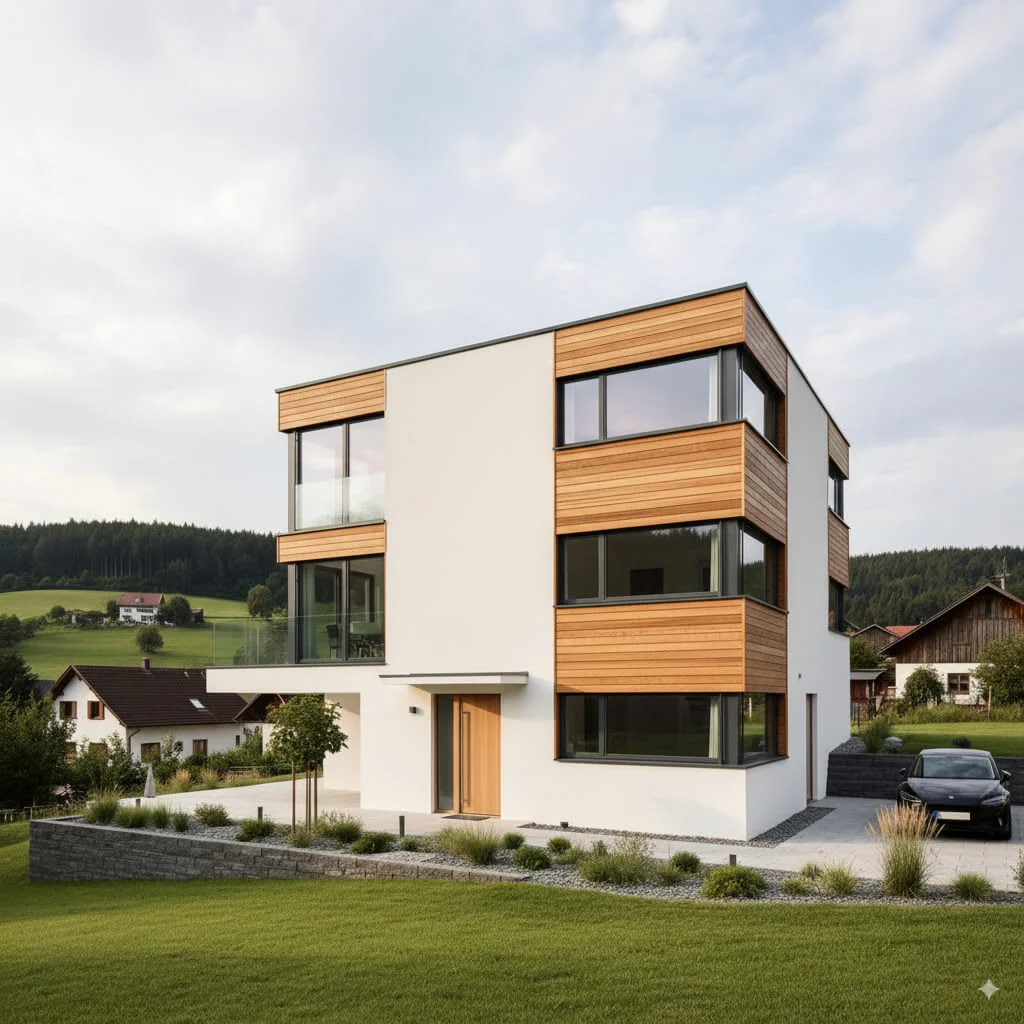
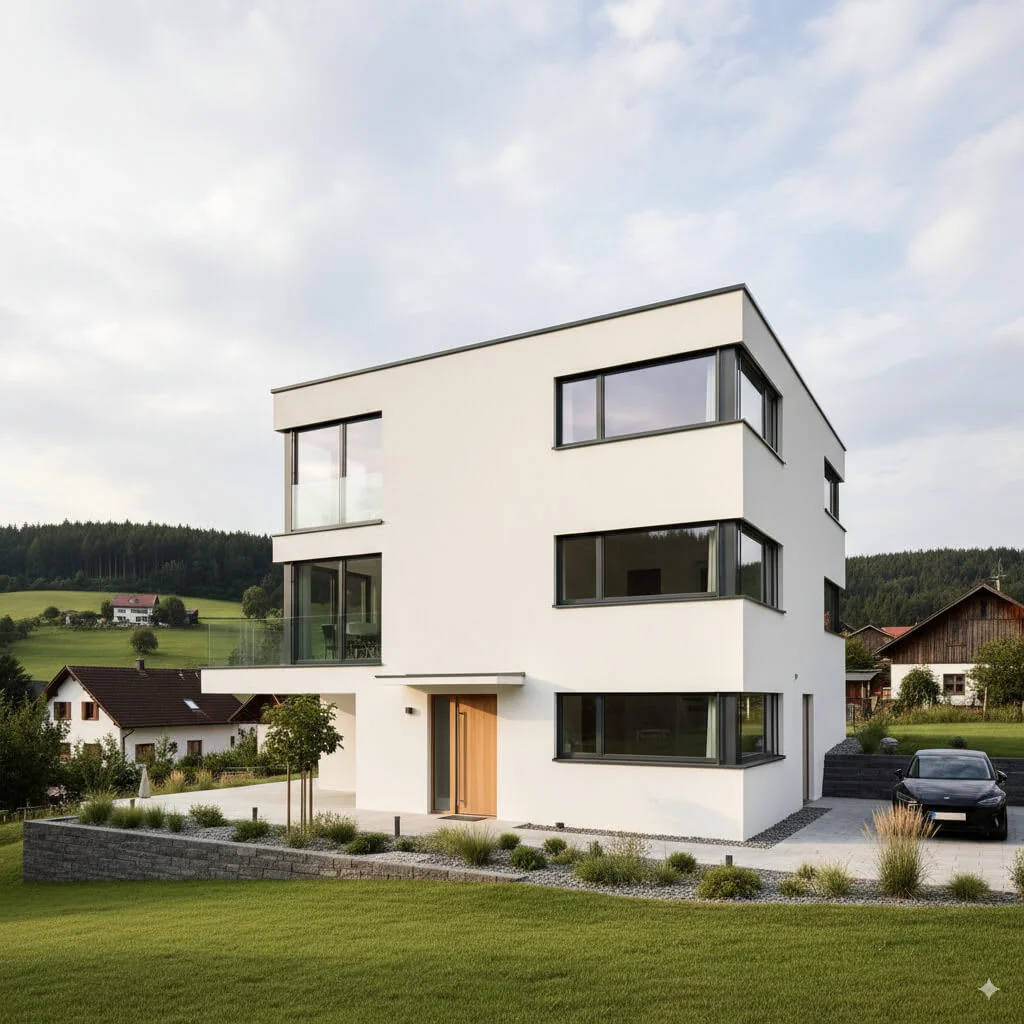
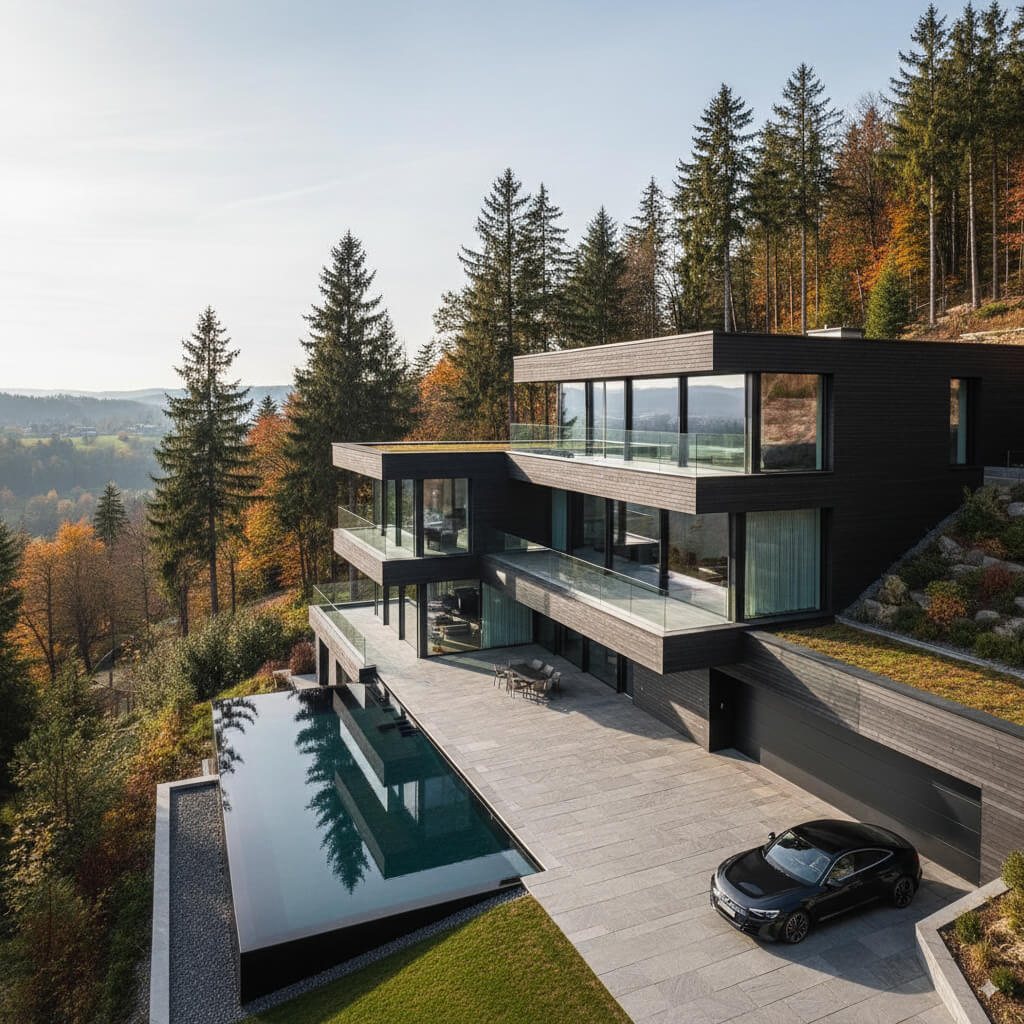
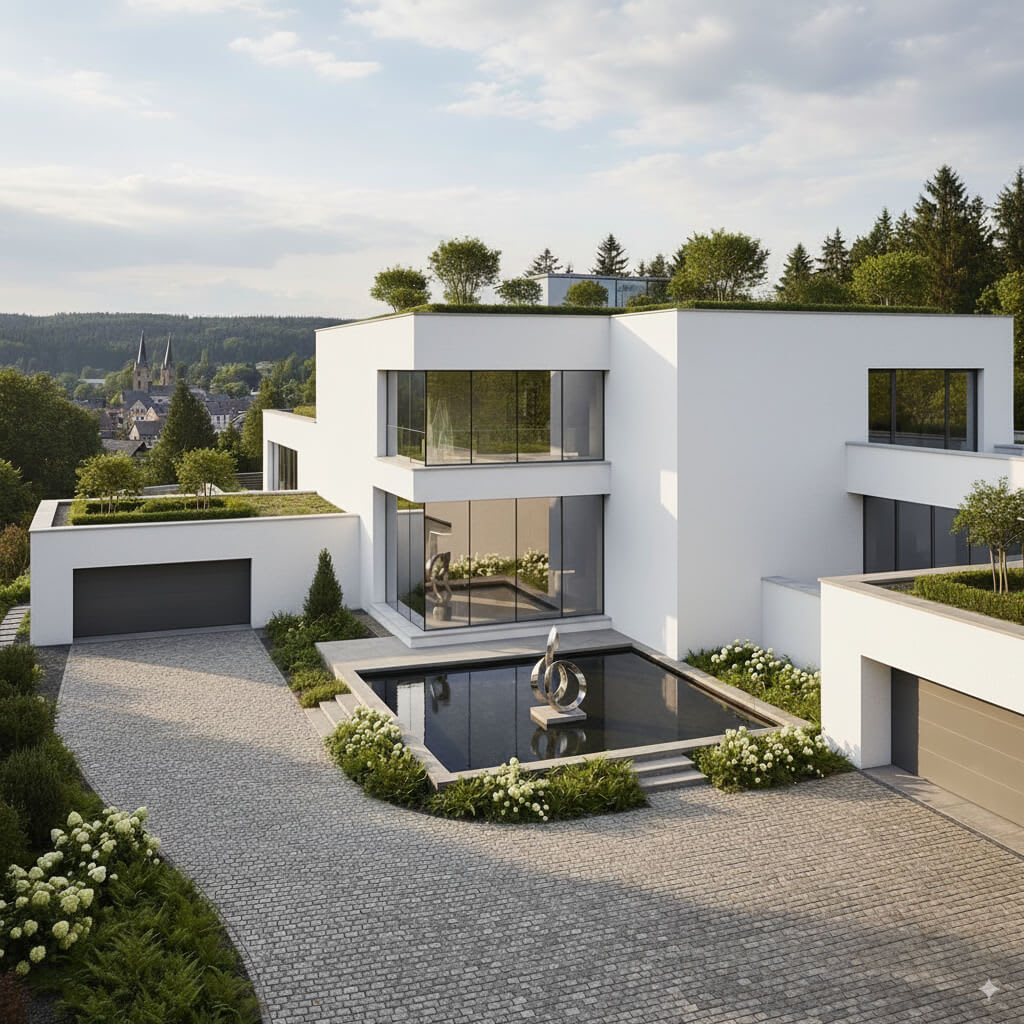
Se hva som er mulig
Virkelige resultater fra bilder som dine.


Slik fungerer det
- 1Last opp fotoet ditt
- 2Velg innstillingene dine
- 3Bildet ditt
Tips for et godt resultat
Lyst, klart foto
Dagslys og vidvinkel gir det beste resultatet.
Vis hele området
Ha med alt du vil endre helt i bildet.
Prøv flere varianter
Sammenlign ulike alternativer før du bestemmer deg.
Ofte stilte spørsmål
Kan jeg bruke bildene kommersielt?
Ja. Du kan bruke bildene dine til ethvert formål, inkludert kommersiell bruk.
Endres originalbildet mitt?
Nei. Originalen din forblir uendret, og du kan laste den ned når som helst.
Hva hvis jeg ikke liker resultatet?
Prøv en annen stil eller innstilling, eller finjuster resultatet med en kort instruksjon.
Fortsett å utforske
Alle verktøy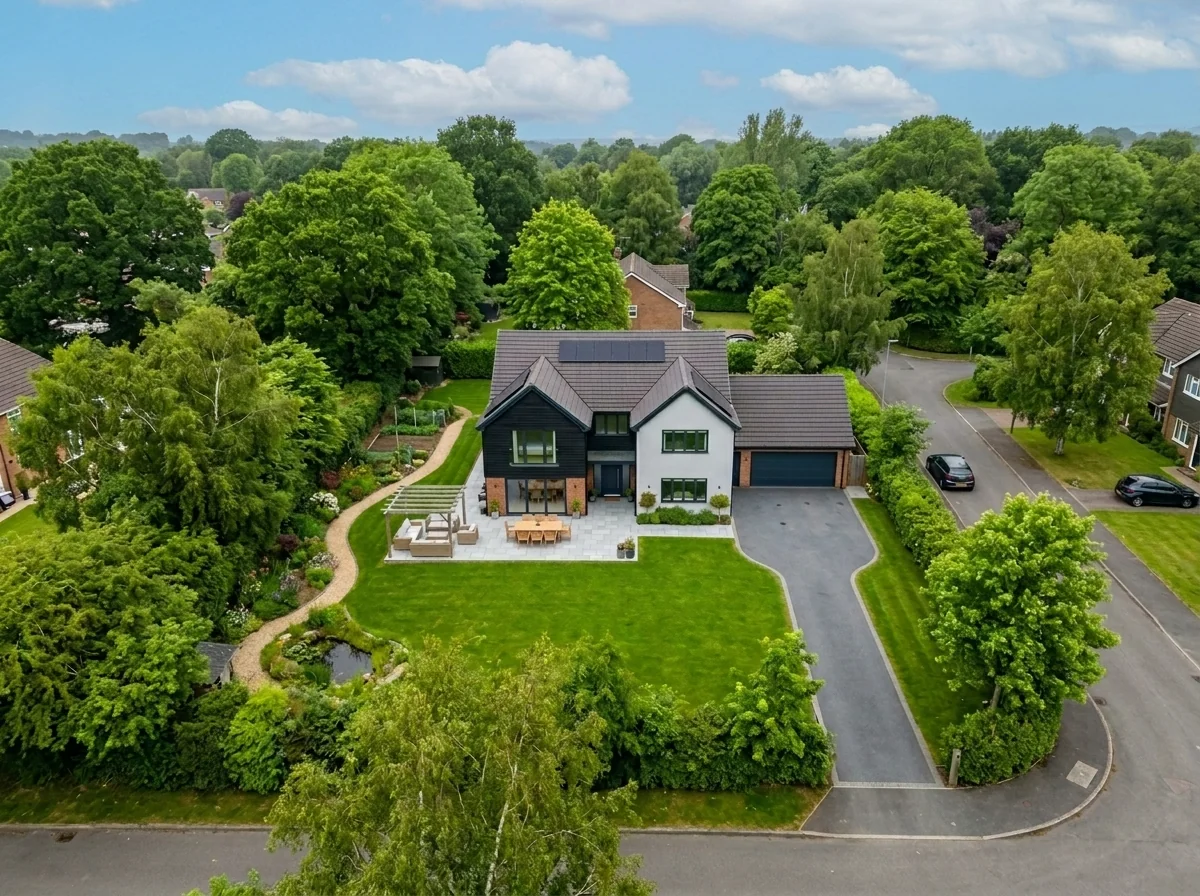
Utskifting av himmel sett fra lufta
Bytt ut grå, overskyet eller flat himmel i drone- og luftbilder av eiendom med nydelig blå himmel, gyllen time-lys eller dramatiske skyer — på sekunder. Særlig optimalisert for det brede perspektivet og horisonttrekkene i luftfotografering.
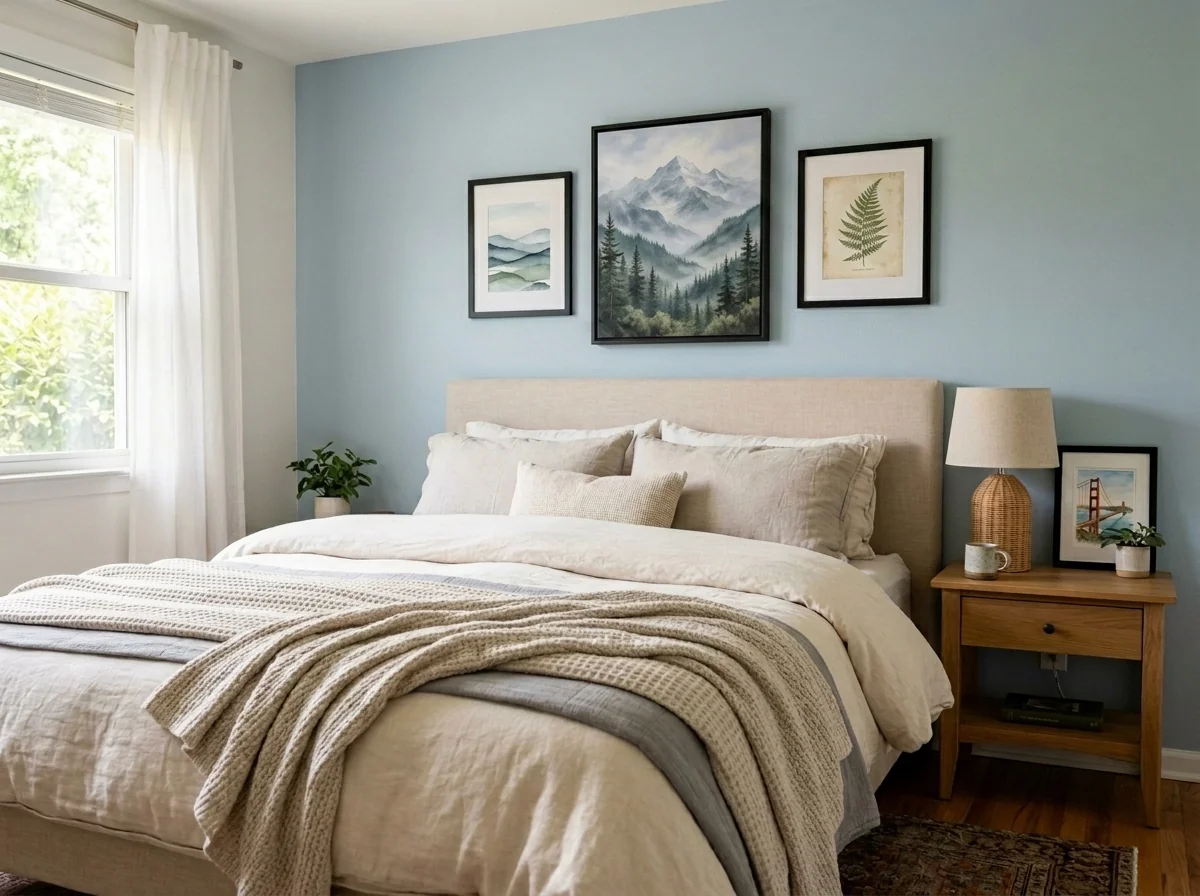
Anonymisering av veggkunst og bilder for leilighet
Oppdag og anonymiser automatisk bilder på veggen, innrammede bilder, malerier og kunstverk i bilder av leiligheter eller rom. Velg mellom flere anonymiseringsstiler: Gaussian blur, kraftig pikselering, enkel fjerning av vegg, erstatning med abstrakt kunst, naturmotiver eller geometriske mønstre — ideelt for GDPR-samsvar, boligannonser og styling.
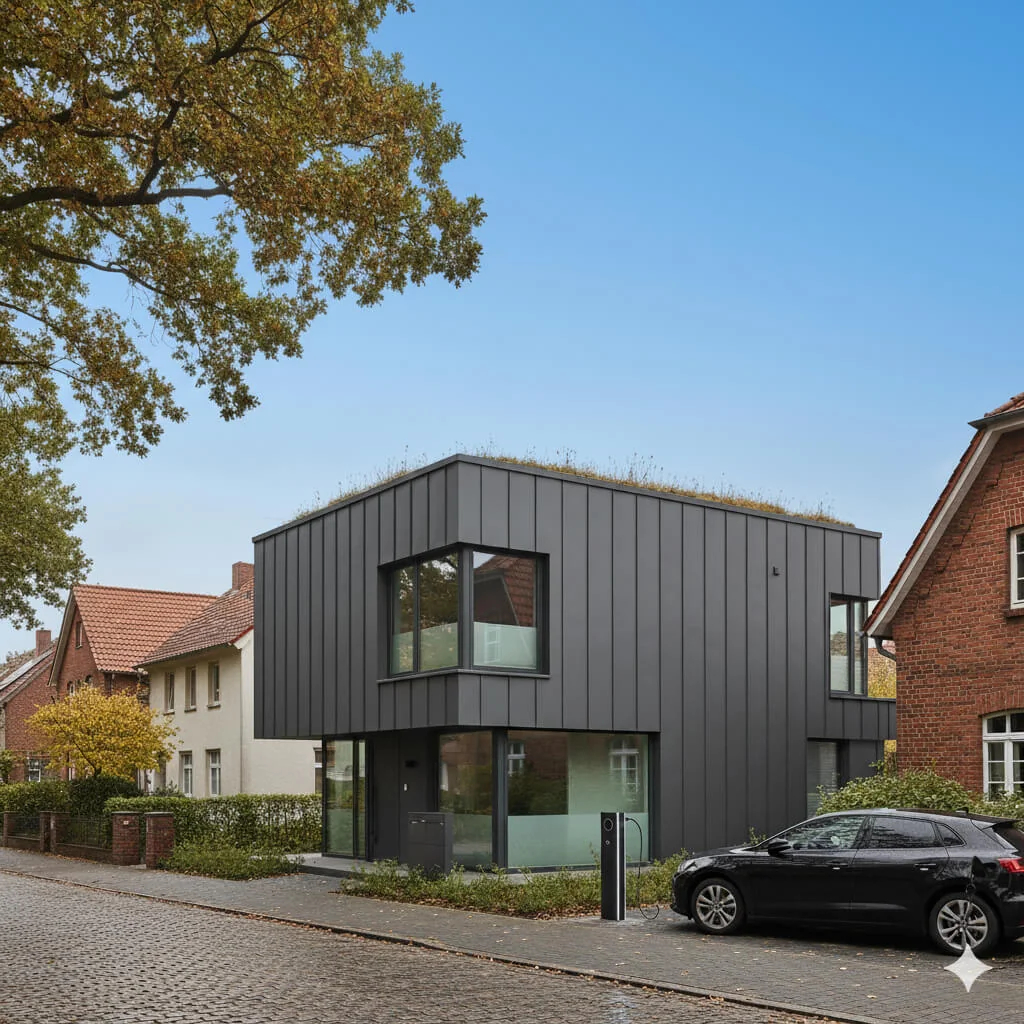
Erstatning av blå himmel
Forvandle grå, overskyede himler til klar blå perfeksjon — med en gang.
Les hele guiden
How long does generation take for Facade Redesign Tool?
Generation usually takes between 5 and 15 seconds.
Can I use the results commercially?
Yes, every generated image includes a full commercial usage license.
Tips for your photo
Make sure the photo is well lit and shot from a wide angle.
Remove clutter before shooting the photo for the best results.
Use re-staging mode for targeted style changes.
Frequently asked questions
What are the optimal input image formats and resolutions for the Facade Redesign Tool?
Upload high-resolution JPEG or PNG files (minimum 1920x1080 pixels) of your property listing. Ensure the facade is well-lit and clearly visible for the Facade Redesign Tool to accurately process and enhance the exterior. This improves the quality of your real estate photos for MLS or Zillow.
How long does the Facade Redesign Tool typically take to process an exterior transformation?
The Facade Redesign Tool processes most facade transformations within 30-60 seconds. Complex designs or very high-resolution real estate photos might take slightly longer. This rapid turnaround helps agents quickly update property listings, enhancing their Zillow presence and overall curb appeal.
What is the output resolution and quality of the redesigned facades generated by the tool?
The Facade Redesign Tool generates high-definition outputs, typically 4K resolution (3840x2160 pixels), perfect for property listing brochures and online platforms. Enhance your real estate photos with stunning, print-ready facade transformations that capture buyer attention and elevate your agent profile.
What are the best practices for achieving the most realistic facade redesigns with the tool?
For optimal results, Upload clear, front-facing real estate photos with minimal obstructions. Ensure good lighting and a neutral background. The Facade Redesign Tool performs best when it can clearly identify architectural features, allowing for precise enhancements that impress potential buyers on any property listing.
Can I modify or re-generate a facade design if I'm not satisfied with the initial result from the tool?
Yes, the Facade Redesign Tool allows for unlimited re-generations. Simply adjust your style preferences or Upload a different angle of your property listing photo to generate new options. This flexibility helps agents achieve the perfect curb appeal for their real estate photos and client presentations.
Technical FAQ: Facade Redesign Tool
Quick answers for optimal results for real estate agents
Common mistakes
5 Facade Redesign Tool Mistakes Killing Your Curb Appeal
How to Facade Redesign Tool Online for Optimal Real Estate Photos
Using Low-Resolution Real Estate Photos as Input
The Facade Redesign Tool relies on clear images to accurately assess architectural details. Blurry or pixelated photos lead to inaccurate redesigns and unrealistic visualizations for your property listing.
Upload high-resolution real estate photos (minimum 300 DPI) to the Facade Redesign Tool. Ensure proper lighting and focus for optimal results that will impress potential buyers on Zillow and MLS.
Ignoring the Existing Architectural Style
Applying a completely incongruous style with the Facade Redesign Tool can make your property listing look unnatural and deter potential buyers. A modern facade on a Victorian home, for example, might not appeal to the target market.
Use the Facade Redesign Tool to explore style variations that complement the existing architectural features. Consider subtle updates that enhance, rather than clash with, the home's original design to attract more interest on the MLS.
Overlooking Landscaping Integration
A newly redesigned facade without complementary landscaping can look incomplete. Potential buyers viewing your property listing will notice the lack of cohesion, impacting their perception of the property's overall value.
Use the Facade Redesign Tool in conjunction with virtual landscaping tools to visualize how different landscaping elements will enhance the facade. Showcase a cohesive and inviting exterior in your real estate photos.
Neglecting Local Building Codes and Regulations
Implementing a facade redesign without considering local building codes can lead to costly fines and delays. Your property listing might attract buyers, but they will quickly lose interest upon discovering compliance issues.
Before using the Facade Redesign Tool to finalize your design, research local building codes and regulations. Ensure your proposed changes comply with all requirements to avoid potential problems during the renovation process.
Failing to Stage the Property Listing After Facade Redesign
Even with a stunning facade redesign, a poorly staged property listing will fail to impress potential buyers. Empty rooms or outdated furniture can detract from the overall appeal, negating the benefits of the facade upgrade.
After using the Facade Redesign Tool, virtually stage the interior and exterior of your property listing. Showcase the property's full potential with appealing furniture, decor, and landscaping to maximize buyer interest and attract offers through your agent.
Unveiling Stunning Transformations: Your Facade Redesign Tool Results
Upload Your Real Estate Photos and Witness the Power of Our Facade Redesign Tool Online
Your workflow
4 Steps to Stunning Facades: Your Ultimate Facade Redesign Tool
How to Facade Redesign Tool Online and Boost Your Property Listing
Upload & Analyze
Upload your real estate photos to the Facade Redesign Tool. Our AI analyzes the existing facade, identifying architectural styles and potential improvement areas.
Use high-resolution real estate photos for optimal results. Ensure good lighting and clear angles for accurate analysis by the Facade Redesign Tool.
Design & Customize
Choose from a range of facade styles and materials within the Facade Redesign Tool. Experiment with different colors, textures, and architectural elements to visualize your ideal exterior.
Consider the neighborhood's architectural trends and target demographic when selecting facade styles. Use the Facade Redesign Tool to create multiple variations for comparison.
Enhance & Refine
Fine-tune the details using the Facade Redesign Tool's advanced editing features. Adjust lighting, add landscaping, and incorporate realistic textures to create a photorealistic rendering. This helps attract potential buyers on Zillow and other platforms.
Pay attention to small details like window treatments and exterior lighting. These elements can significantly enhance the overall appeal of the redesigned facade generated by the Facade Redesign Tool.
Download & Publish
Download the high-resolution images of your redesigned facade. Use these images in your property listing on MLS, Zillow, and other real estate platforms to attract more buyers and increase your chances of a quick sale. Share with your agent.
Optimize the images for web use to ensure fast loading times on your property listing. Include before-and-after images to showcase the transformative power of the Facade Redesign Tool.
Use cases
Property Listings for Facade Redesign Tool
Social Media Marketing & Instagram Inserate
Architektur- & Umbau-Präsentationen
Facade Redesign Tool — Technical Specifications
1. Upload your property photo.
2. Choose the interior style or room type you want.
3. Click Generate and get your result in seconds.
Expert guide
5 Pro Tips: Dominate Real Estate with Your Facade Redesign Tool
How to Get the Best Facade Redesign Tool Online for Stunning Property Listings
Prepare High-Resolution Real Estate Photos for Optimal Facade Redesign Tool Results
Upload crisp, clear real estate photos to the Facade Redesign Tool. Ensure images are well-lit and showcase the entire facade. This maximizes the AI's ability to accurately apply redesigns and enhance your property listing on Zillow and MLS.Fine-Tune Your Facade Redesign Tool Settings for Personalized Curb Appeal
Experiment with different architectural styles and material options within the Facade Redesign Tool. Tailor the redesign to match the neighborhood aesthetic and target buyer preferences. Use these enhanced real estate photos in your property listing.Achieve Best Facade Redesign Tool Results with Multiple Iterations and Refinements
Generate several facade redesign options and compare them side-by-side. Refine your choices based on visual appeal and market trends. Present these professionally enhanced images to your agent and potential buyers for maximum impact.Leverage the Facade Redesign Tool for Professional Real Estate Marketing
Use the Facade Redesign Tool to create compelling marketing materials for your property listing. Showcase the potential of the property with visually stunning before-and-after transformations. Attract more buyers and increase property value.How it works
3 Simple Steps to Master the Facade Redesign Tool
How to use a facade redesign tool online for free to improve real estate photos in 2025
Upload Your Property Exterior Photos
Upload high-resolution real estate photos to the Facade Redesign Tool to answer how to improve curb appeal instantly for a property listing on Zillow or the local MLS.
Select Modern Exterior Design Styles
Select premium materials and colors within the Facade Redesign Tool to show how AI staging is legal for MLS when clearly labeled as a virtual facade renovation.
Download High-Resolution Property Renderings
Generate high-resolution downloads from the Facade Redesign Tool to demonstrate how much does virtual staging cost compared to expensive physical renovations for an agent or broker.
What you can do
5 Essential Capabilities of Our Facade Redesign Tool
High-Resolution Visuals
Enhance real estate photos with photorealistic facade redesigns. Upload property listing images for crisp, market-ready visuals, perfect for MLS and Zillow.
Instant Design Generation
Transform exterior concepts in seconds. This Facade Redesign Tool rapidly processes uploads, delivering multiple design options without delays, crucial for busy agents.
Versatile Export Options
Convert redesigned facades into various image formats for seamless integration. Upload real estate photos and export optimized files for all property listing needs.
Extensive Style Customization
Stage unique property aesthetics with a vast library of materials and styles. Agents can tailor every detail, boosting appeal for property listings with our tool.
AI-Powered Accuracy
Enhance design precision with intelligent AI algorithms. The Facade Redesign Tool accurately identifies architectural elements, ensuring realistic redesigns for your real estate photos.
Agent & Broker Ready
Transform raw property images into compelling visuals. Designed for agents and brokers, this Facade Redesign Tool elevates every property listing, from MLS to Zillow.
How to Elevate Your Property Listings with Our Online Facade Redesign Tool