
Snekker
- Foto
- Valgene dine
- Bildet ditt
Se hva som er mulig
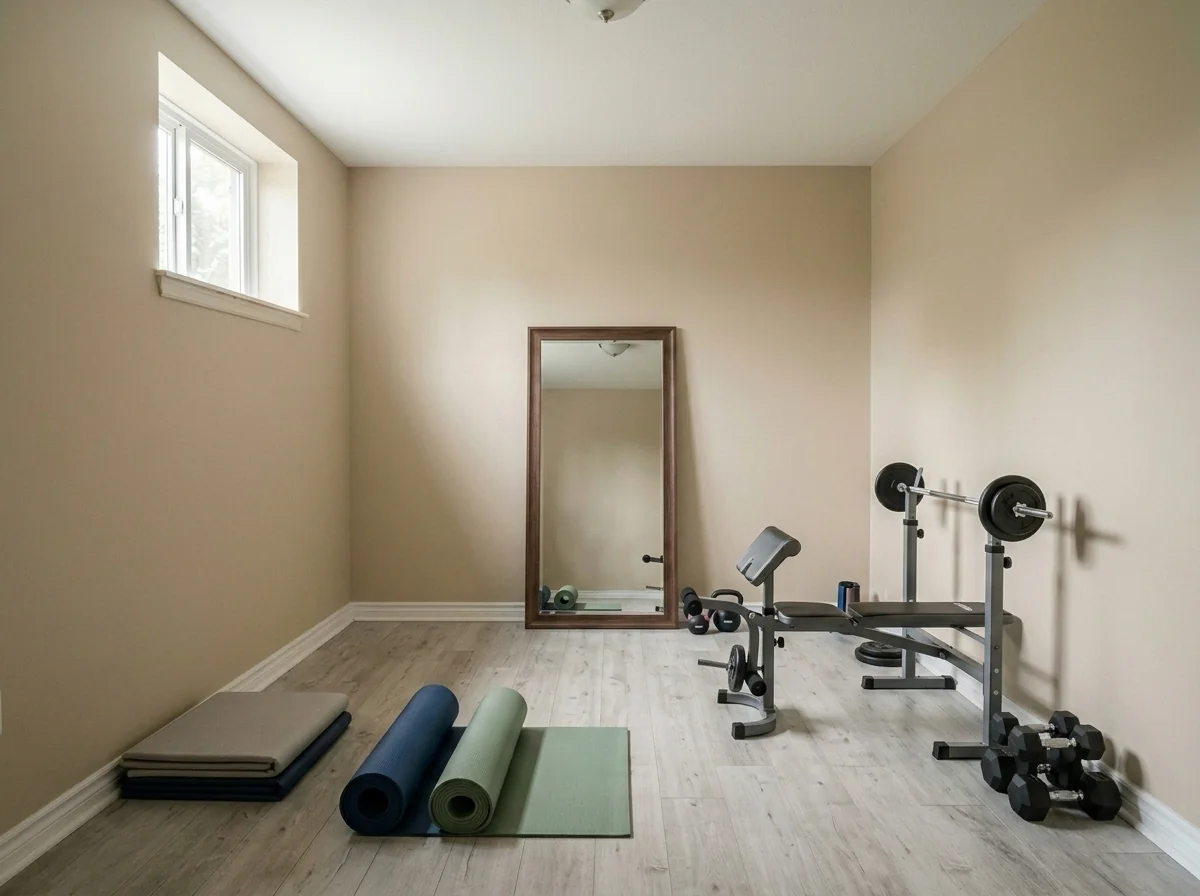
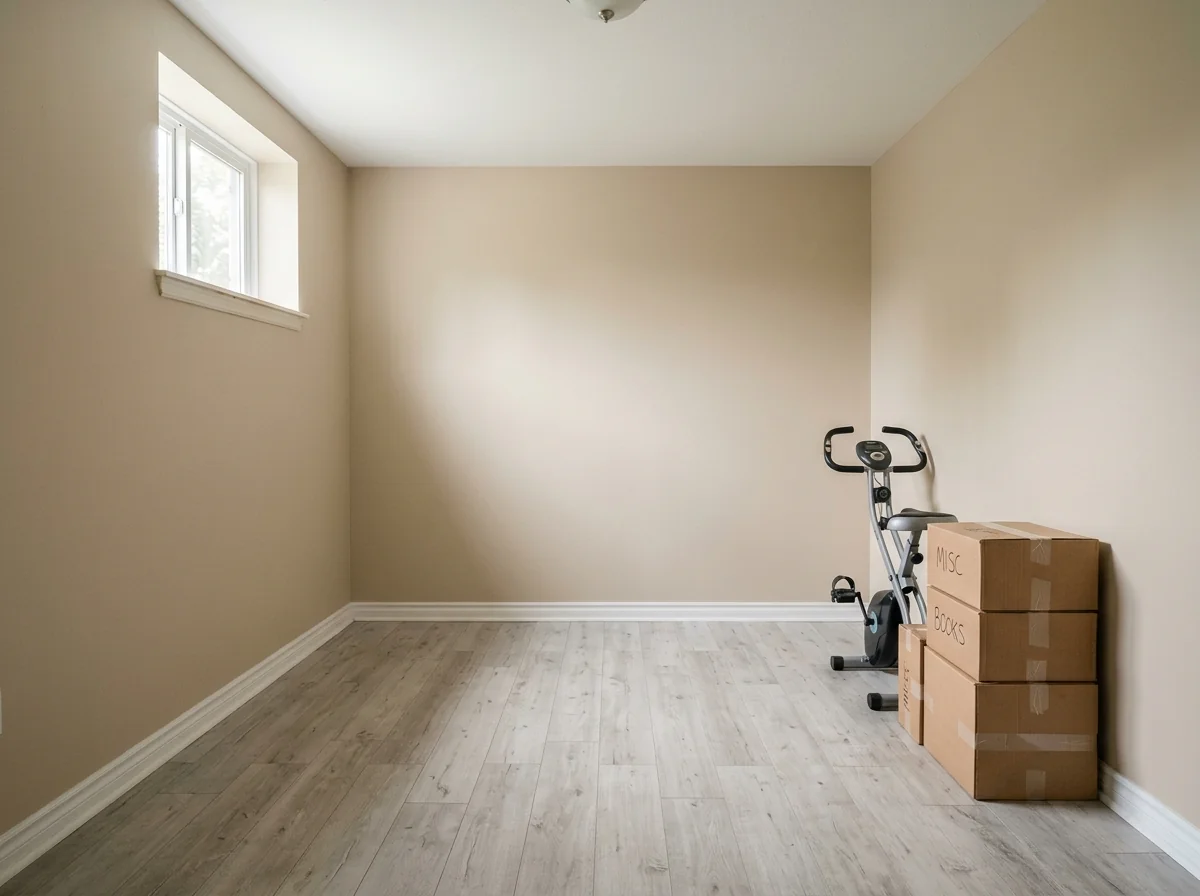
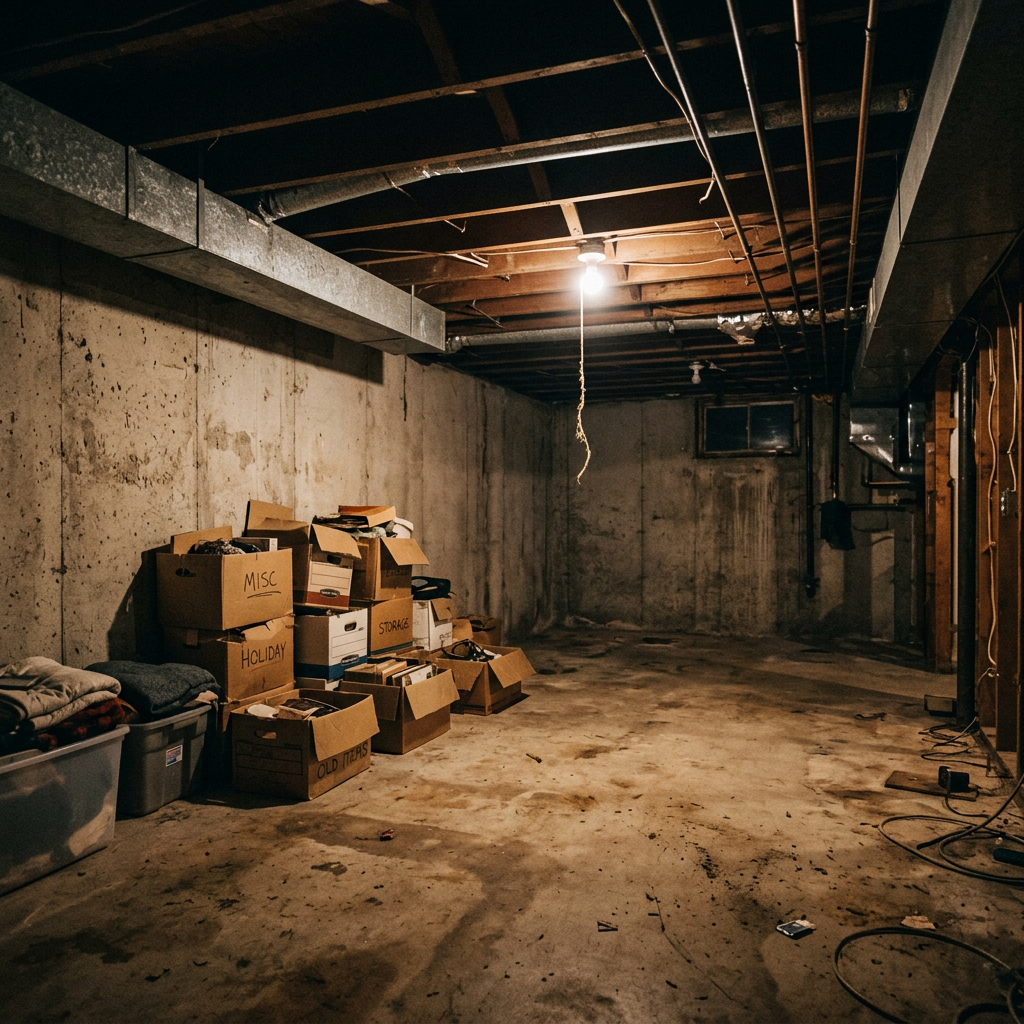
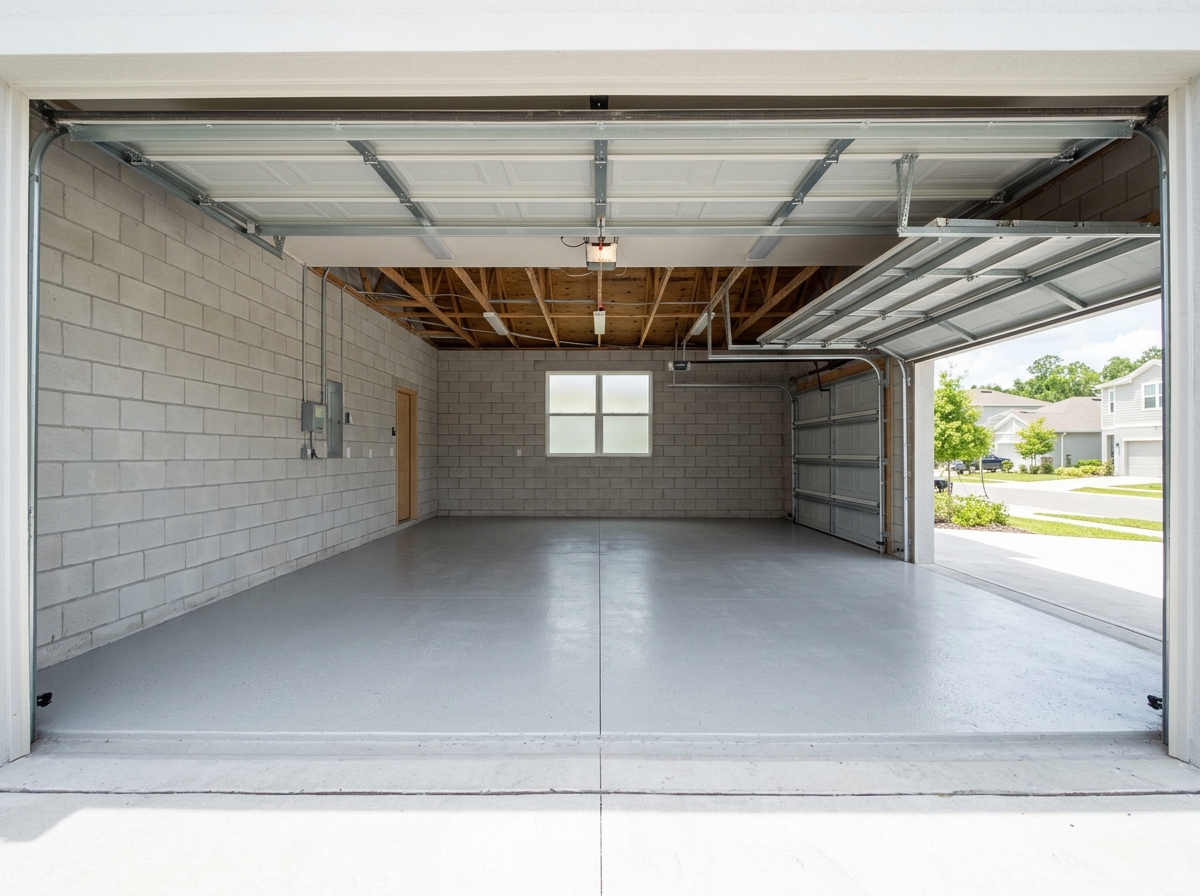
Virkelige resultater fra bilder som dine.


Slik fungerer det
- 1Last opp fotoet ditt
- 2Velg innstillingene dine
- 3Bildet ditt
Tips for et godt resultat
Lyst, klart foto
Dagslys og vidvinkel gir det beste resultatet.
Vis hele området
Ha med alt du vil endre helt i bildet.
Prøv flere varianter
Sammenlign ulike alternativer før du bestemmer deg.
Ofte stilte spørsmål
Kan jeg bruke bildene kommersielt?
Ja. Du kan bruke bildene dine til ethvert formål, inkludert kommersiell bruk.
Endres originalbildet mitt?
Nei. Originalen din forblir uendret, og du kan laste den ned når som helst.
Hva hvis jeg ikke liker resultatet?
Prøv en annen stil eller innstilling, eller finjuster resultatet med en kort instruksjon.
Fortsett å utforske
Alle verktøy
AI-stolpute-skifter
Visualiser umiddelbart nye trekkmuligheter for lenestoler i bildene dine. Endre stoff, farger og mønstre som fløyel, lær eller boucle for å matche enhver interiørstil perfekt. Ideelt for eiendomsmeglere og interiørdesignere som vil vise potensielle forvandlinger.

AI-møbeltrekk-skifter
Forvandle møbelbildene dine med AI! Endre enkelt trekkmaterialet for å vise ulike stiler og appellere til et bredere spekter av kjøpere. Perfekt for virtuell møblering og interiørskisser.

AI-visualisering av møbeltrekk
Visualiser umiddelbart hvordan et hvilket som helst møbel ser ut med ulike møbelstoffer, farger og teksturer ved hjelp av AI. Last opp et bilde av sofaen, stolen eller lenestolen din og se imponerende forhåndsvisninger av omtrekking før du bestemmer deg for et kjøp eller et oppussingsprosjekt.
Les hele guiden
How long does generation take for Home Gym Designer?
Generation usually takes between 5 and 15 seconds.
Can I use the results commercially?
Yes, every generated image includes a full commercial usage license.
Tips for your photo
Make sure the photo is well lit and shot from a wide angle.
Remove clutter before shooting the photo for the best results.
Use re-staging mode for targeted style changes.
Frequently asked questions
What image formats and resolutions are best for the Home Gym Designer?
Upload high-resolution JPG or PNG images (1920x1080 pixels minimum) of your garage, basement, or spare room. This ensures the Home Gym Designer accurately detects room dimensions and applies realistic flooring and equipment, crucial for a compelling property listing or agent presentation.
How long does it take for the Home Gym Designer to process an image?
Transform your space in under 60 seconds. Our Home Gym Designer processes images rapidly, allowing agents to quickly generate multiple workout room options for various property listings, enhancing buyer interest on Zillow and MLS. You can efficiently produce real estate photos.
What is the typical output quality of the designed home gym images?
Enhance your property listing with stunning, high-definition (4K) renders. The Home Gym Designer produces photorealistic images, showcasing detailed equipment and textures, perfect for impressing potential buyers and elevating real estate photos. It ensures every detail is crisp for MLS.
What are the best tips for achieving optimal results with the Home Gym Designer?
Stage your room by uploading well-lit, clutter-free real estate photos. Ensure clear views of walls and flooring. For best results, consider a wider shot to allow the Home Gym Designer ample space to integrate diverse equipment and layouts for your property listing.
Can I regenerate a design if I'm not satisfied with the initial output?
Convert and regenerate designs effortlessly. If the initial Home Gym Designer output isn't perfect, simply adjust your input parameters or select a different style option and click regenerate. This allows agents to fine-tune designs for specific property listing aesthetics and client preferences.
Technical FAQ: Home Gym Designer
Quick answers for optimal results
Common mistakes
5 Critical Home Gym Designer Mistakes Killing Your Real Estate Photos
How to avoid common pitfalls and design your dream home gym online
Ignoring Room Dimensions Before Using the Home Gym Designer
Failing to accurately measure your space before uploading to the Home Gym Designer leads to unrealistic equipment placement and layout.
Transform your property listing: Accurately measure your space and input those dimensions into the Home Gym Designer before adding any equipment for realistic real estate photos.
Overcrowding the Home Gym Designer Space with Equipment
Stuffing too much equipment into your virtual home gym using the Home Gym Designer makes the space look smaller and less appealing in real estate photos, hindering your property listing on Zillow and MLS.
Stage your space effectively: Prioritize essential equipment and leave ample open space in your Home Gym Designer rendering to showcase functionality and flow for potential buyers and their agent.
Neglecting Proper Flooring in the Home Gym Designer
Choosing the wrong flooring type (or ignoring it altogether) in the Home Gym Designer detracts from the overall aesthetic and functionality of the virtual gym, impacting the property listing.
Enhance your real estate photos: Experiment with different flooring options in the Home Gym Designer, such as rubber mats or hardwood, to complement the equipment and create a visually appealing workout space.
Poor Lighting Choices in the Home Gym Designer
Inadequate or harsh lighting in your Home Gym Designer rendering can make the space appear uninviting and smaller, negatively affecting the appeal of your real estate photos.
Transform your property listing: Utilize the Home Gym Designer to experiment with different lighting schemes to create a bright, welcoming, and motivating workout environment that will attract buyers and their agent.
Ignoring Storage Solutions in the Home Gym Designer
Failing to incorporate storage solutions in your Home Gym Designer design makes the space look cluttered and disorganized in real estate photos, deterring potential buyers viewing the property listing.
Stage your space for MLS: Use the Home Gym Designer to add shelving, racks, or cabinets to store weights, resistance bands, and other equipment, showcasing a clean and organized workout area for the agent and their clients.
What Your Home Gym Designer Results Will Look Like
Upload your photo to get started designing your dream home gym
Your workflow
Transform Your Property Listing: 3 Steps to a Stunning Home Gym Designer Showcase
How to use a home gym designer online for MLS, Zillow, and your agent's property listing
Upload Your Space
Upload real estate photos of the garage, basement, or spare room you want to convert using Home Gym Designer. Ensure the photos are clear and well-lit for optimal results.
For best results, use wide-angle real estate photos to capture the entire space in your property listing.
Design Your Dream Gym
Utilize the Home Gym Designer's intuitive interface to select flooring, equipment, and layout options. Visualize different configurations to create the perfect workout space for your property listing.
Showcase a variety of equipment options to appeal to a wider range of potential buyers on Zillow and MLS.
Enhance and Publish
Fine-tune the design with Home Gym Designer's enhancement tools. Once satisfied, download the high-resolution images for your property listing, ready for MLS, Zillow, or your agent's marketing materials.
Use the enhanced images to create a virtual tour for your property listing, increasing engagement and attracting more potential buyers.
Use cases
Real Estate Listings for Home Gym Designer
Social Media Marketing & Instagram Inserate
Architektur- & Umbau-Präsentationen
Home Gym Designer — Technical Specifications
1. Upload your property photo.
2. Choose the interior style or room type you want.
3. Click Generate and get your result in seconds.
Expert guide
5 Pro Tips: Transform Your Space with a Home Gym Designer
How to Get the Best Home Gym Designer Results Online
Upload High-Quality Real Estate Photos for Optimal Home Gym Design
Upload clear, well-lit real estate photos of your space to the Home Gym Designer. This ensures accurate dimensions and realistic lighting, leading to a more effective and visually appealing home gym design. Use photos suitable for a property listing on Zillow or MLS for best results.Adjust Home Gym Designer Settings for Customized Results
Experiment with the Home Gym Designer's settings to fine-tune your design. Adjust equipment placement, flooring options, and lighting to match your personal preferences and workout style. Optimize for the space available in your property listing to impress your agent.Enhance Realism for Best Home Gym Designer Visualizations
Choose realistic equipment models and flooring textures within the Home Gym Designer to enhance the visualization. This helps you better imagine the final product and make informed decisions about your home gym setup, similar to staging for real estate photos.Stage Properties Effectively with Professional Home Gym Designer Output
Use the Home Gym Designer to create compelling visuals for property listings. Showcase the potential of unused spaces by virtually staging them as home gyms. This can significantly increase the appeal of your property to potential buyers on MLS and Zillow.How it works
3 Simple Steps to Master the Home Gym Designer
How to use our home gym designer online for free to boost property listing engagement in 2024
Upload Your Empty Property Photos
Upload high-resolution images of an empty garage, basement, or spare room to our Home Gym Designer to start the virtual staging process for your next Zillow or MLS property listing.
Select Professional Gym Equipment Layouts
Transform the space by choosing premium gym flooring and high-end equipment options that help real estate agents showcase a functional workout room to potential buyers looking for luxury home staging.
Download Your Enhanced Marketing Assets
Convert your raw photos into high-res marketing materials that any broker can use to attract fitness enthusiasts, ensuring your property listing stands out with a professionally designed home fitness room.
What you can do
Advanced Home Gym Designer Capabilities
High-Fidelity Gym Renderings
Enhance your property listing with photorealistic home gym designs. Transform uploaded spaces into stunning visuals, showcasing potential for agents and future homeowners.
Instant Home Gym Layouts
Convert empty rooms into fully equipped home gyms in seconds. Stage multiple design options rapidly, saving valuable time for agents preparing property listings.
Multi-Format Design Export
Upload your space and export home gym designs in various formats suitable for MLS, Zillow, and agent presentations. Enhance property listings with versatile visual assets.
Personalized Gym Customization
Transform any room into a bespoke home gym with customizable equipment, flooring, and color schemes. Stage unique workout spaces to appeal to diverse property buyers.
AI-Powered Space Optimization
Upload room dimensions and our AI precisely stages the optimal home gym layout, ensuring every piece of equipment fits perfectly. Enhance property appeal with intelligent design.
Agent & Property Listing Ready
Designed for agents, this Home Gym Designer enhances real estate photos by staging appealing workout spaces. Convert ordinary rooms into high-value features for any property listing.
Pro-level tools at your fingertips