
Sjekkliste-grafikk for eiendomsfasiliteter
- Foto
- Valgene dine
- Bildet ditt
Se hva som er mulig
Virkelige resultater fra bilder som dine.
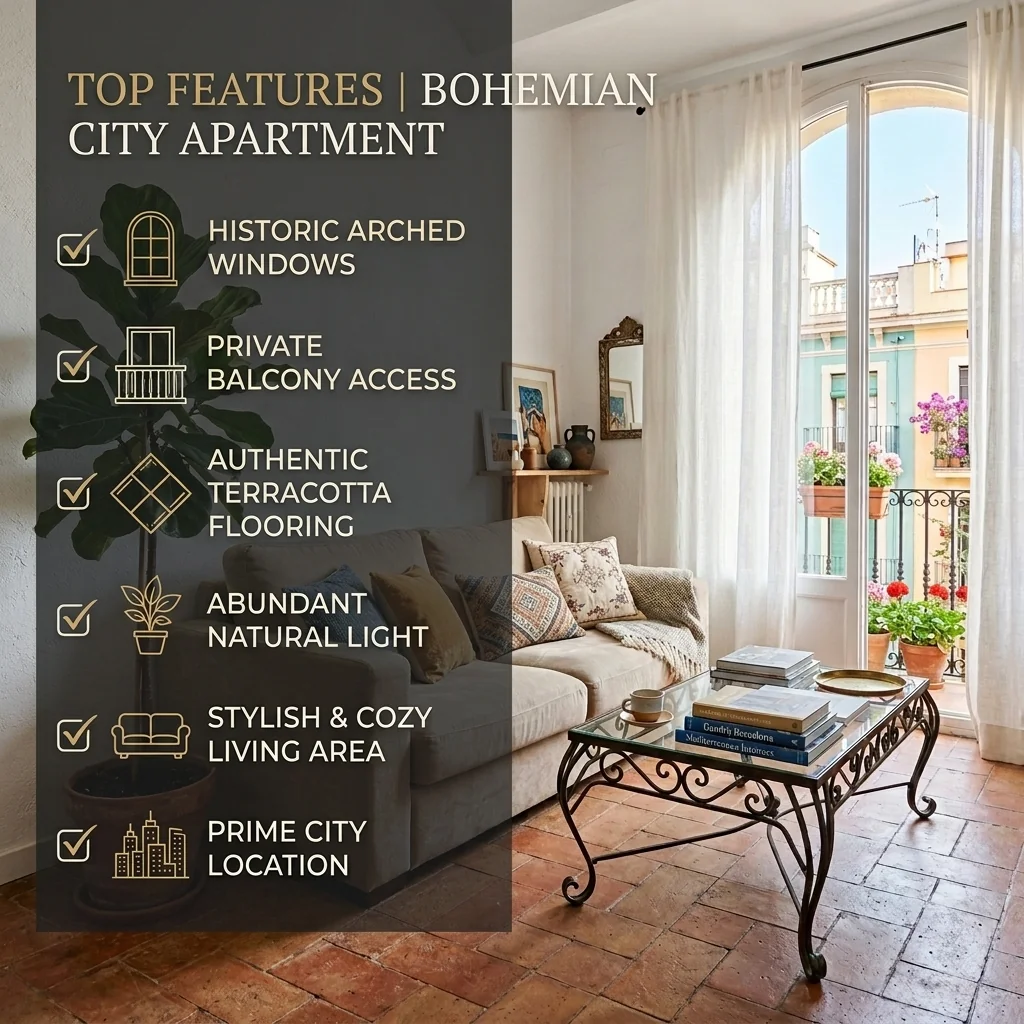
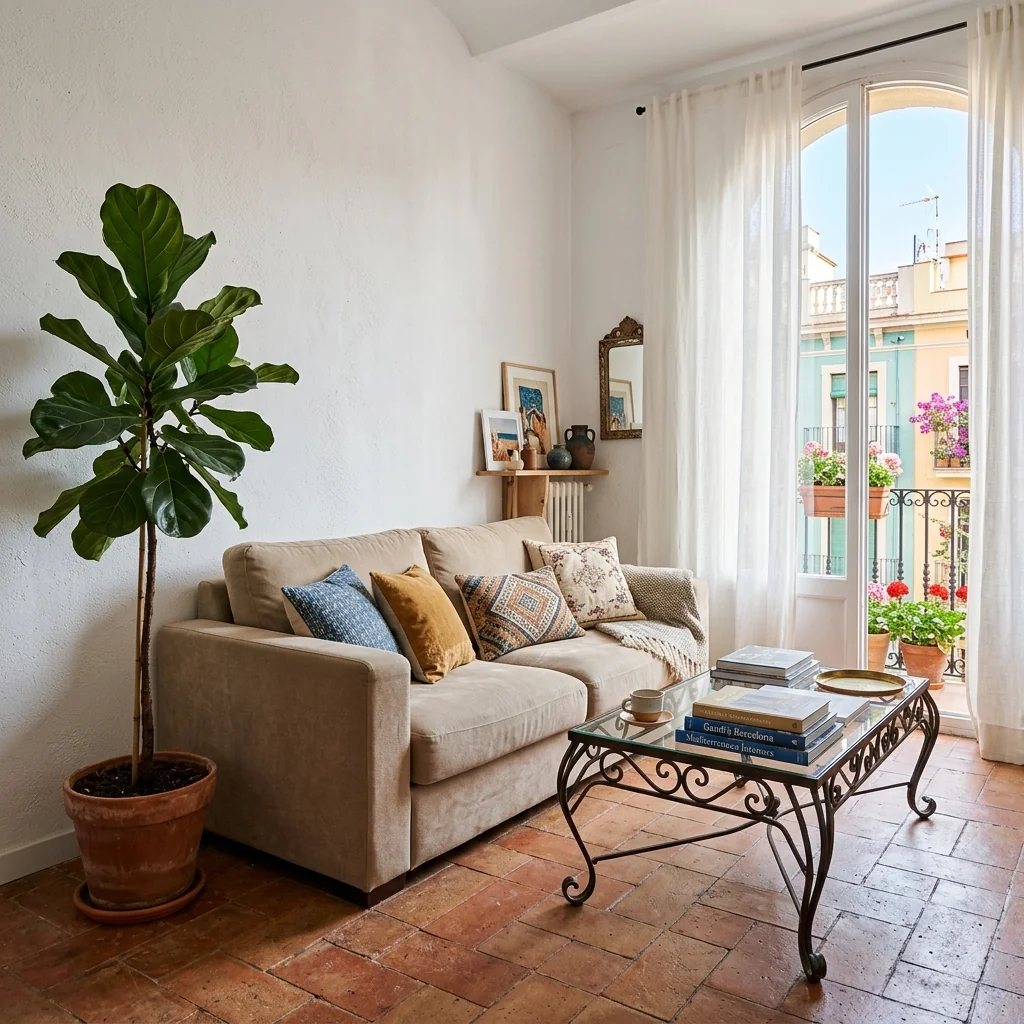

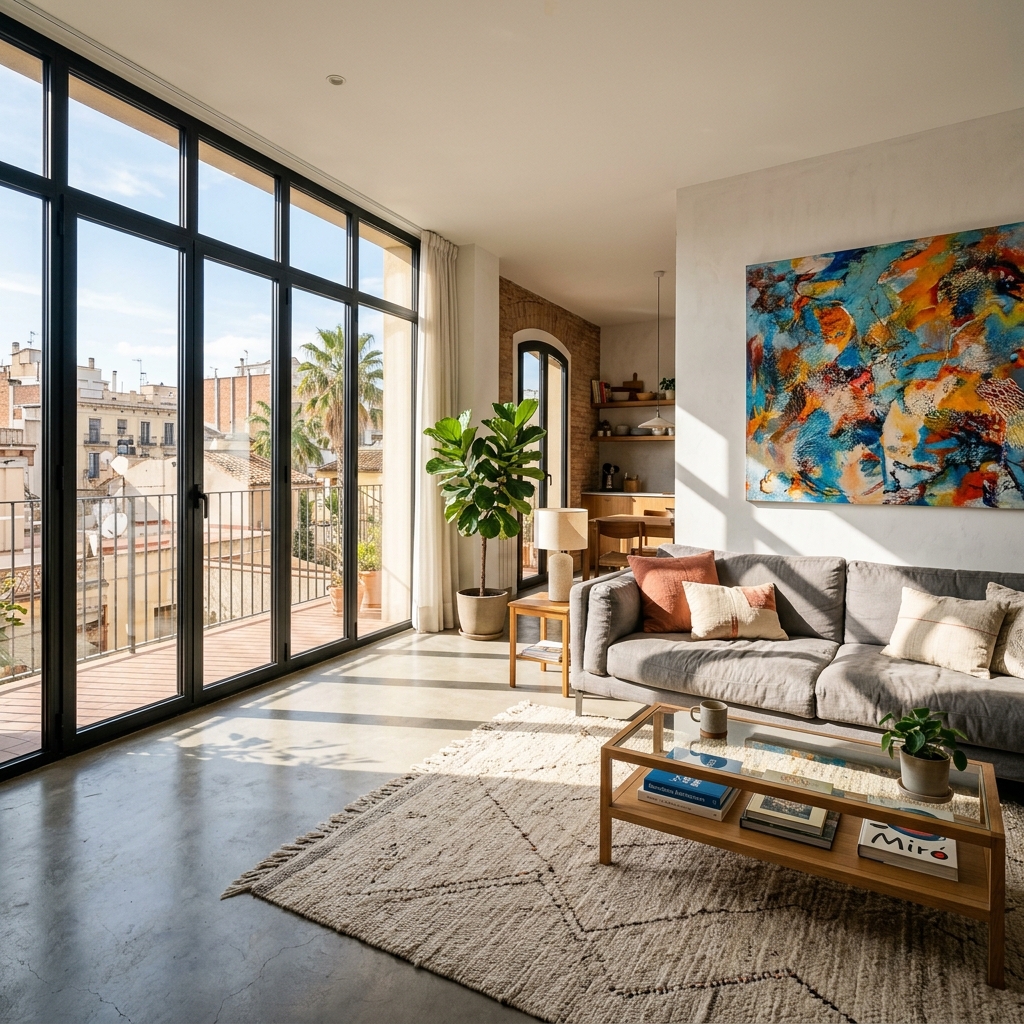

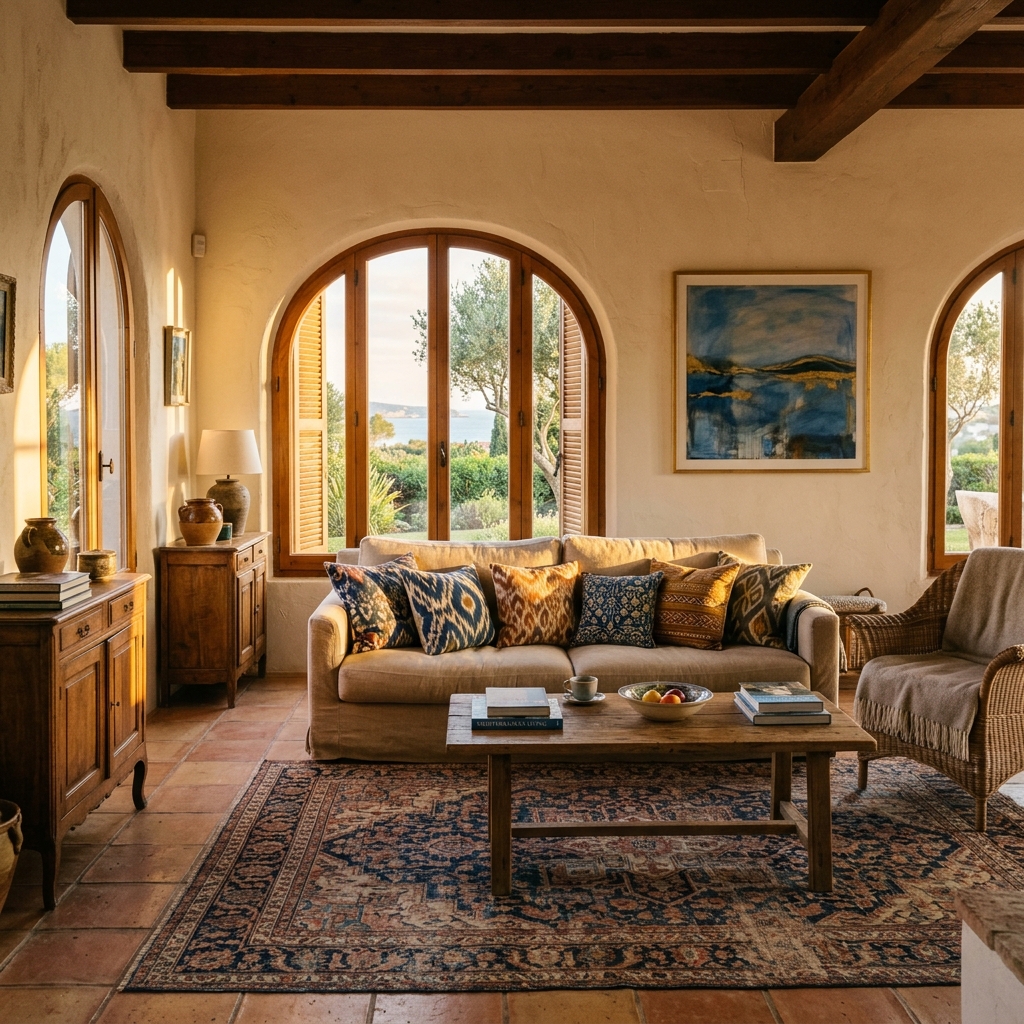
Slik fungerer det
- 1Last opp fotoet ditt
- 2Velg innstillingene dine
- 3Bildet ditt
Tips for et godt resultat
Lyst, klart foto
Dagslys og vidvinkel gir det beste resultatet.
Vis hele området
Ha med alt du vil endre helt i bildet.
Prøv flere varianter
Sammenlign ulike alternativer før du bestemmer deg.
Ofte stilte spørsmål
Kan jeg bruke bildene kommersielt?
Ja. Du kan bruke bildene dine til ethvert formål, inkludert kommersiell bruk.
Endres originalbildet mitt?
Nei. Originalen din forblir uendret, og du kan laste den ned når som helst.
Hva hvis jeg ikke liker resultatet?
Prøv en annen stil eller innstilling, eller finjuster resultatet med en kort instruksjon.
Fortsett å utforske
Alle verktøy
Grafikk for agentens «Møt teamet»
Presenter deg skikkelig. Last opp et portrettbilde og lag en imponerende «Om meg som megler»- eller «Møt teamet»-grafikk for sosiale medier med dine spesialområder, tjenesteområder og kontaktinformasjon.
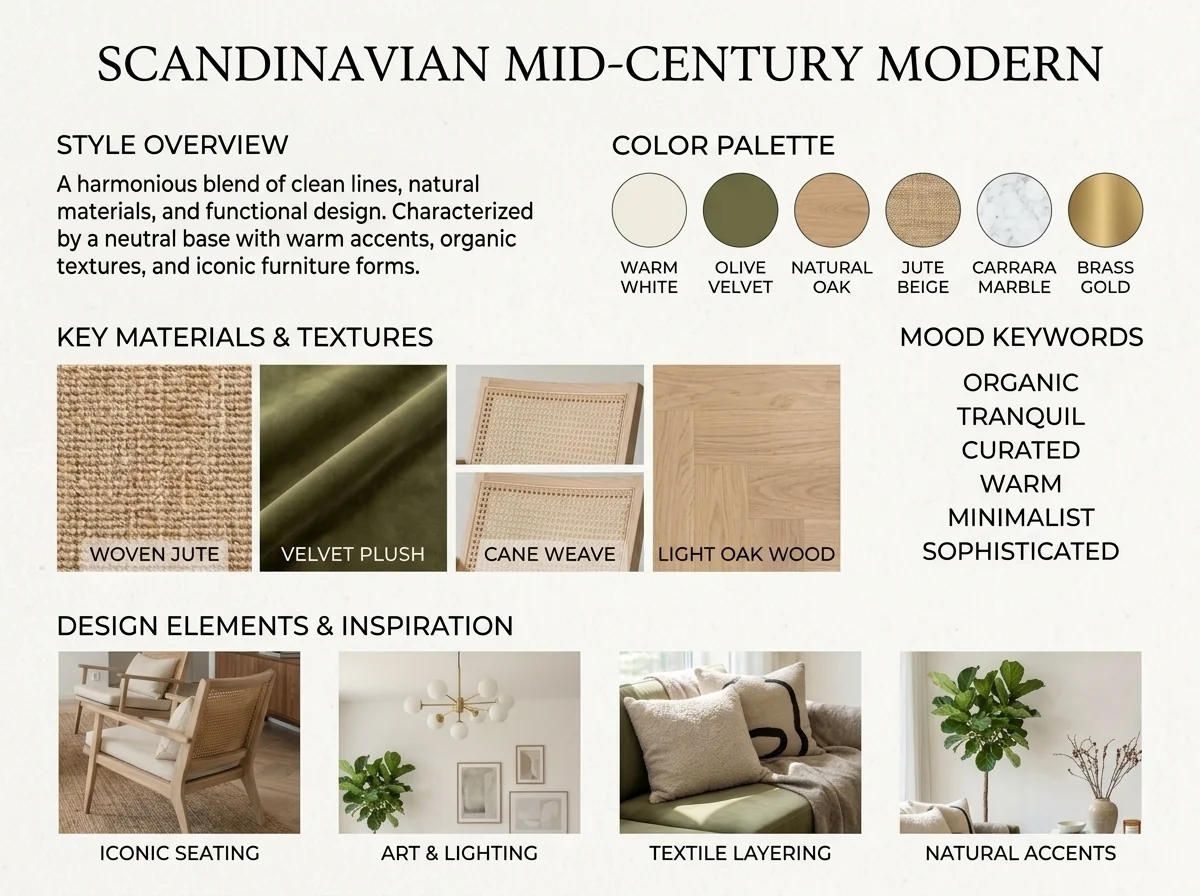
AI-detektor for interiørstil og moodboard
Last opp et hvilket som helst rombilde og AI identifiserer interiørstilen, fargepaletten, hovedmaterialene og lager en matchende moodboard. Perfekt for å forstå eksisterende rom eller kommunisere stilpreferanser.
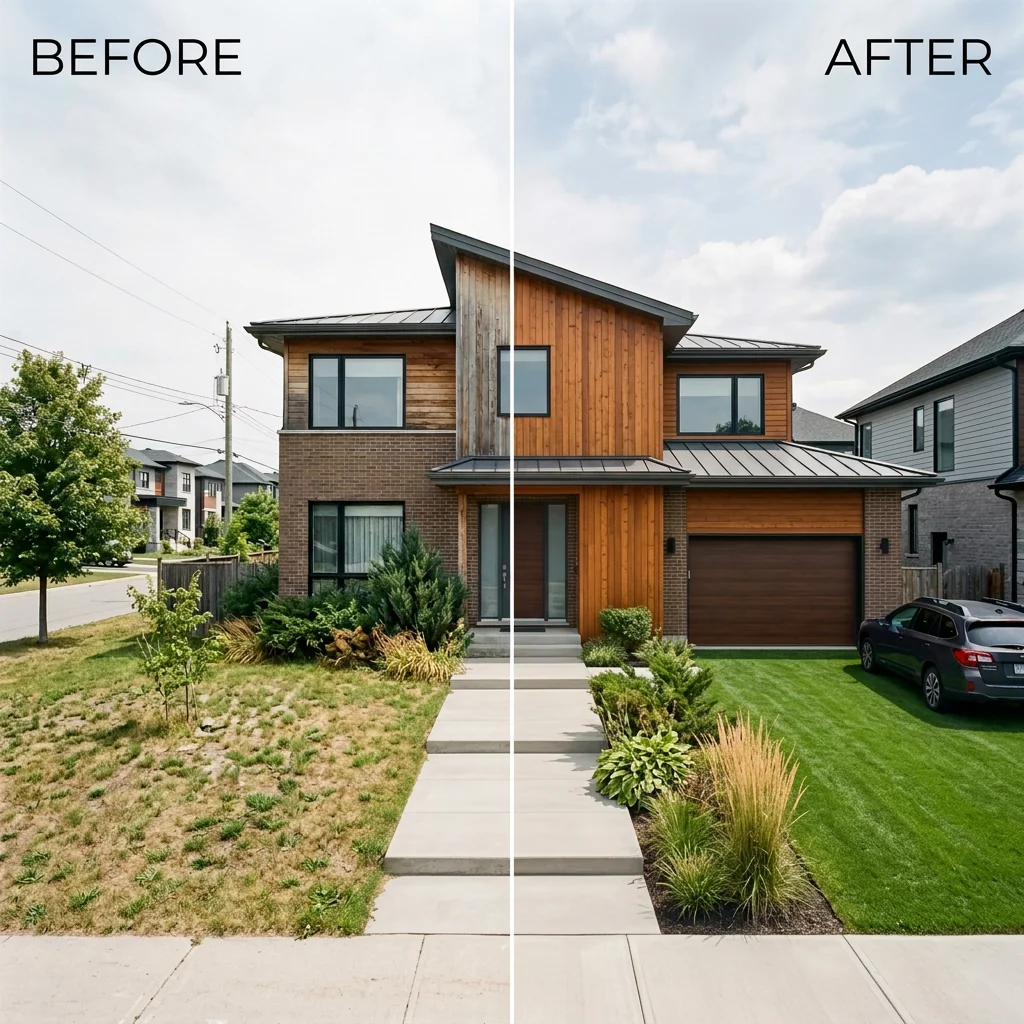
Før- og etter-side om side-annonse
Lag profesjonelle før-og-etter-sammenligningsbilder for boligannonser. Last opp to bilder, så genererer AI-en en polert side-ved-side-sammenligning med etiketter, perfekt for MLS, sosiale medier og markedsføringsmateriell.
Les hele guiden
How long does generation take for Property Features Checklist Graphic?
Generation usually takes between 5 and 15 seconds.
Can I use the results commercially?
Yes, every generated image includes a full commercial usage license.
Tips for your photo
Make sure the photo is well lit and shot from a wide angle.
Remove clutter before shooting the photo for the best results.
Use re-staging mode for targeted style changes.
Frequently asked questions
What are the recommended input image formats and resolutions for the Property Features Checklist Graphic tool?
Upload high-resolution JPEG or PNG real estate photos (1920x1080 pixels minimum) to ensure crisp overlay graphics. This enhances the visual appeal of your property listing on Zillow or MLS.
How long does it typically take to generate a Property Features Checklist Graphic?
Convert your amenities list into a stunning graphic in under 30 seconds. Our AI quickly stages the typography and icons onto your uploaded image, speeding up your agent's marketing efforts.
What is the output quality and resolution of the generated Property Features Checklist Graphic?
Stage your property listing with graphics optimized for Instagram Stories (1080x1920) and Pinterest (1000x1500). Enhance your real estate photos with sharp text and icons for maximum engagement.
What are the best practices for achieving optimal results with the Property Features Checklist Graphic?
Enhance your Property Features Checklist Graphic by selecting interior photos with clear background space. Use concise amenity lists (3-5 items) and bold fonts for readability, ensuring your property features stand out.
Can I re-generate or modify a Property Features Checklist Graphic after initial creation?
Yes, easily modify your Property Features Checklist Graphic. Upload the same image and adjust text, icons, or layout to enhance your property listing. This allows agents to refine visuals for different platforms like Zillow.
Technical FAQ: Property Features Checklist Graphic
Quick answers for optimal results
Common mistakes
7 Property Features Checklist Graphic Mistakes Killing Your Listings
How to Create Stunning Property Features Checklist Graphic Online
Using Low-Resolution Real Estate Photos
Blurry or pixelated images make the Property Features Checklist Graphic look unprofessional and deter potential buyers viewing the property listing on Zillow or the MLS.
Upload only high-resolution real estate photos (minimum 1080p) to the Property Features Checklist Graphic tool. Ensure the images are well-lit and in focus before you stage them.
Overcrowding the Property Features Checklist Graphic with Too Many Features
Listing every single feature, no matter how minor, makes the graphic cluttered and difficult to read, reducing its impact on potential buyers and their agent.
Focus on the top 3-5 most desirable property features when creating your Property Features Checklist Graphic. Prioritize features that differentiate the property and appeal to the target market.
Ignoring Brand Consistency in Your Property Features Checklist Graphic
Using inconsistent fonts, colors, and styles in your Property Features Checklist Graphic makes it look amateurish and dilutes your brand identity, especially when shared on Instagram or Pinterest.
Establish a consistent brand style guide and apply it to all Property Features Checklist Graphic designs. Use your brand colors, fonts, and logo to create a cohesive and recognizable visual identity.
Neglecting Mobile Optimization for Your Property Features Checklist Graphic
If the Property Features Checklist Graphic is not optimized for mobile viewing, text may be too small to read, and the layout may be distorted, frustrating potential buyers on mobile devices.
Design your Property Features Checklist Graphic with mobile viewing in mind. Use a clear, concise layout, large fonts, and ensure the graphic is responsive and adapts to different screen sizes.
Failing to Include a Call to Action on Your Property Features Checklist Graphic
Without a clear call to action, viewers may admire the Property Features Checklist Graphic but not take the next step, such as contacting the agent or scheduling a viewing.
Include a clear and compelling call to action on your Property Features Checklist Graphic, such as 'Schedule a Viewing Today!' or 'Contact Your Agent Now!' to encourage immediate action.
Using Generic Icons in Your Property Features Checklist Graphic
Generic icons can make the Property Features Checklist Graphic look uninspired and fail to effectively communicate the property's unique features. The goal is to impress Zillow viewers.
Choose custom or unique icons that accurately represent each property feature and align with the overall aesthetic of the graphic. Consider using icons that complement the real estate photos.
Not Proofreading Your Property Features Checklist Graphic
Typos and grammatical errors in your Property Features Checklist Graphic make you look unprofessional and damage your credibility with potential buyers and their agent.
Always proofread your Property Features Checklist Graphic carefully before publishing it. Use a spell checker and grammar checker, and ask someone else to review it for errors.
What Your Property Features Checklist Graphic Results Will Look Like
Upload your photo to get started and create stunning graphics for your property listing
Your workflow
Transform Your Listing: 5 Tips for a Stunning Property Features Checklist Graphic
How to create a property features checklist graphic online that attracts buyers
Upload & Select
Upload high-quality real estate photos to PropStage.ai for your property listing. Choose the best interior shot to showcase your property features checklist graphic.
Use photos optimized for MLS and Zillow to ensure maximum impact.
Customize Features
List key property features (e.g., 'granite countertops,' 'stainless steel appliances'). PropStage.ai's Property Features Checklist Graphic tool automatically converts these into visual elements.
Focus on features that will appeal to your target buyer; highlight amenities relevant to the neighborhood.
Design & Enhance
Choose from various design templates and icon styles within the Property Features Checklist Graphic tool. Customize typography and colors to match your agent branding.
Ensure the text is easily readable, even on smaller screens like Instagram Stories.
Download & Share
Download your completed Property Features Checklist Graphic in high resolution. Share directly to Instagram, Pinterest, and other social media platforms.
Use relevant hashtags to increase visibility and reach potential buyers.
Use cases
Property Listings for Property Features Checklist Graphic
Social Media Marketing & Instagram Inserate
Architektur- & Umbau-Präsentationen
Property Features Checklist Graphic — Technical Specifications
1. Upload your property photo.
2. Choose the interior style or room type you want.
3. Click Generate and get your result in seconds.
Expert guide
5 Tips: Transform Your Property Features Checklist Graphic for Maximum Impact
How to Create a Stunning Property Features Checklist Graphic Online
Stage Compelling Real Estate Photos for Your Property Features Checklist
Stage your property meticulously before taking real estate photos. A well-staged home translates into a more attractive Property Features Checklist Graphic, grabbing the attention of potential buyers browsing MLS and Zillow. Ensure optimal lighting and decluttering for professional results.
Optimize Settings for a High-Quality Property Features Checklist Graphic
Tweak the settings within the Property Features Checklist Graphic tool for optimal results. Experiment with different fonts, icon styles, and color palettes to perfectly complement your property listing and enhance the visual appeal for potential buyers and their agents.
Enhance Your Property Listing: Achieve the Best Property Features Checklist Graphic
For the best Property Features Checklist Graphic, focus on highlighting unique selling points. Showcase the most desirable amenities that differentiate the property, making it stand out on platforms like Zillow and attracting more inquiries from potential buyers and their real estate agents.
Convert Leads: Use Property Features Checklist Graphic for Professional Marketing
As a real estate agent, leverage the Property Features Checklist Graphic to create professional marketing materials. Embed the graphic in your property listing, share it on social media, and include it in email campaigns to elevate your brand and attract serious buyers.
How it works
3 Steps to Create a Property Features Checklist Graphic
How to design a property features checklist graphic for Instagram Stories in 2024
Upload Your High-Resolution Listing Photos
Select your best property listing image from Zillow or MLS and upload it to our AI engine to serve as the background for your custom property features checklist graphic.
Input Amenities and Select Styles
Type your home staging highlights and amenities into the tool, then choose professional typography to transform raw data into a stunning property features checklist graphic for social media engagement.
Export High-Res Social Media Graphics
Download your finished property features checklist graphic in high-resolution formats, ensuring your real estate agent brand looks expert-level on Instagram, Pinterest, and various digital property listing portals.
What you can do
Unlock 6 Elite Property Features Checklist Graphic Capabilities
Quality Checklist Graphic Output
Enhance property listing visuals. Generate crisp, vibrant Property Features Checklist Graphics, perfect for showcasing real estate photos on MLS or Zillow.
Fast Checklist Graphic Generation
Convert amenity lists into Property Features Checklist Graphics instantly. Stage multiple property listings quickly, saving valuable time for every agent.
Multi-Format Checklist Graphic
Upload property features and convert them into ideal Property Features Checklist Graphics for Instagram Stories, Pinterest, and other real estate platforms.
Custom Checklist Graphic Design
Transform your Property Features Checklist Graphics with flexible typography, icons, and color schemes. Personalize every detail to match your property listing's brand.
AI Smart Checklist Graphic
Stage property attributes with AI. This Property Features Checklist Graphic tool intelligently suggests optimal layouts and icon placements for real estate photos.
Pro Checklist Graphic Use
Elevate real estate marketing. Use Property Features Checklist Graphic to create compelling visuals for MLS and Zillow, attracting more buyers for agents.
Discover how to create stunning property features checklist graphics online with ease.