
Metamorfoza elewacji
- Zdjęcie
- Twoje wybory
- Twój obraz
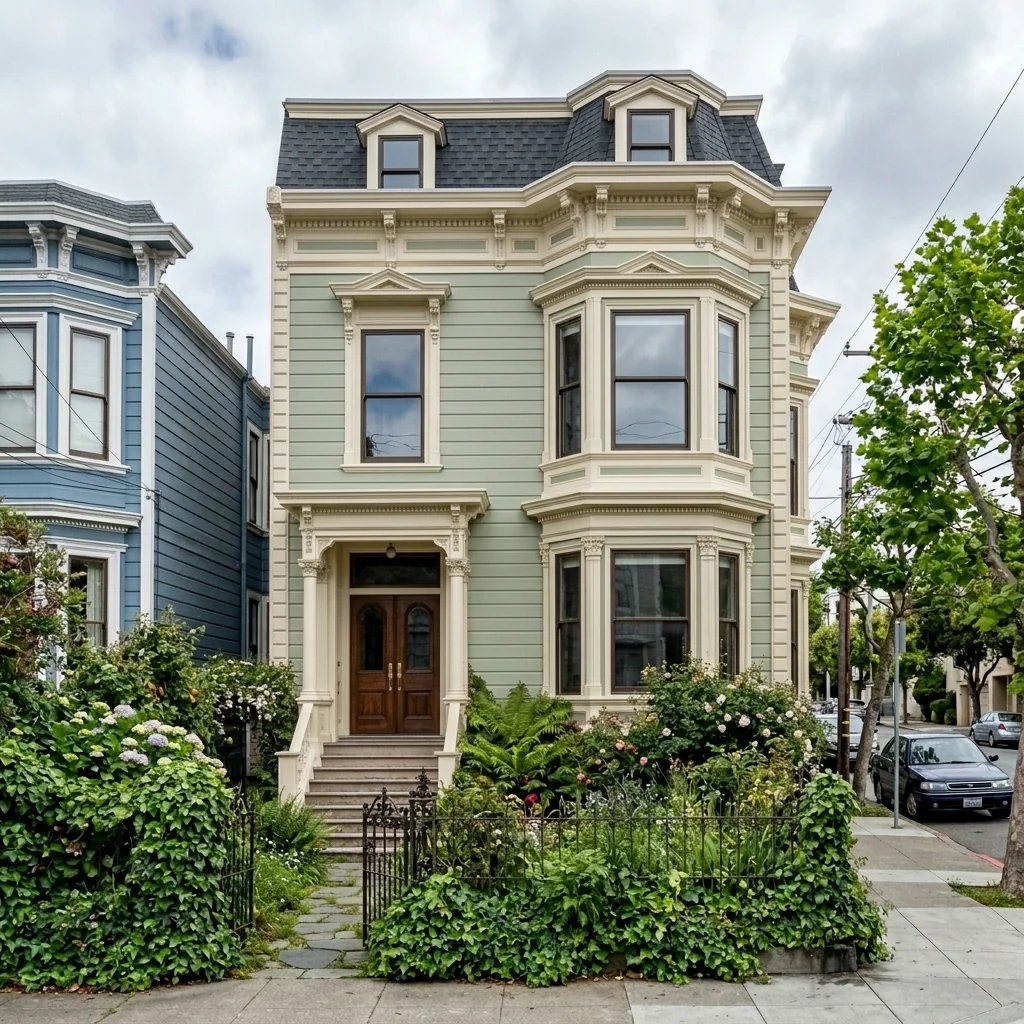
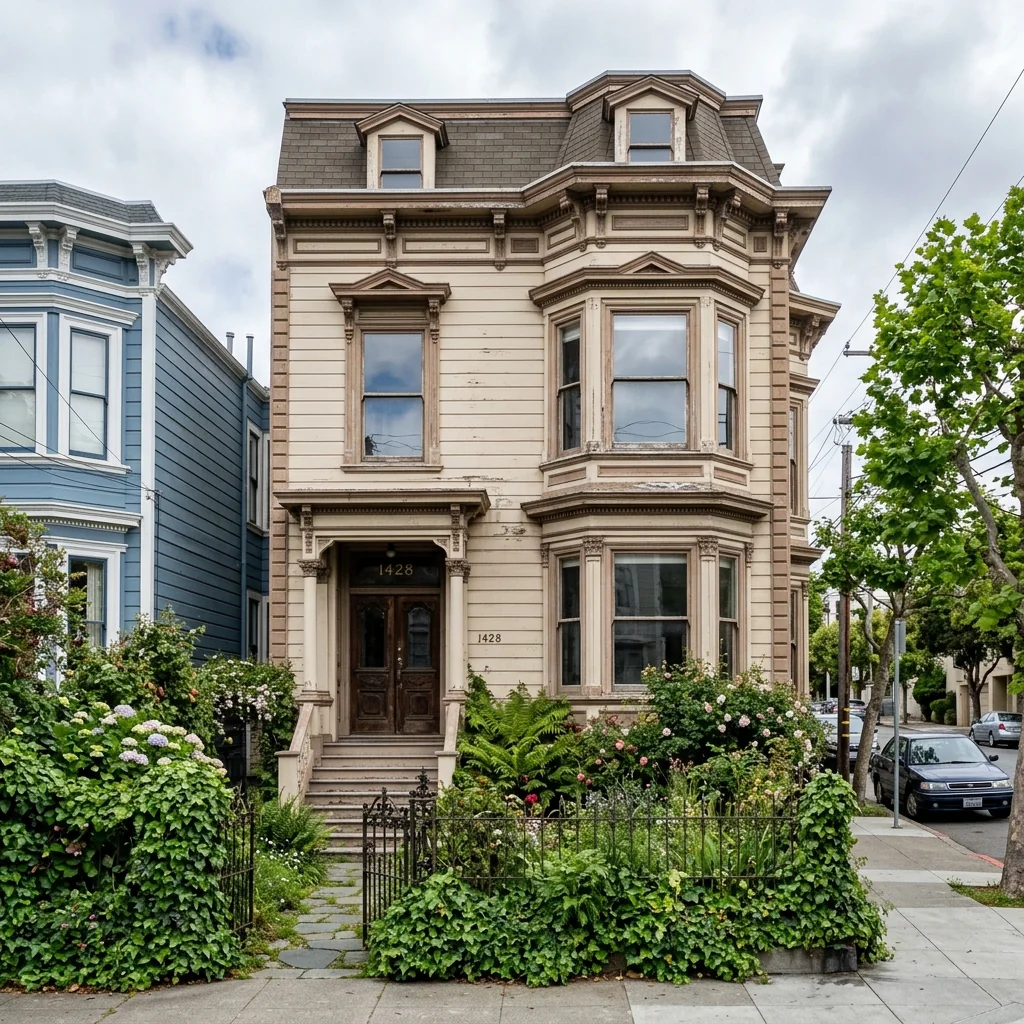
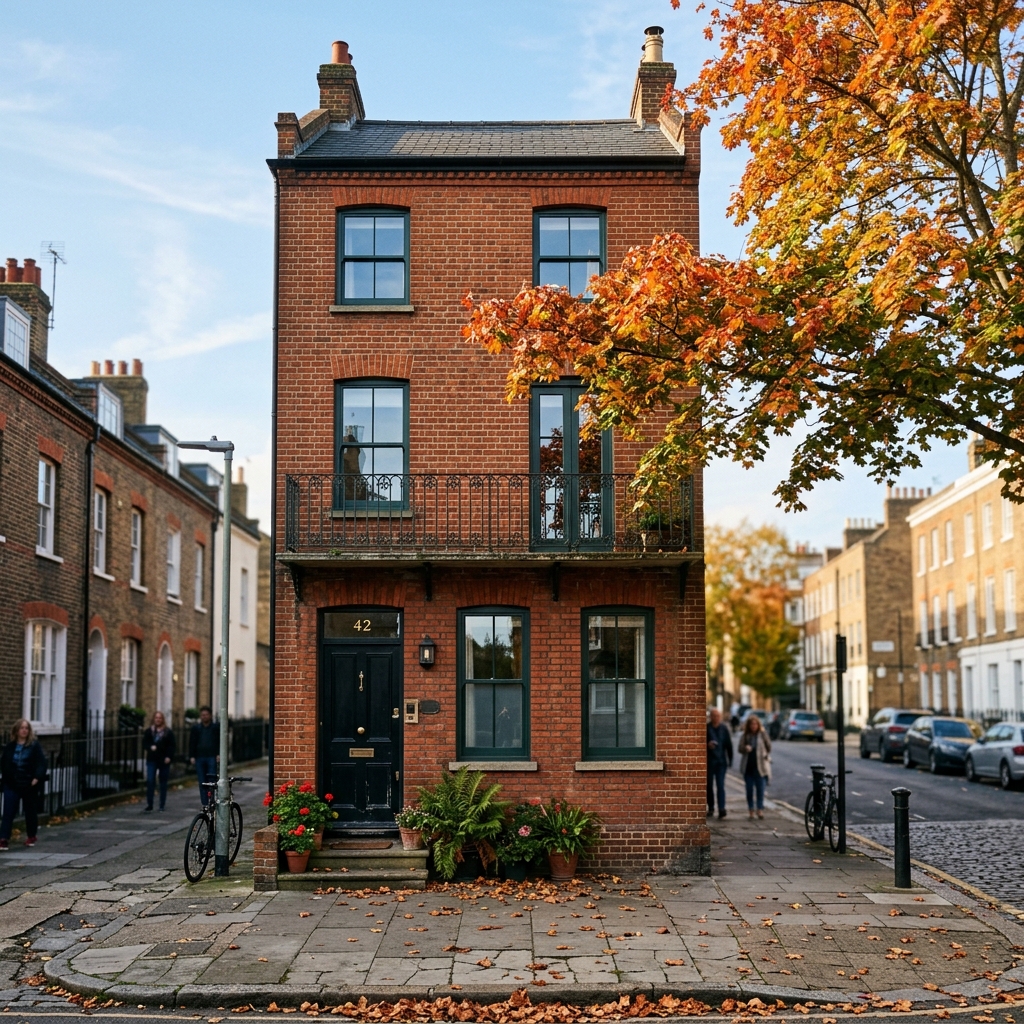
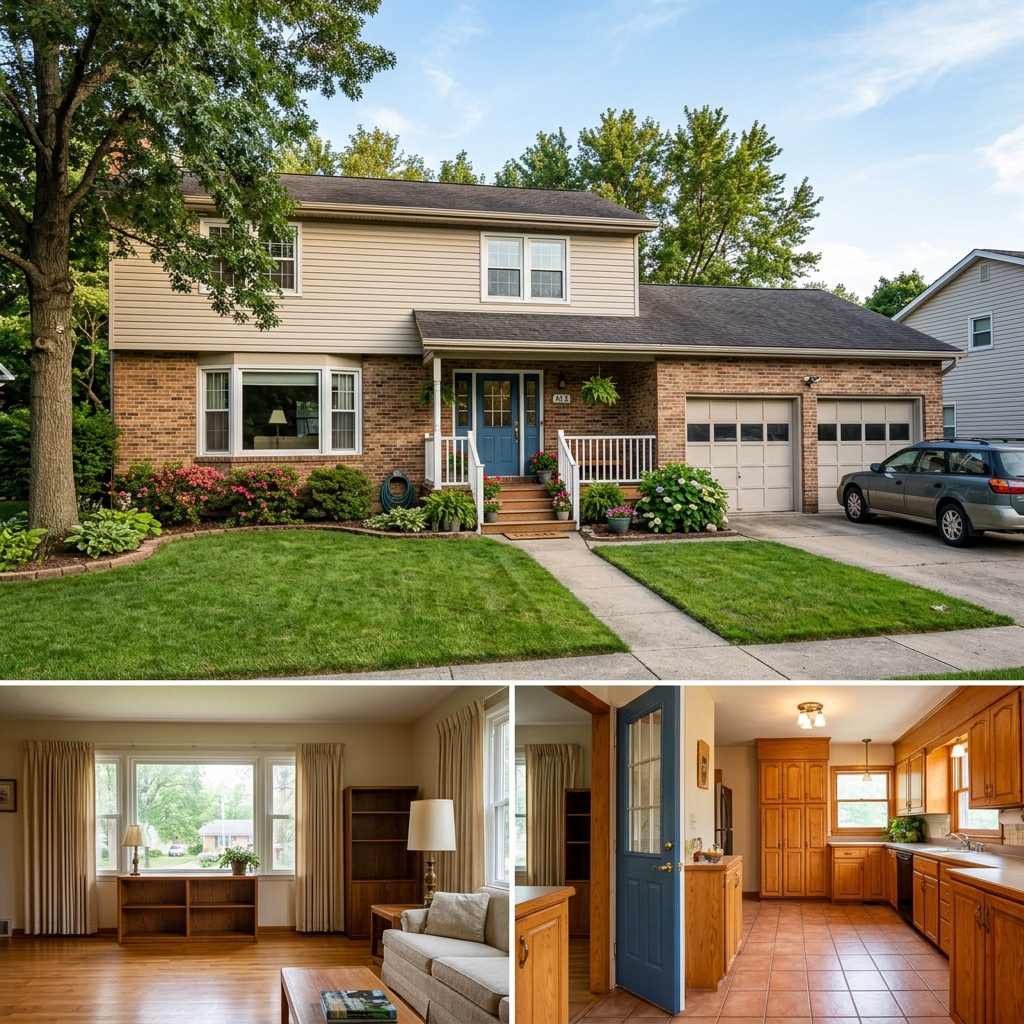
Zobacz, co jest możliwe
Realistyczne efekty ze zdjęć podobnych do Twoich.


Jak to działa
- 1Prześlij swoje zdjęcie
- 2Wybierz swoje ustawienia
- 3Twój obraz
Wskazówki, jak uzyskać świetny efekt
Jasne, wyraźne zdjęcie
Naturalne światło i szeroki kąt dają najlepszy efekt.
Pokaż cały obszar
Zachowaj w kadrze wszystko, co chcesz zmienić.
Wypróbuj kilka wariantów
Porównaj różne opcje, zanim podejmiesz decyzję.
Najczęściej zadawane pytania
Czy mogę używać obrazów komercyjnie?
Tak. Możesz używać swoich obrazów do dowolnego celu, w tym komercyjnie.
Czy moje oryginalne zdjęcie się zmieni?
Nie. Oryginał zostaje bez zmian i możesz go pobrać w dowolnym momencie.
A jeśli nie spodoba mi się efekt?
Wypróbuj inny styl lub ustawienie albo doprecyzuj efekt krótką instrukcją.
Kontynuuj odkrywanie
Wszystkie narzędzia
Ulepszenie zieleni na ujęciu z lotu ptaka
Przekształć zaniedbane, puste lub mało atrakcyjne tereny na zdjęciach nieruchomości z drona i z lotu ptaka. Dodaj bujne trawniki, baseny, formalne ogrody, rabaty i nienaganne podjazdy — wszystko widoczne z góry. Pokaż kupującym pełny potencjał przestrzeni zewnętrznej bez ani jednego ogrodnika.

AI zamiana lamówki poduszki
Natychmiast zmień lamówki, obrzeża i wykończenia ozdobnych poduszek na swoich zdjęciach nieruchomości. To narzędzie AI pozwala projektantom i stagingowcom wizualizować różne style, kolory i materiały, poprawiając estetykę wnętrza bez fizycznych zmian.

AI zamiana frędzli i wykończenia poduszki
Bez wysiłku wizualizuj nowe ozdobne frędzle i style wykończeń poduszek na swoich zdjęciach wnętrz. To narzędzie AI pozwala projektantom i stagingowcom podmieniać istniejące detale poduszek, od razu pokazując odświeżoną estetykę bez fizycznych zmian.
Przeczytaj pełny poradnik
How long does generation take for Facade Makeover?
Generation usually takes between 5 and 15 seconds.
Can I use the results commercially?
Yes, every generated image includes a full commercial usage license.
Tips for your photo
Make sure the photo is well lit and shot from a wide angle.
Remove clutter before shooting the photo for the best results.
Use re-staging mode for targeted style changes.
Frequently asked questions
How to upload property photos for optimal Facade Makeover results?
Upload high-resolution JPEG or PNG files, ideally 1920x1080 pixels or larger. This ensures the AI accurately detects architectural features for your Facade Makeover, crucial for detailed real estate photos on any property listing.
What is the typical processing time for a Facade Makeover transformation?
Transform your facade in approximately 10-15 seconds. Our AI rapidly processes your uploaded image, delivering a swift Facade Makeover for quick property listing updates or agent presentations.
How does the Facade Makeover tool ensure high output quality for property listings?
The AI enhances textures and lighting for a realistic Facade Makeover. Output is delivered in high-res JPEG, suitable for MLS, Zillow, and all real estate photos, ensuring your property stands out.
What are the best tips to achieve stunning Facade Makeover results?
Stage your original photo with clear lighting and minimal obstructions. Enhance results by selecting appropriate material presets. A well-composed input photo significantly improves the AI's ability to deliver a compelling Facade Makeover.
Can I re-generate or modify a Facade Makeover after initial processing?
Yes, you can easily re-generate or fine-tune your Facade Makeover. Simply adjust material selections or upload a new angle. This allows agents to convert visions into perfect real estate photos for every property listing.
Technical FAQ: Facade Makeover
Quick answers for optimal results
Common mistakes
5 Facade Makeover Mistakes Crushing Your Property Listing
How to Facade Makeover Online: Avoid These Errors!
Using Low-Resolution Real Estate Photos
Blurry or pixelated facade images make your property listing look unprofessional and deter potential buyers on Zillow or MLS.
Upload high-resolution real estate photos to the Facade Makeover tool for a crisp, clear transformation. Ensure images meet MLS standards.
Ignoring the Property's Existing Architectural Style
Applying a facade makeover that clashes with the building's inherent design can result in an unappealing and unrealistic visual.
Select facade styles within the Facade Makeover tool that complement the existing architecture. Consider consulting with an agent for advice.
Overlooking the Surrounding Landscape
A beautiful facade makeover can be undermined if it doesn't harmonize with the surrounding environment.
Use the Facade Makeover tool to experiment with colors and materials that blend with the landscape. Consider virtual landscaping to enhance the overall appeal.
Failing to Consider Local Market Preferences
A facade makeover that appeals in one area might not resonate in another. Ignoring local trends can negatively impact your property's marketability.
Research popular facade styles in your area before using the Facade Makeover tool. Ask your real estate agent for insights into local buyer preferences.
Not Previewing the Facade Makeover on Multiple Devices
The appearance of your facade makeover can vary across different screens and devices. Failing to check this can lead to inaccurate expectations.
Preview your completed facade makeover on various devices (desktop, tablet, smartphone) to ensure consistent visual quality. The Facade Makeover tool offers responsive previews.
What Your Facade Makeover Results Will Look Like
Upload your photo to get started
Your workflow
4 Steps to a Stunning Facade Makeover: Boost Your Real Estate Photos
How to facade makeover online and enhance your property listing for MLS and Zillow
Upload Your Image
Upload a clear, high-resolution real estate photo of the property's facade to the Facade Makeover tool. Ensure the image is well-lit for optimal results.
Use a photo taken during daylight hours with minimal shadows to showcase the property's true potential to prospective buyers and their agent.
Apply Facade Renovations
Transform the facade using the Facade Makeover tool's diverse range of renovation options. Experiment with different colors, materials, and architectural styles to visualize potential upgrades.
Consider popular design trends and local architectural styles to create a facade makeover that appeals to a wide range of potential buyers on Zillow and other platforms.
Enhance and Refine
Fine-tune the facade makeover by adjusting lighting, shadows, and textures within the tool. Ensure the renovated facade seamlessly integrates with the surrounding environment.
Pay attention to detail and ensure the enhanced facade appears realistic and visually appealing to maximize its impact on the property listing.
Download and Publish
Download the professionally renovated facade image and use it to update your property listing on MLS, Zillow, and other real estate platforms. Showcase the property's potential with stunning visuals.
Use the enhanced facade image in your property listing's main photo to immediately capture the attention of potential buyers and increase click-through rates. Share with your agent.
Use cases
Property Listings for Facade Makeover
Social Media Marketing & Instagram Inserate
Architektur- & Umbau-Präsentationen
Facade Makeover Tool: Technical Specifications
1. Upload your property photo.
2. Choose the interior style or room type you want.
3. Click Generate and get your result in seconds.
Expert guide
5 Tips for a Stunning Facade Makeover: Transform Your Real Estate Photos
How to Facade Makeover Online for Maximum Property Listing Appeal
Upload High-Resolution Real Estate Photos for Optimal Facade Makeover
Transform your property listing with crisp, clear images. Upload photos with a minimum resolution of 1080p to ensure our Facade Makeover tool accurately assesses architectural details. This significantly impacts the realism of your facade renovation.Fine-Tune Settings for a Realistic Facade Makeover Transformation
Convert your vision into reality by carefully adjusting the settings. Experiment with different material options, colors, and styles within the Facade Makeover tool. Subtle adjustments can dramatically enhance the final result, attracting more Zillow views and potential buyers.Achieve the Best Facade Makeover Results: Focus on Architectural Harmony
Enhance your property's curb appeal by selecting facade renovations that complement the existing architectural style. Choose materials and designs that enhance, not clash, with the building's original features. This creates a cohesive and attractive look for your MLS listing.Utilize Facade Makeover for Professional Real Estate Agent Presentations
Stage compelling presentations for clients by showcasing various facade renovation options. Use the tool to illustrate potential improvements, aiding in decision-making and securing listings. This demonstrates your commitment to maximizing property value and attracting potential buyers.How it works
3 Steps to a Professional Facade Makeover
How to perform an AI facade makeover online for free in 2025
Upload Your Property Listing Photo
Upload a high-resolution exterior image of your real estate property to our AI engine to begin the facade makeover process for your Zillow or MLS listing instantly.
Select Your Exterior Renovation Styles
Transform the building's appearance by choosing specific materials like siding, paint colors, or windows to visualize a complete facade makeover that attracts high-value real estate buyers.
Download High-Res Architectural Visualizations
Generate and download your enhanced property photos to showcase a stunning facade makeover on marketing materials, ensuring your home staging stands out among competitive local real estate listings.
What you can do
Advanced Facade Makeover Capabilities
Enhance Facade Visuals
Transform blurry real estate photos into stunning, high-resolution Facade Makeover renderings, ensuring every property listing captivates potential buyers on Zillow.
Instant Facade Transformations
Upload your property images and convert them into a new Facade Makeover vision in seconds, empowering agents to quickly update MLS listings.
Versatile Output Formats
Convert your Facade Makeover designs into various image formats suitable for real estate photos, ensuring seamless integration across all property listing platforms.
Customize Facade Elements
Stage diverse exterior materials and colors, allowing agents to transform facades with endless customization options for a unique property listing appeal.
AI-Powered Facade Accuracy
Leverage advanced AI to precisely detect and transform architectural elements, ensuring your Facade Makeover renders are perfectly integrated into real estate photos.
Professional Facade Solutions
Enhance every property listing with professional Facade Makeover visuals, helping agents close deals faster and elevate their brand on Zillow and MLS.
Pro-level tools at your fingertips