
Edytor blasku złotej godziny
- Zdjęcie
- Twoje wybory
- Twój obraz
Zobacz, co jest możliwe
Realistyczne efekty ze zdjęć podobnych do Twoich.
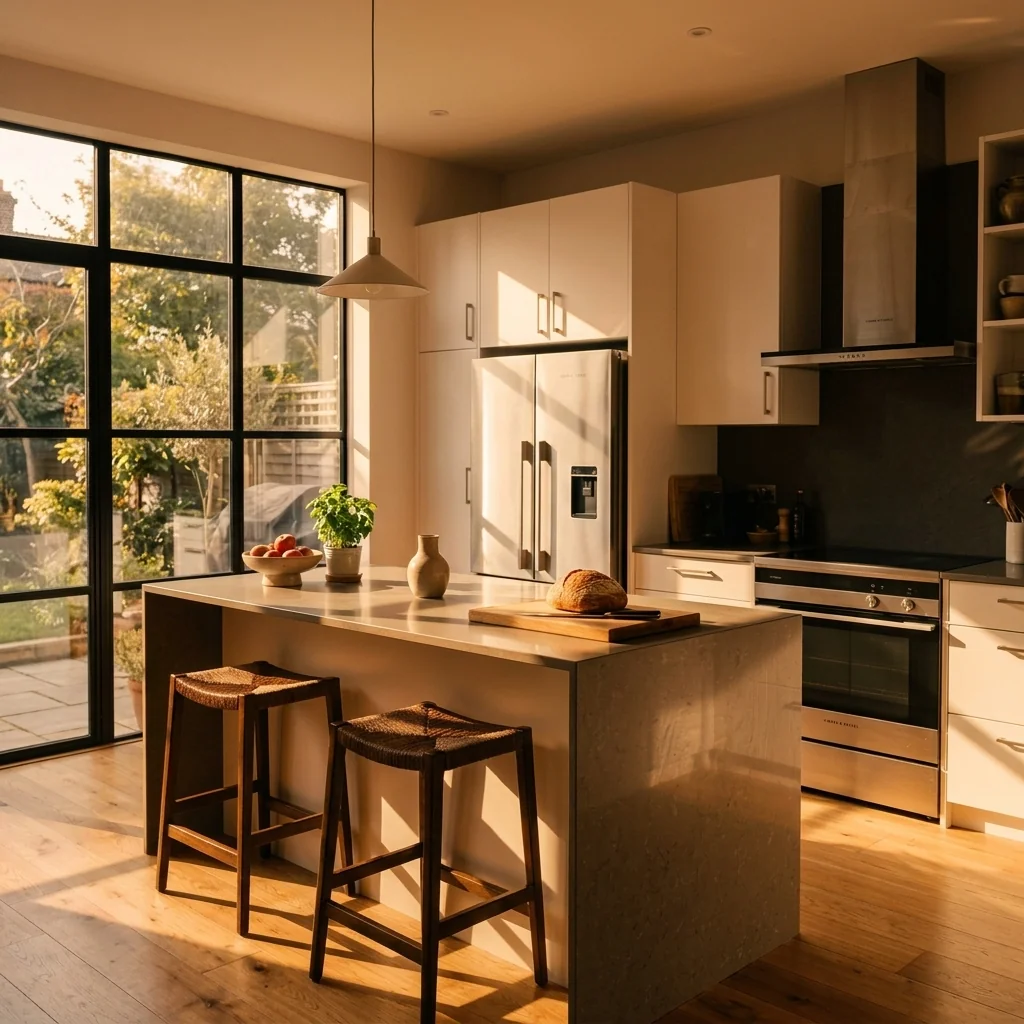
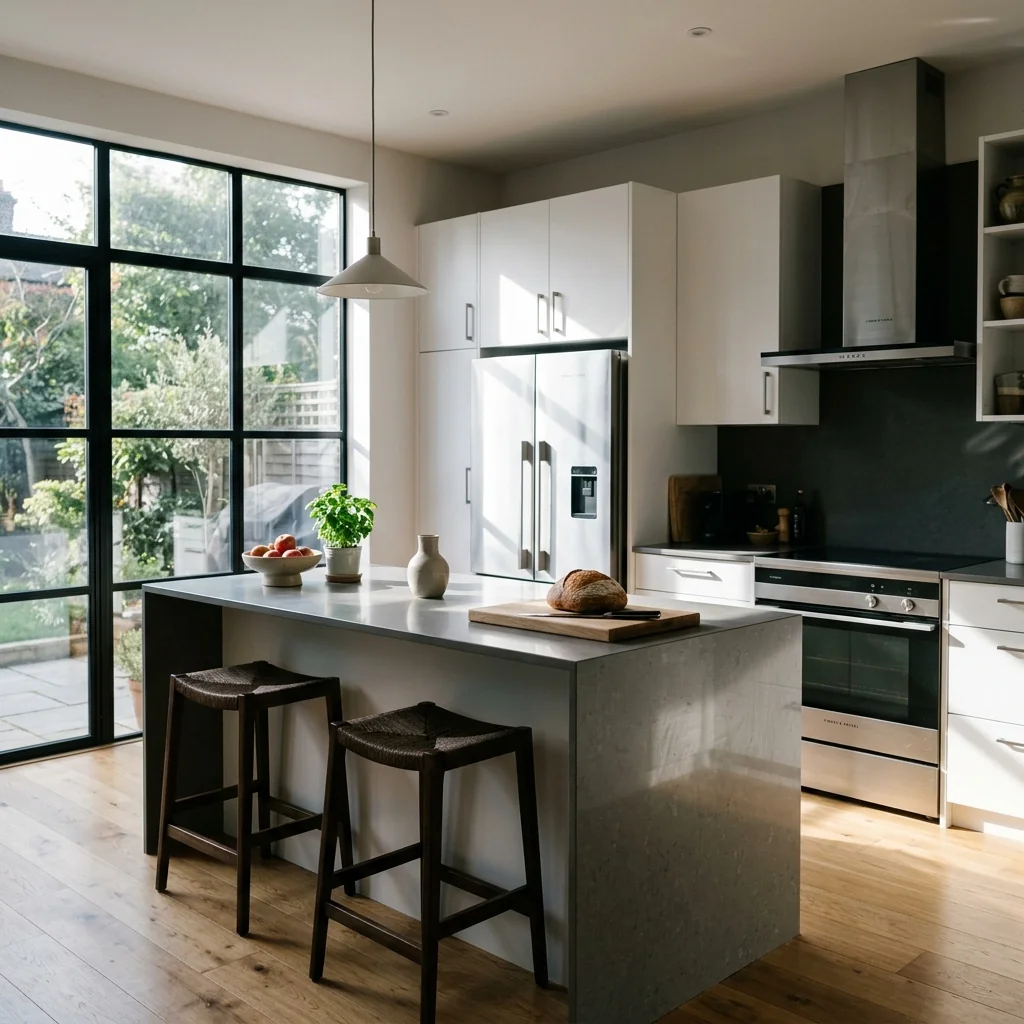


Jak to działa
- 1Prześlij swoje zdjęcie
- 2Wybierz swoje ustawienia
- 3Twój obraz
Wskazówki, jak uzyskać świetny efekt
Jasne, wyraźne zdjęcie
Naturalne światło i szeroki kąt dają najlepszy efekt.
Pokaż cały obszar
Zachowaj w kadrze wszystko, co chcesz zmienić.
Wypróbuj kilka wariantów
Porównaj różne opcje, zanim podejmiesz decyzję.
Najczęściej zadawane pytania
Czy mogę używać obrazów komercyjnie?
Tak. Możesz używać swoich obrazów do dowolnego celu, w tym komercyjnie.
Czy moje oryginalne zdjęcie się zmieni?
Nie. Oryginał zostaje bez zmian i możesz go pobrać w dowolnym momencie.
A jeśli nie spodoba mi się efekt?
Wypróbuj inny styl lub ustawienie albo doprecyzuj efekt krótką instrukcją.
Kontynuuj odkrywanie
Wszystkie narzędzia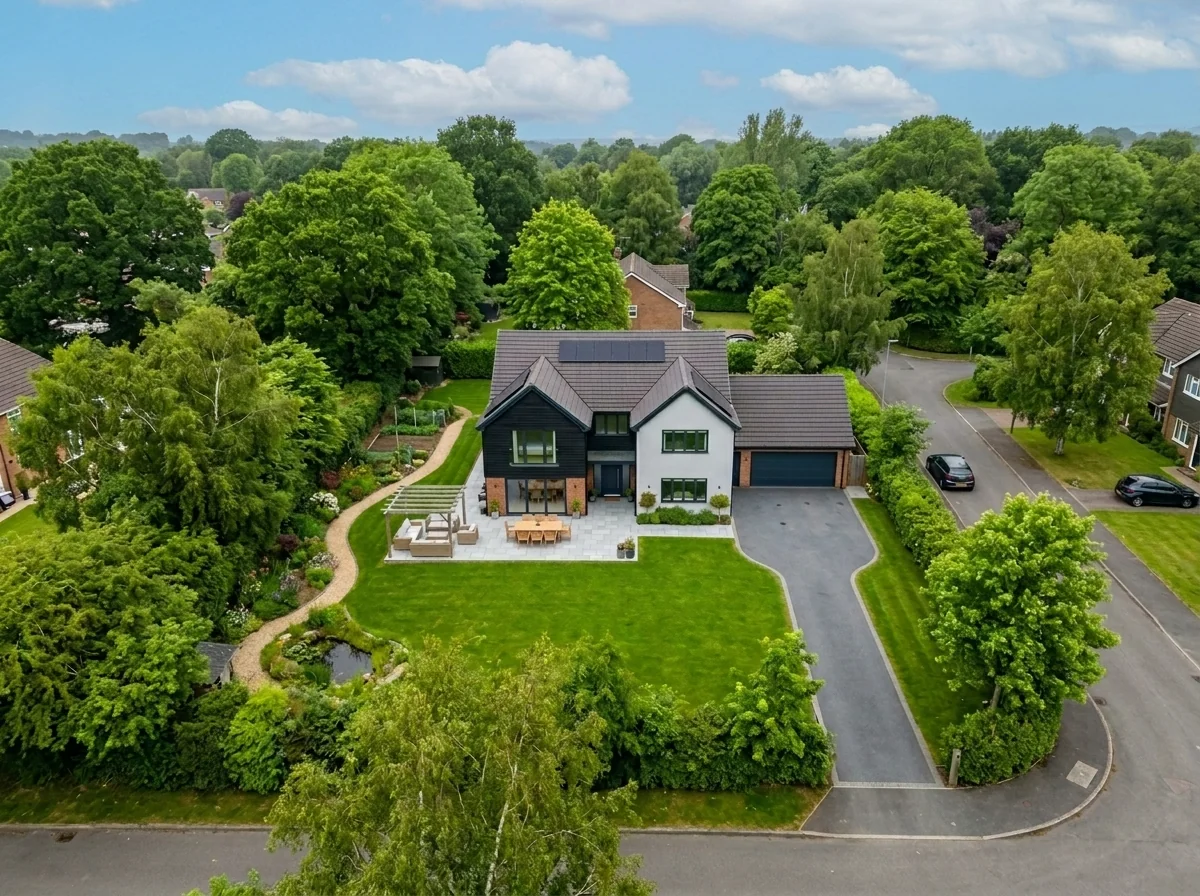
Wymiana nieba na ujęciu z lotu ptaka
Zamień szare, pochmurne lub płaskie niebo na zdjęciach dronowych i z lotu ptaka na piękne błękitne niebo, światło złotej godziny albo dramatyczne chmury — w kilka sekund. Specjalnie zoptymalizowane pod szeroką perspektywę i linię horyzontu charakterystyczne dla fotografii lotniczej.

Anonimizator dekoracji ściennych i zdjęć do mieszkania
Automatycznie wykrywaj i anonimizuj obrazy na ścianach, zdjęcia w ramkach, obrazy malarskie i dzieła sztuki na zdjęciach mieszkania lub pokoju. Wybieraj spośród wielu stylów anonimizacji: rozmycie Gaussa, mocna pikselizacja, usunięcie ściany, zastąpienie abstrakcyjną sztuką, nadrukami natury lub geometrycznymi wzorami — idealne do zgodności z GDPR, ofert nieruchomości i aranżacji.
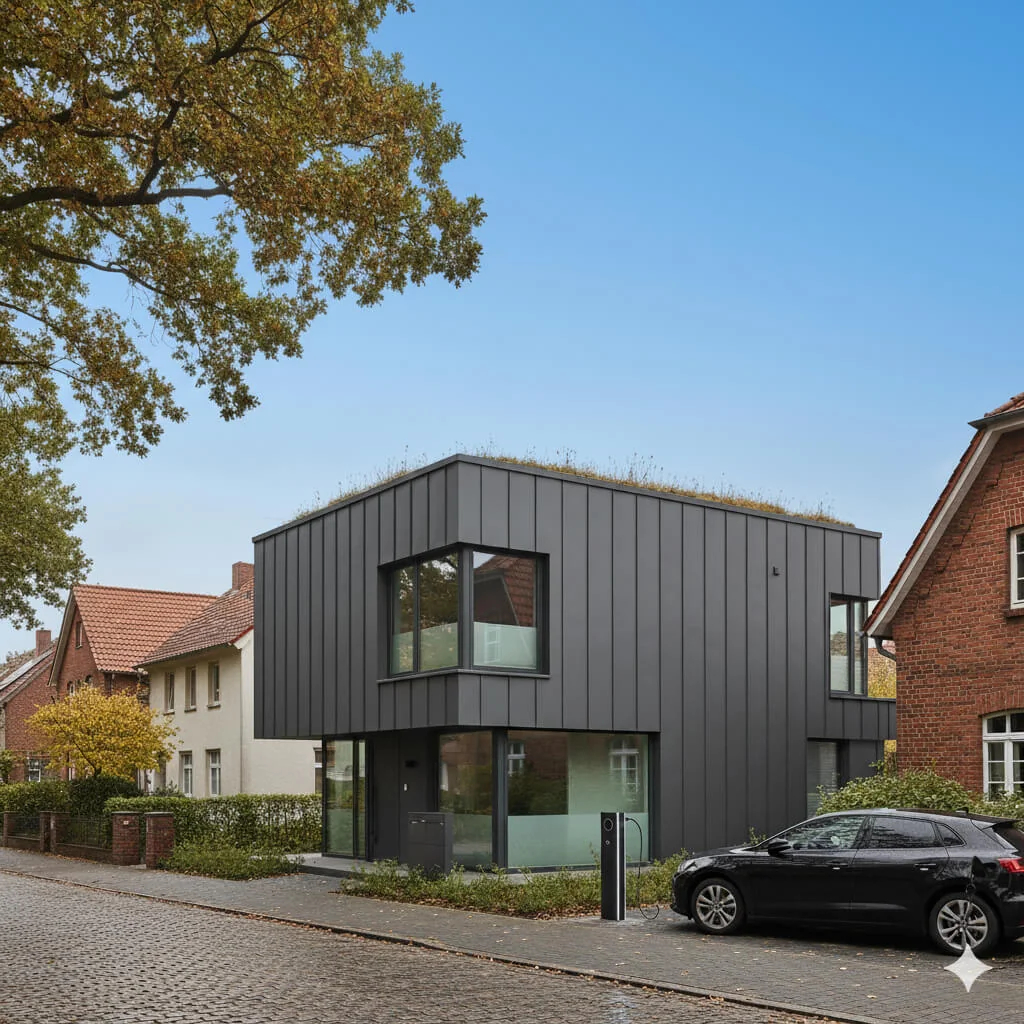
Podmiana nieba na błękitne
Przekształć szare, pochmurne niebo w jasny, błękitny idealny widok — od razu.
Przeczytaj pełny poradnik
How long does generation take for Golden Hour Glow Editor?
Generation usually takes between 5 and 15 seconds.
Can I use the results commercially?
Yes, every generated image includes a full commercial usage license.
Tips for your photo
Make sure the photo is well lit and shot from a wide angle.
Remove clutter before shooting the photo for the best results.
Use re-staging mode for targeted style changes.
Frequently asked questions
What input file types and resolutions does the Golden Hour Glow Editor support?
Upload common formats like JPG, PNG, or HEIC for optimal results. For crisp real estate photos, we recommend images between 2000-4000 pixels on the longest side. The Golden Hour Glow Editor processes these efficiently to enhance your property listing.
How long does it take for the Golden Hour Glow Editor to process an image?
The Golden Hour Glow Editor typically processes images in under 10 seconds. Transform your real estate photos into warm, sunset-lit perfection almost instantly, ensuring quick updates for your MLS and Zillow listings.
What is the output resolution and quality of images processed by the Golden Hour Glow Editor?
The Golden Hour Glow Editor maintains high output quality, matching your input resolution up to 4K. Enhance your property listing with stunning, professional-grade real estate photos, perfect for agents to showcase homes on Zillow.
What are the best practices for achieving optimal results with the Golden Hour Glow Editor?
For the most realistic Golden Hour Glow Editor effect, start with well-lit, balanced real estate photos. Avoid overly dark or bright images. This helps the editor apply a natural, warm sunset glow, making your property listing stand out to potential buyers.
Can I re-edit or re-generate the Golden Hour Glow Editor effect on a previously processed image?
Yes, you can re-upload and re-apply the Golden Hour Glow Editor effect to any image as many times as needed. Experiment with different settings to perfectly enhance your real estate photos for your property listing, ensuring agent satisfaction.
5 Technical FAQs for the Golden Hour Glow Editor: Transform Your Real Estate Photos
How to Optimize Your Property Listings with the Golden Hour Glow Editor Online
Common mistakes
5 Golden Hour Glow Editor Mistakes Killing Your Real Estate Photos
How to avoid common pitfalls and get the perfect golden hour glow editor online for your property listing
Overdoing the Intensity: Cranking the 'Glow' slider to maximum, resulting in unnatural, orange-tinted real estate photos.
Exaggerated golden hour effects detract from the property's true appearance and can mislead potential buyers on Zillow or MLS.
Use the Golden Hour Glow Editor's intensity slider subtly. Aim for a warm, inviting glow that enhances, not overwhelms, the image. Less is often more for a realistic property listing.
Applying the Golden Hour Glow Editor to Already Warm Photos: Using the tool on photos already taken during sunset or with warm lighting.
Layering golden hour effects can create an overly saturated and artificial look, making the property appear fake and unappealing to agents and buyers.
Only use the Golden Hour Glow Editor on photos that are neutral or slightly cool in tone. Assess the existing lighting before applying any effects to your real estate photos.
Ignoring Window Glare: Failing to address window glare before using the Golden Hour Glow Editor, causing distracting bright spots.
Glare diminishes the effectiveness of the golden hour effect and can obscure views from windows, impacting the perceived value of the property listing.
Reduce glare in the original photo using PropStage.ai's other tools or adjust camera angles before using the Golden Hour Glow Editor. Ensure clear views for potential buyers.
Inconsistent Application Across a Property Listing: Applying different levels of golden hour glow to various photos in the same listing.
Inconsistency creates a jarring visual experience and makes the property appear disjointed, potentially deterring potential buyers and agents.
Maintain a consistent level of golden hour glow across all photos in a property listing. Use the same settings in the Golden Hour Glow Editor for a unified look.
Not Optimizing for MLS and Zillow: Failing to resize and compress the enhanced real estate photos for optimal display on MLS and Zillow.
Large file sizes can lead to slow loading times and poor image quality, negatively impacting the viewing experience and potentially reducing interest in the property.
Resize and compress your Golden Hour Glow Editor-enhanced photos to meet the recommended specifications for MLS and Zillow. Use PropStage.ai's image optimization tools.
Golden Hour Glow Editor: See the Stunning Results!
Upload your real estate photos now and witness the golden transformation!
Your workflow
4 Steps to Golden Hour Glow Editor Perfection for Real Estate Photos
How to Achieve a Stunning Golden Hour Glow Effect Online for Your Property Listing
Upload Your Real Estate Photo
Upload the property photo you want to enhance into the Golden Hour Glow Editor. Ensure the image is high-resolution for optimal results.
Use photos with existing natural light for the most realistic golden hour effect.
Adjust the Golden Hour Glow
Fine-tune the intensity of the golden hour glow using the editor's intuitive sliders. Control the warmth and brightness to create the perfect sunset ambiance.
Experiment with different settings to find the ideal balance for your specific real estate photo. Consider the existing lighting conditions.
Enhance Details and Refine
Use the Golden Hour Glow Editor's additional tools to refine the image. Adjust contrast, saturation, and sharpness to further enhance the property's appeal for MLS and Zillow.
Subtle adjustments can make a big difference. Avoid over-editing, which can make the photo look unnatural.
Download and Publish Your Stunning Real Estate Photo
Download the enhanced real estate photo with the perfect golden hour glow. Immediately use it on your property listing, MLS, or Zillow to attract potential buyers.
Optimize the image file size for faster loading times on online platforms. Share with your agent for immediate listing updates.
Use cases
Property Listings for Golden Hour Glow Editor
Social Media Marketing & Instagram Inserate
Architektur- & Umbau-Präsentationen
Golden Hour Glow Editor: Technical Specifications for Real Estate Photos
Transform any property photo into warm, sunset-lit perfection in seconds with the Golden Hour Glow Editor. Enhance your real estate photos for MLS, Zillow, and property listings.
1. Upload your property photo.
2. Choose the interior style or room type you want.
3. Click Generate and get your result in seconds.
Expert guide
5 Pro Tips: Maximize Your Golden Hour Glow Editor for Stunning Real Estate Photos
How to Get the Perfect Golden Hour Glow Editor Online for Your Property Listing
Prepare Your Real Estate Photos: Start with a Strong Foundation
Transform your results by beginning with high-quality real estate photos. Ensure your images are well-lit and properly framed *before* using the Golden Hour Glow Editor. This maximizes the impact of the effect and creates a more appealing property listing for Zillow and the MLS. Upload clear, sharp images for optimal results.Master the Settings: Fine-Tune Your Golden Hour Glow
Experiment with the Golden Hour Glow Editor's intensity settings to achieve the perfect warmth. Avoid over-saturation, which can make real estate photos look unnatural. Subtle adjustments often yield the most professional and captivating results for your property listing. Adjust the warmth and brightness sliders carefully.Achieve Best Results: Target the Right Time of Day
Simulate the golden hour most effectively by choosing photos that already have some natural light. The Golden Hour Glow Editor works best when enhancing existing light, rather than creating it from scratch. This helps create a realistic and appealing image for potential buyers. Focus on photos taken during dawn or dusk for a more authentic look.Professional Use: Elevate Your Agent Branding
Use the Golden Hour Glow Editor consistently across all your property listings to establish a recognizable brand. This creates a professional and polished image for your real estate agency. Stand out from the competition and attract more clients with consistently stunning visuals. Maintain a consistent aesthetic for all your MLS and Zillow photos.How it works
3 Simple Steps to Master the Golden Hour Glow Editor
How to use the golden hour glow editor online for free in 2026 to boost property sales
Upload Your Raw Real Estate Photos
Upload your property listing images directly into our AI engine to begin the Golden Hour Glow Editor transformation, turning flat, overcast skies into vibrant, sunset-lit masterpieces that attract Zillow leads.
Customize Warmth and Lighting Intensity
Select the desired intensity of the sunset effect within the Golden Hour Glow Editor to ensure your home staging looks authentic and meets professional MLS photography requirements for maximum buyer appeal.
Download Your Enhanced Property Visuals
Export your high-resolution files instantly to see how the Golden Hour Glow Editor helps agents and brokers sell properties faster by creating an emotional connection through warm, inviting lighting.
What you can do
Advanced Golden Hour Glow Editor Capabilities
Enhance Image Quality Instantly
The Golden Hour Glow Editor ensures real estate photos achieve stunning, warm, and vibrant output, making every property listing irresistibly appealing to Zillow buyers.
Convert Photos in Seconds
Convert property images into captivating golden hour scenes with the Golden Hour Glow Editor, dramatically speeding up agent workflow for MLS listings.
Upload Diverse Image Formats
Upload diverse real estate photo formats to the Golden Hour Glow Editor, ensuring seamless integration and enhancement of property listings for any agent.
Customize Warmth and Intensity
Customize real estate photos with the Golden Hour Glow Editor, offering granular control over light and warmth to perfectly match your property listing's ambiance.
AI-Powered Glow Application
Enhance real estate photos with the Golden Hour Glow Editor's AI, intelligently applying perfect sunset lighting, ensuring every detail of your property listing shines.
Elevate Agent Property Listings
Transform real estate photos into professional, magazine-quality visuals with the Golden Hour Glow Editor, giving agents a competitive edge on Zillow property listings.
Pro-level tools at your fingertips