
Conversor de Dia para Crepúsculo
- Fotografia
- As suas escolhas
- A sua imagem
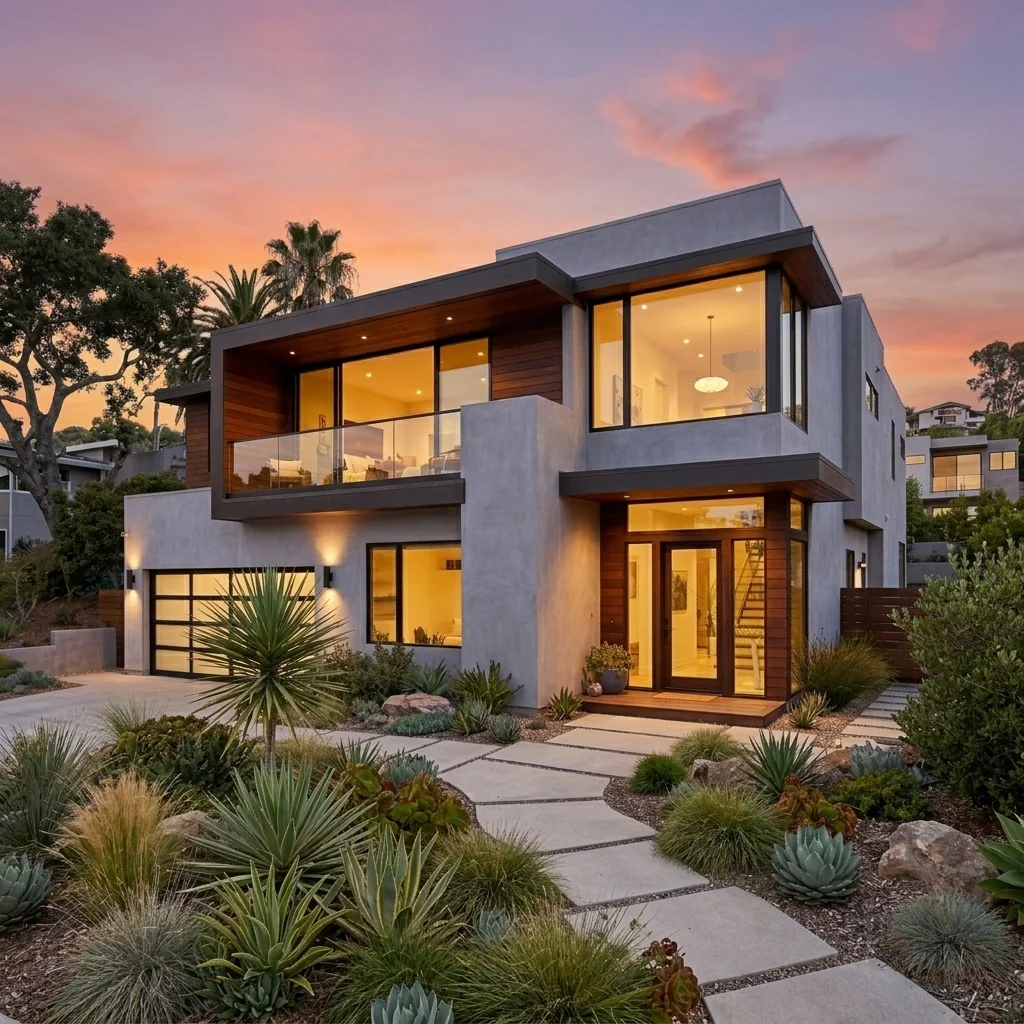
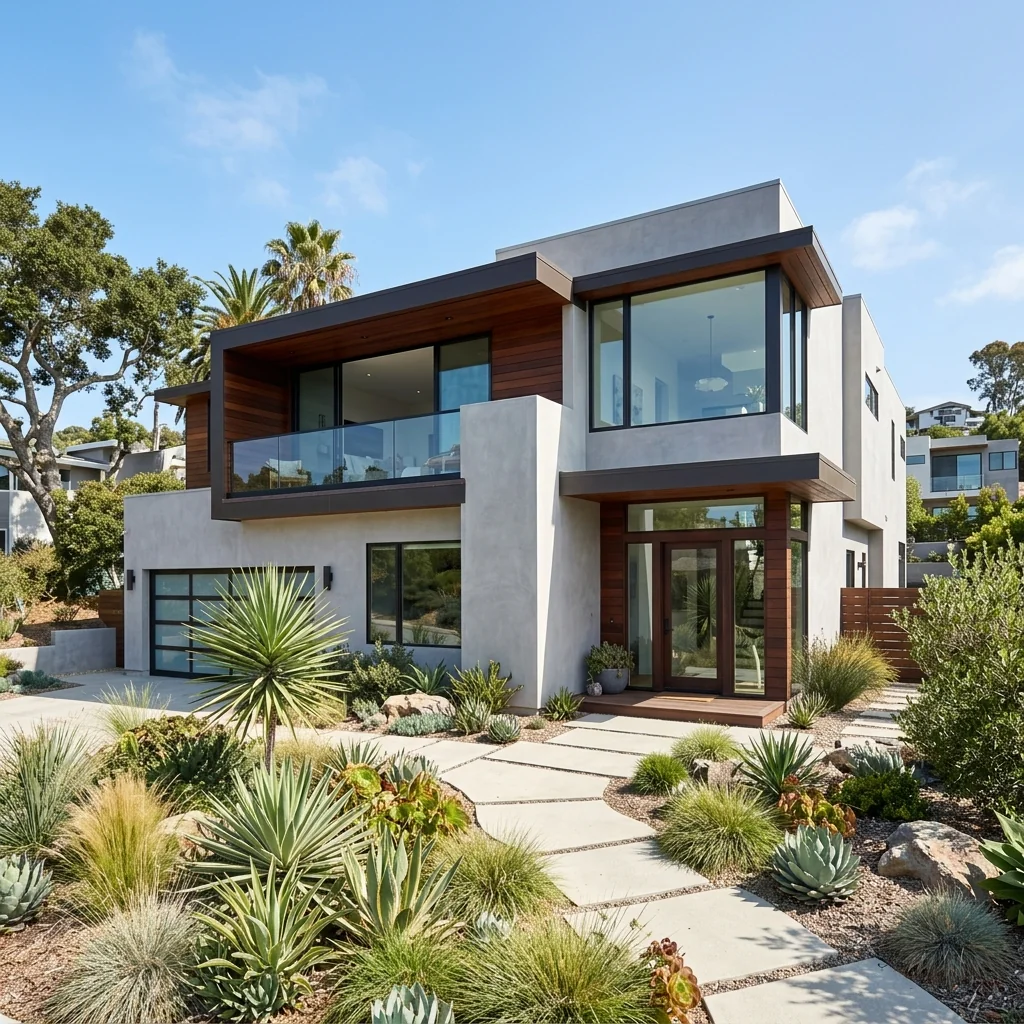
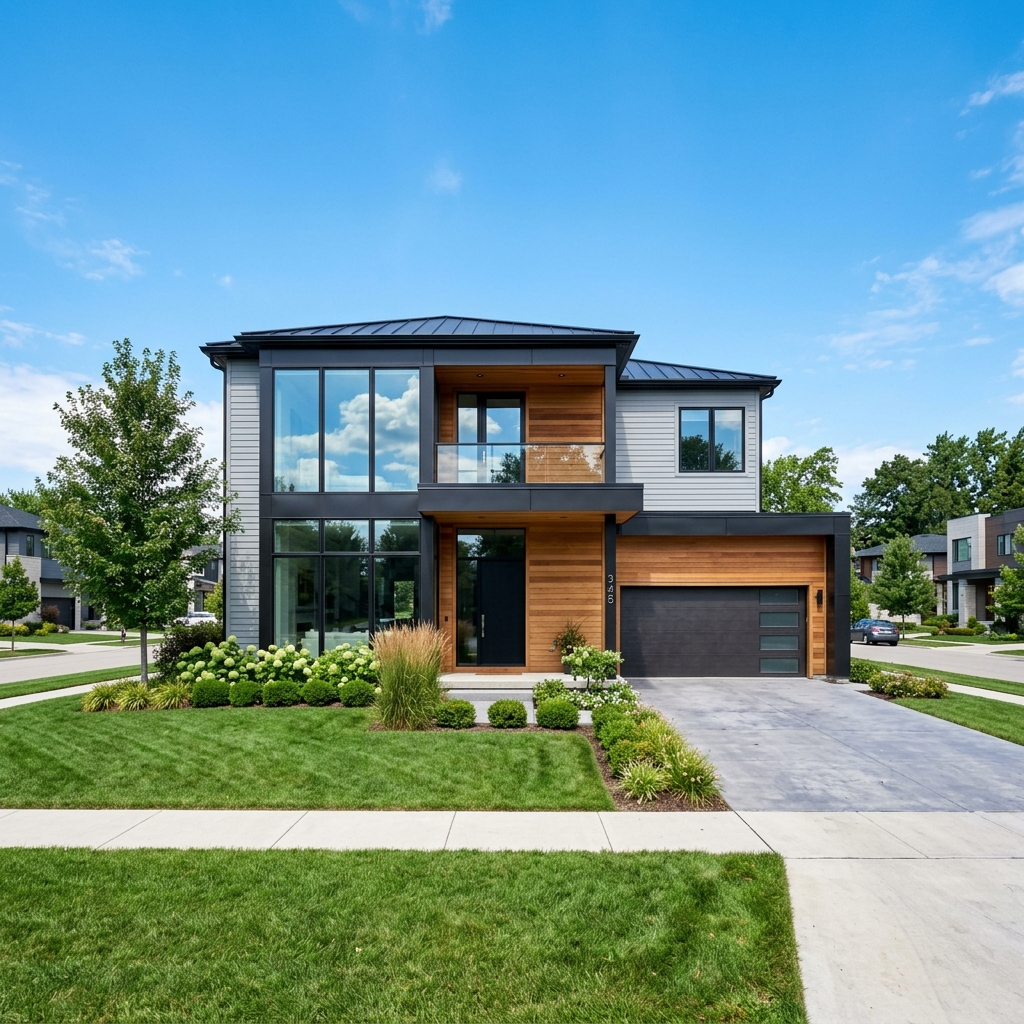
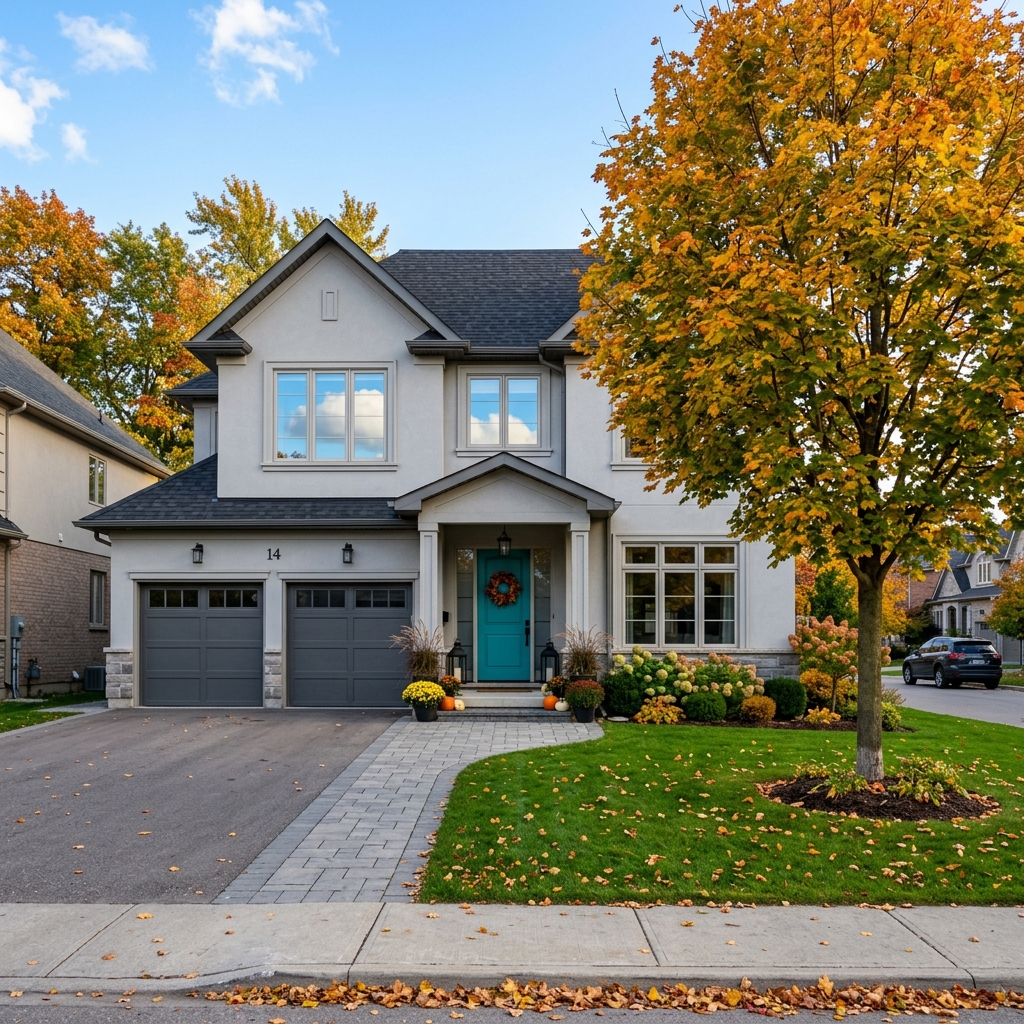
Veja o que é possível
Resultados reais de fotos como a sua.


Como funciona
- 1Carregue a sua foto
- 2Escolha as definições
- 3A sua imagem
Dicas para um ótimo resultado
Foto nítida e clara
Luz natural e um ângulo amplo dão o melhor resultado.
Mostre toda a área
Mantenha tudo o que quer alterar totalmente visível na imagem.
Experimente várias variações
Compare diferentes opções antes de decidir.
Perguntas frequentes
Posso usar as imagens comercialmente?
Sim. Pode usar as suas imagens para qualquer finalidade, incluindo uso comercial.
A minha foto original muda?
Não. A sua foto original mantém-se inalterada e pode descarregá-la em qualquer altura.
E se eu não gostar do resultado?
Experimente outro estilo ou definição, ou refine o resultado com uma instrução curta.
Continuar a explorar
Todas as ferramentas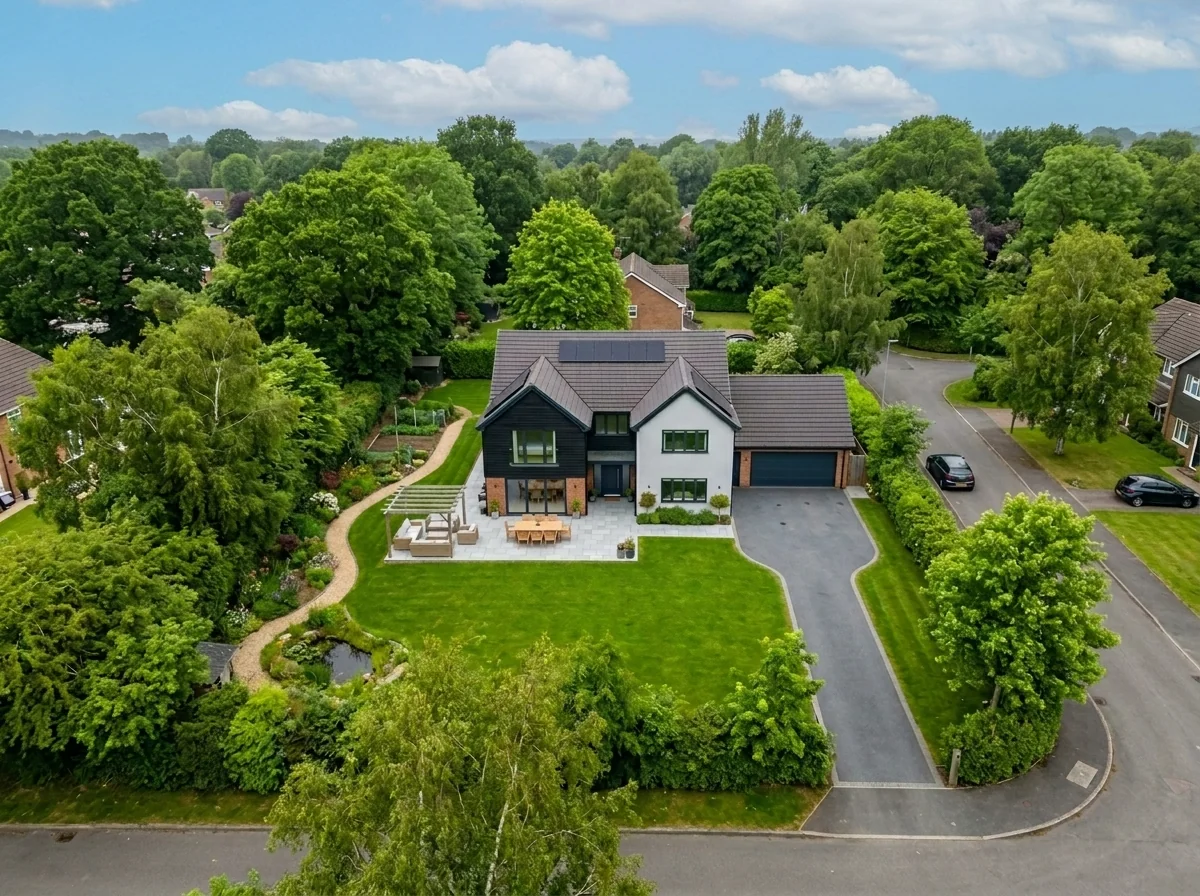
Substituição do céu aéreo
Substitua céus cinzentos, nublados ou planos em fotos aéreas e de drone de imóveis por céus azuis deslumbrantes, luz da golden hour ou nuvens dramáticas — em segundos. Especificamente otimizado para a perspetiva ampla e as características do horizonte da fotografia aérea.
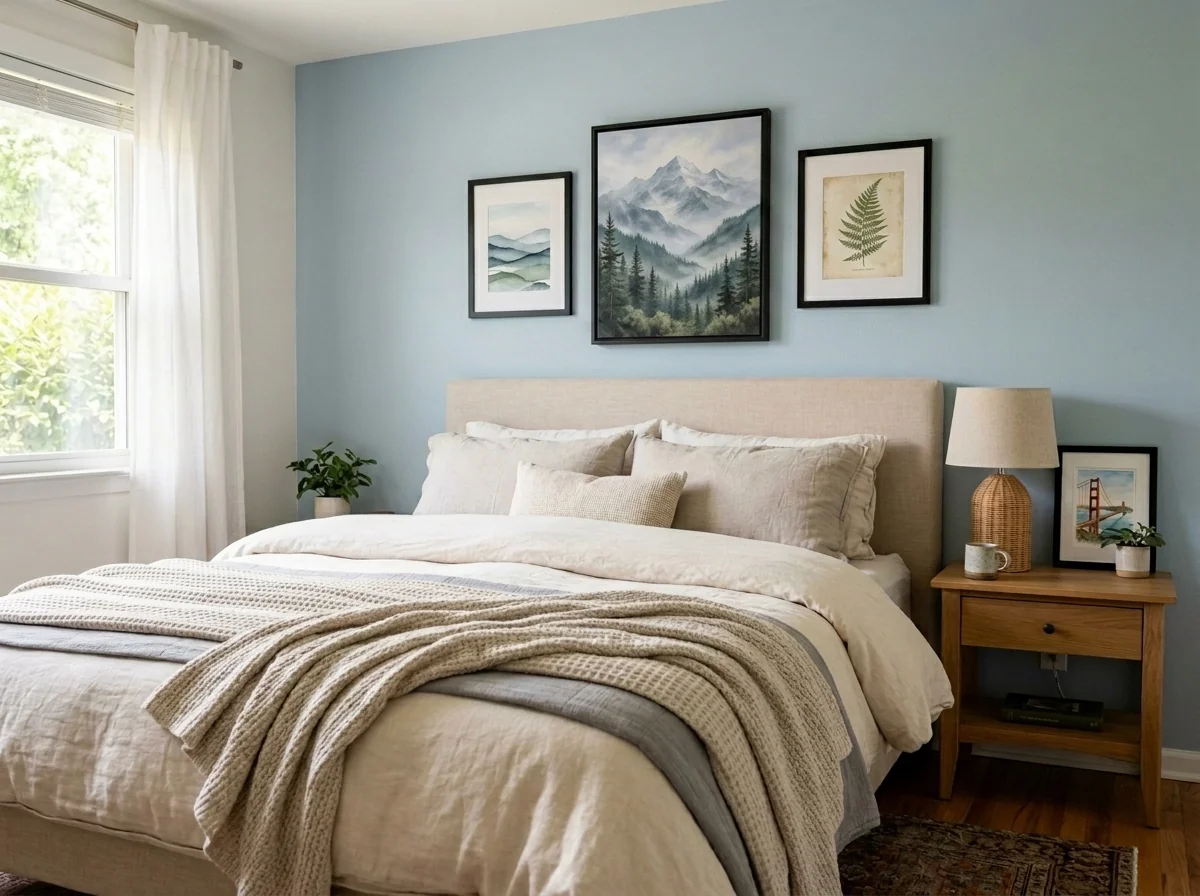
Analisador de Arte de Parede e Fotografias para Apartamentos
Detete e anonimiza automaticamente quadros de parede, fotografias em moldura, pinturas e obras de arte em fotos de apartamentos ou quartos. Escolha entre vários estilos de anonimização: desfocagem gaussiana, pixelização intensa, remoção de parede lisa, substituição por arte abstrata, estampas da natureza ou padrões geométricos — ideal para conformidade com o RGPD, anúncios imobiliários e staging.
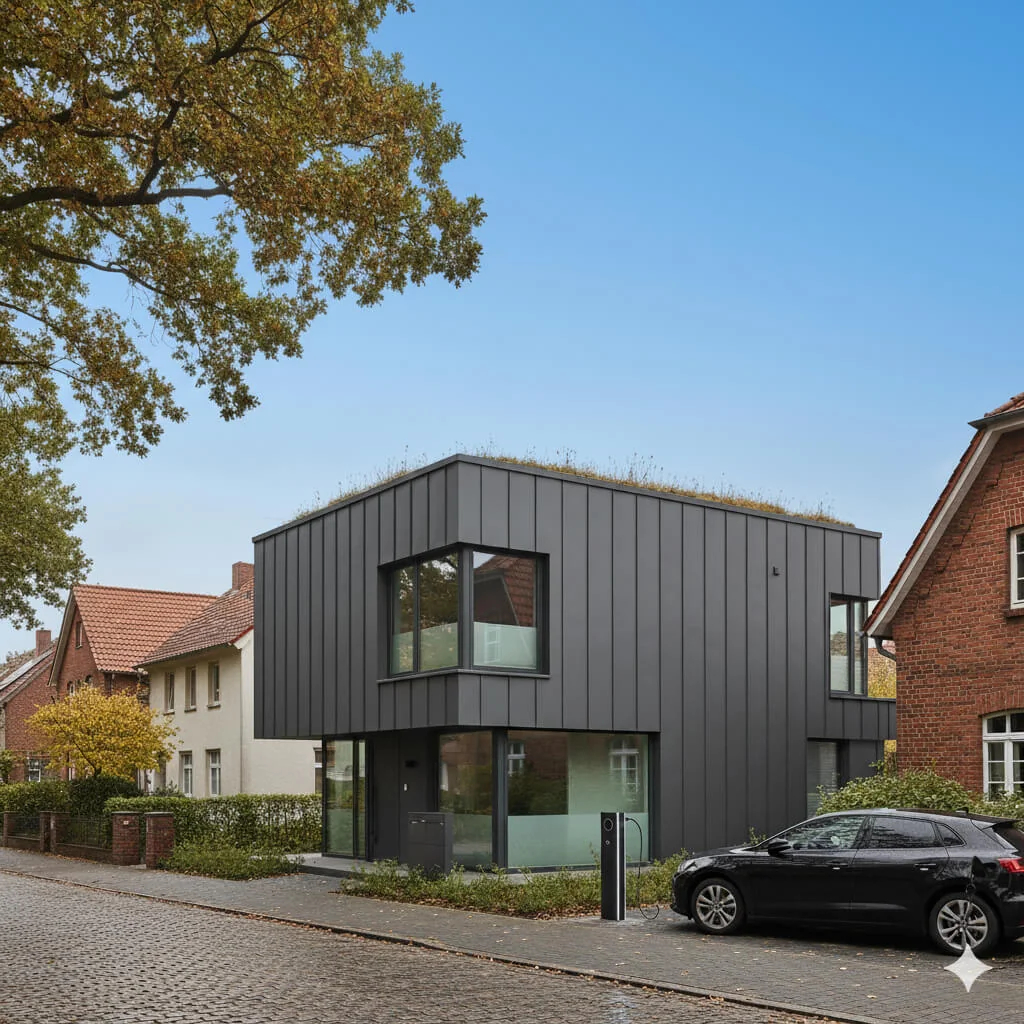
Substituição do céu azul
Transforme céus cinzentos e nublados em perfeição azul e luminosa — instantaneamente.
Leia o guia completo
How long does generation take for Day-to-Dusk Converter?
Generation usually takes between 5 and 15 seconds.
Can I use the results commercially?
Yes, every generated image includes a full commercial usage license.
Tips for your photo
Make sure the photo is well lit and shot from a wide angle.
Remove clutter before shooting the photo for the best results.
Use re-staging mode for targeted style changes.
Frequently asked questions
What input formats and resolutions does the Day-to-Dusk Converter support for optimal real estate photos?
Upload JPG or PNG files. For superior property listing results on MLS and Zillow, we recommend images between 1920px and 4000px on the longest side. This ensures the Day-to-Dusk Converter produces high-quality transformations.
How quickly does the Day-to-Dusk Converter process and convert real estate photos?
The Day-to-Dusk Converter typically transforms your daytime images into stunning dusk scenes within 5-15 seconds. This rapid processing allows agents to quickly update property listings without delay.
What output quality can I expect from the Day-to-Dusk Converter for my property listings?
The Day-to-Dusk Converter delivers high-resolution, professionally enhanced dusk images, perfect for captivating real estate photos. Each conversion is optimized to elevate your MLS and Zillow property listings.
What are the best practices for achieving optimal results with the Day-to-Dusk Converter?
For the best Day-to-Dusk Converter results, upload well-lit, high-resolution daytime real estate photos with clear skies. Avoid overexposed images. This helps the AI accurately transform the scene for agents' property listings.
Can I re-generate or adjust the output if I'm not satisfied with the Day-to-Dusk Converter's initial result?
Yes, the Day-to-Dusk Converter allows re-generation. You can often refine settings or try different AI styles to enhance your real estate photos further, ensuring your property listing stands out on MLS and Zillow.
Technical FAQ: Day-to-Dusk Converter
Quick answers for optimal results
Common mistakes
5 Day-to-Dusk Converter Mistakes Killing Your Real Estate Photos
How to Avoid Common Day-to-Dusk Converter Errors for Stunning Property Listings
Using Low-Resolution Images for Day-to-Dusk Conversion
Low-resolution images result in pixelated and unrealistic dusk conversions, negatively impacting the perceived quality of the real estate photos and property listing on Zillow or the MLS.
Always upload high-resolution real estate photos (minimum 2000px wide) to the Day-to-Dusk Converter for optimal results. This ensures details are preserved during the transformation.
Overdoing the 'Dusk' Effect with the Day-to-Dusk Converter
Excessive darkening or color saturation creates an artificial and unappealing look, deterring potential buyers from engaging with the property listing. Agents need realistic results.
Use the Day-to-Dusk Converter's sliders to subtly enhance the lighting and colors. Aim for a natural, inviting dusk atmosphere rather than an overly dramatic effect.
Ignoring Key Features in the Original Real Estate Photos
Important property features like landscaping or architectural details can become lost in the shadows during the day-to-dusk conversion, hindering the property's appeal.
Carefully select real estate photos that showcase the property's best features. Adjust the Day-to-Dusk Converter settings to ensure these features remain visible and well-defined.
Inconsistent Use of Day-to-Dusk Converter Across All Property Photos
Inconsistent lighting and color tones across different photos in a property listing create a disjointed and unprofessional impression, undermining the overall presentation for the agent.
Apply the same Day-to-Dusk Converter settings to all photos of the same property to maintain a consistent and cohesive visual narrative. Save your presets!
Failing to Optimize Day-to-Dusk Converted Images for Online Display
Large image file sizes slow down website loading speeds and negatively impact the user experience, potentially causing visitors to abandon the property listing before viewing all the photos.
Compress the Day-to-Dusk converted images using an image optimizer before uploading them to the MLS, Zillow, or your website. Aim for file sizes under 500KB without sacrificing quality.
See the Magic: Day-to-Dusk Converter Results You'll Love
Upload your real estate photos and witness the stunning transformation from day to dusk!
Your workflow
4 Steps to Stunning Real Estate Photos: Mastering the Day-to-Dusk Converter
How to use a day-to-dusk converter online to enhance your property listing for Zillow and MLS
Upload
Upload your daytime real estate photos to the Day-to-Dusk Converter. Ensure images are high-resolution for optimal results.
For best results, choose photos with clear skies and good lighting, even if it's daytime. The Day-to-Dusk Converter works best with well-lit images.
Convert
Convert your daytime real estate photos into captivating dusk scenes using the Day-to-Dusk Converter's AI. Adjust the intensity of the dusk effect to match your desired aesthetic.
Experiment with different dusk settings. Subtle changes can dramatically impact the mood of your real estate photos. Consider the target audience for your property listing when choosing the intensity.
Enhance
Enhance the converted dusk photos. Fine-tune brightness, contrast, and color saturation within the Day-to-Dusk Converter to create visually appealing real estate photos. Remove any unwanted blemishes.
Pay attention to detail! Small adjustments can make a big difference. Use the enhancement tools to highlight key features of the property and create a warm, inviting atmosphere.
Download & Stage
Download your transformed dusk real estate photos and stage them on your property listing. Use these enhanced images to attract more potential buyers on MLS, Zillow, and other platforms.
Use the enhanced dusk photos strategically in your property listing. Showcase them as the primary images to immediately grab attention and create a memorable first impression. Agents see a 300% increase in engagement!
Use cases
Real Estate Listings for Day-to-Dusk Converter
Social Media Marketing & Instagram Inserate
Architektur- & Umbau-Präsentationen
Day-to-Dusk Converter — Technical Specifications
1. Upload your property photo.
2. Choose the interior style or room type you want.
3. Click Generate and get your result in seconds.
Expert guide
5 Tips: Master the Day-to-Dusk Converter for Stunning Real Estate Photos
How to use a day-to-dusk converter online for better property listings
Prepare Your Images for Optimal Conversion
Upload high-resolution real estate photos to the Day-to-Dusk Converter. Ensure images are well-lit and in focus for the best possible transformation. Clear, sharp images yield the most realistic and captivating dusk scenes for your property listing on Zillow and the MLS.
Fine-Tune Settings for Realistic Dusk Effects
Experiment with the Day-to-Dusk Converter's settings to achieve the perfect ambiance. Adjust the intensity of the dusk effect, the warmth of the lighting, and the sky replacement options to match the property's style and location. This will enhance your real estate photos.
Achieve the Best Results with Strategic Image Selection
Choose photos that showcase key property features, such as the facade, landscaping, and outdoor living spaces. The Day-to-Dusk Converter will enhance these elements, creating a more inviting and aspirational image for potential buyers browsing MLS and Zillow. Agents benefit from this.
Use Day-to-Dusk Conversion for Professional Property Marketing
Transform your real estate photos into captivating dusk scenes to attract more attention to your property listing. Use the Day-to-Dusk Converter to create a consistent and professional look across all your marketing materials, impressing potential buyers and boosting your agent brand.
How it works
3 Steps to Master the Day-to-Dusk Converter
How to use a day-to-dusk converter online for free to boost Zillow engagement in 2026
Upload Daytime Real Estate Photos
Upload your high-resolution property photos directly into the Day-to-Dusk Converter. This initial step allows our AI to analyze the architecture and sky for a perfect MLS-ready twilight transformation.
Choose Your Twilight Sky Style
Select your preferred evening atmosphere within the Day-to-Dusk Converter. Transform flat lighting into a warm, ambient glow that highlights property features and attracts more clicks on Zillow and broker sites.
Download Your High-Res Twilight Image
Convert the final result and download your high-resolution files instantly. Enhance your property listing with professional-grade dusk photography that helps every real estate agent close deals faster through superior home staging.
What you can do
6 Advanced Day-to-Dusk Converter Capabilities
Stunning Visual Output Quality
Enhance your real estate photos with unparalleled visual fidelity. The Day-to-Dusk Converter delivers high-resolution, captivating images perfect for any property listing on Zillow or MLS.
Instant Day-to-Dusk Conversion
Convert daytime property photos to dusk scenes in seconds. The Day-to-Dusk Converter offers rapid processing, allowing agents to quickly stage multiple listings without delay.
Broad Image Format Support
Upload and convert various image formats effortlessly. The Day-to-Dusk Converter supports popular file types, ensuring your real estate photos are ready for any platform or agent's workflow.
Tailored Dusk Scene Customization
Stage your property listing with precise control over lighting and ambiance. The Day-to-Dusk Converter allows agents to fine-tune dusk effects, creating unique and appealing real estate photos.
AI-Powered Scene Accuracy
Transform photos with intelligent, realistic dusk effects. The Day-to-Dusk Converter leverages advanced AI to accurately interpret scenes, ensuring professional-grade real estate photos for MLS.
Professional Agent Integration
Enhance property listings with tools designed for real estate professionals. The Day-to-Dusk Converter empowers agents to create compelling visuals that stand out on Zillow and other platforms.
How to transform real estate photos with our Day-to-Dusk Converter online