
Visualizador de renovação de casa com IA
- Fotografia
- As suas escolhas
- A sua imagem
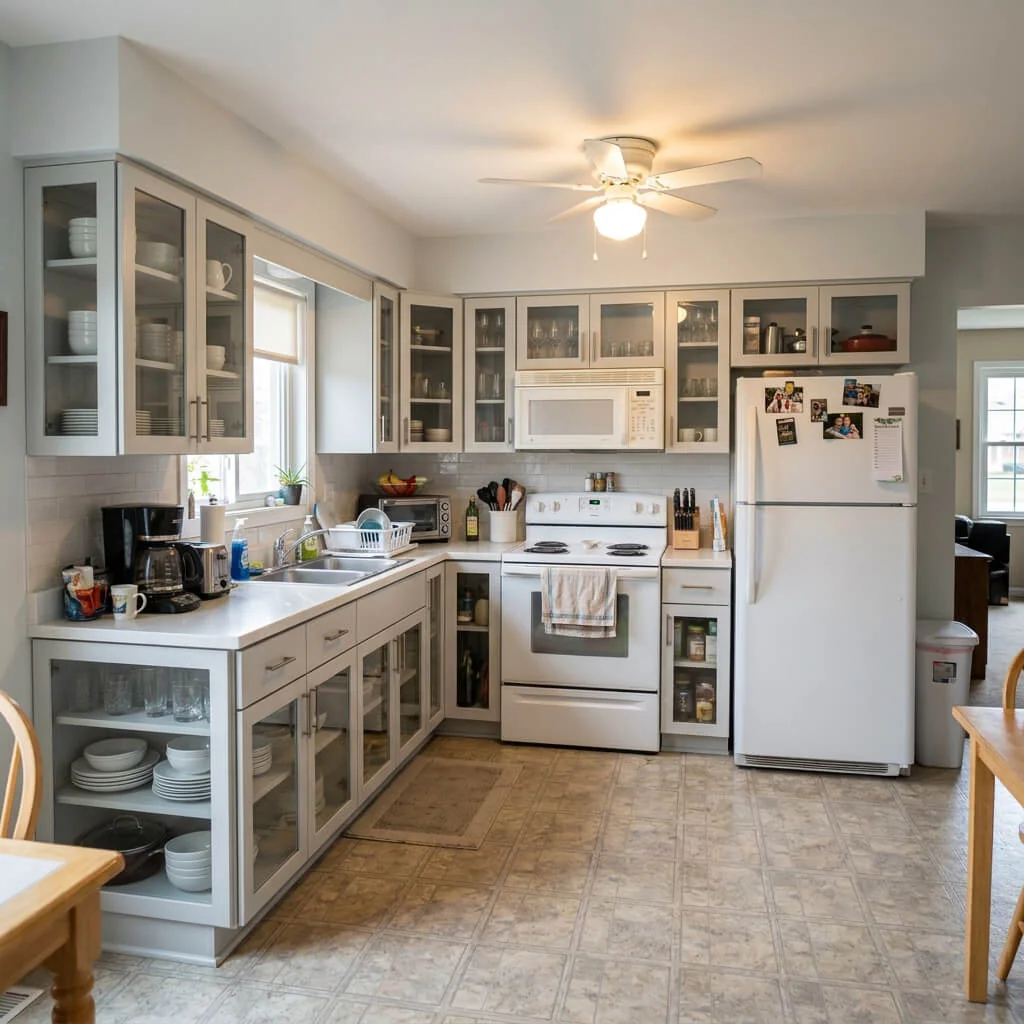
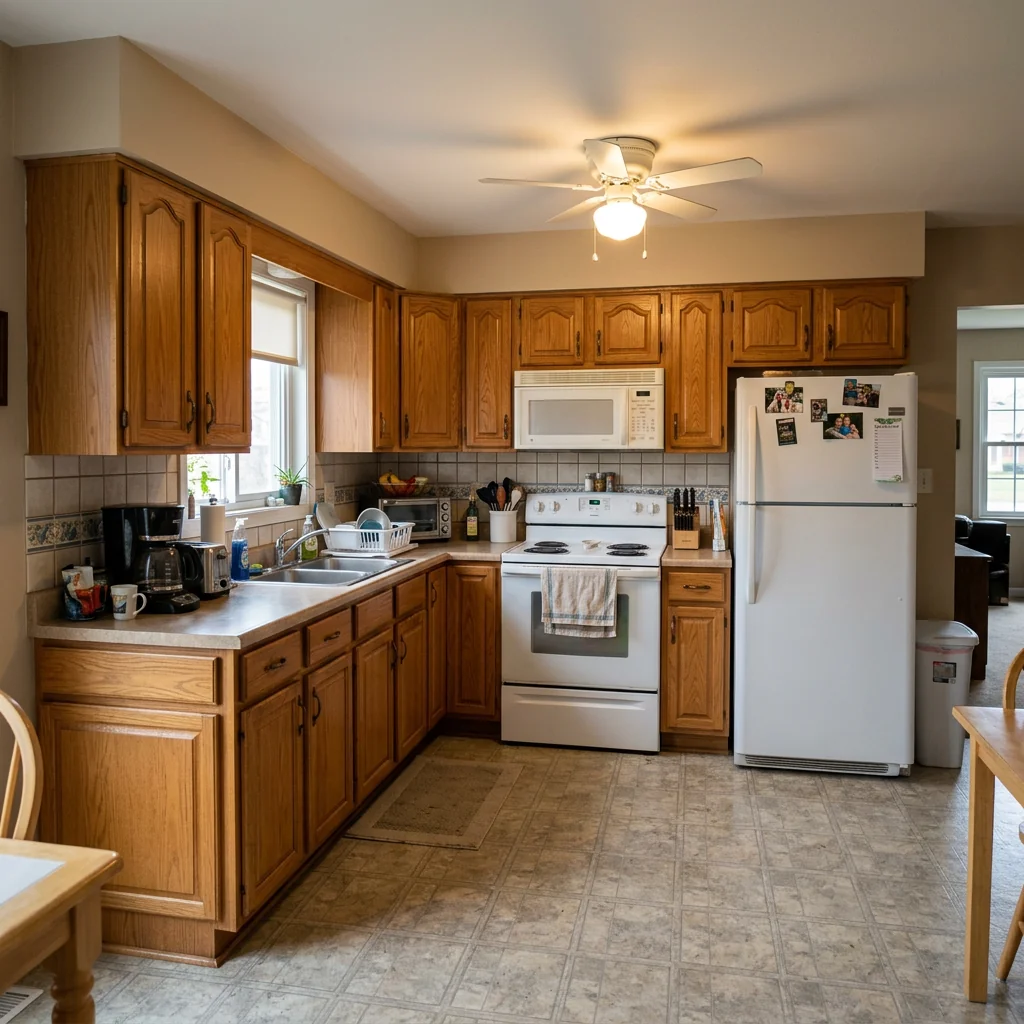
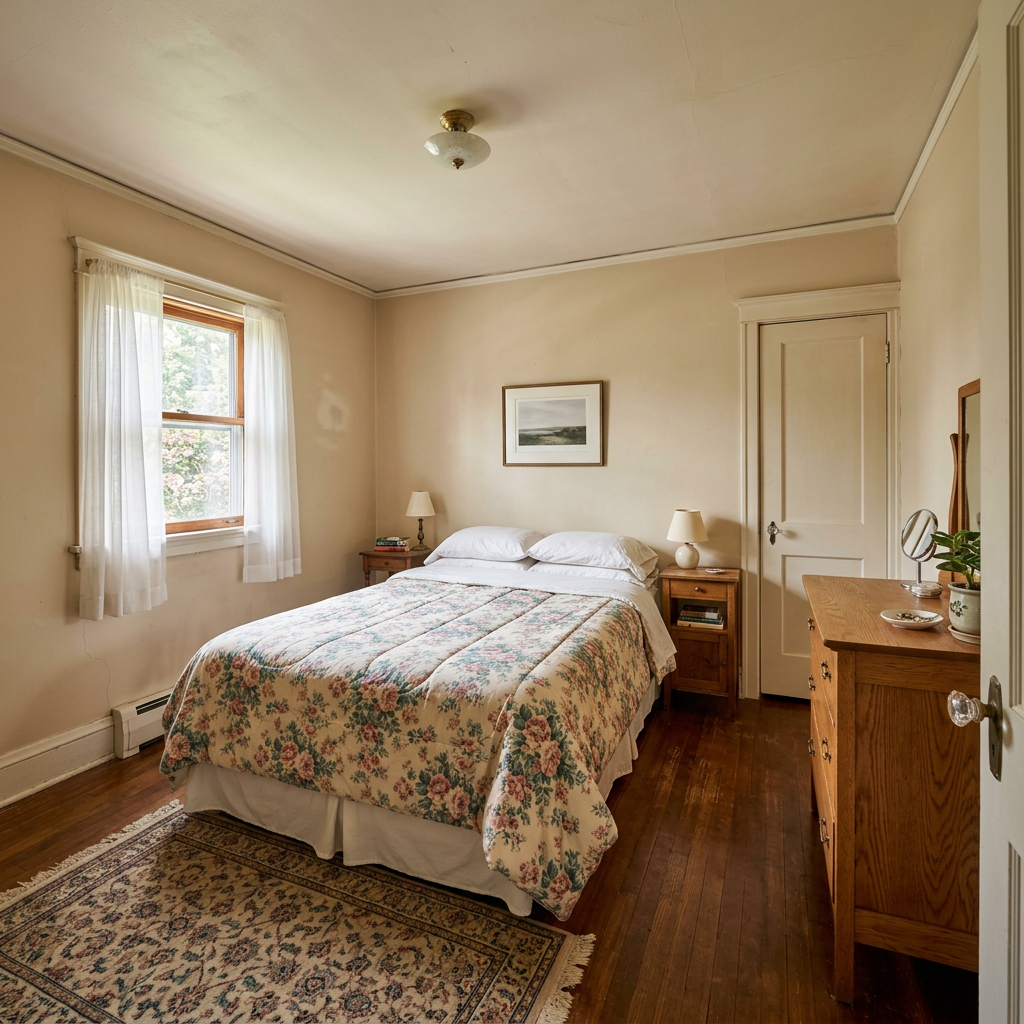
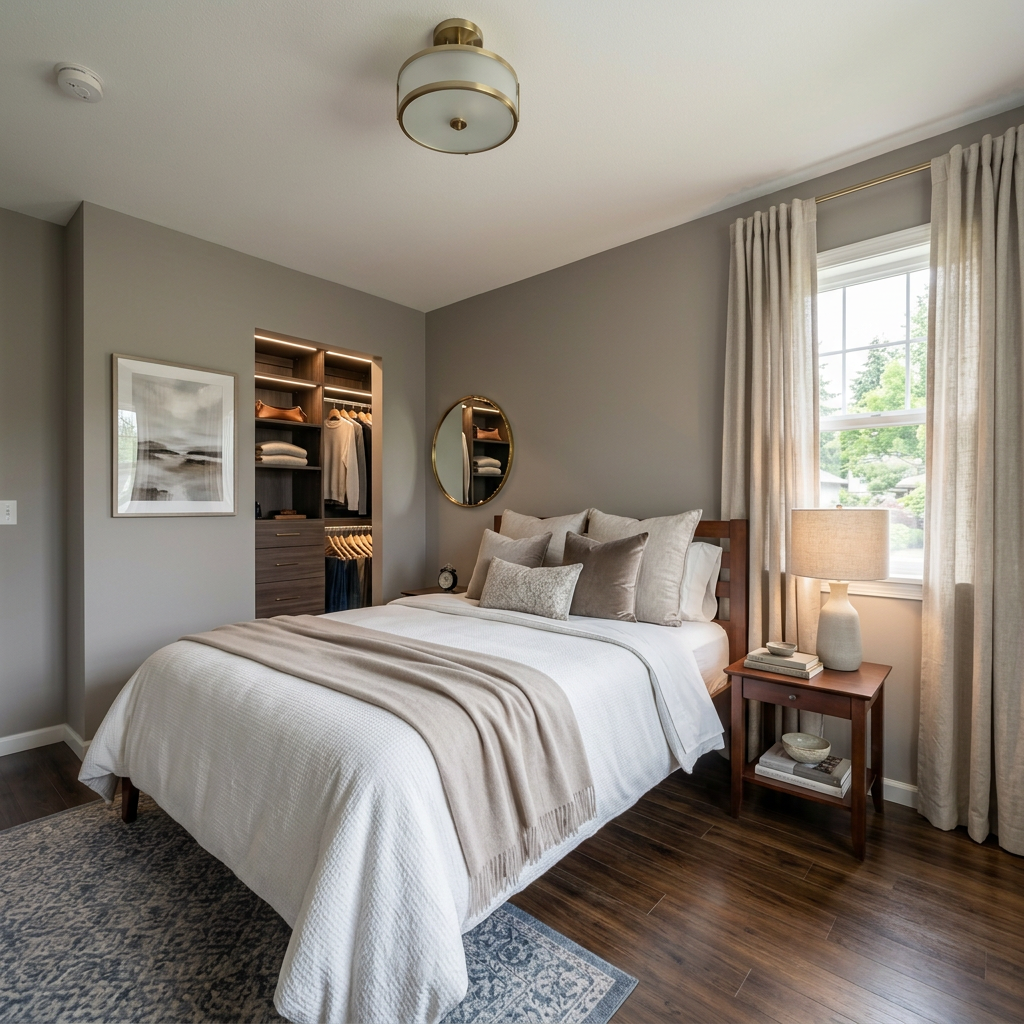
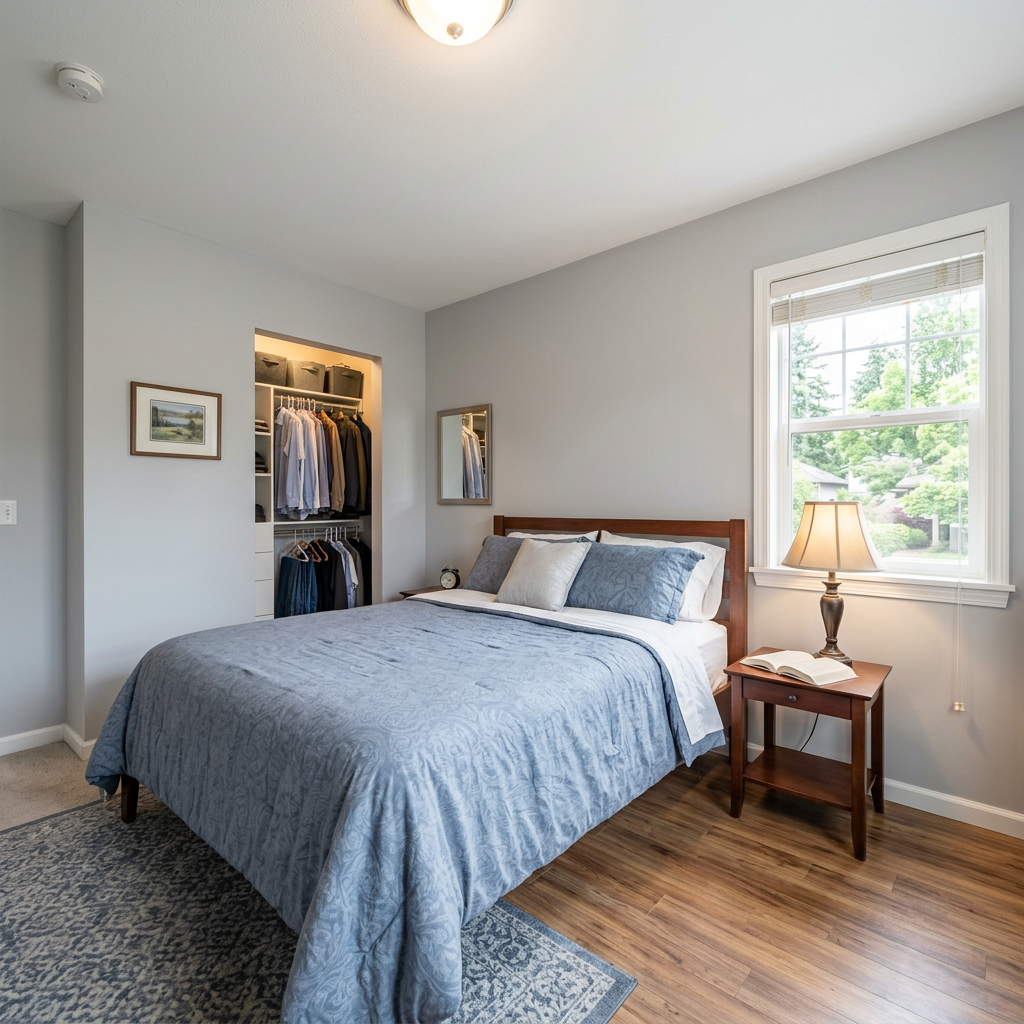
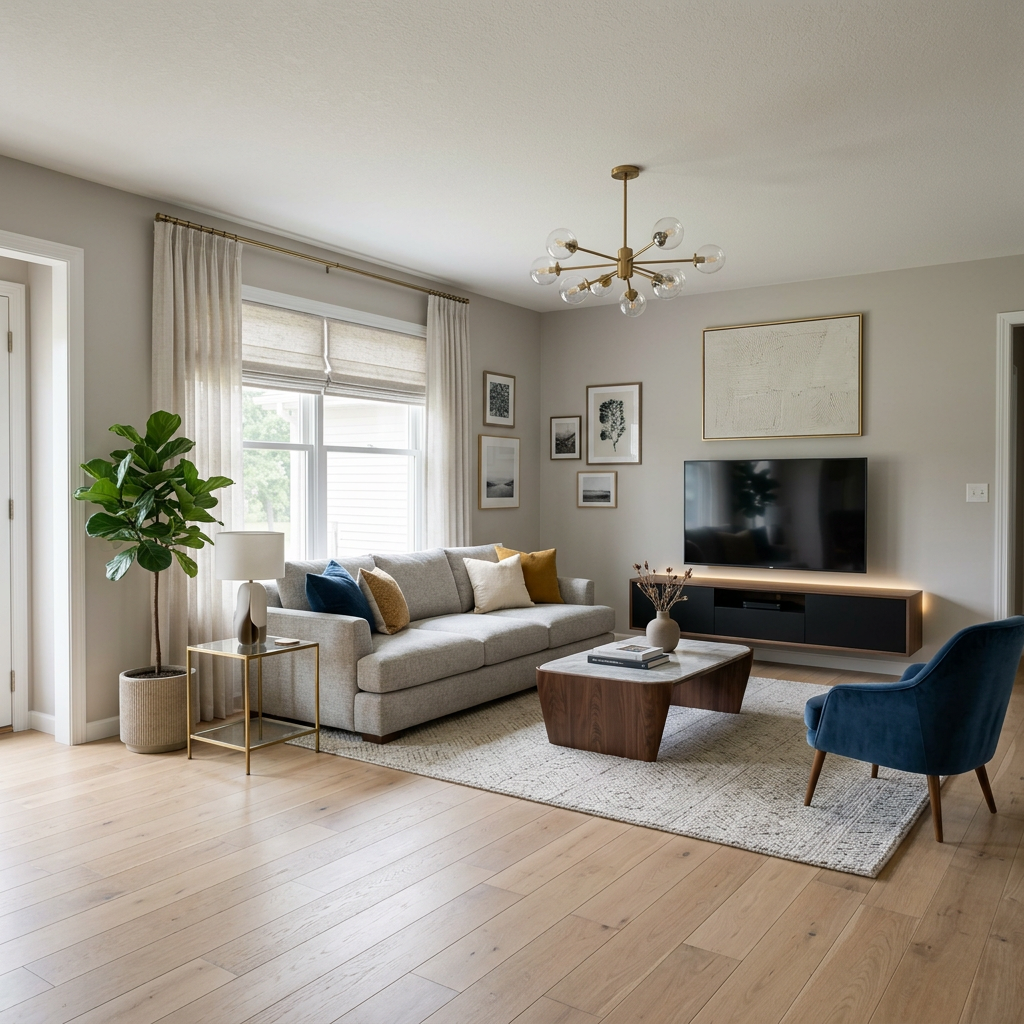
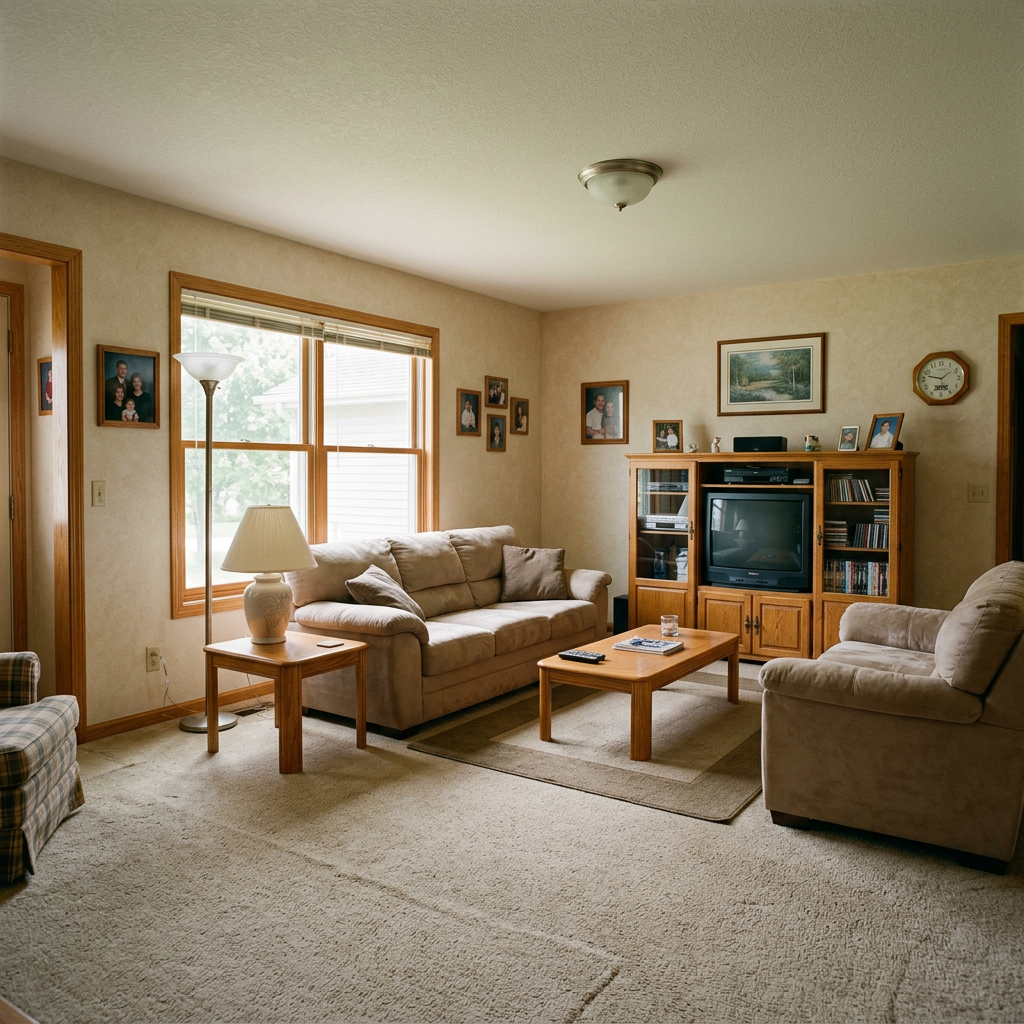
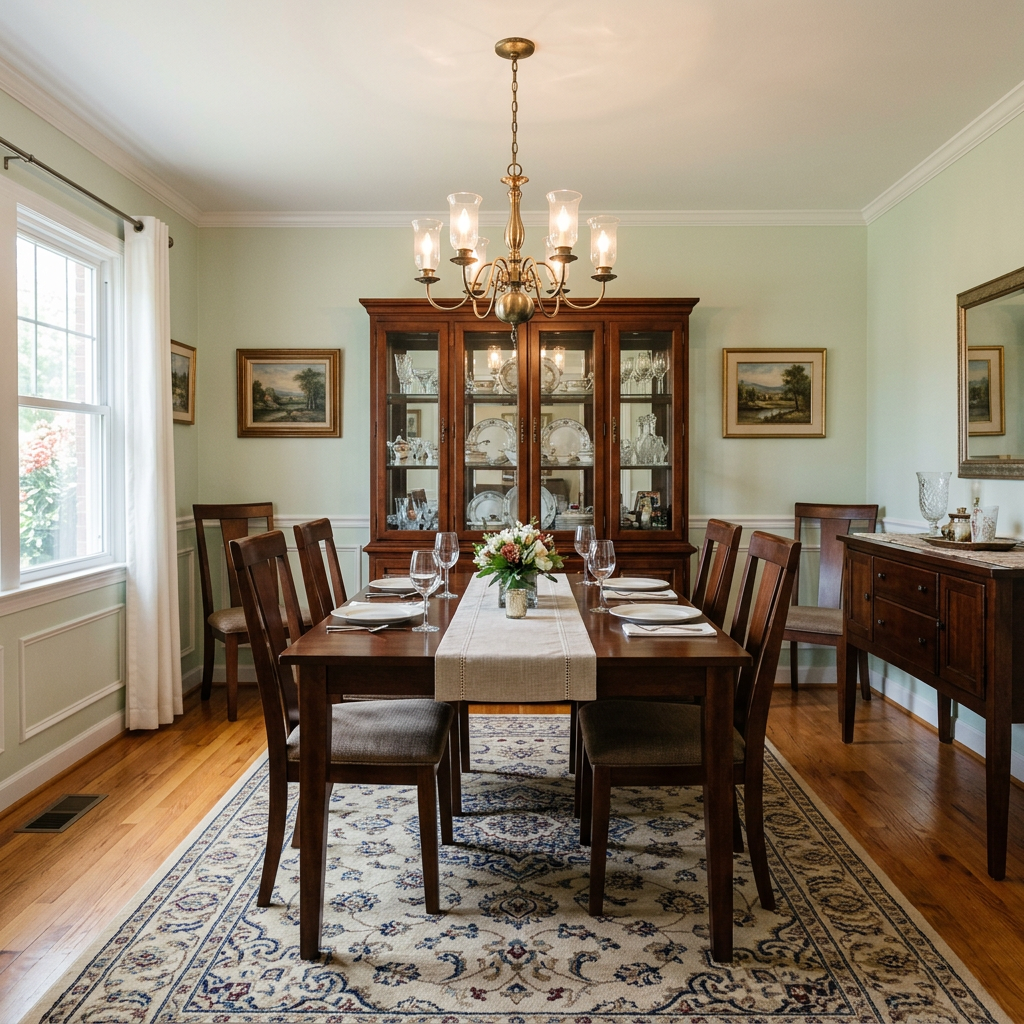
Veja o que é possível
Resultados reais de fotos como a sua.


Como funciona
- 1Carregue a sua foto
- 2Escolha as definições
- 3A sua imagem
Dicas para um ótimo resultado
Foto nítida e clara
Luz natural e um ângulo amplo dão o melhor resultado.
Mostre toda a área
Mantenha tudo o que quer alterar totalmente visível na imagem.
Experimente várias variações
Compare diferentes opções antes de decidir.
Perguntas frequentes
Posso usar as imagens comercialmente?
Sim. Pode usar as suas imagens para qualquer finalidade, incluindo uso comercial.
A minha foto original muda?
Não. A sua foto original mantém-se inalterada e pode descarregá-la em qualquer altura.
E se eu não gostar do resultado?
Experimente outro estilo ou definição, ou refine o resultado com uma instrução curta.
Continuar a explorar
Todas as ferramentas
Melhoria da paisagem aérea
Transforme terrenos negligenciados, vazios ou pouco apelativos em fotos aéreas e de drone da propriedade. Adicione relvados luxuriantes, piscinas, jardins formais, canteiros e entradas impecáveis — tudo visível de cima. Mostre aos compradores todo o potencial do espaço exterior sem precisar de um único paisagista.

Troca de debrum de almofada com IA
Transforme instantaneamente os rebordos, acabamentos e ribetes de almofadas decorativas nas suas fotos imobiliárias. Esta ferramenta de IA permite a designers e stagers visualizar diferentes estilos, cores e materiais, melhorando a estética interior sem alterações físicas.

Troca de franjas e acabamentos de almofada com IA
Visualize sem esforço novos estilos de debruados e ribetes decorativos em almofadas nas suas fotos de interior. Esta ferramenta de IA permite a designers e stagers substituir detalhes existentes das almofadas, mostrando de imediato estéticas atualizadas sem alterações físicas.
Leia o guia completo
How long does generation take for AI Home Renovation Visualizer?
Generation usually takes between 5 and 15 seconds.
Can I use the results commercially?
Yes, every generated image includes a full commercial usage license.
Tips for your photo
Make sure the photo is well lit and shot from a wide angle.
Remove clutter before shooting the photo for the best results.
Use re-staging mode for targeted style changes.
Frequently asked questions
What are the optimal input image formats and resolutions for the AI Home Renovation Visualizer?
Upload high-resolution JPEG or PNG files (1920x1080 pixels minimum) for best results. Enhance clarity for your property listing. Avoid blurry real estate photos to ensure the AI can accurately stage your vision.
How long does it typically take for the AI Home Renovation Visualizer to process an image and generate a preview?
Convert your vision quickly. Processing usually takes 15-30 seconds, depending on image complexity and server load. Stage multiple designs efficiently for your Zillow or MLS listings.
What level of photorealism and detail can I expect from the AI Home Renovation Visualizer's output?
Transform ordinary real estate photos into stunning previews. Expect photorealistic outputs with high detail, accurately reflecting chosen renovation styles and materials. Enhance your property listing with professional-grade visuals.
What are the best practices for uploading photos to the AI Home Renovation Visualizer to achieve the most accurate and appealing results?
Upload well-lit, clutter-free real estate photos with clear angles. Stage your initial image effectively to help the AI accurately transform the space. Enhance your agent's presentation by providing ideal source material.
Can I re-generate a renovation preview with different styles or budget levels using the AI Home Renovation Visualizer?
Stage endless possibilities. Yes, you can easily re-generate previews by selecting new renovation styles, materials, or budget levels from your uploaded image. Transform your property listing with varied design options.
Technical FAQ: AI Home Renovation Visualizer
Quick answers for optimal results
Common mistakes
5 Costly AI Home Renovation Visualizer Mistakes & How to Fix Them
Avoid these common pitfalls when using an AI home renovation visualizer online for your property listing and real estate photos.
Uploading Low-Resolution Photos
The AI Home Renovation Visualizer relies on image quality to generate realistic results. Blurry or pixelated images lead to inaccurate and unappealing renovations.
Upload high-resolution real estate photos. Ensure the image is well-lit and captures the room's details clearly. Use a professional camera or a smartphone with good image quality for optimal results.
Ignoring the Room's Existing Style
The AI Home Renovation Visualizer works best when the chosen renovation style complements the existing architecture and design. Mismatched styles can look jarring and unrealistic in the preview.
Carefully consider the room's current style and select renovation options that blend seamlessly. Experiment with different styles within the AI Home Renovation Visualizer to find the best fit. Consider the architectural style of the property listing.
Setting an Unrealistic Budget
The AI Home Renovation Visualizer allows you to specify a budget level. Choosing an unrealistic budget can lead to misleading visualizations that don't reflect actual costs.
Research average renovation costs in your area and set a realistic budget within the AI Home Renovation Visualizer. This ensures the generated preview aligns with your financial constraints and provides a more accurate representation for your property listing.
Overlooking Lighting and Shadows
Lighting and shadows play a crucial role in creating a realistic renovation preview. Ignoring these elements can result in a flat and unconvincing visualization from the AI Home Renovation Visualizer.
Pay attention to the lighting conditions in the original photo. Experiment with different lighting options within the AI Home Renovation Visualizer to match the existing light and shadows. This will enhance the realism of the staged real estate photos.
Not Experimenting with Different Options
The AI Home Renovation Visualizer offers a wide range of renovation options. Sticking with the first result without exploring alternatives can limit your creativity and prevent you from discovering the perfect design for your property listing on Zillow or the MLS.
Take advantage of the AI Home Renovation Visualizer's features and experiment with different styles, colors, and materials. Compare multiple previews to identify the most appealing and cost-effective renovation plan. Consider how it looks in real estate photos.
AI Home Renovation Visualizer: See the Stunning Results You Can Achieve
Upload your real estate photos and transform your property listing with AI-powered renovations.
Your workflow
4 Steps to Transform Your Property Listing with an AI Home Renovation Visualizer
How to use an AI Home Renovation Visualizer online to stage real estate photos for Zillow and MLS
Upload Your Image
Upload a high-quality real estate photo of the room you want to renovate to the AI Home Renovation Visualizer. Ensure good lighting for optimal results.
Use photos with clear angles and minimal obstructions for the AI to accurately render the renovation.
Choose Your Renovation Style & Budget
Select your desired renovation style (e.g., modern, rustic, minimalist) and set your budget level within the AI Home Renovation Visualizer. This helps tailor the renovation to your needs.
Experiment with different styles and budget levels to see a range of possibilities for your property listing.
Generate & Review the AI-Powered Renovation
Let the AI Home Renovation Visualizer generate a photorealistic preview of the renovated space. Review the results and make any necessary adjustments.
Pay attention to details like lighting, furniture placement, and color schemes to ensure the renovated image aligns with your vision.
Download & Use for Your Property Listing
Download the enhanced real estate photos from the AI Home Renovation Visualizer and use them in your property listing on MLS, Zillow, or other platforms to attract potential buyers or renters.
Include a disclaimer that the image is a virtual renovation to maintain transparency with potential clients and adhere to real estate regulations.
Use cases
Real Estate Listings for AI Home Renovation Visualizer
Social Media Marketing & Instagram Inserate
Architektur- & Umbau-Präsentationen
AI Home Renovation Visualizer: Technical Specifications
1. Upload your property photo.
2. Choose the interior style or room type you want.
3. Click Generate and get your result in seconds.
Expert guide
5 Tips: Transform Your Space with an AI Home Renovation Visualizer
How to get the most realistic home renovation visualizer online for your property listing
Upload High-Quality Real Estate Photos for Optimal AI Results
Ensure your starting image is clear, well-lit, and accurately represents the room. A sharp, high-resolution image allows the AI Home Renovation Visualizer to generate a more detailed and realistic preview, boosting your property listing on Zillow and attracting potential buyers with stunning real estate photos.
Fine-Tune Your AI Home Renovation Visualizer Settings for Precise Staging
Experiment with different budget levels and style preferences within the AI Home Renovation Visualizer. Adjusting these settings allows you to explore various renovation possibilities, from minor cosmetic updates to complete luxury remodels, ensuring the final result aligns with your vision for your MLS listing.
Enhance Realism: Utilize Consistent Lighting and Angles in Your AI Visualizations
For the most believable AI-generated renovation, ensure the lighting in your original photo is consistent with the desired renovation style. Matching angles and perspectives further enhance the realism, creating a compelling visual for your property listing and impressing potential buyers and their agent.
Stage Like a Pro: Leverage the AI Home Renovation Visualizer for Client Presentations
Use the AI Home Renovation Visualizer to create multiple renovation options for your clients. Showcase various design possibilities and budget levels, helping them visualize their dream home and make informed decisions. This is a powerful tool for any agent to enhance their property listing.
How it works
3 Steps to Master the AI Home Renovation Visualizer
How to use an AI home renovation visualizer online for free to boost property listing engagement in 2025
Upload Your Interior Property Photos
Upload your existing interior real estate photos into the AI Home Renovation Visualizer to begin the transformation process for your Zillow or MLS listing immediately.
Select Custom Styles and Budgets
Choose specific renovation parameters like kitchen remodel previews or bathroom refreshes, allowing the AI Home Renovation Visualizer to generate photorealistic home staging results for your agent.
Download High-Resolution Remodel Previews
Convert your basic property photos into high-conversion marketing assets using the AI Home Renovation Visualizer and download the final high-res output to show potential buyers the home.
What you can do
Advanced AI Home Renovation Visualizer Capabilities
Photorealistic Renovation Previews
The AI Home Renovation Visualizer enhances your uploaded real estate photos, generating stunning, photorealistic previews. See every detail of your future property listing with unparalleled clarity.
Instant Renovation Visuals
Convert raw room images into fully renovated scenes in seconds. The AI Home Renovation Visualizer delivers rapid visualisations, accelerating decision-making for agents and homeowners alike.
Versatile Export Options
The AI Home Renovation Visualizer allows you to upload various image formats and stage them. Export high-resolution renovation visuals suitable for MLS listings or client presentations.
Budget-Driven Design Choices
Transform any space by selecting specific budget levels—from minor refreshes to luxury remodels. The AI Home Renovation Visualizer tailors designs to your exact financial vision.
Intelligent Space Analysis
The AI Home Renovation Visualizer precisely enhances your real estate photos by intelligently analyzing room dimensions and lighting. Achieve accurate, AI-driven renovation suggestions every time.
Boost Property Listings
Stage properties virtually to attract more buyers on Zillow and other platforms. The AI Home Renovation Visualizer empowers agents to showcase potential, increasing listing appeal.
Pro-level tools at your fingertips for how to home renovation visualizer online