
Foto-optimerare för Airbnb-annonser
- Foto
- Dina val
- Din bild
Se vad som är möjligt
Riktiga resultat från foton som dina.
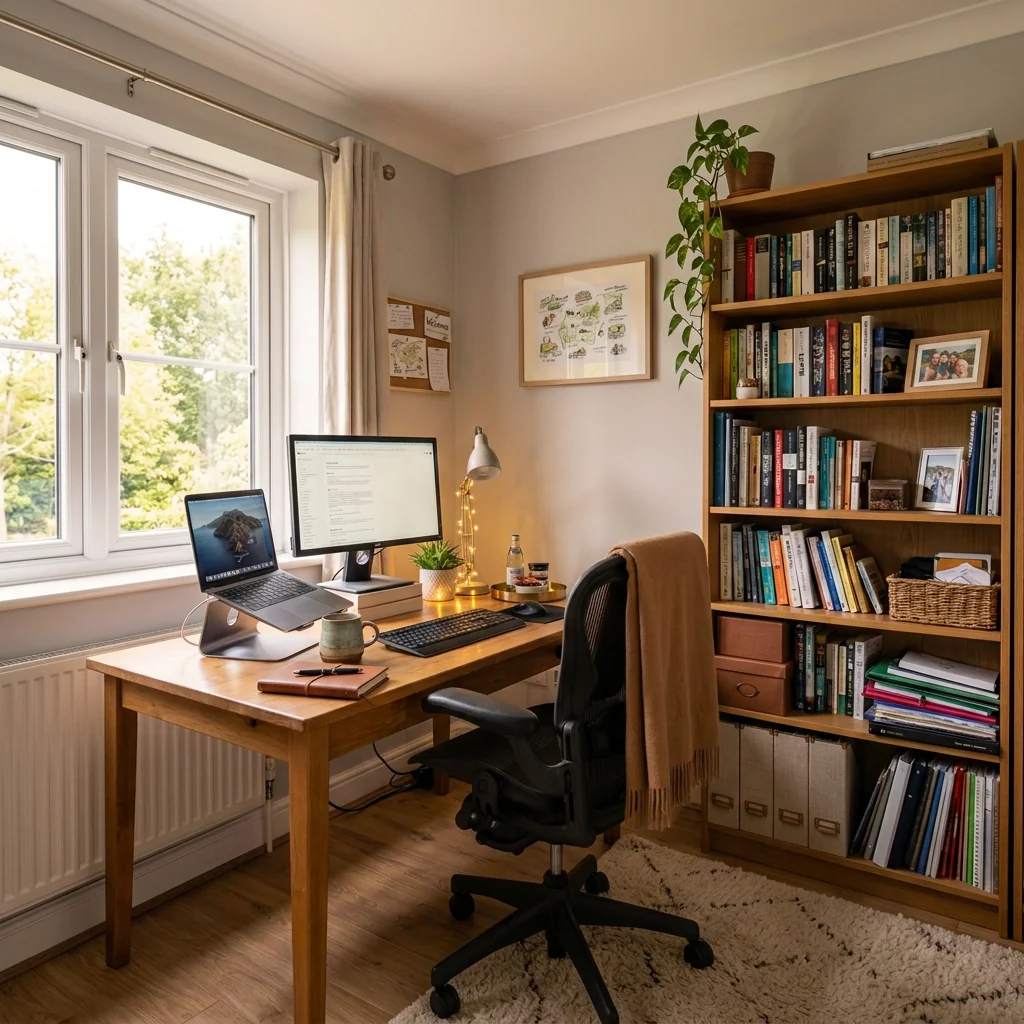
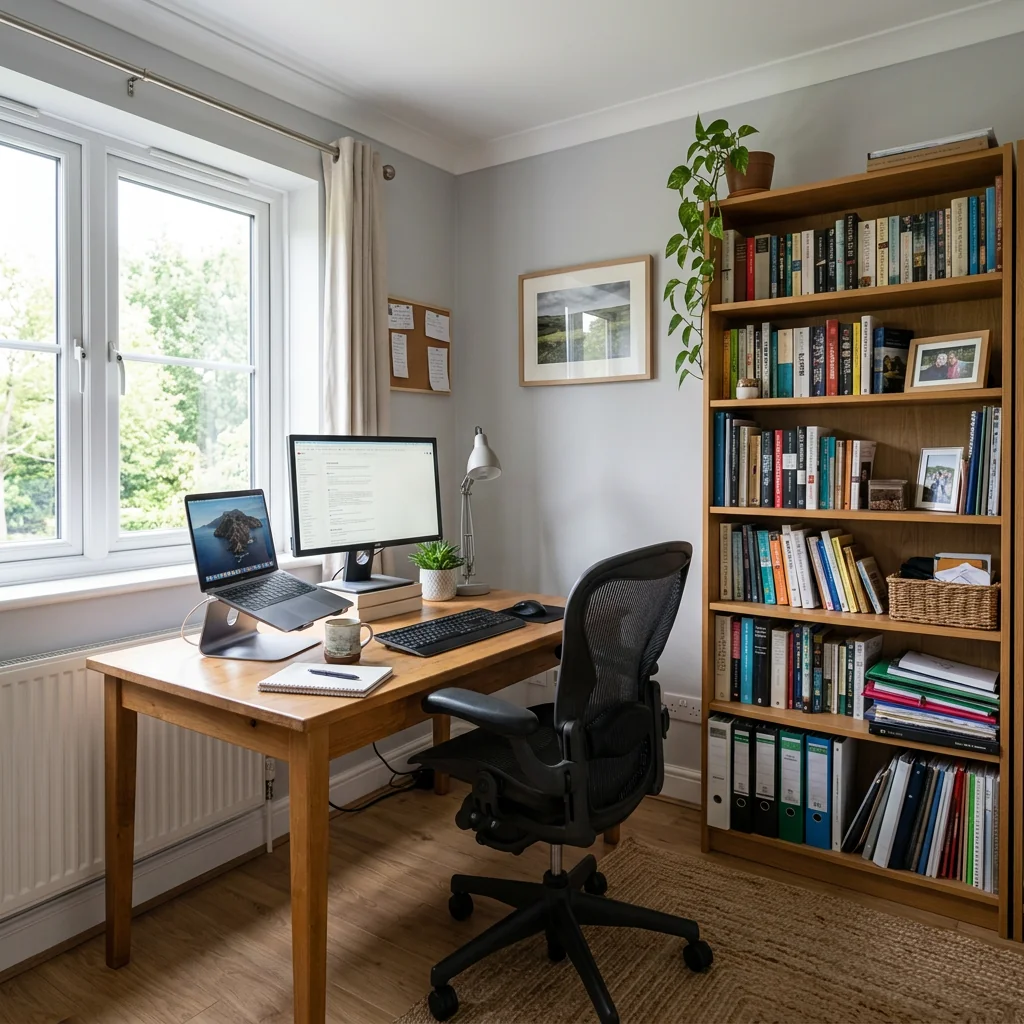

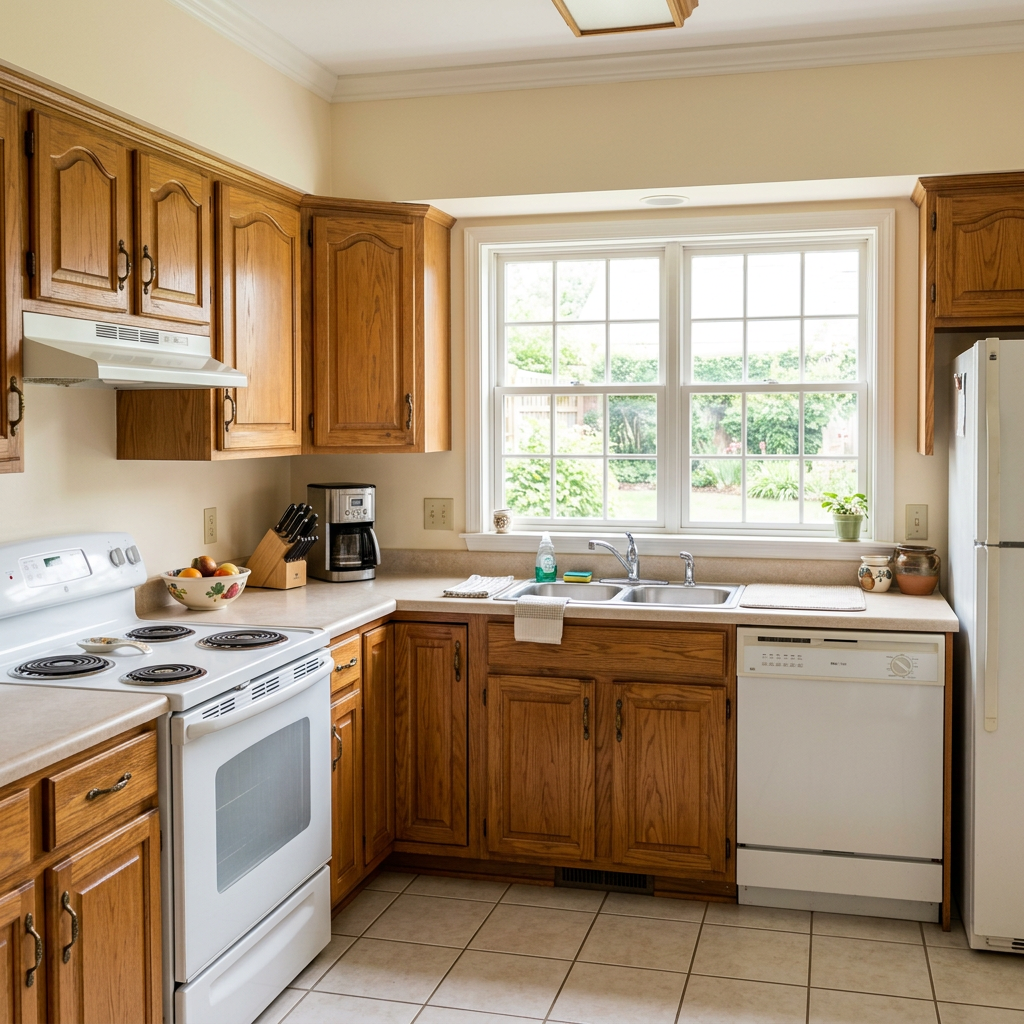

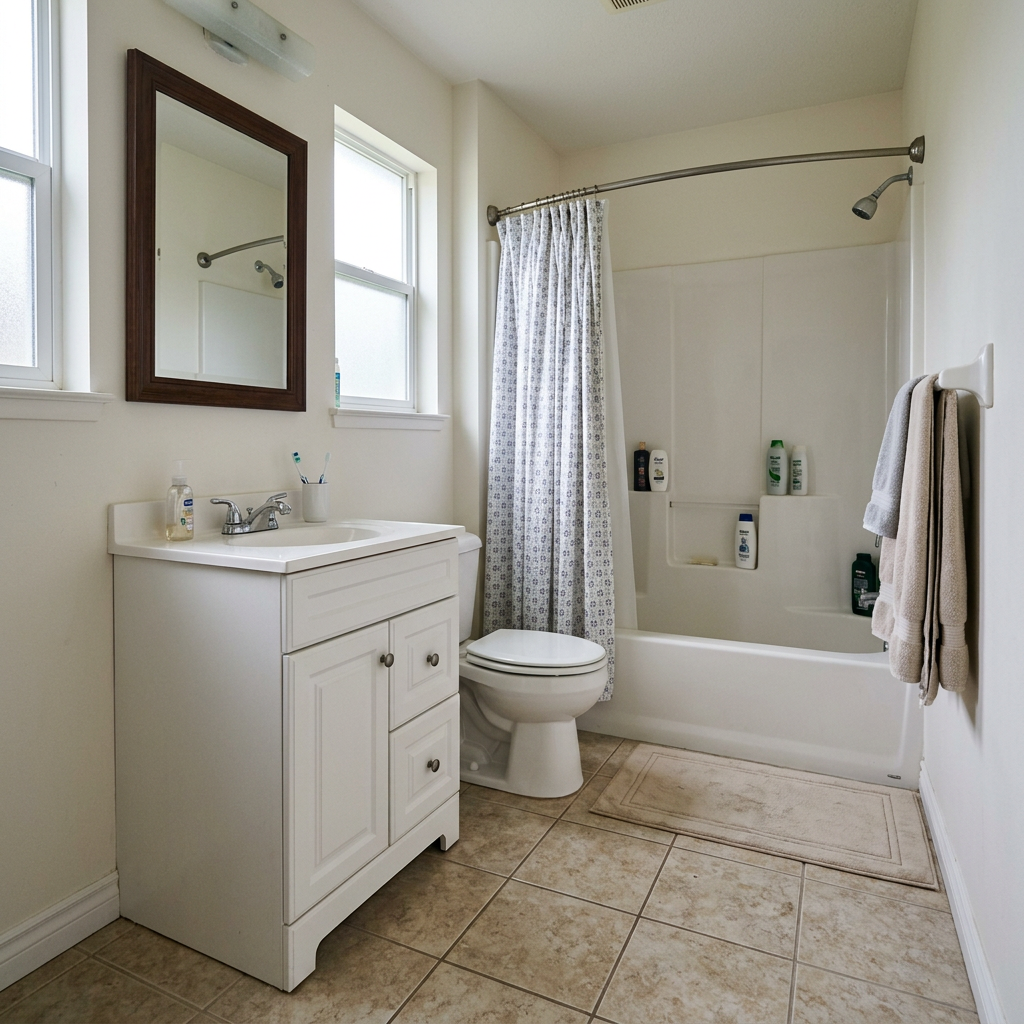
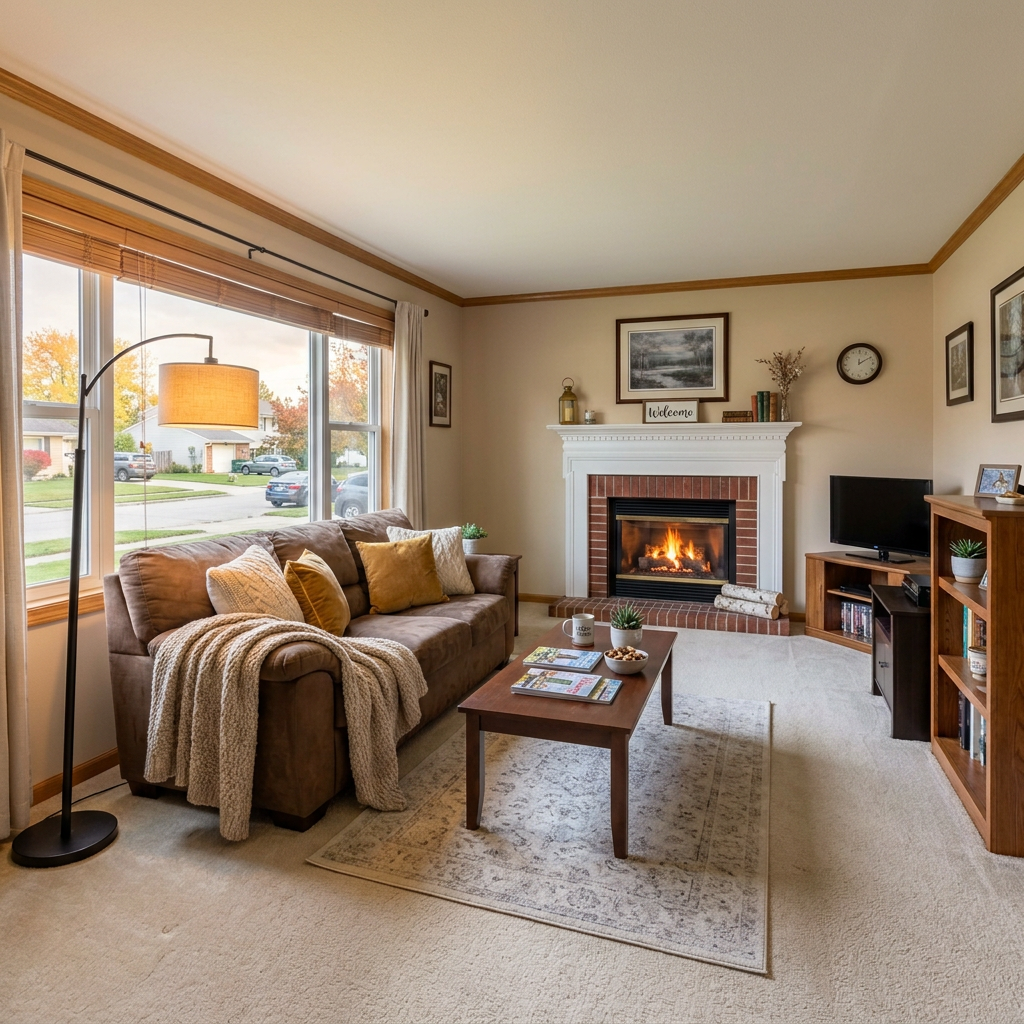
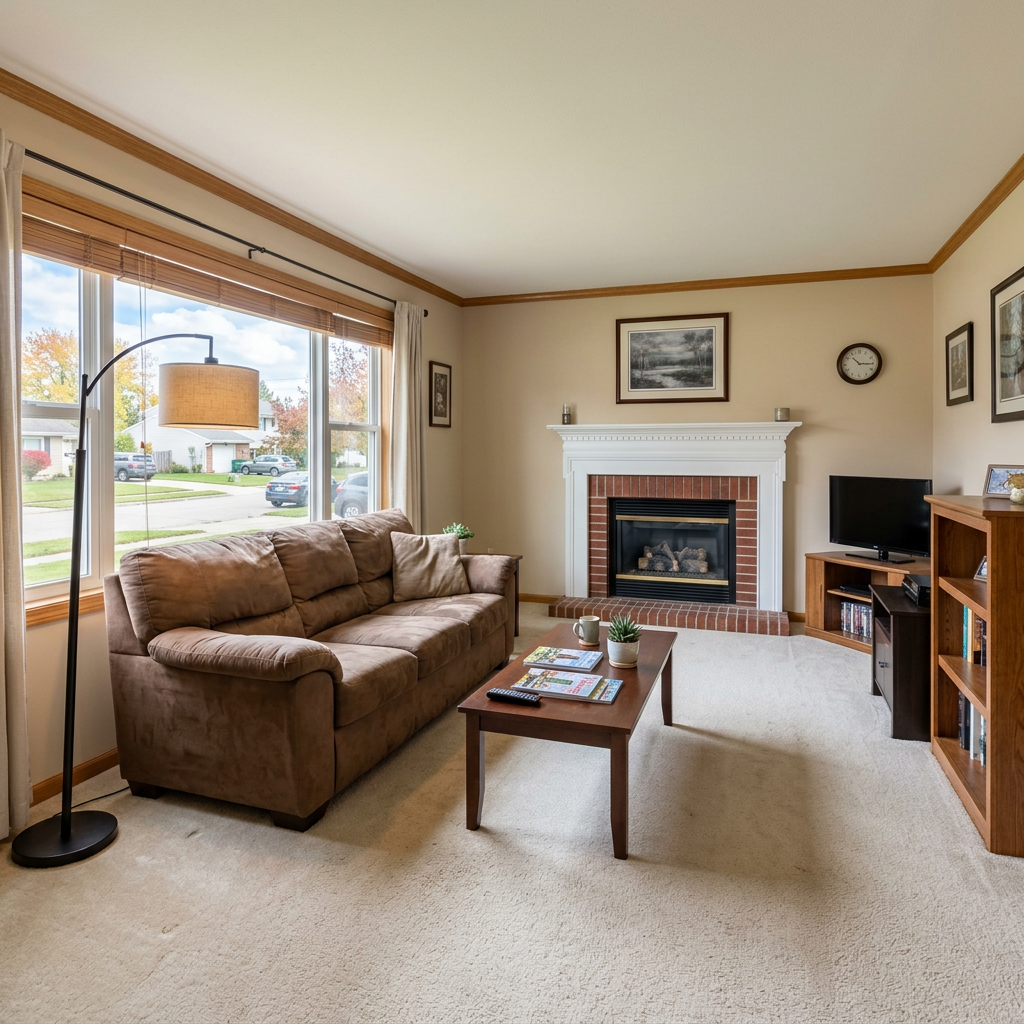

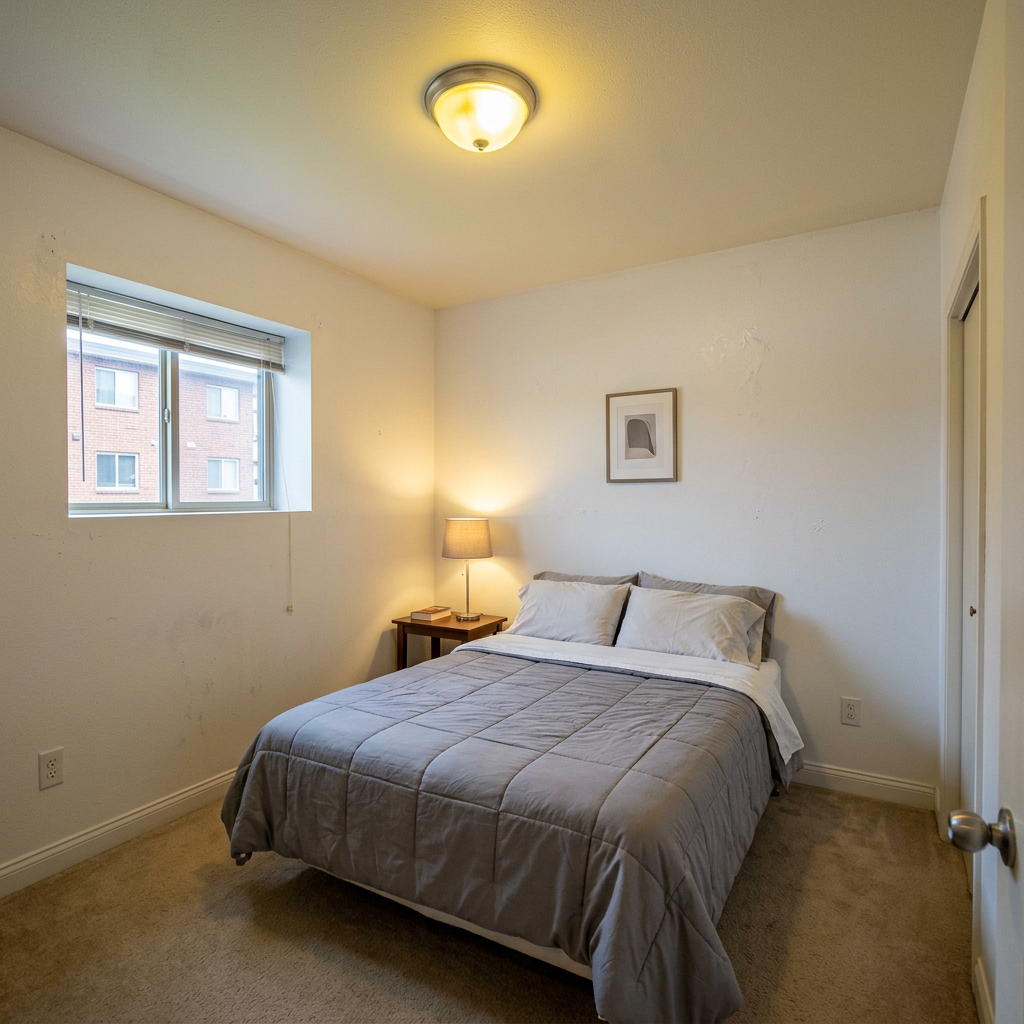
Så fungerar det
- 1Ladda upp ditt foto
- 2Välj dina inställningar
- 3Din bild
Tips för ett bra resultat
Ljusstark, tydlig bild
Dagsljus och en vidvinkel ger bäst resultat.
Visa hela ytan
Se till att allt du vill ändra syns tydligt i bilden.
Testa flera varianter
Jämför olika alternativ innan du bestämmer dig.
Vanliga frågor
Får jag använda bilderna kommersiellt?
Ja. Du kan använda dina bilder för vilket syfte som helst, inklusive kommersiell användning.
Ändras min originalbild?
Nej. Din originalbild förblir oförändrad och du kan ladda ner den när som helst.
Vad händer om jag inte gillar resultatet?
Testa en annan stil eller inställning, eller finjustera resultatet med en kort instruktion.
Fortsätt utforska
Alla verktyg
AI-fåtöljklädselsbytare
Visualisera nya klädselsalternativ för fåtöljer i dina bilder direkt. Byt tyg, färger och mönster som sammet, läder eller bouclé för att perfekt matcha vilken inredningsstil som helst. Perfekt för fastighetsproffs och inredningsdesigners som vill visa möjliga förvandlingar.

AI-möbelklädselbytare
Förvandla dina möbelbilder med AI! Byt enkelt klädselmaterial för att visa upp olika stilar och tilltala fler köpare. Perfekt för virtuell möblering och skisser för inredning.

AI-visualiserare för klädsel
Visualisera direkt hur vilken möbel som helst ser ut med olika klädseltyger, färger och texturer med hjälp av AI. Ladda upp en bild på din soffa, stol eller loveseat och se imponerande omklädningsförhandsvisningar innan du bestämmer dig för ett köp eller ett renoveringsprojekt.
Läs hela guiden
How long does generation take for Airbnb Listing Photo Optimizer?
Generation usually takes between 5 and 15 seconds.
Can I use the results commercially?
Yes, every generated image includes a full commercial usage license.
Tips for your photo
Make sure the photo is well lit and shot from a wide angle.
Remove clutter before shooting the photo for the best results.
Use re-staging mode for targeted style changes.
Frequently asked questions
How does the Airbnb Listing Photo Optimizer handle various input photo formats and resolutions?
The Airbnb Listing Photo Optimizer accepts common formats like JPG, PNG, and HEIC. For optimal "real estate photos" and "property listing" enhancements, upload high-resolution images (2000px on the longest side recommended) to ensure crisp detail when adding cozy guest amenities. Transform your raw images effectively.
What is the typical processing time for the Airbnb Listing Photo Optimizer to enhance my images?
The Airbnb Listing Photo Optimizer usually processes images within 15-30 seconds. Larger "property listing" files or complex scenes requiring extensive staging may take slightly longer, but you'll quickly "Transform" your photos into booking magnets. Enhance your listings without delay.
What output quality can I expect from the Airbnb Listing Photo Optimizer for my property listing images?
The Airbnb Listing Photo Optimizer delivers high-resolution, web-optimized JPGs or PNGs, perfect for "MLS", "Zillow", and direct Airbnb uploads. It ensures professional-grade "real estate photos" with enhanced lighting and hospitality touches, ready to "Stage" your property. Convert any photo to a 5-star image.
What are the best practices for using the Airbnb Listing Photo Optimizer to achieve superior real estate photos?
To "Enhance" your "property listing" effectively, start with well-lit, clutter-free original photos. Utilize the Airbnb Listing Photo Optimizer's features to strategically add warm lighting and cozy amenities. Avoid over-editing; aim for natural, inviting results. Stage your photos for maximum impact.
Can I re-generate or modify an image after the Airbnb Listing Photo Optimizer has processed it?
Yes, with the Airbnb Listing Photo Optimizer, you can easily re-generate or adjust settings after initial processing. Simply modify your chosen parameters or select new amenities to "Stage" your "property listing" differently, ensuring perfect "real estate photos" every time. Upload and refine as needed.
Technical FAQ: Airbnb Listing Photo Optimizer
Quick answers for optimal results on how to airbnb listing photo optimizer online
Common mistakes
5 Critical Airbnb Listing Photo Optimizer Mistakes Sabotaging Your Bookings
How to use an Airbnb listing photo optimizer online for maximum impact on your property listing
Ignoring the 'First Impression' Photo
Your first photo is your only chance to grab a potential guest's attention on Airbnb, Zillow, or the MLS. A poorly optimized image here leads to immediate dismissal.
Use the Airbnb Listing Photo Optimizer to stage your best room with inviting features like a virtual fireplace or a welcome basket. Ensure high resolution and professional-grade lighting to showcase your property listing.
Inconsistent Lighting Across Photos
Inconsistent lighting makes your property listing look unprofessional and untrustworthy. Potential guests might assume the photos are outdated or misleading.
Use the Airbnb Listing Photo Optimizer to apply consistent lighting filters across all your real estate photos. Enhance natural light and add warm tones to create a welcoming atmosphere.
Over-Editing and Unrealistic Staging
While enhancement is crucial, over-editing can lead to disappointment upon arrival. Guests expect the property to match the photos; unrealistic staging can hurt your reputation.
Use the Airbnb Listing Photo Optimizer for subtle enhancements. Focus on highlighting existing features and adding realistic, cozy touches like virtual plants or improved furniture arrangement. Maintain accuracy in your real estate photos.
Neglecting Key Amenities and Features
Failing to showcase essential amenities (e.g., a well-equipped kitchen, a comfortable workspace) can deter potential guests who prioritize those features.
Use the Airbnb Listing Photo Optimizer to virtually stage and highlight key amenities. Add subtle visual cues like a laptop on the desk or coffee mugs in the kitchen to emphasize functionality.
Using Low-Resolution or Blurry Photos
Low-quality images make your property listing look cheap and unappealing. Potential guests associate blurry photos with a lack of care and attention to detail.
Always upload high-resolution images to the Airbnb Listing Photo Optimizer. Use the tool to sharpen and enhance image clarity, ensuring every detail of your property is showcased effectively for your agent.
What Your Airbnb Listing Photo Optimizer Results Will Look Like
Upload your photo to get started with the Airbnb Listing Photo Optimizer online now!
Your workflow
4 Steps to Transform Your Property Listing with an Airbnb Listing Photo Optimizer
How to Airbnb Listing Photo Optimizer Online: A Quick Guide for Real Estate Agents
Upload Your Real Estate Photo
Upload your property listing photo to the Airbnb Listing Photo Optimizer. Ensure it's a high-resolution image for optimal results.
Use a well-lit, wide-angle real estate photo for the best staging results with the Airbnb Listing Photo Optimizer.
Enhance with AI-Powered Amenities
Use the Airbnb Listing Photo Optimizer to add cozy guest amenities like fireplaces, plants, and inviting furniture to stage your property listing.
Experiment with different AI-generated elements to find the perfect combination that highlights your property's potential for Airbnb, VRBO, or Booking.com.
Adjust Lighting and Hospitality Touches
Fine-tune the lighting and add hospitality touches using the Airbnb Listing Photo Optimizer. Create a warm and inviting atmosphere to attract more bookings.
Pay attention to details like adjusting brightness, contrast, and adding subtle details that make your property listing stand out on Zillow and other platforms.
Download and Publish Your Optimized Listing
Download your enhanced real estate photo from the Airbnb Listing Photo Optimizer and publish it on your Airbnb, VRBO, or Booking.com listing. Start attracting more guests!
Use the optimized photo across all your platforms, including your MLS listing and agent website, to maintain a consistent and professional image.
Use cases
Property Listings for Airbnb Listing Photo Optimizer
Social Media Marketing & Instagram Inserate
Architektur- & Umbau-Präsentationen
Airbnb Listing Photo Optimizer — Technical Specifications
1. Upload your property photo.
2. Choose the interior style or room type you want.
3. Click Generate and get your result in seconds.
Expert guide
5 Tips: Dominate Airbnb with the Best Listing Photo Optimizer
How to Use an Airbnb Listing Photo Optimizer Online for Maximum Bookings
Prepare Your Real Estate Photos Before Uploading
Before you upload, ensure your real estate photos are well-lit and in focus. A clear, high-resolution image will allow the Airbnb Listing Photo Optimizer to work its magic, adding cozy elements and enhancing the overall appeal for potential guests browsing Zillow and MLS listings. Remember, a great photo starts with a great source!
Fine-Tune Your Airbnb Listing Photo Optimizer Settings
Experiment with the settings within the Airbnb Listing Photo Optimizer. Adjust the warmth, brightness, and level of detail to achieve the desired ambiance. Think about your target audience and the feeling you want to evoke in your property listing. Consider how these settings impact the final image displayed on Airbnb, VRBO, and Booking.com.
Achieve Optimal Results with Careful Staging
For the best results, stage your property listing with intention. Use the Airbnb Listing Photo Optimizer to enhance existing features and add subtle touches that highlight the comfort and hospitality you offer. Focus on creating a welcoming atmosphere that resonates with potential guests and encourages them to book your space. Think like a real estate agent showcasing a prime property!
Leverage the Airbnb Listing Photo Optimizer for Professional Use
If you're a property manager or real estate agent, the Airbnb Listing Photo Optimizer can be a powerful tool. Use it to create consistently high-quality property listing images that attract more bookings and increase revenue. Showcase your expertise and attention to detail with stunning visuals on Airbnb, VRBO, and other platforms. This tool is a must-have for any serious professional.
How it works
3 Proven Steps to Master the Airbnb Listing Photo Optimizer
How to use an airbnb listing photo optimizer online to increase occupancy rates for free
Upload Your Property Listing Photos
Upload high-resolution real estate photos of your rental directly to the Airbnb Listing Photo Optimizer to start the professional enhancement process for your Zillow, MLS, or vacation rental profile.
Select Premium Guest Amenities
Choose specific hospitality touches like warm lighting and luxury home staging options within the Airbnb Listing Photo Optimizer to ensure your property stands out to every broker and potential guest.
Download High-Res Staged Images
Convert your original shots into 5-star hospitality images using the Airbnb Listing Photo Optimizer, then download the high-resolution files to instantly boost your property listing performance on all major platforms.
What you can do
Advanced Airbnb Listing Photo Optimizer Capabilities
Enhance Airbnb Photo Quality
The Airbnb Listing Photo Optimizer elevates raw property listing images, ensuring every detail is sharp and vibrant, creating stunning visuals for your Airbnb, VRBO, or Booking.com property listing.
Instant Listing Photo Optimization
Experience lightning-fast processing with the Airbnb Listing Photo Optimizer, quickly transforming multiple real estate photos into captivating, booking-ready images without delay, boosting your agent efficiency.
Versatile Photo Format Support
The Airbnb Listing Photo Optimizer accepts all major image formats, from JPG to PNG, ensuring seamless upload and conversion for any property photo, ready for MLS, Zillow, or direct Airbnb integration.
Tailored Airbnb Photo Customization
Customize every aspect of your property listing photos with the Airbnb Listing Photo Optimizer, adding specific guest amenities and adjusting lighting to perfectly match your unique property's aesthetic and brand.
AI-Powered Photo Enhancement
Leverage the Airbnb Listing Photo Optimizer's advanced AI to intelligently detect and enhance key features in your real estate photos, automatically staging them for maximum appeal on any property listing platform.
Professional Real Estate Photo Tool
Designed for agents and hosts, the Airbnb Listing Photo Optimizer provides professional-grade tools to consistently produce high-converting property listing images, ensuring your MLS, Zillow, and Airbnb listings stand out.
Pro-level tools at your fingertips