
Verktyg för trädgårdsförbättring
- Foto
- Dina val
- Din bild
Se vad som är möjligt
Riktiga resultat från foton som dina.
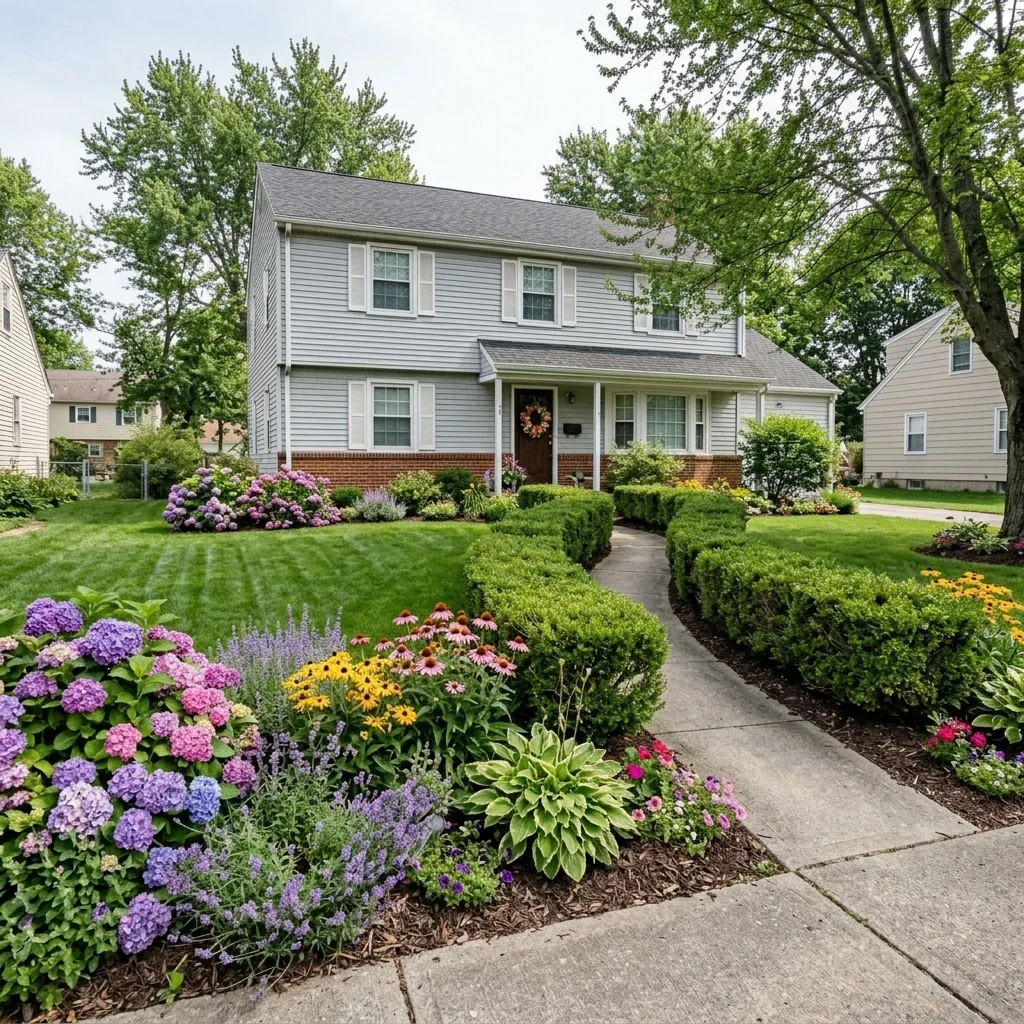
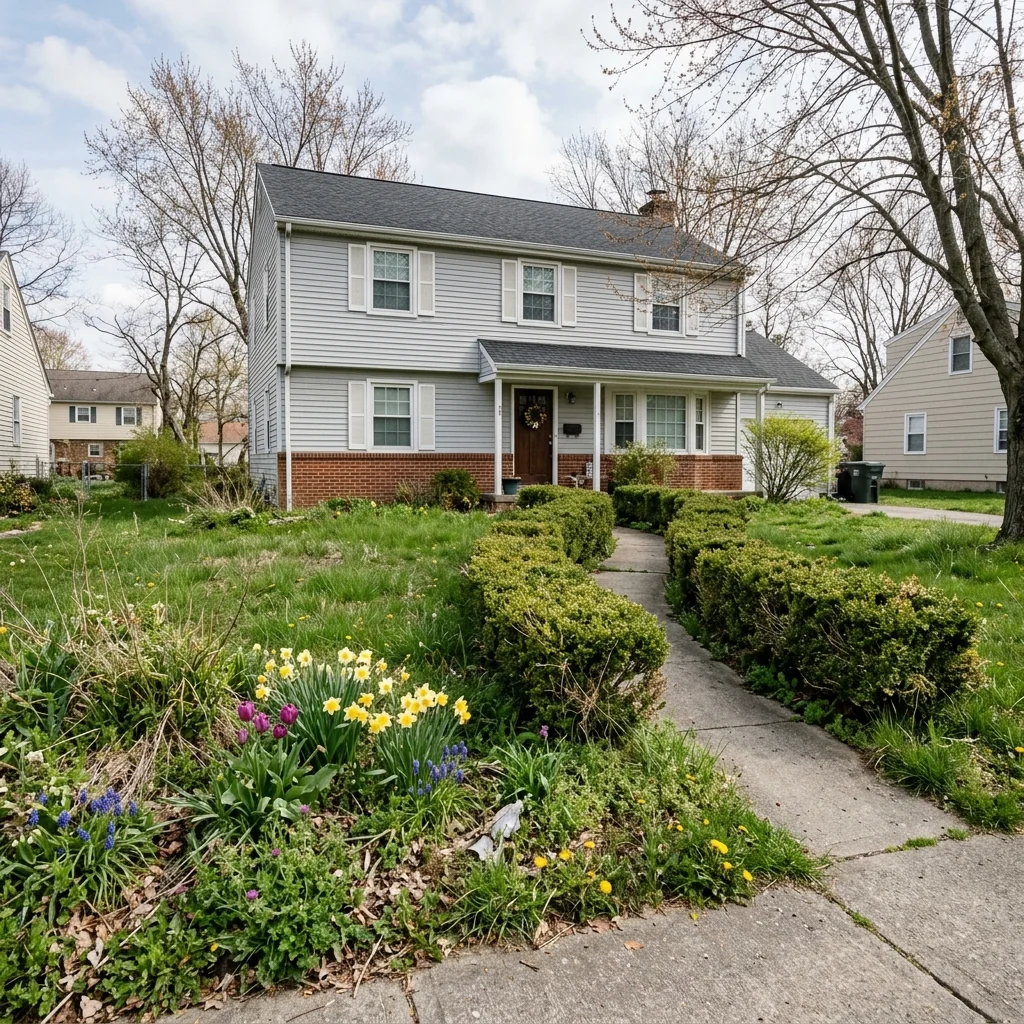

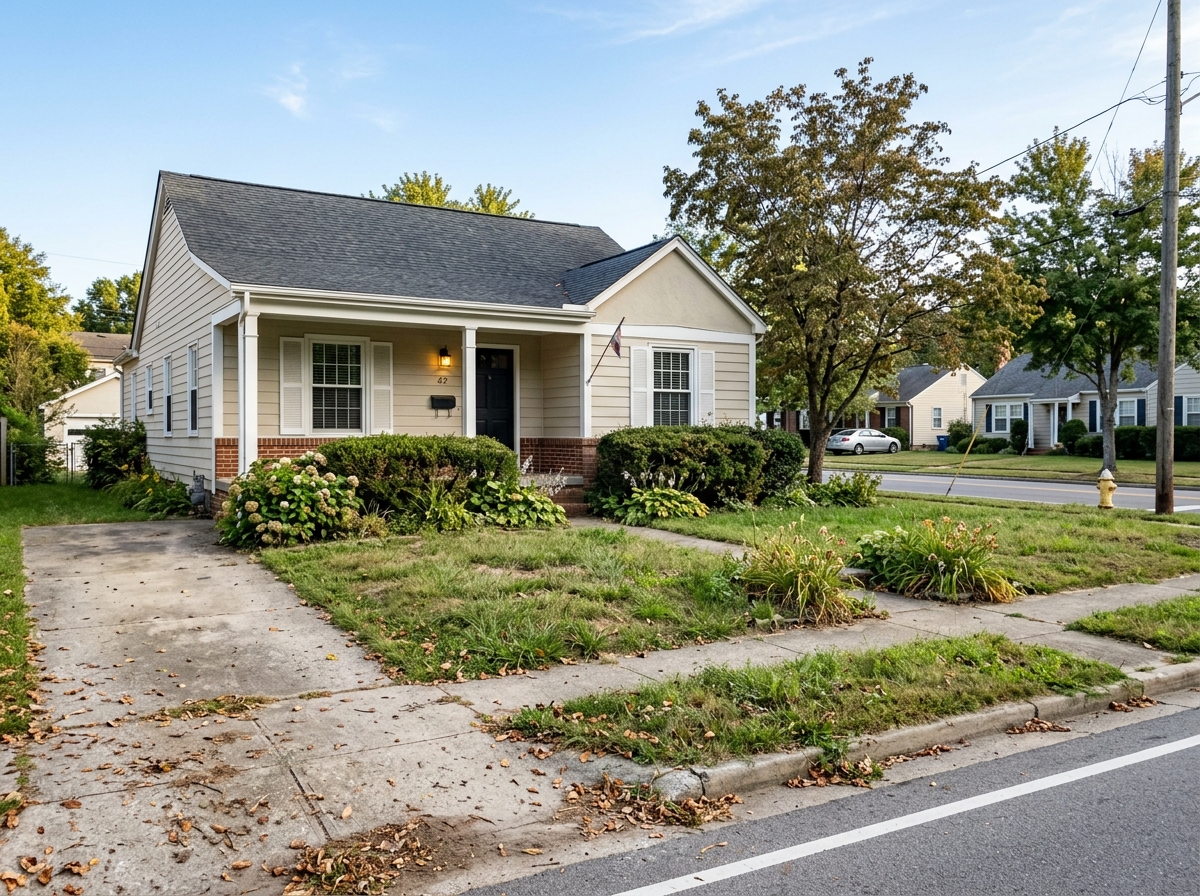

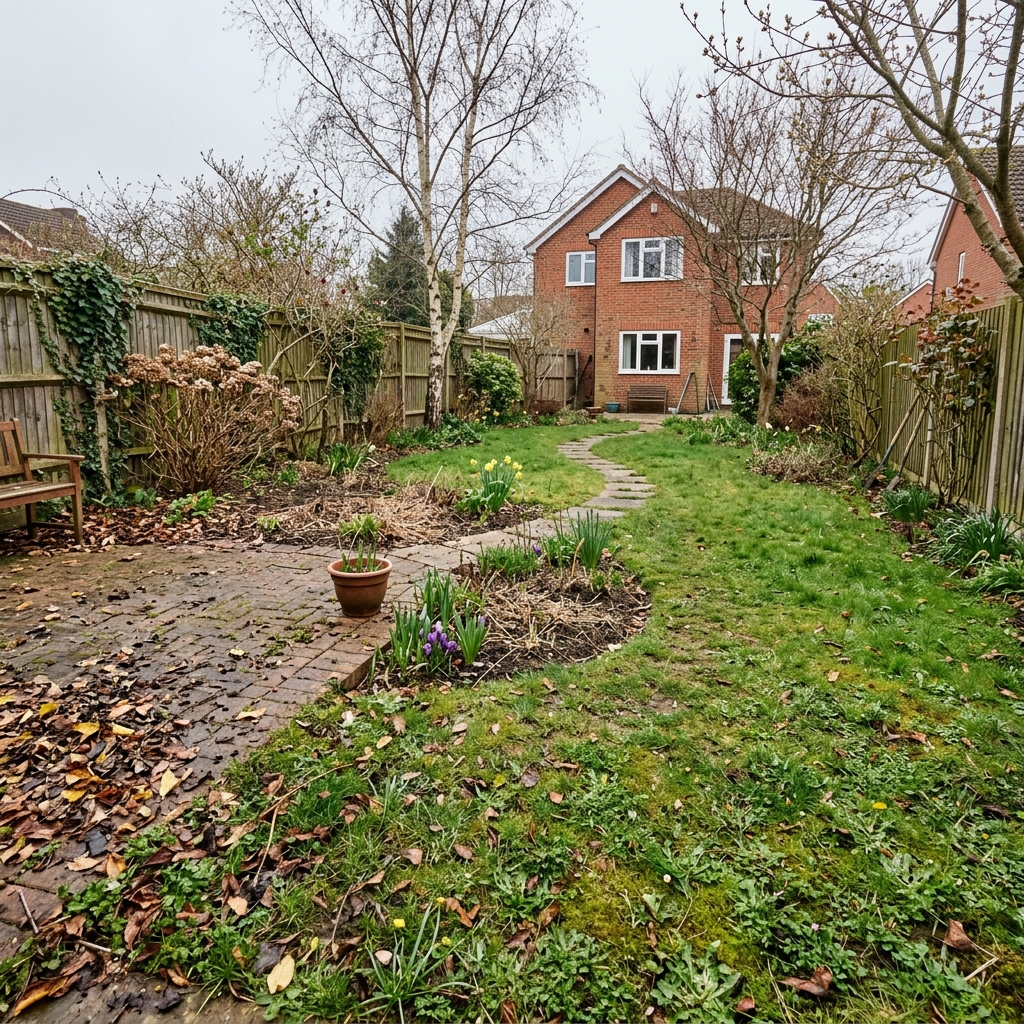


Så fungerar det
- 1Ladda upp ditt foto
- 2Välj dina inställningar
- 3Din bild
Tips för ett bra resultat
Ljusstark, tydlig bild
Dagsljus och en vidvinkel ger bäst resultat.
Visa hela ytan
Se till att allt du vill ändra syns tydligt i bilden.
Testa flera varianter
Jämför olika alternativ innan du bestämmer dig.
Vanliga frågor
Får jag använda bilderna kommersiellt?
Ja. Du kan använda dina bilder för vilket syfte som helst, inklusive kommersiell användning.
Ändras min originalbild?
Nej. Din originalbild förblir oförändrad och du kan ladda ner den när som helst.
Vad händer om jag inte gillar resultatet?
Testa en annan stil eller inställning, eller finjustera resultatet med en kort instruktion.
Fortsätt utforska
Alla verktyg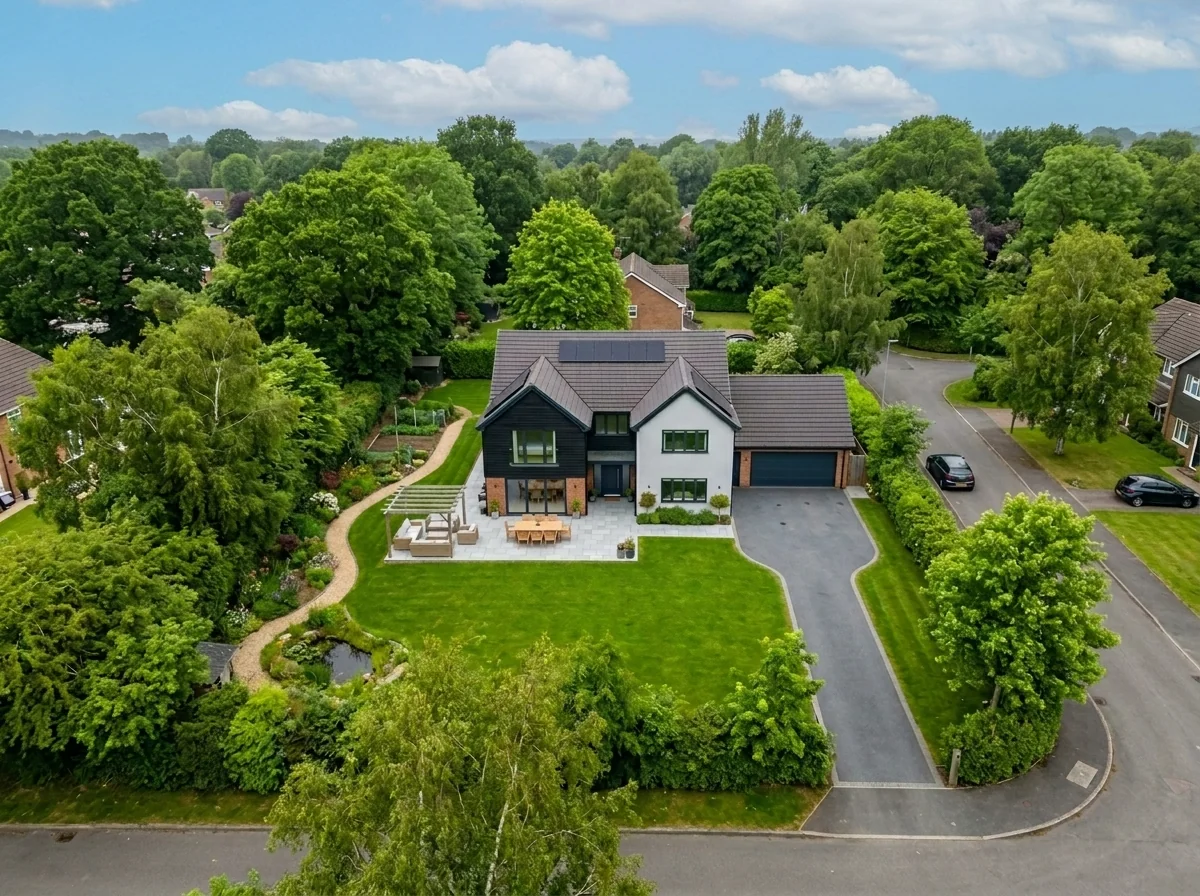
Byte av himmel på flygfoto
Byt ut gråa, molniga eller platta himlar i drönar- och flygbilder av fastigheter mot fantastiska blå himlar, gyllene timmens ljus eller dramatiska moln — på några sekunder. Specifikt optimerat för flygfotografins breda perspektiv och horisontlinje.
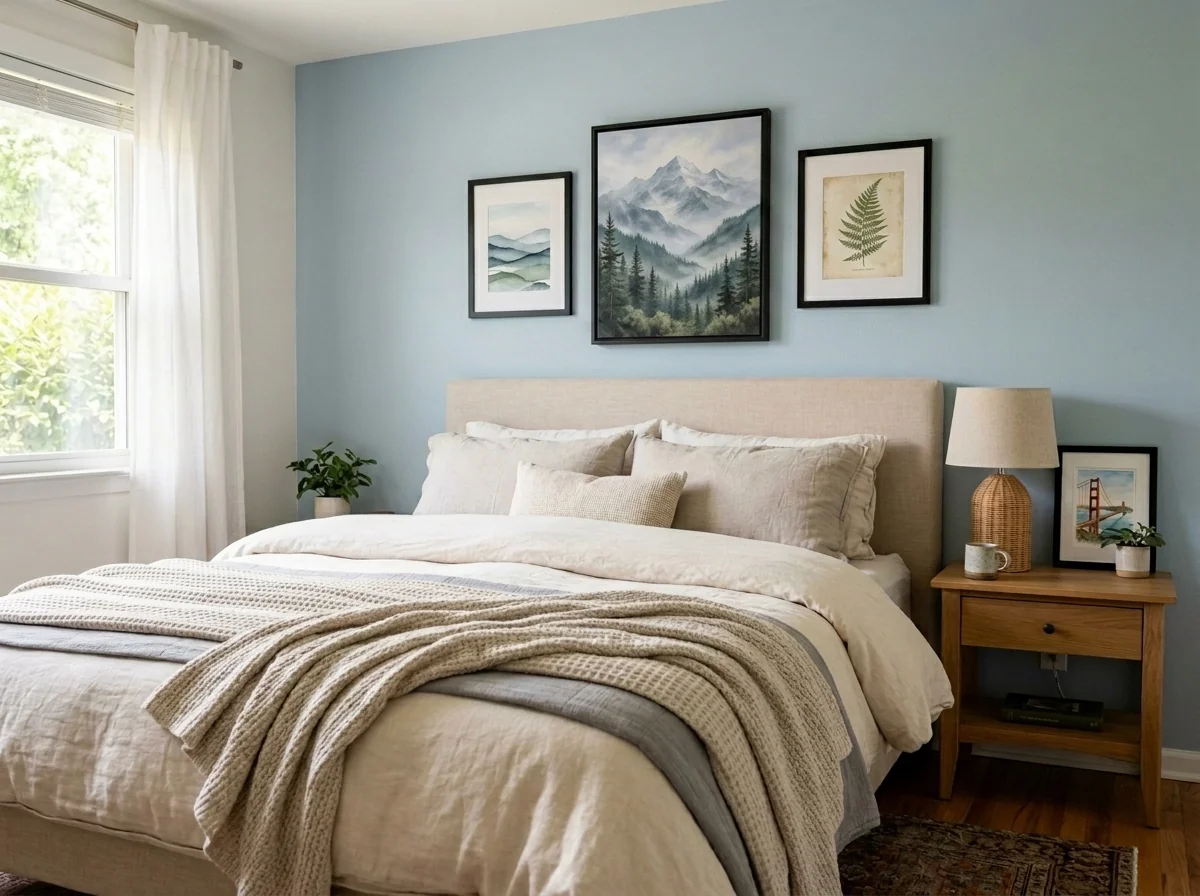
Anonymisera väggkonst och foton i lägenhet
Upptäck och anonymisera automatiskt väggbilder, inramade foton, målningar och konstverk i lägenhets- eller rumsbilder. Välj bland flera anonymiseringsstilar: Gaussian blur, kraftig pixling, enkel borttagning av väggen, ersättning med abstrakt konst, naturmotiv eller geometriska mönster — perfekt för GDPR-efterlevnad, bostadsannonser och staging.
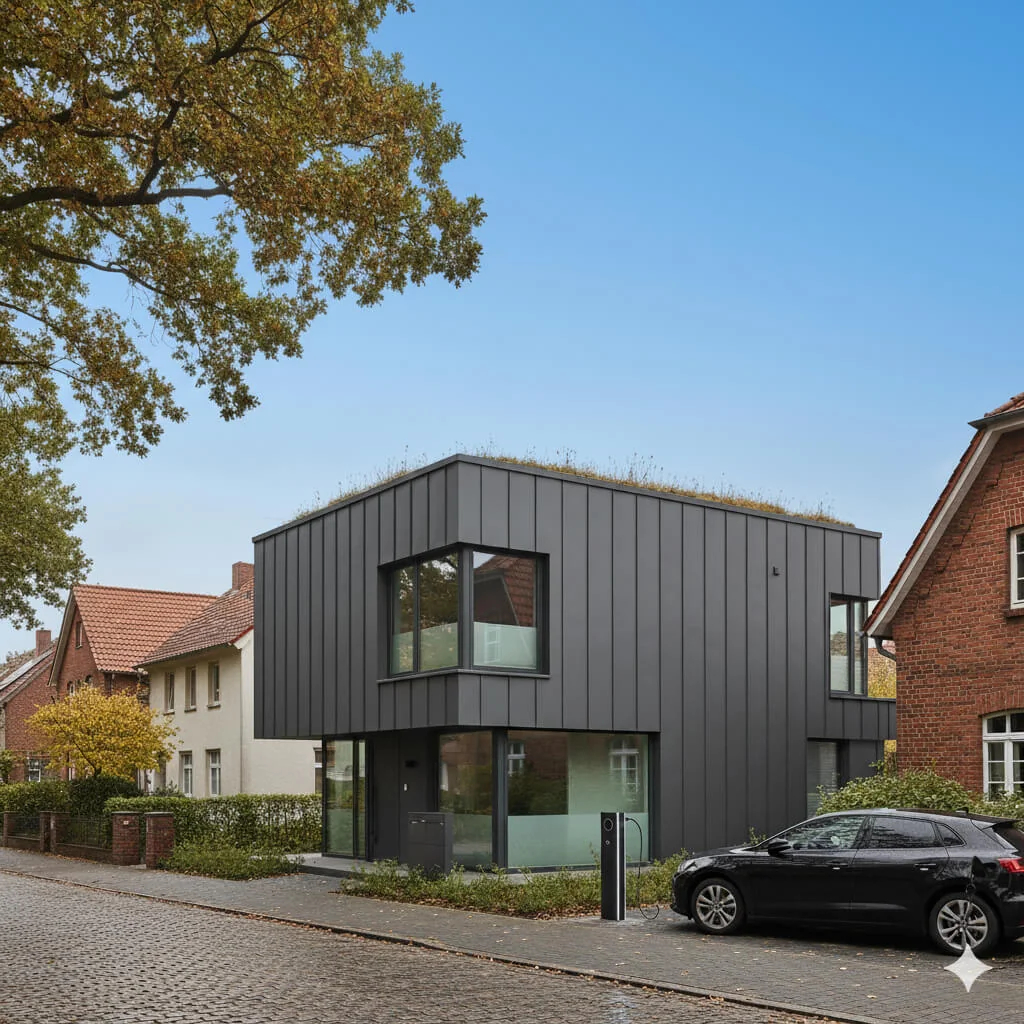
Ersättning av blå himmel
Förvandla grå, molniga himlar till klarblå perfektion—direkt.
Läs hela guiden
How long does generation take for Garden Enhancement Tool?
Generation usually takes between 5 and 15 seconds.
Can I use the results commercially?
Yes, every generated image includes a full commercial usage license.
Tips for your photo
Make sure the photo is well lit and shot from a wide angle.
Remove clutter before shooting the photo for the best results.
Use re-staging mode for targeted style changes.
Frequently asked questions
What are the optimal input image formats and resolutions for the Garden Enhancement Tool?
Upload high-resolution JPG or PNG files (2000px on the longest side recommended) for the Garden Enhancement Tool. This ensures the best detail for transforming overgrown yards into stunning real estate photos, enhancing your property listing.
How long does the Garden Enhancement Tool take to process and transform a yard?
The Garden Enhancement Tool typically transforms your yard in mere seconds. Processing time may vary slightly based on image complexity and resolution, but the Garden Enhancement Tool is optimized for rapid enhancement for any agent's urgent MLS upload.
What output quality can I expect from the Garden Enhancement Tool for my property listings?
Enhance your property listing with high-resolution, photorealistic outputs from the Garden Enhancement Tool. The tool delivers stunning, buyer-ready landscapes, ensuring your real estate photos stand out on Zillow and other platforms, making every agent's job easier.
What are the 3 best tips for achieving stunning results with the Garden Enhancement Tool?
To maximize the Garden Enhancement Tool's potential: 1. Upload clear, well-lit initial real estate photos. 2. Stage the scene with good angles. 3. Enhance existing greenery minimally before using the Garden Enhancement Tool for a natural, lush transformation for your property listing.
Can I re-generate or modify results using the Garden Enhancement Tool after initial processing?
Yes, the Garden Enhancement Tool allows you to easily re-generate or modify results. Convert your vision into reality by adjusting parameters or re-uploading, ensuring the final enhanced real estate photos perfectly match your property listing needs for any agent.
Technical FAQ: Garden Enhancement Tool
Quick answers for optimal results with your Garden Enhancement Tool online
Common mistakes
5 Garden Enhancement Tool Mistakes Killing Your Real Estate Photos
How to avoid common garden enhancement tool errors for stunning property listings
Using Low-Resolution Real Estate Photos
The Garden Enhancement Tool relies on clear images to accurately stage and enhance the garden. Blurry photos result in a pixelated and unrealistic final result, deterring potential buyers viewing your property listing on Zillow or MLS.
Upload high-resolution (at least 1080p) real estate photos to the Garden Enhancement Tool. Ensure proper lighting and sharp focus for optimal results.
Ignoring Seasonal Considerations When Using the Garden Enhancement Tool
Applying summer blooms to a winter landscape using the Garden Enhancement Tool looks unnatural and misleading. Buyers expect to see realistic representations of the property during the current season.
Select plants and features within the Garden Enhancement Tool that are appropriate for the current season. Consider using the tool to showcase the garden's potential across different seasons.
Over-Enhancing the Garden with the Garden Enhancement Tool
Excessive use of the Garden Enhancement Tool can create an unrealistic and artificial look. Overly vibrant colors, perfectly manicured lawns, and an abundance of flowers can raise suspicion and detract from the property's authenticity.
Use the Garden Enhancement Tool subtly to enhance existing features and add natural-looking elements. Aim for a balanced and realistic presentation that appeals to a wide range of buyers.
Failing to Match the Garden Enhancement Style to the Property's Architecture
Applying a modern, minimalist garden design to a traditional Victorian home using the Garden Enhancement Tool creates a jarring and incongruous look. The garden should complement the overall style of the property.
Choose garden styles and elements within the Garden Enhancement Tool that align with the architectural style of the property. Consider consulting with a real estate agent or landscape designer for guidance.
Not Previewing the Garden Enhancement Tool Result on Different Devices
The enhanced garden may appear differently on various screens and devices. Failing to preview the result on mobile phones, tablets, and desktops can lead to unexpected visual discrepancies for potential buyers.
Preview the enhanced garden from the Garden Enhancement Tool on multiple devices to ensure a consistent and appealing presentation across all platforms. Adjust the enhancement settings as needed to optimize the viewing experience.
Garden Enhancement Tool: See the Stunning Transformations!
Upload your real estate photos now and witness the power of our Garden Enhancement Tool online.
Your workflow
4 Steps to Transform Your Listing with a Garden Enhancement Tool
How to Use a Garden Enhancement Tool Online for Stunning Real Estate Photos
Upload Your Property Photo
Upload your real estate photo to the Garden Enhancement Tool. Ensure the photo clearly shows the garden area for optimal enhancement results.
Use high-resolution real estate photos for the best Garden Enhancement Tool output. Clear photos allow the AI to accurately identify and enhance garden features.
Enhance Garden Features
Utilize the Garden Enhancement Tool to automatically enhance the greenery, add flowers, and improve the overall appeal of the garden in your property listing photo.
Experiment with different Garden Enhancement Tool settings to achieve the desired look. Focus on creating a vibrant and inviting outdoor space for potential buyers viewing the MLS listing.
Review and Refine the Enhanced Image
Carefully review the enhanced garden in the real estate photo. Use the Garden Enhancement Tool's editing features to refine details and ensure a natural, appealing look.
Pay attention to color balance and avoid over-enhancement. The goal is to create an inviting garden scene that accurately represents the property and attracts Zillow viewers.
Download and Integrate into Your Listing
Download the enhanced real estate photo from the Garden Enhancement Tool and upload it to your MLS, Zillow, or other property listing platforms. Showcase the beautiful, enhanced garden to attract more potential buyers.
Use the enhanced real estate photos strategically in your property listing. Highlight the garden as a key selling point to attract buyers and impress potential clients.
Use cases
Property Listings for Garden Enhancement Tool
Social Media Marketing & Instagram Inserate
Architektur- & Umbau-Präsentationen
5 Tips for Using a Garden Enhancement Tool to Stage Real Estate Photos
What is a Garden Enhancement Tool and How Can it Help My Property Listing?
A Garden Enhancement Tool is an AI-powered solution designed to instantly improve the appearance of outdoor spaces in real estate photos. By using this tool, agents can transform dull or overgrown yards into visually appealing landscapes, making the property listing more attractive to potential buyers on Zillow and other MLS platforms.
Technical Specifications for the Garden Enhancement Tool
Input Requirements for the Garden Enhancement Tool
Image Format: Accepts JPEG, PNG, and TIFF formats for real estate photos.
Image Resolution: Minimum 1200x800 pixels recommended for optimal garden enhancement results.
Image Size: Maximum file size of 20MB per real estate photo.
Outdoor Scene: Images should primarily feature outdoor garden or yard areas for effective property listing enhancement.
Output Specifications of the Garden Enhancement Tool
Enhanced Image Format: Delivers output in JPEG format, optimized for online property listing display.
Enhanced Image Resolution: Maintains original resolution or scales up to 1920x1080 pixels for improved clarity.
Garden Elements Added: AI-generated elements include lush greenery, vibrant flowers, and well-maintained lawns to enhance the property listing.
Realistic Lighting: Adjusts lighting and shadows to create a natural and appealing outdoor scene in real estate photos.
AI Technology Powering the Garden Enhancement Tool
AI Algorithm: Uses a deep learning model trained on thousands of garden and landscape images to ensure realistic enhancements for property listing.
Scene Detection: Automatically identifies and segments garden areas within real estate photos for targeted enhancement.
Style Transfer: Applies various garden styles and aesthetics to match the property's overall design and appeal to potential Zillow buyers.
3 Steps to Enhance Your Property Listing with the Garden Enhancement Tool
Upload: Upload your real estate photos to the Garden Enhancement Tool.
Enhance: Let our AI instantly transform your yard into a buyer-ready landscape.
Download: Download the enhanced images and update your MLS and Zillow property listing.
Transform overgrown yards into lush, buyer-ready landscapes in seconds with our Garden Enhancement Tool. Optimize your property listing and attract more Zillow views!
1. Upload your property photo.
2. Choose the interior style or room type you want.
3. Click Generate and get your result in seconds.
Expert guide
5 Tips: Maximize Your Garden Enhancement Tool for Stunning Real Estate Photos
How to get the most out of your garden enhancement tool online for property listings
Prepare High-Resolution Images for Optimal Garden Enhancement
Upload only high-resolution real estate photos to the Garden Enhancement Tool. This ensures crisp details and prevents pixelation during the enhancement process, leading to more attractive property listing images on Zillow and the MLS. Start with the best quality possible.Fine-Tune Garden Enhancement Settings for Realistic Results
Adjust the Garden Enhancement Tool's settings carefully. Experiment with the intensity of greening and the addition of plants to achieve a natural look. Avoid over-enhancement, which can deter potential buyers viewing the property listing. Subtlety is key for agent success.Achieve Best Results with Strategic Garden Enhancement Focus
Focus your Garden Enhancement Tool efforts on key areas visible in real estate photos. Highlight flower beds, lawns, and entryways to create a welcoming impression. A well-maintained virtual garden significantly boosts curb appeal on the MLS. Enhance what matters most.Utilize Garden Enhancement Tool for Professional Property Staging
Employ the Garden Enhancement Tool to virtually stage outdoor spaces. Add patio furniture, planters, and other decorative elements to showcase the property's potential. This helps buyers envision themselves enjoying the space, increasing interest in the property listing. Close more deals, faster.How it works
3 Proven Steps to Master the Garden Enhancement Tool
How to use a garden enhancement tool online for professional real estate photos
Upload Your Exterior Property Photos
Upload your high-resolution property photos to the Garden Enhancement Tool to begin the transformation. Ensure the yard or landscaping is clearly visible for the AI to optimize your MLS listing's curb appeal.
Select Your AI Landscaping Style
Transform overgrown grass into lush lawns and add vibrant flowers using the Garden Enhancement Tool. Choose specific landscaping styles that help real estate agents attract more buyers on Zillow and Redfin.
Download High-Res Marketing Assets
Convert your raw outdoor shots into professional-grade marketing assets in seconds. Download the high-resolution files from the Garden Enhancement Tool to instantly boost your property listing's online engagement and value.
What you can do
5 Advanced Garden Enhancement Tool Capabilities
Stunning Visual Output
Enhance real estate photos with vibrant, lush gardens. Achieve professional-grade property listing visuals that captivate potential buyers on Zillow and MLS.
Instant Landscape Transformation
Transform overgrown yards into buyer-ready landscapes in seconds. Agents can quickly update property listing images, saving valuable time and accelerating sales cycles.
Versatile Export Options
Convert enhanced garden photos into various formats suitable for MLS, Zillow, and agent websites. Upload high-resolution images effortlessly across all property listing platforms.
Tailored Garden Designs
Customize every aspect of your virtual Garden Enhancement Tool. Stage diverse plant arrangements to perfectly match any property listing style, appealing to a wider audience.
AI-Powered Greenery Precision
Leverage AI precision to seamlessly integrate new landscaping into real estate photos. This Garden Enhancement Tool intelligently identifies areas for optimal aesthetic improvement, boosting property appeal.
Professional Agent Use
Designed for real estate professionals, this Garden Enhancement Tool elevates property listing quality. Empower agents to enhance their marketing materials, ensuring every home stands out on Zillow and MLS.
Pro-level tools at your fingertips, transforming how to garden enhancement tool online