
Rensa och städa bostadsbilder
- Foto
- Dina val
- Din bild
Se vad som är möjligt
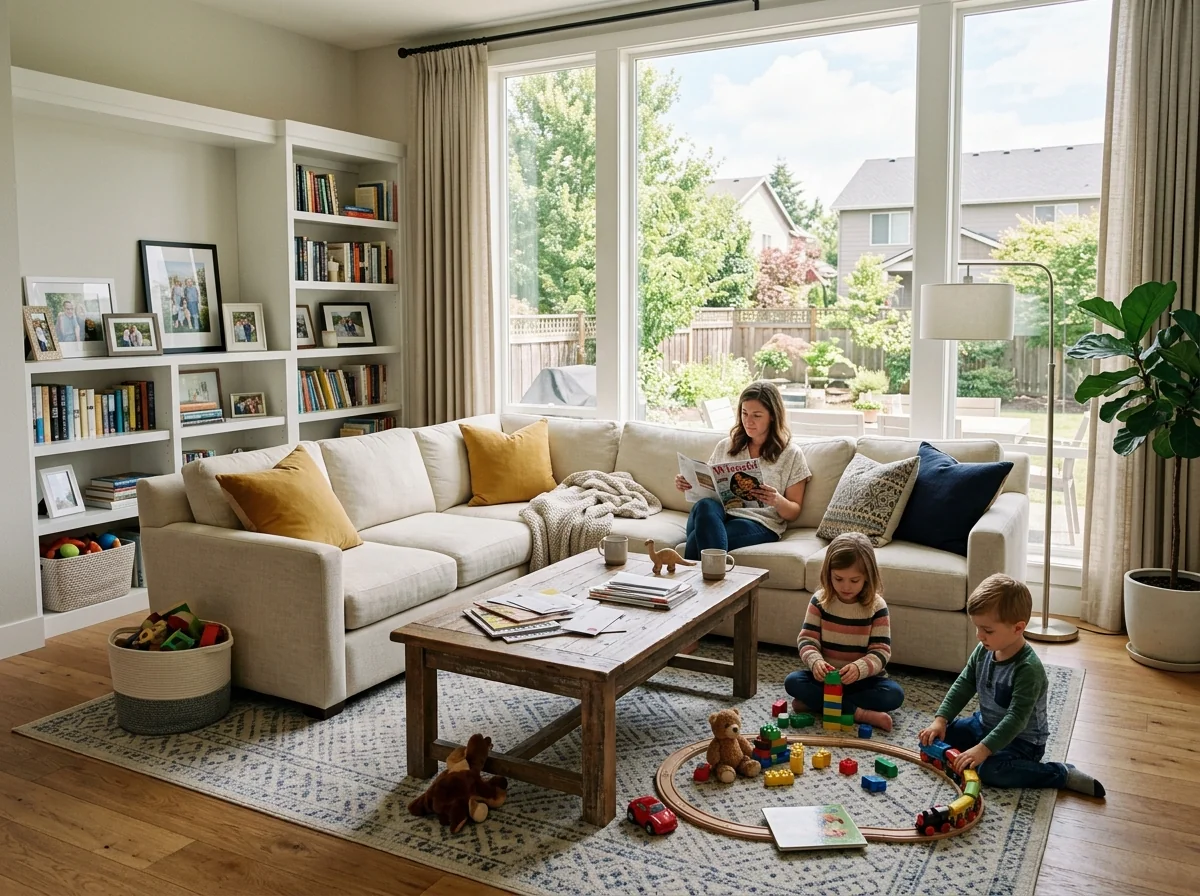
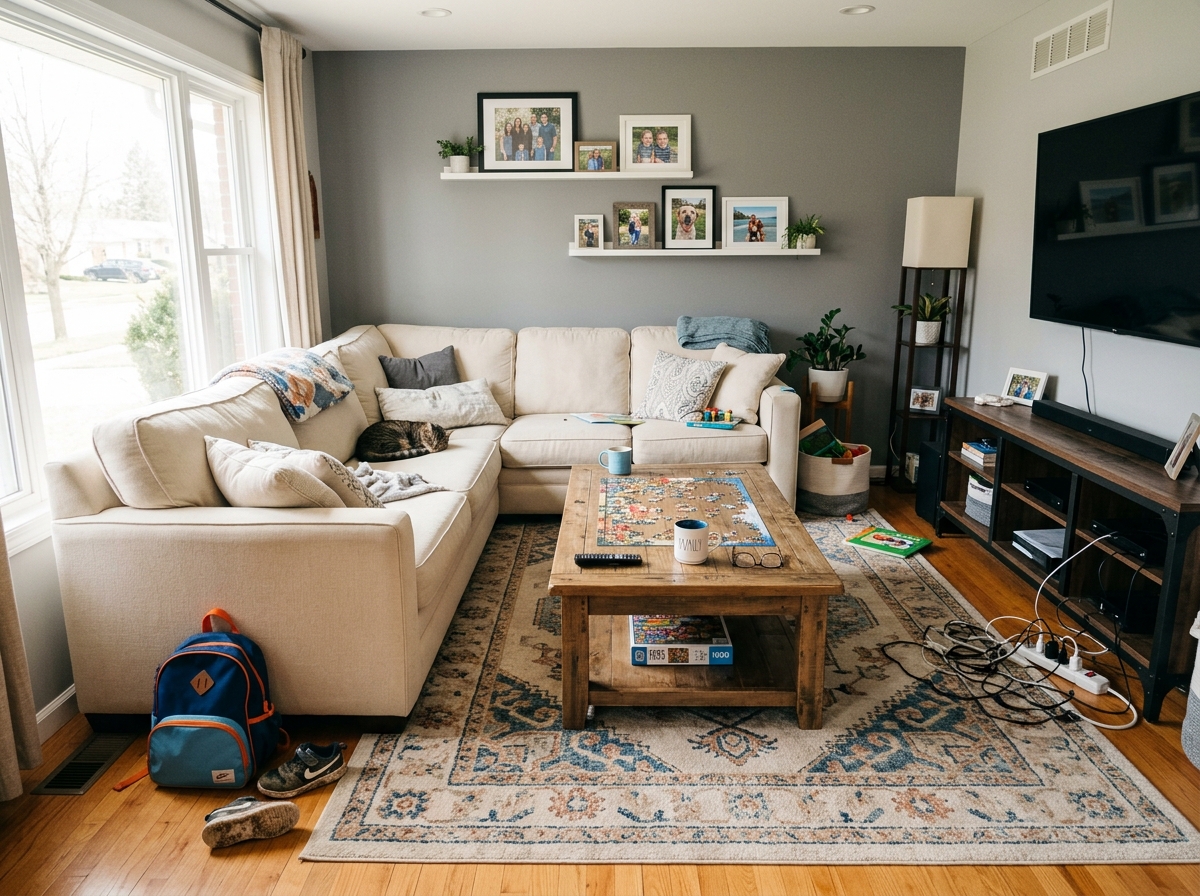
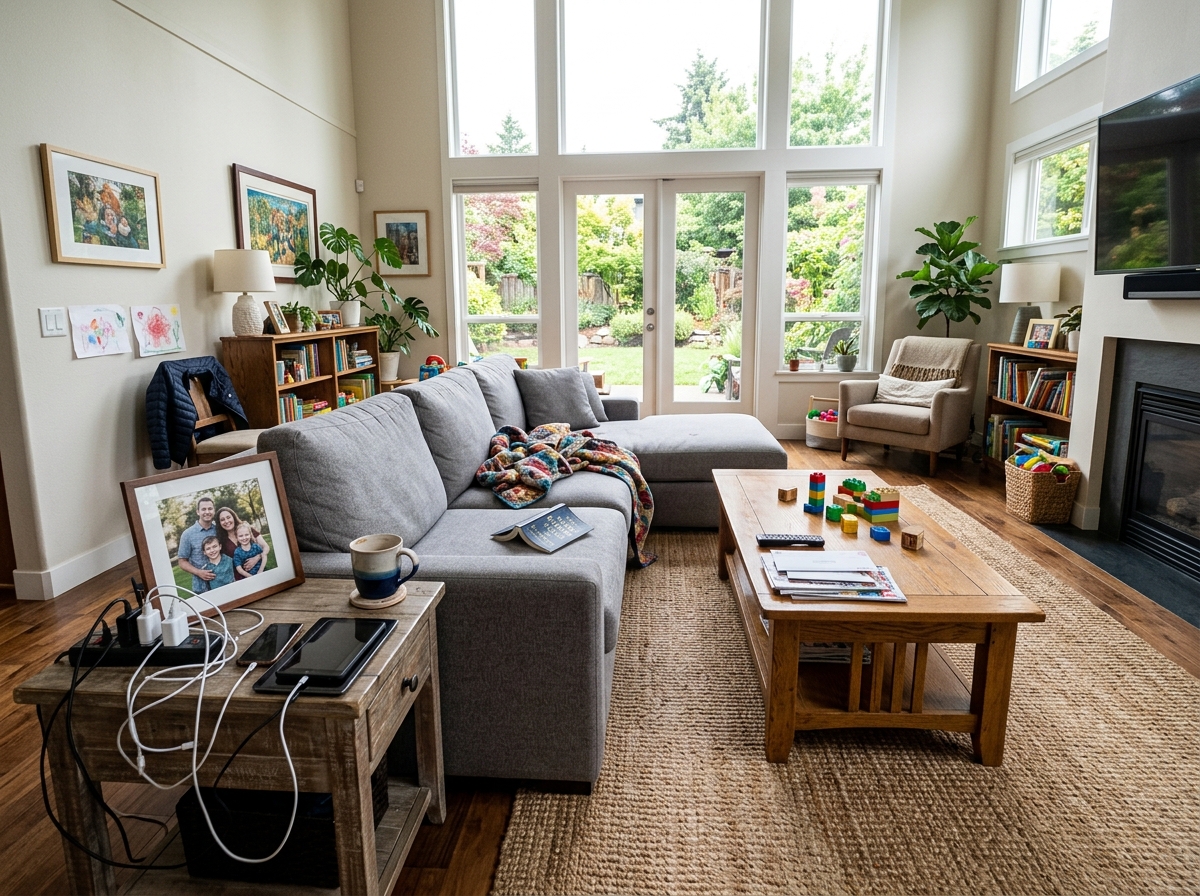
Riktiga resultat från foton som dina.



Så fungerar det
- 1Ladda upp ditt foto
- 2Välj dina inställningar
- 3Din bild
Tips för ett bra resultat
Ljusstark, tydlig bild
Dagsljus och en vidvinkel ger bäst resultat.
Visa hela ytan
Se till att allt du vill ändra syns tydligt i bilden.
Testa flera varianter
Jämför olika alternativ innan du bestämmer dig.
Vanliga frågor
Får jag använda bilderna kommersiellt?
Ja. Du kan använda dina bilder för vilket syfte som helst, inklusive kommersiell användning.
Ändras min originalbild?
Nej. Din originalbild förblir oförändrad och du kan ladda ner den när som helst.
Vad händer om jag inte gillar resultatet?
Testa en annan stil eller inställning, eller finjustera resultatet med en kort instruktion.
Fortsätt utforska
Alla verktyg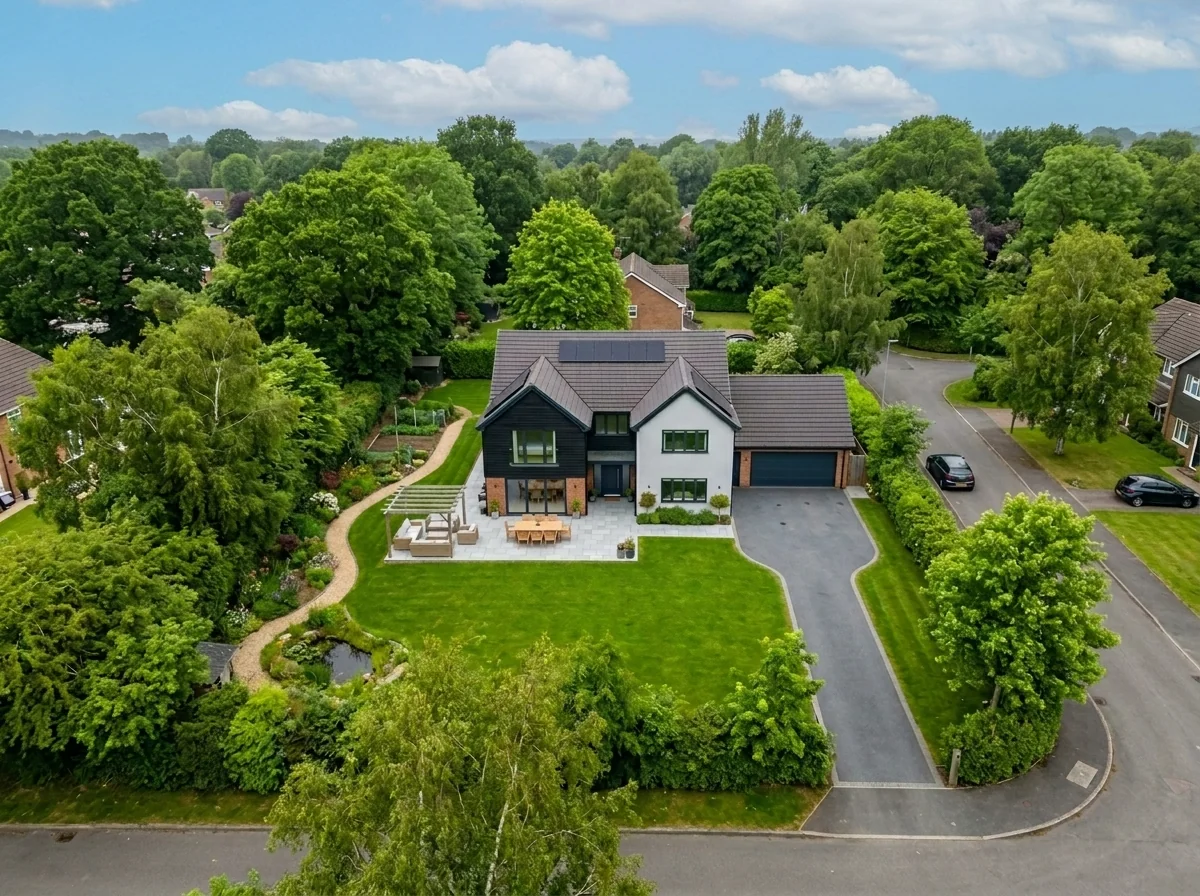
Byte av himmel på flygfoto
Byt ut gråa, molniga eller platta himlar i drönar- och flygbilder av fastigheter mot fantastiska blå himlar, gyllene timmens ljus eller dramatiska moln — på några sekunder. Specifikt optimerat för flygfotografins breda perspektiv och horisontlinje.
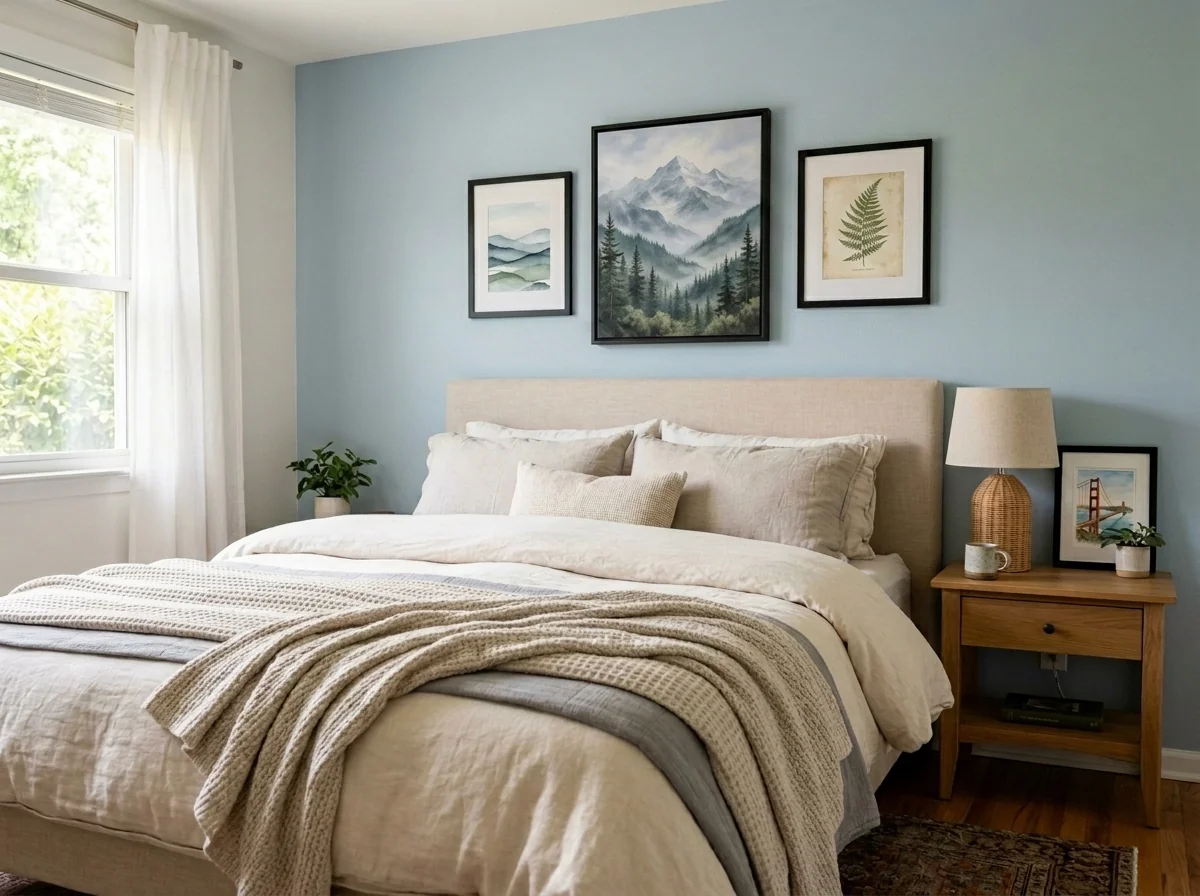
Anonymisera väggkonst och foton i lägenhet
Upptäck och anonymisera automatiskt väggbilder, inramade foton, målningar och konstverk i lägenhets- eller rumsbilder. Välj bland flera anonymiseringsstilar: Gaussian blur, kraftig pixling, enkel borttagning av väggen, ersättning med abstrakt konst, naturmotiv eller geometriska mönster — perfekt för GDPR-efterlevnad, bostadsannonser och staging.
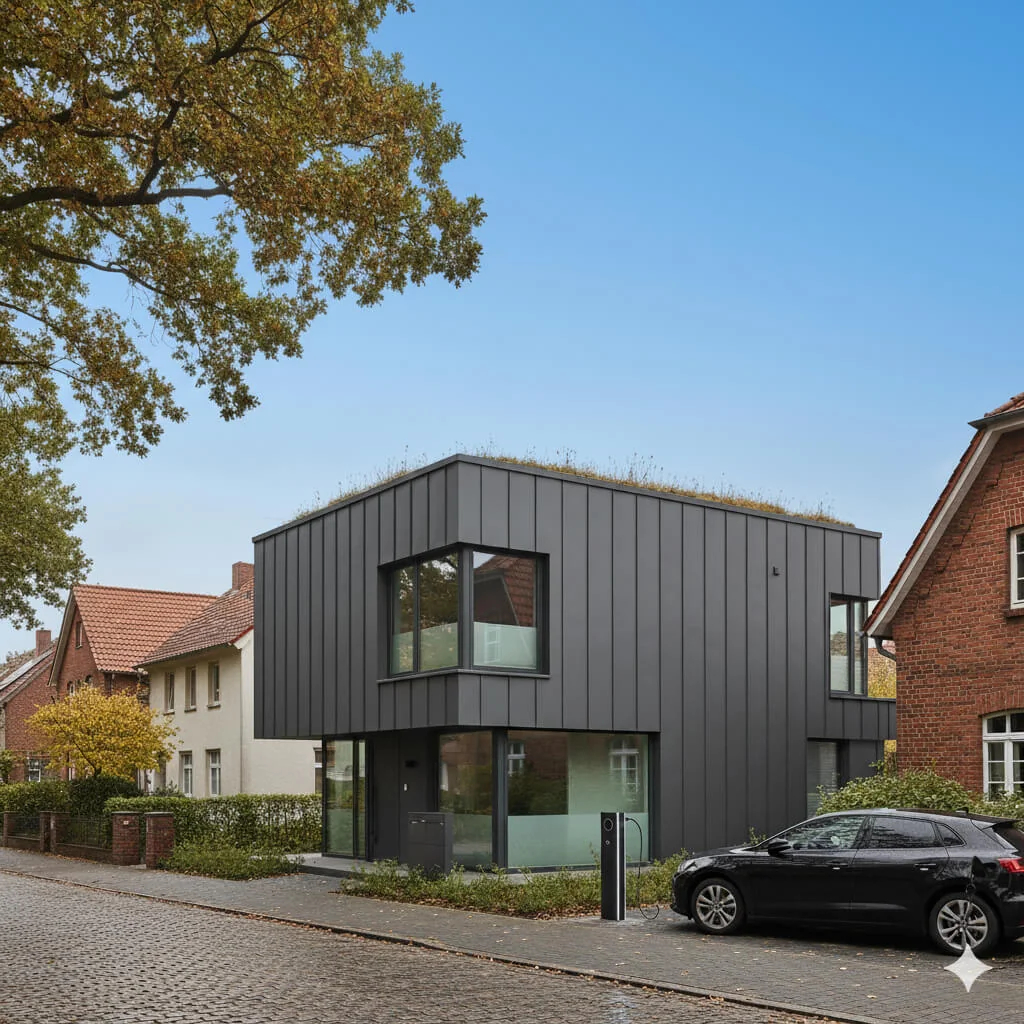
Ersättning av blå himmel
Förvandla grå, molniga himlar till klarblå perfektion—direkt.
Läs hela guiden
How long does generation take for Listing Photo Declutter & Clean?
Generation usually takes between 5 and 15 seconds.
Can I use the results commercially?
Yes, every generated image includes a full commercial usage license.
Tips for your photo
Make sure the photo is well lit and shot from a wide angle.
Remove clutter before shooting the photo for the best results.
Use re-staging mode for targeted style changes.
Frequently asked questions
What are the optimal input formats and resolutions for the Listing Photo Declutter & Clean AI?
Upload JPG, PNG, or HEIC real estate photos. For best Listing Photo Declutter & Clean results, use high-resolution images (2000px on the longest side or higher) to ensure detailed AI processing and superior output for your property listing.
How long does it typically take for the Listing Photo Declutter & Clean AI to process a single image?
Convert your cluttered real estate photos in seconds. The Listing Photo Declutter & Clean AI processes most images within 5-15 seconds, depending on file size and server load, ensuring quick enhancements for your MLS or Zillow listings.
What level of output quality can I expect from the Listing Photo Declutter & Clean tool for my property listing photos?
Enhance your real estate photos with natural-looking results. The Listing Photo Declutter & Clean AI delivers high-quality, decluttered images, seamlessly removing items like toys or dishes while maintaining original room aesthetics for agents.
What are the best practices for uploading real estate photos to achieve optimal Listing Photo Declutter & Clean results?
Stage your photos effectively by providing clear, well-lit images. Avoid excessively dark or blurry real estate photos. The Listing Photo Declutter & Clean AI performs best on well-composed shots, ensuring a clean property listing.
Can I re-generate or refine the decluttered output if the initial Listing Photo Declutter & Clean result isn't perfect?
Refine your property listing photos easily. Yes, you can re-generate the decluttered image multiple times or use the built-in editor to make minor adjustments, ensuring your real estate photos meet your agent's exact standards.
Technical FAQ: Listing Photo Declutter & Clean
Quick answers for optimal results
Common mistakes
5 Listing Photo Declutter & Clean Mistakes Killing Your Real Estate Photos
Avoid these common pitfalls when using AI to declutter your property listing photos for MLS & Zillow.
Ignoring the 'Before' Photo Quality
The AI Listing Photo Declutter & Clean tool works best with high-quality input. A blurry or poorly lit 'before' photo will result in a less convincing 'after' image.
Ensure your original real estate photos are well-lit, in focus, and taken from optimal angles before uploading to the Listing Photo Declutter & Clean tool.
Over-Decluttering: Removing Too Much
While the goal is to remove clutter, stripping a room bare can make it feel sterile and uninviting. Potential buyers want to envision themselves living in the space.
Use the Listing Photo Declutter & Clean tool judiciously. Focus on removing distracting items like excessive personal photos or piles of laundry, but leave some decorative elements to maintain a sense of warmth and personality.
Neglecting Perspective and Shadows
AI can remove objects, but it doesn't always perfectly recreate the background or adjust shadows. This can lead to inconsistencies that make the decluttering look unnatural.
Carefully review the 'after' image generated by the Listing Photo Declutter & Clean tool. Pay attention to how the background has been filled in and whether the shadows are consistent with the lighting in the room. Minor manual adjustments might be needed.
Forgetting to Clean Visible Surfaces First
The Listing Photo Declutter & Clean tool is designed to remove objects, not to clean surfaces. Dirt, smudges, and stains will still be visible in the 'after' image.
Before taking photos, thoroughly clean all visible surfaces, such as countertops, floors, and windows. This will significantly improve the overall appearance of your real estate photos and reduce the amount of work the AI needs to do.
Not Using the Tool Consistently Across All Photos
Inconsistency in the level of decluttering can be jarring for potential buyers. If some rooms are perfectly staged and others are cluttered, it can create a negative impression.
Apply the Listing Photo Declutter & Clean tool consistently to all photos in your property listing. Aim for a uniform level of cleanliness and organization throughout the virtual tour.
What Your Listing Photo Declutter & Clean Results Will Look Like
Upload your photo to get started: See how AI transforms your real estate photos!
Your workflow
Transform Your Property Listing: 5 Tips for Listing Photo Declutter & Clean
How to Listing Photo Declutter & Clean Online for Stunning Real Estate Photos
Upload Your Real Estate Photo
Upload your property listing photo directly to the Listing Photo Declutter & Clean tool. Ensure the image is high-resolution for optimal results. Supported formats include JPG, PNG, and TIFF.
For best results, choose photos with clear visibility of the cluttered areas you want to remove. Use photos from your professional real estate photos.
Identify Clutter for Removal
Utilize the AI-powered selection tool within Listing Photo Declutter & Clean to highlight the specific items you want removed from your real estate photos, such as toys, laundry, dishes, or cables.
Be precise with your selections. The AI learns from your input to better declutter future photos. Consider removing personal belongings to depersonalize the property listing.
AI-Powered Declutter & Clean
Let the Listing Photo Declutter & Clean AI work its magic. The tool automatically removes the selected clutter while maintaining a natural and lived-in appearance in your real estate photos.
Review the initial results and use the refine tools to adjust the decluttering as needed. The AI adapts to different room types and clutter scenarios.
Enhance and Download Your Cleaned Image
Use the built-in enhancement tools within Listing Photo Declutter & Clean to fine-tune the lighting, contrast, and sharpness of your real estate photos. Download the final image in a format suitable for MLS, Zillow, and other platforms.
Optimize the image size for each platform to ensure fast loading times and optimal visual quality. Share the transformed property listing with your agent.
Publish to MLS and Zillow
Upload your decluttered and enhanced real estate photos to your MLS listing and Zillow property listing. Attract more potential buyers with professionally cleaned images.
Track the performance of your listings with the new photos. A decluttered listing can lead to higher click-through rates and more inquiries.
Use cases
Property Listings for Listing Photo Declutter & Clean
Social Media Marketing & Instagram Inserate
Architektur- & Umbau-Präsentationen
Listing Photo Declutter & Clean — Technical Specifications
1. Upload your property photo.
2. Choose the interior style or room type you want.
3. Click Generate and get your result in seconds.
Expert guide
5 Tips to Transform Your MLS Listing: Photo Declutter & Clean Guide
How to Listing Photo Declutter & Clean Online for Zillow and Real Estate Photos
Prepare High-Resolution Real Estate Photos
Upload the highest resolution images possible to Listing Photo Declutter & Clean. Better input quality leads to cleaner, more realistic decluttering results for your property listing. This ensures optimal performance for your real estate photos on Zillow and the MLS. Upload in JPG or PNG format.Adjust Decluttering Intensity Settings
Experiment with the intensity settings in Listing Photo Declutter & Clean to achieve the perfect balance. Start with a low setting and gradually increase it until you achieve the desired level of cleanliness in your real estate photos. Avoid over-processing, which can look unnatural.Focus on Key Areas for Best Results
Prioritize decluttering the most visually distracting elements in your real estate photos. Focus on removing clutter from countertops, floors, and shelves. Listing Photo Declutter & Clean works best when targeting specific problem areas in the property listing. This maximizes impact for agents.Use Listing Photo Declutter & Clean for Professional Staging
Enhance your virtual staging workflow by using Listing Photo Declutter & Clean to remove unwanted items before adding virtual furniture. This creates a cleaner canvas for staging and ensures a more polished final result for your property listing on the MLS. Boost Zillow views with perfect real estate photos.How it works
3 Steps to Perfect Listing Photo Declutter & Clean
How to listing photo declutter & clean online for free in 2026
Upload Your Messy Listing Photo
Upload your high-resolution property listing images to our AI platform. Whether it is a kitchen with dishes or a bedroom with laundry, our tool prepares the file for an instant MLS-ready transformation.
Select Items for AI Removal
Select the specific items like cables, toys, or personal belongings you want to remove. Our AI ensures the room remains natural and lived-in while adhering to Zillow and broker image standards.
Download Your Clean Listing Photo
Transform your cluttered space into a pristine home staging masterpiece. Download the high-res version instantly to boost your click-through rate and attract more potential buyers to your property listing.
What you can do
5 Advanced Listing Photo Declutter & Clean Capabilities
Enhance Listing Photo Declutter
Achieve seamless, natural-looking real estate photos with our AI, ensuring no trace of clutter remains for pristine property listings on MLS and Zillow.
Rapid Photo Declutter & Clean
Convert cluttered listing photos into professional, buyer-ready images in seconds, significantly reducing agent prep time for property listings.
Versatile Photo Format Support
Upload and process various real estate photo formats, ensuring your decluttered images are compatible for any MLS, Zillow, or agent platform.
Tailored Declutter & Clean
Stage and customize the decluttering intensity for each real estate photo, allowing agents precise control over the final look of their property listing.
AI-Powered Clutter Removal
Our advanced AI accurately identifies and removes specific personal items, from toys to dishes, ensuring a clean and professional appearance for every real estate photo.
Agent-Focused Declutter & Clean
Transform cluttered real estate photos into compelling property listings, helping agents attract more buyers and enhance their professional image on MLS and Zillow.
Transform Real Estate Photos: How to Professionally Declutter & Clean Online