
带家具户型鸟瞰图
- 照片
- 你的选择
- 您的图片
看看可以实现什么
来自与你相似照片的真实效果。
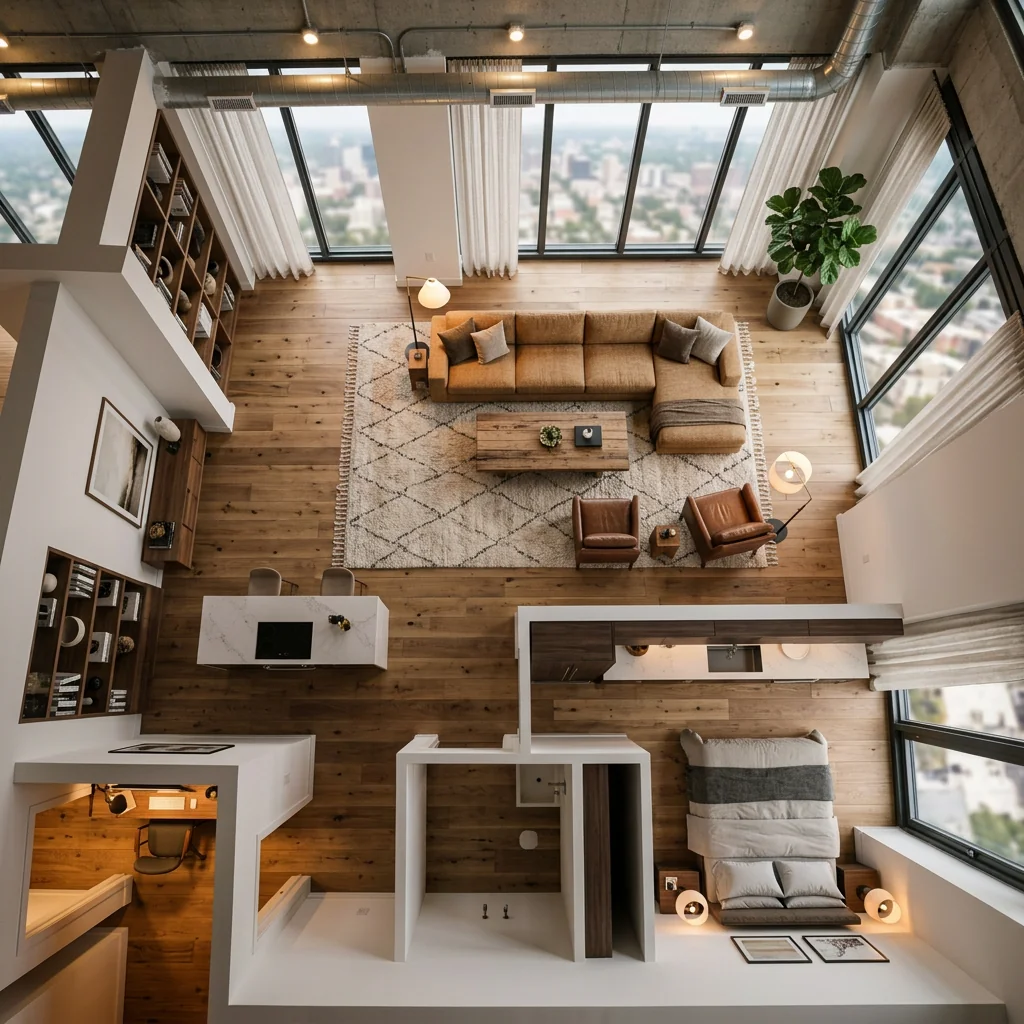
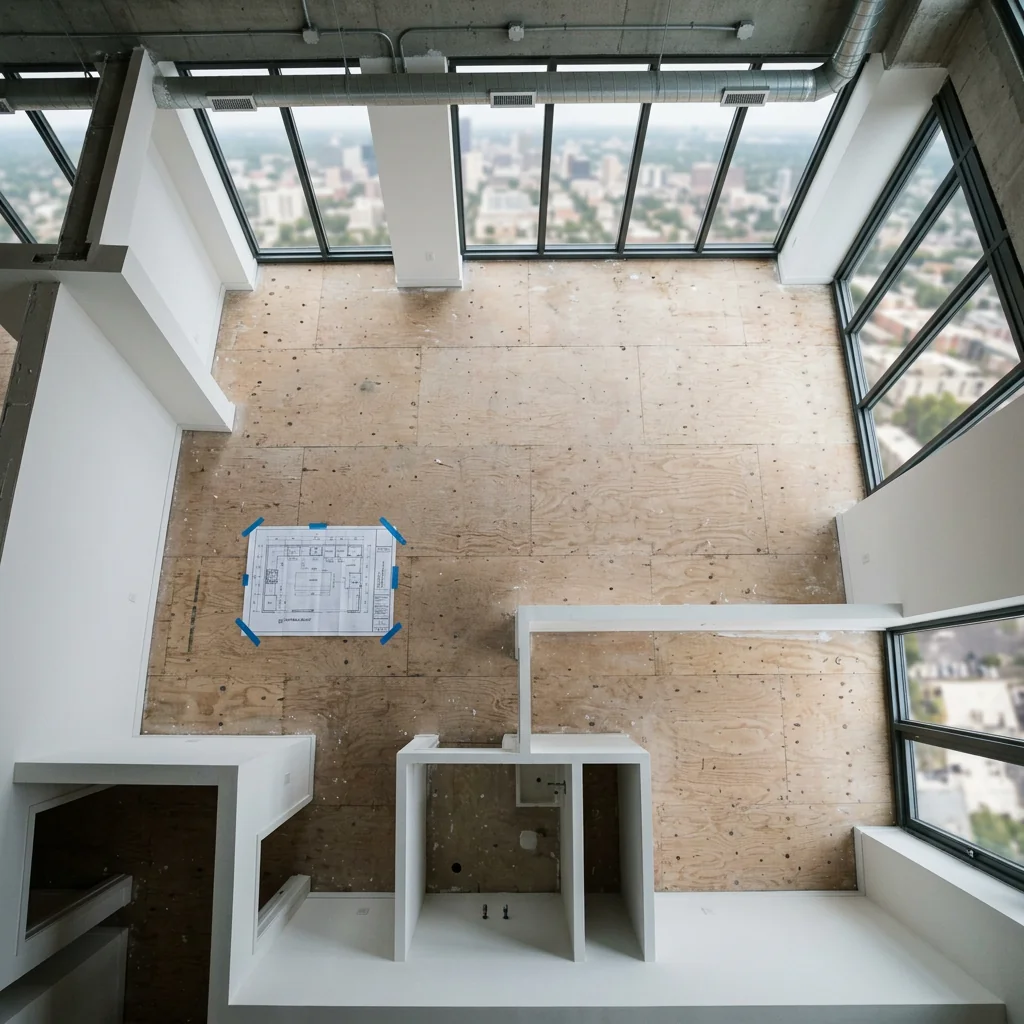

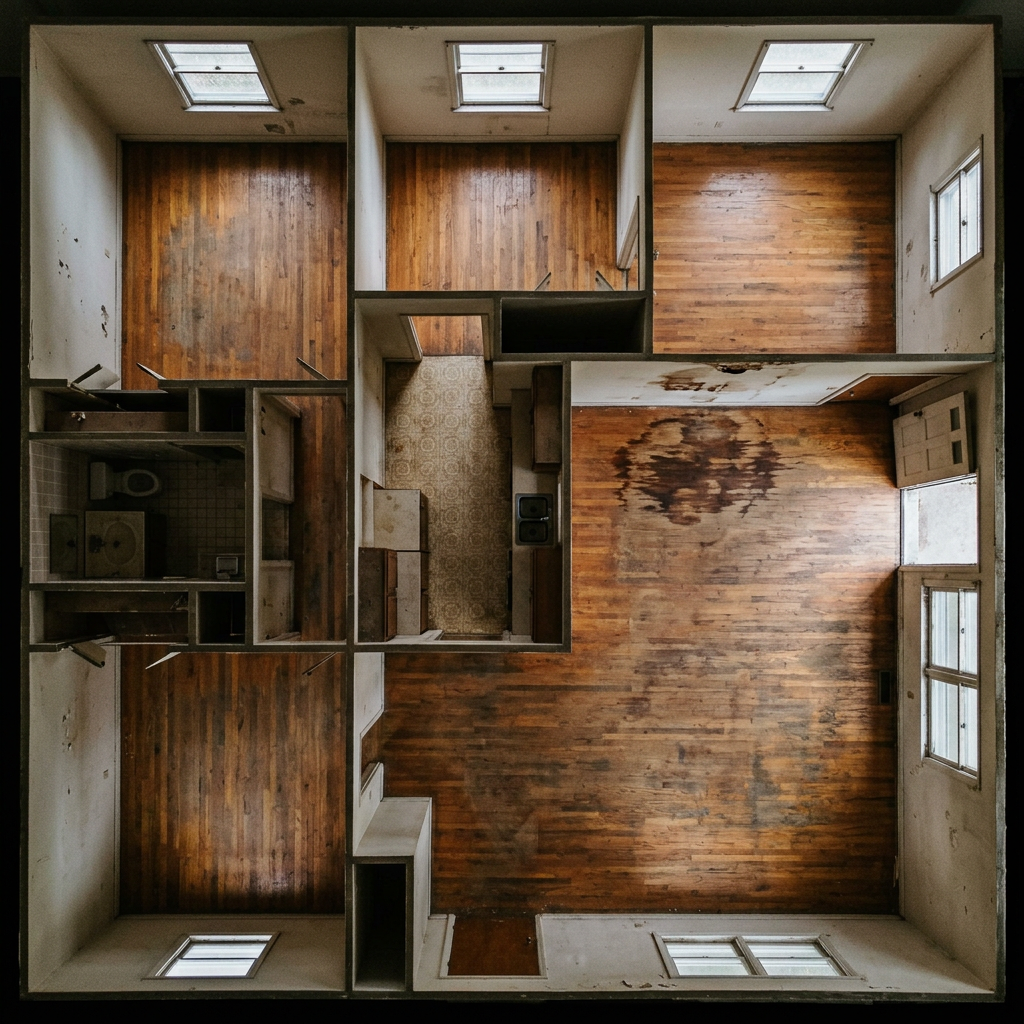

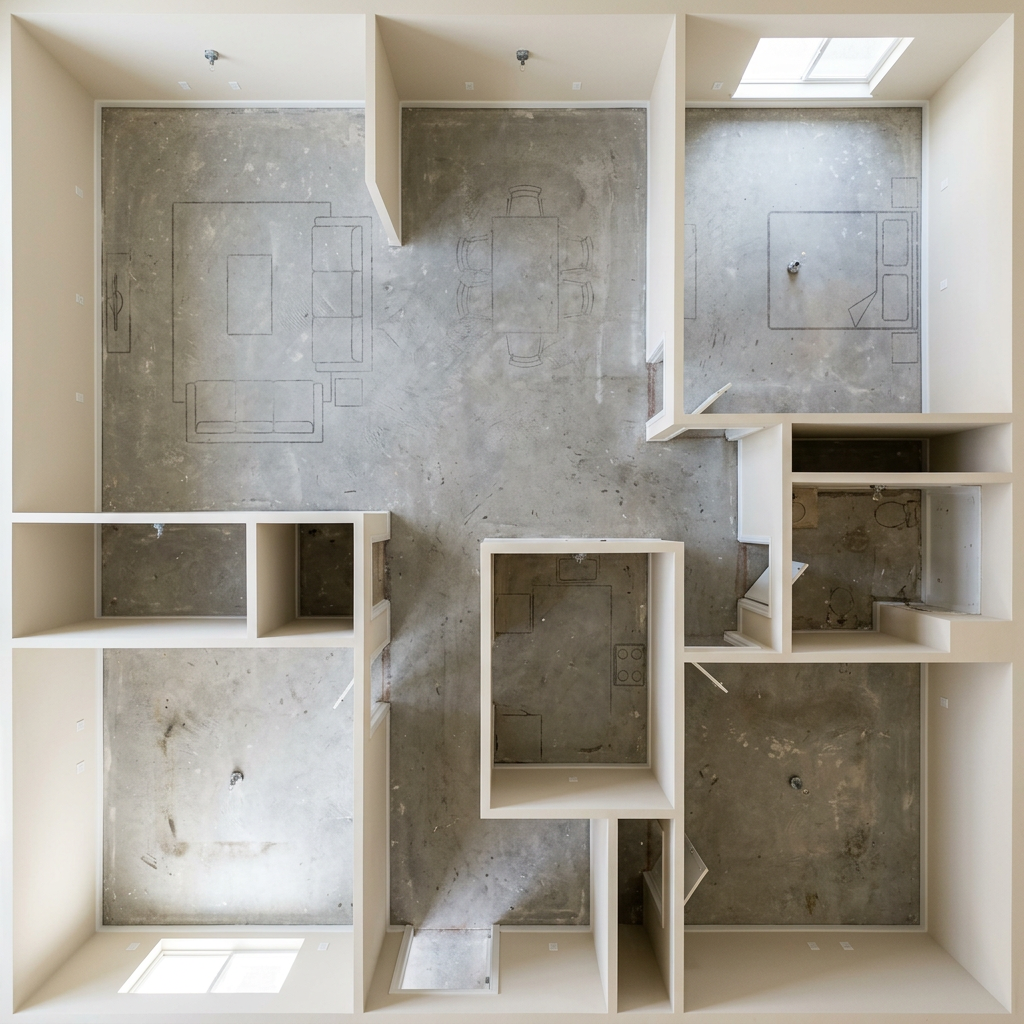
工作原理
- 1上传你的照片
- 2选择你的设置
- 3您的图片
获得好效果的提示
明亮、清晰的照片
日光和广角能带来最佳效果。
展示整个区域
把你想要更改的内容完整地保留在图片中。
尝试多个变体
在决定之前比较不同选项。
常见问题
我可以将图片用于商业用途吗?
可以。你可以将图片用于任何用途,包括商业用途。
我的原图会改变吗?
不会。你的原图保持不变,你可以随时下载。
如果我不喜欢结果怎么办?
尝试另一种风格或设置,或用简短指令优化结果。
继续探索
全部工具


阅读完整指南
How long does generation take for Furnished Floorplan Bird View?
Generation usually takes between 5 and 15 seconds.
Can I use the results commercially?
Yes, every generated image includes a full commercial usage license.
Tips for your photo
Make sure the photo is well lit and shot from a wide angle.
Remove clutter before shooting the photo for the best results.
Use re-staging mode for targeted style changes.
Frequently asked questions
What input formats and resolutions does the Furnished Floorplan Bird View tool accept?
Upload standard image formats like JPG, PNG, or PDF for your 2D floorplan. For optimal "Furnished Floorplan Bird View" output and high-quality "real estate photos", we recommend resolutions above 1000px on the shortest side.
How long does it take to generate a Furnished Floorplan Bird View?
Convert your floorplan quickly. Processing typically takes 30-90 seconds, depending on floorplan complexity and server load. Stage your property listing faster for MLS and Zillow with a perfect "Furnished Floorplan Bird View".
What output quality can I expect from the Furnished Floorplan Bird View?
Enhance your property listing with high-resolution, photorealistic "Furnished Floorplan Bird View" images. Expect detailed furniture, accurate textures, and vibrant colors, ideal for compelling "real estate photos" that impress any agent.
How can I achieve the best Furnished Floorplan Bird View results?
For optimal "Furnished Floorplan Bird View" output, upload clear, high-contrast 2D floorplans without excessive clutter. Ensure room boundaries are well-defined. This helps accurately stage your property listing for superior "real estate photos".
Can I re-generate or modify a Furnished Floorplan Bird View after initial creation?
Yes, you can re-upload your floorplan with adjustments or apply different styling options to re-generate your "Furnished Floorplan Bird View". Enhance your "real estate photos" until perfect for your agent or MLS listing.
Technical FAQ: 5 Steps to Perfect Furnished Floorplan Bird View Generation
How to Optimize Your Furnished Floorplan Bird View Online for Real Estate Photos
Common mistakes
5 Common Furnished Floorplan Bird View Mistakes to Avoid in Real Estate Photos
How to Furnished Floorplan Bird View Online for Better Property Listing Results Instantly
Uploading Low-Resolution Floorplans
Blurry or pixelated floorplans result in a poor quality Furnished Floorplan Bird View, making it difficult for potential buyers on Zillow or MLS to visualize the space.
Ensure your 2D floorplan is high-resolution (at least 300 DPI) before uploading it to the Furnished Floorplan Bird View tool. Clear lines and accurate dimensions are crucial for optimal results for your agent.
Ignoring Furniture Scale and Proportion
Using inappropriately sized furniture in the Furnished Floorplan Bird View can misrepresent the actual room dimensions, leading to unrealistic expectations for the property listing.
Carefully select furniture models within the Furnished Floorplan Bird View tool that accurately reflect the scale of the rooms in your floorplan. Consider using the tool's measurement features to ensure proper proportions for real estate photos.
Overcrowding the Furnished Floorplan Bird View with Furniture
A cluttered Furnished Floorplan Bird View makes it difficult for viewers to understand the layout and flow of the space, hindering their ability to imagine living in the property.
Prioritize essential furniture pieces and leave ample open space in your Furnished Floorplan Bird View. Less is often more when showcasing the potential of a property for your MLS listing.
Neglecting Color Coordination and Style Consistency
Inconsistent color schemes and clashing furniture styles in the Furnished Floorplan Bird View can create a visually unappealing and unprofessional presentation for your property listing.
Choose a cohesive color palette and furniture styles that complement the overall aesthetic of the property when using the Furnished Floorplan Bird View tool. Consider the target demographic and their preferences for your Zillow listing.
Forgetting to Highlight Key Features
Failing to showcase important architectural details or unique selling points in the Furnished Floorplan Bird View can diminish the appeal of the property to potential buyers and their agent.
Strategically position furniture and decor to draw attention to key features such as fireplaces, bay windows, or built-in shelving when creating your Furnished Floorplan Bird View. Use the tool to enhance these elements in your real estate photos.
What Your Furnished Floorplan Bird View Results Will Look Like
Upload your 2D floorplan to get started and visualize your property listing from above!
Your workflow
Transform Your Property Listing: 5 Tips for Stunning Furnished Floorplan Bird View
How to Furnished Floorplan Bird View Online to Boost Real Estate Photos and Attract Buyers
Upload Your Floorplan
Upload your 2D floorplan image to the Furnished Floorplan Bird View tool. Ensure the image is clear for optimal conversion. This is crucial for creating realistic real estate photos.
Use high-resolution images for the best Furnished Floorplan Bird View results. Clear floorplans lead to better virtual staging.
Select Furnishing Style
Choose from a variety of pre-designed furnishing styles for your Furnished Floorplan Bird View. Match the style to the property's target demographic to enhance your property listing.
Consider the architectural style of the property when selecting furnishings. Complementary styles create a more appealing Furnished Floorplan Bird View.
Customize and Refine
Customize the furniture placement, colors, and textures within the Furnished Floorplan Bird View tool. Fine-tune the design to perfectly showcase the property's potential for your MLS listing.
Pay attention to scale and proportion when customizing. Correct sizing ensures a realistic and professional Furnished Floorplan Bird View for your agent marketing materials.
Generate and Download
Generate your high-resolution Furnished Floorplan Bird View image. Download the image for use in your property listing, marketing materials, or presentations. Enhance your Zillow listing with this tool.
Download multiple resolutions to suit different platforms. High-resolution images are ideal for printing, while lower resolutions are better for online use of your Furnished Floorplan Bird View.
Share and Promote
Share your stunning Furnished Floorplan Bird View on your MLS listing, Zillow, and other real estate platforms. Promote the enhanced visual to attract more potential buyers and increase engagement.
Use compelling captions and descriptions when sharing your Furnished Floorplan Bird View. Highlight the benefits of the furnished layout and its impact on potential buyers.
Use cases
Property Listings for Furnished Floorplan Bird View
Social Media Marketing & Instagram Inserate
Architektur- & Umbau-Präsentationen
Furnished Floorplan Bird View — Technical Specifications
1. Upload your property photo.
2. Choose the interior style or room type you want.
3. Click Generate and get your result in seconds.
Expert guide
5 Expert Tips: Create Stunning Furnished Floorplan Bird View Images
How to Get the Best Furnished Floorplan Bird View Online for Real Estate Photos
Prepare Accurate Floorplans for Optimal Furnished Bird View
Upload clear, high-resolution 2D floorplans. Ensure dimensions are accurate for realistic furniture placement in the furnished floorplan bird view. This improves the final output for your property listing and avoids scaling issues on Zillow or MLS.
Fine-Tune Settings for Your Ideal Furnished Bird View
Adjust furniture styles and color palettes to match the property's aesthetic. Experiment with different textures and layouts within the Furnished Floorplan Bird View tool to create a visually appealing and accurate representation for potential buyers and agents.
Enhance Real Estate Photos with Strategic Furnishing in Bird View
Stage key areas like living rooms and bedrooms with eye-catching furniture arrangements. Use the Furnished Floorplan Bird View to highlight the property's potential and create a memorable impression for online viewers, increasing engagement with your property listing.
Use Furnished Floorplan Bird View for Professional Presentations
Convert your furnished floorplan bird view into high-quality images for client presentations. Showcase design concepts and property layouts in a visually compelling format, helping real estate agents and interior designers communicate their vision effectively.
How it works
3 Steps to Generate a Furnished Floorplan Bird View
How to create a furnished floorplan bird view for real estate listings online
Upload Your 2D Real Estate Floorplan
Upload your 2D property listing sketch to our AI engine. Ensure the image is clear so the tool can accurately map walls for the Furnished Floorplan Bird View transformation.
Select Custom Home Staging Styles
Choose from modern or luxury furniture packages to stage your layout. Our AI populates the bird-eye perspective with textures that make property listings stand out on Zillow and Redfin.
Download High-Resolution Bird-Eye Visuals
Convert your draft into a high-res Furnished Floorplan Bird View instantly. Download the final render to enhance your MLS marketing materials and provide brokers with clear spatial visualizations for buyers.
What you can do
Advanced Furnished Floorplan Bird View Capabilities
High-Resolution Furnished Bird Views
Generate stunning, pixel-perfect Furnished Floorplan Bird View images, ensuring every detail of the furniture and layout is crisp for premium property listing displays.
Instant Furnished Floorplan Generation
Convert your 2D floorplans into a Furnished Floorplan Bird View in seconds, dramatically speeding up your real estate photos workflow for MLS and Zillow.
Multiple Output Furnished Formats
Download your Furnished Floorplan Bird View in various image formats (JPG, PNG) suitable for diverse property listing platforms and agent presentations.
Customizable Furnishing Styles
Select from diverse furniture styles and color palettes to perfectly match your Furnished Floorplan Bird View to the property's aesthetic, enhancing real estate photos.
AI-Powered Furniture Placement
Leverage advanced AI to intelligently place furniture within your Furnished Floorplan Bird View, optimizing space and flow for compelling property listing visuals.
Professional Real Estate Ready
Produce agent-ready Furnished Floorplan Bird View images that elevate your property listing, attracting more buyers on MLS and Zillow with enhanced real estate photos.
Pro-level tools at your fingertips