
房产照片色彩校正
- 照片
- 你的选择
- 您的图片
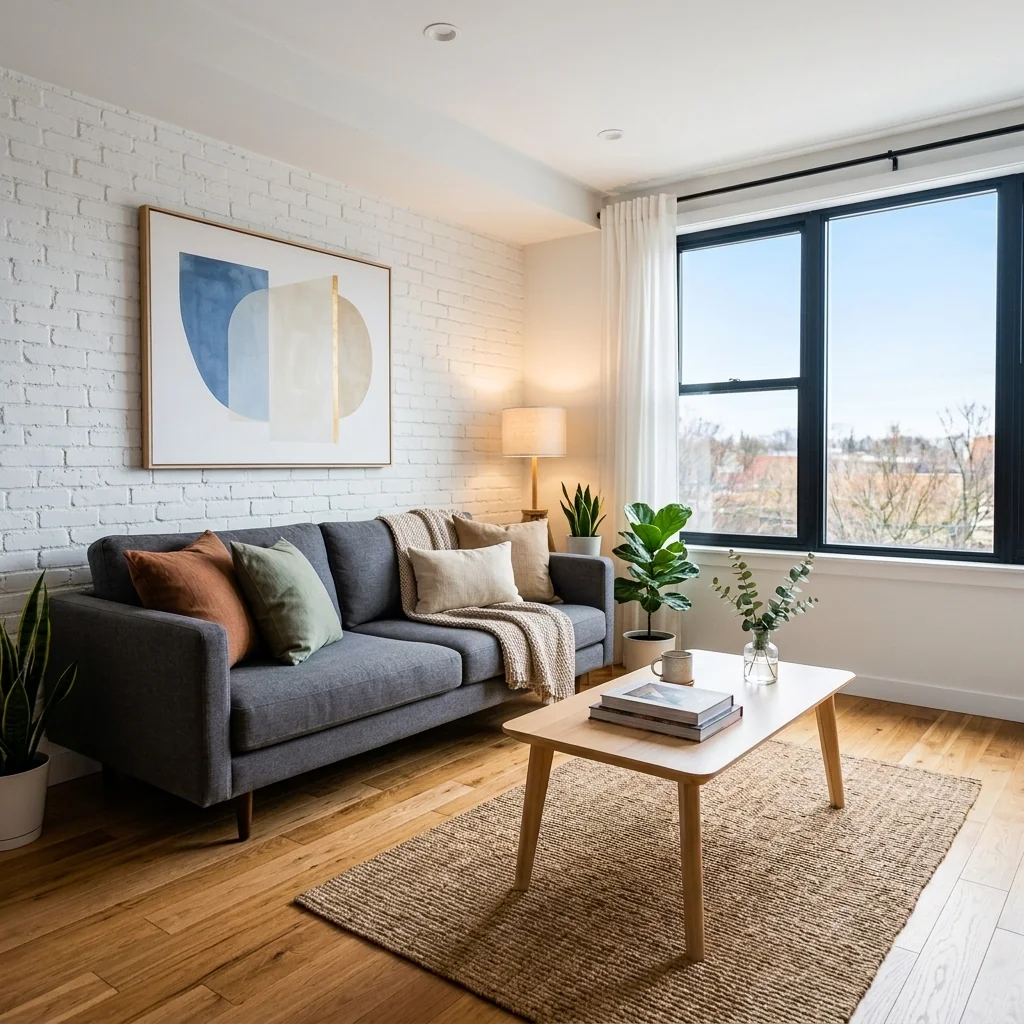
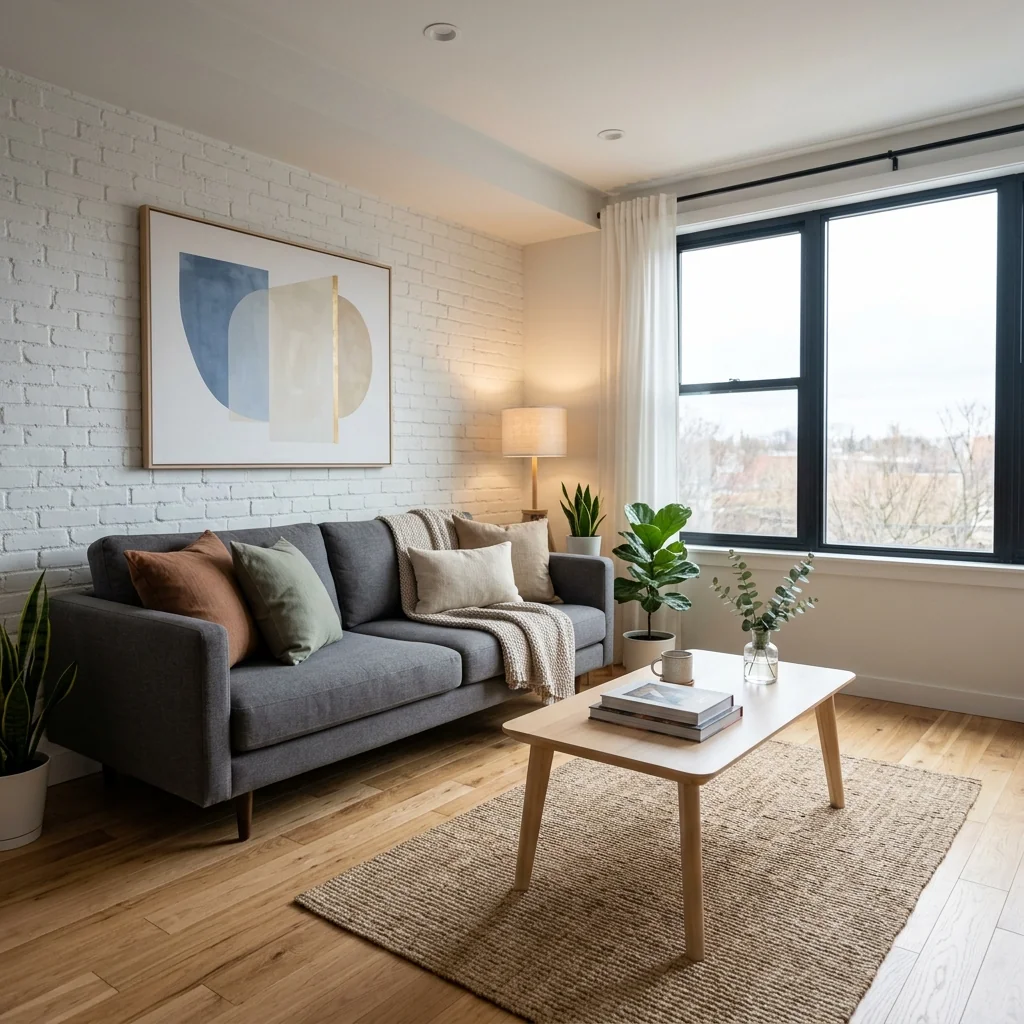
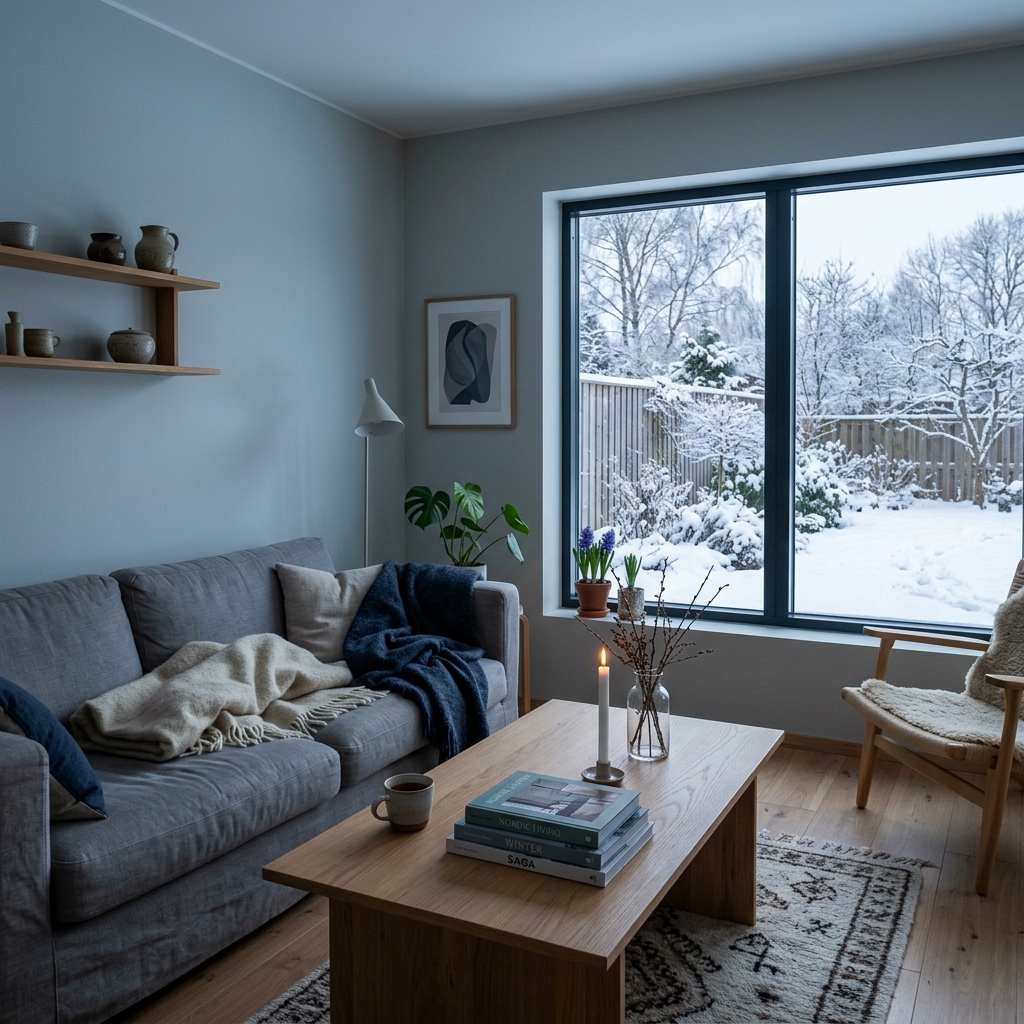
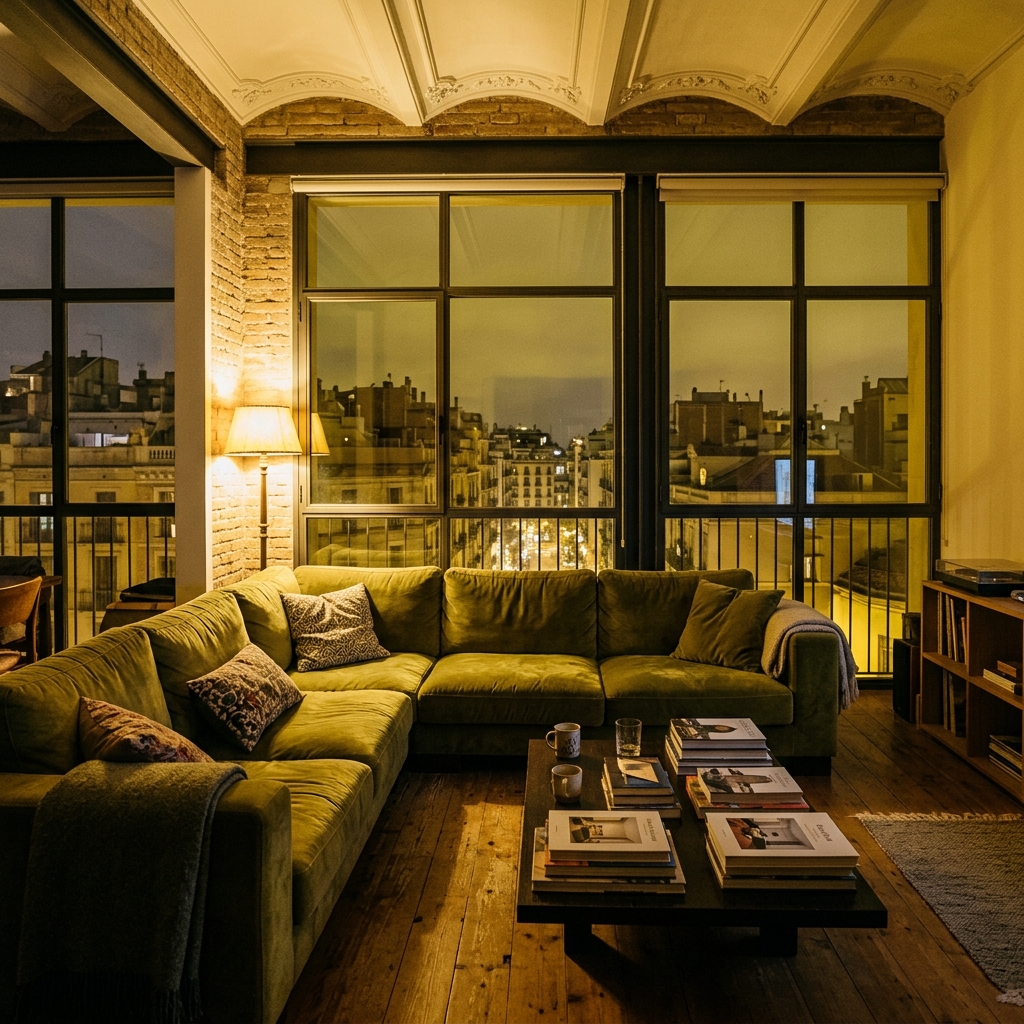
看看可以实现什么
来自与你相似照片的真实效果。


工作原理
- 1上传你的照片
- 2选择你的设置
- 3您的图片
获得好效果的提示
明亮、清晰的照片
日光和广角能带来最佳效果。
展示整个区域
把你想要更改的内容完整地保留在图片中。
尝试多个变体
在决定之前比较不同选项。
常见问题
我可以将图片用于商业用途吗?
可以。你可以将图片用于任何用途,包括商业用途。
我的原图会改变吗?
不会。你的原图保持不变,你可以随时下载。
如果我不喜欢结果怎么办?
尝试另一种风格或设置,或用简短指令优化结果。
继续探索
全部工具
阅读完整指南
How long does generation take for Property Photo Color Correction?
Generation usually takes between 5 and 15 seconds.
Can I use the results commercially?
Yes, every generated image includes a full commercial usage license.
Tips for your photo
Make sure the photo is well lit and shot from a wide angle.
Remove clutter before shooting the photo for the best results.
Use re-staging mode for targeted style changes.
Frequently asked questions
How to upload property photos for optimal Property Photo Color Correction? What are the supported formats and recommended resolutions?
Upload your real estate photos in JPG, PNG, or HEIC formats. For best Property Photo Color Correction results, use high-resolution images (2000px on the longest side minimum) to ensure crisp detail and accurate color analysis for your property listing.
How long does Property Photo Color Correction take to process my real estate photos?
Enhance your property photos swiftly. Our AI performs Property Photo Color Correction in just 5-10 seconds per image. Upload multiple photos for batch processing, quickly preparing them for MLS or Zillow listings.
What is the output quality of the Property Photo Color Correction tool?
Convert dull real estate photos into vibrant, professional property listing images. Our Property Photo Color Correction delivers high-resolution JPG or PNG outputs, preserving detail while fixing color casts and white balance for agent-ready visuals.
What are the best tips to achieve optimal Property Photo Color Correction results for my listings?
Stage your real estate photos by ensuring good initial lighting. Upload well-exposed images for Property Photo Color Correction to maximize color accuracy and vibrancy, making your property listing stand out on MLS. Avoid severely underexposed or overexposed shots.
Can I re-generate or adjust the Property Photo Color Correction if I'm not satisfied with the initial result?
Transform your property photos until perfect. Yes, you can re-upload and re-process any real estate photo with our Property Photo Color Correction tool. Experiment with different initial images to achieve the ideal look for your MLS or Zillow listing.
Technical FAQ: Property Photo Color Correction
Quick answers for optimal results
Common mistakes
5 Property Photo Color Correction Mistakes Killing Your MLS Listing
How to Avoid Common Errors for Stunning Real Estate Photos
Ignoring White Balance Issues in Real Estate Photos
Incorrect white balance makes properties look cold, sterile, or unnaturally warm, deterring potential buyers browsing Zillow or MLS listings.
Use PropStage.ai's Property Photo Color Correction tool to automatically adjust white balance for accurate and inviting real estate photos. Upload directly for instant correction.
Over-Saturating Colors During Property Photo Color Correction
Excessive saturation creates an unrealistic and artificial look, making the property seem inauthentic and potentially scaring away agents and buyers.
Let PropStage.ai handle saturation levels. Our AI intelligently enhances colors without overdoing it, creating vibrant yet natural-looking real estate photos for property listings.
Failing to Correct Color Casts in Property Photos
Color casts (e.g., a blue or green tint) distort the true appearance of the property, making it look unappealing and unprofessional on Zillow and other platforms.
PropStage.ai's Property Photo Color Correction automatically identifies and removes color casts, ensuring accurate and attractive real estate photos for your property listing.
Neglecting to Adjust Exposure After Color Correction
Even with perfect colors, underexposed or overexposed photos look amateurish and fail to showcase the property's features effectively to potential buyers.
After color correction with PropStage.ai, fine-tune the exposure using the platform's built-in tools to ensure optimal brightness and clarity for your real estate photos.
Not Using a Consistent Color Profile for All Property Photos
Inconsistent color profiles across multiple photos create a jarring and unprofessional viewing experience, making the property listing appear disjointed to potential buyers and agents.
Process all your real estate photos through PropStage.ai's Property Photo Color Correction to ensure a consistent and professional color profile across your entire property listing.
What Your Property Photo Color Correction Results Will Look Like
Upload your real estate photos now and see the transformation!
Your workflow
4 Steps to Flawless Property Photo Color Correction: Rank Higher on Zillow
How to Achieve Professional Real Estate Photos with AI Color Correction Online
Upload Your Real Estate Photo
Upload your dull or color-cast real estate photo to the Property Photo Color Correction tool. Ensure the image is high-resolution for optimal results for your property listing.
Use photos with good initial composition to maximize the impact of color correction for your MLS listing.
AI Color Correction Processing
Let the AI automatically analyze and correct the colors in your property photo. This includes fixing white balance, removing color casts, and enhancing vibrancy to attract more potential buyers on Zillow.
Experiment with different photos to understand how the AI handles various lighting conditions in real estate photos.
Review and Fine-Tune (Optional)
Review the automatically color-corrected real estate photo. If needed, make minor adjustments to brightness, contrast, or saturation to perfectly match your vision for the property listing.
Use the before-and-after comparison tool to clearly see the improvements made by the Property Photo Color Correction AI.
Download and Publish to MLS/Zillow
Download your professionally color-corrected real estate photo. Upload it to your MLS, Zillow, or other property listing platforms to attract more attention from potential buyers and boost your agent profile.
Use consistent color correction across all photos in your property listing to create a cohesive and appealing presentation.
Use cases
Property Listings for Property Photo Color Correction
Social Media Marketing & Instagram Inserate
Architektur- & Umbau-Präsentationen
Property Photo Color Correction — Technical Specifications
1. Upload your property photo.
2. Choose the interior style or room type you want.
3. Click Generate and get your result in seconds.
Expert guide
5 Expert Tips for Stunning Property Photo Color Correction
How to achieve perfect property photo color correction online for your MLS listing
Prepare Your Real Estate Photos for Optimal Color Correction
Transform your property listing with high-quality real estate photos! Upload images with good initial lighting and minimal shadows. Ensure your photos are properly cropped before using our Property Photo Color Correction tool for Zillow and MLS listings. This will help the AI deliver the most natural and vibrant results.
Fine-Tune Property Photo Color Correction Settings for Perfect Balance
Enhance your property photos by experimenting with the intensity settings. Adjust the color correction level to achieve a balance between natural tones and vibrant colors. For real estate photos intended for professional use, subtle adjustments often yield the best results. Ensure your final property listing images are optimized.
Achieve the Best Results with Property Photo Color Correction AI
Stage your property photos for success! Upload multiple versions of the same shot with slightly different exposures. Then, use our Property Photo Color Correction tool on each. Compare the results and choose the image that best showcases the property's features for potential buyers on Zillow and other platforms.
Leverage Property Photo Color Correction for Professional Real Estate Use
Convert ordinary real estate photos into captivating visuals for your property listing. Use our Property Photo Color Correction tool to ensure consistent color grading across all photos in your portfolio. This creates a professional and cohesive look that attracts more potential buyers and impresses clients, increasing your value as an agent.
How it works
3 Steps to Perfect Property Photo Color Correction
How to property photo color correction online for free for your next MLS listing
Upload Your Real Estate Photos
Upload your raw property listing images to our AI engine to fix white balance issues and remove yellow casts that distract Zillow buyers from the home's true beauty.
Select AI Color Correction Settings
Choose your desired vibrancy level to transform dull interiors into bright, professional home staging showcases that meet strict MLS standards for high-quality property photo color correction.
Download High-Resolution Listing Images
Convert your edited files into high-res JPEGs ready for your broker website, ensuring every room looks natural and inviting with perfectly balanced tones and professional color grading.
What you can do
Transform Property Photo Color Correction: 6 Advanced Features
Superior Property Photo Color Quality
Enhance dull real estate photos by correcting color casts and white balance. Property listing images appear natural, vibrant, and ready for MLS or Zillow.
Instant Property Photo Color Correction
Upload property photos for rapid AI-driven color correction. Save valuable time for busy real estate agents, streamlining your property listing workflow efficiently.
Versatile Property Photo Formats
Convert and process various real estate photo formats. Property photo color correction is compatible with all MLS platforms and digital marketing channels for agents.
Custom Property Photo Color Correction
Stage real estate photos with precise adjustments to brightness, contrast, and saturation. Agents fine-tune property photo color correction for unique listings.
AI-Driven Property Photo Correction
Enhance real estate photos using advanced AI. Automatically fix subtle color imbalances, delivering consistent, professional property photo color correction for agent portfolios.
Professional Property Photo Color Enhancement
Transform standard property listing images into stunning visuals. Expert property photo color correction helps agents attract more buyers on Zillow.
Enhance Real Estate Photos: How to Achieve Professional Property Photo Color Correction Online