
Kitchen Declutter Tool
- Photo
- Your choices
- Your image
See what's possible
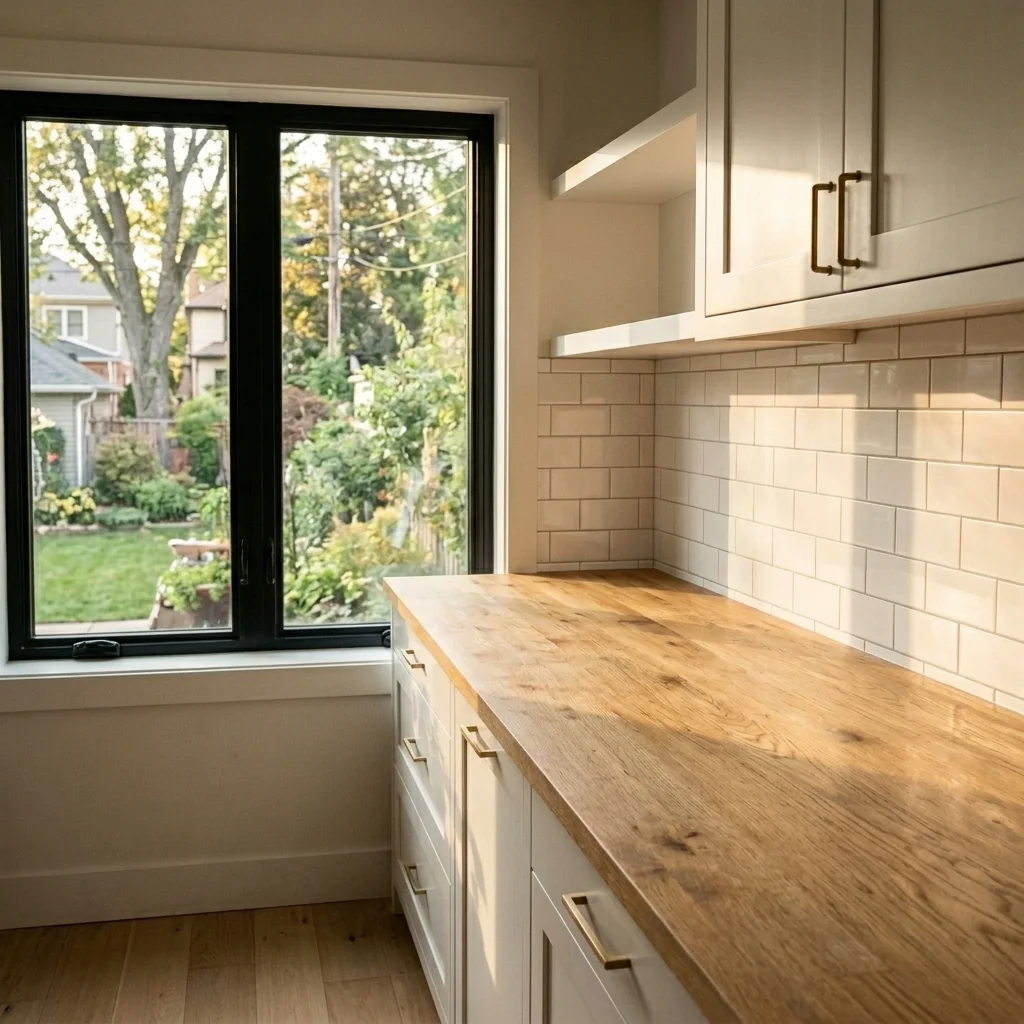
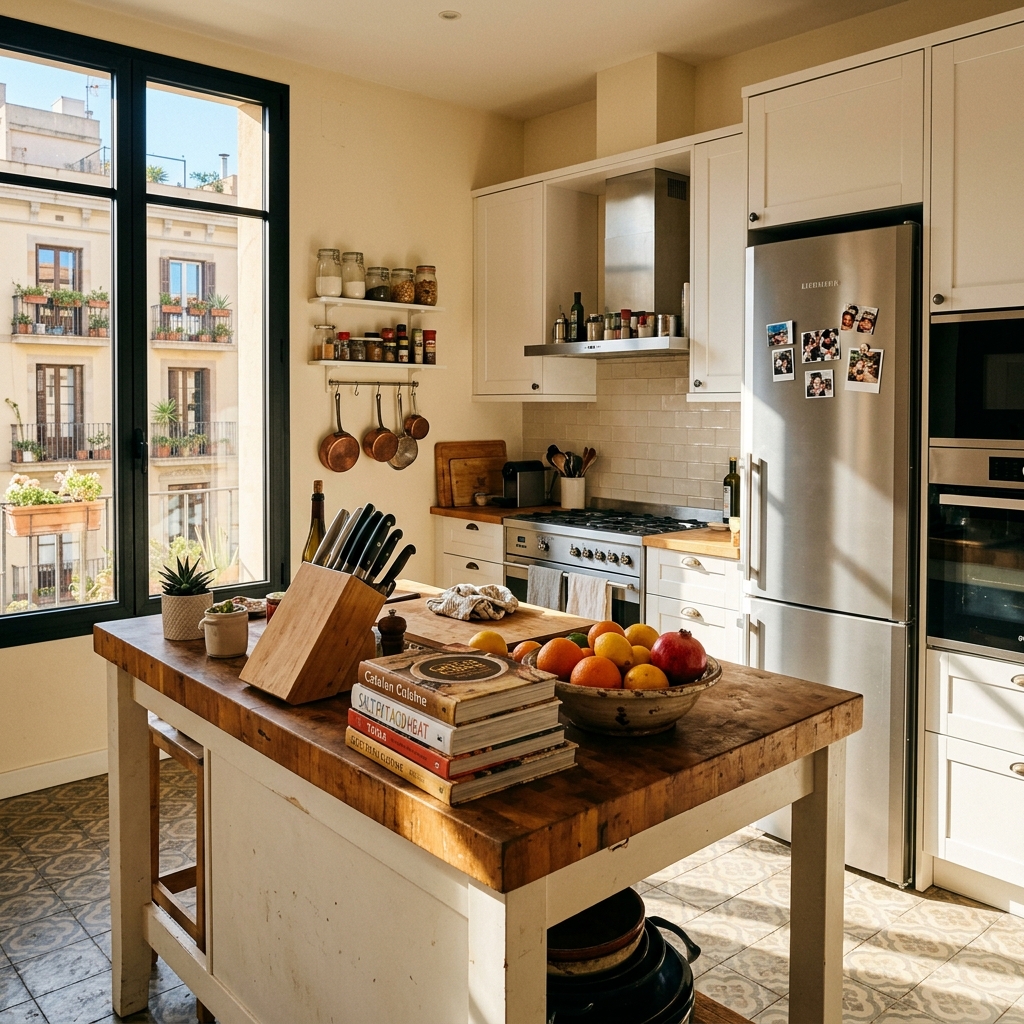
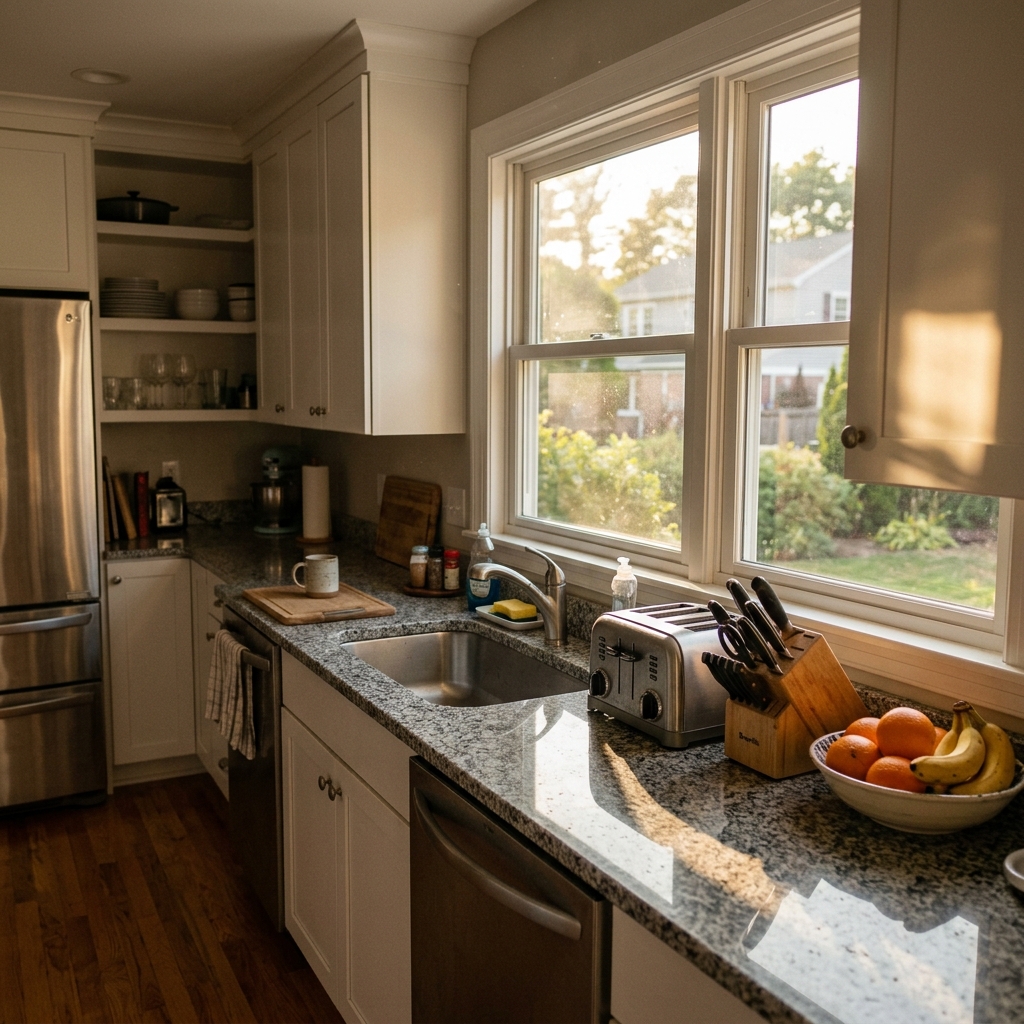
Real results from photos like yours.



How it works
- 1Upload your photo
- 2Choose your settings
- 3Your image
Tips for a great result
Bright, clear photo
Daylight and a wide angle give the best result.
Show the whole area
Keep everything you want to change fully in the picture.
Try several variations
Compare different options before you decide.
Frequently asked questions
Can I use the images commercially?
Yes. You can use your images for any purpose, including commercial use.
Does my original photo change?
No. Your original stays unchanged and you can download it at any time.
What if I don't like the result?
Try another style or setting, or refine the result with a short instruction.
Keep exploring
All tools
Aerial Sky Replacement
Prepare an aerial photo and choose a sky option to explore a different atmosphere. Review any returned image against your original before publishing.

Apartment Wall Art & Photo Anonymizer
Explore blurring, removing or replacing wall art in a room photo. Choose the method, target area and frame treatment, then inspect the full image; an edit does not establish privacy compliance.

Blue Sky Replacement
Explore a blue-sky edit for an exterior property photo. Compare sky edges, reflections, lighting and building details with your original before using the returned image.
Read the full guide
Prepare your idea
Explore a tidier kitchen photo with fewer countertop distractions. Compare edited areas, appliances and room details with your original before sharing a property image.
Prepare your source photo and the references listed in the form. Its settings describe the intended changes.
Review the request and result
Review availability, image count and the current total before explicitly confirming. Registration alone does not establish credits or a free result. If the outcome is unclear, check the saved status of the existing request before confirming again.
Read the earlier original guide
This earlier guide may contain historical price, timing, quality or usage statements. Use the current description and tool form.
How long does generation take for Kitchen Declutter Tool?
Generation usually takes between 5 and 15 seconds.
Can I use the results commercially?
Yes, every generated image includes a full commercial usage license.
Tips for your photo
Make sure the photo is well lit and shot from a wide angle.
Remove clutter before shooting the photo for the best results.
Use re-staging mode for targeted style changes.
Frequently asked questions
What are the recommended input image formats and resolutions for the Kitchen Declutter Tool?
Upload high-resolution JPEG or PNG files (2000px on the longest side minimum) to ensure the Kitchen Declutter Tool accurately identifies and removes clutter. Enhance your real estate photos with optimal clarity for MLS and Zillow.
How long does the Kitchen Declutter Tool take to process and declutter an image?
Convert cluttered kitchens into pristine spaces in seconds. The Kitchen Declutter Tool typically processes images within 5-15 seconds, depending on file size and complexity, ensuring rapid updates for your property listing.
What is the expected output quality from the Kitchen Declutter Tool?
Stage your kitchens perfectly. The Kitchen Declutter Tool generates high-resolution, print-ready images with seamlessly removed clutter, ensuring professional-grade real estate photos that impress potential buyers and agents.
What are the best practices for achieving optimal results with the Kitchen Declutter Tool?
Transform your property listings. For best results, ensure good lighting and minimal initial clutter. The Kitchen Declutter Tool performs exceptionally on well-lit images, making your kitchens buyer-ready for any agent's portfolio.
Can I re-generate or modify an image after using the Kitchen Declutter Tool?
Enhance your property listing further. Yes, you can re-upload and re-process any image with the Kitchen Declutter Tool as many times as needed to achieve the desired decluttered look for your real estate photos.
5 Technical FAQs: Kitchen Declutter Tool for Pristine Property Listings
Discover how to optimize your Kitchen Declutter Tool online for flawless real estate photos and faster agent workflows.
Common mistakes
5 Kitchen Declutter Tool Mistakes Killing Your Real Estate Photos
How to Kitchen Declutter Tool Online for MLS and Zillow
Using Generic Clutter Removal: Applying a one-size-fits-all approach instead of tailoring the Kitchen Declutter Tool to the specific kitchen layout in the real estate photos.
Generic decluttering can look unnatural and fail to highlight the kitchen's best features for potential buyers viewing the property listing.
Utilize the Kitchen Declutter Tool's customization options to selectively remove items and adjust the intensity based on the real estate photo's composition.
Over-Decluttering: Removing too many items, leaving the kitchen looking sterile and uninviting in the property listing.
An overly decluttered kitchen lacks warmth and personality, making it harder for potential buyers to envision themselves living in the space. This negatively impacts real estate photos.
Use the Kitchen Declutter Tool to strategically remove clutter while leaving a few carefully selected items to add character and warmth to the scene.
Ignoring Lighting and Shadows: Not adjusting the Kitchen Declutter Tool settings to account for existing lighting and shadows in the real estate photos.
Inconsistent lighting can make the decluttered areas look unnatural and digitally altered, detracting from the overall appeal of the property listing on Zillow.
Utilize the Kitchen Declutter Tool's shadow and lighting adjustment features to seamlessly blend the decluttered areas with the rest of the real estate photo.
Neglecting Countertop Details: Failing to pay attention to the details on countertops after using the Kitchen Declutter Tool.
Leaving smudges, uneven surfaces, or unrealistic textures on countertops after decluttering can make the real estate photos look unprofessional and damage the agent's reputation.
Use the Kitchen Declutter Tool's refinement tools to smooth out surfaces, add realistic textures, and ensure a clean, polished look for the countertops in the property listing.
Skipping Before-and-After Comparisons: Not comparing the before-and-after images after using the Kitchen Declutter Tool to assess the overall impact.
Without a proper comparison, it's easy to miss subtle imperfections or overdo the decluttering, resulting in subpar real estate photos for the MLS.
Always compare the before-and-after images using the Kitchen Declutter Tool's built-in comparison feature to ensure a balanced and visually appealing result for the property listing.
Transform Your Property Listing: Kitchen Declutter Tool Results
Upload your real estate photos and see how our Kitchen Declutter Tool online can boost your MLS listing's appeal
Your workflow
4 Steps to Declutter Kitchens with the #1 Kitchen Declutter Tool
How to Kitchen Declutter Tool Online: Streamline Your Real Estate Photos
Upload Kitchen Photo
Upload your real estate photos of the kitchen to the Kitchen Declutter Tool. Ensure the image clearly shows the countertops and visible clutter for optimal results. This helps agents quickly enhance property listings.
Use high-resolution real estate photos for the best decluttering results. Clear images lead to more realistic and appealing virtual staging.
Identify Clutter Areas
The Kitchen Declutter Tool automatically identifies cluttered areas on countertops and other surfaces. Review the highlighted areas to ensure accurate detection before proceeding. This step is crucial for MLS-ready photos.
Manually adjust the identified areas if needed to fine-tune the decluttering process. Accurate selection ensures a natural-looking final image.
Apply Decluttering Effects
Apply the decluttering effects with a single click. The Kitchen Declutter Tool removes identified items, creating a clean and inviting kitchen space. This instantly enhances your property listing on Zillow.
Experiment with different intensity levels to achieve the desired level of decluttering. A subtle approach often yields the most realistic results.
Download & Publish
Download the decluttered kitchen photo and upload it to your property listing on MLS, Zillow, and other platforms. Showcase a clean, buyer-ready kitchen instantly, attracting more potential buyers. Share with your agent!
Use the enhanced image across all your marketing materials for consistent branding. A clean kitchen photo can significantly improve your property's appeal.
Use cases
Property Listings for Kitchen Declutter Tool
Social Media Marketing & Instagram Inserate
Architektur- & Umbau-Präsentationen
Kitchen Declutter Tool — Technical Specifications
1. Upload your property photo.
2. Choose the interior style or room type you want.
3. Click Generate and get your result in seconds.
Expert guide
5 Tips: Dominate the MLS with a Kitchen Declutter Tool
How to Use a Kitchen Declutter Tool Online for Stunning Real Estate Photos
Prepare Your Real Estate Photos for Optimal Kitchen Declutter Tool Use
Ensure your real estate photos are high-resolution and well-lit before using the Kitchen Declutter Tool. This maximizes the tool's ability to identify and remove clutter, leading to a cleaner, more appealing property listing on Zillow and the MLS.Adjust the Kitchen Declutter Tool Settings for Targeted Results
Fine-tune the Kitchen Declutter Tool settings to precisely target the items you want removed. Experiment with different sensitivity levels to achieve a natural, decluttered look that enhances your agent's listings and attracts more potential buyers.Achieve the Best Kitchen Declutter Tool Results: Focus on Key Areas
Prioritize decluttering countertops and removing small appliances from view with the Kitchen Declutter Tool. A clean and spacious kitchen appearance in your real estate photos significantly impacts buyer perception and increases the likelihood of a showing request.Leverage the Kitchen Declutter Tool for Professional Property Listing Presentations
Use the Kitchen Declutter Tool to create a consistent and professional look across all your property listings. This demonstrates attention to detail and builds trust with potential buyers, showcasing your commitment as an agent to presenting properties in their best light.How it works
3 Simple Steps to Use Our Kitchen Declutter Tool
How to use a kitchen declutter tool online for professional MLS listings
Upload Your Cluttered Kitchen Photos
Upload high-resolution property listing images of messy kitchens directly into our Kitchen Declutter Tool to begin the automated AI staging process for your Zillow and MLS ready photos.
Select Countertop Items for Removal
Remove appliances, dishes, and personal items by selecting specific areas or letting our AI automatically clean every surface to create a minimalist, high-end home staging look for potential buyers.
Download High-Res Decluttered Images
Transform your real estate photos instantly and download the final high-resolution, decluttered kitchen images to enhance your property marketing and attract more serious home buyers and brokers.
What you can do
5 Essential Kitchen Declutter Tool Capabilities for Agents
Pristine Kitchen Visuals
Enhance every real estate photo with a perfectly decluttered kitchen, ensuring your property listing on Zillow captivates potential buyers instantly.
Instant Declutter Processing
Transform cluttered kitchen scenes in seconds, allowing agents to quickly prepare multiple MLS listings without manual editing delays.
Versatile Output Formats
Convert your decluttered kitchen images into various formats, ready for any property listing platform or real estate agent's marketing materials.
Tailored Declutter Options
Stage your kitchen exactly as desired, offering agents precise control over what remains, optimizing real estate photos for specific buyer demographics.
Smart Object Removal
Our AI precisely identifies and removes kitchen clutter, ensuring seamless integration and a natural, appealing look for every property listing photo.
Agent-Ready Declutter Solution
Enhance property listing appeal instantly; this Kitchen Declutter Tool helps real estate agents secure faster sales on Zillow and beyond.
How to use our Kitchen Declutter Tool online for flawless property listings.