What would you like to change?
What would you like to change?
172 tools
- Virtual stagingFurnishing ideas for empty rooms.
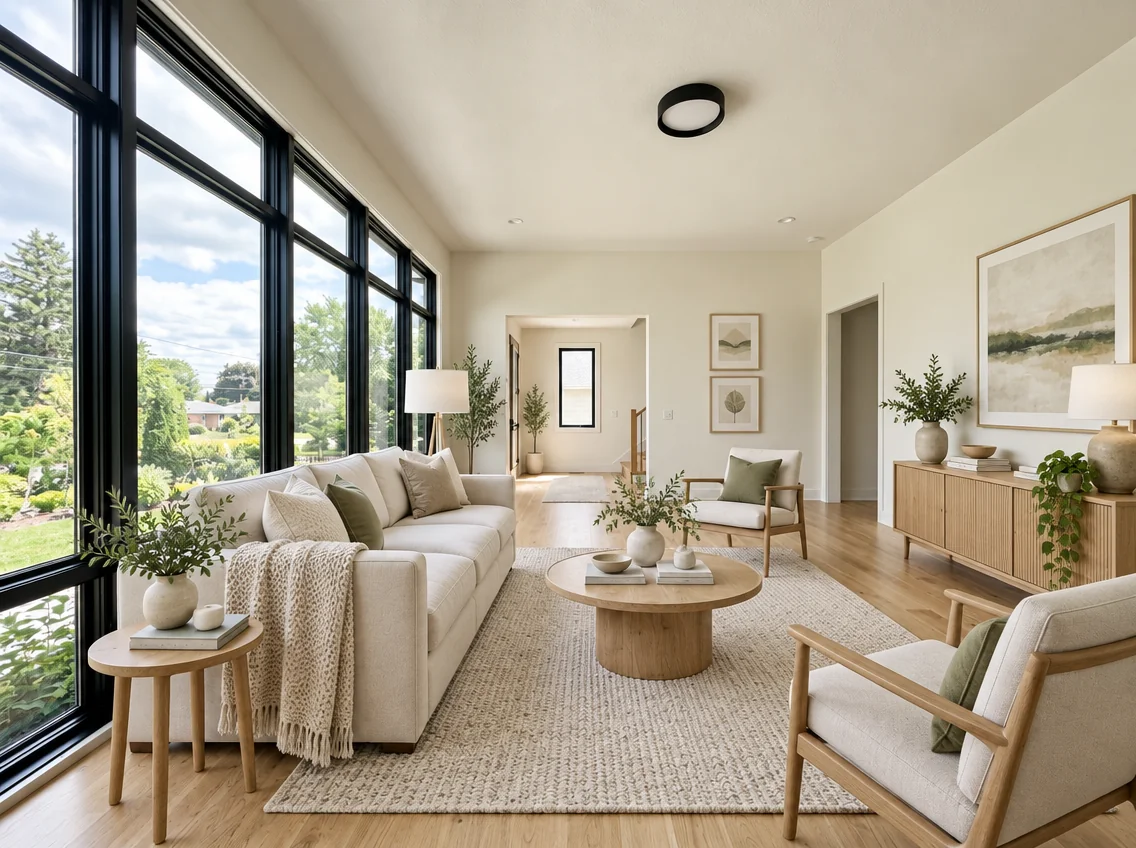
- Bedroom Virtual StagingExplore furnishing ideas for a bedroom photo. Choose a design style, bed size and room mood; check proportions and any changed room details before sharing the image.
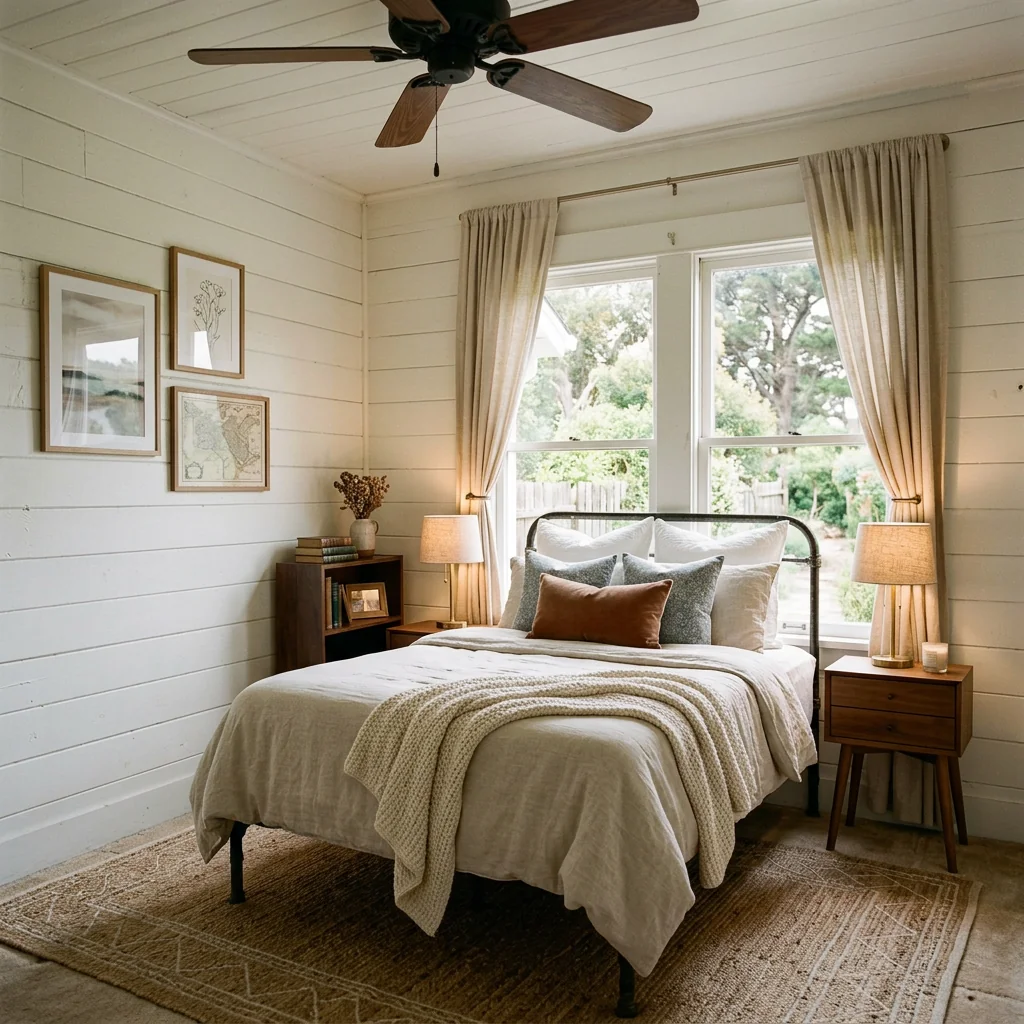
- Luxury Living Room StagingExplore a luxury living-room concept from your photo. Choose design style, colour palette and accent materials; the image does not predict buyer interest or a faster sale.
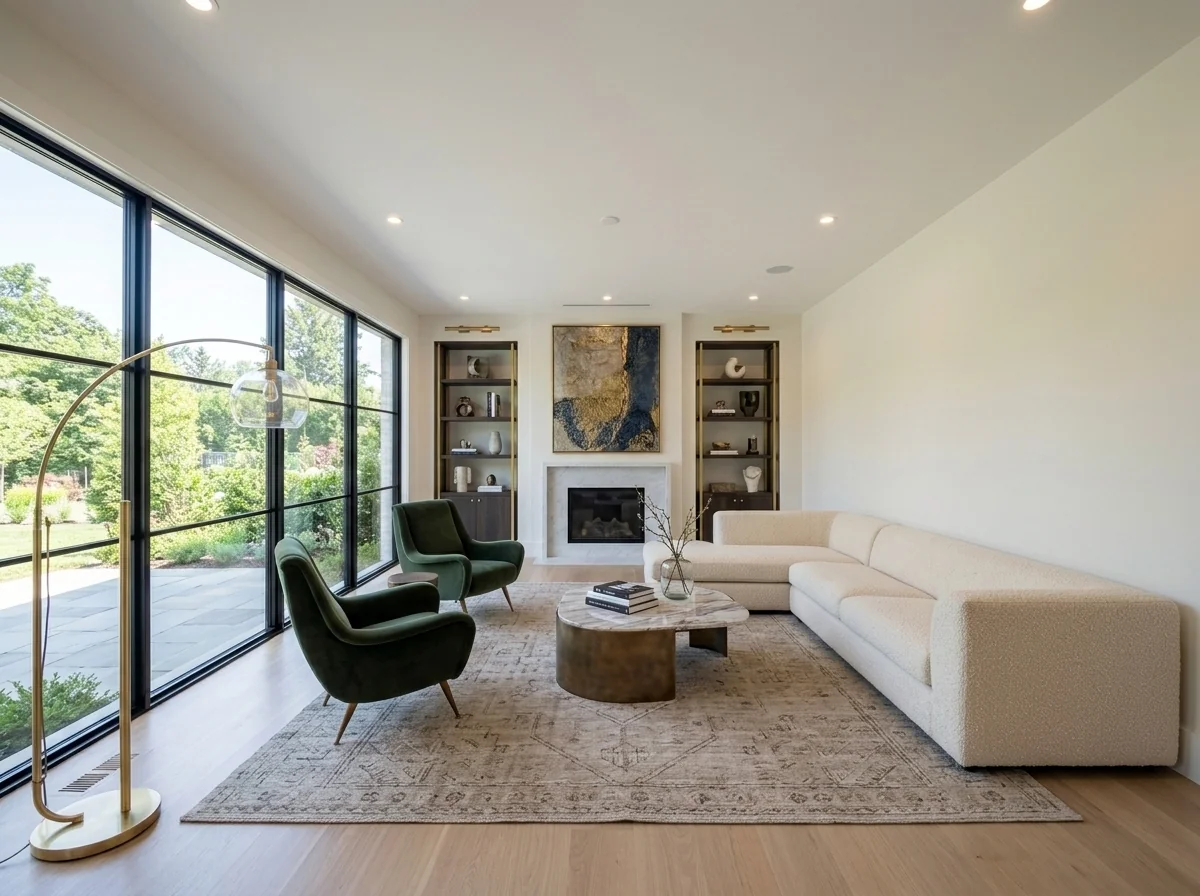
- Home Office SetupExplore a workspace concept from a room or corner photo. Review furniture scale, lighting and room details; an image does not verify ergonomics or the fit of a real desk and chair.
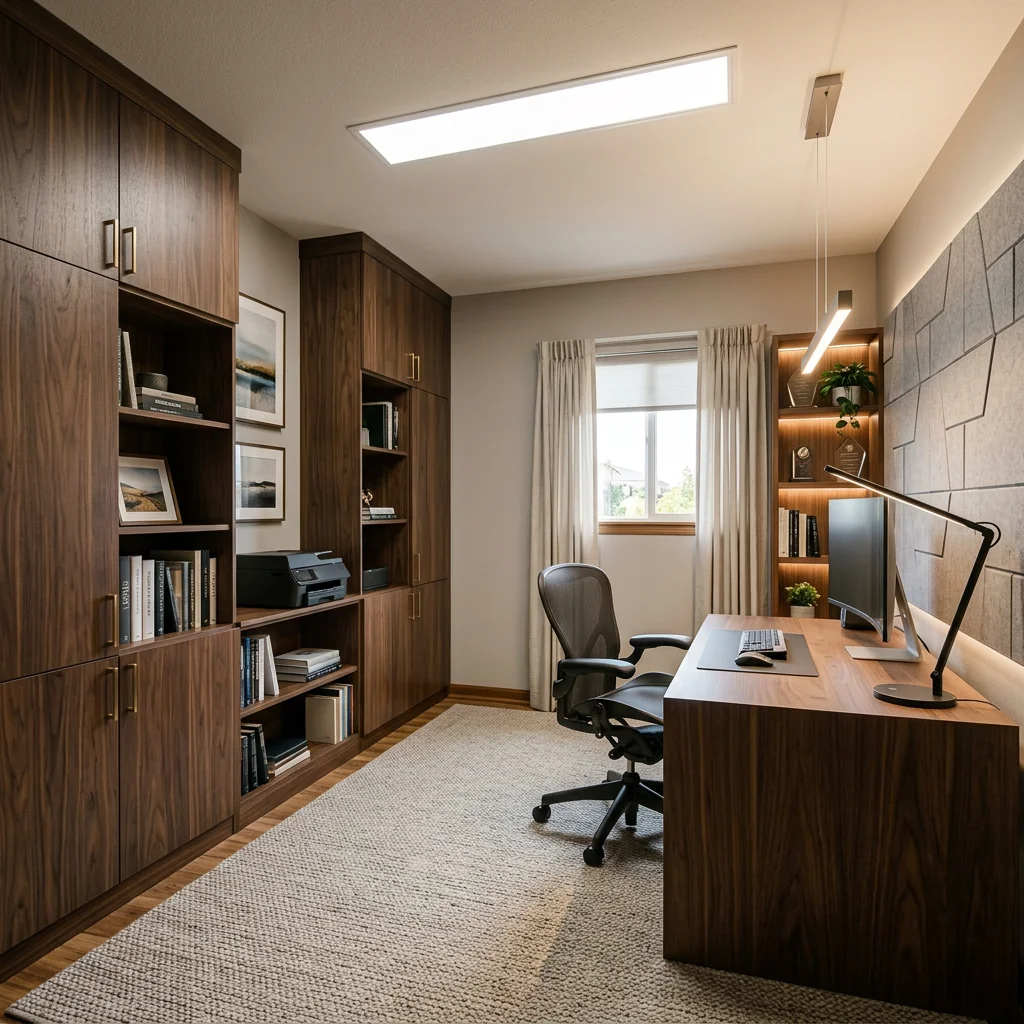
- Modern Office Space DesignerExplore an office-design concept from a space photo. Choose the offered workplace settings and inspect furniture scale, circulation and room details before planning a real fit-out.
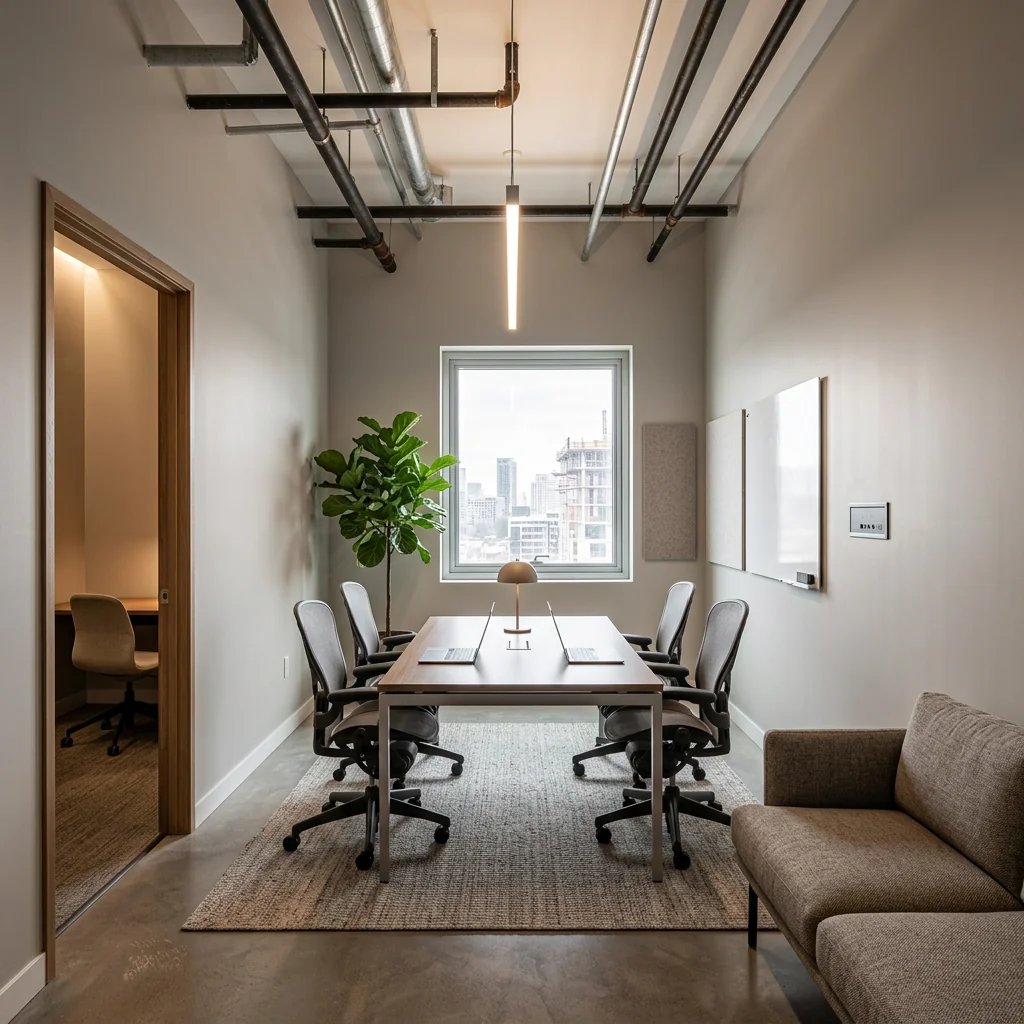
- Open Floor Office StagerExplore a furnished open-office concept from a photo. Choose style, work density, collaboration features and colours; inspect paths and desk spacing rather than treating the image as an occupancy plan.
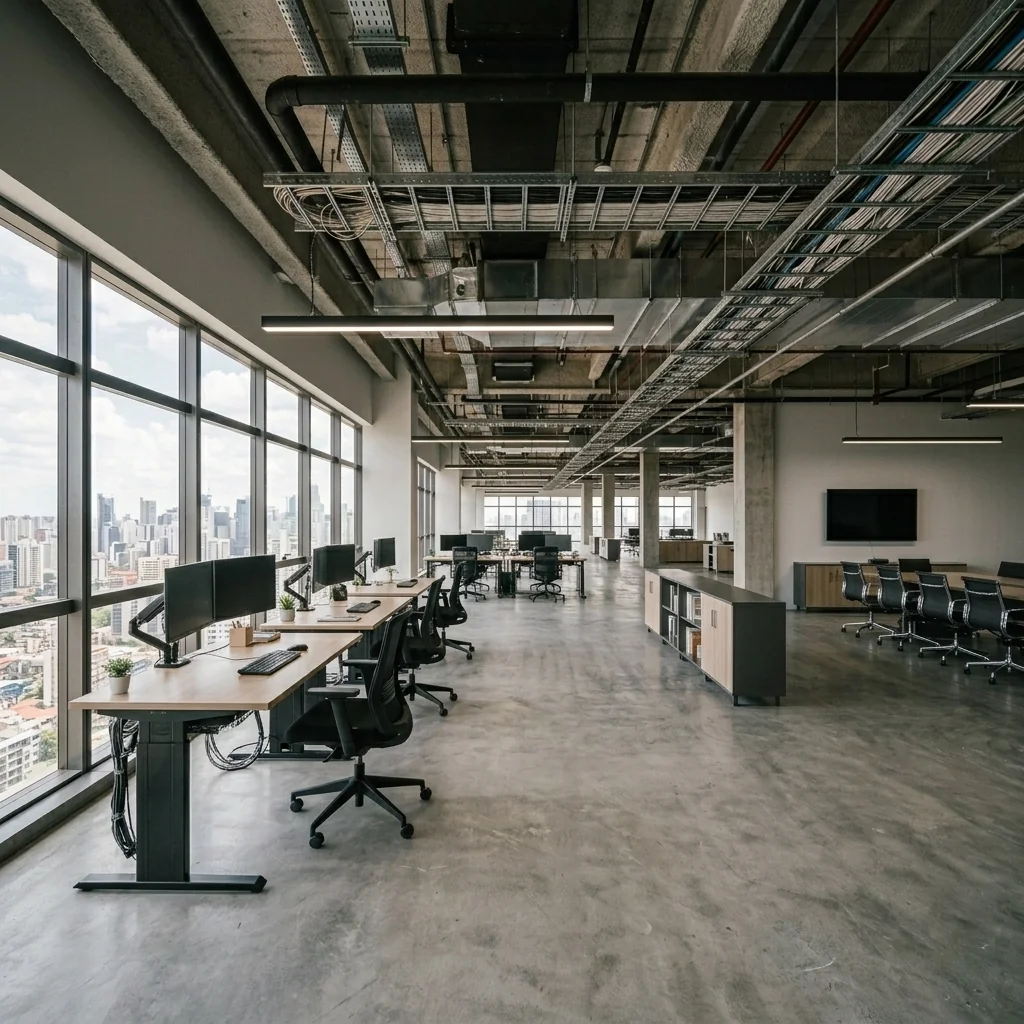
All tools
- Aerial Landscaping EnhancementUse an aerial property photo to explore landscaping ideas with the available settings. Compare any returned visualization with your original; it is not a surveyed site plan.

- Aerial Sky ReplacementPrepare an aerial photo and choose a sky option to explore a different atmosphere. Review any returned image against your original before publishing.
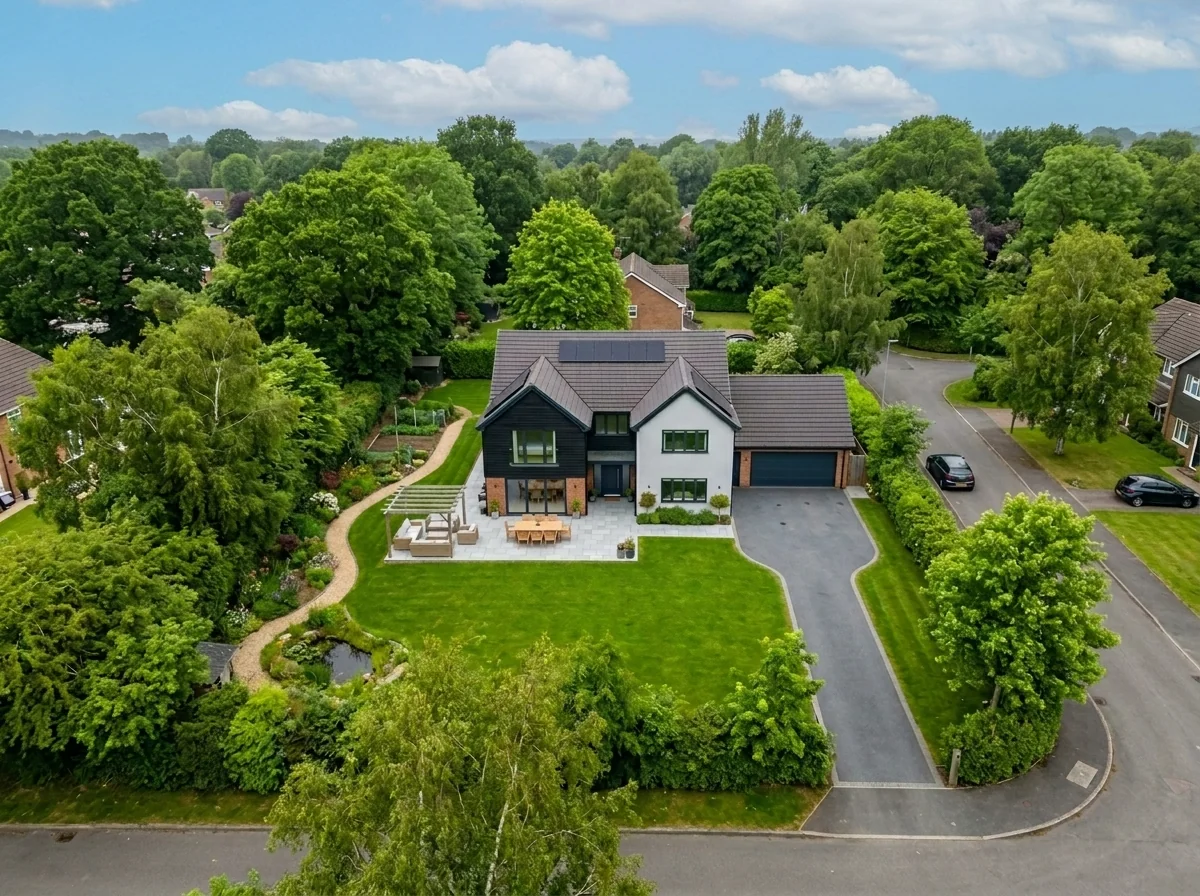
- Agent "Meet the Team" GraphicCreate an agent or team graphic from a photo and your own details. Choose a design style and check names, contact information and rendered text before sharing.

- AI Armchair Upholstery SwapperUse a photo of your armchair to explore fabric, color and pattern ideas. Choose the available material settings and compare any returned image with your original.

- AI Furniture Upholstery ChangerPreview an upholstery idea on a furniture photo. Choose a material such as velvet, leather or linen and optionally describe a colour; check fabric details in the returned image.

- AI Interior Style Detector & MoodboardExplore the style of a room photo through a visual concept. Choose a focus such as colours, materials or a moodboard; this image tool does not certify a style or identify products.
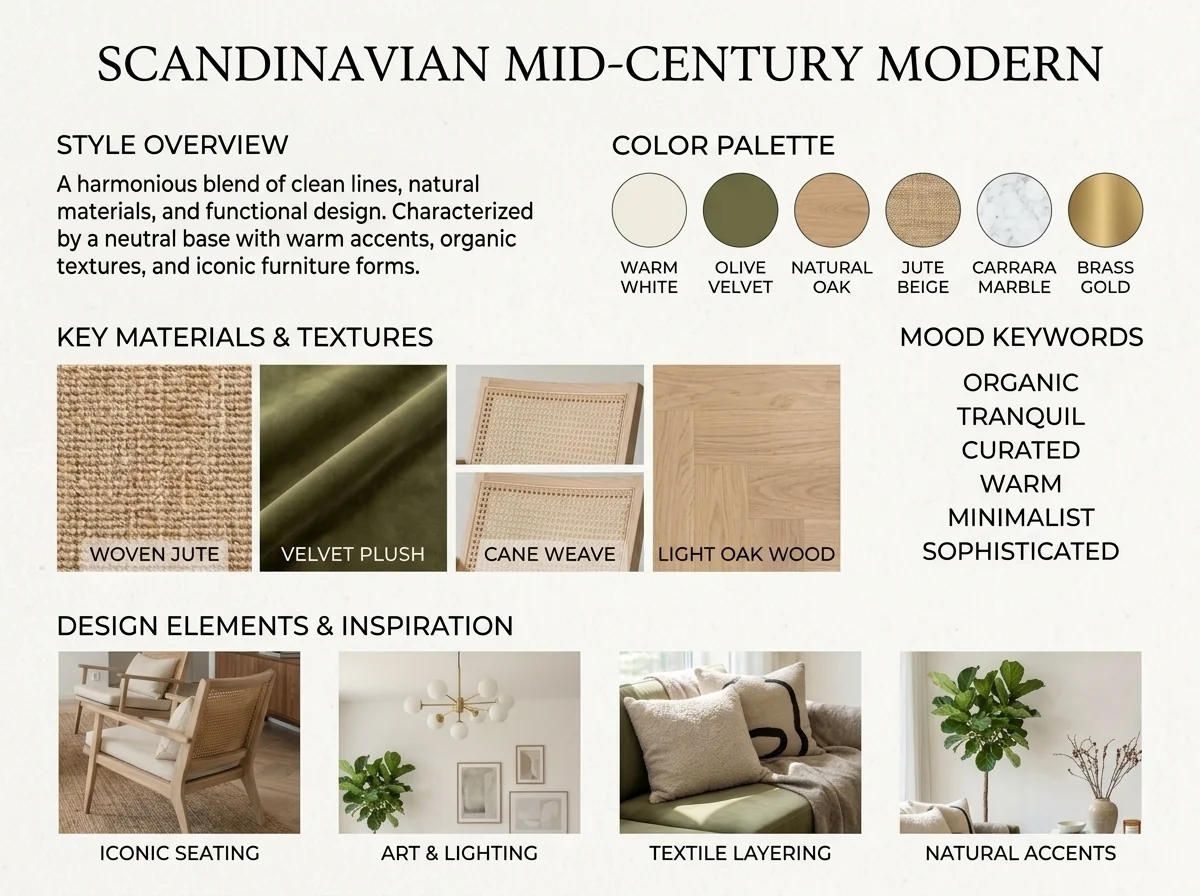
- AI Pillow Border SwapTry a different border, piping or trim on pillows in a photo. Choose the style, colour and material, and optionally describe which pillows to change.

- AI Pillow Fringe & Trim SwapperExplore pillow fringe and trim ideas on an interior photo. Choose the fringe style, colour, material and width, then review the detail in the returned image.

- AI Upholstery VisualizerPreview a fabric idea on a sofa or chair photo. Choose the fabric, colour, texture and finish to compare a visual concept with your original before choosing real materials.

- Airbnb Listing Photo OptimizerExplore a different look for a holiday-rental photo. Choose renovation scope, design style and a visual budget level; the image is a concept, not evidence of amenities or booking performance.
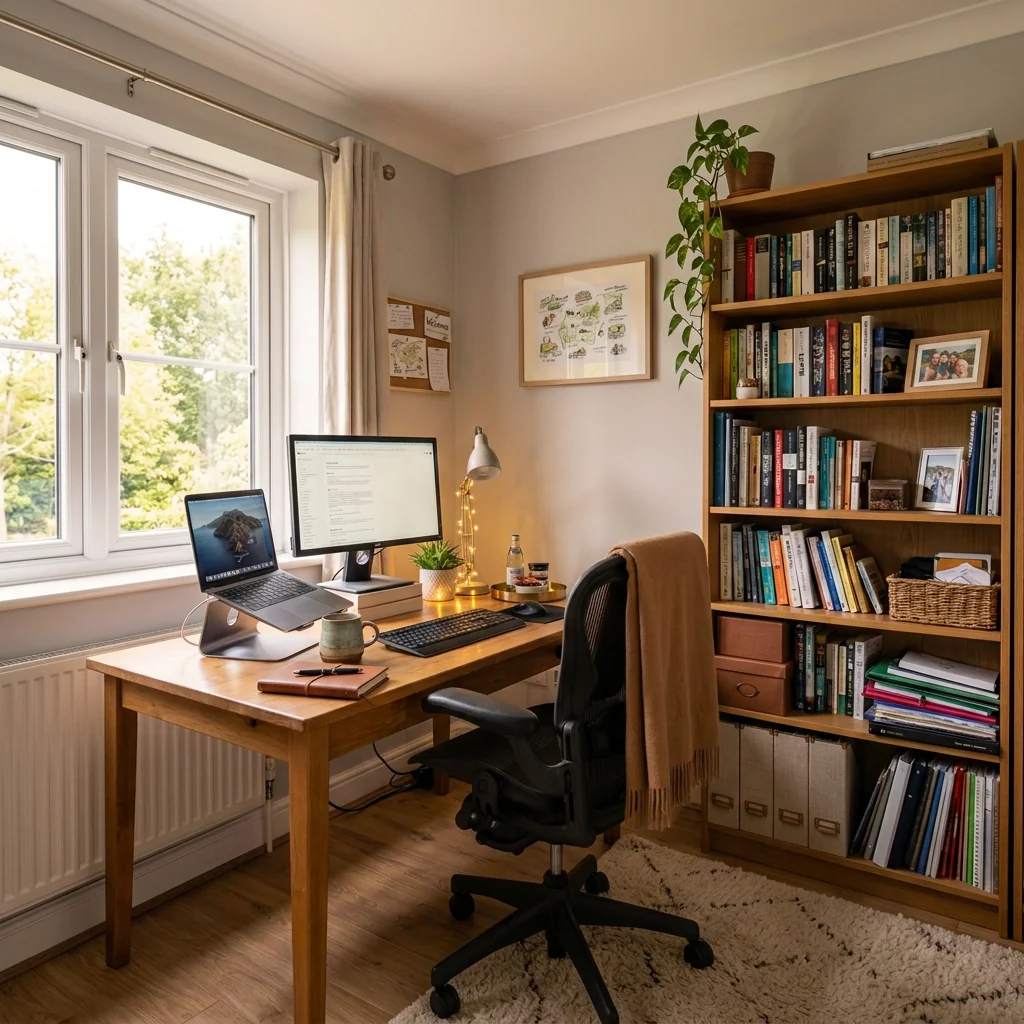
- Apartment Wall Art & Photo AnonymizerExplore blurring, removing or replacing wall art in a room photo. Choose the method, target area and frame treatment, then inspect the full image; an edit does not establish privacy compliance.
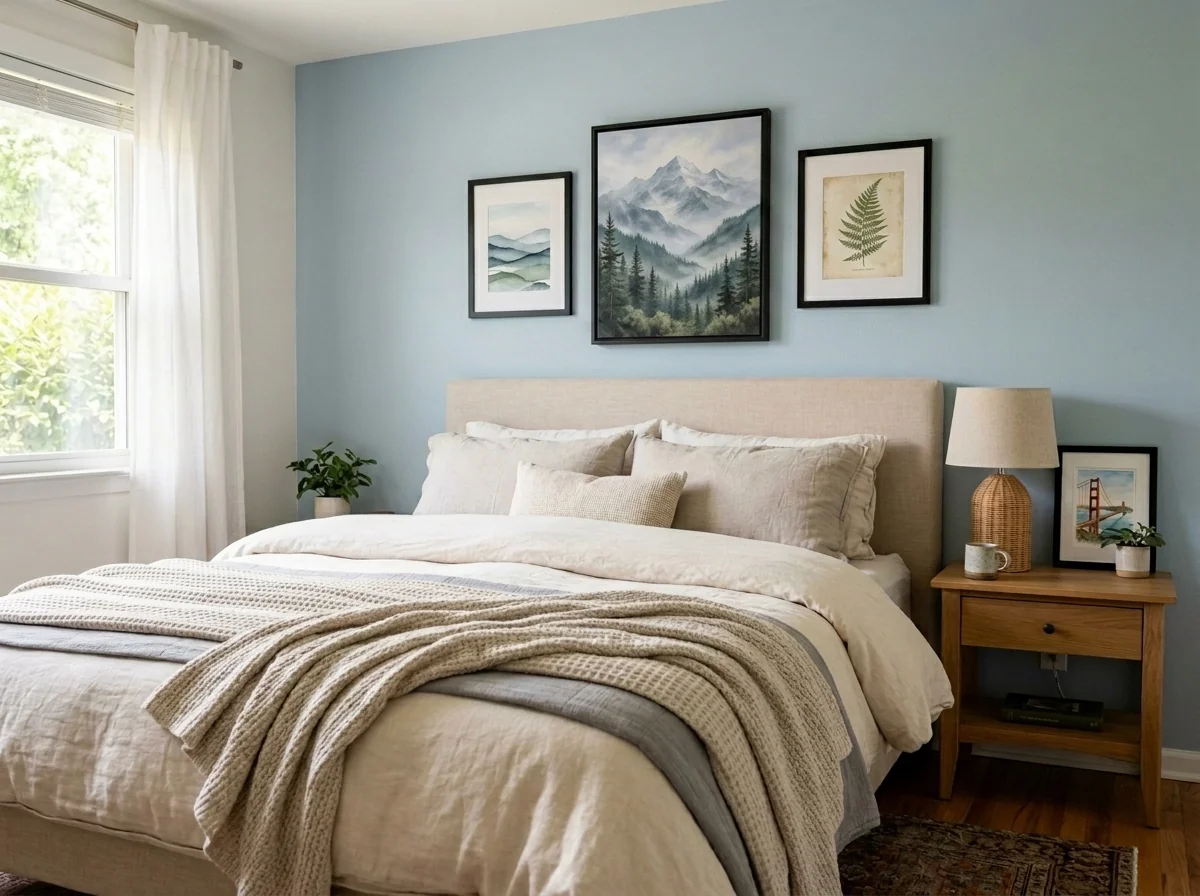
- Artwork in Room VisualizerPreview artwork in your room using a room photo and a separate artwork photo. Choose a wall position and frame style, then check scale, placement and detail against both originals.
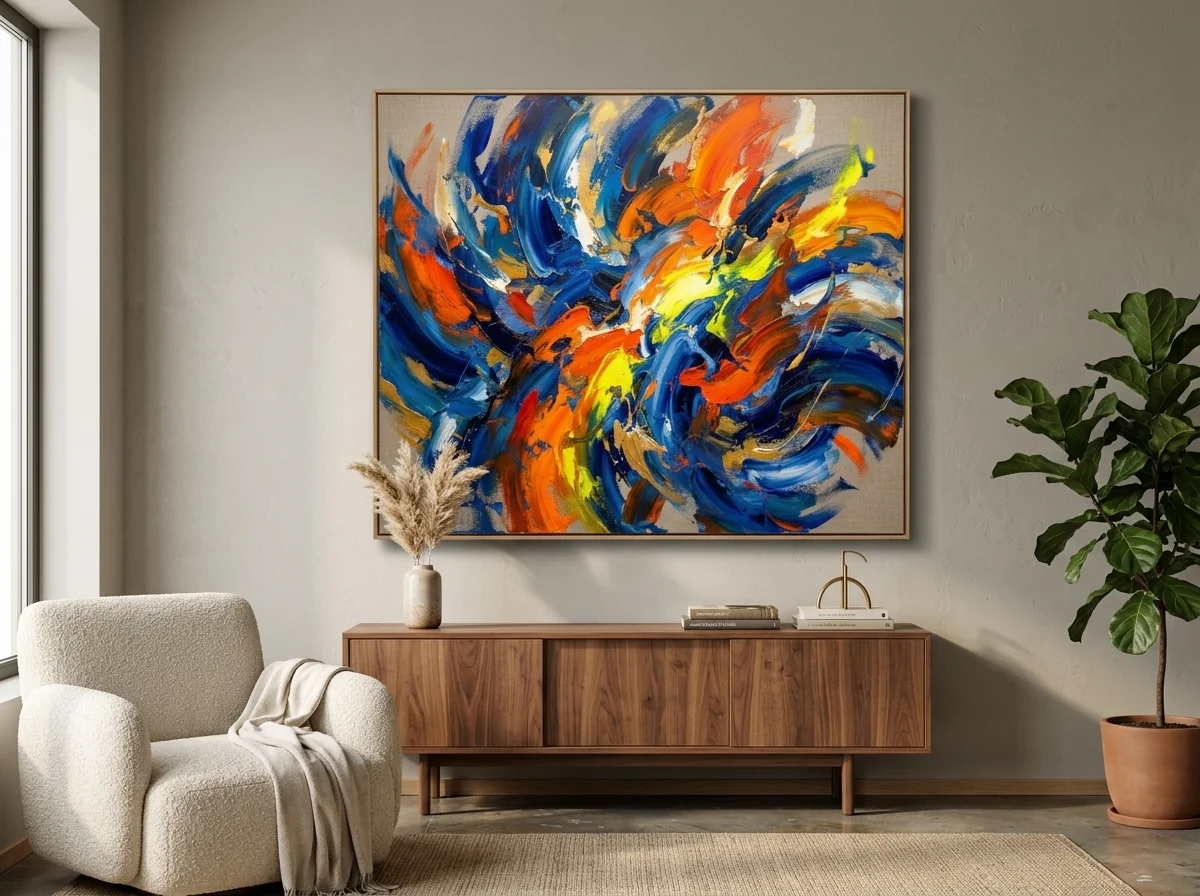
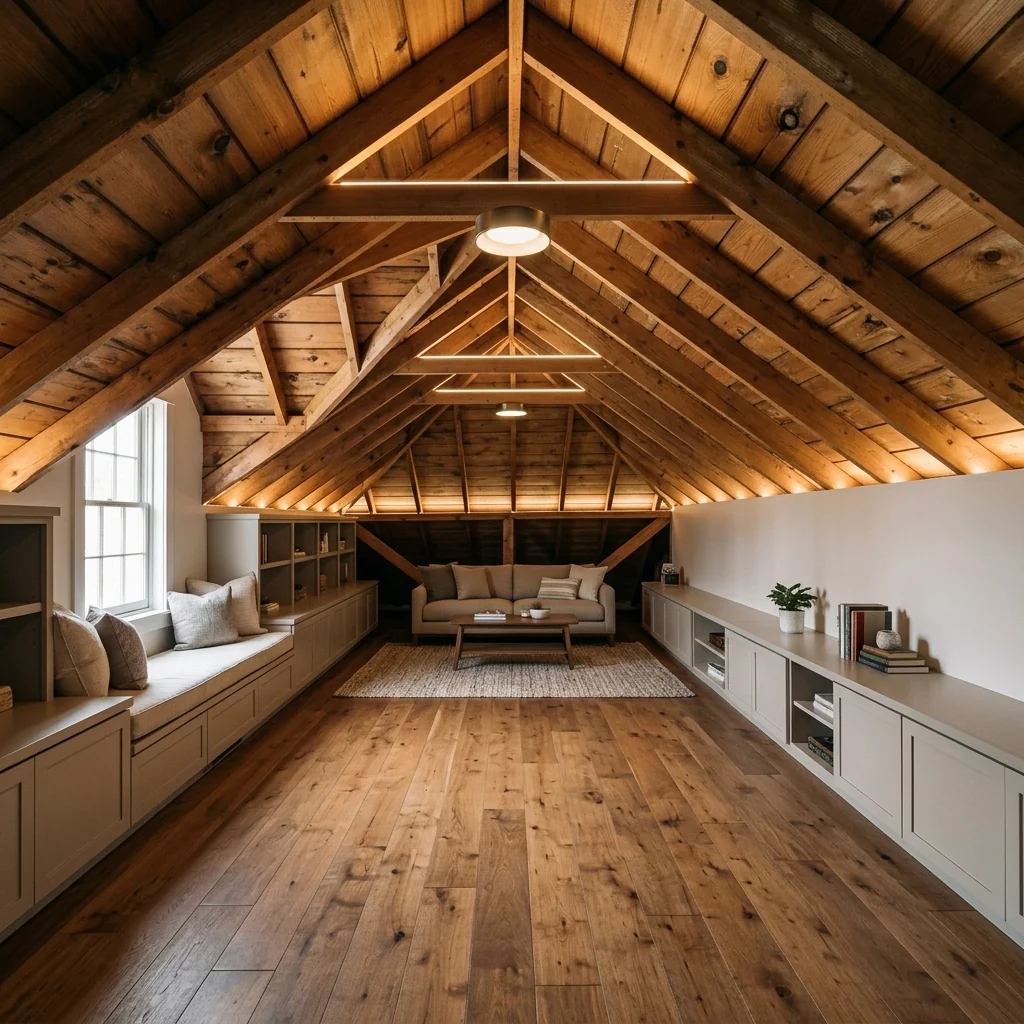
- Attic Conversion VisualizerExplore an attic conversion idea from a photo. Choose its intended use, design style and roof type; the visual concept does not establish headroom, structural feasibility or permission to build.
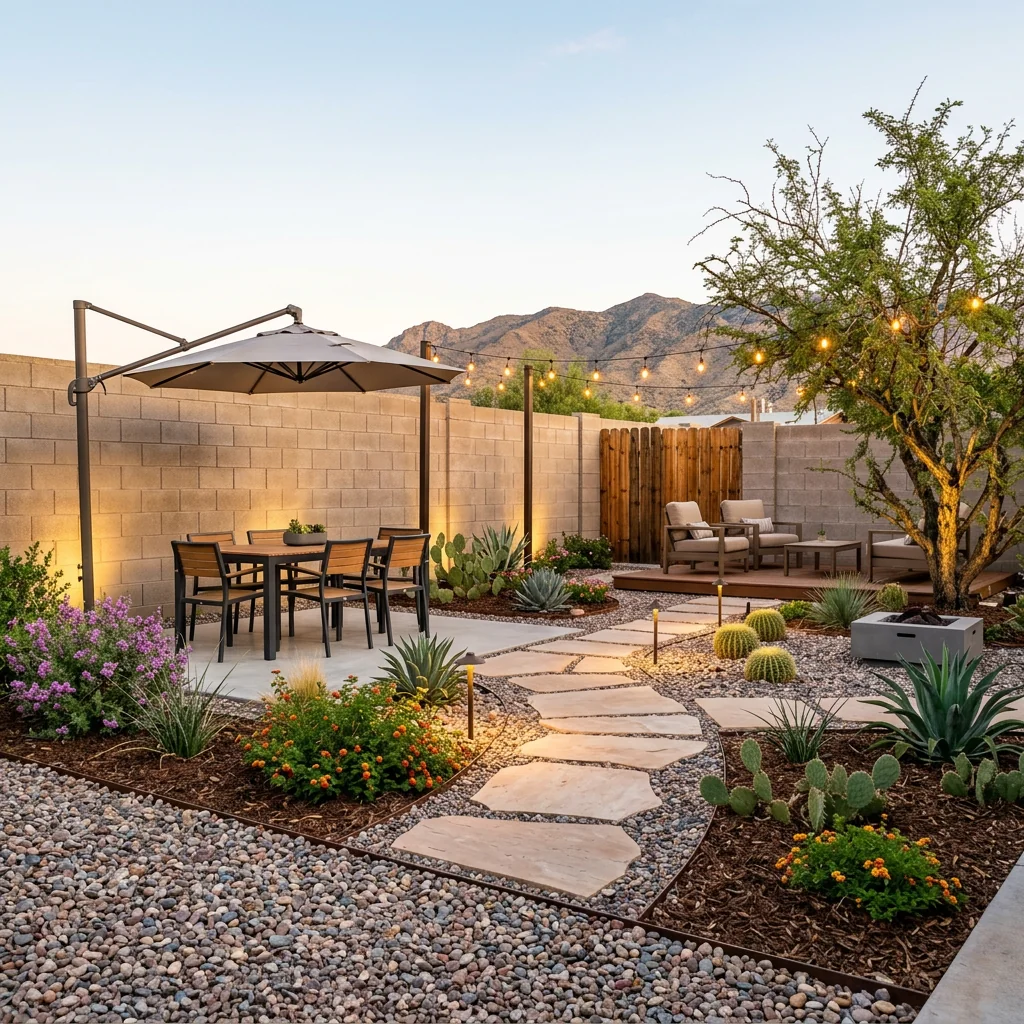
- Outdoor designExplore ideas for outdoor spaces.
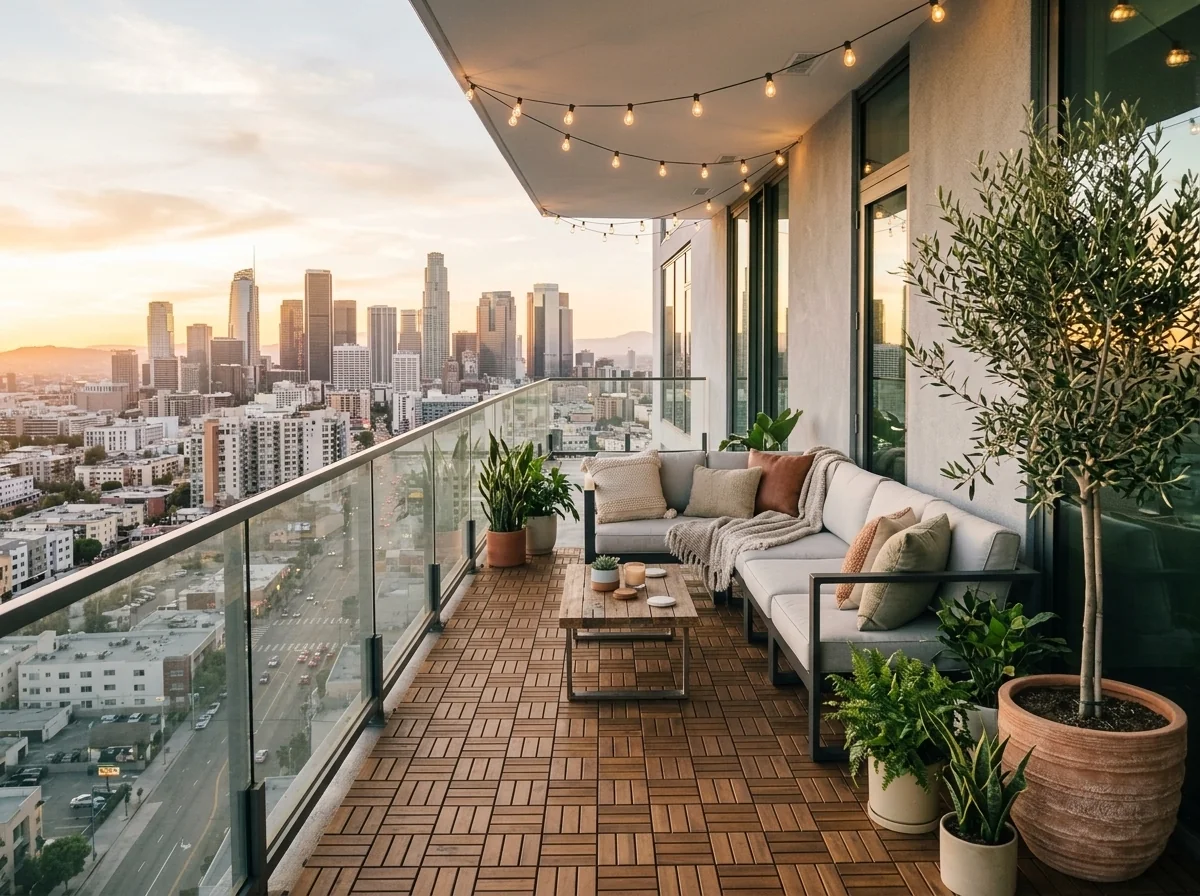
- Balcony & Rooftop Terrace StagerExplore a furnished lounge idea for a balcony or rooftop photo. Compare any returned furniture and planting with the original space before planning a real installation.
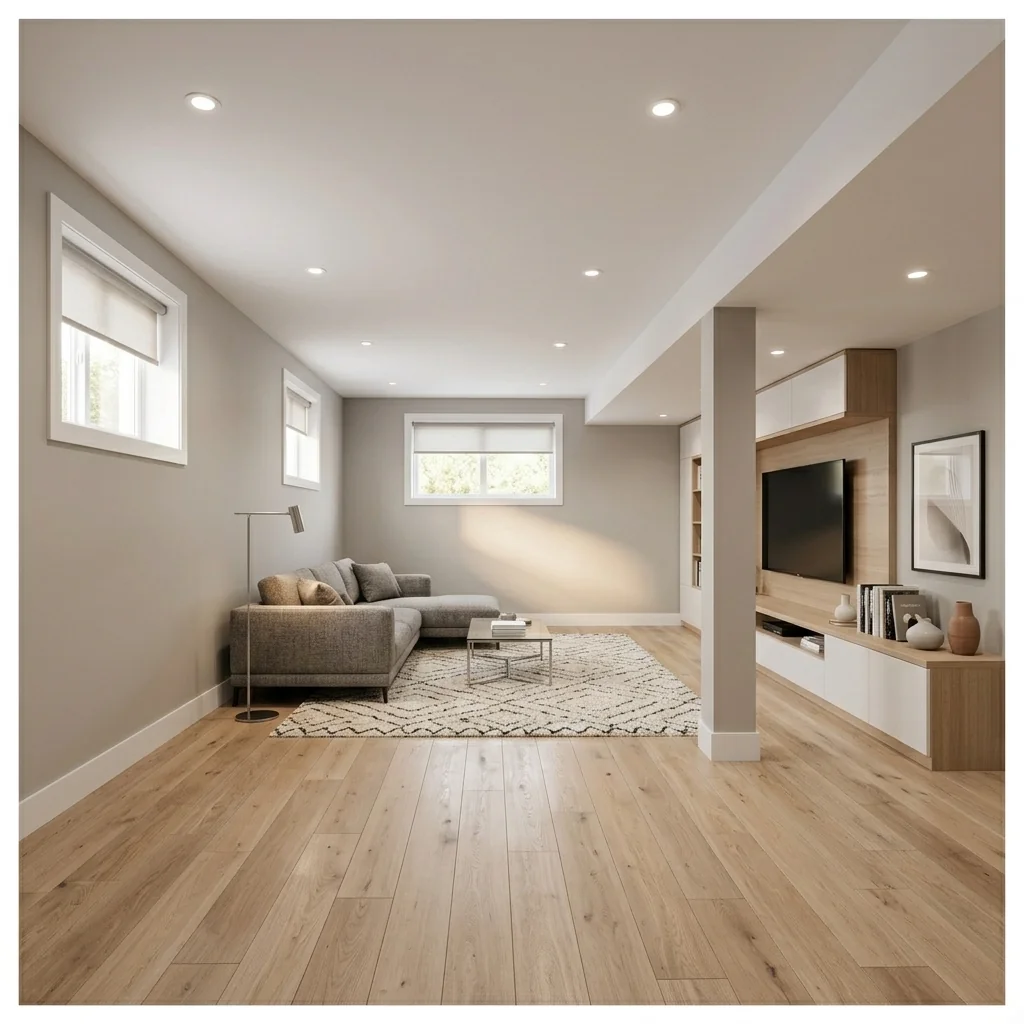
- Basement FinishingExplore a finished-room concept for an unfinished basement photo. Use the image as inspiration and check the original structure and practical requirements separately.
- Bathroom Renovation PreviewExplore a bathroom renovation idea on your photo. Choose a style, tile type and fixture finish; the preview is a visual concept rather than an installation plan or quotation.
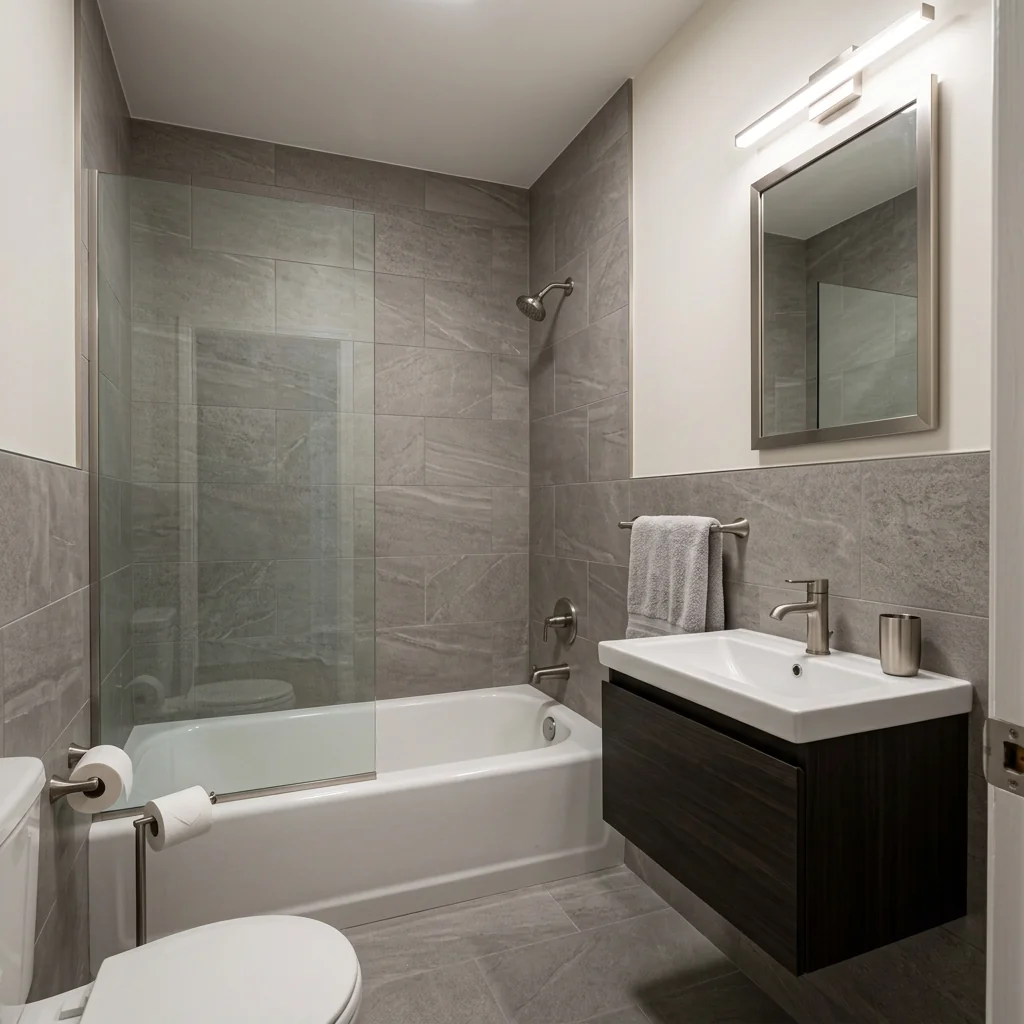
- Bathroom Renovation VisualizerExplore a new bathroom look from a photo. Choose a renovation style, vanity finish and tile material, then compare the returned design with the original room.
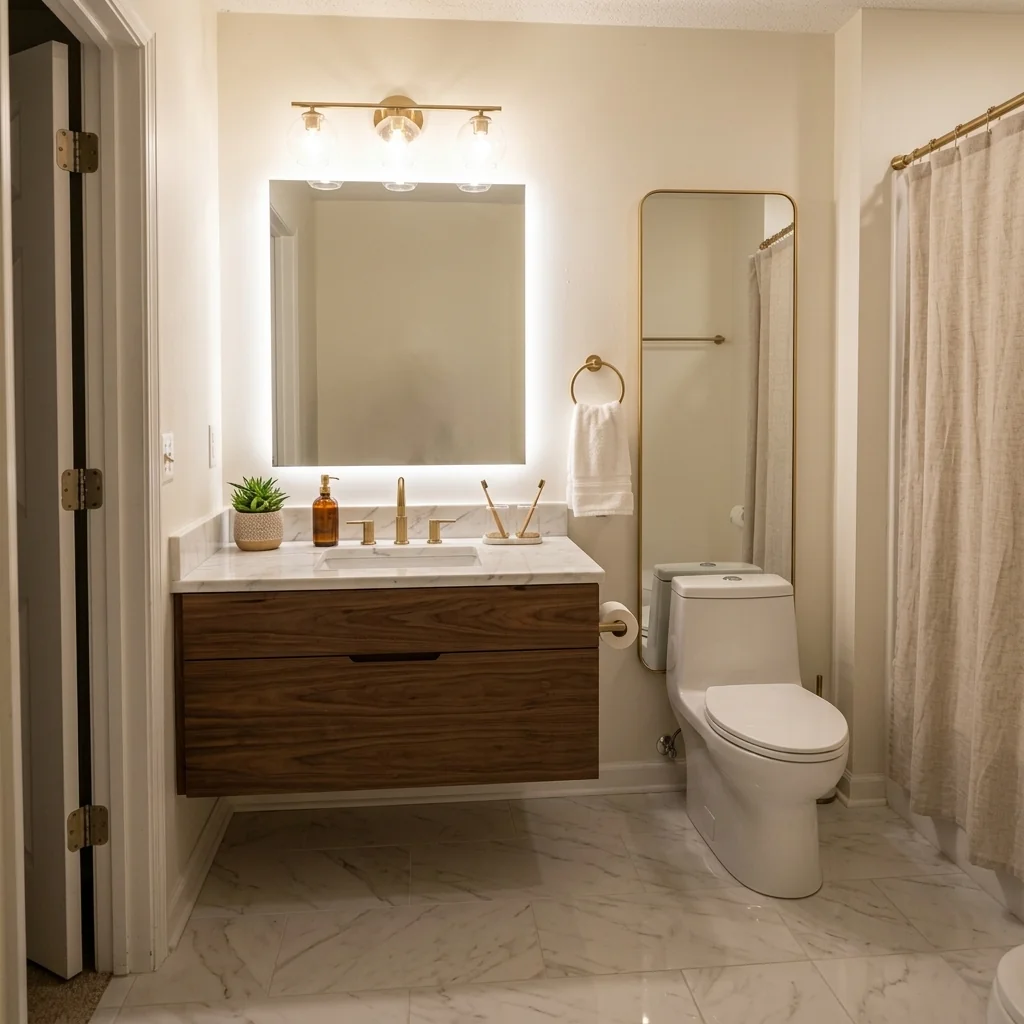
- Before & After Side-by-Side ListingArrange your own before and after photos into a static comparison image. Choose a layout and label style; a divider is part of the image, not an interactive slider.
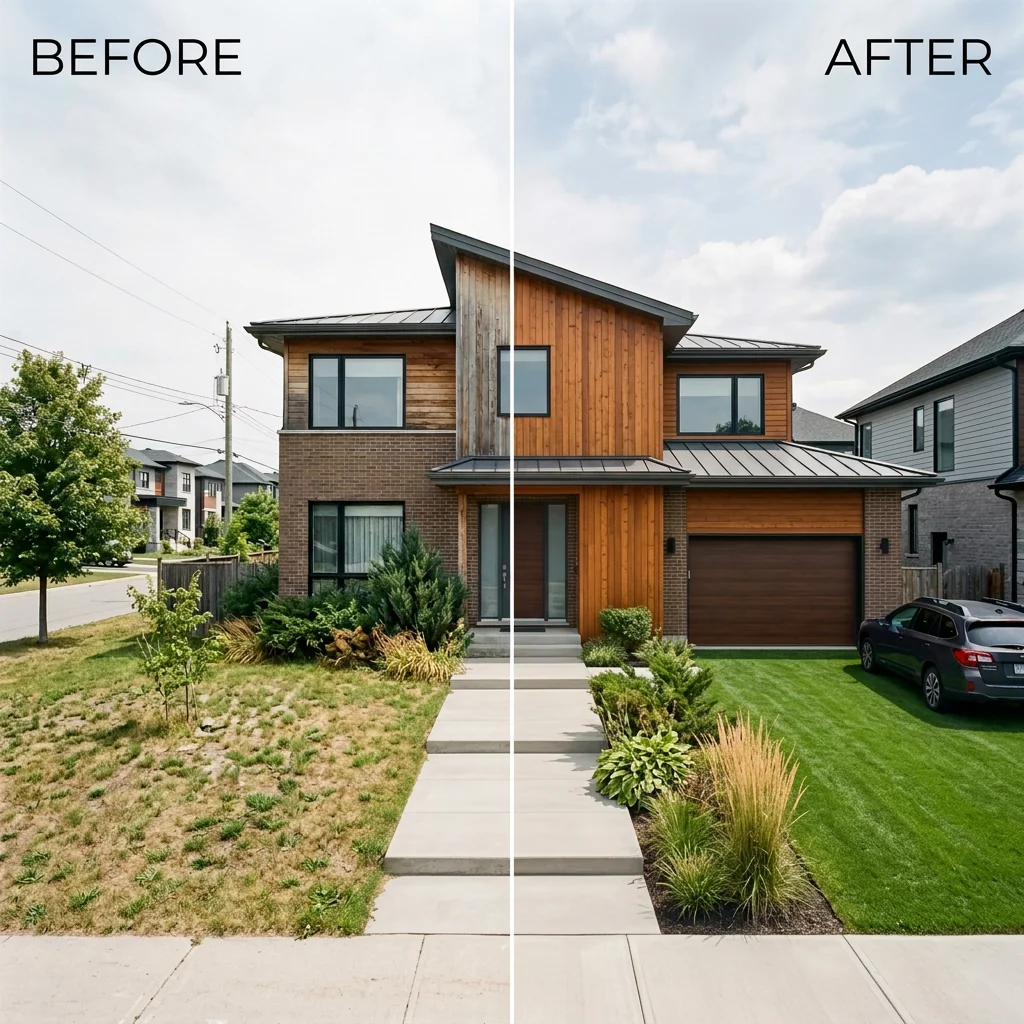
- Biophilic Room TransformerExplore a nature-inspired room concept on your photo. Choose how much greenery to include and a design style, then review plants, materials and room details in the result.
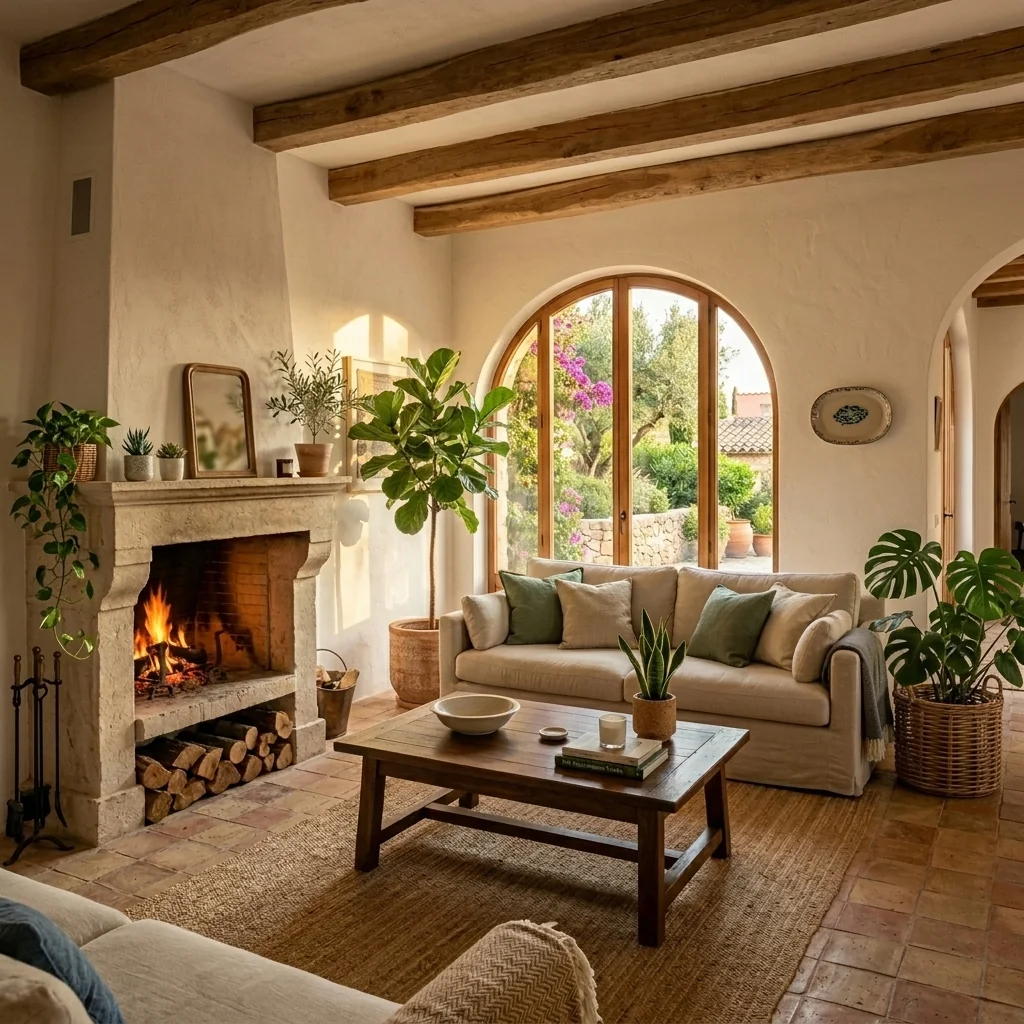
- Blue Sky ReplacementExplore a blue-sky edit for an exterior property photo. Compare sky edges, reflections, lighting and building details with your original before using the returned image.
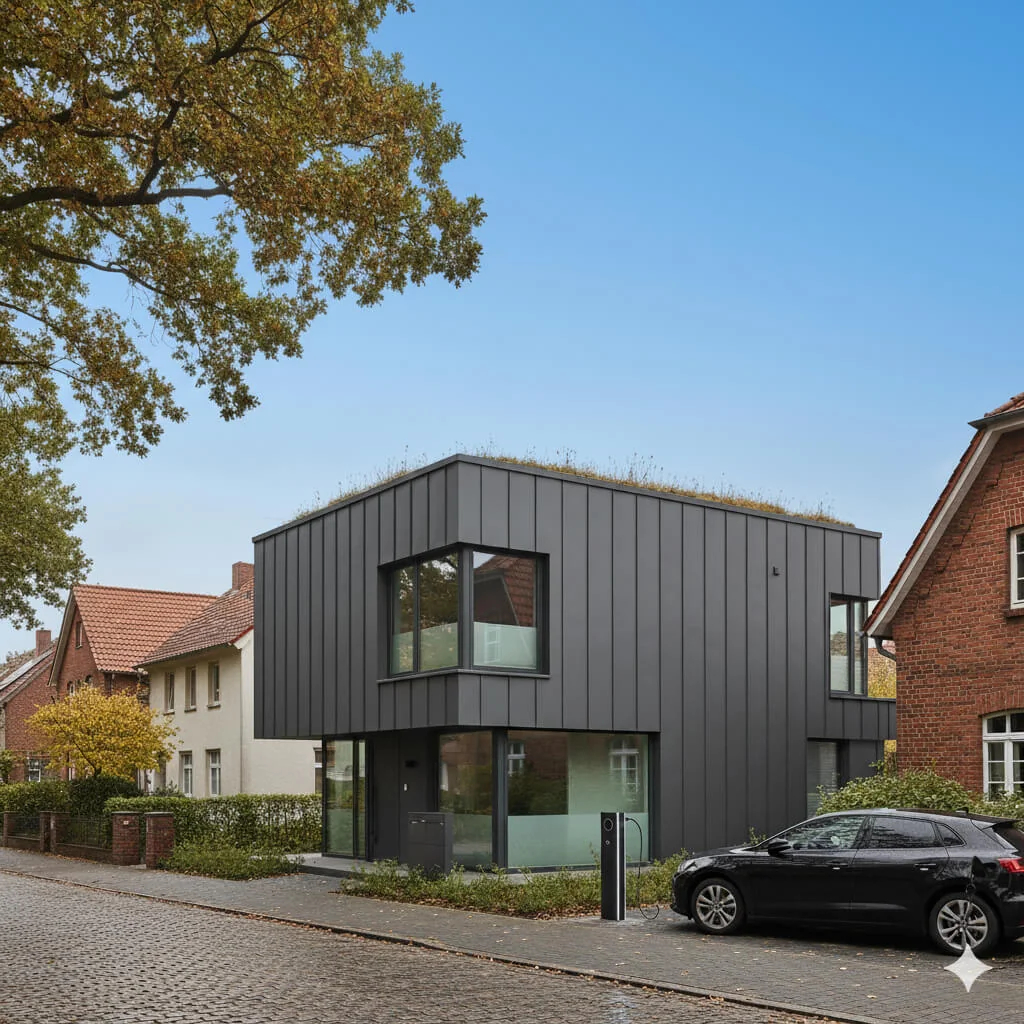
- CAD to Render for ArchitectsExplore an architectural image from an uploaded drawing. Choose surroundings and lighting, and add material notes if needed; verify dimensions and geometry against the original plan.
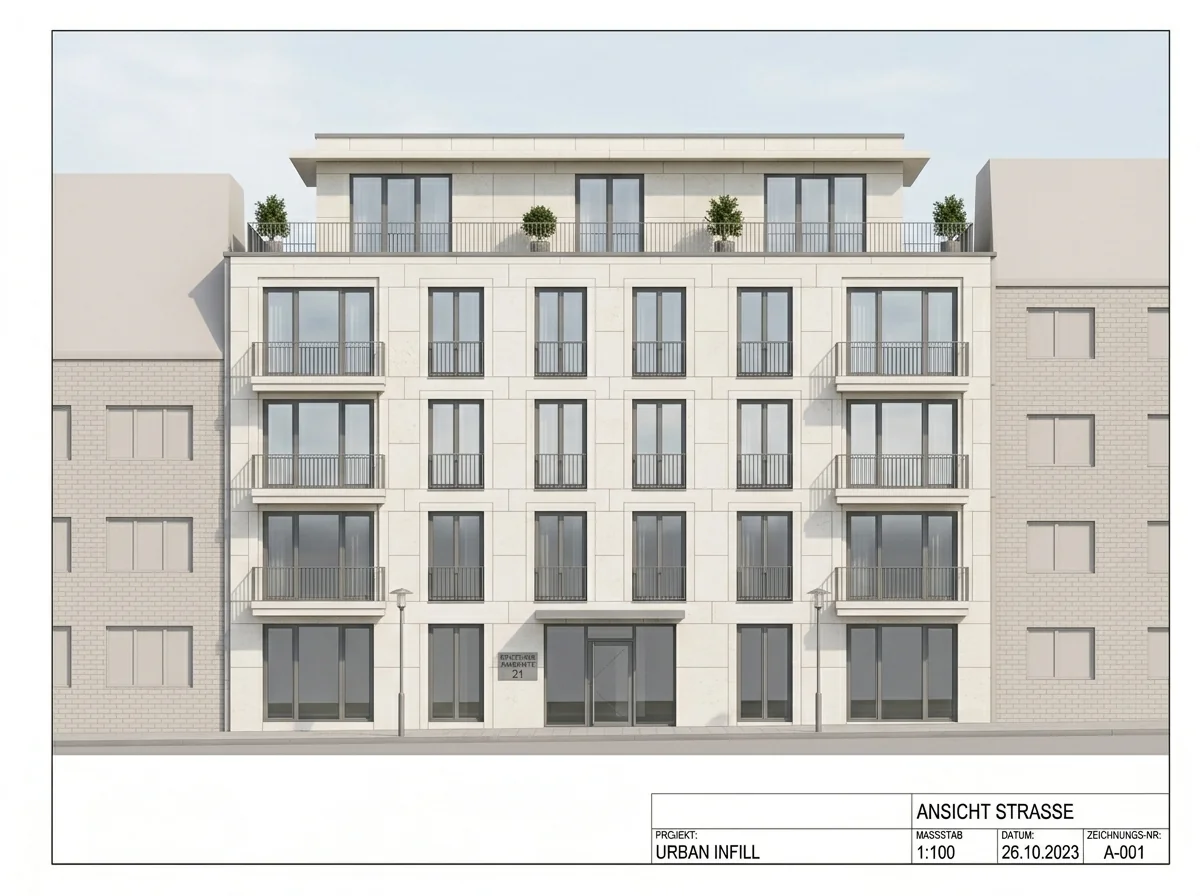
- Car & Trash Bin RemoverExplore an exterior photo with distracting cars, bins or other objects removed. Review the areas revealed by the edit and compare building and driveway details with your original.
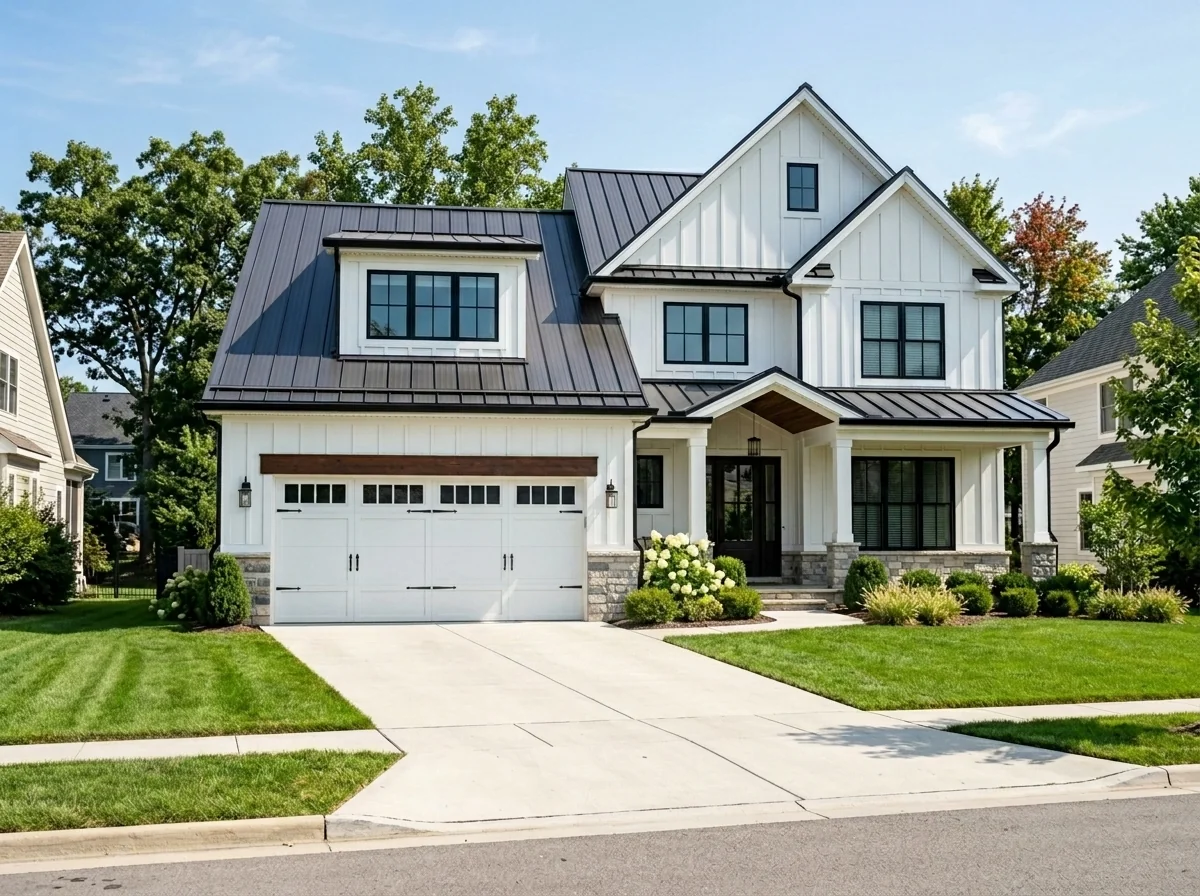
- Car Seat Upholstery SwapExplore upholstery ideas on a car-interior photo. Choose material, colour, pattern and stitching; a generated texture is inspiration rather than a verified sample of a real fabric.
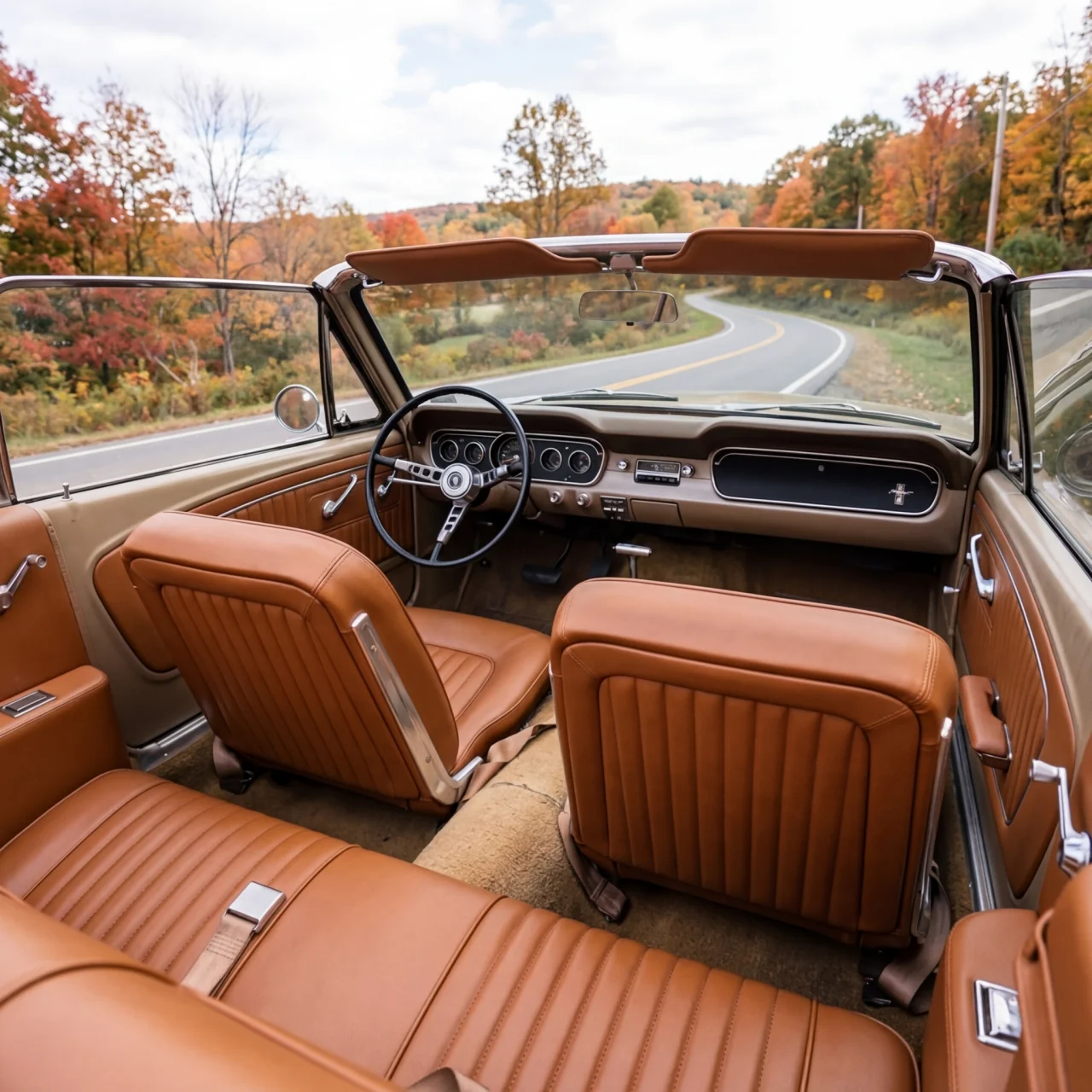
- Tile Replacement ToolExplore a different tile finish on a kitchen, bathroom or other surface photo. Choose the available finish and inspect tile edges, joints and surrounding details in the returned image.
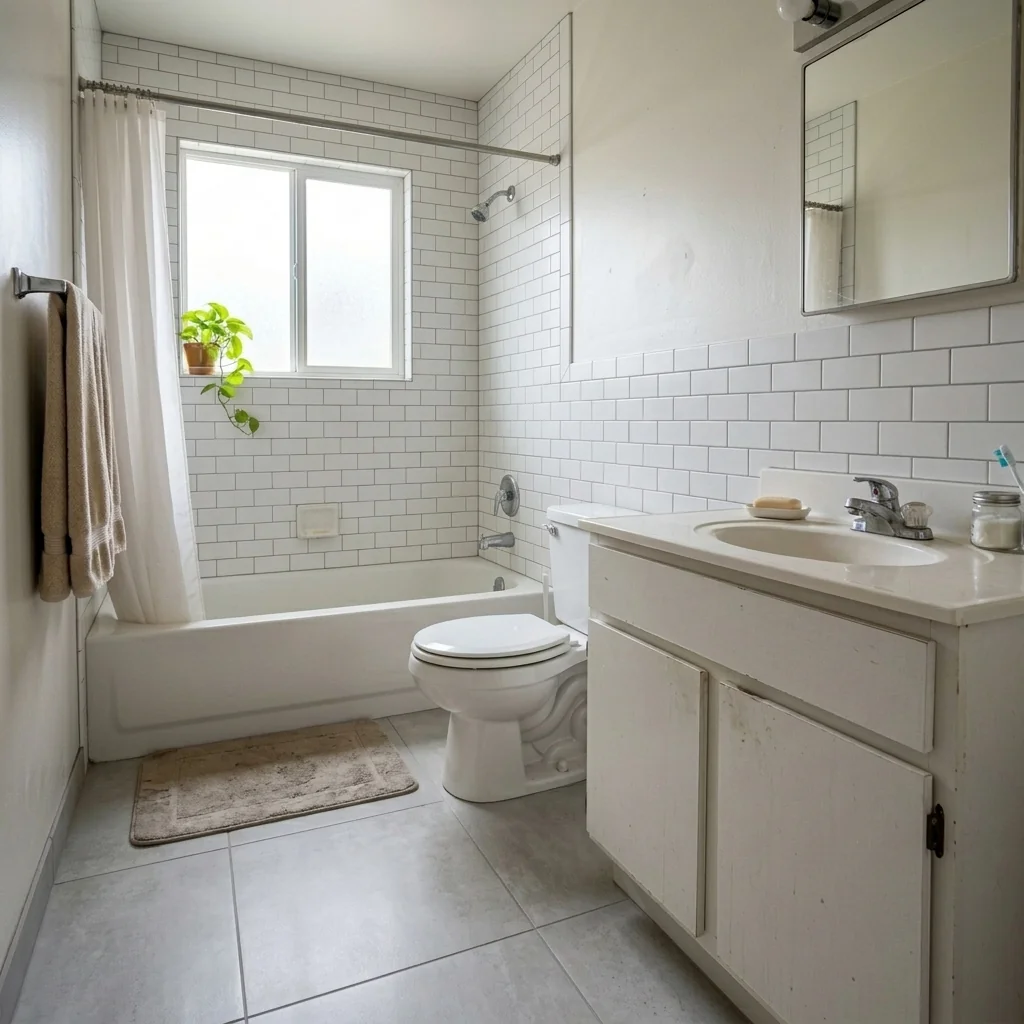
- Change upholsteryVisualize different fabrics.
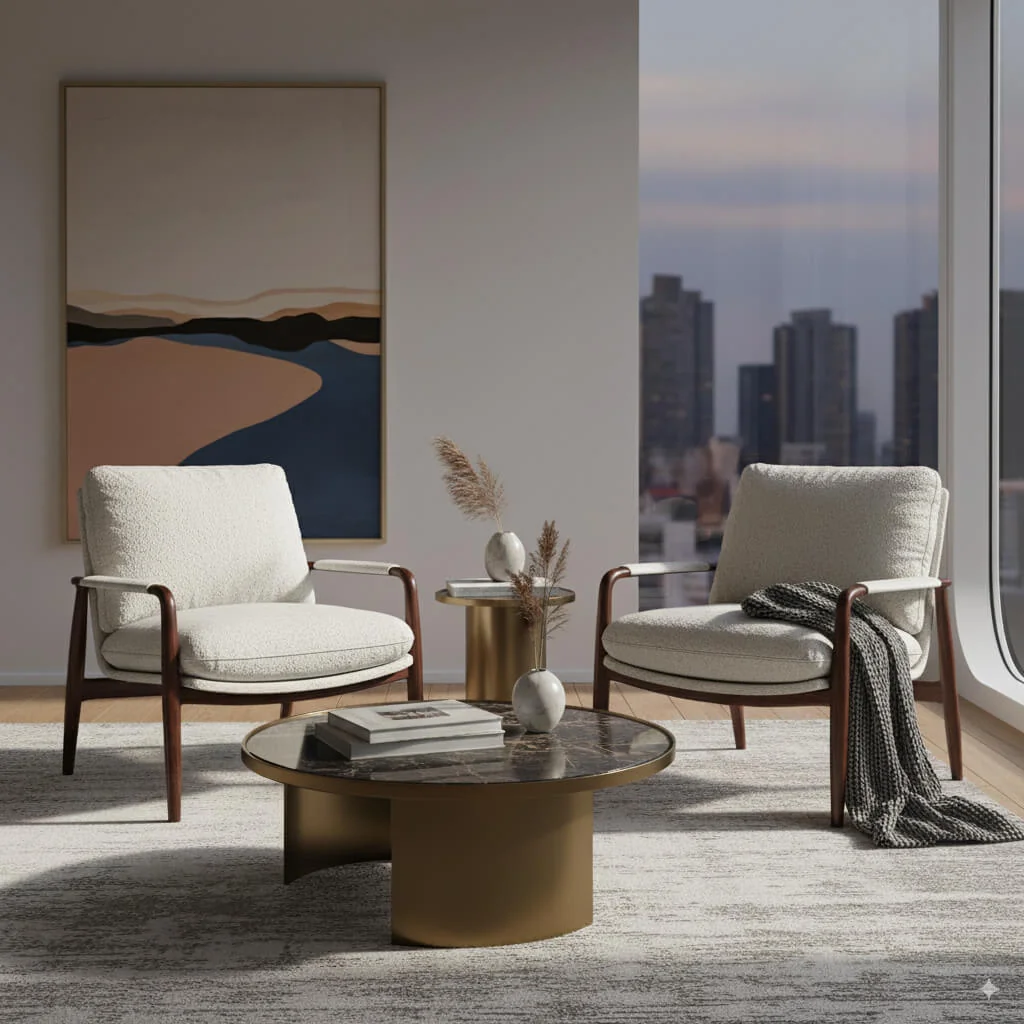
- Color Palette Moodboard GeneratorCreate a visual colour-palette idea from a room photo. Compare the returned colours with your original; an image palette is not a calibrated paint or material specification.
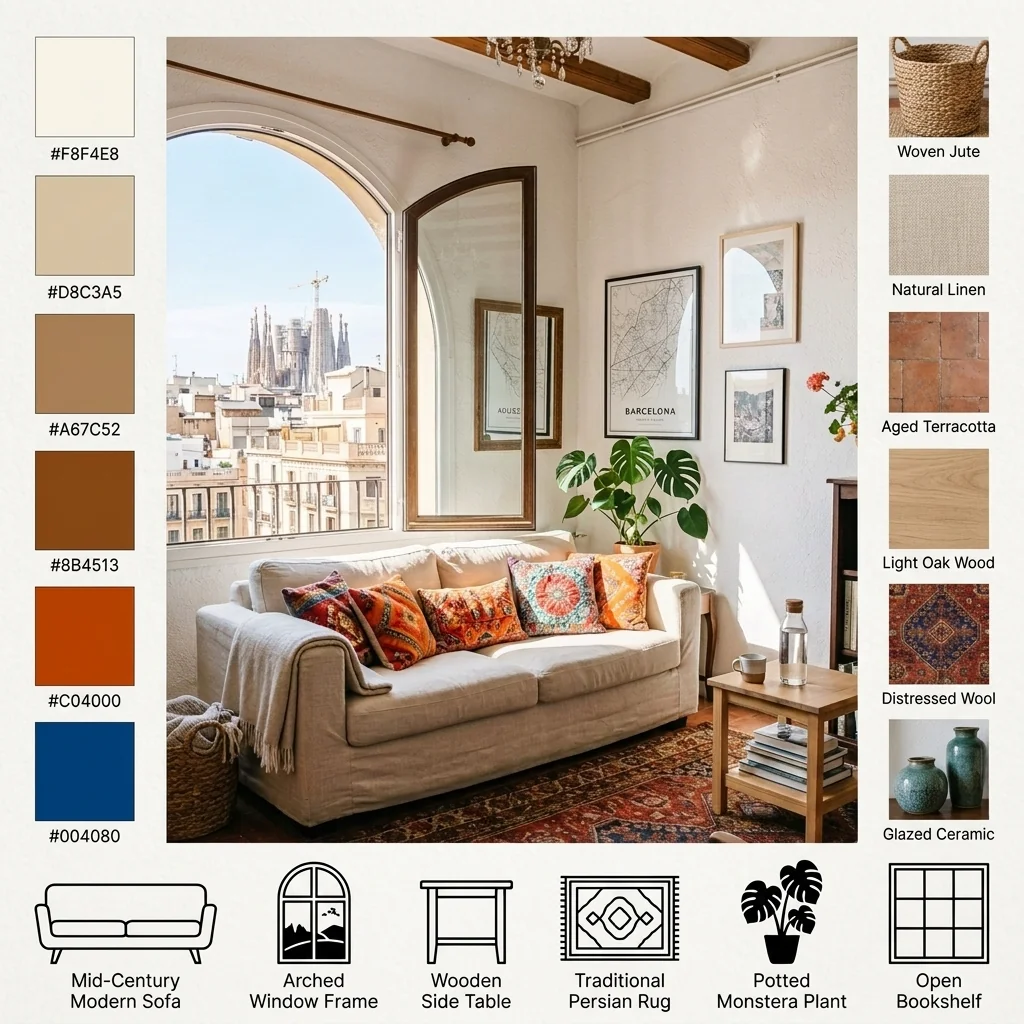
- "Coming Soon" Sneak Peek TeaserCreate a Coming Soon image from a property photo. Choose a blur or lighting effect and supply your teaser text; review legibility and the facts before publishing.

- Commercial Space StagerExplore a furnishing concept for a commercial-space photo. Choose the business type, design style and capacity setting; the image does not verify occupancy limits or an operational layout.
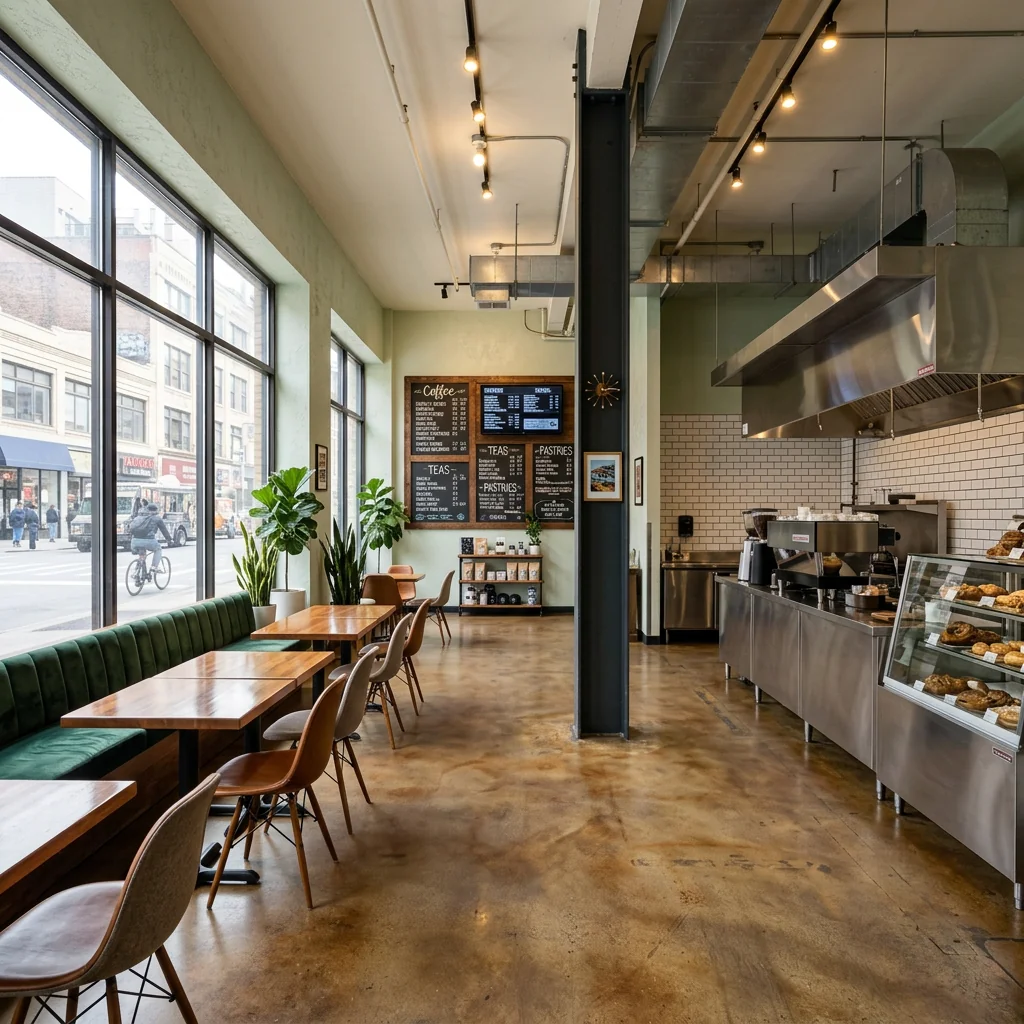
- Style HarmonizerExplore a more coordinated interior look from a room photo. Compare colours, furnishings and the room itself with your original; separately submitted photos do not guarantee matching details.
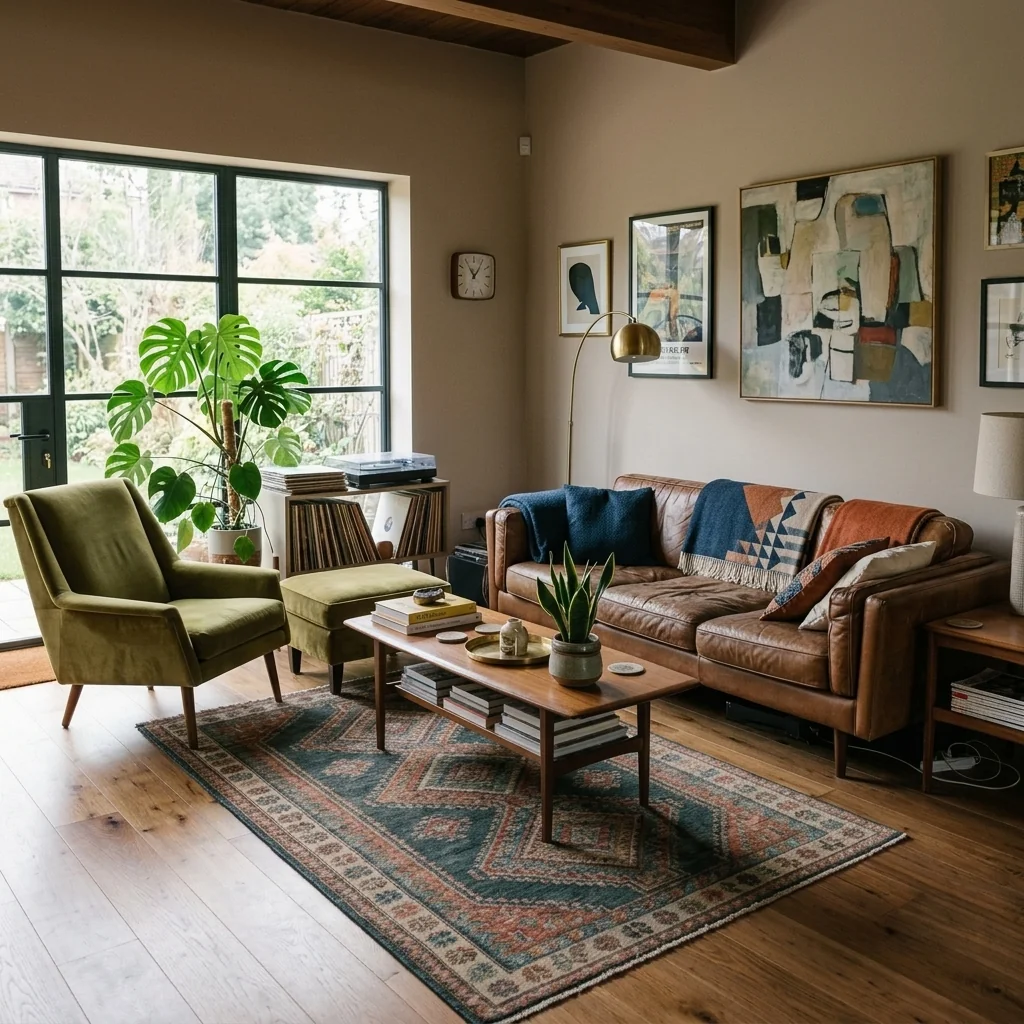
- Countertop Replacement VisualizerExplore countertop ideas on a kitchen or bathroom photo. Choose material, colour and edge profile, then check the visual concept against real samples and measurements.
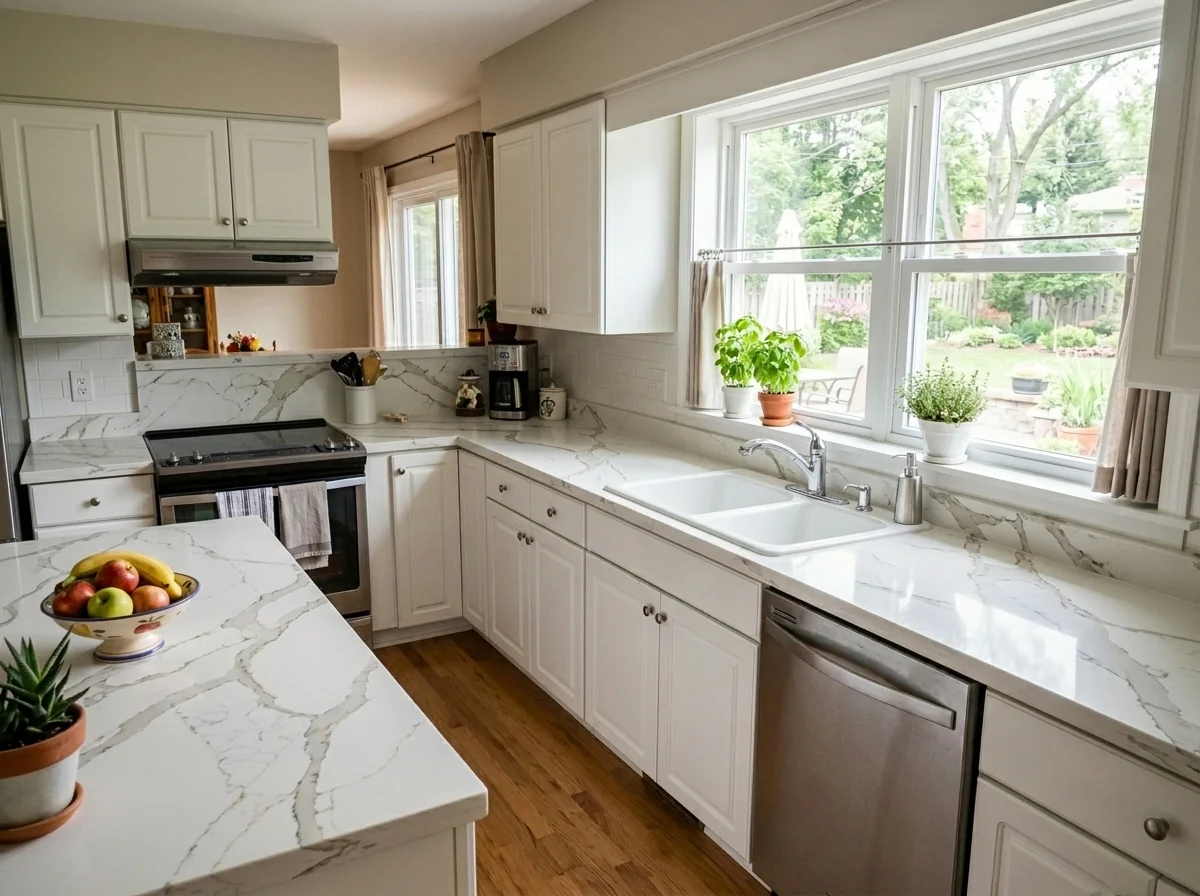
- Curb Appeal EnhancerExplore an exterior refresh on your property photo. Choose a style, paint colour and landscaping approach; review changes to the building and grounds before sharing the concept.
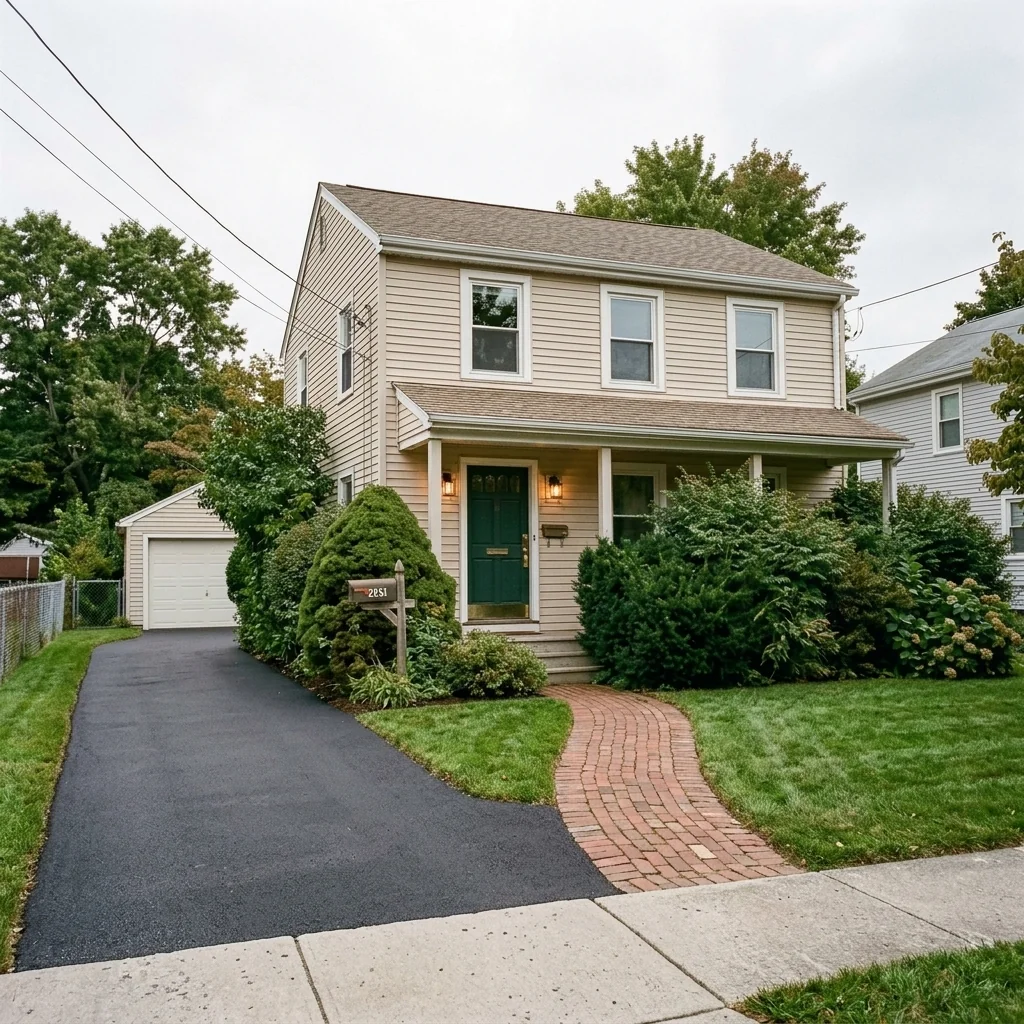
- Curtain Pole & Rod VisualizerPreview a curtain-pole idea on a window photo. Choose a pole style, material and curtain type, with optional placement notes; check mounting and dimensions separately.
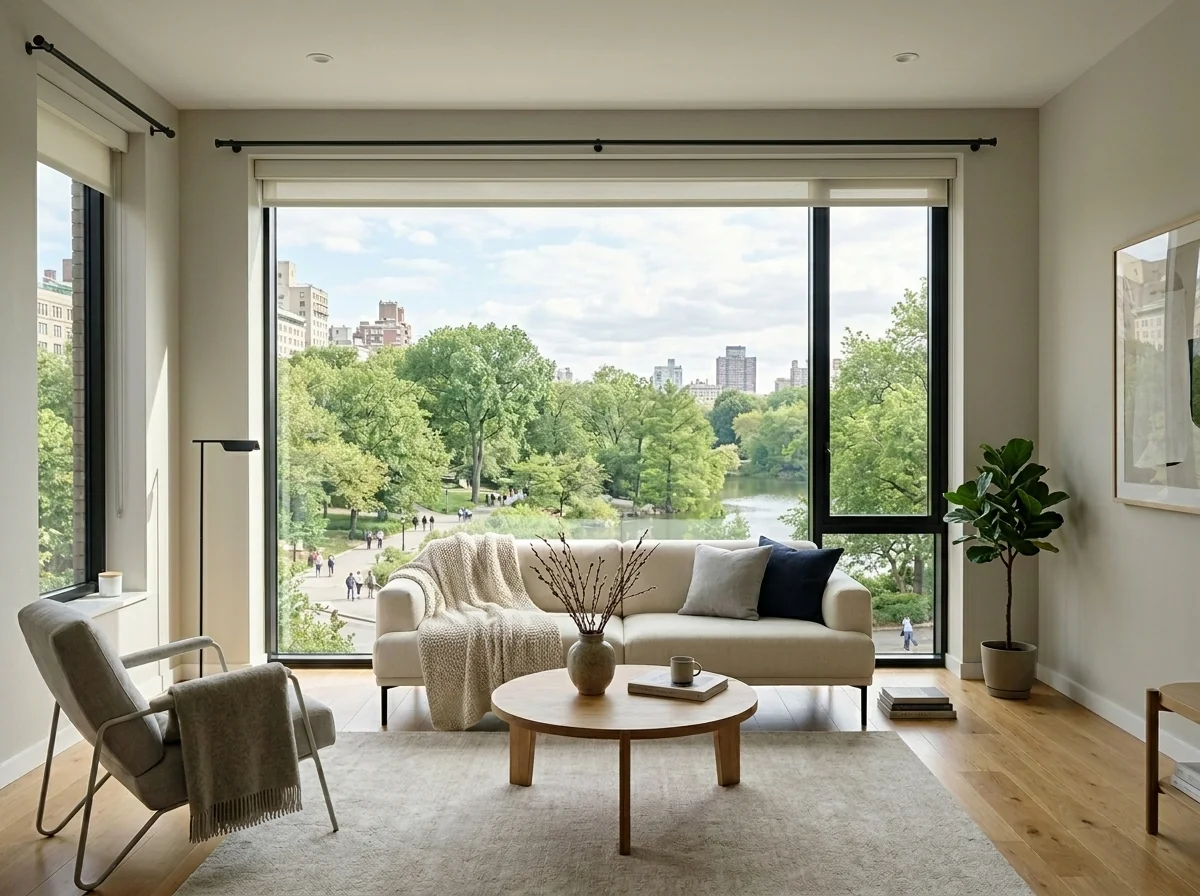
- Curtain Swap & EnhancementExplore different curtains on a room photo. Choose style, fabric, colour, length and room enhancement, then review the curtain edges and any other changed details.
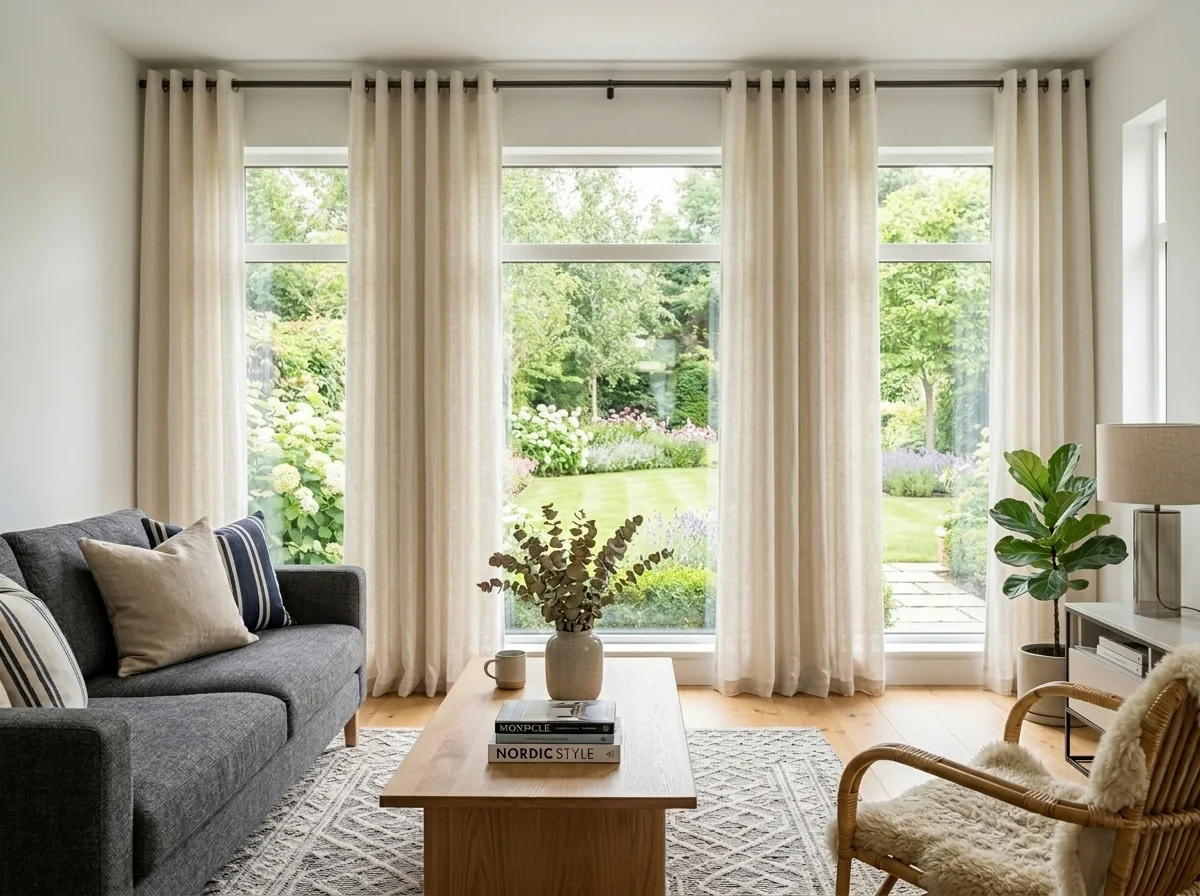
- Cushion Cover SwapPrepare a cushion photo and explore cover ideas with the available settings. Compare any returned image with your original; a visualization is not a product sample.
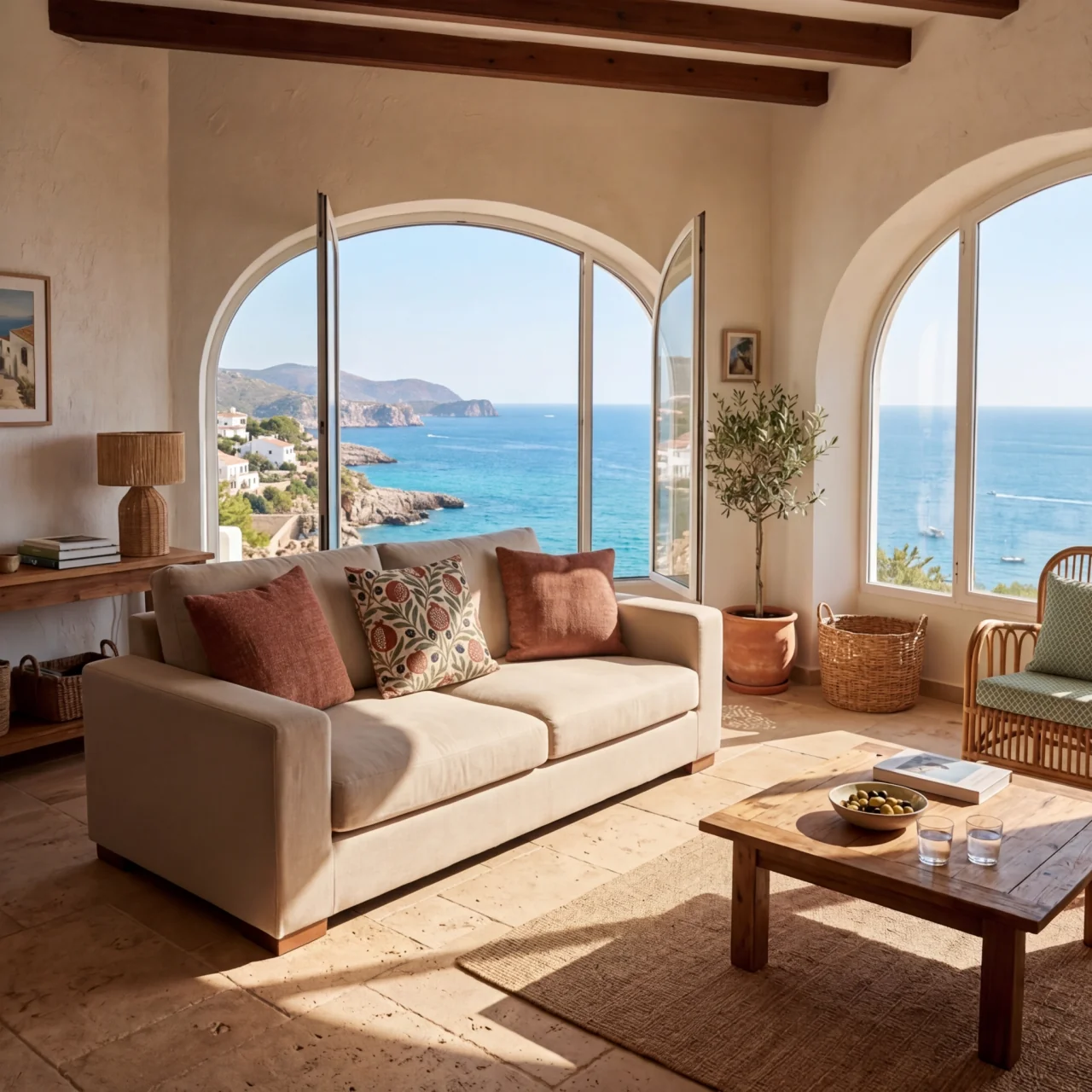
- Cushion Piping Design ToolExplore piping and trim details on a cushion photo. Choose the cord colour, width and material, plus any additional trim; inspect the returned detail before choosing real materials.
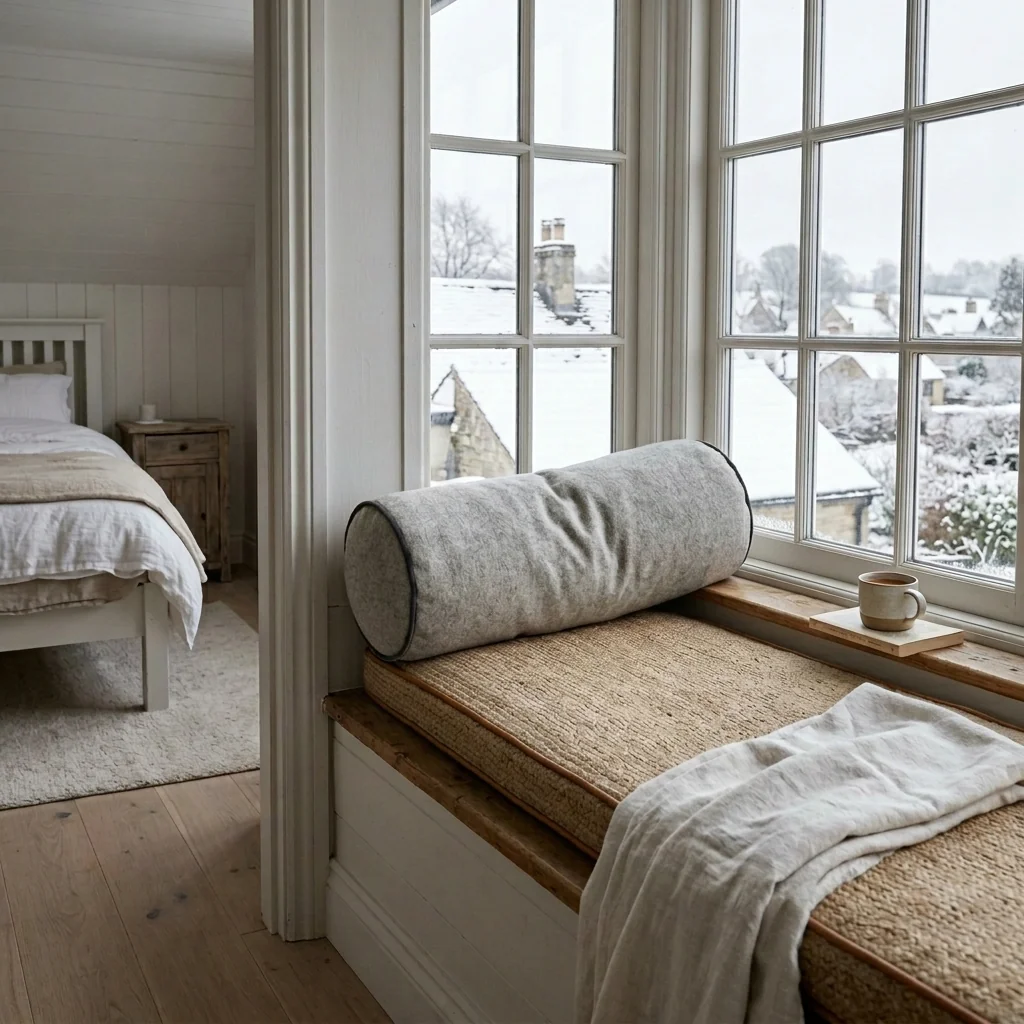
- Day-to-Dusk ConverterExplore a dusk-style edit of a daytime exterior photo. Compare sky, window light and property details with your original; the image depicts an edited lighting concept.
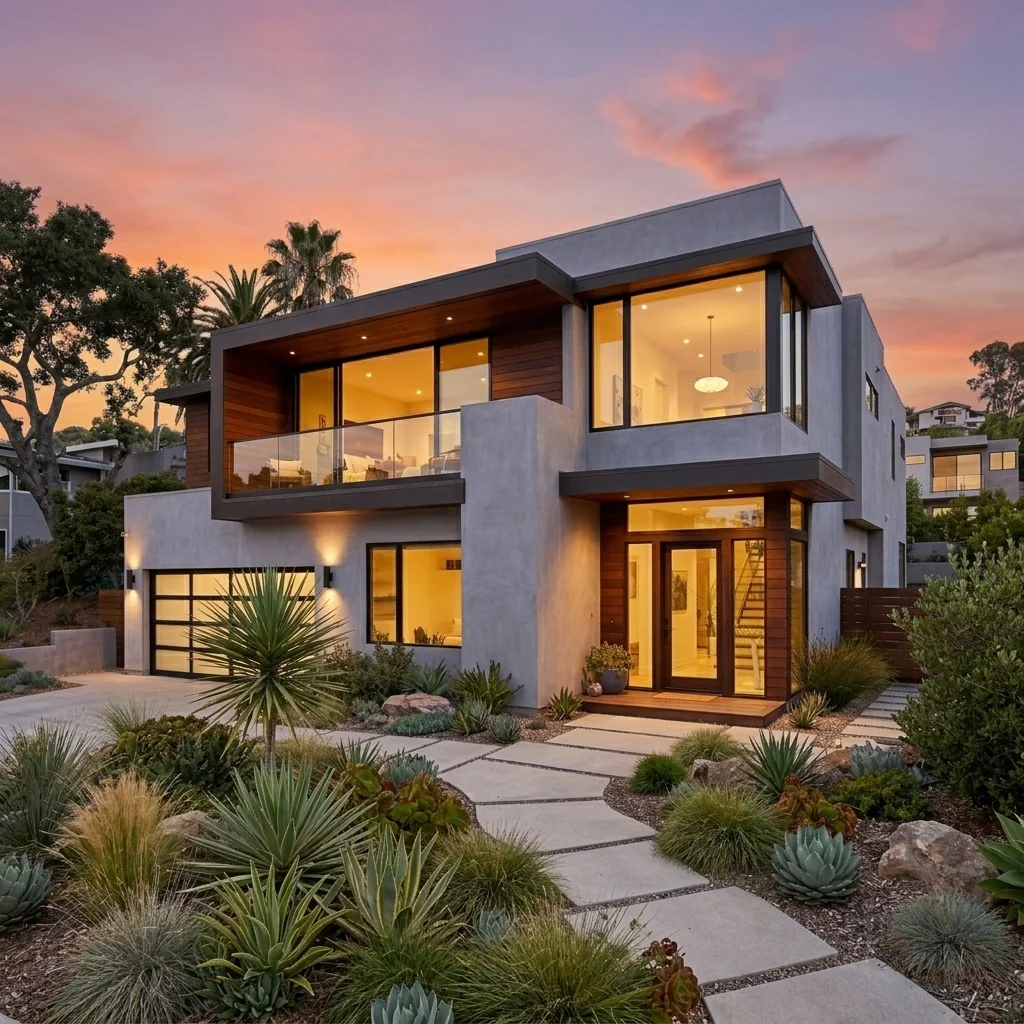
- Deck & Pergola DesignerExplore a deck or pergola concept on an outdoor photo. Choose the structure, material and features; verify dimensions, supports and permissions separately before construction.
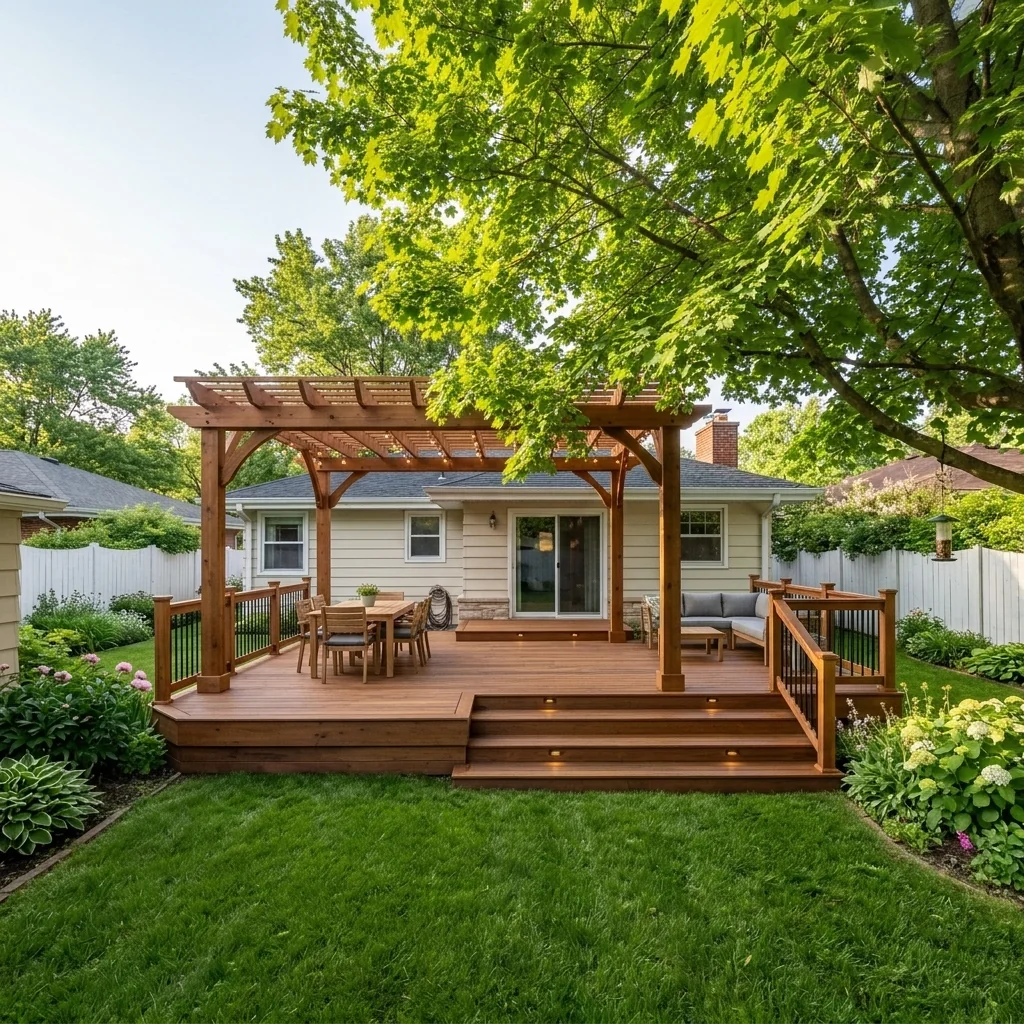
- AI Photo EditorDescribe the change you want to explore on a property photo. Review the requested edit and compare the returned image with your original; not every described change can be reproduced exactly.
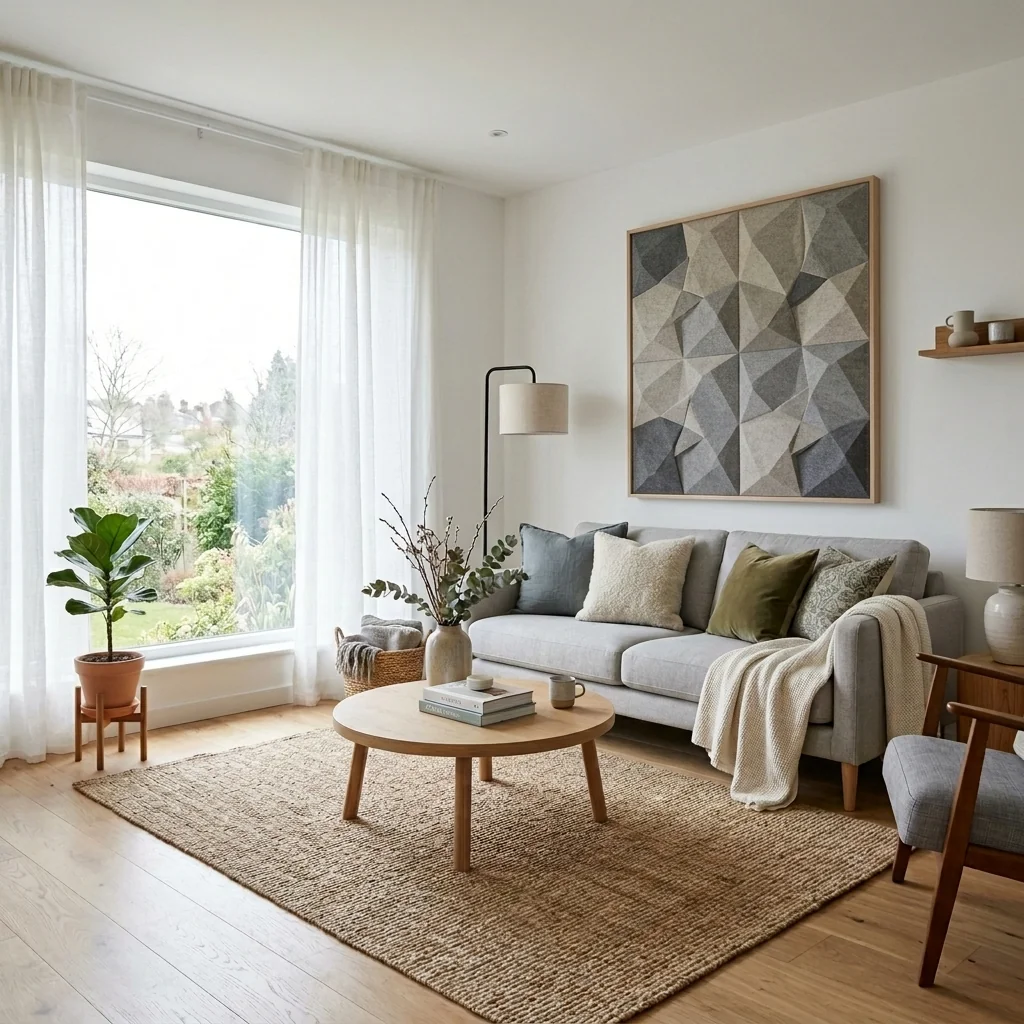
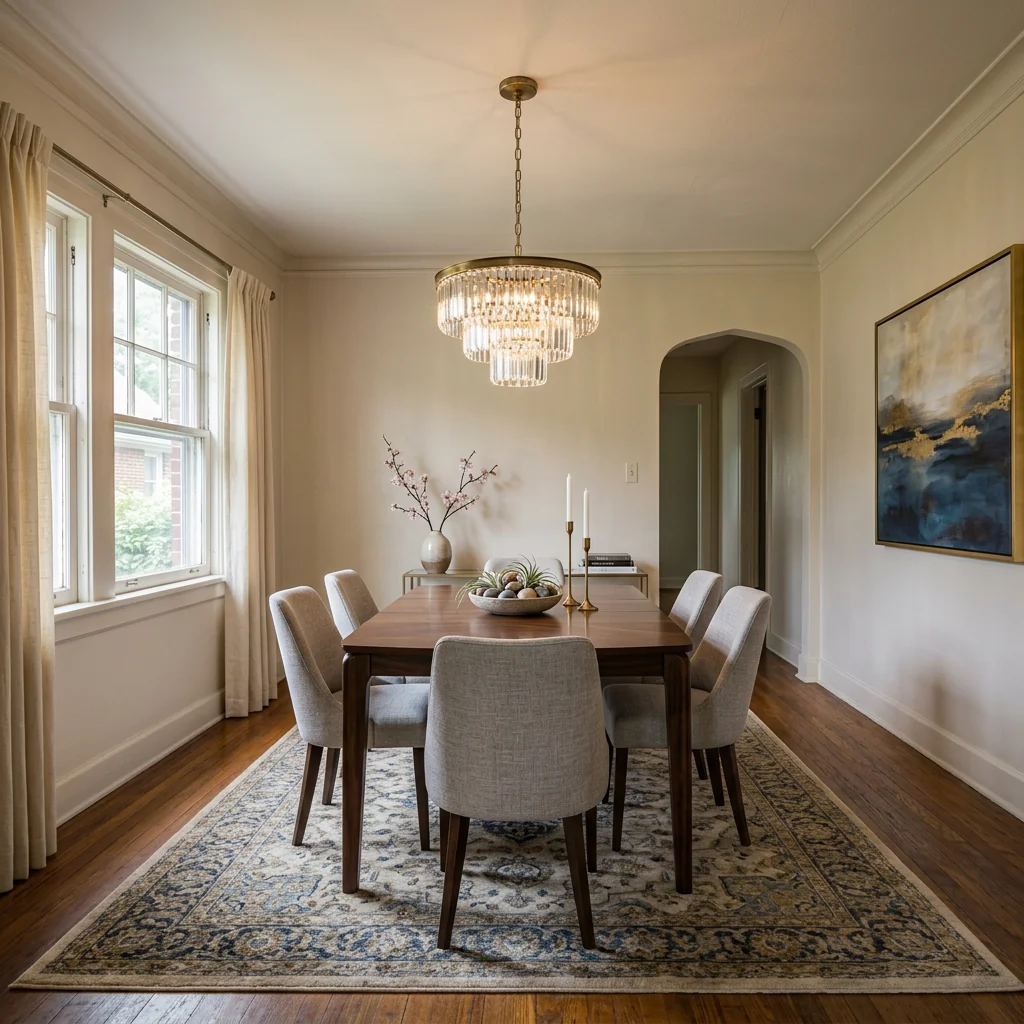
- Dining Room Virtual StagingExplore a furnished dining-room concept on your photo. Choose the style, table type and centrepiece, then compare furniture scale and room details with the original.
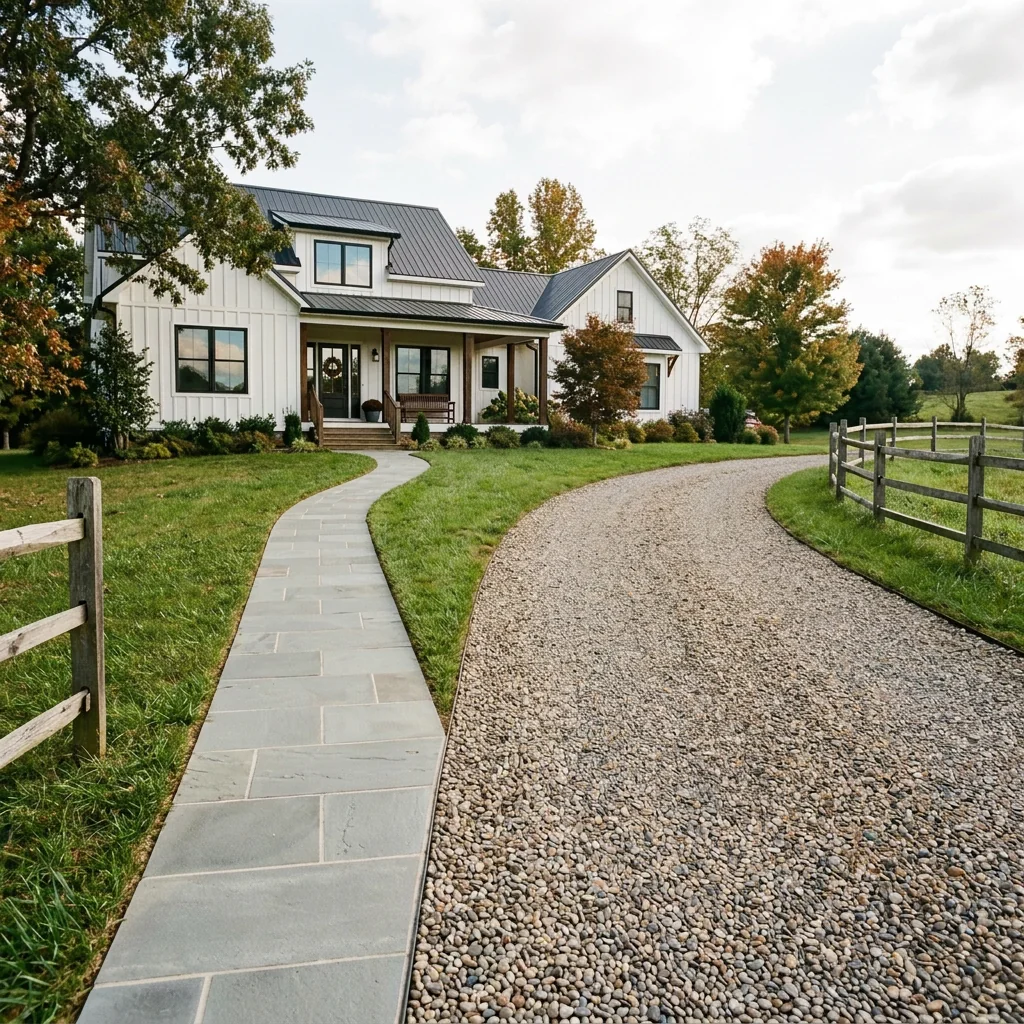
- Driveway & Walkway RedesignExplore a new driveway or walkway finish on a property photo. Choose the surface material, laying pattern and border; check dimensions, access and construction requirements separately.
- eBay Furniture Photo EnhancerExplore presentation ideas for a furniture listing photo. Choose furniture type, background, lighting and condition; compare colour, wear and damage with the original so the image stays accurate.
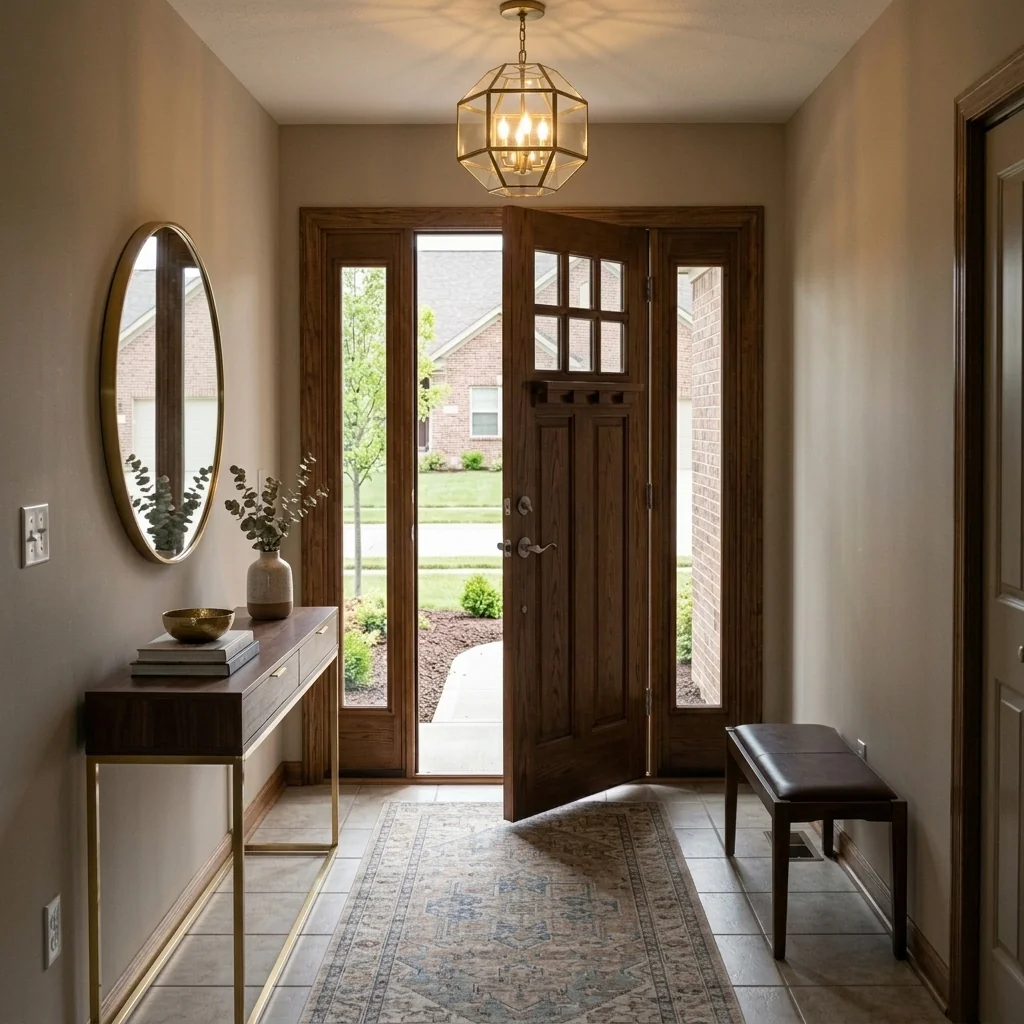
- Entryway & Foyer StagingExplore an entryway furnishing idea on your photo. Choose a style, key furniture piece and wall treatment, then check doorways, circulation space and proportions in the image.
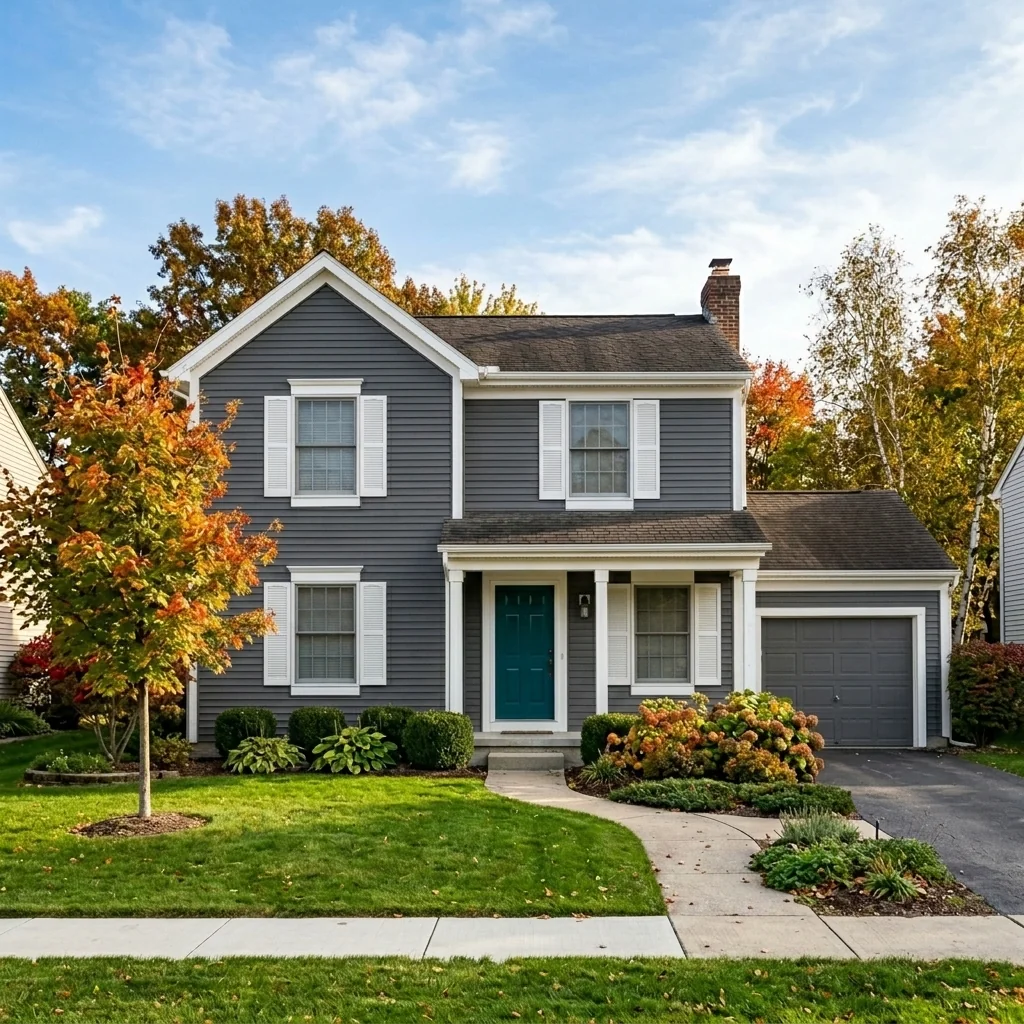
- Exterior Paint Color VisualizerExplore exterior colour combinations on a house photo. Choose main, trim and door colours; compare with real paint samples because a generated image is not a colour-accurate specification.
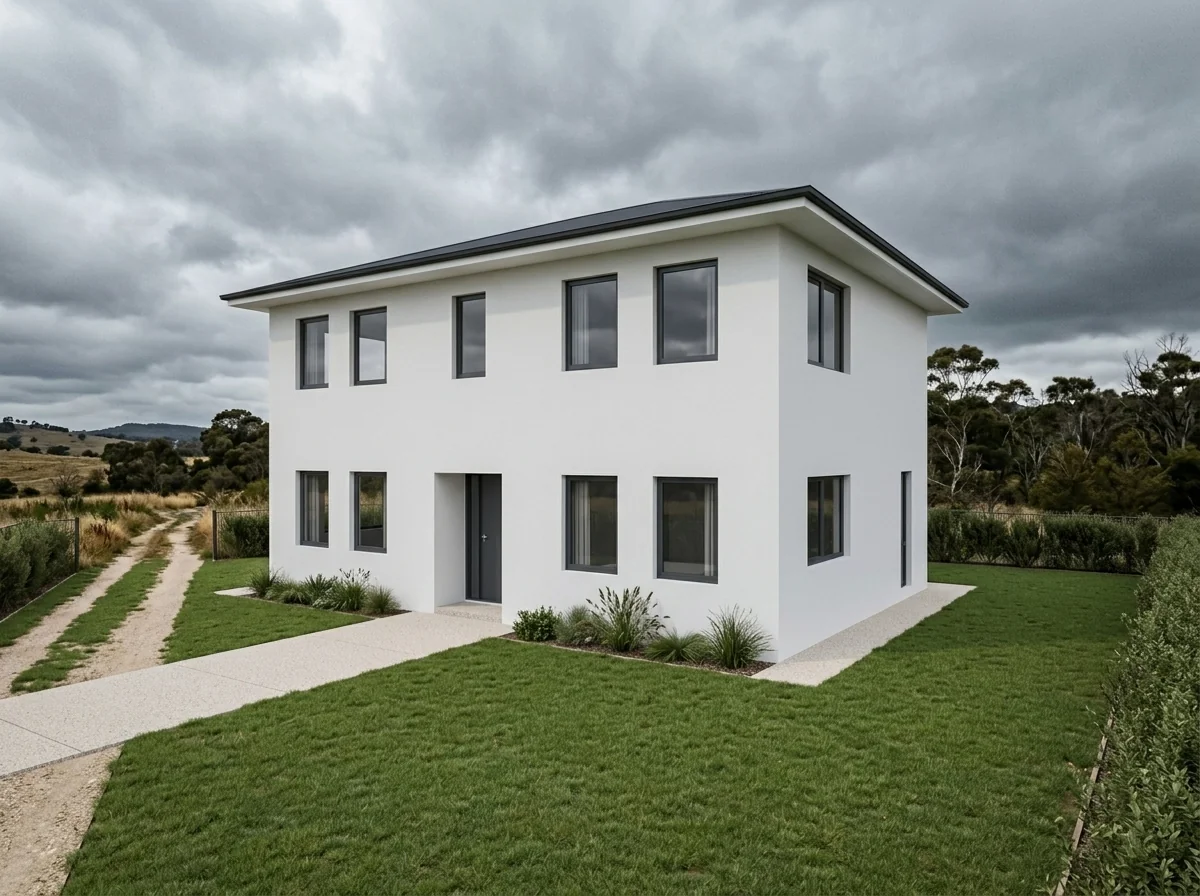
- Exterior Shell StagingExplore a finished-exterior concept from a shell-construction photo. Choose facade style, cladding and landscaping; verify the real building, materials and construction requirements separately.
- Fabric Swap Tool Interior DesignExplore textile changes on a room photo. Choose which element to change, a fabric, colour, pattern and room style, then compare the edited textile and surrounding details with your original.
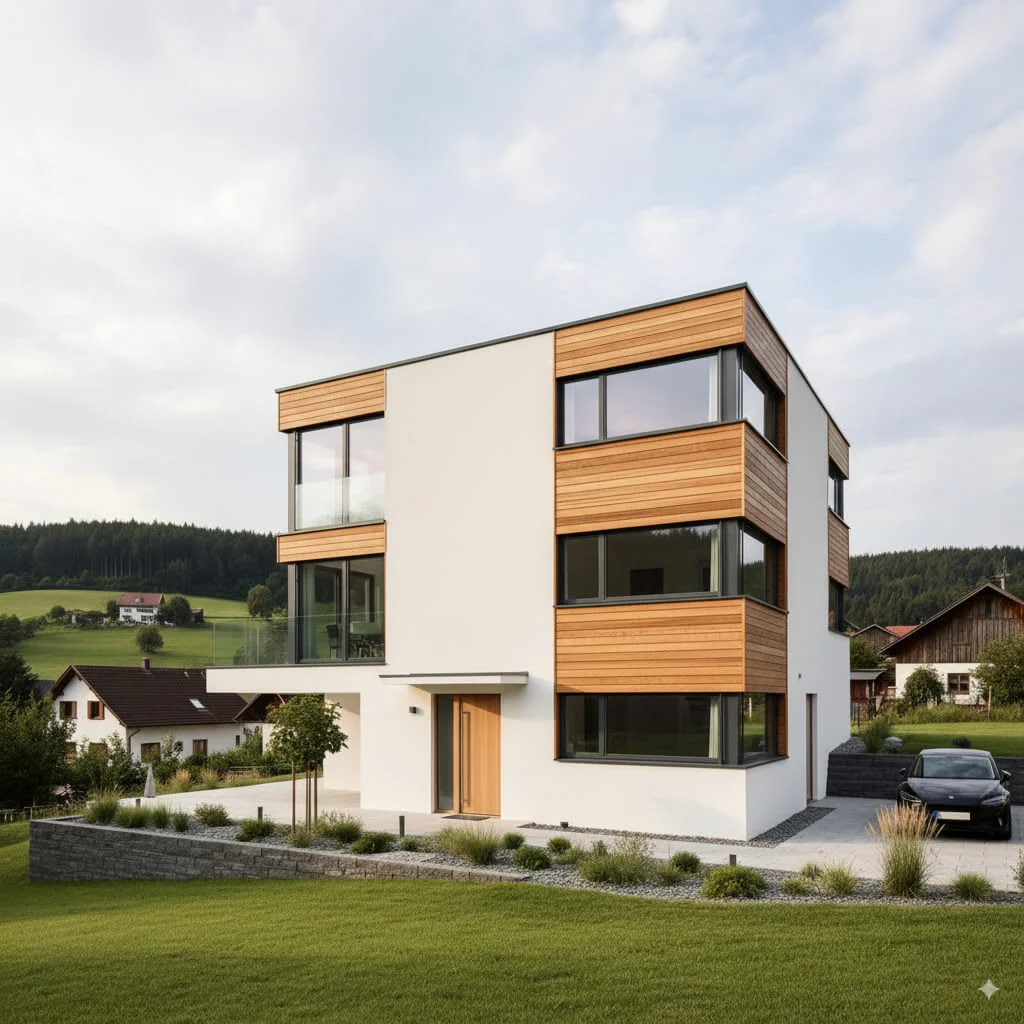
- Facade Redesign ToolExplore a different facade finish on an exterior photo. Use the available finish choices and compare windows, doors, edges and other building details with your original.
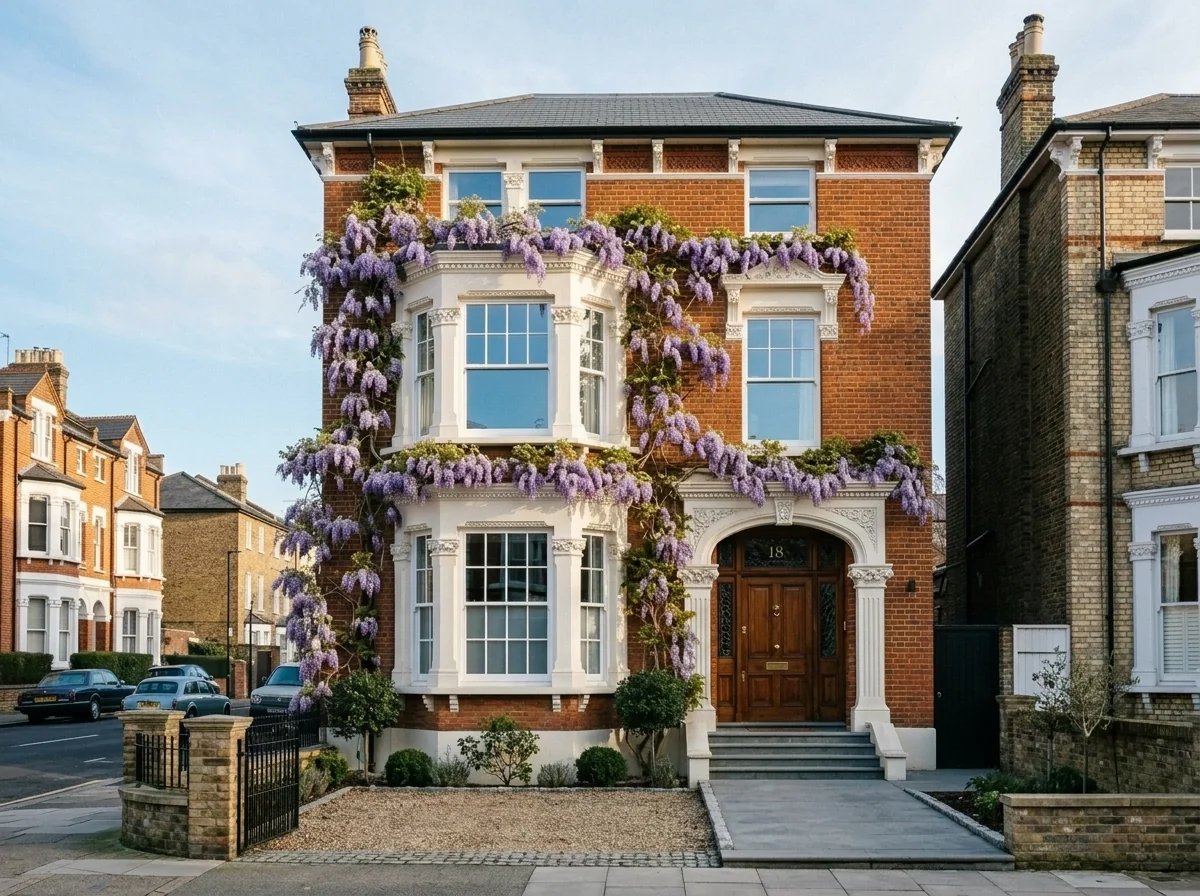
- Facade Planting VisualizerExplore climbing-plant ideas on a facade photo. Choose a plant species, season and coverage density; the image does not predict plant growth or verify suitability for the building.
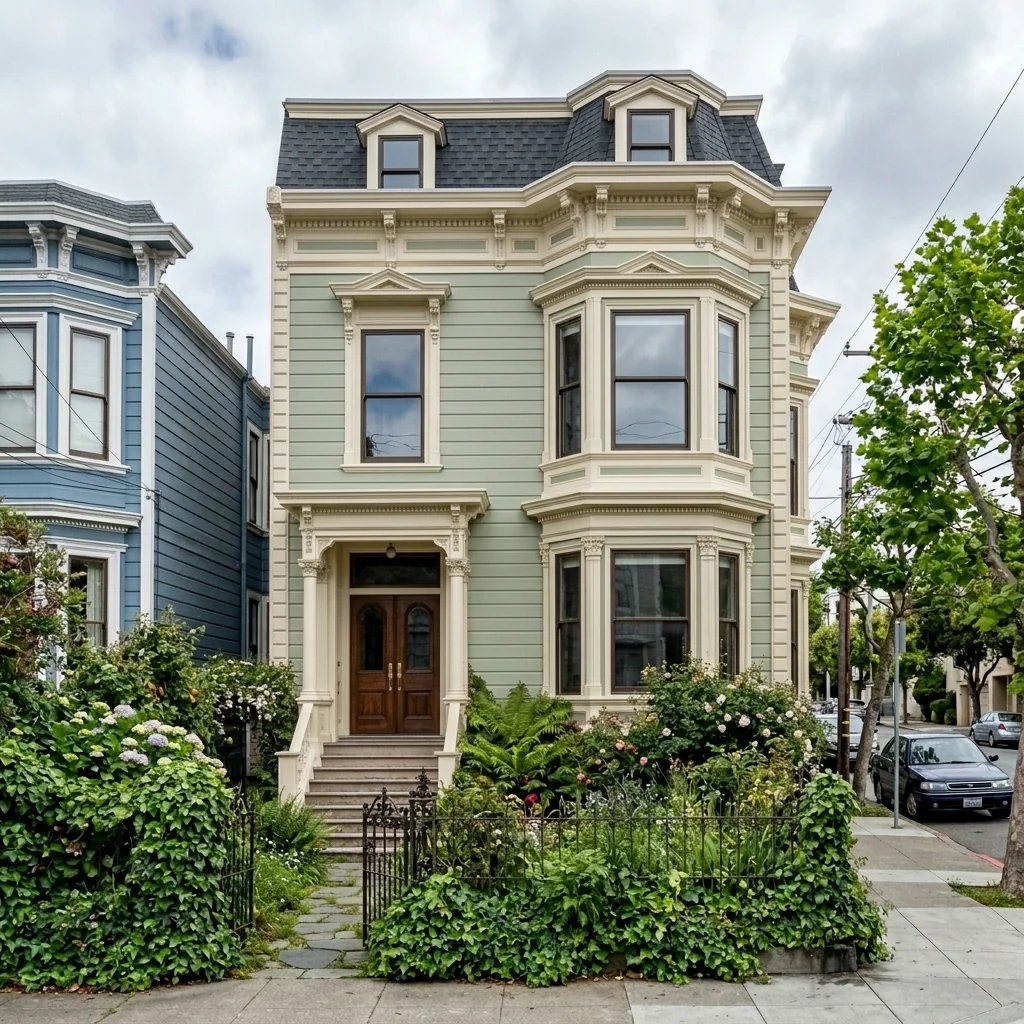
- Facade MakeoverExplore a facade renovation concept from an exterior photo. Choose a renovation style and materials, plus ground-level use, then review the returned image against the original building.
- Facebook Ad Creator for ListingsCreate a static property-ad image from a photo and your headline. Choose a listed ad format, then check text and dimensions; it does not create an ad campaign or predict conversions.

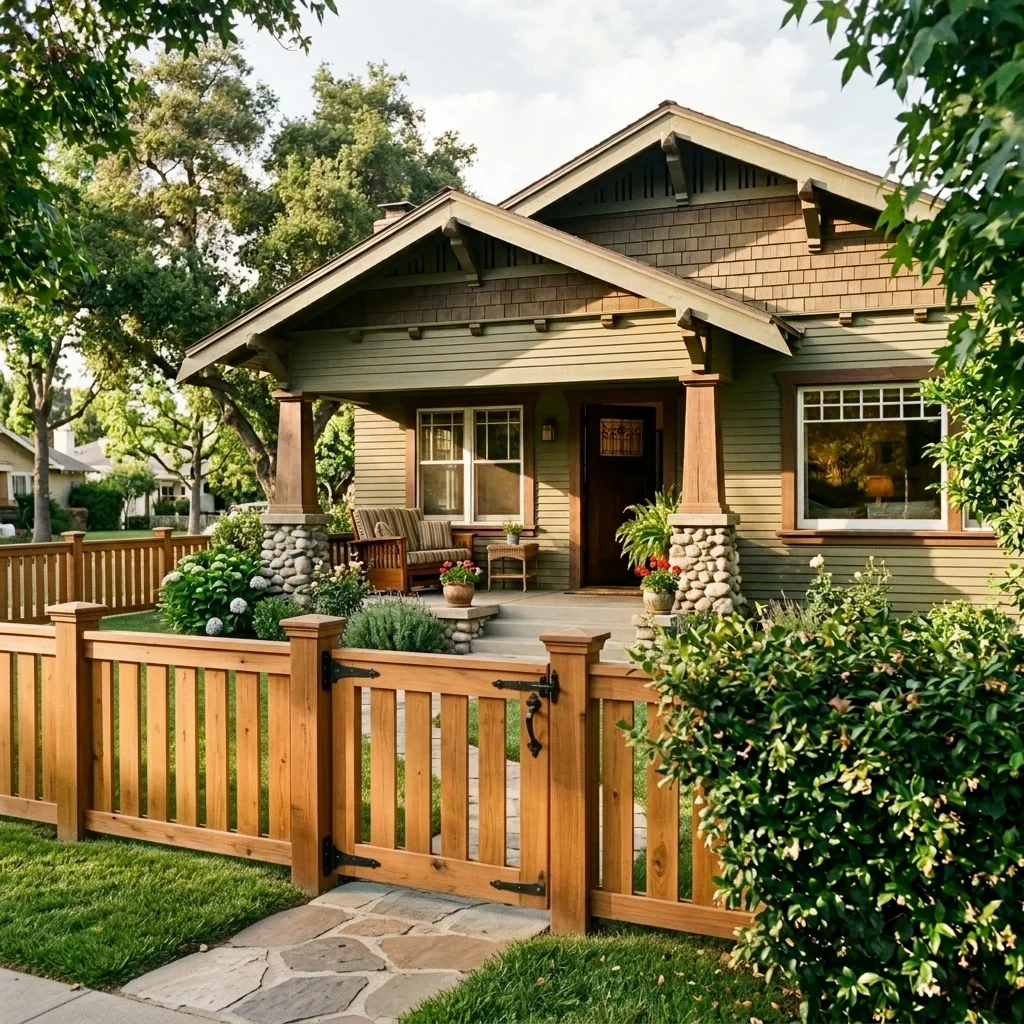
- Fence & Gate Design VisualizerExplore a fence or gate idea on a property photo. Choose style, material and gate type; check boundaries, access, dimensions and permissions separately before building.
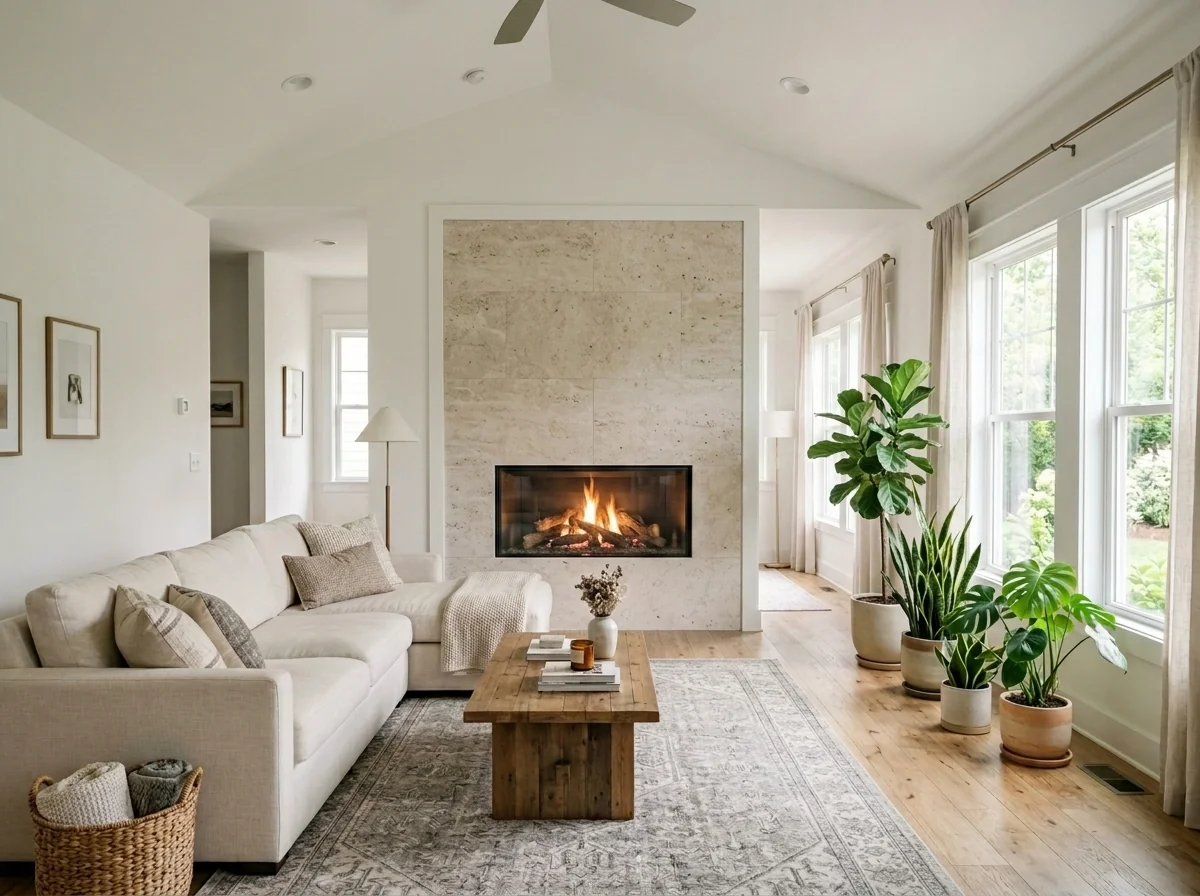
- Fireplace VisualizationExplore a built-in or free-standing fireplace idea using the available settings. An optional fireplace reference can guide its appearance; the image does not verify installation safety or clearances.
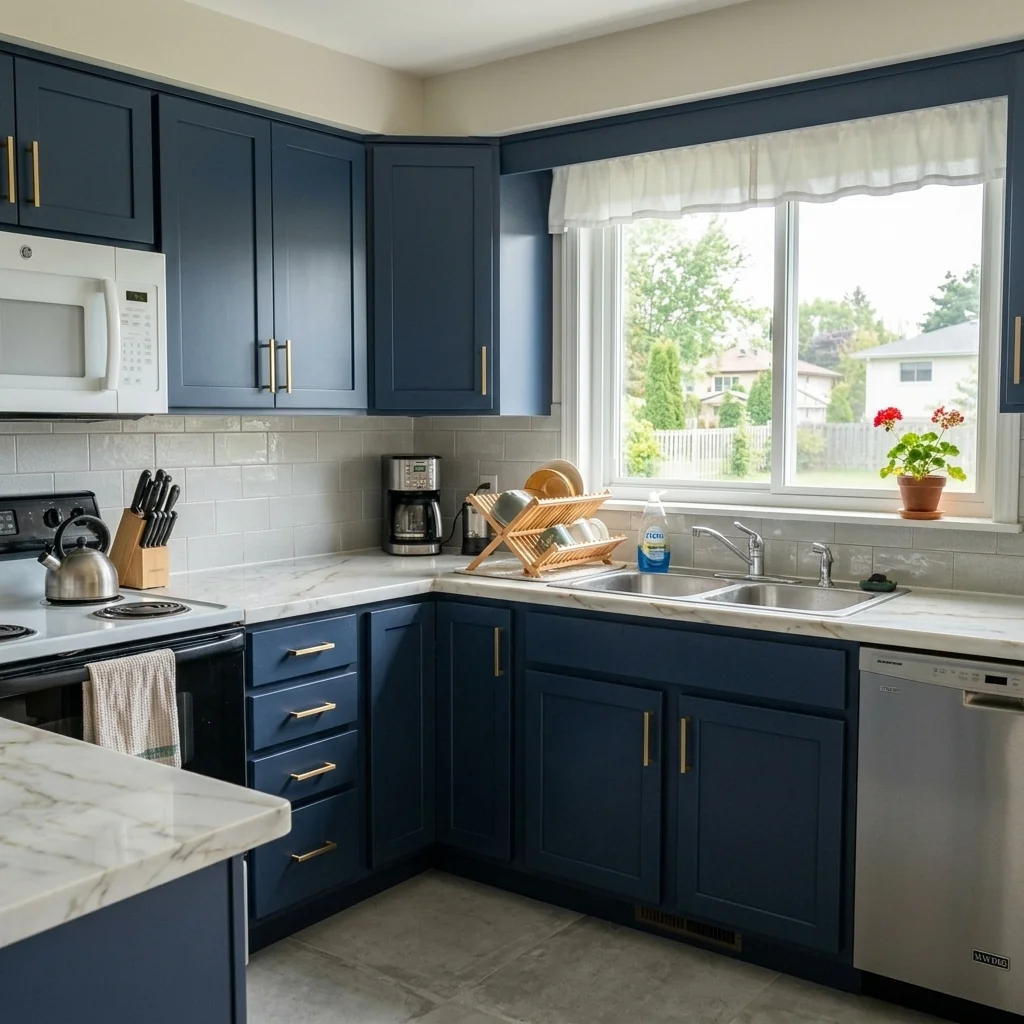
- Fix and Flip VisualizerUse a property photo to explore renovation ideas with the available settings. A returned visualization is not a construction plan, cost estimate or investment forecast.
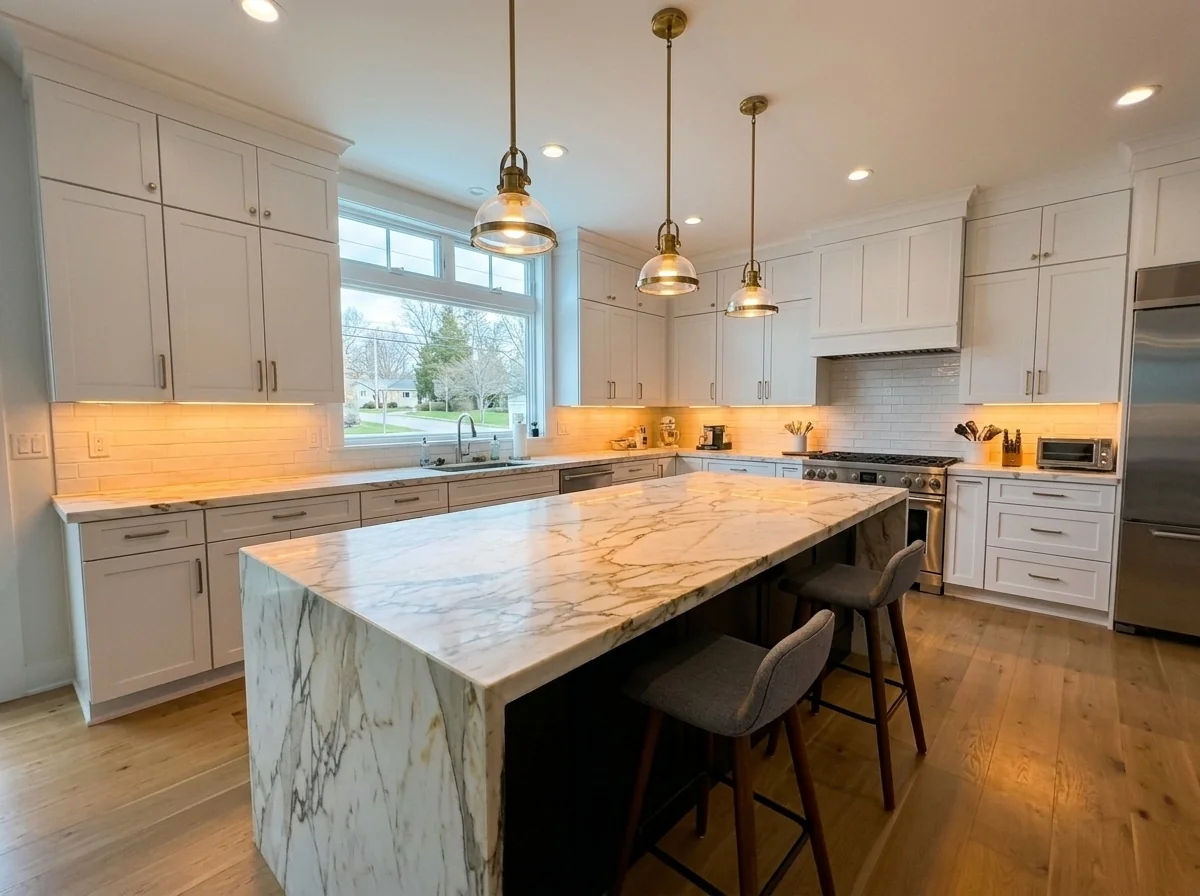
- Flambient Interior Photo EnhancerExplore a flambient-style lighting edit from one interior photo. Choose flash intensity, window treatment, colour temperature and enhancement; this is not a multi-exposure photo merge.
- Flooring Replacement VisualizerExplore flooring ideas on a room photo. Choose flooring type, colour and laying pattern, then compare room edges and the concept with real samples and measurements.
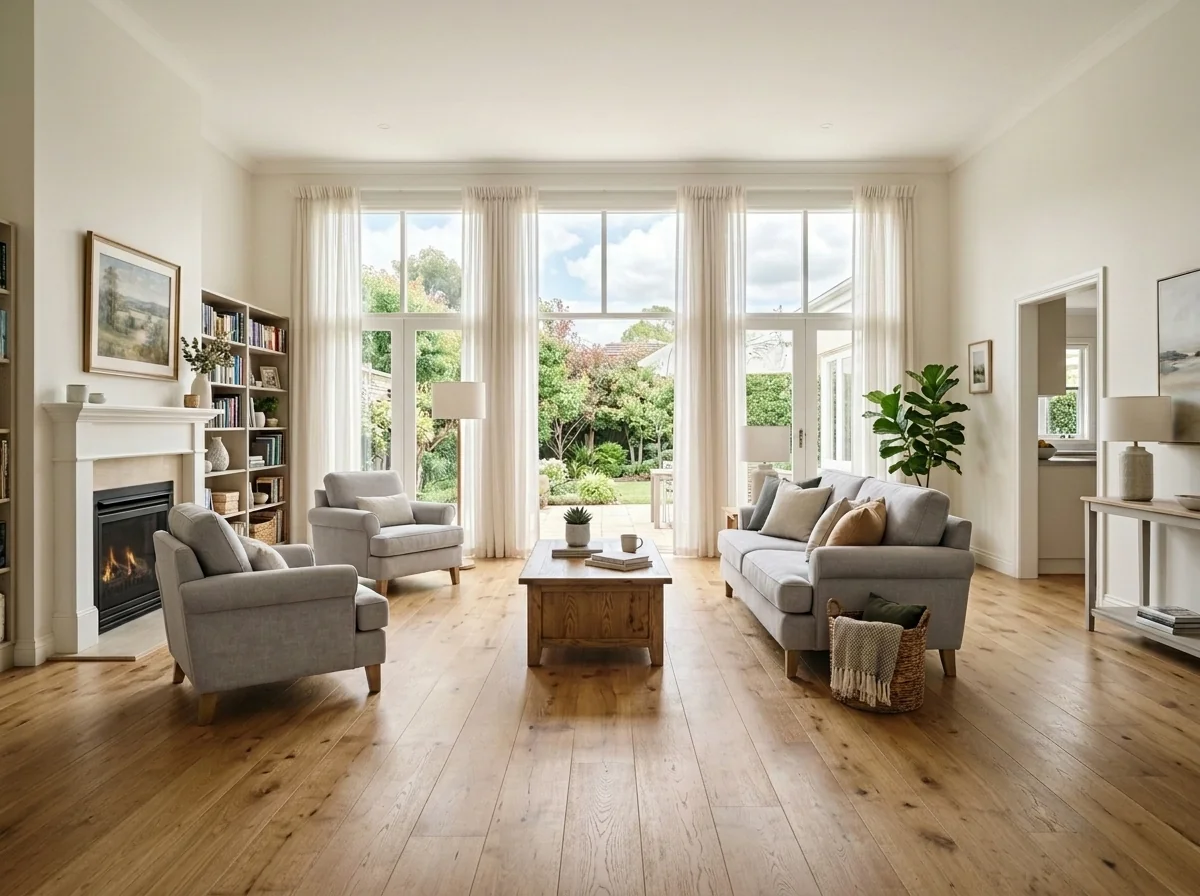
- Floorplan to Axonometric ImageCreate an axonometric-style image from a floorplan. Choose a visual style and detail level; the output is an image, not an editable 3D model or a dimensionally verified building model.
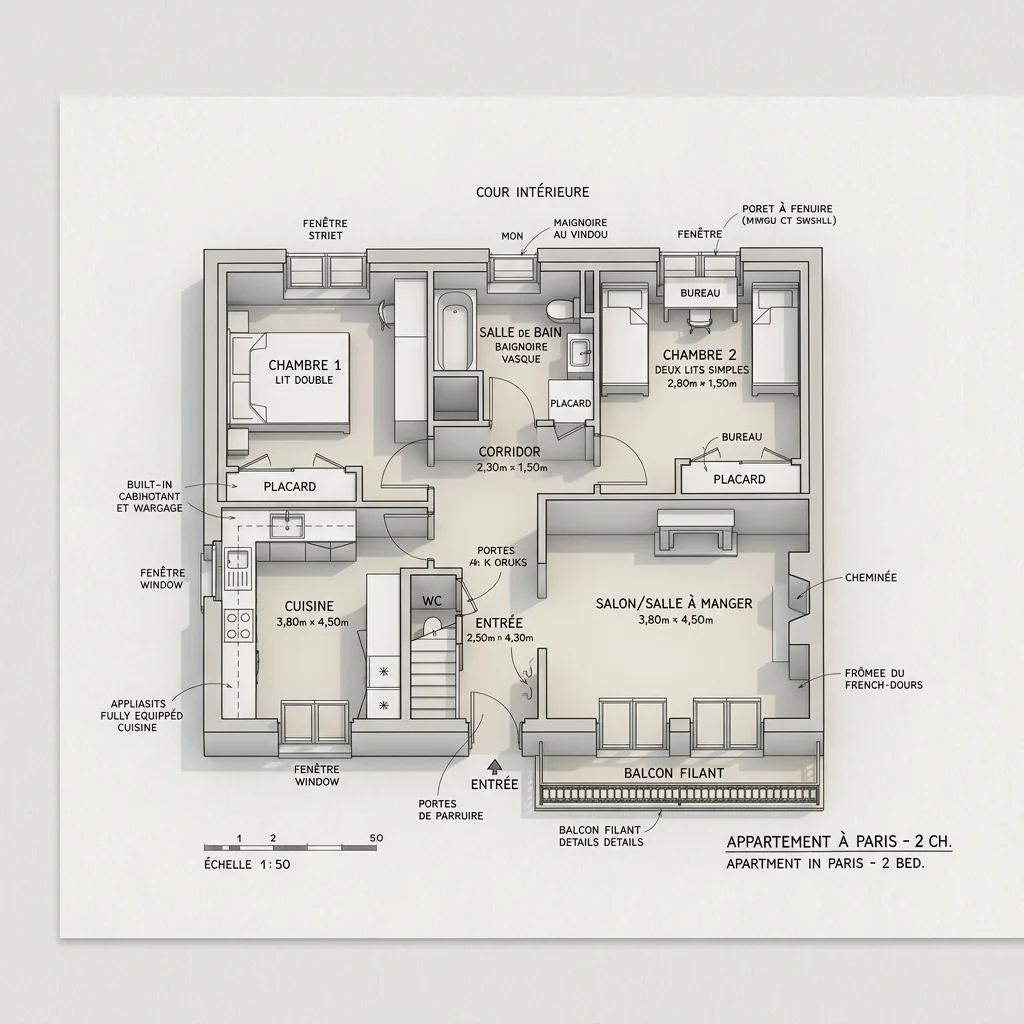
- Floorplan to 3D Room GeneratorExplore an interior-perspective image from a floorplan. Choose a room, interior style and camera angle; compare the generated geometry with your plan before using it in a presentation.
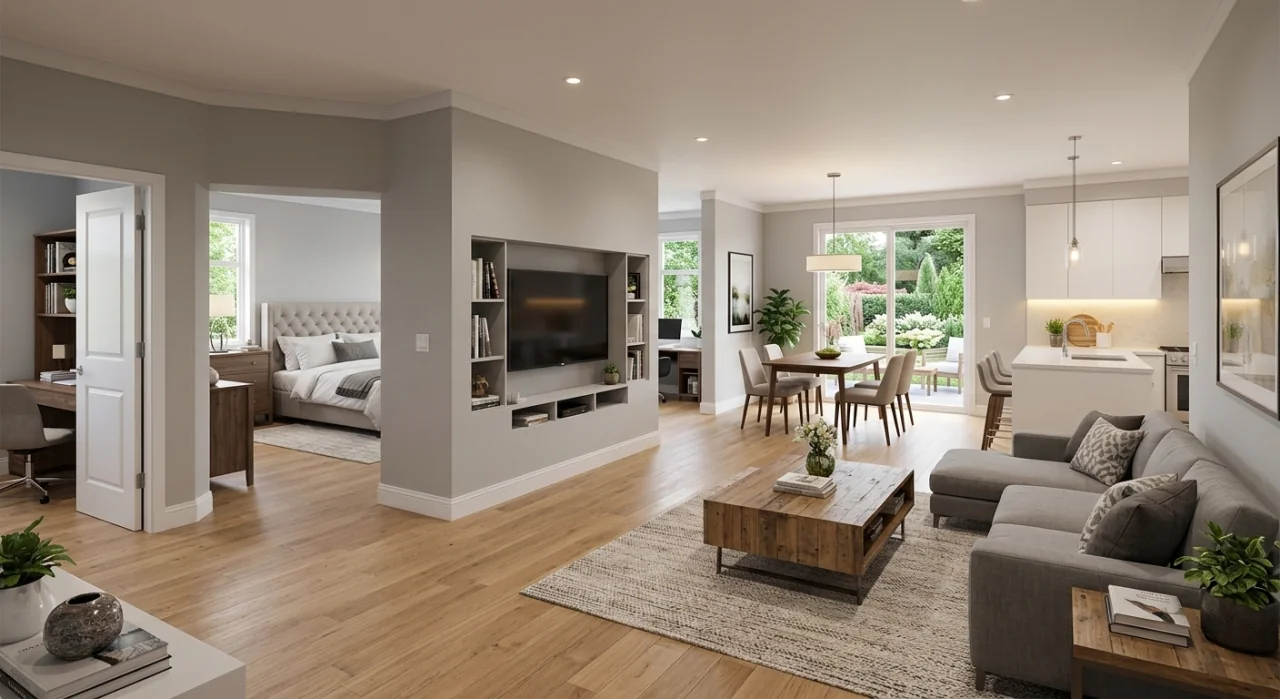
- Furnished Floorplan Bird ViewExplore a furnished bird's-eye image from a floorplan. Choose a style and focus area; the visual concept does not replace a dimensioned or technically checked floorplan.
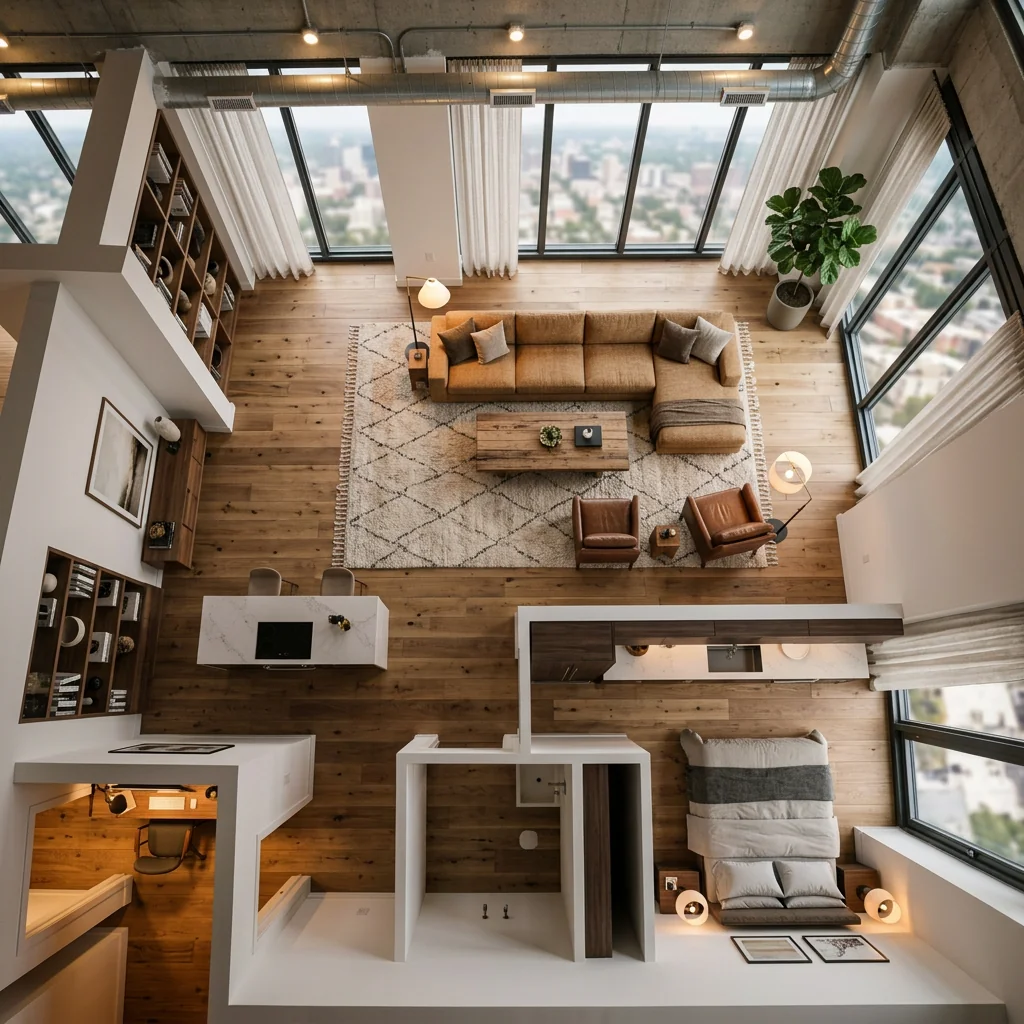
- Furniture Frame UpholsteryExplore an upholstered look for a bare furniture frame photo. Choose fabric, colour, padding and trim, then check the frame, proportions and textile details in the returned image.
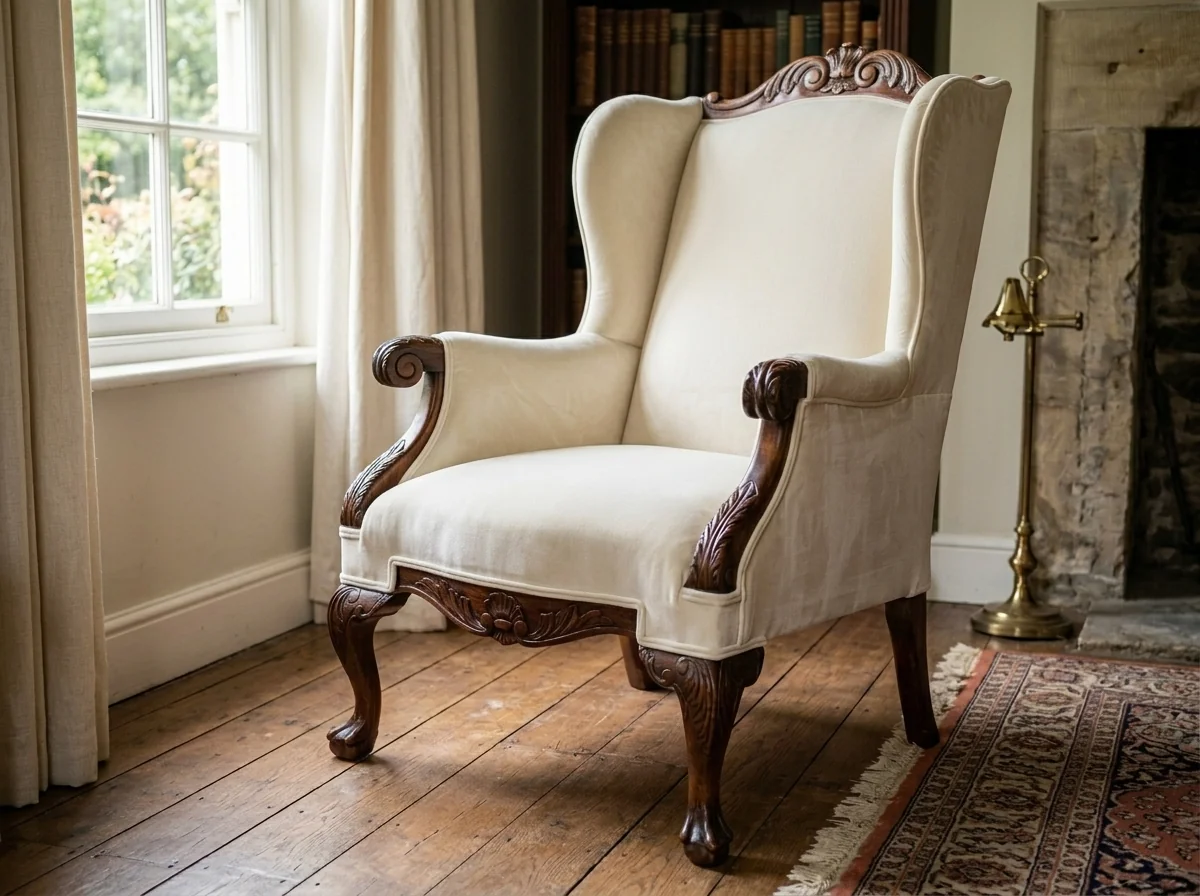
- Furniture VisualizerExplore a furniture-placement idea on a room photo. Describe the piece and choose a position; a visual concept does not verify a real product's dimensions or fit.
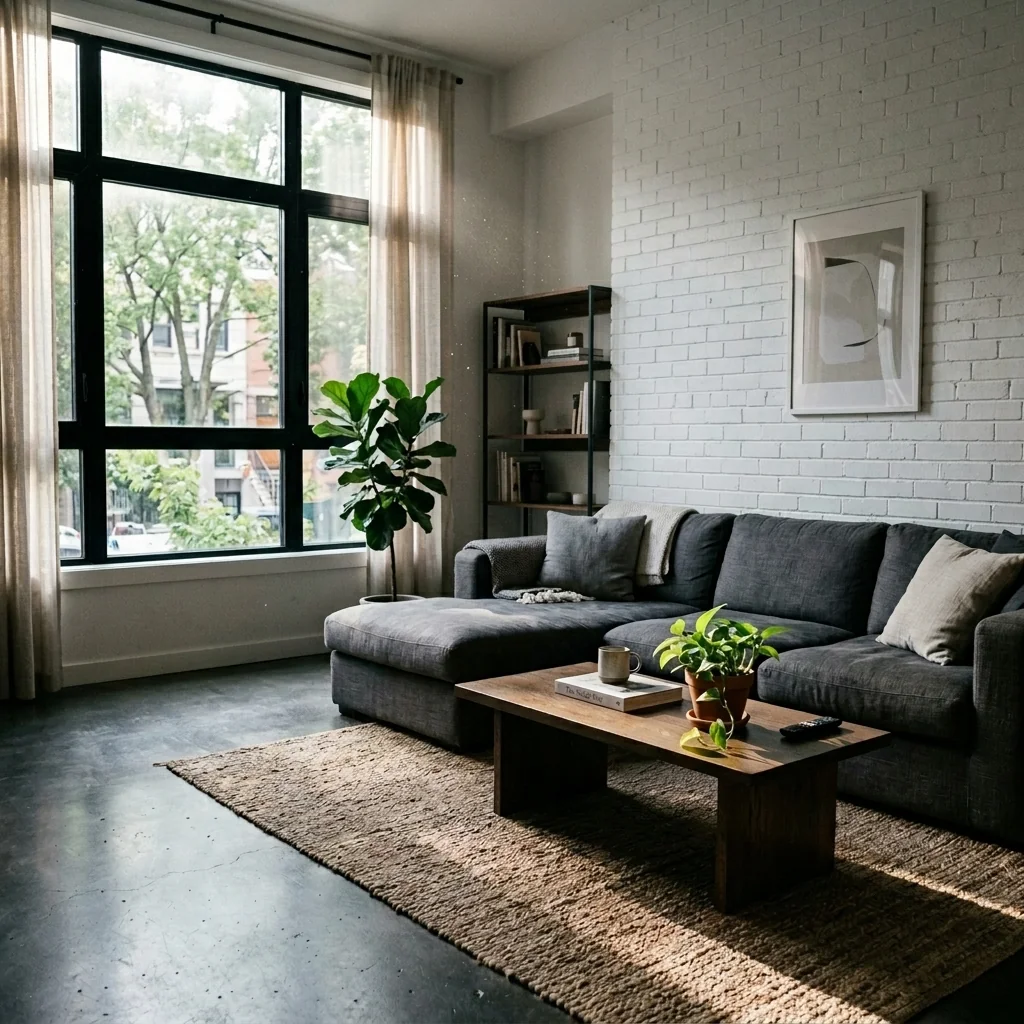
- Garage ConversionExplore a garage conversion concept using the offered image, room-type and design-style settings. Check the visual idea against the real structure and practical requirements before planning work.
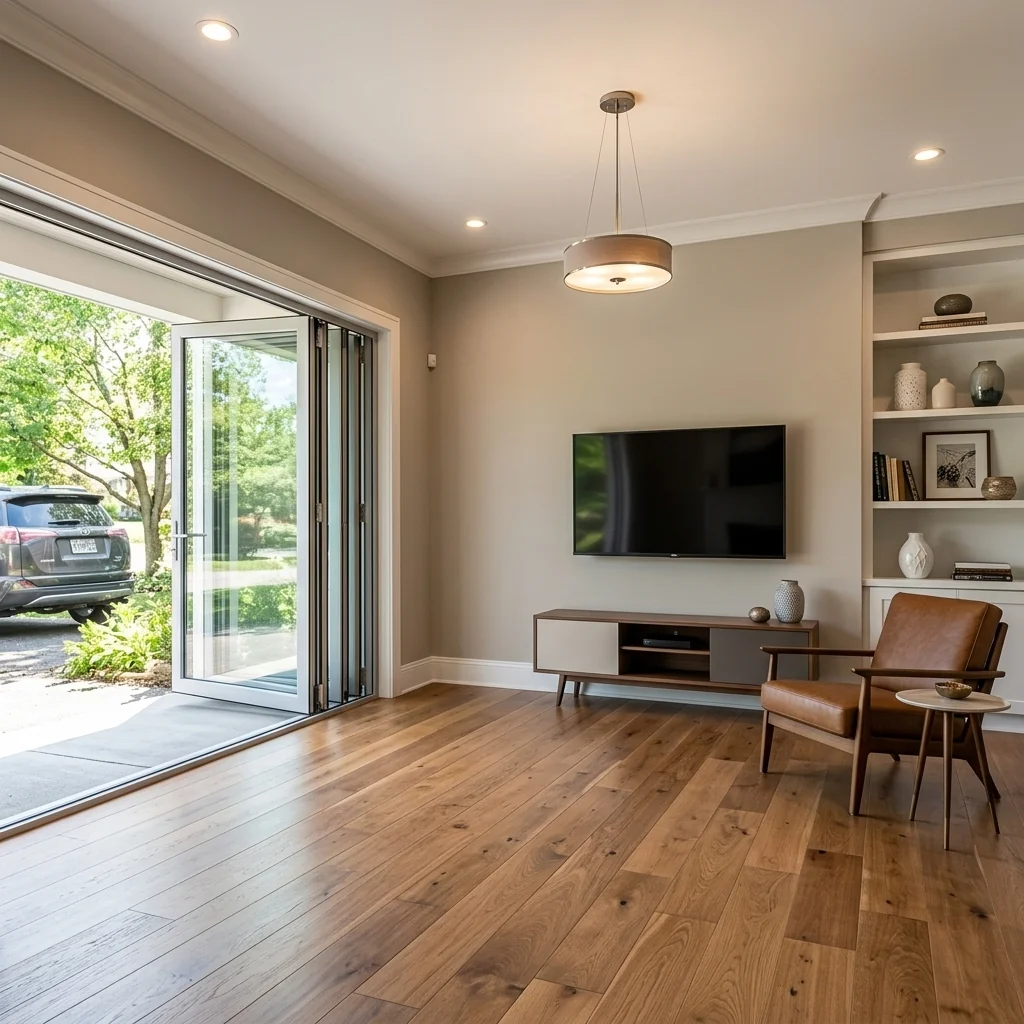
- Garage Conversion VisualizerExplore a new use for a garage photo. Choose a conversion type, wall finish and flooring; the image does not establish habitability, construction feasibility or permission to build.
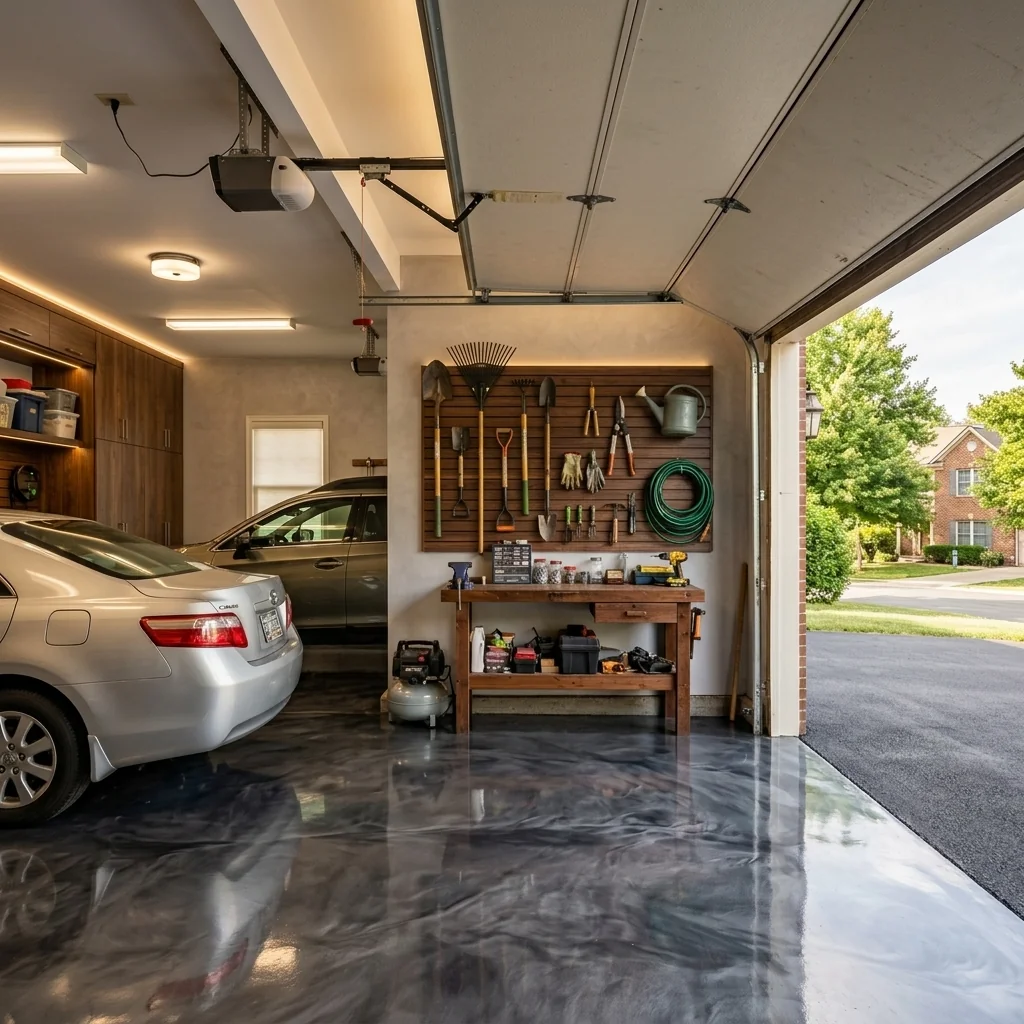
- Garden Enhancement ToolExplore a refreshed garden concept from an exterior photo. Compare planting, ground surfaces, boundaries and building details with your original before planning real work.
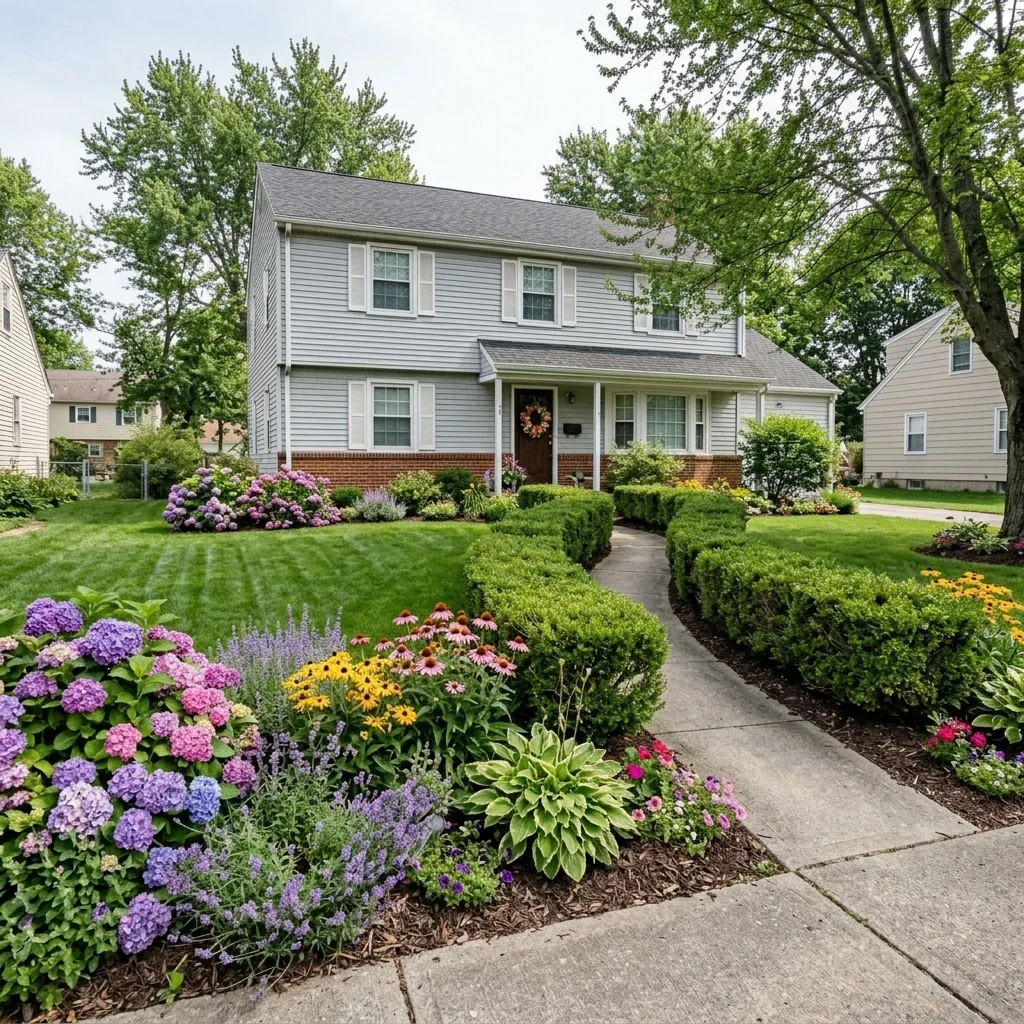
- Golden Hour Glow EditorExplore warm golden-hour lighting on a property photo. Check colour, shadows and property details against the original; the returned image is an edited lighting concept.
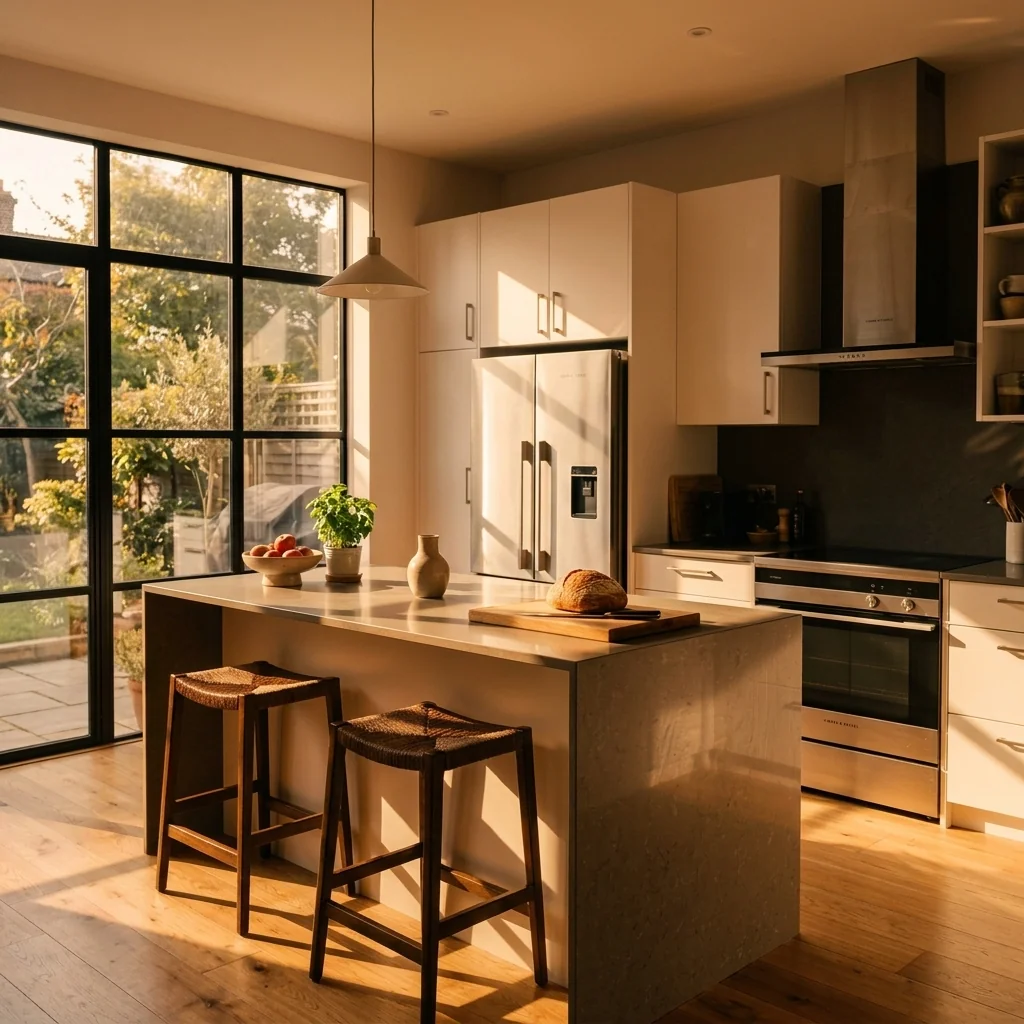
- Home Gym DesignerExplore a home-gym concept on a room photo. Choose gym type, flooring, equipment and wall colour; verify equipment clearances, loading and safe use separately.
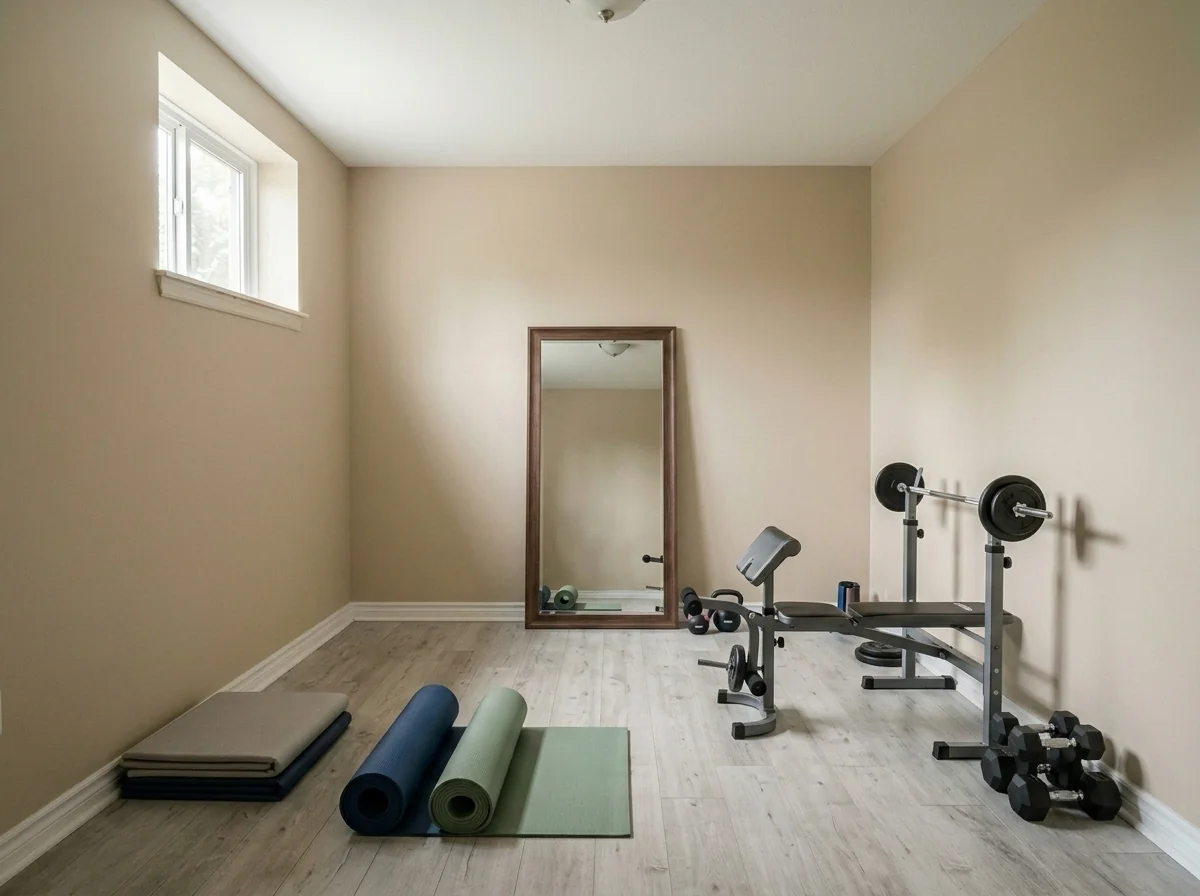
- Home Library & Reading NookExplore a library or reading-nook idea on a room photo. Choose a style, shelving type and seating, then compare the design with your original space and real measurements.
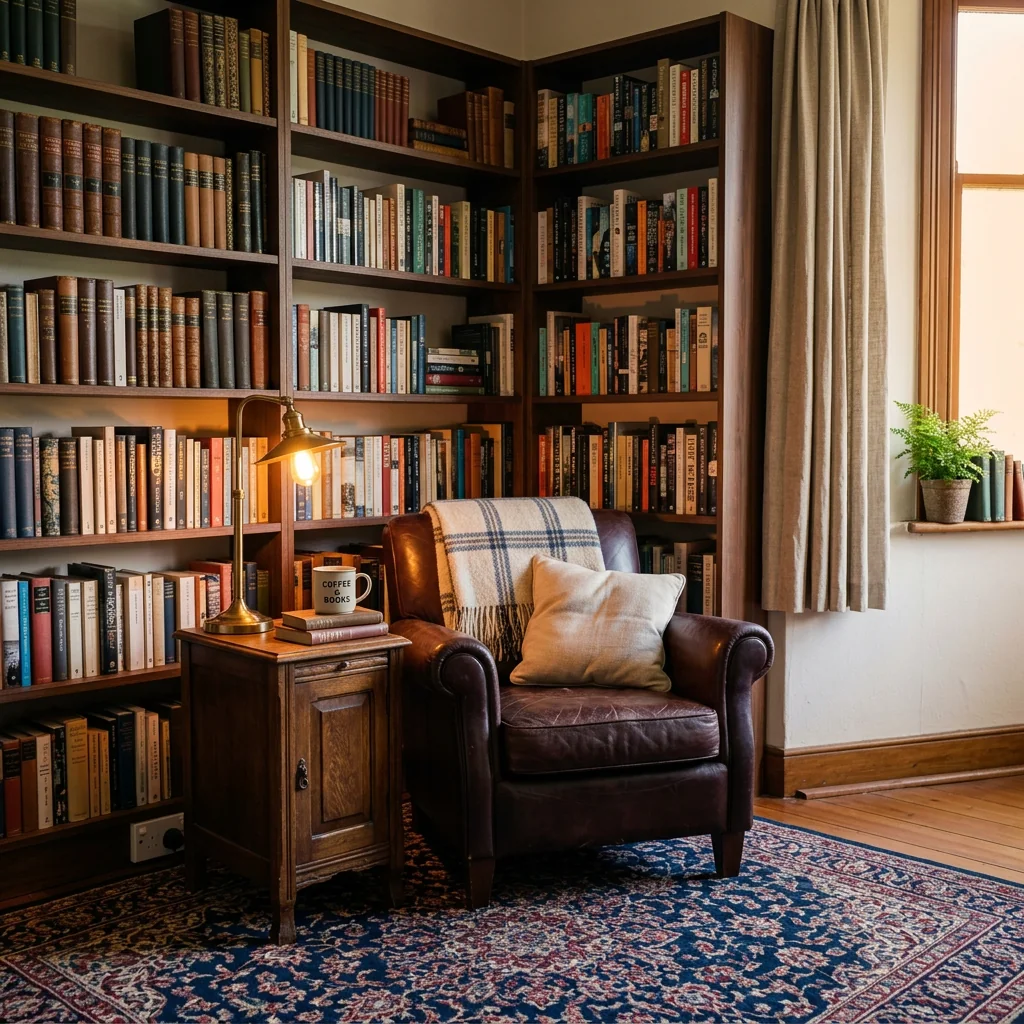
- AI Home Renovation VisualizerExplore a renovation idea on a room photo. Choose room type, scope and design style; review the image as a concept, with real costs and construction requirements checked separately.
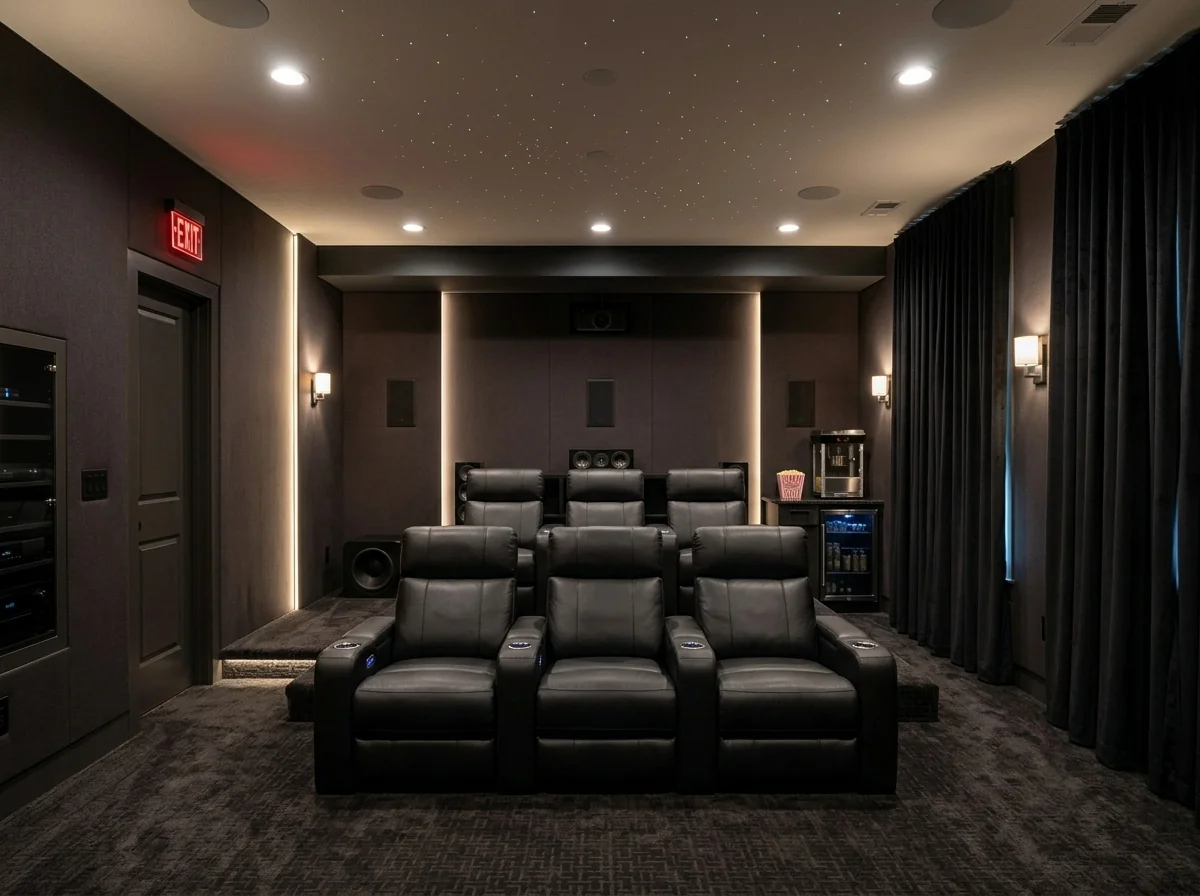
- Home Theater & Cinema Room DesignerExplore a home-cinema concept on a room photo. Choose style, seating, screen and lighting ideas; the image does not verify acoustics, wiring, viewing distances or equipment fit.
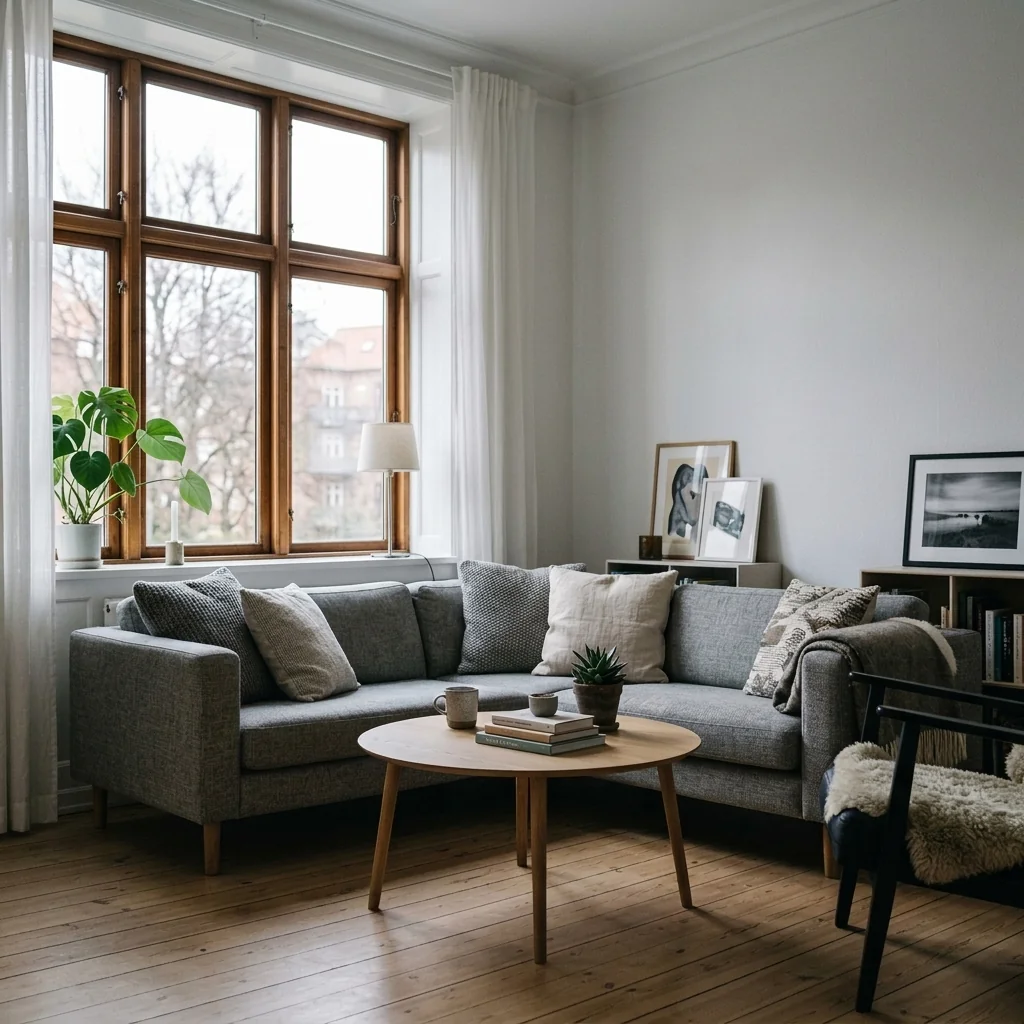
- Image Upscale to 4KExplore the 4K upscaling options for a property photo. Check availability before confirming, and inspect output dimensions and fine details before using an enlarged image.
- Watermark ToolAdd a watermark to selected photos. Review its placement and the returned image, and check the image rules of your listing service; current file, output-count and credit limits apply.
- Industrial Loft Conversion VisualizerPrepare a photo of the space and explore an industrial loft concept with the available settings. A visualization does not establish structural feasibility or planning permission.
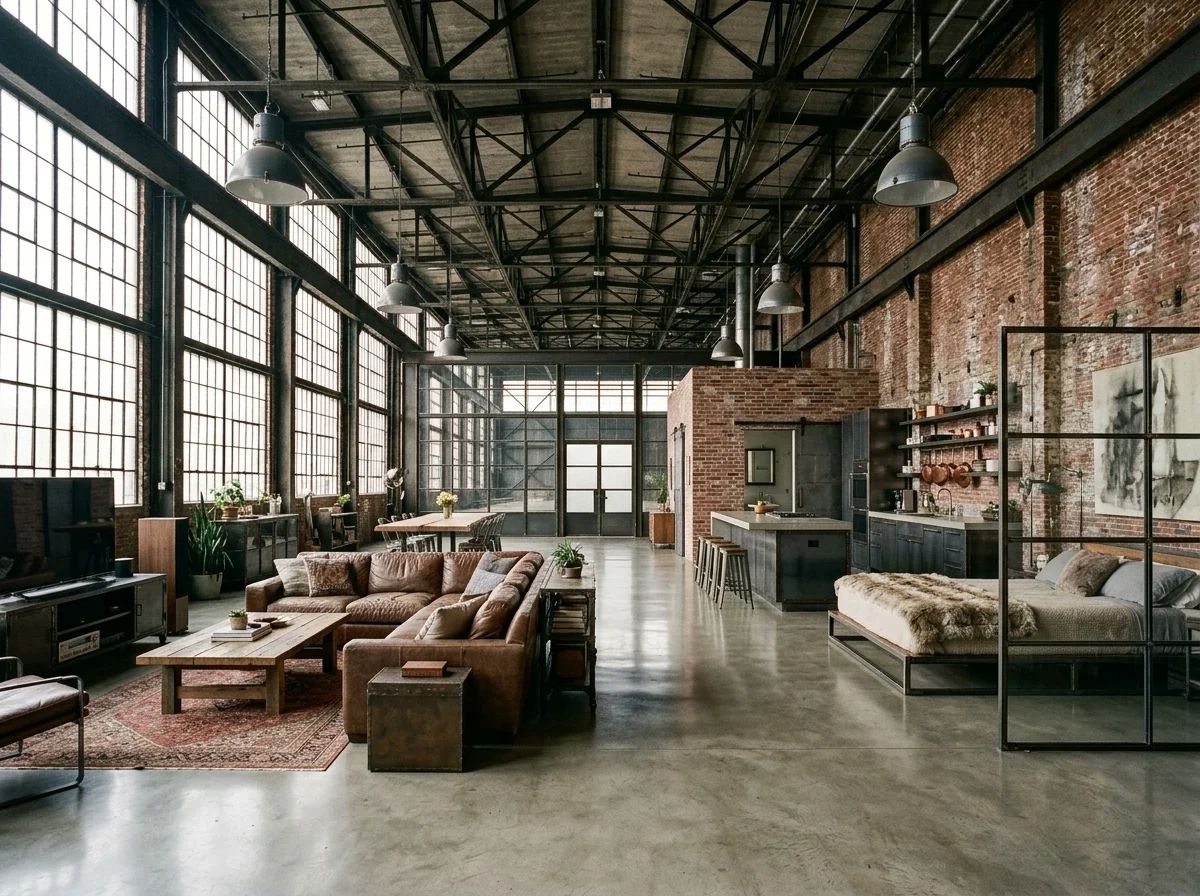
- Instagram Listing Post CreatorCreate a static listing-post graphic from a property photo and your details. Choose post type and colours, then check names, prices, contact details and rendered text before sharing.
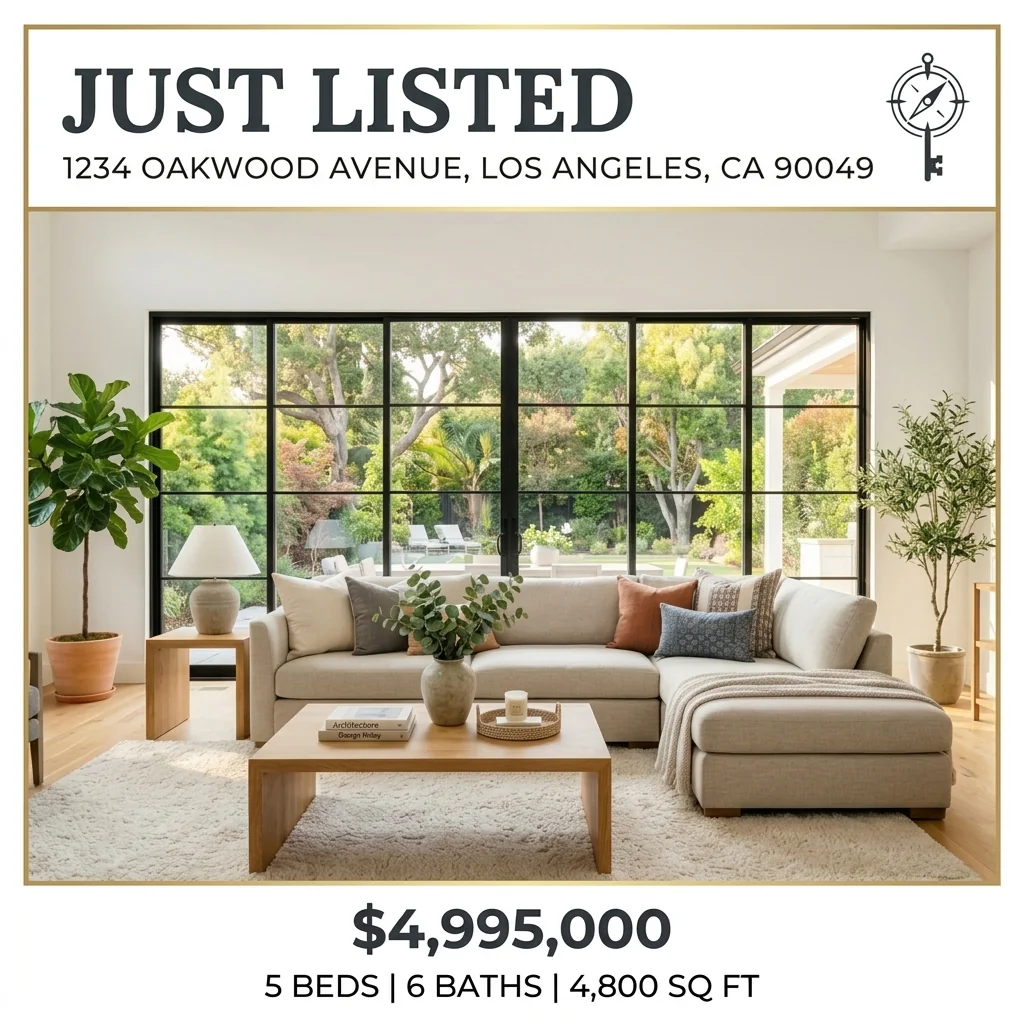
- Instagram Story Ad TemplateCreate a static 9:16 Story graphic from a property photo and your text. Review the rendered content; this image does not contain animations, working links or an interactive call to action.

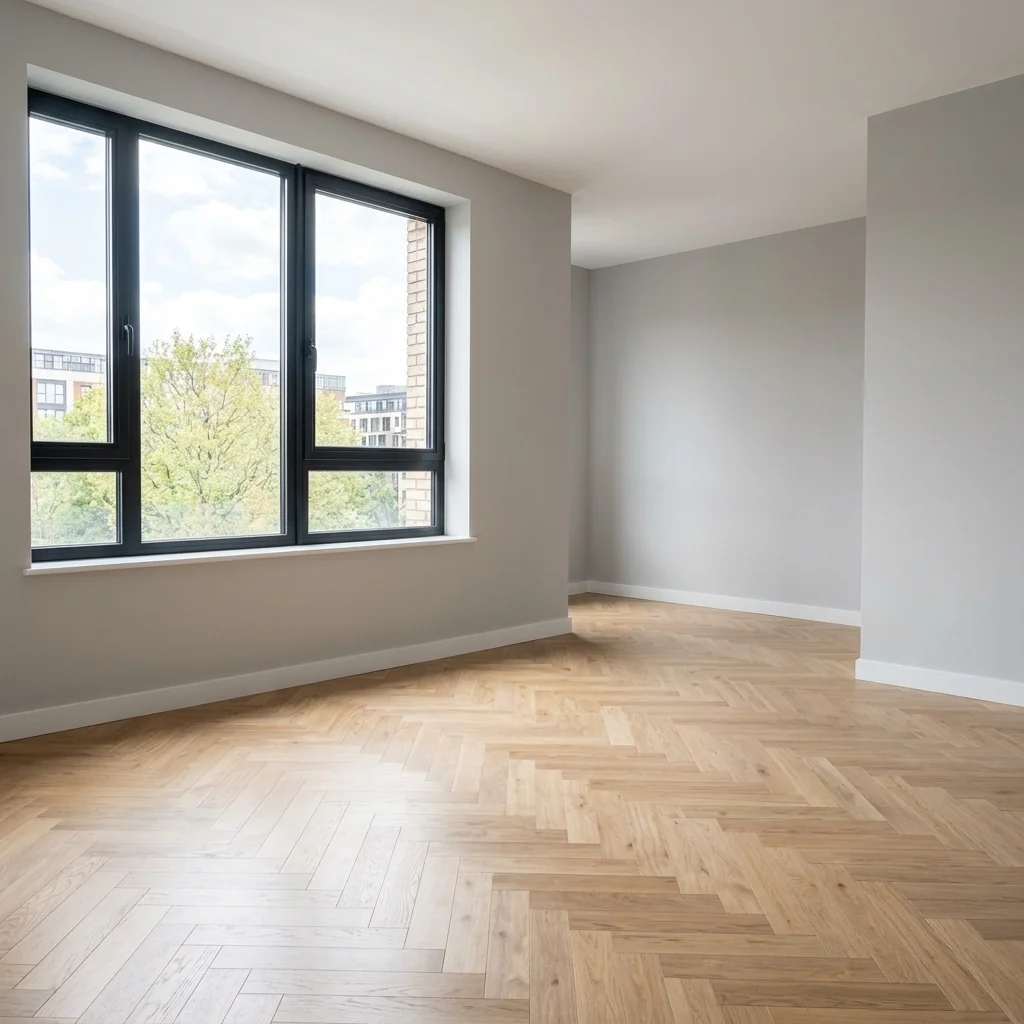
- Full Furniture RemovalExplore an emptied-room concept from a furnished photo. Compare walls, floors and areas revealed by removed furniture with the original; generated details do not document hidden surfaces.
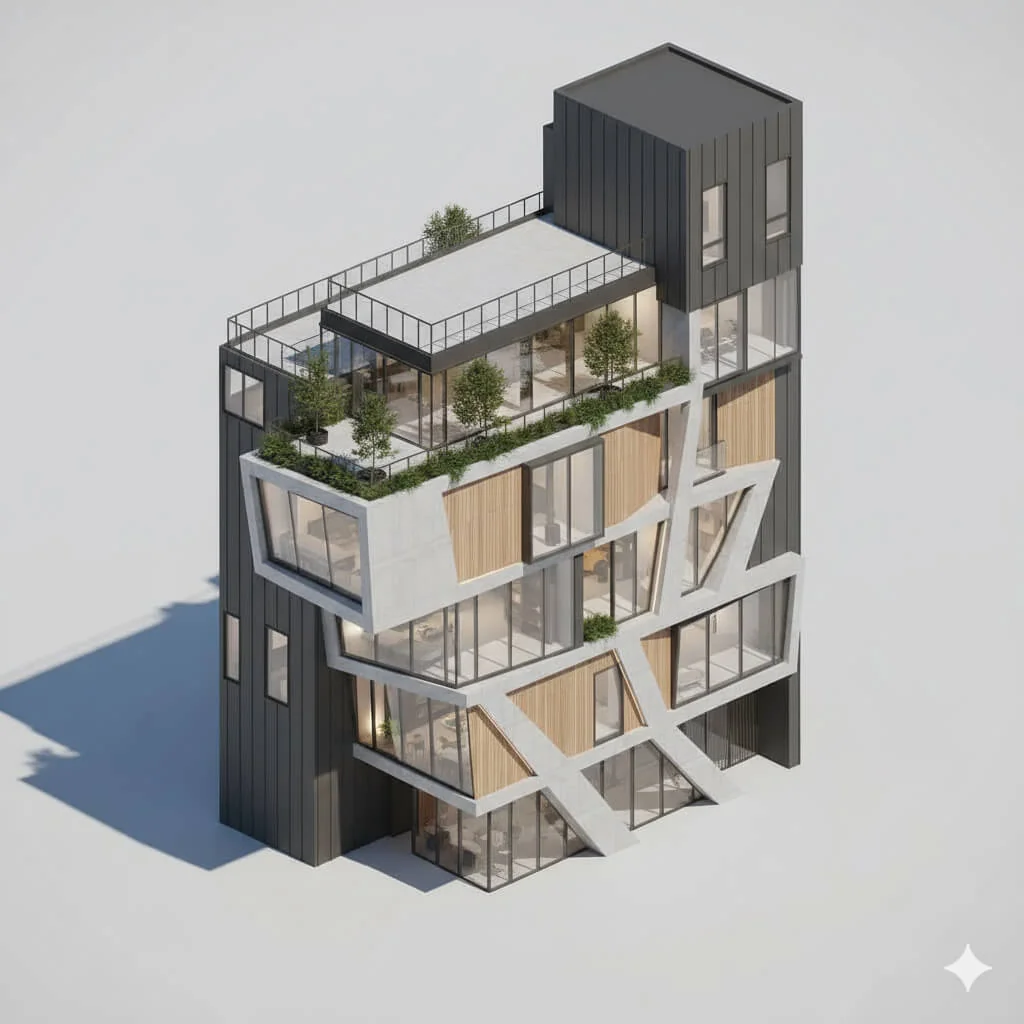
- Isometric View Diagram GeneratorExplore an isometric-style image from a property photo. Use it as a visual illustration; it is not a measured floorplan, editable 3D model or technical record of unseen areas.
- Just Sold Direct Mail PostcardCreate a postcard-style image from a property photo and your own facts. Choose campaign type and layout; check text and obtain the printer's file requirements before arranging a mailing.

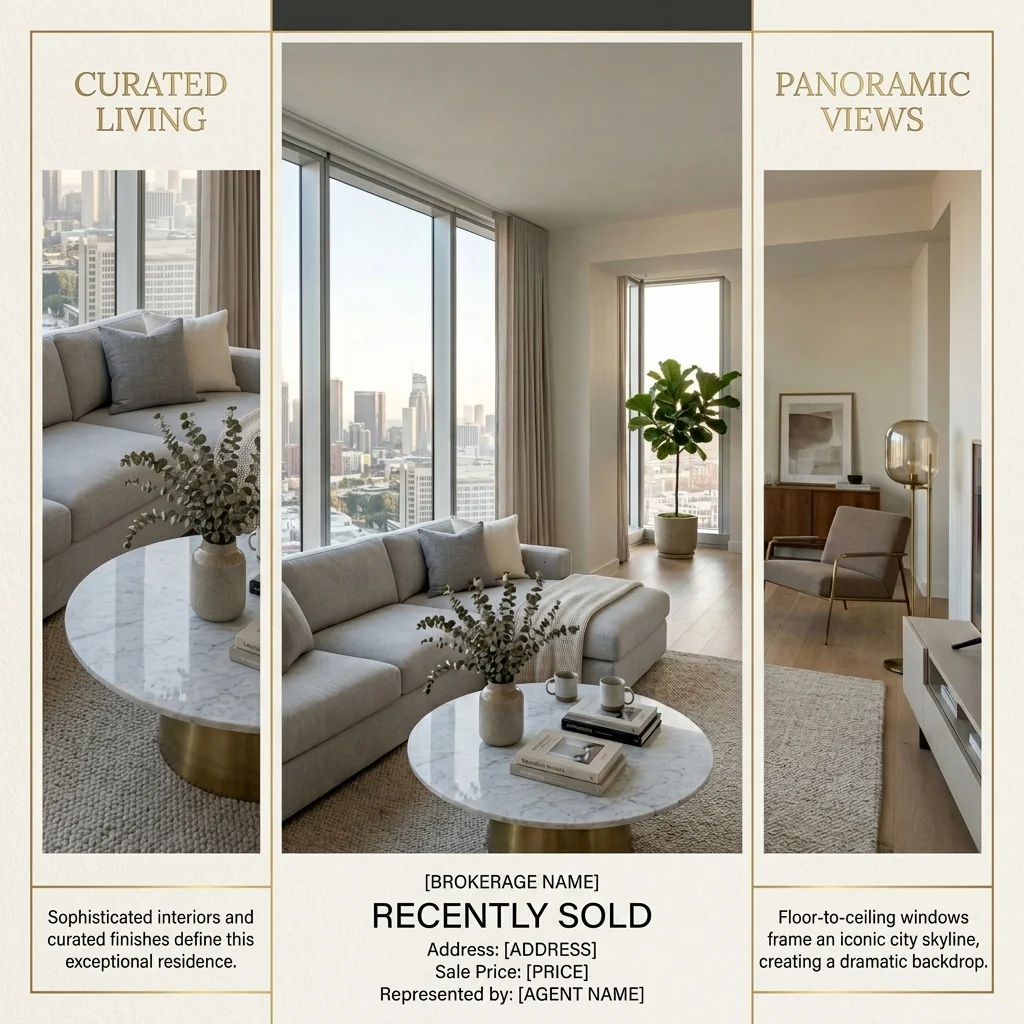
- Just Sold Portfolio CollageArrange three or four of your property photos into a static portfolio grid. Add your own title and choose a style; the tool does not verify sales or invent listing facts.
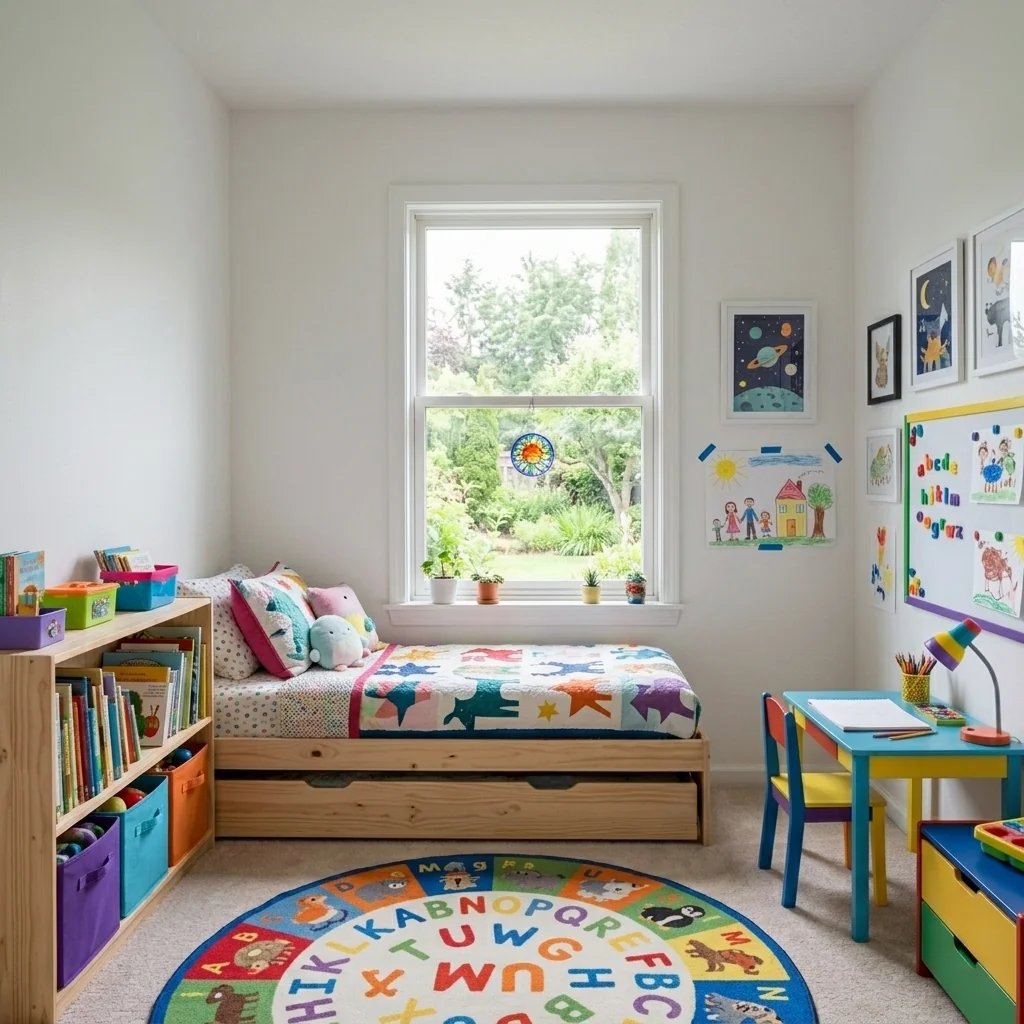
- Kids Room DesignerExplore a children's-room idea on a room photo. Choose an age group, theme and features; inspect the design and check real furniture, clearances and safety separately.
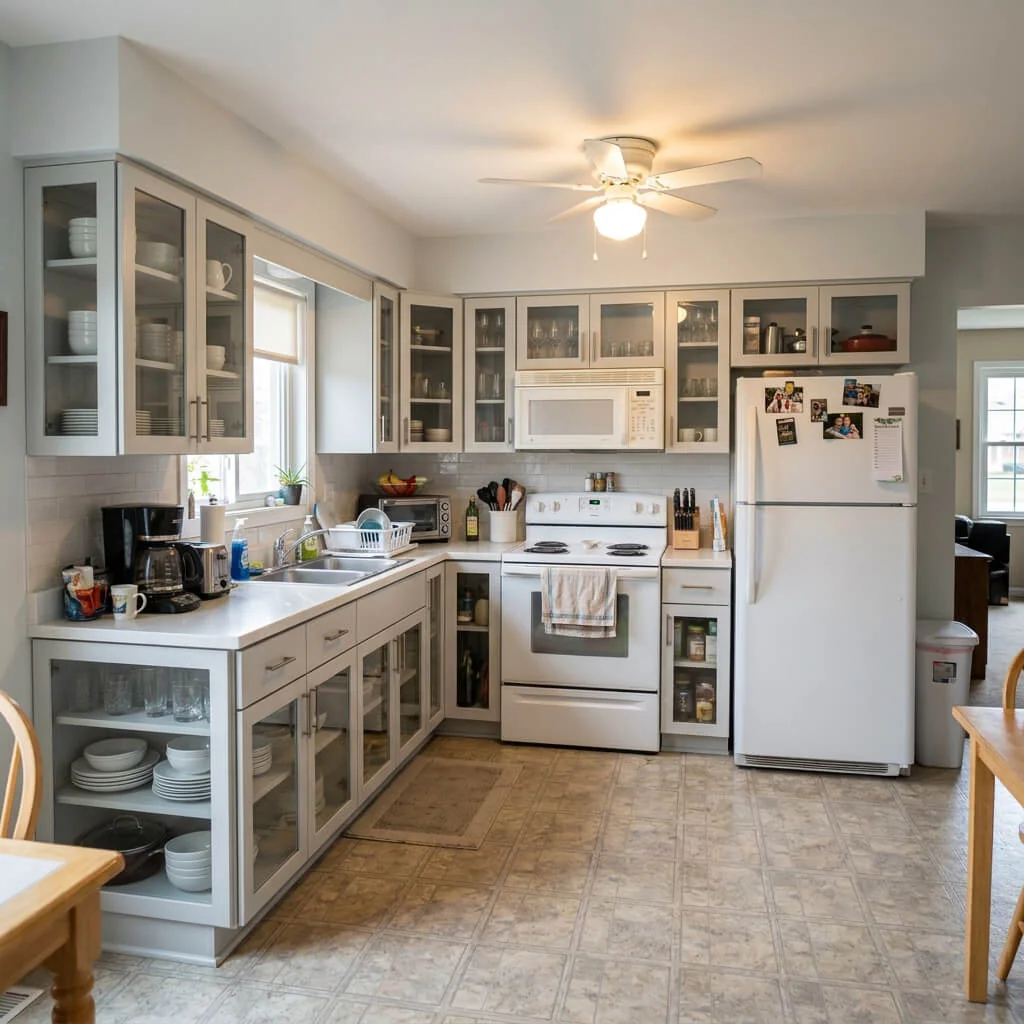
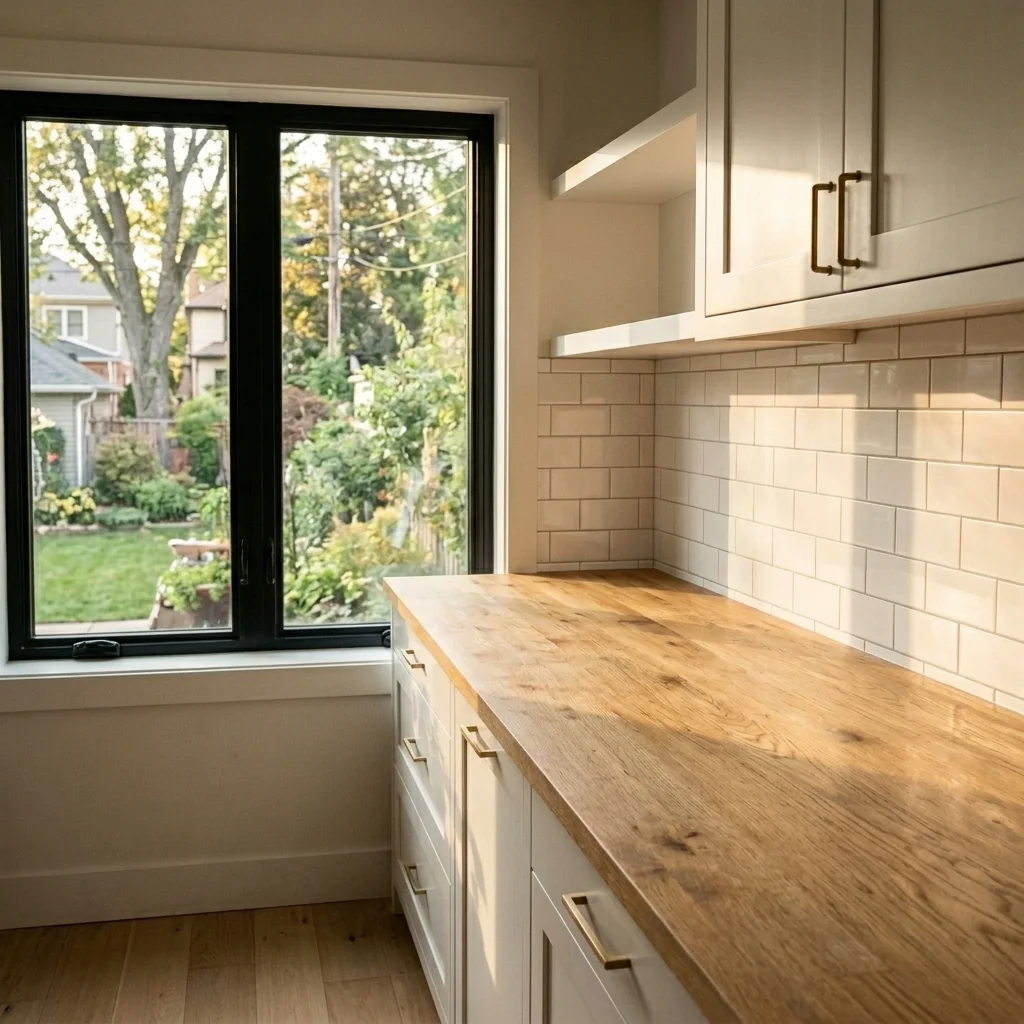
- Kitchen Declutter ToolExplore a tidier kitchen photo with fewer countertop distractions. Compare edited areas, appliances and room details with your original before sharing a property image.
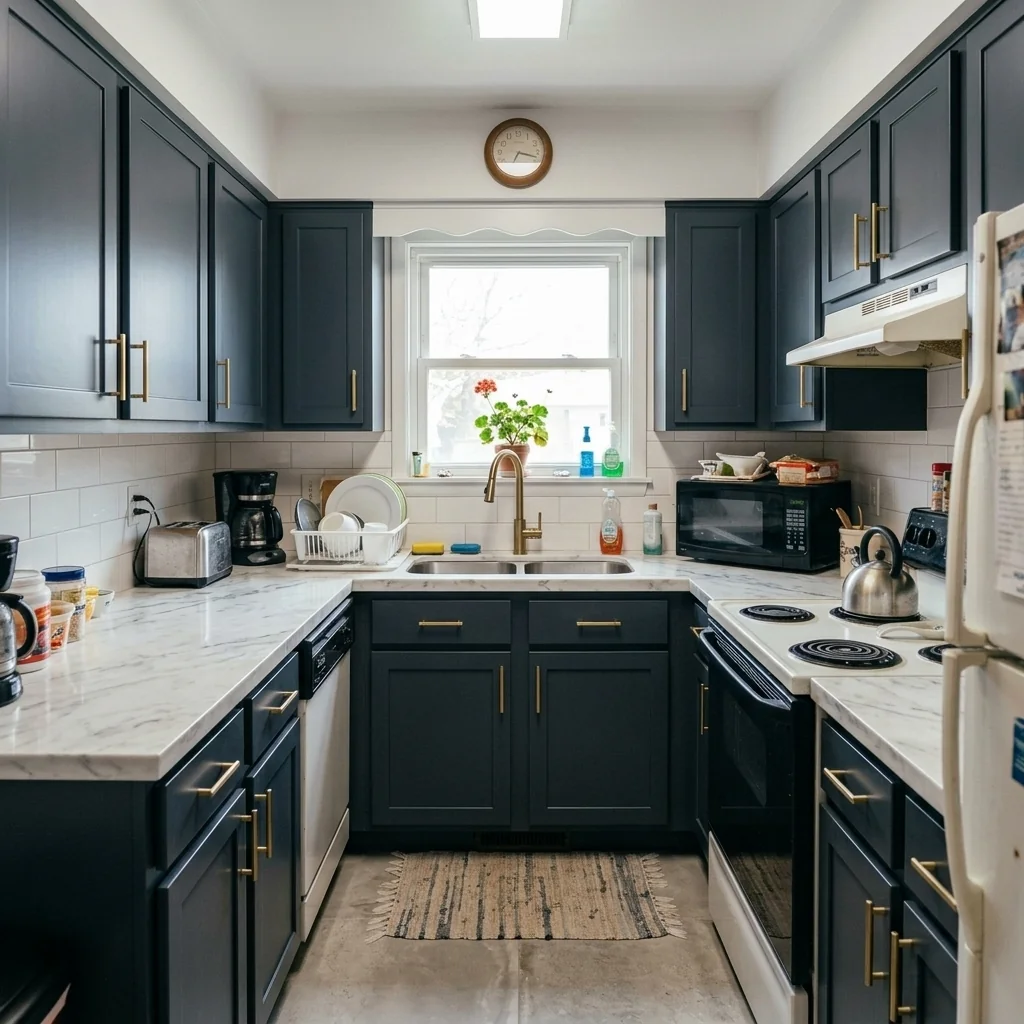
- Kitchen Makeover ToolExplore kitchen-finish ideas on a photo. Choose a cabinet colour or style preference, then compare surfaces, appliances and room details with your original and real material samples.
- Lampshade Swap ToolExplore lampshade ideas on a room photo. Choose shape, material, colour and trim, with optional instructions; check the result against the lamp and real product measurements.
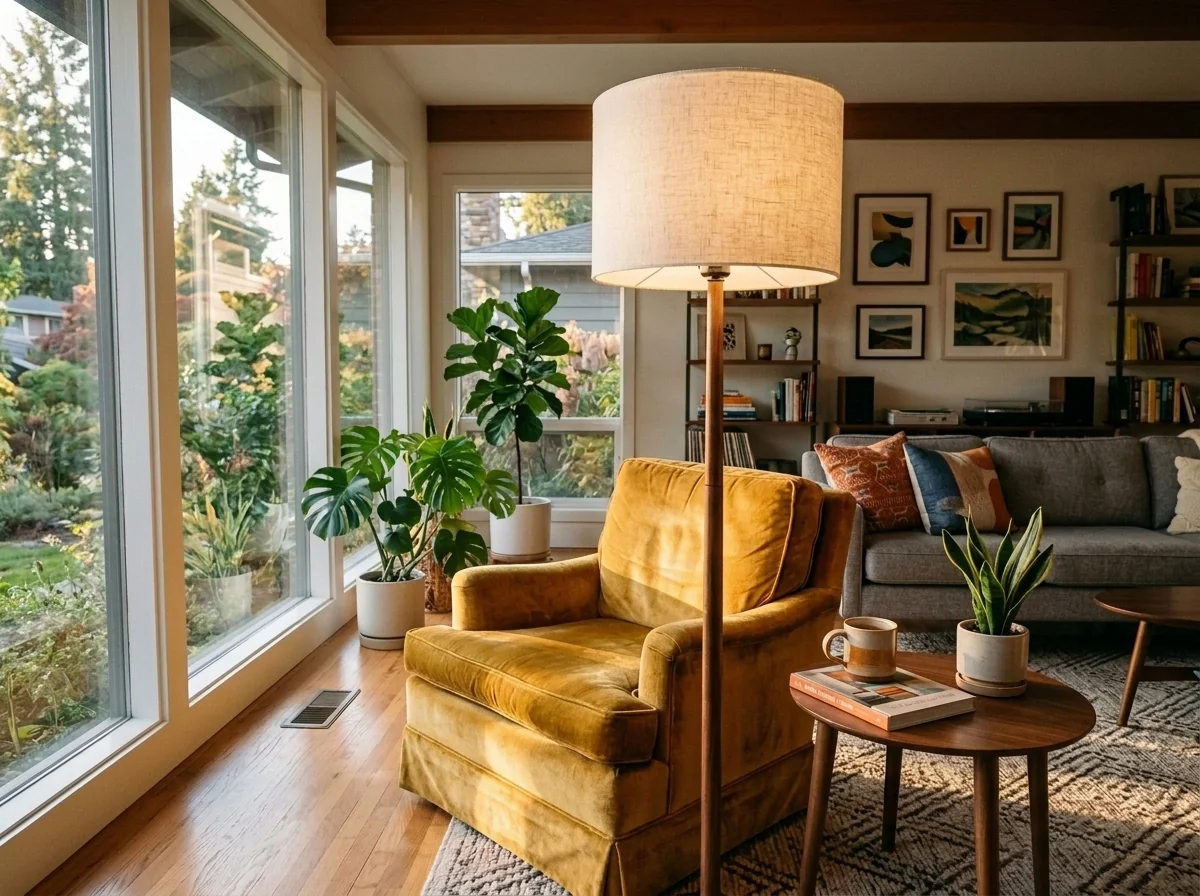
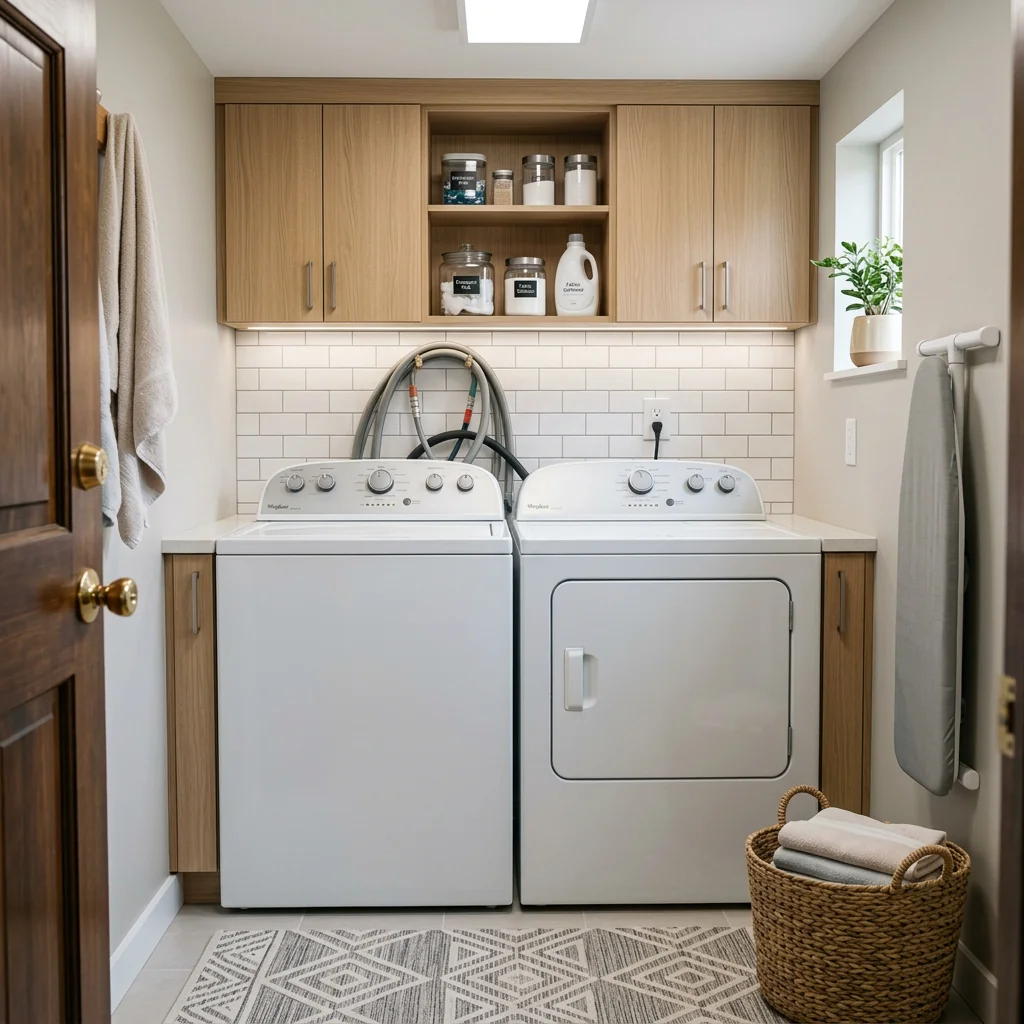
- Laundry Room MakeoverExplore a laundry-room refresh on your photo. Choose the design style, cabinets and countertop, then check room details and appliance clearances against the original space.
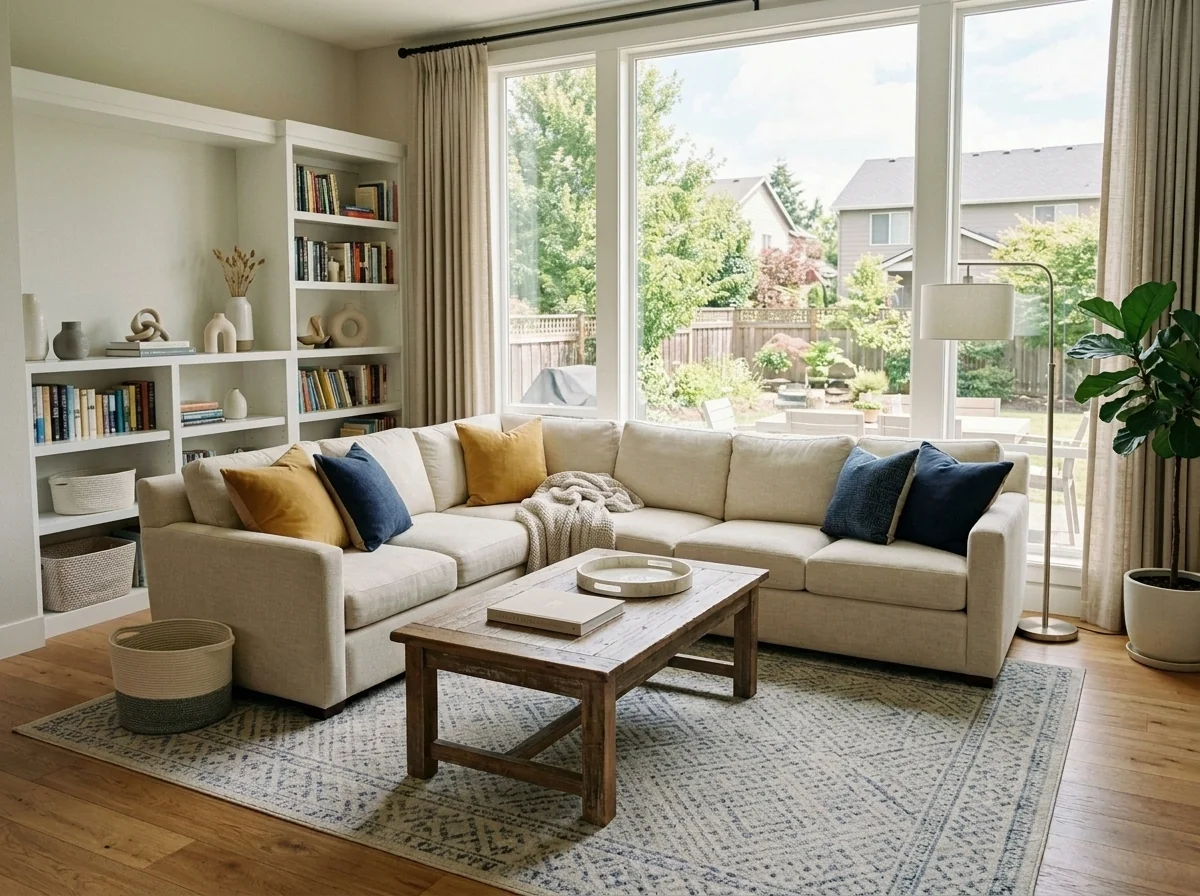
- Listing Photo Declutter & CleanExplore a tidier listing photo. Choose the cleanup level and items to retain, then inspect removed objects, reconstructed areas and important property details against the original.
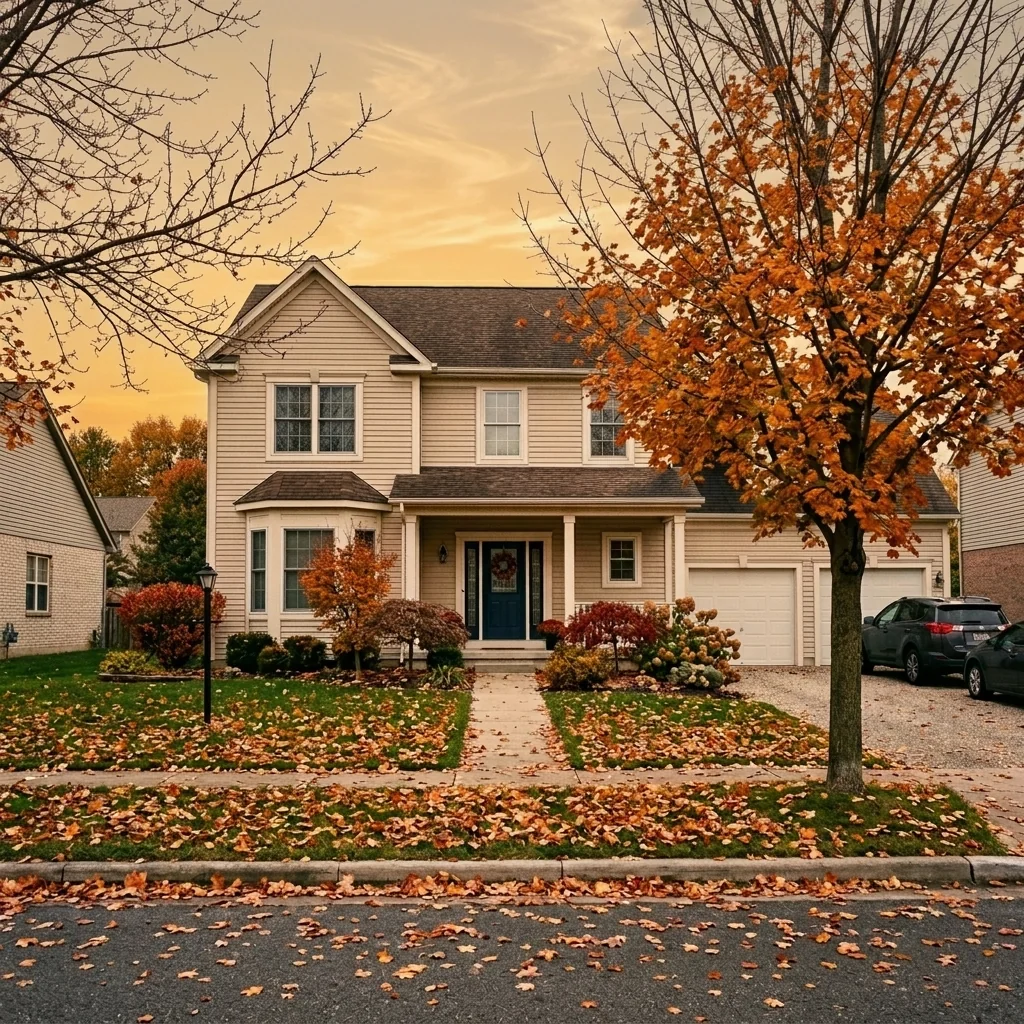
- Listing Photo Sky ReplacementExplore a different sky on an exterior listing photo. Choose a sky style and light adjustment, then compare edges, reflections and the building with your original.
- Listing Presentation Cover CreatorCreate a listing-presentation cover image from a property photo you may use and your own details. Review the text; the image does not create a complete pitch deck or market valuation.
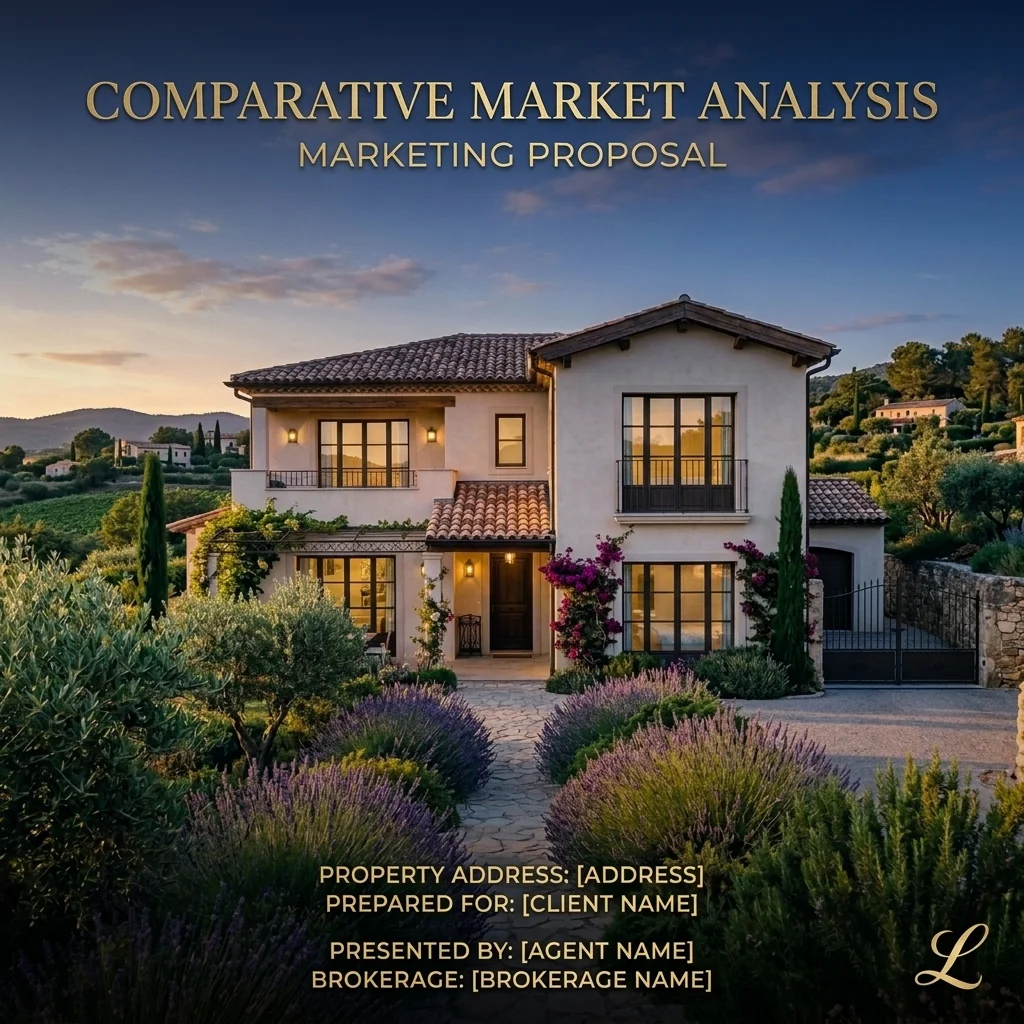
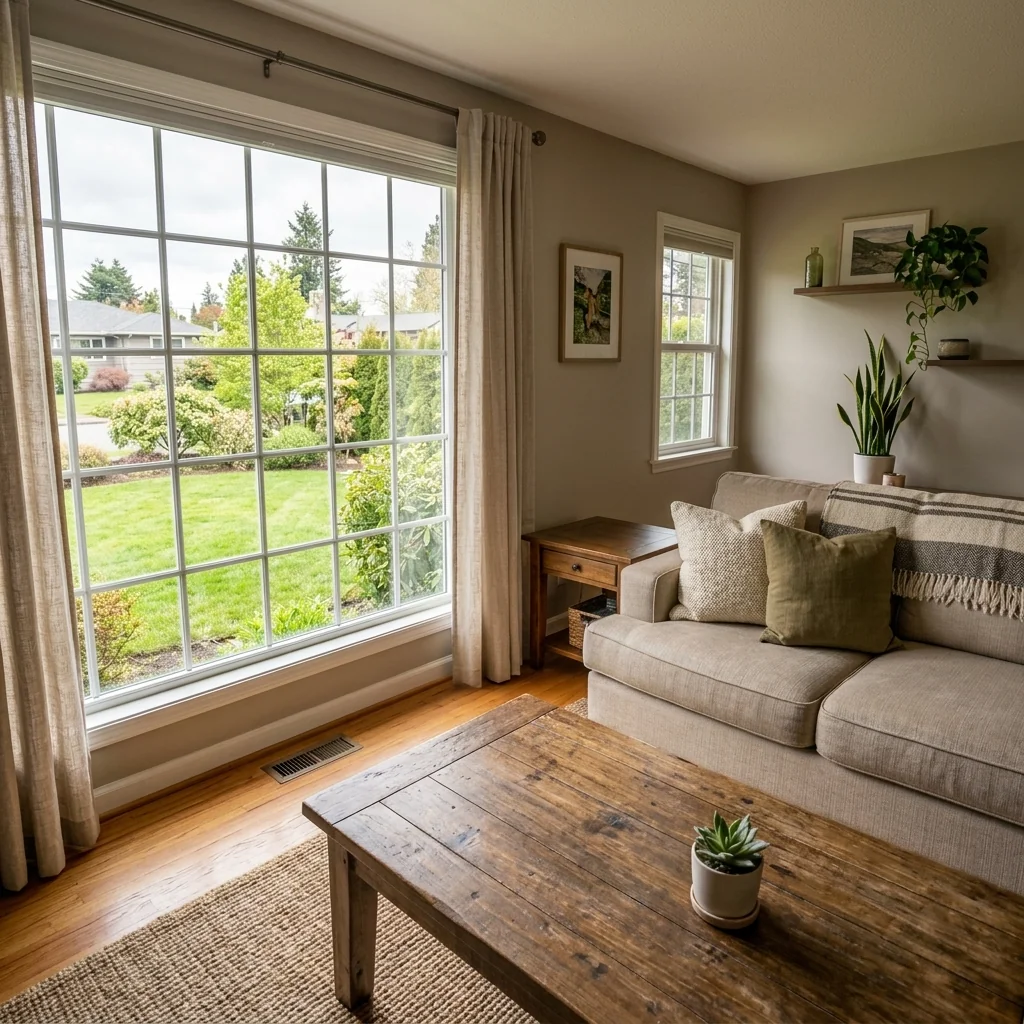
- 1-Click Listing-Ready Photo EditorExplore an automatic property-photo edit from your image. Compare lighting, colour, geometry and listing details with the original before publishing; an edit does not establish portal acceptance.
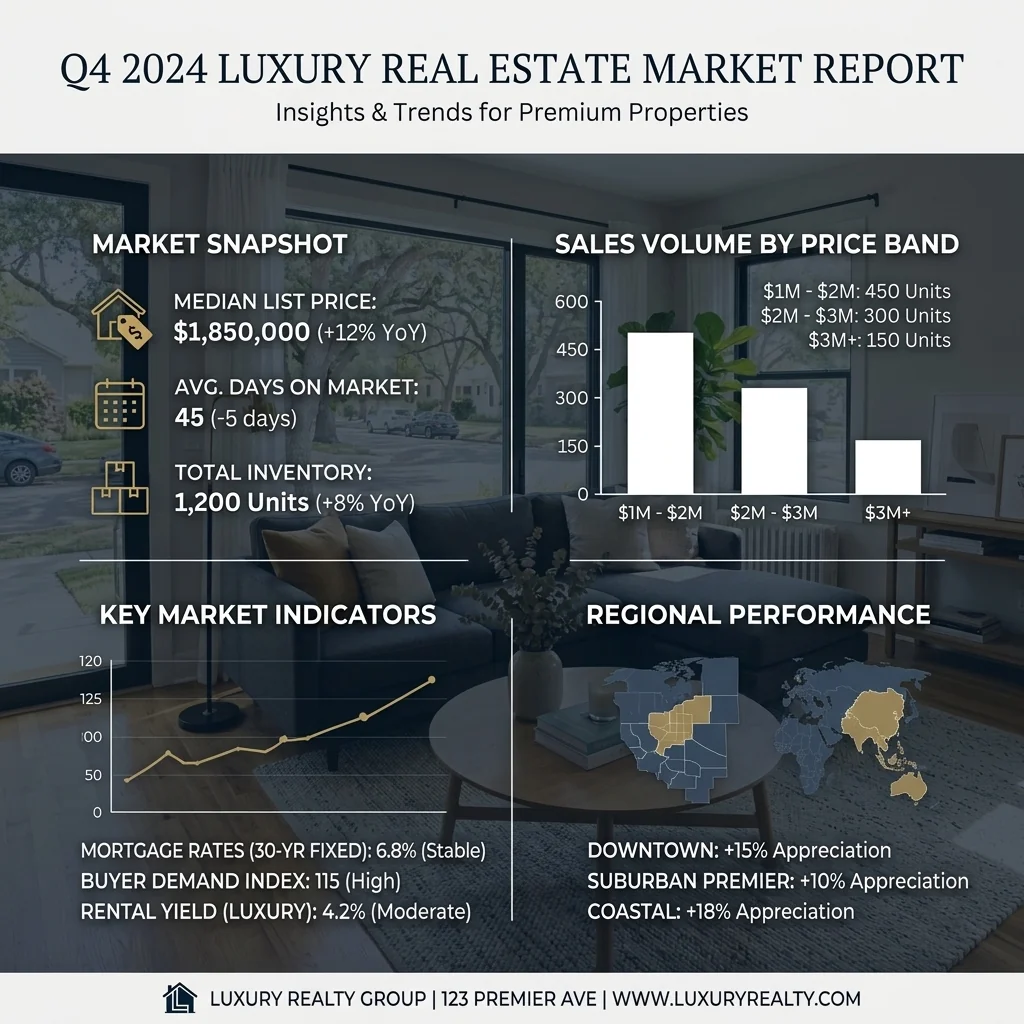
- Local Market Report InfographicCreate a market-report graphic from a photo and the figures you supply. Review every number, chart and source; the tool does not fetch or verify live market data.
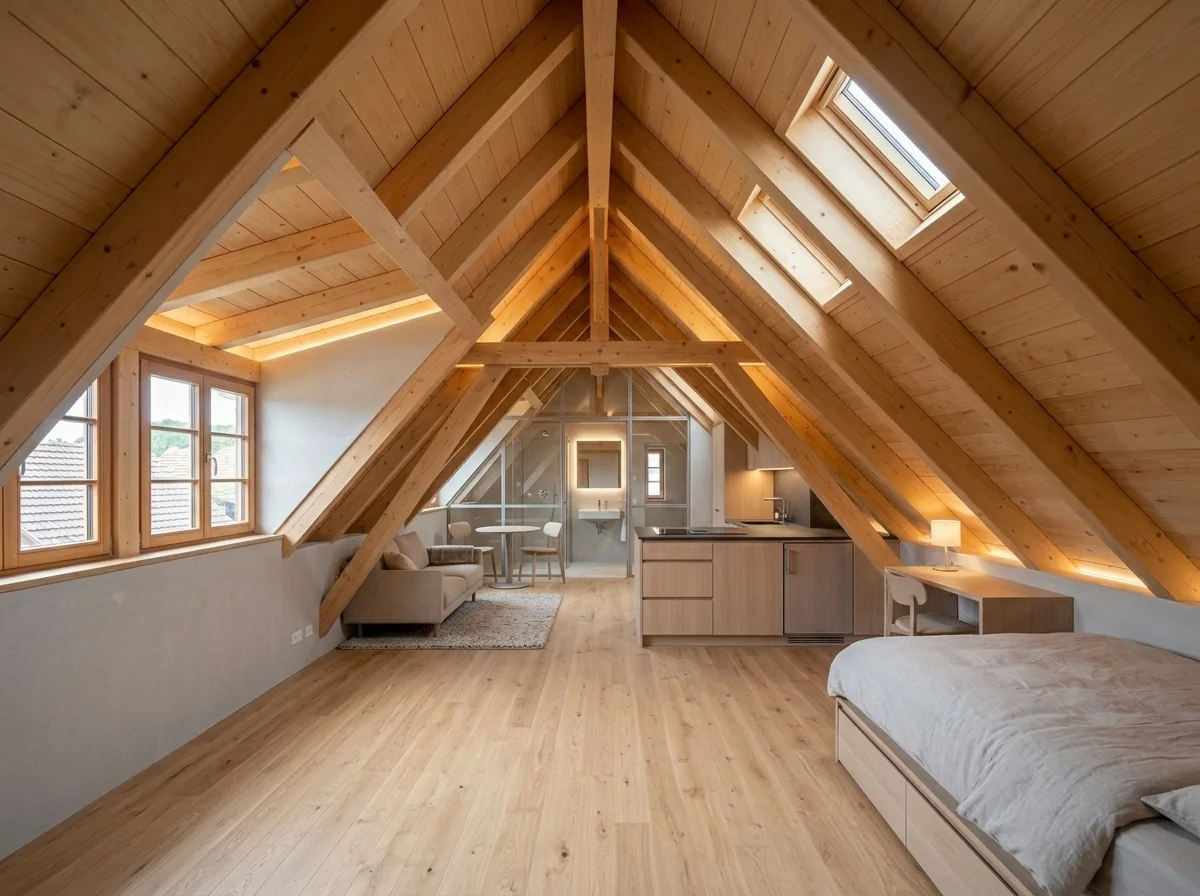
- Loft Apartment Conversion VisualizerUse a photo of the space to explore a loft apartment idea with the available settings. Review any returned visualization against your original; it is not an approved architectural plan.
- Luxury Virtual StagingExplore a luxury furnishing concept on a room photo. Choose room type and style, then review furniture, proportions and changed room details before using the image.
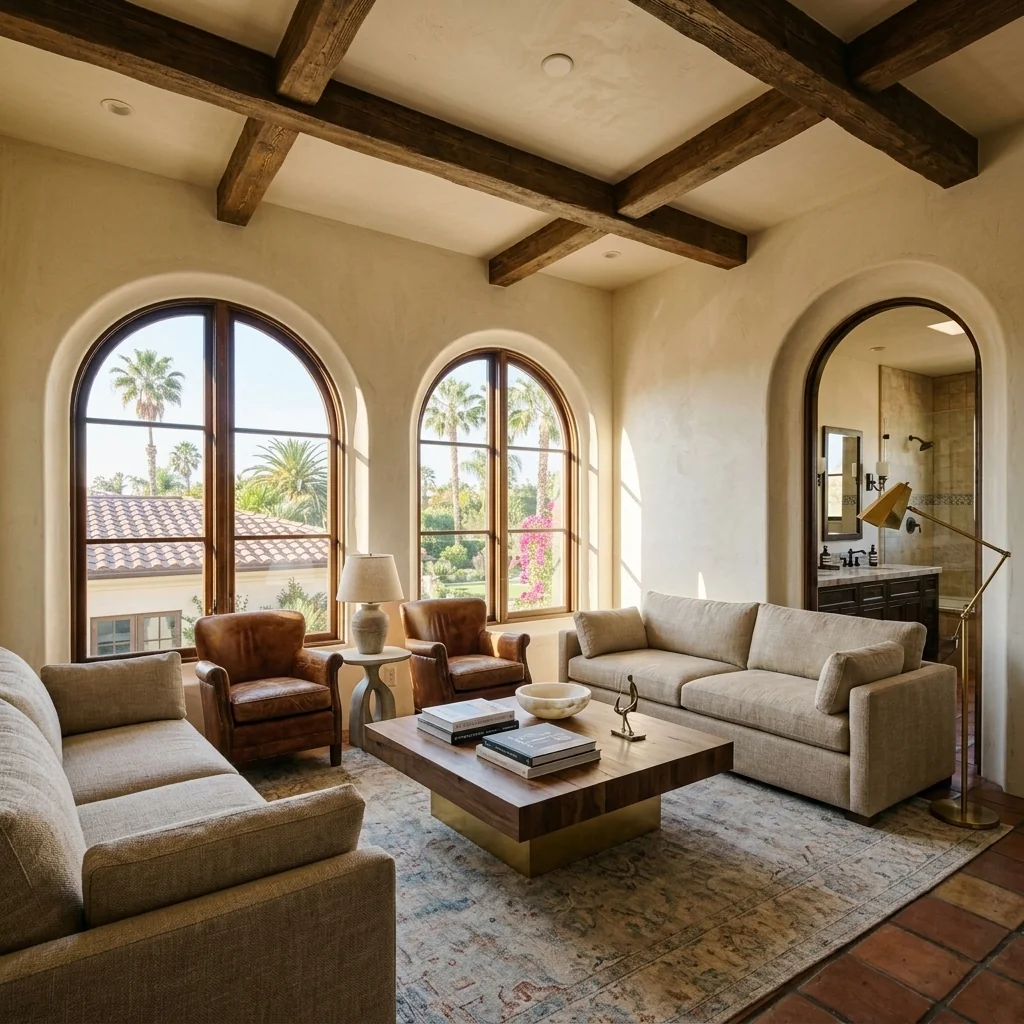
- Twilight Photo EnhancementExplore a twilight-lighting concept on an exterior photo. Compare window glow, sky, reflections and property features with your original before using the edited image.
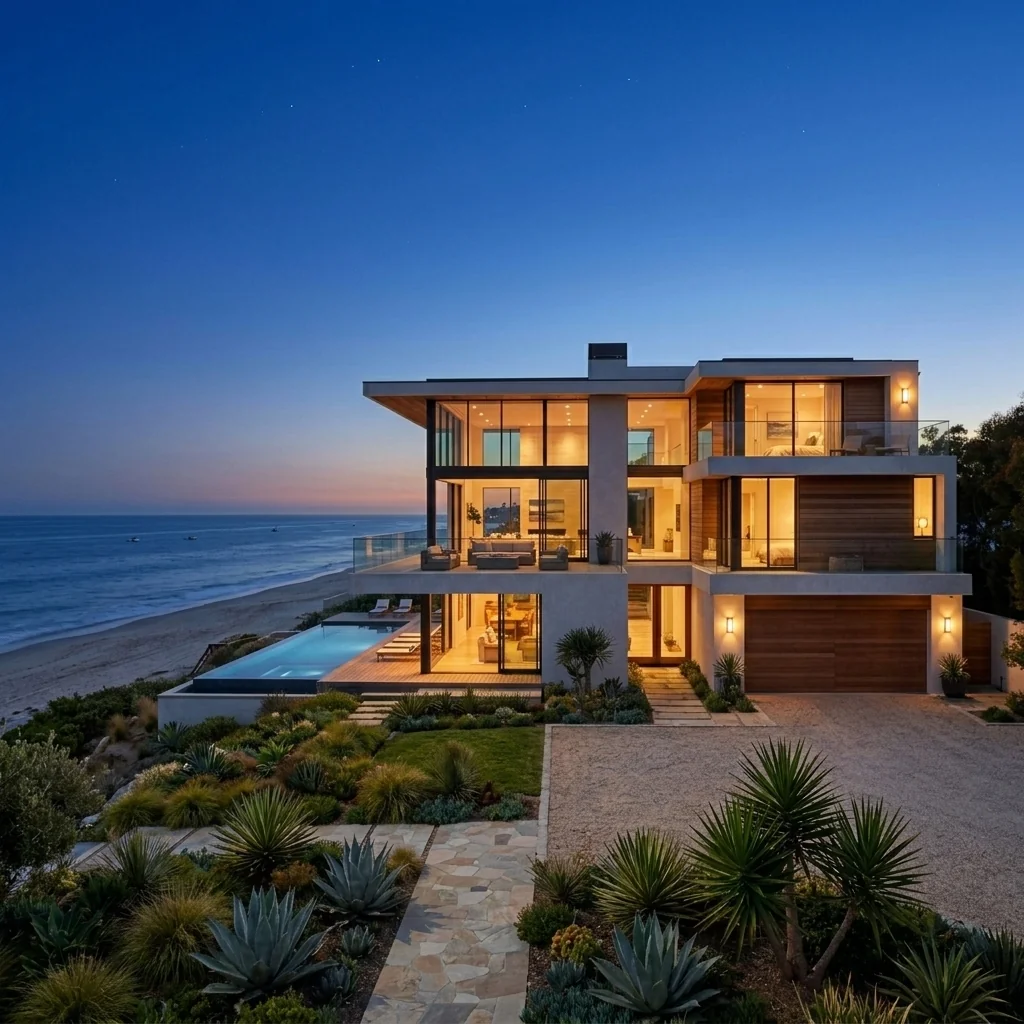
- Market-Matched StagingExplore a city-inspired staging concept from a room photo. Choose the location and style options shown in the tool; they are design directions, not verified local-market or buyer data.
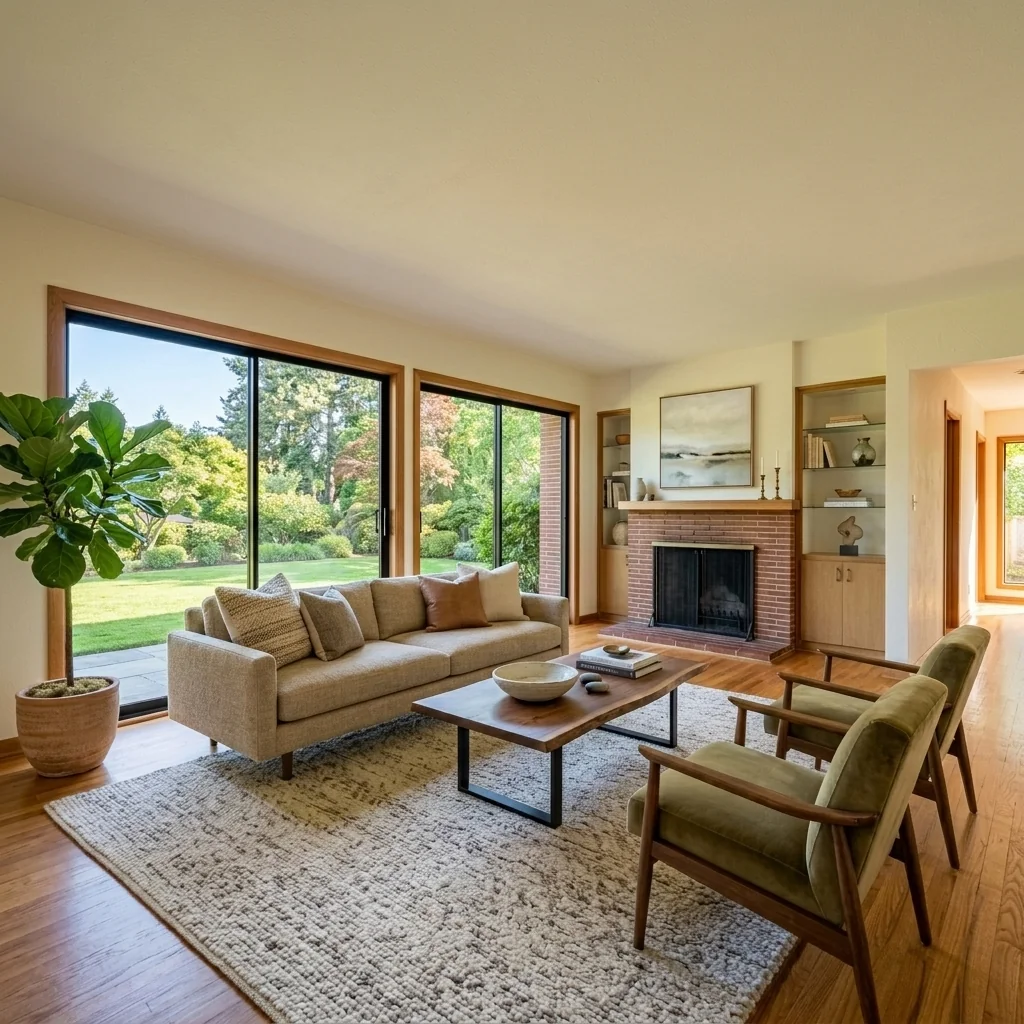
- Marketing Cover GeneratorCreate a static property-marketing cover from a photo and your own details. Choose the cover format and review the text, image dimensions and destination's file requirements.
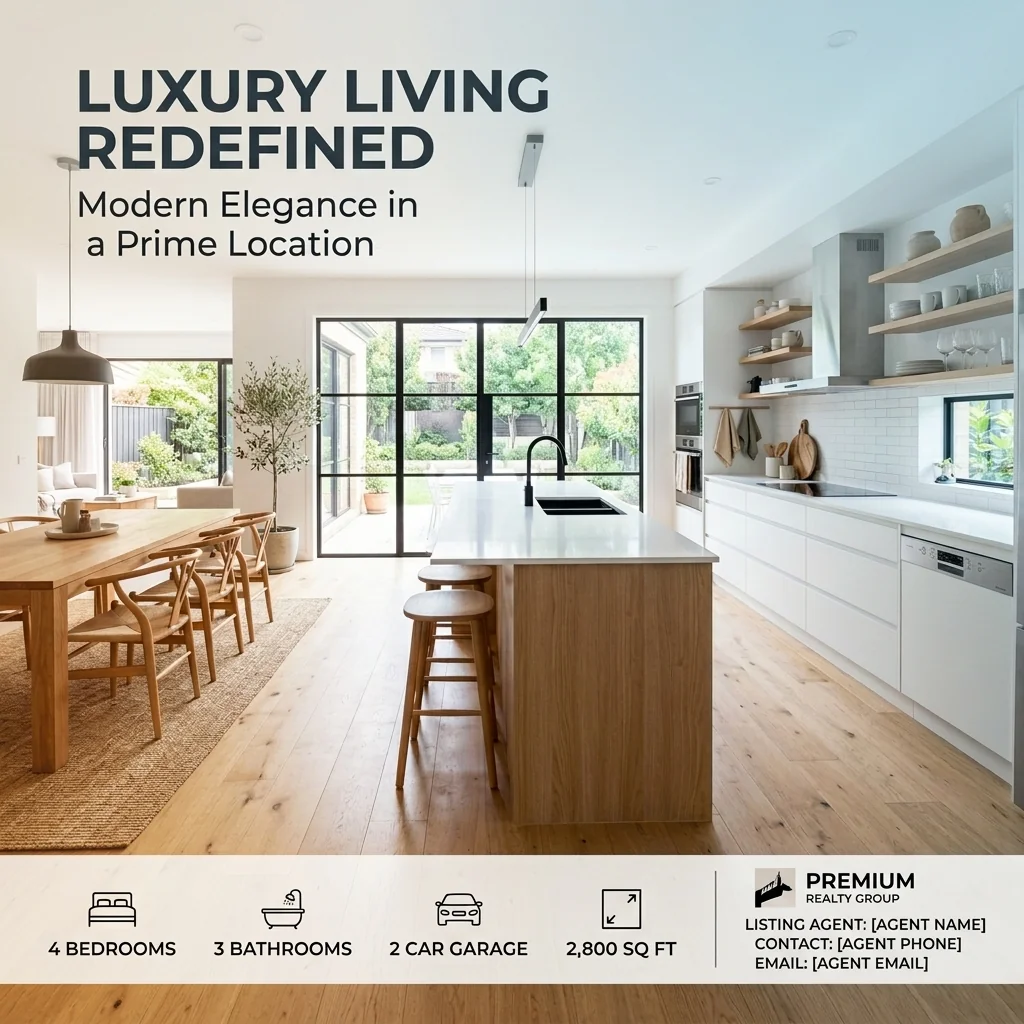
- Moodboard to Room GeneratorUse a room photo and moodboard to explore a style concept. Colours, materials and furnishings can guide the target-room image; the moodboard is a reference, not a second room to redesign.
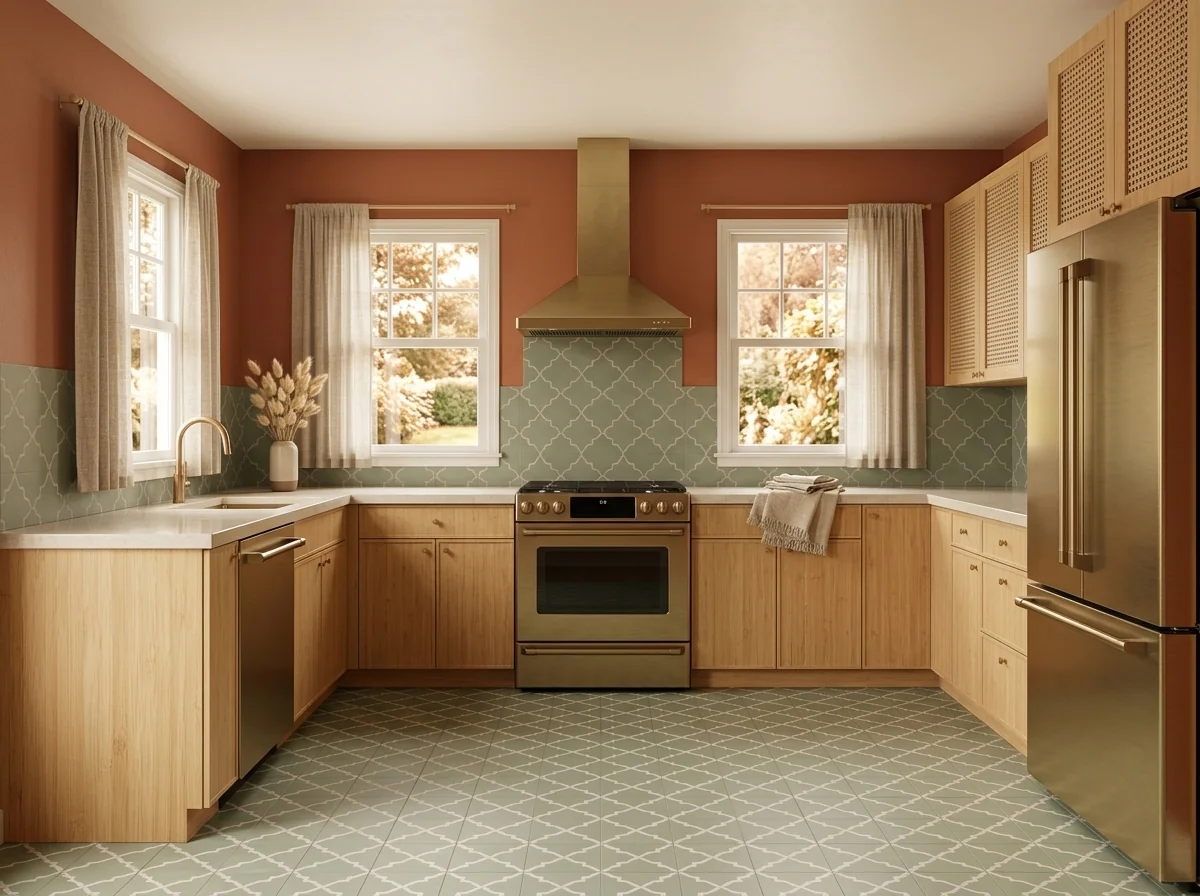
- Multi-Angle ConsistencyExplore a perspective-adjusted property image from your photo. Compare vertical lines, proportions and the scene with the original; an edited view is not a measured architectural record.
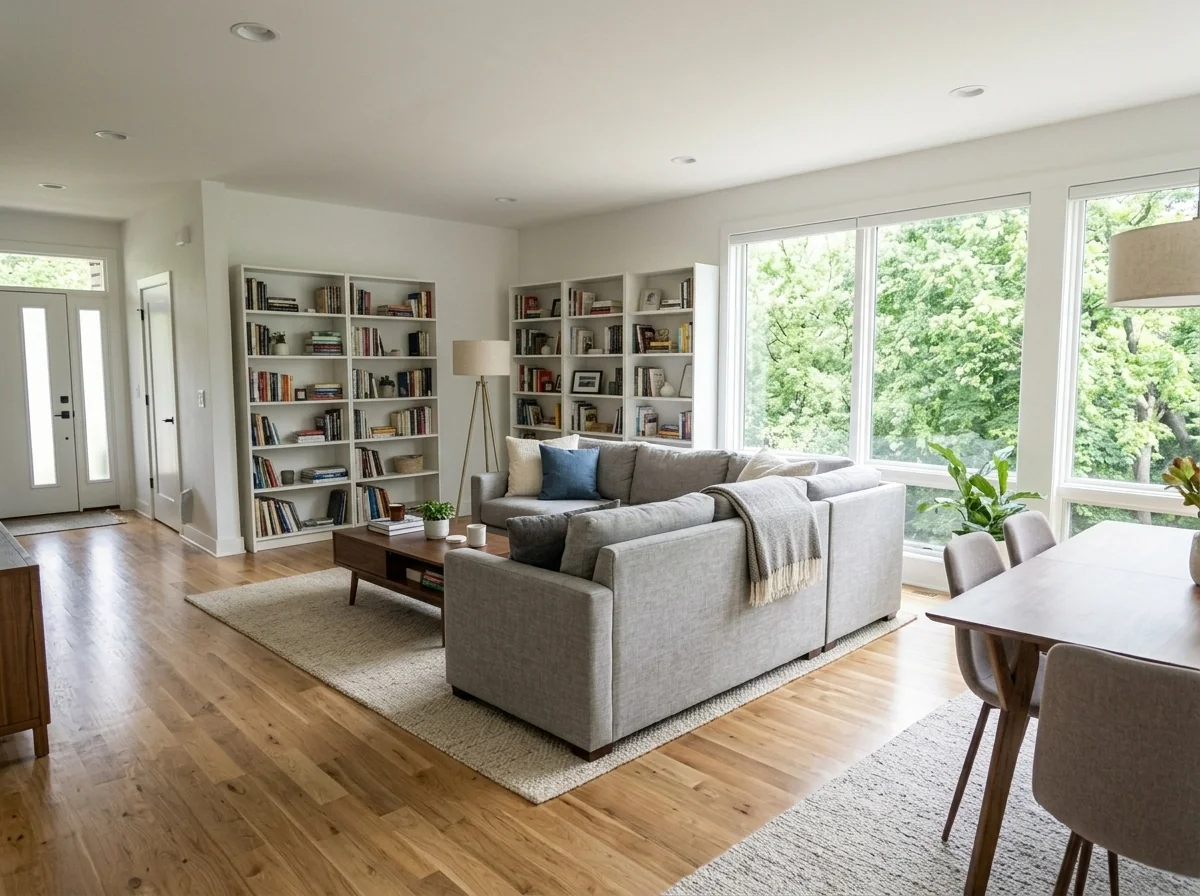
- Multi-Angle Property Photo GeneratorExplore a conceptual room view from a different angle. Choose the viewpoint and focus; generated views do not document unseen areas, and the selected output count is reviewed before confirmation.
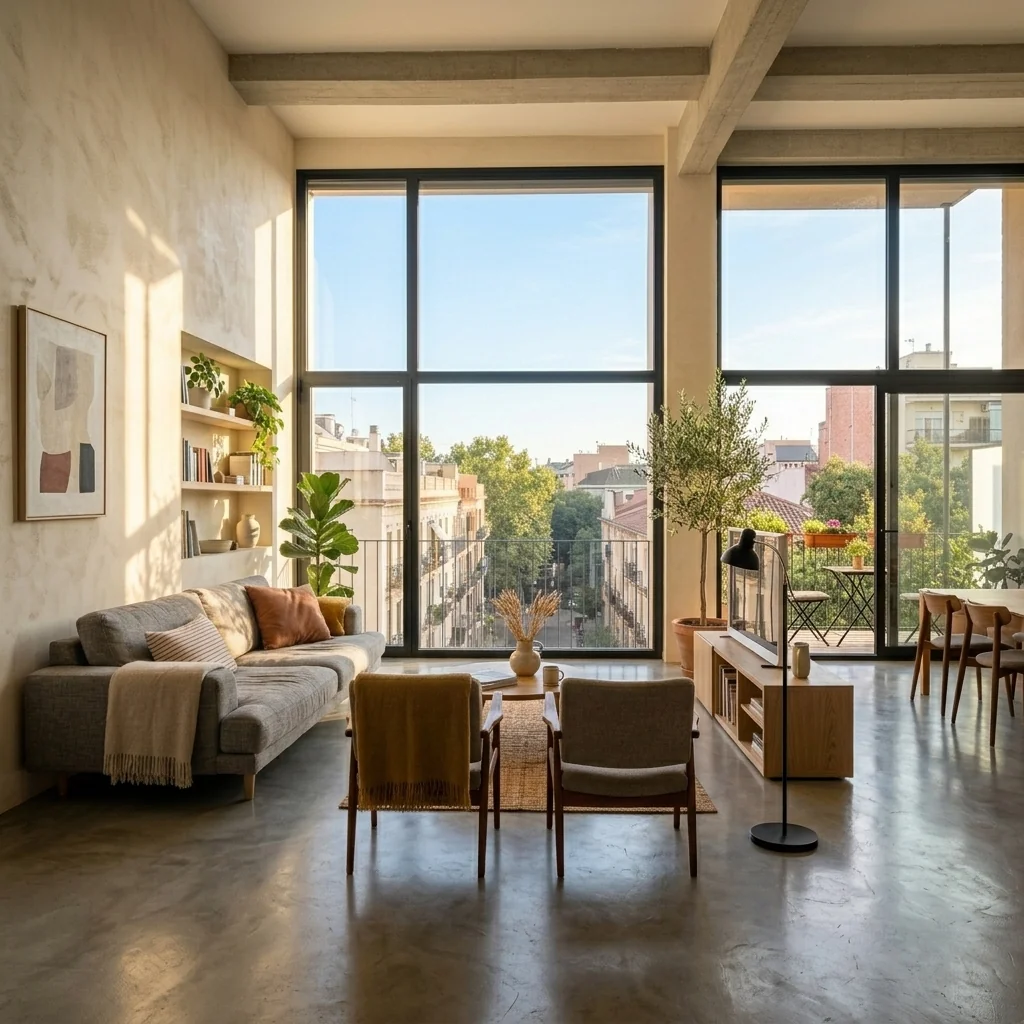
- New Build Exterior VisualizerExplore a finished outdoor concept from a shell-construction photo. Choose landscaping, driveway, garden and boundary styles; verify real boundaries and construction requirements separately.
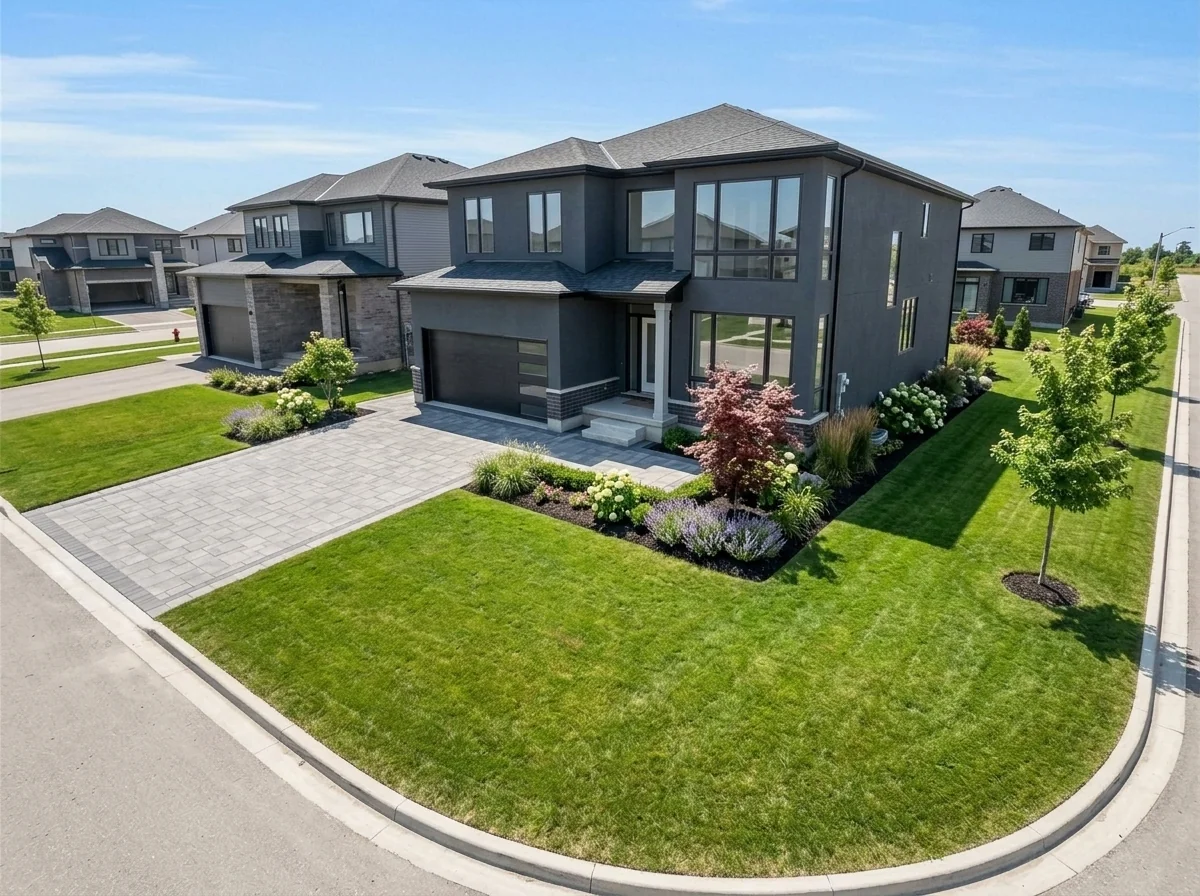
- Night-to-Day Photo ConverterExplore a daylight-style edit of a nighttime property photo. Inspect brightened areas and property details against your original; generated detail does not verify what the dark photo concealed.
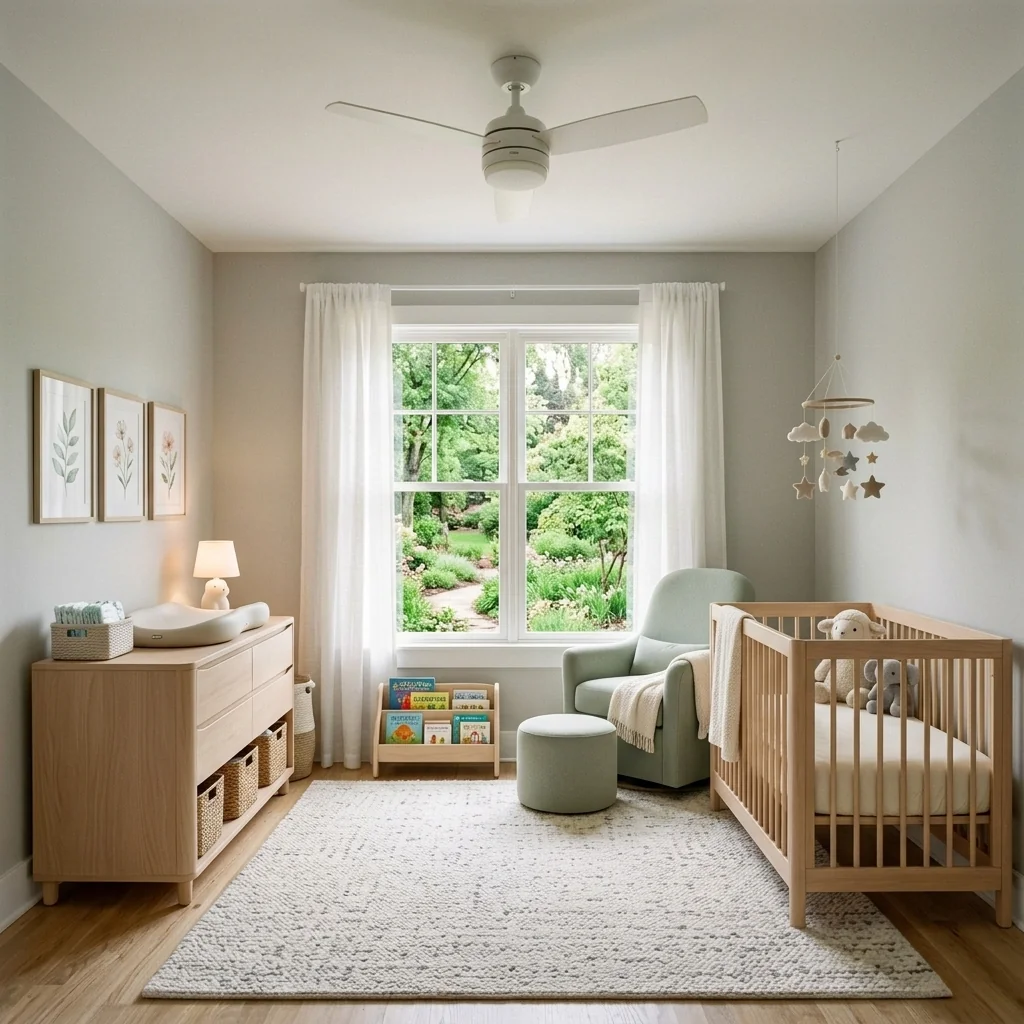
- Nursery Room DesignerExplore a nursery-room idea on your photo. Choose a theme, colours and furniture style; check real products and safe room arrangements separately before furnishing a baby's room.
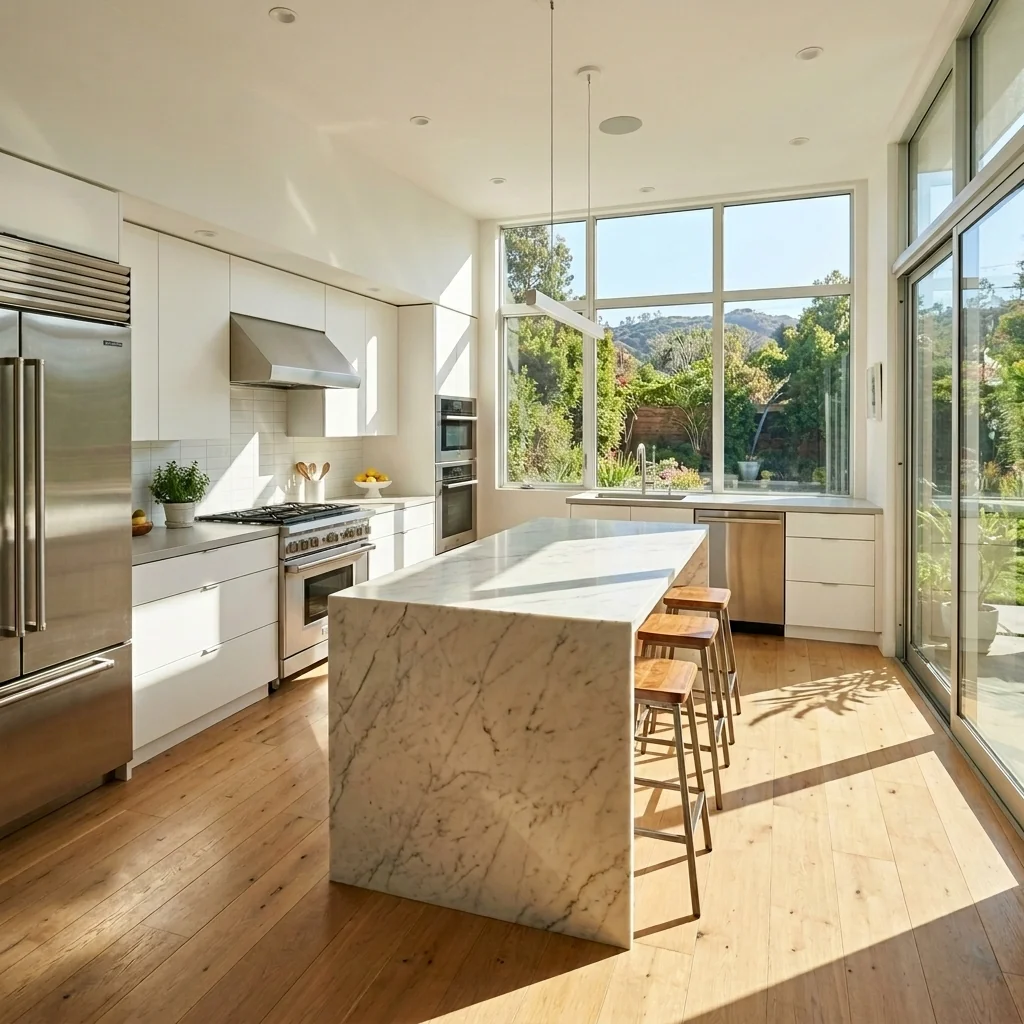
- Specific Object EraserDescribe an unwanted object in a property photo to explore its removal. Inspect the edited area and compare the whole image with your original before sharing.
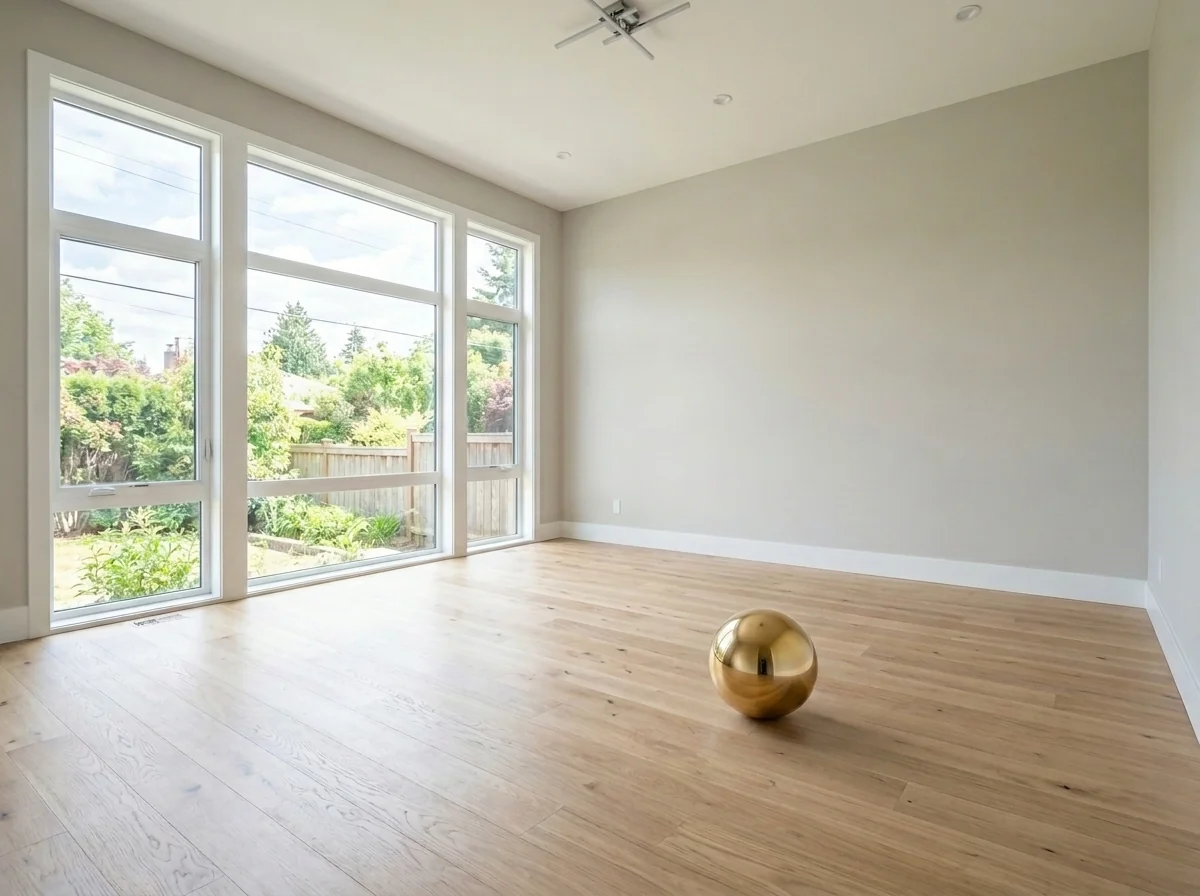
- Object Placement ToolExplore adding a described object to a room photo. Choose placement and style, and use the placement tools where offered; check scale, shadows and room details in the returned image.
- Office Plant VisualizerExplore greenery ideas for an office photo. Choose plants, quantity and style, with optional placement notes; the visual concept does not verify botanical suitability or product dimensions.
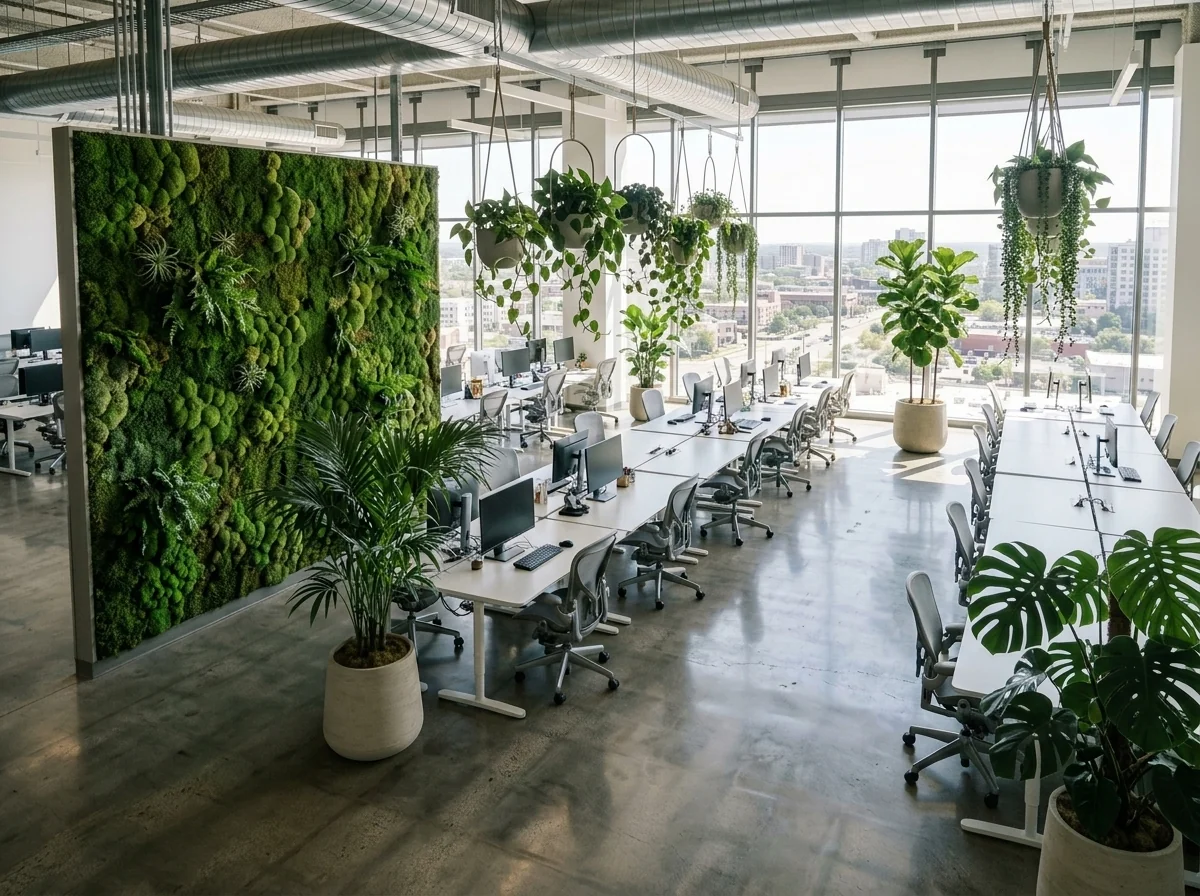
- Custom Plant & Pot Placement ToolPreview a plant in an office using separate room and plant photos, plus an optional pot photo. Choose quantity and placement notes, then check the result against your sources and real measurements.
- Open House Hero Shot CreatorExplore a marketing-image concept from a property photo. Choose shot style, atmosphere and lifestyle details; review the edit without assuming it predicts attendance or buyer interest.
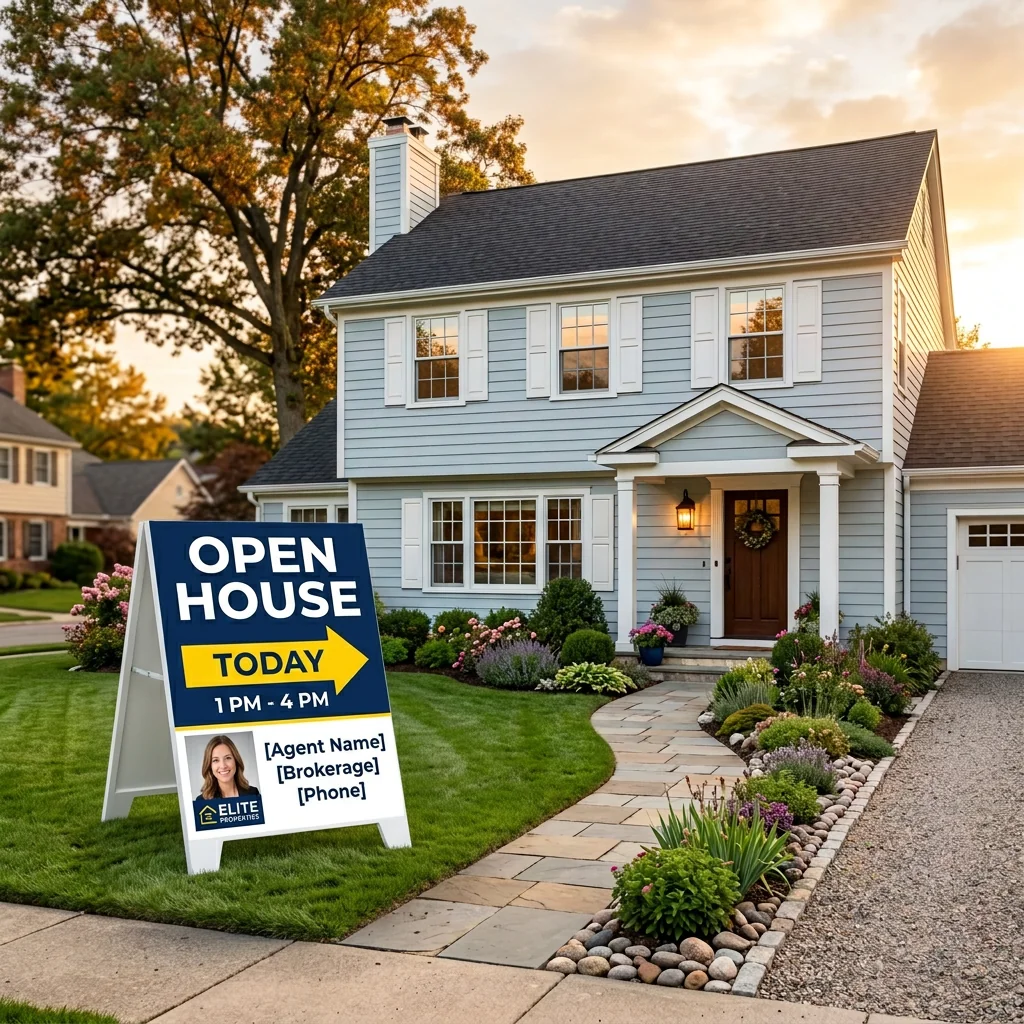
- Open House Sign & Directional Rider DesignerCreate a sign-style image from a photo and your own directions or text. Choose the design approach, then check readability, arrows and the printer's specifications before producing a physical sign.
- Open House Welcome & Sign-In PosterCreate a welcome-poster or screen-background image from a property photo and agent details. Review the text; a rendered QR-style design is not a verified working code or a sign-in system.

- Ottoman & Bench Upholstery ToolExplore upholstery ideas on an ottoman or bench photo. Choose colour, fabric, pattern and trim, with optional instructions; compare detail with your original and real fabric samples.
- AI Outdoor Living & Patio StagerExplore a furnished patio, deck or balcony concept from your photo. Choose space type, style and a city or region; the location guides the design and does not verify climate suitability.
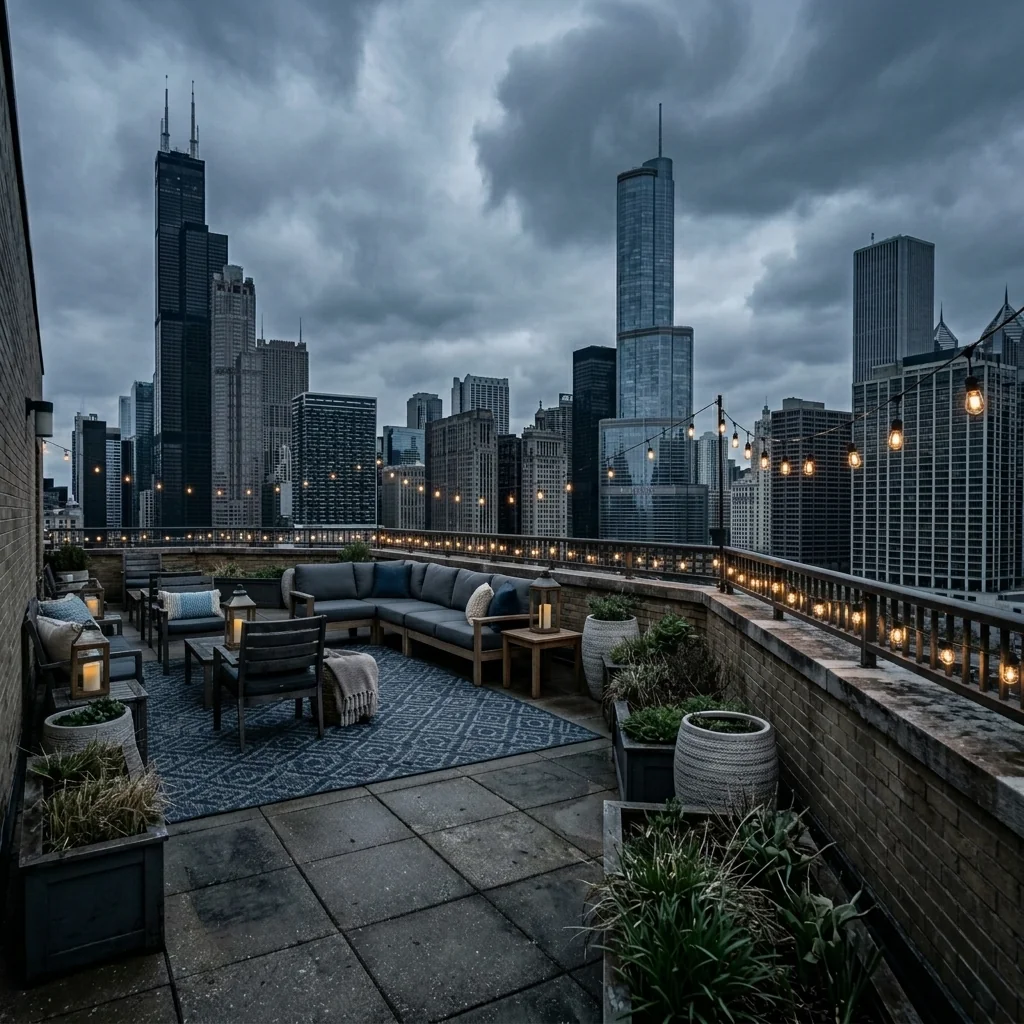
- Outdoor Patio MakeoverExplore a patio refresh on an outdoor photo. Choose design style, furniture and landscaping, then compare proportions, boundaries and important property details with your original.
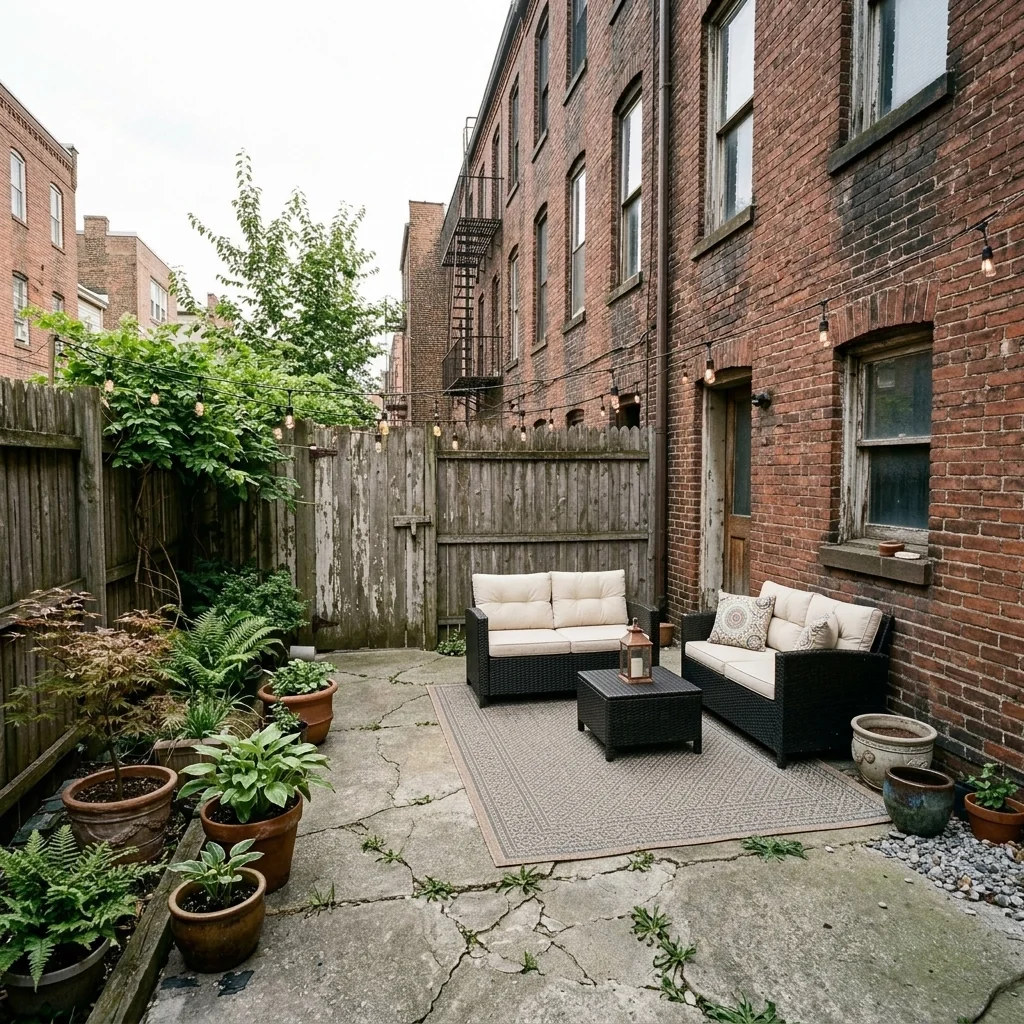
- Patio Awning & Sun Protection VisualizerExplore an awning or shade-cover idea on a terrace photo. Choose cover type, colour, frame finish and style; the image does not verify installation, wind loading or sun protection performance.
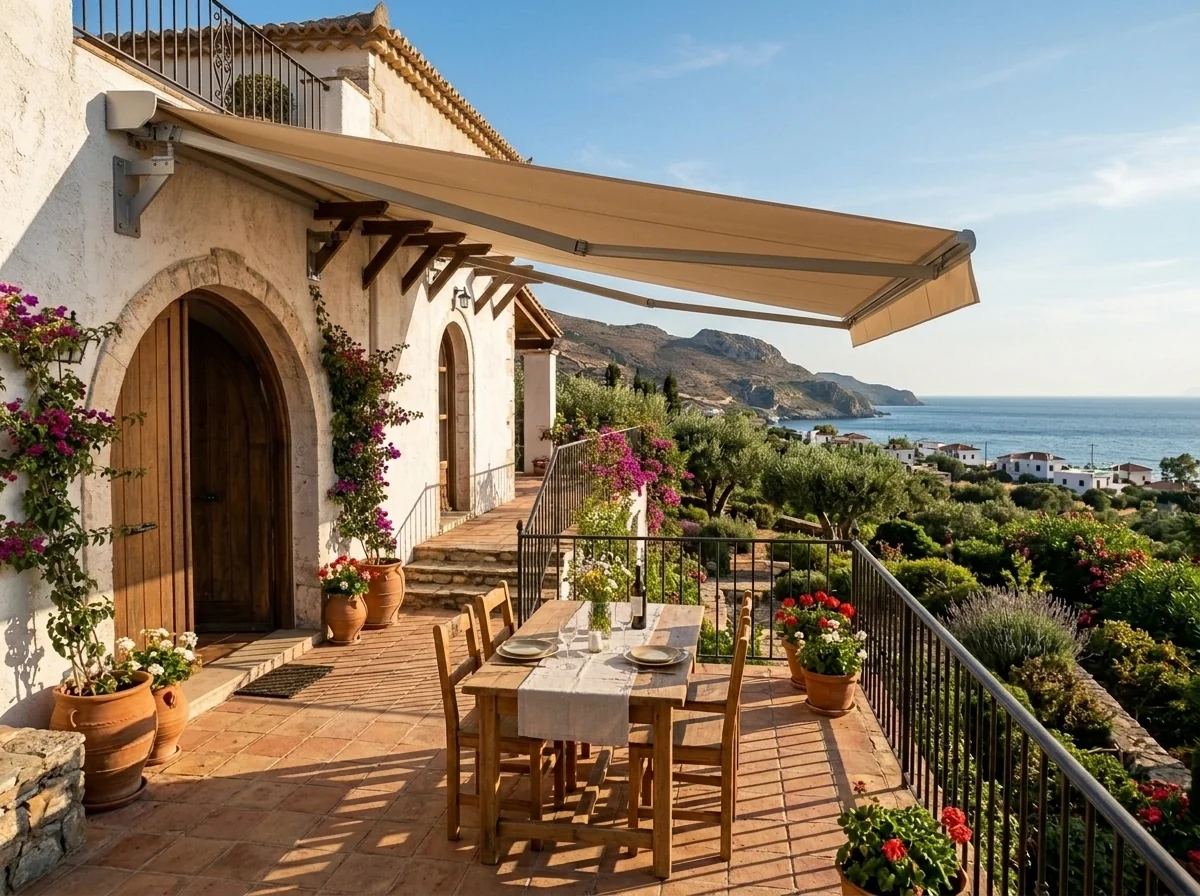
- Buyer Persona StagingExplore a room-staging concept for a selected buyer persona. Choose from the offered audience themes; they guide the design and do not predict how real buyers will respond.
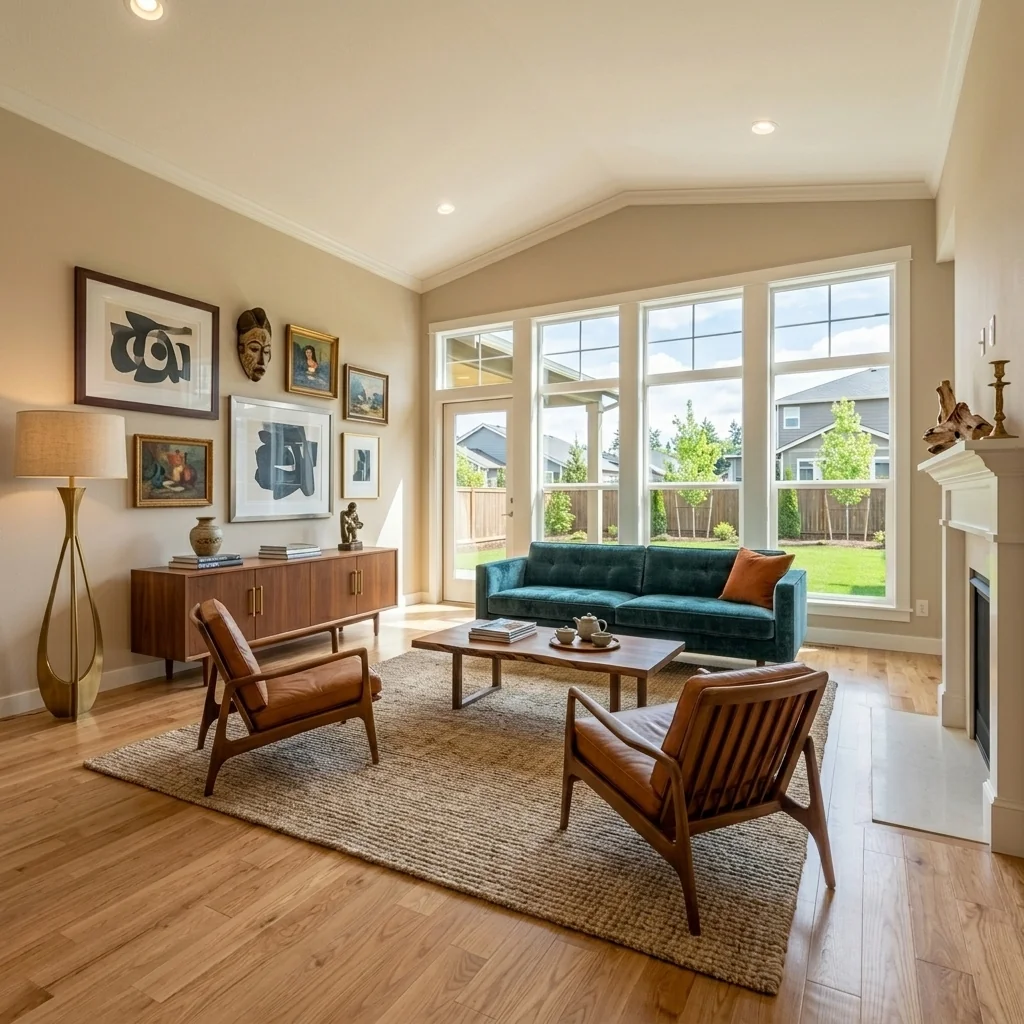
- Clutter RemoverExplore a property photo with fewer personal items. Inspect the full returned image for remaining belongings, changed surfaces and property details before deciding whether to publish it.
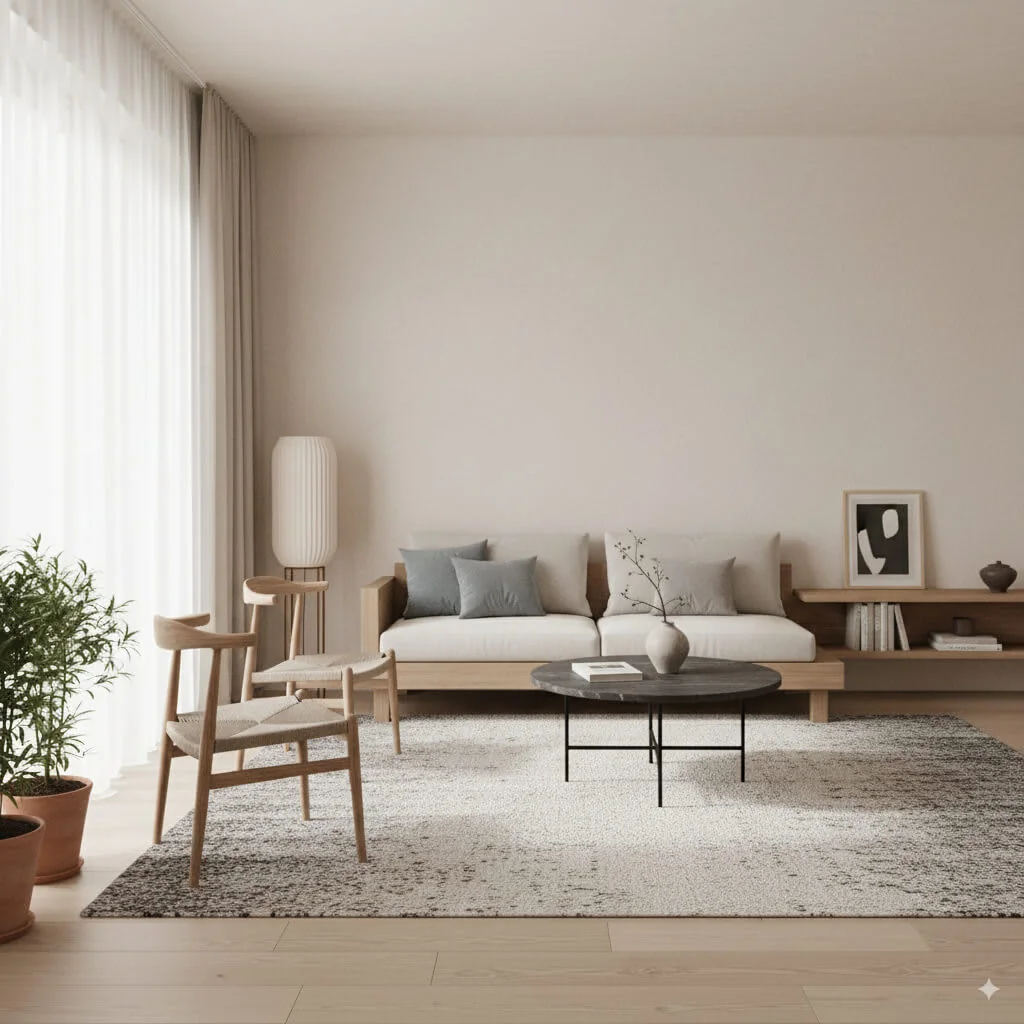
- Pillow Cover SwapExplore different pillow covers on an interior photo. Choose fabric, colour and pattern, then compare seams, texture and surrounding furniture with your original.
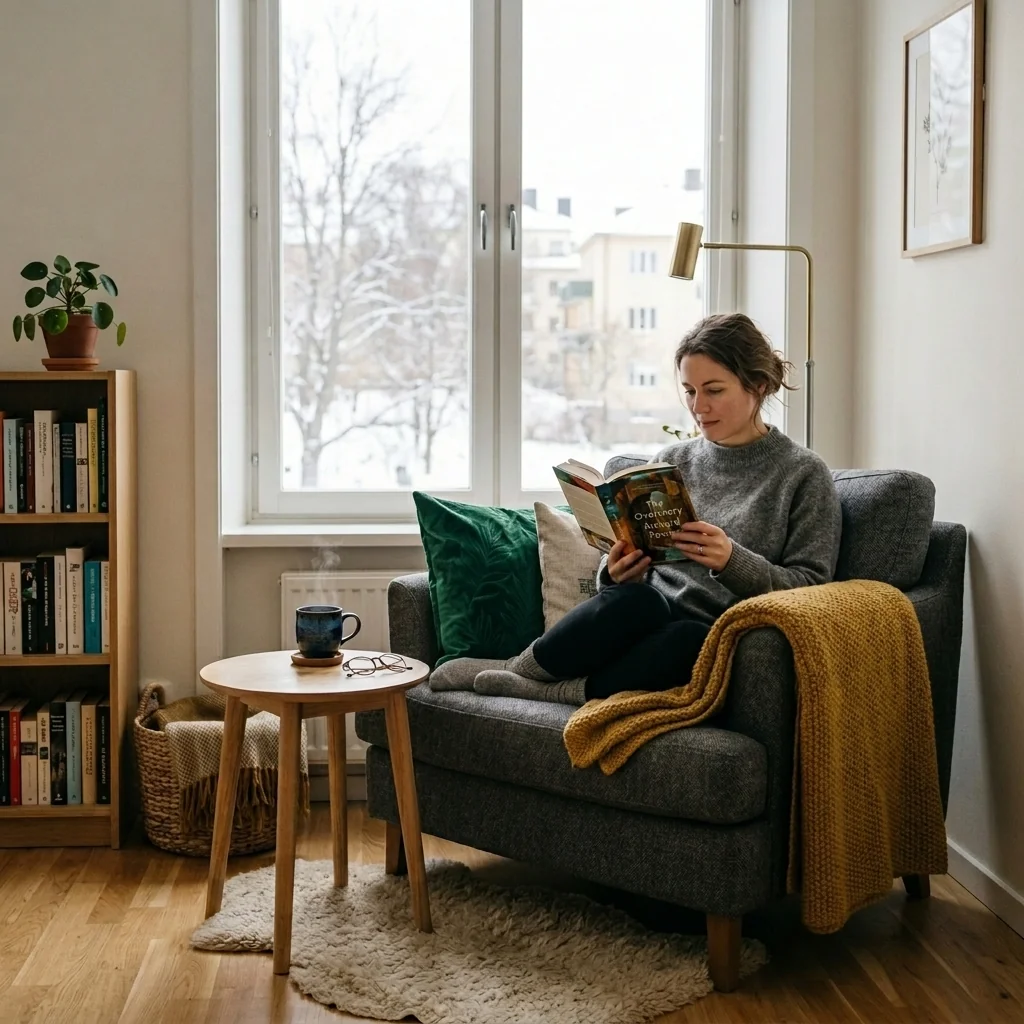
- Pool RenovationExplore a pool-renovation concept from a photo. Choose an offered style and review the visual changes; dimensions, construction feasibility and safety need separate verification.
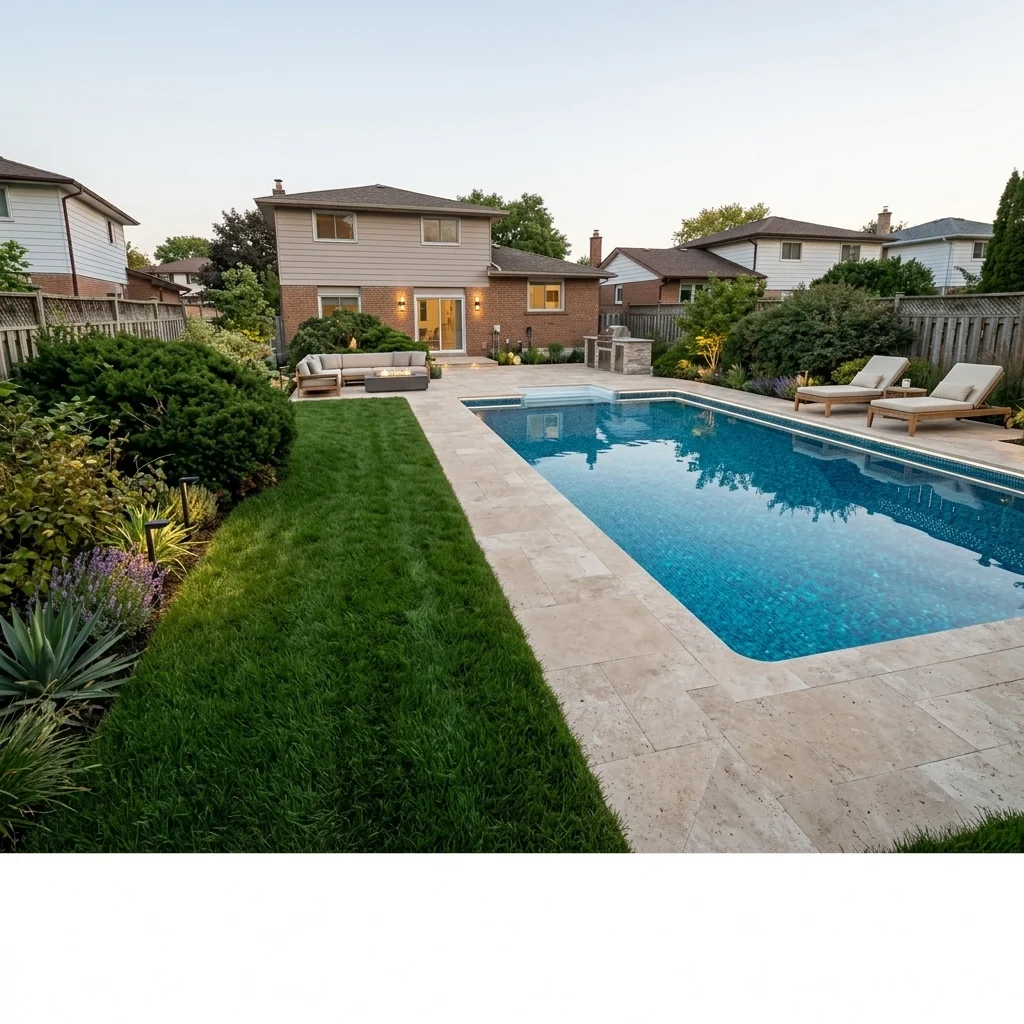
- Flooring Swap ToolExplore a flooring change using your interior photo and the offered flooring-reference and finish settings. Compare the returned surface with your source, room edges and real material samples.
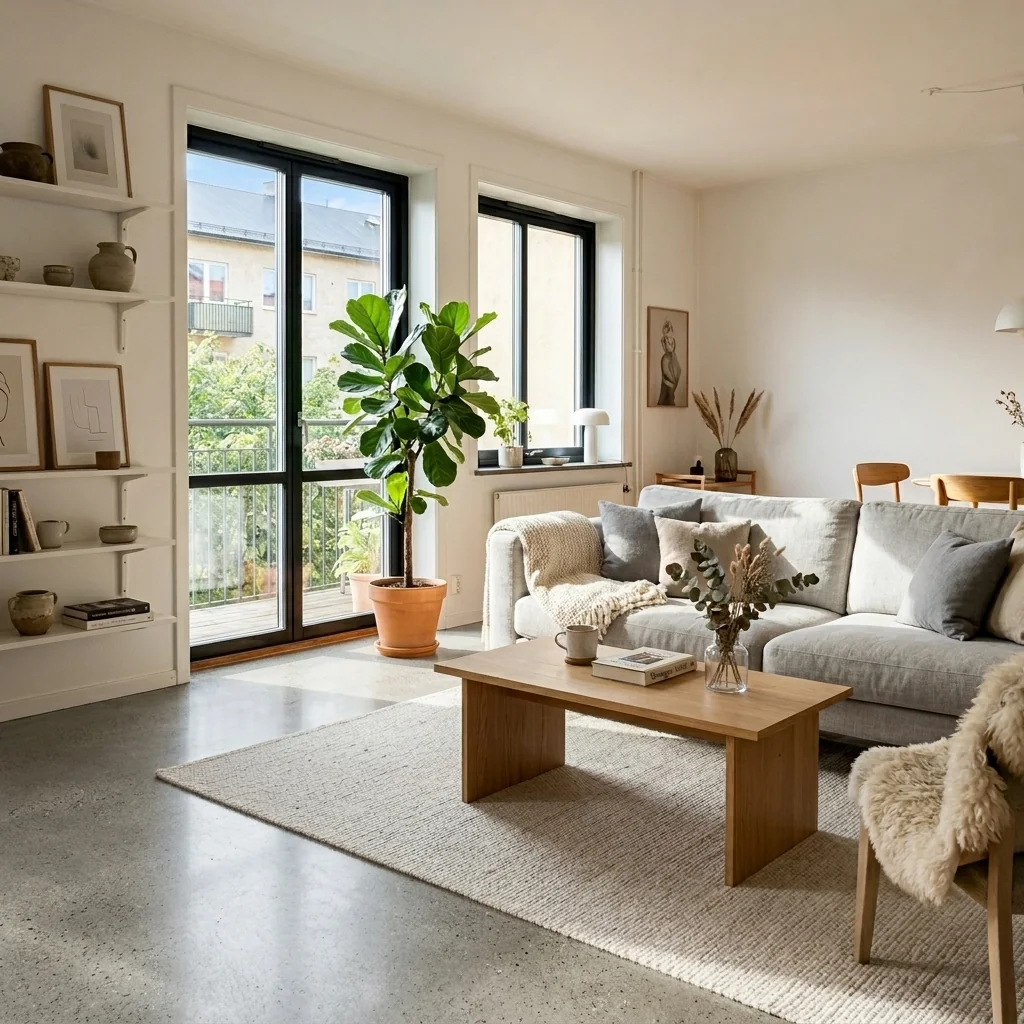
- Professional Photographer Lighting EditorExplore a lighting edit for a property photo. Choose a lighting style and compare exposure, colour, shadows and important property details with your original.
- Property Features Checklist GraphicCreate a feature-list image from a property photo and your own amenities list. Choose an aesthetic, then check every rendered feature and fact against the real listing before sharing.
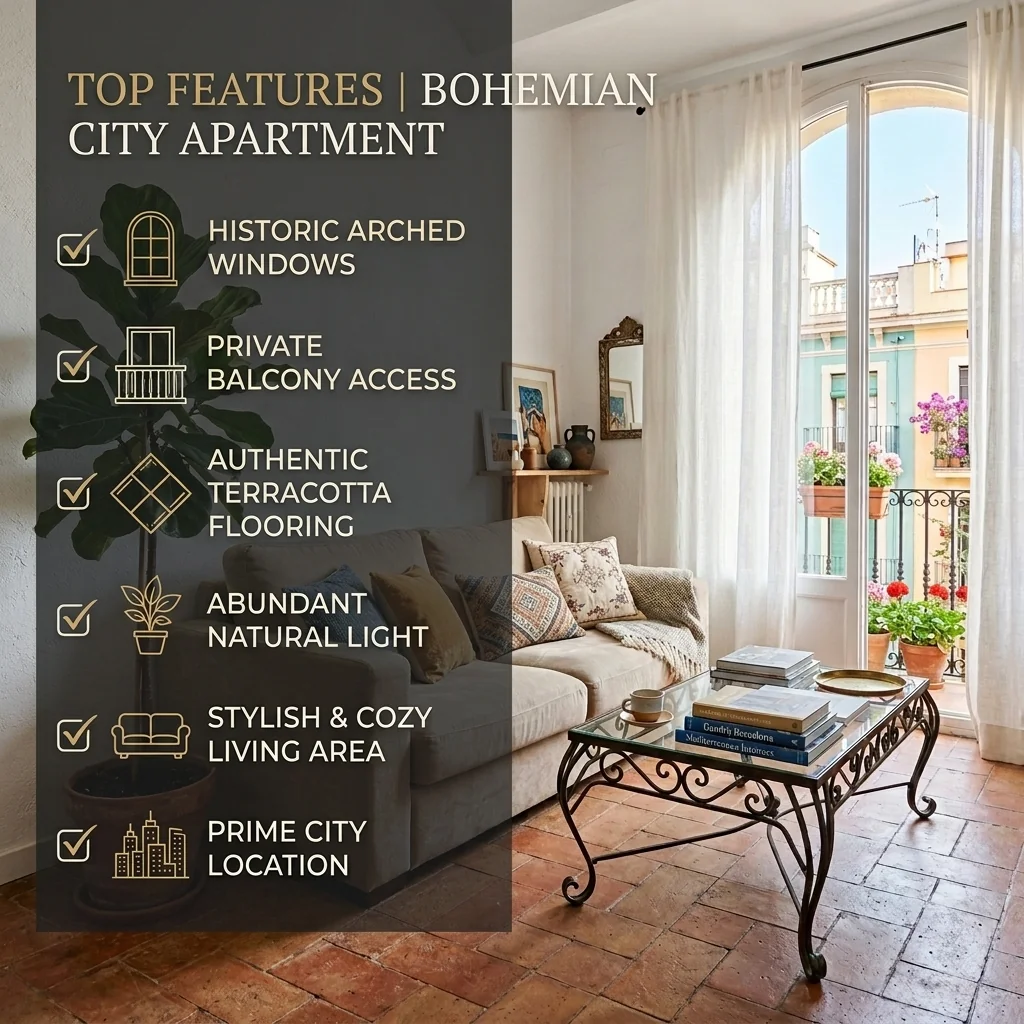
- Property Flyer & Brochure CreatorCreate a flyer-style image from a property photo and your details. Choose format, headline and style; check the content and printer requirements separately, as the tool does not generate a complete print package.

- Property Photo Color CorrectionExplore colour correction on a property photo. Choose correction type, white balance and saturation, then compare the returned colours with the original and real materials.
- Property Photo HDR EnhancementExplore an HDR-style edit from one property photo. Choose intensity, focus and mood, then compare exposure and detail with your original; this tool does not merge bracketed exposures.
- Real Estate Carousel CreatorCreate a static carousel-style slide from a property photo. Choose the slide number, content and colours; review the requested image count, as a complete swipeable carousel is not assembled automatically.
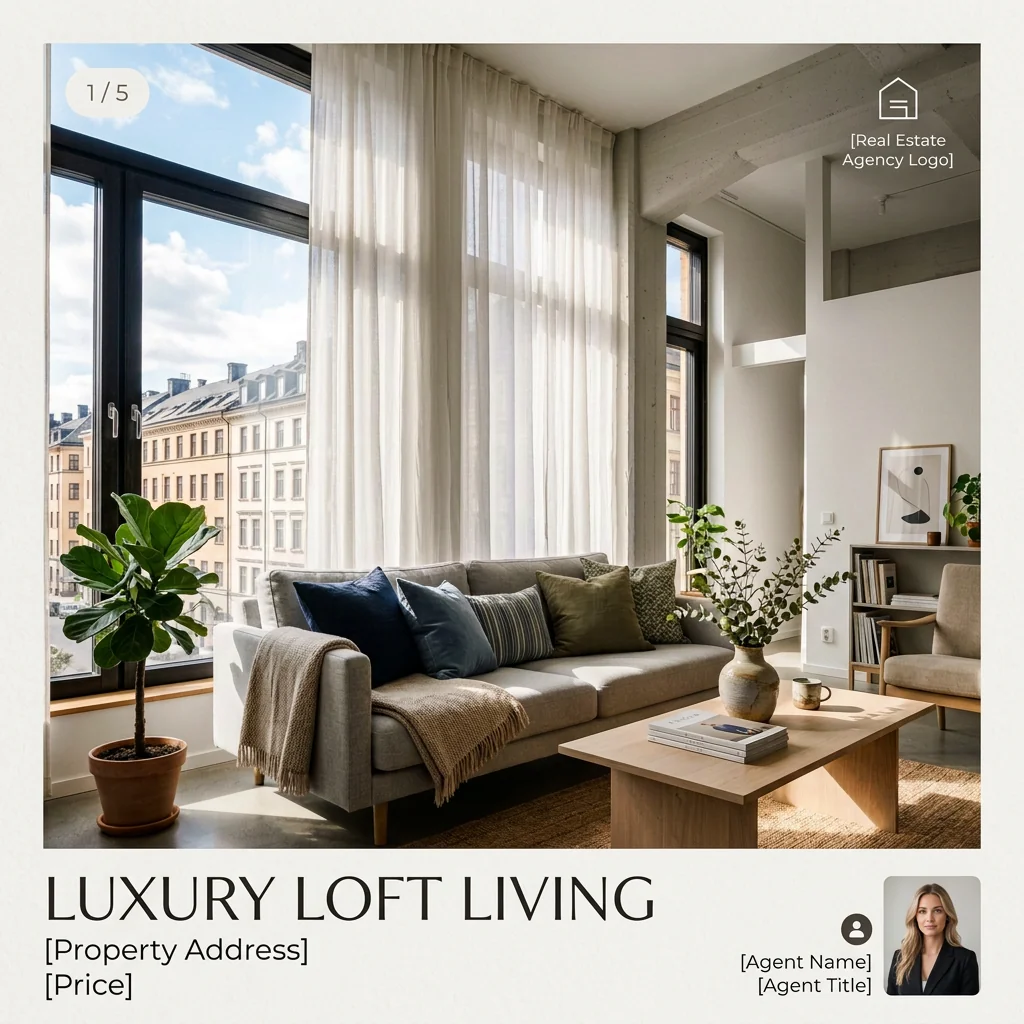
- Real Estate Photo Fix — All in OneExplore a property-photo correction with your chosen priorities and brightness. Inspect lines, colours, exposure and listing facts against the original; the image does not establish portal compliance.
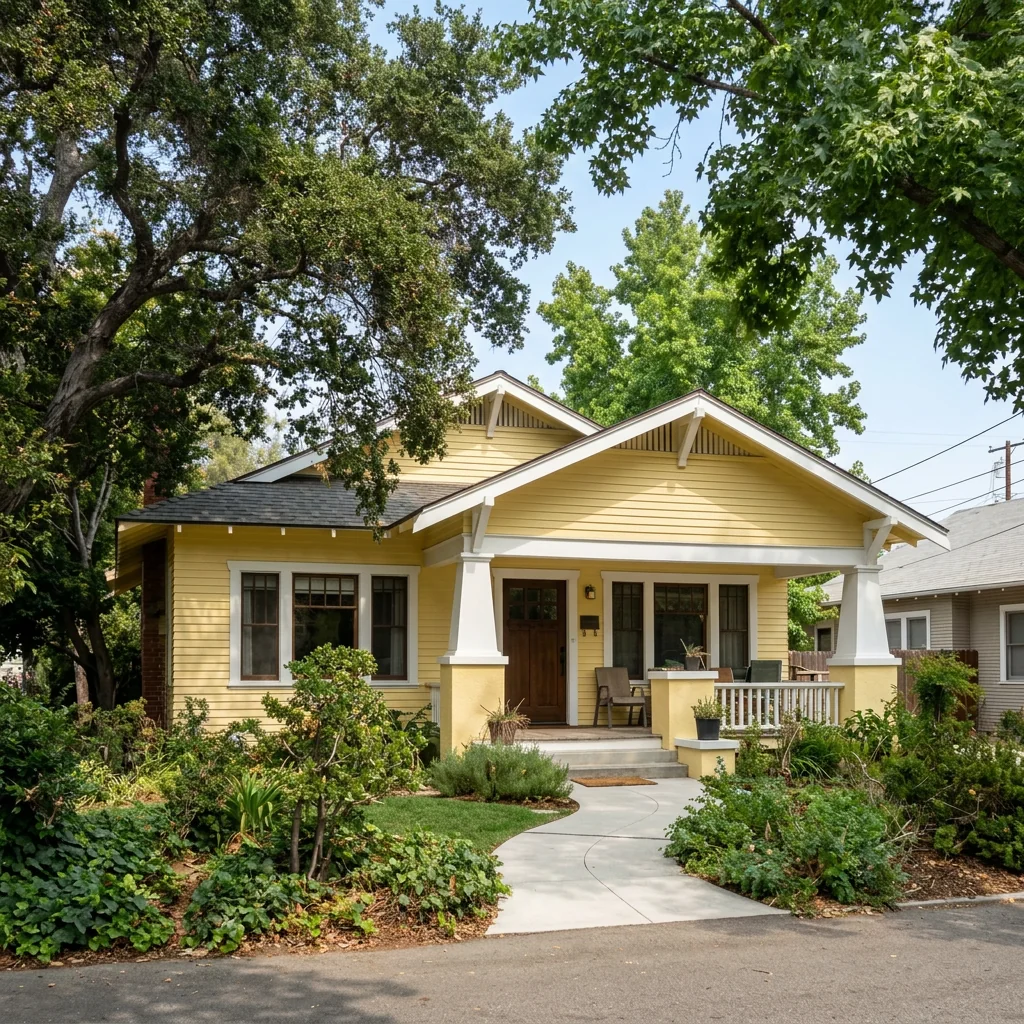
- Wall Color & Accent Wall GeneratorExplore wall-colour or accent-wall ideas on a room photo. Choose the wall position and colour or pattern, then compare the concept with your original and real paint samples.
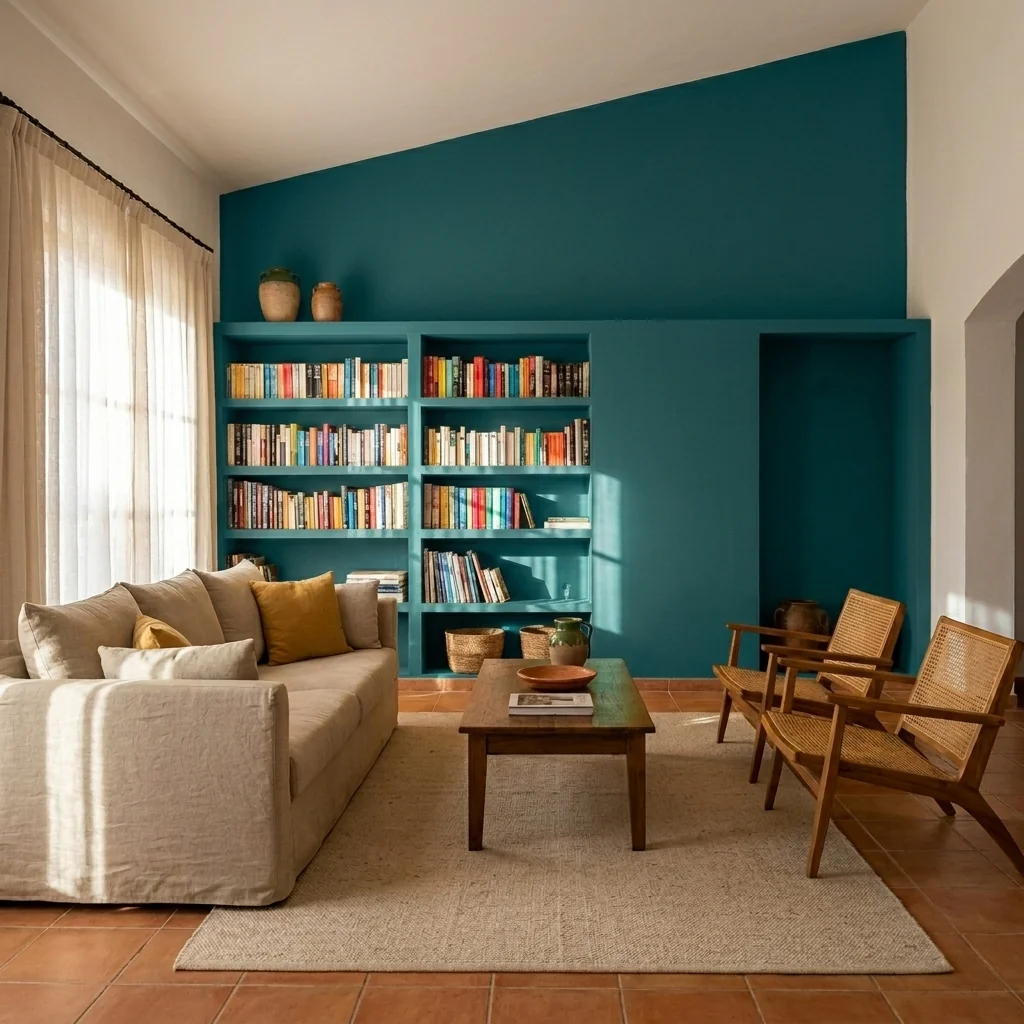
- Property Background RemoverExplore a different background for a property or object photo. Choose the new background and subject type, then inspect edges and retained details before using the returned image.
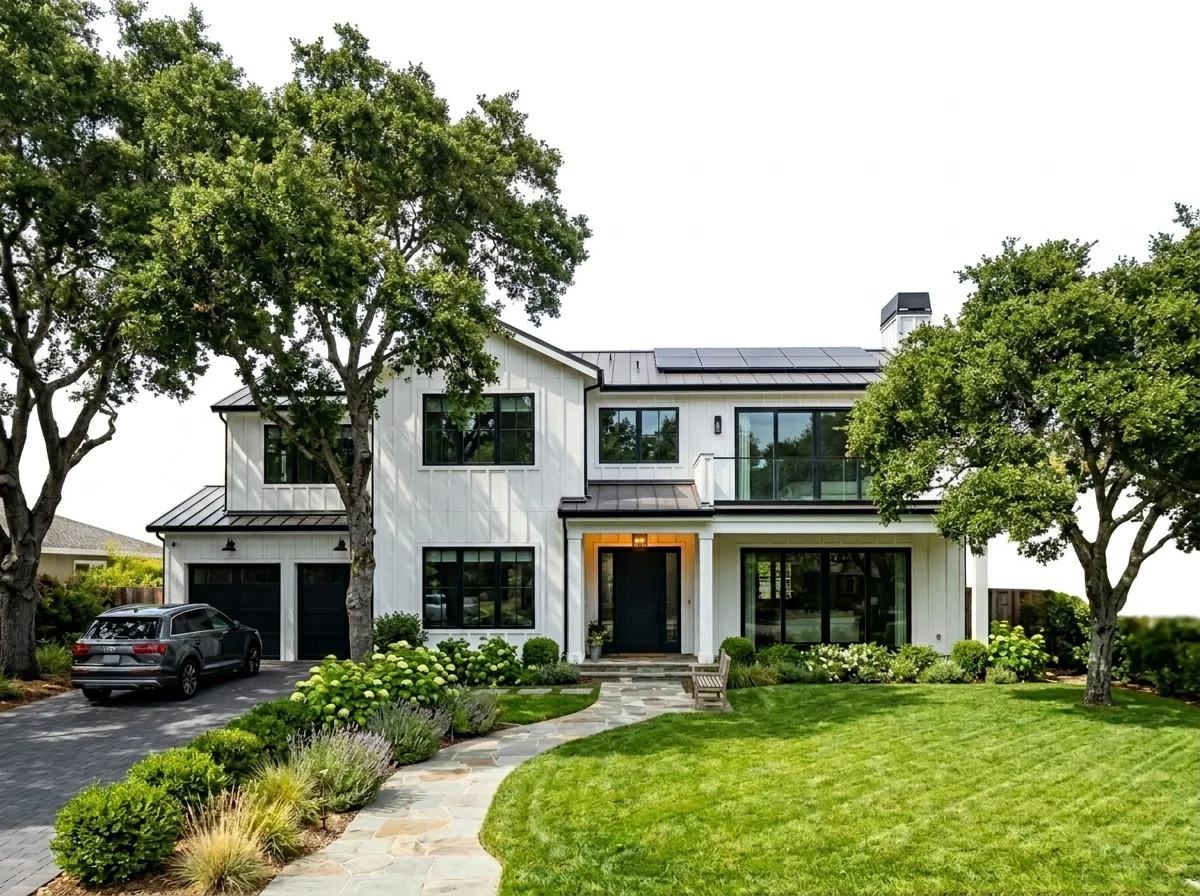
- Remove BackgroundExplore a background change for an object photo. Choose a listed background and shadow option; check edges and the actual returned file, including alpha if transparent output is selected and available.
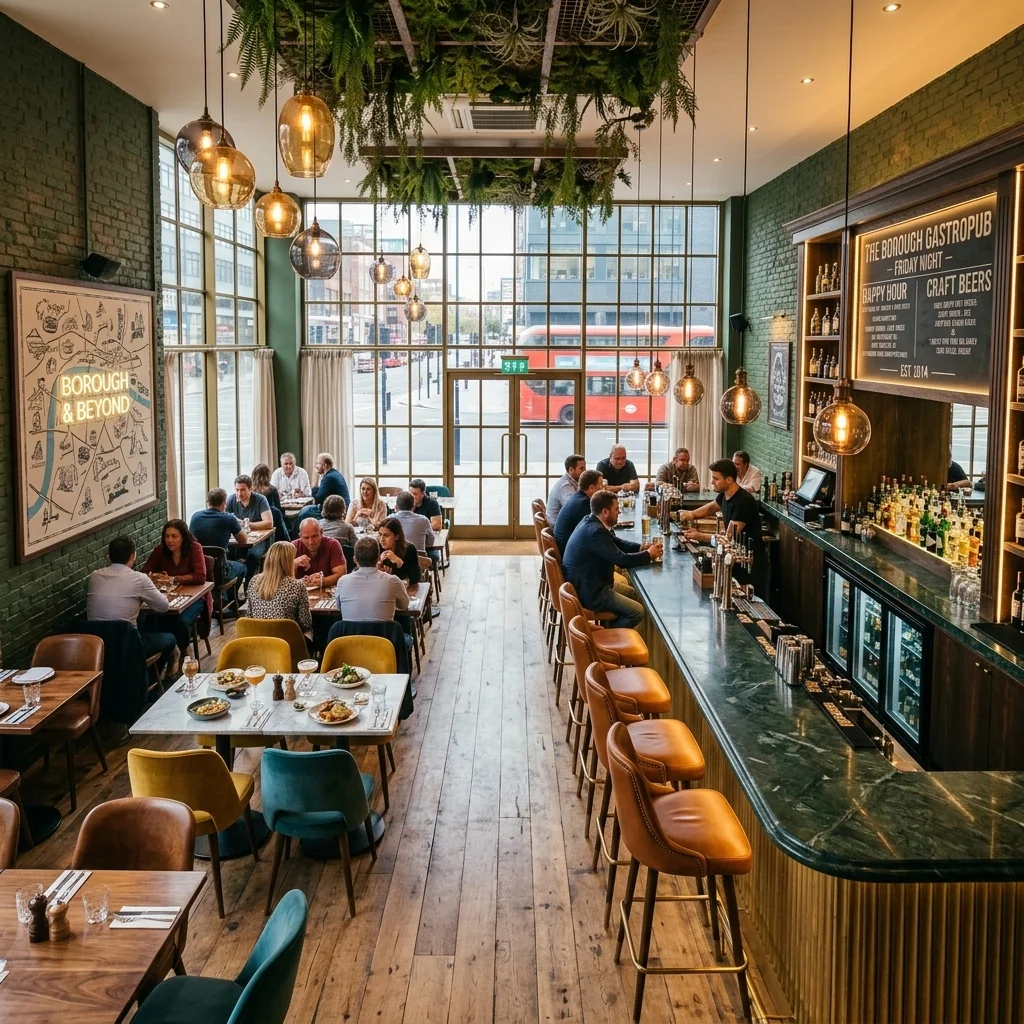
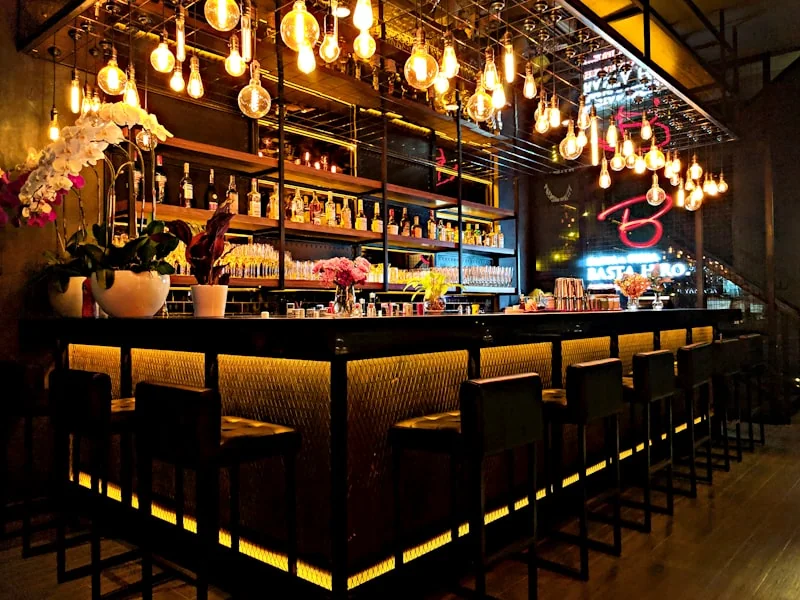
- Restaurant & Bar Interior DesignExplore a restaurant or bar interior concept on your photo. Choose atmosphere, seating and lighting; check circulation and practical requirements separately rather than assuming a commercial result.
- Retail Store Layout PlannerExplore a retail-space concept from a store photo. Choose style, display approach and a design focus; the image is not a measured floorplan or evidence of improved sales or customer flow.

- Shell-to-Dream-Home VisualizerExplore a finished-interior concept from a shell-construction photo. Compare openings, proportions and building details with the original; the image does not certify a home as ready to occupy.
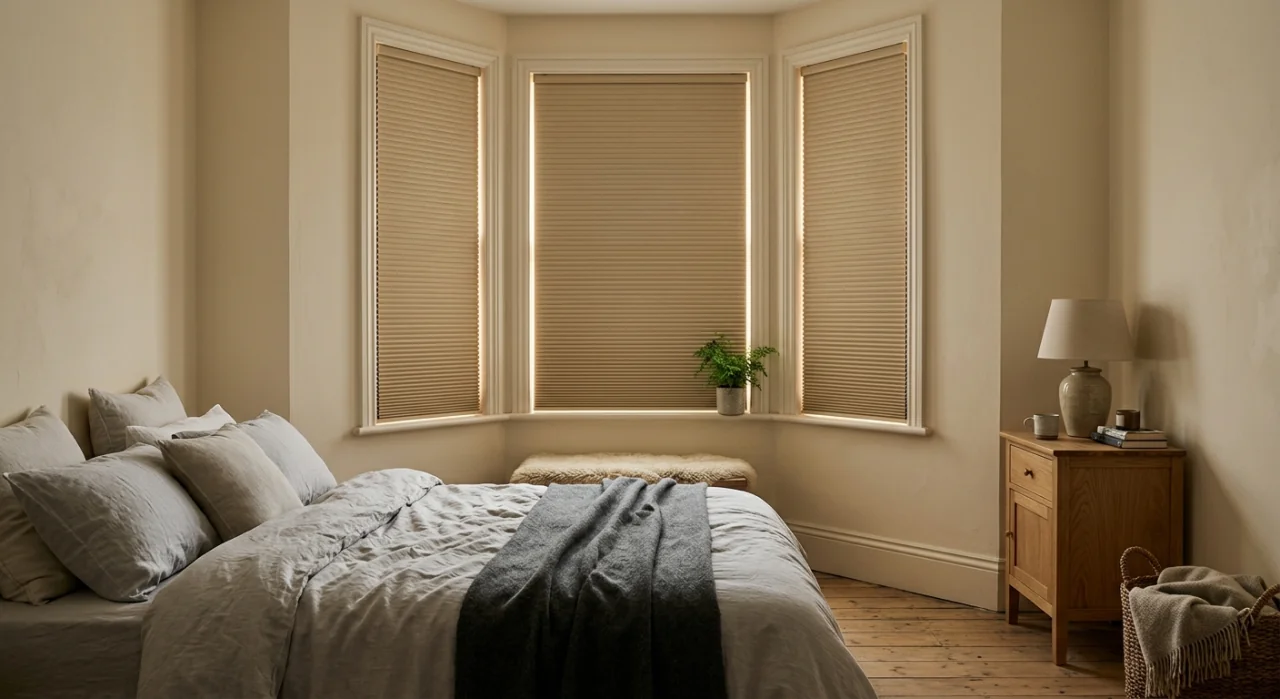
- Roller Blind & Pleated Blind VisualizerExplore roller or pleated blinds on a window photo. Choose window type, blind type, opacity, colour and mounting style; check measurements, fit and real light transmission separately.
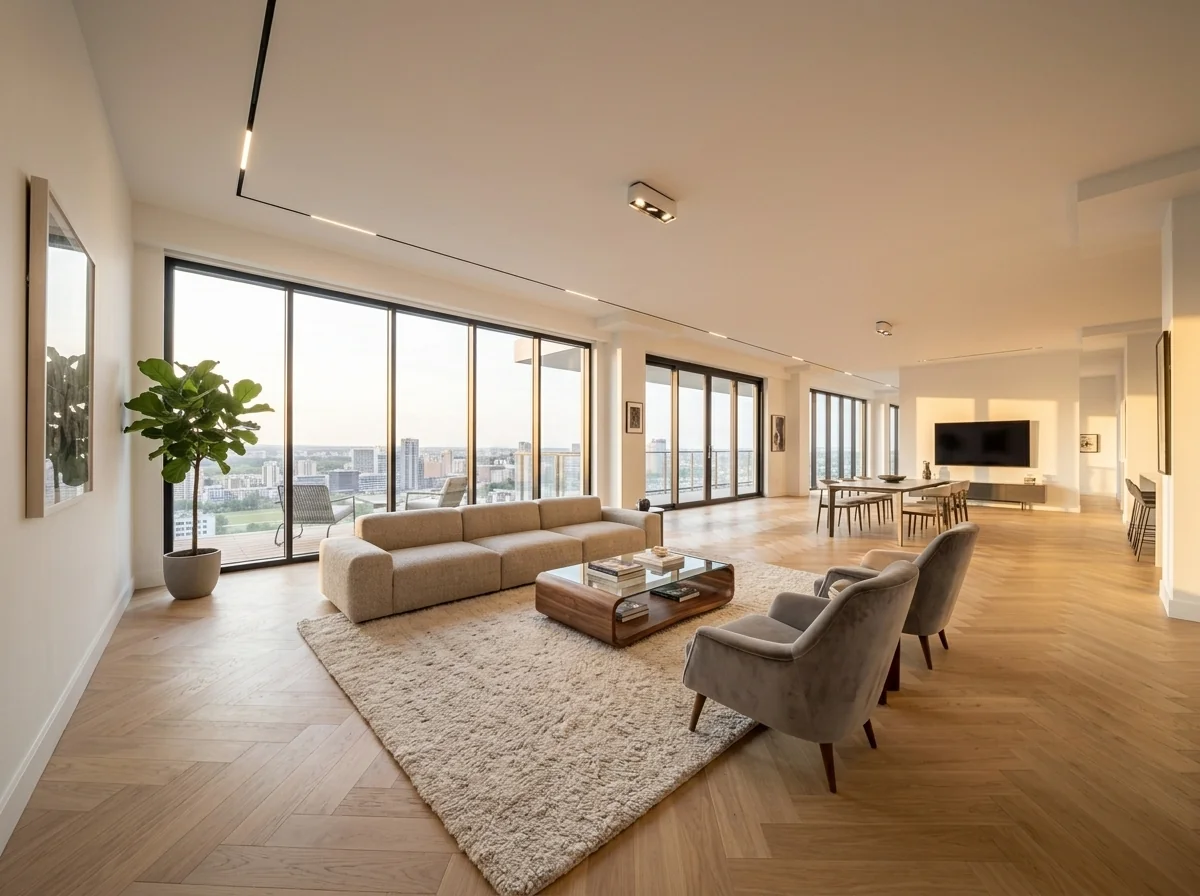
- Rooftop Terrace DesignExplore a rooftop-terrace concept from a photo. Review seating, planting and the real space separately; an image does not verify roof loading, drainage or permission to use the area.
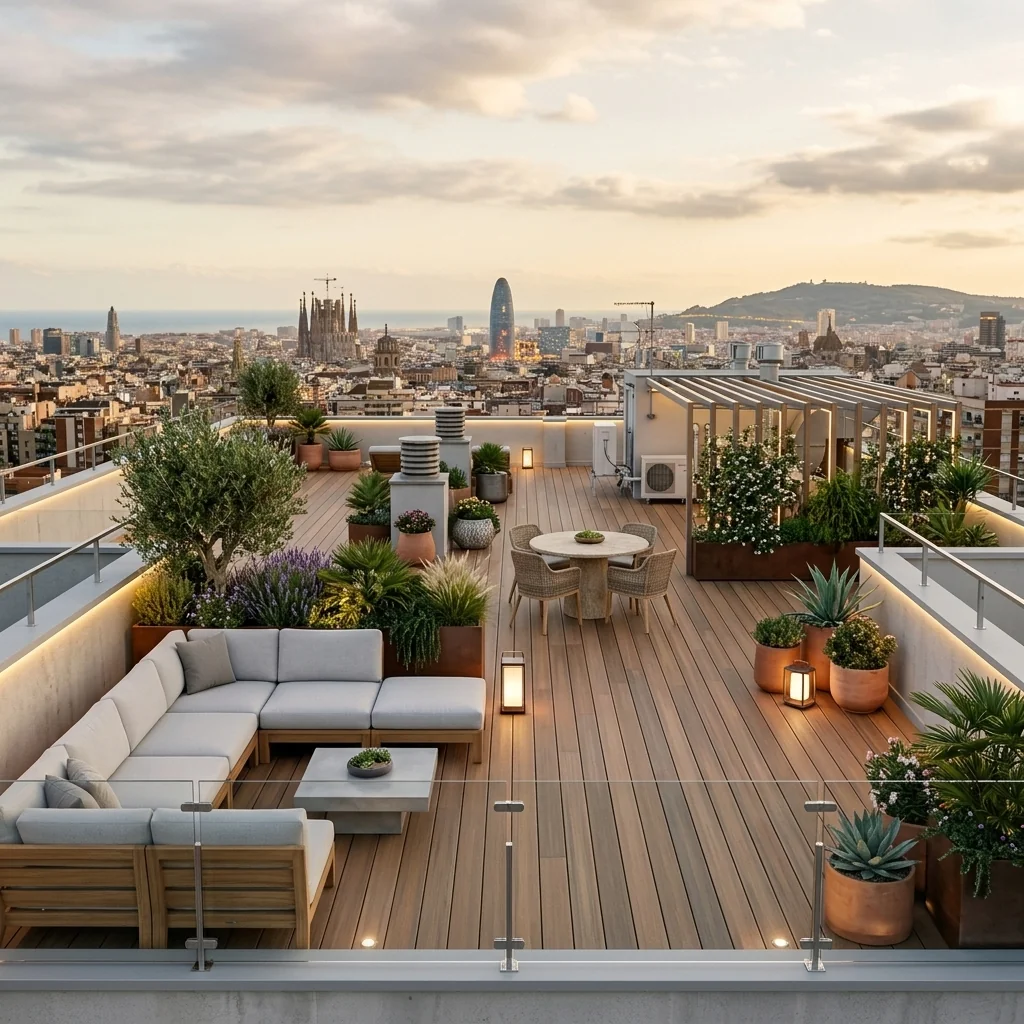
- Room Lighting & Ambiance EditorExplore a different lighting mood on a room photo. Choose the ambience setting and compare colour, brightness, shadows and room details with your original.
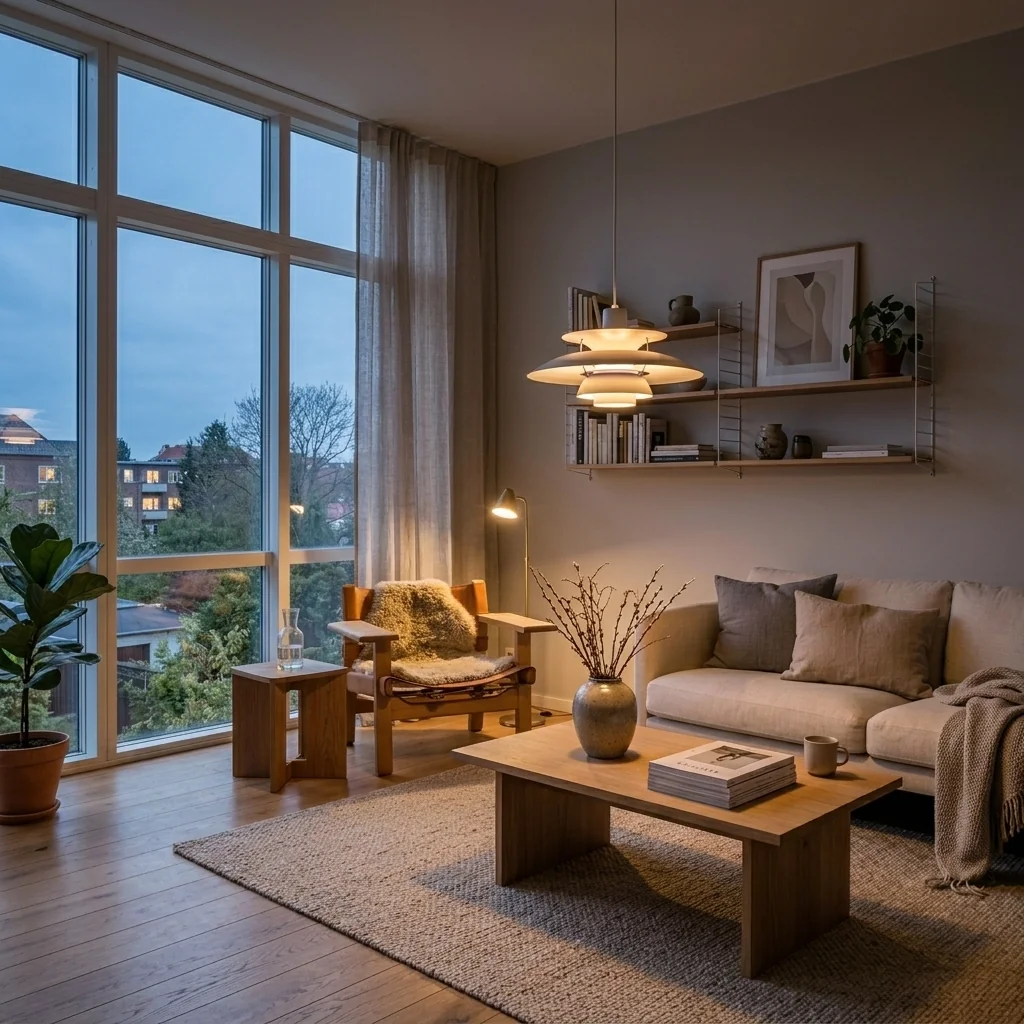
- Room Makeover & Renovation VisualizerExplore a room-redesign concept on your photo. Choose room type and design style, then check proportions, openings and changed features against the original before planning work.
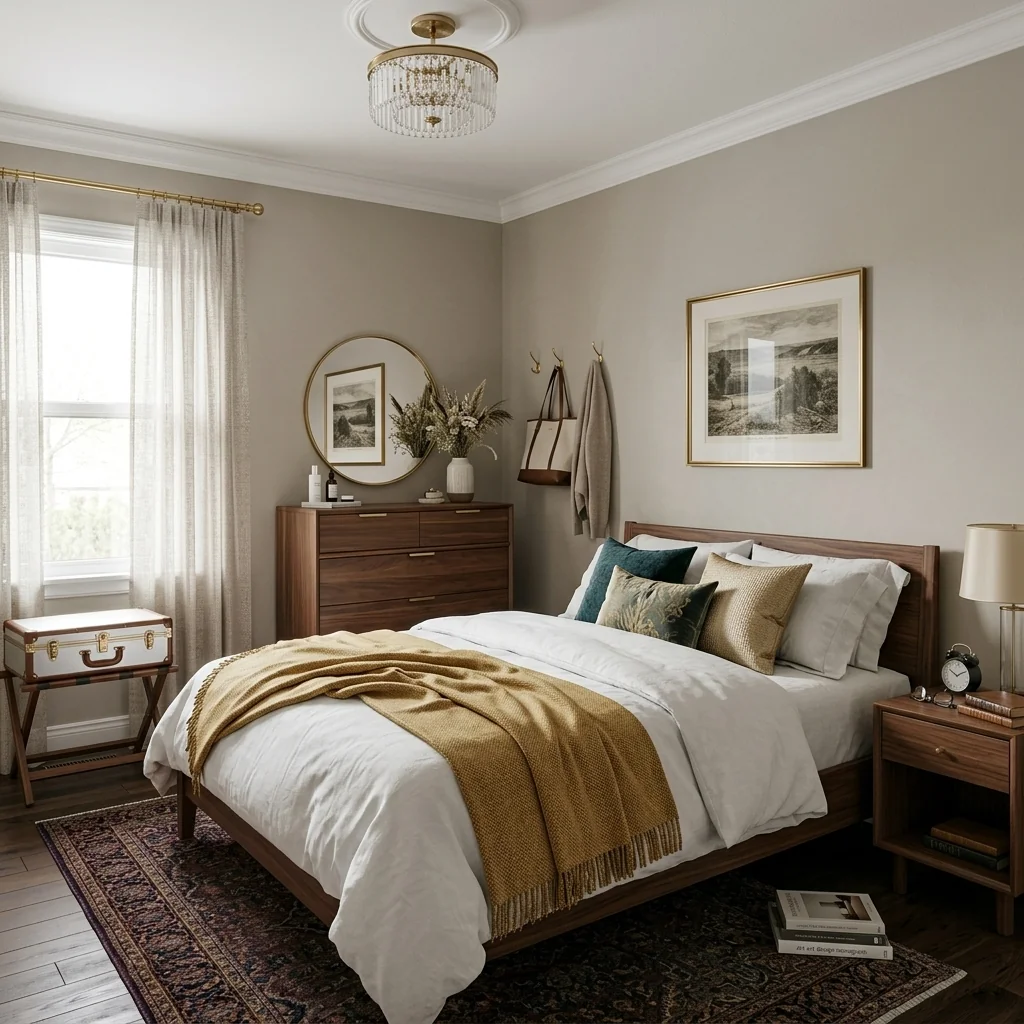
- Room Design PlannerPlan a room idea with room type, style and optional room or reference photos. The planning page prepares a local brief; the separate image workflow requires its own review and explicit confirmation.
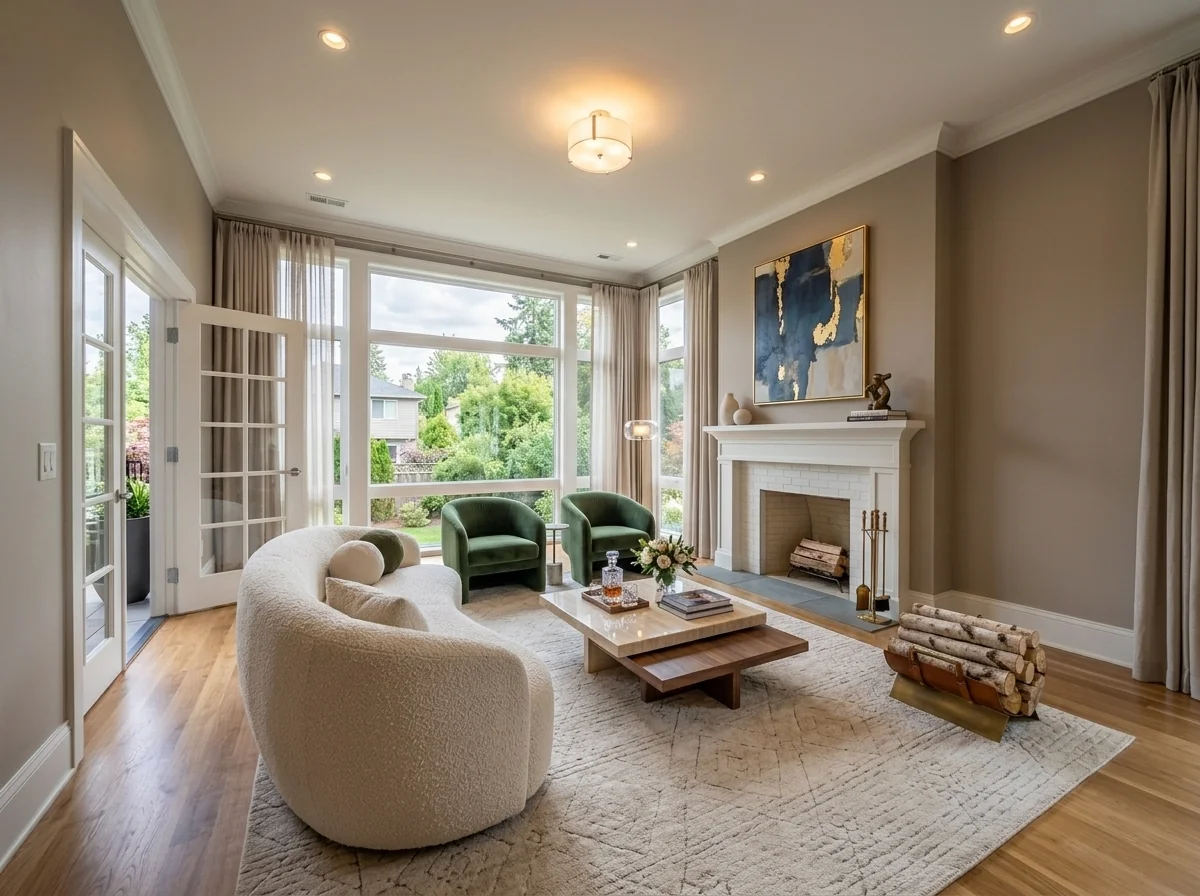
- Room Restyle Ideas GeneratorExplore a restyled room from your photo. Choose style, change level and what to retain; review the requested variants and total before confirming rather than expecting automatic alternative designs.
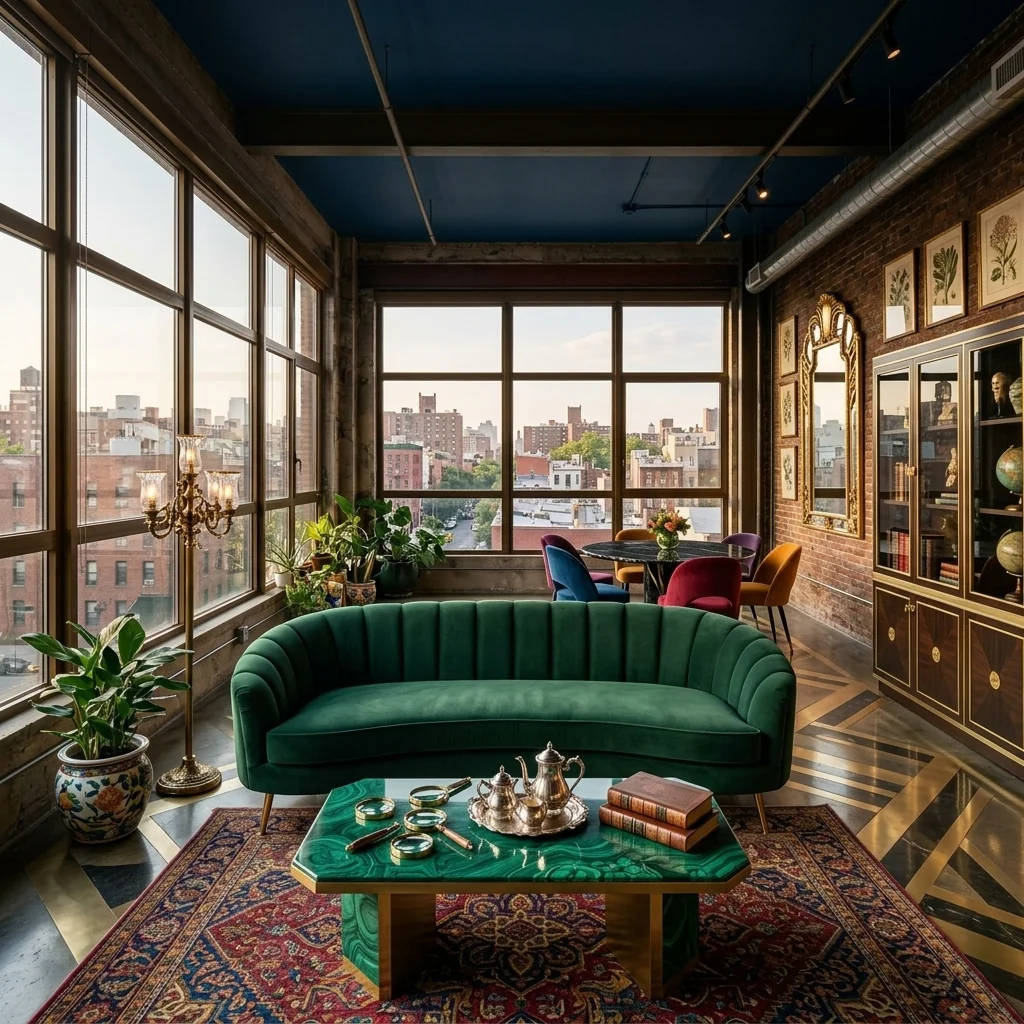
- Room Type GeneratorExplore a furnishing concept for a selected room type on your photo. Compare furniture scale, doors, windows and other important room details with your original.
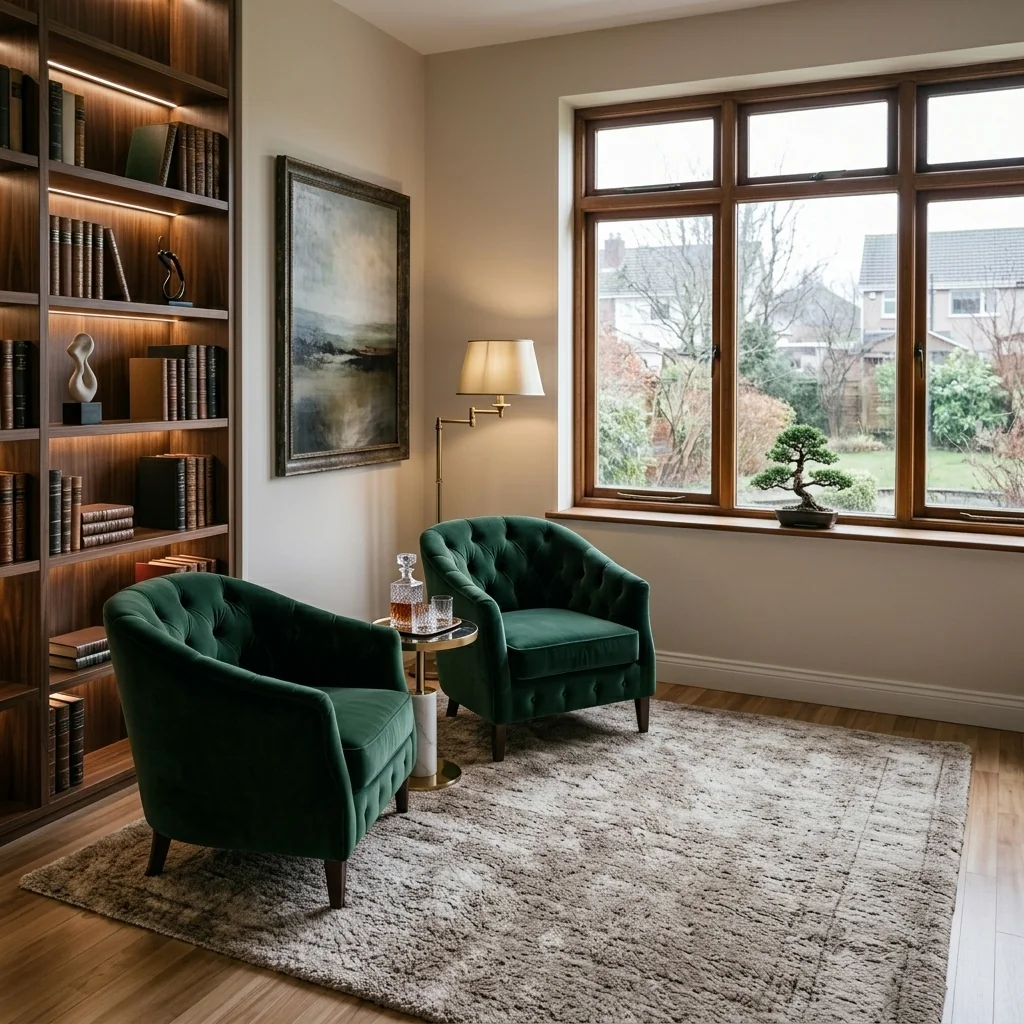
- Rug Replacement ToolExplore a different rug style on an interior photo. Choose an available style and compare placement, scale, edges and surrounding furniture with your original.
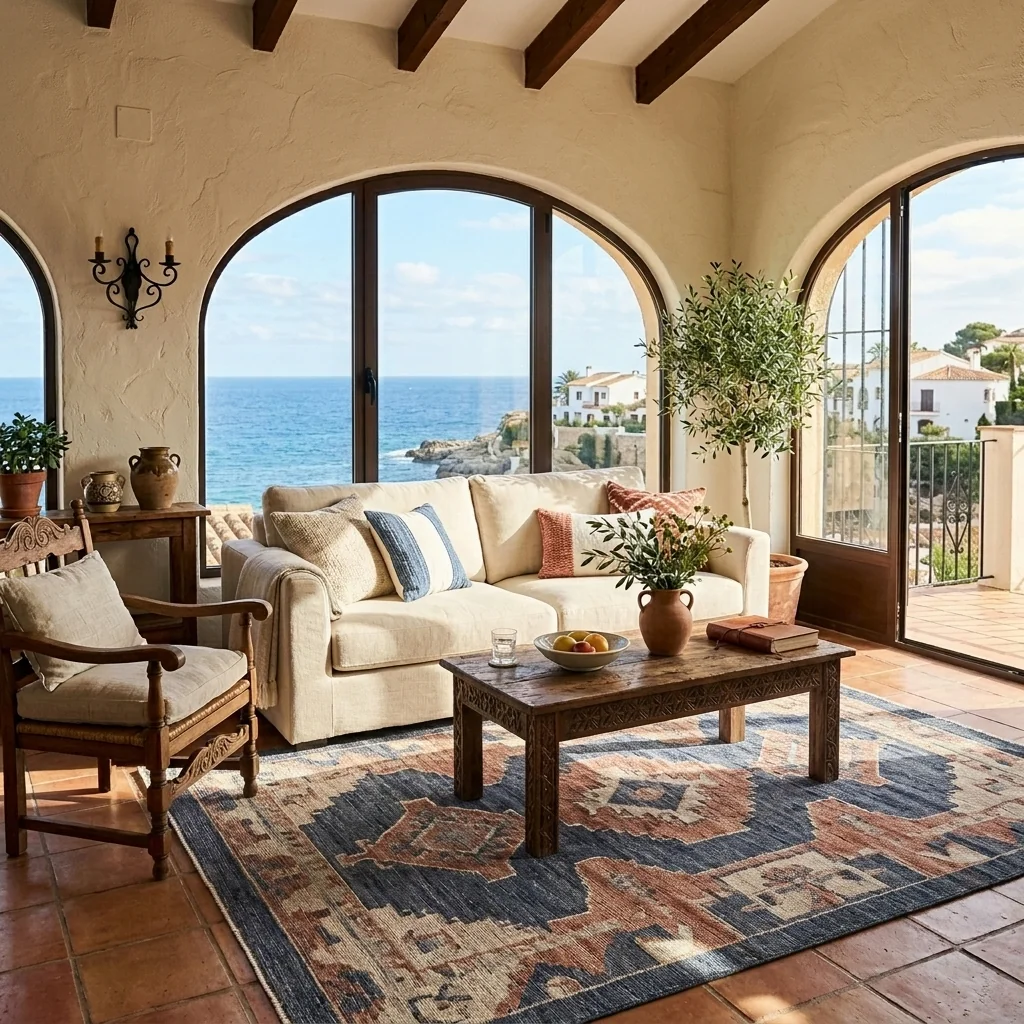
- Rug Placement ToolExplore a rug in your room using separate room and rug photos. Add placement, size or orientation notes if needed, then compare the result with both originals and real measurements.
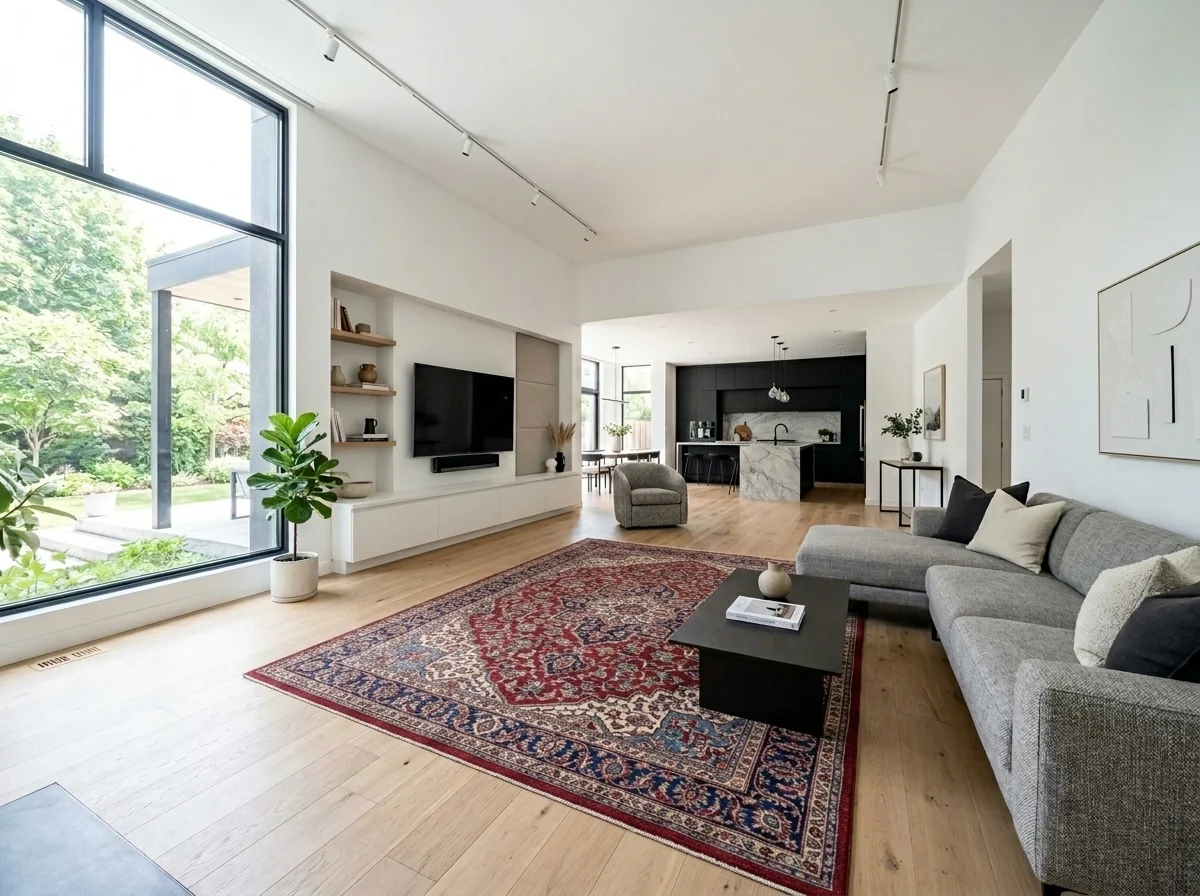
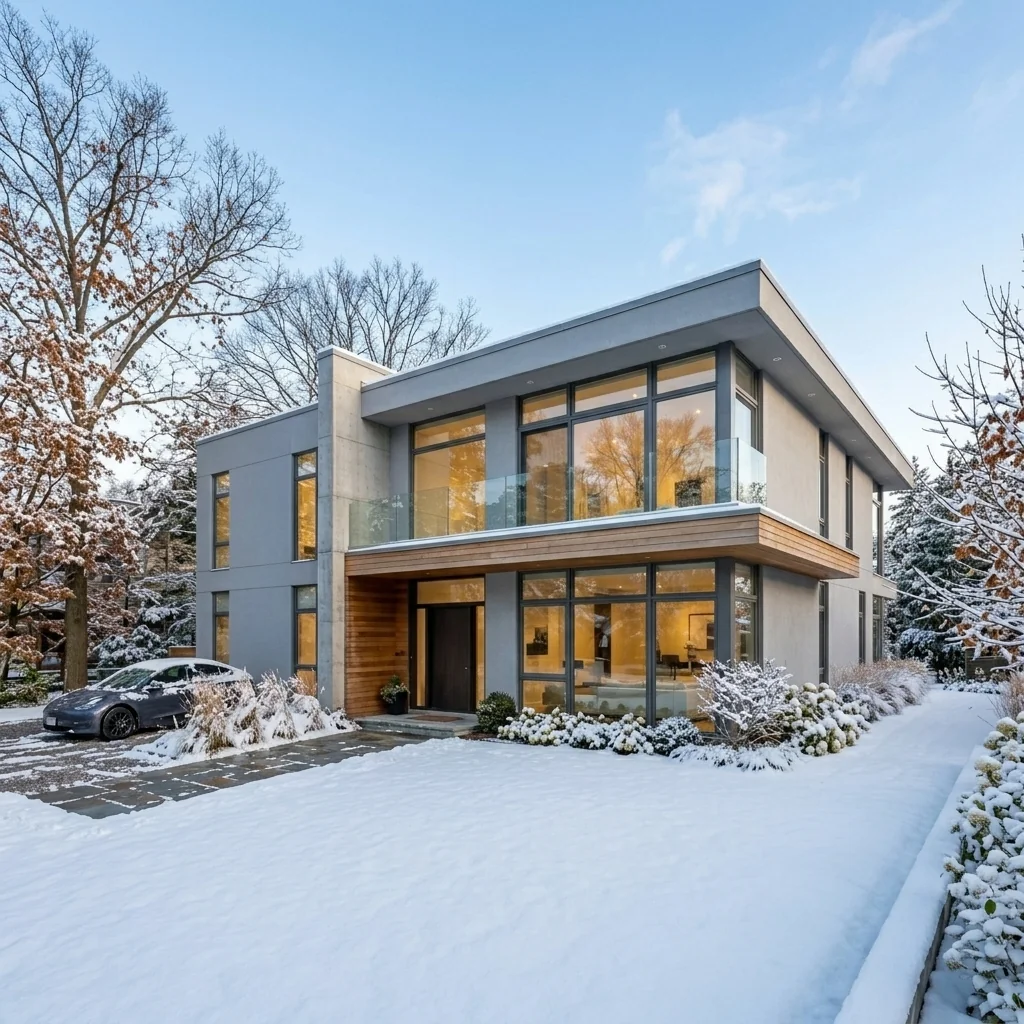
- Season Switcher (Winter to Summer)Explore a summer-style edit of a winter property photo. Compare planting, ground surfaces and building details with your original; the image depicts an edited season rather than a current site record.
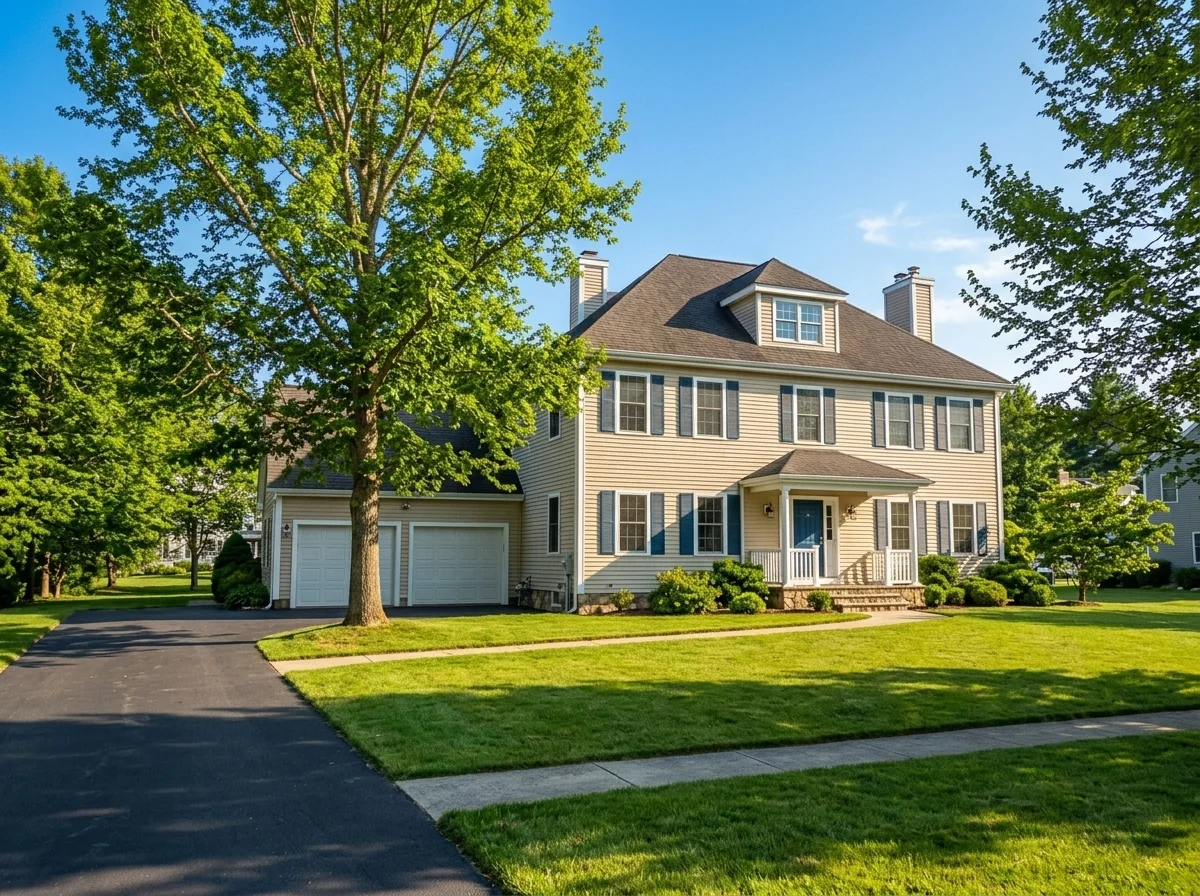
- Seasonal Property VisualizerExplore a seasonal concept for an exterior photo. Choose from the offered seasons and review the selected image count; the returned image does not document the property's current condition.
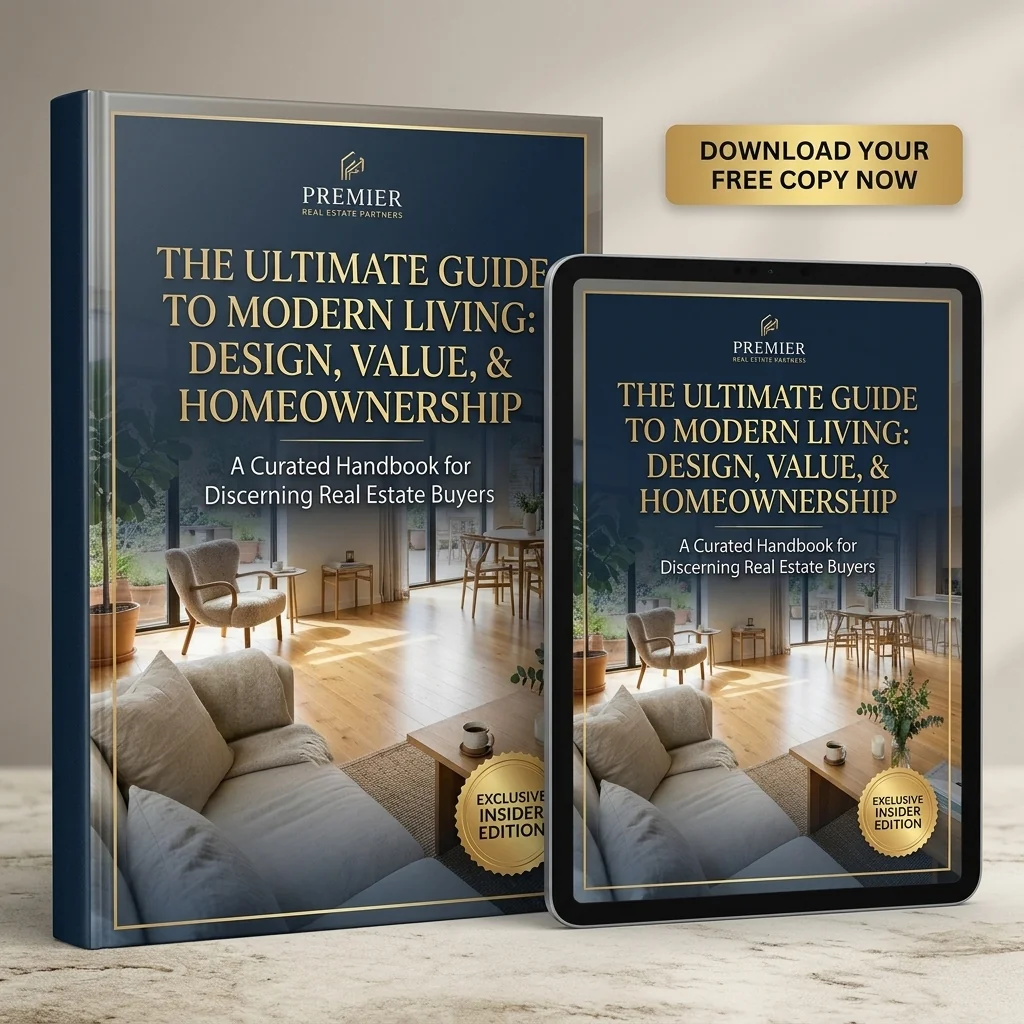
- Seller Lead Magnet eBook CoverCreate a static cover image for your property guide using a photo, title and branding details. Review the text; the tool does not generate the eBook, its pages or a downloadable PDF document.
- Shadow Removal ToolExplore softer shadows on an exterior photo. Choose which shadows to change and the target light, then compare edited areas, exposure and property details with your original.
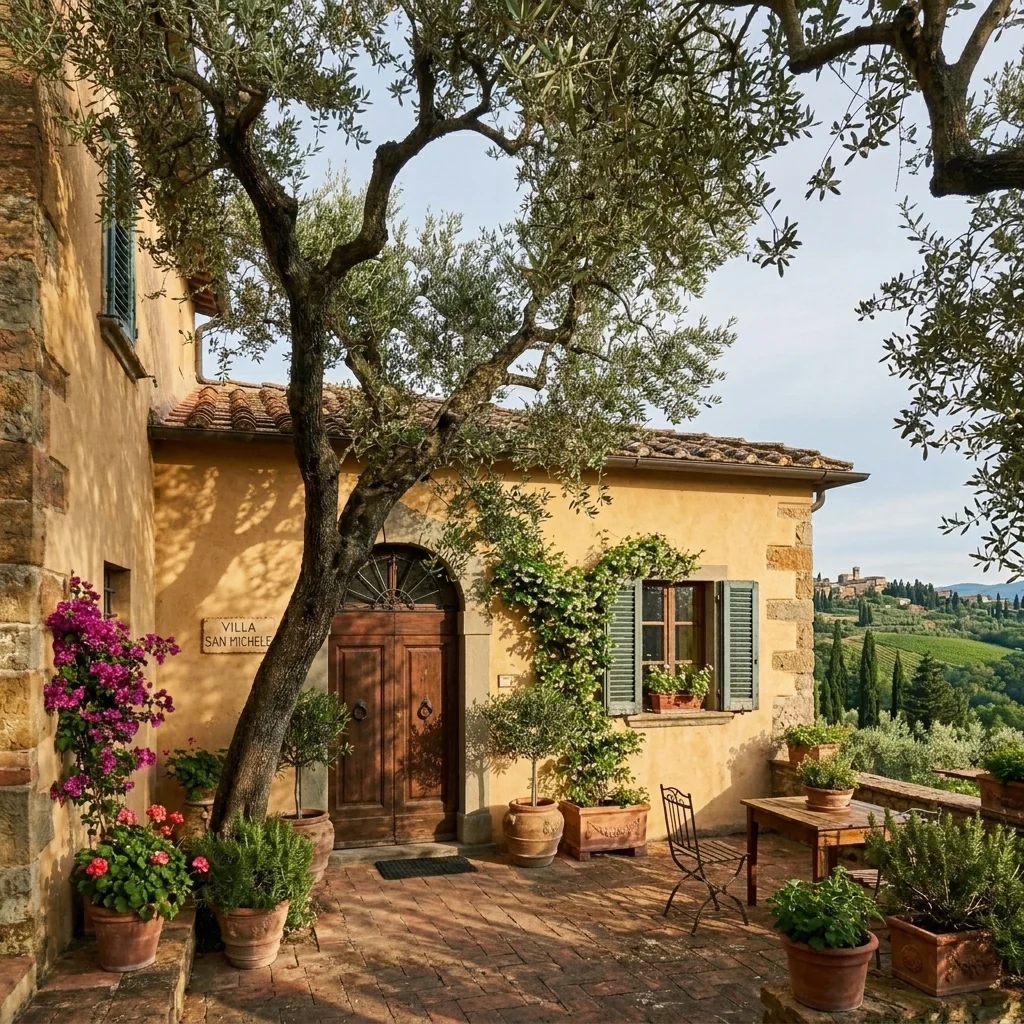
- Shell StagingExplore a furnished concept from an unfinished-room photo. Choose room type and style; inspect building details and distinguish a visualised finish from the property's actual condition.
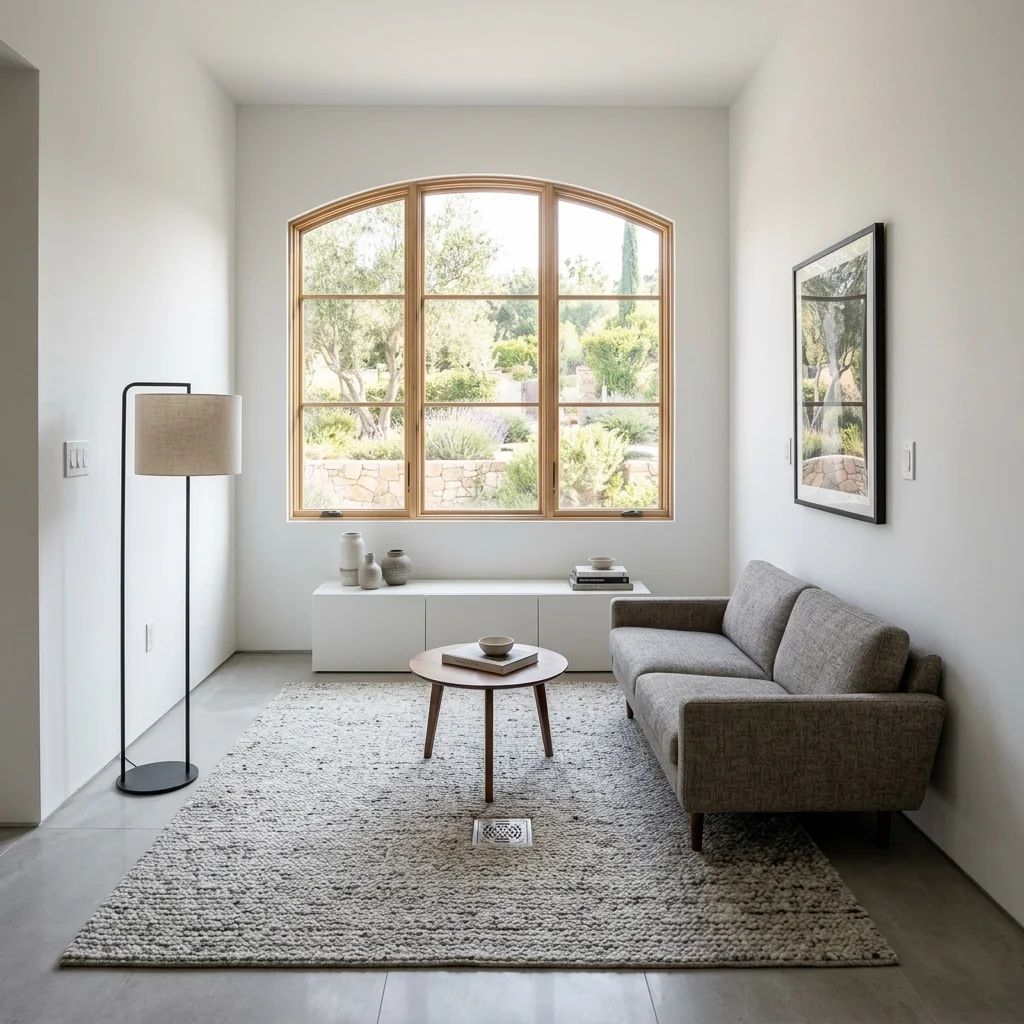
- Sketch-to-Render ToolExplore a rendered image from a sketch, drawing or floorplan. Compare geometry and details with the source; the output is a visual concept, not an editable CAD or 3D model.
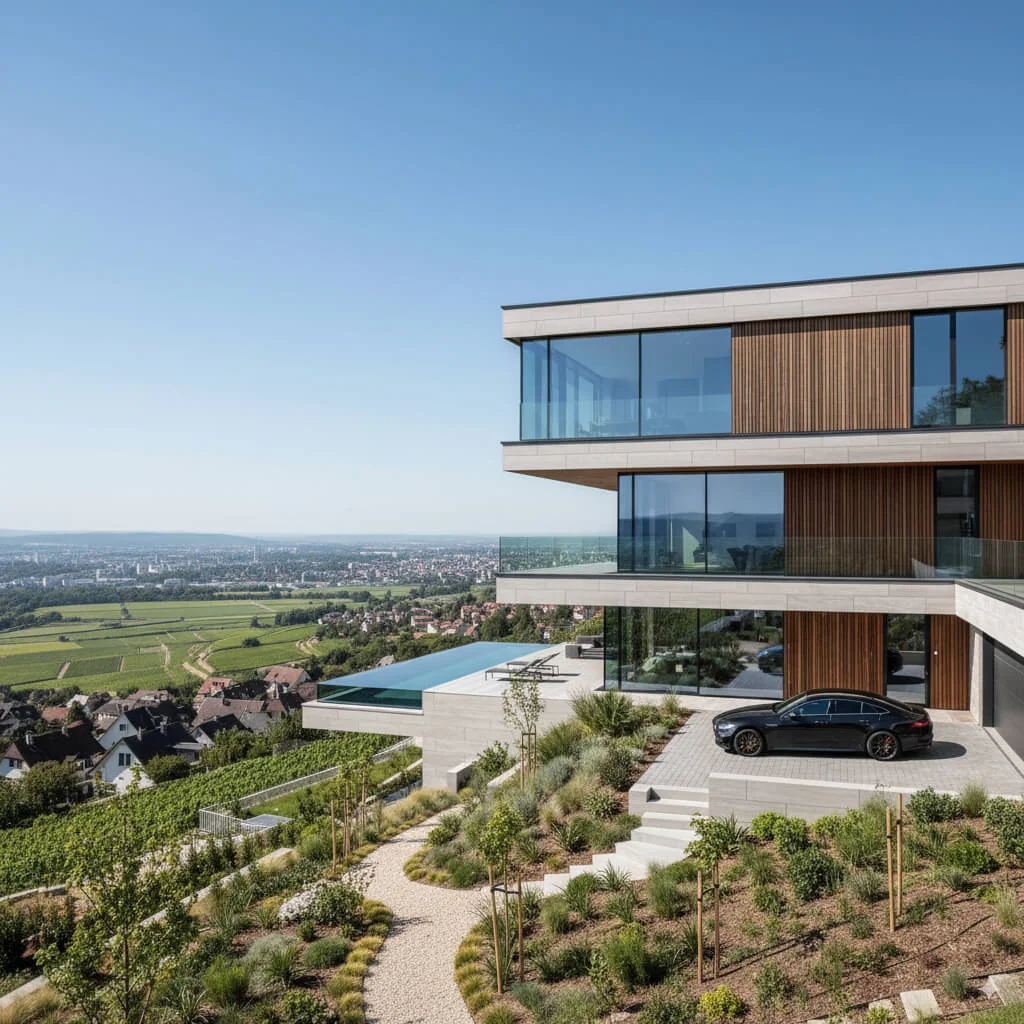
- Sky Replacement & Lawn RepairExplore a blue-sky and greener-lawn edit on a property photo. Compare edges, planting and building details with your original; the image does not document real landscaping work or current conditions.
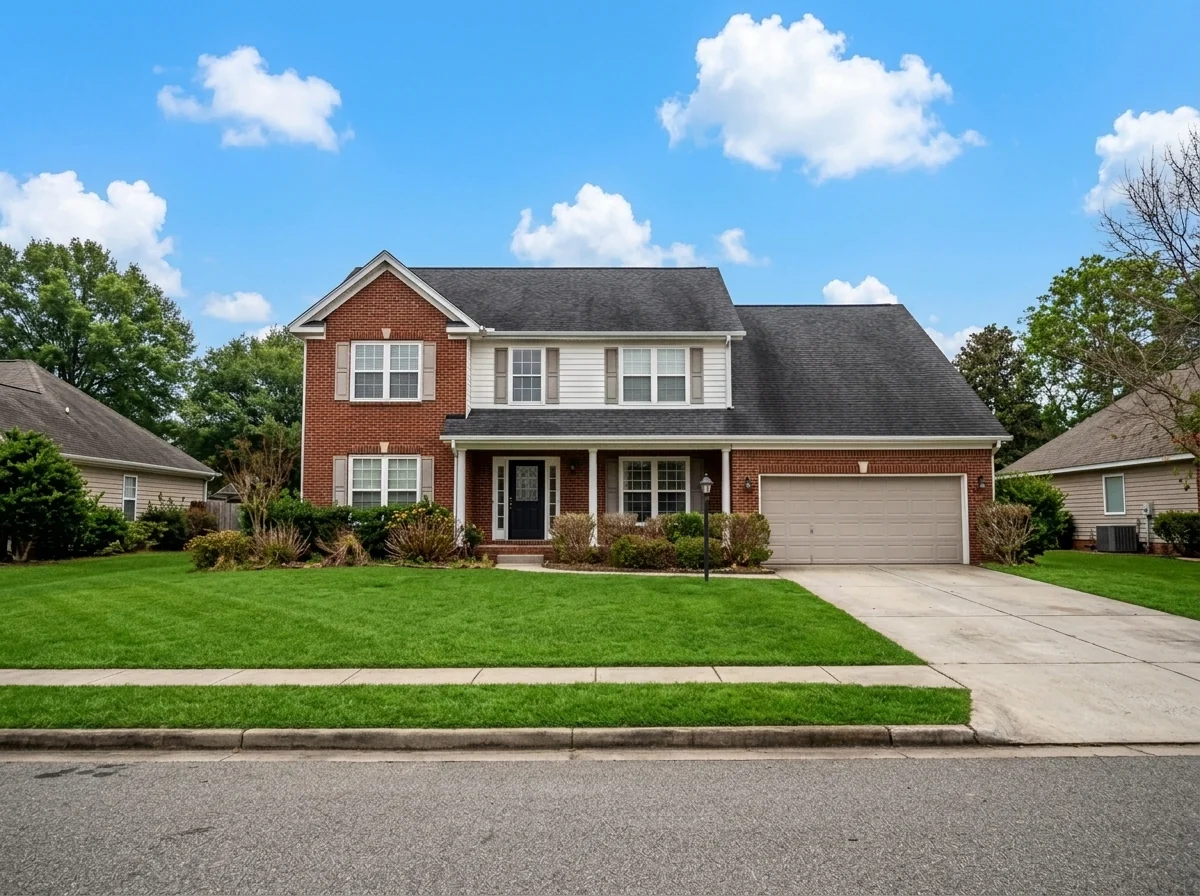
- Small Apartment FurnisherExplore furnishing ideas for an empty small apartment photo. Choose room type, style, space-saving focus and colours, then compare the layout and furniture scale with the original space.
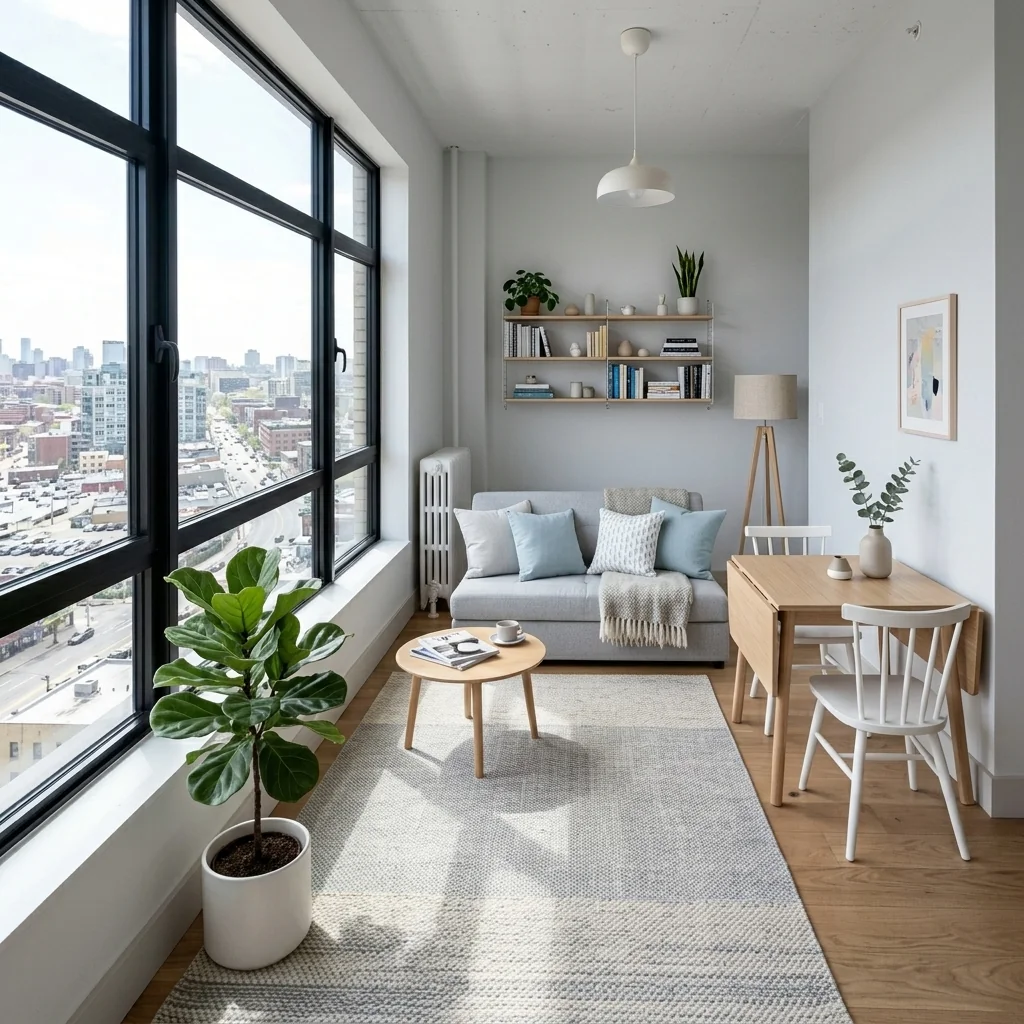
- Small Space & Studio StagingExplore a furnishing concept for a compact room or studio photo. Choose layout approach, style and space priority; verify circulation and real furniture dimensions separately.
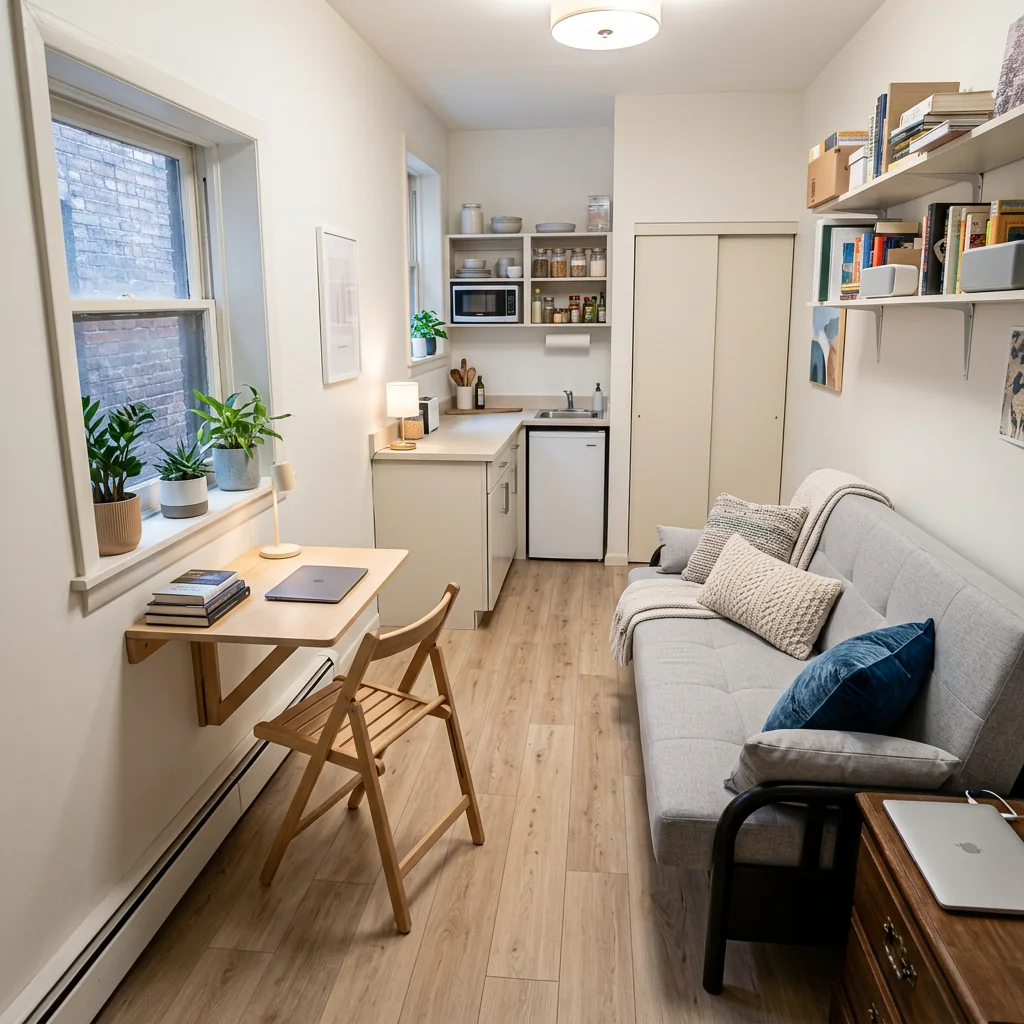
- AI Reupholstery & Placement VisualizerExplore your furniture with a different fabric in your room using separate room, furniture and fabric photos. Add placement notes if needed, then compare the design with all three originals.
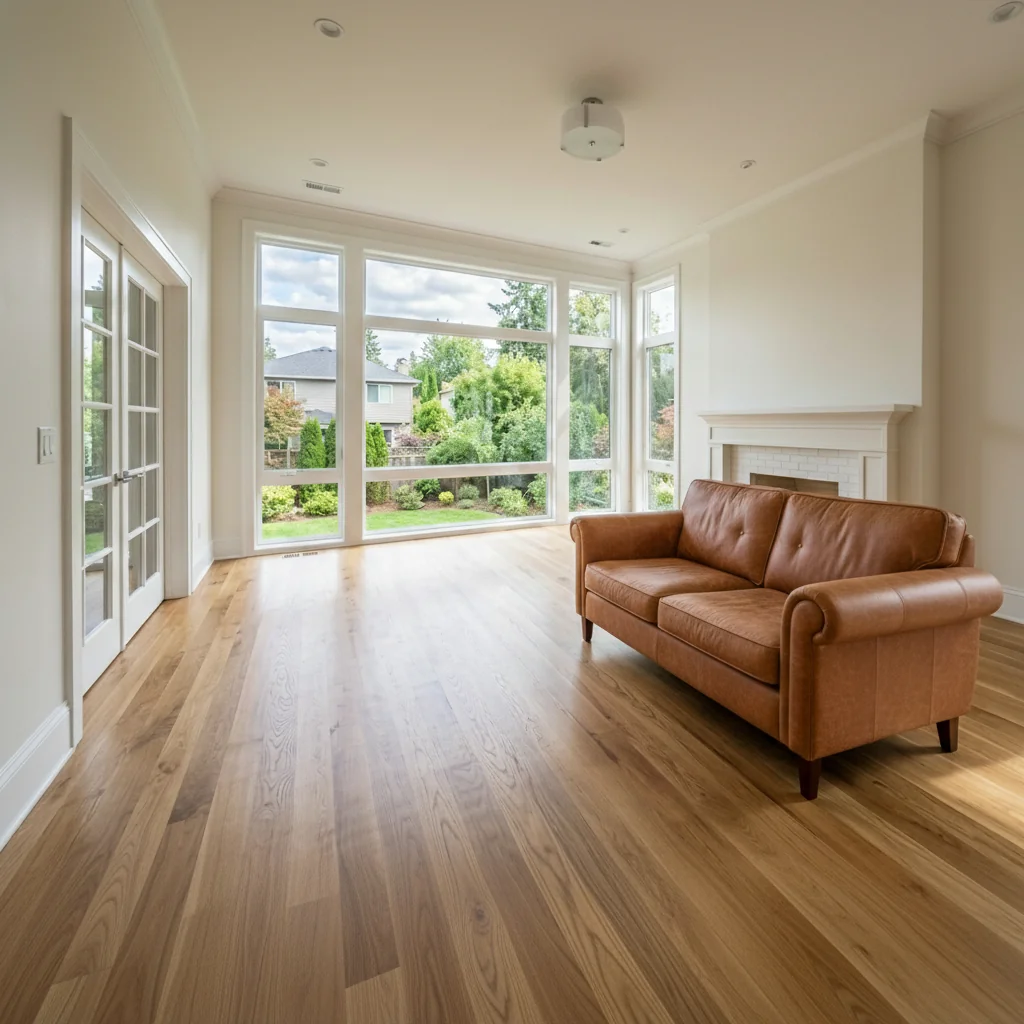
- AI Sofa Skirt Upholstery VisualizerExplore a sofa-skirt idea on your photo. Choose skirt fabric, colour, pleat style and length, then inspect the fabric detail and any changes to the rest of the sofa and room.
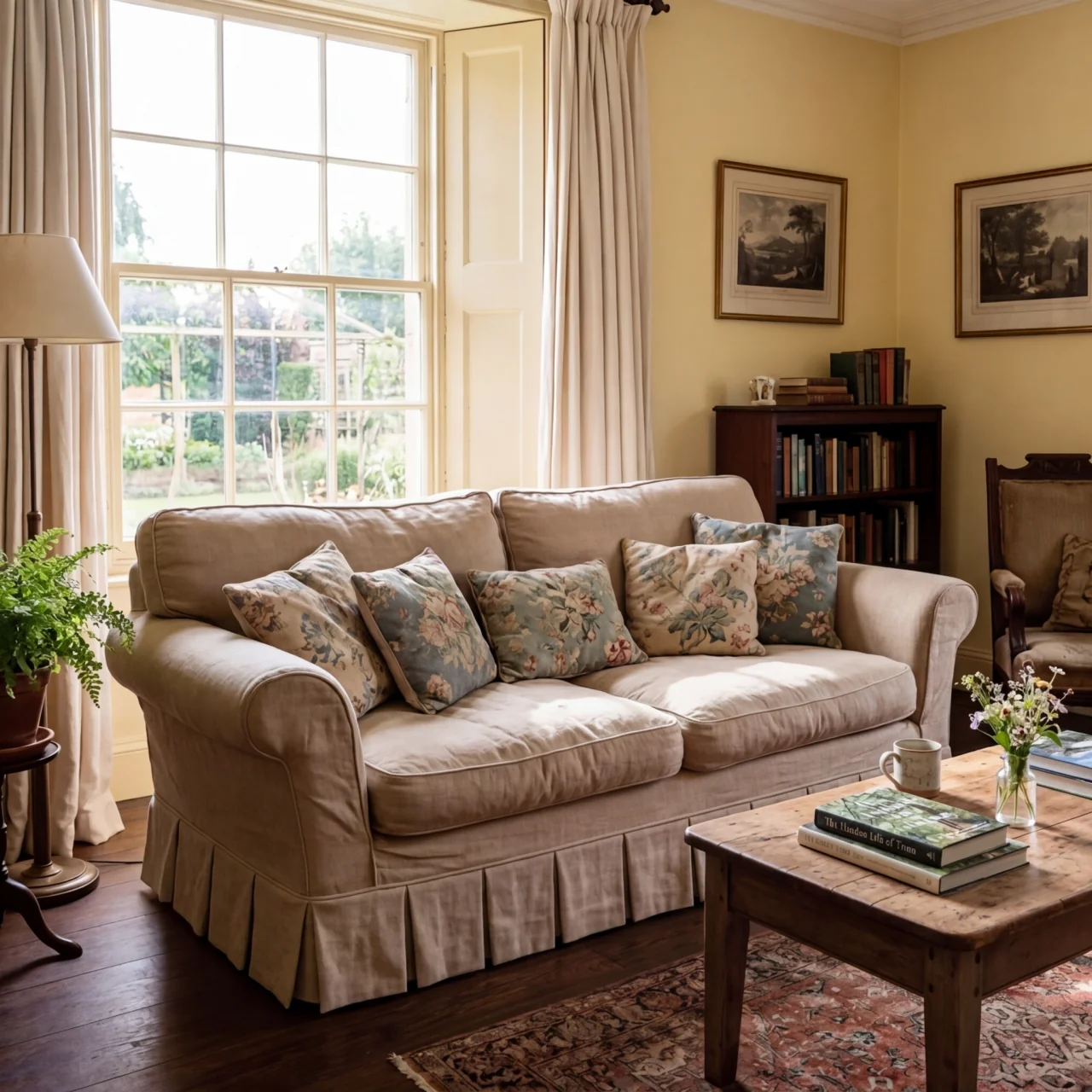
- Studio Apartment Virtual StagerExplore a furnished studio concept from your photo. Choose staging style, layout and ambience, then compare the room, furniture scale and practical paths with the original.
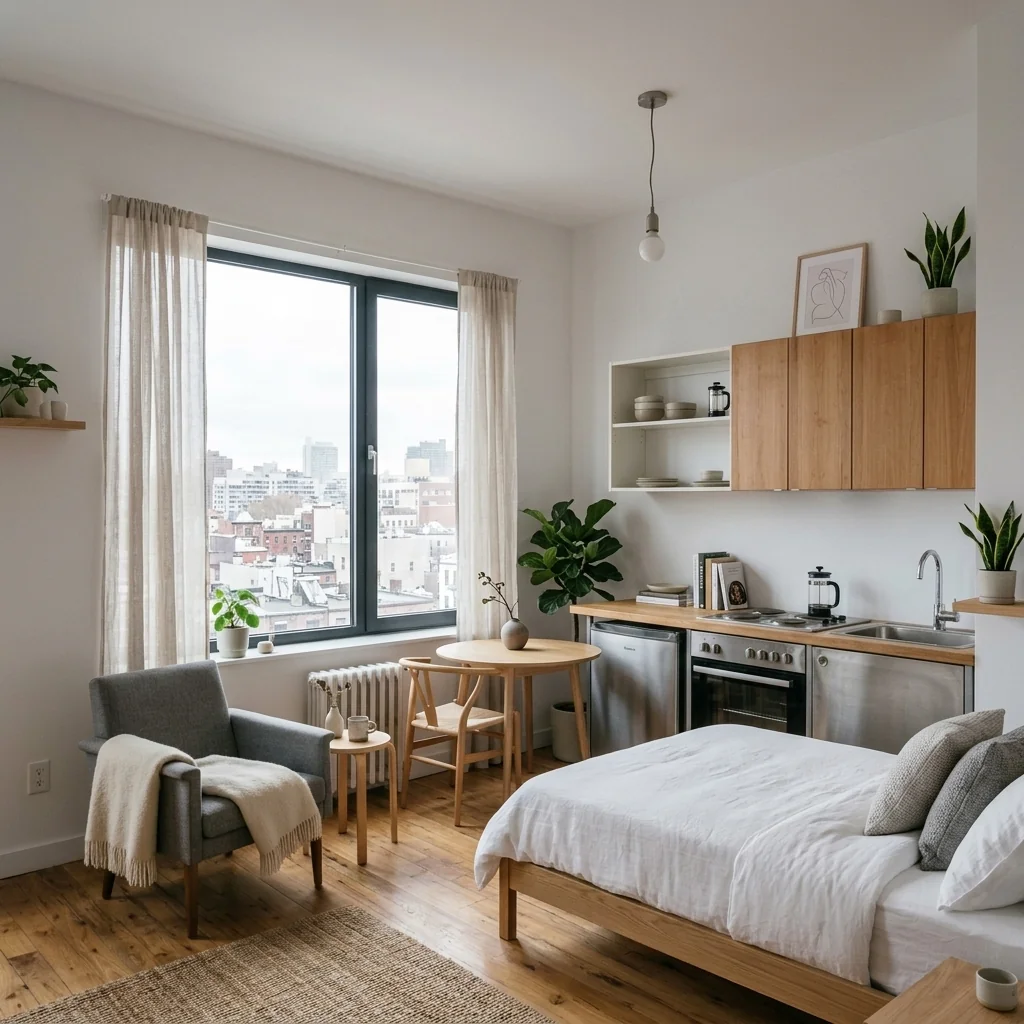
- Style-First Virtual StagingExplore a furnishing concept by choosing a design style for your room photo. Compare furniture, proportions and important room details with your original before sharing the image.
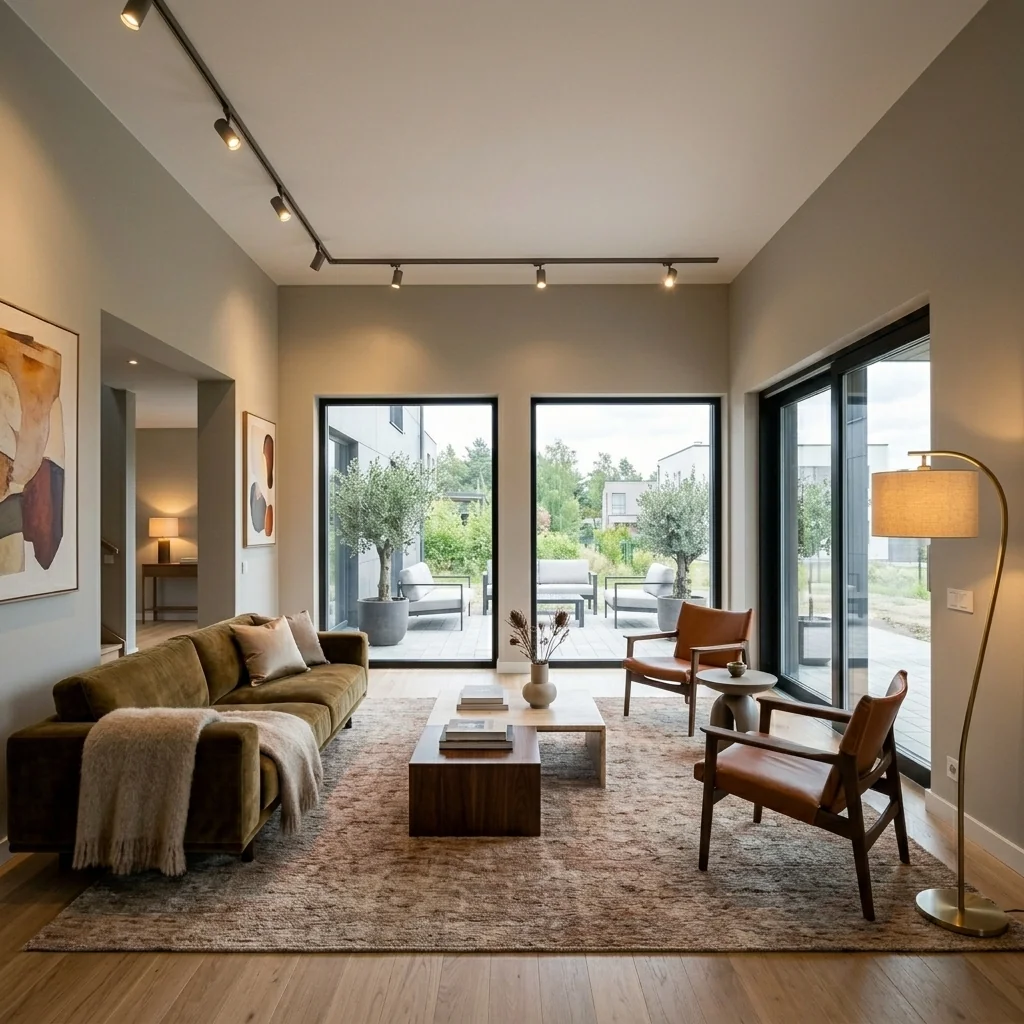
- Room Type & Style StagingExplore a furnishing concept for a chosen room type and design style on your photo. Review furniture, scale, doors and windows against the original room.
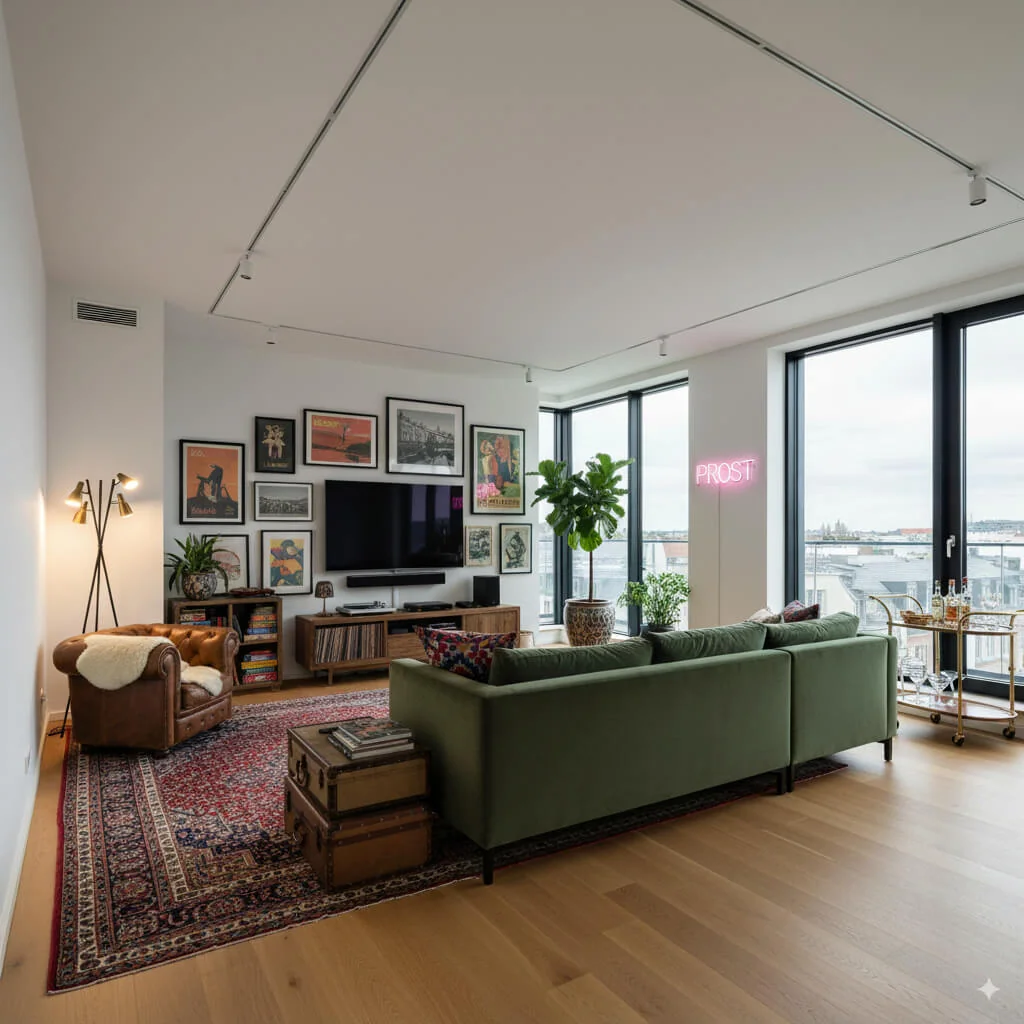
- StyleSync Virtual StagerUse a target-room photo and style reference to explore a coordinated design. Choose transfer level and elements to retain; the reference guides the style rather than proving exact furniture reproduction.
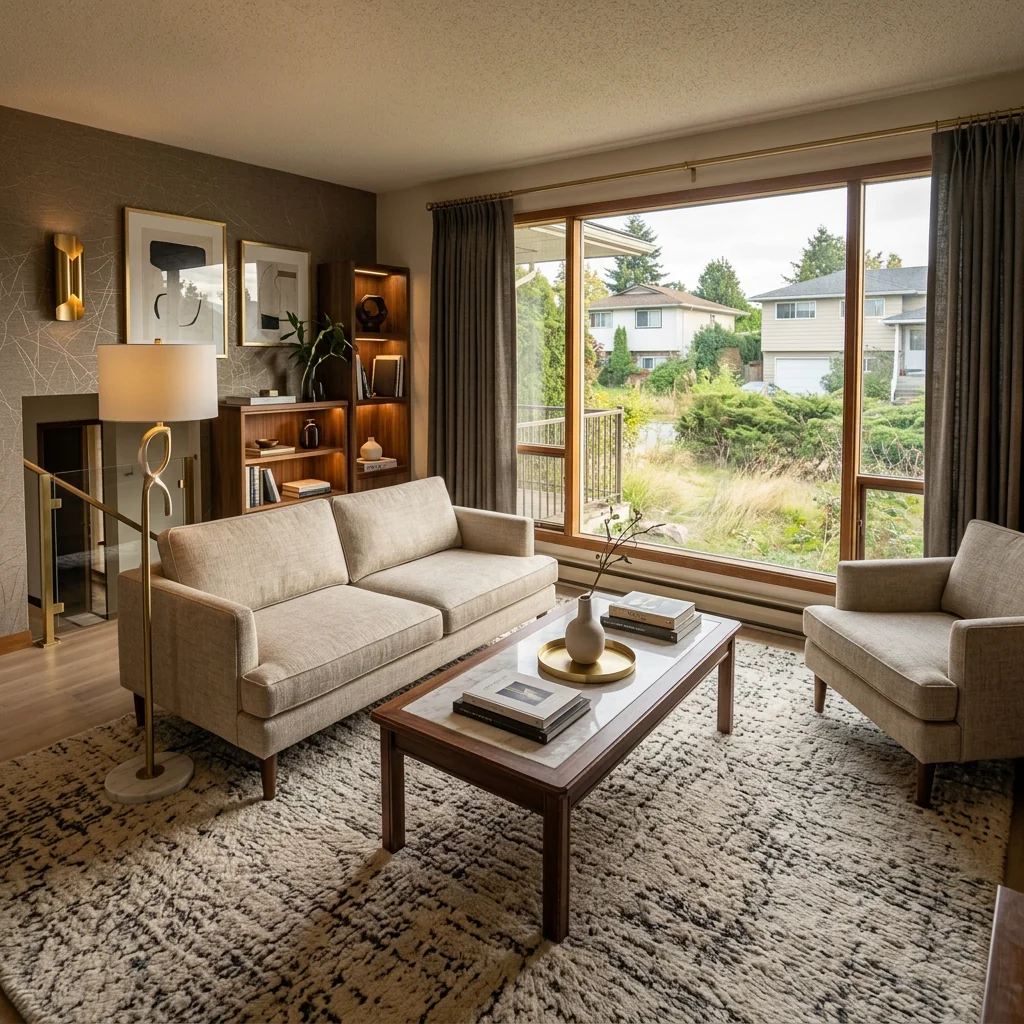
- Sunroom & Conservatory DesignExplore a sunroom or conservatory concept from a photo. Choose its use, style and amount of planting, then compare the design with the original and real space requirements.
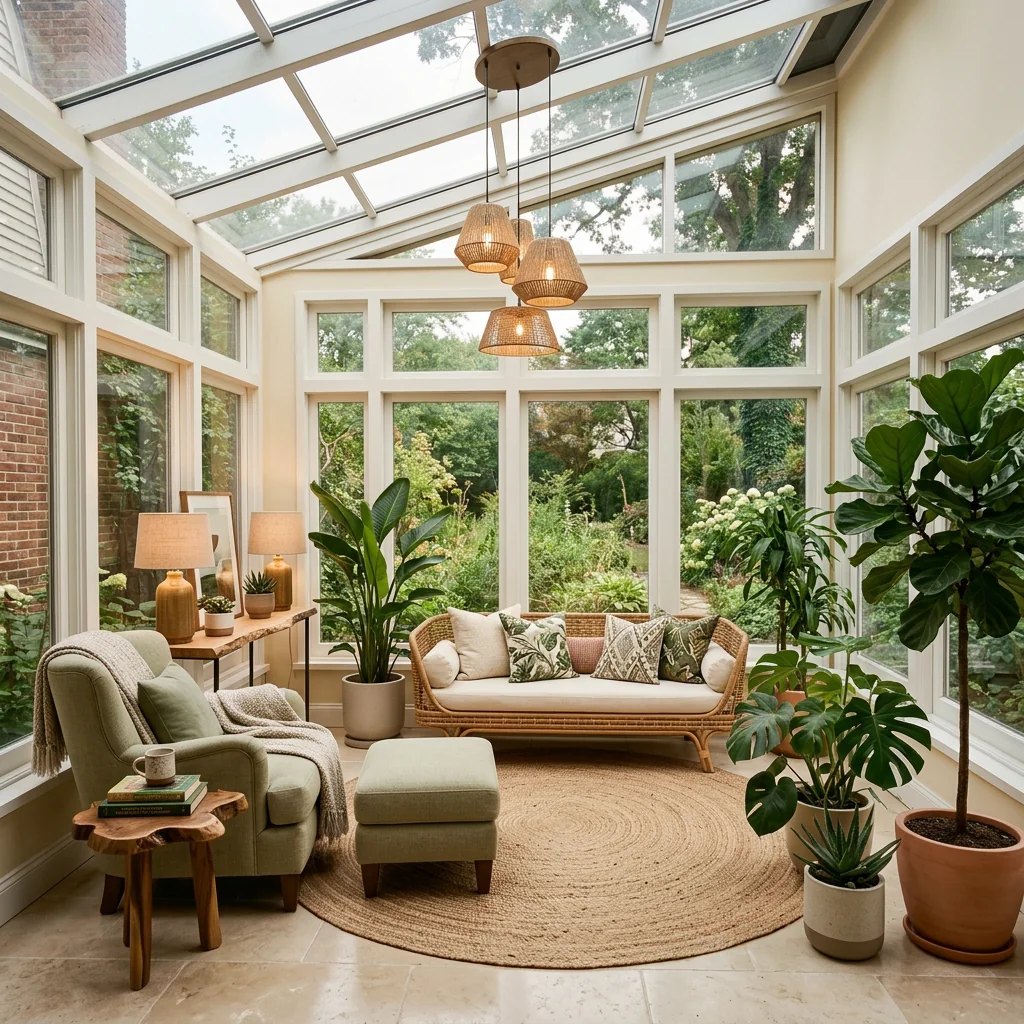
- Tassel Fringe Trim SwapExplore a new tassel or fringe trim on a photo. Choose style, colour and material, and optionally identify the item to change; inspect the returned decorative detail.
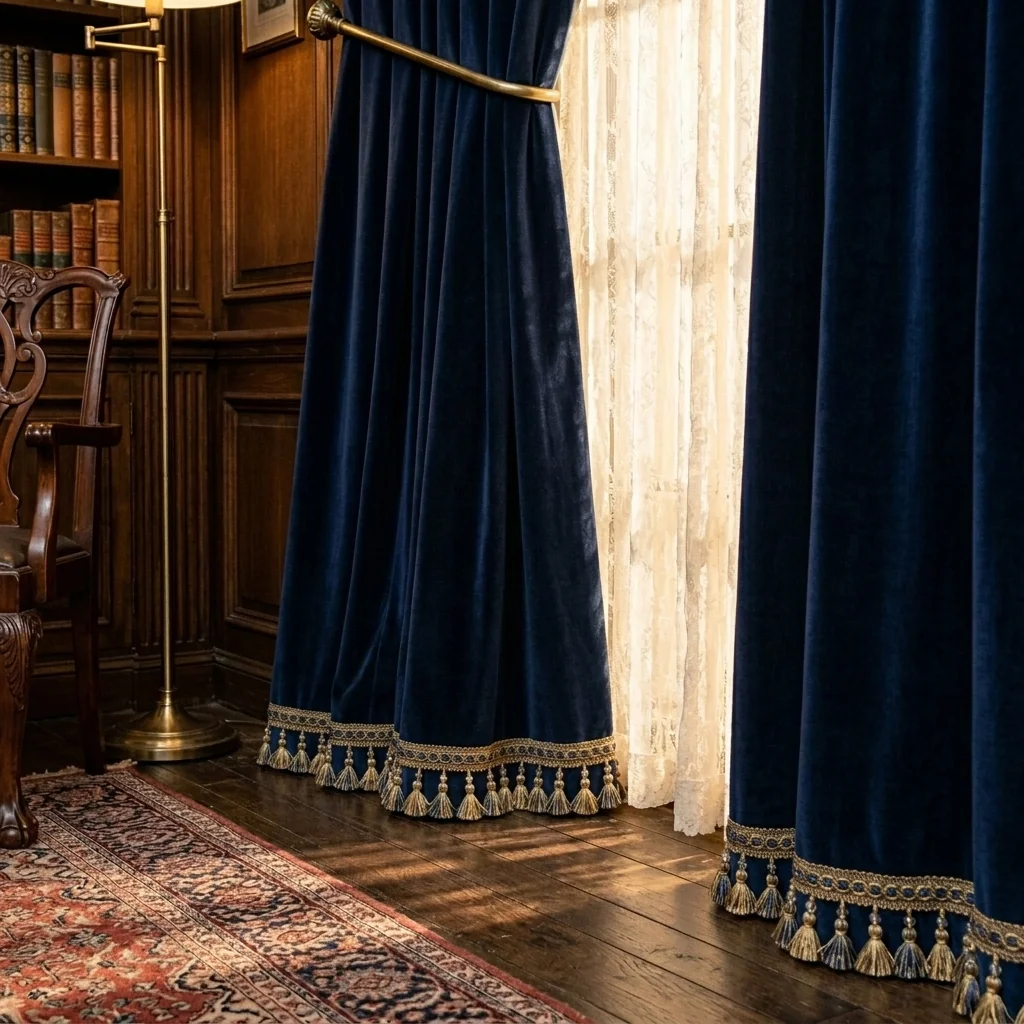
- Throw Blanket SwapExplore a different throw blanket on an interior photo. Choose blanket style, colour and texture or pattern, then compare folds, fabric and surrounding furniture with your original.
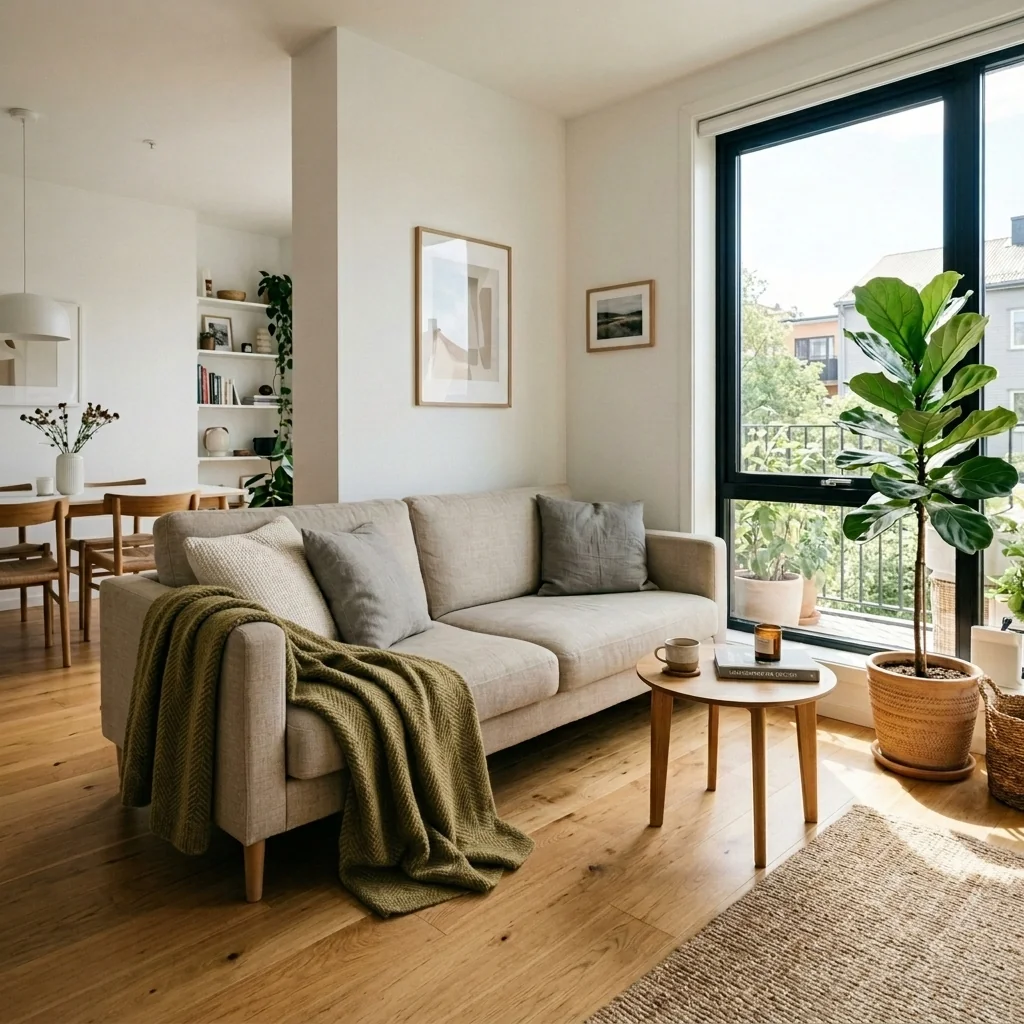
- Tufting & Piping Detail EditorExplore upholstery details on a furniture photo. Choose tufting, fabric, colour, piping and stitch style, then compare the returned detailing with your original and real material samples.
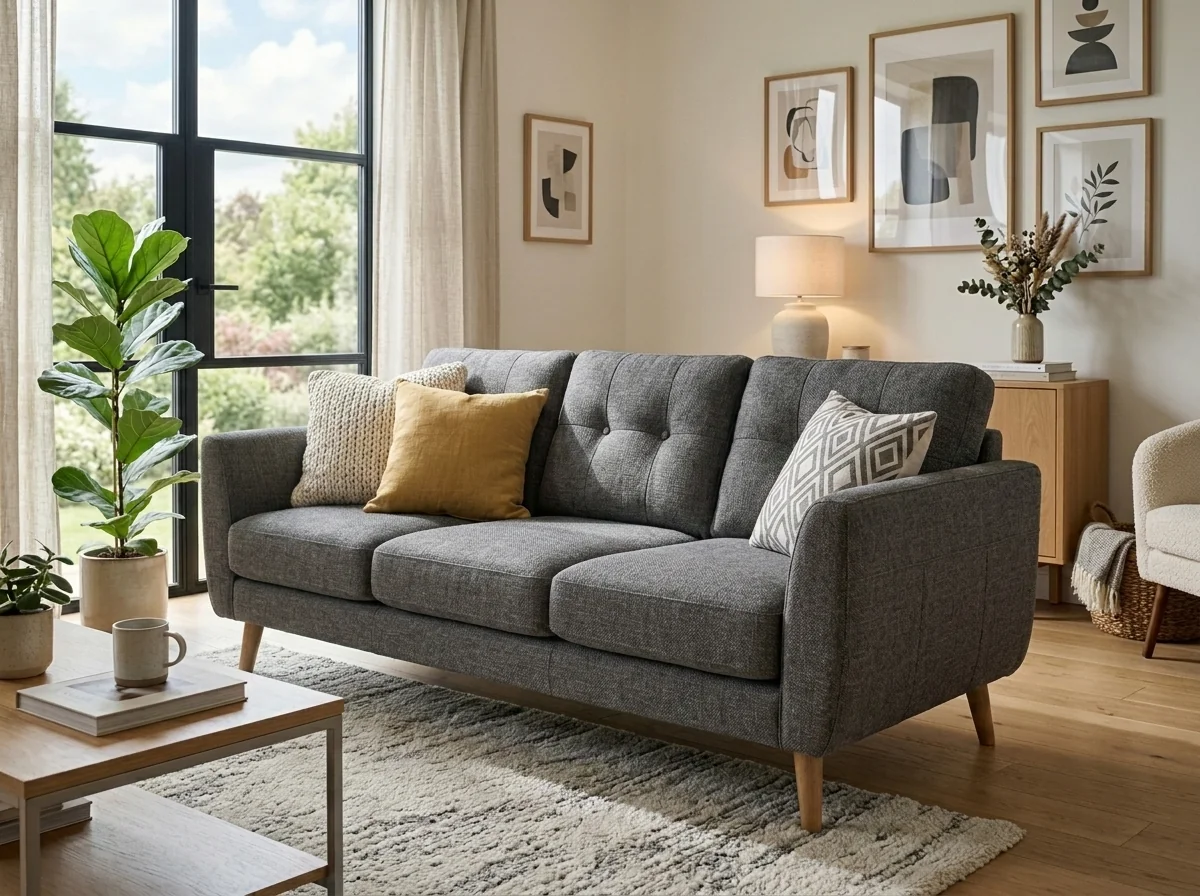
- Twilight Photo ConverterExplore a twilight concept from a daytime exterior photo. Choose the sky and lighting settings, then compare the returned edit with the original property before sharing.
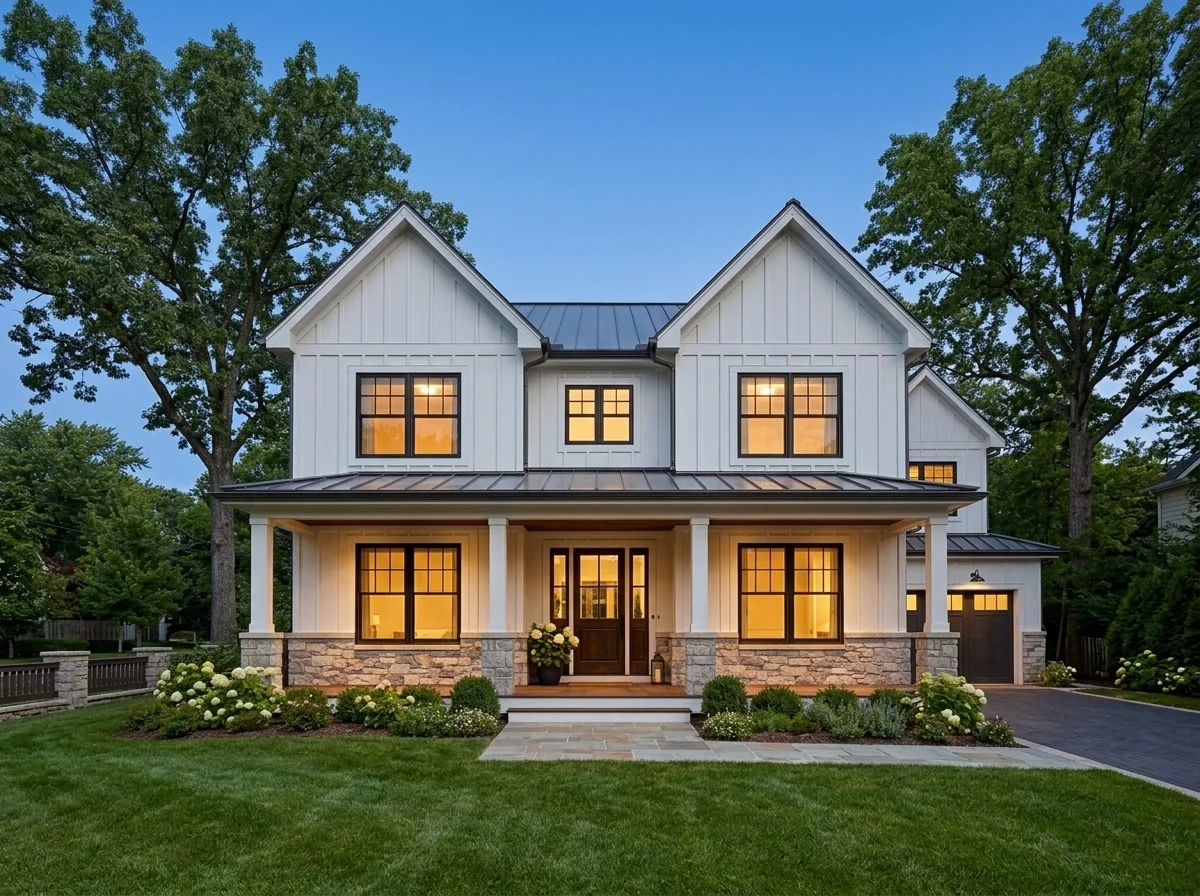
- Virtual Staging for Vacation RentalsExplore a furnishing concept for a holiday-rental photo. Choose decor style, room type and a city-inspired theme; the image does not verify amenities or predict booking results.
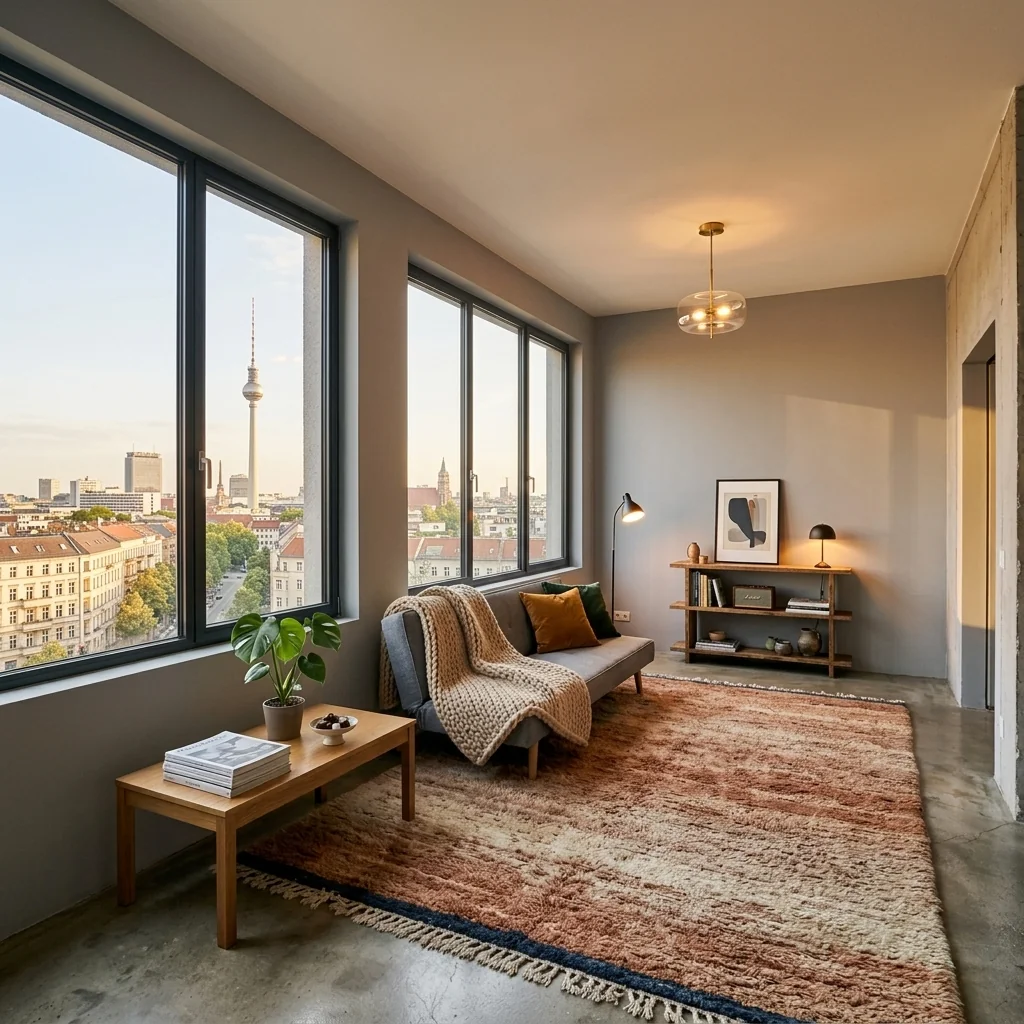
- Virtual Twilight & Blue Hour ConverterExplore a blue-hour edit on an exterior property photo. Inspect window light, sky and building details against the original; no increase in listing clicks is promised.
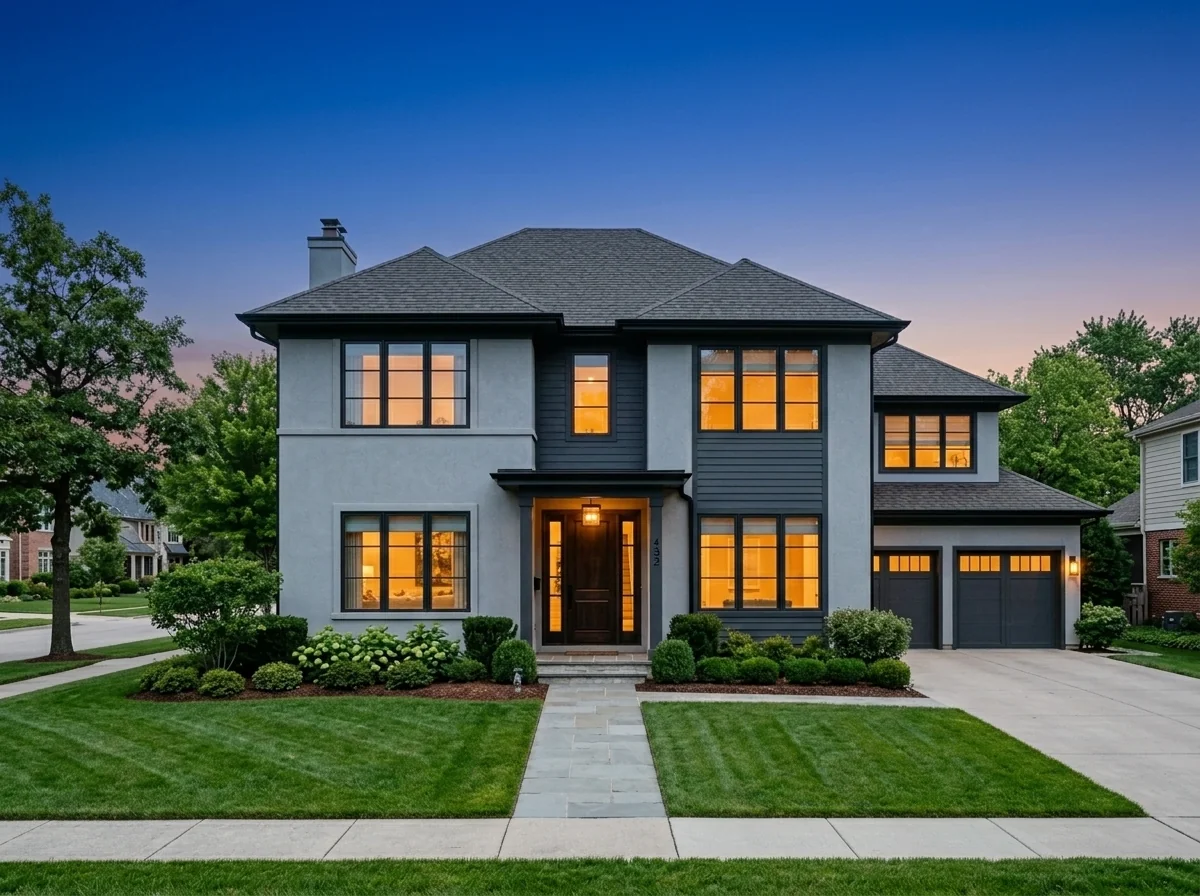
- Virtually Staged DisclosureAdd a visible Virtually Staged label to your staged image. Inspect its wording and placement and check the destination's disclosure rules; the badge alone does not establish compliance.
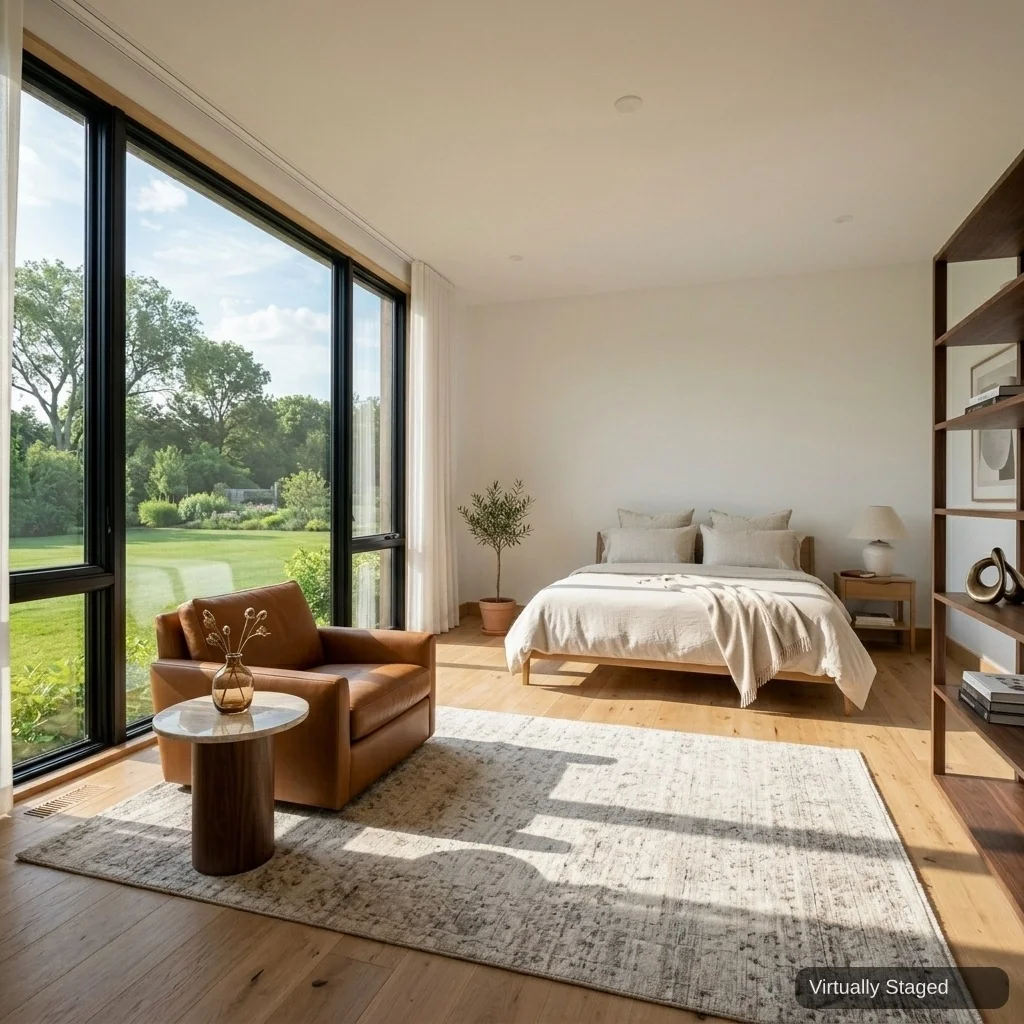
- Walk-in Closet DesignExplore a walk-in-closet concept from a room or wardrobe photo. Compare shelving, lighting, paths and furniture scale with the original; check real storage dimensions separately.
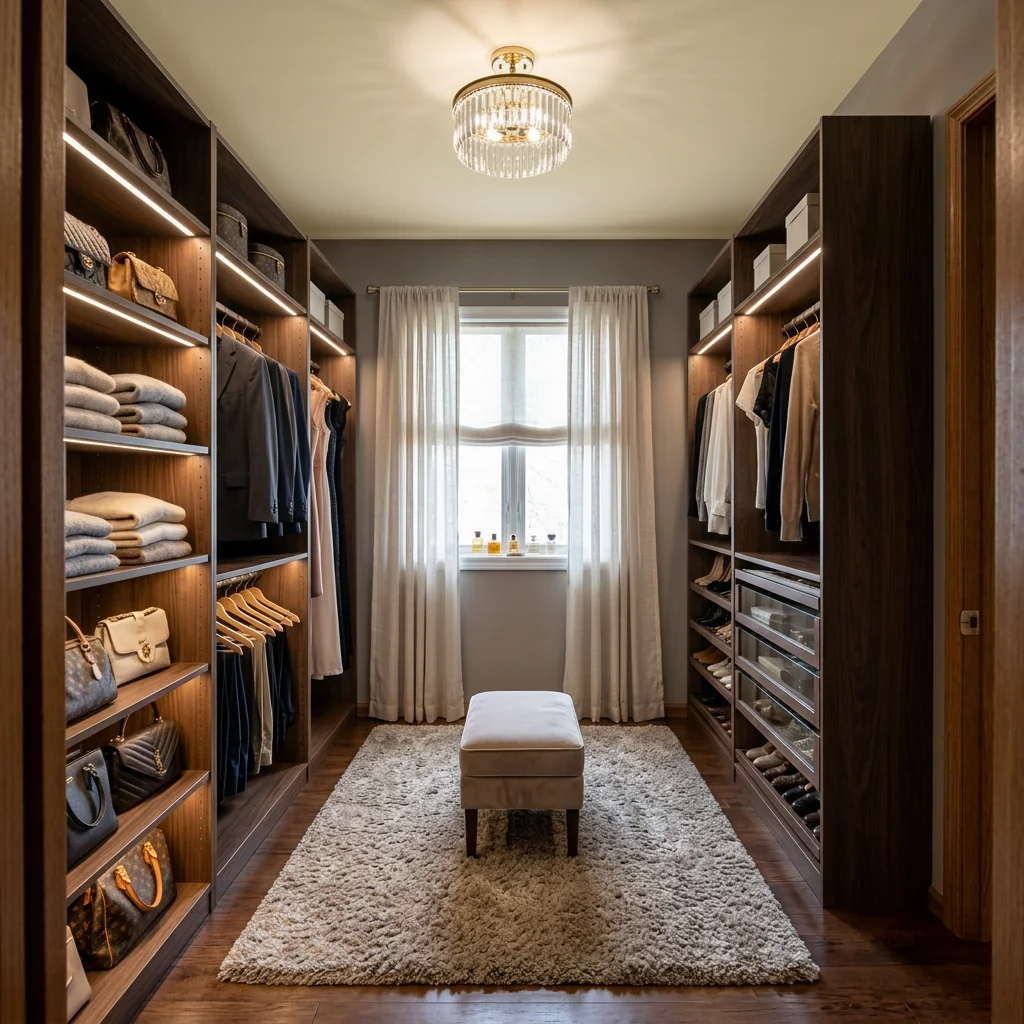
- AI Wedding Venue StagerExplore a wedding-venue concept on your photo. Choose wedding style, colours, flowers, lighting and table settings; verify seating capacity, access and installation needs separately.
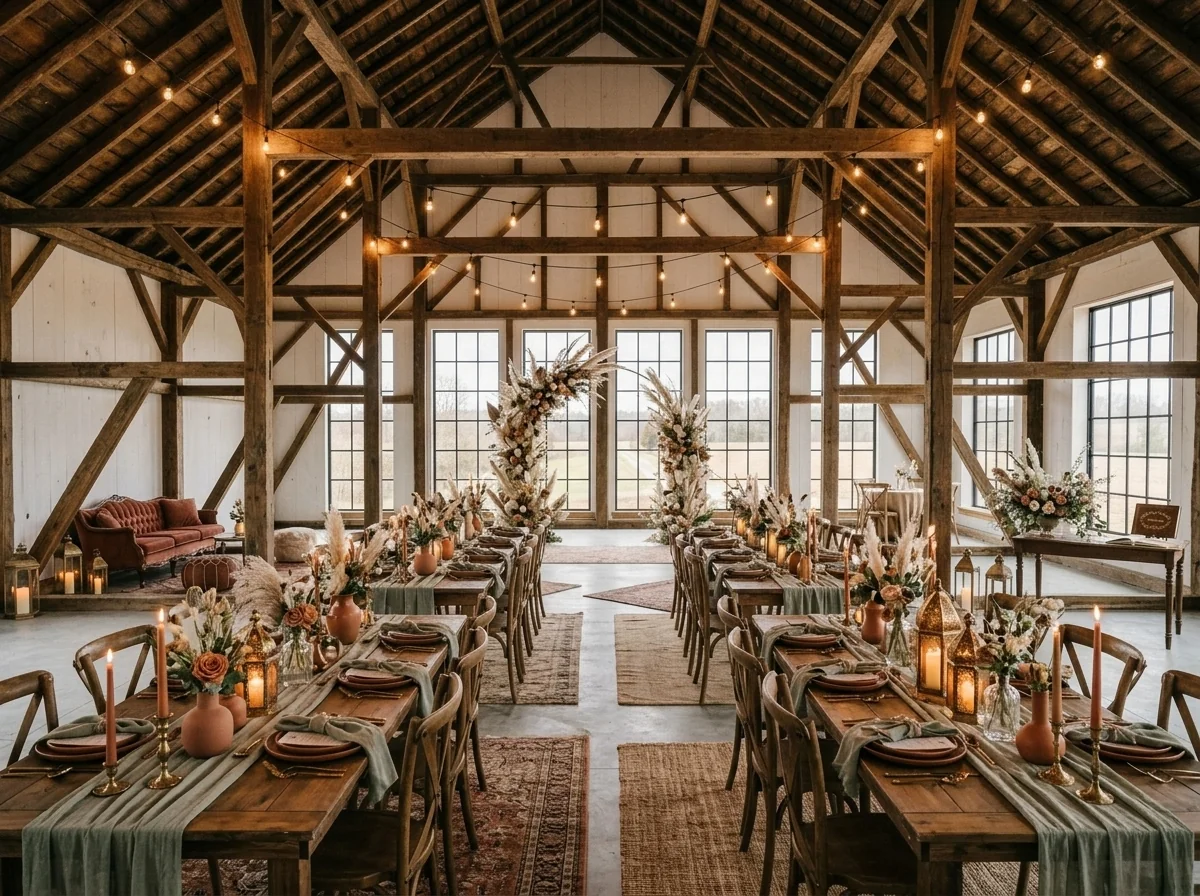
- Window Display VisualizerExplore a shop-window concept from a storefront photo. Choose store type, display style, season and colours, and describe featured products; review product details and text in the image.
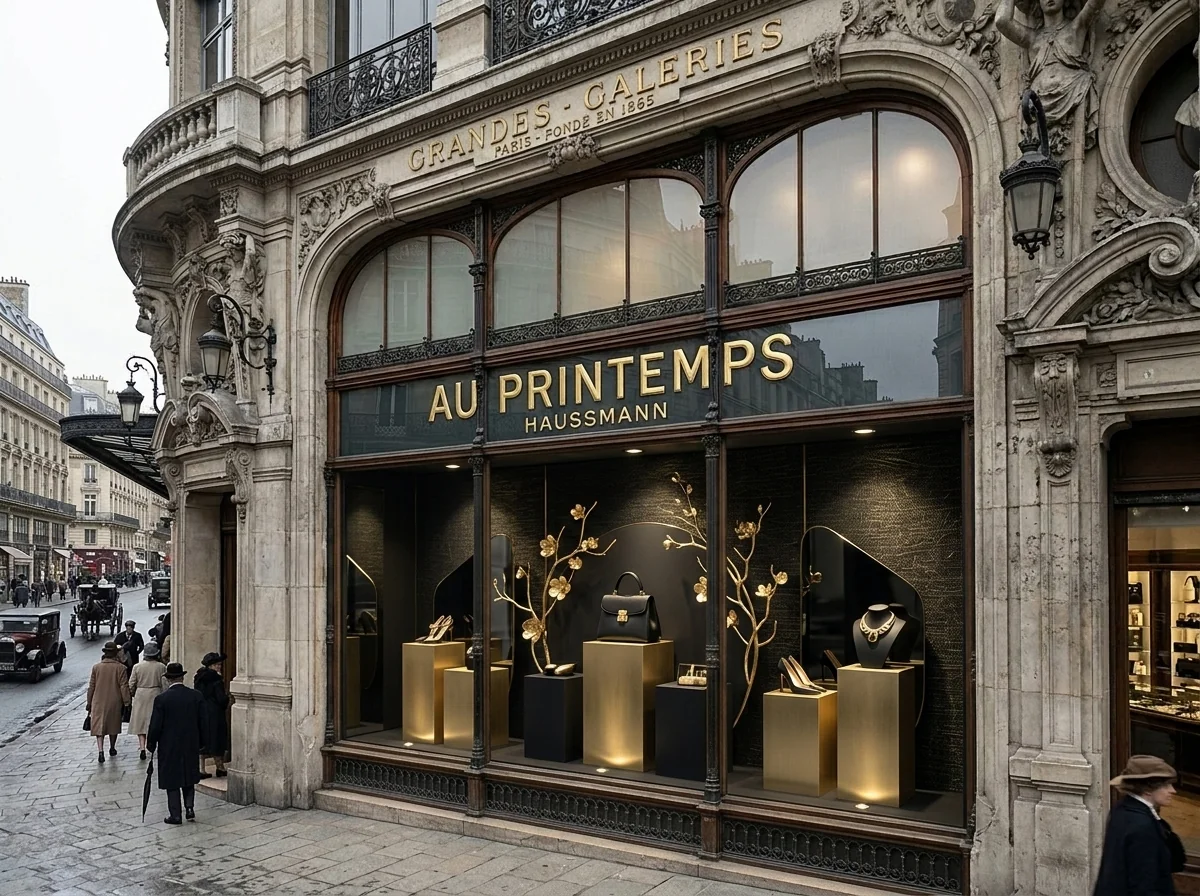
- Window Treatment VisualizerExplore window-treatment ideas on a room photo. Choose the treatment, fabric colour and mounting style, then compare the visual concept with your windows and real measurements.
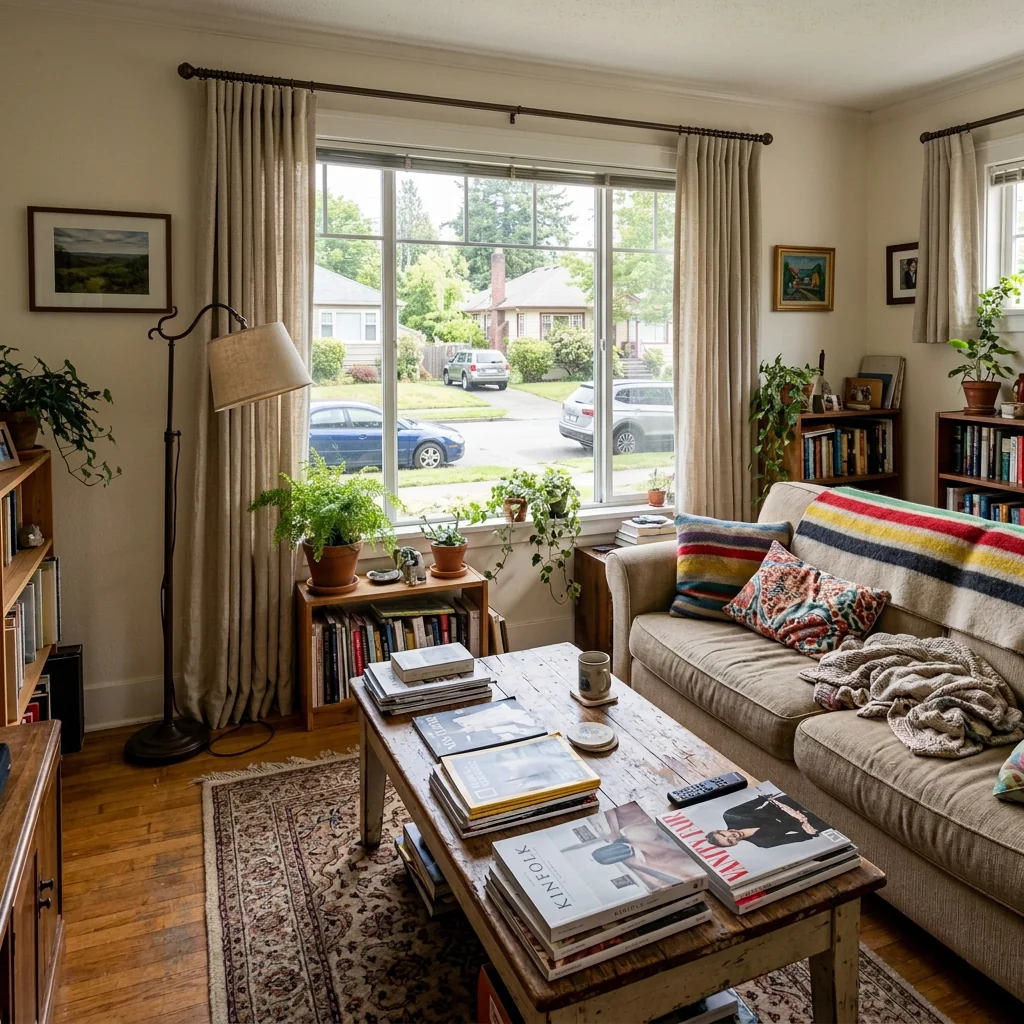
- Window View UpgradeExplore an imagined view outside a window in your room photo. Choose scenery, time and season; the edited view is a concept and must not be represented as the property's real outlook.
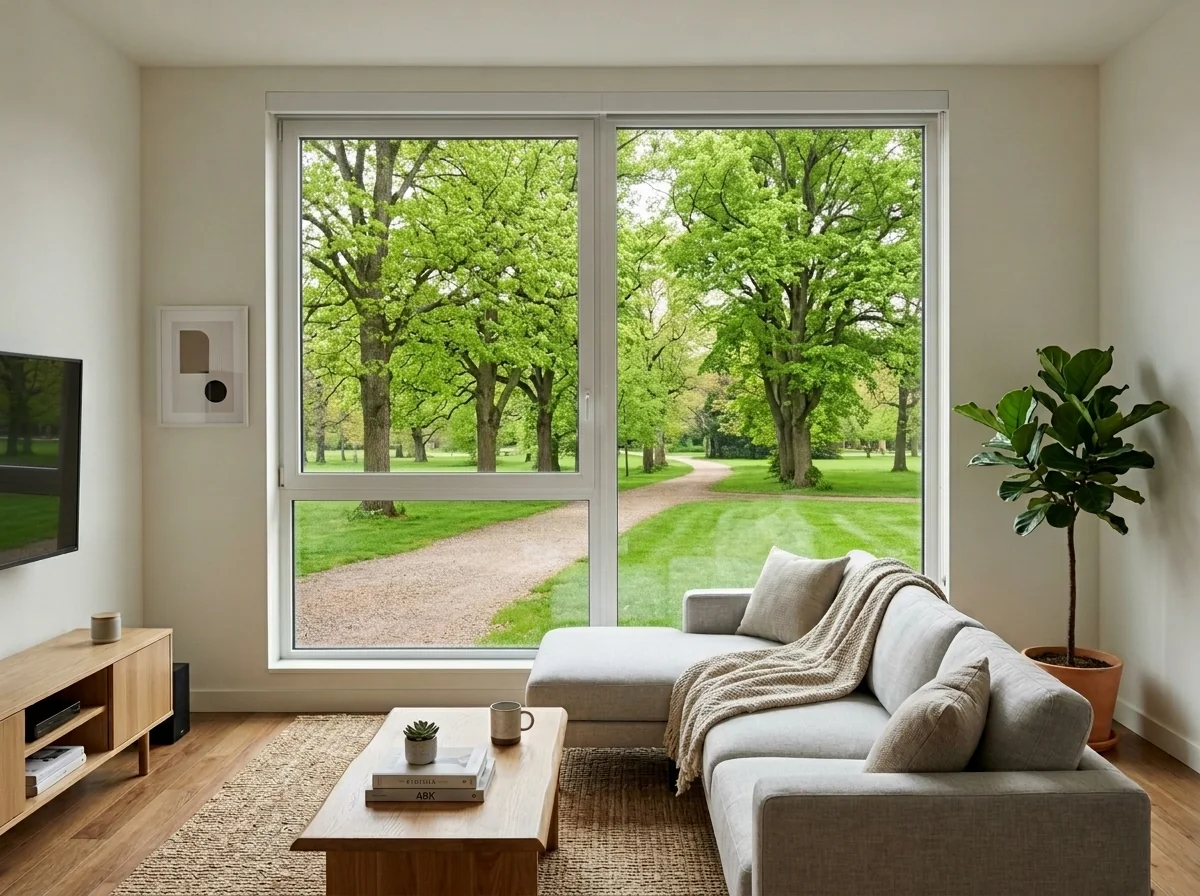
- Wine Cellar & Home Bar DesignerExplore a wine-cellar or bar concept from a room photo. Choose style, storage, bar features and materials; the image does not verify cooling, plumbing or equipment installation.
- Wood + Upholstery Combo MakeoverExplore a combined wood-and-upholstery look on a furniture photo. Choose wood finish, fabric and style, then compare the frame, textile and surrounding room with your original.