
Twilight Photo Enhancement
- Photo
- Your choices
- Your image
See what's possible
Real results from photos like yours.
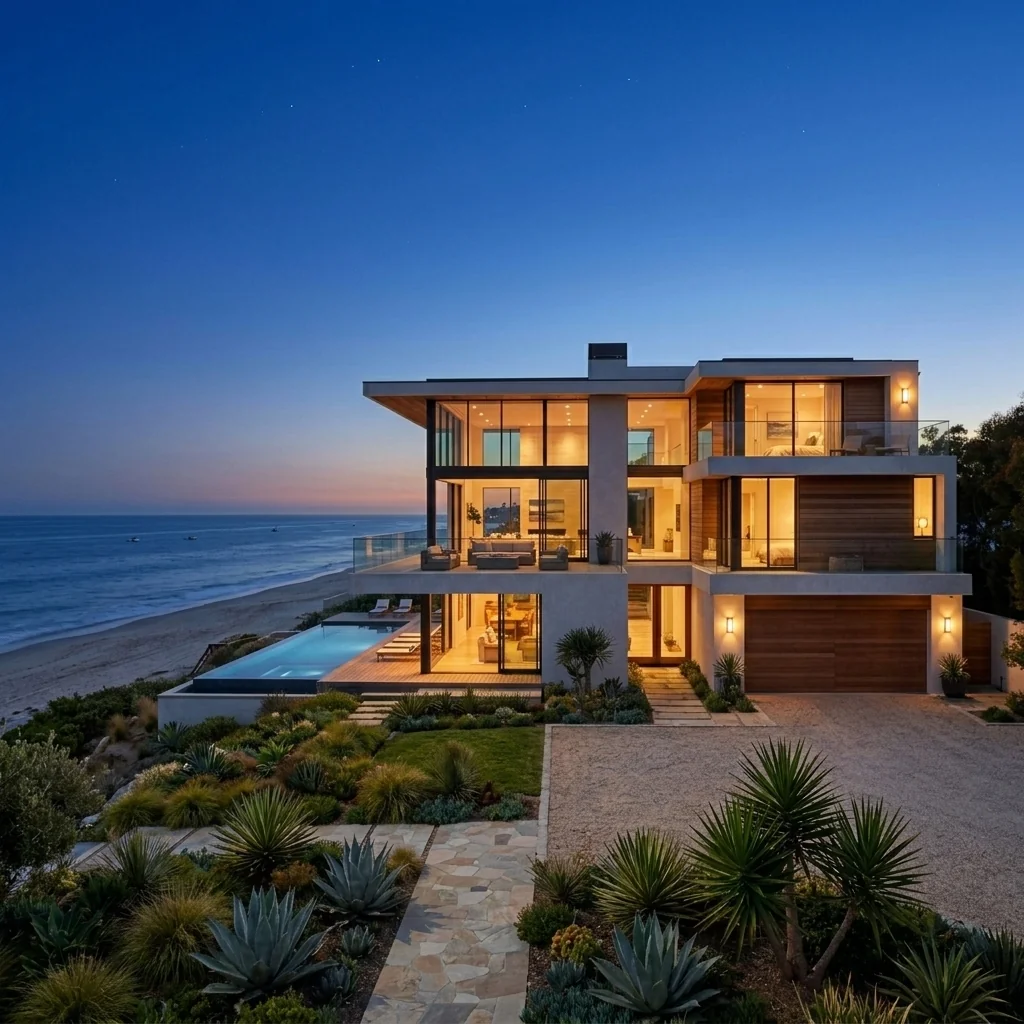
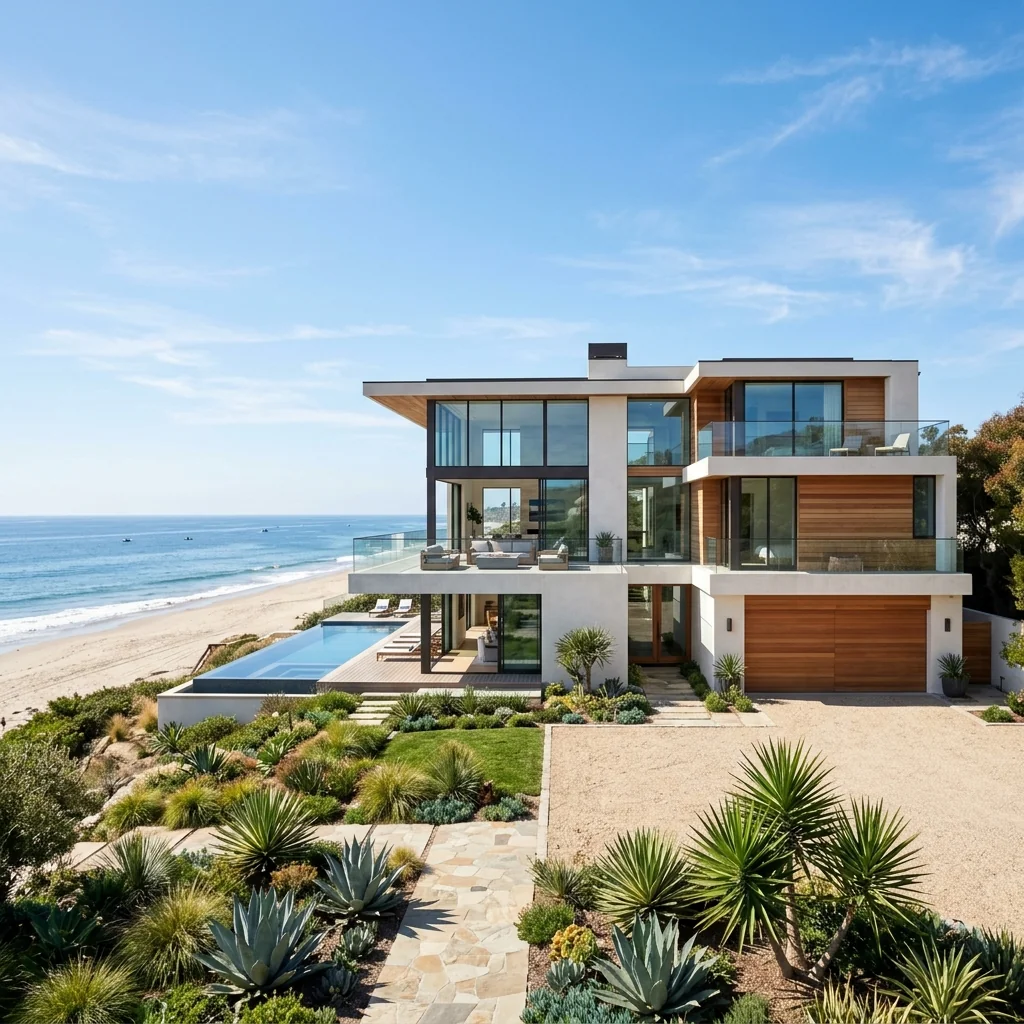

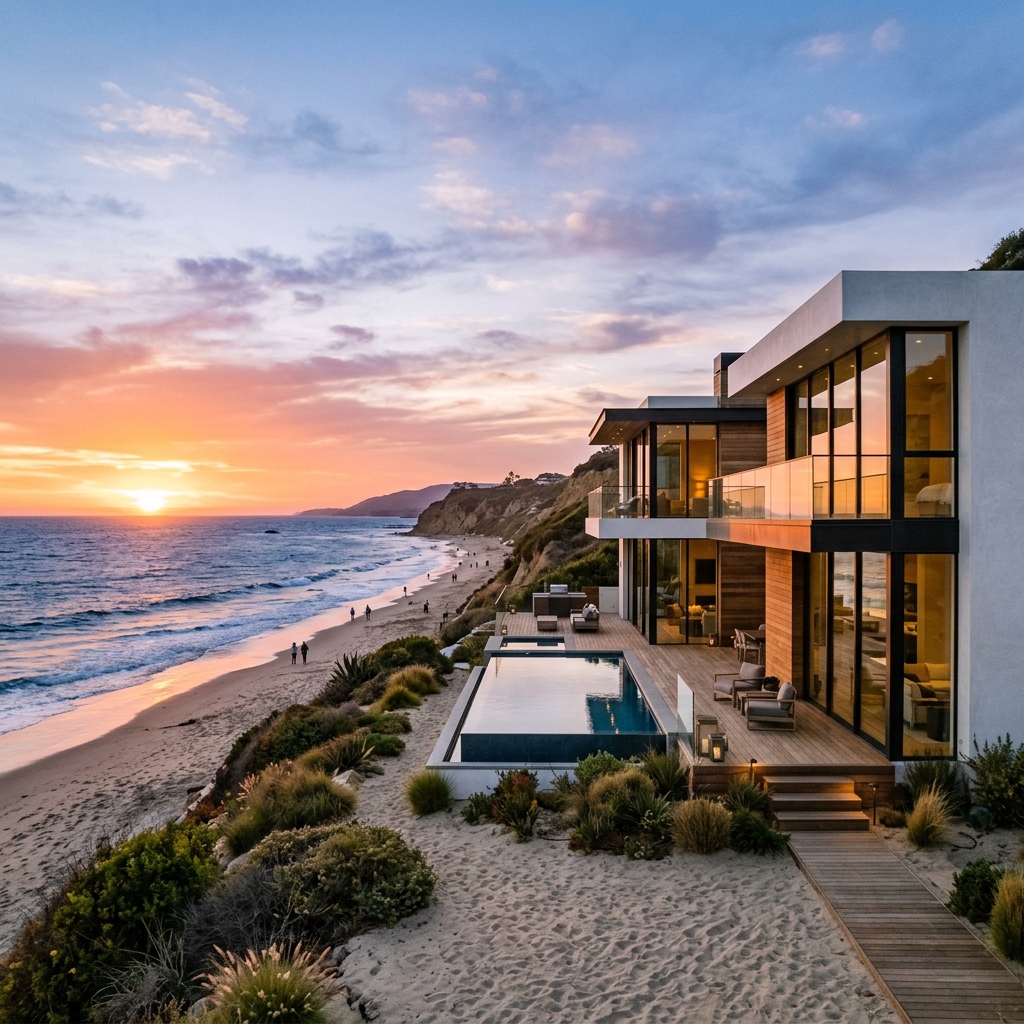

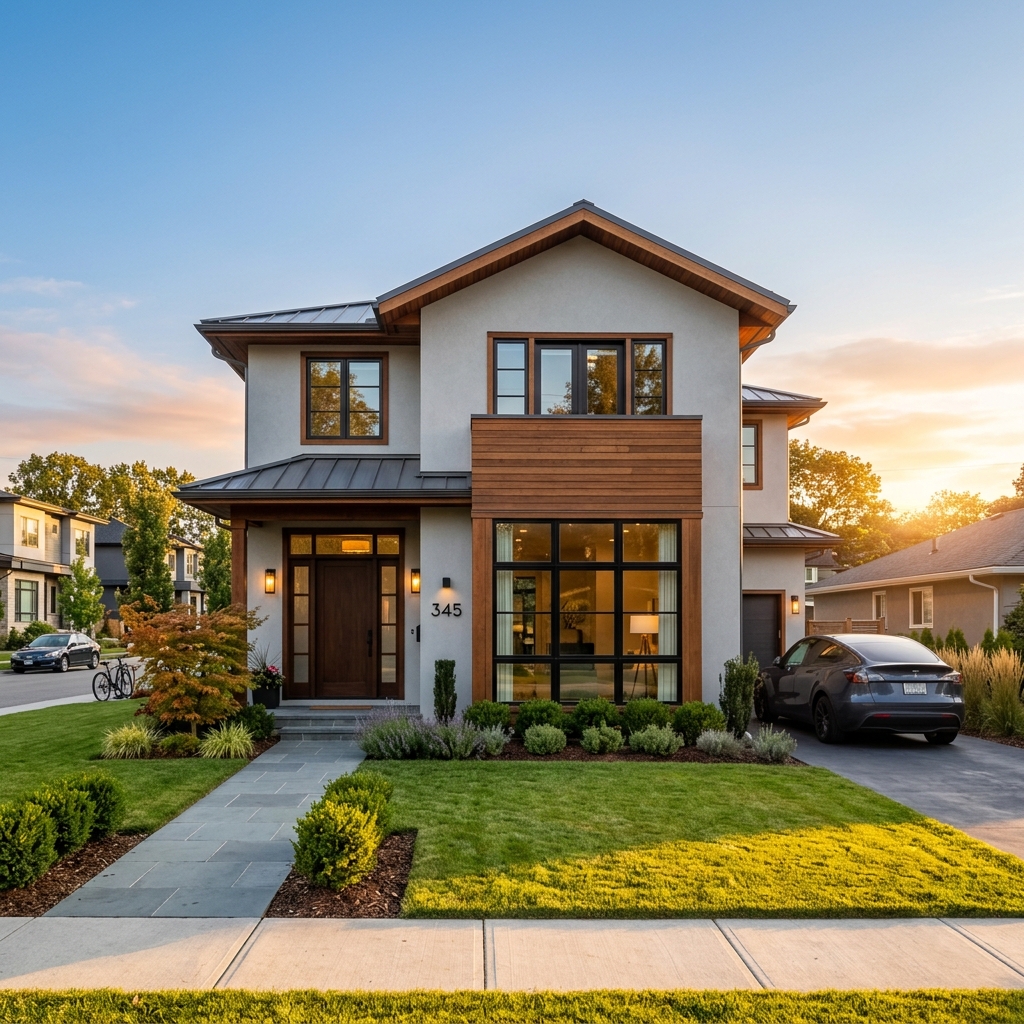
How it works
- 1Upload your photo
- 2Choose your settings
- 3Your image
Tips for a great result
Bright, clear photo
Daylight and a wide angle give the best result.
Show the whole area
Keep everything you want to change fully in the picture.
Try several variations
Compare different options before you decide.
Frequently asked questions
Can I use the images commercially?
Yes. You can use your images for any purpose, including commercial use.
Does my original photo change?
No. Your original stays unchanged and you can download it at any time.
What if I don't like the result?
Try another style or setting, or refine the result with a short instruction.
Keep exploring
All tools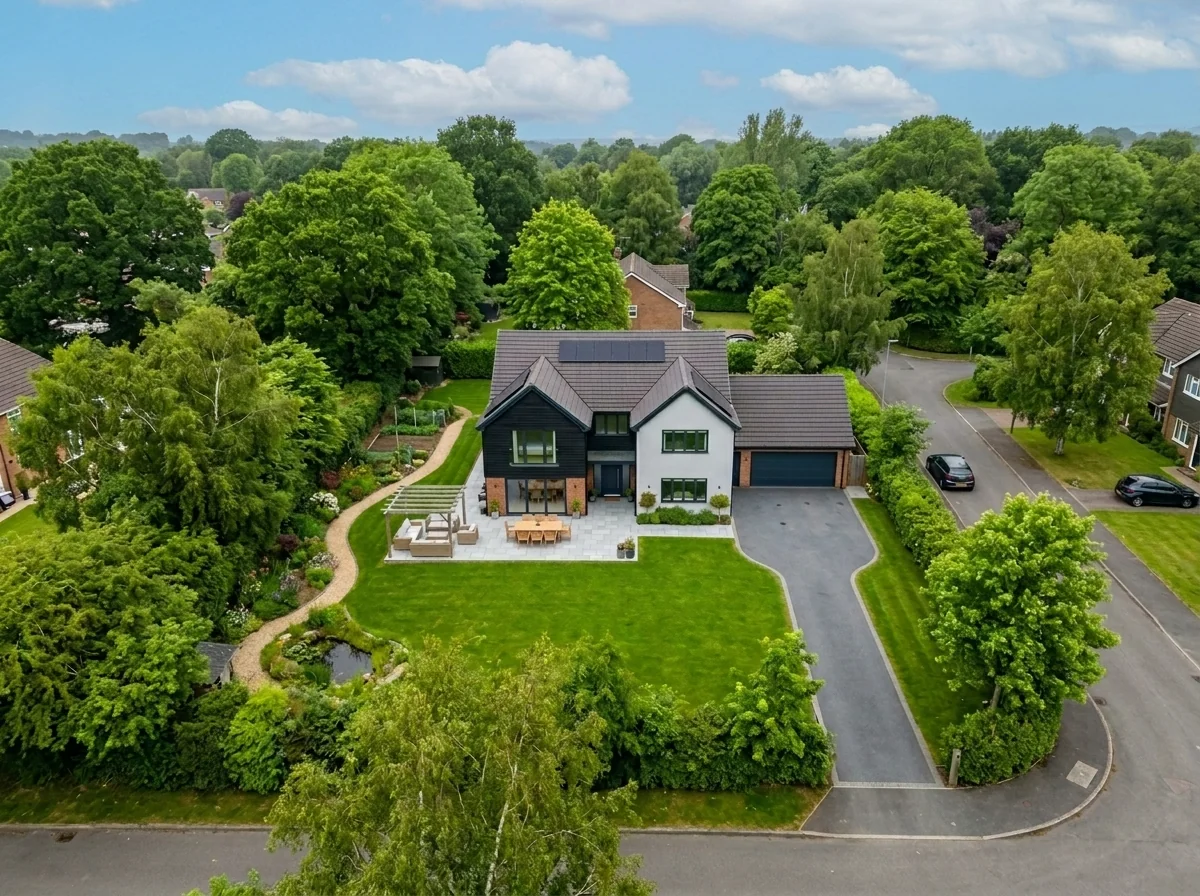
Aerial Sky Replacement
Prepare an aerial photo and choose a sky option to explore a different atmosphere. Review any returned image against your original before publishing.
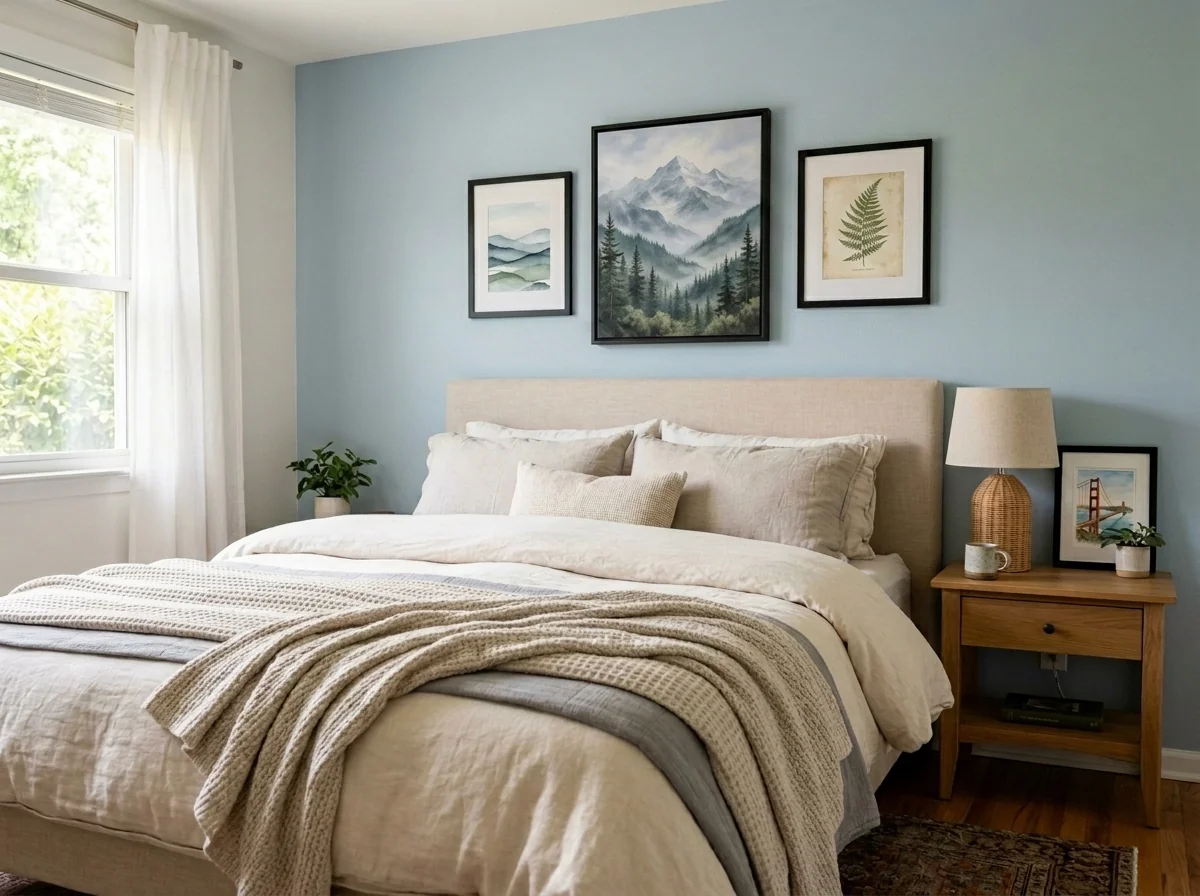
Apartment Wall Art & Photo Anonymizer
Explore blurring, removing or replacing wall art in a room photo. Choose the method, target area and frame treatment, then inspect the full image; an edit does not establish privacy compliance.
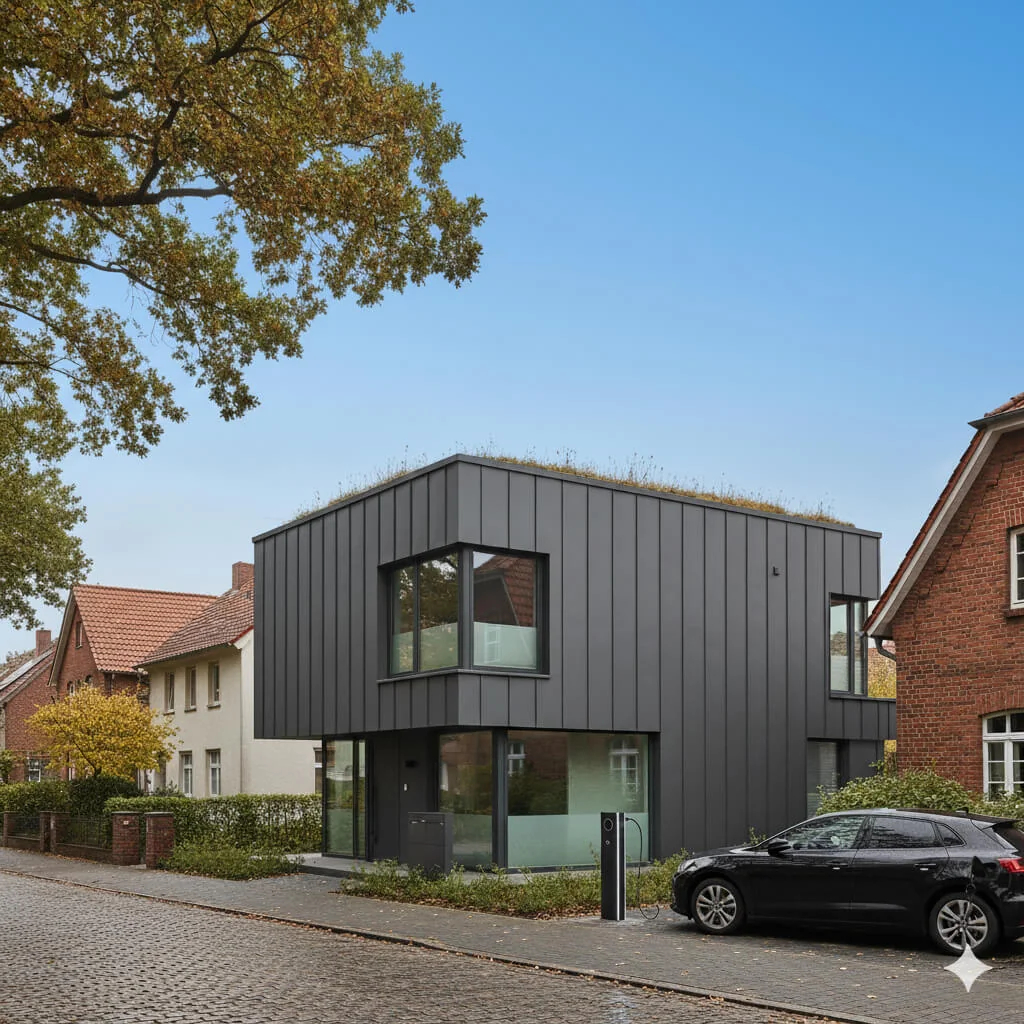
Blue Sky Replacement
Explore a blue-sky edit for an exterior property photo. Compare sky edges, reflections, lighting and building details with your original before using the returned image.
Read the full guide
Prepare your idea
Explore a twilight-lighting concept on an exterior photo. Compare window glow, sky, reflections and property features with your original before using the edited image.
Prepare your source photo and the references listed in the form. Its settings describe the intended changes.
Review the request and result
Review availability, image count and the current total before explicitly confirming. Registration alone does not establish credits or a free result. If the outcome is unclear, check the saved status of the existing request before confirming again.
Read the earlier original guide
This earlier guide may contain historical price, timing, quality or usage statements. Use the current description and tool form.
How long does generation take for Twilight Photo Enhancement?
Generation usually takes between 5 and 15 seconds.
Can I use the results commercially?
Yes, every generated image includes a full commercial usage license.
Tips for your photo
Make sure the photo is well lit and shot from a wide angle.
Remove clutter before shooting the photo for the best results.
Use re-staging mode for targeted style changes.
Frequently asked questions
What are the optimal input image formats and resolutions for Twilight Photo Enhancement?
Upload high-resolution JPEG or PNG files (2000px on the longest side recommended) for superior Twilight Photo Enhancement. This ensures crisp details for your real estate photos and property listing on MLS.
How long does the Twilight Photo Enhancement process typically take to convert my real estate photos?
Expect Twilight Photo Enhancement to process most images within 30-60 seconds. Larger files for Zillow or detailed property listing photos might take slightly longer to enhance fully.
What output quality can I expect from the Twilight Photo Enhancement tool for my property listings?
Receive high-resolution, print-ready images (up to 4K) perfect for MLS and Zillow. The Twilight Photo Enhancement ensures dramatic evening lighting, elevating your real estate photos significantly.
What are the best practices for uploading images to achieve optimal Twilight Photo Enhancement results for agents?
Upload well-lit daytime exterior shots with clear skies. Avoid overexposed areas. This allows the Twilight Photo Enhancement AI to effectively stage glowing windows and dramatic evening scenes for your property listing.
Can I re-generate or adjust the Twilight Photo Enhancement if the initial output isn't perfect for my real estate photos?
Yes, you can re-submit your image for Twilight Photo Enhancement with different settings or use our fine-tuning tools. Enhance and refine until your property listing photos meet your exact vision for MLS.
Technical FAQ: Twilight Photo Enhancement
Quick answers for optimal results
Common mistakes
5 Twilight Photo Enhancement Mistakes That Kill Your Real Estate Photos
How to avoid common twilight photo enhancement online pitfalls for better property listing results
Ignoring Window Glow Consistency
Inconsistent window glow in Twilight Photo Enhancement looks unnatural and cheapens the overall image, detracting from the property's appeal on Zillow and MLS.
Ensure uniform and realistic window illumination across all windows using PropStage.ai's Twilight Photo Enhancement tool's advanced settings.
Overdoing the Artificial Lighting
Excessive or unrealistic artificial lighting in Twilight Photo Enhancement makes the real estate photos look fake and unappealing to potential buyers.
Use subtle and natural-looking lighting effects with PropStage.ai's Twilight Photo Enhancement, focusing on highlighting key architectural features without over-illumination.
Neglecting Sky Replacement Realism
Poorly executed sky replacements in Twilight Photo Enhancement can create jarring visual inconsistencies, making the property listing look unprofessional and untrustworthy to agents.
Choose a sky that complements the property's style and location using PropStage.ai's vast library of realistic skies within the Twilight Photo Enhancement tool.
Forgetting to Adjust White Balance
Incorrect white balance in Twilight Photo Enhancement can result in unnatural color casts, making the real estate photos look amateurish and uninviting.
Fine-tune the white balance using PropStage.ai's color correction tools within the Twilight Photo Enhancement to achieve a warm and inviting ambiance.
Skipping Final Sharpening and Noise Reduction
Lack of final sharpening and noise reduction in Twilight Photo Enhancement can leave the real estate photos looking soft or grainy, reducing their visual impact on MLS and Zillow.
Apply subtle sharpening and noise reduction using PropStage.ai's built-in tools within the Twilight Photo Enhancement to enhance clarity and detail.
Unveiling Breathtaking Twilight Photo Enhancement Results
Upload your real estate photos now and see the transformation!
Your workflow
4 Steps to Stunning Twilight Photo Enhancement for Real Estate Listings
How to Achieve Perfect Twilight Real Estate Photos Online: A Step-by-Step Guide
Upload Your Daytime Real Estate Photo
Upload your exterior real estate photo to PropStage.ai's Twilight Photo Enhancement tool. Ensure the photo is high-resolution for optimal results. This tool is specifically designed to transform daytime photos into twilight scenes for your property listing.
Choose photos taken during the 'golden hour' (shortly after sunrise or before sunset) for a more natural-looking twilight effect. This will significantly improve the quality of your twilight photo enhancement.
Customize the Twilight Effect
Adjust the intensity of the twilight effect, including the sky color, window glow, and overall lighting. PropStage.ai's Twilight Photo Enhancement offers precise controls to create the perfect ambiance for your real estate photos. Tailor the twilight settings to best showcase the property's features and appeal to potential buyers.
Experiment with different twilight presets to find the one that best complements your property's architecture and surroundings. Pay close attention to the window glow to ensure it looks realistic and inviting in your twilight photo enhancement.
Enhance with Artificial Lighting (Optional)
Add artificial lighting to highlight key features of the property, such as landscaping or architectural details. PropStage.ai's Twilight Photo Enhancement allows you to strategically place lights to create a warm and inviting atmosphere in your real estate photos. Use this feature to draw attention to the best aspects of the property during the twilight transformation.
Use artificial lighting sparingly and realistically. Overdoing it can make the twilight photo enhancement look unnatural and detract from the property's appeal. Focus on subtly enhancing existing features rather than creating completely new ones.
Download and Use on MLS & Zillow
Download your enhanced twilight real estate photo and use it on your MLS listing, Zillow, and other real estate platforms. High-quality twilight photos can significantly increase the appeal of your property to potential buyers and help you sell faster. Ensure your twilight photo enhancement meets the image requirements of each platform.
Always optimize your twilight photo enhancement for web viewing to ensure fast loading times on your property listing. Consider using a watermark to protect your images from unauthorized use.
Use cases
Property Listings for Twilight Photo Enhancement
Social Media Marketing & Instagram Inserate
Architektur- & Umbau-Präsentationen
Twilight Photo Enhancement — Technical Specifications
1. Upload your property photo.
2. Choose the interior style or room type you want.
3. Click Generate and get your result in seconds.
Expert guide
5 Tips: Master Twilight Photo Enhancement for Stunning Real Estate Photos
How to Get the Best Twilight Photo Enhancement Online for Property Listings
Prepare Your Real Estate Photos for Optimal Twilight Enhancement
Upload high-resolution real estate photos to the Twilight Photo Enhancement tool. Ensure the original daytime shot has clear skies and minimal obstructions for a realistic and impactful twilight effect, perfect for your MLS listing and attracting Zillow viewers. Prepare for the best results!
Adjust Settings for a Perfect Twilight Glow on Your Property Listing
Experiment with the Twilight Photo Enhancement tool's settings. Fine-tune the intensity of the twilight effect, window glow, and sky color to match the property's ambiance. This ensures your real estate photos stand out on Zillow and other platforms, attracting potential buyers and boosting your agent profile.
Achieve the Best Twilight Photo Enhancement Results: Focus on Details
Pay attention to detail when using the Twilight Photo Enhancement tool. Ensure window reflections are realistic, and the overall lighting complements the property's architecture. A well-executed twilight enhancement can dramatically improve the appeal of your real estate photos for MLS and Zillow.
Use Twilight Photo Enhancement Professionally to Impress Clients
As a real estate agent, leverage the Twilight Photo Enhancement tool to create captivating visuals for your property listings. Showcase your properties in their best light, attracting more potential buyers and solidifying your reputation for quality and attention to detail, leading to faster sales and happier clients.
How it works
3 Professional Steps for Twilight Photo Enhancement
How to get professional twilight photo enhancement for real estate listings online
Upload Your Daytime Property Photos
Upload your high-resolution daytime exterior shots to our AI engine. Ensure the property listing photo is clear so the Twilight Photo Enhancement tool can accurately detect the sky and windows.
Select Your Dusk Lighting Style
Choose from various evening ambiance options to transform your real estate photos. Our AI adds glowing windows and dramatic skies, making your property listing stand out on Zillow and MLS.
Download High-Res Twilight Images
Enhance your marketing materials by downloading the final high-resolution render. Convert generic daytime shots into luxury twilight scenes instantly to attract more home sellers and potential buyers.
What you can do
Advanced Twilight Photo Enhancement Capabilities
Stunning Twilight Glow Output
Enhance real estate photos with breathtaking twilight scenes, ensuring your property listing shines on MLS and Zillow with realistic glowing windows.
Instant Twilight Scene Generation
Transform daytime shots into dramatic twilight photos in seconds, enabling agents to quickly update property listings without lengthy wait times.
Versatile Photo Format Support
Upload and enhance various image formats for your twilight photo enhancement, ensuring seamless integration with your existing real estate photo workflows.
Customizable Twilight Effects
Tailor your twilight photo enhancement with adjustable glow intensity and sky hues, perfectly staging each property listing for maximum impact.
AI-Powered Twilight Accuracy
Leverage advanced AI for precise twilight photo enhancement, accurately detecting and illuminating windows for a natural, high-quality property listing.
Boost Property Listing Appeal
Elevate your real estate photos with professional twilight enhancement, helping agents attract more buyers and stand out on Zillow and other platforms.
Pro-level tools at your fingertips