
Multi-Angle Consistency
- Photo
- Your choices
- Your image
See what's possible
Real results from photos like yours.
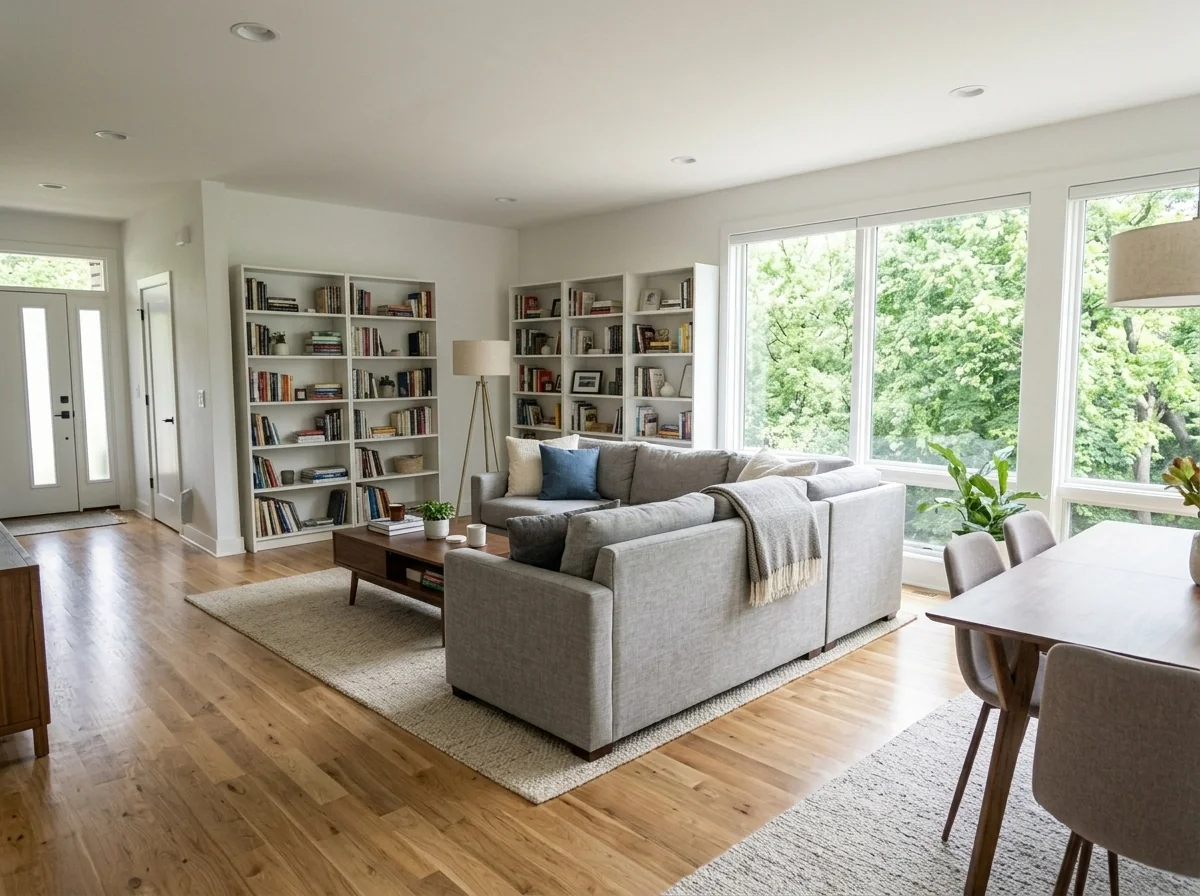
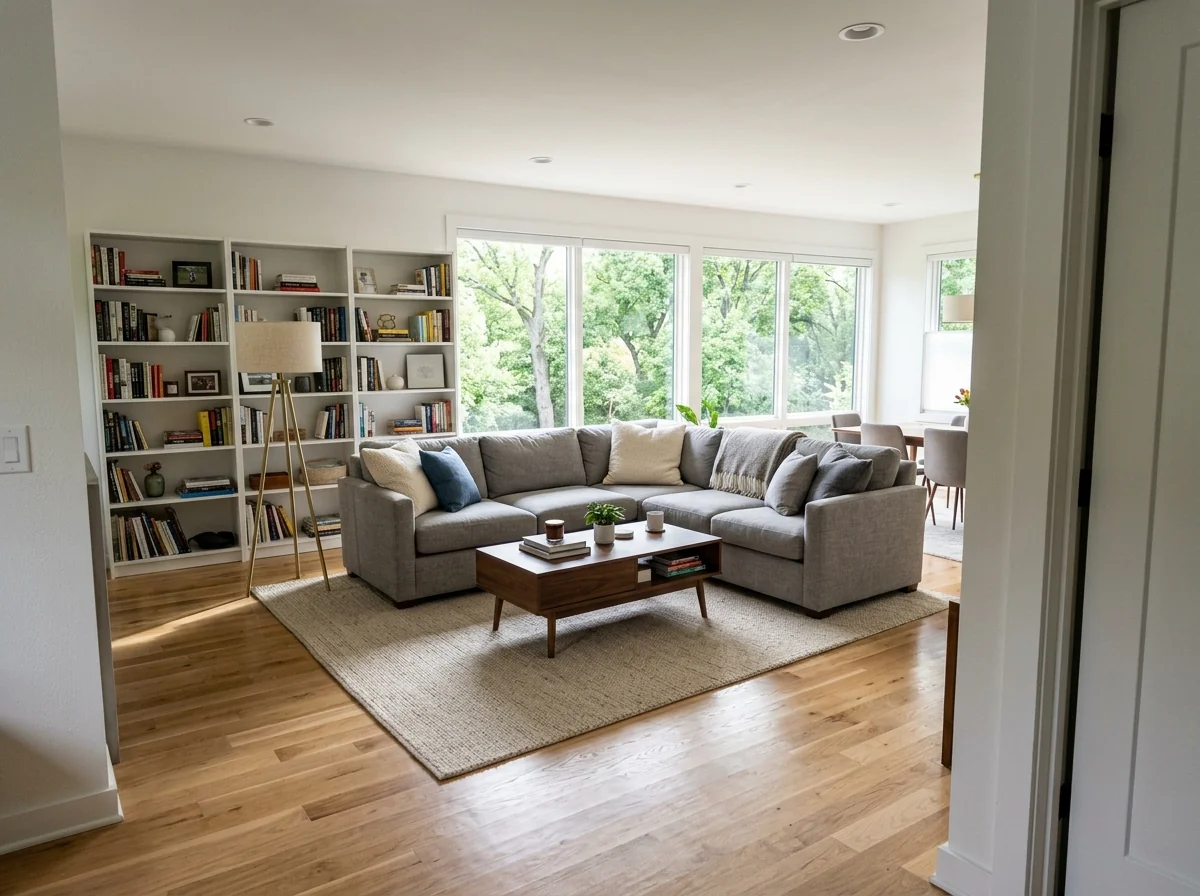

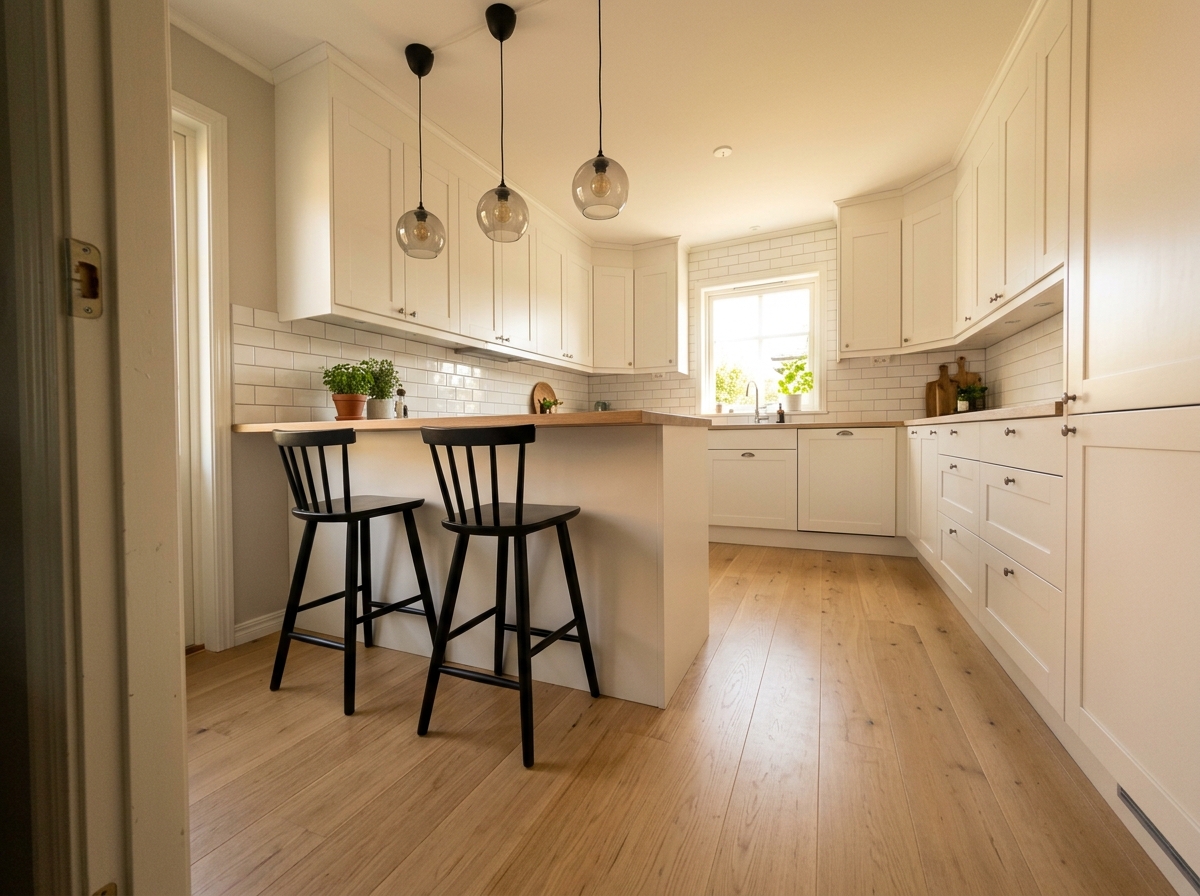

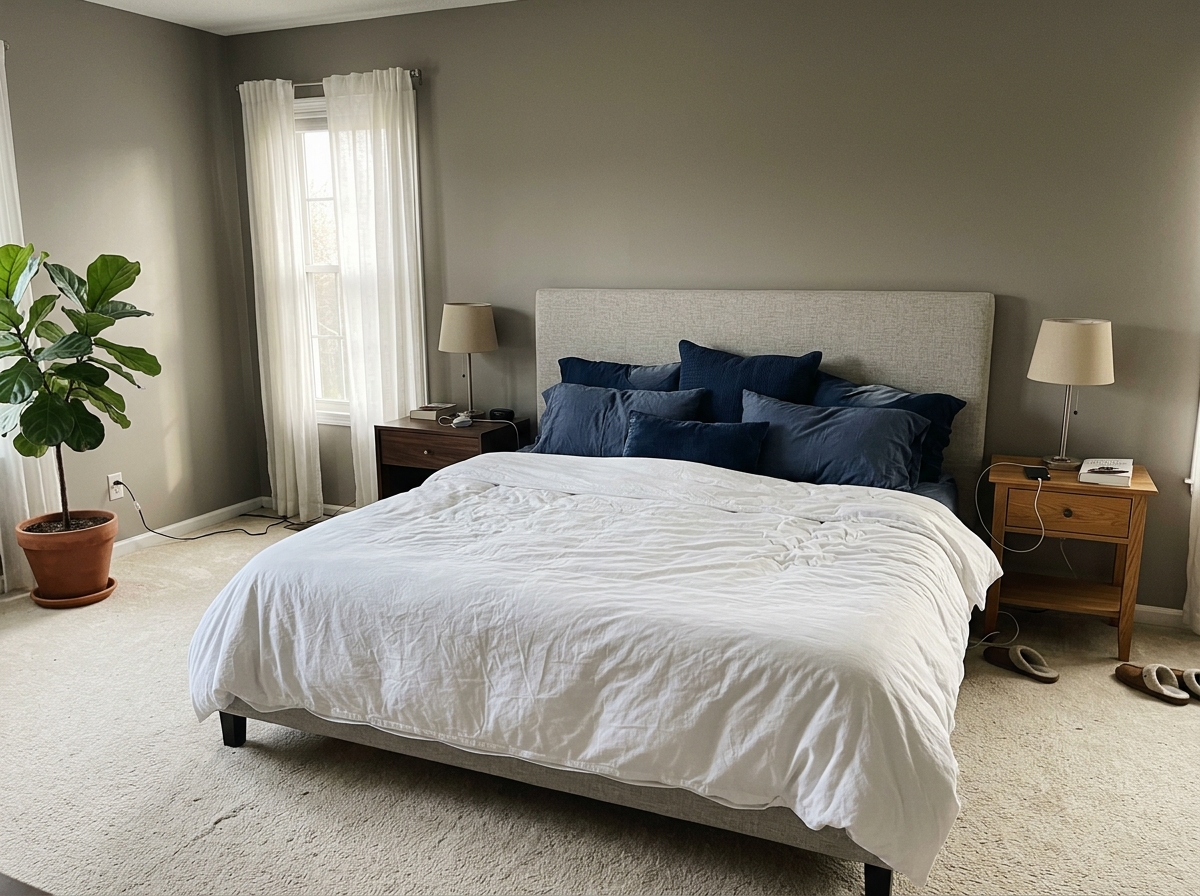
How it works
- 1Upload your photo
- 2Choose your settings
- 3Your image
Tips for a great result
Bright, clear photo
Daylight and a wide angle give the best result.
Show the whole area
Keep everything you want to change fully in the picture.
Try several variations
Compare different options before you decide.
Frequently asked questions
Can I use the images commercially?
Yes. You can use your images for any purpose, including commercial use.
Does my original photo change?
No. Your original stays unchanged and you can download it at any time.
What if I don't like the result?
Try another style or setting, or refine the result with a short instruction.
Keep exploring
All tools
AI Armchair Upholstery Swapper
Use a photo of your armchair to explore fabric, color and pattern ideas. Choose the available material settings and compare any returned image with your original.

AI Furniture Upholstery Changer
Preview an upholstery idea on a furniture photo. Choose a material such as velvet, leather or linen and optionally describe a colour; check fabric details in the returned image.

AI Upholstery Visualizer
Preview a fabric idea on a sofa or chair photo. Choose the fabric, colour, texture and finish to compare a visual concept with your original before choosing real materials.
Read the full guide
Prepare your idea
Explore a perspective-adjusted property image from your photo. Compare vertical lines, proportions and the scene with the original; an edited view is not a measured architectural record.
Prepare your source photo and the references listed in the form. Its settings describe the intended changes.
Review the request and result
Review availability, image count and the current total before explicitly confirming. Registration alone does not establish credits or a free result. If the outcome is unclear, check the saved status of the existing request before confirming again.
Read the earlier original guide
This earlier guide may contain historical price, timing, quality or usage statements. Use the current description and tool form.
How long does generation take for Multi-Angle Consistency?
Generation usually takes between 5 and 15 seconds.
Can I use the results commercially?
Yes, every generated image includes a full commercial usage license.
Tips for your photo
Make sure the photo is well lit and shot from a wide angle.
Remove clutter before shooting the photo for the best results.
Use re-staging mode for targeted style changes.
Frequently asked questions
What input image formats and resolutions does Multi-Angle Consistency support for optimal processing?
Upload JPG or PNG images for Multi-Angle Consistency. For best results, ensure a minimum resolution of 1920x1080 pixels. Higher resolutions improve the precision of angle correction, vital for crisp real estate photos on MLS listings.
How quickly does Multi-Angle Consistency process and correct image angles?
Multi-Angle Consistency typically processes images in under 10 seconds per photo. Processing time may vary slightly based on image complexity and current system load, ensuring rapid correction for your property listing photos.
What is the output quality and file type after using Multi-Angle Consistency?
Multi-Angle Consistency delivers high-resolution JPG or PNG outputs, retaining original image quality while correcting angles. These optimized files are perfectly suited for crisp display on Zillow, MLS, and other agent platforms.
What are the best practices for achieving superior results with Multi-Angle Consistency?
For optimal Multi-Angle Consistency, start with clear, well-lit real estate photos. Avoid extreme initial tilts; the tool excels at refining subtle to moderate angle issues, ensuring professional property listing visuals.
Can I re-process an image with Multi-Angle Consistency if the initial result isn't perfect?
Yes, Multi-Angle Consistency allows re-processing. Simply re-upload the image and adjust settings if available, or try a different initial input for better alignment. Each re-generation consumes credits, so aim for clarity initially.
Technical FAQ: Multi-Angle Consistency
Quick answers for optimal results
Common mistakes
5 Multi-Angle Consistency Mistakes Killing Your Real Estate Photos
How to achieve multi-angle consistency online for better property listings
Ignoring Initial Angle Distortion
Failing to correct initial angle distortions in real estate photos before applying Multi-Angle Consistency leads to compounding errors and unrealistic results.
Transform your MLS photos by first using the 'Perspective Correction' feature within PropStage.ai to minimize initial distortions before enhancing with Multi-Angle Consistency.
Over-Correcting Angles
Aggressively correcting angles with Multi-Angle Consistency can create an unnatural or 'warped' appearance in your property listing photos, deterring potential buyers on Zillow.
Enhance real estate photos by using Multi-Angle Consistency sparingly. Focus on subtle adjustments to improve perspective without sacrificing realism. Use the 'Preview' feature to assess changes before final application.
Applying to Low-Resolution Images
Using Multi-Angle Consistency on low-resolution real estate photos amplifies pixelation and artifacts, resulting in a blurry and unprofessional final image for your agent's property listing.
Upload high-resolution real estate photos to PropStage.ai before using Multi-Angle Consistency. This ensures optimal results and minimizes visual degradation. Consider using our 'Image Upscaler' tool beforehand.
Neglecting Object Relationships
Adjusting angles without considering the spatial relationships between objects in the scene can create visual inconsistencies and a disorienting effect for viewers browsing your property listing.
When using Multi-Angle Consistency, pay close attention to how angle adjustments affect the relationship between furniture, walls, and other architectural elements. Ensure they remain visually coherent and plausible.
Skipping the 'Consistency Check' Step
Failing to review the final image after applying Multi-Angle Consistency can result in subtle errors or inconsistencies that detract from the overall quality of your real estate photos.
Always use the 'Consistency Check' feature in PropStage.ai after applying Multi-Angle Consistency. Compare the corrected image to the original and ensure all angles and perspectives are visually appealing and accurate. This is crucial for impressing potential buyers.
Unlock Stunning Real Estate Photos: Multi-Angle Consistency Results
Upload your property listing images now to see the difference!
Your workflow
4 Steps to Perfect Real Estate Photos with Multi-Angle Consistency
How to achieve multi-angle consistency online for stunning property listings
Upload
Upload your real estate photos to the Multi-Angle Consistency tool. Ensure images capture different angles of the property for optimal results. This helps the AI understand the space for better perspective correction, resulting in a more appealing property listing.
For best results, use high-resolution real estate photos. Clear images allow the Multi-Angle Consistency tool to accurately detect and correct any tilted angles or awkward perspectives.
Transform
Transform distorted perspectives instantly. The Multi-Angle Consistency tool automatically identifies and corrects tilted angles and awkward perspectives, ensuring each image in your property listing looks professional and inviting. This step is crucial for captivating potential buyers browsing MLS or Zillow.
Experiment with the automatic adjustments. The Multi-Angle Consistency AI learns from each image, so the more you use it, the better it becomes at correcting perspectives for your specific real estate photography style.
Enhance
Enhance the visual appeal of your real estate photos with subtle adjustments. Fine-tune the corrected images to achieve the perfect look. This step ensures your property listing stands out on platforms like Zillow and Realtor.com, attracting more potential buyers and helping you, the agent, secure more viewings.
Focus on enhancing the overall composition and lighting after the Multi-Angle Consistency tool has corrected the perspective. A well-lit and balanced image is more likely to grab attention.
Convert & Publish
Convert your enhanced images and publish directly to your MLS, Zillow, or other preferred platforms. The Multi-Angle Consistency tool ensures your real estate photos are optimized for online viewing, showcasing your property in the best possible light and helping you attract more potential buyers.
Before publishing, double-check the image dimensions and file size requirements for each platform (MLS, Zillow, etc.) to ensure optimal display and avoid any upload issues. Properly sized images contribute to a seamless viewing experience for potential buyers.
Use cases
Real Estate Listings for Multi-Angle Consistency
Social Media Marketing & Instagram Inserate
Architektur- & Umbau-Präsentationen
Multi-Angle Consistency: 7 Tech Specs for Perfect Real Estate Photos
Fix tilted angles and awkward perspectives in seconds—no reshoot required. Enhance your property listing with Multi-Angle Consistency.
1. Upload your property photo.
2. Choose the interior style or room type you want.
3. Click Generate and get your result in seconds.
Expert guide
5 Tips to Achieve Flawless Multi-Angle Consistency in Real Estate Photos
How to ensure multi-angle consistency online for stunning property listings
Prepare Your Real Estate Photos for Optimal Multi-Angle Consistency
Ensure your initial real estate photos are as high-resolution as possible. Upload sharp, well-lit images to the Multi-Angle Consistency tool for the best results, minimizing distortion and maximizing detail for accurate perspective correction. This helps agents enhance their MLS and Zillow listings.Fine-Tune Your Multi-Angle Consistency Settings for Perfect Alignment
Adjust the perspective correction sliders carefully within the Multi-Angle Consistency tool. Experiment with subtle adjustments to achieve a natural, balanced view. Avoid over-correction, which can lead to unnatural-looking real estate photos in your property listing.Achieve the Best Multi-Angle Consistency: Focus on Key Architectural Features
Prioritize correcting the angles of prominent architectural elements like walls, windows, and doors. Use the Multi-Angle Consistency tool to ensure these lines appear straight and true, creating a professional and trustworthy impression for potential buyers viewing the MLS listing.Transform Your Professional Real Estate Portfolio with Consistent Multi-Angle Views
Convert awkward angles into captivating visuals using the Multi-Angle Consistency tool. Showcase properties in their best light, enhancing your reputation as a detail-oriented agent and attracting more clients with stunning, professionally corrected real estate photos for Zillow and other platforms.How it works
3 Steps to Achieve Multi-Angle Consistency
How to get multi-angle consistency for property listings online
Upload Your Tilted Property Photos
Upload your raw property listing photos to our AI dashboard to identify perspective distortions and slanted walls that negatively impact your Zillow and MLS presentation quality.
Apply AI Multi-Angle Consistency Settings
Select the specific furniture styles and lighting profiles to synchronize across every room, allowing the AI to maintain perfect multi-angle consistency throughout the entire virtual home staging process.
Download High-Resolution Corrected Images
Download your high-resolution, perspective-corrected images to provide a professional walkthrough experience that helps every real estate agent and broker close deals faster with visually stunning, aligned property photos.
What you can do
Advanced Multi-Angle Consistency Capabilities
Flawless Angle Correction
Multi-Angle Consistency ensures every property photo achieves perfect horizontal and vertical alignment, eliminating distracting tilts for a polished look.
Instant Perspective Fixes
Experience lightning-fast adjustments with Multi-Angle Consistency, correcting distorted perspectives in seconds without manual editing or reshoots for your real estate photos.
Versatile Image Compatibility
Upload and process various image formats seamlessly with Multi-Angle Consistency, guaranteeing consistent angle correction across all your property listing visuals.
Refined Angle Adjustments
Fine-tune the output of Multi-Angle Consistency with precise controls, allowing you to achieve the exact perspective and alignment needed for your MLS uploads.
AI-Powered Precision Alignment
Multi-Angle Consistency leverages advanced AI to accurately detect and rectify subtle angle discrepancies, ensuring professional-grade consistency in every image for agents.
Elevated Listing Presentation
Transform your Zillow and other property listings with Multi-Angle Consistency, presenting every room with perfectly aligned views that captivate potential buyers.
Pro-level tools at your fingertips