
Property Photo HDR Enhancement
- Photo
- Your choices
- Your image
See what's possible
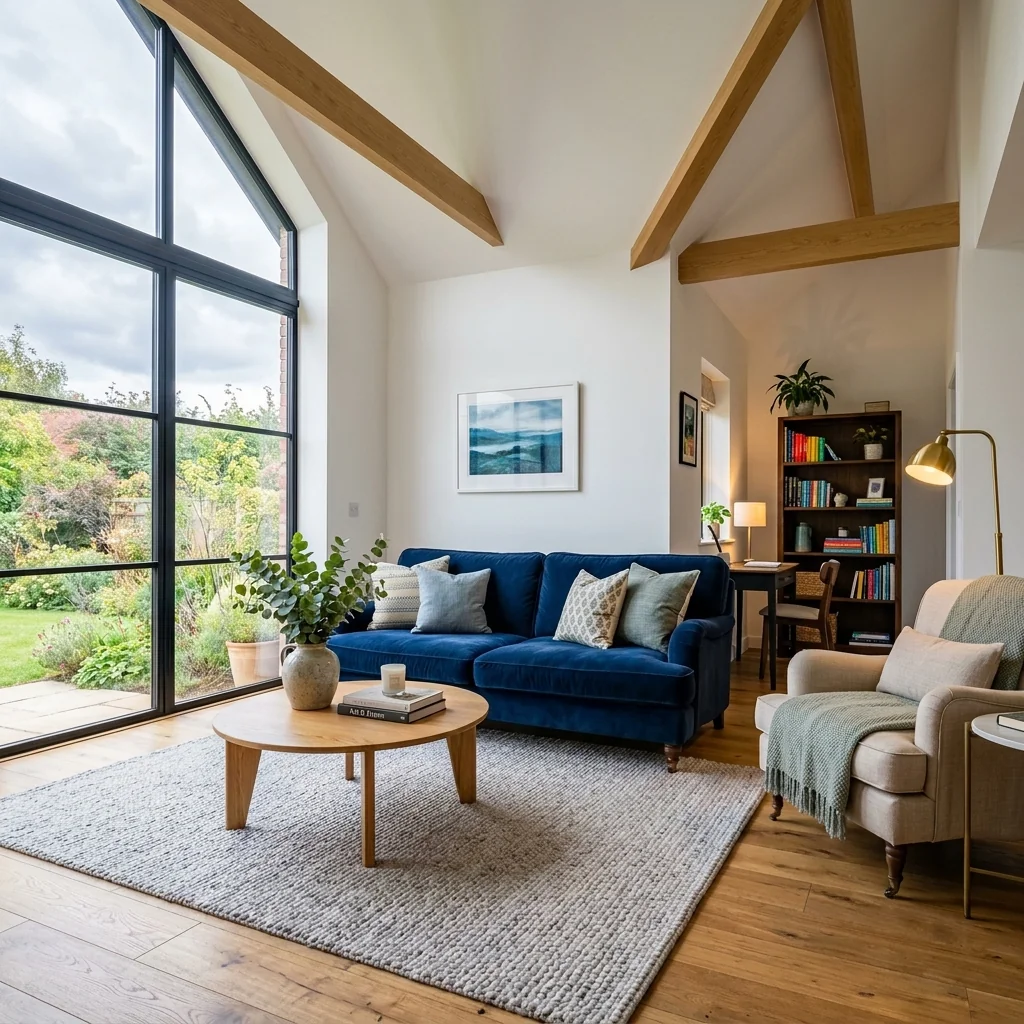
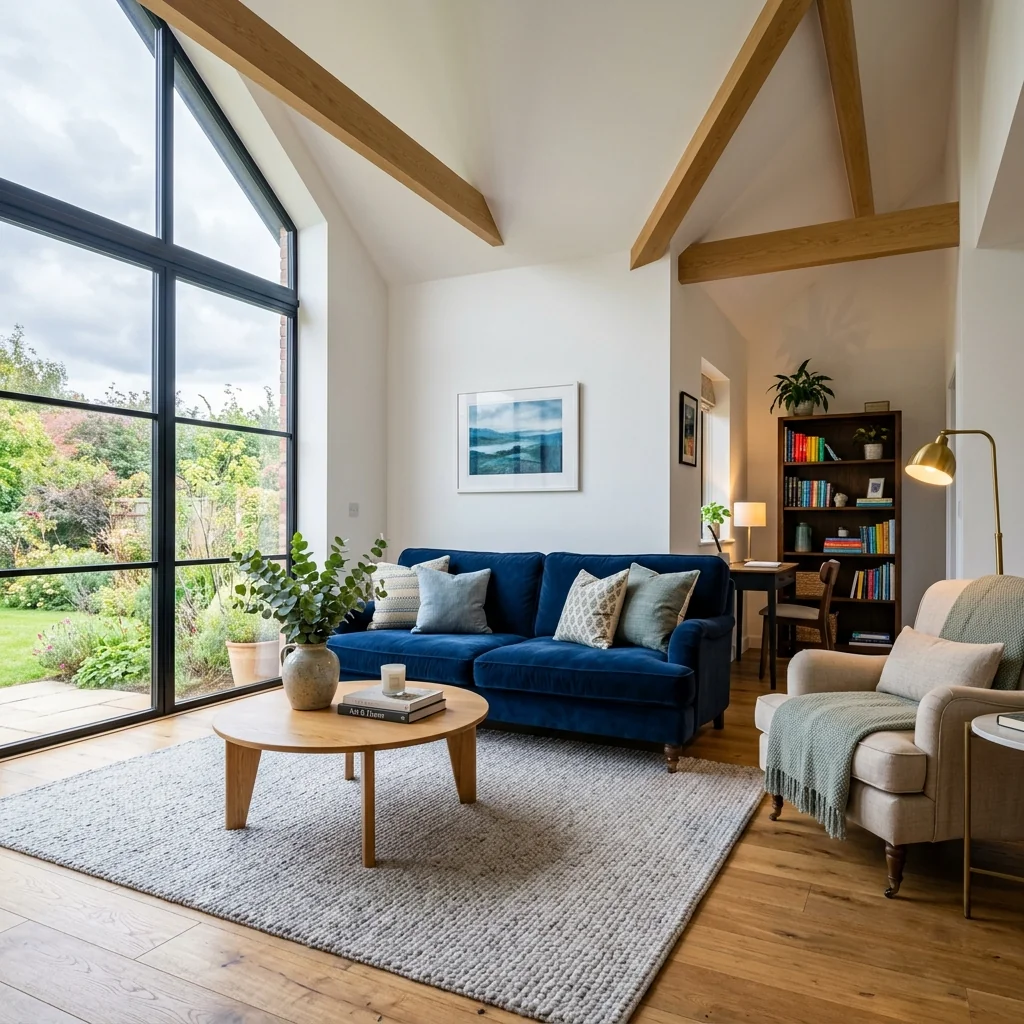
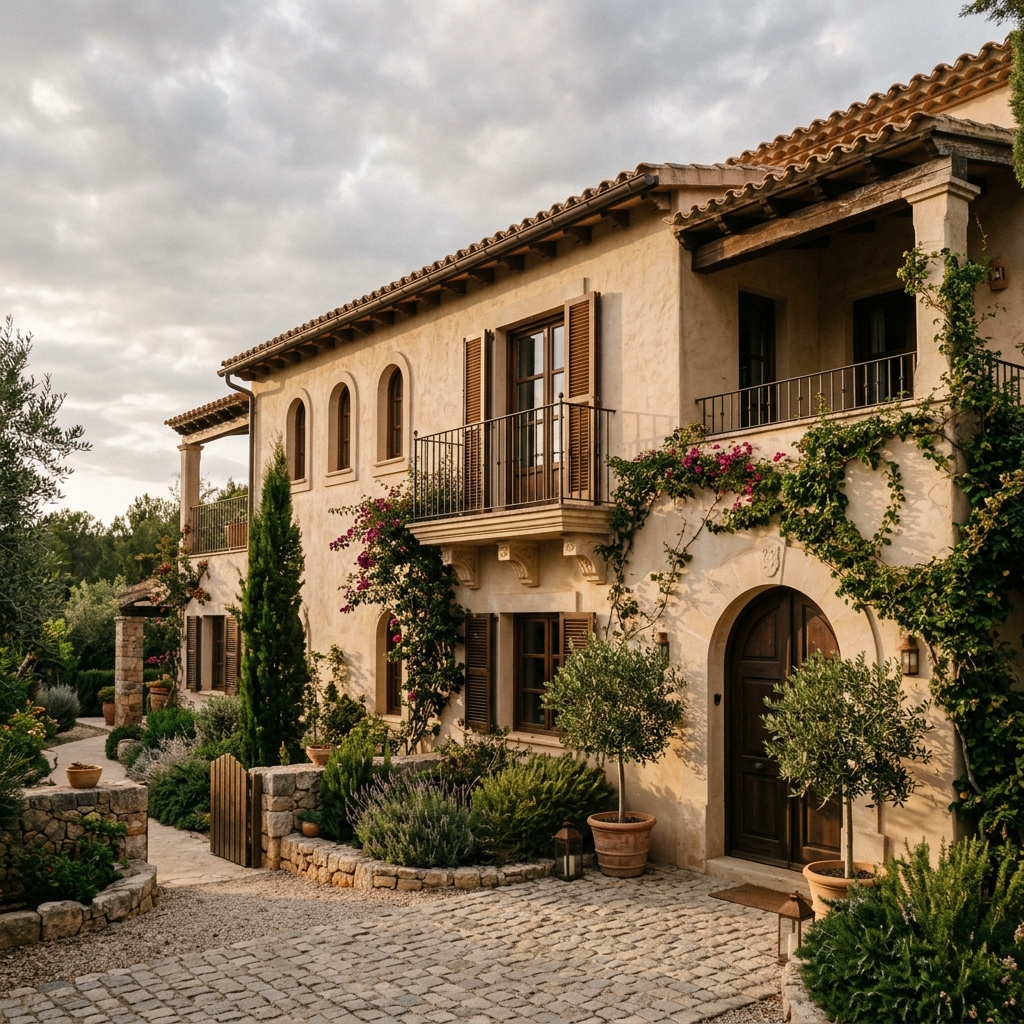
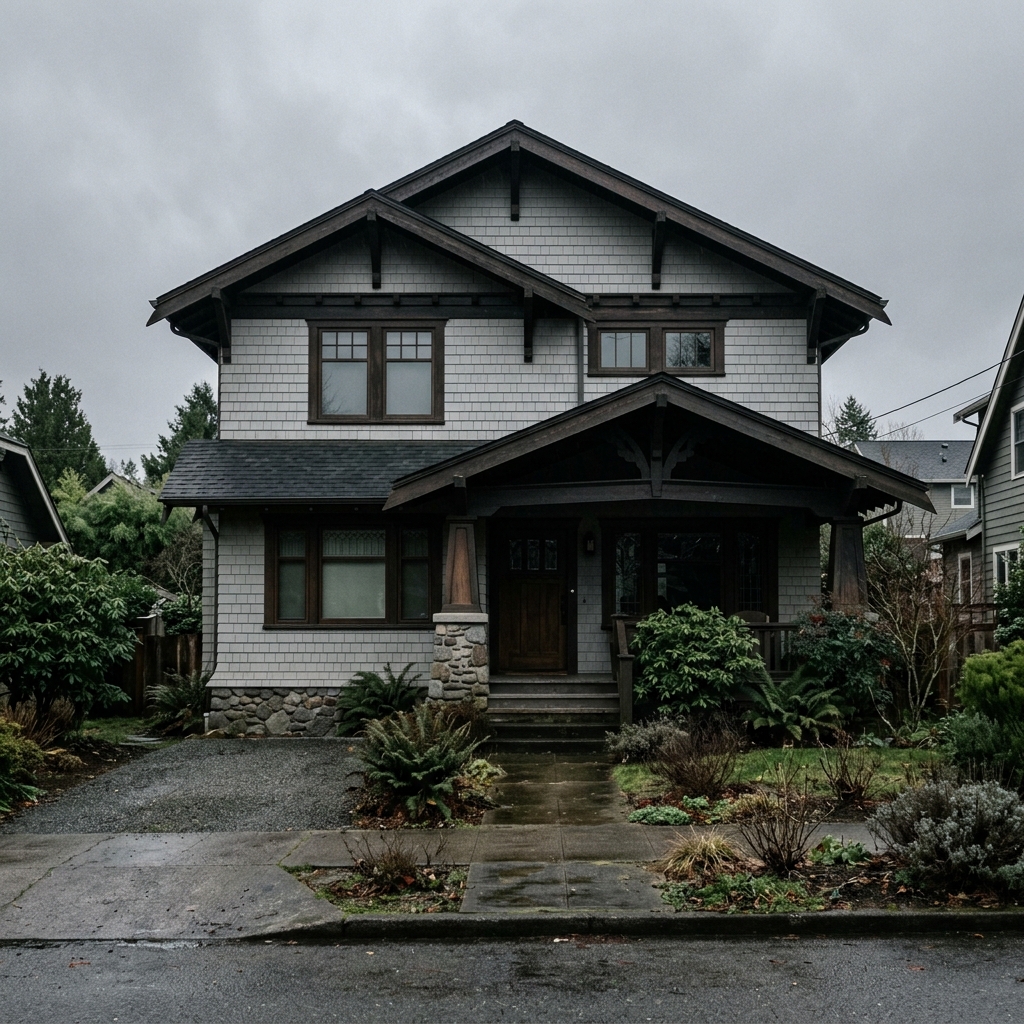
Real results from photos like yours.


How it works
- 1Upload your photo
- 2Choose your settings
- 3Your image
Tips for a great result
Bright, clear photo
Daylight and a wide angle give the best result.
Show the whole area
Keep everything you want to change fully in the picture.
Try several variations
Compare different options before you decide.
Frequently asked questions
Can I use the images commercially?
Yes. You can use your images for any purpose, including commercial use.
Does my original photo change?
No. Your original stays unchanged and you can download it at any time.
What if I don't like the result?
Try another style or setting, or refine the result with a short instruction.
Keep exploring
All tools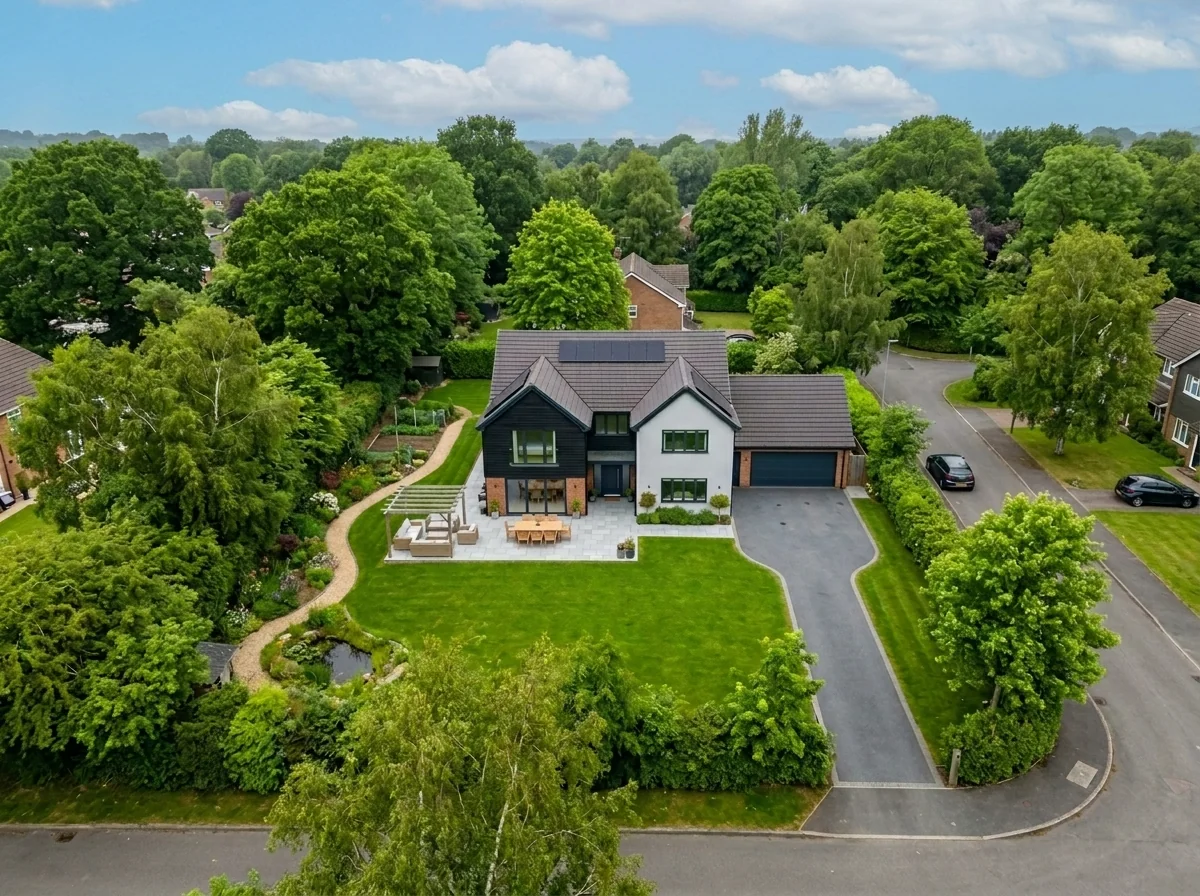
Aerial Sky Replacement
Prepare an aerial photo and choose a sky option to explore a different atmosphere. Review any returned image against your original before publishing.
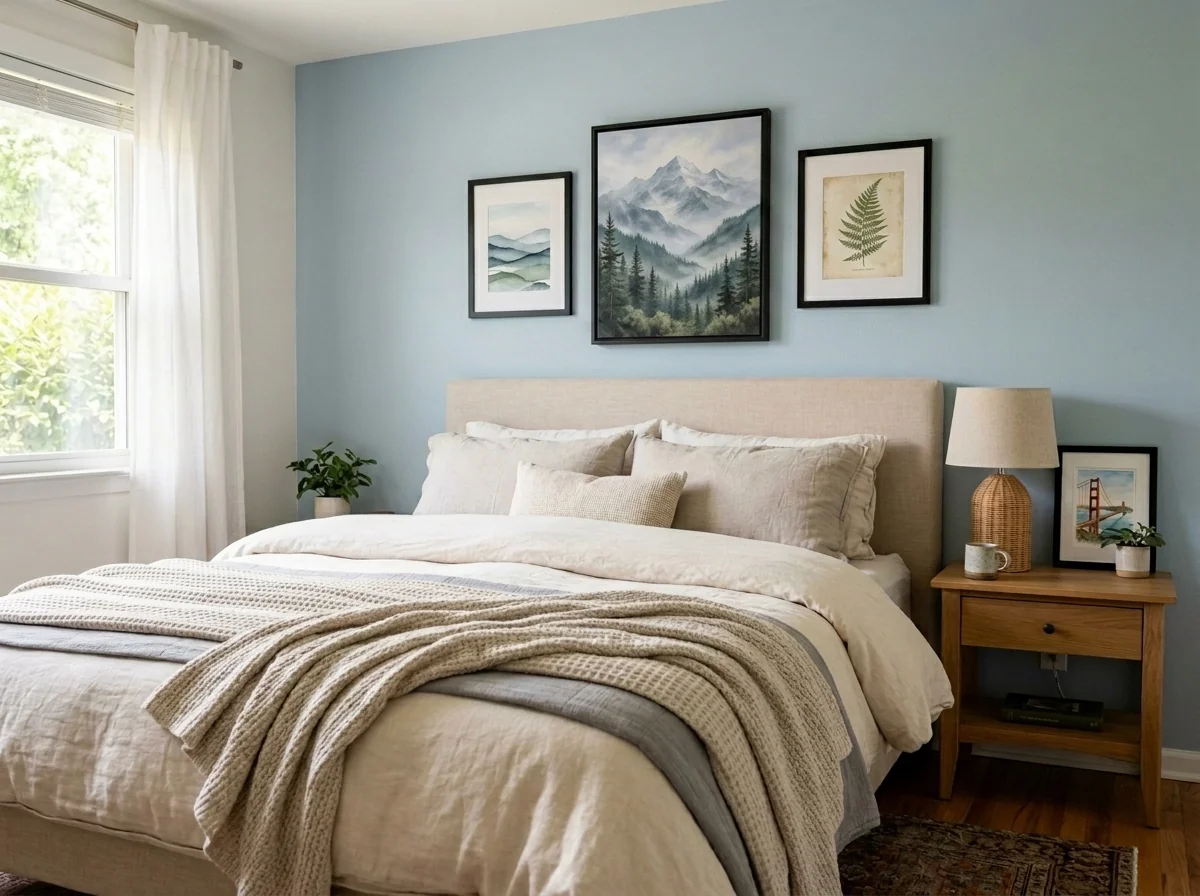
Apartment Wall Art & Photo Anonymizer
Explore blurring, removing or replacing wall art in a room photo. Choose the method, target area and frame treatment, then inspect the full image; an edit does not establish privacy compliance.
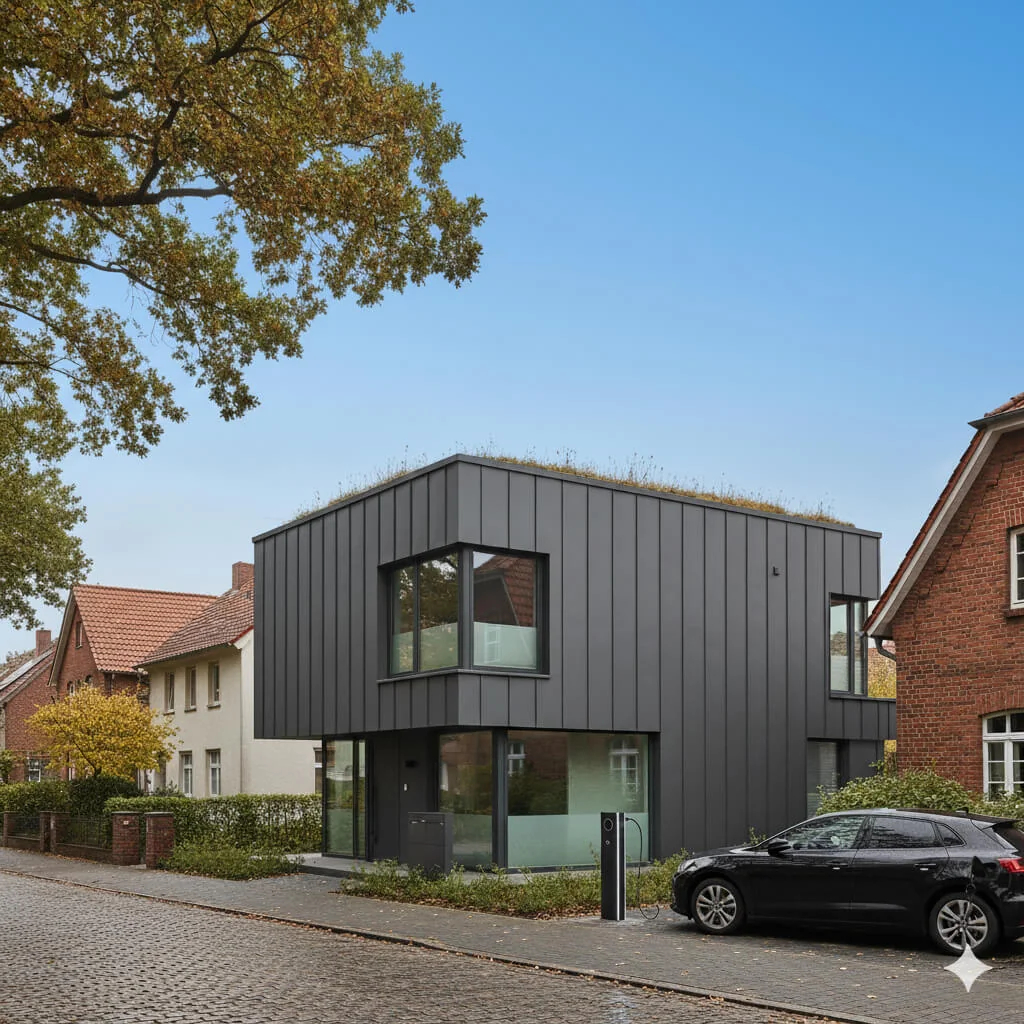
Blue Sky Replacement
Explore a blue-sky edit for an exterior property photo. Compare sky edges, reflections, lighting and building details with your original before using the returned image.
Read the full guide
Prepare your idea
Explore an HDR-style edit from one property photo. Choose intensity, focus and mood, then compare exposure and detail with your original; this tool does not merge bracketed exposures.
Prepare your source photo and the references listed in the form. Its settings describe the intended changes.
Review the request and result
Review availability, image count and the current total before explicitly confirming. Registration alone does not establish credits or a free result. If the outcome is unclear, check the saved status of the existing request before confirming again.
Read the earlier original guide
This earlier guide may contain historical price, timing, quality or usage statements. Use the current description and tool form.
How long does generation take for Property Photo HDR Enhancement?
Generation usually takes between 5 and 15 seconds.
Can I use the results commercially?
Yes, every generated image includes a full commercial usage license.
Tips for your photo
Make sure the photo is well lit and shot from a wide angle.
Remove clutter before shooting the photo for the best results.
Use re-staging mode for targeted style changes.
Frequently asked questions
What input formats and resolutions are best for Property Photo HDR Enhancement?
Upload standard image formats like JPG, PNG, or TIFF for your real estate photos. For optimal Property Photo HDR Enhancement, use high-resolution images (2000px on the longest side or more) to ensure sharp details for your property listing on MLS or Zillow.
How long does Property Photo HDR Enhancement take per image?
Processing a single property photo with Property Photo HDR Enhancement typically takes 5-15 seconds. The time may vary slightly based on image resolution and server load, but your real estate photos will be ready quickly for your property listing.
What output quality can I expect from Property Photo HDR Enhancement?
Expect high-resolution, magazine-quality HDR enhanced real estate photos. The AI balances exposure, vibrant colors, and sharpens details, making your property listing stand out on Zillow. Output images retain original dimensions for seamless MLS integration.
What are the best tips for optimal Property Photo HDR Enhancement results?
For best Property Photo HDR Enhancement, Upload well-lit, unedited real estate photos. Avoid overly dark or bright images. Enhance one photo at a time to ensure each property listing image receives precise AI treatment, boosting agent appeal.
Can I re-enhance a property photo with Property Photo HDR Enhancement?
Yes, you can re-enhance any property photo. If the initial Property Photo HDR Enhancement isn't perfect, adjust your input or try again. Our tool allows multiple attempts to achieve the ideal HDR look for your real estate photos and property listing.
Technical FAQ: Property Photo HDR Enhancement
Quick answers for optimal results
Common mistakes
5 Property Photo HDR Enhancement Mistakes Killing Your Real Estate Photos
How to Property Photo HDR Enhancement Online for Stunning MLS Listings
Overdoing the HDR Effect: Creating Unnatural Looking Photos
Excessive HDR processing can lead to unrealistic colors, blown-out highlights, and an overall artificial appearance that detracts from the property's appeal on Zillow and other platforms.
Use Property Photo HDR Enhancement's subtle settings. Aim for balanced exposure and natural color enhancement to showcase the property authentically for potential buyers.
Ignoring Original Photo Quality Before HDR Enhancement
Applying Property Photo HDR Enhancement to poorly lit or blurry real estate photos won't magically fix them. The AI needs a decent base image to work with for optimal results.
Ensure your initial real estate photos are well-lit and in focus before using Property Photo HDR Enhancement. Consider staging and professional lighting for the best starting point.
Neglecting White Balance Correction Before Property Photo HDR Enhancement
Incorrect white balance can result in color casts (e.g., yellowish or bluish tones) that are amplified by HDR processing, making the property look unappealing in the MLS listing.
Correct white balance issues before uploading to Property Photo HDR Enhancement. Aim for neutral colors that accurately represent the property's interior and exterior.
Failing to Adjust Highlights and Shadows After Property Photo HDR Enhancement
Even with AI-powered HDR, some areas might still be too bright or too dark. Neglecting these adjustments can hide important details and reduce the overall impact of the property listing.
Fine-tune highlights and shadows within Property Photo HDR Enhancement's editor after the initial processing. Ensure details in both bright and dark areas are visible to attract more potential buyers.
Not Optimizing Property Photo HDR Enhanced Images for Online Use
Large, high-resolution HDR images can slow down website loading times, negatively impacting user experience and SEO for your property listing. Agents need fast loading times.
Compress your Property Photo HDR Enhanced images before uploading them to your website or MLS. Use appropriate file formats (e.g., JPEG) and optimize for web viewing to ensure fast loading times and a better user experience.
What Your Property Photo HDR Enhancement Results Will Look Like
Upload your photo to get started and see the transformation!
Your workflow
4 Steps to Stunning Property Photo HDR Enhancement for Real Estate Photos
How to Property Photo HDR Enhancement Online for MLS and Zillow
Upload Your Real Estate Photo
Upload your property listing photo to the Property Photo HDR Enhancement tool. Supported formats include JPEG, PNG, and TIFF. Ensure the image is clear and represents the property accurately for best results on Zillow and other platforms.
Use high-resolution images for optimal HDR enhancement quality. Clear photos attract more potential buyers.
AI-Powered HDR Enhancement
Let our AI automatically analyze and apply HDR enhancement to your real estate photo. The tool balances exposure, boosts vibrant colors, and sharpens details, creating a magazine-quality HDR finish perfect for your MLS listing.
The AI is trained on thousands of real estate photos to deliver the best possible HDR effect, saving you time and money.
Review and Fine-Tune (Optional)
Review the HDR-enhanced property photo. While the AI is designed for optimal results, you can make minor adjustments to brightness, contrast, or saturation if needed to perfectly match your vision for the property listing.
Subtle adjustments can further enhance the appeal of the photo, especially for high-end properties.
Download and Publish to MLS & Zillow
Download your professionally HDR-enhanced real estate photo. It's now ready to be used in your property listing on MLS, Zillow, and other platforms to attract more potential buyers and help agents sell faster.
Use consistent HDR enhancement across all photos in a listing for a cohesive and professional look.
Use cases
Real Estate Listings for Property Photo HDR Enhancement
Social Media Marketing & Instagram Inserate
Architektur- & Umbau-Präsentationen
Property Photo HDR Enhancement — Technical Specifications
1. Upload your property photo.
2. Choose the interior style or room type you want.
3. Click Generate and get your result in seconds.
Expert guide
5 Pro Tips: Maximize Your Property Photo HDR Enhancement Results
How to Get the Best Property Photo HDR Enhancement Online for Stunning Real Estate Photos
Prepare Your Real Estate Photos for Optimal HDR Enhancement
Upload high-resolution images. Start with the best possible source material for Property Photo HDR Enhancement. Avoid blurry or heavily compressed photos, as AI enhancement can only work with the data available. Clear, well-lit real estate photos yield the most impressive results for your property listing on Zillow or MLS.Adjust Settings for Perfect Property Photo HDR Enhancement
Experiment with subtle adjustments. While our AI automatically optimizes, fine-tune the intensity if needed. Overly aggressive HDR can create an unnatural look. Aim for balanced exposure and vibrant colors that showcase the property's best features for potential buyers and impress your agent.Achieve the Best Results with Property Photo HDR Enhancement
Focus on key selling points. Use Property Photo HDR Enhancement to highlight architectural details, landscaping, and interior design elements. Emphasize natural light and spaciousness to create an inviting atmosphere for potential buyers viewing your property listing. This will make your real estate photos stand out.Leverage Property Photo HDR Enhancement for Professional Use
Maintain a consistent style. Use Property Photo HDR Enhancement on all photos in a property listing to create a cohesive and professional presentation. Consistency builds trust with potential buyers and reinforces your brand as a real estate agent. Showcase your listings on Zillow and MLS with confidence.How it works
3 Professional Steps for Property Photo HDR Enhancement
How to get property photo HDR enhancement online for high-quality MLS listings
Upload Your Property Listing Photos
Upload your raw real estate photos directly to the PropStage.ai platform. Our AI supports all standard formats used by agents for Zillow and MLS to begin the HDR enhancement process.
Select AI HDR Enhancement Levels
Choose your desired exposure balance and color vibrancy settings. The AI performs property photo HDR enhancement by sharpening details and correcting lighting to ensure your home staging looks magazine-quality.
Download High-Resolution HDR Images
Export your finalized property photos in high-resolution formats. These enhanced images are ready for your broker website, ensuring your property listing stands out with professional, high-dynamic-range clarity.
What you can do
Advanced Property Photo HDR Enhancement Capabilities
Achieve Magazine-Quality HDR Output
Transform standard real estate photos into stunning HDR visuals. Enhance property listing images with balanced exposure, vibrant colors, and sharp details for MLS.
Instant HDR Enhancement Processing
Upload any property photo and receive enhanced HDR results in seconds. Convert raw images quickly, saving valuable time for busy real estate agents and photographers.
Versatile Photo Format Support
Upload various image formats, including JPEG, PNG, and TIFF, for Property Photo HDR Enhancement. Convert your diverse real estate photos seamlessly for listings.
Tailored HDR Enhancement Controls
Stage your property photos with adjustable HDR settings. Enhance specific elements like brightness, contrast, and saturation to match your brand and listing style.
AI-Powered Exposure Correction
Leverage advanced AI to precisely balance exposure in every property photo. Enhance challenging lighting conditions, ensuring consistent, high-quality real estate photos for MLS.
Boost Property Listing Appeal
Transform your property photos to captivate buyers and agents. Enhance visual appeal, leading to more engagement and quicker sales for every property listing.
Pro-level tools at your fingertips